


Planet Fitness
Cancel subscription
How to Cancel Your Planet Fitness Membership Online or In‑Club
Learn how to cancel Planet Fitness through the right billing provider. Follow official steps, understand access timing, refunds, and the confirmation to keep.
- Official Planet Fitness and billing-owner sources
- 3 provider-specific cancellation paths
- Refund and post-cancellation effects separated from renewal
- Verified August 16, 2026
Choose the Planet Fitness cancellation path that matches who bills you
Website member portal · verify the billing owner
 1
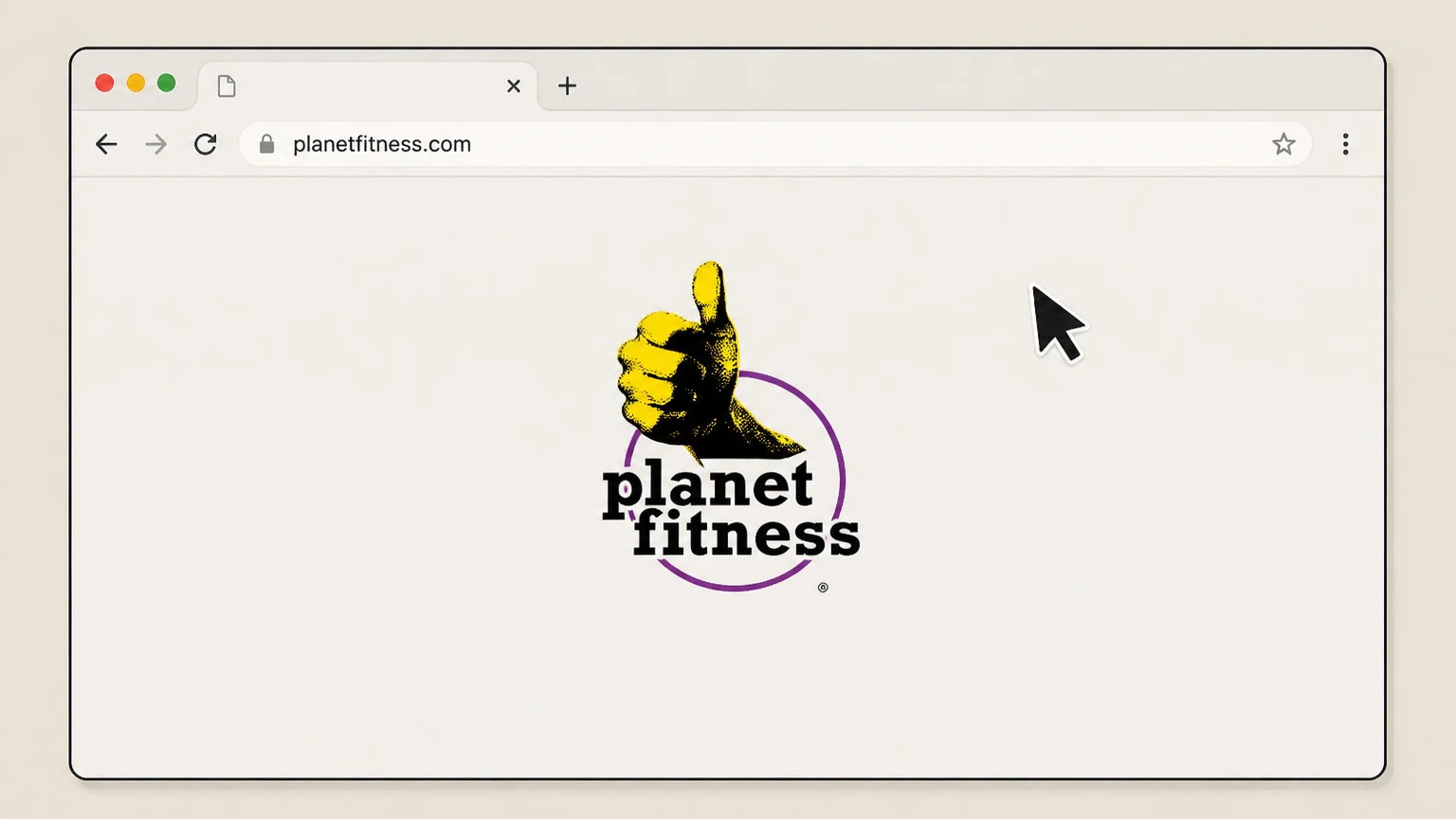
1Open the Planet Fitness website
Go to planetfitness.com in a web browser so you can access your membership tools. Use the Planet Fitness account named on your receipt, and continue only after the next status in this cancellation path is visible.
 2
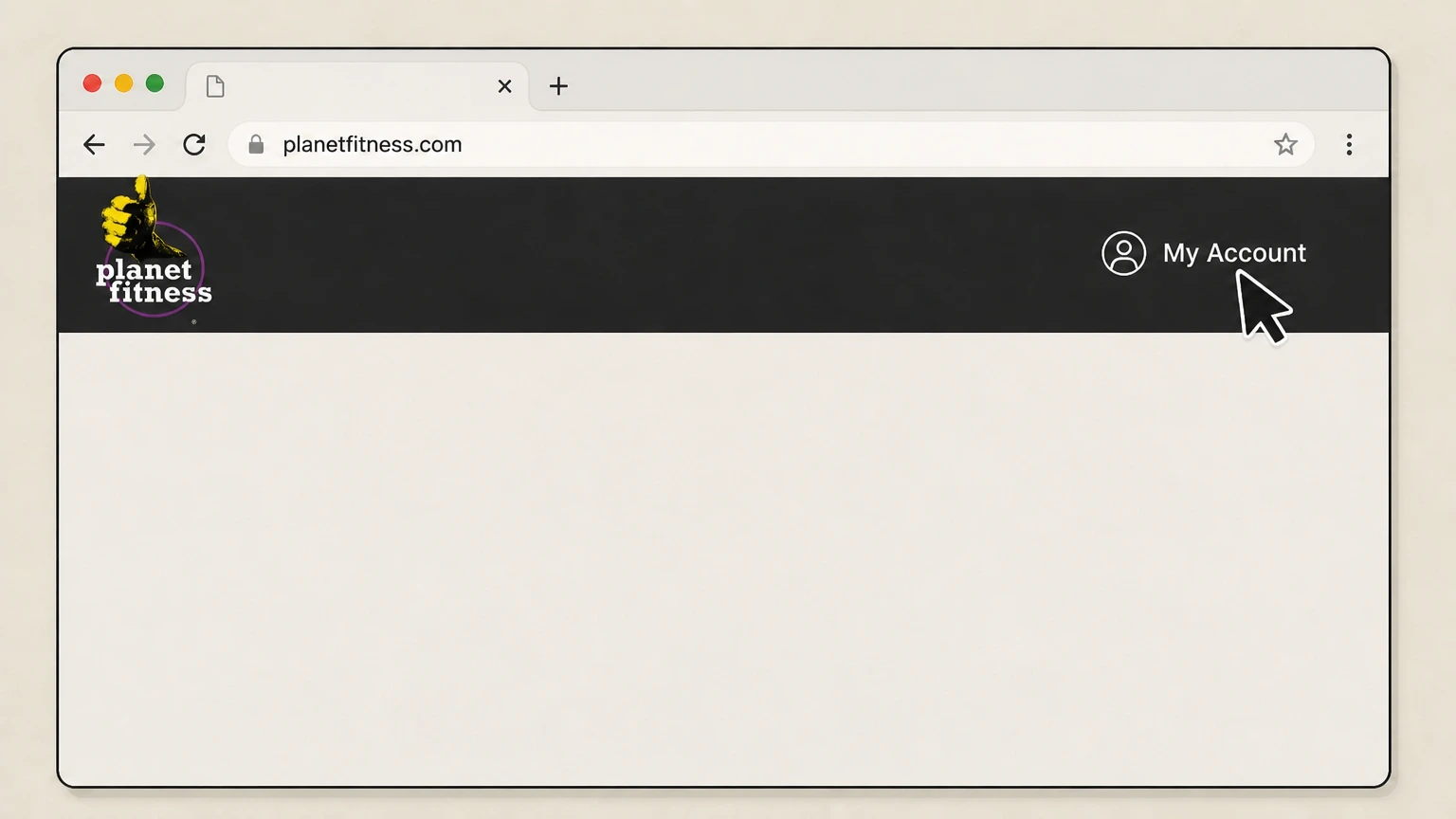
2Go to My Account
Select the “My Account” link in the top navigation to reach the member login page. Use the Planet Fitness account named on your receipt, and continue only after the next status in this cancellation path is visible.
- Let Pine handle it
Pine can help
Too many steps?
Pine can find the right Website member portal path and handle the cancellation for you.
 3
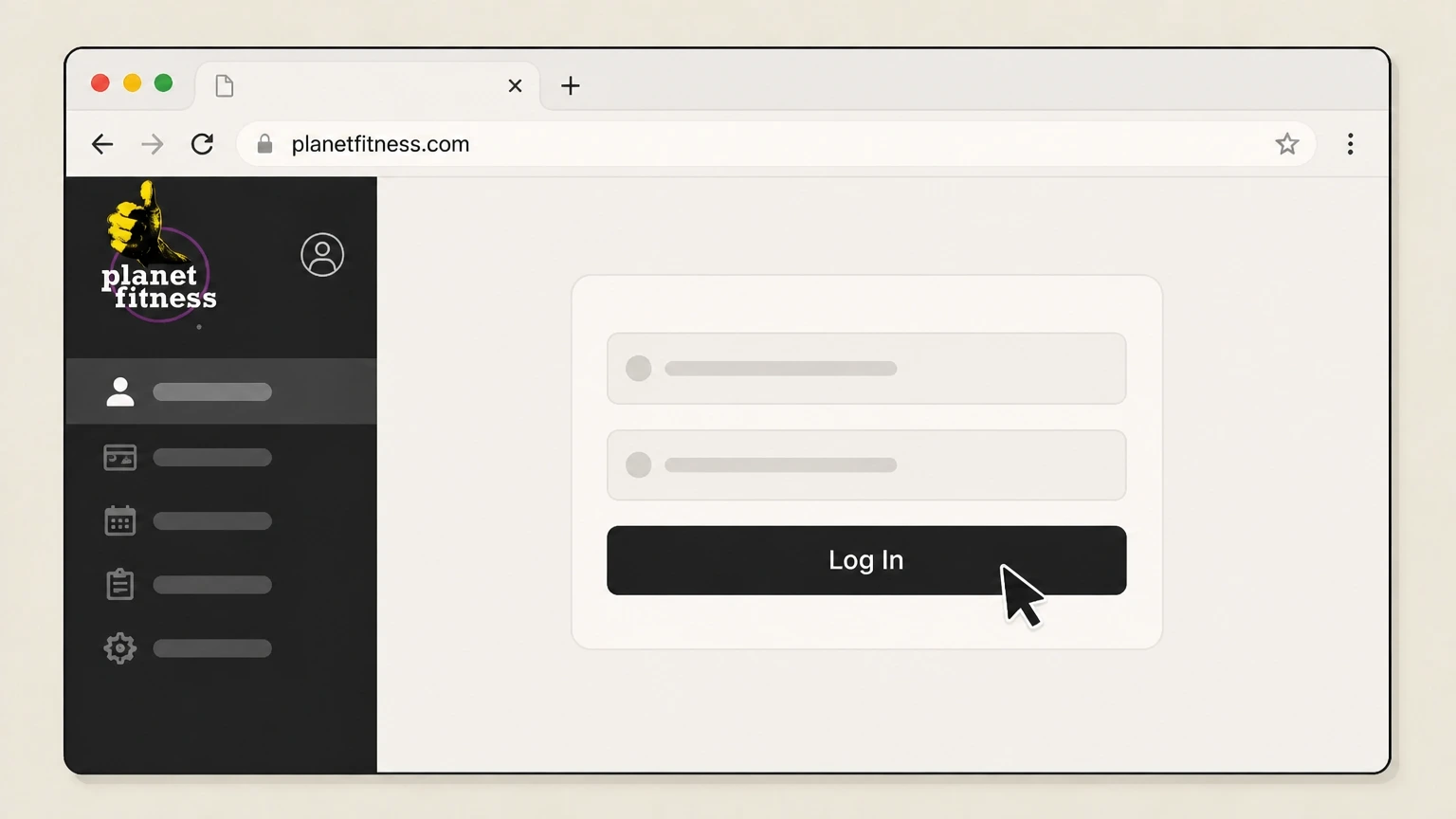
3Sign in to your member account
Enter the email and password associated with your Planet Fitness membership to sign in to the member portal. Use the Planet Fitness account named on your receipt, and continue only after the next status in this cancellation path is visible.
 4
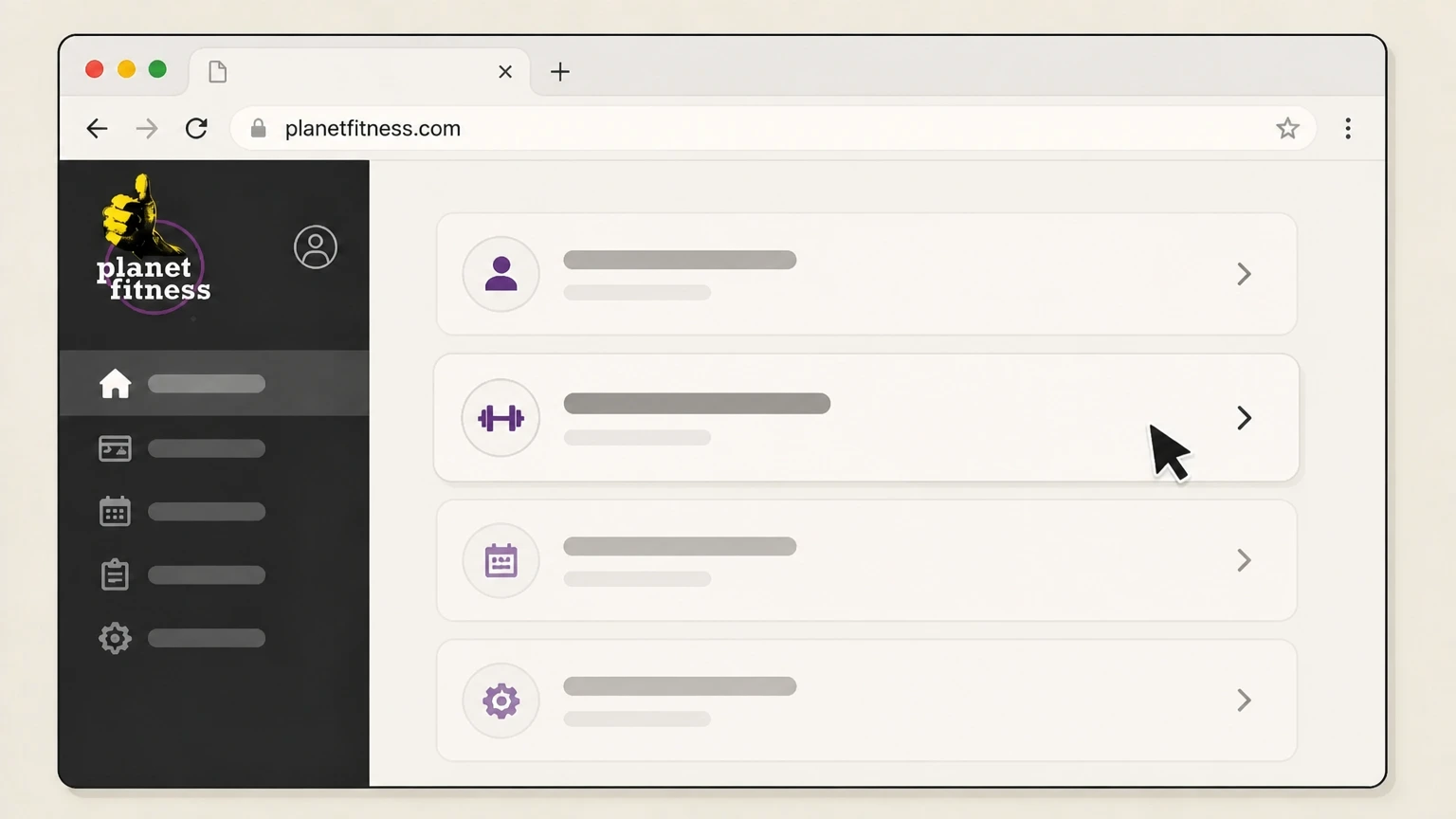
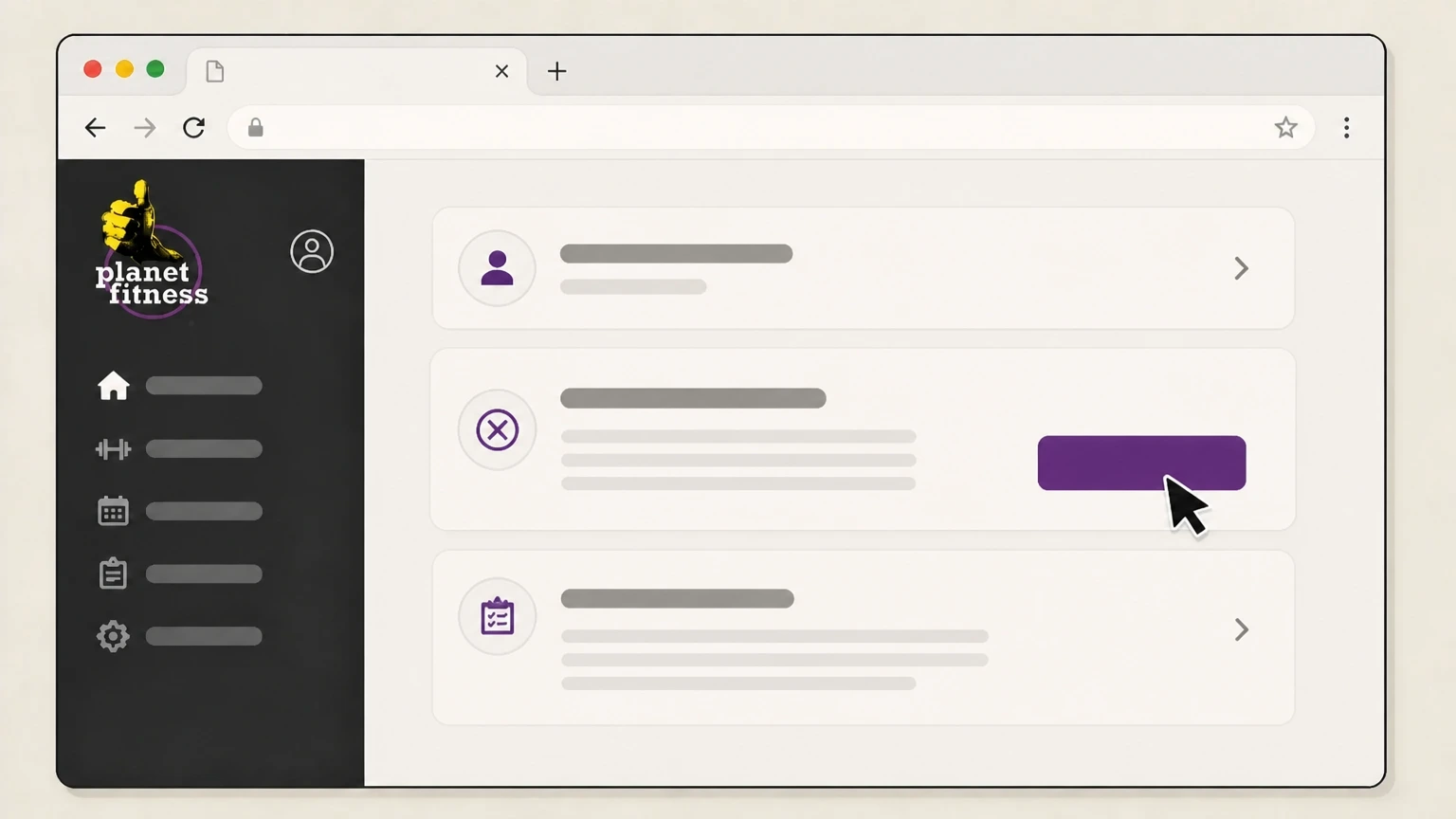
4Open your membership management section
In your account dashboard, open the section that shows your active membership so you can manage or end it. Use the Planet Fitness account named on your receipt, and continue only after the next status in this cancellation path is visible.
 5
5Submit your cancellation request online
Use the available option in the portal to end your membership and follow the prompts until you receive on‑screen confirmation of cancellation and an end date.

Mail a written request to your home club · verify the billing owner
 1
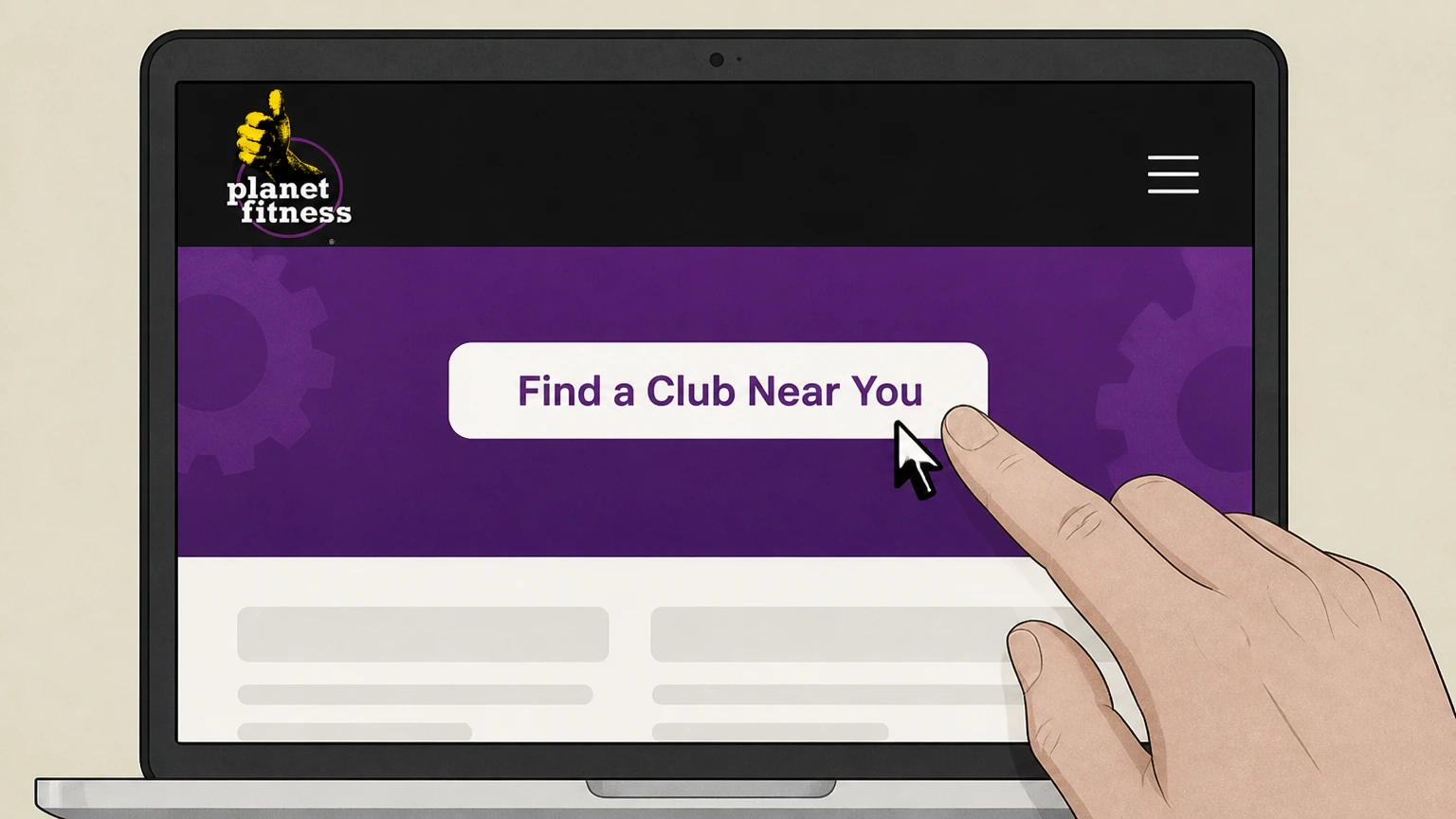
1Find your home club’s mailing address
Use the “Gyms” or “Find a Club” search on planetfitness.com to open your home club’s page and note its postal address.
 2
2Write a cancellation letter
Prepare a short letter stating that you want to end your Planet Fitness membership and include your full name and up‑to‑date contact details.
- Let Pine handle it
Pine can help
Too many steps?
Pine can find the right Mail a written request to your home club path and handle the cancellation for you.
 3
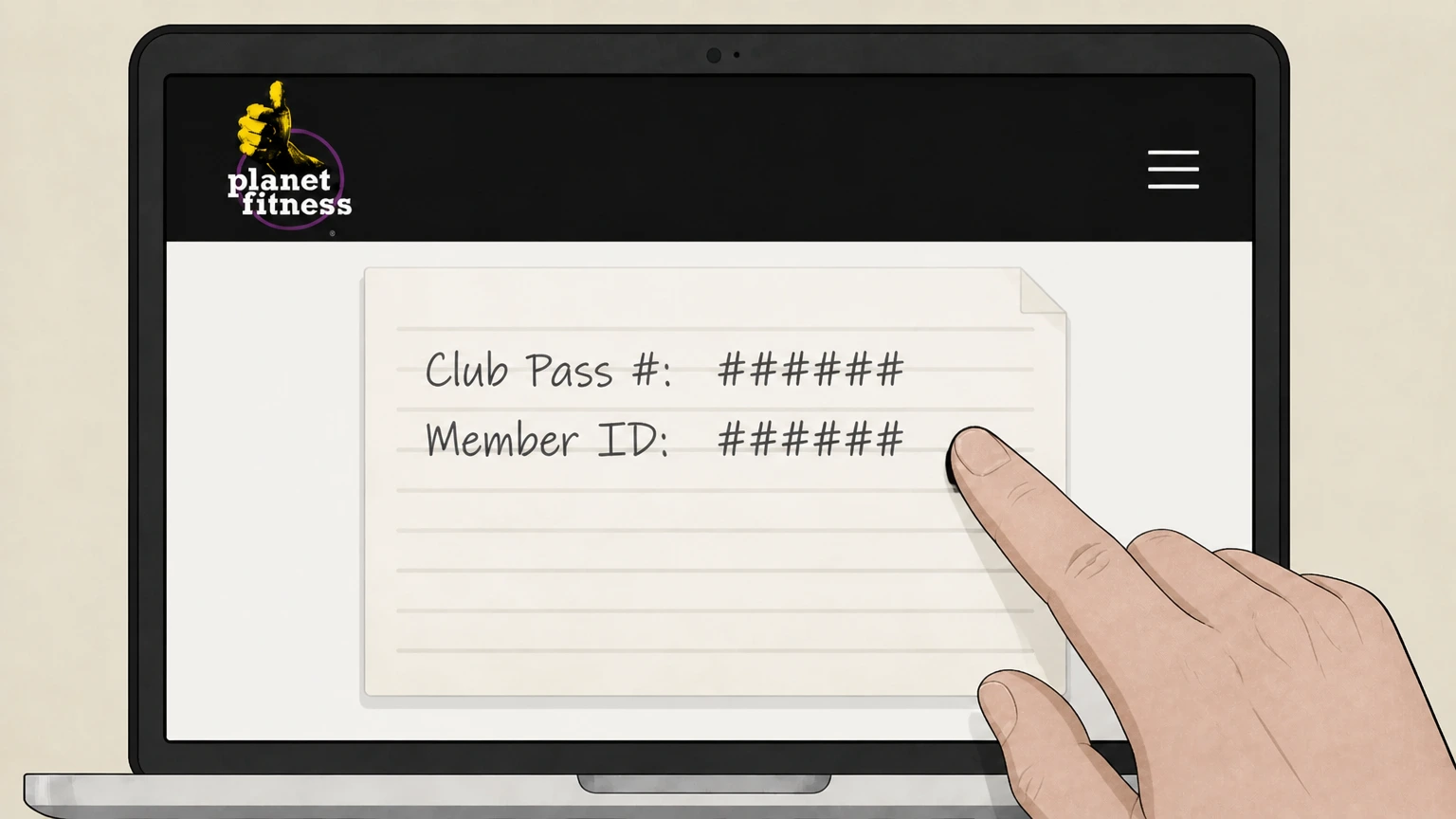
3Include your membership identifiers
Add any membership details you have—such as your club pass number or member ID—to help the club locate the correct account.
 4
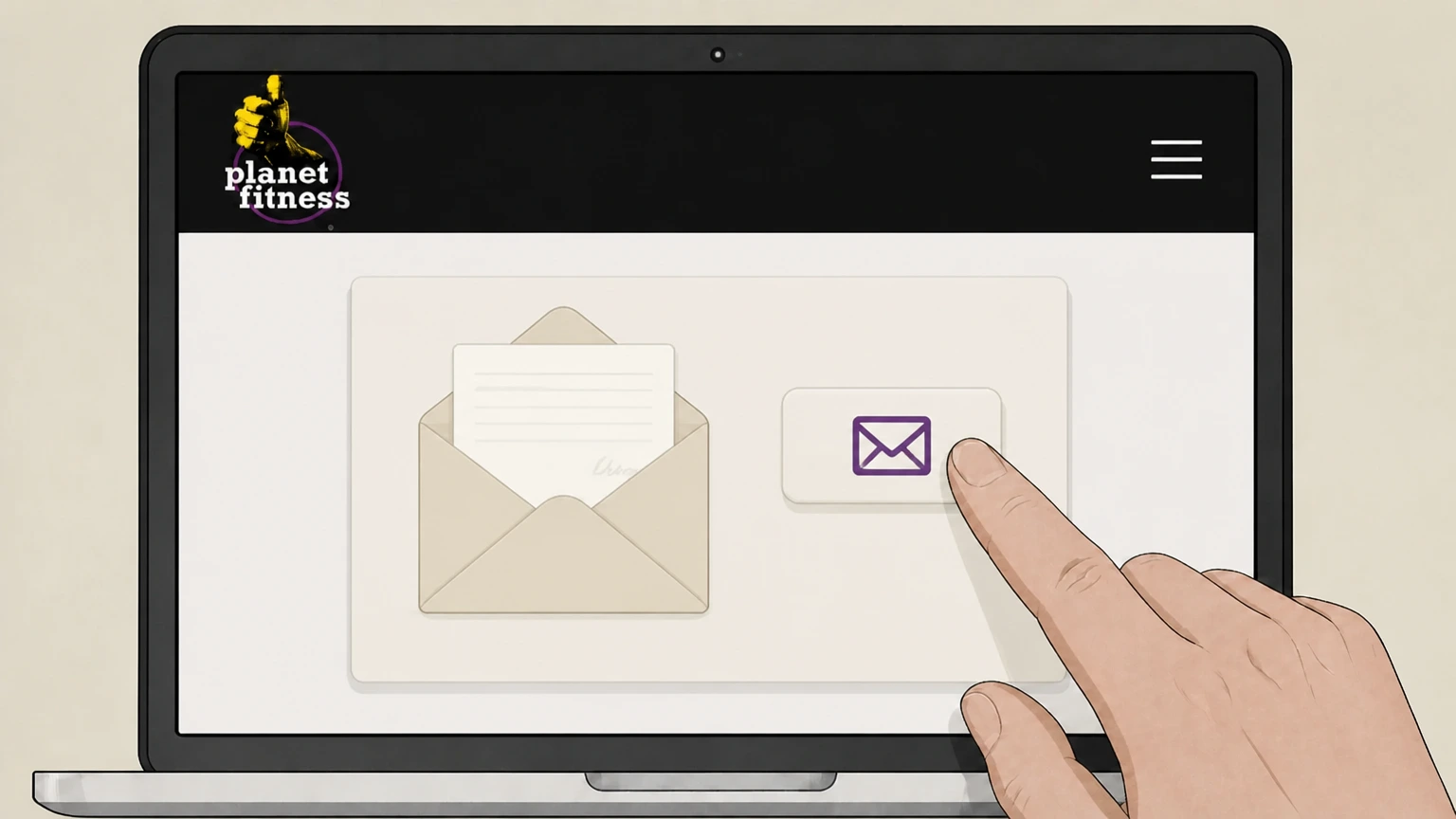
4Mail the signed letter to your home club
Mail the signed cancellation letter to your home club’s address; use a trackable or certified service if you want proof of delivery.
 5
5Monitor for confirmation and stopped billing
Watch for confirmation from your club and check future statements around the 17th and your annual fee date to ensure charges have stopped after your requested end date.
Cancel in person at your home club · verify the billing owner
 1
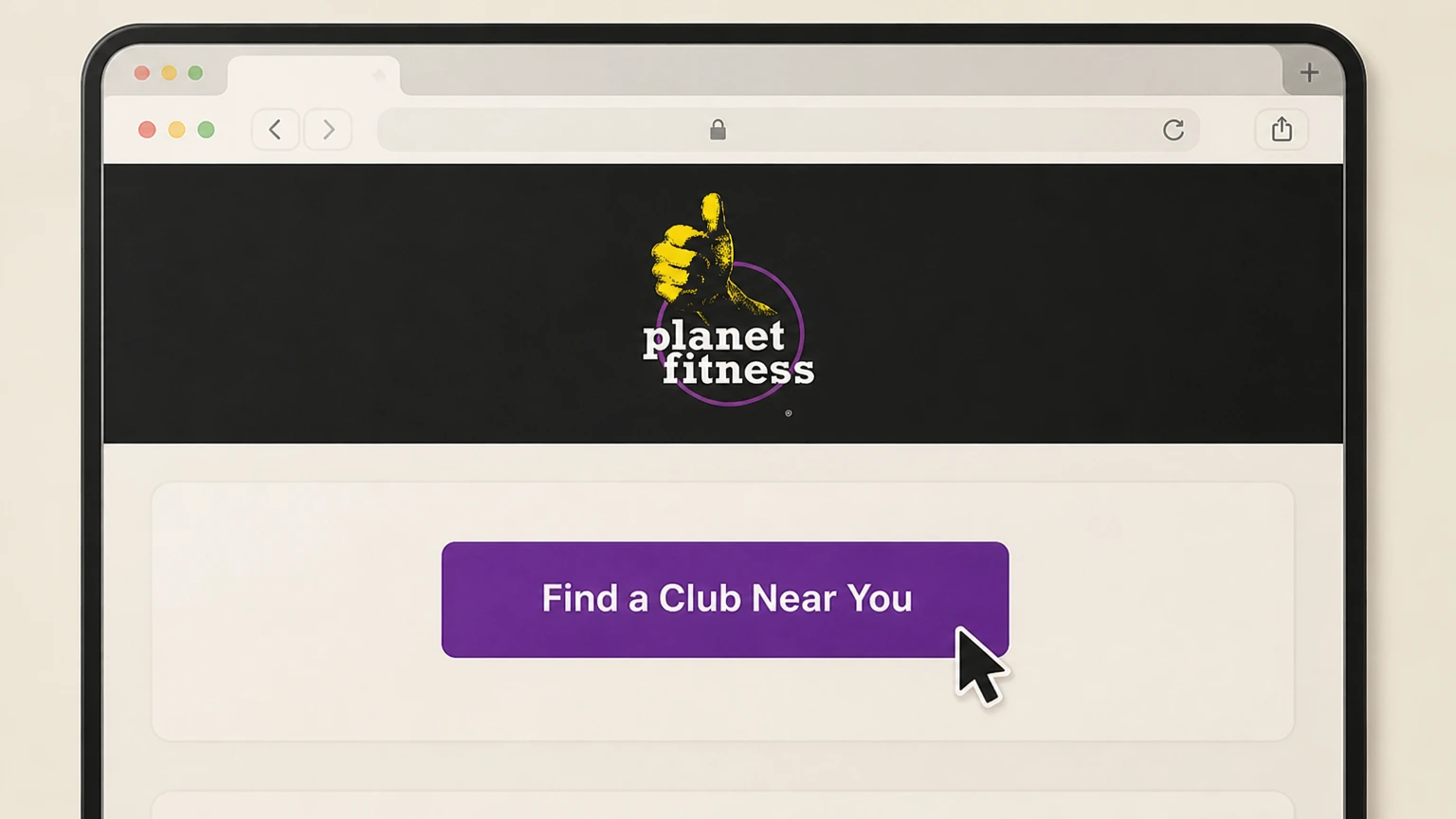
1Confirm your home club and hours
Use “Gyms Near Me” or “Find a Club Near You” on planetfitness.com to confirm which location is your home club and review its staffed hours.
 2
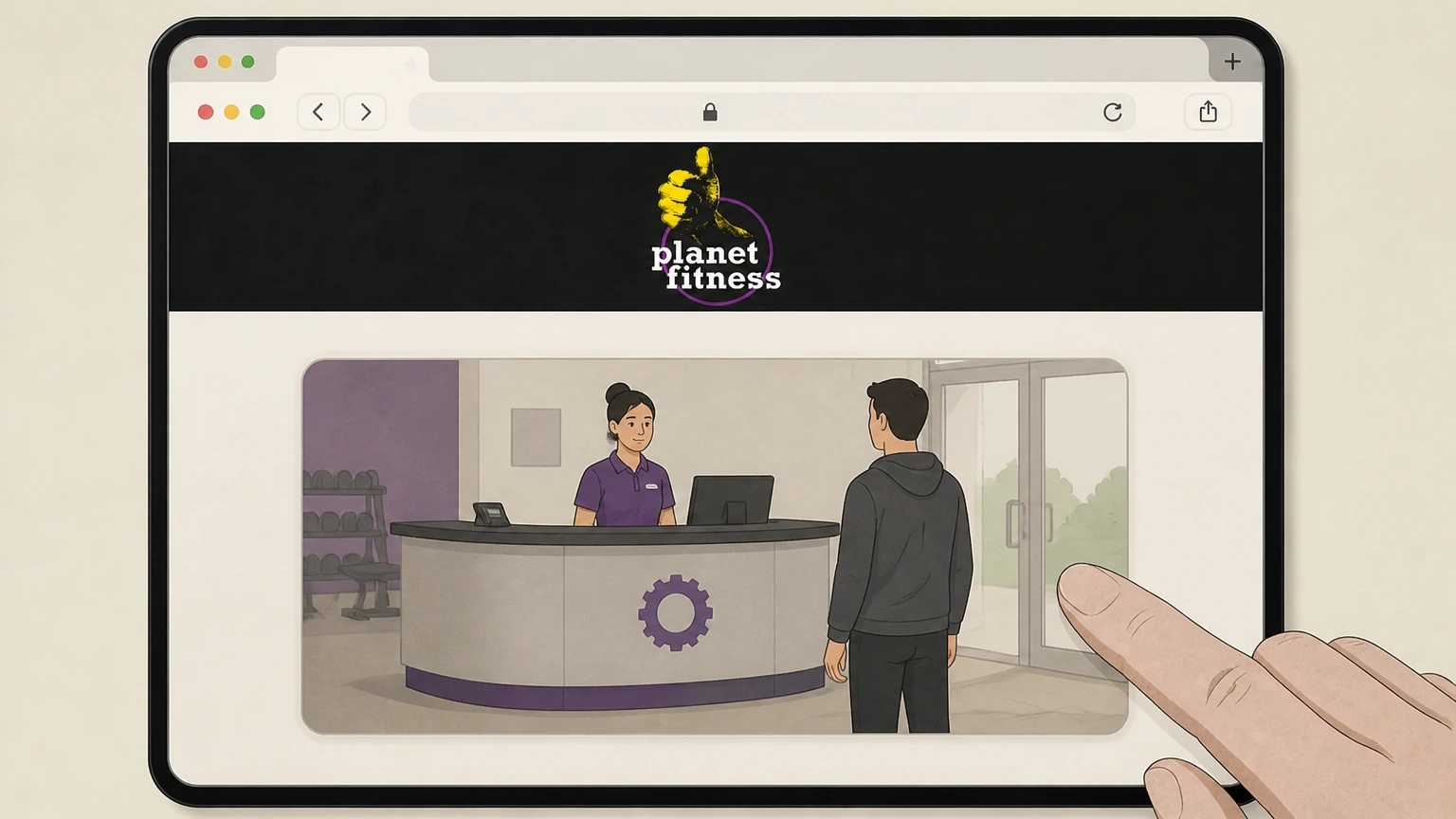
2Go to the front desk at your home club
Visit your home club during staffed hours and go to the front desk where membership changes are handled. Use the Planet Fitness account named on your receipt, and continue only after the next status in this cancellation path is visible.
- Let Pine handle it
Pine can help
Too many steps?
Pine can find the right Cancel in person at your home club path and handle the cancellation for you.
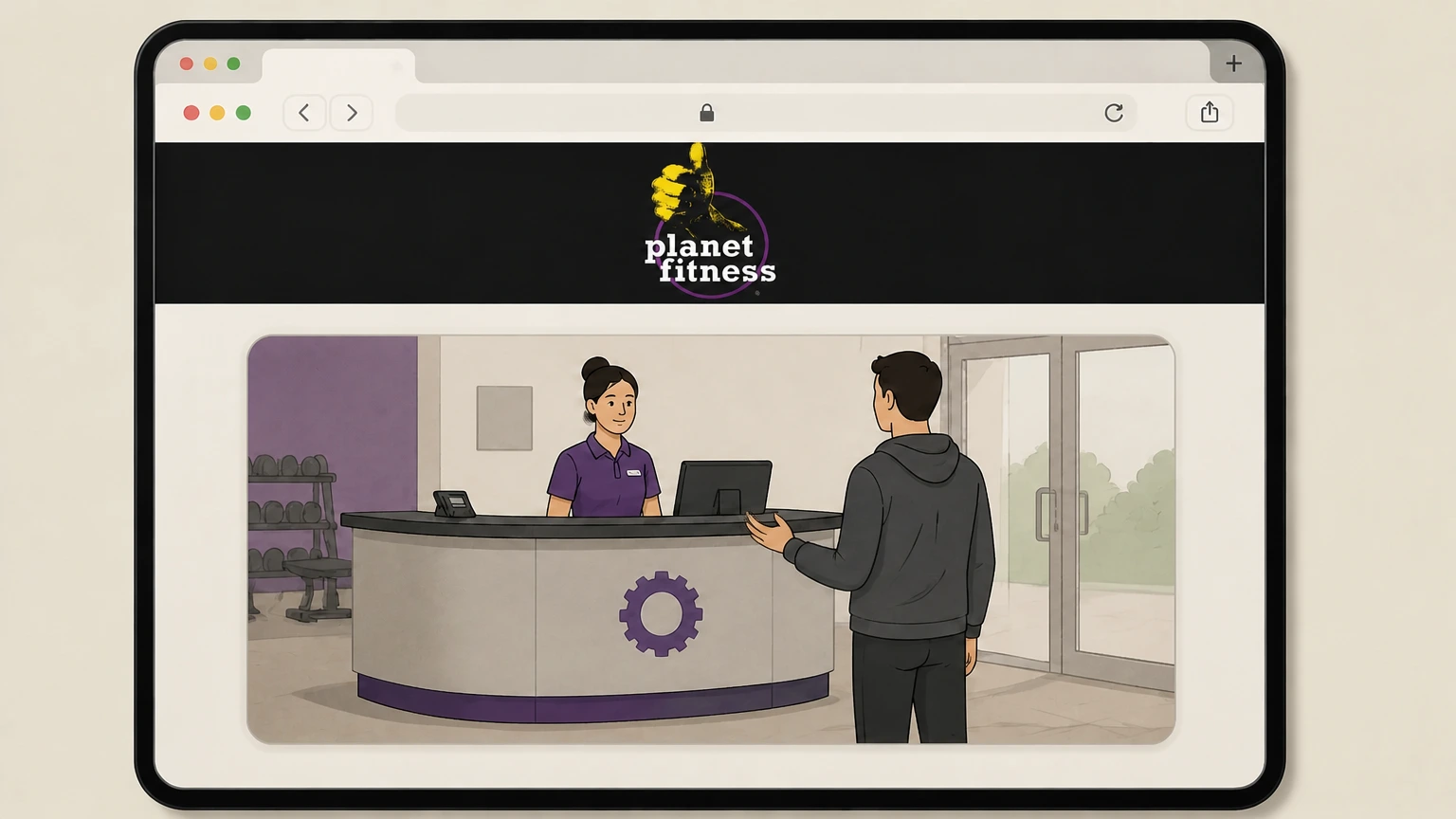 3
3Request to end your membership
Tell a team member that you want to end your Planet Fitness membership and ask to complete any required cancellation form or process.
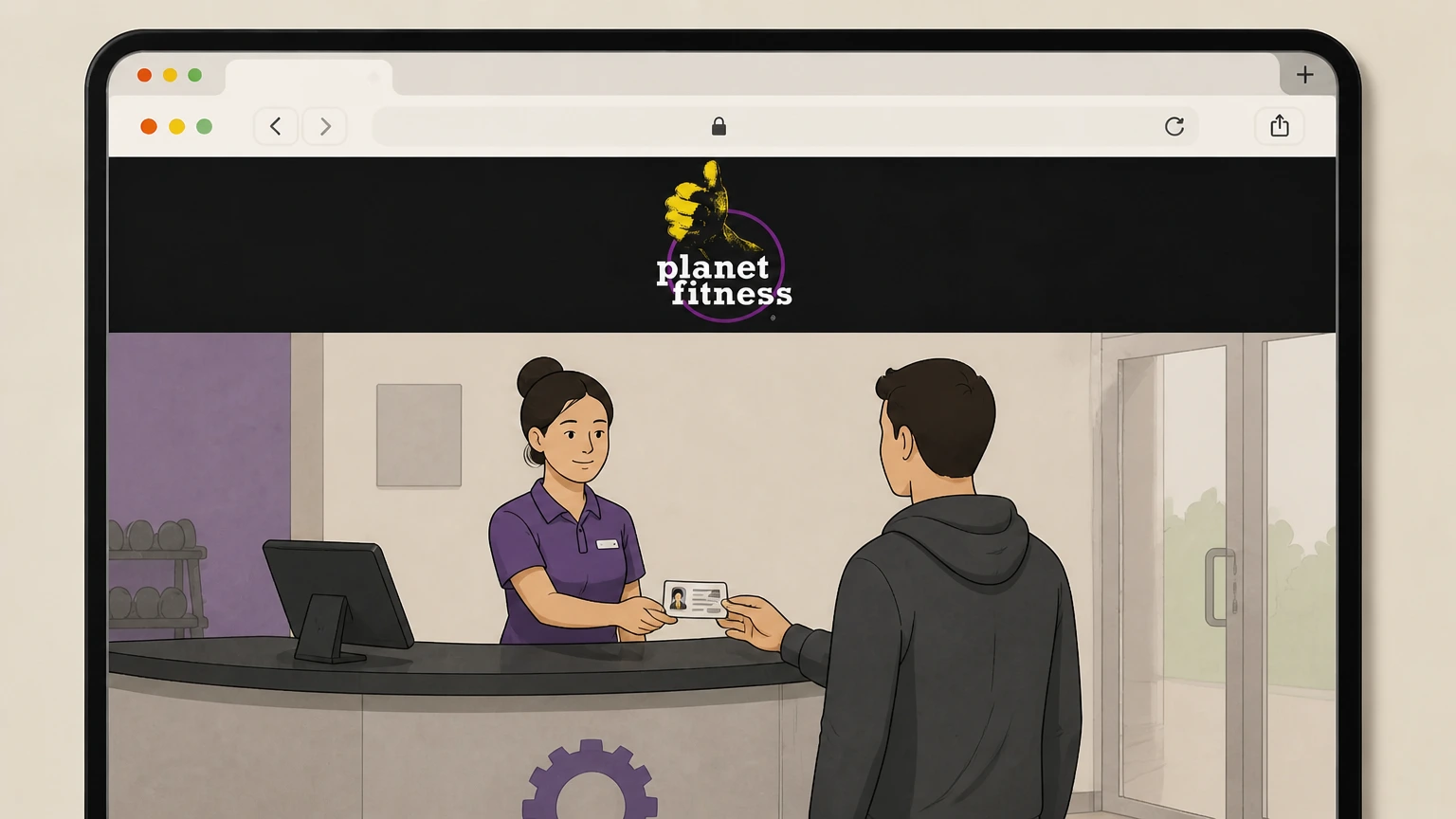 4
4Provide identification and membership details
Show a photo ID and provide your membership information so staff can locate and verify your account before processing the cancellation.
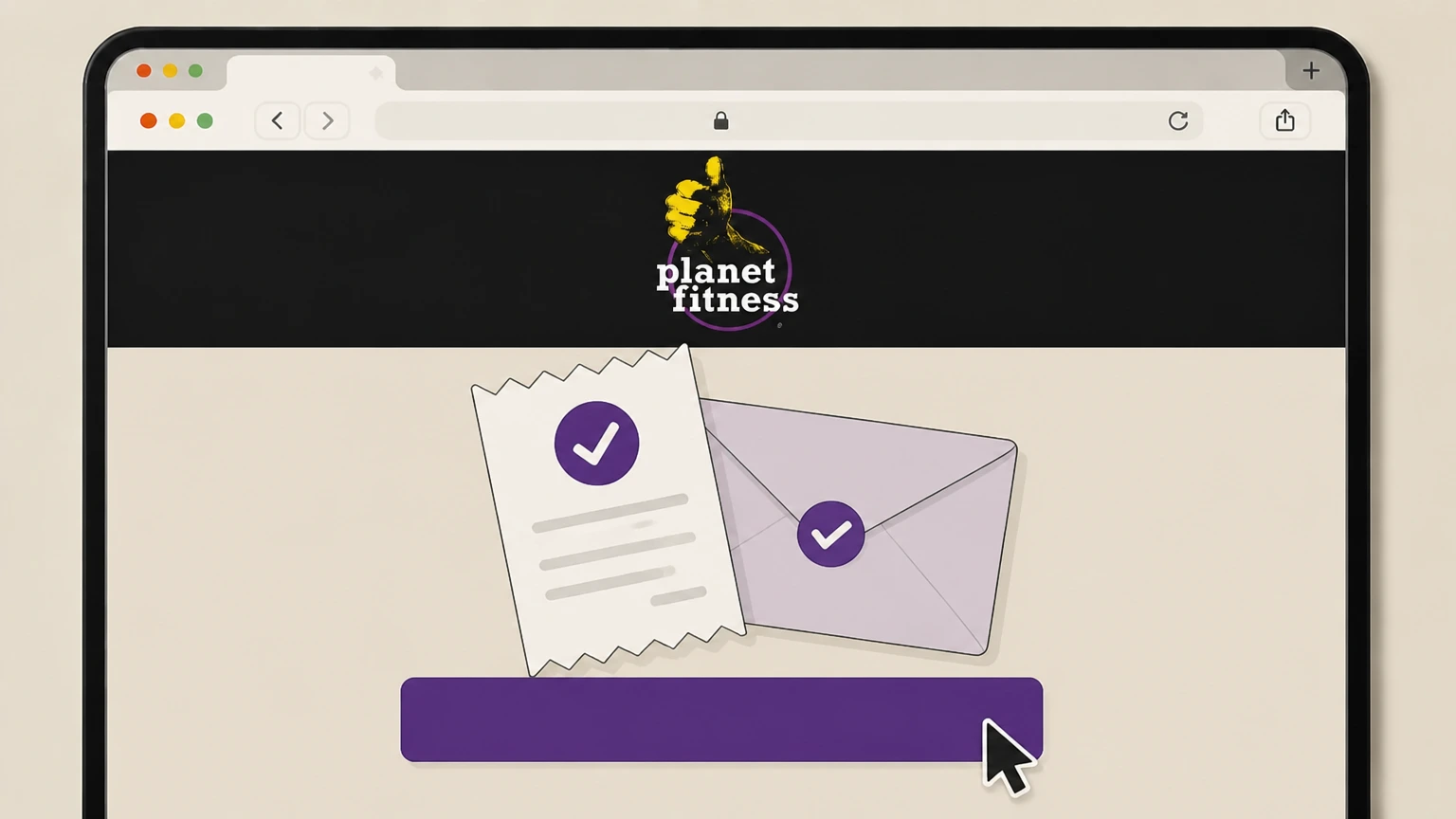 5
5Ask for written proof of cancellation
Before leaving the club, ask for written confirmation—such as a printed receipt or emailed confirmation—showing that your membership has been cancelled and when billing will stop.
Refund policy
Refunds, annual fees, and unused time at Planet Fitness
Planet Fitness’s public materials focus on using deadlines to avoid future charges rather than promising refunds, so refunds for dues or annual fees are generally discretionary and governed by your specific membership agreement.
Check my refund options- No universal refund policy published
- Neither the national FAQ nor membership pages describe a blanket refund policy for monthly dues or the $49 annual fee; instead, they stress submitting cancellation requests by specific dates so those charges do not occur.planetfitness.com
- Annual fee timing vs. refunds
- Offer pages explain that the annual fee is automatically debited on or shortly after a scheduled date each year; they do not indicate that this fee is refundable once charged, so you should assume avoiding it requires cancelling before the 25th of the prior month.planetfitness.com
- Effect of mid-cycle cancellation
- Planet Fitness documents how to stop upcoming drafts but does not promise prorated refunds if you cancel in the middle of a billing cycle; in practice, your membership usually remains active through the period you have already paid for.planetfitness.com
- Buyout fee is not a refundable charge
- The $58 buyout fee mentioned in the FAQ applies when cancelling a minimum-term membership before the end of its contract term; Planet Fitness presents this as a required fee rather than something that is routinely waived or refunded.planetfitness.com
- How to seek an exception or billing correction
- If you believe you were wrongly charged after following Planet Fitness’s deadlines, you must first work with your home club or member services; if they refuse to correct truly unauthorized charges, FTC guidance suggests disputing with your bank or card issuer.planetfitness.com
For specific questions about refunds or credits on your account, contact your home club or Planet Fitness member services using the official customer service pages rather than third‑party forums. Go to Planet Fitness customer service
Billing and fees
How Planet Fitness bills your membership
Key details on how Planet Fitness and its franchisees bill members so you can time your cancellation correctly.
Monthly dues billing date
Planet Fitness states in its annual report that corporate-owned stores collect monthly dues on or around the 17th of each month, a schedule mirrored on local rate pages; franchisees use the same billing platform for their stores.investor.planetfitness.com
Annual membership fee
Membership offer pages and the national memberships page explain that most Planet Fitness memberships are subject to an annual membership fee of $49.00, billed once per year on a date set in your membership agreement.planetfitness.com
Checking account and EFT billing
Planet Fitness says many clubs accept monthly membership payments only through checking accounts and require electronic funds transfer (EFT) so dues can be drafted automatically without needing to update expired cards.planetfitness.com
Commitment vs No Commitment plans
Membership materials define “Commitment” as the minimum number of months you will be billed; if you cancel before that time, you may be subject to a buyout fee. No Commitment memberships may be cancelled at any time without a cancellation fee.planetfitness.com
Third-party billing platform
Planet Fitness’s annual report and ABC Fitness’s press release confirm that Planet Fitness oversees membership billing system-wide using a third‑party point‑of‑sale platform provided by ABC Fitness, even though members still pay Planet Fitness or its franchisees directly.investor.planetfitness.com
Cancellation methods
Current Planet Fitness cancellation methods
Planet Fitness now documents three official ways to end a standard gym membership, though local procedures can vary slightly.
Mail, in-person, or online only
In its Membership & Billing FAQ, Planet Fitness specifies that you can end your membership by sending written notification via mail to your home club, visiting your home club in person, or logging into your account online through the member portal.planetfitness.com
No phone or email cancellations listed
The same FAQ directs members with questions to contact their home club or member services but does not list phone calls or ordinary email as accepted methods for ending a membership, so cancellations should follow the documented routes.planetfitness.com
Online cancellation availability
Multiple local offer pages show “Cancel Online, Anytime!” for No Commitment plans and the national membership page says you can make membership changes online via My Account, indicating broad availability of online self‑service cancellation.planetfitness.com
Effect of commitment terms
Planet Fitness notes that if your membership has a minimum term and it is ended before the contract term, a $58 buyout fee is required, while No Commitment memberships may be cancelled without a cancellation fee.planetfitness.com
Location-specific variations
Planet Fitness cautions that some policies and procedures may vary by location based on state and local guidelines, so your club may apply the same methods with slightly different forms or processing steps.planetfitness.com
Notice periods
Deadlines and timing when you cancel
Understanding Planet Fitness’s billing deadlines helps you avoid extra monthly or annual charges when you cancel.
Monthly dues deadline
Planet Fitness’s FAQ states that to stop billing of your monthly membership on the 17th, your club must receive notice of your request to end your membership by the 10th of the month, allowing up to seven business days for processing.planetfitness.com
Annual fee deadline
To prevent the annual fee from being charged, Planet Fitness requires that your cancellation request reach the club by the 25th of the month prior to your annual fee date, as stated in its Membership & Billing FAQ.planetfitness.com
Processing window
Because billing changes can take up to seven business days to take effect, Planet Fitness recommends submitting your cancellation several days before the 10th or 25th deadlines if you want to avoid the next monthly or annual charge.planetfitness.com
End of access after cancellation
Planet Fitness does not spell out a universal last-day-of-access rule, but its emphasis on dates to stop billing implies your membership and access typically continue through the end of the paid period that follows a timely cancellation request.planetfitness.com
Paid-in-full memberships
The transfer eligibility rules and footnotes distinguish between monthly-billed and Paid in Full memberships; some Paid in Full contracts may not be cancellable online and may handle unused time differently, so members should review their specific agreement.planetfitness.com
After cancellation
What changes after you cancel Planet Fitness
How cancelling impacts your club access, PF Black Card® perks, the PF App, and your personal data.
Club access and PF Black Card® perks
Membership descriptions make clear that access to Planet Fitness clubs and PF Black Card® perks such as use of any club, guest privileges, HydroMassage™, tanning and other spa amenities are membership benefits, so they end when your membership ends.planetfitness.com
PF App access after cancellation
Planet Fitness’s app FAQ and App Store listing explain that many PF App features and on-demand workouts are available even to non‑members, so cancelling your gym membership stops club-linked features like check‑ins but does not automatically remove your free app access.planetfitness.com
Ongoing marketing communications
The privacy policy states that you can opt out of Planet Fitness marketing emails, but franchisees may retain your email until you also contact your home club; cancelling a membership alone does not guarantee an end to all marketing unless you opt out.planetfitness.com
Data retention after cancellation
Planet Fitness says it retains personal information for as long as reasonably necessary to provide services, for marketing (unless you opt out), and to comply with legal obligations or resolve disputes, so cancellation does not automatically delete your history or account data.planetfitness.com
Requesting privacy or data rights
If you want Planet Fitness to limit or delete certain personal information after cancellation, the privacy policy directs you to the Your State and EU Privacy Rights page or to contact the Privacy Officer using the listed contact details.planetfitness.com
Contract terms
Commitment terms, buyout fees, and No Commitment plans
Planet Fitness contracts differ by location and plan; here’s how commitment and cancellation fees work in current public materials.
Minimum-term memberships
Planet Fitness’s membership pages note that some memberships include a 12‑month or other minimum commitment, during which you agree to be billed for a certain number of months.planetfitness.com
Buyout fee for early cancellation
The Membership & Billing FAQ states that if your membership has a minimum term and is ended before the end of the contract term, a $58 buyout fee is required, which functions as a cancellation fee for early termination.planetfitness.com
No Commitment memberships
Offer and membership pages repeatedly explain that for No Commitment memberships you may cancel at any time without paying a cancellation fee, though you still must meet notice deadlines to avoid upcoming monthly or annual charges.planetfitness.com
Paid in Full memberships
Some locations sell Paid in Full memberships with a single upfront payment and no annual fee; these are not billed monthly and may have different rules for early cancellation or refunds that are governed by the specific membership agreement.planetfitness.com
Third‑party or subsidized plans
The transfer FAQ notes that members with a financial cosigner or third‑party subsidized membership may not be eligible for certain online changes, indicating that employer or insurer‑funded plans can be governed by additional terms beyond standard memberships.planetfitness.com
Billing problems
Stopping payments and handling billing problems
What to do if charges continue after you cancel or if you need to stop drafts from your bank account or card.
Contact your home club first
Planet Fitness’s FAQ says your best source of membership or billing information is your home club, and member services can assist when clubs are closed; use these channels before going to your bank about unexpected charges.planetfitness.com
Why bank stop-payments are not enough
Planet Fitness relies heavily on ACH and card drafts through its billing platform, but your membership contract remains in force until the home club processes a cancellation; stopping payment alone can leave your account marked as past due.investor.planetfitness.com
If charges continue after cancellation
If you are billed after submitting a timely cancellation, gather your proof (portal screenshots, mailed receipts, in‑club documentation) and dispute the charge with your club; if they refuse to correct truly unauthorized charges, FTC guidance suggests disputing with your card issuer.planetfitness.com
Regulator expectations on easy cancellation
The FTC’s 2024 “click‑to‑cancel” rule requires most subscription and membership sellers to provide a simple cancellation mechanism that stops recurring charges, reinforcing your right to an accessible way to end a Planet Fitness membership.ftc.gov
Where to report persistent issues
If you encounter unfair or deceptive recurring billing despite following Planet Fitness’s procedures, the FTC encourages consumers to report problematic subscription practices at ReportFraud.ftc.gov for potential enforcement.consumer.ftc.gov
Getting help
Getting help from Planet Fitness during cancellation
Official ways to get support if you have trouble cancelling or questions about your membership status.
Home club as primary contact
Planet Fitness emphasizes that your home club is your primary resource for billing and membership questions, including downgrades, cancellations, and help locating your membership details.planetfitness.com
Member services department
If your home club is closed, the FAQ directs you to contact Planet Fitness’s member services department through its online contact options; they respond during weekday business hours and can escalate account issues.planetfitness.com
Online customer service and FAQs
The Customer Service and FAQ hub organizes common questions by Membership & Billing, Mobile App, Club Policies, and PF Policies, and links to tools such as online membership transfers and billing updates.planetfitness.com
Contact Us club selector
The Contact Us page includes a selector to choose your specific club, which then routes your inquiry so the correct franchise location can respond to membership and billing questions tied to your account.planetfitness.com
Privacy and legal contacts
Separate from membership questions, the Privacy Policy and Terms of Use provide dedicated contacts for privacy and legal issues; these are not intended to replace home club channels for day‑to‑day cancellations.planetfitness.com
What official sources do not confirm
Limits of the public Planet Fitness cancellation guidance
These points are intentionally qualified because the official sources reviewed on August 16, 2026 do not publish a complete answer.
Documented limitation 1
Planet Fitness operates through independently owned and operated franchises, so exact forms, processing practices, and some terms can vary by club even when corporate FAQs describe system-wide rules.
Documented limitation 2
The logged-in member portal could not be accessed for this review, so the internal menu names and button labels for online cancellation are inferred from surrounding documentation rather than observed directly.
Documented limitation 3
This guide relies on U.S. English materials; policies, deadlines, and fees may differ for members in other countries or for regional brands that share the Planet Fitness name.
Documented limitation 4
Publicly available documents do not describe a comprehensive refund policy for unused time or annual fees, so any refunds beyond stopping future billing depend on individual membership agreements and club discretion.
Planet Fitness cancellation FAQ
Questions people search about canceling Planet Fitness, answered with official provider or billing-platform sources checked on August 16, 2026.
Can I cancel Planet Fitness membership online?
How do I cancel my Planet Fitness membership in person?
How do I cancel my Planet Fitness membership by mail?
How much is the cancel fee for Planet Fitness?
Why is it difficult to cancel Planet Fitness membership?
How to cancel Planet Fitness membership on app
What happens to my Planet Fitness benefits after I cancel?
How do I manage my Planet Fitness membership?
Can I cancel a No Commitment Planet Fitness membership anytime?
What if Planet Fitness keeps charging me after I cancel?
Untangle this Planet Fitness issue.
Let Pine handle the provider follow-up and keep the confirmation in one place.
