


Hostway
Cancel subscription
How to Cancel Hostway
Learn how to cancel Hostway using verified current routes, confirm who bills you, understand timing and refunds, and keep proof that future renewal stopped.
- 2 current, source-verified cancellation routes
- Billing ownership is explicit for each route
- Refund and access timing are separated from cancellation
- Account-specific confirmation is still required
Choose the correct Hostway cancellation route
Phone · verify the billing owner
Cancel a Hostway subscription by phone
 1
1Identify the Hostway services and domains you want to cancel
Review your Hostway account documentation or invoices and make a list of the specific Hostway Services (for example, shared web hosting, VPS, Premium Design, email, ReadySMB, or ReadySalon) and any domain names you want cancelled or left active. Hostway’s Billing Terms state that you must specify the exact Hostway Services or domain name you are cancelling when you request termination.
 2
2Call Hostway customer service during Business Day hours
On a Business Day (Monday–Friday, 8:00 A.M.–5:00 P.M. Central Time), call Hostway’s customer service department at the cancellation contact number listed in the Billing Terms (currently 1‑888‑255‑0151 for U.S. accounts). The Billing Terms specify that to cancel the Client Account or particular Hostway Services you must contact the customer service department by phone or email during these hours.
- Let Pine handle it
Pine can help
Too many steps?
Pine can find the right Phone path and handle the cancellation for you.
 3
3Request cancellation and clearly state what to terminate, then Ask for and record your Hostway cancellation confirmation number
Tell the agent whether you want to cancel your entire Client Account or only certain Hostway Services and/or domain names, and confirm the effective date. The Billing Terms require that cancellation requests identify the exact Hostway Services or domains being cancelled and clarify that Hostway Services do not automatically cancel associated domain registrations unless you arrange this separately under the domain agreement. Hostway states that cancellation is not complete or effective until it confirms closure of the Client Account by providing a confirmation number, either over the phone or by email to the contact information on the Client Account. Ask the agent for this confirmation number and keep it with your records.
 4
4Monitor billing and access after the current Billing Cycle ends
Because Hostway requires that cancellation requests be received at least 30 calendar days before the end of the Billing Cycle or the Billing Cycle will automatically renew, verify after the current cycle ends that no new invoices or automatic renewals have been issued. Also expect that Hostway may delete all Client Data from its systems after termination, so ensure you have exported or backed up any needed website or email data before the cancellation takes effect.

Email · verify the billing owner
Cancel a Hostway subscription by email
 1
1Prepare account and service details for your cancellation email
Gather your Hostway Client ID or account number, the primary contact information on file, and a clear list of each Hostway Service (for example, shared hosting, VPS, Premium Design, email, ReadySMB, ReadySalon) and any domains you want cancelled so you can describe them precisely in your message.
 2
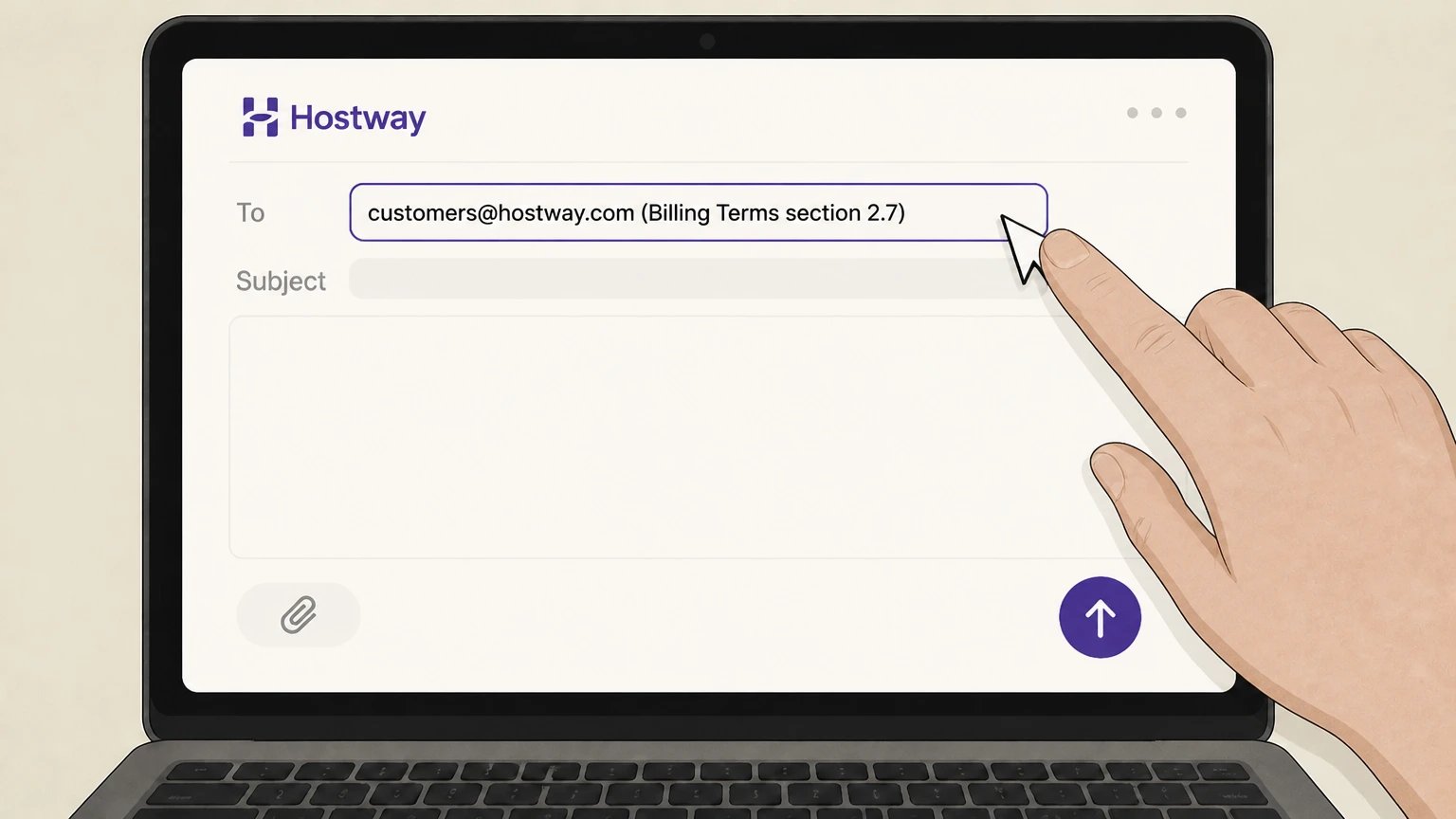
2Compose an email to Hostway’s customer service address
Write to Hostway’s customer service department at the cancellation address specified in the Billing Terms (currently customers@hostway.com). State that you are requesting cancellation of your Hostway Client Account or list the specific Hostway Services and/or domains you want cancelled, and include your identifying details so they can locate your account.
- Let Pine handle it
Pine can help
Too many steps?
Pine can find the right Email path and handle the cancellation for you.
 3
3Request written confirmation and a cancellation confirmation number
In your email, ask Hostway to process the cancellation and reply with written confirmation including the official cancellation confirmation number, because Hostway states that cancellations are not complete until they confirm closure and provide this number.
 4
4Retain Hostway’s reply and monitor billing through the next Billing Cycle
Save Hostway’s confirmation email and confirmation number. After the current Billing Cycle ends, check that no further Hostway invoices or automatic renewals appear and that access to the cancelled services is removed. Remember that Hostway may delete Client Data upon termination and does not provide pro‑rated refunds after services are made available, so ensure you have exported needed data before the effective date.
Refund policy
Hostway refunds, renewals, and money‑back guarantees
Hostway’s legal documents outline limited refund scenarios and important non‑refundability rules for many services.
Check my refund options- No pro‑rated refunds after services are made available
- Hostway’s Billing Terms state that there are no pro‑rated refunds once Hostway Services are made available to the Client, and cancellation does not relieve the Client from paying all outstanding balances on the account.
- 30‑day money‑back guarantee for shared hosting and VPS
- The Web & Apps Supplemental Terms provide a 30‑day money‑back guarantee for shared hosting and virtual private server (VPS) plans: if the Client cancels a qualifying plan within the first 30 calendar days of the first Billing Cycle using Hostway’s cancellation process, the Client may request a refund of advance Service Fees (excluding setup fees). Cancellations after the first 30 days do not qualify for any refund.
- No money‑back guarantee for domains and other excluded services
- The Web & Apps Supplemental Terms explicitly exclude domain registrations, certain enterprise services, reseller‑ordered services, and specified add‑ons and overage fees from the 30‑day money‑back guarantee.
- Domain registration fees are always non‑refundable
- Separately, the Domain Name Registration Agreement specifies that all fees for domain name registration services are non‑refundable, even if a registration is suspended, terminated, or transferred before the end of its term.
For billing questions or to request any refund that appears to be allowed under these policies, contact Hostway’s billing or customer service teams using the contact methods described in the Billing Terms and your account communications. Contact Hostway about a possible refund
Scope
What this Hostway cancellation guide covers
Clarifies which Hostway services and billing arrangements this Draft applies to.
Retail Hostway web and application services
Hostway’s Master Services Agreement defines “Hostway Services” to include Web & Apps offerings such as website hosting, domains, e‑commerce, email, and related web solutions, as well as certain professional and enterprise services. This guide focuses on cancelling these recurring retail web and application services for small‑business customers.
Direct billing by Hostway Services, Inc.
The MSA specifies that “Hostway” means Hostway Services, Inc., a Delaware corporation, and describes a Billing Cycle that automatically renews until the Client cancels the Client Account or terminates the MSA and underlying Order Forms in accordance with the cancellation and termination provisions.
Relationship to NetNation and other brands
NetNation’s official brands page identifies Hostway as one of its consumer‑facing brands providing web hosting and application services to small businesses, indicating that Hostway operates as part of the NetNation group but retains its own retail brand and billing relationship with end users.
Terms
Key Hostway cancellation and notice rules
Important conditions from Hostway’s Billing Terms and Web & Apps Supplemental Terms that affect how and when cancellations take effect.
Automatic renewal until you cancel under the MSA
Hostway’s Billing Terms state that the Billing Cycle for Hostway Services will automatically renew for the same successive period unless the Client cancels the Client Account or terminates the MSA in accordance with the cancellation and termination provisions.
Cancellation must be requested via customer service with 30 days’ notice
Section 2.7 of the Billing Terms explains that, after the Minimum Term, a Client who wants to cancel the Client Account or particular Hostway Services must contact Hostway’s customer service department on a Business Day by phone or email, specify the services or domains being cancelled, and that cancellation requests must be received at least 30 calendar days before the end of the Billing Cycle or the Billing Cycle will automatically renew.
Cancellation is only effective once Hostway confirms it
The same section states that the cancellation process is not complete or effective until Hostway confirms closure of the Client Account by providing a confirmation number by phone or email to the Client’s contact information.
No pro‑rated refunds after services are made available
Hostway’s Billing Terms and Web & Apps Supplemental Terms clarify that there are no pro‑rated refunds after Hostway Services are made available, and that refunds (where offered) follow specific rules such as the 30‑day money‑back guarantee for certain hosting plans.
After cancellation
What happens to your domains and data when you cancel
How Hostway treats domain registrations and hosted data after you terminate services.
Hosted Client Data may be deleted after termination
Hostway’s Billing Terms explain that upon any termination of the MSA or Client Account, Hostway may delete all Client Data residing on Hostway Systems and that it is the Client’s sole responsibility to retrieve or back up Client Data before termination.
Cancellation of Hostway Services does not automatically cancel domains
The same section notes that terminating the MSA or Hostway Services does not automatically cancel the registration of any domain names associated with the Client Account, and that expiring or cancelling domains does not automatically terminate the MSA or other Hostway Services, so these must be managed separately.
Domain registration fees are non‑refundable
Hostway’s Domain Name Registration Agreement states that fees for domain name registration services are non‑refundable, in whole or in part, even if a registration is suspended, terminated, or transferred before the end of its term.
Evidence of an internal cancellation workflow
Hostway’s public “Cancel Services (Submitted)” page thanks the customer for their request, states that a request to cancel a Premium Design service is being processed, and indicates the customer will be notified once cancellation is fully completed, confirming that Hostway uses a request‑and‑confirmation workflow for at least some services.
Hostway cancellation FAQ
Current, source-backed answers about cancellation, billing ownership, refunds, and access timing.
Can I cancel my Hostway services entirely online without contacting support?
How much notice does Hostway require before my cancellation stops future renewals?
Does cancelling my Hostway hosting or Premium Design plan also cancel my domain name?
What happens to my website and email data after I cancel Hostway?
Untangle this Hostway issue.
Let Pine handle the provider follow-up and keep the confirmation in one place.
