Cancel Subscription with Pine AI
logo
pine
Try for free
nav-show-menu
OnlyFans

How to Cancel Your OnlyFans Subscription (2025)

OnlyFans, established in 2016, lets creators set subscription fees from $4.99 to $49.99 monthly. You could save up to $600 yearly by cancelling. The platform operates on iOS, Android, and desktop via OnlyFans. With the "AI girlfriend" trend flooding social feeds, the novelty of paying for exclusive content is wearing off for many. Trustpilot data shows a poor 1.8-star rating, while Pissed Consumer logs over 3,000 complaints in the last 3 years, specifically citing "unauthorized charges" and "billing loops." Users frequently flag poor customer service and technical glitches. If you are tired of the recurring hits to your wallet, here is how to stop them.

Last Edited on 18 Dec, 2025
Rachel Adams, Technology & Software Editor
7 min read

How to Cancel OnlyFans on iPhone (iOS) and Android

Most users access OnlyFans via mobile web since there is no app. The interface can be a bit clunky on smaller screens.

1 Open Your Browser

Since OnlyFans does not have an official app in the App Store or Play Store due to strict content policies, you must use your mobile browser (Safari, Chrome, or Firefox). Go to the site and log in.

2 Tap Your Profile Icon

Look for the small circular profile picture in the bottom right corner (or top right depending on your browser version). Tap it to open the main menu.

3 Select 'Following'

In the menu, tap on Following. This shows everyone you are currently subscribed to. It is annoying that there isn't just a simple "Subscriptions" button, but this is where they hide it.

4 Toggle Auto-Renew Off

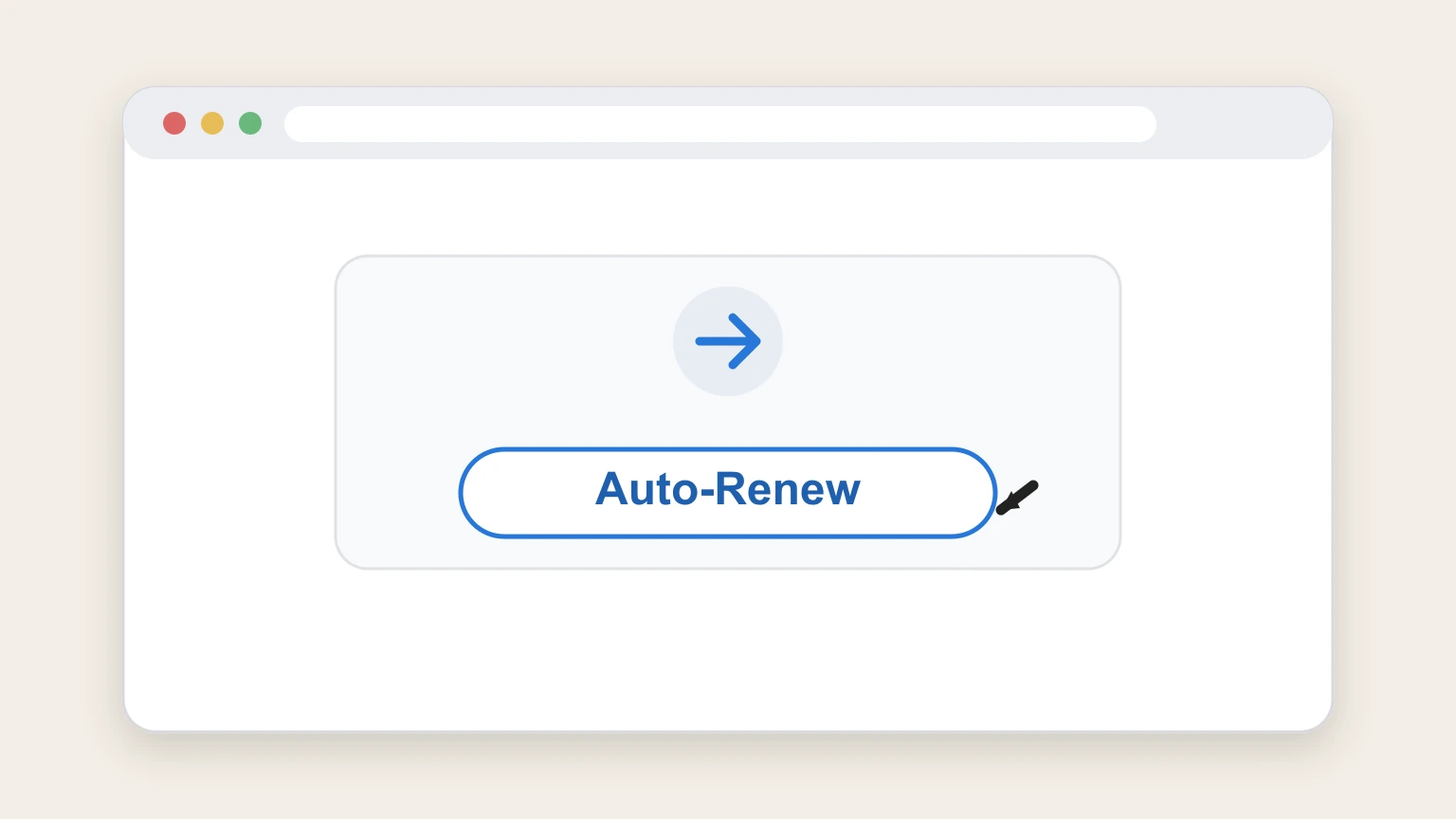
Find the creator you want to drop. You will see a switch labeled Auto-Renew. Tap it to turn it off. You will likely be asked to provide a reason for leaving. Just pick one or skip it if allowed.

How to Cancel OnlyFans on Desktop

Managing subscriptions on a desktop is usually faster because the layout is less cramped than mobile.

1 Access Your Subscriptions

Log in and click on your profile icon in the top right corner. Select Settings or go directly to the Following tab on the left sidebar.

2 Locate the Creator

Scroll through your list of active subscriptions. It can be messy if you follow a lot of free accounts too. Look for the ones with a price tag next to them.

3 Disable Auto-Renew

Click the Auto-Renew switch next to the creator's name. A confirmation pop-up will appear asking if you are sure. Confirm your choice to stop future billing.

4 Delete Account (Optional)

If you want to nuke the whole thing and stop all charges forever, go to Settings > Account > Delete Account. You will have to re-enter your password. This is the only way to ensure absolutely no more charges appear.

What is OnlyFans Cancellation Policy

OnlyFans has a strict "no refunds" policy that frustrates thousands of users. When you cancel a subscription, you turn off the auto-renew feature. This means you will not be charged next month, but you will not get your money back for the current month. You retain access to the content until your current billing cycle ends. Pissed Consumer reports highlight that even if you cancel minutes after a renewal hits, support rarely grants a refund. It is a hard cutoff.

Before You Cancel OnlyFans: What You Should Know

Will my data be deleted?

Not immediately. If you just unsubscribe, your account remains active. You must manually delete your account in settings to wipe your data.

Can I pause instead?

No. OnlyFans does not offer a "pause" feature like Netflix or gym memberships. It is either pay or leave.

Best time to cancel?

Do it at least 24 hours before your renewal date. Their systems can be slow, and if you wait until the last minute, you might get hit with another charge while the cancellation processes.

Having Trouble Cancelling Your OnlyFans Subscription?

If the buttons aren't working or the site is glitching, try these fixes:

  • Check for "Bundles": Sometimes you purchased a 3-month bundle. Cancelling auto-renew stops the next bundle, but you can't cancel the current block.
  • Clear Cache: The site is heavy on media. If the "Auto-Renew" toggle won't move, clear your browser cache and refresh.
  • Contact Your Bank: If you deleted your account but still see charges (a common complaint on Trustpilot), call your bank immediately to block the merchant. OnlyFans support can be notoriously slow to respond to billing disputes.

Subscription Plans and Pricing (2025)

Plan Type Price Range (USD) Features
Free Trial $0.00 Limited access (usually 3-7 days) set by creator. Auto-renews to full price.
Standard Monthly $4.99 - $49.99 Full access to posts and DMs. Price is set individually by the creator.
Bundle Deals Varies (10-50% off) Upfront payment for 3, 6, or 12 months. No refunds on unused months.
Pay-Per-View (PPV) $5.00 - $100.00+ One-time unlock fees for specific videos or messages. Not a subscription.

How Pine AI Can Help You Cancel Your OnlyFans Subscription

With the cost of living squeezing everyone in 2025, dropping unused subscriptions is the easiest way to find extra cash. Pine AI makes the awkward exit process simple.

  • Step 1: Let's get started to cancel OnlyFans Just tell us you want to cut ties with OnlyFans. We will ask for a few basic details to locate the account so you don't have to dig through your history.

  • Step 2: Pine gets to work We navigate the confusing menus and handle the cancellation process for you. If there are issues, we deal with the support bots so you don't have to.

  • Step 3: You're free from OnlyFans The recurring charges stop. You get a confirmation that it is done, ensuring no surprise bills pop up next month.

Frequently Asked Questions about OnlyFans

Can I unsubscribe from OnlyFans anytime?
icon-show
Can I get a refund from OnlyFans if I forgot to cancel?
icon-show
How do I know my OnlyFans subscription is cancelled?
icon-show
How long does it take for OnlyFans to cancel?
icon-show
What else should I know before I cancel my OnlyFans subscription?
icon-show
How do I raise a complaint to OnlyFans?
icon-show
How does Pine AI work with OnlyFans to cancel my subscription?
icon-show
Rachel Adams

Rachel Adams

Technology & Software Editor

Rachel Adams is the Lead Tech & App writer at Pine AI, where she decodes the complexities of the digital software landscape. With over eight years of experience as a software reviewer and tech journalist, her work focuses on the security, usability, and subscription models of popular apps and SaaS platforms. Rachel's insights empower consumers to make informed decisions, avoid predatory billing, and select software that genuinely adds value.

More OnlyFans Resources

Need help with other OnlyFans services? Check out these helpful guides:

More Software and App Services providers for cancelling your subscription

Discover other popular Software and App Services providers, and see how Pine AI could help you with tricky subscription cancellation issues.

How to Cancel Match.com Subscription

How to Cancel Match.com Subscription

How to Cancel Smule Subscription

How to Cancel Smule Subscription

How to Cancel Rocket Money Subscription

How to Cancel Rocket Money Subscription

How to Cancel MyHeritage Subscription

How to Cancel MyHeritage Subscription

How to Cancel Truebill Subscription

How to Cancel Truebill Subscription

How to Cancel eHarmony Subscription

How to Cancel eHarmony Subscription

How to Cancel Apple Subscription

How to Cancel Apple Subscription

How to Cancel NeighborWho Subscription

How to Cancel NeighborWho Subscription

How to Cancel eForms Subscription

How to Cancel Substack Subscription

How to Cancel Substack Subscription

How to Cancel Evoice Subscription

How to Cancel Evoice Subscription

How to Cancel Grammarly Subscription

How to Cancel Grammarly Subscription

How to Cancel Patreon Subscription

How to Cancel Patreon Subscription

How to Cancel Codero Subscription

How to Cancel Codero Subscription

How to Cancel Giganews Subscription

How to Cancel Giganews Subscription

How to Cancel Dashlane Subscription

How to Cancel Dashlane Subscription

How to Cancel Hostway Subscription

How to Cancel Hostway Subscription

How to Cancel Carbonite Subscription

How to Cancel Carbonite Subscription

How to Cancel Hightail Subscription

How to Cancel Hightail Subscription

How to Cancel Getty Images Subscription

How to Cancel Getty Images Subscription

How to Cancel Trello Subscription

How to Cancel Trello Subscription

How to Cancel Vistaprint Subscription

How to Cancel Vistaprint Subscription

How to Cancel CodePen Subscription

How to Cancel CodePen Subscription

How to Cancel Clipping Magic Subscription

How to Cancel Clipping Magic Subscription

How to Cancel Microsoft 365 (OneDrive) Subscription

How to Cancel Microsoft 365 (OneDrive) Subscription

How to Cancel Weebly Subscription

How to Cancel Weebly Subscription

How to Cancel Enom Subscription

How to Cancel Enom Subscription

How to Cancel ChatGPT Subscription

How to Cancel ChatGPT Subscription

How to Cancel Google Cloud Subscription

How to Cancel Google Cloud Subscription

How to Cancel Dropbox Subscription

How to Cancel Dropbox Subscription

How to Cancel Medium Subscription

How to Cancel Medium Subscription

How to Cancel BrowserStack Subscription

How to Cancel BrowserStack Subscription

How to Cancel Cloudinary Subscription

How to Cancel Cloudinary Subscription

How to Cancel LinkedIn Subscription

How to Cancel LinkedIn Subscription

How to Cancel Kindle Subscription

How to Cancel Kindle Subscription

How to Cancel Box Subscription

How to Cancel Box Subscription

How to Cancel Google One Subscription

How to Cancel Google One Subscription

How to Cancel Discord Subscription

How to Cancel Discord Subscription

How to Cancel Proton VPN Subscription

How to Cancel Google Workspace Subscription

How to Cancel Google Workspace Subscription

How to Cancel Salesforce Subscription

How to Cancel Salesforce Subscription

How to Cancel Reddit Subscription

How to Cancel Reddit Subscription

How to Cancel TikTok Subscription

How to Cancel TikTok Subscription

How to Cancel iCloud Storage Subscription

How to Cancel iCloud Storage Subscription

How to Cancel Squarespace Subscription

How to Cancel Squarespace Subscription

How to Cancel Apple pay Subscription

How to Cancel Apple pay Subscription

How to Cancel X Subscription

How to Cancel X Subscription

How to Cancel Adobe Subscription

How to Cancel Adobe Subscription

How to Cancel Wix Subscription

How to Cancel Wix Subscription

How to Cancel Tinder Subscription

How to Cancel Tinder Subscription

How to Cancel Malwarebytes Subscription

How to Cancel Malwarebytes Subscription

How to Cancel Zoho Subscription

How to Cancel Zoho Subscription

How to Cancel Parallels Subscription

How to Cancel Parallels Subscription

How to Cancel WordPress Subscription

How to Cancel WordPress Subscription

How to Cancel Hostinger Subscription

How to Cancel Hostinger Subscription

How to Cancel Mailchimp Subscription

How to Cancel Mailchimp Subscription

How to Cancel Notion Subscription

How to Cancel Notion Subscription

How to Cancel LastPass Subscription

How to Cancel LastPass Subscription

How to Cancel Canva Subscription

How to Cancel Canva Subscription

How to Cancel Asana Subscription

How to Cancel Asana Subscription

How to Cancel Hotspot Shield Subscription

How to Cancel CleanMyMac Subscription

How to Cancel CleanMyMac Subscription

How to Cancel Slack Subscription

How to Cancel Slack Subscription

How to Cancel Figma Subscription

How to Cancel Figma Subscription

How to Cancel Bumble Subscription

How to Cancel Bumble Subscription

How to Cancel Zoom Subscription

How to Cancel Zoom Subscription

How to Cancel Fluid UI Subscription

How to Cancel Fluid UI Subscription