

Dropmark
Cancel subscription
How to Cancel Dropmark: Official Steps & Timing
Cancel Dropmark through the correct billing route. Follow official steps, understand renewal timing and refunds, and keep proof of the final result.
- 2 verified cancellation routes
- Billing ownership and renewal timing explained
- Provider-specific refund boundaries included
- A confirmation check follows every route
Choose the correct Dropmark cancellation route
Dropmark website · verify the billing owner
Cancel Dropmark through Dropmark website
 1
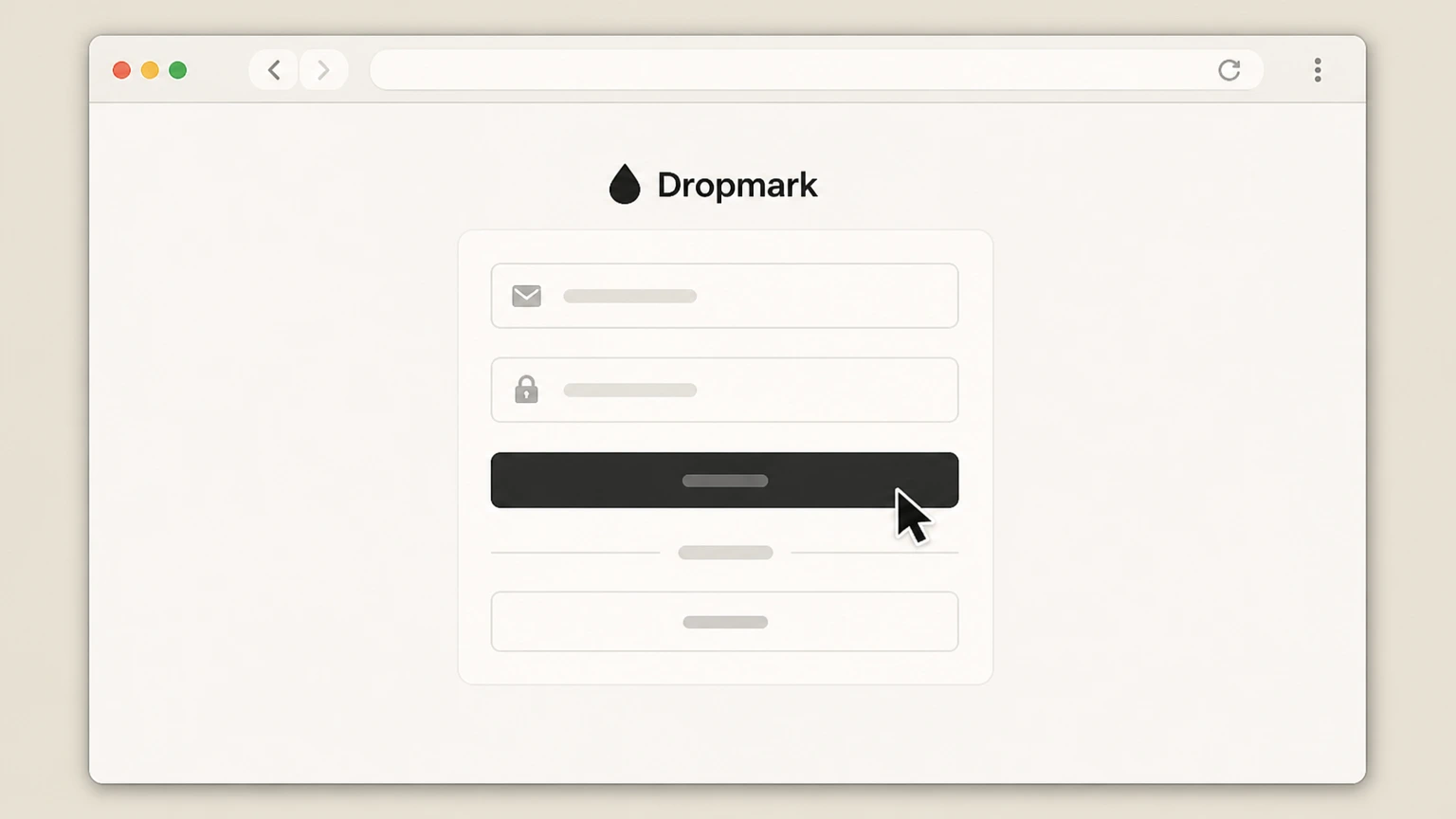
1Sign in to Dropmark
Go to dropmark.com in a web browser and sign in to the Dropmark account that has the paid Solo or Team subscription you want to cancel.
 2
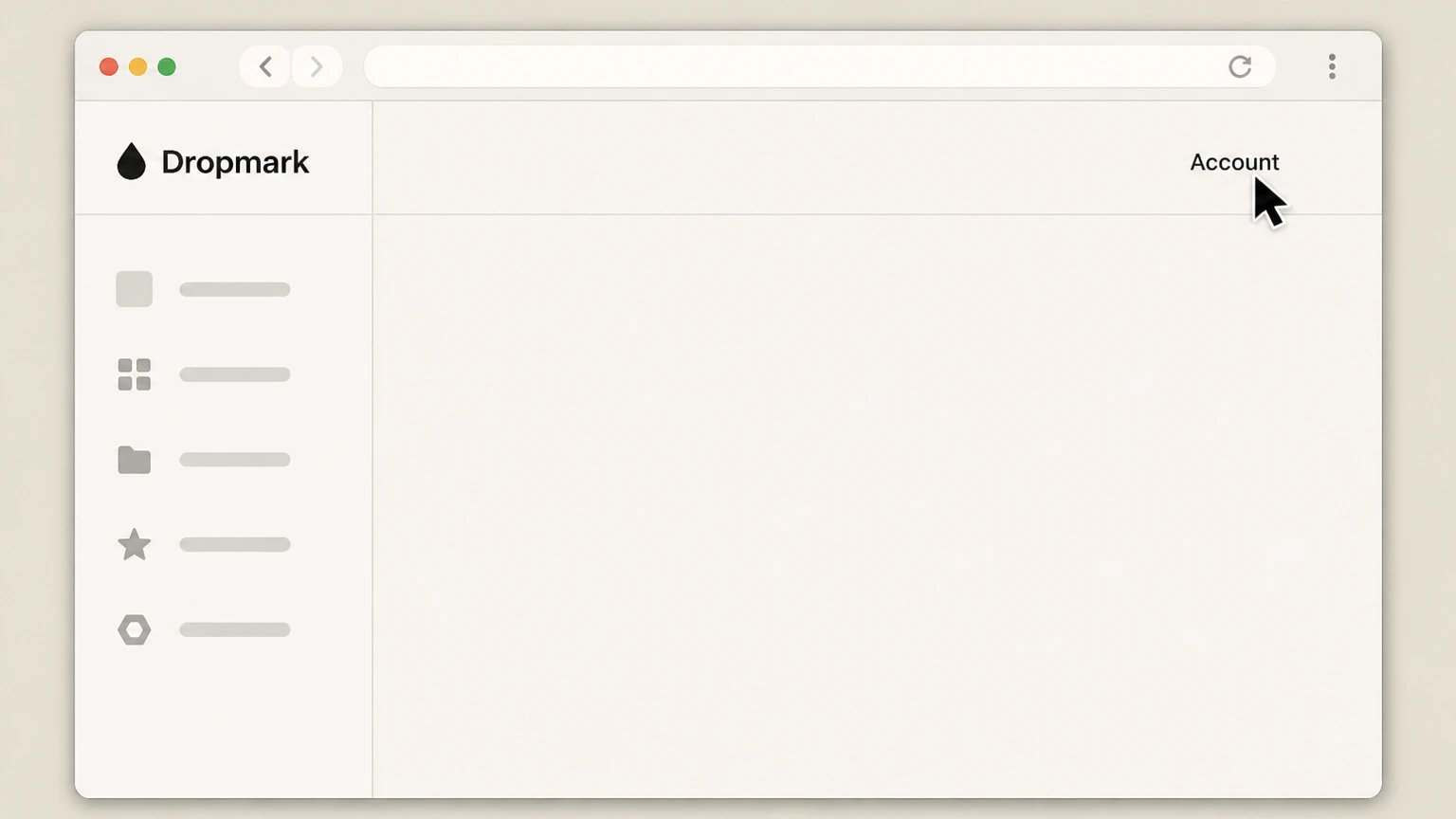
2Open the Account page
In the top navigation bar of the Dropmark web app, click the Account link to open your account settings screen.
- Let Pine handle it
Pine can help
Too many steps?
Pine can find the right Dropmark website path and handle the cancellation for you.
 3
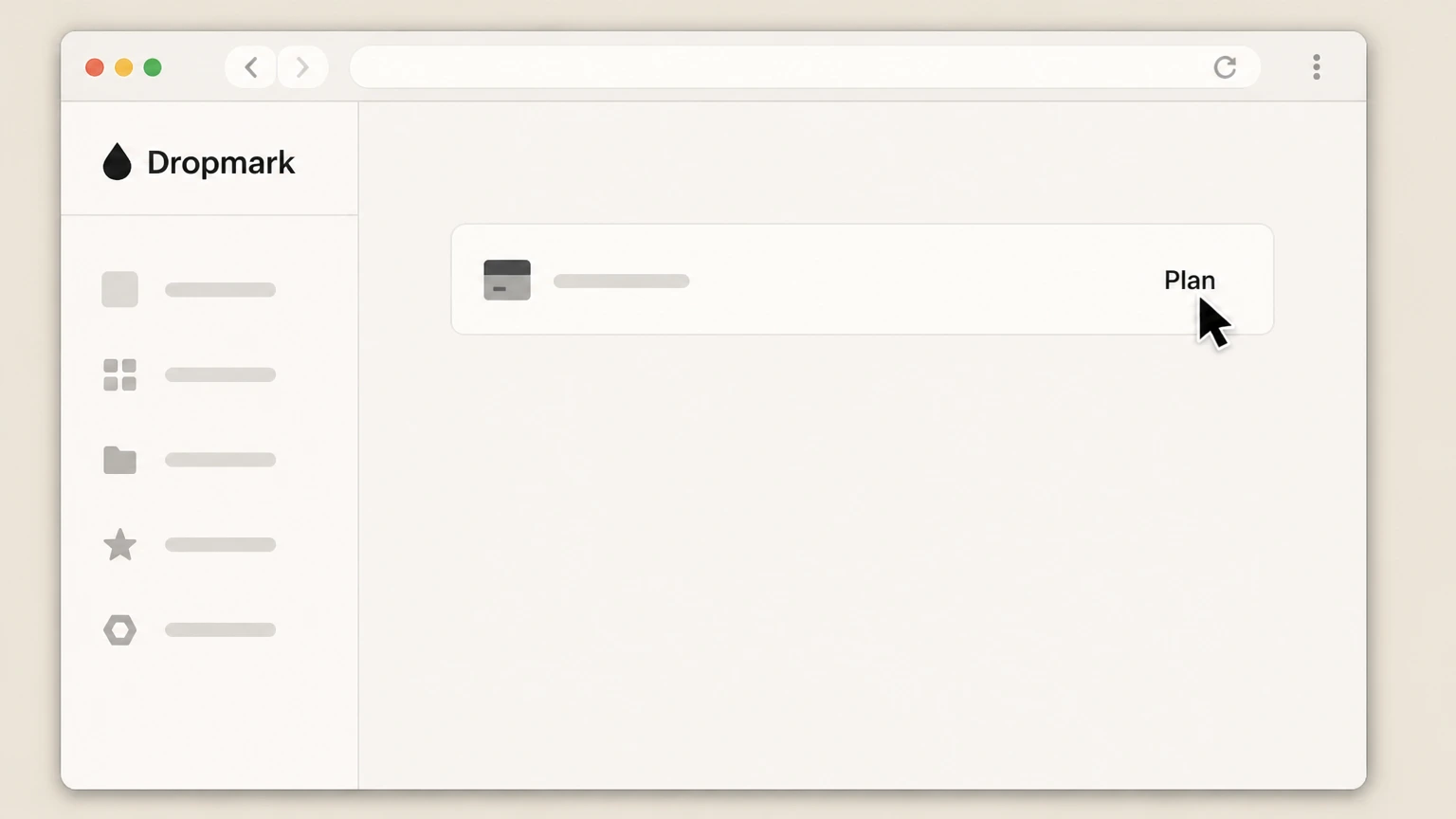
3Go to your plan page
From the Account screen, open the plan or billing section so you are viewing the page that shows your current Dropmark plan and billing status.
 4
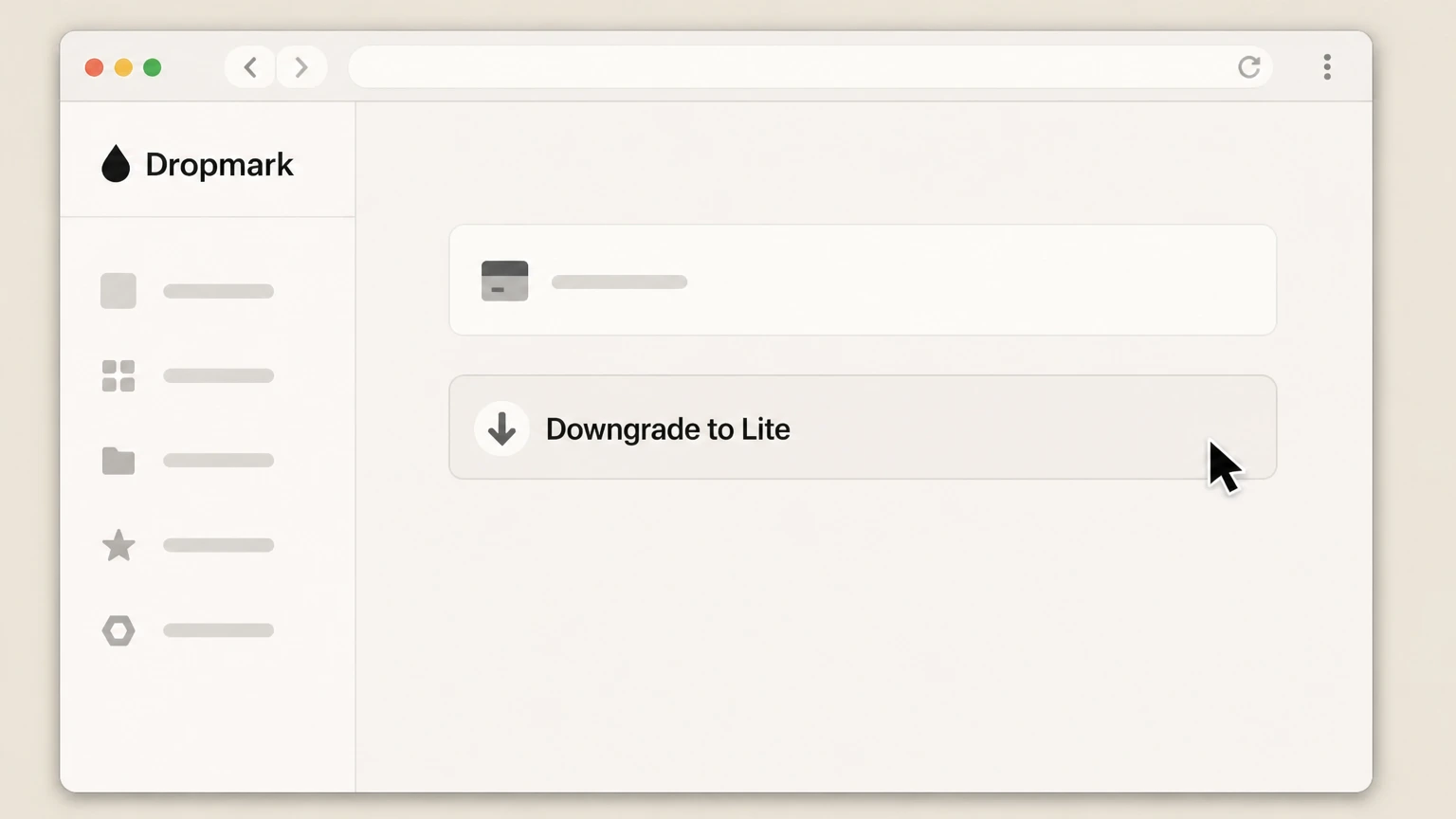
4Choose Downgrade to Lite
On the plan page for a Solo subscription, select the Downgrade to Lite option to cancel the paid Solo plan and move back to the free Lite tier.
 5
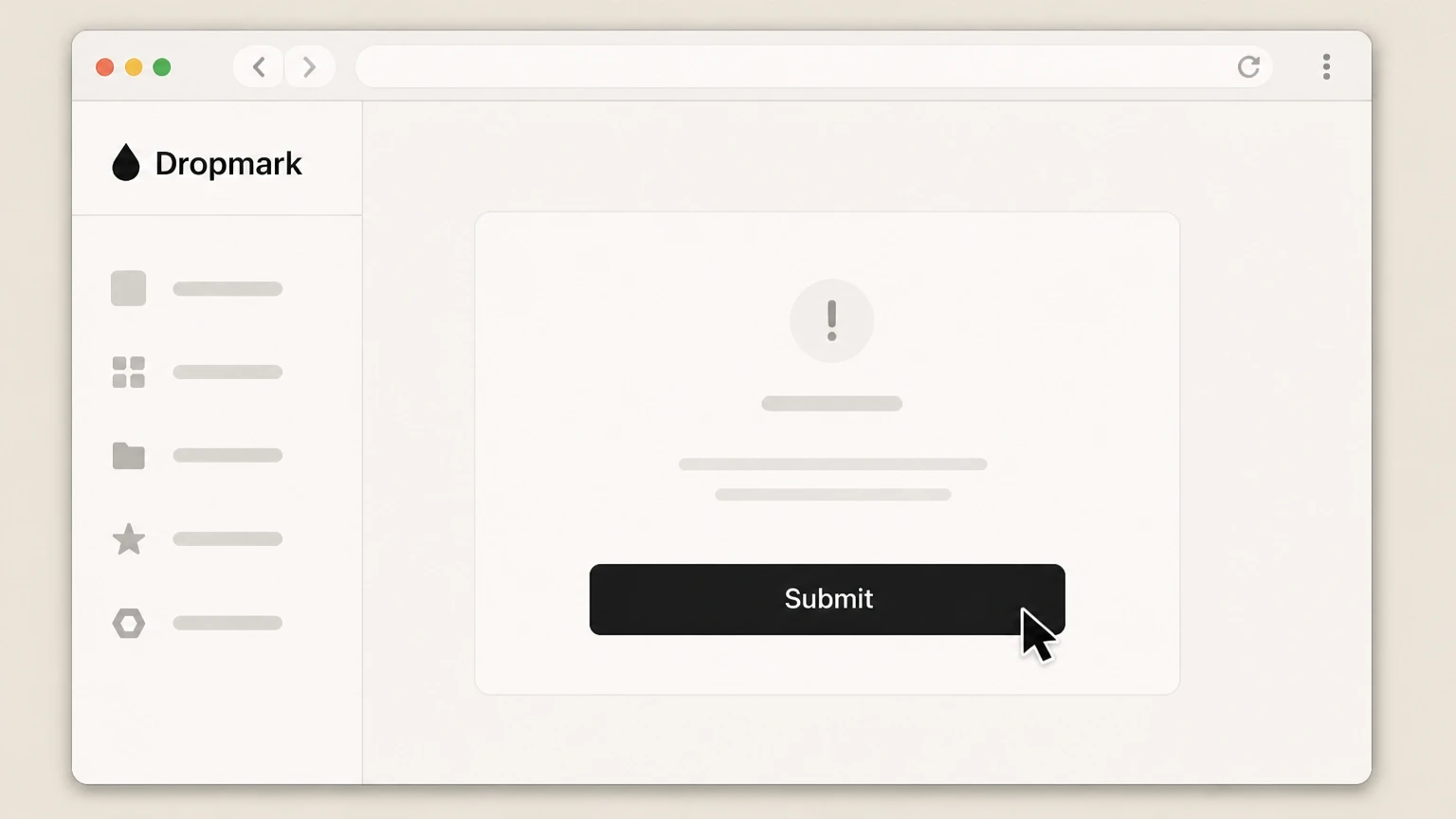
5Submit the cancellation
Click the submit button to confirm the downgrade so that Dropmark stops renewing your Solo subscription after the current paid period ends.

Apple iOS subscriptions · verify the billing owner
Cancel Dropmark through Apple iOS subscriptions
 1
1Open Settings
On your iPhone or iPad, open the Settings app from your Home Screen.
 2
2Tap your name
In Settings, tap your name at the top to open your Apple ID account settings.
- Let Pine handle it
Pine can help
Too many steps?
Pine can find the right Apple iOS subscriptions path and handle the cancellation for you.
 3
3Open Subscriptions
On the Apple ID screen, tap Subscriptions to view all active Apple-billed subscriptions for your account.
 4
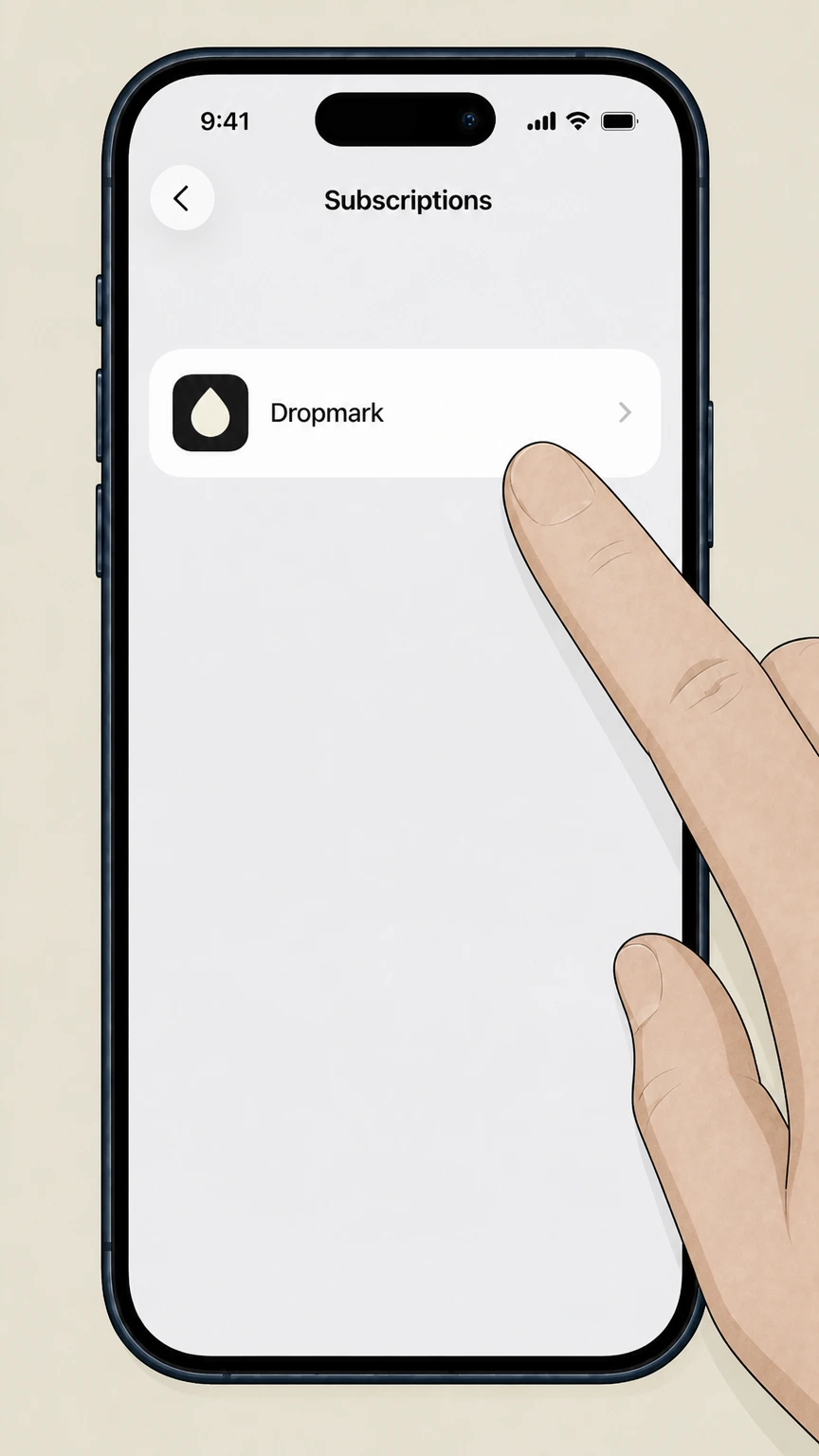
4Select Dropmark
In the subscriptions list, find and tap Dropmark to open the subscription details screen.
 5
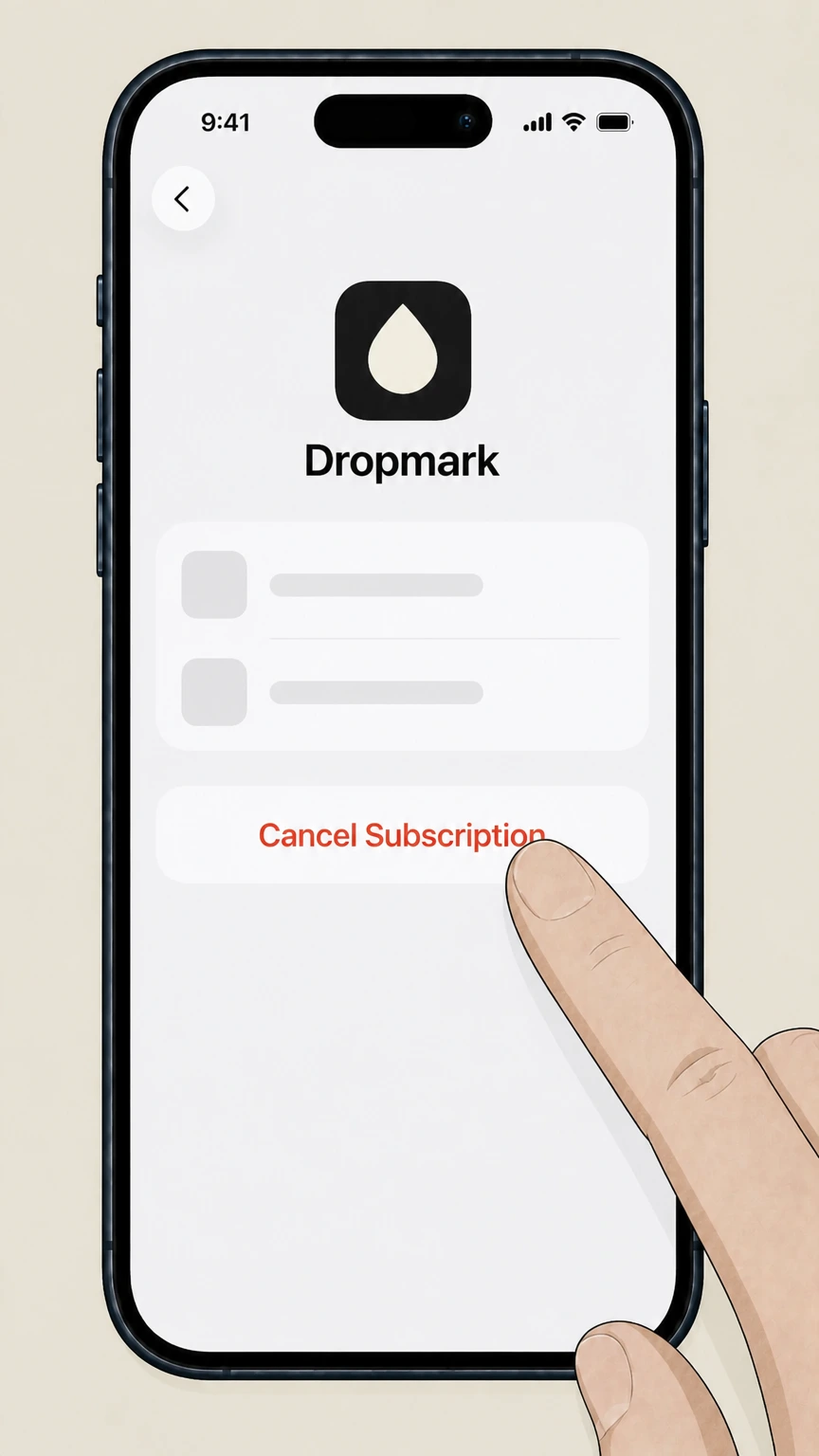
5Cancel the subscription
On the Dropmark subscription screen, tap Cancel Subscription and follow the prompts to confirm so Apple stops renewing the Dropmark Solo subscription.
Refund policy
Refunds when cancelling Dropmark
Dropmark has a limited refund policy focused on new users, and cancellation mainly prevents future renewals rather than refunding past charges.
Check my refund options- New-user 30-day refund option
- Dropmark’s Terms allow new users to cancel and request a refund within 30 days of first signing up by emailing support, effectively offering a short initial trial period that can be refunded if you decide the service is not right for you.
- No refunds after the initial period
- After the first 30 days from signup, Dropmark bills subscriptions in advance and does not provide refunds or credits for partial months, unused time, downgrades, or months unused while an account remains open.
If you believe you qualify for Dropmark’s new-user refund window or have an unusual billing issue, contact Dropmark support with your account email, plan type, and signup date so they can review your case against the official Terms. Visit Dropmark Support
Service overview
How Dropmark’s paid plans and free Lite tier work
Key facts about Dropmark’s current service and plan structure relevant to cancellation decisions.
Dropmark remains active in 2026
Dropmark continues to operate as a visual bookmarking and collaboration platform with active development and support, offering web, iOS, and Mac apps that connect to the same account-based service.
Current plan lineup
Dropmark offers a free Lite tier plus paid Solo, Team, and Enterprise plans; Lite is positioned as a basic plan, while Solo and Team add more collections, collaboration tools, and customization.
Billing is subscription-based
Paid plans are subscription services billed in advance on a monthly or annual basis, with fees charged to the payment method associated with your Dropmark or platform account.
Team accounts bill separately
Teams are separate from personal accounts and can be billed to a different email and credit card; they are charged based on the number of team members rather than a single user.
Primary methods
How Dropmark expects you to cancel subscriptions
Official Dropmark terms and support guidance on valid ways to cancel or terminate service.
Self-service cancellation via Account page
Dropmark’s Terms of Service state that you are responsible for properly canceling your service, using the Account link in the navigation bar; the Account screen exposes a straightforward cancellation control.
Solo plan cancellation as downgrade
For Solo subscriptions, Dropmark’s support docs instruct users to visit their plan page and choose “Downgrade to Lite,” then submit the change, which both cancels future Solo billing and returns the account to the free tier.
Team cancellation by deleting the team
Team subscriptions are canceled when the Team account itself is deleted from the Team Settings page; this is done via a control in the “Danger zone” section at the bottom of that screen.
Email or phone alone is not cancellation
Dropmark’s Terms clarify that sending an email or making a phone request is not considered cancellation by itself; you must use the in-product cancellation mechanisms or, for Apple-billed plans, Apple’s subscription controls.
Permanent account termination option
Separate from plan cancellation, the Account screen also includes a “Permanently delete account” option, which immediately deletes the entire Dropmark account and all its content rather than just stopping billing.
Post-cancel access
What changes after you cancel or downgrade Dropmark
How your access, features, and data handling change when you move off a paid plan.
Access continues through prepaid period
If you cancel before the end of a paid period, Dropmark’s Terms explain that your paid benefits remain active until the time you already purchased runs out, and you are not billed again for that plan.
Downgrading may restrict features or content
Dropmark warns that downgrading your service can cause loss of content, features, or capacity, for example if your existing usage exceeds the limits of the new, lower plan.
Solo-to-Lite keeps the account open
Using “Downgrade to Lite” ends Solo billing but keeps your Dropmark account and content, subject to Lite plan limits; you can continue using Lite or upgrade again later.
Team deletion removes the team workspace
When you delete a Team to cancel its subscription, the Team workspace and its ownership structure are removed; Dropmark requires you to transfer or delete all collections the Team owns before deletion is allowed.
Full account deletion erases data
Choosing “Permanently delete account” on the Account page immediately and irreversibly deletes all content from Dropmark’s service for that account, and the information cannot be recovered afterward.
Dropmark cancellation FAQ
Provider-specific answers about billing, timing, refunds, and confirmation.
How do I cancel my Dropmark Solo subscription?
How do I cancel a Dropmark subscription purchased in the iOS app?
How do I cancel a Dropmark Team subscription?
Can I get a refund after cancelling Dropmark?
What happens to my collaborators if I downgrade or cancel Dropmark Solo?
Untangle this Dropmark issue.
Let Pine handle the provider follow-up and keep the confirmation in one place.
