


Albert
Cancel subscription
How to Cancel Your Albert Subscription or Account
Cancel your Albert subscription in the app, on albert.com/deactivate, or by email. Learn balance rules, which services stay active, and Albert's refund limits.
- Official Albert and billing-owner sources
- 3 provider-specific cancellation paths
- Refund and post-cancellation effects separated from renewal
- Verified August 16, 2026
Choose the Albert cancellation path that matches who bills you
Albert mobile app · verify the billing owner
 1
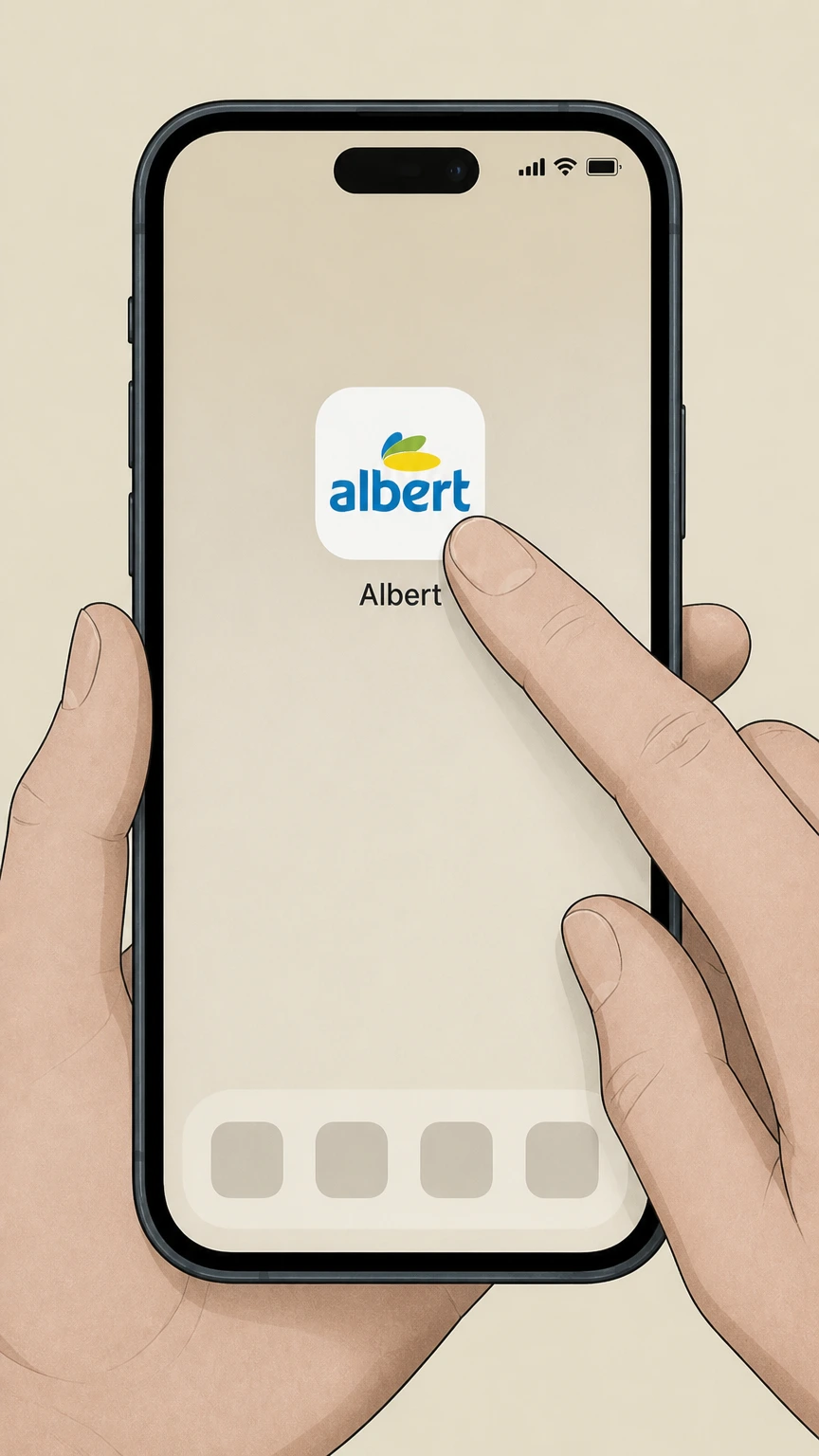
1Open the Albert app and sign in
Open the Albert app on your phone and sign in to the Albert account that is being billed for the subscription.
 2
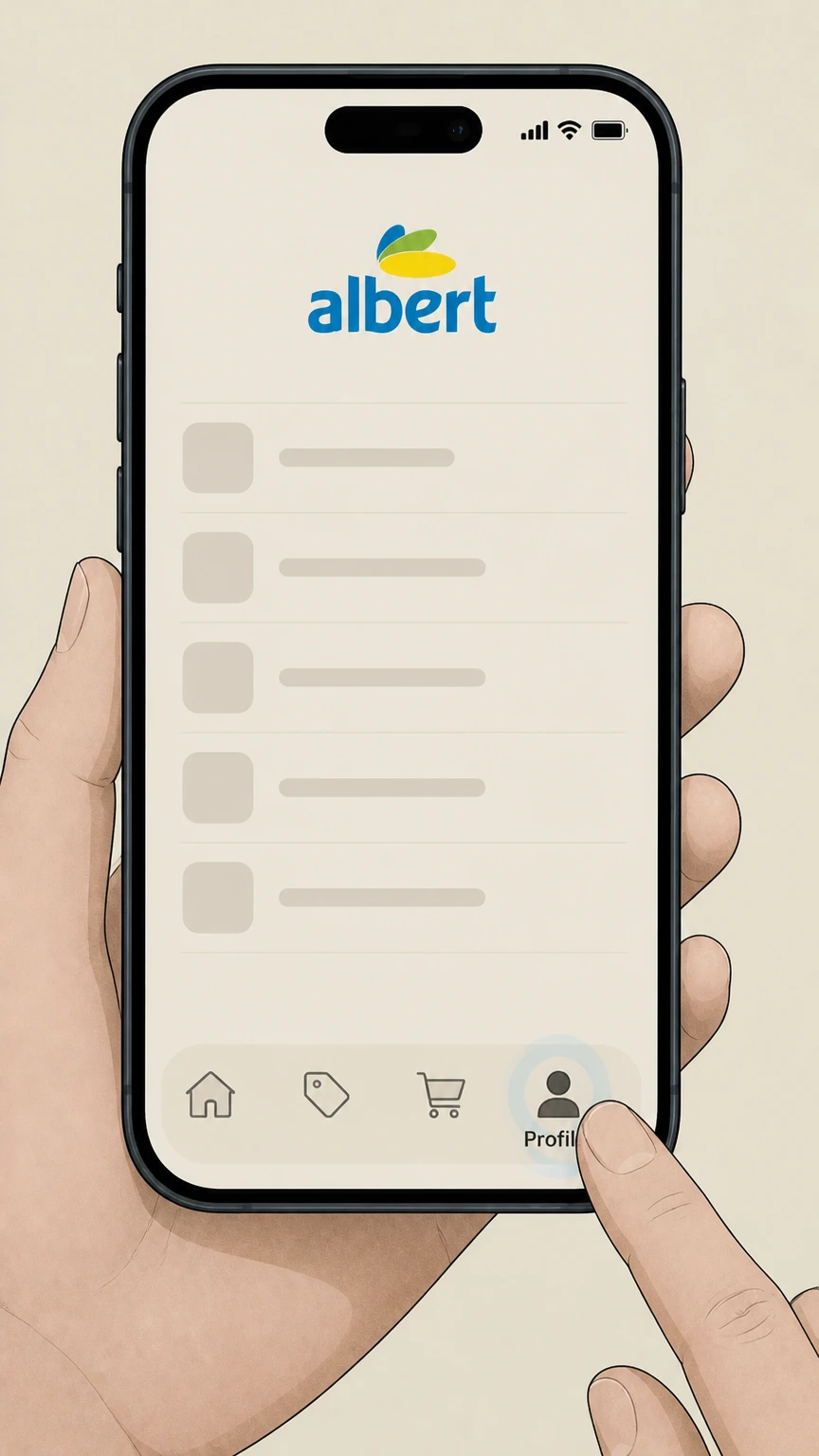
2Tap the Profile tab
From the home screen, tap the Profile tab (person icon) to open your account profile options. Use the Albert account named on your receipt, and continue only after the next status in this cancellation path is visible.
- Let Pine handle it
Pine can help
Too many steps?
Pine can find the right Albert mobile app path and handle the cancellation for you.
 3
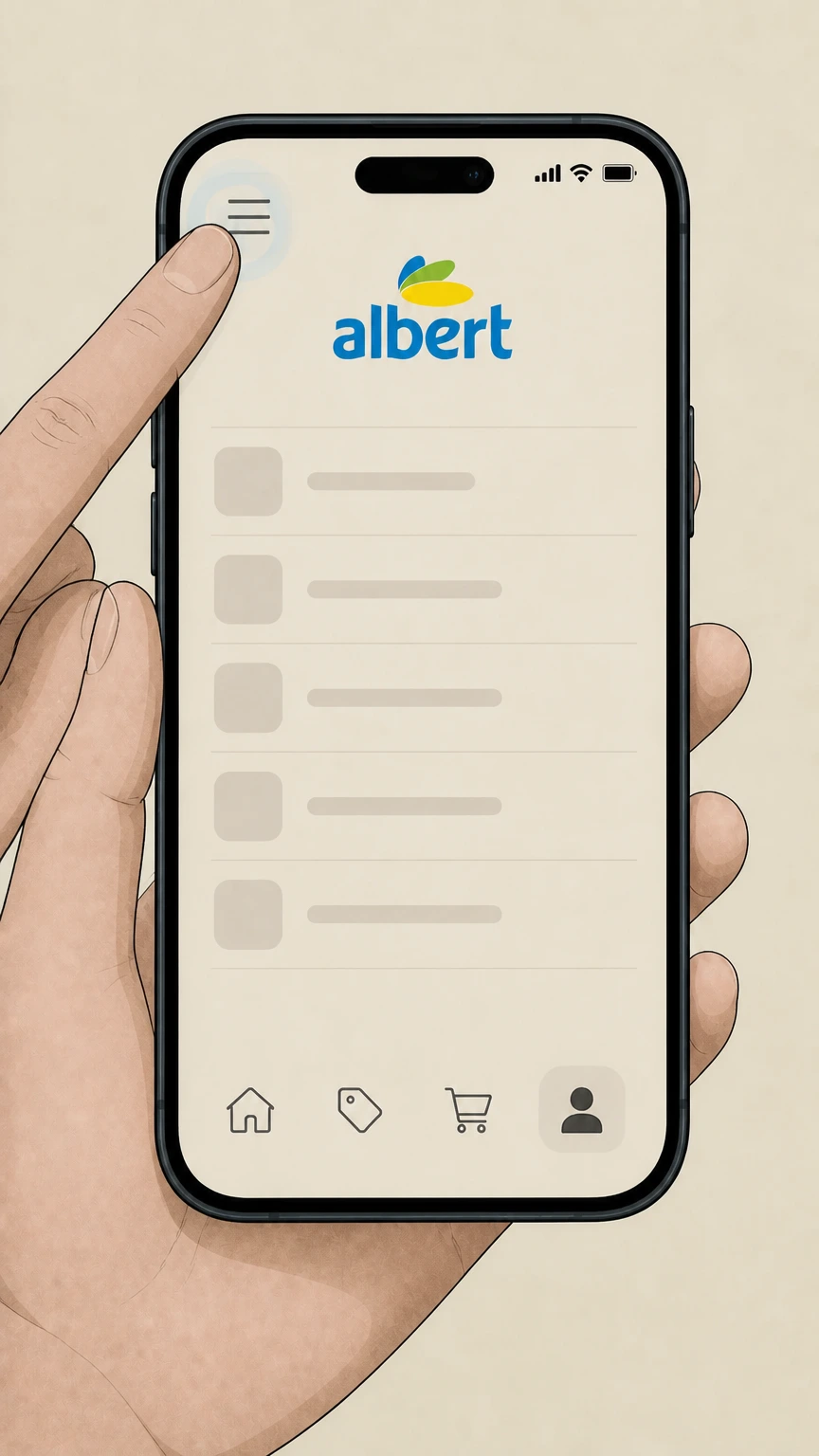
3Open the main menu
In the Profile view, tap the menu icon in the top-left corner to open the main menu. Use the Albert account named on your receipt, and continue only after the next status in this cancellation path is visible.
 4
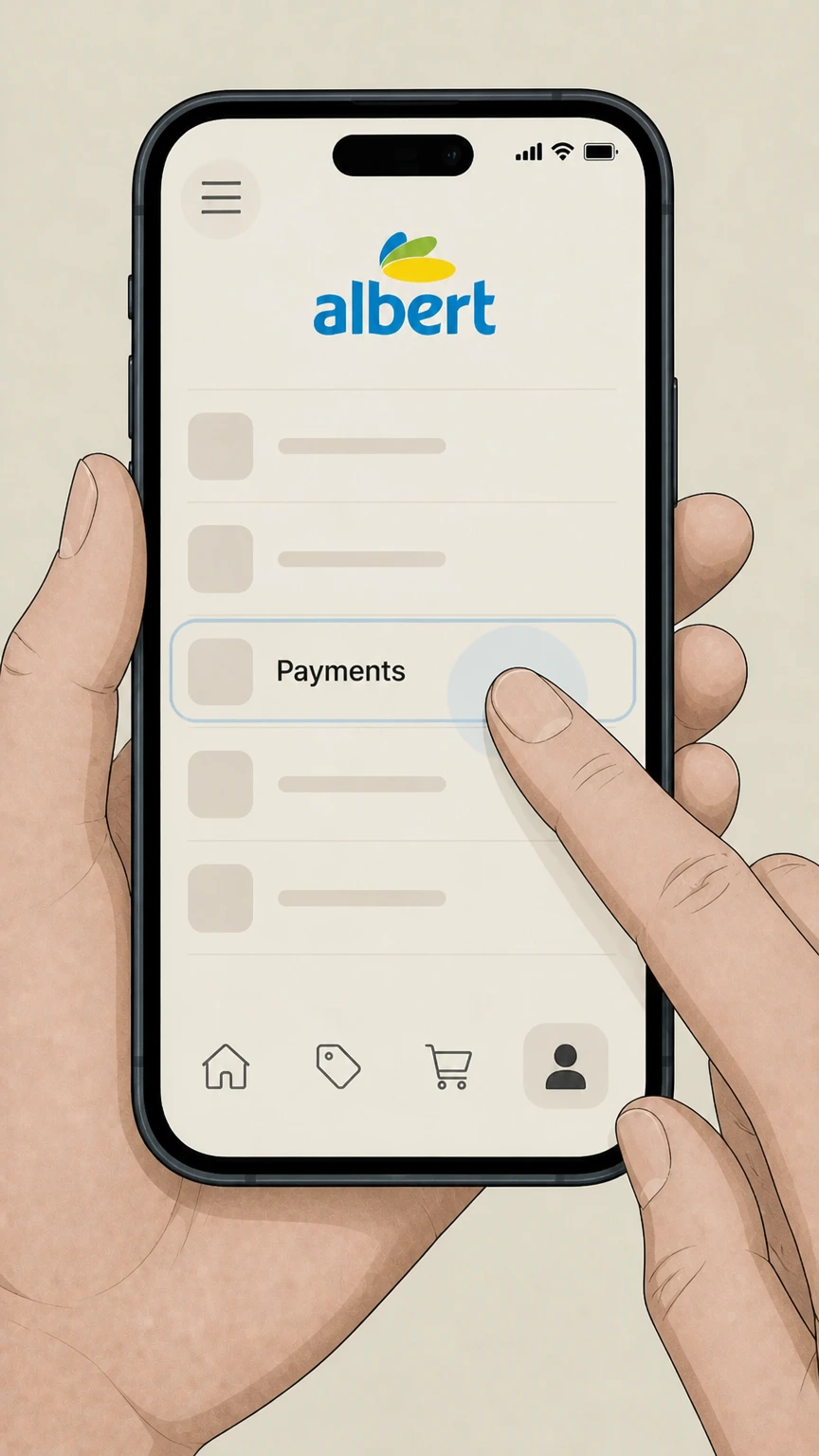
4Tap “Payments”
In the menu, tap the “Payments” option to view your subscription and billing settings. Use the Albert account named on your receipt, and continue only after the next status in this cancellation path is visible.
 5
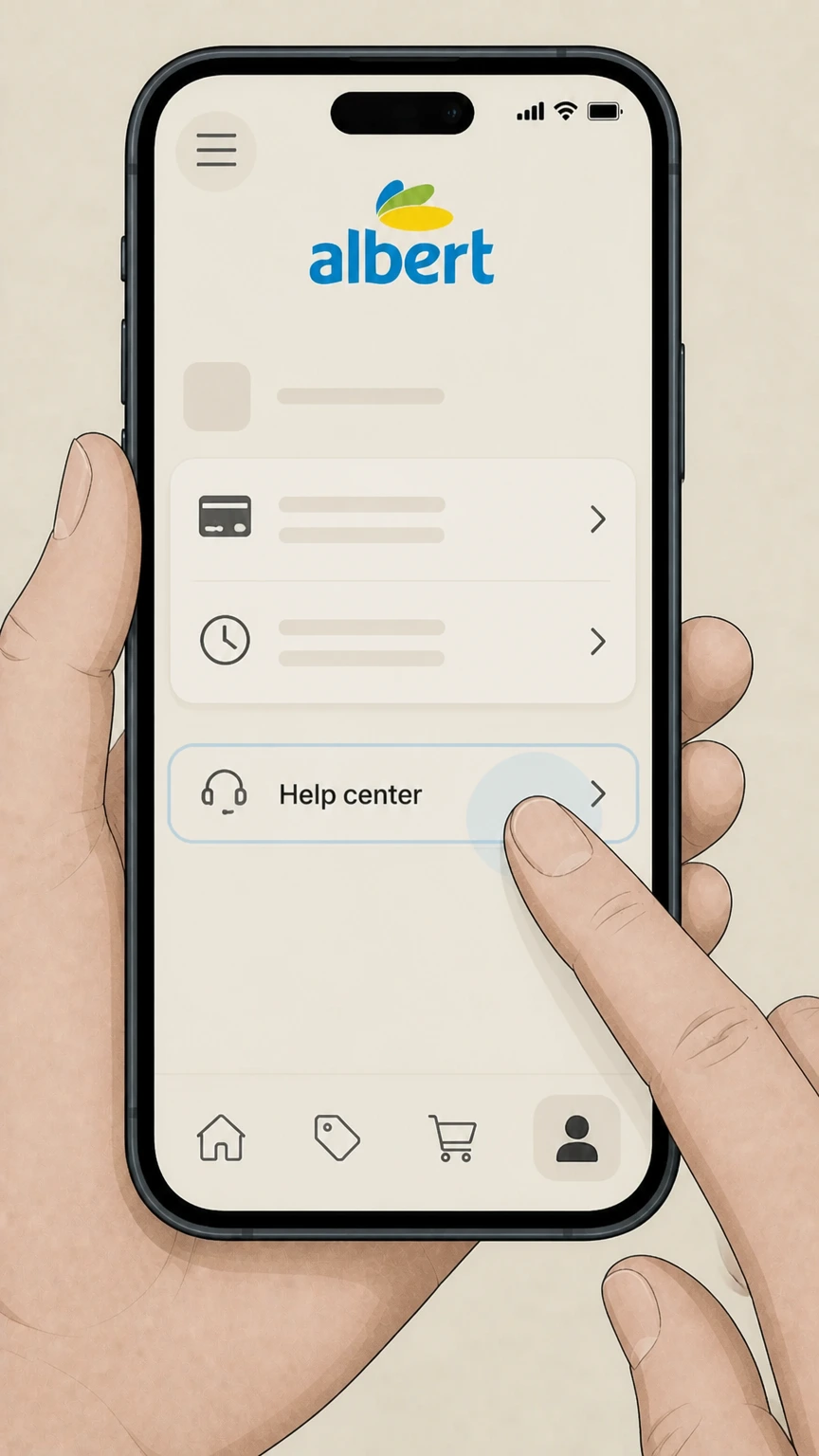
5Tap “Help center”
On the Payments screen, tap “Help center” to reach the support options for managing your account. Use the Albert account named on your receipt, and continue only after the next status in this cancellation path is visible.
 6
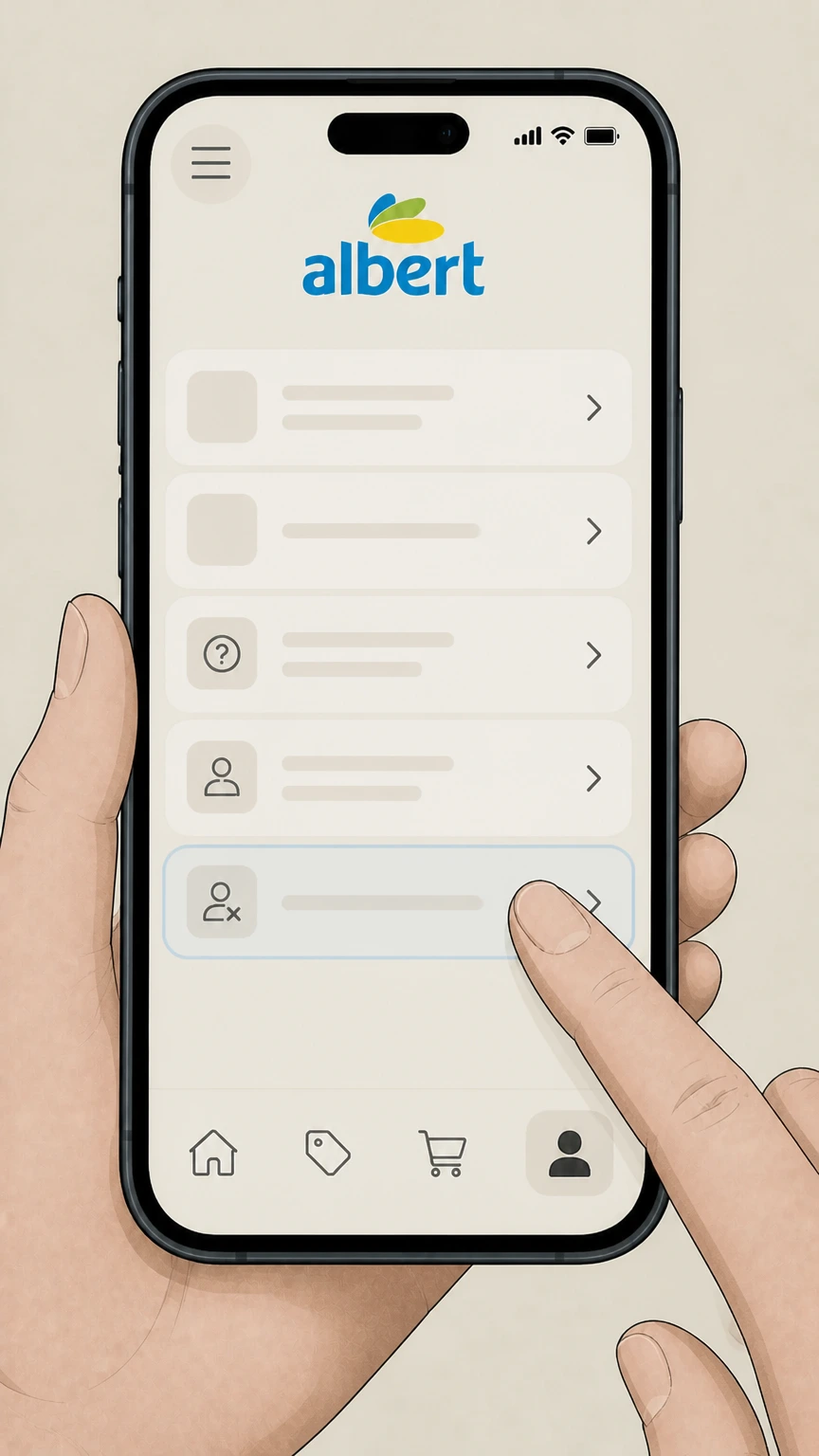
6Select “Deactivate or close my accounts”
In Help center, select “Deactivate or close my accounts,” then follow the on-screen prompts to deactivate your account to cancel the subscription or to close it permanently.

Albert website · verify the billing owner
 1
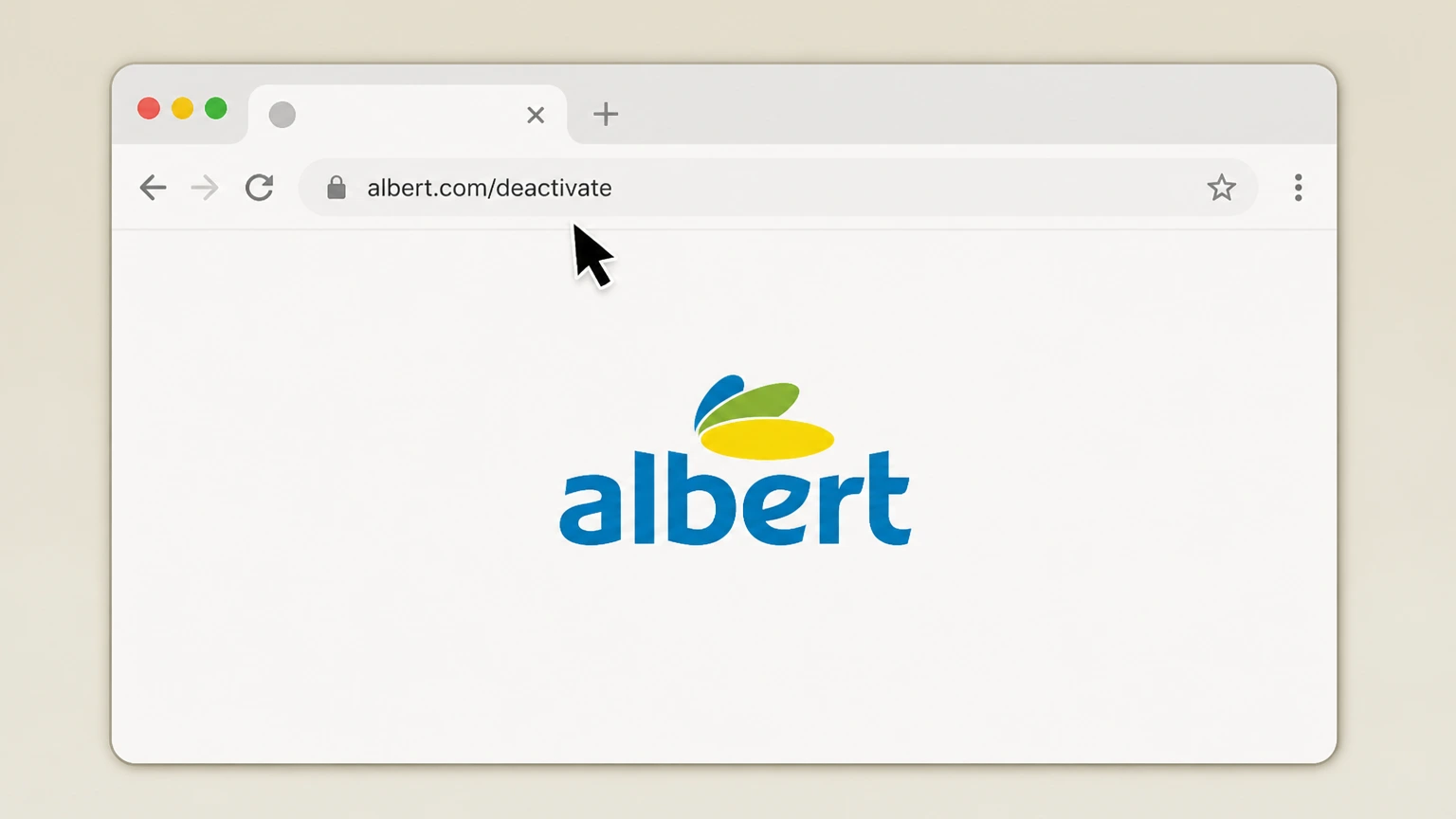
1Go to albert.com/deactivate in a browser
Open a web browser and enter albert.com/deactivate in the address bar to open Albert’s deactivation page. Use the Albert account named on your receipt, and continue only after the next status in this cancellation path is visible.
 2
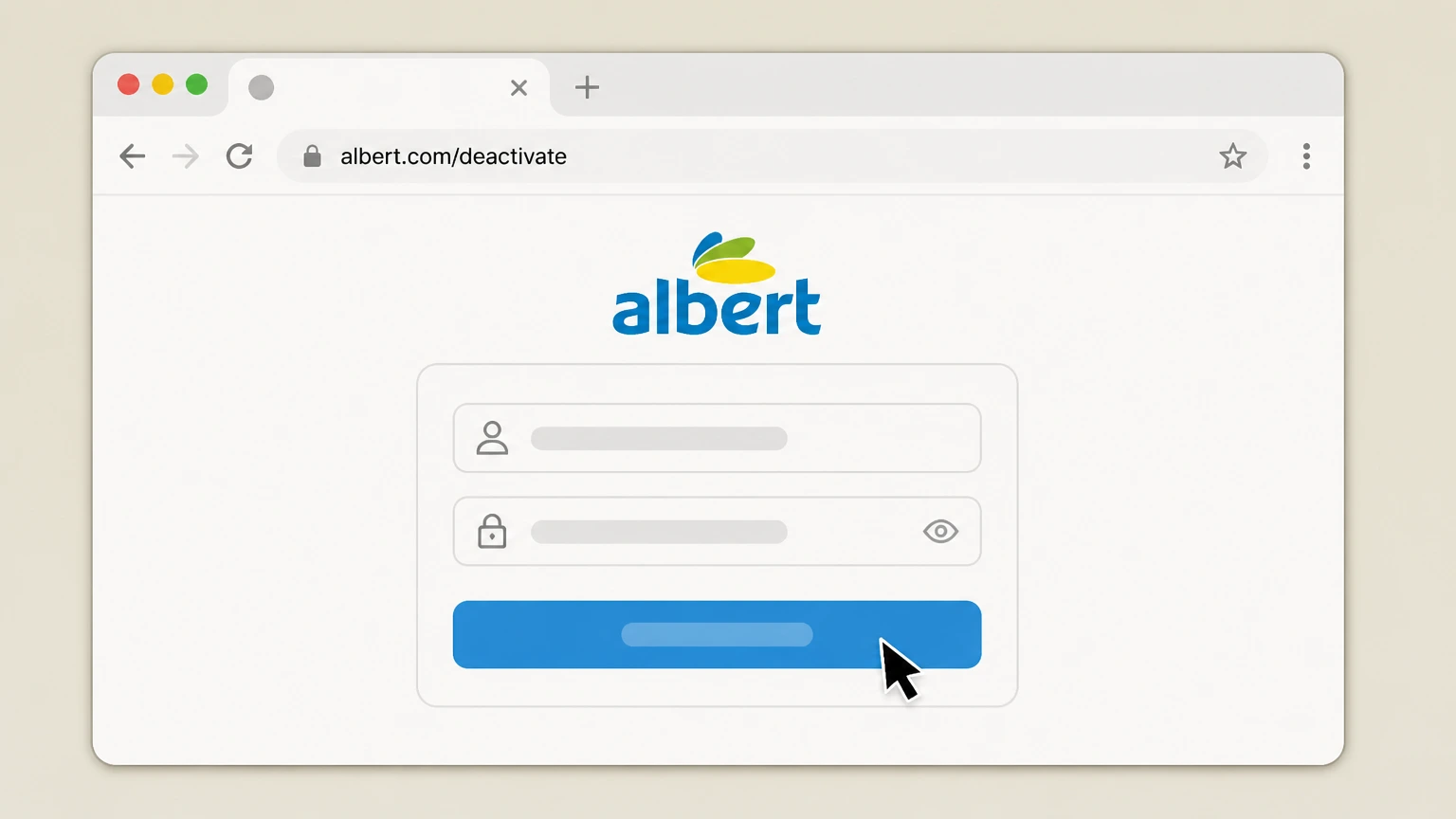
2Sign in to your Albert account
Sign in on the deactivation page using the email address or phone number associated with your Albert account. Use the Albert account named on your receipt, and continue only after the next status in this cancellation path is visible.
- Let Pine handle it
Pine can help
Too many steps?
Pine can find the right Albert website path and handle the cancellation for you.
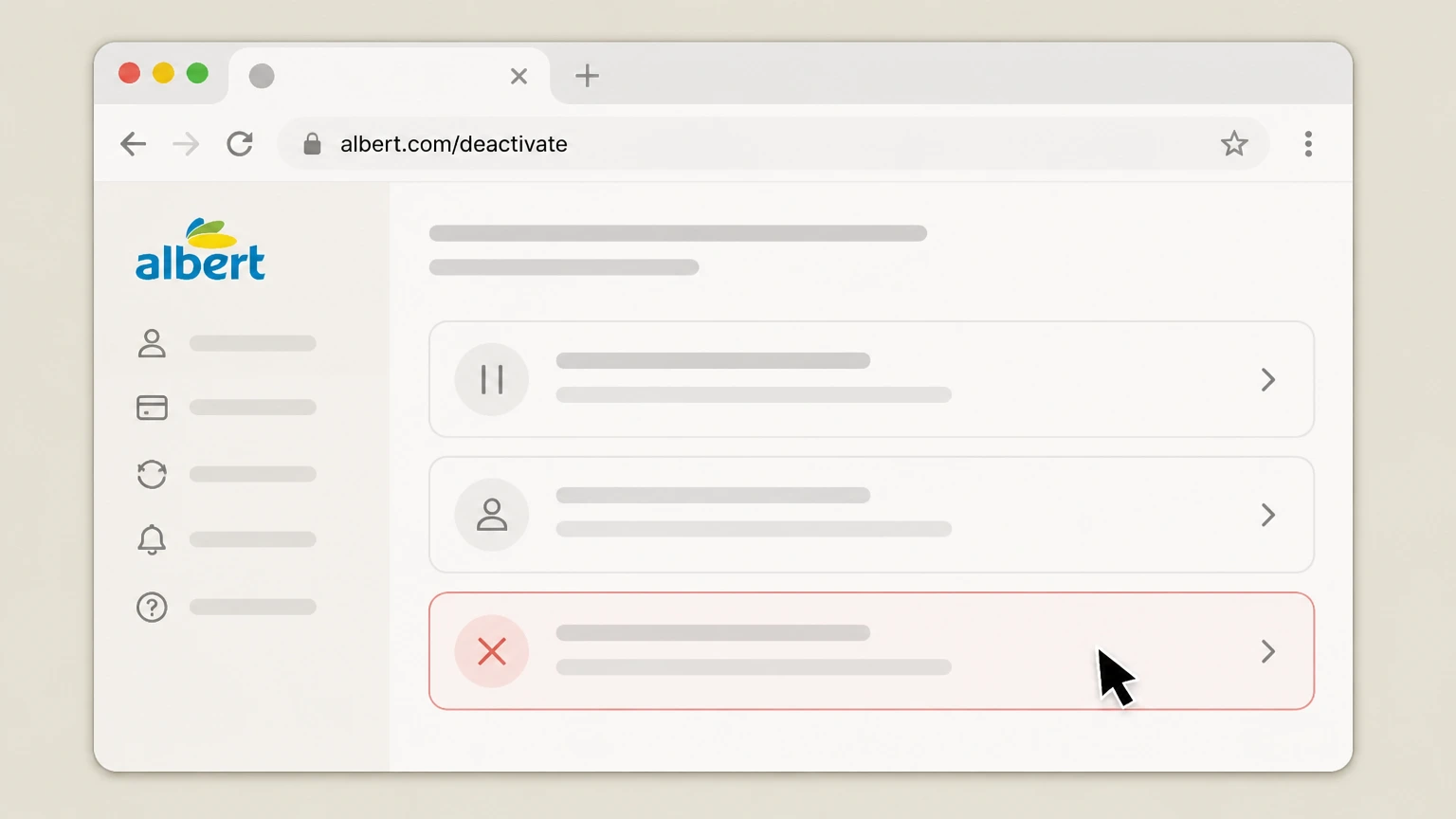 3
3Choose “Deactivate account” when prompted
When the page offers options for managing your account, choose the option to deactivate your account rather than permanently closing it if you only want to cancel the subscription.
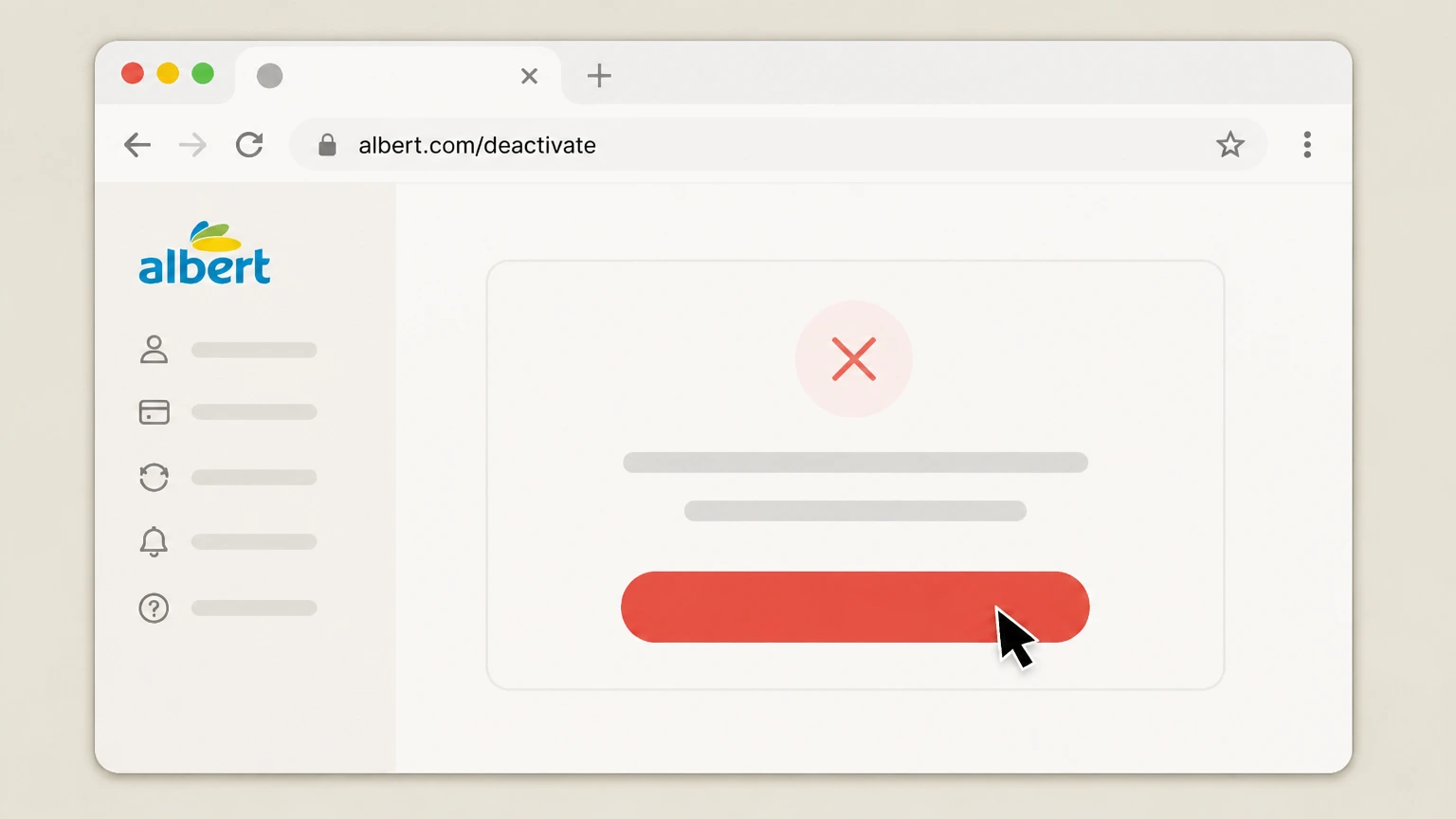 4
4Confirm deactivation to cancel the subscription
Follow the remaining on-screen instructions to confirm deactivation, which cancels your Albert subscription after any required balance conditions are satisfied.
Email support · verify the billing owner
 1
1Open your email app or webmail
Open the email application or webmail service you use to send and receive email. Use the Albert account named on your receipt, and continue only after the next status in this cancellation path is visible.
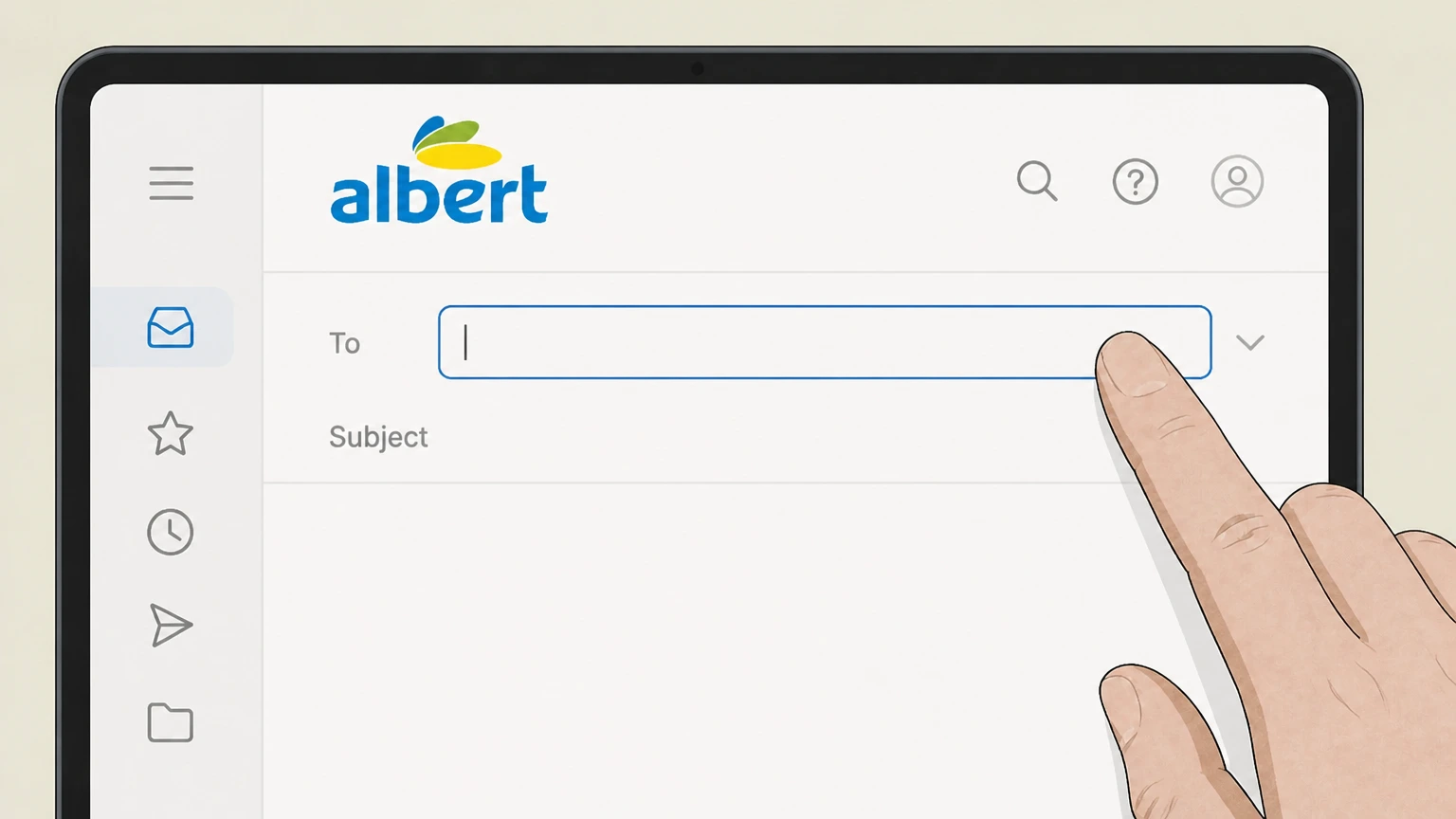 2
2Compose a new email to support@albert.com
Start a new message and address it to support@albert.com, Albert’s documented support email.help.albert.com Use the Albert account named on your receipt, and continue only after the next status in this cancellation path is visible.
- Let Pine handle it
Pine can help
Too many steps?
Pine can find the right Email support path and handle the cancellation for you.
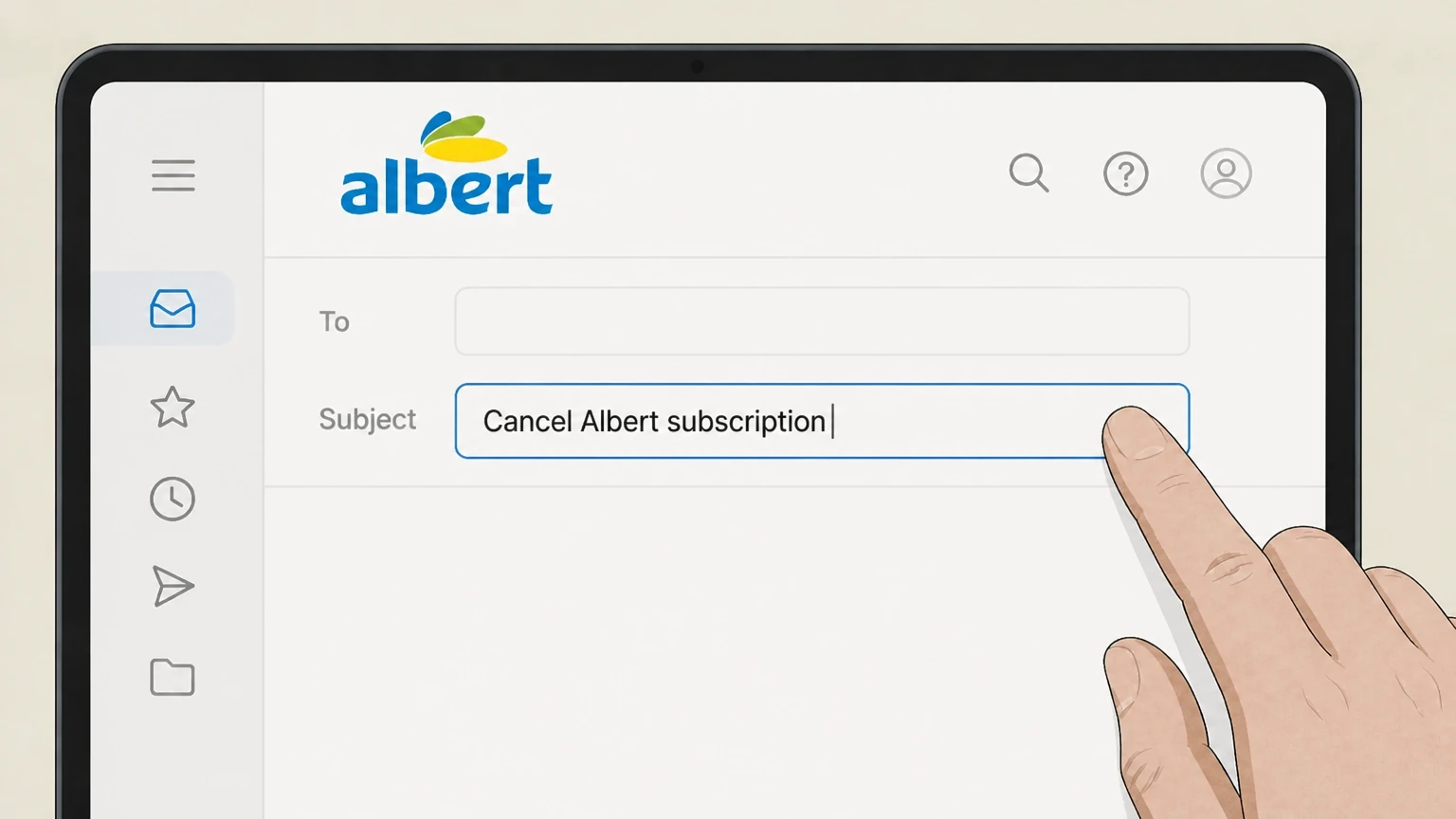 3
3Set a clear subject line
Enter a subject line such as “Cancel Albert subscription” so support can quickly identify your request. Use the Albert account named on your receipt, and continue only after the next status in this cancellation path is visible.
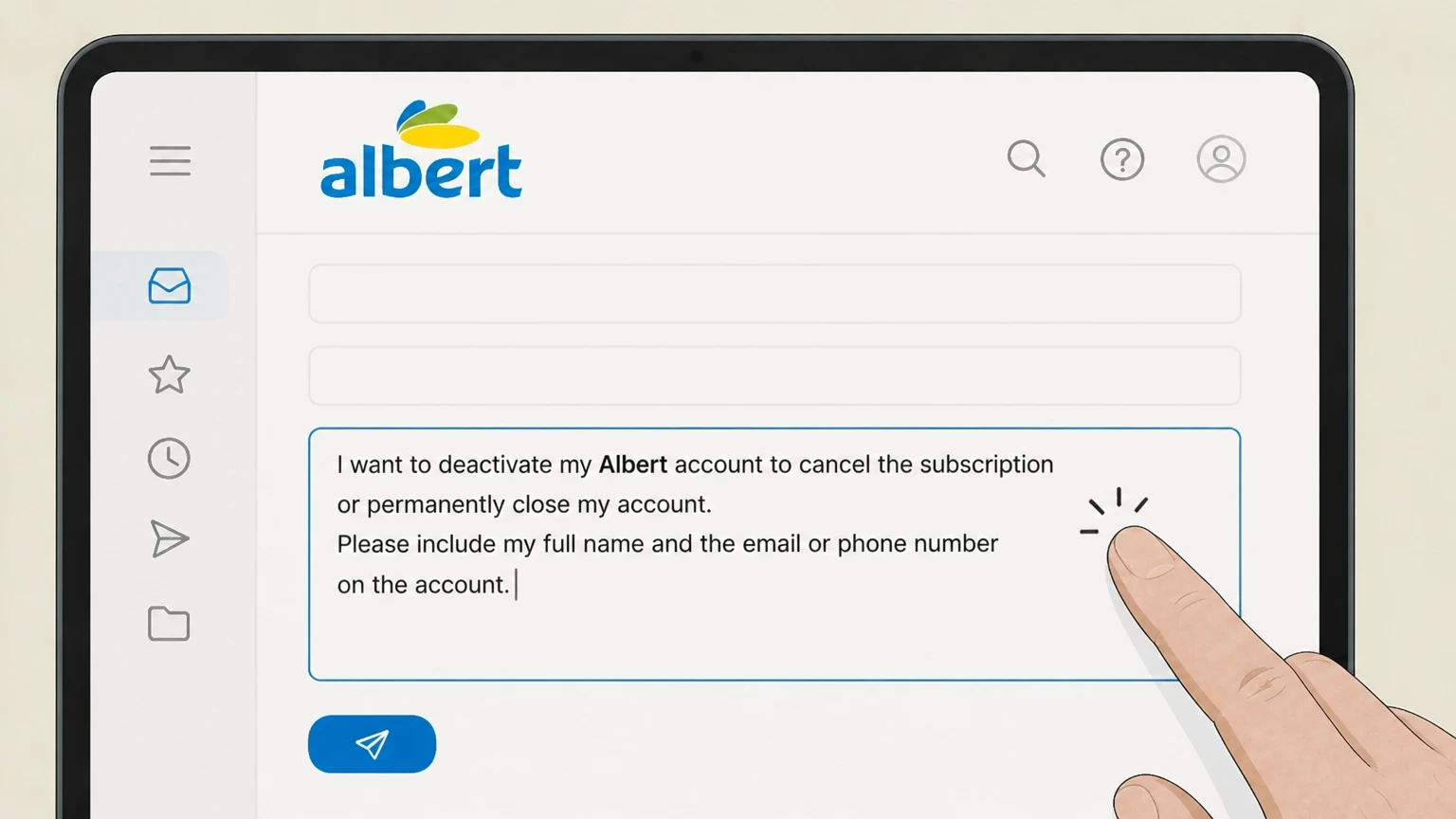 4
4Request cancellation in the message body
In the body, state that you want to deactivate your Albert account to cancel the subscription or permanently close your account, and include your full name and the email or phone number on the account.
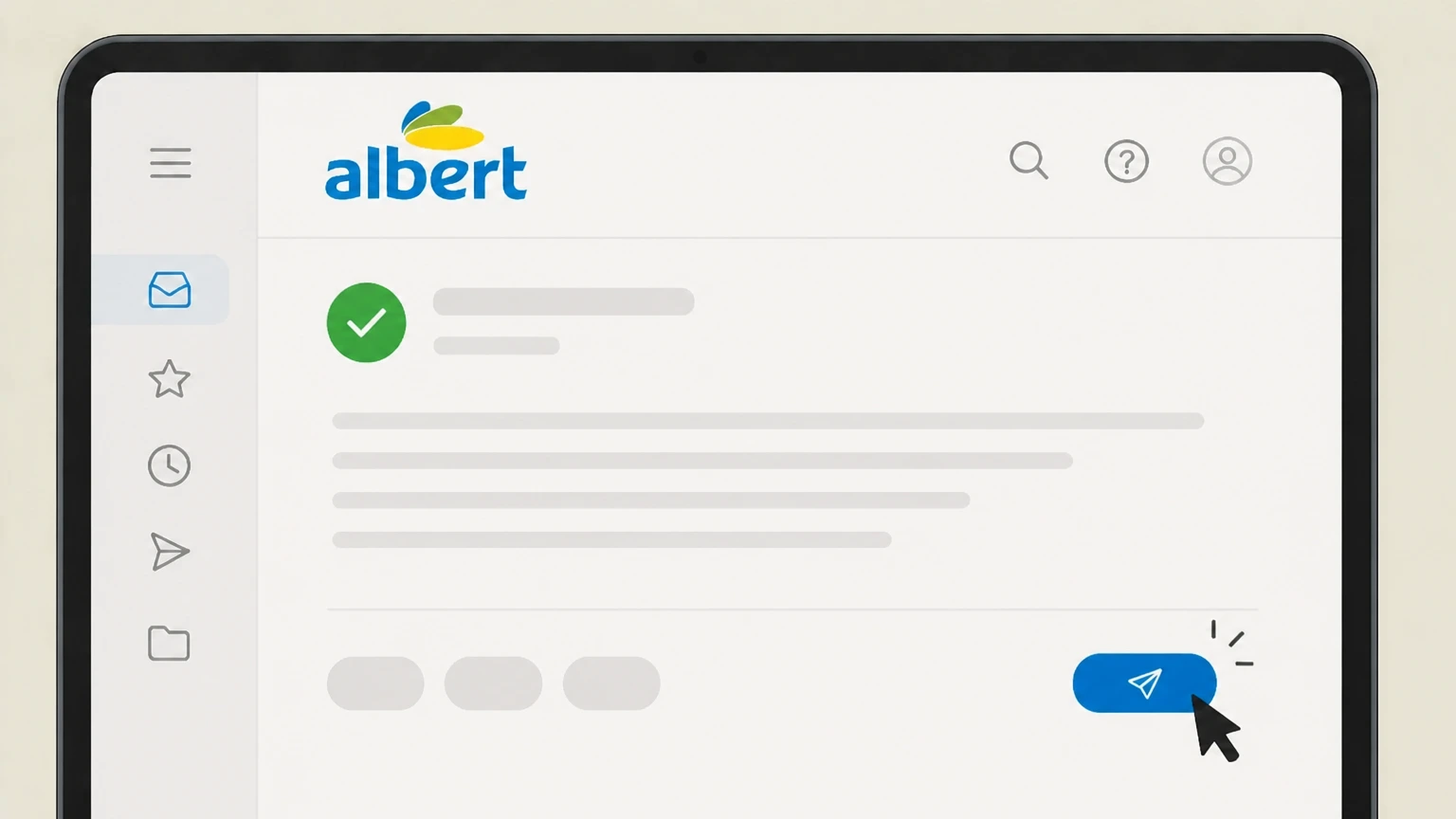 5
5Send the email and keep the reply
Send the email and save Albert’s written response confirming whether your subscription has been canceled and, if applicable, your account closed.
Refund policy
Albert refunds, trials, and billing disputes
Albert’s official materials set strict limits on subscription refunds but allow free trials and describe how timing affects charges. Card-network rules may still help if you were billed in error.
Check my refund options- Monthly subscription payments are generally nonrefundable
- Albert’s refund help article states that it does not offer refunds for monthly Albert subscriptions, so you should assume you will not receive a refund for a correctly processed monthly fee.help.albert.com
- Canceling during the 30‑day trial avoids the first charge
- For new or reactivated accounts, Albert’s Terms say that if you deactivate or close your account within 30 days of your scheduled Subscription Payment, that charge will not be collected—effectively ending the trial without a first paid month.help.albert.com
- Canceling mid-cycle usually affects only future payments
- Albert explains that Subscription Payments auto-renew until you cancel; it does not promise refunds for time remaining in the current period, so mid-cycle cancellation usually just stops future renewals rather than prorating or refunding the current month.help.albert.com
- Smart Money and other automations don’t cancel fees
- Albert specifically notes that pausing Smart Money does not pause subscription payments; you must use deactivation, closure, or supported support channels to stop the Subscription Payment itself.help.albert.com
- You may dispute erroneous card charges with your issuer
- FTC and CFPB guidance explains that if you see an unauthorized or erroneous credit card charge, you generally must send a written billing error notice to your card issuer within 60 days of the statement that first shows the charge for full protections.consumer.ftc.gov
If you believe an Albert charge is incorrect after cancellation, gather your deactivation or closure proof, billing dates, and any support messages, then dispute the charge both with Albert support (preferably in writing) and, if paid by card, with your card issuer under its billing error procedures. Review Albert’s refund policy
Plan structure
Albert subscription vs. other Albert products
Understanding which Albert services depend on a subscription helps you predict what changes when you cancel.
Subscription unlocks certain features
Albert’s Terms describe subscription plans that unlock budgeting, higher-yield savings, investing, bill reduction, Protect, Genius, and related features, while some products like Albert Cash, Instant Advance, and Instant Loan can be used without a subscription.help.albert.com
Access to non-subscription products after canceling
Albert states that for products that do not require a subscription, you can still access and use them after canceling your subscription, subject to each product’s own agreement.help.albert.com
Family Plan behavior
Under the Family Plan, only the Owner is billed; if the Owner cancels or downgrades, each Family Member must start their own subscription or close their account.help.albert.com
Genius and trial access
New customers can try Albert for 30 days before any subscription payment is charged; Genius and other subscription benefits end when you deactivate or when your subscription stops for nonpayment.help.albert.com
Billing ownership
How Albert bills and renews your subscription
Albert—not Apple or Google Play—controls billing and cancellation for its subscription plans.
Funding source for Subscription Payment
Albert’s Terms explain that your Subscription Payment amount is shown in the app and is debited from your linked bank account or Albert accounts; if the primary bank account fails, Albert may attempt other linked accounts.help.albert.com
Automatic renewal until canceled
Your Subscription Payment renews monthly until you cancel your subscription or close your account by following Albert’s cancellation instructions; continuing to use the service after a price change signals acceptance of the new rate.help.albert.com
Store listings direct you back to the app
Both Apple App Store and Google Play listings state that Albert plans auto-renew until canceled or the Albert account is closed and explicitly tell customers to cancel in the app, confirming that store subscription menus are not the control point.apps.apple.com
Right to change Subscription Payment
Albert may adjust subscription pricing at renewal with advance notice via email or the app; the current Subscription Payment is always disclosed inside the app, not on third-party sites.help.albert.com
Account status
Deactivation vs. permanent account closure
Albert distinguishes between deactivating your account to cancel the subscription and permanently closing all Albert accounts.
Deactivation cancels the subscription
Albert’s deactivation article says deactivating your account cancels your Albert subscription while leaving your login active so you can reactivate later and keep access to features that are not part of the subscription.help.albert.com
Permanent closure shuts all Albert accounts
The same article explains that permanent account closure closes all Albert accounts, stops your ability to send or receive funds, and causes future deposits (including direct deposit) sent to Albert to be returned.help.albert.com
Different balance requirements
To deactivate, you must zero out accounts included with the subscription—specifically Albert Savings and Investing—while permanent closure also requires zero balances in Albert Cash and repayment of any advance or loan balances.help.albert.com
Multiple ways to request either action
Albert’s Terms confirm you can cancel your subscription or close your account via the in‑app Deactivate/close flow, by emailing support, or by texting support, providing flexibility if you can’t use the app.help.albert.com
Before you cancel
Balance requirements and ongoing obligations
You may need to move money and handle debts before Albert will finalize your deactivation or account closure.
Savings and Investing must be $0 to cancel subscription
Albert requires your Albert Savings and Investing balances to be brought to $0—including withdrawing funds and selling investments—before you can deactivate your account and cancel the subscription.help.albert.com
All product balances must be $0 to close account
To be eligible for permanent account closure, Albert states you must have a $0 balance across all Albert products, including Cash, Savings, Investing, and any advances or loans.help.albert.com
Advances and loans remain due after canceling
Albert explains that deactivation does not remove any advance or loan balances owed; if autopay is enabled, automatic payments toward those balances may continue even after subscription cancellation.help.albert.com
Automatic debits and stop-payment timing
The Terms state you can view and edit funding sources under Profile → Linked accounts, and that you must notify Albert at least three banking days before the next scheduled debit to stop an automatic debit or revoke authorization.help.albert.com
What changes
What changes after you cancel Albert
Canceling your subscription affects subscription features, billing, and access, but not all Albert services disappear.
Subscription features stop
Once your subscription is canceled (for example by deactivation), Genius, higher-tier Protect, high-yield savings access, and other subscription-only features are no longer available under your plan.help.albert.com
Non-subscription products may continue
Albert notes that you can continue to use products that do not require a subscription—such as Albert Cash or certain Instant products—after canceling, subject to their own account agreements.help.albert.com
Login stays active after deactivation
The deactivation article clarifies that your login credentials remain active after deactivation, and you may reactivate the subscription later if you choose, unless you proceed to permanent closure.help.albert.com
Services end after permanent closure
If you close your account permanently, Albert states that you will not be able to send or receive funds with your Albert account and that new deposits sent there are returned rather than kept open.help.albert.com
Verification
Confirming cancellation and keeping proof
Albert does not describe a single standard confirmation format, so it’s important to save your own records when you cancel.
In‑app or web deactivation screens
When you complete deactivation in the app or on albert.com/deactivate, Albert’s help materials indicate you should see completion screens; capturing screenshots provides date-stamped proof of your request.help.albert.com
Support confirmations by email
If you cancel by emailing support, Albert’s Terms contemplate email communication for account matters; keep the reply in which Albert confirms that your subscription is canceled or your account is closed.help.albert.com
Check the Payments page after canceling
Albert’s cost article directs users to Profile → Menu → Payments to view payment details; revisiting this page after canceling can help confirm that future fee payments are no longer scheduled.help.albert.com
Watch your bank or card statements
After cancellation, monitor your bank, card, or Albert account statements for at least one or two billing cycles to confirm no new Subscription Payments are posting, distinguishing them from any separate advance or loan repayments.help.albert.com
Timing
Trials, billing dates, and cancellation timing
The way Albert’s 30‑day trial works makes your cancellation timing important, especially for new or reactivated accounts.
30‑day free trial for new accounts
Albert’s Terms state that new customers can try Albert for thirty days before being charged a Subscription Payment; the first payment is scheduled after the last day of the trial.help.albert.com
Cancel within 30 days to avoid first charge
For newly created or reactivated accounts, Albert explains that if you deactivate or close your account within thirty days of your scheduled payment, the Subscription Payment will not be charged, effectively canceling during the trial.help.albert.com
Ongoing subscribers charged until cancellation
Albert notes that you continue to be charged the Subscription Payment until you cancel your subscription or close your account, so mid-cycle cancellations typically affect future, not already-processed, payments.help.albert.com
Stop automatic debits ahead of time
Albert tells customers they must notify Albert at least three banking days before the next scheduled debit to stop an automatic debit, so do not wait until the exact billing date to cancel if your funding source is at risk of overdraft.help.albert.com
Refunds & disputes
Refund expectations and disputing unwanted charges
Albert’s policies make refunds rare, but card network rules may still give you options if something went wrong.
No refunds for monthly subscriptions
Albert’s refund article says it does not offer refunds for monthly Albert subscriptions, so canceling generally stops future charges but does not reverse correctly billed prior months.help.albert.com
Pausing Smart Money doesn’t stop fees
The same article warns that pausing Smart Money deposits does not pause Albert subscription payments, so you must deactivate or close your account (or contact support) to stop the Subscription Payment.help.albert.com
Use written disputes for billing errors
FTC and CFPB guidance explains that if you see an unauthorized or incorrect card charge, you typically must send a written billing error notice to your card issuer within 60 days of the statement that first shows the error.consumer.ftc.gov
Check product-specific agreements for fee issues
For Albert Cash or deposit issues, Albert refers customers to product agreements such as the Albert Cash Account Agreement and Stride Bank Deposit Account Agreement, which include their own error-resolution and closure rules.help.albert.com
What official sources do not confirm
Limits of the public Albert cancellation guidance
These points are intentionally qualified because the official sources reviewed on August 16, 2026 do not publish a complete answer.
Documented limitation 1
Albert can change its app layout, button labels, or web flows; this guide relies on labels and paths documented in Albert’s help center and Terms as of August 16, 2026.
Documented limitation 2
Exact screenshots and in-app wording for deactivation confirmations are not published by Albert, so users should rely on the documented navigation paths and save their own proof.
Documented limitation 3
SMS-based cancellation (texting support) is mentioned in the Terms but is not modeled as a separate route here because there is no distinct, well-documented step sequence beyond general contact.
Documented limitation 4
Product-specific agreements (for Cash, advances, loans, and investments) can further affect what happens after cancellation; this guide summarizes only high-level effects stated in Albert-wide documents.
Documented limitation 5
Refund and dispute information draws on general FTC and CFPB guidance; individual card issuers may apply these rules differently, so cardholders should confirm procedures with their issuer.
Albert cancellation FAQ
Questions people search about canceling Albert, answered with official provider or billing-platform sources checked on August 16, 2026.
How do I cancel Albert?
How do I cancel my Albert trial?
Why won't Albert let me cancel?
How do I stop Albert from taking money from my account?
How do I remove my bank account from Albert?
What happens to my Albert Cash, Savings, or Investing accounts after I cancel?
Does deactivating my Albert account cancel my subscription?
Can I get a refund for Albert charges?
How do I confirm that my Albert subscription is canceled?
Does uninstalling the Albert app cancel my subscription?
Untangle this Albert issue.
Let Pine handle the provider follow-up and keep the confirmation in one place.
