


Barnes & Noble
Cancel subscription
How to Cancel Your Barnes & Noble Membership Online
Learn how to cancel a Barnes & Noble Premium Membership, turn off automatic renewal, when refunds may apply, and what happens to your rewards and benefits.
- Official Barnes & Noble and billing-owner sources
- 3 provider-specific cancellation paths
- Refund and post-cancellation effects separated from renewal
- Verified August 16, 2026
Choose the Barnes & Noble cancellation path that matches who bills you
BN.com account – turn off automatic renewal · verify the billing owner
 1
1Open the Barnes & Noble website
In a desktop or mobile browser, go to the Barnes & Noble website at bn.com. Use the Barnes & Noble account named on your receipt, and continue only after the next status in this cancellation path is visible.
 2
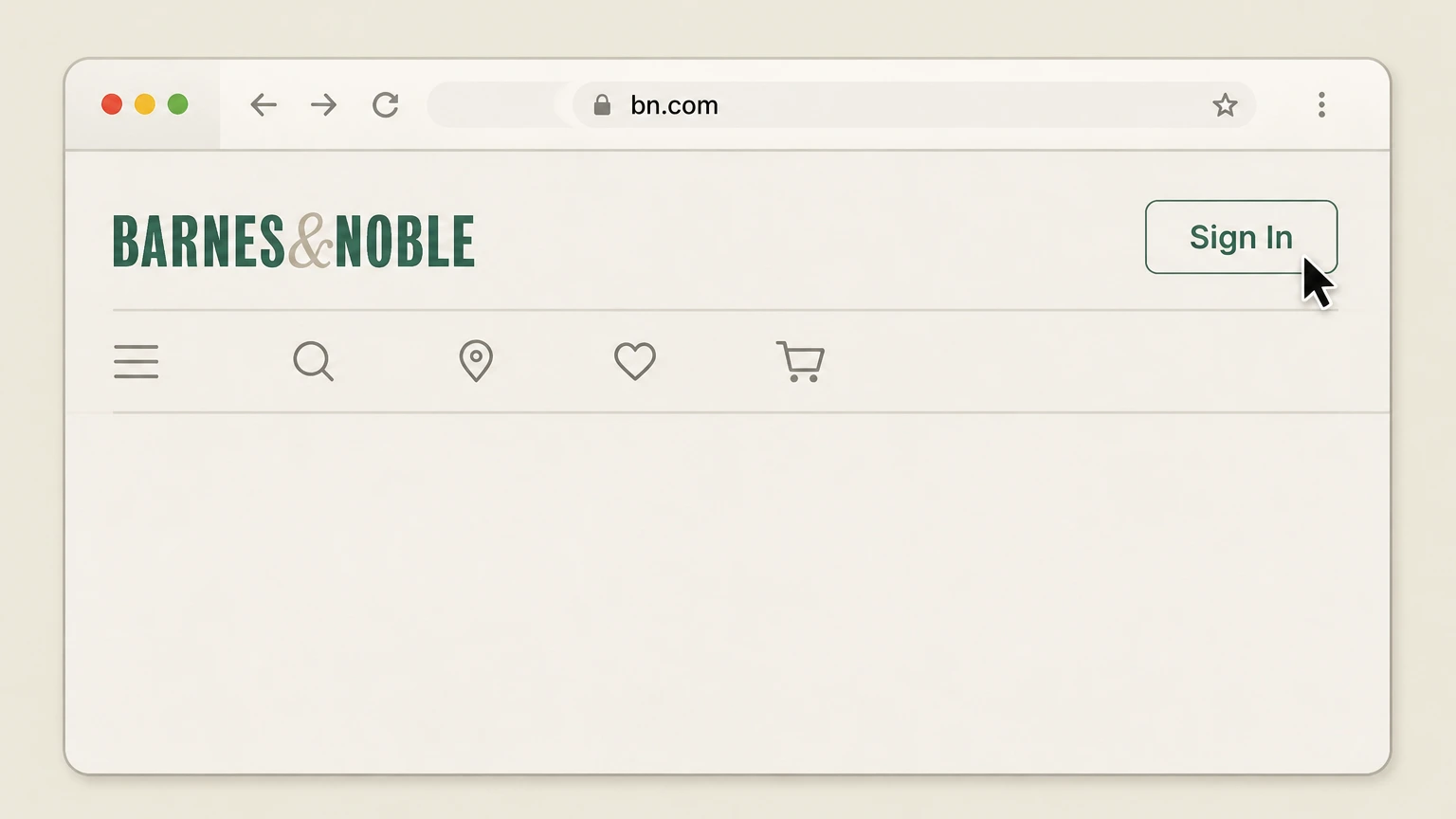
2Sign in to your bn.com account
Select “Sign In” and log in with the email and password associated with your Membership. Use the Barnes & Noble account named on your receipt, and continue only after the next status in this cancellation path is visible.
- Let Pine handle it
Pine can help
Too many steps?
Pine can find the right BN.com account – turn off automatic renewal path and handle the cancellation for you.
 3
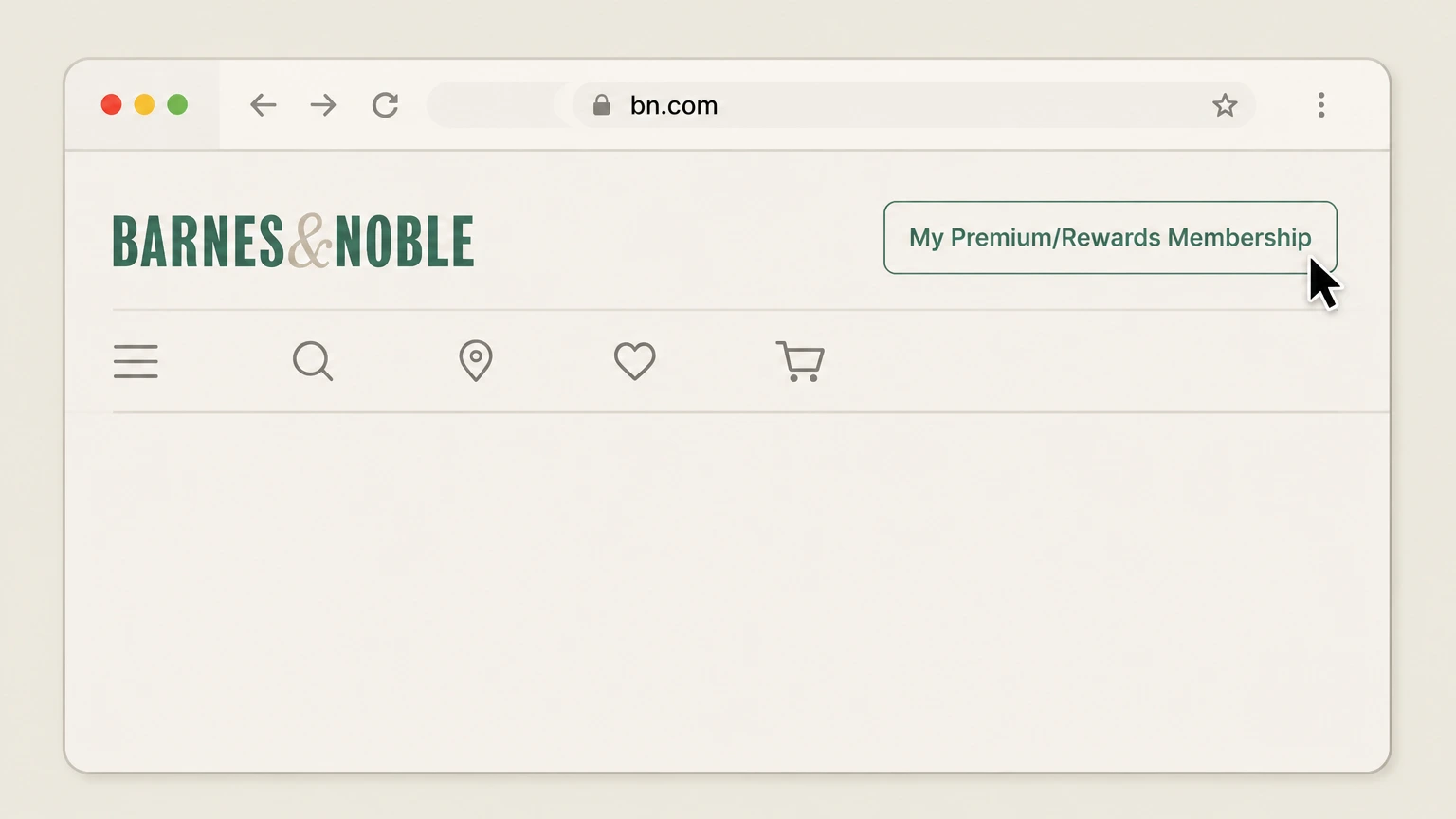
3Open the Membership area
In the website header, click “My Premium/Rewards Membership” to go to your Membership section. Use the Barnes & Noble account named on your receipt, and continue only after the next status in this cancellation path is visible.
 4
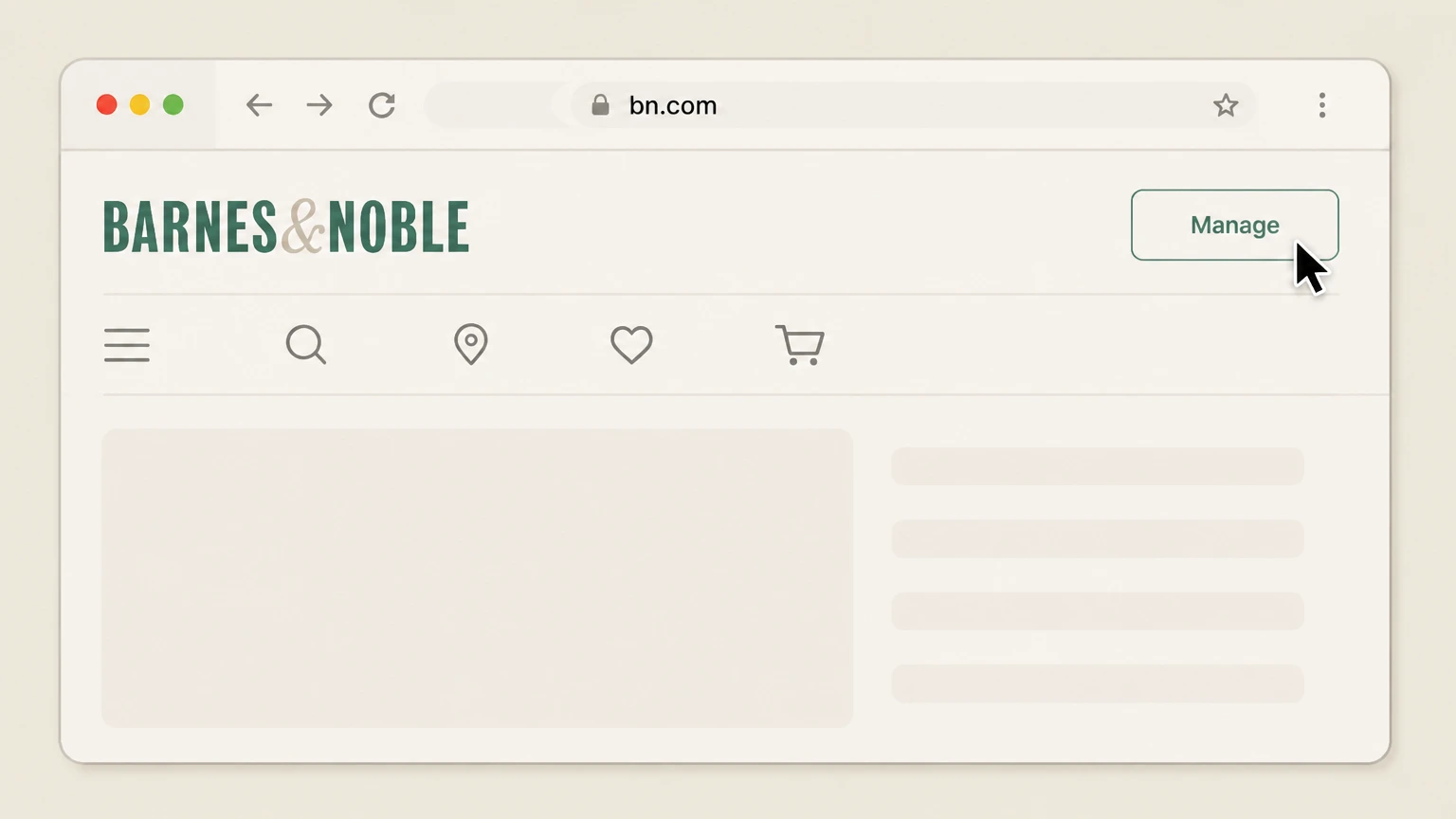
4Select Manage to open your Member profile
On the Membership area, click “Manage” to view your Member Profile page. Use the Barnes & Noble account named on your receipt, and continue only after the next status in this cancellation path is visible.
 5
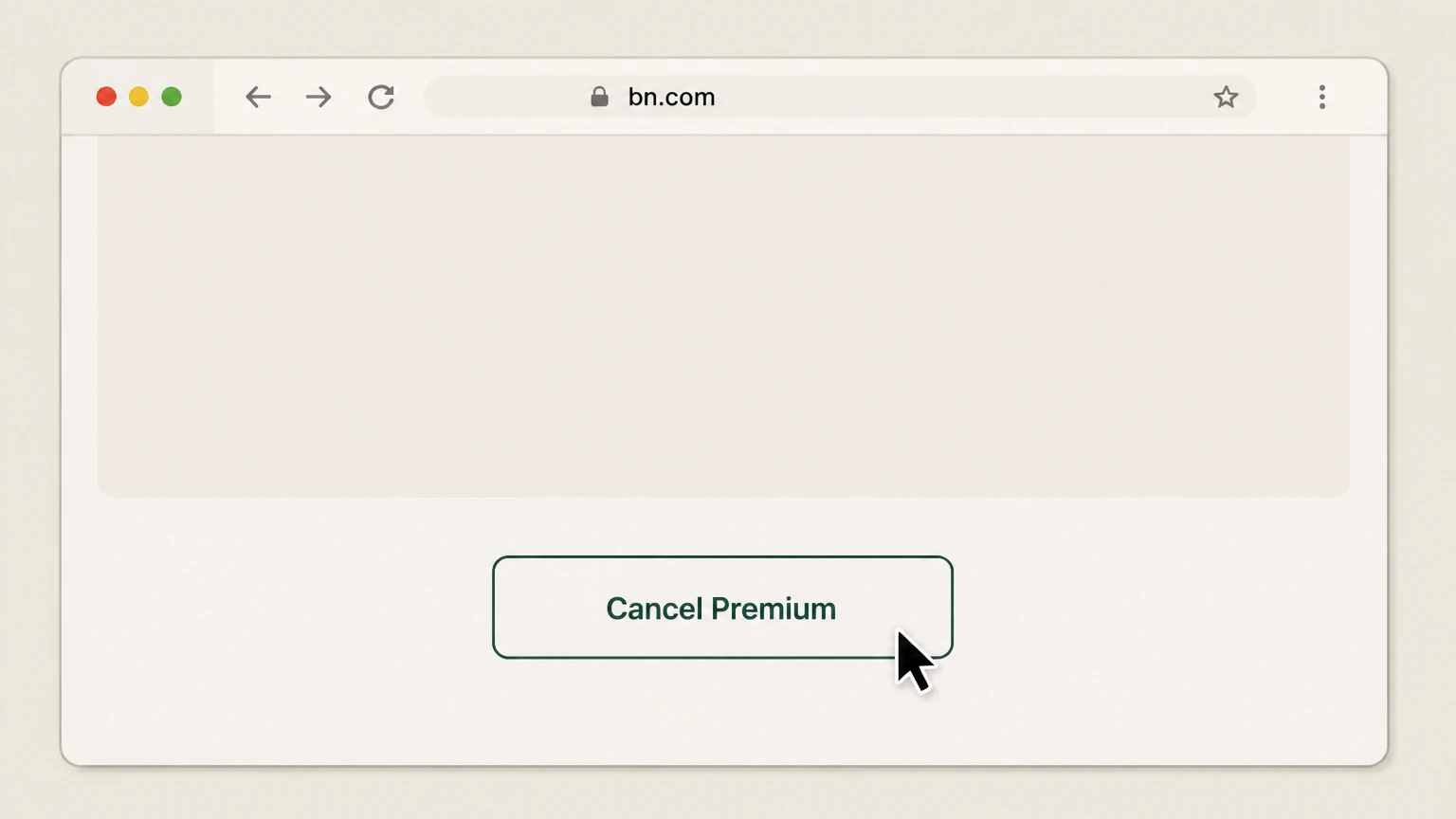
5Choose Cancel Premium on the Membership page
On the Member Profile or My Membership page, scroll to the bottom and click the “Cancel Premium” button. Use the Barnes & Noble account named on your receipt, and continue only after the next status in this cancellation path is visible.
 6
6Confirm that automatic renewal is turned off
Follow the on‑screen prompts to confirm cancellation; then verify that your Membership now shows an expiration date instead of an upcoming automatic renewal date.

Request to Cancel Membership form (bn.com/memberautorenewal) · verify the billing owner
 1
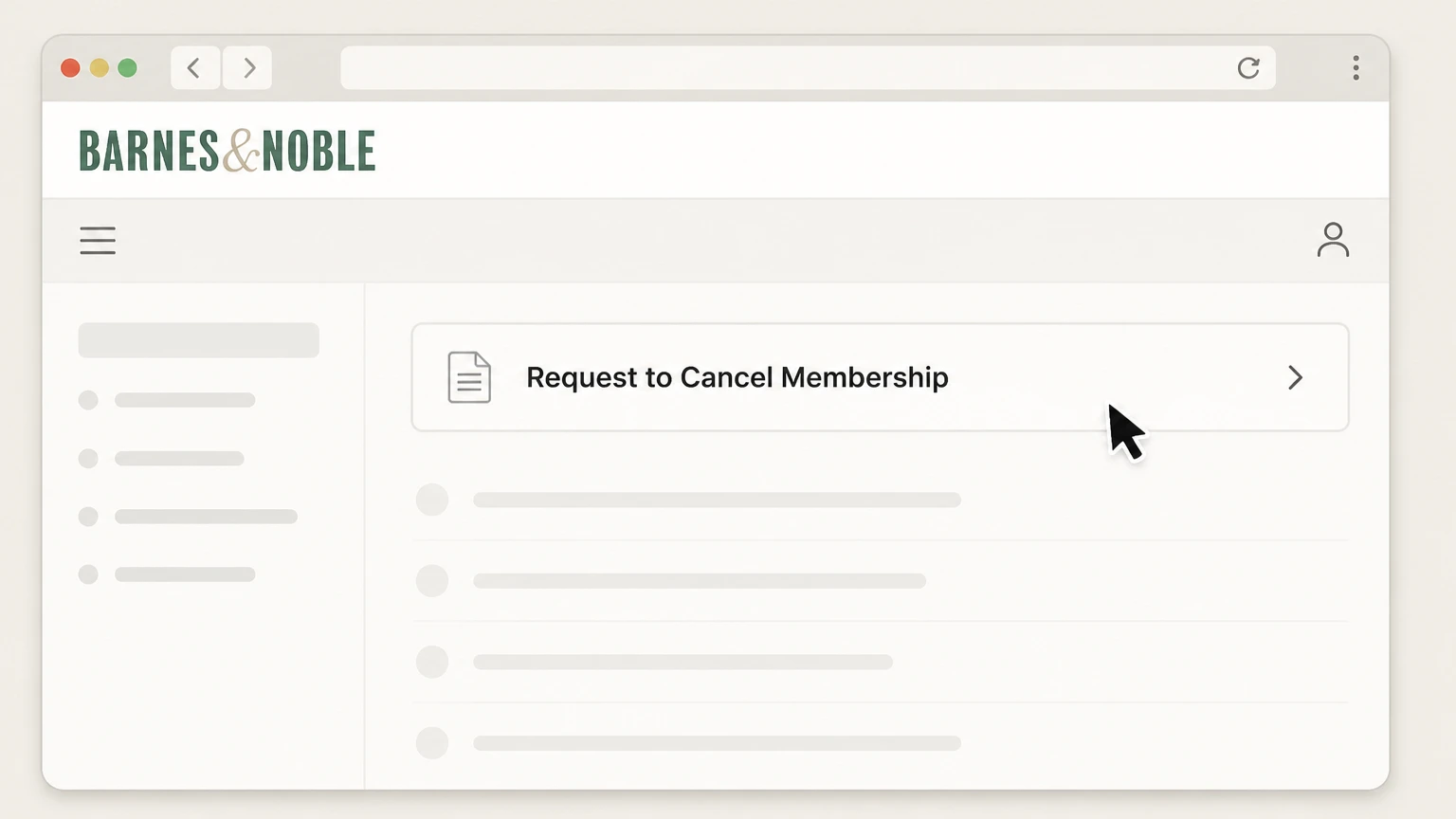
1Open the Request to Cancel Membership form
From the B&N Help Center, open the “Request to Cancel Membership” page at bn.com/memberautorenewal. Use the Barnes & Noble account named on your receipt, and continue only after the next status in this cancellation path is visible.
 2
2Sign in with your Membership email if prompted
If the help-center form asks you to sign in, log in using the bn.com account email linked to your Membership.
- Let Pine handle it
Pine can help
Too many steps?
Pine can find the right Request to Cancel Membership form (bn.com/memberautorenewal) path and handle the cancellation for you.
 3
3Complete the cancellation request form
Enter the requested details (such as your name, email, and Membership information) so Customer Service can locate your Membership. Use the Barnes & Noble account named on your receipt, and continue only after the next status in this cancellation path is visible.
 4
4Submit the request for Membership cancellation
Submit the completed form to request that Barnes & Noble cancel your Membership’s automatic renewal and send you a confirmation email.
Cancel Membership auto‑renewal at a store · verify the billing owner
 1
1Visit a participating Barnes & Noble or Paper Source location
Go to a Barnes & Noble, Paper Source, or other participating B&N/PS store that supports the Membership Program. Use the Barnes & Noble account named on your receipt, and continue only after the next status in this cancellation path is visible.
 2
2Go to the customer service information desk
At the store, go to the customer service information desk and let the bookseller or associate know you need Membership help.
- Let Pine handle it
Pine can help
Too many steps?
Pine can find the right Cancel Membership auto‑renewal at a store path and handle the cancellation for you.
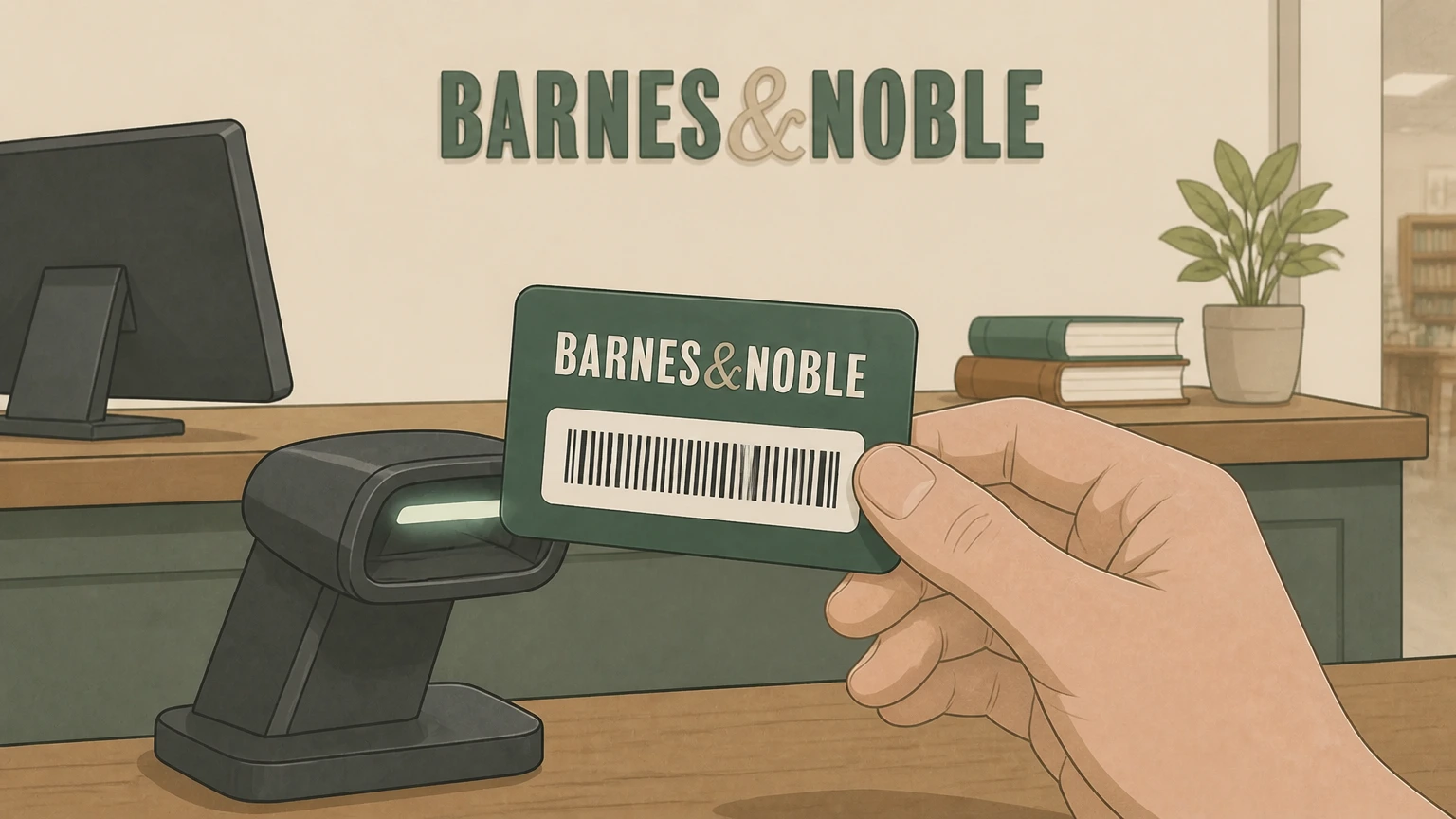 3
3Provide your Membership card or app barcode
Show your physical Membership card or the Membership barcode in the Barnes & Noble app so staff can locate your account.
 4
4Ask to cancel automatic renewal for Premium Membership
Tell the bookseller or associate that you want to cancel automatic renewal for your Premium or Legacy Membership so it will not renew again.
 5
5Verify the updated expiration and confirmation
Ask the staff member to confirm that automatic renewal has been turned off, note your Membership expiration date, and ensure you receive a receipt or email confirmation if available.
Refund policy
Barnes & Noble Membership refund rules
Barnes & Noble allows refunds of Premium Membership fees only in narrow situations and generally treats cancellation as stopping future renewals, not refunding past payments.
Check my refund options- Premium fees are usually non‑refundable
- The Membership Terms state that Premium fees are not refundable except in limited situations described in the Terms. Simply canceling automatic renewal for a future date does not entitle you to a refund of the current term’s fee.
- Short window after a new or renewed term
- You may be eligible for a full refund of a new or renewal Premium term, including a term created by an automatic renewal, only if you request it within 30 days of that term’s start or renewal charge and meet all additional conditions.
- No Membership use allowed during the refundable term
- Refund eligibility requires that you have not used your Premium Membership to obtain any eligible discount or benefit during the new or renewed term you want refunded. If you used the benefits, Barnes & Noble will not refund the fee.
- Refunded Premium converts to free Rewards
- When Barnes & Noble approves a Premium refund, your Membership level is converted to the free Rewards tier, and Premium‑only benefits such as free shipping and extra discounts end.
- Terminate without refund at any time
- You can terminate Premium or Rewards Membership at any time by contacting membership Customer Service, but outside the specific refund rules, no part of the Membership fee is refunded and any stamps or Rewards are forfeited at termination.
For the exact legal language on when Premium fees may be refunded and how cancellation and termination are treated, review the current Barnes & Noble/Paper Source Membership Program Terms & Conditions. View full Membership Terms at BN.com
Program structure
Premium, Rewards, and Legacy Membership levels
Barnes & Noble runs a tiered Membership Program. Understanding which level you hold clarifies what “cancel” will and will not change.
Premium Membership is the paid tier
Premium Membership is the only tier with an annual fee. It adds in‑store and online discounts, free standard shipping on eligible orders, and other benefits on top of Rewards features, per the Membership Terms & Conditions.
Rewards Membership is free and ongoing
Rewards Membership has no annual fee and remains active until you or Barnes & Noble terminate it. It allows you to earn stamps and redeem Rewards on qualifying purchases but does not itself auto‑renew a paid fee.
Legacy Membership still exists for some customers
Some long‑time customers may still be on a Legacy Membership. Those members can upgrade to Premium or Rewards, or remain on Legacy where supported. Legacy automatic renewals can also be canceled using the same methods as Premium.
Program limited to B&N/PS stores and BN.com
Membership benefits only apply at participating Barnes & Noble and Paper Source–branded stores and on BN.com. College bookstores operated by Barnes & Noble Education have separate programs and are not covered by these Membership terms.
Renewal behavior
How automatic renewal and billing work
Premium and some Legacy Memberships use automatic renewal unless you cancel or terminate. Knowing when you are charged helps you avoid unwanted renewals.
Premium Membership renews every 12 months
When enrolled in automatic renewal, Premium Membership renews for 12‑month terms, with the renewal fee charged to the payment method on file up to about 30 days before the current term ends.
Charges use payment methods saved with B&N
Renewal charges are billed to the card used when joining or renewing, or to a later payment method you supplied in your bn.com account or through Customer Service. Third‑party app stores do not bill Membership fees.
You can opt out before the next charge
If you cancel Premium (turn off automatic renewal) before the renewal date, Barnes & Noble will not bill the next term. Your current paid term remains active until its expiration date.
Declined payments trigger update requests
If a renewal charge declines, Barnes & Noble sends an email asking you to update your payment method, which you can do from the Membership area of your bn.com account or by contacting Customer Service.
Account linking
Linking your Membership to a bn.com account
Most online cancellation options assume your Membership is linked to a bn.com account that uses the same email address as your Membership profile.
Membership auto‑links by email address
If you enroll using an email address and later create or use a bn.com account with that same address, your Membership information is automatically linked to that bn.com account.
Members who joined in store may need to create accounts
If you enrolled at a Paper Source or other participating store and do not yet have a bn.com account for that email address, you must create one to manage Membership online, because Membership management is not offered on papersource.com.
Use My Account to reach Membership details
From your bn.com My Account page, you can scroll to the Memberships section and select Manage Membership to view your Membership number, expiration or renewal date, and other details.
Contact Customer Service if data doesn’t appear
If your Membership information does not show in your bn.com account even after using the correct email, Barnes & Noble directs you to contact Customer Service for help linking the Membership.
Types of exit
Cancel automatic renewal versus terminating Membership
Barnes & Noble distinguishes between canceling automatic renewal, canceling with a refund when criteria are met, and terminating a Membership immediately. Each has different effects.
Cancel automatic renewal keeps benefits until expiry
Using Cancel Premium online, the Request to Cancel form, or in‑store assistance turns off automatic renewal. Your current Premium term stays active to its expiration date, and then your account converts to free Rewards.
Cancel with refund is limited and must meet strict rules
In some cases, if an automatic renewal just occurred and no eligible Membership benefits were used in that new term, you may ask Customer Service to cancel Premium and refund that fee. Outside those conditions, refunds are not available.
Terminate ends Membership immediately
You can terminate a Premium or Rewards Membership at any time by emailing Customer Service at the Membership address and stating you want to end your Membership. Termination is effective once processed and cannot be reversed.
Termination forfeits all stamps and Rewards
When a Membership is terminated, any stamps and Rewards attached to that Membership expire immediately and cannot be reinstated, and no Premium fee refund is due except under the narrow refund provisions in the Terms.
After you cancel
What changes when you cancel or terminate Membership
Stopping automatic renewal, canceling with a refund, or terminating Membership affect your discounts, shipping, stamps, and Rewards in different ways.
Premium benefits continue until the term ends
If you simply turn off automatic renewal, your Premium discounts and free‑shipping benefits continue through the last day of the current term, as shown in your Member profile.
Expired Premium converts to free Rewards
When a Premium term ends without renewal, the Membership level automatically converts to Rewards Membership. Earned stamps and Rewards remain available under the Rewards tier while the Membership account stays active.
Refund‑based cancellation converts to Rewards immediately
If Barnes & Noble approves a refund of a new or renewed Premium term under its strict conditions, Premium status ends and your account is converted to the free Rewards Membership level.
Termination removes all benefits at once
When you ask to terminate your Membership, the account can no longer be used for Premium or Rewards benefits, and any accumulated stamps or Rewards expire as of the termination date.
Other subscriptions
B&N Audiobooks and other Barnes & Noble subscriptions
Barnes & Noble also offers recurring services such as B&N Audiobooks and NOOK periodical subscriptions, which have their own cancellation steps separate from Membership.
B&N Audiobooks subscription cancels via bn.com Account
To cancel a B&N Audiobooks subscription, sign into your bn.com account, open the Digital Content or Audiobooks section, select Manage Your B&N Audiobooks Subscription, choose Cancel Subscription, and confirm the cancellation online.
Audiobook credits expire after cancellation
Credits earned through a B&N Audiobooks subscription normally last one year while you remain subscribed. If you cancel, any remaining credits are reset to expire 30 days after the cancellation date unless you re‑subscribe within that period.
Audiobooks billing is separate from Membership fees
B&N Audiobooks is billed monthly and is independent of Premium Membership billing. Canceling Premium does not stop Audiobooks charges, and canceling Audiobooks does not change your Membership status.
NOOK periodicals cancel through BN.com
User guides for NOOK devices specify that digital magazine and newspaper subscriptions must be canceled through the Manage Subscriptions area of your bn.com account, not by deleting issues from your device.
Help and proof
Confirmation, timing, and getting support
Knowing how Barnes & Noble confirms changes and how to escalate issues helps you ensure your Membership is really canceled.
Email confirmations follow key changes
Barnes & Noble sends confirmation emails when you change Membership details in your bn.com account, when Request to Cancel Membership is processed, and when automatic renewal settings are updated.
Status updates may take up to one business day
Help-center guidance notes that it may take up to one business day for a change such as canceling automatic renewal to appear in your bn.com account view, even after you submit the request.
Use Contact Us for chat, email, or phone support
If your Membership information is missing or cancellation does not appear, you can reach Customer Service via the Contact Us page, which offers 24‑hour chat and email, plus phone support for some issues.
Keep screenshots or store receipts
When canceling online, keep screenshots of the updated Membership status. For in‑store requests, ask for printed or emailed confirmation so you can prove when you requested cancellation if billing questions arise later.
Older plans
Special notes for Legacy Members
Some long‑time members remain on the retired Barnes & Noble Legacy Membership. Their renewal and cancellation behavior differs slightly from Premium and Rewards.
Legacy Membership can still auto‑renew
For Legacy Members enrolled in automatic renewal who have not upgraded to Premium or Rewards, the program may continue to renew for 12‑month Legacy terms unless you cancel before the charge date.
Legacy Members can upgrade to Premium or Rewards
Legacy Members may upgrade to Premium or to free Rewards Membership at participating stores or on BN.com. Upgrading changes the benefits going forward but does not erase prior activity on the Membership account.
Canceling Legacy automatic renewal uses the same paths
Legacy Members who are set to auto‑renew can use the same tools as Premium Members—bn.com account management, the cancel‑membership form, or store assistance—to stop further automatic renewals.
Legacy terms are maintained in a separate document
Barnes & Noble maintains a specific Legacy Membership Terms & Conditions document, referenced from the current Membership Terms. Most new cancellations, however, are handled under the newer program rules.
What official sources do not confirm
Limits of the public Barnes & Noble cancellation guidance
These points are intentionally qualified because the official sources reviewed on August 16, 2026 do not publish a complete answer.
Documented limitation 1
This guide focuses on the Barnes & Noble/Paper Source Membership Program described in the current Membership Terms & Conditions and does not cover separate programs run by Barnes & Noble Education or college bookstores.
Documented limitation 2
Store‑level processes (such as whether a particular franchised or partner location can process cancellations) may vary, even though the Terms list eligible brands; customers should confirm in store if assistance is available.
Documented limitation 3
Exact button placement or wording inside the bn.com interface and help‑center forms may change over time; the guide relies on labels and flows described in mid‑2026 help articles.
Documented limitation 4
The guide summarizes refund eligibility but does not replace the full legal language of the Membership Terms & Conditions or any consumer‑protection rights that may apply under local law.
Documented limitation 5
Information about NOOK periodical subscription cancellation is based on current user guides and may change as Barnes & Noble updates its digital platforms. For Barnes & Noble, verify this account-specific point with the current billing owner because the reviewed public sources do not publish a more precise universal rule.
Barnes & Noble cancellation FAQ
Questions people search about canceling Barnes & Noble, answered with official provider or billing-platform sources checked on August 16, 2026.
Can I cancel my Barnes and Noble membership online?
How to get rid of Barnes and Noble membership?
Does Barnes & Noble Premium Membership renew automatically?
Can I cancel my Barnes & Noble membership in a store?
What happens to my Rewards stamps and Rewards when I cancel Premium Membership?
Does canceling my Barnes & Noble Membership delete my bn.com account?
How do I cancel my B&N Audiobooks subscription on iPhone?
How do I know my Barnes & Noble membership cancellation worked?
Can I get a refund if my Premium Membership renewed by mistake?
Untangle this Barnes & Noble issue.
Let Pine handle the provider follow-up and keep the confirmation in one place.
