


Architectural Digest
Cancel subscription
How to Cancel Architectural Digest Subscriptions
Step-by-step guide to cancel Architectural Digest digital, print, and app‑store subscriptions, who controls billing, what happens to access, and refund limits.
- Official Architectural Digest and billing-owner sources
- 3 provider-specific cancellation paths
- Refund and post-cancellation effects separated from renewal
- Verified August 16, 2026
Choose the Architectural Digest cancellation path that matches who bills you
ArchitecturalDigest.com or magazine account (Condé Nast billing) · verify the billing owner
 1
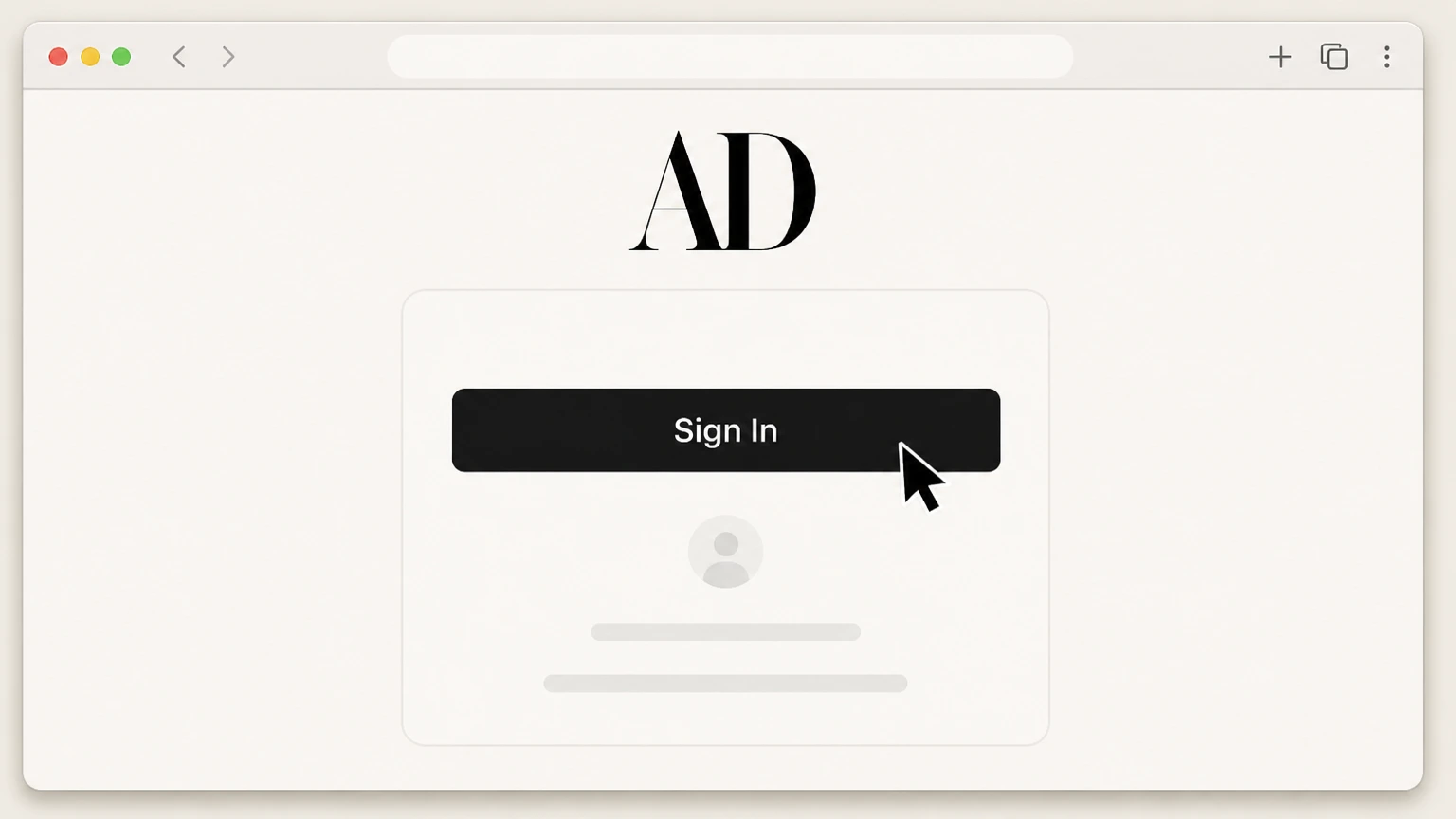
1Sign in to ArchitecturalDigest.com
Go to ArchitecturalDigest.com and sign in using the email address linked to your subscription. Use the Architectural Digest account named on your receipt, and continue only after the next status in this cancellation path is visible.
 2
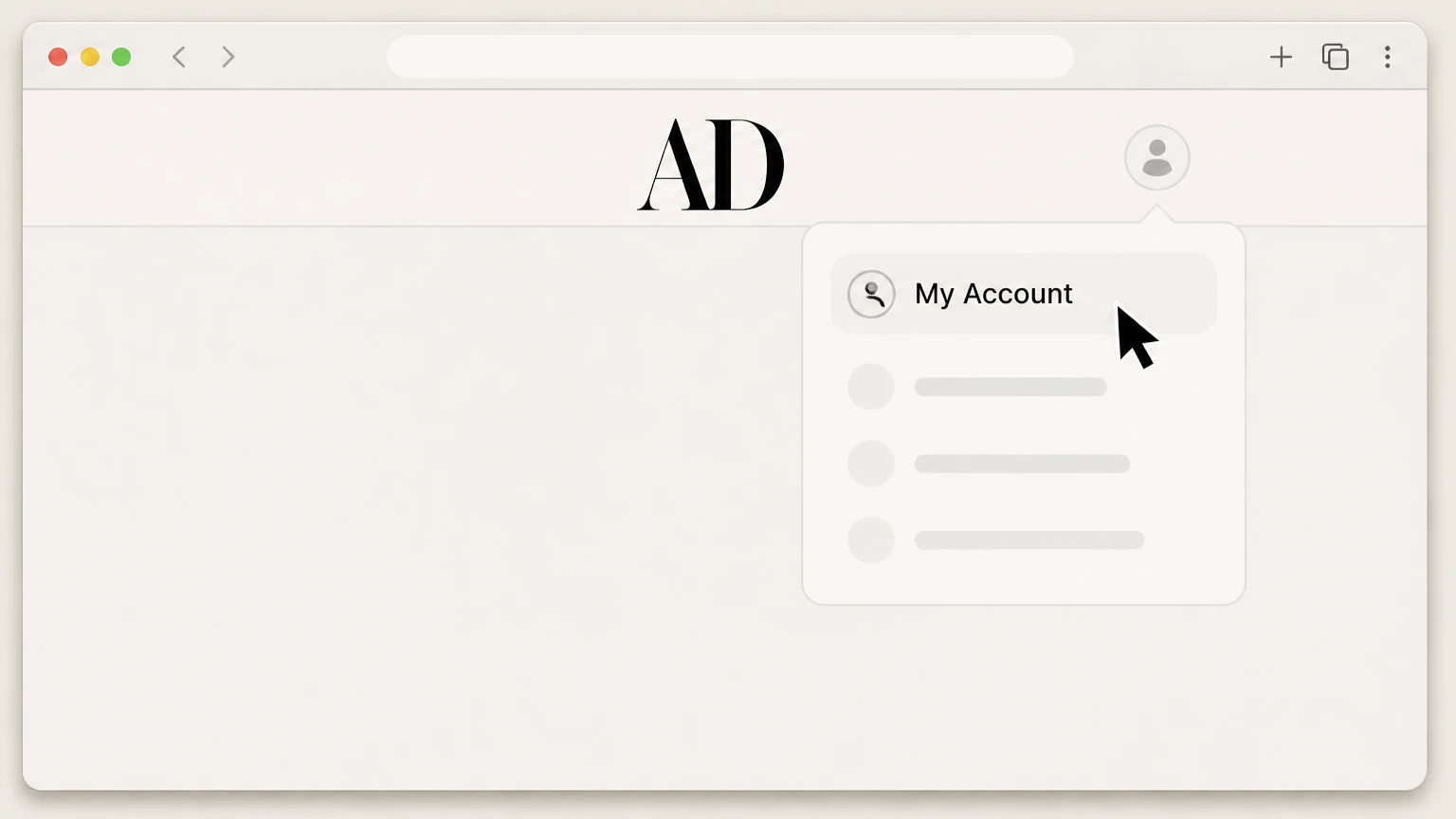
2Open My Account from your profile
Click your profile icon in the top-right corner and select My Account. Use the Architectural Digest account named on your receipt, and continue only after the next status in this cancellation path is visible.
- Let Pine handle it
Pine can help
Too many steps?
Pine can find the right ArchitecturalDigest.com or magazine account (Condé Nast billing) path and handle the cancellation for you.
 3
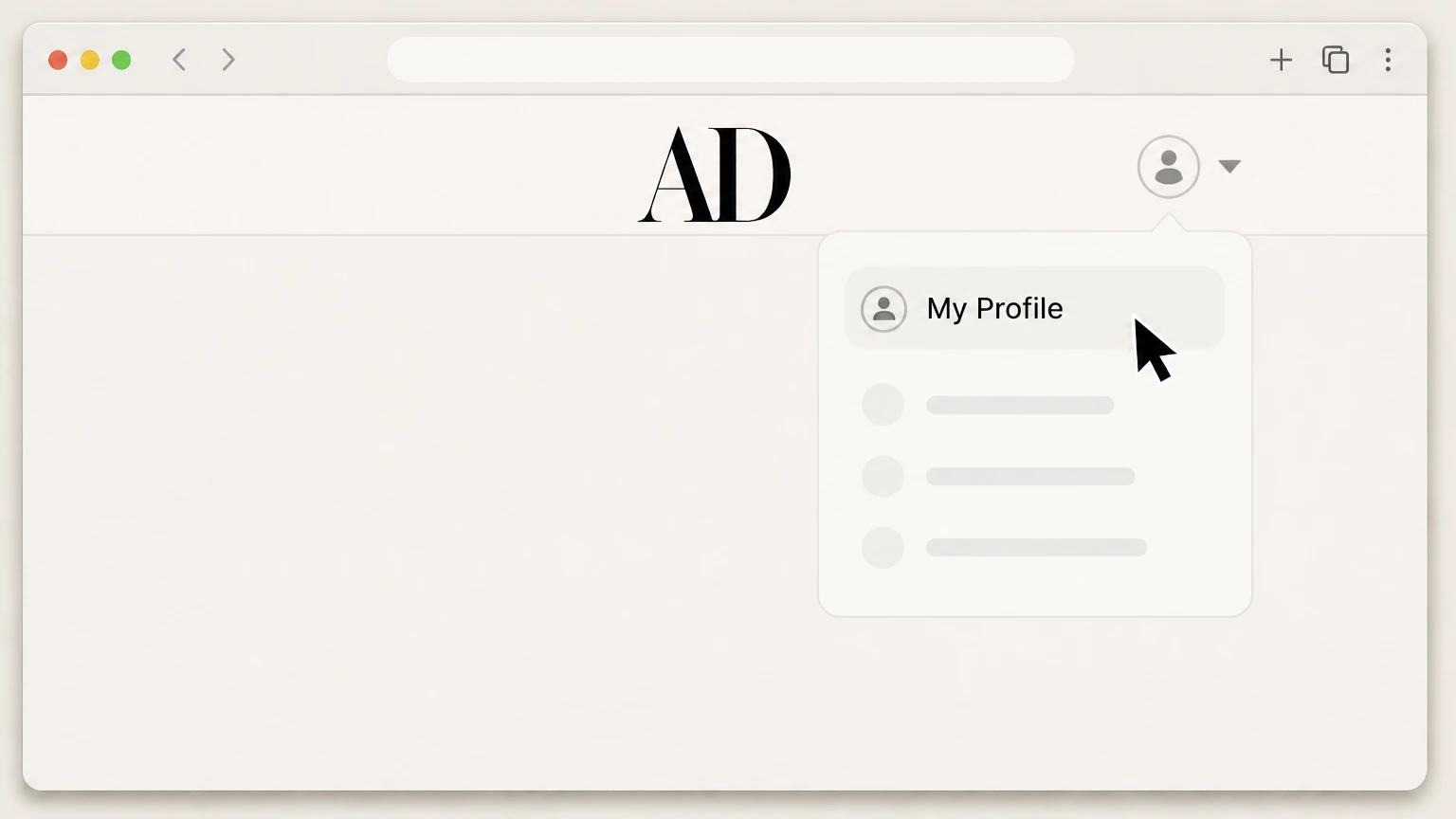
3Open My Profile to manage the subscription
In My Account, click My Profile to reach your subscription management page. Use the Architectural Digest account named on your receipt, and continue only after the next status in this cancellation path is visible.
 4
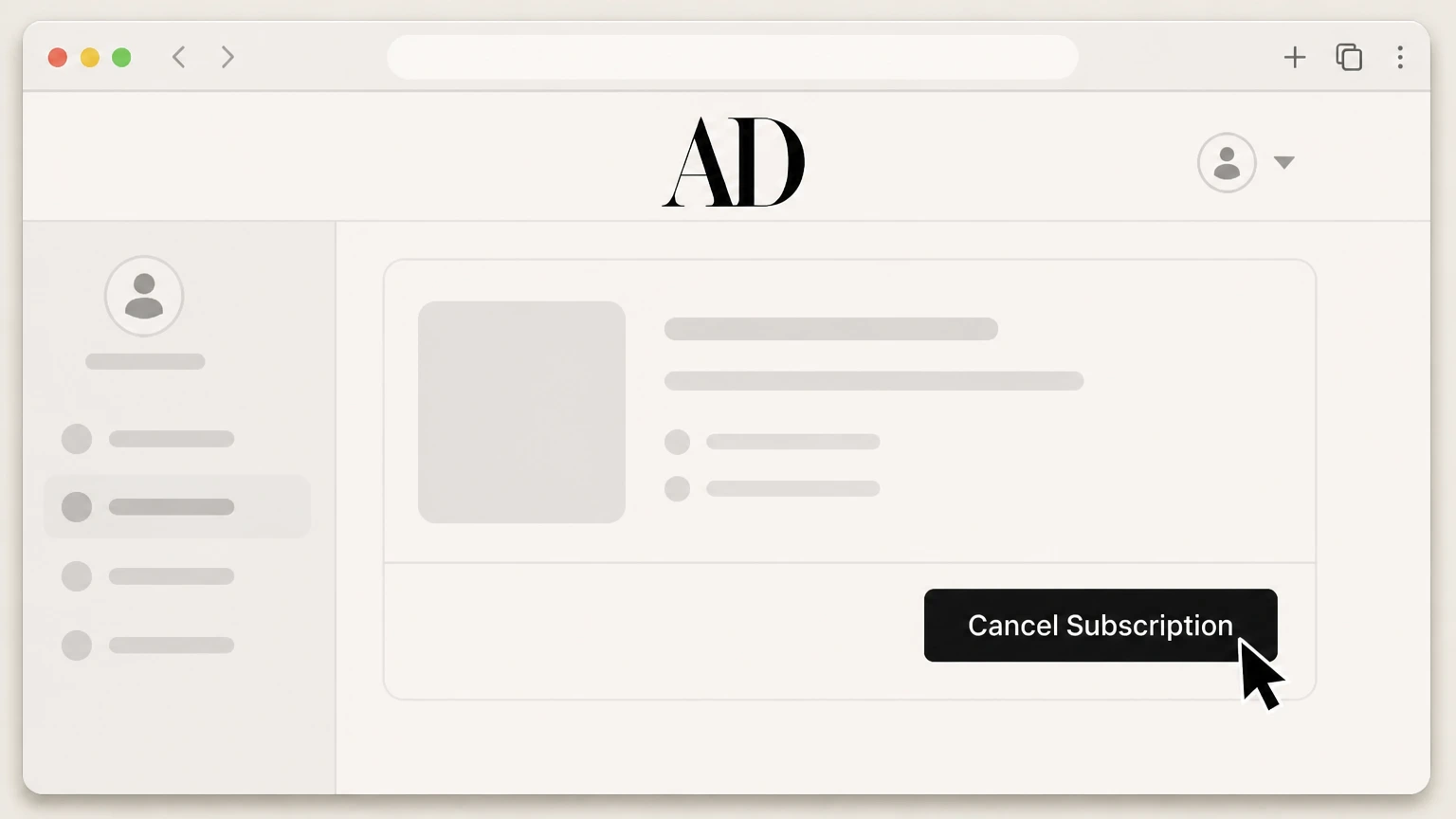
4Select the active Architectural Digest subscription and choose cancel
On the subscription management page, select your active Architectural Digest subscription and click the cancel option. Use the Architectural Digest account named on your receipt, and continue only after the next status in this cancellation path is visible.
 5
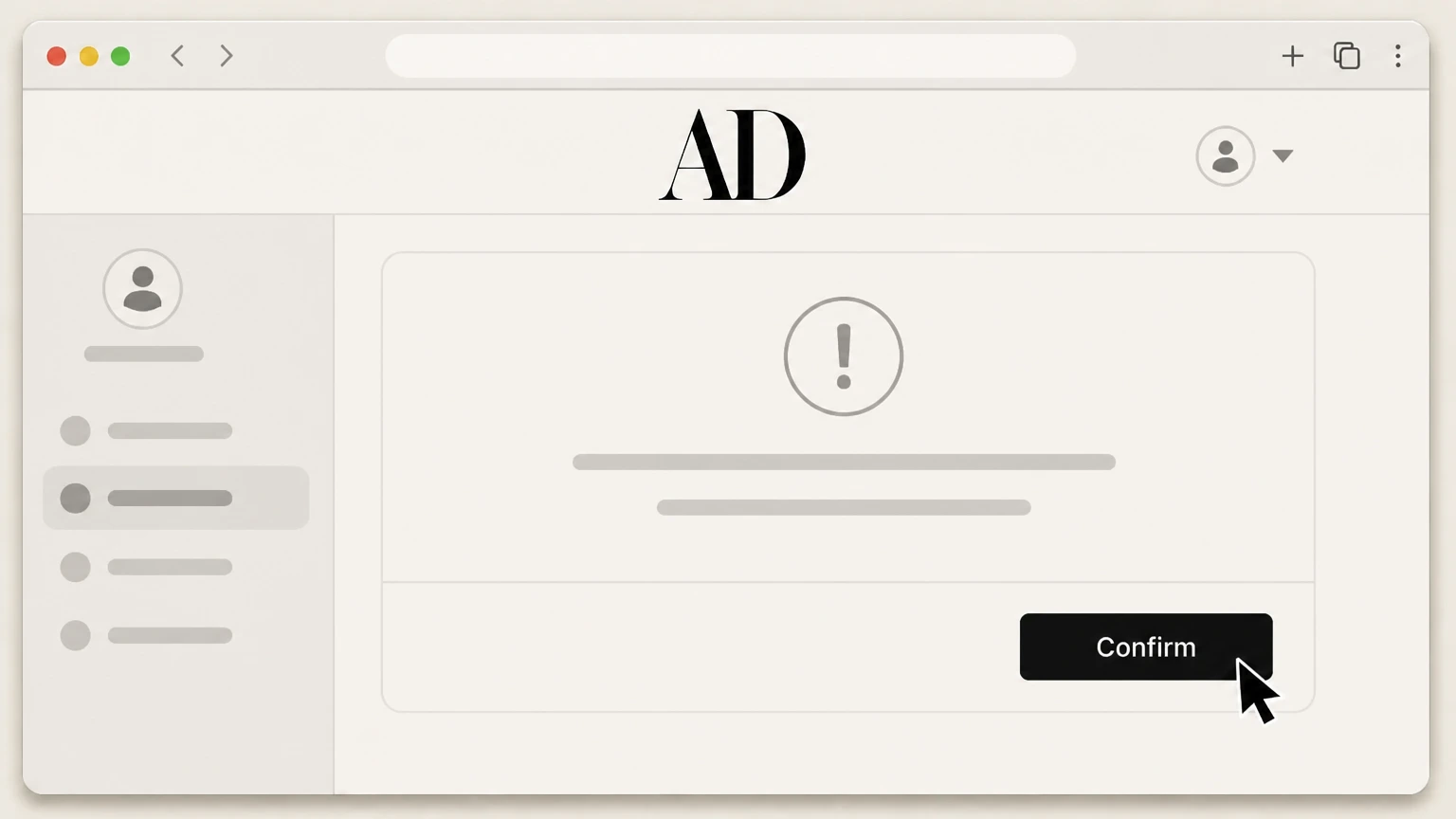
5Confirm cancellation and retain the confirmation
Complete the on-screen confirmation to submit your cancellation and save the confirmation email and updated account status screen. Use the Architectural Digest account named on your receipt, and continue only after the next status in this cancellation path is visible.

Apple-billed Architectural Digest app subscription (iPhone or iPad) · verify the billing owner
 1
1Open Settings on your iPhone or iPad
On your iOS device, open the Settings app. Use the Architectural Digest account named on your receipt, and continue only after the next status in this cancellation path is visible.
 2
2Tap your name at the top of Settings
In Settings, tap your name at the top of the screen to open your Apple ID settings. Use the Architectural Digest account named on your receipt, and continue only after the next status in this cancellation path is visible.
- Let Pine handle it
Pine can help
Too many steps?
Pine can find the right Apple-billed Architectural Digest app subscription (iPhone or iPad) path and handle the cancellation for you.
 3
3Open the Subscriptions menu
In your Apple ID settings, tap Subscriptions. Use the Architectural Digest account named on your receipt, and continue only after the next status in this cancellation path is visible.
 4
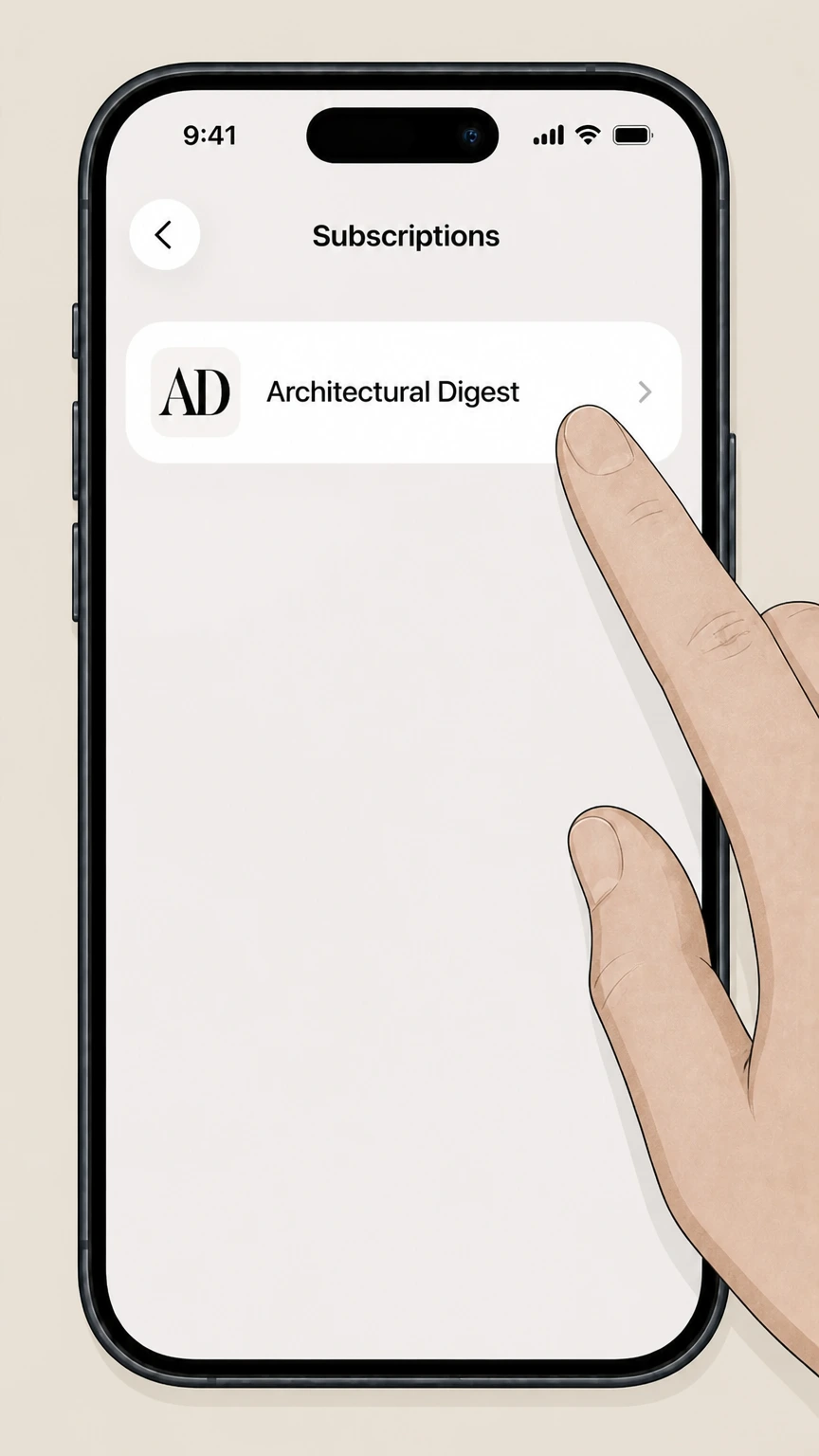
4Select your Architectural Digest subscription
In the list of subscriptions, tap the Architectural Digest subscription. Use the Architectural Digest account named on your receipt, and continue only after the next status in this cancellation path is visible.
 5
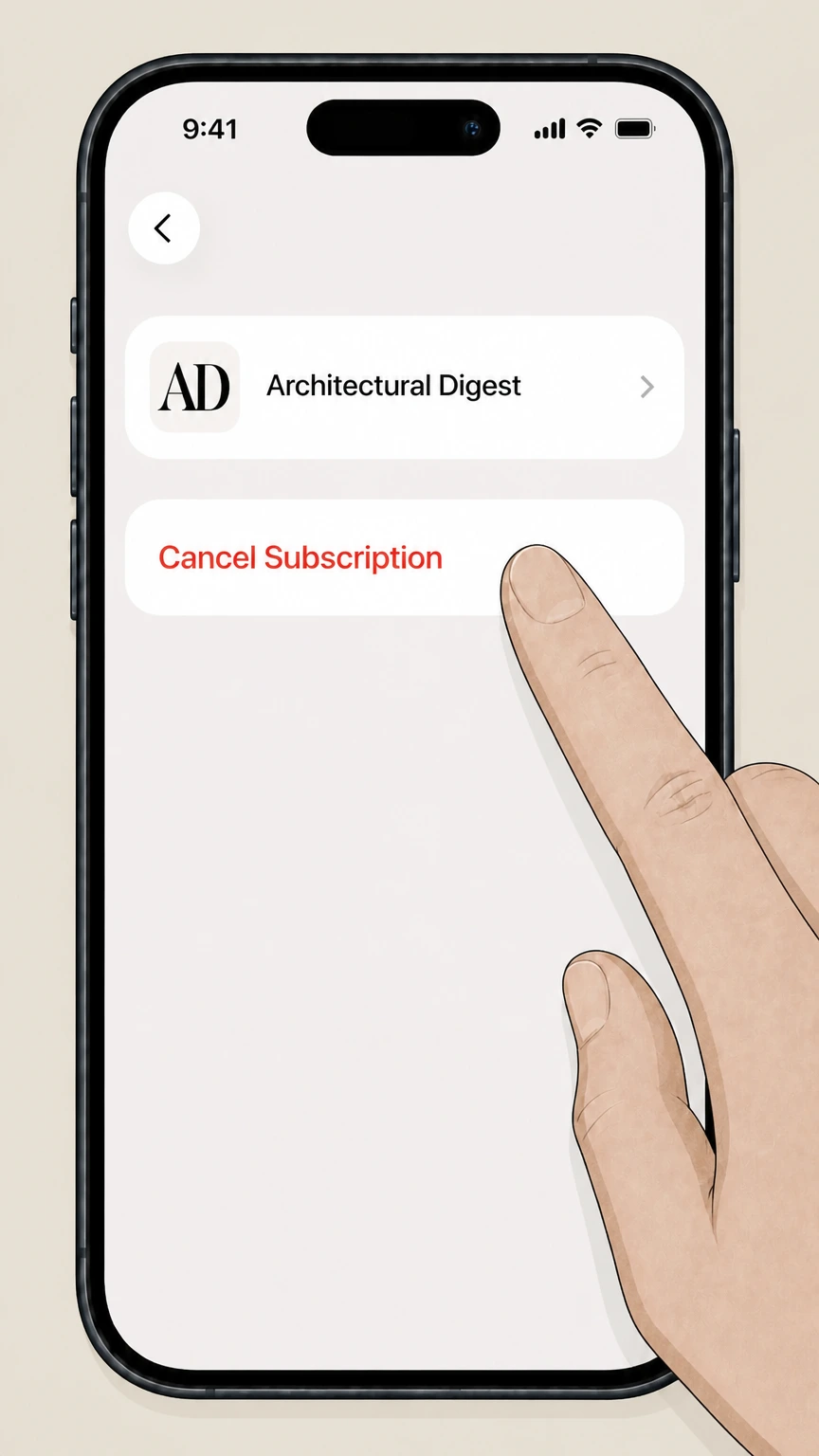
5Cancel the subscription in Apple settings
Tap Cancel Subscription to stop future renewals for Architectural Digest. Use the Architectural Digest account named on your receipt, and continue only after the next status in this cancellation path is visible.
Google Play-billed Architectural Digest India app subscription · verify the billing owner
 1
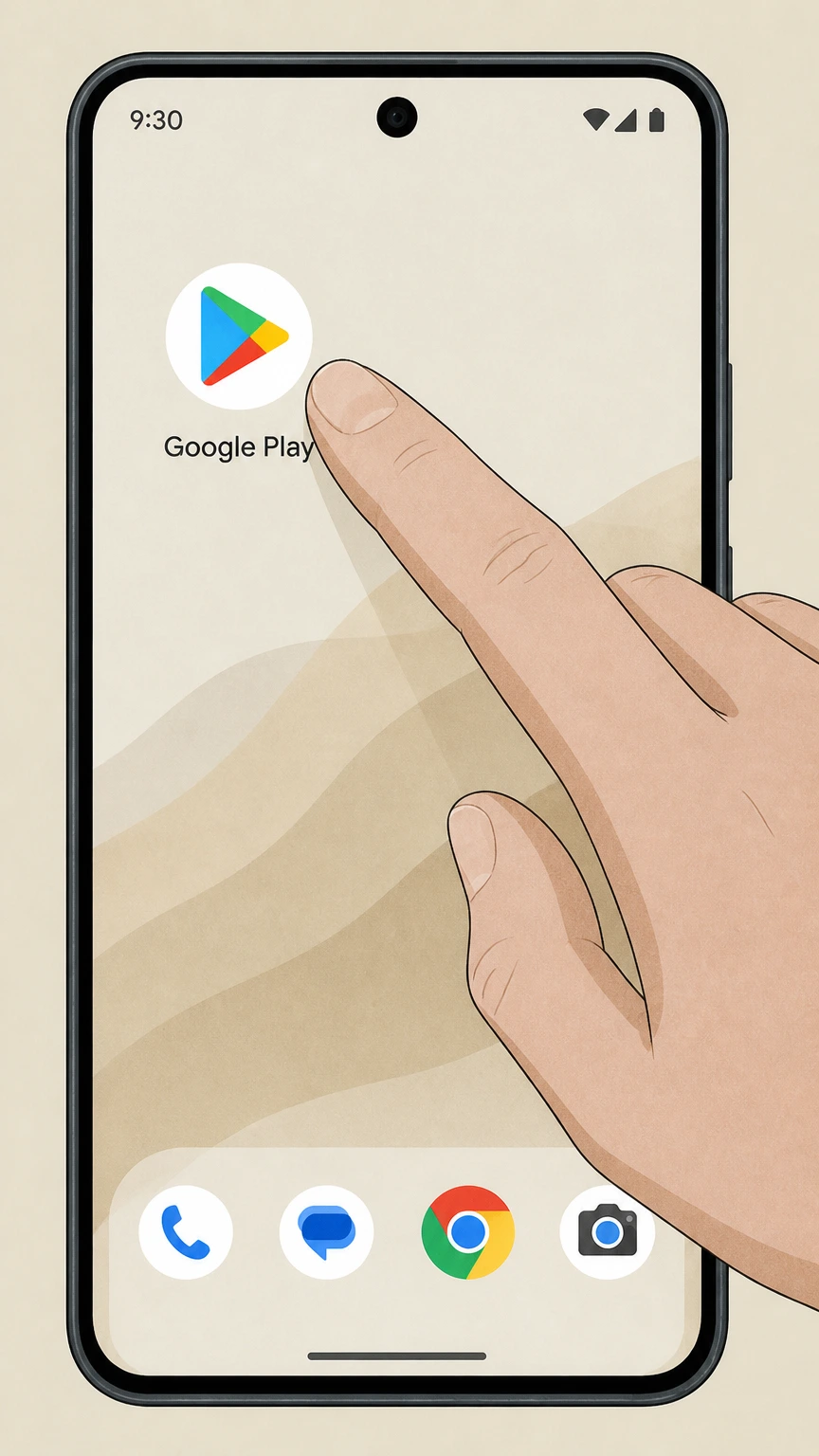
1Open the Google Play Store app
On your Android device, open the Google Play Store app. Use the Architectural Digest account named on your receipt, and continue only after the next status in this cancellation path is visible.
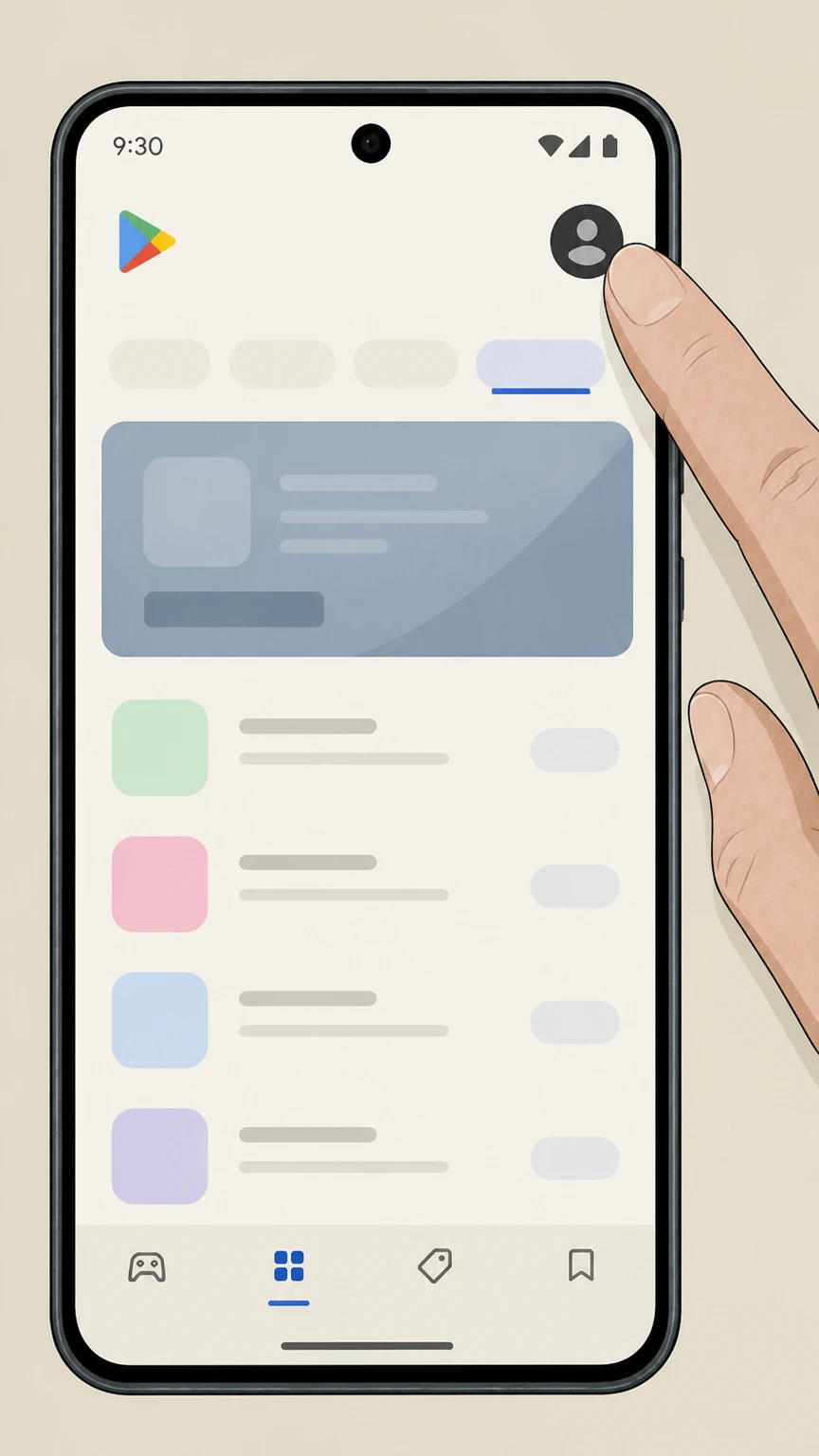 2
2Open your Google Play account menu
In Google Play, tap your profile icon in the top-right corner. Use the Architectural Digest account named on your receipt, and continue only after the next status in this cancellation path is visible.
- Let Pine handle it
Pine can help
Too many steps?
Pine can find the right Google Play-billed Architectural Digest India app subscription path and handle the cancellation for you.
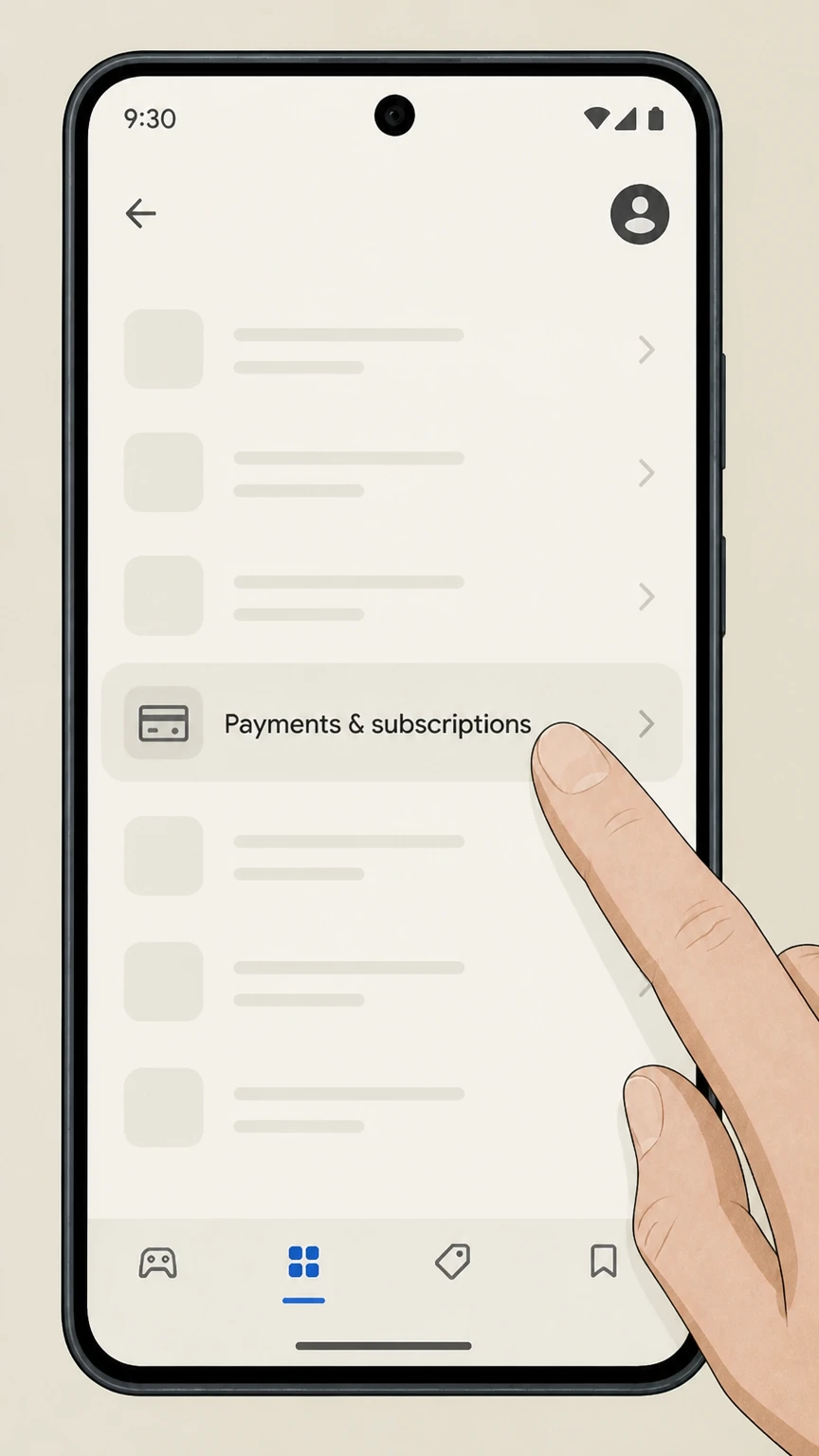 3
3Open Payments & subscriptions
From the menu, tap Payments & subscriptions. Use the Architectural Digest account named on your receipt, and continue only after the next status in this cancellation path is visible.
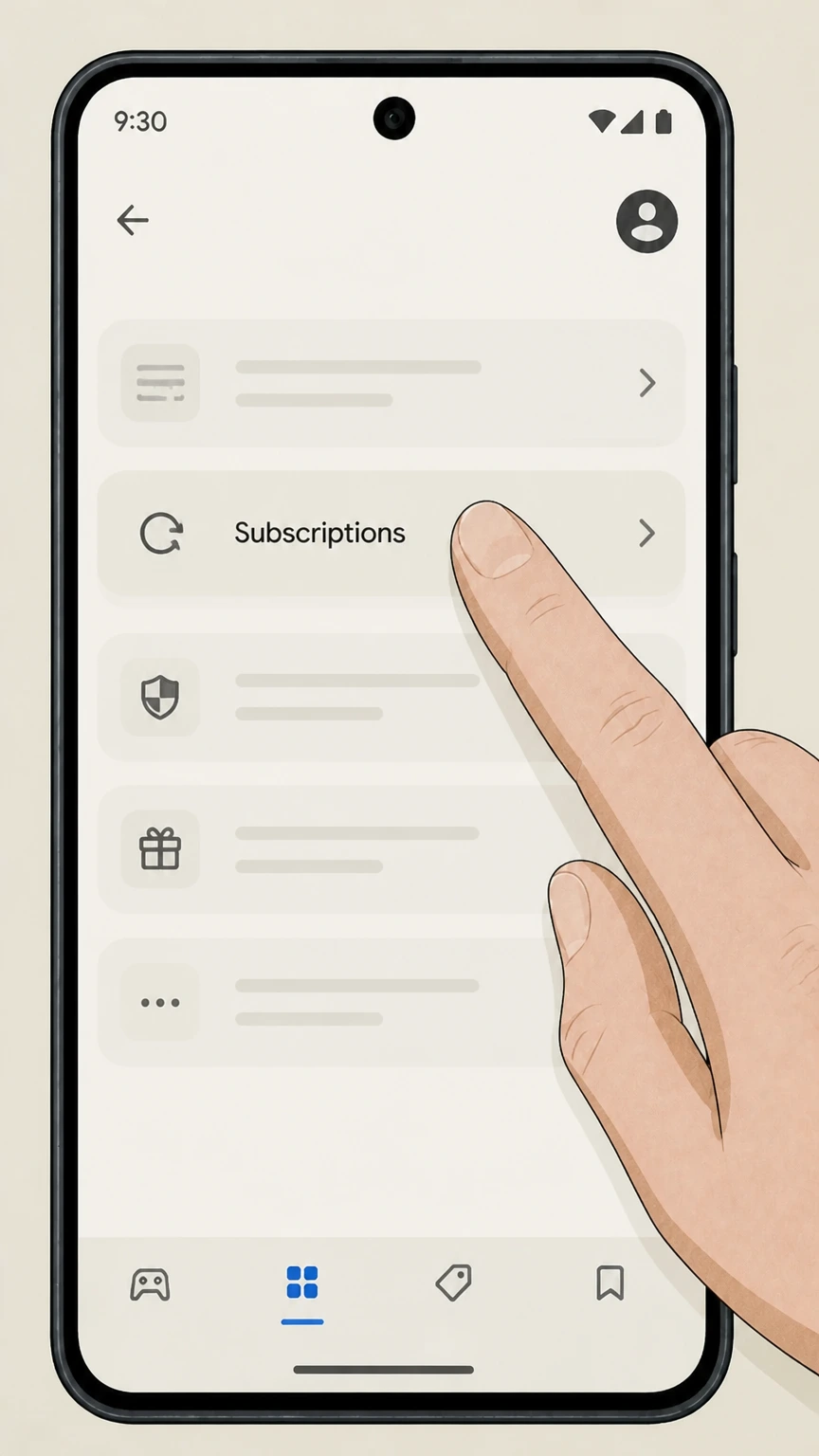 4
4Open your Subscriptions list
Tap Subscriptions to view your active Google Play subscriptions. Use the Architectural Digest account named on your receipt, and continue only after the next status in this cancellation path is visible.
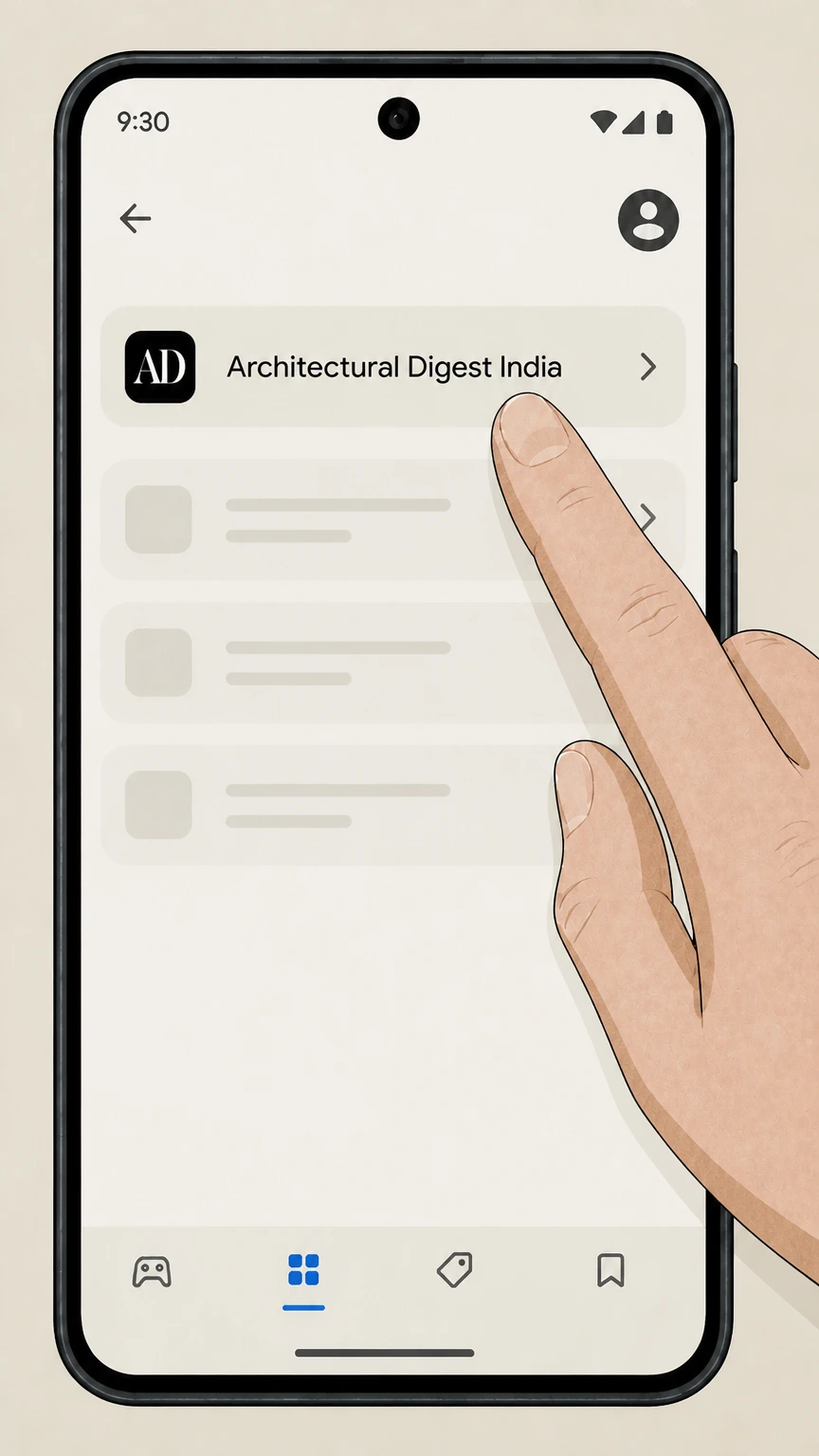 5
5Select the Architectural Digest subscription
In the Subscriptions list, tap your Architectural Digest India subscription. Use the Architectural Digest account named on your receipt, and continue only after the next status in this cancellation path is visible.
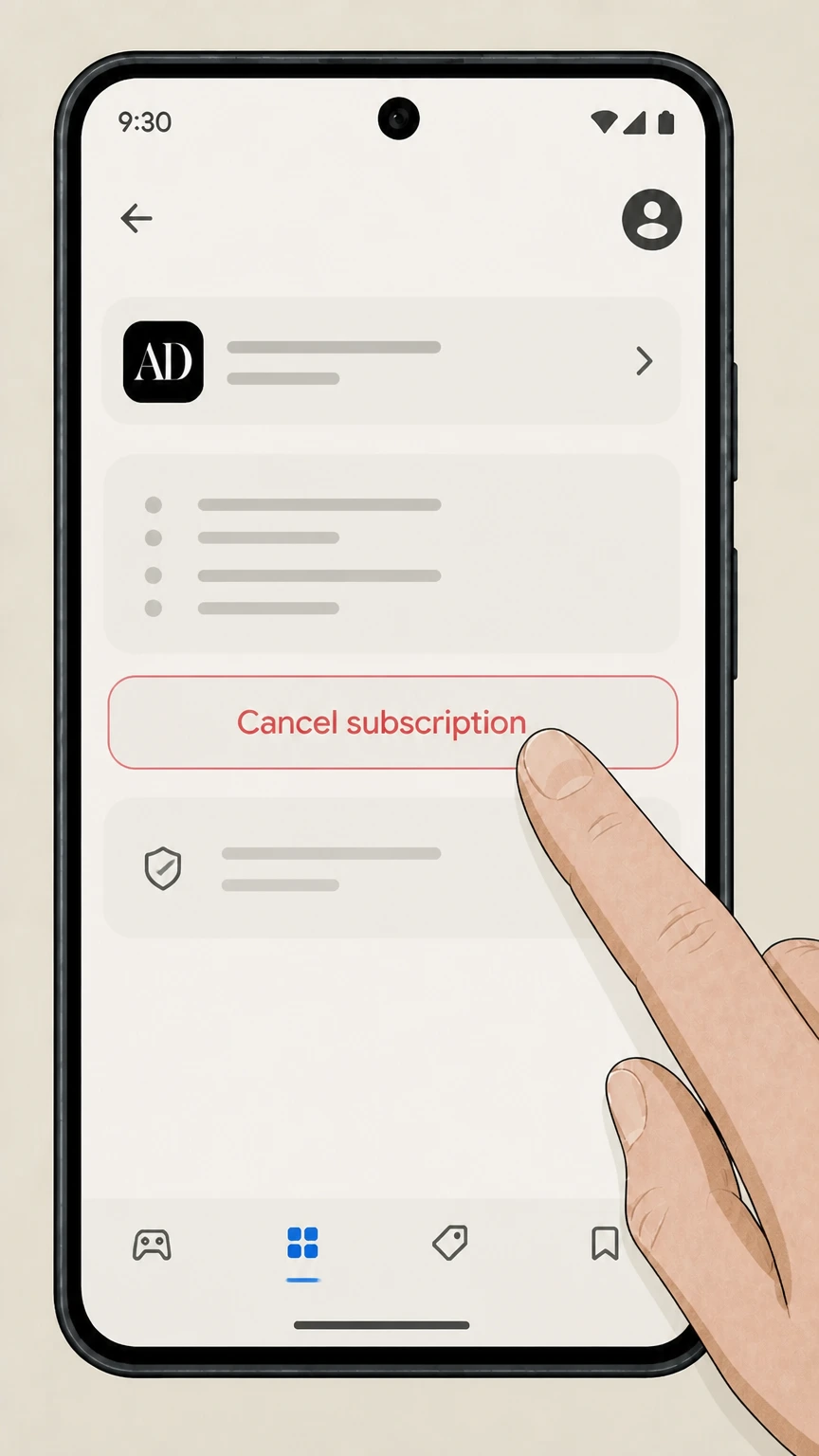 6
6Cancel the subscription in Google Play
Tap Cancel subscription to stop future renewals for Architectural Digest in Google Play. Use the Architectural Digest account named on your receipt, and continue only after the next status in this cancellation path is visible.
Refund policy
Refunds and billing after canceling Architectural Digest
Architectural Digest states that it does not provide refunds when you cancel; instead, your subscription remains active through the end of the paid term, though app stores may have separate refund policies and consumer law may provide additional protections.
Check my refund options- No direct refunds for canceled AD subscriptions
- In its Payment and Cancellations FAQ, Architectural Digest explains that when you cancel—whether print plus digital or digital-only—the subscription stays active through the end of your current billing term and that it does not offer refunds for cancellations.
- Magazine billing notices may overlap briefly
- The magazine Customer Service FAQ notes that it can take a few days for cancellations to take effect; you may receive a bill that can be disregarded after canceling, but you should confirm the cancellation in your account or with Customer Service.
- Apple and Google Play handle their own refunds
- App store purchases follow platform rules: the Architectural Digest iOS app listing highlights automatic renewal and no refunds once payment is made, while Apple and Google Play documentation explain their own limited subscription refund processes.
- Charge disputes and unauthorized payments
- FTC and CFPB guidance encourages consumers who see unauthorized or post-cancellation charges to dispute them promptly with their card issuer or bank, providing cancellation proof and correspondence to support possible chargebacks or reversals.
- Canceling payments vs. canceling the subscription
- The CFPB notes that stopping automatic payments at your bank does not itself cancel what you owe under a subscription agreement, so you should both revoke payment authorization and cancel your Architectural Digest subscription through the appropriate channel.
If you believe you are owed a refund despite Architectural Digest’s stated no-refund policy—for example, because you were billed after a documented cancellation—contact Architectural Digest Customer Care with your records and consider disputing the charge with your bank or card issuer following FTC and CFPB guidance. See FTC and CFPB guidance on disputing recurring charges
Know your plan
Architectural Digest subscription types and billing owners
Architectural Digest offers several subscription types, each potentially billed by a different owner. Identifying your plan and billing source determines where you must cancel.
Digital-only ArchitecturalDigest.com access
A digital-only subscription provides unlimited access to ArchitecturalDigest.com and is sold and billed directly by Condé Nast via ArchitecturalDigest.com, so you cancel through your site account settings.
Print + Digital magazine subscriptions
Print + Digital magazine plans include website access plus print delivery and are also billed directly by Condé Nast; you manage renewals and cancellations through My Account or the magazine Customer Care Portal.
Magazine-only accounts in Customer Care Portal
Some print subscribers manage their account exclusively through the online Customer Care Portal at subscriptions.architecturaldigest.com, which includes a dedicated online cancellation link for the magazine.
App-based subscriptions from Apple
If you subscribed in the Architectural Digest iOS app, Apple processes the payments as an auto-renewing App Store subscription, and Architectural Digest directs you to cancel in Apple’s subscription settings.
Regional and partner subscriptions
Architectural Digest India and some partner-distributed editions may be billed through Google Play or other third parties; those platforms control auto-renewal and provide the subscription cancellation tools.
My Account
Managing your ArchitecturalDigest.com subscription online
Most U.S. digital and Print + Digital subscribers can self-manage their subscriptions in the ArchitecturalDigest.com account area, including checking status, linking print, and canceling.
Signing in with your subscription email
Digital access and many print-linked subscriptions use the same ArchitecturalDigest.com login; you sign in with the email you used when purchasing or linking your subscription before accessing My Account.
Using My Account and My Profile
Architectural Digest instructs subscribers to go to the My Profile section under My Account in the top-right of the site to manage subscription details, including cancellation and billing term information.
Viewing subscription status and expiration
From the account management pages, you can see whether your subscription is active, linked to print, and when it is scheduled to expire after cancellation or at the end of the current term.
Linking print subscriptions to digital access
Magazine subscribers can link their print subscription to a digital account by matching the name and address on their mailing label, enabling single-sign-on access and consolidated subscription management.
Managing newsletters separately from subscriptions
Architectural Digest treats free email newsletters separately from paid subscriptions; you can manage newsletter preferences under My Account without canceling your paid subscription, and changes may take up to 48 hours.
Print magazine
Using the Architectural Digest magazine Customer Care Portal
Print subscribers often manage their accounts through a dedicated Customer Care Portal, which includes tools to view expiration dates, address information, and start or stop service.
Accessing the Customer Care Portal
The Architectural Digest magazine FAQ links to an online Customer Care Portal where subscribers can sign in with their account number and mailing information to manage their magazine subscription.
Canceling the magazine subscription online
Within the portal, the FAQ states that you can cancel your magazine subscription using a dedicated online cancellation link; if you continue to receive invoices shortly afterward, Architectural Digest says to disregard them.
Checking subscription expiration and delivery status
Magazine subscribers can use the portal to review the current expiration date and delivery status, which helps confirm when print issues should stop arriving after an online cancellation.
Temporarily suspending print delivery
The magazine FAQ notes that you can request a temporary suspension of delivery by contacting Customer Service, which is separate from a full cancellation and preserves the remaining issues for later delivery.
Getting help if portal information seems incorrect
If you cannot locate your account or see unexpected status or billing details in the portal, Architectural Digest directs you to contact Customer Service for assistance via the support options listed on its contact and FAQ pages.
After cancellation
What changes—and what does not—after you cancel
Architectural Digest explains how cancellation affects billing, access, and mailings, and emphasizes that it generally does not issue refunds when you cancel mid-term.
No refunds for subscription cancellations
Architectural Digest’s Payment and Cancellations section states that subscriptions, whether print plus digital or digital-only, are nonrefundable when you cancel; instead, service continues through the end of the current billing term.
Access continues until the term ends
After cancellation, your website access and, for magazine subscribers, print delivery remain active until the end of the already-paid term, and you should not be charged again if the cancellation processed correctly.
Email confirmation of cancellation
Architectural Digest says it will send a cancellation confirmation email and that you can also verify status in the My Profile area of My Account; if you do not see the email, it directs you to its contact options for help.
Renewal reminders before each new term
Before each renewal, Architectural Digest indicates it sends a notice summarizing your current subscription, the rate to be charged, and how to renew or cancel so that you can decide before the next term begins.
Short delay before billing notices stop
The magazine Customer Service FAQ notes that it can take a few days for a cancellation to take effect in billing systems, so a final invoice sent after you cancel can usually be disregarded.
App stores
Architectural Digest subscriptions through app stores
If you purchased Architectural Digest through an app, your subscription is governed by the billing rules of the app store where you subscribed, and you must cancel through that store’s tools.
Apple-billed AD app subscriptions
Architectural Digest’s FAQ explains that subscriptions purchased through the AD app can be canceled either by contacting Apple support or directly in the subscription settings on your Apple device, following Apple’s standard steps.
Apple automatic renewal and no-refund language
The Architectural Digest iOS app listing describes subscriptions as automatically renewing through your Apple payment method and states that you must cancel in App Store subscription settings, with no refunds once payment is made.
Google Play billing for AD India
The Architectural Digest India app on Google Play offers in-app purchases for magazine access, which means Google Play controls recurring billing and provides the Subscriptions interface you must use to stop auto-renewal.
Uninstalling the app does not cancel billing
Google Play’s subscription help center emphasizes that uninstalling an app does not cancel its subscription; you must cancel the subscription itself in Google Play to avoid further charges.
Refunds handled under store policies
Any refunds on Apple- or Google Play–billed Architectural Digest subscriptions are governed by Apple’s or Google’s refund policies, which may differ from Architectural Digest’s own nonrefundable cancellation policy.
AD PRO
Canceling AD PRO and AD PRO Directory memberships
AD PRO and AD PRO Directory are professional memberships with their own cancellation process, separate from consumer magazine or digital subscriptions.
AD PRO as a professional membership
Architectural Digest describes AD PRO as a subscription-only platform for design professionals, offering industry news, resources, and access to the AD Archive, distinct from a consumer magazine subscription.
AD PRO Directory tier
AD PRO Directory membership adds the ability for vetted professionals to appear in a searchable directory while including AD PRO benefits, and is managed separately from standard print or digital subscriptions.
Canceling AD PRO by contacting the membership team
The AD PRO FAQ instructs existing members who wish to cancel their subscription to contact the AD PRO membership team using the dedicated membership email address provided on that page.
Account and access changes for AD PRO cancellations
When an AD PRO or AD PRO Directory membership ends, access to professional resources and directory visibility ends according to the membership term, while any separate consumer magazine or digital subscriptions remain governed by their own status.
Keeping membership records for disputes
Because AD PRO is a paid professional service, members should keep their membership confirmation, billing records, and any cancellation emails in case they need to clarify renewal dates or resolve billing questions later.
Your rights
Your rights around recurring Architectural Digest charges
U.S. consumer-protection agencies provide general guidance on recurring subscriptions and negative-option billing that applies to magazine and digital subscriptions like Architectural Digest, in addition to the publisher’s own policies.
Right to a simple cancellation method
The FTC’s Click-to-Cancel rule and negative-option guidance emphasize that companies using recurring subscriptions must provide an easy way to cancel, which should align with Architectural Digest’s online and app-based cancellation tools.
Documenting your cancellation
FTC consumer advice recommends saving copies of cancellation requests and emails, as well as notes of any conversations, in case you need to dispute continued charges for a subscription after canceling.
Stopping automatic bank-account payments
The CFPB explains that you may revoke authorization for automatic withdrawals from your bank account, separate from canceling the subscription itself, and that you should also cancel with the merchant to avoid new charges.
Disputing unauthorized or continued charges
If you are billed for Architectural Digest after canceling or for a subscription you did not authorize, the CFPB and FTC advise promptly disputing the charge with your card issuer or bank while also following up with the merchant.
Negative-option rules and magazine renewals
FTC materials describe auto-renewing magazine subscriptions as negative-option programs and warn businesses not to obscure renewal terms or make cancellation unreasonably difficult, standards that also apply to magazine subscriptions like Architectural Digest.
Proof & records
What to save when canceling Architectural Digest
Keeping thorough records of your Architectural Digest subscription and cancellation makes it easier to resolve any billing disputes or access questions later.
Cancellation confirmation emails
Architectural Digest explicitly states that it sends an email confirming cancellation; saving this message provides proof of the cancellation date and supports disputes over later charges.
Screenshots of My Account or Customer Care status
Before and after canceling, capturing screenshots of your My Account or Customer Care Portal pages showing subscription status and expiration dates can help demonstrate that auto-renewal was turned off.
Renewal notices and term information
The renewal reminder email Architectural Digest sends before each new term summarizes current rates and dates, and can be stored as evidence of the terms you agreed to or chose not to renew.
App-store receipts for Apple or Google Play
If your subscription is billed through Apple or Google Play, saving store receipts and order histories showing the subscription name and billing cycle helps you follow Apple’s or Google’s cancellation and refund procedures if needed.
Notes on contacts with support
When you use Architectural Digest’s chat or other support channels for cancellation questions, recording dates, names, and summaries of conversations can be valuable if you later escalate a complaint or file a dispute with your bank.
What official sources do not confirm
Limits of the public Architectural Digest cancellation guidance
These points are intentionally qualified because the official sources reviewed on August 16, 2026 do not publish a complete answer.
Documented limitation 1
This guide relies on public information from Architectural Digest, Condé Nast, Apple, Google Play, the FTC, and the CFPB as of August 16, 2026; internal or unpublished policies are not covered.
Documented limitation 2
Cancellation and refund terms for third-party sellers such as Barnes & Noble (Nook), Magzter, or other magazine platforms are not detailed because their official help pages are outside the allowed domains.
Documented limitation 3
Specific phone numbers, postal addresses, and some email addresses mentioned in official sources are generally not repeated here; readers should use the linked official pages for the latest contact details.
Documented limitation 4
Regional editions of Architectural Digest beyond the U.S. and India may have different subscription systems and policies that are not fully documented in the reviewed sources.
Documented limitation 5
Legal rights to chargebacks, refunds, or relief under federal or state law can depend on individual circumstances and are summarized here only at a high level using FTC and CFPB guidance, not as legal advice.
Architectural Digest cancellation FAQ
Questions people search about canceling Architectural Digest, answered with official provider or billing-platform sources checked on August 16, 2026.
How do I cancel my online subscription?
How do I cancel my magazine subscription online?
How can I manage my Architectural Digest subscription?
How do I contact Architectural Digest customer service?
How do I cancel Architectural Digest if I subscribed through the iOS app?
How do I cancel an Architectural Digest subscription bought on Google Play?
Will I get a refund when I cancel Architectural Digest?
What happens to my access after I cancel Architectural Digest?
How do I cancel an AD PRO or AD PRO Directory membership?
Can I stop automatic payments for Architectural Digest at my bank or card?
Untangle this Architectural Digest issue.
Let Pine handle the provider follow-up and keep the confirmation in one place.
