


Bookroo
Cancel subscription
How to Cancel Bookroo
Learn how to cancel Bookroo using verified current routes, confirm who bills you, understand timing and refunds, and keep proof that future renewal stopped.
- 1 current, source-verified cancellation route
- Billing ownership is explicit for each route
- Refund and access timing are separated from cancellation
- Account-specific confirmation is still required
Choose the correct Bookroo cancellation route
Email Bookroo support · verify the billing owner
Cancel any auto‑renewing Bookroo subscription by email
 1
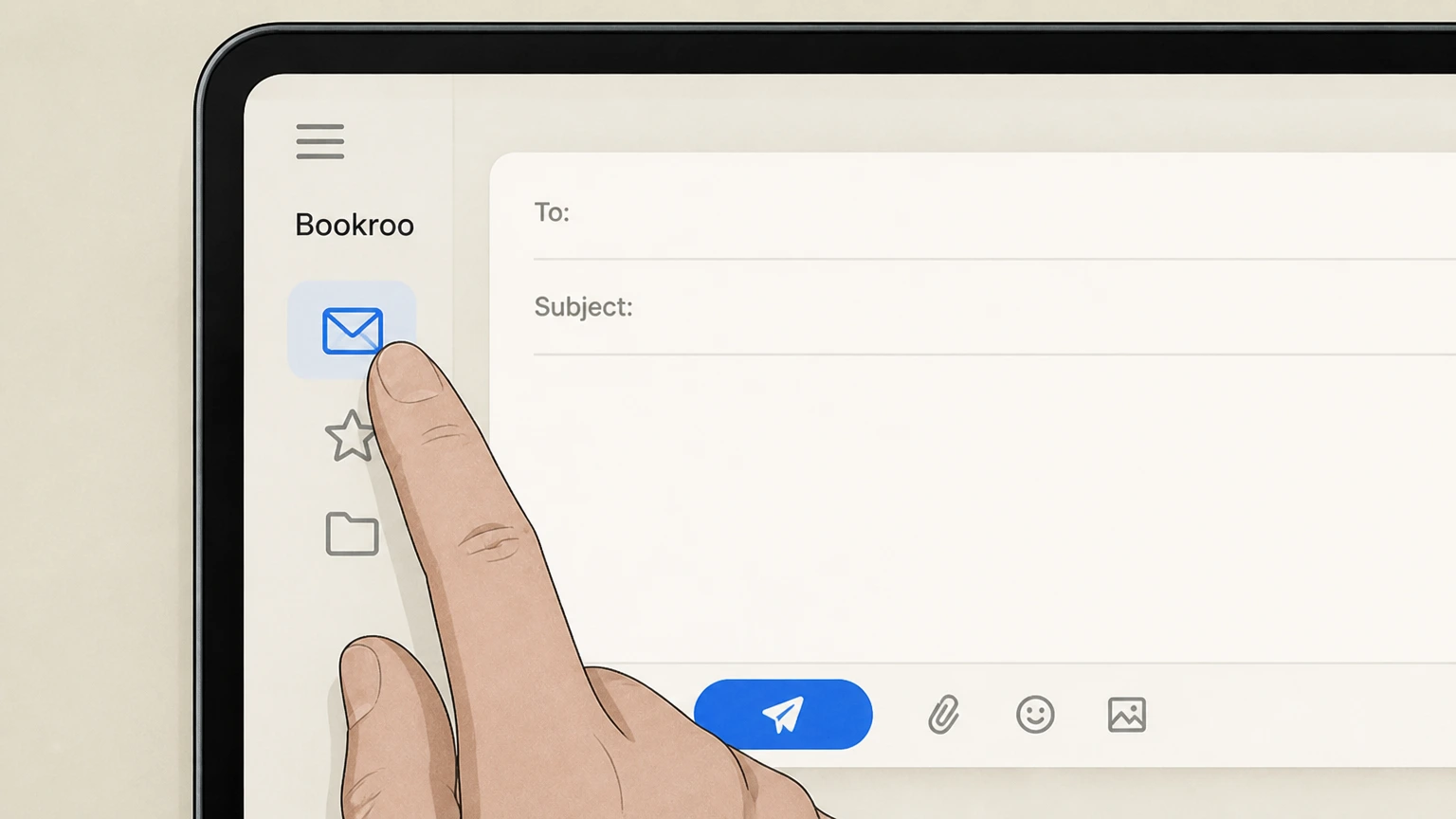
1Open your email app or webmail
On any device, open the email account that matches the email address on your Bookroo subscription so support can identify your account.
 2
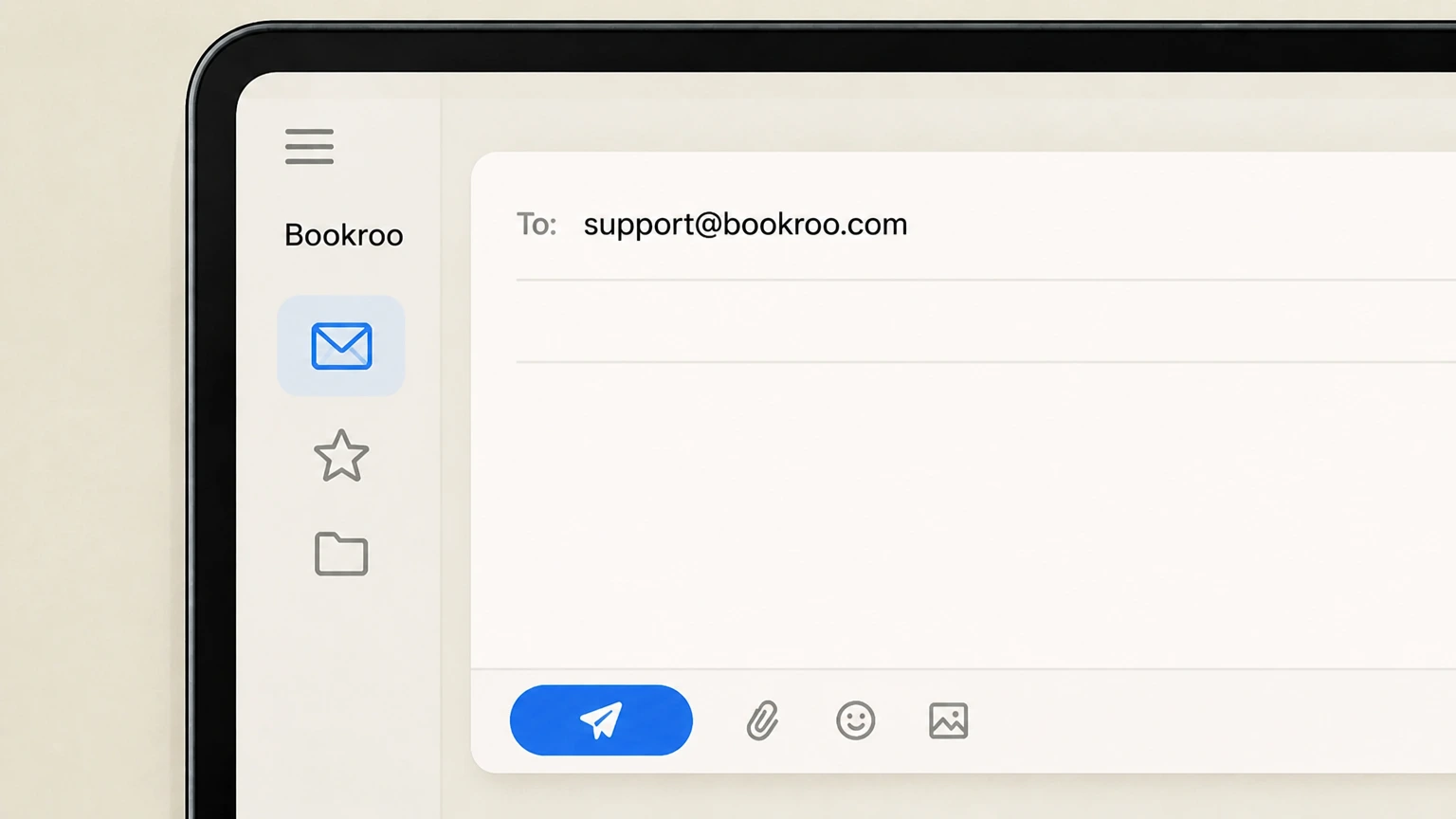
2Compose a new message to support@bookroo.com
Create a new email addressed to support@bookroo.com, which Bookroo lists as the contact for subscription changes, cancellations, and refunds.
- Let Pine handle it
Pine can help
Too many steps?
Pine can find the right Email Bookroo support path and handle the cancellation for you.
 3
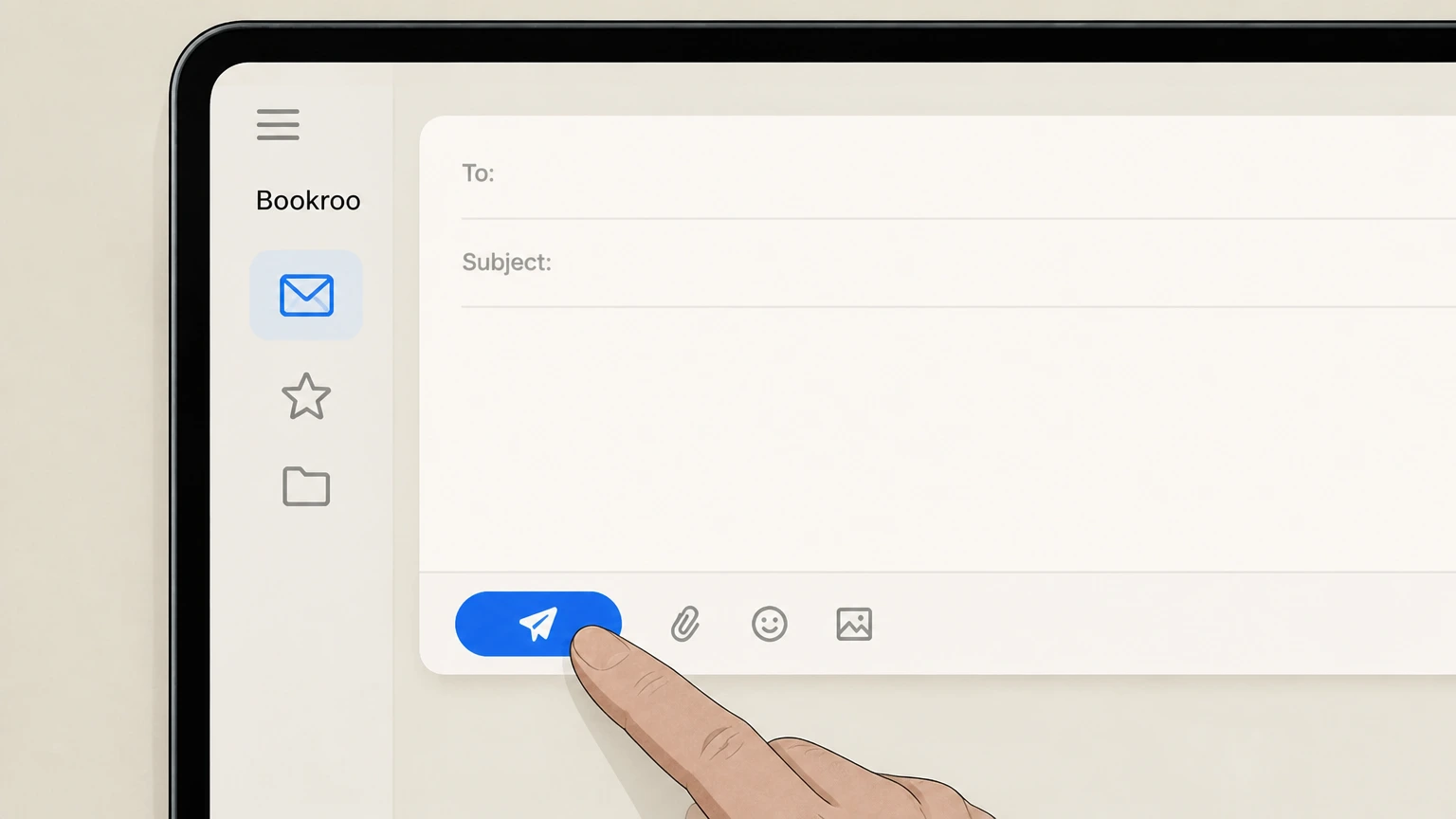
3State your cancellation request and include account details, then Send your email before Bookroo’s monthly cutoff times
In the body, clearly ask Bookroo to cancel auto‑renewal for your subscription and include your full name, the email on the account, and, if available, your order number. If you want any remaining prepaid boxes refunded instead of shipped, say that you are requesting a pro‑rated refund for unused months. Send the cancellation email before 11:59 PM PST on the 15th of the renewal month to stop that auto‑renewal; emails sent after that time are ineligible to stop or refund that month’s box. To cancel remaining boxes on a prepaid multi‑month plan and receive a pro‑rated refund, email before 11:59 PM PST on the 10th of the month when the next box is set to ship.
 4
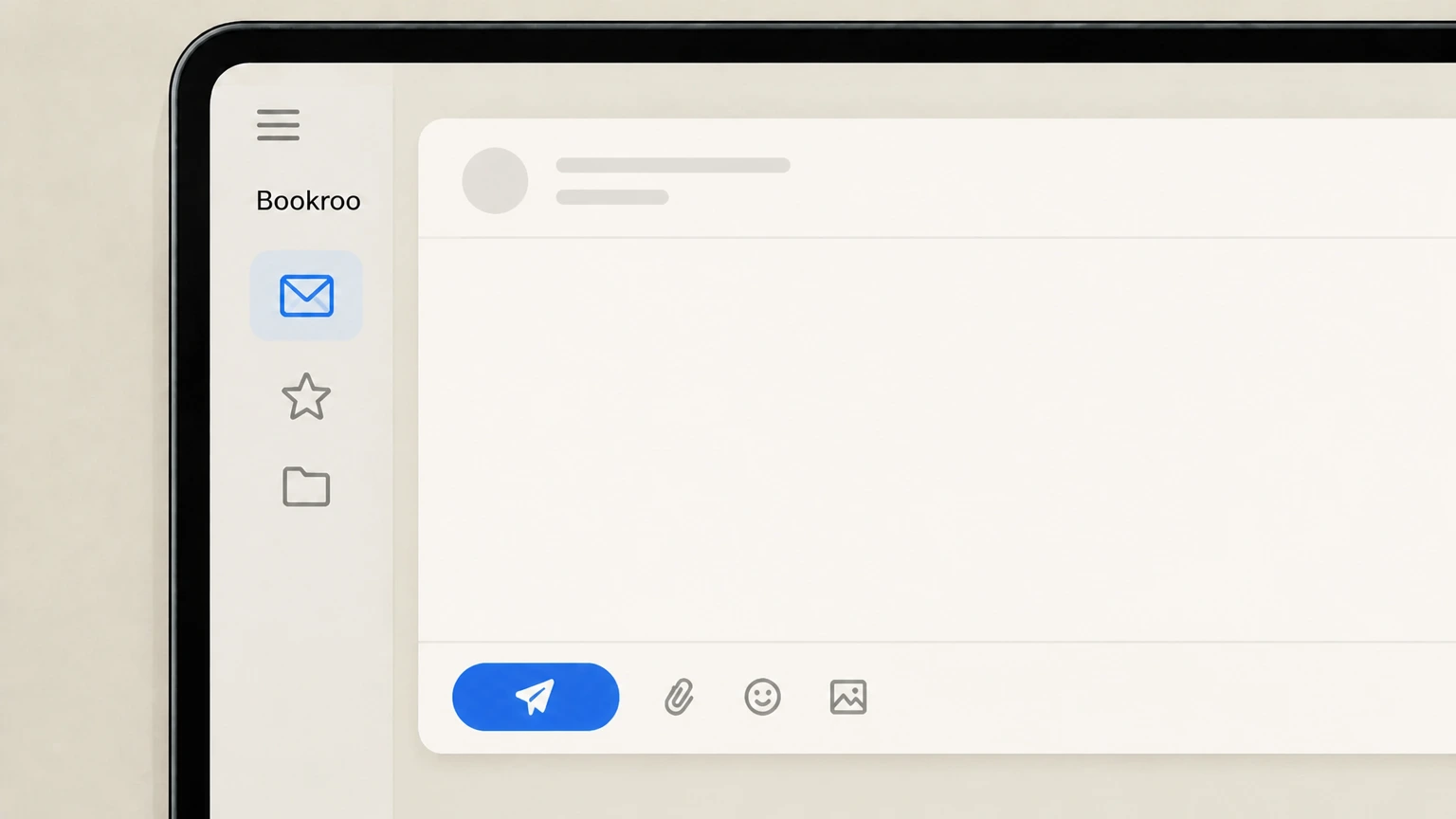
4Monitor for Bookroo’s confirmation and future charges
Watch for a reply from Bookroo confirming your cancellation and any applicable refund. You can also sign in to your Bookroo account to review the "Renews on" date for your subscription and check your card or payment method statement to confirm that no further renewal charges occur after your requested cancellation date.

Refund policy
Refund expectations when cancelling Bookroo
Bookroo’s refund policies are tied closely to when you email support relative to renewal and shipping dates, and whether you are on an auto‑renewing subscription, a prepaid multi‑month plan, a one‑time gift, or your very first box.
Check my refund options- Renewal‑day window for a full refund of the latest renewal charge
- If your subscription renewed on the 15th and you then email to cancel between the renewal and 11:59 PM PST on that same 15th, Bookroo’s cancellation policy states you are eligible for a full refund of that renewal. After 11:59 PM PST on the 15th, you are ineligible for a refund for that month’s box and will receive it.
- Pro‑rated refunds for unused months on prepaid plans require early contact
- For multi‑month Subscriptions, Bookroo allows customers to cancel mid‑term with a pro‑rated refund for remaining unshipped boxes, but the Terms require that any request to cancel remaining boxes and receive that pro‑rated refund be sent by email before 11:59 PM PST on the 10th of the month in which the next box is due to ship.
- One‑time gift subscriptions are not refundable mid‑term
- Bookroo’s policies specify that one‑time gift subscriptions with fixed terms (1, 3, 6, or 12 months) are not eligible for cancellation or mid‑term refunds; they simply end when the original term is complete, although auto‑renewing gift subscriptions chosen via the gift option can be stopped prospectively using the standard email cancellation rules.
- First subscription box satisfaction refunds are available with a 30‑day limit
- If you are unhappy with your very first Subscription box, Bookroo offers to refund the amount paid for that first box (less shipping and handling) if you contact support within 30 days of the first shipment date and follow the return instructions; later boxes in the same subscription are not covered by this first‑box guarantee.
- Most non‑subscription product refunds follow a 14‑day return policy
- For non‑subscription products like one‑time book purchases, Bookroo may refund the product price plus taxes if notified and if the product is returned in original condition within 14 days of receipt, but shipping fees are typically not refunded and subscription box products are excluded except under the first‑box policy.
If you believe you qualify for a refund under these policies but have not received it, email support@bookroo.com with your order details and reference the relevant sections of the Terms of Service (especially Sections 7–9 on cancellations and refunds). For education‑funded purchases, also consult your fund administrator’s purchasing guide, since they may have additional reimbursement rules beyond Bookroo’s own refund decisions. Bookroo Terms of Service – cancellation and refund sections
Scope & ownership
What Bookroo service and billing this guide covers
Clarifies which Bookroo products are recurring, who bills you, and when something is a one‑time purchase with nothing to cancel.
Bookroo is operated by Vermilion Labs LLC dba Bookroo
Bookroo’s Terms of Service state that the website and services are operated by Vermilion Labs LLC doing business as Bookroo, which is the entity that offers and bills for products and subscriptions.
Auto‑renewing subscriptions include book clubs and Reader Plus
The Terms define a "Subscription" as a monthly, 3‑month, 6‑month, or 12‑month product that auto‑renews; these include Bookroo’s recurring kids’ book club boxes, and the Reader Plus plan is presented as an annual subscription with a 7‑day free trial and the ability to "Cancel anytime before renewal."
Bookroo currently ships physical subscription boxes only within the United States
The shipping policy in the Terms specifies that Bookroo ships to US addresses only, including continental US, Alaska, Hawaii, and certain military addresses, which constrains where physical subscription boxes can be fulfilled.
Education‑funded purchases are still billed at Bookroo and then reimbursed
For Florida Step Up For Students scholarships, Bookroo explains that families purchase directly from Bookroo and then seek reimbursement through their scholarship account, confirming that Bookroo, not the fund, is the merchant of record.
Some education‑fund orders and rewards are one‑time, non‑renewing terms
Bookroo’s Venture Reward page highlights that Bookroo for Venture families is a one‑time prepaid purchase for a set term (such as a semester or a year) with "no auto‑renewal, no card on file, nothing to cancel later," distinguishing these orders from standard auto‑renewing subscriptions.
Renewals & cutoffs
Renewal dates, time zones, and monthly cutoff rules
Explains when Bookroo renews subscriptions and the exact deadlines in Pacific Time to stop renewal or request certain refunds.
Auto‑renewals happen on the 15th of the applicable month
The Terms specify that auto‑renewing Subscriptions renew on the 15th of the relevant month (for example, month‑to‑month on the 15th of every month, 3‑month plans on the 15th of every third month).
Email cancellation by 11:59 PM PST on the 15th to avoid that month’s box refund‑ineligibility
Bookroo’s help center explains that you must request cancellation by 11:59 PM PST on the 15th of the month if you do not wish to receive that month’s box; a separate article notes that cancellation emails sent after that time are not eligible for a refund for that month’s box, and Terms confirm that late emails will still result in receiving that month’s box.
Same‑day cancellation window for a full refund of that renewal
The cancellation policy article states that if you email to cancel between your renewal on the 15th and 11:59 PM PST on that same day, you are eligible for a full refund of that renewal charge, whereas requests after 11:59 PM PST are ineligible for a refund for that month’s box.
Earlier monthly cutoff for pro‑rated refunds on prepaid multi‑month plans
Section 7 of the Terms adds that to cancel any remaining boxes on a multi‑month Subscription and get a pro‑rated refund for unshipped boxes, you must email Bookroo before 11:59 PM PST on the 10th of the month in which the next box is scheduled to ship; after that, that month’s box enters processing and "cannot be cancelled or refunded."
Account pages display a "Renews on" date for active subscriptions
The payment terms note that your next billing date for each active Subscription is shown in your Account page as a "Renews on" date, which you can use to double‑check the effect of a cancellation request or upcoming renewal.
Gifts & prepaid
Gifts, prepaid subscriptions, and education‑fund orders
Outlines when Bookroo subscriptions can’t be cancelled mid‑term and how gifts, prepaid plans, and education‑funded purchases differ from standard monthly auto‑renewals.
One‑time gift subscriptions (1–12 months) cannot be cancelled mid‑term
Bookroo’s cancellation policy and Terms state that one‑time gift subscriptions with 1‑, 3‑, 6‑, or 12‑month terms are not eligible for cancellation and will simply expire after the original term is complete.
Gift subscriptions purchased via the "gift subscription" option can auto‑renew
The help article clarifies that if you choose the gift subscription option, it will auto‑renew with the frequency selected (monthly, every 3, 6, or 12 months) until you cancel by 11:59 PM PST on the 15th of the month if you do not wish to receive that month’s box, aligning gift auto‑renewals with standard subscription rules.
Prepaid multi‑month subscriptions can be cancelled with a pro‑rated refund of unused months
Bookroo notes that multi‑month subscriptions may be cancelled mid‑term and that a pro‑rated refund can be issued for remaining months if requested, with the Terms further specifying that a pro‑rated refund for remaining boxes requires an email before 11:59 PM PST on the 10th of the shipping month.
Education‑funded monthly plans should generally be set up as prepaid terms
For Florida’s Step Up scholarships, Bookroo recommends prepaying for 6‑ or 12‑month plans instead of paying monthly, explicitly positioning these as a single charge, one invoice, and one reimbursement submission, which behave more like prepaid contracts than open‑ended monthly subscriptions.
Venture Reward orders are prepaid for a set term with nothing to cancel
The Venture Reward page describes Bookroo’s offering for Venture families as a "one‑time prepaid" resource order for a set term, with "no auto‑renewal, no card on file, nothing to cancel later," meaning you typically cannot stop it mid‑term in the same way as an ongoing monthly subscription.
Refunds & returns
Refunds after cancellation and Bookroo’s return limits
Summarizes how refunds interact with cancellations, especially for renewals, prepaid plans, and first subscription boxes, and what products can be returned.
Late cancellations after 11:59 PM PST on the 15th are not refunded for that month
Bookroo’s cancellation policy states that if you email to cancel after 11:59 PM PST on the 15th, you are ineligible for a refund for that month’s box and will receive it; the Terms echo that emails after 11:59 PM PST on the 15th of the renewal month do not prevent that month’s box from being received.
Pro‑rated refunds for cancelling remaining prepaid boxes require a request by the 10th
Section 7 of the Terms requires that, to cancel remaining boxes on an already‑paid Subscription and receive a pro‑rated refund for those boxes, customers must email support@bookroo.com before 11:59 PM PST on the 10th of the month in which the next box is scheduled to ship; otherwise, that month’s box "cannot be cancelled or refunded."
Most subscription boxes are not returnable, except under the first‑box guarantee
The return policy notes that Subscription box products are generally not eligible for return, except where explicitly allowed under the "first Subscription box" refund program, distinguishing subscription shipments from other products that can be returned within 14 days.
First‑box satisfaction refunds require a return request within 30 days
The refund section explains that if you are dissatisfied with your first Subscription box, Bookroo will refund the amount paid for that first box (excluding shipping and handling) if you contact support within 30 days of the shipment date and return the box according to Bookroo’s instructions.
General product returns have a 14‑day window and exclude subscription boxes
Outside subscriptions, Bookroo may refund the product price plus applicable taxes for non‑subscription products if they are returned in original condition within 14 days of receipt, but this general return policy explicitly excludes ongoing subscription box products beyond the first‑box exception.
Bookroo cancellation FAQ
Current, source-backed answers about cancellation, billing ownership, refunds, and access timing.
Can I cancel a one‑time Bookroo gift subscription before it ends?
What happens to prepaid months if I cancel a multi‑month Bookroo plan early?
Can I manage or cancel my Bookroo subscription through Apple or Google Play?
How do education‑funded Bookroo purchases affect cancellation?
Untangle this Bookroo issue.
Let Pine handle the provider follow-up and keep the confirmation in one place.
