


ELLE
Cancel subscription
How to Cancel Your ELLE Magazine Subscription
Learn how to cancel your ELLE subscription, including print and All-Access. Follow steps to stop billing via the customer care portal, by phone, or Apple.
- Official ELLE and billing-owner sources
- 3 provider-specific cancellation paths
- Refund and post-cancellation effects separated from renewal
- Verified August 16, 2026
Choose the ELLE cancellation path that matches who bills you
ELLE customer care portal (direct billing) · verify the billing owner
 1
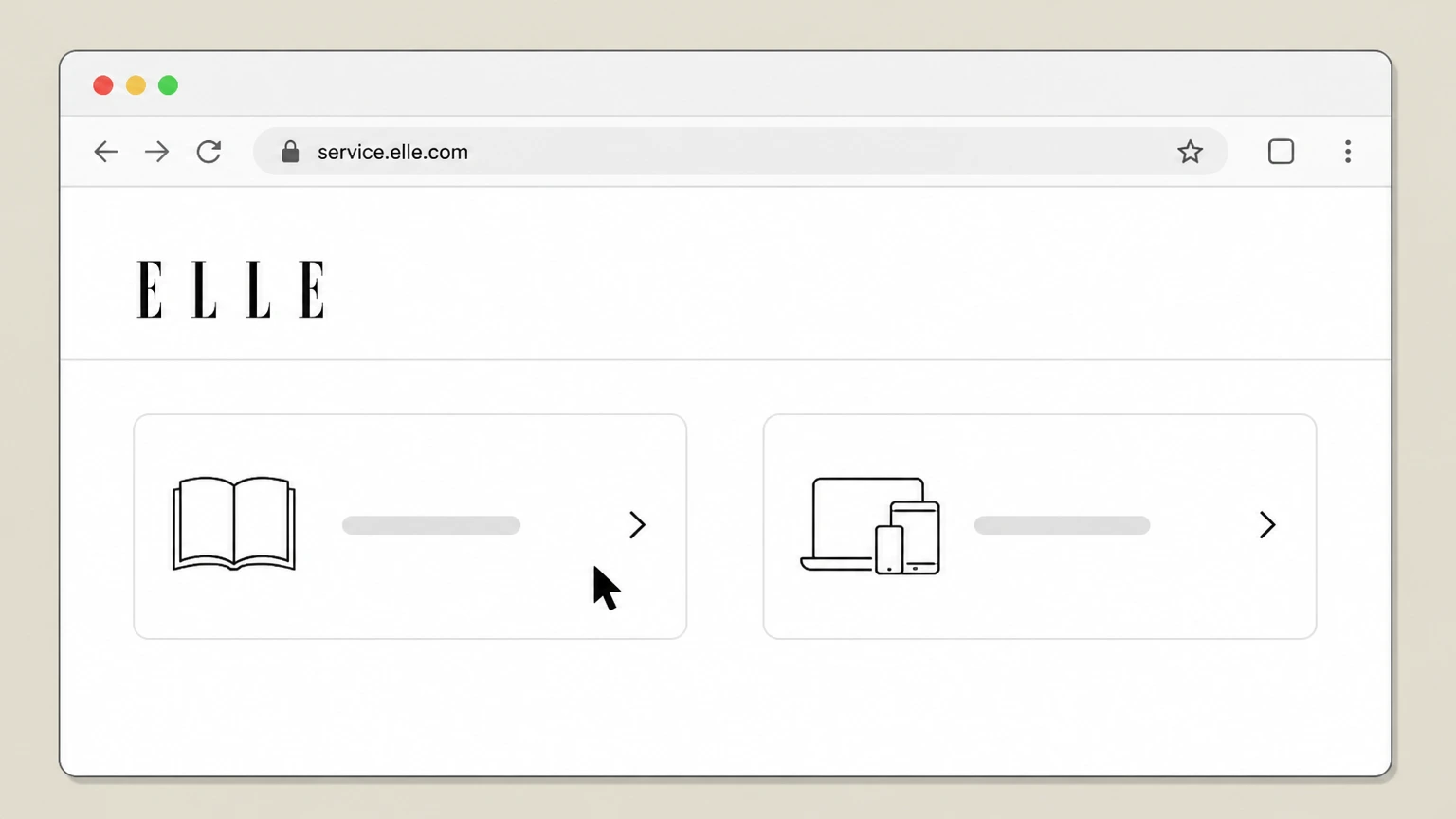
1Open the ELLE customer care site
In a web browser, go to the ELLE Customer Service Portals page and choose the link that matches your product (Magazine Print Only or All-Access) to open the correct self-service portal.service.elle.com
 2
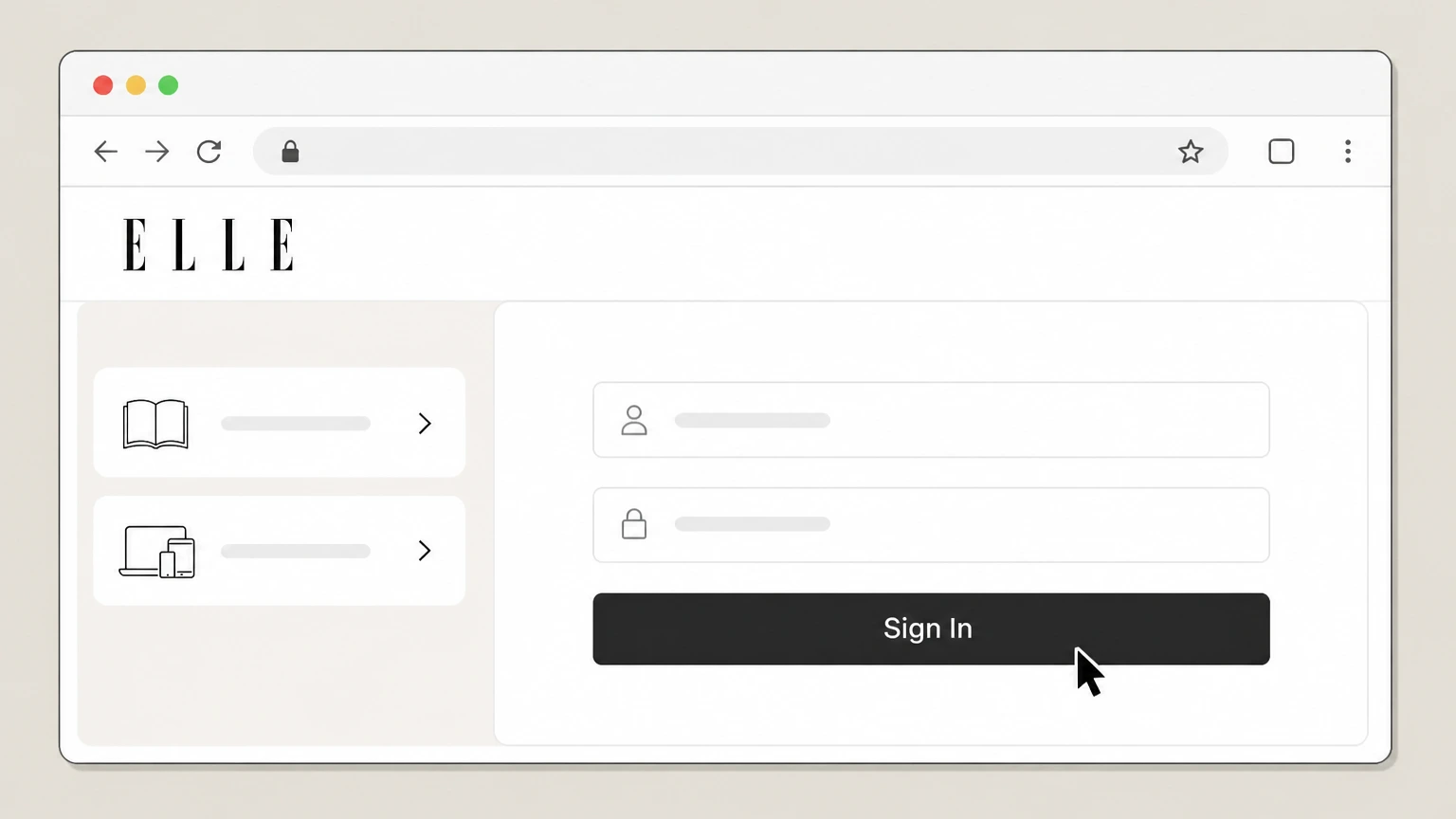
2Sign in to your subscription account
Use your account number and ZIP/postal code or your email address and password to sign in to the ELLE customer care portal.w1.buysub.com
- Let Pine handle it
Pine can help
Too many steps?
Pine can find the right ELLE customer care portal (direct billing) path and handle the cancellation for you.
 3
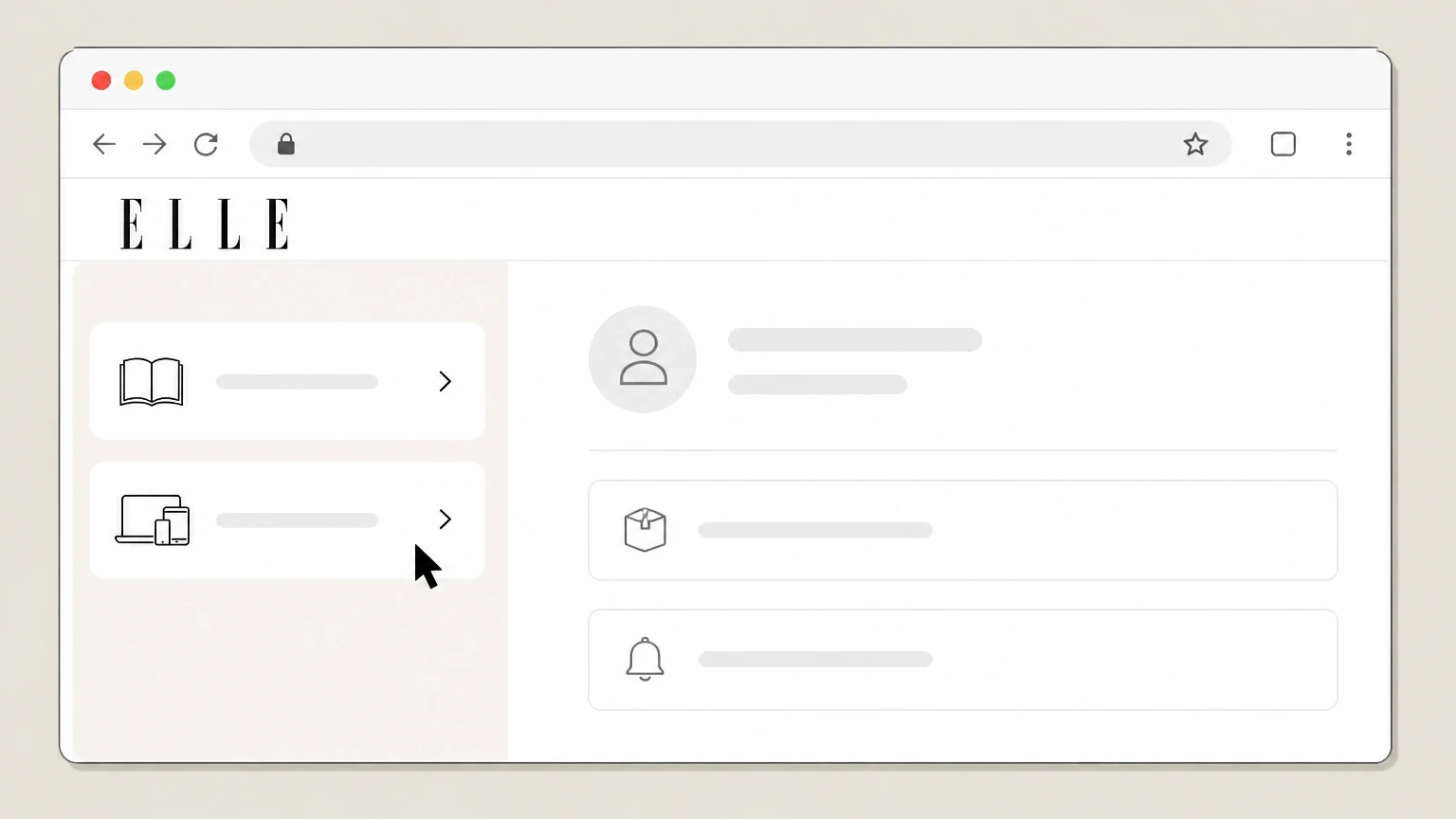
3Open your orders or subscriptions list
From the account home page, go to the section that lists your active ELLE orders, such as the “My Orders” or “My Subscriptions” view.w1.buysub.com
 4
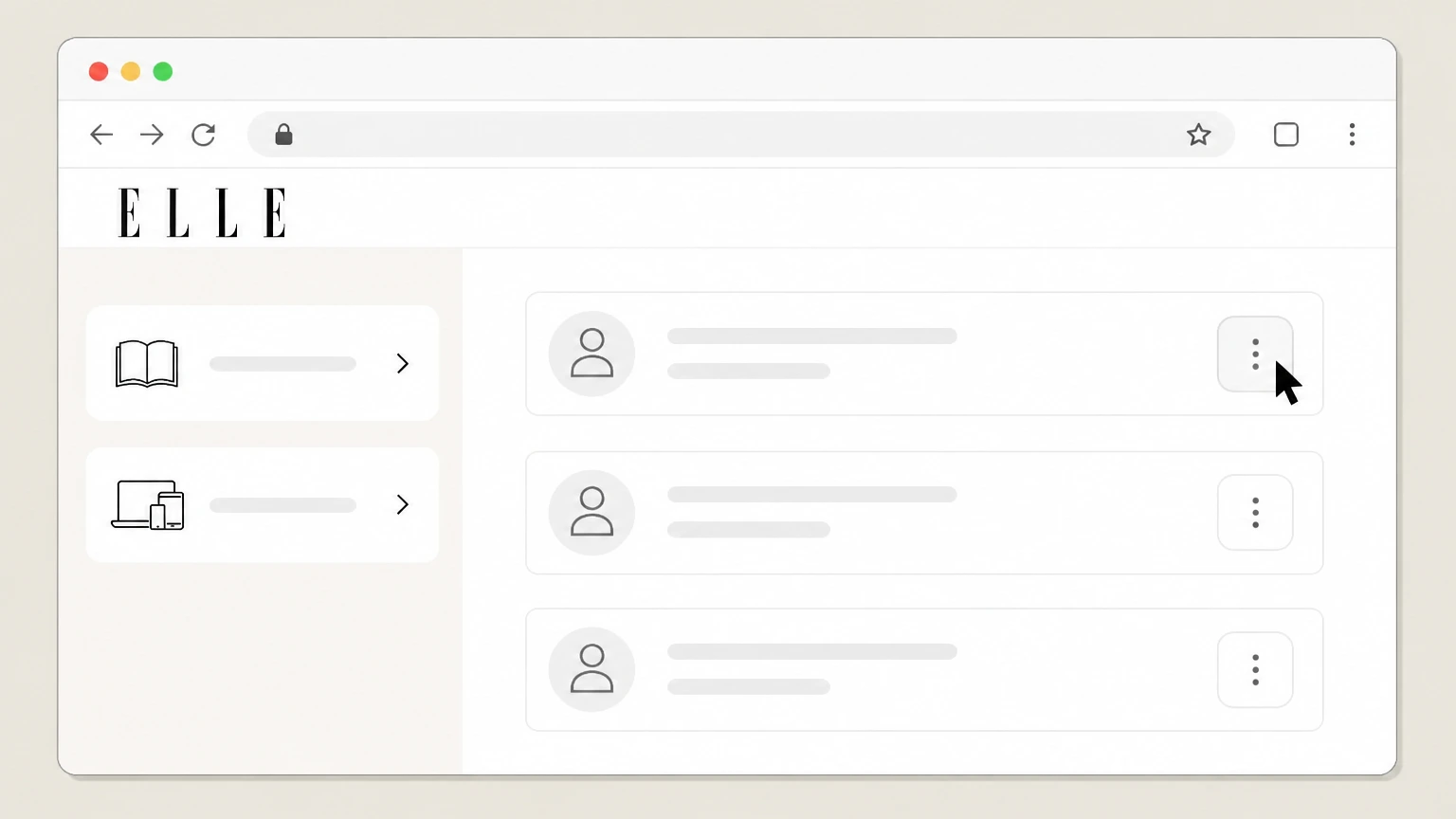
4Open the actions menu for your ELLE subscription
Locate your active ELLE subscription in the list and open the options or actions menu associated with that order.w1.buysub.com Use the ELLE account named on your receipt, and continue only after the next status in this cancellation path is visible.
 5
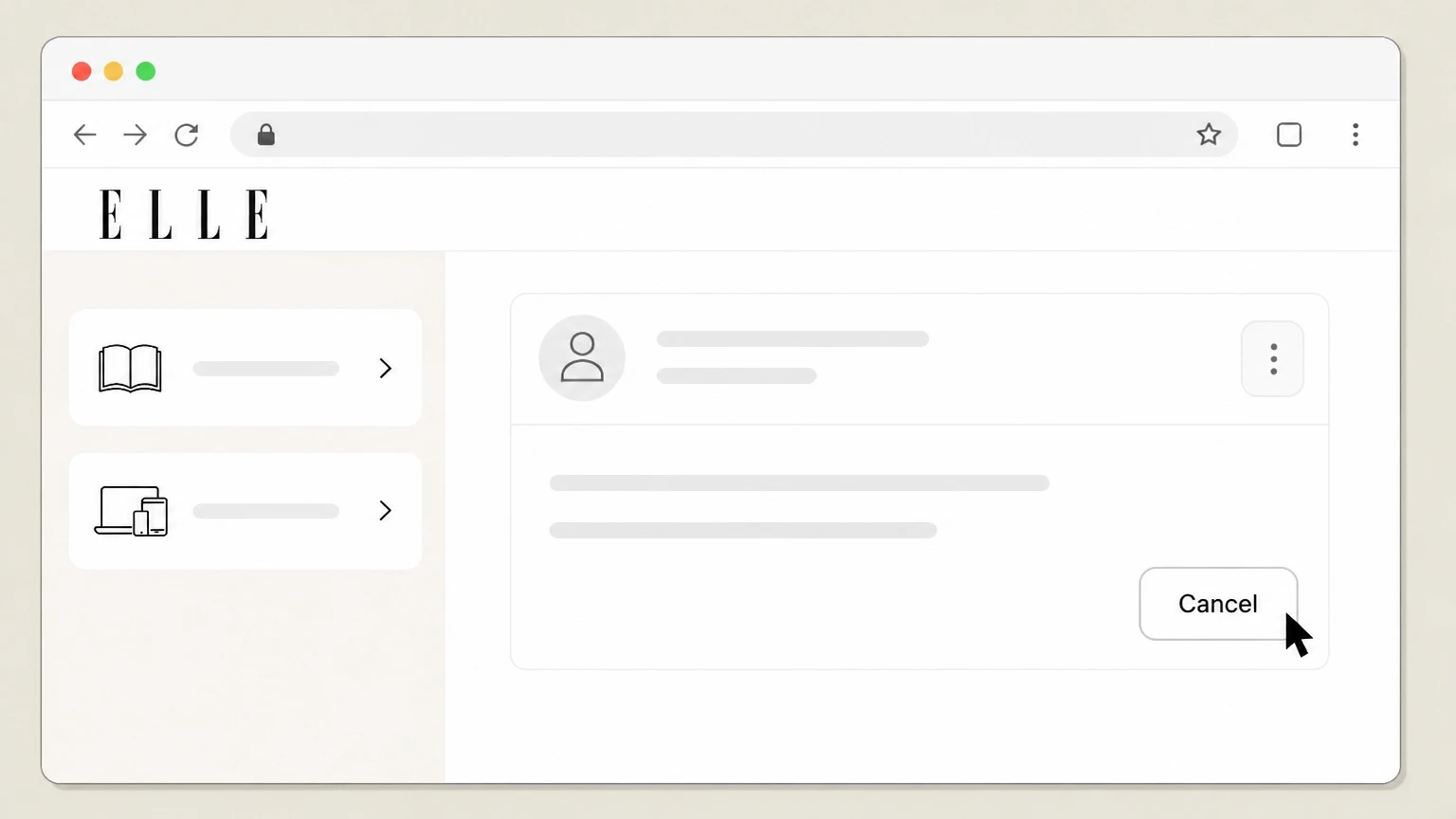
5Select cancel and confirm the request
Choose the cancellation option for that order and follow the on-screen prompts to submit your cancellation and end future renewals.w1.buysub.com

Call ELLE customer service (direct billing) · verify the billing owner
 1
1Open ELLE’s Customer Service page
Visit ELLE’s Customer Service page to confirm the correct customer service phone number for your subscription type (Magazine Print Only or All-Access).service.elle.com
 2
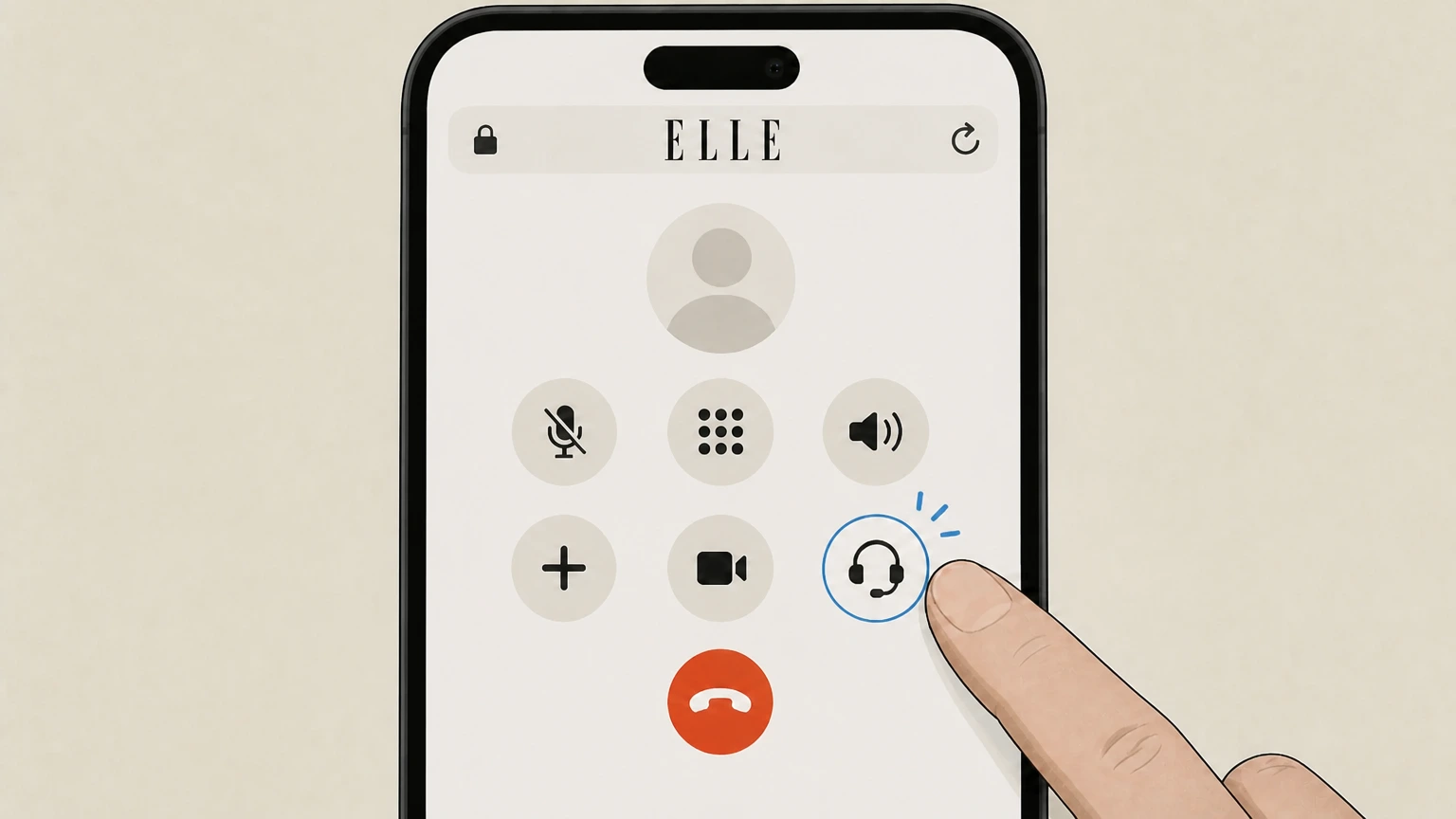
2Call ELLE customer service
Place a call to the listed ELLE customer service number and navigate any automated menu until you reach an agent who handles subscriptions or memberships.service.elle.com
- Let Pine handle it
Pine can help
Too many steps?
Pine can find the right Call ELLE customer service (direct billing) path and handle the cancellation for you.
 3
3Request cancellation of your ELLE subscription
Tell the agent you want to cancel your ELLE subscription or All-Access membership and provide any requested account details so they can locate your record.w1.buysub.com
 4
4Ask for confirmation of cancellation
Ask the agent to confirm that auto-renewal has been turned off, note when service will end, and request that a confirmation email or letter be sent to you.w1.buysub.com
Apple App Store (ELLE Magazine US app) · verify the billing owner
 1
1Open Settings
On your iPhone or iPad, open the Settings app from your home screen. Use the ELLE account named on your receipt, and continue only after the next status in this cancellation path is visible.
 2
2Tap your name
At the top of Settings, tap your name to open your Apple ID account settings. Use the ELLE account named on your receipt, and continue only after the next status in this cancellation path is visible.
- Let Pine handle it
Pine can help
Too many steps?
Pine can find the right Apple App Store (ELLE Magazine US app) path and handle the cancellation for you.
 3
3Open Subscriptions
In your Apple ID menu, tap Subscriptions to view all active and expired subscriptions linked to your Apple ID. Use the ELLE account named on your receipt, and continue only after the next status in this cancellation path is visible.
 4
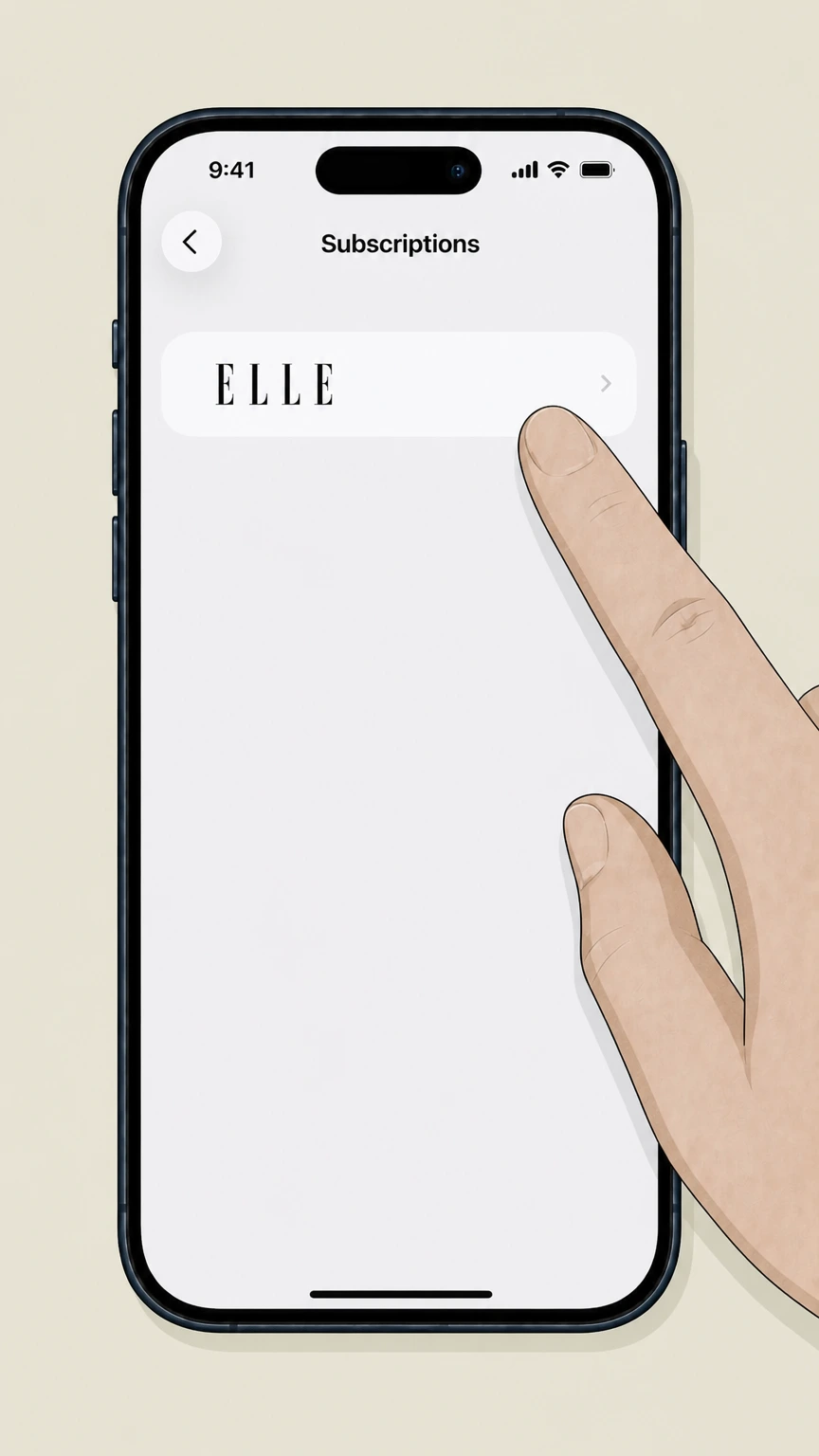
4Select ELLE
Find the ELLE subscription in the list and tap it to open its subscription details screen. Use the ELLE account named on your receipt, and continue only after the next status in this cancellation path is visible.
 5
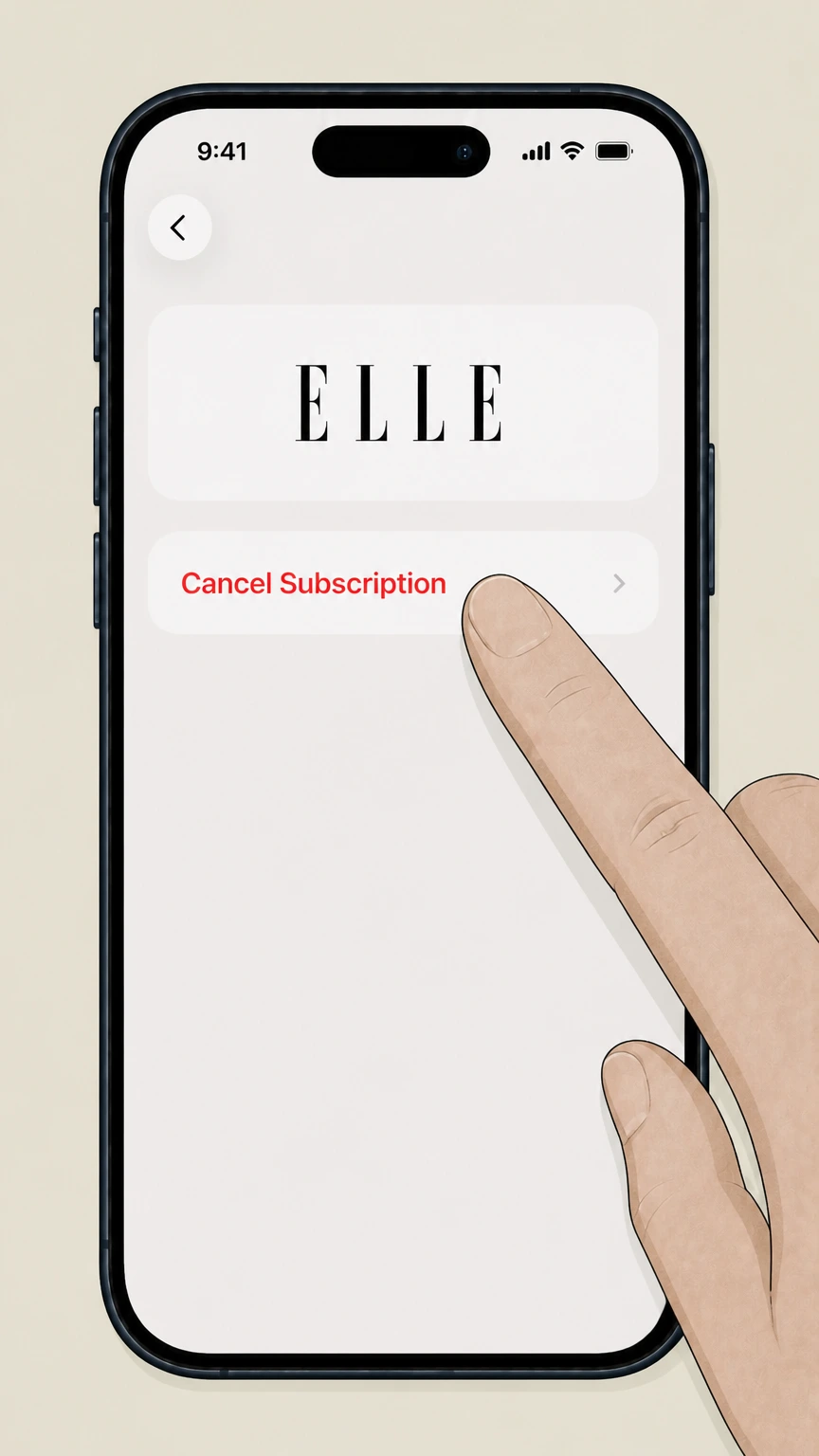
5Cancel the subscription
Tap the cancellation option and confirm when prompted so that your ELLE subscription will not renew at the next billing date.
Refund policy
Refunds and financial impact when cancelling ELLE
ELLE’s refund practices differ by product type and sales channel. Print-only continuous-service plans can qualify for refunds on undelivered issues, while most digital and app-store subscriptions only stop future renewals and do not refund the current term. Gift subscriptions have a distinct pre‑redemption cancellation window.shop.elle.com
Check my refund options- Print-only continuous-service refunds
- Under ELLE’s Continuous Service Guarantee, cancelling a qualifying print-only subscription results in a refund for any undelivered issues, while already-mailed issues continue to arrive.shop.elle.com For ELLE, preserve the receipt and cancellation confirmation because the company that posted the charge controls any account-specific refund review.
- Paid term usually non-refundable for digital/All-Access
- For most continuous-service subscriptions and memberships billed directly by ELLE/Hearst, the guarantee notes that your payment is non-refundable, and cancellation mainly stops future charges after the current term ends.shop.elle.com
- Gift subscription cancellation window
- ELLE’s gift subscriptions page states that you can cancel a gift subscription within 14 days of purchase only if it has not yet been redeemed; after that, or once redeemed, gift subscriptions are non‑refundable.elle.com
- Apple app subscription refunds
- The ELLE Magazine US App Store listing explains that subscriptions automatically renew and that the current subscription period cannot be cancelled, implying that refunds for time already paid are not available via the app terms.apps.apple.com
- Unpaid or sweepstakes-related orders
- For unpaid or accidental sweepstakes orders, ELLE’s FAQ allows cancellation through the customer care site or by email; because no payment has posted, stopping the order simply prevents future billing.w1.buysub.com
For complex billing disputes or if you believe ELLE did not follow its stated refund policies, you can review U.S. guidance on recurring charges and negative-option plans from the Federal Trade Commission and consider submitting a complaint. FTC guidance on recurring subscriptions
Products
How ELLE sells subscriptions and memberships
Understanding which ELLE product you have is key to cancelling correctly, because print subscriptions, All-Access memberships, and third‑party digital editions follow different rules and portals.service.elle.com
Magazine Print Only
Traditional print-only ELLE subscriptions are managed through the Magazine Print Only customer service portal and can be started, renewed, or cancelled via that site or by contacting magazine customer service.service.elle.com
All-Access membership
All-Access combines print delivery with unlimited ELLE.com access. Members manage many account details in a dedicated All-Access portal and can contact membership customer service for billing or cancellation issues.service.elle.com
Digital-only editions
Standalone digital issues and subscriptions are sold through external storefronts such as Apple’s App Store, Google Play, Kindle, NOOK, and Zinio, which each control their own billing and cancellation.w1.buysub.com
Gift subscriptions
ELLE sells gift subscriptions that provide a year of access and print delivery for a recipient, with specific rules around redemption, renewal, and a limited pre‑redemption cancellation window.elle.com
Billing
Who bills you for ELLE and why it matters
Cancellation must follow the rules of whoever charges your card or payment account, which may be ELLE/Hearst directly or a third‑party app store or e‑reader platform.w1.buysub.com
Direct billing by ELLE/Hearst
If you ordered from ELLE’s own sites or by mail, charges typically appear from Hearst or an ELLE-branded descriptor, and cancellation is handled through ELLE’s customer care portals or service contacts.service.elle.com
Apple App Store billing
Subscriptions started inside the ELLE Magazine US iOS app are billed by Apple, not ELLE, and must be cancelled in your Apple ID subscription settings rather than via ELLE’s portals.apps.apple.com
Other digital storefronts
If you bought ELLE through Google Play, Kindle, NOOK, or Zinio, those companies manage renewals, so you must sign in to the respective store or app to cancel. ELLE’s customer care site confirms these external options.w1.buysub.com
Continuous Service Program
Some direct orders enroll in Hearst’s Continuous Service Program, which automatically renews subscriptions until you turn it off through your account or by contacting customer service.shop.elle.com
Self-service
Using ELLE’s customer care portals to cancel
ELLE encourages subscribers to manage address changes, billing, autorenewal status, and—in some cases—cancellation through its online customer care portals.service.elle.com
Print portal at print.elle.com
For print subscriptions, ELLE’s FAQs direct you to log in at print.elle.com, where you can view your orders, manage billing, and, for unpaid orders, select “Cancel” from the Actions menu on My Orders.w1.buysub.com
Membership self-service portal
All-Access members have a self-service portal where they can view their account and update address, email, payment method, and other settings, with customer service available for additional account help.w1.buysub.com
Changing autorenewal status
If you are in the Continuous Service Program and only want to stop automatic renewals, ELLE’s FAQ instructs you to log in and change your autorenewal status or email customer service.w1.buysub.com
Sweepstakes orders and accidental sign-ups
If you entered a Hearst sweepstakes and unintentionally ordered ELLE, ELLE’s FAQ says you can cancel after your order has applied by logging in to your account or emailing customer service.w1.buysub.com
Help channels
When to use phone or email to cancel
Although ELLE offers online self-service tools, its FAQs make clear that paid subscriptions and memberships can always be cancelled by contacting customer service directly.w1.buysub.com
Paid subscriptions via phone
For paid subscriptions where portal cancellation is limited, ELLE’s FAQ explicitly allows you to call customer service to request cancellation of your subscription.w1.buysub.com For your ELLE account, compare this point with the billing owner and effective date shown in the signed-in account or latest receipt.
Print subscription email support
Print subscribers can contact the dedicated customer service email address listed in ELLE’s global FAQs for help cancelling, changing addresses, or resolving delivery and billing issues.w1.buysub.com
All-Access membership email support
All-Access members can email the membership program support address to get help with account questions, including cancelling membership and managing benefits.w1.buysub.com For your ELLE account, compare this point with the billing owner and effective date shown in the signed-in account or latest receipt.
When to escalate issues
If you cannot log in, see unexpected charges, or continue receiving issues after cancelling, ELLE’s help pages direct you back to customer service to investigate and correct the account.w1.buysub.com
Renewals
How ELLE’s Continuous Service Guarantee works
Many ELLE offers use an automatically renewing Continuous Service model, and the Continuous Service Guarantee explains what happens when you cancel before the end of a term.shop.elle.com
Automatic renewal until you cancel
The Continuous Service Guarantee states that your card or payment account will be charged at the then-current rate at the end of each term unless you cancel your subscription or membership.shop.elle.com
Cancelling before term end
You may cancel at any time before your subscription ends by contacting customer service, but for most continuous-service plans your payment for the current term is non‑refundable.shop.elle.com
Service through the current term
When you cancel a continuous-service plan, your access and delivery of remaining print issues continue until the end of the current subscription, after which the cancellation takes effect and no further charges are made.shop.elle.com
Exception for print-only plans
For print-only subscriptions covered by the guarantee, ELLE specifies that if you cancel you will receive a refund for any undelivered issues remaining on your term.shop.elle.com
After you cancel
What changes—and what doesn’t—after cancelling ELLE
Cancelling ELLE usually stops future renewals while allowing you to finish your current term, with different outcomes for digital access, print delivery, and membership benefits.shop.elle.com
Print issues already in production
ELLE explains that print issues may continue arriving for a time after cancellation, because copies already in the mail or production pipeline are still sent even once billing is stopped.w1.buysub.com
Refunds for undelivered print copies
For eligible print-only continuous-service plans, ELLE’s guarantee provides a refund for copies that have not yet been mailed when you cancel.shop.elle.com For your ELLE account, compare this point with the billing owner and effective date shown in the signed-in account or latest receipt.
Digital access under ELLE/Hearst billing
For continuous-service digital or All-Access plans billed directly by ELLE/Hearst, cancelling normally stops renewal but does not refund the current term; access continues until that term ends.shop.elle.com
Apple app subscriptions
The ELLE Magazine US App Store listing states that app subscriptions automatically renew and that cancellation only affects future periods; the current subscription period cannot be cancelled for a refund.apps.apple.com
External platforms
Handling ELLE subscriptions from external platforms
If your ELLE subscription runs through an app store or reading platform instead of ELLE directly, you must follow that platform’s own cancellation process.w1.buysub.com
Identifying third-party billing
Charges that list Apple, Google, Amazon, Barnes & Noble, or Zinio as the merchant of record indicate your ELLE access is managed through those platforms rather than through ELLE’s own billing system.w1.buysub.com
Apple App Store subscriptions
For iOS, ELLE confirms availability through the App Store, and Apple’s listing explains that users manage and turn off auto-renew in their Account Settings, not via the ELLE site.w1.buysub.com
Google Play and others
ELLE’s FAQ lists Google Play, Kindle, NOOK, and Zinio as storefronts for digital editions and directs users to those environments to buy and access issues, which also applies when cancelling.w1.buysub.com
Using ELLE support for access issues
If you have trouble accessing issues from a third-party store, ELLE’s digital FAQs allow you to contact ELLE support for technical help, though billing changes still require the platform’s tools.w1.buysub.com
What official sources do not confirm
Limits of the public ELLE cancellation guidance
These points are intentionally qualified because the official sources reviewed on August 16, 2026 do not publish a complete answer.
Documented limitation 1
The internal pages and exact button labels inside the JavaScript-based portals at print.elle.com and the All-Access membership portal could not be rendered directly; descriptions rely on the labels and flows documented in ELLE’s global care FAQ rather than live UI inspection.
Documented limitation 2
Cancellation flows for Google Play, Kindle, NOOK, Zinio, and other third-party storefronts are not described step-by-step because ELLE defers to those platforms’ standard subscription-management tools and no ELLE-owned walkthroughs are published.
Documented limitation 3
Historic FAQ pages on ELLE.com include older contact and service details; only information that is restated or linked from current customer service and FAQ pages has been treated as reliable for this guide.
ELLE cancellation FAQ
Questions people search about canceling ELLE, answered with official provider or billing-platform sources checked on August 16, 2026.
How do I cancel my ELLE subscription?
How do I completely cancel my subscription?
Can I cancel my magazine subscriptions online?
Is there a free subscription to ELLE magazine?
How do I cancel an ELLE subscription purchased through Apple’s App Store?
What happens to my ELLE print issues after I cancel?
Will I get a refund when I cancel my ELLE subscription?
How do I cancel an ELLE All-Access membership?
How do I cancel an ELLE subscription I didn’t order or got via a sweepstakes?
How do I contact ELLE magazine customer service?
Untangle this ELLE issue.
Let Pine handle the provider follow-up and keep the confirmation in one place.
