


Automotive News
Cancel subscription
How to Cancel an Automotive News Subscription
Step-by-step guide to cancel an Automotive News subscription, including how to turn off automatic renewal online, what happens to access, and refund limits.
- Official Automotive News and billing-owner sources
- 2 provider-specific cancellation paths
- Refund and post-cancellation effects separated from renewal
- Verified August 16, 2026
Choose the Automotive News cancellation path that matches who bills you
Automotive News website account · verify the billing owner
 1
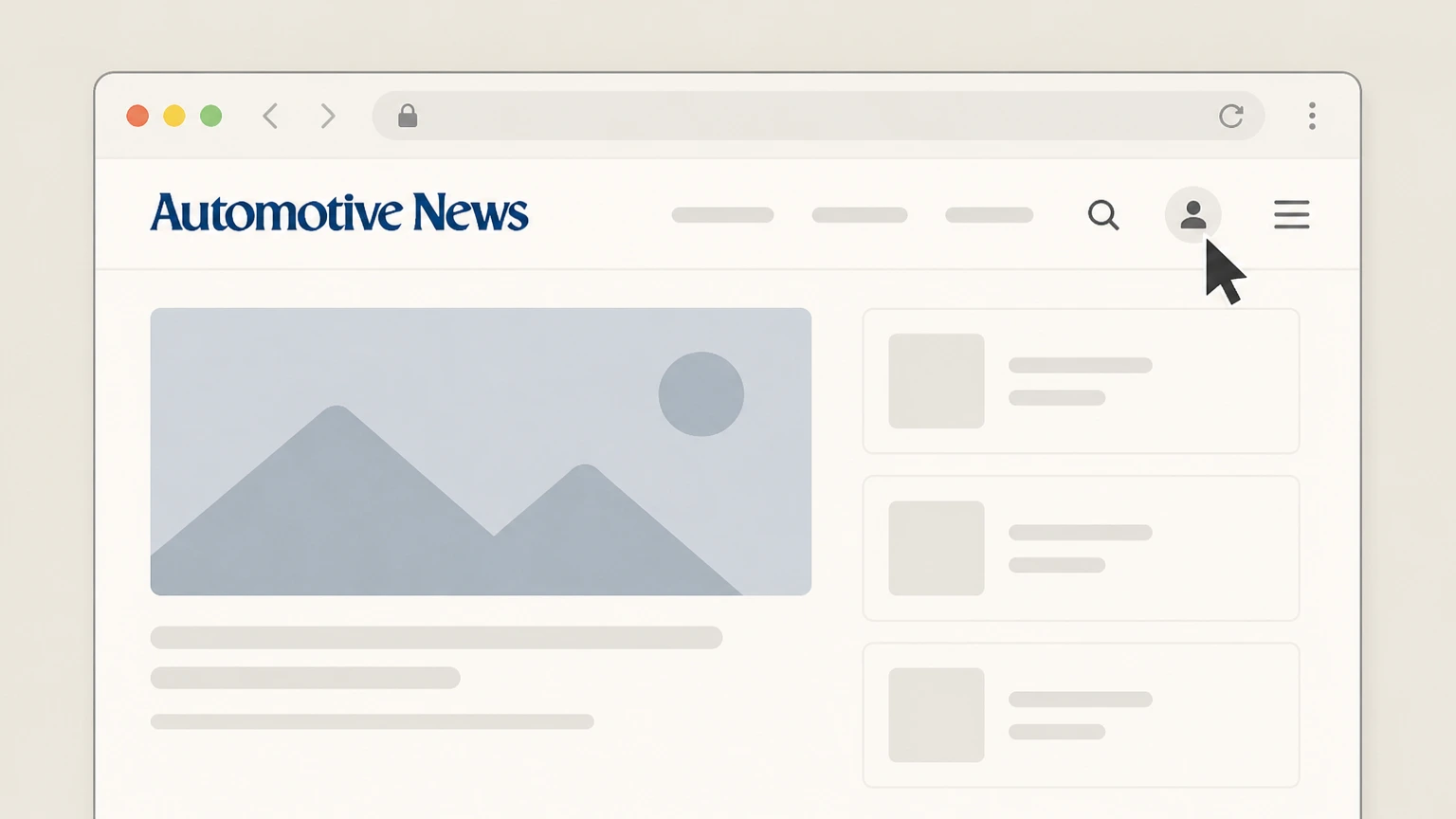
1Open the Automotive News website
In a web browser, go to the Automotive News site and navigate to the account sign-in area linked from the Help Center or header.
 2
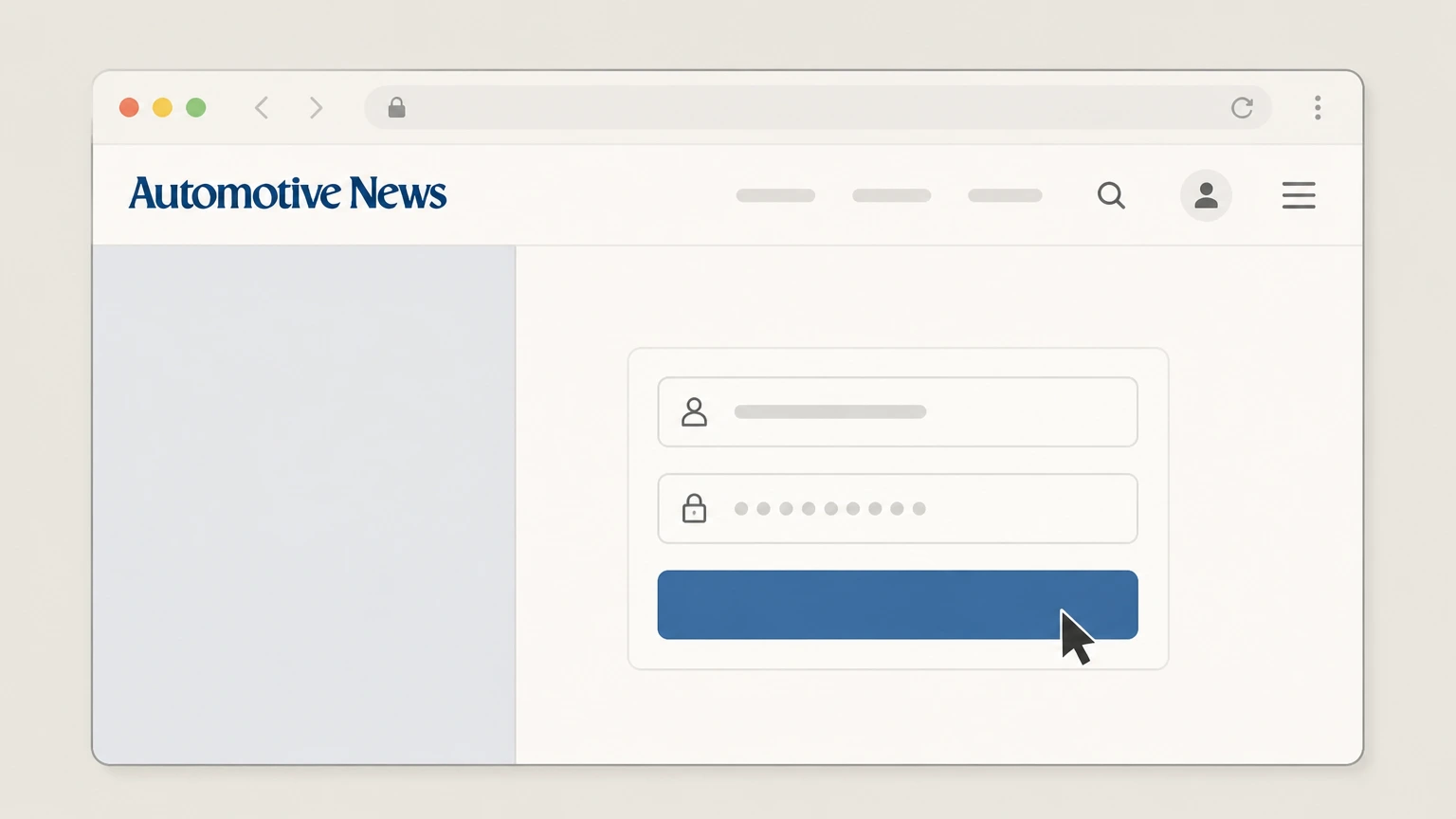
2Sign in to your Automotive News account
Enter the email address and password associated with your Automotive News subscription to access your user dashboard.help.autonews.com Use the Automotive News account named on your receipt, and continue only after the next status in this cancellation path is visible.
- Let Pine handle it
Pine can help
Too many steps?
Pine can find the right Automotive News website account path and handle the cancellation for you.
 3
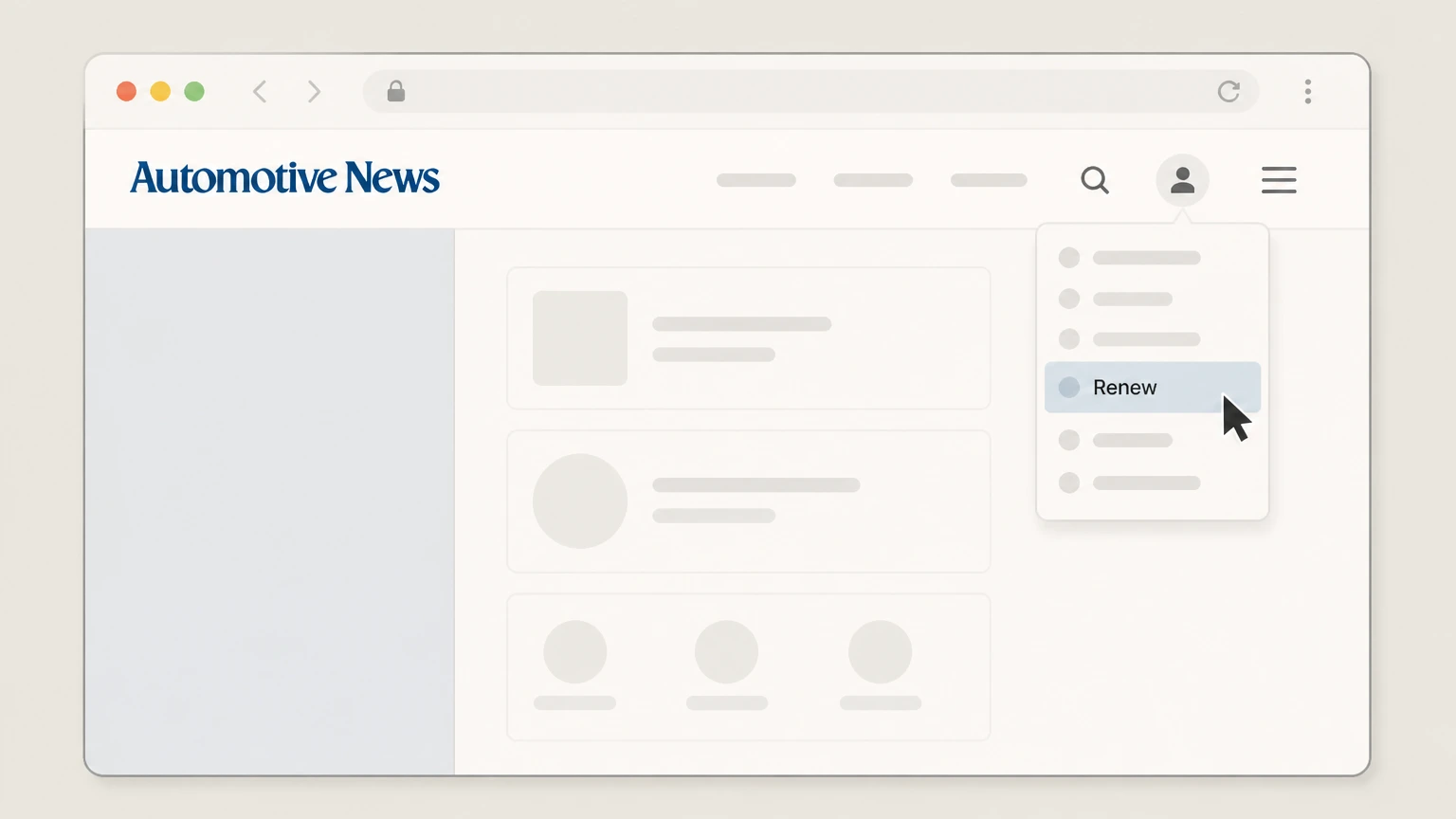
3Open your subscriptions from the header
In the account area, select the “Renew” option in the header to open the page that lists your current subscriptions.help.autonews.com
 4
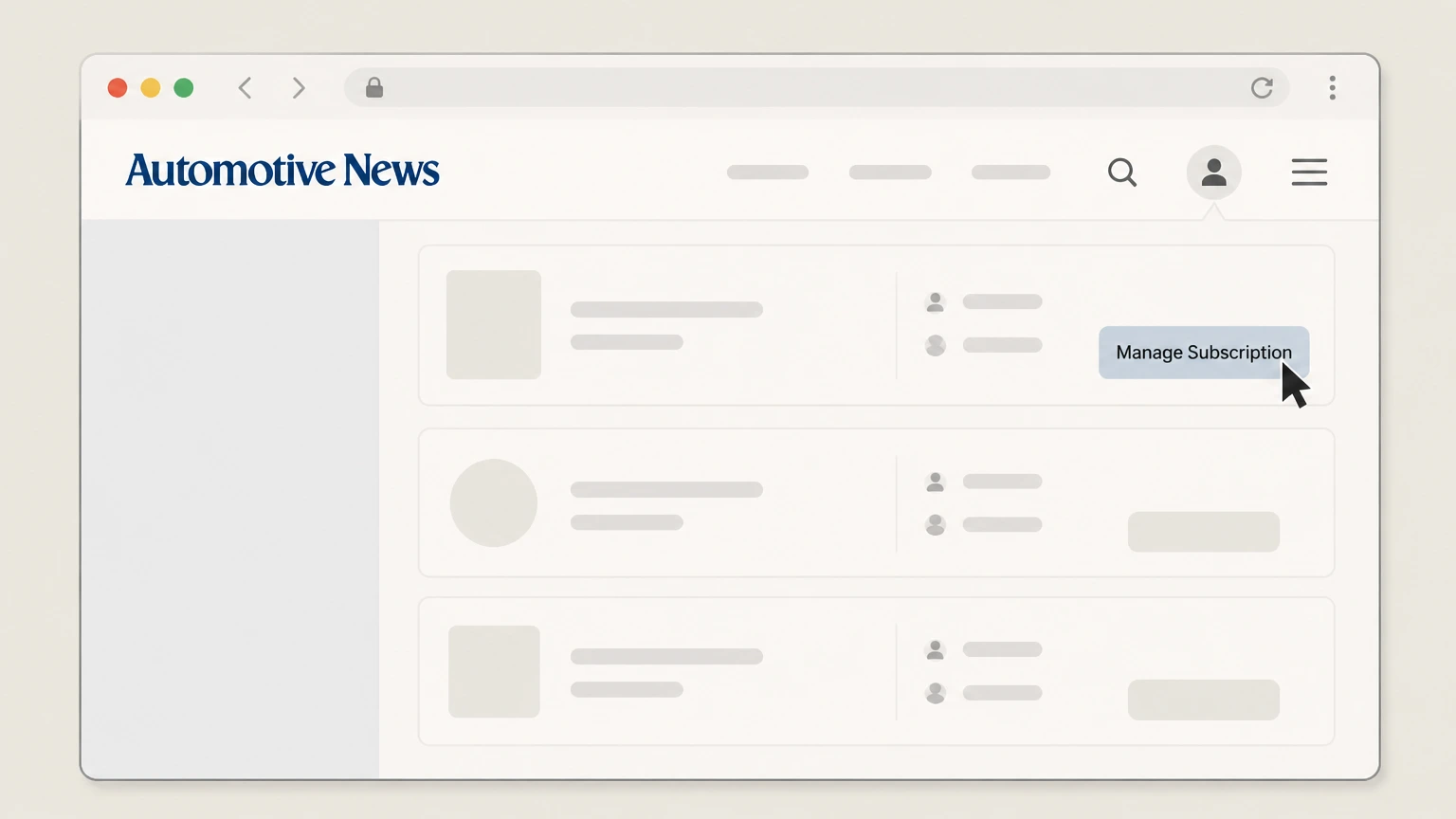
4Select “Manage Subscription” under Self Service
On the subscriptions page, locate your active Automotive News subscription and choose “Manage Subscription” in the Self Service section to open its settings.help.autonews.com
 5
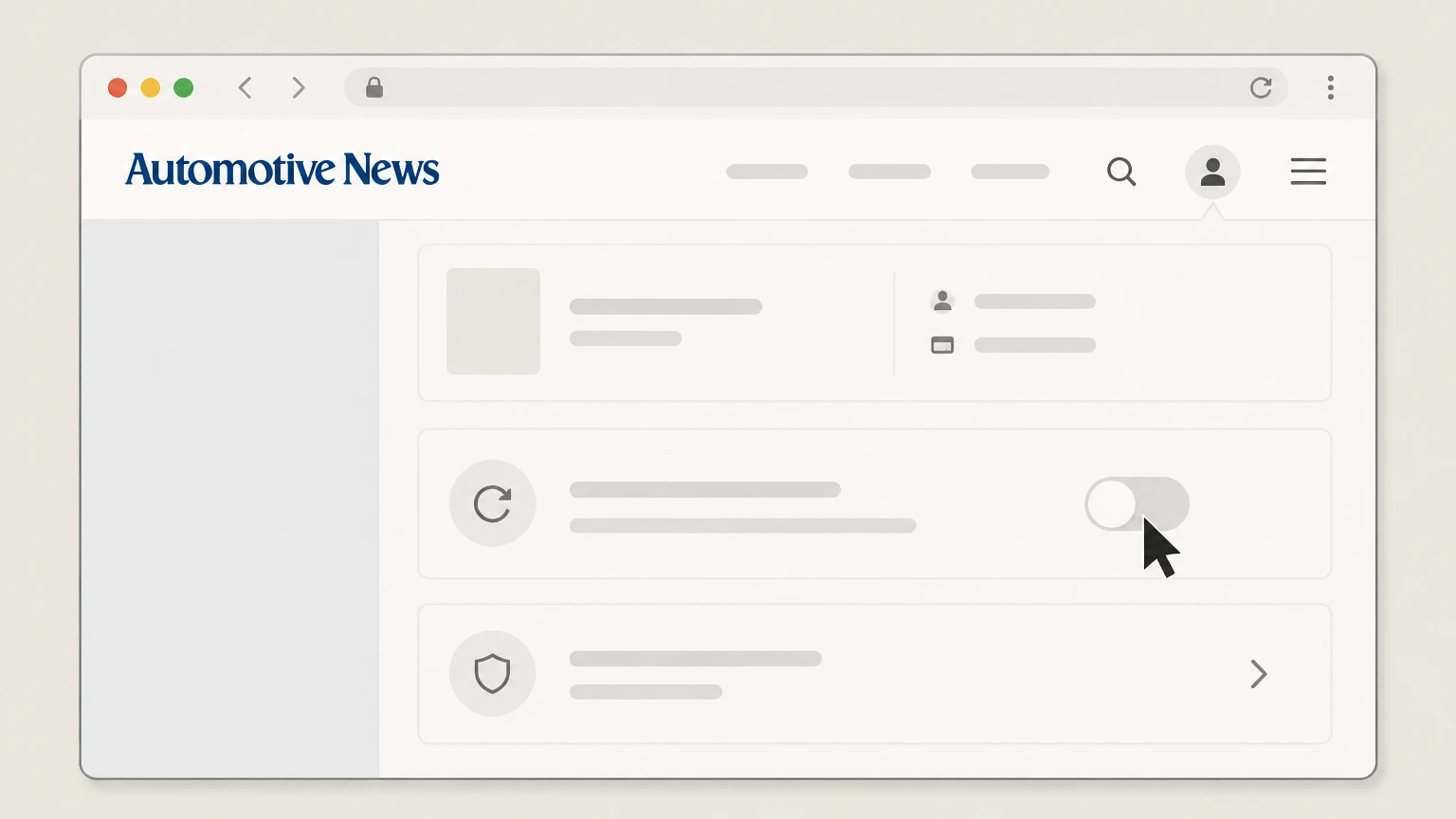
5Opt out of automatic renewal for the subscription
In the subscription settings, use the available option to opt out of or disable automatic renewal so the subscription will cancel when the current term ends and no further charges occur.help.autonews.com

Phone customer service · verify the billing owner
 1
1Gather your subscription details
Before calling, locate your account email and any recent renewal notices or receipts so customer service can quickly find your subscription.help.autonews.com
 2
2Call Automotive News customer service
Dial the customer service phone number listed in the Automotive News Help Center “Contact Us” section to reach a representative.help.autonews.com
- Let Pine handle it
Pine can help
Too many steps?
Pine can find the right Phone customer service path and handle the cancellation for you.
 3
3Request cancellation of your subscription
Once connected, clearly state that you want to cancel your Automotive News subscription or stop future automatic renewal charges on your account.help.autonews.com
 4
4Confirm the effective cancellation date
Ask the representative to confirm when billing will stop and whether you will retain access until the end of the current paid term.help.autonews.com
 5
5Ask for written confirmation of the change
Request a confirmation email or reference number documenting that your subscription or auto-renewal has been cancelled.help.autonews.com Use the Automotive News account named on your receipt, and continue only after the next status in this cancellation path is visible.
 6
6Save your cancellation confirmation
Keep the confirmation message or reference number with your billing records in case you need to dispute any future charge.help.autonews.com
Refund policy
Automotive News refund and renewal policy
Automotive News treats cancellation as a change to future renewals only: annual and monthly subscriptions auto-renew, do not provide refunds, and stop billing at the start of the next cycle once you cancel or opt out of automatic renewal.help.autonews.com
Check my refund options- No refunds for annual subscriptions
- The Cancel or Change My Subscription article states that refunds will not be provided for annual subscriptions; cancelling stops future renewals but does not generate a refund for the remaining term.help.autonews.com
- No refunds for monthly subscriptions
- For monthly subscribers, Automotive News likewise states that refunds will not be provided; the subscription simply renews each month until you cancel future charges.help.autonews.com For Automotive News, preserve the receipt and cancellation confirmation because the company that posted the charge controls any account-specific refund review.
- Cancellation timing and billing
- When you cancel future charges—either online or by calling customer service—the cancellation goes into effect at the start of your next billing cycle, so your current paid period continues and is not prorated.help.autonews.com
- Opting out of auto-renew cancels at term end
- The automatic renewal settings article explains that opting out of automatic renewal will cancel your subscription when the current term ends and ensures you will not be charged again.help.autonews.com
- Renewal notices and receipts
- Annual subscribers receive a notice before renewal with the amount and date the card will be charged, and receipts are emailed after each renewal; subscribers can request copies through customer service if needed.help.autonews.com
If you believe a renewal charge was made in error or you need to discuss an exception to the standard no-refund policy, contact Automotive News customer service using the official Help Center contact options and provide your account and billing details. Automotive News Help Center
Service status
What Automotive News subscriptions cover today
Automotive News remains an active, subscriber-paid news service offering access to industry coverage through digital products and related plans.help.autonews.com
Active paid publication
Automotive News describes itself as a fully subscriber-paid publication with weekly print editions, a robust website, newsletters and video, indicating that the paid service is ongoing.static.autonews.com
Subscription options managed online
The Help Center directs prospective subscribers to review all available subscription plans and select one via the dedicated subscribe page on autonews.com.help.autonews.com For your Automotive News account, compare this point with the billing owner and effective date shown in the signed-in account or latest receipt.
Help Center as primary support hub
Automotive News uses a centralized Help Center where readers can purchase a subscription, update renewal settings, and modify an existing subscription.help.autonews.com For your Automotive News account, compare this point with the billing owner and effective date shown in the signed-in account or latest receipt.
Student and corporate offerings
Separate Help Center categories highlight student subscriptions and corporate & group subscriptions, confirming multiple subscription types beyond standard individual plans.help.autonews.com For your Automotive News account, compare this point with the billing owner and effective date shown in the signed-in account or latest receipt.
Billing & ownership
Who bills you for Automotive News and where
Billing for Automotive News subscriptions is handled directly by Crain Communications through autonews.com, not by Apple or Google’s storefronts.help.autonews.com
Crain Communications as service owner
The Terms & Conditions identify Automotive News, including autonews.com and related products, as a news service provided by Crain Communications Inc., which controls paid access to restricted content.help.autonews.com
Direct website subscription purchase
The Help Center’s “Subscribe to Automotive News” article sends users to autonews.com/subscribe to review plans and sign up, showing that subscriptions are sold on the Automotive News website rather than through third parties.help.autonews.com
Apps function as access tools for subscribers
The official iOS and Android apps are free to download and state that subscribers get unlimited article access, indicating they primarily authenticate existing Automotive News subscribers instead of selling separate in-app subscriptions.apps.apple.com
Managed accounts via organizations
The privacy policy explains that some products are provided through organizations (such as employers) as managed accounts, with the organization acting as administrator over access, again pointing to Crain as the billing owner rather than app stores.help.autonews.com
Renewal policies
Annual and monthly renewal rules for Automotive News
Automotive News publishes distinct but parallel renewal and refund rules for annual and monthly subscriptions, with cancellation operating prospectively.help.autonews.com
Automatic renewal for annual plans
Annual subscriptions renew automatically each year at the then-current one-year rate, and a notice is sent before renewal with the amount and date the credit card will be charged.help.autonews.com
No refunds on annual subscriptions
The cancellation article explicitly states that refunds will not be provided for annual subscriptions, meaning cancellation stops only future renewals rather than generating a prorated refund.help.autonews.com
Automatic renewal for monthly plans
Monthly subscriptions renew automatically each month, and the subscriber is charged every month thereafter until they opt out of automatic renewal or cancel future charges.help.autonews.com
Cancellation effective next billing cycle
For both annual and monthly plans, the Help Center explains that cancelling future charges takes effect at the start of the next billing cycle, so the current paid period is not refunded.help.autonews.com
Opting out cancels at term end
The automatic renewal settings article clarifies that opting out of auto-renew will cancel the subscription when the current term ends so you are not charged again afterward.help.autonews.com
Account tools
Key online tools that affect cancellation
Automotive News provides several account tools—Subscription Status, Manage Subscription, and automatic renewal settings—that determine how and when your subscription ends.help.autonews.com
Subscription Status page
The Check Subscription Status article instructs users to log in and select “Subscription Status” in the header to see each current subscription and its expiration date, and to adjust automatic renewal there.help.autonews.com
Manage Subscription via Self Service
For annual subscribers, the cancellation article directs users to log in, click “Renew” in the header, then “Manage Subscription” under the Self Service heading to change renewal settings.help.autonews.com
Automatic renewal opt-in or opt-out
The automatic renewal article states that once logged into the User Dashboard, you can select your subscription and choose to opt in or opt out of auto-renew directly on the website.help.autonews.com
Receipts after each renewal
Automotive News notes that receipts are emailed after each renewal and advises subscribers who need a copy of their receipt to contact customer service.help.autonews.com For your Automotive News account, compare this point with the billing owner and effective date shown in the signed-in account or latest receipt.
Support role
How Automotive News customer service fits into cancellation
Customer service remains a central channel for cancelling or changing an Automotive News subscription, especially when self-service tools are insufficient.help.autonews.com
Primary contact for cancelling or modifying
The cancellation article states that to cancel or modify an active subscription, subscribers should contact Automotive News customer service by phone during published service hours.help.autonews.com
Backup when online tools are unclear
If you have questions about renewal or cannot complete changes online, Automotive News’ automatic renewal article instructs you to contact customer service for help.help.autonews.com For your Automotive News account, compare this point with the billing owner and effective date shown in the signed-in account or latest receipt.
Assistance with receipts and billing records
Check Subscription Status notes that if you need a copy of a renewal receipt emailed after billing, you should contact customer service for assistance.help.autonews.com For your Automotive News account, compare this point with the billing owner and effective date shown in the signed-in account or latest receipt.
General Help Center contact entry point
The main Help Center page and Subscription Questions section both list centralized contact options, reinforcing that account- and billing-related requests are handled through these official channels.help.autonews.com
Group accounts
Corporate and group subscription nuances
Automotive News supports corporate and group subscriptions with their own administration and billing practices that can affect how cancellations are requested.help.autonews.com
Centralized corporate billing
The Corporate & Group Subscriptions page highlights features such as a single bill for all team members and consistent subscription terms, indicating that billing and contract changes are typically handled at the organizational level.help.autonews.com
Sales representatives manage details
The Active Corporate Subscriptions FAQ instructs organizations with questions such as missing user lists to reach out to their sales representative, suggesting that many account-level changes, potentially including cancellations, are coordinated through sales.help.autonews.com
Admin responsibilities and invoices
Corporate FAQs note that invoices are sent directly to the account administrator and that admins should check their email or contact their sales representative if an invoice is not received.help.autonews.com
Print delivery issues for group plans
For print-delivery problems within corporate subscriptions, Automotive News advises contacting customerservice@autonews.com, showing that support for delivery and access runs through central customer service even on group accounts.help.autonews.com
After cancellation
Account, access and data handling once you cancel
Cancelling an Automotive News subscription mainly affects paid access and billing; your underlying user account and data follow the broader privacy and account policies.help.autonews.com
Access ends when the term expires
By opting out of automatic renewal, Automotive News states that your subscription will cancel when the current term ends and you will not be charged again, implying that paid access ends at that expiration date.help.autonews.com
Account may remain active after cancelling
The privacy policy explains that account information is retained for as long as the account is active and for a reasonable period thereafter, and that deactivating an account does not automatically delete information, so cancellation of billing does not itself erase your profile data.help.autonews.com
Options to request deletion of data
Automotive News’ privacy policy notes that users can request deletion of their information by contacting customer service, subject to retention needed for legal or transactional purposes.help.autonews.com
Managed accounts follow employer policies
For managed accounts provided through employers, the privacy policy states that administrators can restrict, suspend or terminate access to products, so employees should coordinate cancellation impacts with their organization where applicable.help.autonews.com
What official sources do not confirm
Limits of the public Automotive News cancellation guidance
These points are intentionally qualified because the official sources reviewed on August 16, 2026 do not publish a complete answer.
Documented limitation 1
Robots.txt restrictions prevent direct crawling of the live autonews.com subscribe and user-dashboard pages, so this guide relies on Automotive News Help Center descriptions for on-screen labels and flows rather than screenshots of those pages.
Documented limitation 2
Corporate and group subscription contracts may include bespoke cancellation or notice terms that are not fully detailed in public FAQs; readers with organizational subscriptions should confirm specifics with their administrator or sales representative.
Documented limitation 3
Official documentation describes no exceptions to the stated no-refund policy for annual and monthly subscriptions, so this guide cannot address edge cases such as billing errors beyond advising readers to contact customer service.
Documented limitation 4
Automotive News does not publish detailed channel-by-channel cancellation acceptance rules for email or postal mail, so only phone and authenticated web-account routes that are explicitly documented have been treated as supported cancellation methods.
Automotive News cancellation FAQ
Questions people search about canceling Automotive News, answered with official provider or billing-platform sources checked on August 16, 2026.
How do I cancel my Automotive News subscription?
Who owns Automotive News?
How do I completely cancel my subscription?
Can I cancel Automotive News online without calling?
What happens to my access after I cancel Automotive News?
Does Automotive News offer refunds when I cancel?
How do I check when my Automotive News subscription ends?
How are student or corporate Automotive News subscriptions cancelled?
How much does an automotive news subscription cost?
Untangle this Automotive News issue.
Let Pine handle the provider follow-up and keep the confirmation in one place.
