

California Wine Club
Cancel subscription
How to Cancel California Wine Club: Official Steps & Timing
Cancel California Wine Club through the correct billing route. Follow official steps, understand renewal timing and refunds, and keep proof of the final result.
- 3 verified cancellation routes
- Billing ownership and renewal timing explained
- Provider-specific refund boundaries included
- A confirmation check follows every route
Choose the correct California Wine Club cancellation route
Website account · verify the billing owner
Cancel California Wine Club through Website account
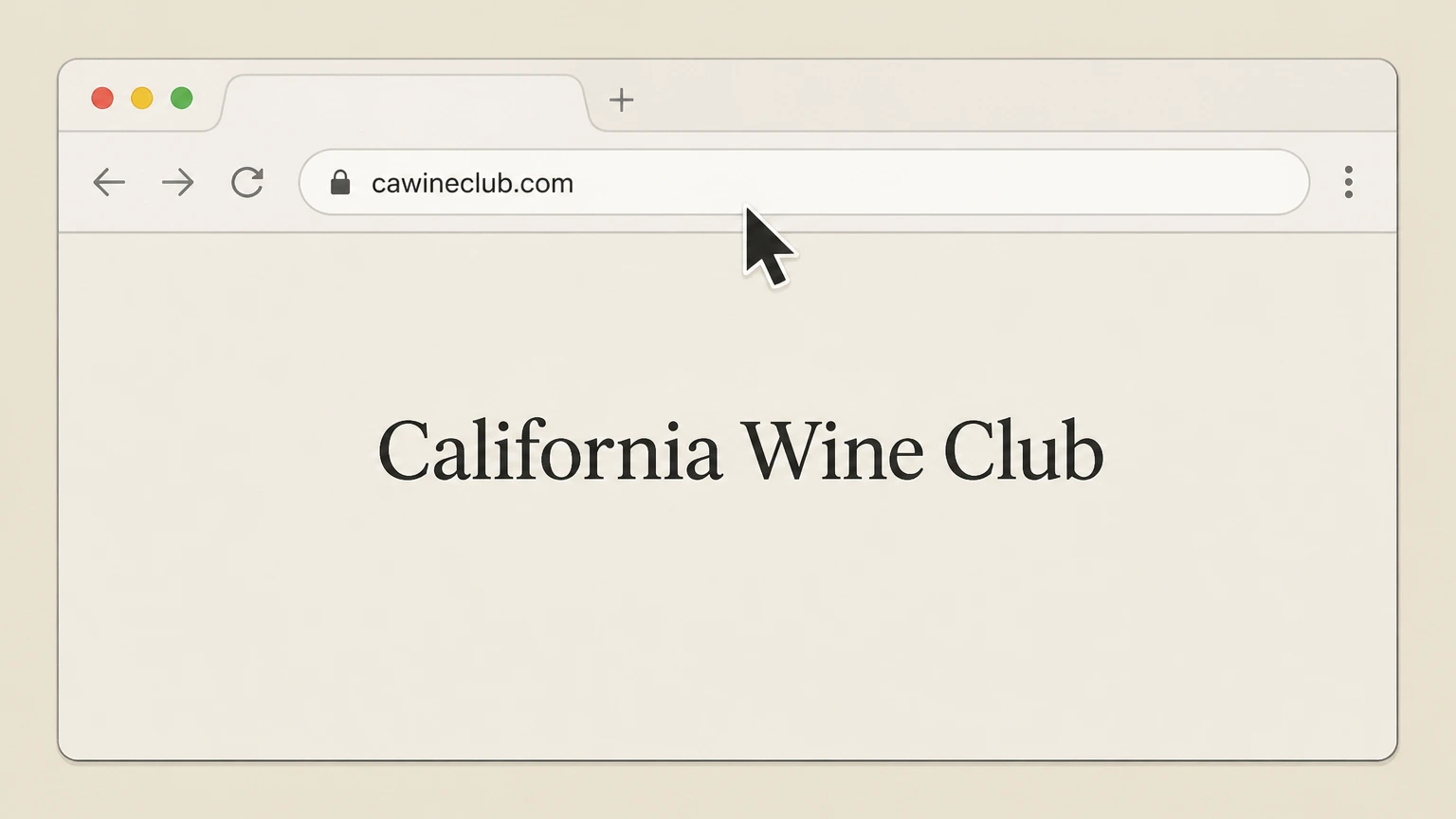 1
1Open the California Wine Club website
Open your web browser and go to cawineclub.com.
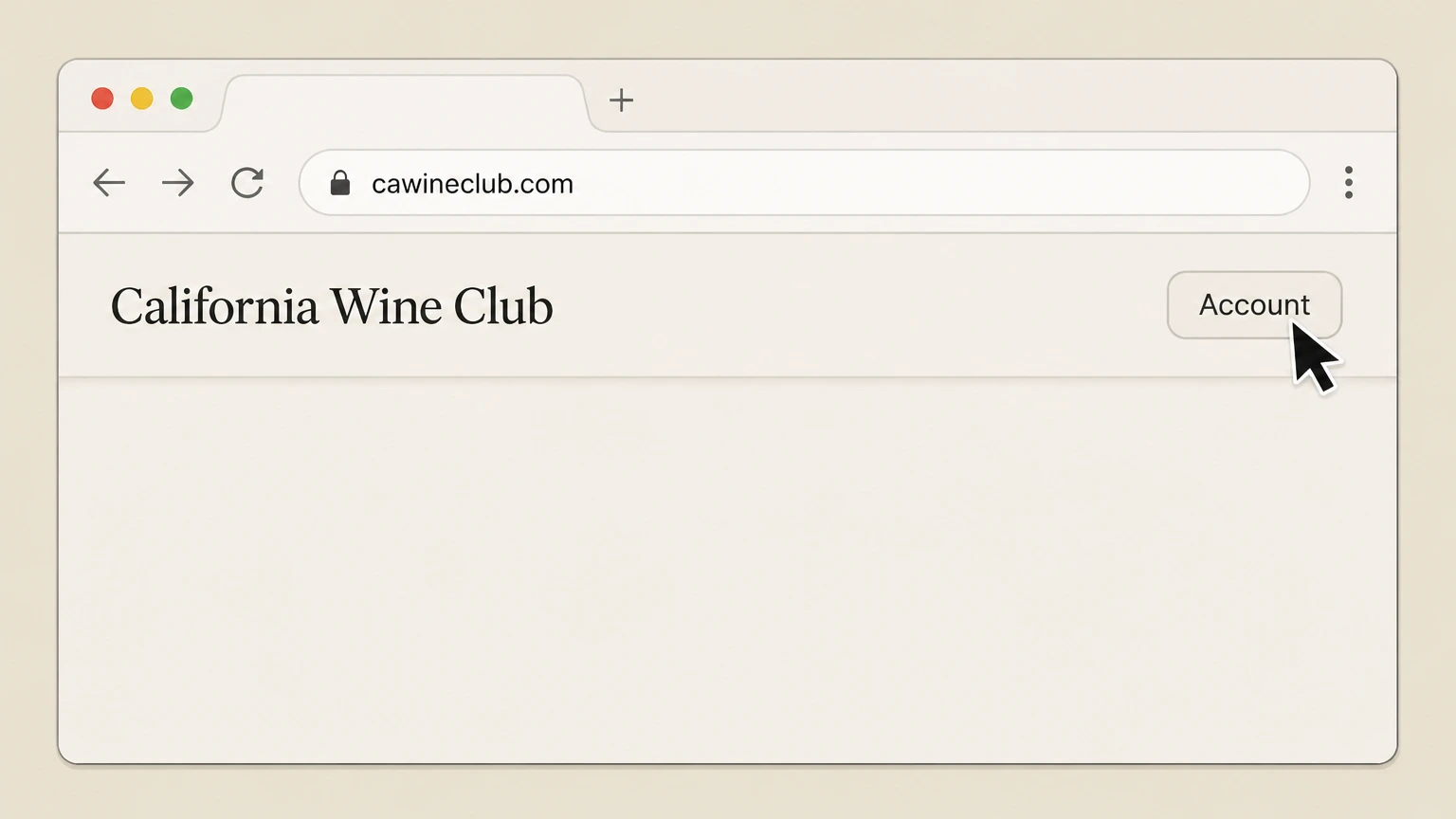 2
2Access the Account menu
Click the "Account" button at the top of the page to open the account login area.
- Let Pine handle it
Pine can help
Too many steps?
Pine can find the right Website account path and handle the cancellation for you.
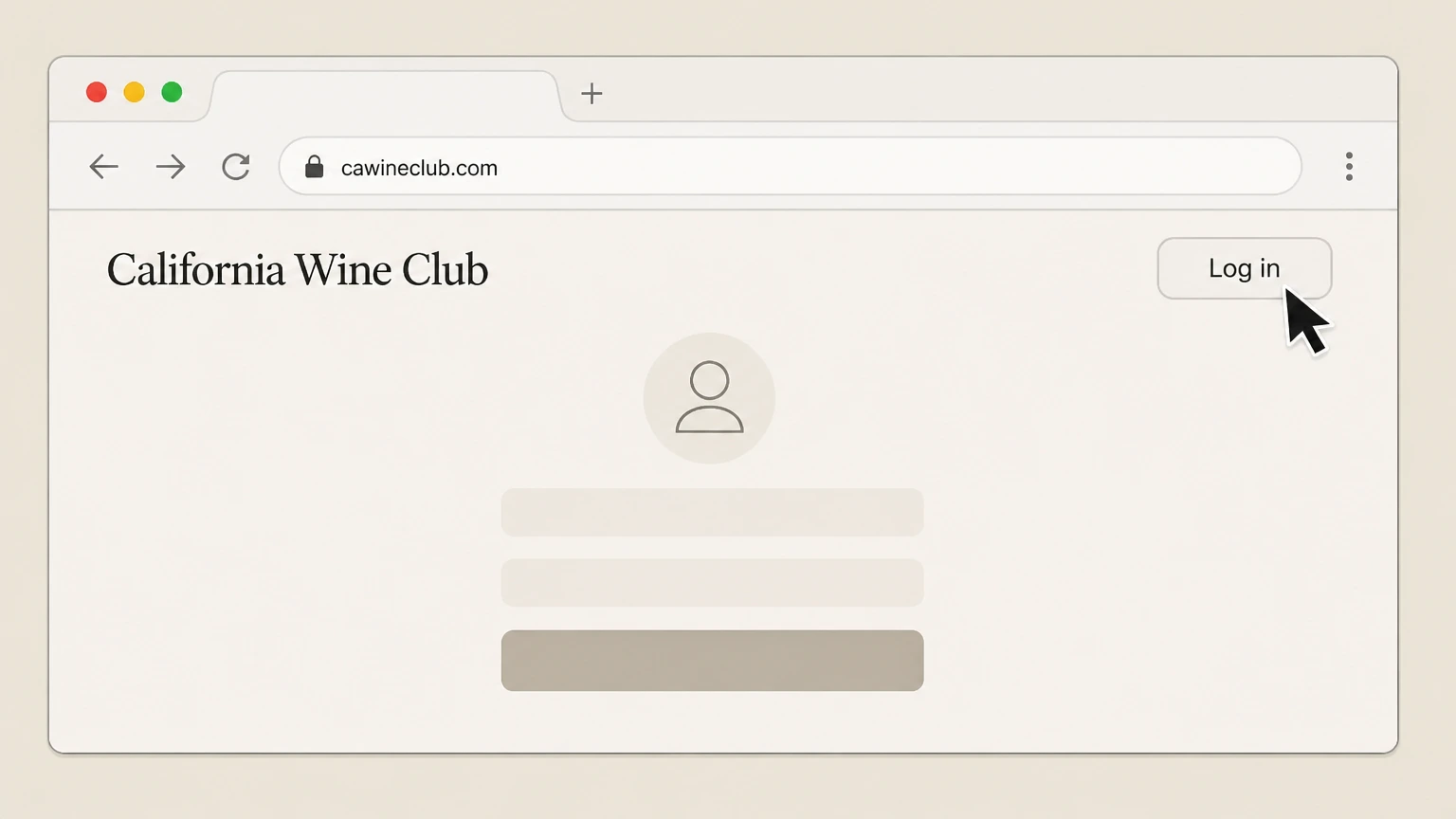 3
3Sign in to your account
Log in with the email and credentials you used for your wine club order so you can view your customer dashboard.
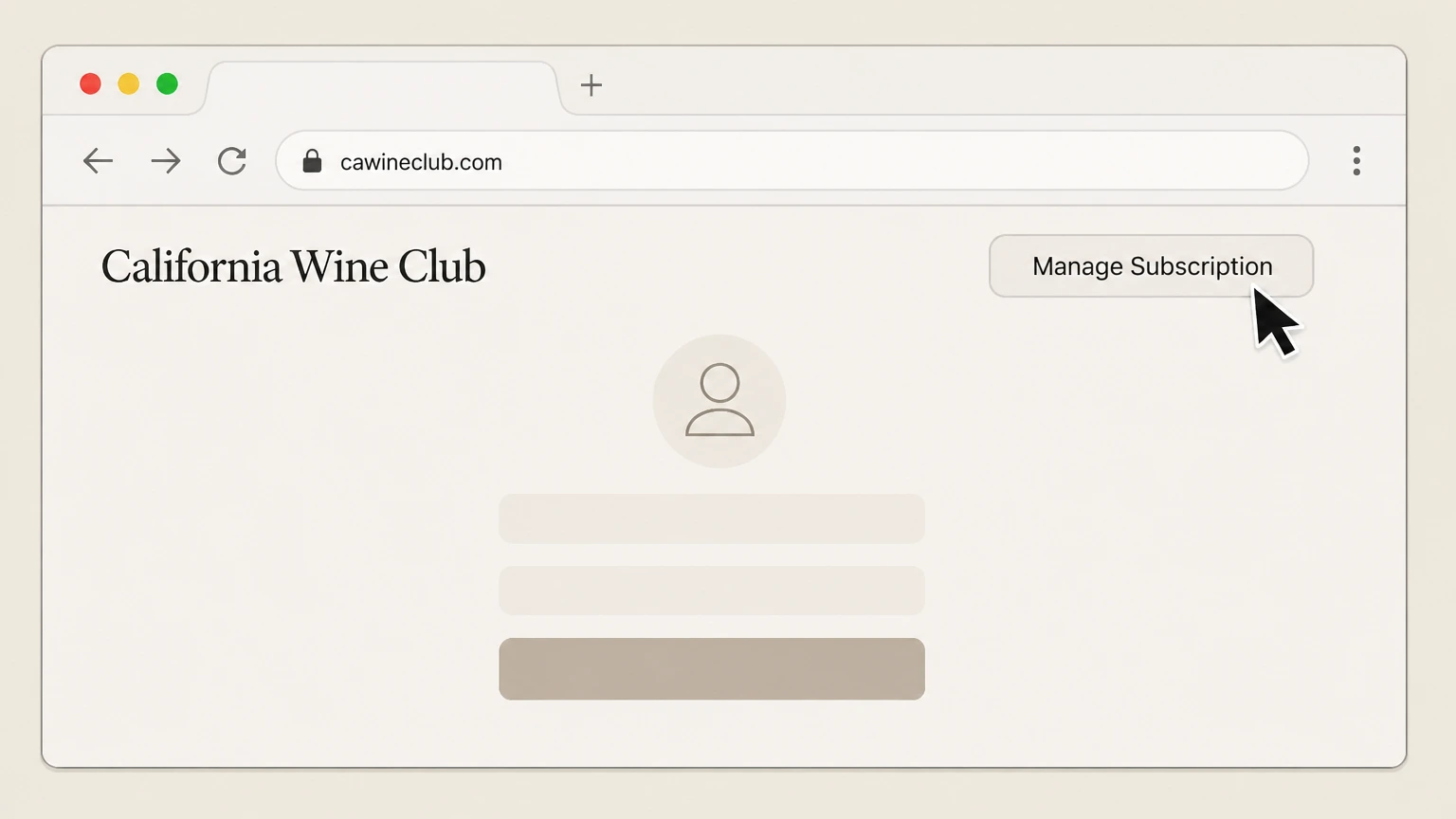 4
4Open Manage Subscription
From your account or customer dashboard, click the "Manage Subscription" button to open your subscription settings.
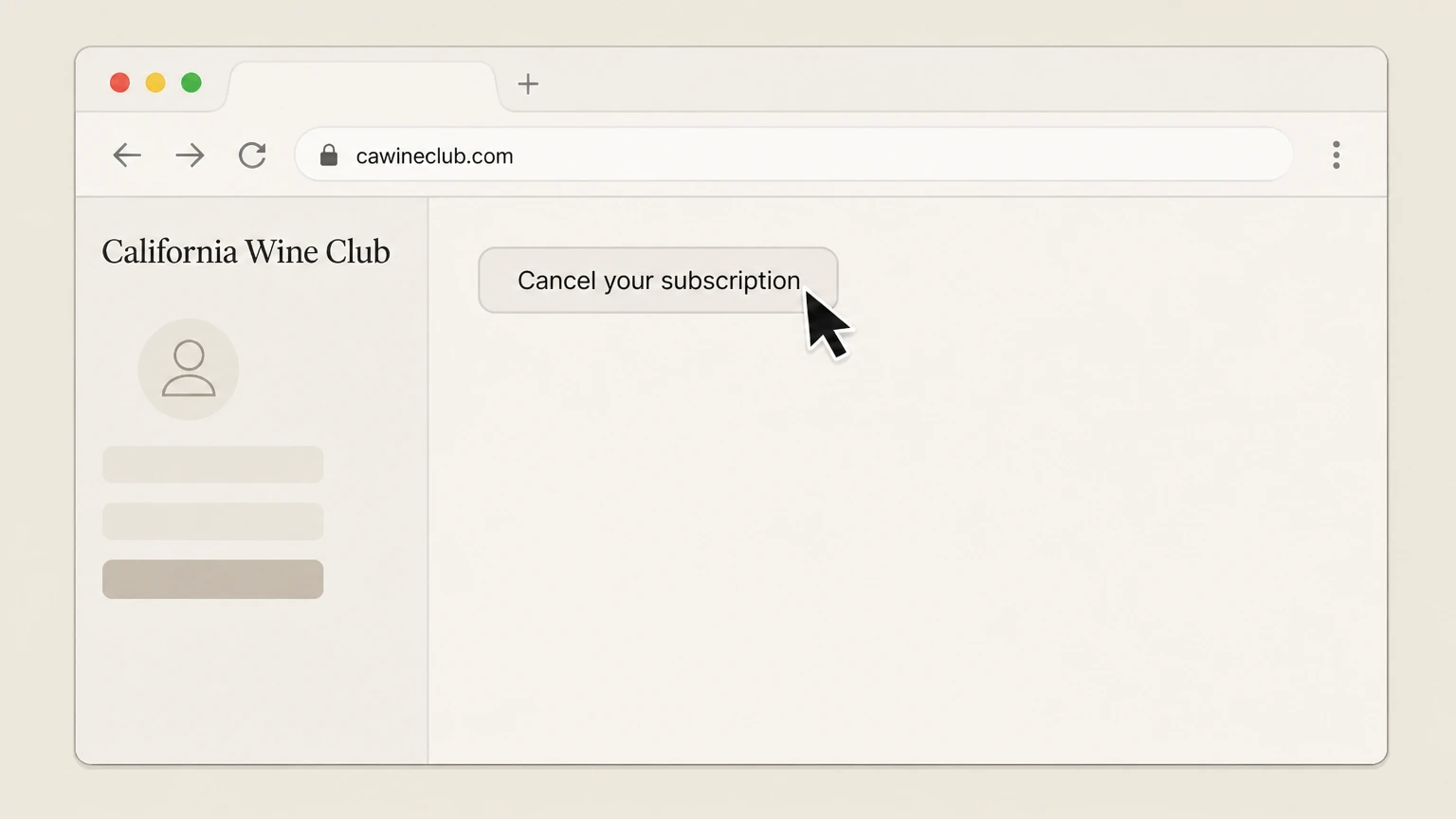 5
5Select Cancel your subscription
In the manage subscription page, choose the "Cancel your subscription" option and follow any on-screen prompts to confirm cancellation of your membership.

Phone support · verify the billing owner
Cancel California Wine Club through Phone support
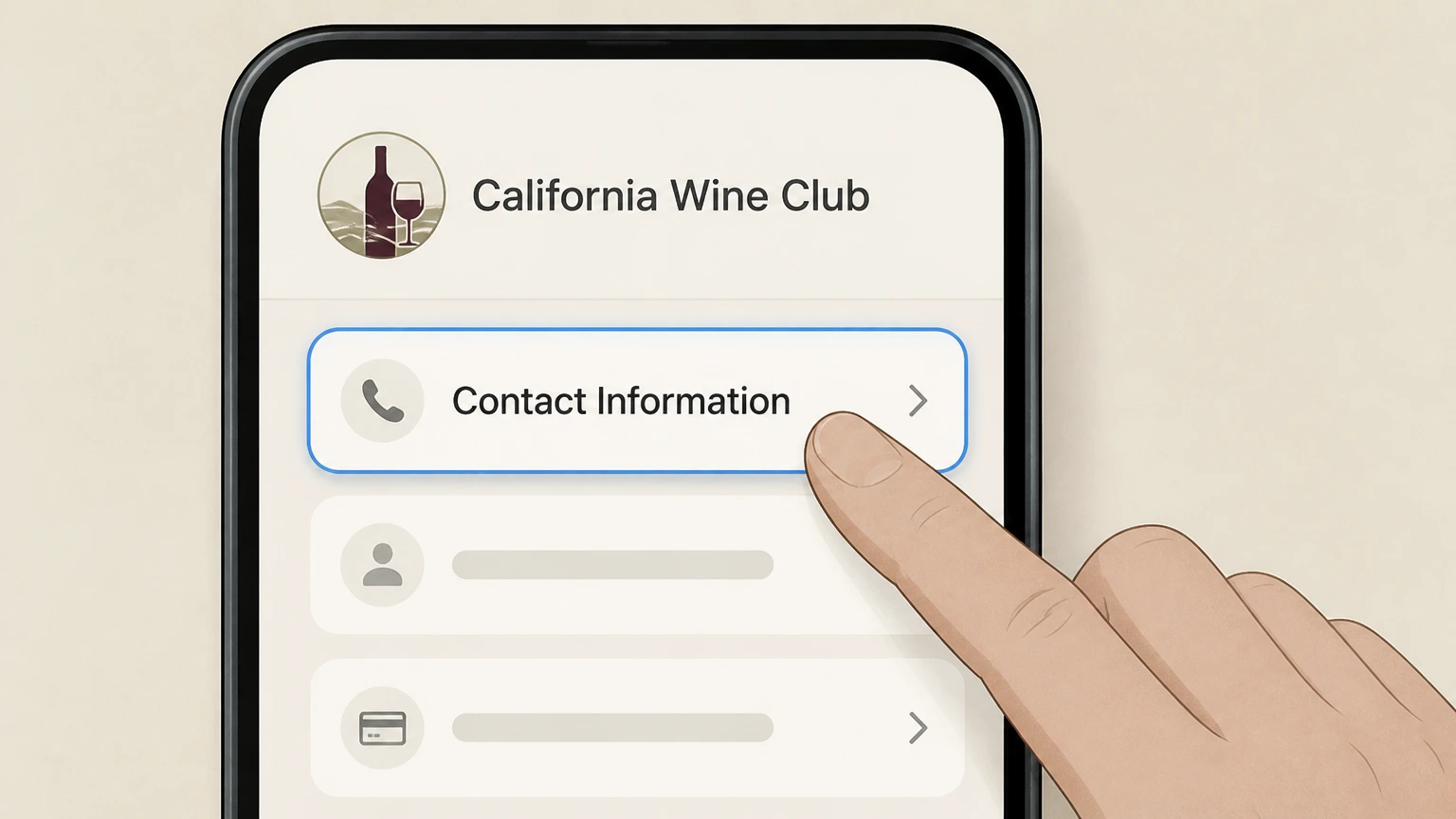 1
1Find the current customer service number
Open the Contact Information page on cawineclub.com to confirm the latest customer service phone number and business hours.
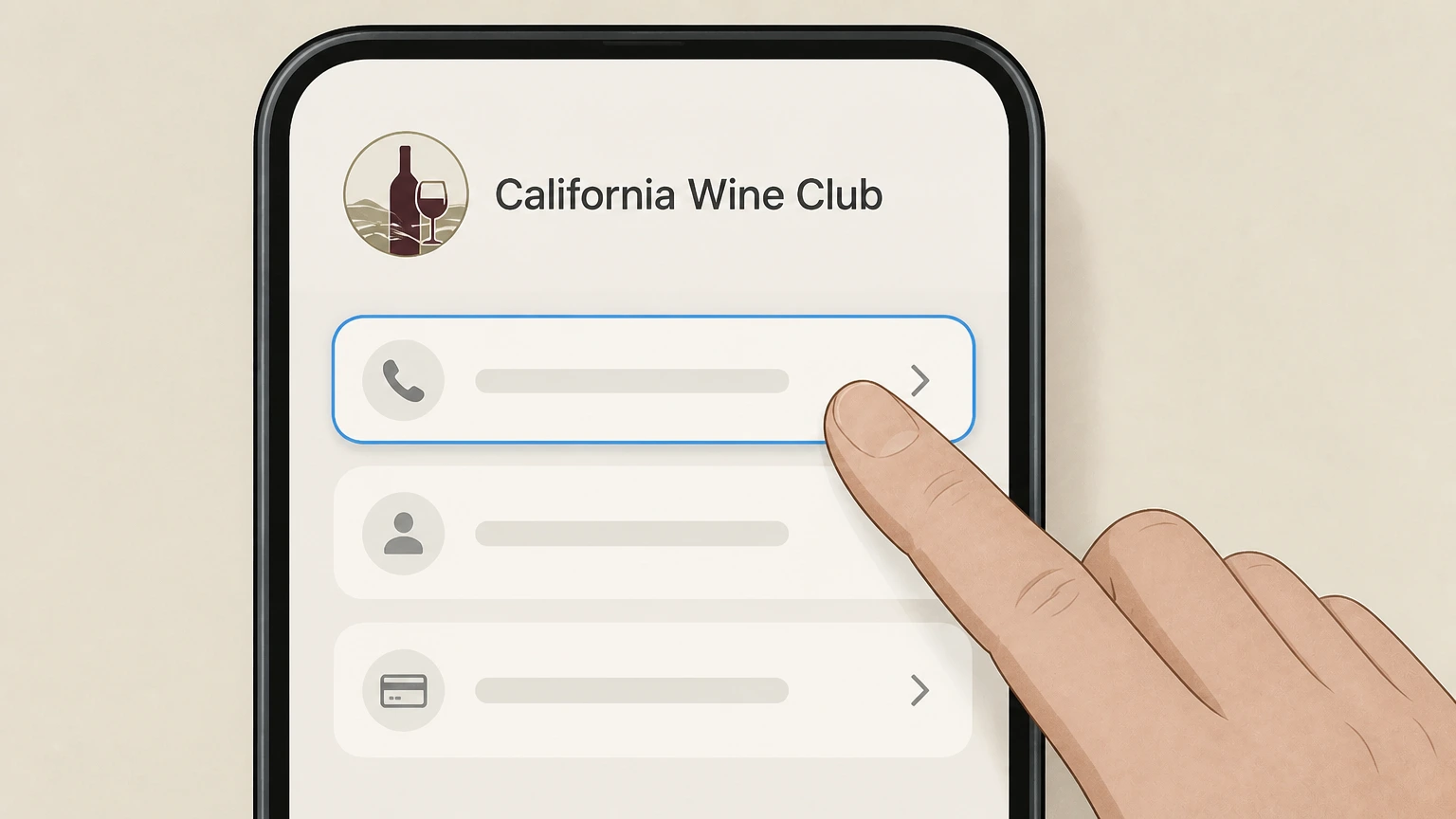 2
2Call customer service
Call The California Wine Club using the customer service phone number listed on the Contact Information page during the posted hours.
- Let Pine handle it
Pine can help
Too many steps?
Pine can find the right Phone support path and handle the cancellation for you.
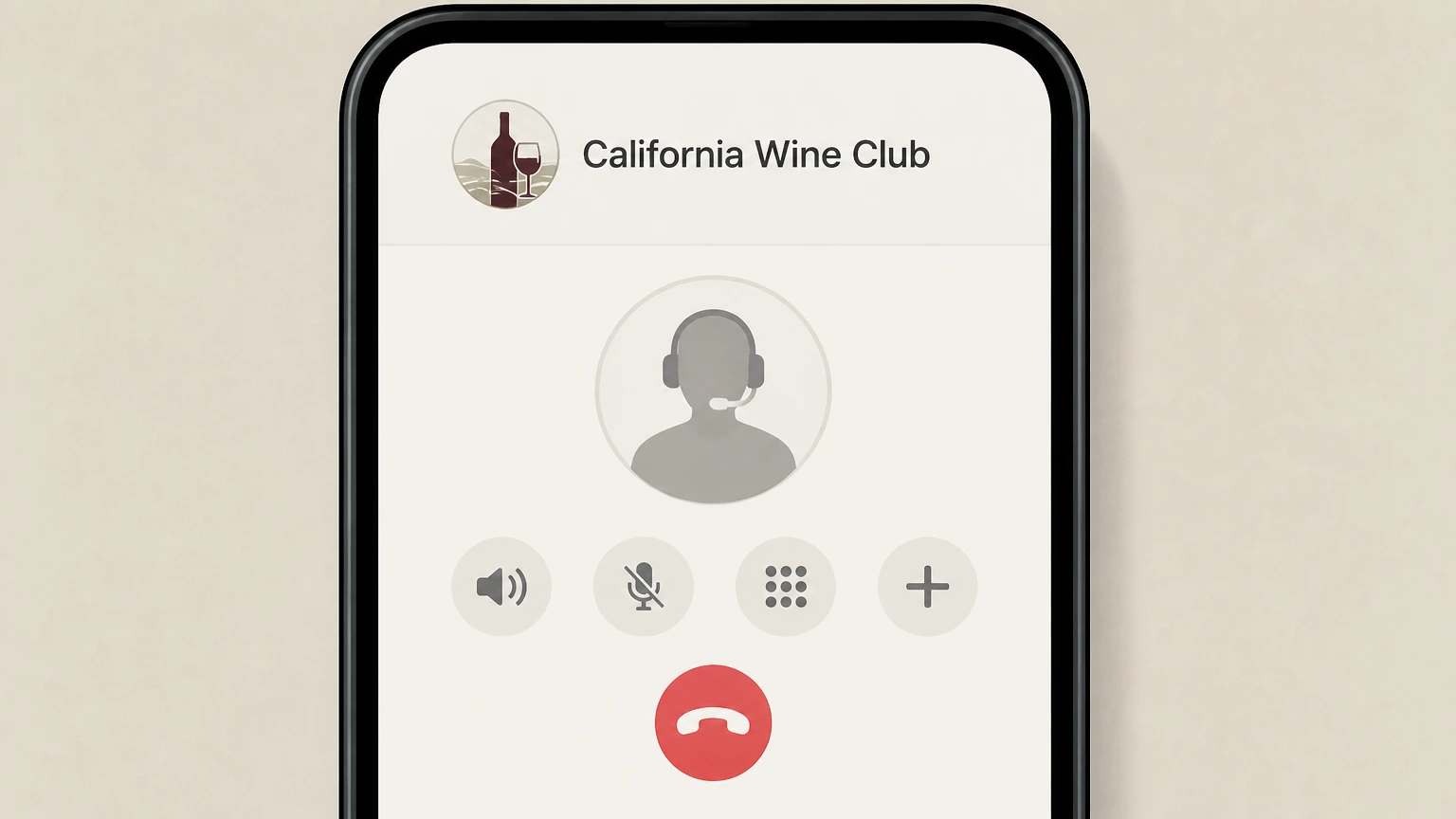 3
3Request cancellation of your membership
Tell the representative you want to cancel your ongoing California Wine Club membership and stop future recurring shipments and charges.
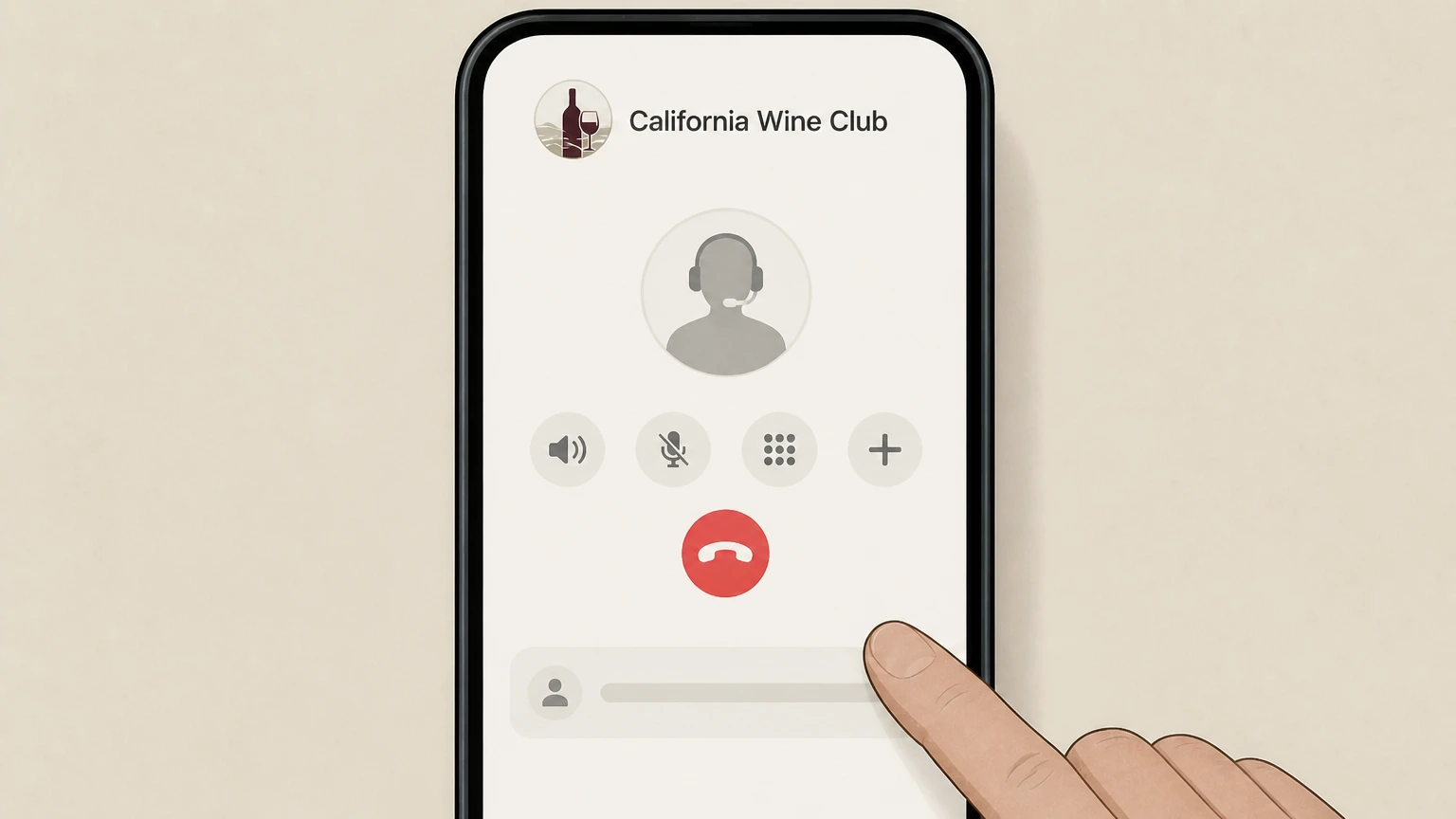 4
4Verify your account details
Provide any requested identifying details, such as your name, delivery address, or order information, so the representative can locate the correct membership.
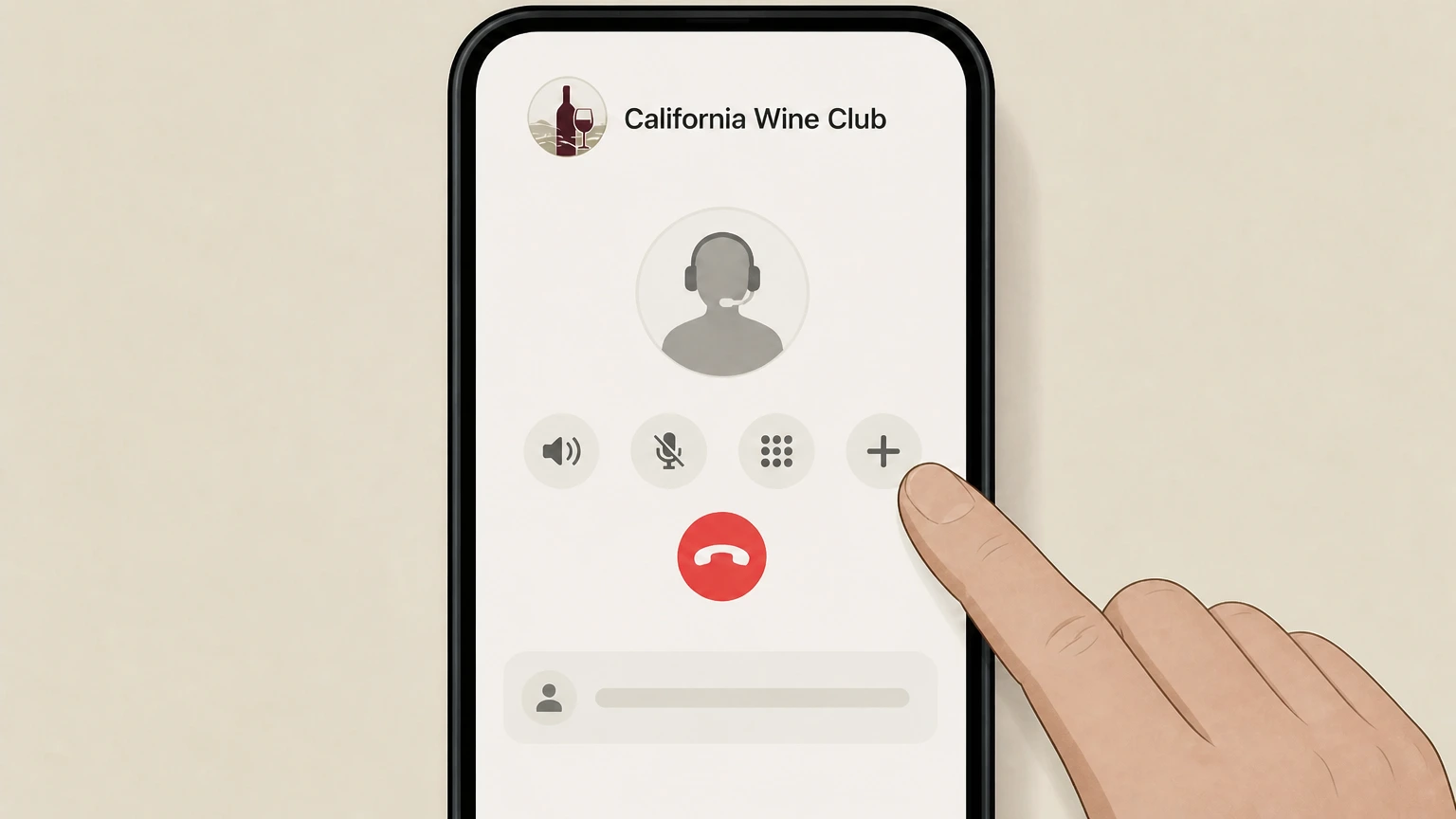 5
5Ask for written confirmation
Ask the representative to send you an email confirmation that your membership has been cancelled.
Email support · verify the billing owner
Cancel California Wine Club through Email support
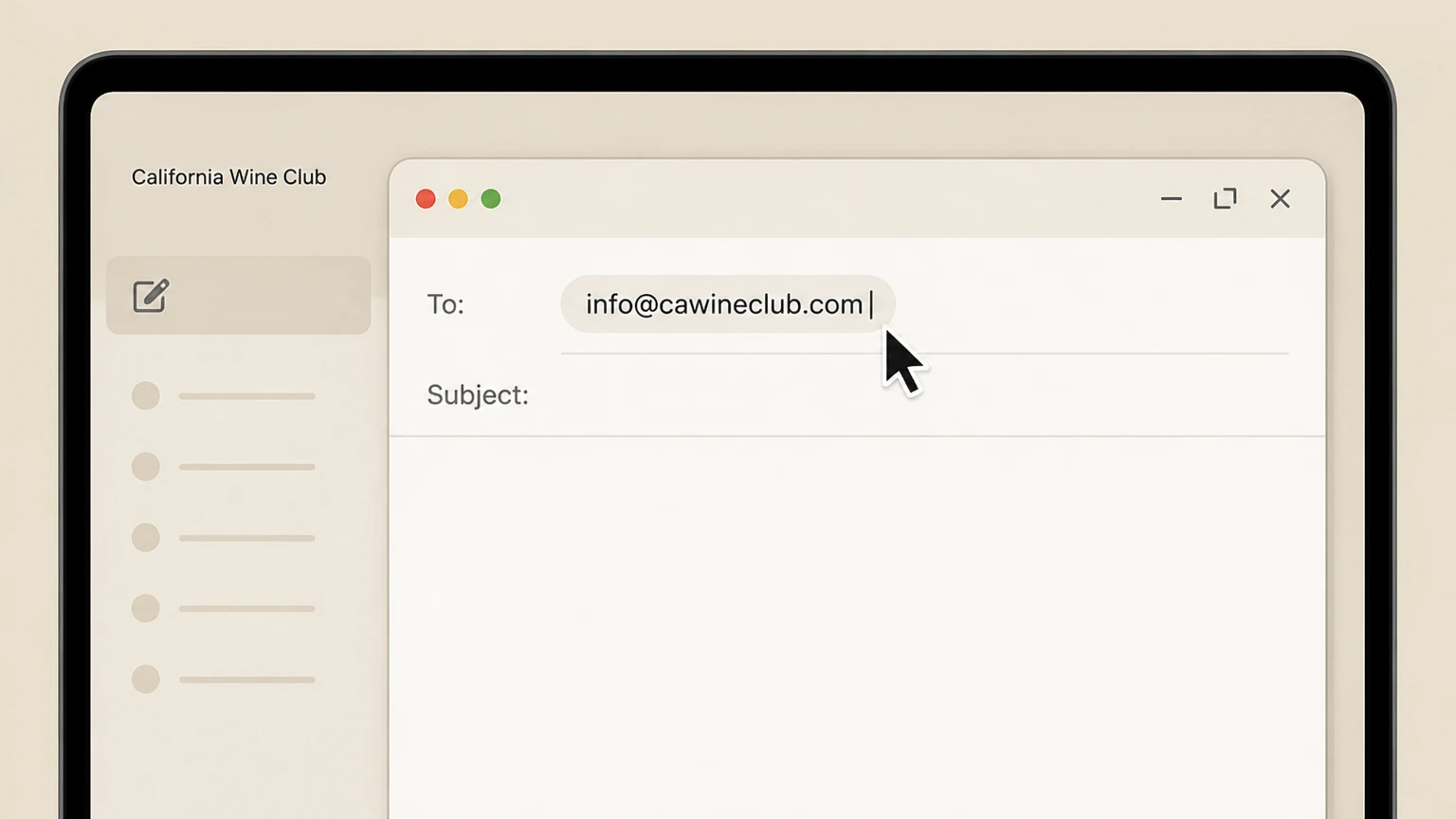 1
1Compose a new email to customer service
Start a new email message addressed to the customer service email listed on the Contact or Subscription Policy page (currently info@cawineclub.com).
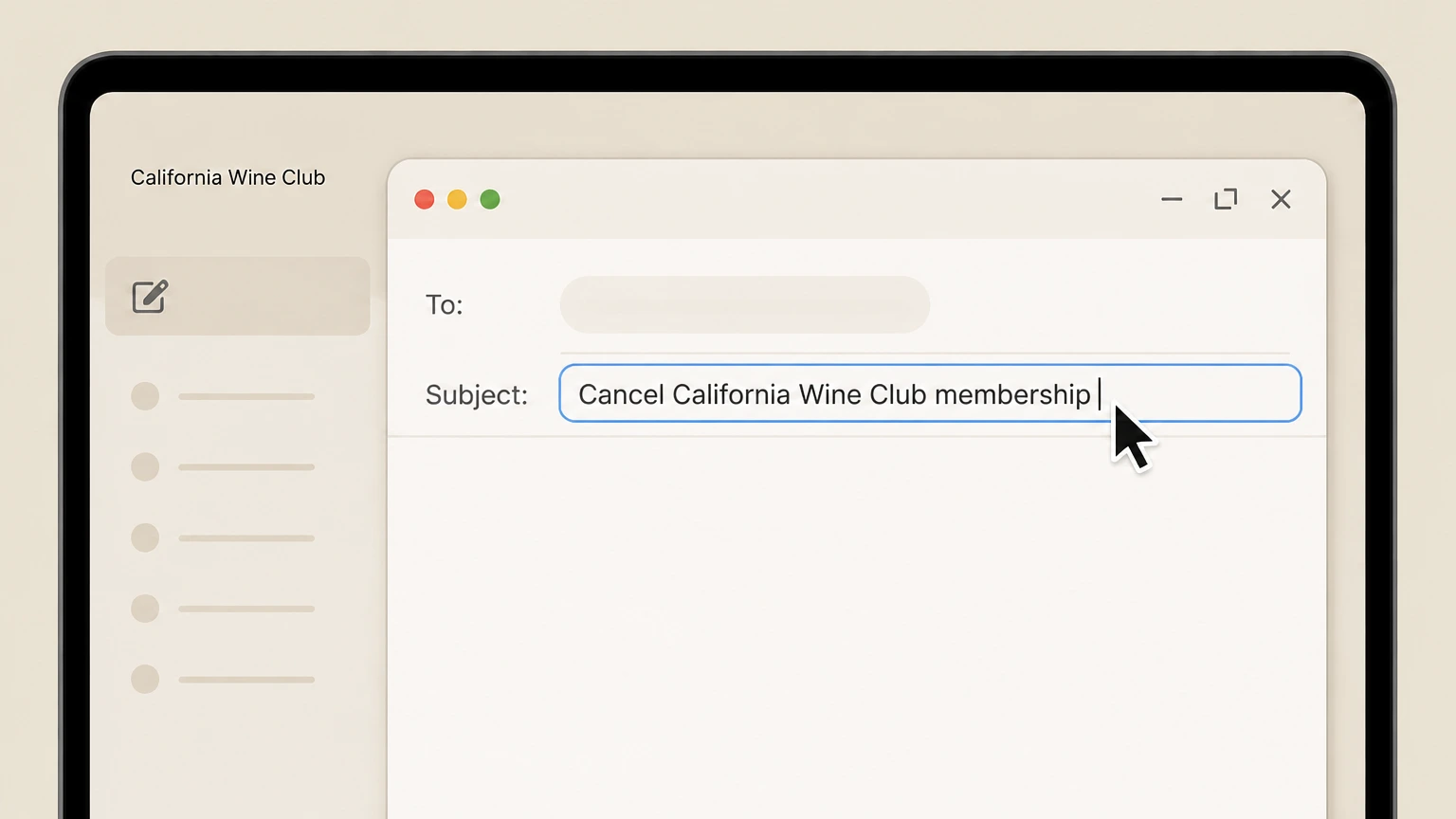 2
2Write a clear cancellation subject line
Set a subject line such as "Cancel California Wine Club membership" to make your request easy to identify.
- Let Pine handle it
Pine can help
Too many steps?
Pine can find the right Email support path and handle the cancellation for you.
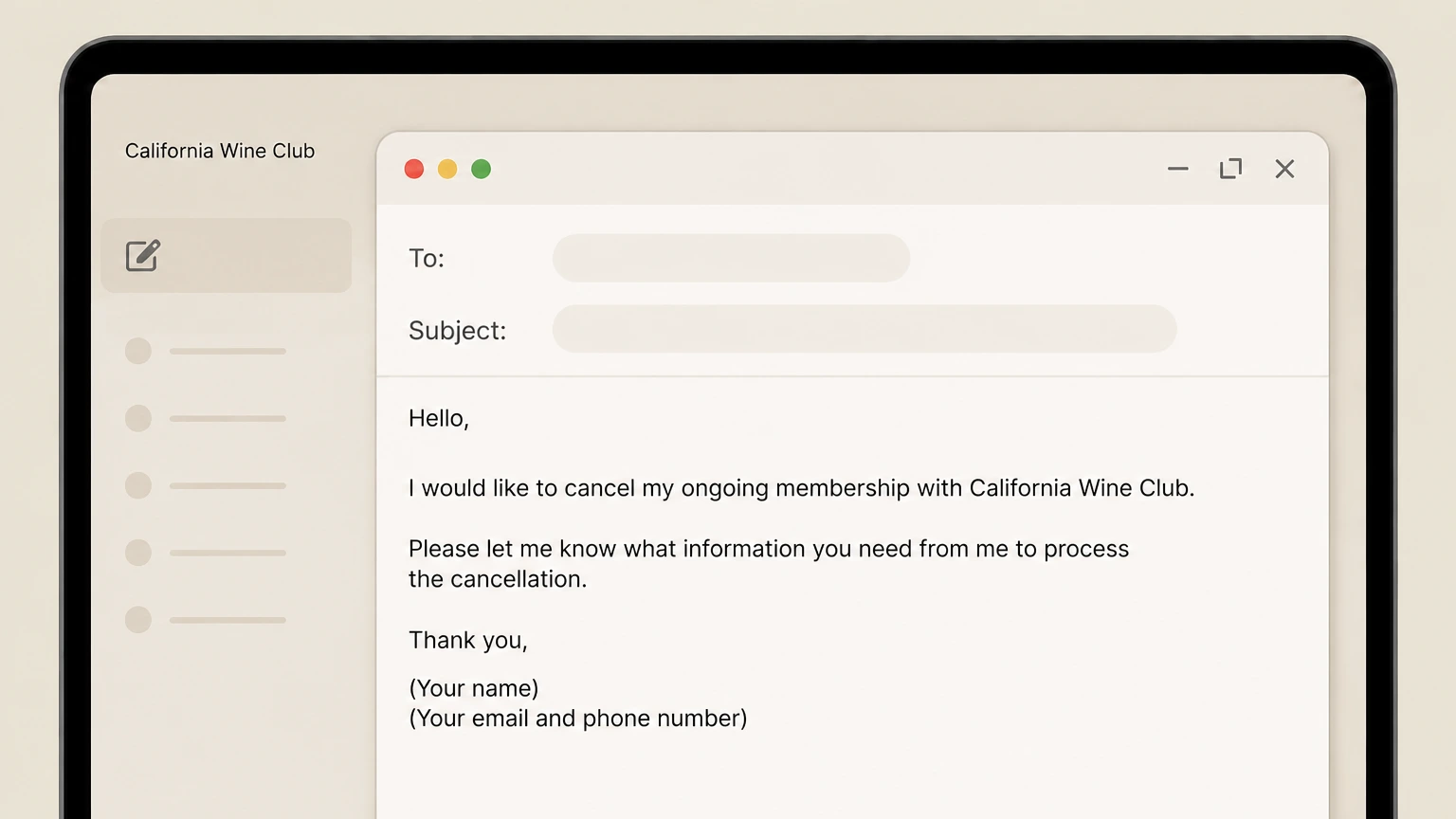 3
3Explain your cancellation request
In the message body, state that you want to cancel your ongoing membership and include your name and contact details to help locate your account.
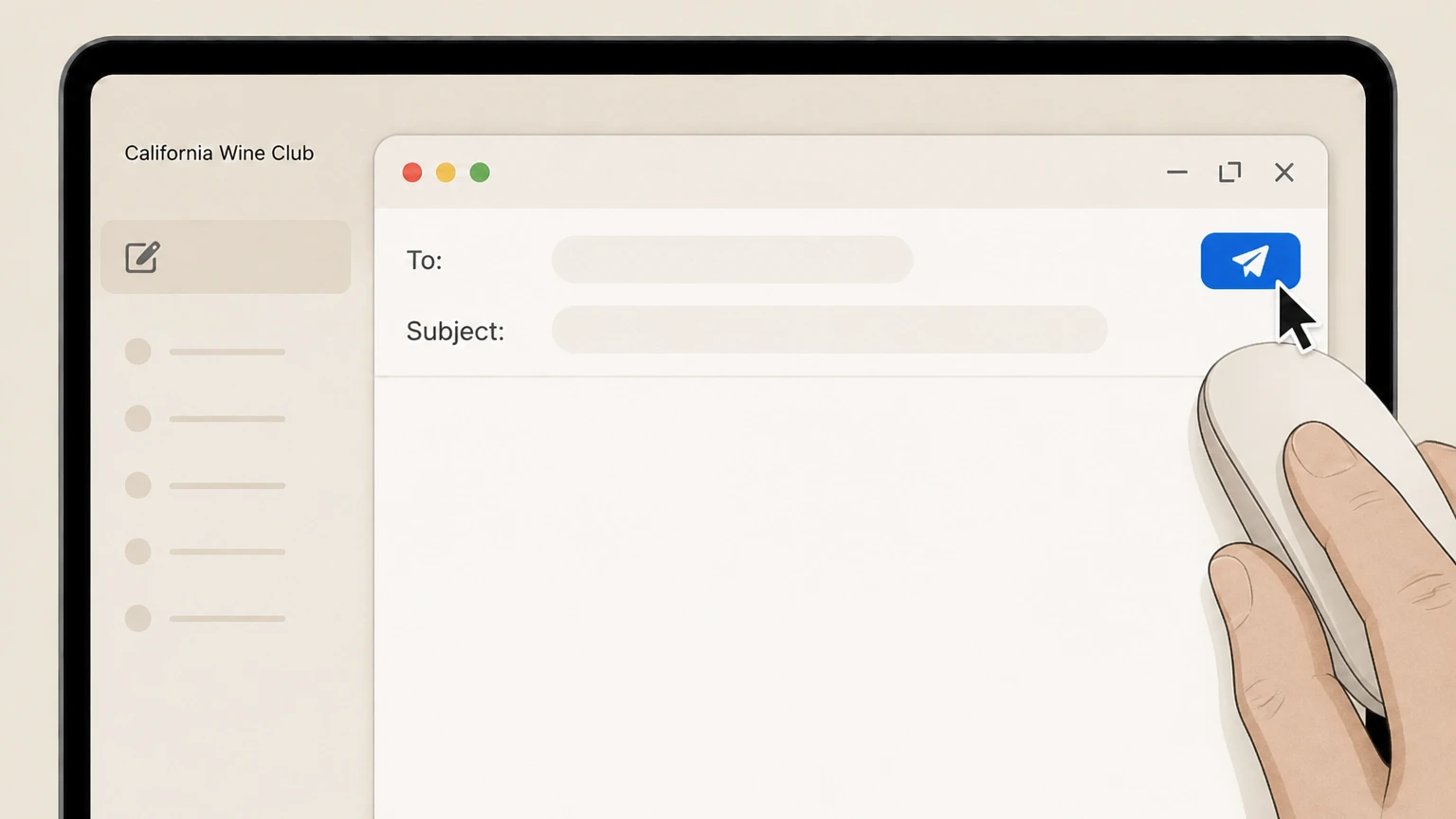 4
4Send the email from your account address
Send the email from the same email address you use for your California Wine Club account if possible, to speed up verification.
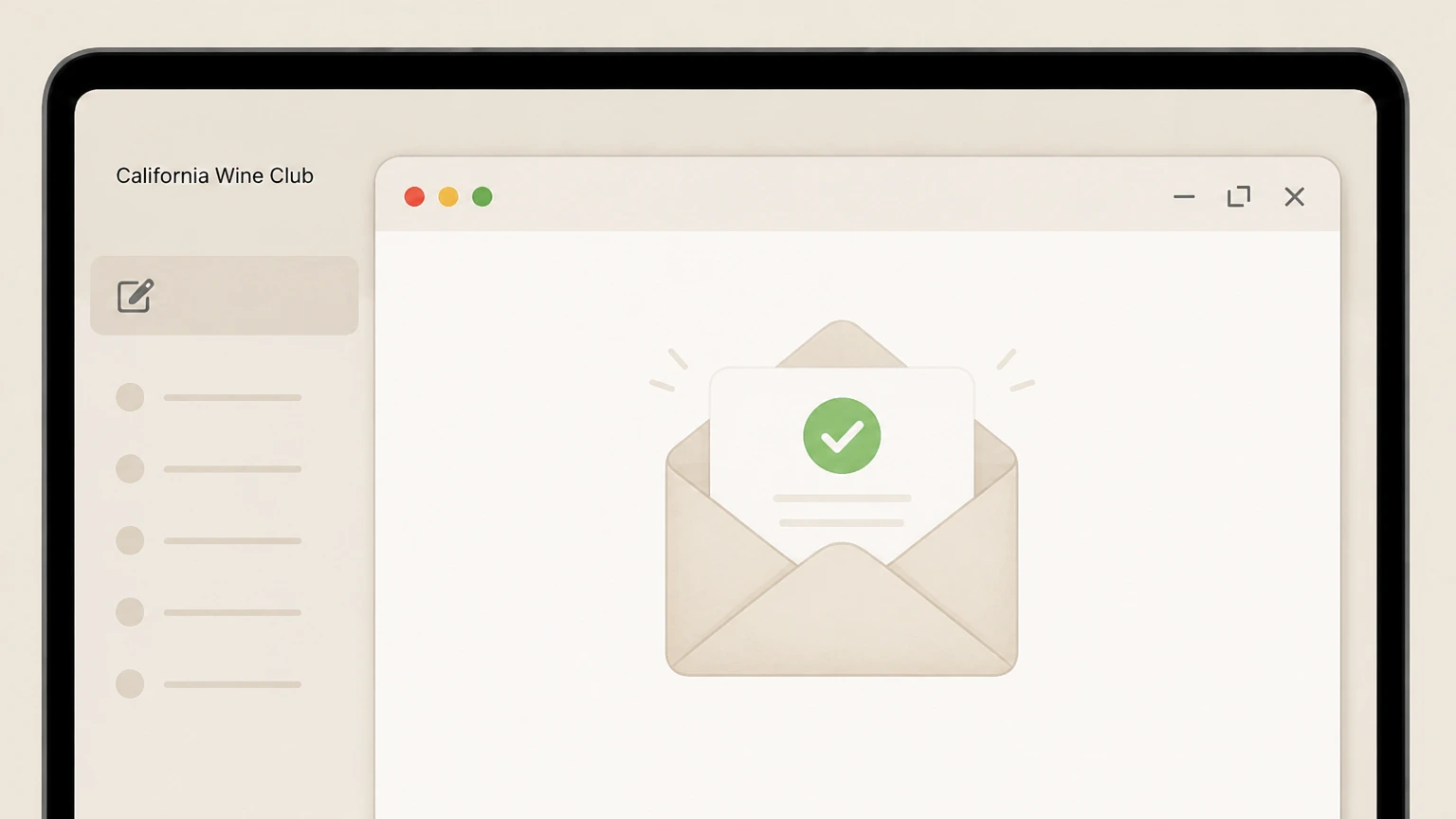 5
5Monitor your inbox for confirmation
Watch your email for a reply confirming that your membership has been cancelled and that recurring shipments and billing will stop.
Refund policy
Refunds, shipments, and replacement policies
California Wine Club focuses on stopping future shipments when you cancel, while already-processed shipments and individual orders follow specific rules. Their policies emphasize replacement under the Love It Guarantee rather than routine refunds for shipped wine.
Check my refund options- Processed club shipments still ship after cancellation
- If a shipment has already been processed before you cancel your ongoing membership, the Subscription Policy states that it will be shipped as normal, and you simply will not receive any further shipments after that processed order.
- Credits owed are refunded within three business days
- When you cancel and no shipment is in transit but your account contains funds owed to you, The California Wine Club promises to post the funds back to your card within three business days.
For questions about a specific charge or to ask about exceptions—especially for prepaid gifts or unusual circumstances—contact The California Wine Club directly via the phone number or email listed on their Contact Information or Subscription Policy pages. Contact The California Wine Club about a specific charge
How memberships bill
How California Wine Club memberships renew and bill
Key facts about how California Wine Club memberships are structured and charged.
Ongoing club memberships use recurring billing
The California Wine Club treats club memberships as subscription programs that use a recurring payment system, automatically charging the payment method linked to your account on the schedule of your chosen club.
No long-term commitment to remain a member
Their Terms of Service state there is no ongoing commitment to remain in a subscription program; you may cancel your membership at any time using your account or by contacting customer service.
Billing timing depends on shipment schedule
FAQ guidance explains that self-paid members are billed automatically right before wines ship, and if you choose every-other-month or quarterly schedules, charges only occur in months when a shipment is due.
Gift memberships are billed up front
If you send a wine club gift, the FAQ notes you are billed up front for the total number of gift shipments you choose to give, rather than on an open-ended recurring basis.
Cancel in your account
Using your online account to cancel membership
Where to find California Wine Club cancellation controls in your online account.
Account button opens your customer dashboard
Both the homepage and account help page explain that you access your account by clicking the "Account" button at the top of the site, which leads to your customer dashboard after login.
Manage Subscription is the main control center
The New CWC Account Experience page explains that after you log in and view your account information, you should click "Manage Subscription" to reach the page where you can update or cancel your subscription.
Cancel option appears on the manage subscription page
On the manage subscription page, The California Wine Club lists "Cancel your subscription" among the available options, along with pausing, updating payment, and swapping clubs. This is the self-service control used to end an ongoing membership.
FAQ also links to My Account changes
The FAQ section on cancellation notes that individuals can cancel at any time by logging in to their account and, to cancel via the website, going to the My Account page and clicking "Make Changes to My Existing Membership."
Contact options
Phone and email options for cancelling California Wine Club
How customer service supports membership cancellation outside the web dashboard.
Phone support accepts cancellation requests
The Subscription Policy and Terms of Service both state that you may cancel your membership at any time by calling customer service at their published phone number during business hours.
Email can be used to cancel
The same policies explain that members may email info@cawineclub.com to cancel an ongoing membership, and the FAQ reiterates that you can send an email request to end your membership.
Contact Information page lists hours and address
The Contact Information policy provides the current customer service phone number, business hours (Monday–Friday, 8am–5pm Pacific, closed most holidays), primary email address, and mailing address for The California Wine Club.
Accessibility support available by email
Their Accessibility statement asks customers who experience trouble using the website to email info@cawineclub.com with details, providing an additional path to get help if you cannot access online cancellation tools.
California Wine Club cancellation FAQ
Provider-specific answers about billing, timing, refunds, and confirmation.
How do I cancel a wine club membership?
Can I cancel California Wine Club online?
Can I cancel California Wine Club by phone?
Can I cancel California Wine Club by email?
What happens to processed shipments when I cancel California Wine Club?
Untangle this California Wine Club issue.
Let Pine handle the provider follow-up and keep the confirmation in one place.
