


Tinder
Cancel subscription
How to Cancel a Tinder Subscription on iOS & Android
Learn how to cancel Tinder through the right billing provider. Follow official steps, understand access timing, refunds, and the confirmation to keep.
- 2 cancellation paths matched to the billing owner
- Renewal timing and access outcome explained
- Refund requests routed to the company that billed you
- Confirmation steps included for every path
Choose the Tinder cancellation path that matches who bills you
iPhone or iPad via Apple subscriptions · verify the billing owner
iPhone or iPad via Apple subscriptions
 1
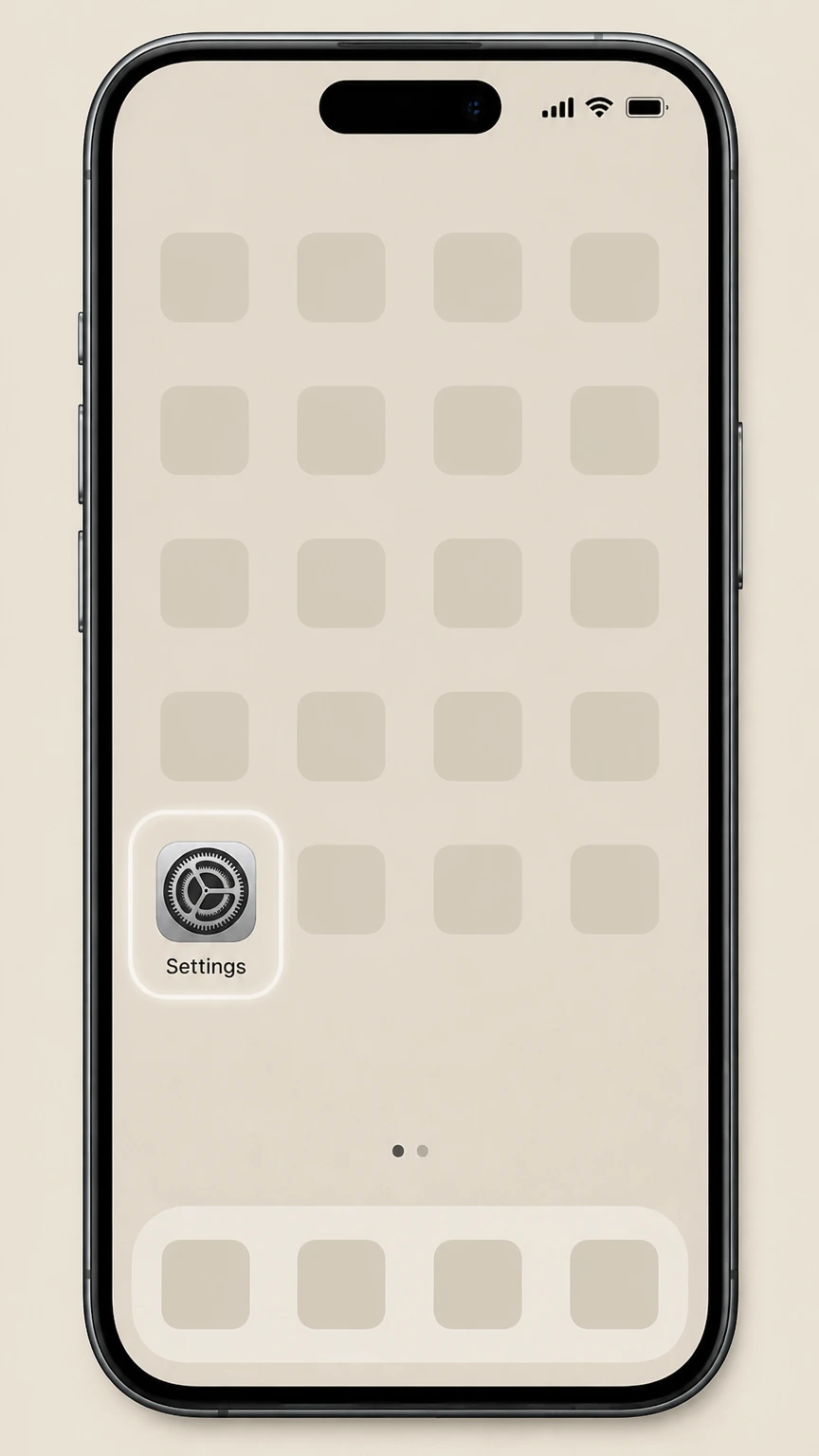
1Open Settings
On the iPhone or iPad billed by Apple, open the Settings app before opening the Apple Account subscription list.
 2
2Tap your name
At the top of Settings, tap your name to open your Apple ID settings.
- Let Pine handle it
Pine can help
Too many steps?
Pine can find the right iPhone or iPad via Apple subscriptions path and handle the cancellation for you.
 3
3Open Subscriptions
In your Apple ID settings, tap Subscriptions to view your active subscriptions.
 4
4Select Tinder
In the list of subscriptions, tap Tinder to open its subscription details.
 5
5Cancel the subscription
On the Tinder subscription screen, tap Cancel Subscription and follow the prompt to confirm.

Android via Google Play subscriptions · verify the billing owner
Android via Google Play subscriptions
 1
1Open Google Play Store
On your Android phone, open the Google Play Store app.
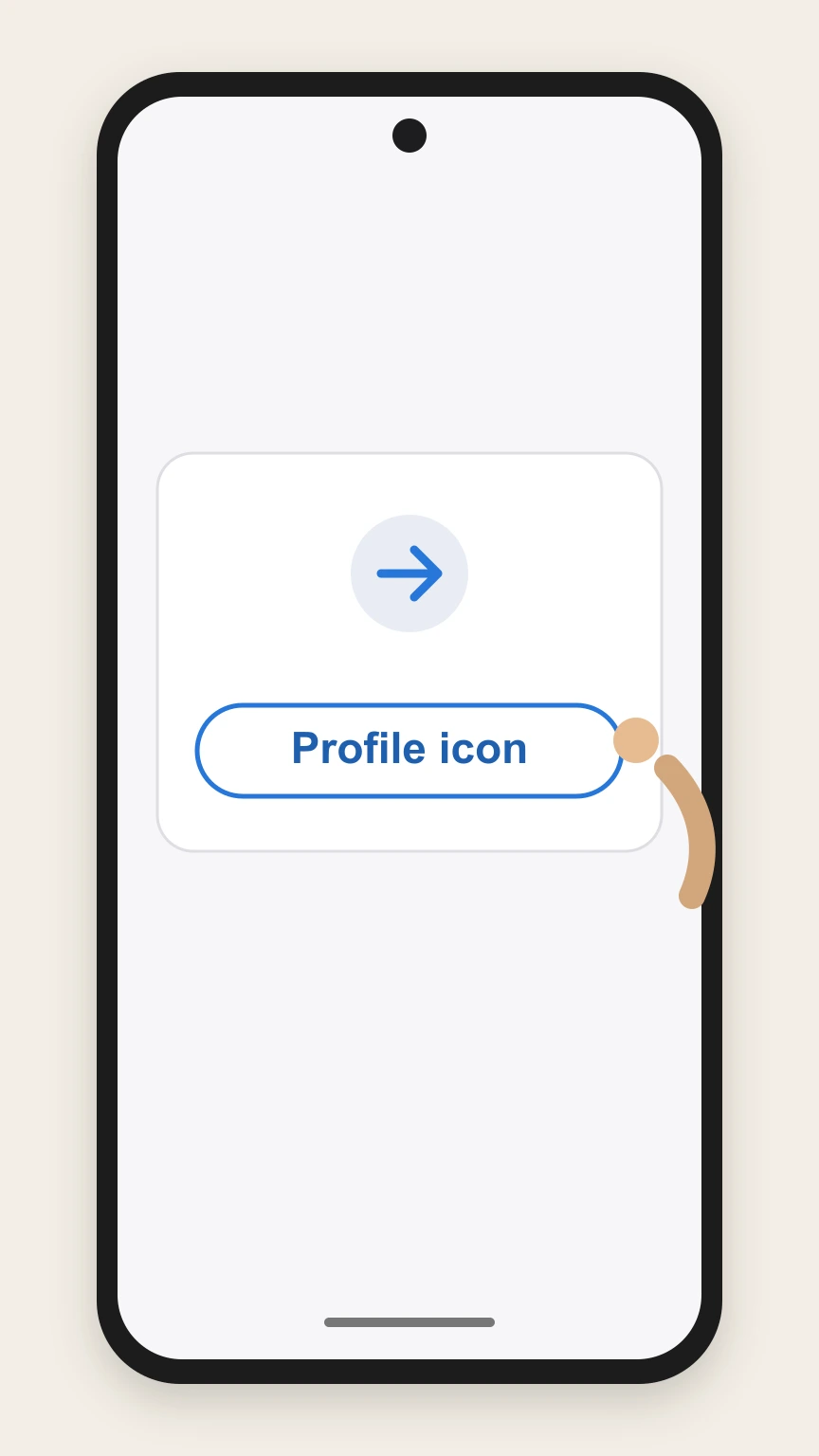 2
2Tap your profile icon
In Google Play, tap your profile icon in the top right corner.
- Let Pine handle it
Pine can help
Too many steps?
Pine can find the right Android via Google Play subscriptions path and handle the cancellation for you.
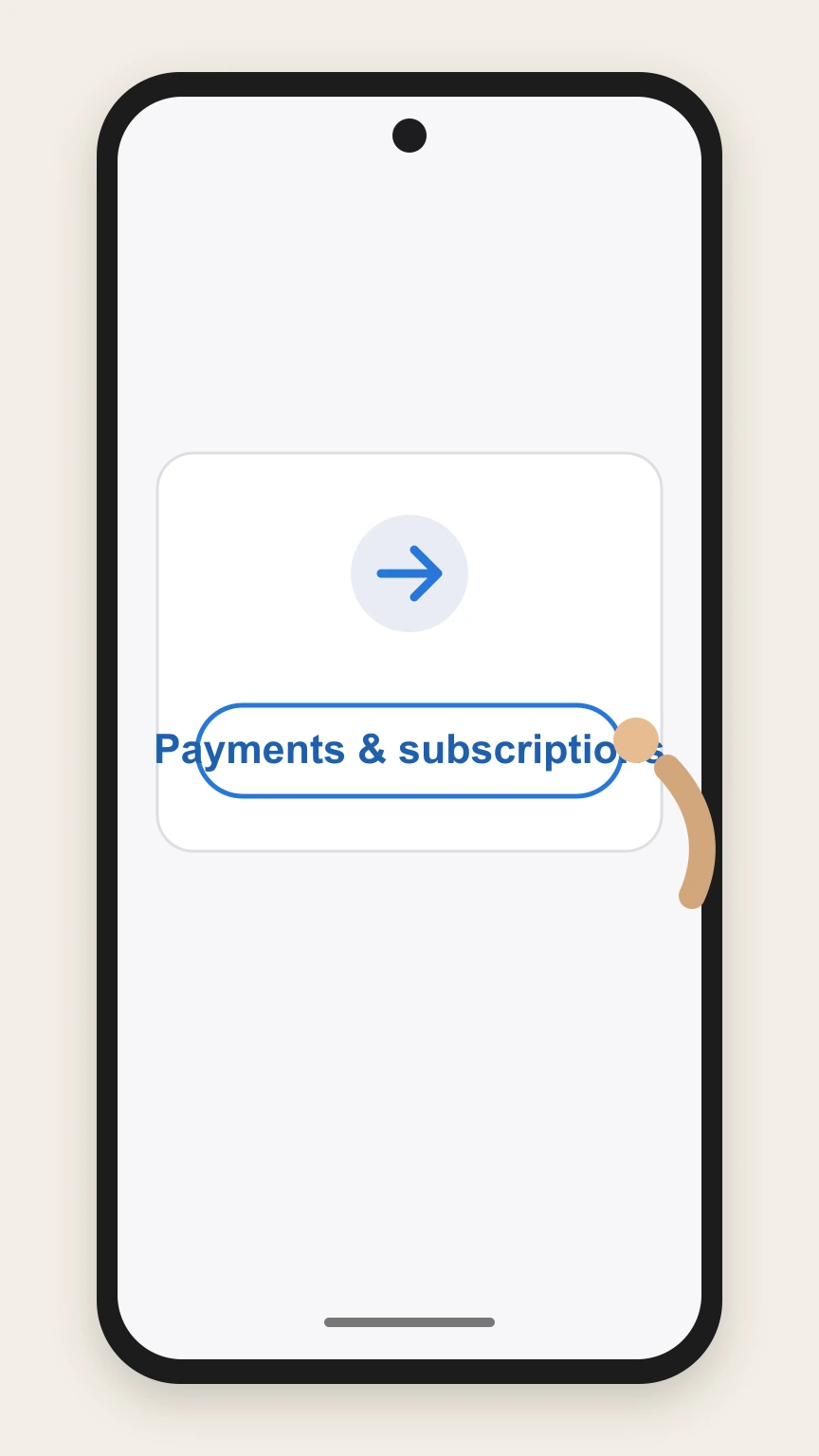 3
3Tap Payments & subscriptions
From the menu, tap Payments & subscriptions to access billing settings.
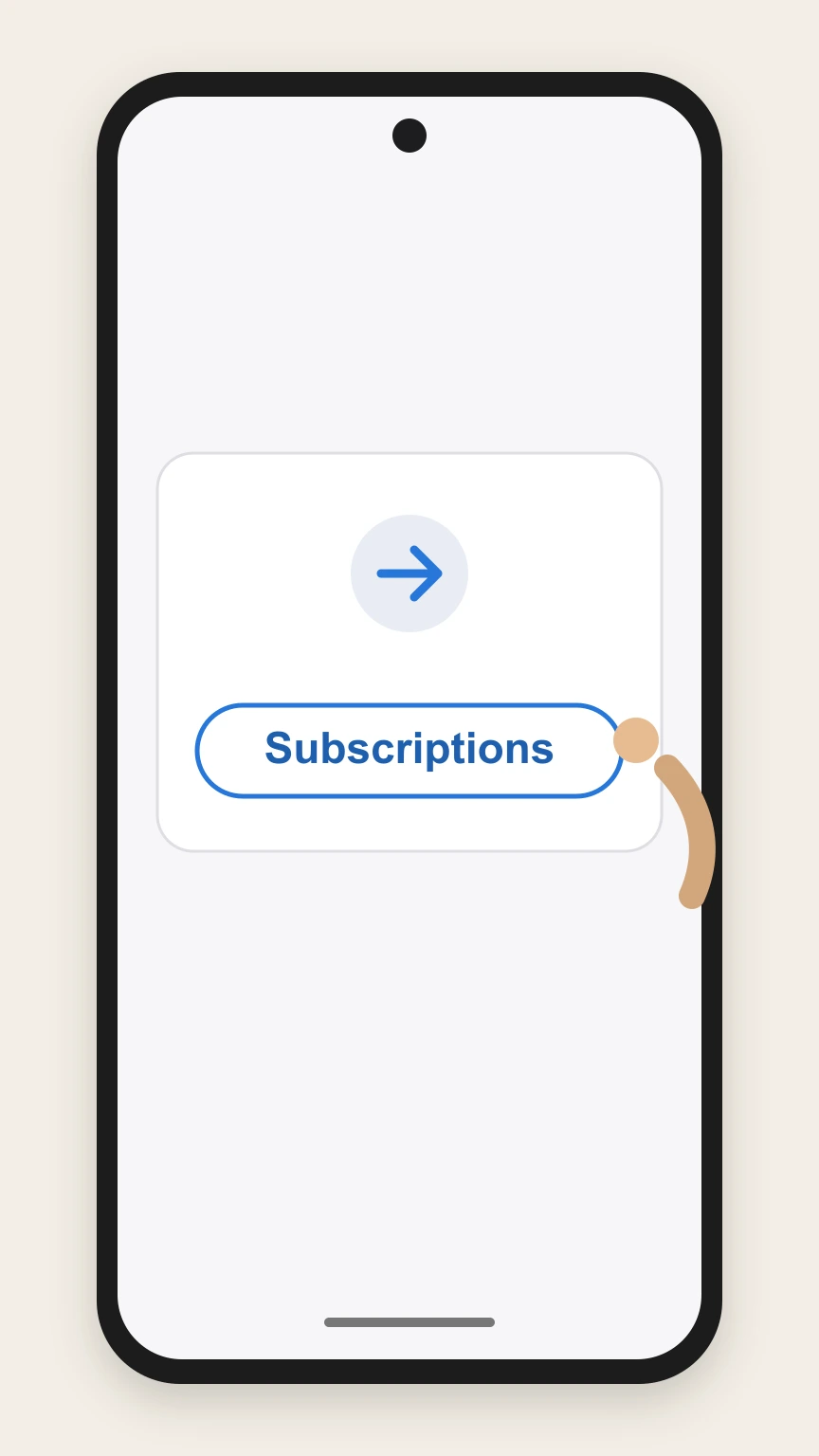 4
4Tap Subscriptions
On the Payments & subscriptions screen, tap Subscriptions to see your active subscriptions.
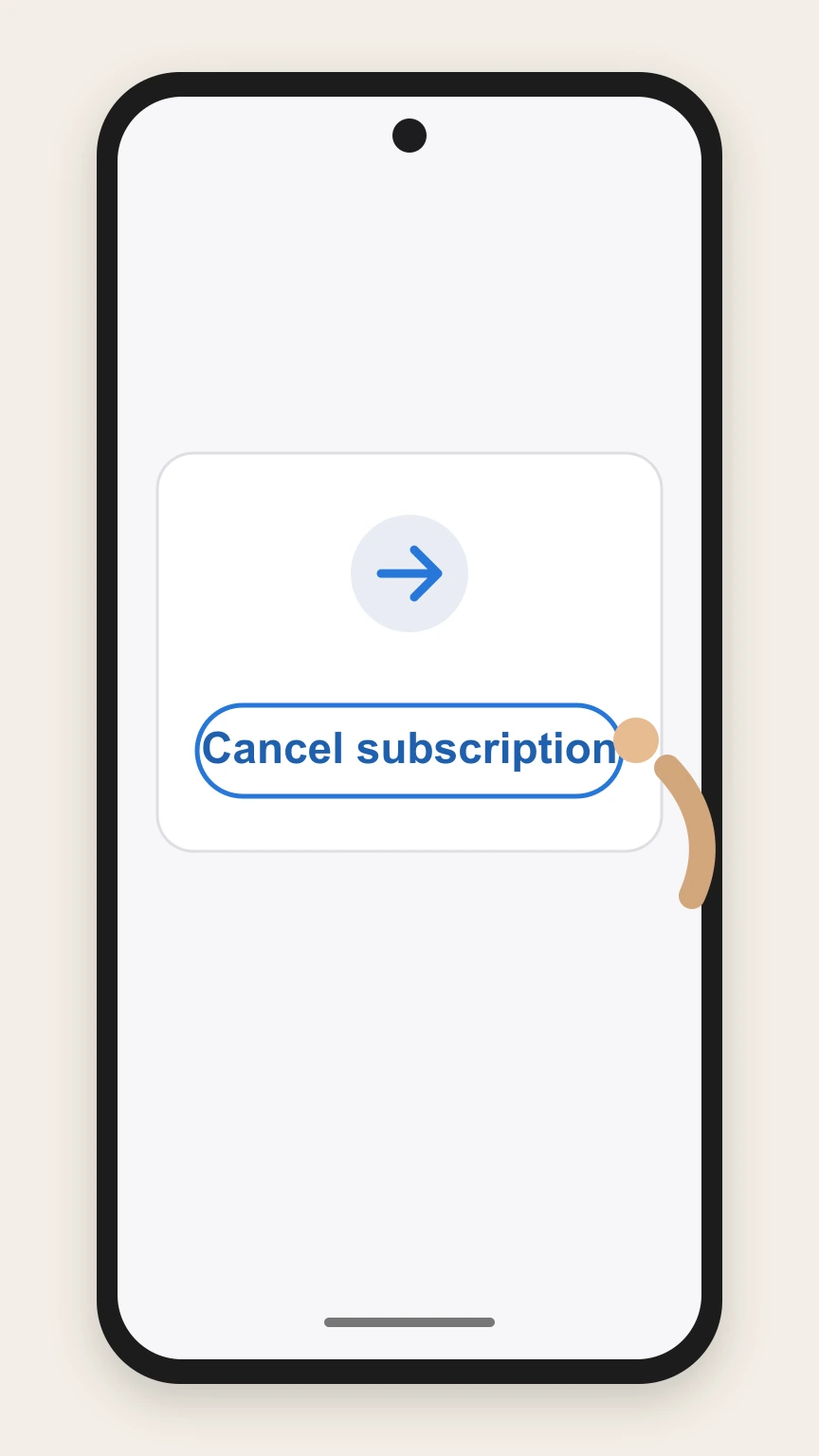 5
5Select Tinder and cancel
In the subscriptions list, tap Tinder, then tap Cancel subscription and follow the on‑screen instructions to confirm.
Refund policy
Tinder subscription refunds and disputes
Canceling a Tinder subscription in Apple or Google Play stops future renewals; refunds for past charges are case‑by‑case and handled by the billing platform or your payment provider, not by the cancellation step itself. support.apple.com
Check my refund options- Cancellation vs. refund on iOS
- Turning off auto‑renew for a Tinder subscription in Apple’s Subscriptions only prevents future charges. Apple’s support materials treat refunds as a separate process governed by its own policies and eligibility rules. support.apple.com
- Google Play subscription refund eligibility
- Google explains that app and in‑app purchases, including subscriptions, may be refundable depending on how long ago you bought them, often through a self‑service refund request flow. Approval is not guaranteed. support.google.com
- Ongoing charges after you cancel
- FTC guidance on subscriptions says that if a company keeps charging you after you’ve canceled, you can dispute the charge with your card or bank and report the business to regulators if necessary. consumer.ftc.gov
- Stopping bank account withdrawals
- The CFPB notes you can revoke authorization for automatic payments from your bank account and, if needed, place a stop payment order through your bank to prevent future withdrawals. consumerfinance.gov
For specific questions about whether a particular Tinder charge is refundable, check the refund tools for Apple or Google Play linked in your purchase receipt or store account and, if needed, contact your card issuer or bank using the dispute guidance from the FTC and CFPB. Learn more about disputing subscription charges
Billing source
Where Tinder subscriptions are billed and managed
Tinder’s paid tiers (Plus, Gold, Platinum) are sold as auto‑renewing in‑app subscriptions through Apple and Google Play, and those stores control billing and cancellation. apps.apple.com
Apple in‑app subscriptions
On iOS, Tinder sells subscriptions as in‑app purchases billed to your Apple account; you must manage and cancel them in your Apple ID subscription settings, not in the Tinder app itself. apps.apple.com
Google Play subscriptions
On Android, Tinder subscriptions are billed to your Google Play account, and Google requires you to cancel through the Play Store’s Subscriptions section. play.google.com
When Tinder is not in store subscriptions
If you cannot find Tinder in Apple or Google Play subscriptions, Apple notes that the subscription may have been bought from another company, meaning you must cancel with that billing provider instead. support.apple.com
After you cancel
What happens to Tinder access after cancellation
Store cancellations affect how long your paid Tinder features remain active and whether you are charged again, but they do not themselves delete the Tinder app or your store account. apps.apple.com
Access through the end of the period
Google Play explains that when you cancel a subscription, you keep access for the time you’ve already paid, and you won’t be charged again at renewal. This applies to Tinder subscriptions billed through Google Play. support.google.com
No mid‑cycle cancellation of current period on iOS
Tinder’s App Store listing states that auto‑renewal can be turned off in App Store settings but that cancellation of the current subscription period is not allowed, meaning you keep benefits until it expires. apps.apple.com
Return to free Tinder usage
The App Store listing notes you can continue using Tinder for free if you choose not to purchase its paid tiers, so after a canceled store subscription lapses you should still be able to use the free version. apps.apple.com
App deletion vs. subscription cancellation
Google Play warns that uninstalling an app does not cancel its subscription. Deleting the Tinder app or your Tinder account alone will not stop store‑billed renewals; you must cancel via the billing platform. support.google.com
Apple billing
Key points for canceling Tinder on iPhone or iPad
Cancelling a Tinder subscription billed by Apple means working within Apple’s subscription tools and timelines rather than through Tinder support. support.apple.com
Use the correct Apple ID
Apple advises checking receipts to confirm which Apple ID was used; if Tinder was bought under another Apple ID or family member, that account must perform the cancellation. support.apple.com
Cancel before renewal or trial end
Apple recommends canceling at least 24 hours before a free or discounted trial or renewal ends if you don’t want it to continue, to avoid the next charge. support.apple.com
If you can’t find the subscription
If no Apple receipt exists for Tinder, Apple indicates the subscription may be billed by another company, and you must cancel with that billing provider instead of Apple. support.apple.com
Where to see cancellation status
In Apple’s Subscriptions screen, if you see an expiration message in red text and no Cancel button, Apple confirms the subscription is already canceled. support.apple.com
Google Play billing
Key points for canceling Tinder on Android
On Android, Tinder subscriptions purchased through Google Play are governed by Google’s subscription management and refund policies. play.google.com
Find the right Google account
Google notes that missing subscriptions often belong to a different Google account, so check all Google accounts used on your device if you don’t see Tinder under Subscriptions. support.google.com
Subscriptions tab in Google Play
Google Play Help and editorial content explain that active app subscriptions are found under Payments & subscriptions, then Subscriptions, in the Play Store app. support.google.com
What Google says happens after canceling
Google states you keep access to the subscription content for the period already paid and are not charged on the next renewal date, which applies to Tinder subscriptions billed by Google Play. support.google.com
Uninstalling Tinder is not enough
Google explicitly warns that uninstalling an app does not cancel the associated subscription; you must cancel it in Google Play subscriptions to stop recurring Tinder charges. support.google.com
Refund options
Refunds and billing disputes for Tinder subscriptions
Refunds for Tinder subscriptions are controlled by Apple, Google, or your payment provider, and are separate from simply turning off auto‑renew. support.google.com
Apple refunds are separate from cancellation
Turning off auto‑renew in Apple’s Subscriptions stops future Tinder charges but does not itself refund previous payments; any refund request must follow Apple’s separate refund processes and policies. support.apple.com
Google Play subscription refund window
Google states that some app and subscription purchases may be eligible for a refund—often within about 48 hours—via its refund request tools, subject to its policies and review. support.google.com
If a company keeps charging after cancellation
The FTC advises that if a subscription provider continues charging you after you’ve canceled, you can dispute the charges with your card issuer or bank and may report the company to regulators. consumer.ftc.gov
Stopping automatic bank withdrawals
The CFPB explains you have the right to stop automatic payments from your bank account by telling the company and, if needed, your bank; this is separate from any in‑app cancellation steps. consumerfinance.gov
Automatic payments
How automatic payments relate to Tinder subscriptions
Tinder subscriptions are one example of automatic, recurring payments, which are governed by the billing platform’s rules and broader consumer‑protection guidance. pep.paypal.com
Subscriptions as negative‑option programs
CFPB and FTC guidance describe many auto‑renewing subscriptions as “negative option” programs, where charges continue until you affirmatively cancel—matching how Tinder subscriptions renew through app stores. consumerfinance.gov
Card and bank dispute rights
FTC and CFPB materials explain that if you’re billed for services you didn’t authorize or that continue after you cancel, you can dispute the charge with your card issuer or bank under federal protections. consumerfinance.gov
Automatic payments via PayPal or banks
PayPal and CFPB describe that automatic payments (subscriptions, billing agreements, recurring payments) can usually be canceled in your PayPal or bank settings, though doing so may not itself cancel the underlying service contract. paypal.com
Troubleshooting
If you can’t find your Tinder subscription to cancel it
Sometimes you expect to see a Tinder subscription in Apple or Google Play but it doesn’t show up; both platforms provide troubleshooting steps. support.apple.com
Check for multiple Apple IDs
Apple recommends searching email for receipts and checking which Apple ID was used; subscriptions bought under a different Apple ID won’t appear under your current login. support.apple.com
Check for multiple Google accounts
Google Play Community experts note that missing subscriptions are often tied to a different Google account; switch accounts in the Play Store and recheck Subscriptions. support.google.com
Confirm another billing provider
Apple explains that if you don’t find an Apple receipt for the subscription, it may have been purchased from another company, and you must contact that billing provider directly to cancel. support.apple.com
Look in Play Store order history
Google Play suggests reviewing Budget & order history under Payments & subscriptions to see whether and how app subscription payments, such as Tinder, were charged. support.google.com
Tinder cancellation FAQ
Answers about Tinder billing ownership, cancellation timing, refunds, and access after cancellation.
Will deleting my Tinder account cancel my subscription?
How do I stop automatic payments in Tinder?
How to cancel Tinder subscription on iPhone
How to cancel Tinder subscription on Android
How to cancel Tinder subscription after deleting account
Why is Tinder not letting me cancel my subscription?
How to cancel Tinder subscription and get refund
How do I know if my Tinder subscription is cancelled?
Can I unsubscribe from Tinder anytime?
Untangle this Tinder issue.
Let Pine handle the provider follow-up and keep the confirmation in one place.
