

Pine Computer: Your virtual hands for everyday online tasks
Tired of clicking through endless web forms, hunting down buried account settings, or digging for monthly receipts? Pine operates a private, secure cloud browser that navigates websites, fills forms, downloads files, and finishes online chores for you.
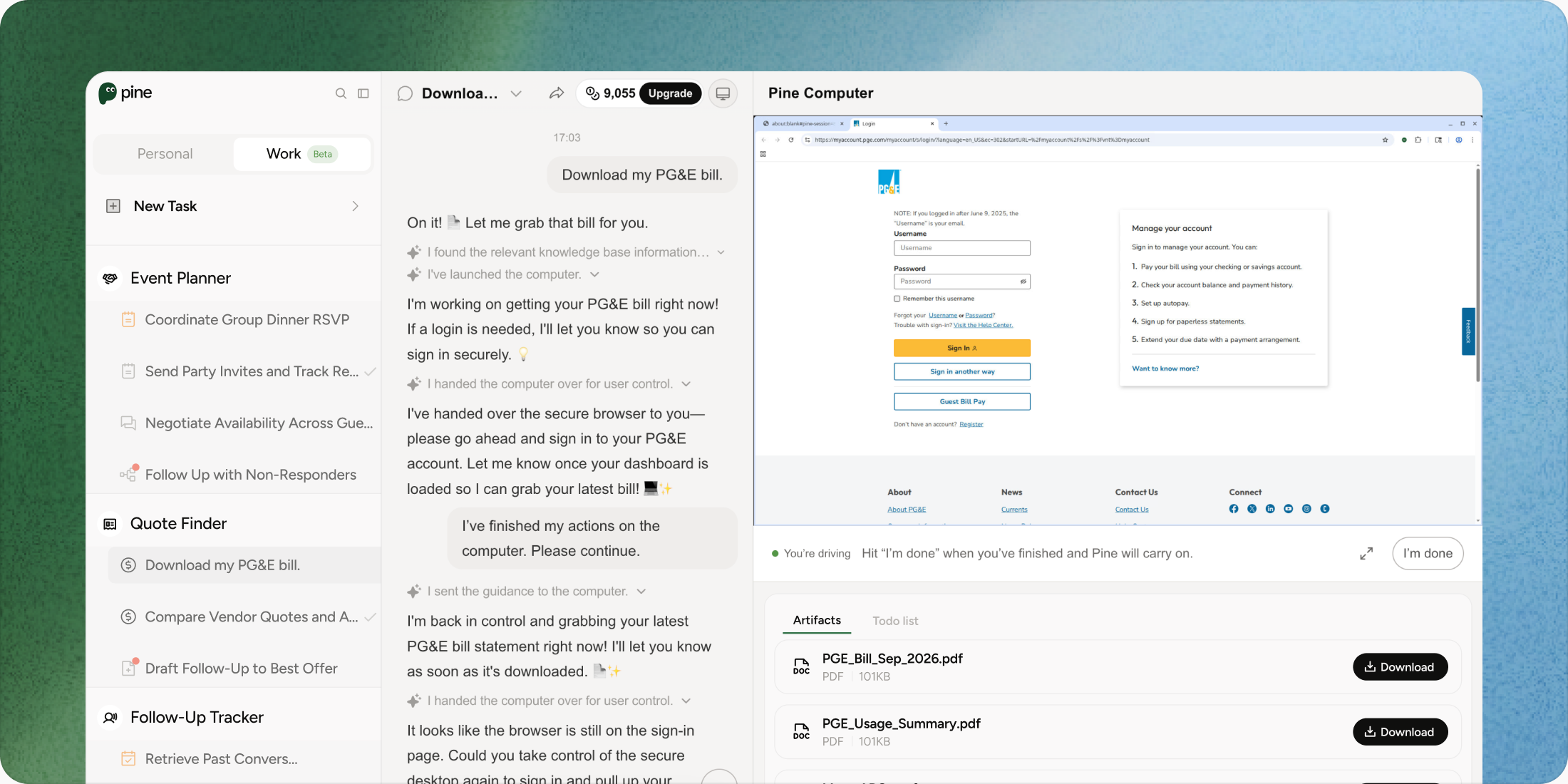
- Ranked #1 on SaaS-Bench
The world's most reliable AI agent for real-world web tasks. Pine can see the page, choose the next action, recover from friction, and return a verifiable result.

From advice to actual execution
Manual browsing makes you own every click. A chatbot explains what to do. Pine completes the authorized web chore.
Canceling Subscriptions & Tricky Portals
- You Manually
- Hunt through account settings, survive pop-ups, and repeat the same cancellation flow.
- Standard Chatbots (ChatGPT/Claude)
- Explains where to click, but cannot reliably operate the live portal for you.
- Pine Computer (Your Personal Cloud Hands)
- Navigates the live site, finds the cancellation path, handles friction, and returns confirmation.
Filling Long Online Forms
- You Manually
- Copy details across fields, upload documents, and worry about missing a required box.
- Standard Chatbots (ChatGPT/Claude)
- Drafts answers or gives instructions; you still perform the form entry.
- Pine Computer (Your Personal Cloud Hands)
- Reads the form, fills approved fields, uploads the right file, and pauses for sensitive choices.
Downloading Invoices & Statements
- You Manually
- Search many portals, set date filters, download files, and rename them yourself.
- Standard Chatbots (ChatGPT/Claude)
- Suggests search terms but cannot collect files from authenticated sites.
- Pine Computer (Your Personal Cloud Hands)
- Finds the buried receipt or statement, downloads it, and organizes the clean output.
Multi-Site Research & Price Checking
- You Manually
- Open tabs one by one, compare prices, and keep notes in a spreadsheet.
- Standard Chatbots (ChatGPT/Claude)
- Summarizes public information but cannot consistently run the full multi-site workflow.
- Pine Computer (Your Personal Cloud Hands)
- Visits the requested sites, checks constraints, compares results, and returns a decision-ready brief.
Password Privacy & 2FA Security
- You Manually
- Share passwords or type everything yourself while juggling verification steps.
- Standard Chatbots (ChatGPT/Claude)
- May ask for credentials or cannot act inside the authenticated session.
- Pine Computer (Your Personal Cloud Hands)
- Never asks you to share passwords; type directly on the live screen and take over with one click.
Why Pine Computer
Turn everyday web chores into safe actions and results you can verify.
True Hands-on Web Action
Pine does the clicking and downloading for you. It scrolls, selects, types, uploads, and completes the final step instead of handing you another checklist.
100% Password-Safe with 1-Click Takeover
Never share passwords. Type directly on the live screen when needed, keep credentials private, and take over instantly for a sensitive field or decision.
Safe Session Memory
Login once, then let Pine manage recurring tasks seamlessly. Reuse safe session context for monthly statements, weekly exports, and routine account chores.
Handles Cluttered, Tricky Websites with Ease
Vision and DOM navigation help Pine recover from pop-ups, complex menus, date pickers, redirects, and the messy details that break rigid automation.
Six chores, One sentence away
Familiar consumer chores are one click away. Each prompt copies into the composer with a clear finish signal and visible approval boundary.
PG&E electricity bill download
CapCut Pro cancellation
DMV license renewal form
Amazon vacuum invoice search
Google Flights SFO–Tokyo search
Shopify weekly sales CSV export
From request to result, in three simple steps
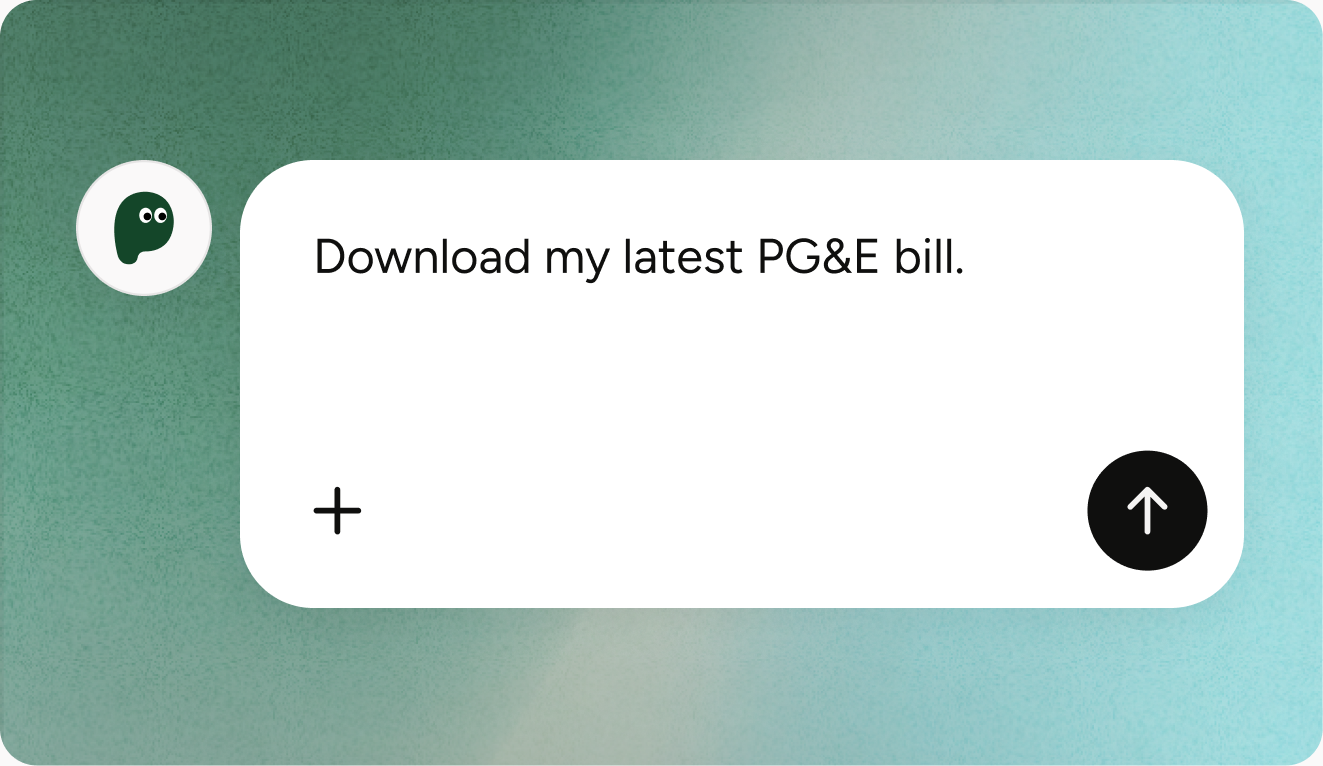
Step 01
Tell Pine what website chore to do.
Describe the outcome in everyday language: cancel, download, fill, compare, or export. Add the site and any constraints Pine should respect.
Step 02
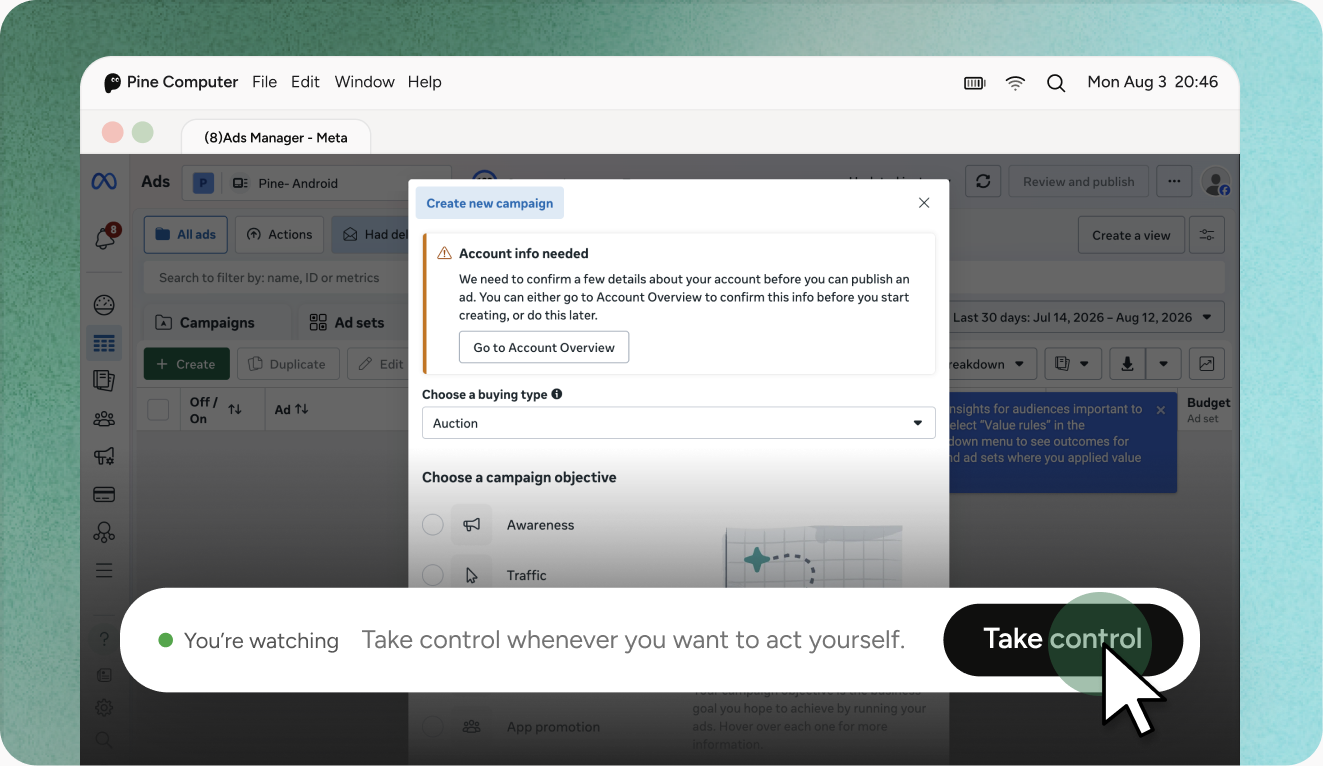
Watch Pine work in the secure cloud.
See the live browser state as Pine navigates. Take over anytime with 1 click for a password, 2FA prompt, purchase, or final submission.
Step 03
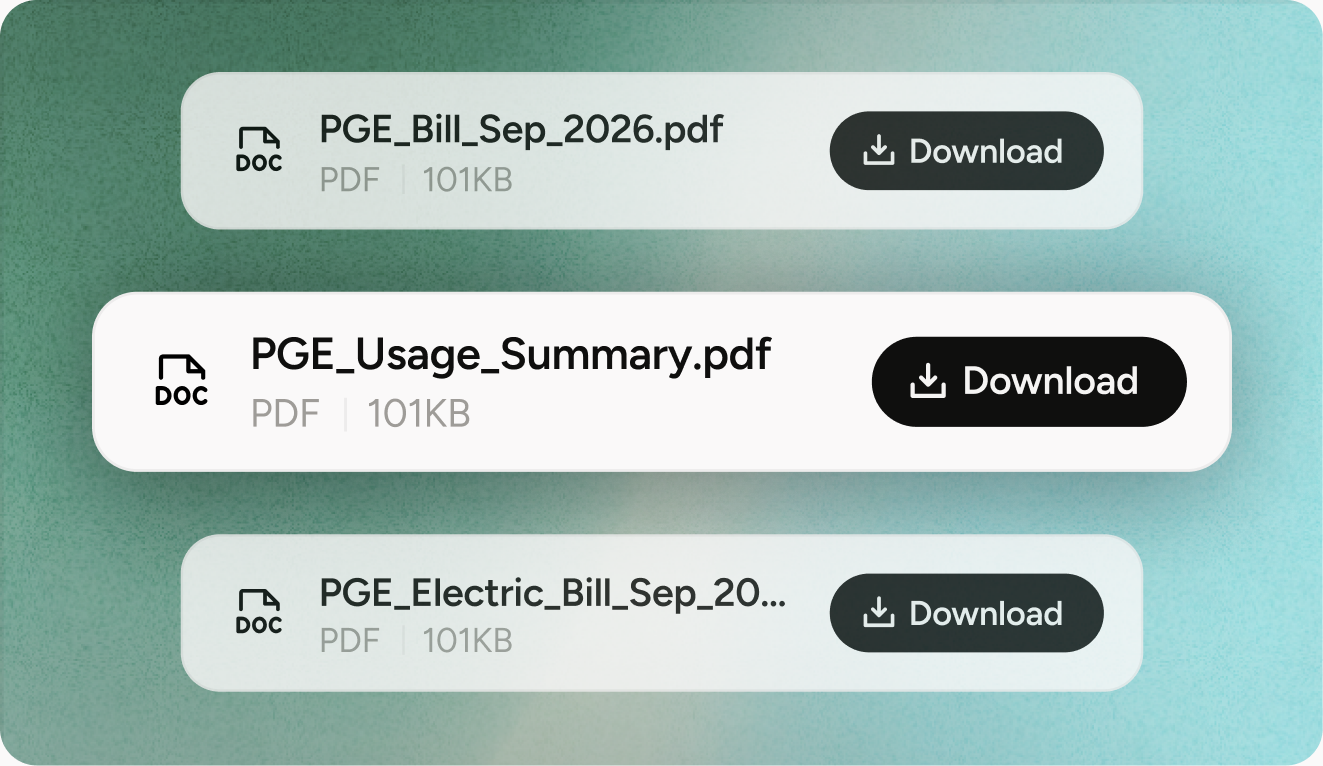
Get your verified files and confirmed results.
Pine returns the downloaded file, confirmation page, comparison, or exact next step—so you do not have to wonder whether the chore actually finished.

Real-world chores, handled from start to finish
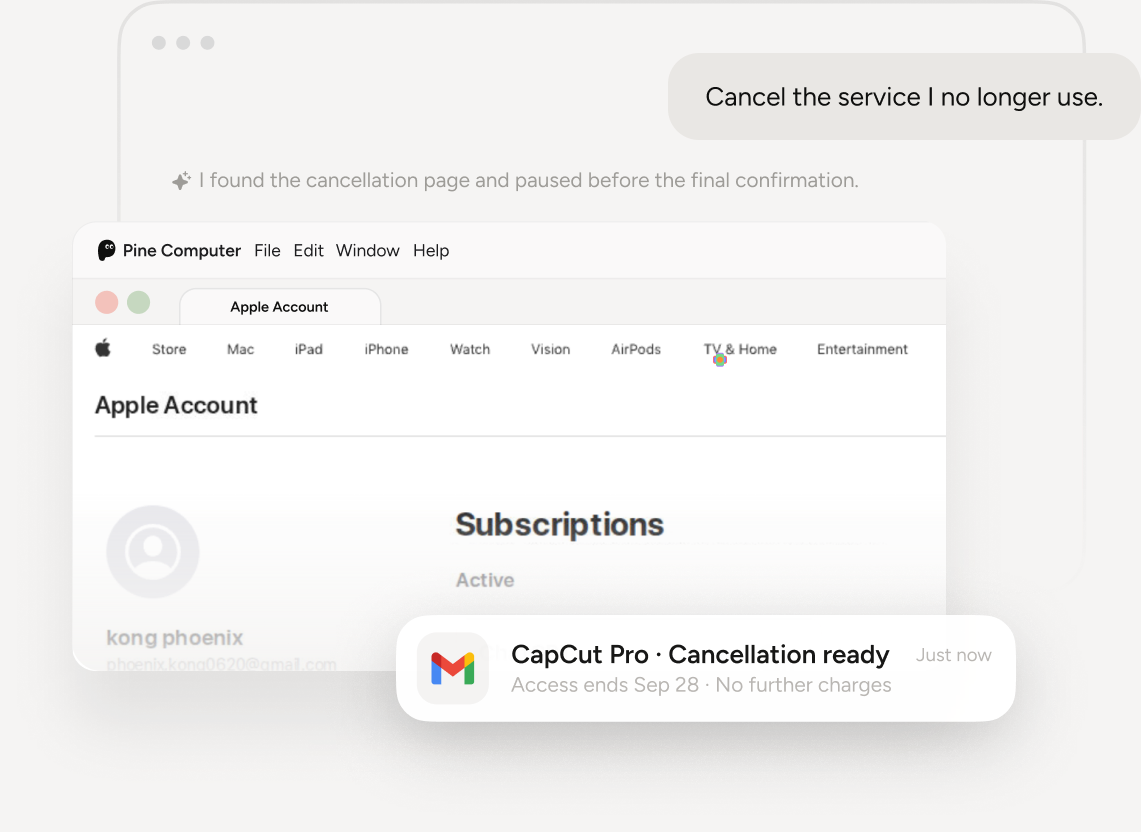
Subscription Cancellation
Pine finds the right account setting, handles the portal, pauses before the final confirmation, and returns the cancellation proof.
Handle this for me
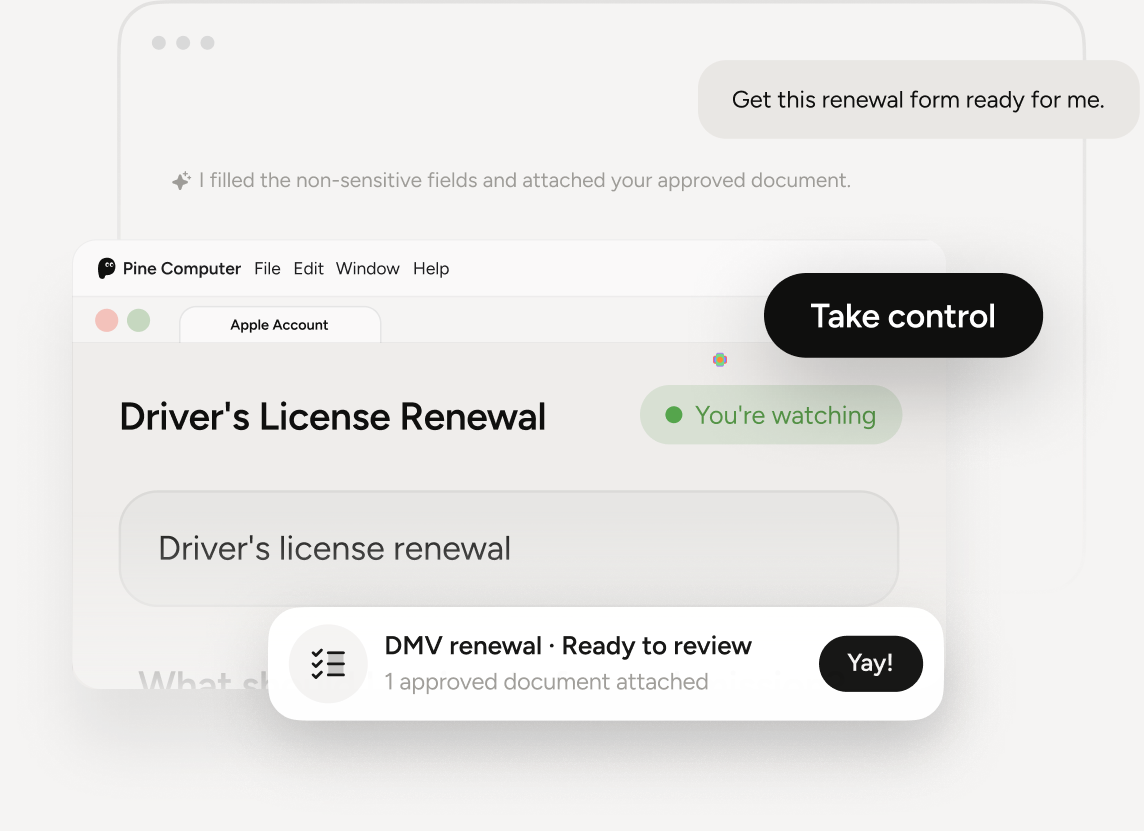
Government & DMV Forms
Pine opens the official site, completes safe fields, uploads approved documents, and hands control back before submission.
Handle this for me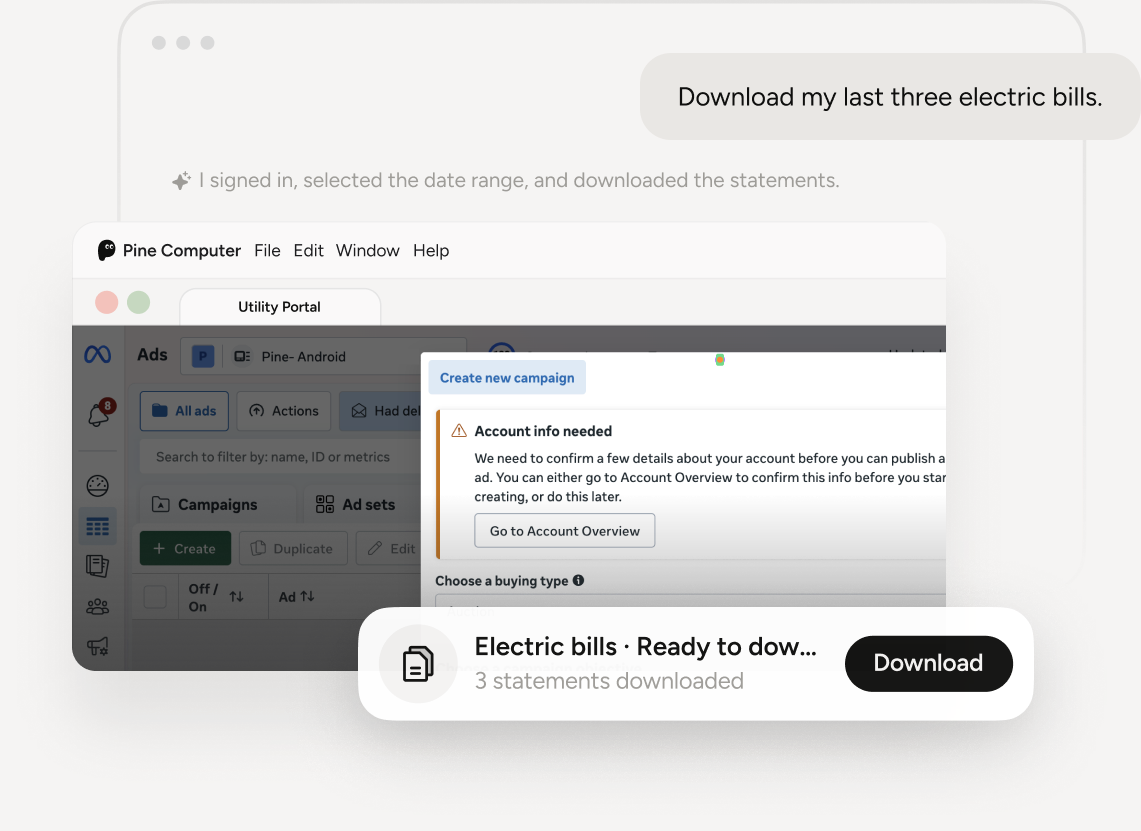
Utility Statements
Pine signs into the utility portal, finds the correct date range, downloads the statements, and names them consistently.
Handle this for me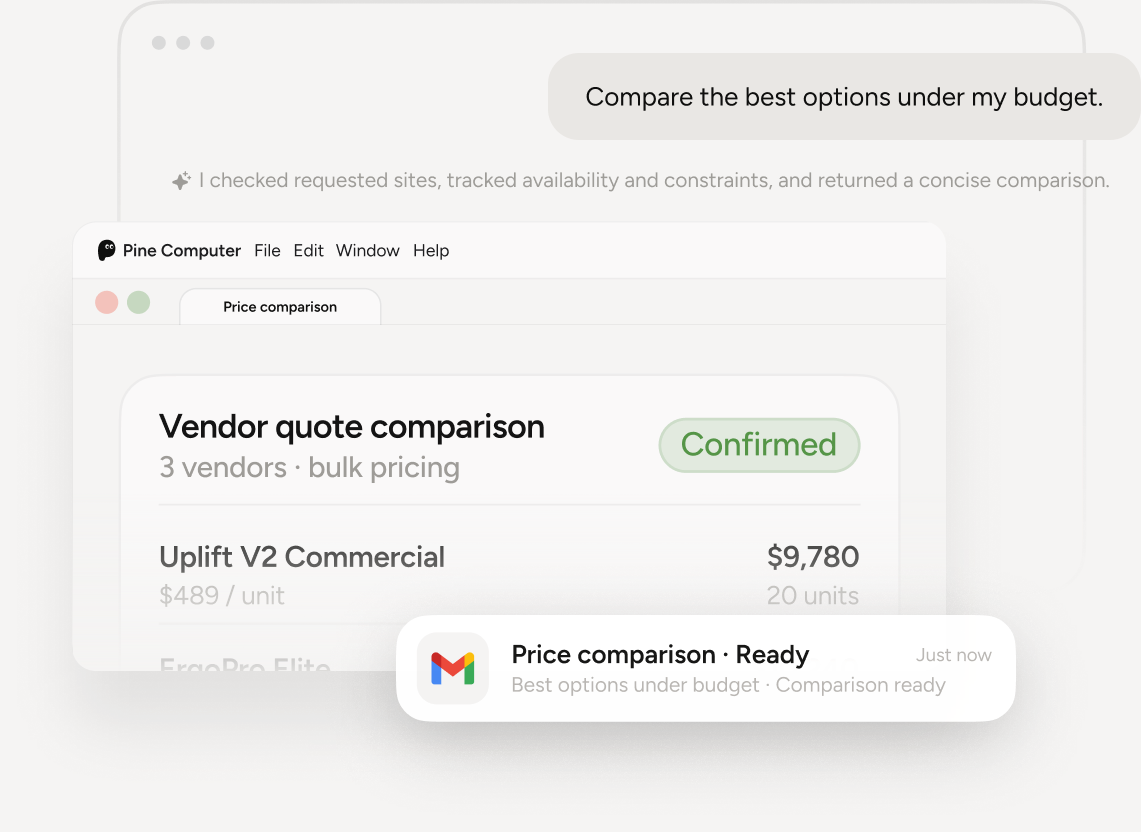
Price Checking
Pine checks the requested sites, tracks availability and constraints, and returns a concise comparison instead of a pile of tabs.
Handle this for meLess time clicking through websites, More time living your life.
Stop wrestling with repetitive web forms, stubborn logins, and buried settings.