

From inbox chaos to handled
Forward a messy email and Pine Mail handles the busywork—finding context, contacting the right people, organizing the details, and keeping the task moving until there is a clear next step or outcome.
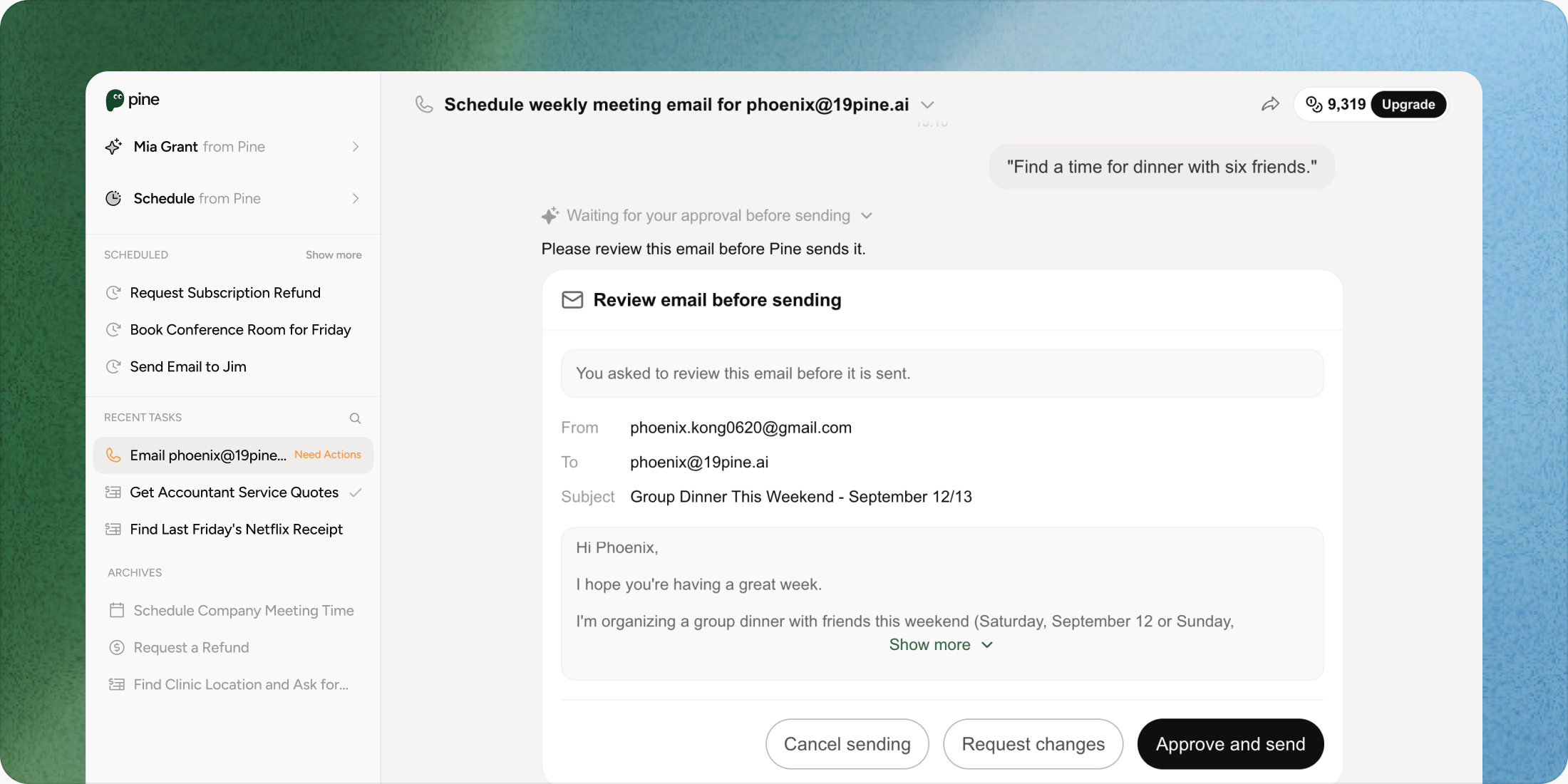
- Approval before high-impact actions
- Visible task status
- Take over anytime
Pine reads the thread, checks availability, proposes options, follows up, and sends the confirmed plan.
Less inbox work, More tasks done.
See how Pine Mail compares to doing it yourself and standard email AI.
Planning dinner, a party, or a group trip
- You Manually
- Compare everyone's replies, suggest times, chase non-responders, and send the plan.
- Standard Email AI (Gmail / Copilot)
- Suggests a reply or a calendar slot from the current thread.
- Pine Mail Personal AI Assistant
- Finds the best overlap, negotiates availability, sends the invite or itinerary, and follows up.
Asking a venue, contractor, tutor, or mechanic for a quote
- You Manually
- Search for vendors, write separate inquiries, compare replies, and remember to follow up.
- Standard Email AI (Gmail / Copilot)
- Drafts one message or summarizes a quote.
- Pine Mail Personal AI Assistant
- Finds the right details, asks structured questions, compares price and availability, and returns a recommendation.
Handling a landlord, clinic, or accountant follow-up
- You Manually
- Search old messages and attachments, restate the context, and manually track the next step.
- Standard Email AI (Gmail / Copilot)
- Answers from the open email context or suggests wording.
- Pine Mail Personal AI Assistant
- Retrieves the history, identifies what is missing, sends the follow-up, and tracks the response.
Finding a buried receipt, document, or policy
- You Manually
- Search folders, threads, downloads, and memory until the right file turns up.
- Standard Email AI (Gmail / Copilot)
- Searches the current mailbox or summarizes an open attachment.
- Pine Mail Personal AI Assistant
- Finds the source across your inbox, extracts the key date or term, and makes it actionable.
Getting a refund or customer-service resolution
- You Manually
- Locate the order, write support, remember the deadline, and chase the case.
- Standard Email AI (Gmail / Copilot)
- Suggests a polite reply or cancellation link.
- Pine Mail Personal AI Assistant
- Finds the evidence, contacts support, follows up, escalates when needed, and reports the outcome.
Definition of done
- You Manually
- The message was sent.
- Standard Email AI (Gmail / Copilot)
- A good draft was generated.
- Pine Mail Personal AI Assistant
- The personal task is organized and the outside-world outcome—or exact next step—is clear.
Turn EmailsInto Progress
See how Pine Mail compares to doing it yourself and standard email AI.
From Frustration to Finished
Turn a messy email task into a clear outcome—plan the dinner, get the quote, resolve the admin request, or secure the refund.
Never Get Ghosted Again
Pine remembers what was promised and when the next follow-up is due. It can nudge a friend, vendor, landlord, or support team with the right context.
Find the Details You Need
Ask about an old purchase, warranty, policy, invoice, or attachment in plain language. Pine retrieves the source and extracts the important terms.
Smart Life & Calendar Sync
Coordinate people, places, time zones, and reminders without becoming the project manager. Pine turns scattered replies into a confirmed plan.
Simple to start, powerful from day one
Step 01
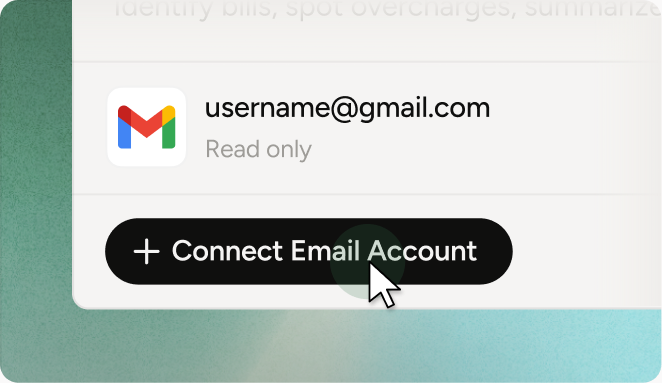
Connect Mailbox
Choose the mailbox and permissions Pine may use. Start narrow, see what Pine can access, and adjust the boundary anytime.
Step 02
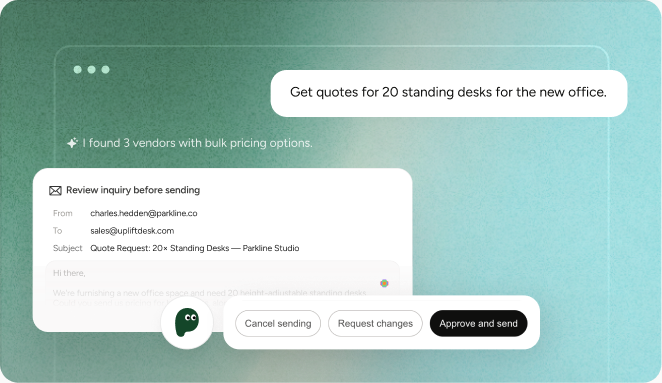
Forward Messy Email
Send a real request: a delayed order, an insurer question, a renewal receipt, or a scheduling thread. No special prompt required.
Step 03
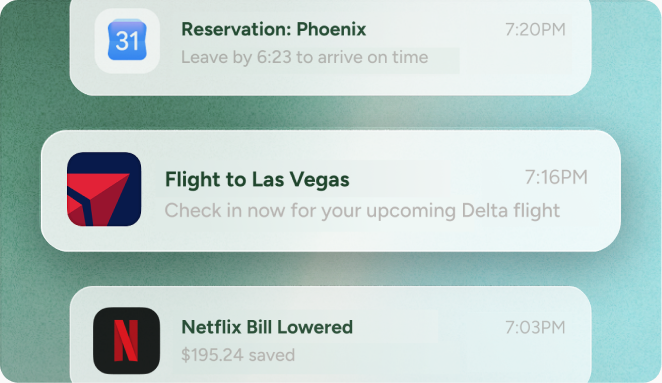
Sit Back & Get Results
Pine reads context, takes the authorized actions, follows up, and returns a clear status—done, waiting for you, or escalated.

Pine Assistant for every part of life
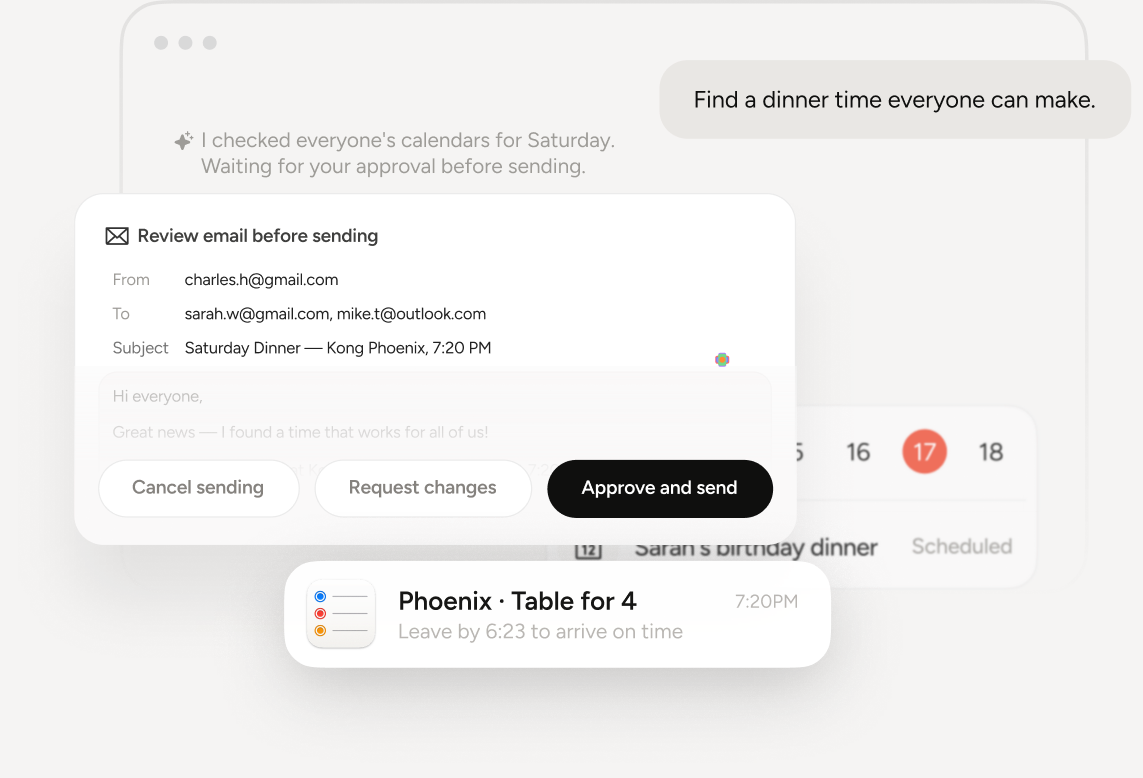
Social & Group Planning
Find a dinner time everyone can make. Pine reads the thread, accounts for time zones, proposes options, follows up with non-responders, and sends the confirmed plan.
Handle this for me
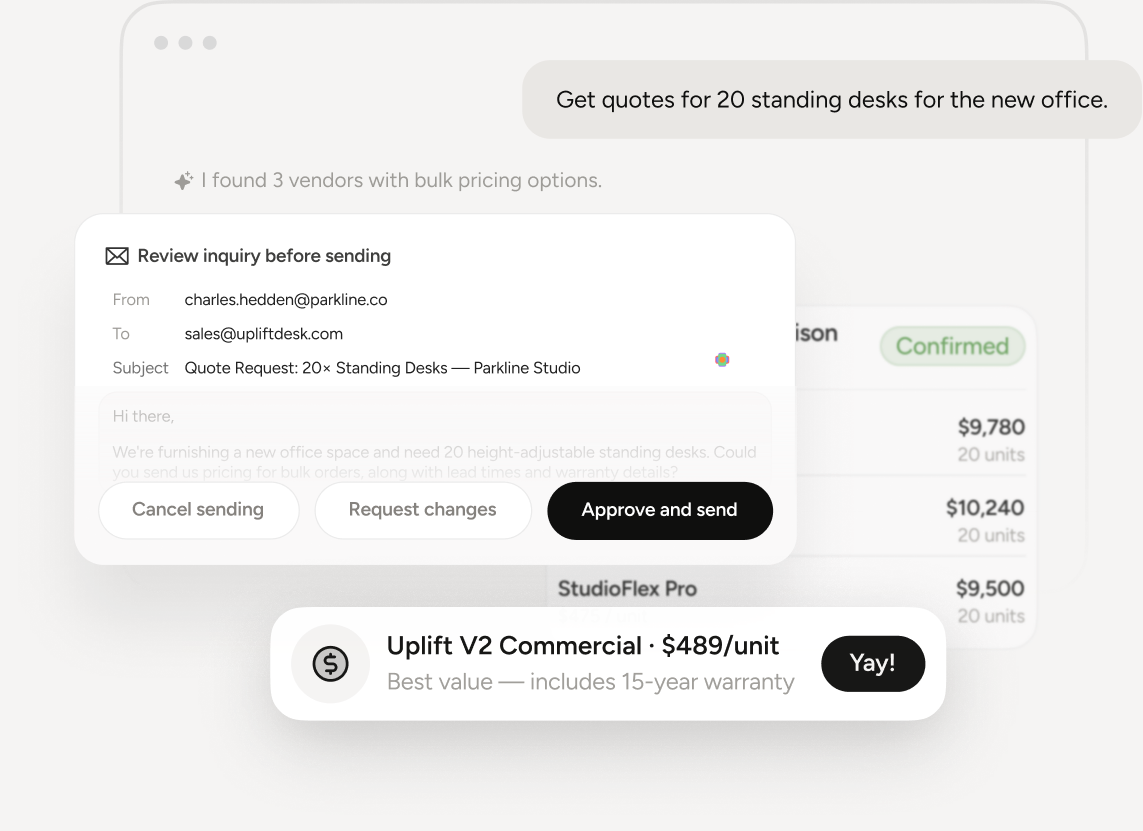
Vendor Inquiries & Quotes
Pine finds the right contact details, sends a structured inquiry, compares replies and terms, and returns an easy-to-scan recommendation.
Handle this for me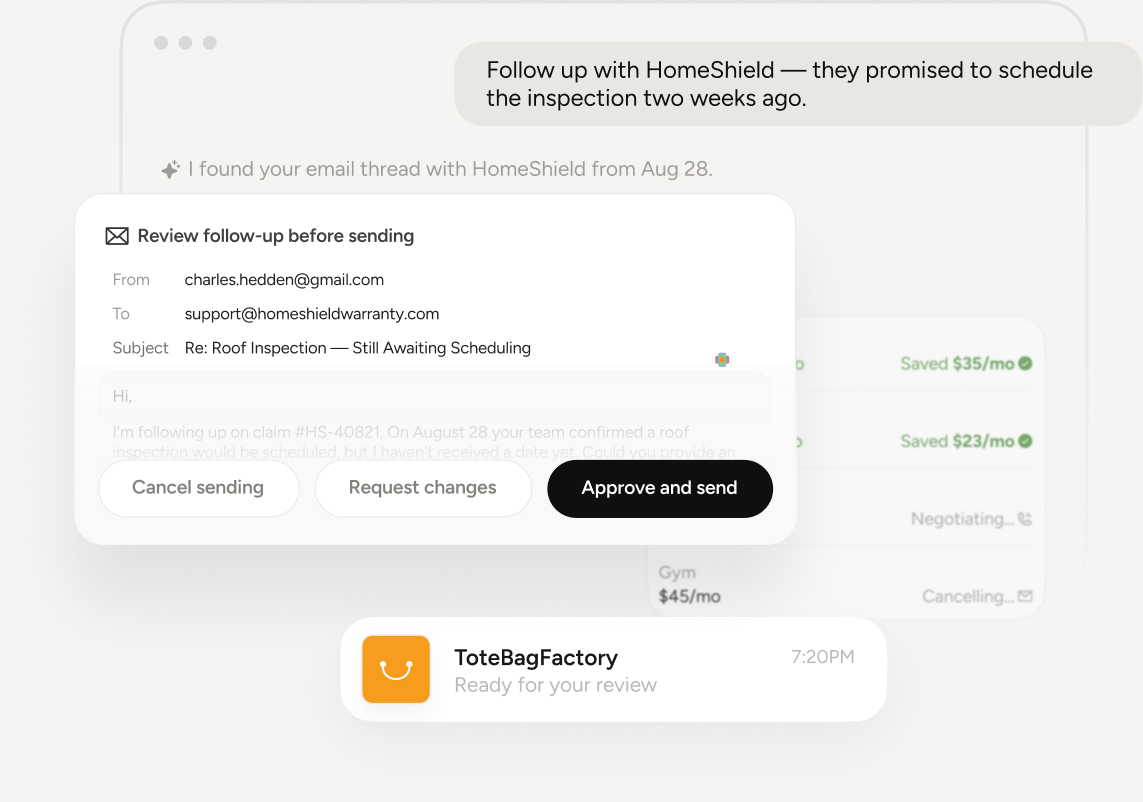
Life Admin & Follow-ups
Pine retrieves the history and attachments, identifies the open question, sends a concise follow-up, tracks the promised date, and escalates when needed.
Handle this for me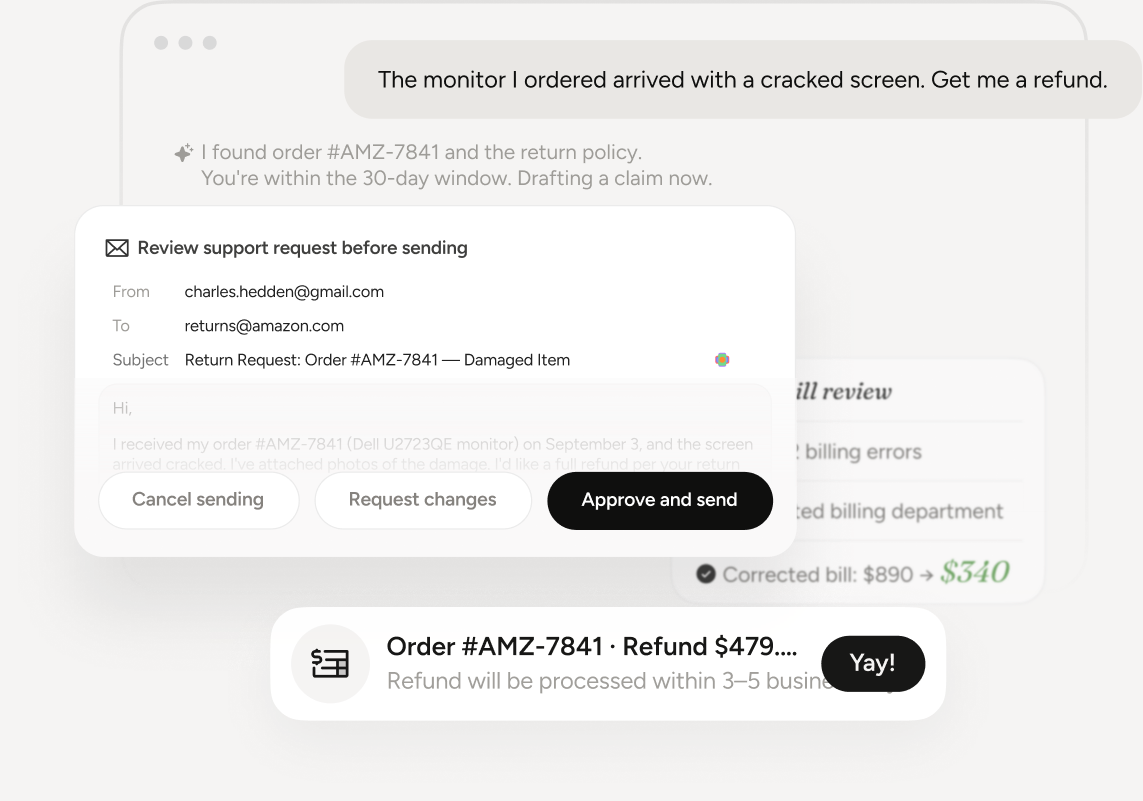
Receipts, Support & Refunds
Pine searches for the order and policy, gathers the evidence, contacts support, follows up after the deadline, and keeps the resolution in one timeline.
Handle this for meStill have an unfinished email? Let Pine handle it.
Send the task you keep postponing and get a visible next step today.