


Nuffield Health
Cancel subscription
How to Cancel Your Nuffield Health Gym Membership
Learn how to cancel Nuffield Health through the right billing provider. Follow official steps, understand access timing, refunds, and the confirmation to keep.
- 3 cancellation paths matched to the billing owner
- Renewal timing and access outcome explained
- Refund requests routed to the company that billed you
- Confirmation steps included for every path
Choose the Nuffield Health cancellation path that matches who bills you
Email your Nuffield home club or Customer Support · verify the billing owner
Email your Nuffield home club or Customer Support
 1
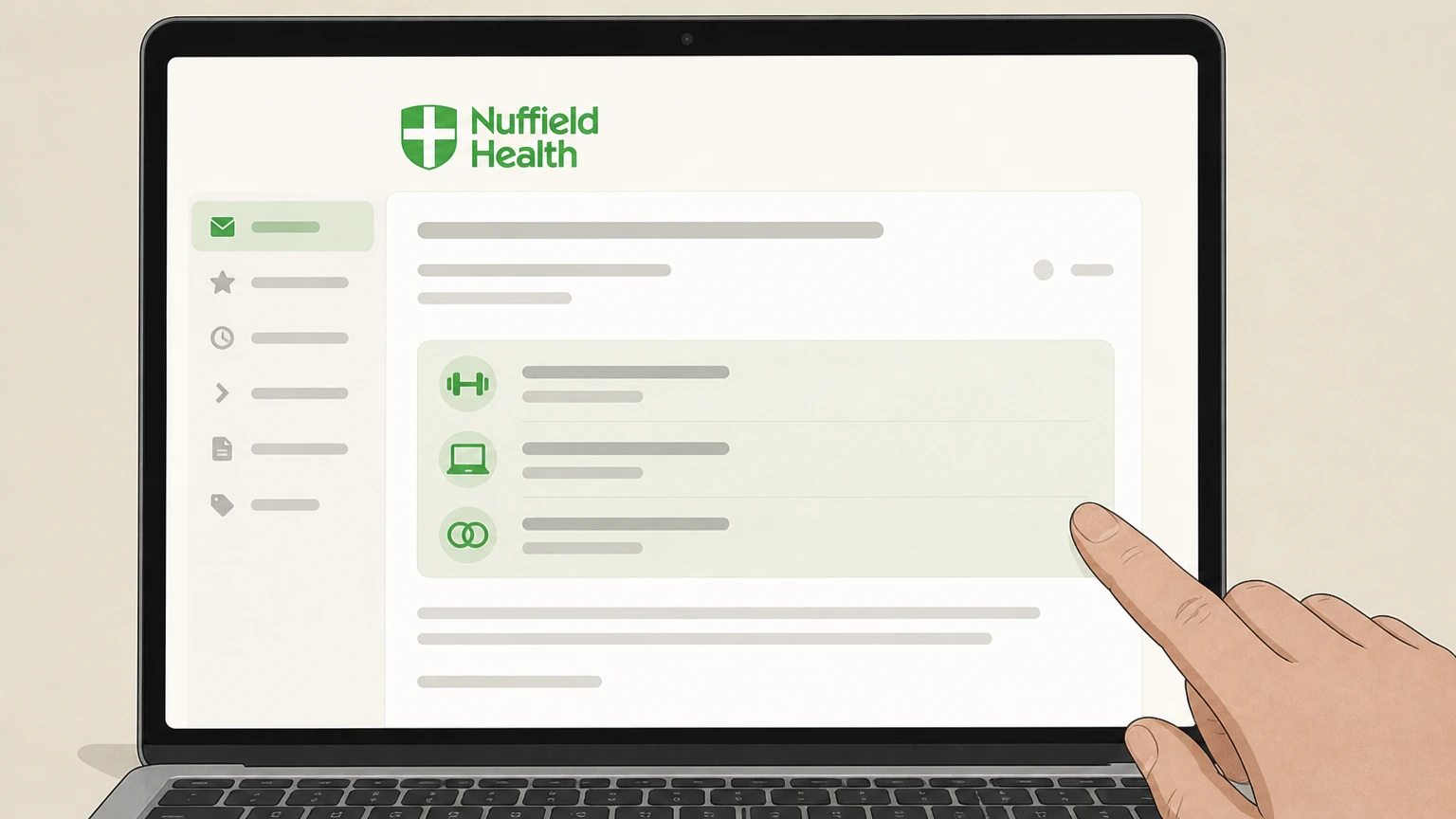
1Confirm which Nuffield membership you are cancelling
Decide whether you are cancelling a Fitness & Wellbeing gym membership, a standalone Nuffield Health 24/7 virtual membership, or both, and locate your membership number and home club details from your agreement or welcome emails.
 2
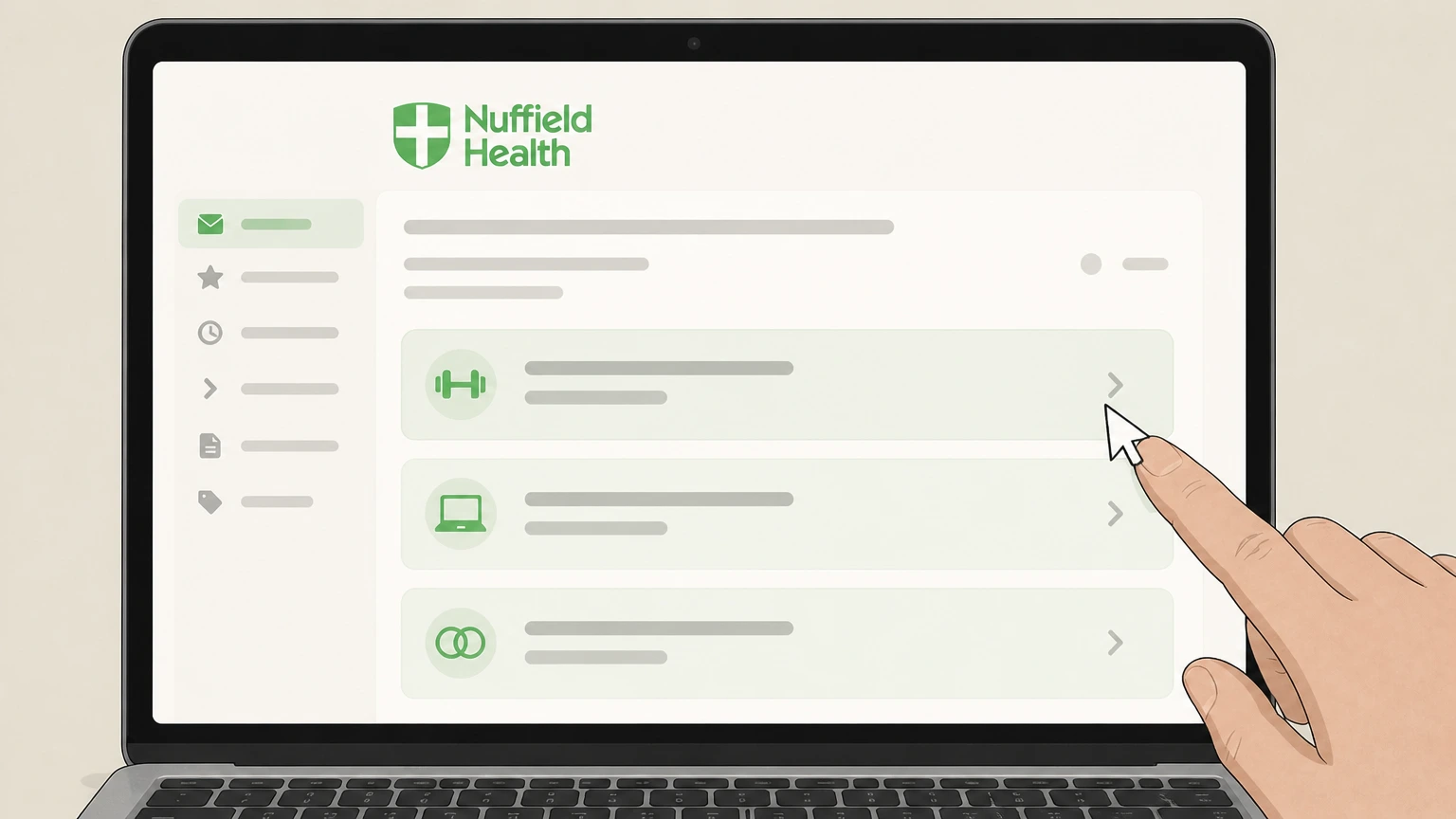
2Find the correct email contact for your membership type
For gym memberships, get the official contact details for your home gym from its page on the Nuffield Health website; for Nuffield Health 24/7, use the “Contact us online” or Customer Support details given on the 24/7 membership page or FAQs.
- Let Pine handle it
Pine can help
Too many steps?
Pine can find the right Email your Nuffield home club or Customer Support path and handle the cancellation for you.
 3
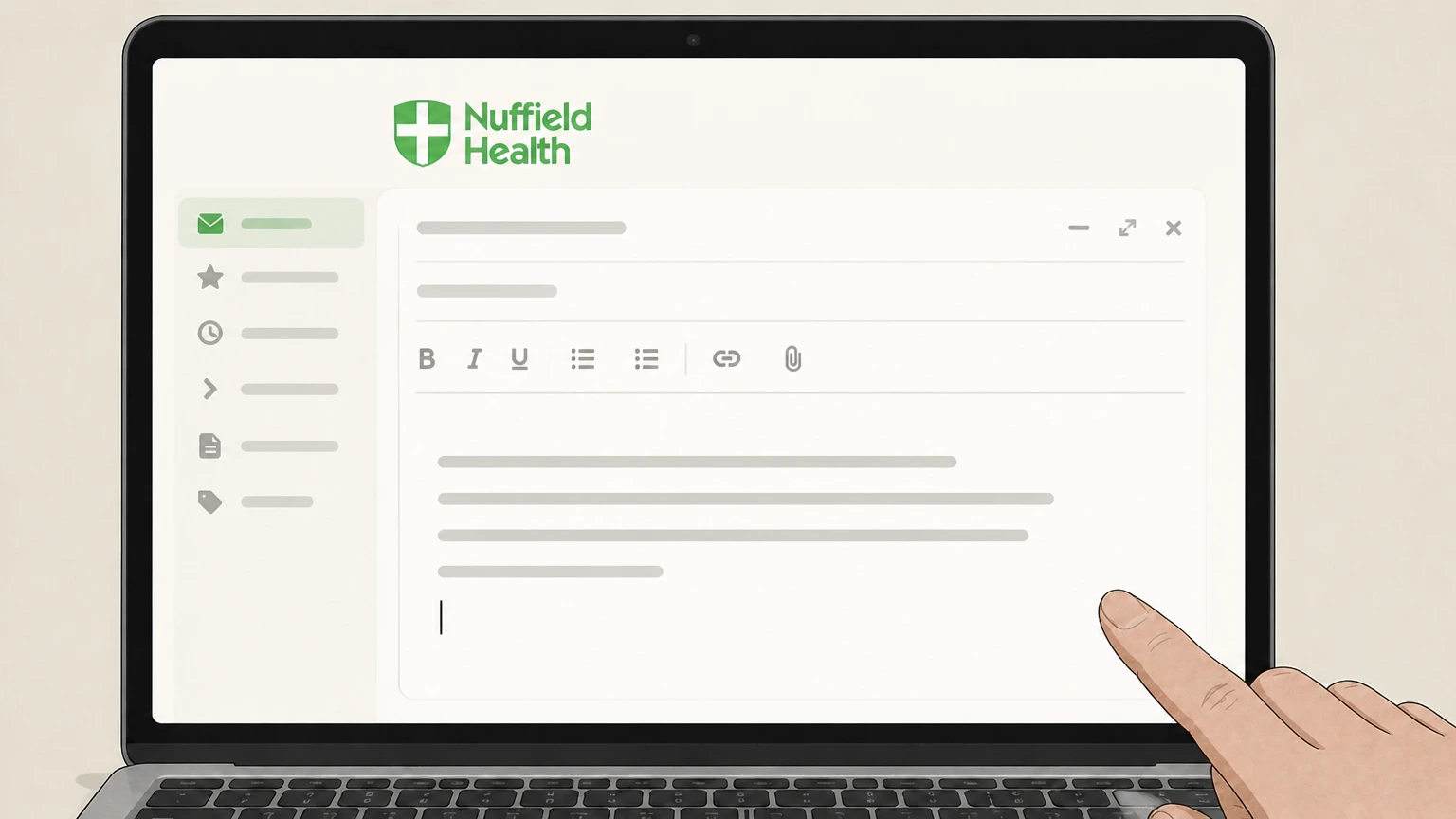
3Write a clear written cancellation request
From the email address registered on your account, draft an email stating that you wish to cancel, include your full name, membership number, home club, and specify that the request is to cancel in line with Nuffield’s membership terms and required notice.
 4
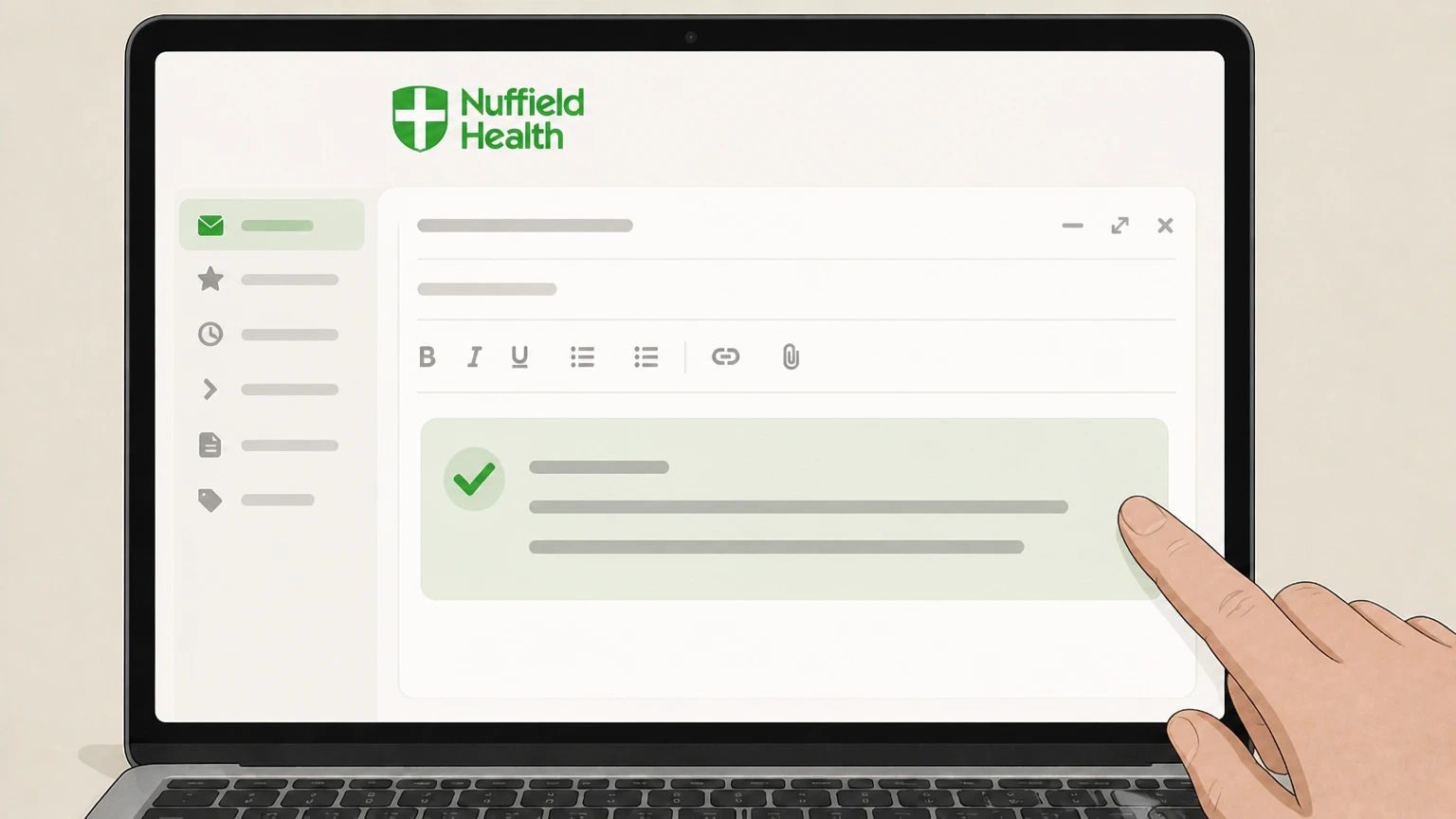
4Send the email and retain a copy
Send your cancellation email to your home gym or, for standalone 24/7 virtual memberships, to the Customer Support contact given on the 24/7 page, and keep a copy of the sent email for your records.
 5
5Check for written confirmation of your end date
Monitor your inbox for the written acknowledgement Nuffield’s terms say will be sent when they receive an email cancellation, confirming the date your membership will end; if you do not receive this, follow up in writing.

Cancel in person at your Nuffield home club · verify the billing owner
Cancel in person at your Nuffield home club
 1
1Go to your Nuffield home gym during staffed hours
Visit the Fitness & Wellbeing club listed as your home centre on your membership agreement or recent correspondence, bringing identification and your membership details if available.
 2
2Ask staff for a membership cancellation form
At reception or the membership desk, explain that you want to cancel your membership and request the official cancellation form referred to in the membership terms and cancellation guidance.
- Let Pine handle it
Pine can help
Too many steps?
Pine can find the right Cancel in person at your Nuffield home club path and handle the cancellation for you.
 3
3Complete the cancellation form accurately
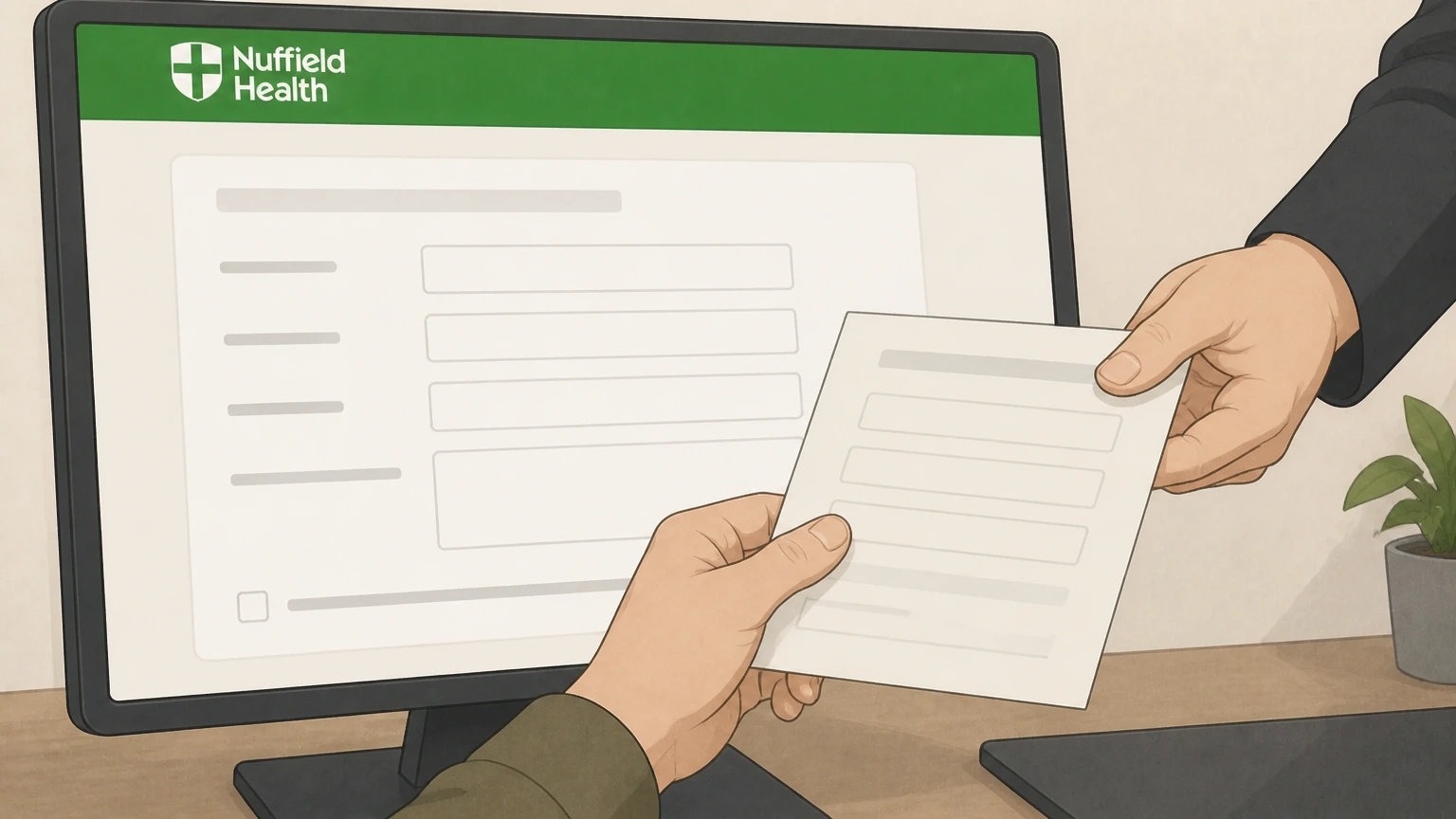
Fill in the form with your full name, membership or card number, contact details, and confirm you are giving written notice to cancel in line with Nuffield’s required notice and any remaining commitment period.
 4
4Submit the form and request written confirmation
Hand the completed form back to a member of staff, ask them to process it, and request a copy or written confirmation showing the date your membership will end.
 5
5Keep proof until your final payment and access end
Retain your copy of the signed form or written confirmation until your last payment has been collected and your access to the club has ended on the confirmed date.
Use the online request‑to‑cancel form (online joiners) · verify the billing owner
Use the online request‑to‑cancel form (online joiners)
 1
1Locate your original online joining or receipt email
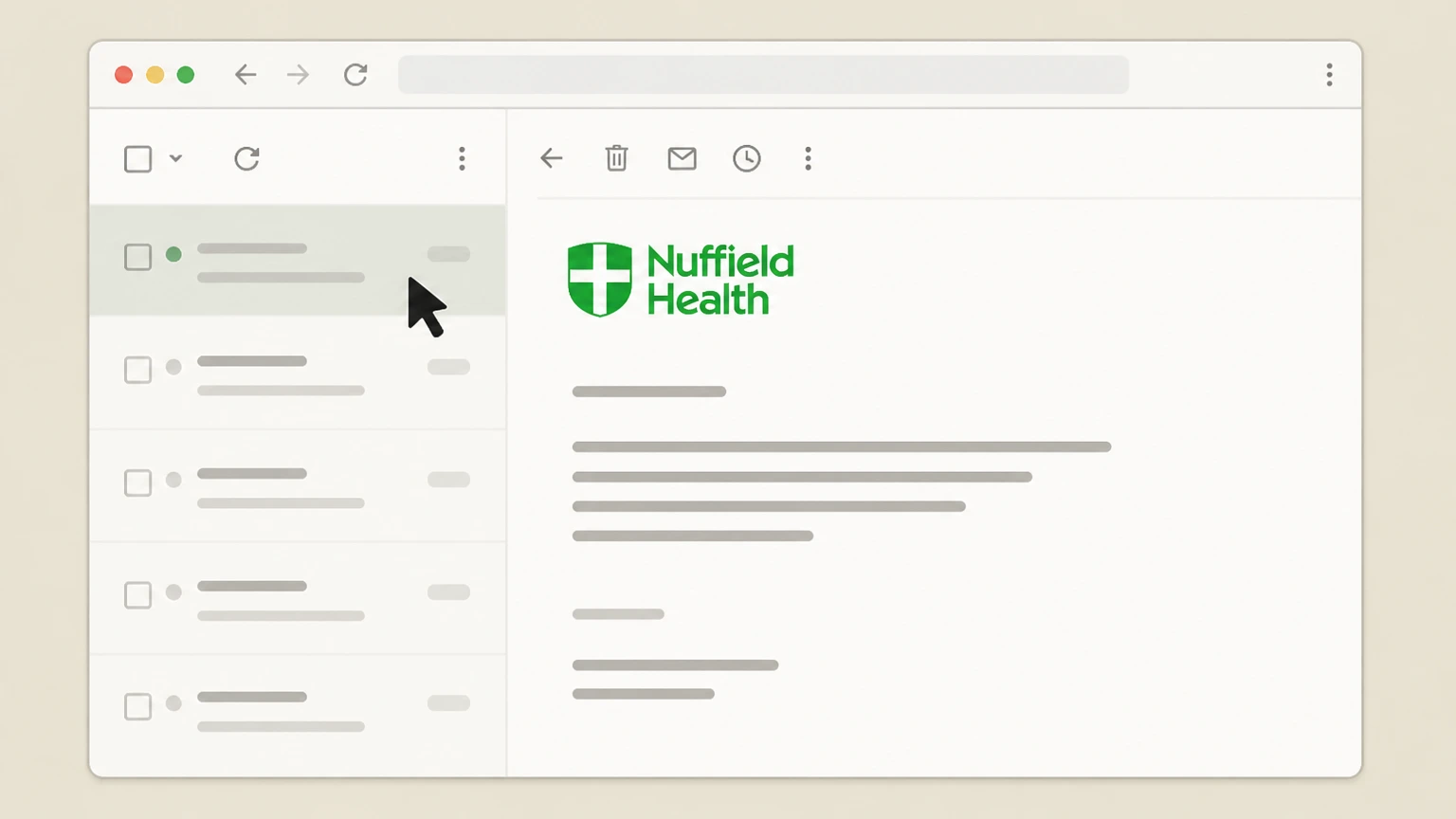
Open the welcome or receipt email you received when you first joined Nuffield Health online and verify it relates to your current gym membership and home centre.
 2
2Click the request‑to‑cancel link in the email
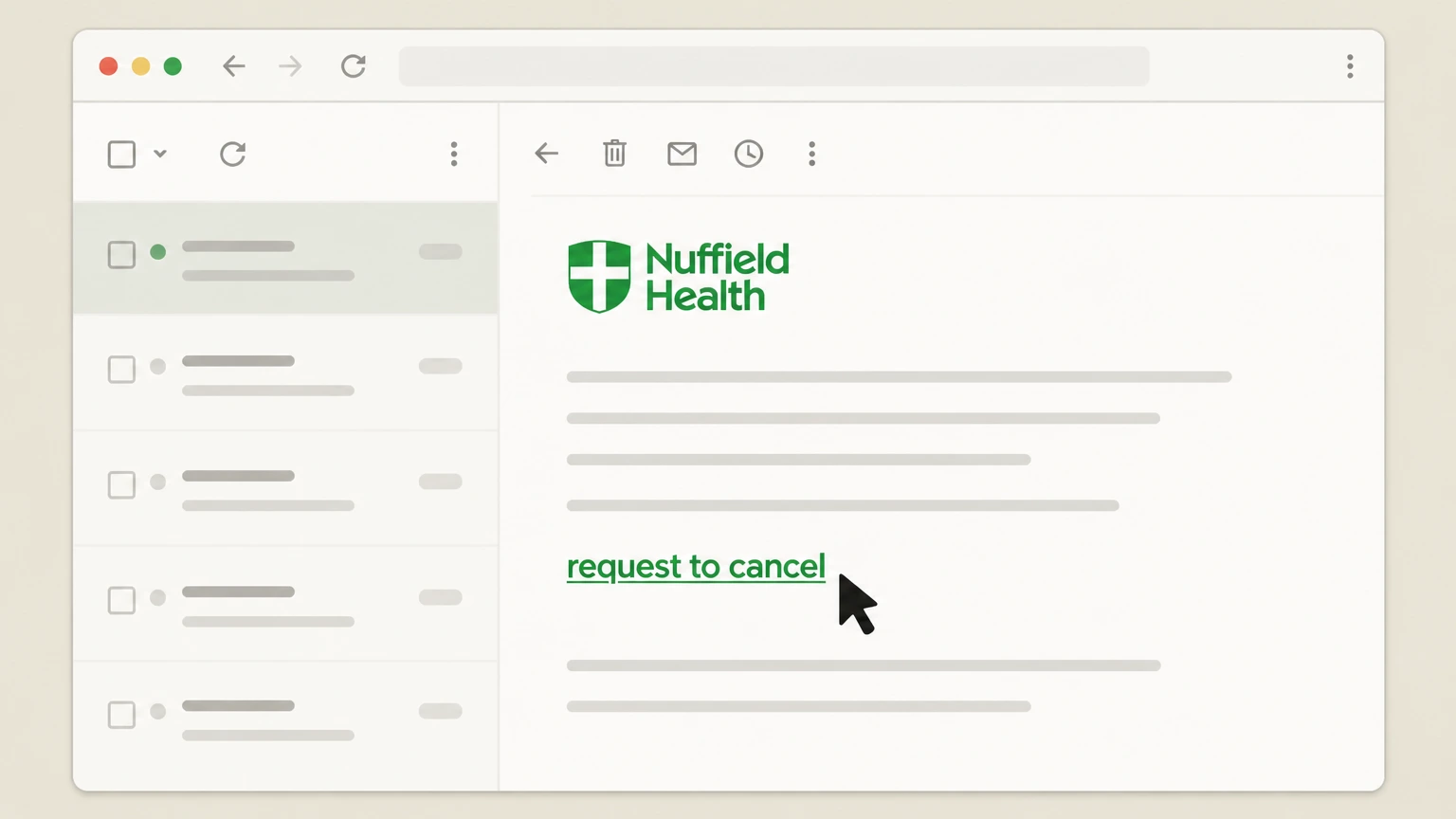
In that email, select the dedicated link described in the terms as the request‑to‑cancel form, which opens an online cancellation form in your browser.
- Let Pine handle it
Pine can help
Too many steps?
Pine can find the right Use the online request‑to‑cancel form (online joiners) path and handle the cancellation for you.
 3
3Complete the online cancellation form
Enter your personal and membership details into the web form, confirm which membership you are cancelling, and acknowledge that you understand the applicable notice and commitment period.
 4
4Submit the form and note the stated end date
Submit the cancellation form online, then note any on‑screen confirmation or follow‑up email that specifies the date on which your membership will end.
 5
5Follow up with your home club if no confirmation arrives
If you do not receive confirmation within a reasonable time, send written notice to your home club by email or in person, referencing your attempted online cancellation.
Refund policy
Refunds, cooling‑off and money‑back guarantees at Nuffield Health
Nuffield Health distinguishes between statutory cooling‑off rights for online gym memberships, its own 14‑day money‑back guarantee for some new members, and separate cancellation‑fee rules for healthcare services. Understanding these boundaries helps you avoid assuming that all cancellations lead to refunds.
Check my refund options- 14‑day legal cooling‑off for online joining
- The gym terms state that if you purchase your membership online, you have a legal right to change your mind within 14 days from your membership start date. To exercise this, you must send written notice to your home centre’s manager or complete a form at your home centre; Nuffield will refund the activation fee and other fees you have paid for that membership.
- Separate 14‑day money‑back guarantee
- Nuffield also offers, in some circumstances, a 14‑day money‑back guarantee for new, first‑time members or those transferring between centres. To claim, eligible members must provide written notice within 14 days of the membership start date via letter, email or an in‑club form; Nuffield processes the cancellation and refunds payments on the then‑current membership, but will only refund once.
- Refunds after the cooling‑off period
- After the 14‑day cooling‑off or money‑back windows, cancelling a gym membership under the standard notice rules generally stops future billing after the required notice and any commitment period; fees already paid up to the effective cancellation date are normally not refunded unless the terms specifically provide otherwise, for example where Nuffield cancels or materially changes your membership.
- Refunds and fees when Nuffield cancels
- If Nuffield cancels your membership with notice for its own reasons, or permanently closes your home centre without offering a suitable alternative, the terms say it will refund any monthly membership fees paid for the remaining commitment period or for months you can no longer use.
- Treatment and assessment cancellation charges
- For self‑funded treatment and some health assessments, the Paying for Yourself terms impose cancellation charges, including significant fees or loss of the full charge if you cancel close to the planned treatment date or fail to attend; these rules are separate from gym membership refunds and should be checked before booking or cancelling.
Always review the latest Nuffield Health terms that apply to your specific membership or treatment before relying on any refund expectation, and ask your home club or booking team to confirm how their current policies apply to your situation in writing. View current Nuffield Health terms and conditions
What this covers
Which Nuffield Health memberships this guide applies to
Clarifies which Nuffield Health services use the gym membership cancellation rules, and which have separate cancellation policies.
Fitness & Wellbeing gym memberships
Standard and discounted monthly, prepaid, joint, family and corporate Fitness & Wellbeing centre memberships are governed by the Gym, Fitness and Wellbeing Terms and Conditions, including sections on fees, freezing and cancellation.
Nuffield Health 24/7 virtual gym access
Nuffield Health 24/7 is a streaming service offered by Nuffield, normally as a perk for gym members and as a separate virtual membership; the 24/7 FAQs specify that cancellations are handled by emailing Customer Support.
Extra benefits and add‑ons
Additional benefits such as wellbeing add‑ons are attached to a membership and have their own cancellation rule in the terms, usually requiring one full calendar month’s written notice to remove them.
Corporate and insurer‑linked memberships
Corporate or Vitality/AXA memberships still rely on Nuffield’s standard notice and commitment rules unless the separate corporate agreement specifically provides different cancellation rights.
Core process
Primary cancellation method for gym memberships
Explains how Nuffield expects you to give notice and why simple bank or app actions do not cancel your contract.
Written notice is mandatory
Nuffield’s membership terms and cancellation page state that you must send written notice to your home centre’s manager or complete a cancellation form at your home gym; purely verbal or phone requests do not meet this requirement.
Email or in‑club form are preferred channels
Nuffield highlights two preferred routes: emailing your home gym with your cancellation request or visiting in person to complete a cancellation form, both of which count as written notice when correctly completed.
Responsibility to cancel direct debit later
The terms specify that once your membership ends and the final payment has been collected, you—not Nuffield—are responsible for cancelling your direct debit; cancelling it early can leave you in arrears.
Online cancellation link for online joiners
If you joined online, the terms state you can also cancel by using the request‑to‑cancel form linked in your joining receipt email, in addition to emailing or visiting your home centre.
Notice & timing
Notice periods and when your Nuffield membership ends
Summarises how Nuffield calculates your final payment and last day of membership once you give notice.
Standard calendar‑month rule
Nuffield’s cancellation page and terms state that a calendar month’s notice is required: if your home centre receives written notice on the first day of a month, your membership ends on the last day of that month; otherwise it ends on the last day of the following month.
Effect on direct debits
Because of the calendar‑month rule, Nuffield will normally take at least one more direct debit after you give notice; the terms give an example where notice on 10 May leads to cancellation taking effect on 30 June.
Standard monthly memberships
For standard monthly memberships, the terms say you can cancel by giving one full calendar month’s written notice, which applies to many direct‑debit gym memberships.
Discounted and prepaid options
Discounted monthly memberships require notice timed to the end of a 12‑month commitment, and prepaid options are usually cancelled at the end of the prepaid period unless you renew; different timing rules apply if you choose to buy out the remaining commitment.
Minimum term
Cancelling during your Nuffield commitment period
Outlines the limited circumstances where you can end a committed membership early without paying all remaining months.
Commitment periods vary by tariff
The gym terms explain that standard monthly memberships require at least one full calendar month; discounted monthly and prepaid options usually involve a 12‑month commitment, and early cancellation is restricted.
Permitted early‑cancellation reasons
Within a commitment period, you may cancel only for specified reasons such as pregnancy, serious illness or injury, redundancy, certain residential or office moves beyond 5 miles, permanent club closure, extended refurbishment closure, or significant permanent reduction in facilities or hours.
Proof may be required
The terms state that Nuffield can require proof, such as evidence of relocation or medical certification, before accepting an early cancellation based on one of the listed reasons.
Options if fees increase
If you are on a discounted monthly membership and Nuffield increases your fee, the terms allow you to cancel because of the increase, with potential refunds of the difference between old and new fees at the end of your commitment period.
24/7 streaming
Cancelling Nuffield Health 24/7 virtual memberships
Details how Nuffield Health 24/7 access works for gym members and standalone users, and how to cancel it safely.
Access for gym members
App‑store listings and Nuffield’s 24/7 page describe Nuffield Health 24/7 as a streaming service included as a perk for gym members; eligible members can log in via the website or mobile apps without a separate in‑app subscription.
Standalone 24/7 memberships
Nuffield also sells 24/7 memberships through its own online join process, using direct debit and card payments managed by Nuffield rather than Apple or Google billing.
How to cancel 24/7 access
The 24/7 FAQs state that to cancel a 24/7 membership you should email Customer Support, who will arrange cancellation; there is no instruction to use Apple or Google subscription menus.
Apps do not control billing
The Apple App Store and Google Play pages list Nuffield Health 24/7 as a free app without in‑app purchases; deleting the app or managing it only through app‑store settings will not terminate your underlying Nuffield membership.
Alternatives
Freezing your membership instead of cancelling
Explains Nuffield’s freeze options and how they differ from permanent cancellation.
Freeze for specific life events
The gym terms and fair‑and‑honest contract state that you may temporarily freeze your membership, typically for reasons such as pregnancy, serious illness or injury, redundancy, and some work‑related moves, often requiring evidence.
Paid and unpaid freezes
Nuffield offers both evidence‑based freezes and, under certain criteria, paid freezes for up to a set number of months; while frozen, your direct debit may pause, but your minimum commitment can be extended by the freeze period.
No club access while frozen
The terms clarify that you cannot use Nuffield Health Fitness & Wellbeing centre facilities while your membership is frozen, although certain linked services—such as specific expert sessions—may be treated differently under the detailed terms.
Freezing is not cancellation
Nuffield explicitly distinguishes freezing from cancellation: freezing temporarily suspends use and payments; cancelling permanently ends membership and still requires proper written notice under section 11 of the terms.
What changes
What happens after your Nuffield membership ends
Describes how access, payments, extra benefits and data are handled once Nuffield confirms cancellation.
Loss of club access
Once your membership end date is reached under the terms, you are no longer entitled to use Nuffield Health Fitness & Wellbeing centre facilities under that membership; to use the gym again you must rejoin under a new agreement.
Direct debit responsibilities
The terms explicitly state that after your membership ends and the final payment has been taken, you must cancel your direct debit with your bank; if you cancel it before the end date, Nuffield may treat missing payments as arrears and pursue them.
Extra benefits and linked services
Section 11.6 requires separate notice to cancel extra benefits; if you end your core membership, linked extras normally stop, but some services—such as certain wellbeing sessions—can be frozen alongside your membership rather than cancelled outright.
Rejoining after cancellation
Nuffield’s terms explain that you can restart membership later by signing a new agreement and setting up a new direct debit, provided any previous debts are cleared; whether you pay a new activation or joining fee depends on current offers and local rules.
App accounts and health‑assessment data
Nuffield’s app account deletion page explains that deleting an app account or requesting data erasure is a separate process from membership cancellation, and may affect access to stored health‑assessment reports linked to that account.
Other services
Cancelling Nuffield Health appointments and treatment
Highlights that appointment and treatment cancellations follow different terms from gym memberships.
Health assessment appointments
Nuffield’s health assessment pages and FAQs state that appointment changes and cancellations must be arranged using the contact details provided at booking; separate notice and charge rules can apply to late changes or non‑attendance.
Paying‑for‑yourself treatment packages
The Paying for Yourself terms explain that hospital treatments you fund directly often carry staged cancellation charges, with higher charges or loss of the full fee if you cancel shortly before the planned treatment date.
Different contracts and rights
Gym membership cancellation rights do not automatically apply to hospital, physiotherapy or assessment bookings; each product has its own terms, so always check the relevant conditions for cancellation windows and any refund or fee implications.
Appointment cancellations do not end membership
Cancelling an individual consultation, physiotherapy session or health assessment does not cancel your ongoing gym membership; that still requires separate written notice under the gym membership terms.
Nuffield Health cancellation FAQ
Answers about Nuffield Health billing ownership, cancellation timing, refunds, and access after cancellation.
Can I cancel my fitness membership online?
Can I cancel my Nuffield Health membership by email?
Can I cancel my Nuffield Health membership by phone?
Can I cancel my Nuffield Health direct debit to stop payments?
How do I cancel my Nuffield Health 24/7 virtual gym membership?
What notice period do I need to cancel my Nuffield Health membership?
Can I get a refund when I cancel my Nuffield Health membership?
Untangle this Nuffield Health issue.
Let Pine handle the provider follow-up and keep the confirmation in one place.
