


The New Yorker
Cancel subscription
Cancel Your New Yorker Subscription Step‑by‑Step
Cancel The New Yorker when you’re billed through Apple or Google Play. Step‑by‑step instructions, billing‑owner checks, access changes, and refund options.
- 2 cancellation paths matched to the billing owner
- Renewal timing and access outcome explained
- Refund requests routed to the company that billed you
- Confirmation steps included for every path
Choose the The New Yorker cancellation path that matches who bills you
iPhone or iPad (Apple App Store billing) · verify the billing owner
iPhone or iPad (Apple App Store billing)
 1
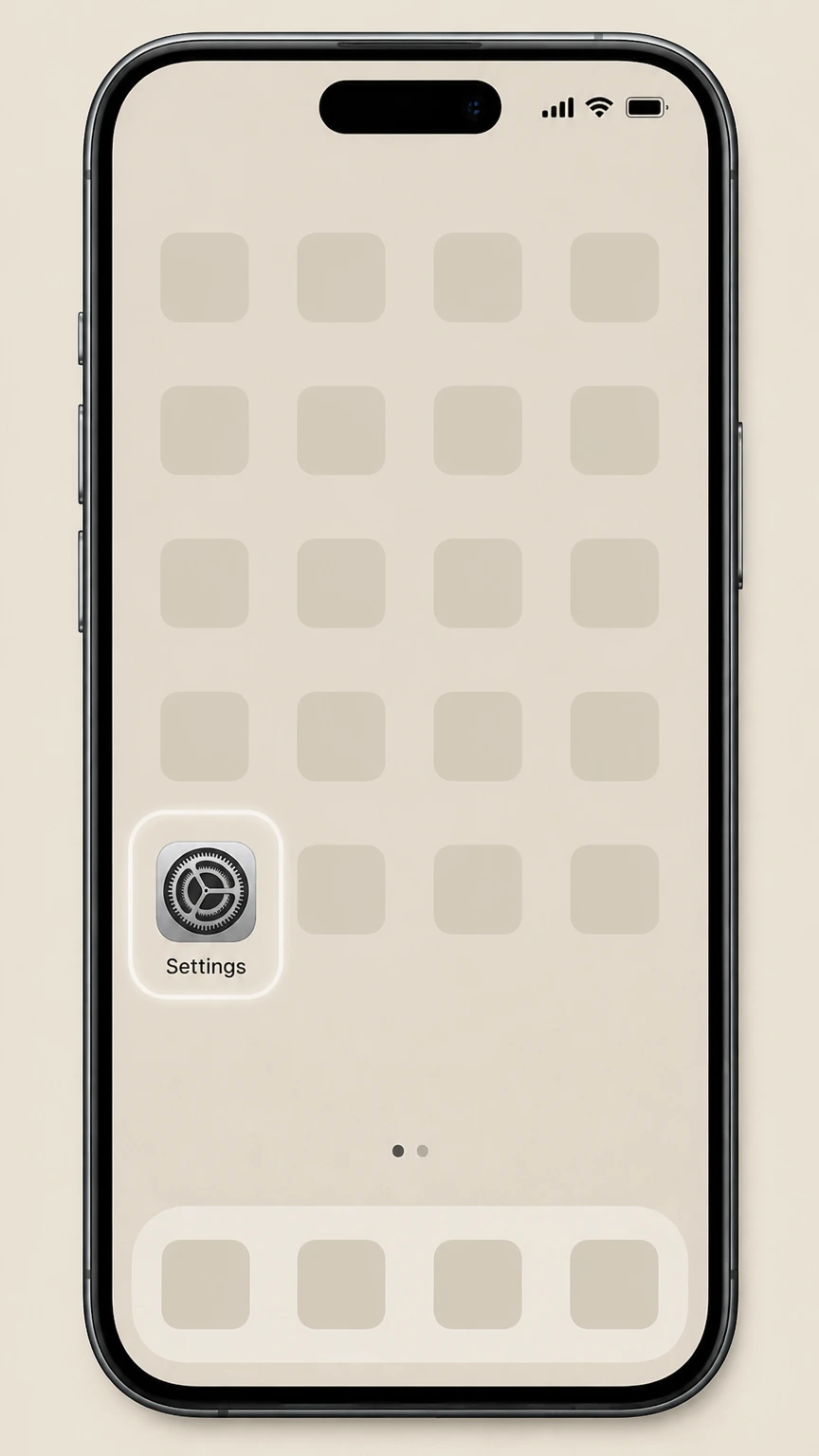
1Open Settings
On the iPhone or iPad billed by Apple, open the Settings app before opening the Apple Account subscription list.
 2
2Tap your name
In Settings, tap your name (Apple ID banner) at the top of the screen.
- Let Pine handle it
Pine can help
Too many steps?
Pine can find the right iPhone or iPad (Apple App Store billing) path and handle the cancellation for you.
 3
3Open Subscriptions
On the Apple ID screen, tap Subscriptions to see your active App Store subscriptions.
 4
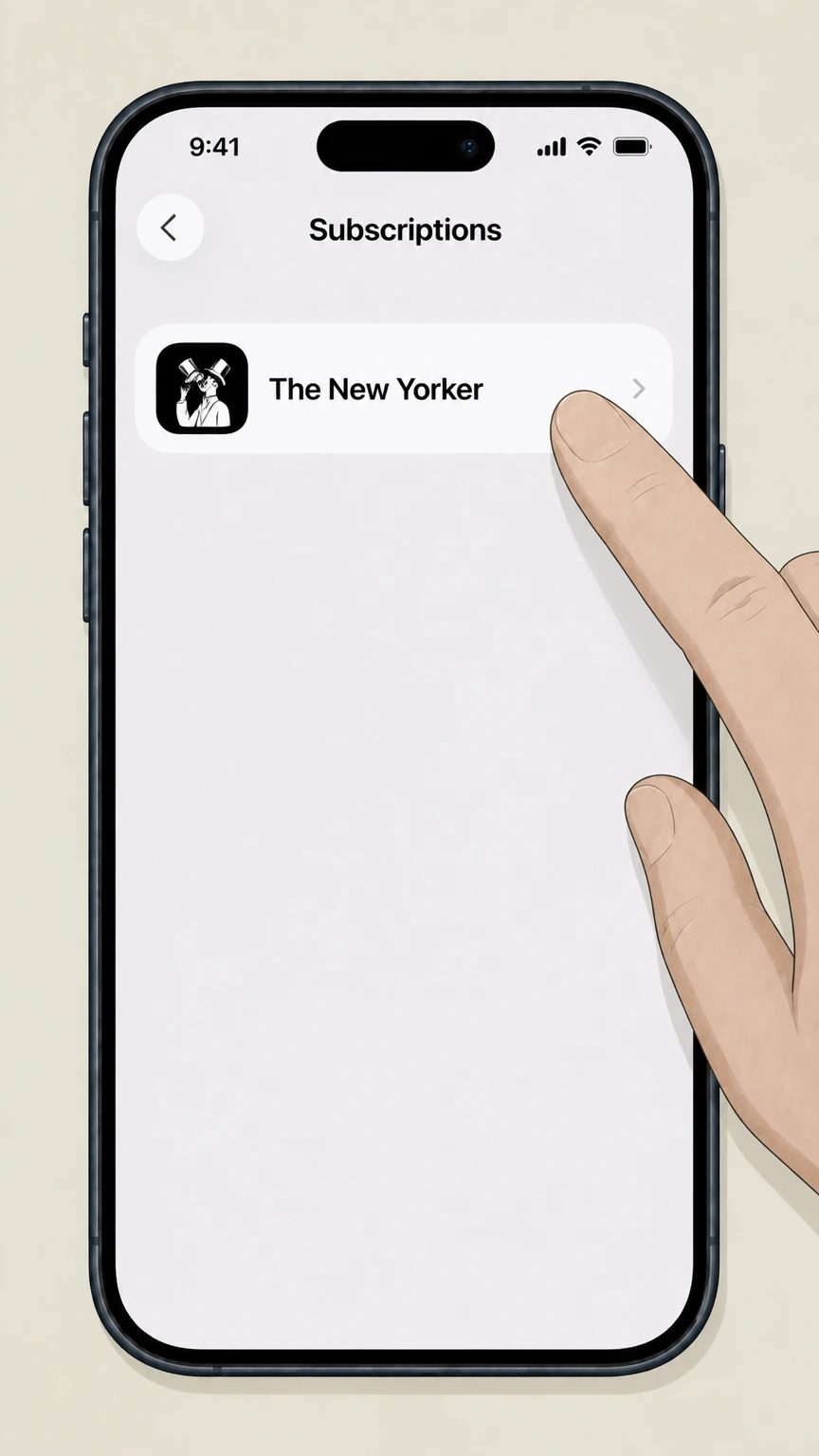
4Select The New Yorker
In the list of subscriptions, tap The New Yorker to open its subscription details.
 5
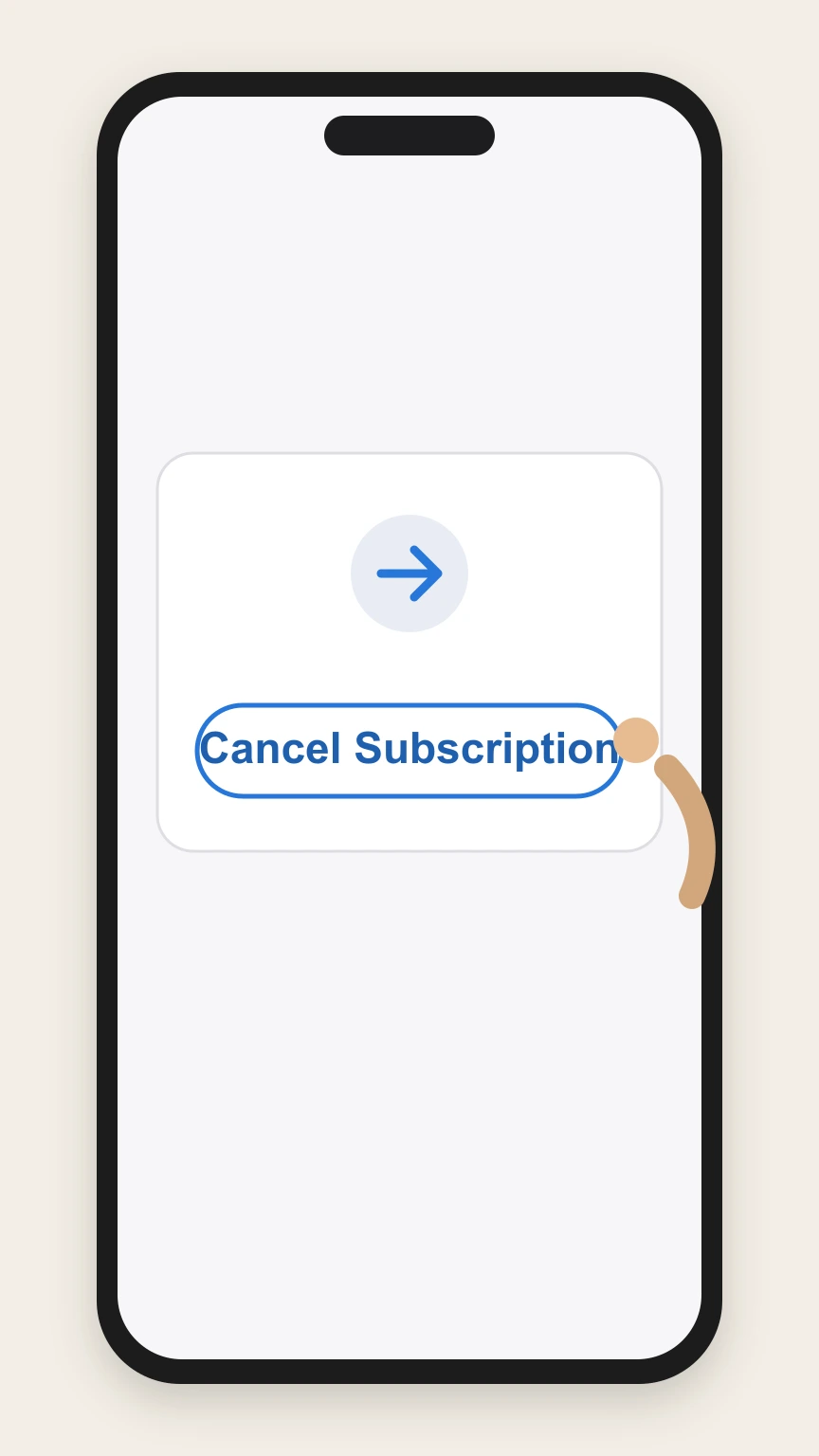
5Cancel the subscription
On The New Yorker subscription page, tap Cancel Subscription and confirm when prompted.

Android (Google Play billing) · verify the billing owner
Android (Google Play billing)
 1
1Open Google Play subscriptions
On your Android device, open the subscriptions page in Google Play for the Google Account that is billed for The New Yorker.
 2
2Select The New Yorker
In Subscriptions, tap The New Yorker to view its subscription details.
- Let Pine handle it
Pine can help
Too many steps?
Pine can find the right Android (Google Play billing) path and handle the cancellation for you.
 3
3Tap Cancel subscription
On The New Yorker subscription screen, tap Cancel subscription and follow any on‑screen prompts to finish cancelling.
Refund policy
Refunds after cancelling The New Yorker
Refunds for The New Yorker depend entirely on who billed you and on Apple, Google, card‑network, and publisher policies; cancelling usually stops future renewals but does not automatically refund what you’ve already paid.
Check my refund options- Apple‑billed subscription refunds
- Apple states that some App Store purchases, including subscriptions, may be eligible for refunds through its Report a Problem site, but refunds are discretionary and generally do not cover forgetting to cancel auto‑renew in time.
- Google Play–billed subscription refunds
- Google Play’s policies explain that most purchases, including app subscriptions, are not automatically refunded on cancellation; you may be able to request a refund within a limited window, after which you must work with the developer under its policies.
- Access usually continues until term end
- Apple and Google guidance indicates that when you cancel a paid subscription you typically keep using the service until the next billing date, so you usually do not receive a partial refund of unused days for that period.
- Direct New Yorker billing refunds unknown
- Refund rules for subscriptions billed directly by The New Yorker or Condé Nast were not available in the allowed sources; you must review the publisher’s own terms on its site or receipts for definitive refund conditions.
- Charge disputes and regulatory help
- If you are refused a reasonable refund or are charged after attempting to cancel, you can dispute the charge with your card issuer and report misleading or obstructive practices about auto‑renewing subscriptions to the FTC.
Read the FTC’s guidance on free trials and auto‑renewing subscriptions for practical steps if you are denied a refund or can’t get a subscription to stop billing. FTC advice on subscriptions and free trials
Billing checks
Work out who is billing you for The New Yorker
Correct cancellation depends on whether Apple, Google, or The New Yorker itself owns your subscription billing.
Check your email receipts
Search your email for phrases like “receipt from Apple” or Google Play receipts; if a receipt clearly comes from Apple or Google, that platform is the billing owner and you must cancel there.
Look in Apple subscriptions first
On iPhone or iPad, open Settings > your name > Subscriptions to see if The New Yorker appears under active subscriptions; if it does, Apple is handling billing for that subscription.
Check Google Play subscriptions
On Android, open subscriptions in Google Play and see whether The New Yorker is listed; if so, Google Play’s billing system controls that subscription and you cancel it there.
When you don’t see it on Apple or Google
If you can’t find a New Yorker subscription under Apple or Google subscriptions and no Apple or Google receipt exists, your subscription is likely billed directly by The New Yorker or another intermediary shown on your card statement.
Multiple overlapping subscriptions
It is possible to have a print subscription billed directly by The New Yorker and a separate digital subscription billed through Apple or Google; each must be cancelled with its own billing owner.
Apple‑billed plans
How New Yorker subscriptions work in the App Store
The New Yorker sells an auto‑renewing digital subscription as an in‑app purchase on Apple devices.
Auto‑renewing App Store subscription
In the iOS New Yorker app, you can start a subscription that automatically renews through your Apple ID until you turn off auto‑renew in your App Store Subscription settings.
Managing auto‑renewal in Settings
Apple directs users to manage and cancel in‑app subscriptions from the Subscriptions section of Apple ID settings; this is where you change or end an Apple‑billed New Yorker plan.
Effect of cancelling on Apple
When you cancel an Apple‑billed paid subscription, Apple support explains that you usually keep access until the next billing date and the subscription simply doesn’t renew afterwards.
Free trials and renewal
If you started New Yorker with a free or discounted trial in the iOS app, Apple instructs that you cancel at least 24 hours before the trial ends if you do not want the paid subscription to start.
Apple, not The New Yorker, handles charging
Payment for the in‑app New Yorker subscription is charged to your Apple media account; Apple processes renewals and most refunds under its own media and refund policies.
Google Play‑billed plans
How New Yorker subscriptions work on Google Play
On Android, The New Yorker uses Google Play’s billing system for in‑app subscriptions, which are managed in your Google account.
Auto‑renewing Google Play subscription
The New Yorker’s Play Store listing explains that in‑app subscriptions automatically renew and your Google Play account is charged unless you turn off auto‑renew before the end of the period.
Where to manage the plan
Google Play Help instructs users to cancel, pause, or change app subscriptions from the Subscriptions section in Google Play, which also lists renewal dates and status.
Access after cancellation
Google Play states that when you cancel a subscription you can still use it for the time you’ve already paid, so your New Yorker access normally continues until the current term ends.
Refund handling for Play purchases
Refunds for app subscriptions, including The New Yorker when billed by Google Play, follow Google’s general refund policies and time limits rather than a special New Yorker‑specific rule.
Developer support remains available
Google Play links to The New Yorker’s own website and support email from the app’s page so that subscribers can contact the publisher if they have account‑access issues after managing billing in Google Play.
After cancellation
What happens to your New Yorker access
Cancelling billing does not erase your history immediately, but it does change how you can read The New Yorker going forward.
Digital access through the app
App Store and Play Store descriptions explain that app subscribers have unlimited access to The New Yorker app and website; when you end an in‑app subscription, that unlimited access ends after the paid‑through period.
Website and archive access
Because the iOS and Android subscriptions include full website and archive access, ending those subscriptions normally removes your authenticated access to those digital features after the current billing cycle.
Offline downloads in the app
Issues and articles you downloaded for offline reading may remain on your device for a time, but once your subscription lapses you may not be able to download new issues or redownload removed content.
Print magazine remains separate
If you receive the print magazine through a subscription billed directly by The New Yorker or another seller, cancelling an in‑app digital subscription does not, by itself, stop print delivery or print billing.
Account data versus subscription status
Cancelling a subscription through Apple or Google typically leaves your underlying New Yorker account intact; you stop recurring charges for that plan but your login and past profile data may still exist with the publisher.
Confirmation
How to confirm your New Yorker subscription is cancelled
Use your subscription center and receipts to verify that cancellation really went through.
Check subscription status in Apple settings
In Apple’s Subscriptions screen, a fully cancelled New Yorker subscription will either disappear from Active or show an expiration date and no Cancel button, indicating it will not renew.
Check subscription status in Google Play
In Google Play Subscriptions, a cancelled New Yorker plan typically shows a message that it will expire on a specific date and no longer lists a future renewal.
Save on‑screen evidence
Take a screenshot of the Apple or Google subscription page that shows the cancellation or expiration date so you can prove you turned off auto‑renew if there is later a billing dispute.
Keep email receipts and notices
Keep any emails from Apple, Google Play, or your payment provider that confirm subscription changes or cancellations; they provide a dated record if charges continue unexpectedly.
If charges continue after cancelling
If you see further charges after confirmed cancellation, contact Apple or Google support first, then consider disputing the charge with your card issuer and, in serious cases, reporting issues to the FTC.
Consumer rights
Auto‑renewing New Yorker subscriptions and your rights
US regulators treat magazine subscriptions as negative‑option offers, which must include clear terms and a simple way to cancel.
Negative‑option protections
The FTC describes auto‑renewing magazine subscriptions as negative options, where silence is treated as consent, and stresses that terms and cancellation methods must be clearly disclosed before you are charged.
Click‑to‑cancel expectations
The FTC’s recent click‑to‑cancel rule aims to make ending recurring subscriptions as easy as signing up, reinforcing that businesses must not trap consumers in hard‑to‑exit subscription flows.
Scrutinize renewal notices
FTC guidance advises reading renewal notices carefully, checking that prices match what you expect, and taking action if you don’t want a subscription, instead of assuming it will end automatically.
Disputing unauthorized charges
If you are billed for a New Yorker subscription you did not authorize or could not successfully cancel, regulators recommend promptly disputing the charge with your card issuer and reporting the problem to the FTC.
Be careful with free trials
Free‑trial offers for subscriptions, including magazines, often convert to paid auto‑renewing plans unless you cancel by the disclosed deadline, so you should note the trial end date as soon as you sign up.
The New Yorker cancellation FAQ
Answers about The New Yorker billing ownership, cancellation timing, refunds, and access after cancellation.
How do I cancel The New Yorker on my iPhone?
How do I cancel The New Yorker on Android or Google Play?
What happens to my New Yorker access after I cancel?
Can I get a refund from The New Yorker if I forgot to cancel?
How do I know my New Yorker subscription is cancelled?
What if The New Yorker doesn’t appear in my Apple or Google subscriptions?
Can’t cancel New Yorker subscription – what should I do?
Does cancelling my New Yorker app subscription cancel my print magazine?
Untangle this The New Yorker issue.
Let Pine handle the provider follow-up and keep the confirmation in one place.
