

Extra Space Storage
Cancel subscription
How to Cancel Extra Space Storage the Right Way
Cancel Extra Space Storage using the correct billing route. Follow official steps, understand when access ends, how refunds work, and which confirmation to.
- Official Extra Space Storage and billing-owner sources
- 2 provider-specific cancellation paths
- Refund and post-cancellation effects separated from renewal
- Verified August 16, 2026
Choose the Extra Space Storage cancellation path that matches who bills you
Phone – verbal notice to facility manager · verify the billing owner
 1
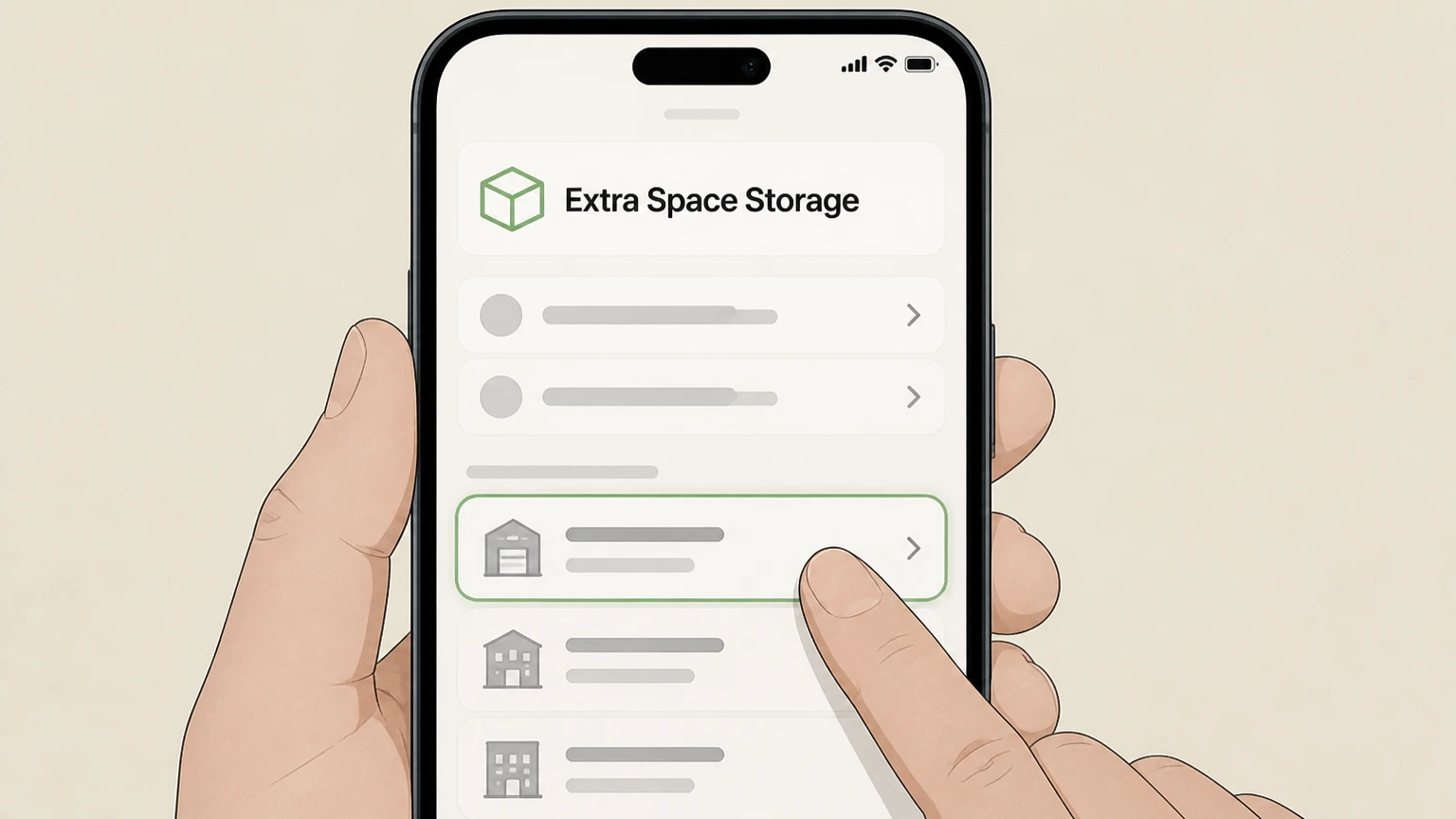
1Find your facility’s phone contact
Locate the specific Extra Space Storage facility where your unit is rented and get its office phone contact from your lease, My Account portal, mobile app, or the facility page on extraspace.com.
 2
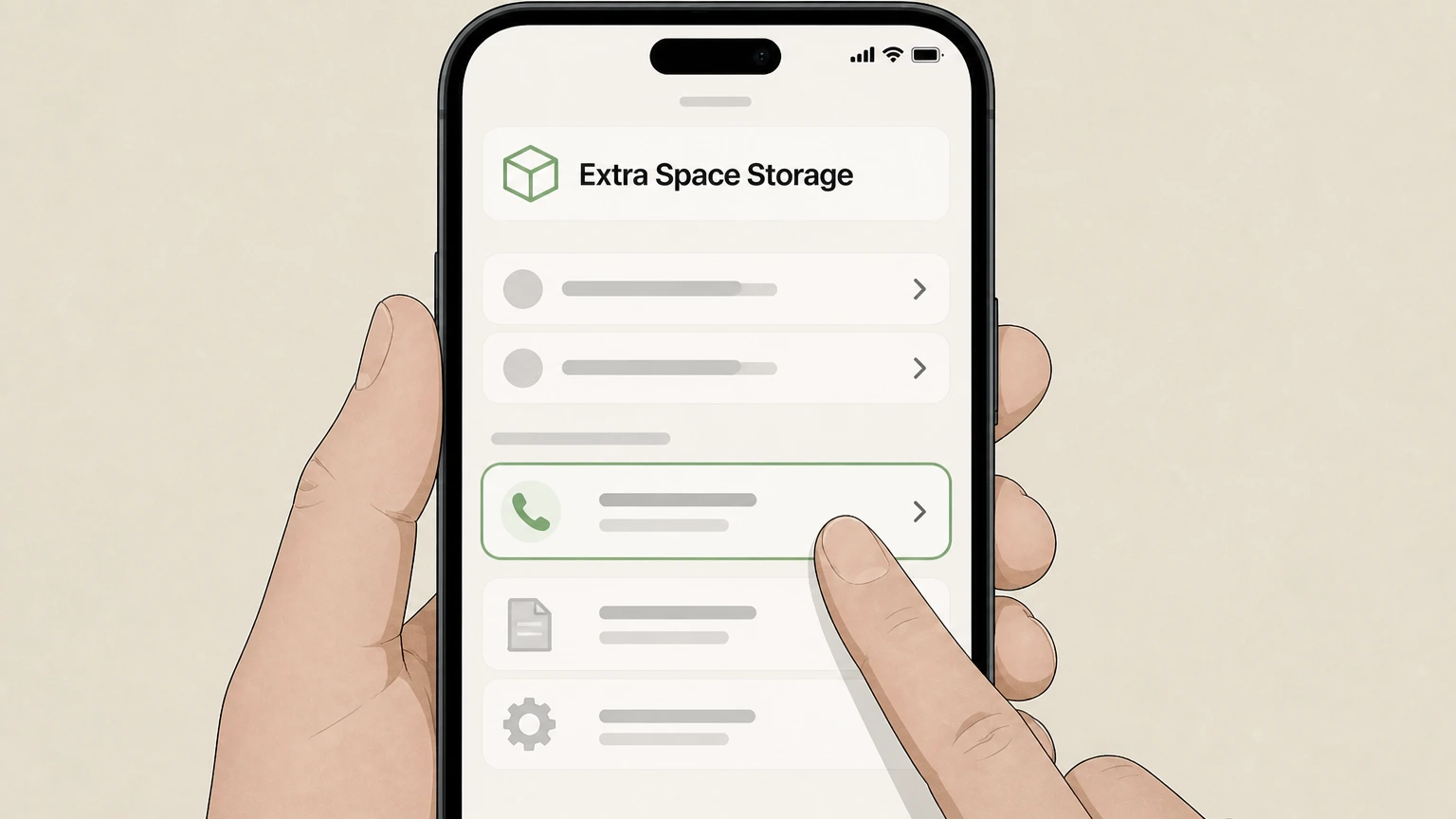
2Call during posted office hours
Call the facility during its posted office hours so you can speak directly with a facility manager or authorized staff member about ending your rental.
- Let Pine handle it
Pine can help
Too many steps?
Pine can find the right Phone – verbal notice to facility manager path and handle the cancellation for you.
 3
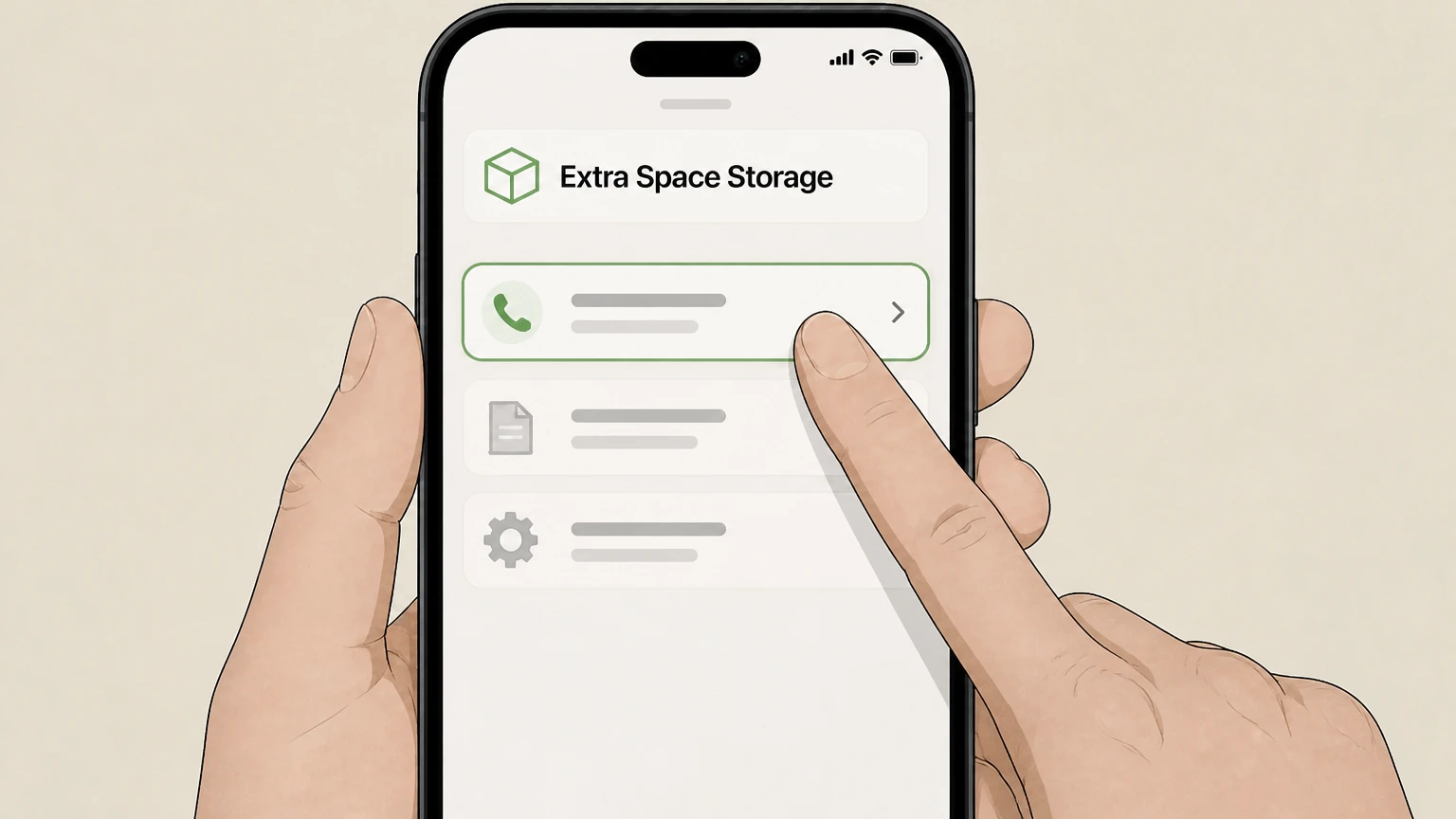
3Give required verbal move-out notice
Tell the manager you intend to move out and request that your verbal notice be recorded at least 10 days before your planned move-out date, or further in advance if your lease or local policy requires it.
 4
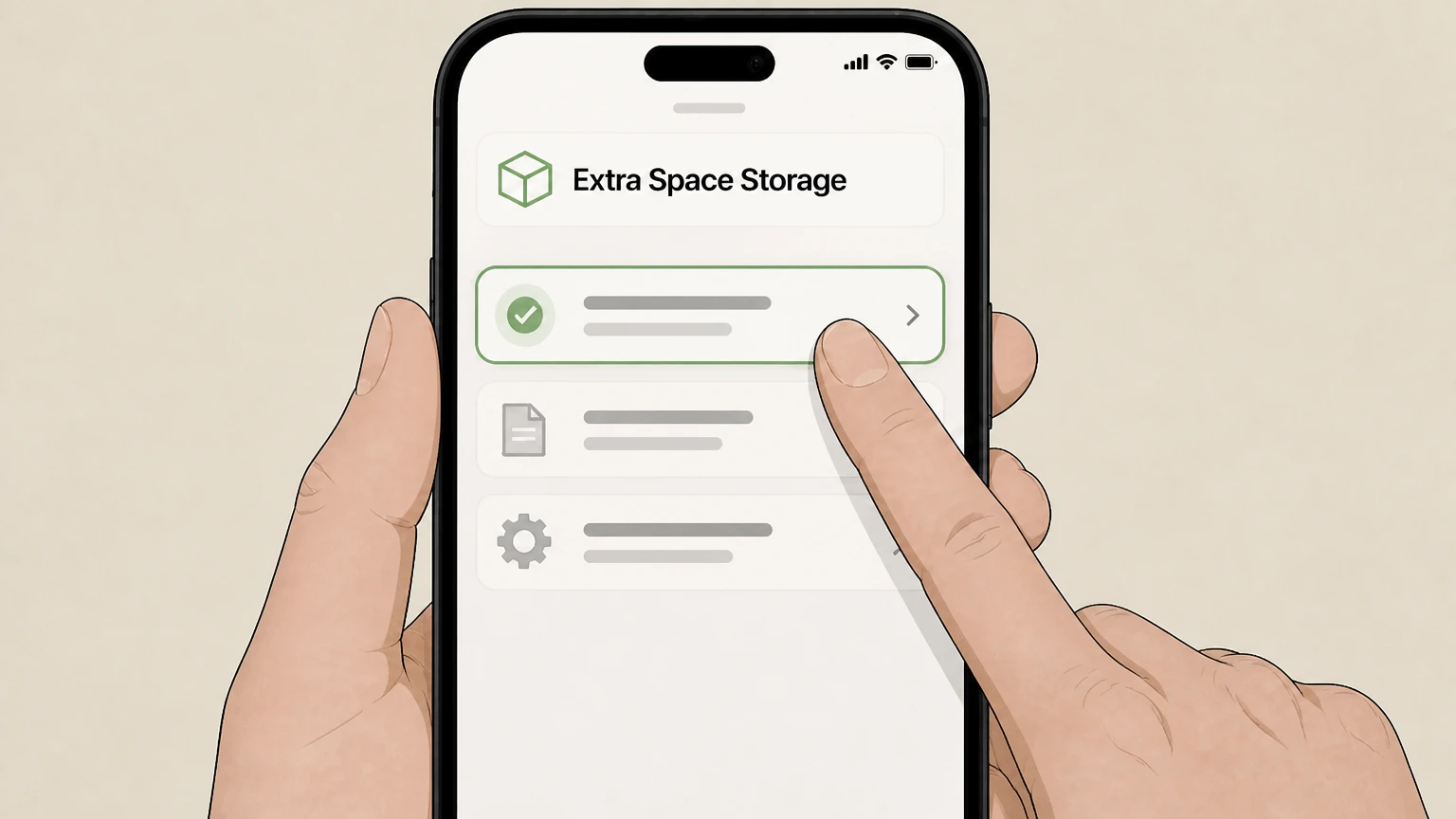
4Confirm last charge date and any fees
Ask the manager to confirm your official move-out date, when your last month’s rent will cover you through, and whether any location-specific cancellation fees or proration rules apply to your unit.
 5
5Move out, empty unit, and remove lock
On or before the agreed move-out date, remove all items from your unit and take your lock off so the door can be opened and inspected without your key.
 6
6Request inspection and written confirmation
Ask the facility manager to inspect the empty unit, close the rental in their system, and provide written confirmation—such as an email or receipt—that your unit has been vacated and your lease ended.

In person at facility office · verify the billing owner
 1
1Visit the correct facility office
Go to the office of the exact Extra Space Storage or Life Storage-branded location where your rental agreement is active, during its posted office hours.
 2
2Provide written or verbal move-out notice
Tell the facility manager you intend to move out and provide written or verbal notice that meets the standard requirement of at least 10 days’ verbal or 15 days’ written notice before vacating, or any longer period specified in your lease.
- Let Pine handle it
Pine can help
Too many steps?
Pine can find the right In person at facility office path and handle the cancellation for you.
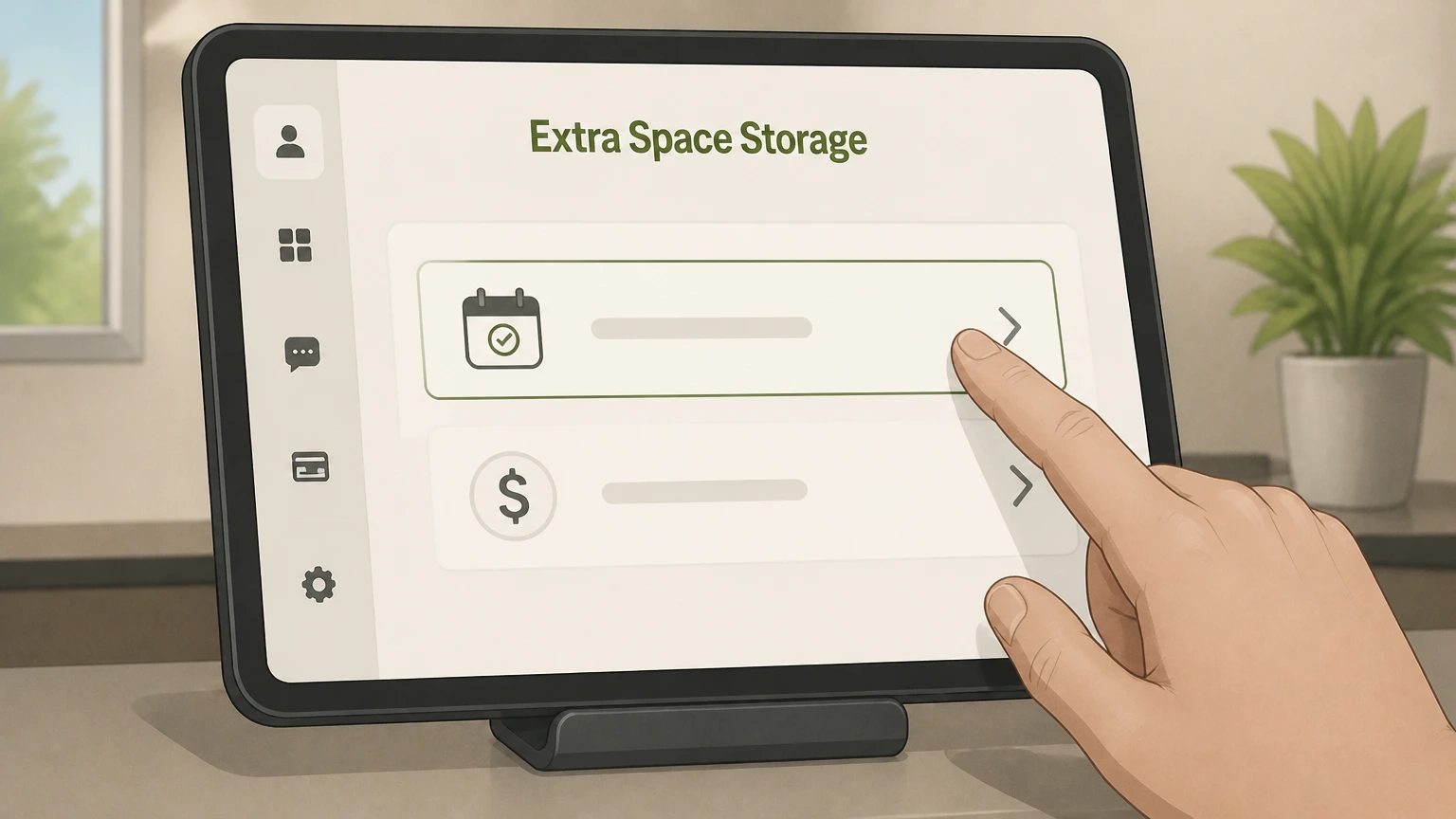 3
3Agree on your official move-out date
Work with the manager to set an official move-out date aligned with your billing cycle and document it on your account so you understand which date your last month’s payment covers.
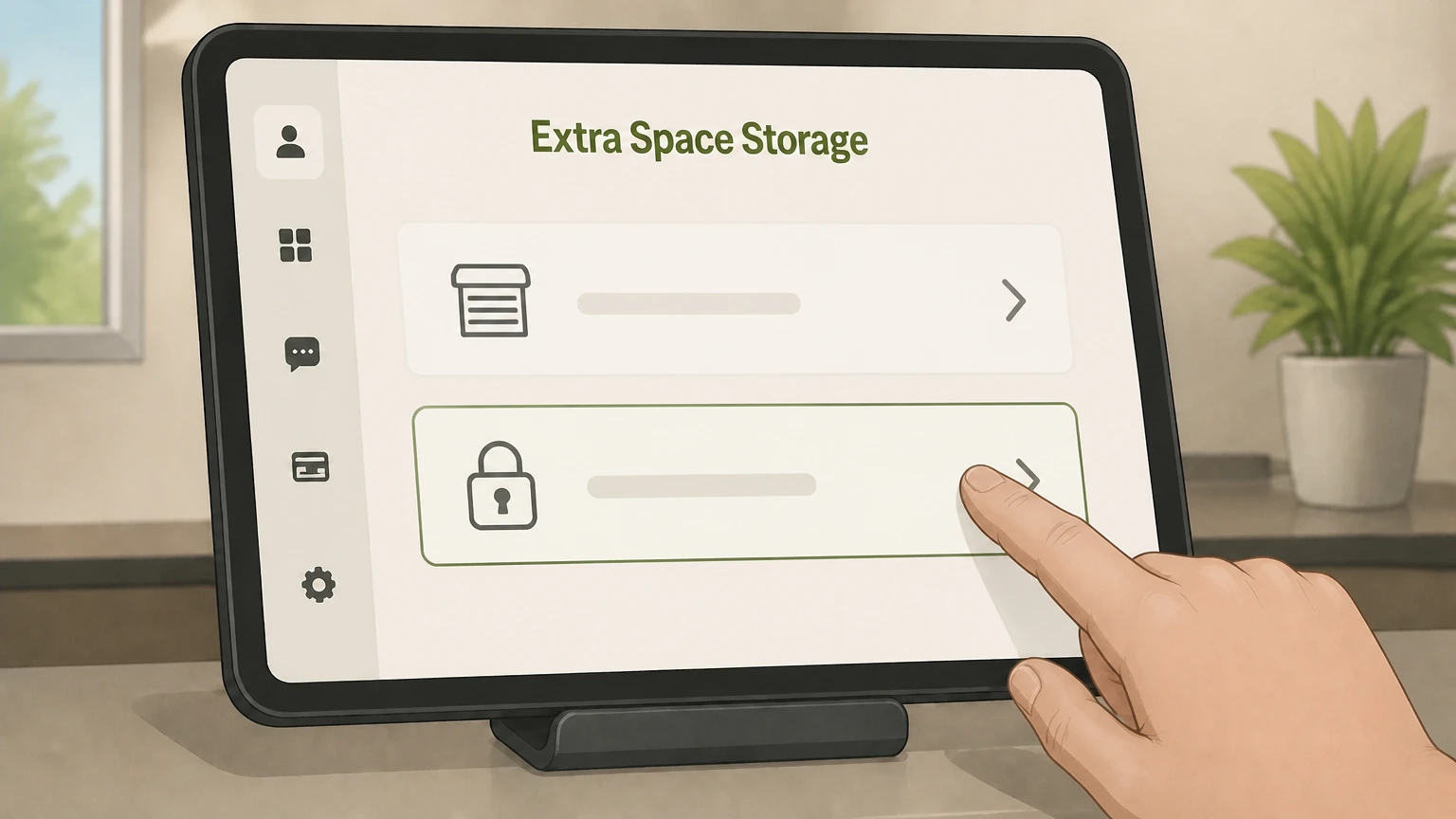 4
4Clear the unit and remove your lock
Before or on the agreed move-out date, empty the unit completely and remove your lock so the manager can open and inspect the space without your key.
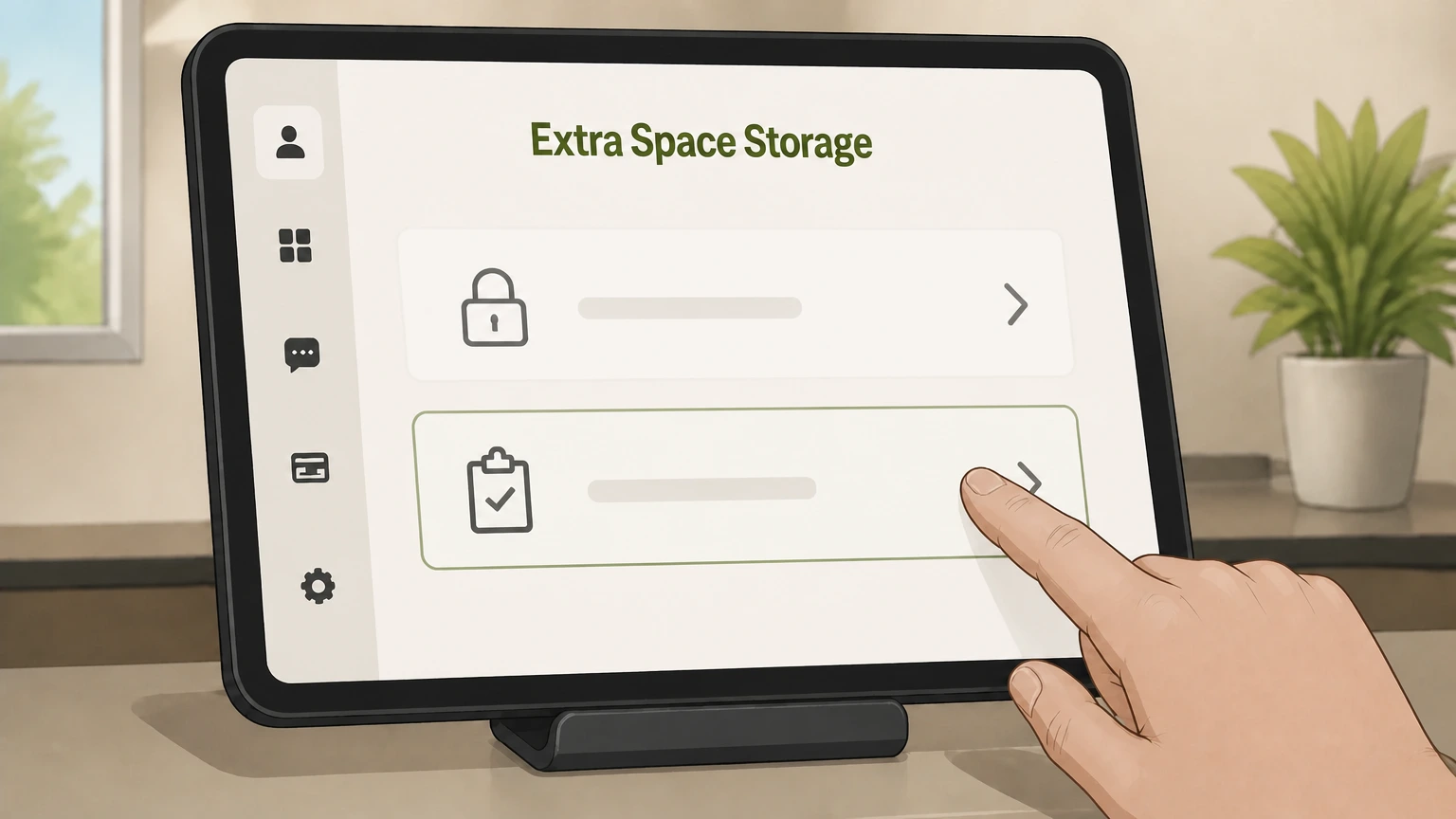 5
5Ask the manager to inspect and close the unit
Request that the facility manager inspect the empty unit, mark it as vacated in their system, and confirm that your lease has ended and no further rent will be billed.
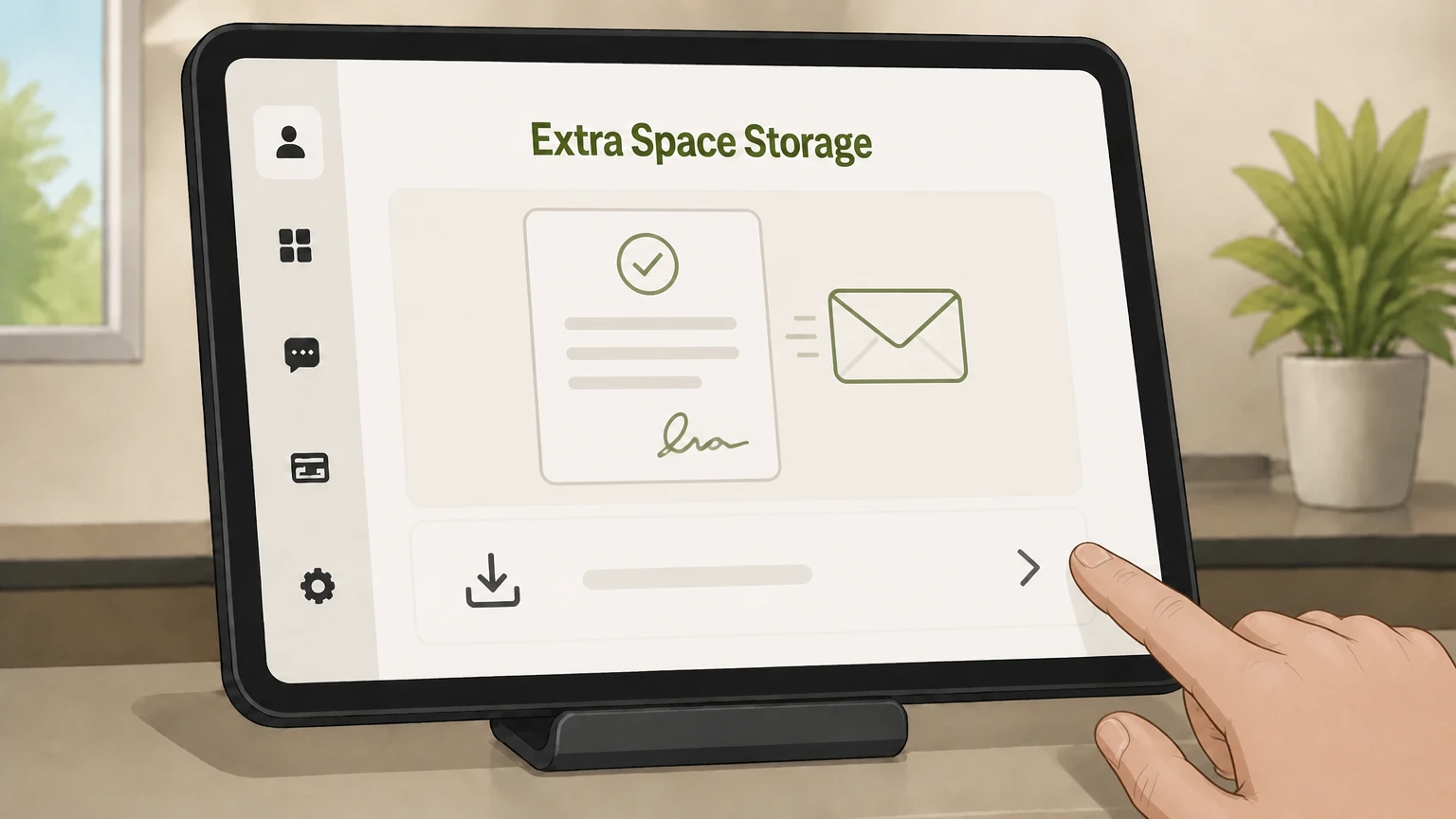 6
6Obtain written proof of cancellation
Before leaving, ask for written proof of cancellation—such as a printed document or email showing the move-out date and that your rental agreement for that unit is closed.
Refund policy
Refunds, proration, and extra month charges at Extra Space Storage
Extra Space Storage does not publish a single nationwide refund promise. Its FAQs and facility pages show that whether you receive a prorated final month or refund depends on your local facility’s policies, how much notice you give, and exactly when you vacate and have your unit closed.
Check my refund options- Month-to-month rent and notice govern final charges
- Lease FAQs explain that storage rentals are month‑to‑month, with rent due on your start-date anniversary, and that you must give at least 10 days’ verbal or 15 days’ written notice before vacating; those rules frame when additional monthly charges may apply.
- Many markets advertise no reservation cancellation fee
- Numerous city and facility pages say you can cancel or change a storage reservation at any time with no cancellation fee, advising you to cancel and move belongings before your next rental payment due date to avoid extra monthly payments.
- Local proration examples but no universal rule
- Some markets, like Seattle, state that your month will be prorated when you notify the manager before moving out, while other facility pages direct customers to speak with the facility manager about any cancellation fees or policies, showing policies can differ by location.
- Refunds after move-out handled case by case
- Facility pages and customer-facing content show that questions about refunds after move-out are routed to the facility or district management, and Extra Space advises contacting the facility manager directly for clarification on refunds tied to your account.
- Insurance refunds follow policy terms
- CPP materials emphasize that coverage and claims are governed by the policy’s terms; the storage-insurance FAQ instructs you to contact your storage facility to cancel CPP, so any premium refunds or credits would be handled according to those insurance terms and local practices.
For exact information about prorated rent, credits, or refunds for your unit, contact the facility manager at the location shown on your lease or use Extra Space’s customer service options listed in the Current Customers FAQ. See Extra Space’s cancellation and current-customer FAQs
Core process
How Extra Space Storage handles cancellations
Extra Space treats cancellation as a facility-managed move-out process rather than a one-click online action. Understanding this structure helps you stop billing cleanly.
Cancellation is tied to your facility
Official FAQs state you cancel your Extra Space Storage rental by contacting the facility manager for the location where you rented your unit, either verbally or in writing, then completing move-out under that manager’s supervision.
Notice plus move-out are both required
Company move-out guidance explains that ending a rental requires advance notice plus emptying your unit, removing your lock, and allowing a facility manager to inspect and close the unit in their system.
Reservations vs active rentals
Marketing and facility pages distinguish canceling or changing a reservation (which carries no cancellation fee) from ending an active month‑to‑month rental, which follows lease and notice terms at your facility.
Facility discretion on local rules
Some facility pages instruct customers to contact the facility manager for details on cancellation fees and policies, signaling that certain billing or fee practices can vary by location.
Notice rules
Required notice and timing for move-out
Extra Space publishes standard national notice rules, but your exact billing impact still depends on move-out timing and any local variations.
Standard verbal and written notice rules
Lease and FAQ pages state Extra Space requires at least ten days’ verbal notice OR 15 days’ written notice before vacating your unit, unless your specific agreement requires more.
Anniversary-date billing
Lease terms explain that rent is due each month on the anniversary of your rental start date, so when you schedule move-out determines whether another full month of rent will be charged.
Local explanations of notice
Some facility FAQs summarize this by saying you must notify the facility office before your planned move-out; once the last month you’ve paid for ends, your rental agreement ends if you have vacated properly.
Proration language in some markets
Certain city pages, such as Seattle, state that months can be prorated when you notify the manager before you move out, but this is presented as location-specific guidance rather than a universal policy.
Always confirm your last bill date
Because proration and billing cutoffs can differ by market and facility, Extra Space frequently directs customers to speak with the facility manager for details on cancellation fees and billing at that location.
On move-out day
Move-out day requirements to finalize cancellation
Even with notice on file, your rental does not end until Extra Space confirms the unit is vacated and ready to re‑rent.
Unit must be completely empty
Move-out FAQs specify that on your scheduled move-out day, your storage unit must be completely empty of your belongings before the manager can complete the move-out process.
Remove your lock from the door
Extra Space instructs customers to remove their lock when moving out so the facility manager can access and inspect the unit; leaving a lock can prevent the unit from being marked vacant.
Manager inspection is required
The official move-out process includes having the facility manager inspect your unit after you’ve emptied it and removed the lock; this inspection is when your rental is typically closed in their system.
What happens if items are left behind
If you leave items after moving out or after stopping payment, Extra Space’s auction FAQ explains that items may ultimately be auctioned under state law and proceeds applied to any outstanding balance.
Billing effects
How cancellation affects billing and refunds
Ending an Extra Space Storage rental mainly affects your recurring rent charges; refund handling and proration can vary by facility and market.
Month-to-month rental structure
Lease FAQs describe rentals as month‑to‑month, with rent due each month on your rental anniversary date, and move-out governed by the standard 10‑day verbal or 15‑day written notice rule.
No national flat cancellation fee
Many market and facility pages advertise that you can cancel or change a reservation at any time with no cancellation fee, but some facility pages direct you to ask the manager about any cancellation fees for active rentals.
Examples of prorated rent language
City pages such as Seattle say that as long as you notify the manager before you move out, the month will be prorated, illustrating that some locations may offer prorated final months when you follow notice rules.
When the lease officially ends
A Clearwater, FL facility FAQ explains that after you notify the facility office before your planned move-out, your rental agreement will end after your last month’s payment, assuming you have properly vacated.
Refund expectations differ by facility
Because proration and credits appear in localized content and FAQs rather than a single national refund policy, Extra Space repeatedly advises customers to contact their facility manager for specific billing and refund questions.
Digital tools
Role of My Account and the mobile app in cancellation
Extra Space’s website and mobile app help you manage your account, but they do not replace the requirement to cancel through your facility manager.
My Account capabilities
The Current Customers FAQ describes My Account as a 24/7 portal for viewing unit information, finding your gate code, making one‑time payments, enrolling in autopay, and updating contact information.
Mobile app capabilities
Mobile app pages and FAQs explain that the app mirrors My Account for payments and account management, and adds features like retrieving gate codes and using Bluetooth digital access at supported facilities.
Cancellation still goes through the manager
The Moving Into Your Storage Unit FAQ states that you cancel your rental by contacting your facility manager verbally or through written notice; it does not list an in‑app or online-only cancellation button.
App does not change billing owner
App FAQs emphasize that you first rent your unit through Rapid Rental, then log into the app with the same email; the app is a tool for accessing and managing an existing Extra Space rental, not a separate subscription billed by Apple or Google.
Expect access to stop after closure
Current-customer FAQs explain that gate codes and app access are tied to your account; once staff close your rental after move-out and inspection, you should expect your gate code and digital access for that unit to stop working.
Add-on services
What happens to insurance and add-ons when you cancel
Insurance and other add-ons are tied to your active rental but may require their own cancellation steps if you purchased them through Extra Space.
Insurance is required but source can vary
Insurance FAQs state you must have active coverage on stored items, either via your own homeowners or renters policy or by purchasing Extra Space’s Customer Protection Plan (CPP) when you rent.
How to cancel storage insurance
Extra Space’s insurance FAQs specify that you cannot cancel CPP online through My Account; instead, you must contact your storage facility or customer service to cancel the policy.
Insurance when the rental ends
CPP is marketed as storage‑specific coverage that applies while items are in a rented unit under a valid rental agreement; once your rental is closed and unit vacated, that coverage for the unit should end.
Vehicle storage insurance requirements
Vehicle-storage FAQs explain that vehicles stored with Extra Space must remain registered and insured under an auto policy; CPP can sometimes satisfy the insurance requirement when vehicles are stored inside enclosed units.
Adjusting coverage before you move out
Insurance guidance notes that you can adjust your CPP coverage level by contacting your facility manager; if you are steadily emptying your unit before cancellation, you may be able to reduce coverage before your final move-out.
Brands
Extra Space vs Life Storage-branded locations
Life Storage locations are now part of Extra Space Storage, but customers may still see both brands while the company standardizes processes.
Life Storage integration into Extra Space
Company news explains that Life Storage locations were integrated into Extra Space Storage’s platform, including systems for managing rentals, processing payments, and offering Customer Protection Plan coverage.
Same core cancellation concepts
Because Life Storage locations now use Extra Space’s training and processes, you should still expect cancellations to go through the on‑site facility manager with notice, move-out, and inspection.
Use facility-specific contact details
Life Storage-branded locations managed by Extra Space are listed on extraspace.com with their own facility pages; always use the contact information and office hours for the exact location shown on your lease.
Digital tools still route to manager
Whether your facility is branded Extra Space or Life Storage, My Account and the mobile app direct you back to facility staff for issues like move-out, insurance changes, or gate access problems.
What official sources do not confirm
Limits of the public Extra Space Storage cancellation guidance
These points are intentionally qualified because the official sources reviewed on August 16, 2026 do not publish a complete answer.
Documented limitation 1
Facility-level variability: Extra Space Storage’s own site shows that proration, refunds, and any cancellation fees can differ by facility and market; this guide summarizes national rules and representative examples but cannot guarantee the policy at a specific location.
Documented limitation 2
Litigation status: Questions about class action lawsuits or broader legal disputes are not addressed in Extra Space’s customer-facing materials and would require external legal or news sources outside the allowed domains.
Documented limitation 3
No evidence of self-service online cancellation: Official FAQs do not show a dedicated cancel button in My Account or the app; this guide assumes cancellations must go through the facility manager as described, but cannot rule out pilot features not documented publicly.
Documented limitation 4
Contact details change frequently by facility: Phone numbers, office hours, and mailing addresses are facility-specific and periodically updated; to avoid publishing stale data, the guide directs readers to retrieve current contact details from Extra Space’s own portal and facility pages.
Extra Space Storage cancellation FAQ
Questions people search about canceling Extra Space Storage, answered with official provider or billing-platform sources checked on August 16, 2026.
How do I cancel my Extra Space Storage unit?
Can I cancel my storage unit at any time?
How do I cancel Extra Space Storage on my iPhone?
Can you cancel Extra Space Storage online?
What notice does Extra Space Storage require before move-out?
Does Extra Space Storage give a move-out refund or prorated rent?
Does Extra Space Storage charge a cancellation fee?
What happens to my gate code and app access after I cancel?
How do I cancel Extra Space Storage insurance?
Is there a class action lawsuit against Extra Space Storage?
Untangle this Extra Space Storage issue.
Let Pine handle the provider follow-up and keep the confirmation in one place.
