


DailyLook
Cancel subscription
Cancel Your DailyLook Subscription Box Service
Learn how to cancel your DailyLook subscription box from your account or through support, and what that means for styling fees, store credits and returns.
- 3 cancellation paths matched to the billing owner
- Renewal timing and access outcome explained
- Refund requests routed to the company that billed you
- Confirmation steps included for every path
Choose the DailyLook cancellation path that matches who bills you
Cancel from DailyLook.com account · verify the billing owner
Cancel from DailyLook.com account
 1
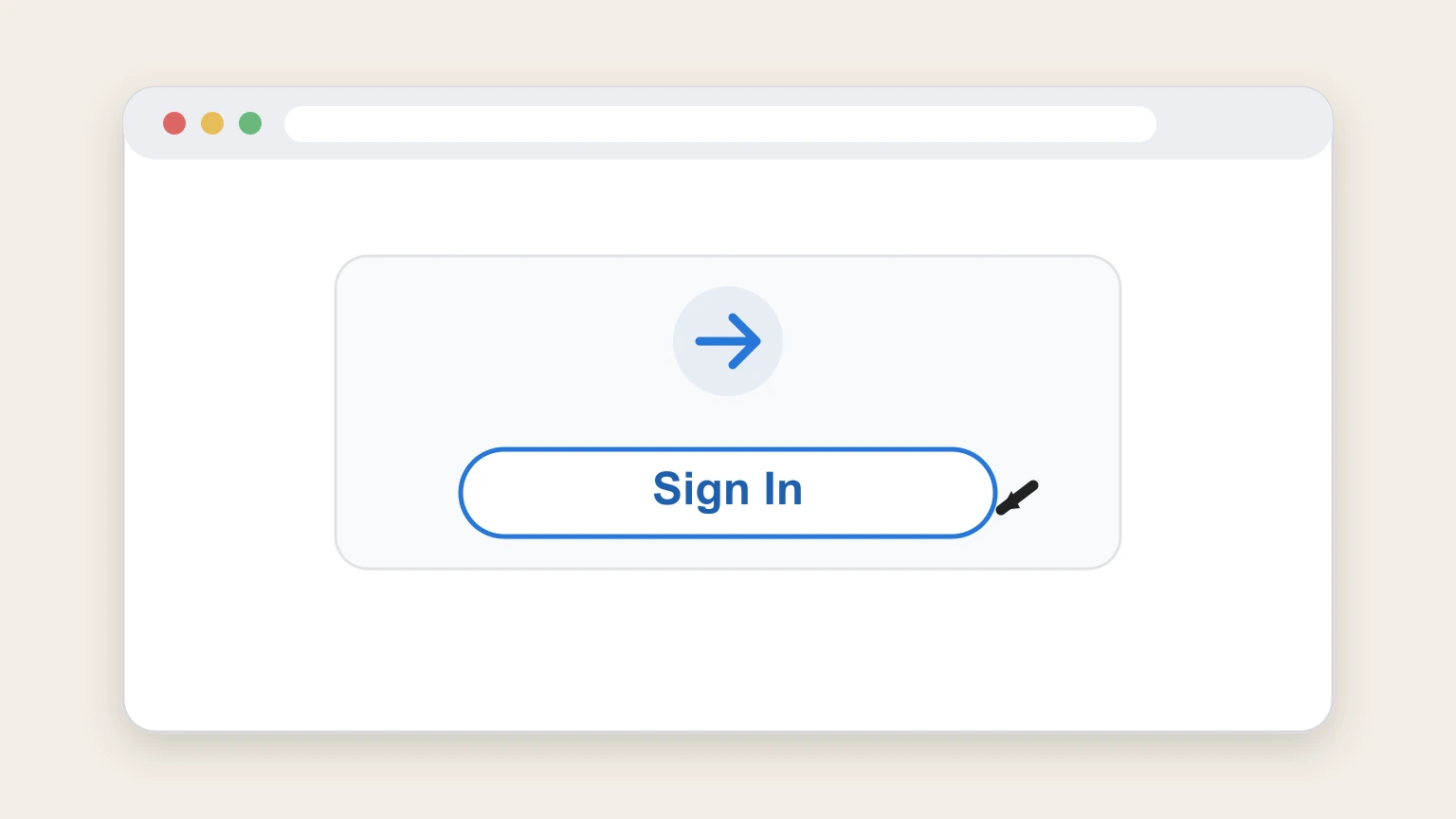
1Sign in to your DailyLook account
Open DailyLook.com in a browser and sign in with the email address and password linked to your DL Box subscription.
 2
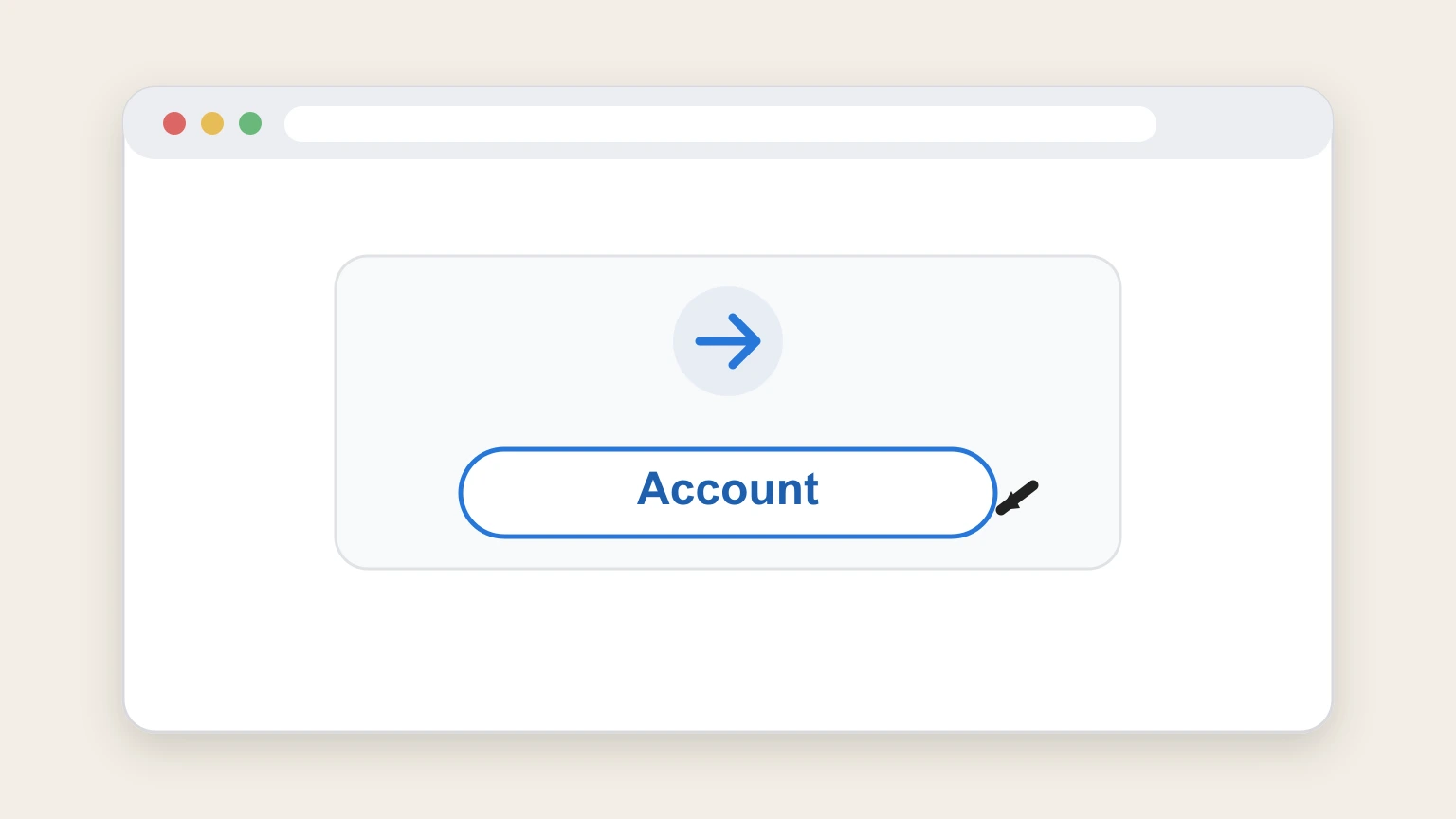
2Open your Account page
From the main navigation or profile menu, go to your Account page where your subscription settings are managed.
- Let Pine handle it
Pine can help
Too many steps?
Pine can find the right Cancel from DailyLook.com account path and handle the cancellation for you.
 3
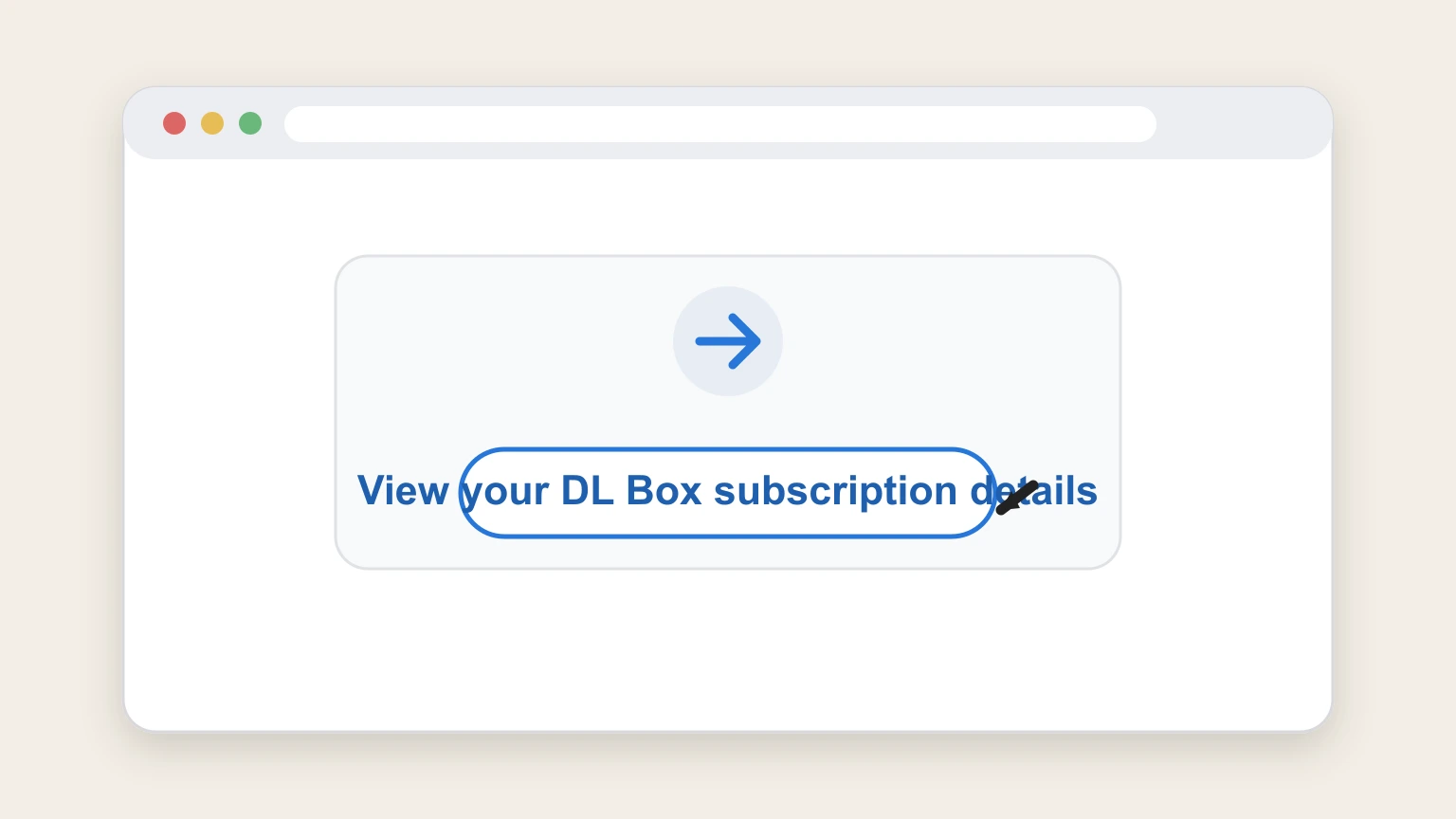
3View your DL Box subscription details
On the Account page, scroll to the area that shows your active DL Box subscription information and controls.
 4
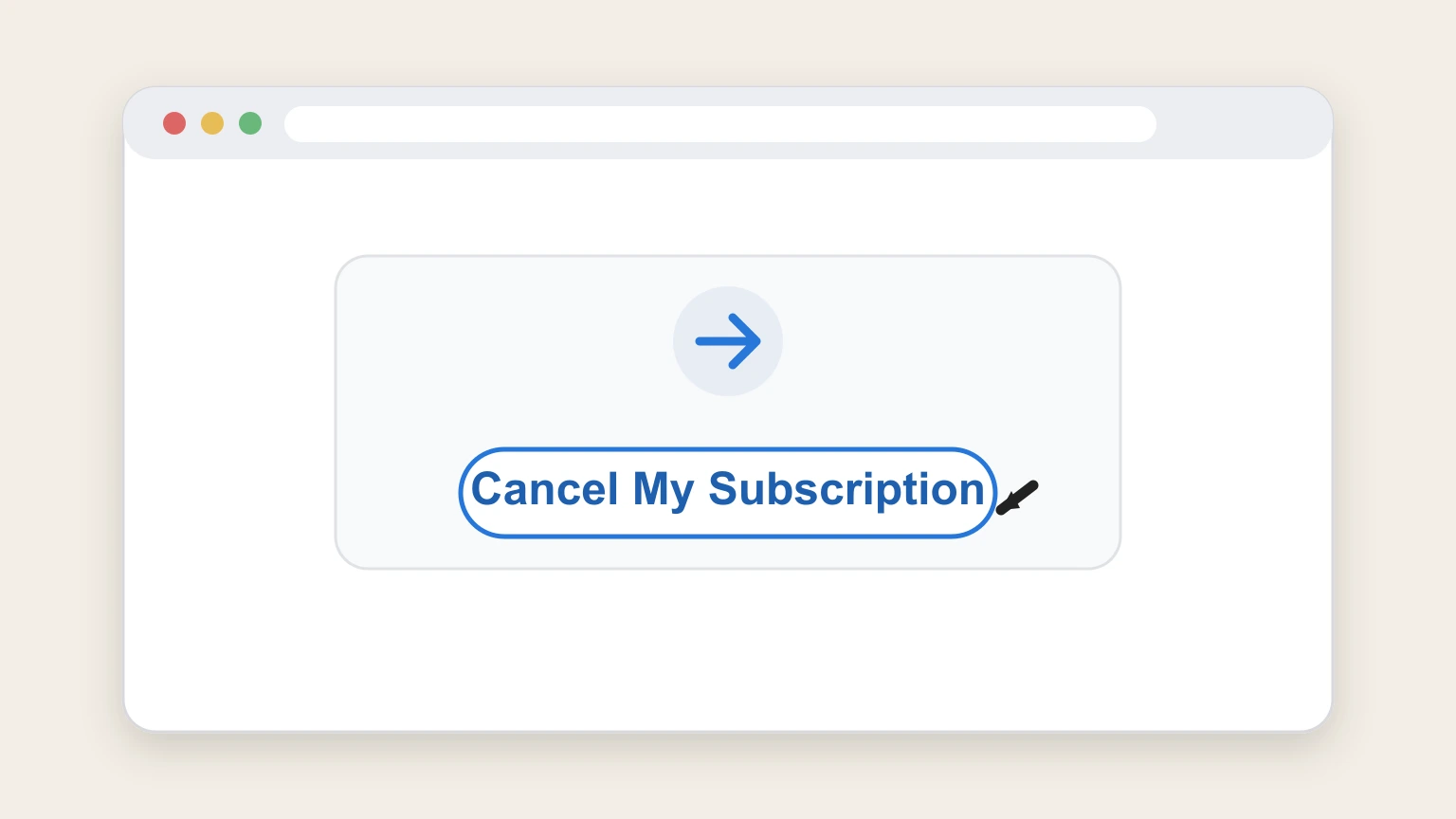
4Click Cancel My Subscription
Select the Cancel My Subscription option shown with your DL Box subscription to start the cancellation process.
 5
5Confirm the cancellation request
When prompted, confirm that you want to cancel your DL Box subscription and provide feedback if asked.
 6
6Check for a confirmation email
Monitor your email inbox for a message from DailyLook confirming that your subscription has been cancelled.

Cancel by calling DailyLook customer support · verify the billing owner
Cancel by calling DailyLook customer support
 1
1Locate the current customer support phone number
Open DailyLook’s Help Center or DL Box Terms of Sale page and note the customer service phone number listed there.
 2
2Call DailyLook customer support
Place a call to the published customer service phone number for DailyLook from your phone.
- Let Pine handle it
Pine can help
Too many steps?
Pine can find the right Cancel by calling DailyLook customer support path and handle the cancellation for you.
 3
3Request subscription termination
Tell the representative you want to terminate your DL Box subscription and confirm which account email the membership uses.
 4
4Confirm returns and payments with the agent
Confirm with the representative that you have returned or will return unwanted items and paid for items you kept so the account can be closed under the Terms of Sale.
 5
5Ask for email confirmation of cancellation
Ask the representative to send you written confirmation by email once your subscription has been cancelled.
Cancel by emailing DailyLook customer support · verify the billing owner
Cancel by emailing DailyLook customer support
 1
1Find the customer service email address
Visit DailyLook’s Help Center or DL Box Terms of Sale page and note the customer service email address provided there.
 2
2Compose an email from your account address
Open your email client and start a new message from the same email address you use for your DailyLook account.
- Let Pine handle it
Pine can help
Too many steps?
Pine can find the right Cancel by emailing DailyLook customer support path and handle the cancellation for you.
 3
3State your request to terminate your subscription
In the email body, clearly state that you want to terminate your DL Box subscription and include your full name and account email.
 4
4Explain the status of any items and payments
Mention whether you have returned unwanted items and paid for the ones you kept, as required for termination under the Terms of Sale.
 5
5Send the email to customer service
Send the completed email to the DailyLook customer service address you obtained from the official site.
 6
6Watch for a written cancellation confirmation
Monitor your inbox for a reply from DailyLook confirming that your DL Box subscription has been cancelled.
Refund policy
Styling fees, returns and refunds after cancellation
Cancelling your DailyLook subscription mainly affects future styling fees and shipments; refunds and credits for past boxes follow the DL Box Terms of Sale and FAQ return policies.
Check my refund options- Styling Fee is non‑refundable but usable as credit
- DailyLook’s Terms of Sale state that the Styling Fee is non‑refundable but can be applied toward the purchase price of Products in your Box or other eligible items on the website. dailylook.com
- Styling Fee credits expire after 30 days
- Official FAQ and Member Benefits pages explain that each Styling Fee becomes Store Credit that expires 30 days after it is issued; unused credits are not refundable. dailylook.com
- Standard return window and restocking rules apply
- DailyLook’s Terms outline that you must postmark returns within five business days of delivery, with later returns subject to restocking fees or store‑credit refunds and returns refused after a stated period. dailylook.com
- Subscription termination requires returns and payment
- The Terms of Sale specify that termination will be granted so long as all unwanted merchandise is returned and all kept merchandise is paid for, tying cancellation to fulfillment of these obligations rather than to refunds. dailylook.com
- Order‑level cancellation is limited
- DailyLook’s FAQ explains that once an order is handed to the warehouse, they cannot modify or cancel it; instead, you use the free return process and any applicable refunds or credits are issued when returns are processed. dailylook.com
For full legal details on refunds, styling fees, and returns, review the DL Box Terms of Sale on DailyLook’s website before cancelling. View DailyLook DL Box Terms of Sale
Cancellation methods
How DailyLook lets you end your DL Box subscription
DailyLook provides self‑service and assisted options to end your DL Box subscription, all tied to your online Account and standard box rules.
Cancel from your Account page
The Box Service FAQ explains you can go to your Account page and click Cancel My Subscription to end your membership yourself from your dashboard. mylook.dailylook.com
Cancellation via customer support
The DL Box Terms of Sale state you may terminate your Subscription at any time either by contacting DailyLook Customer Support or via your Account. dailylook.com
Pause or skip instead of cancelling
DailyLook’s FAQs say you can pause your subscription for up to 12 months or skip a box by using controls in My Account and My DL Box, without permanently cancelling. dailylook.com
When you cannot cancel online
DailyLook’s FAQs note you cannot cancel while a box is in transit to you or while a return is in transit back; you must first receive the box, complete checkout, and send returns. dailylook.com
Subscription structure
How the DL Box subscription and billing work
Understanding how DL Box renews and charges you helps clarify what cancelling will and will not change.
Automatically renewing membership
DL Box is described in the Terms of Sale as a monthly, fee‑based, automatically renewing membership that sends a Box on your preferred schedule until you cancel. dailylook.com
Styling Fee as recurring charge
The Terms of Sale explain that a recurring Styling Fee is automatically charged to the payment method saved in your Account, approximately every 30 days, once styling begins on each Box. dailylook.com
Accepted payment methods
DailyLook’s FAQ lists Visa, Mastercard, American Express, Discover Card and PayPal as accepted forms of payment, confirming that billing runs through DailyLook rather than app‑store subscriptions. dailylook.com
Account‑based schedule control
From your Account and My DL Box pages you can change delivery dates, adjust box frequency, or skip a box; these options manage timing but do not themselves terminate the Subscription. dailylook.com
Fees & credits
Styling fees, store credits and cancellation
Styling Fees and the credits they generate have specific rules that do not change just because you cancel.
Styling Fee is non‑refundable
The DL Box Terms of Sale state that the Styling Fee is non‑refundable, though it can be credited toward the purchase price of Products in your Box or other items on the website. dailylook.com
Credits expire after 30 days
Member Benefits and FAQ content explain that Styling Fee amounts become Store Credit in your DailyLook account and that each Styling Fee credit expires 30 days from the date of issue. dailylook.com
Use credits even if you return the box
DailyLook notes that if you do not keep items from a Box, you can still use your Styling Fee Store Credit to shop Add‑Ons and Sample Sale items on the site before it expires. dailylook.com
Cancellation does not backdate credits
Because credits and expiration are tied to when the Styling Fee is charged, cancelling your subscription stops future fees but does not retroactively change the expiry of credits already issued. dailylook.com
Boxes & returns
Box shipments, returns and how they interact with cancellation
DL Box orders follow specific shipping and return rules that continue to apply even if you decide to cancel.
5‑day try‑on and return window
DailyLook’s FAQs and Member Benefits explain that you have 5 days from delivery to try items, complete online checkout, and send back pieces you do not want using the prepaid return bag. dailylook.com
Assumption of purchase if you do not return
Both the FAQs and Terms state that if returns are not postmarked by the required date, DailyLook assumes you are keeping the items and charges you for the full value of the Box. dailylook.com
Order‑level cancellation limits
DailyLook’s FAQ notes that once an order has been processed and handed to the warehouse, they cannot modify or cancel that order; you must use the return process instead. dailylook.com
In‑transit boxes block subscription cancellation
If a box is in transit to you or a return is in transit back, FAQ content explains you will need to wait until checkout and returns are complete before cancelling the subscription. dailylook.com
After you cancel
What cancelling changes — and what stays the same
Ending your subscription affects future boxes and fees but not past charges or general site policies.
Future styling fees and boxes stop
Under the Terms of Sale, terminating your Subscription stops future recurring Styling Fee charges and the automatic scheduling of new Boxes once contract conditions on returns and payments are met. dailylook.com
Current or already styled box still follows normal rules
DailyLook specifies that once a Box has been assigned to a stylist or an order has gone to the warehouse, you cannot cancel that Box; you must complete checkout and use standard returns even if you plan to cancel the subscription. dailylook.com
Store credits remain subject to expiry rules
Credits created from previous Styling Fees remain governed by the same 30‑day expiration and non‑refundability rules; cancelling only stops new fees from generating additional credits. dailylook.com
Account and data remain under site policies
DailyLook’s Privacy Policy and Terms & Conditions continue to govern how your account information and order history are handled after cancellation; cancelling a subscription is distinct from exercising privacy or deletion rights. dailylook.com
Managing deliveries
Skips, pauses and stylist changes instead of cancelling
DailyLook provides several alternatives if you want fewer boxes or a different styling approach without ending your subscription outright.
Skip your next box
The FAQs say you can visit My DL Box and select Skip My Next Box under My Box Delivery to avoid receiving one cycle without cancelling your subscription. dailylook.com
Pause your subscription for up to 12 months
DailyLook explains that you can pause your subscription for up to 12 months from the My Account page using the Pause My Box Subscription link. dailylook.com
Change or communicate with your stylist
The Box Service FAQ encourages you to adjust your style profile and send feedback to your stylist to improve future boxes rather than cancel if your box style is not a good match. mylook.dailylook.com
Adjust delivery frequency and dates
Member Benefits and FAQs highlight that you can choose your box schedule, change delivery dates, and reduce frequency from your dashboard to better fit your budget or wardrobe needs. dailylook.com
Apps & access
Using the DailyLook app versus the website
DailyLook offers a mobile app, but billing and cancellation remain tied to your main DailyLook Account.
DailyLook app as a companion
The App Store listing describes the DAILYLOOK app as an online personal styling experience that lets you get styled and manage your looks, but it does not present an in‑app subscription separate from your website account. apps.apple.com
No Apple or Google billing for DL Box
Official DailyLook FAQs and Terms only reference card and PayPal payments processed by DailyLook itself, with no mention of Apple or Google subscription billing for DL Box. dailylook.com
Cancellation must go through DailyLook
Because DL Box is billed directly by DailyLook, cancelling must be done via your DailyLook Account or by contacting DailyLook Customer Support, not through iOS or Google Play subscription settings. dailylook.com
DailyLook cancellation FAQ
Answers about DailyLook billing ownership, cancellation timing, refunds, and access after cancellation.
How do I cancel my DailyLook subscription?
What happens if I cancel DailyLook while a box or return is in transit?
Does canceling DailyLook stop all future styling fees?
How do I return my Dailylook box?
How much does a Dailylook subscription cost?
Is Dailylook legitimate?
Is Dailylook expensive?
How do I contact DailyLook customer service about canceling?
Can I pause or skip my DailyLook subscription instead of canceling?
What happens to my DailyLook account data after I cancel?
Untangle this DailyLook issue.
Let Pine handle the provider follow-up and keep the confirmation in one place.
