

Birchbox
Cancel subscription
How to Cancel Your Birchbox Subscription Safely
Learn how to cancel Birchbox through the right billing provider. Follow official steps, understand access timing, refunds, and the confirmation to keep.
- 1 cancellation path matched to the billing owner
- Renewal timing and access outcome explained
- Refund requests routed to the company that billed you
- Confirmation steps included for every path
Choose the Birchbox cancellation path that matches who bills you
Birchbox Manage Subscriptions · verify the billing owner
How to cancel Birchbox through Birchbox Manage Subscriptions
 1
1Open Birchbox
Open the Birchbox website and continue to the account sign in destination.
 2
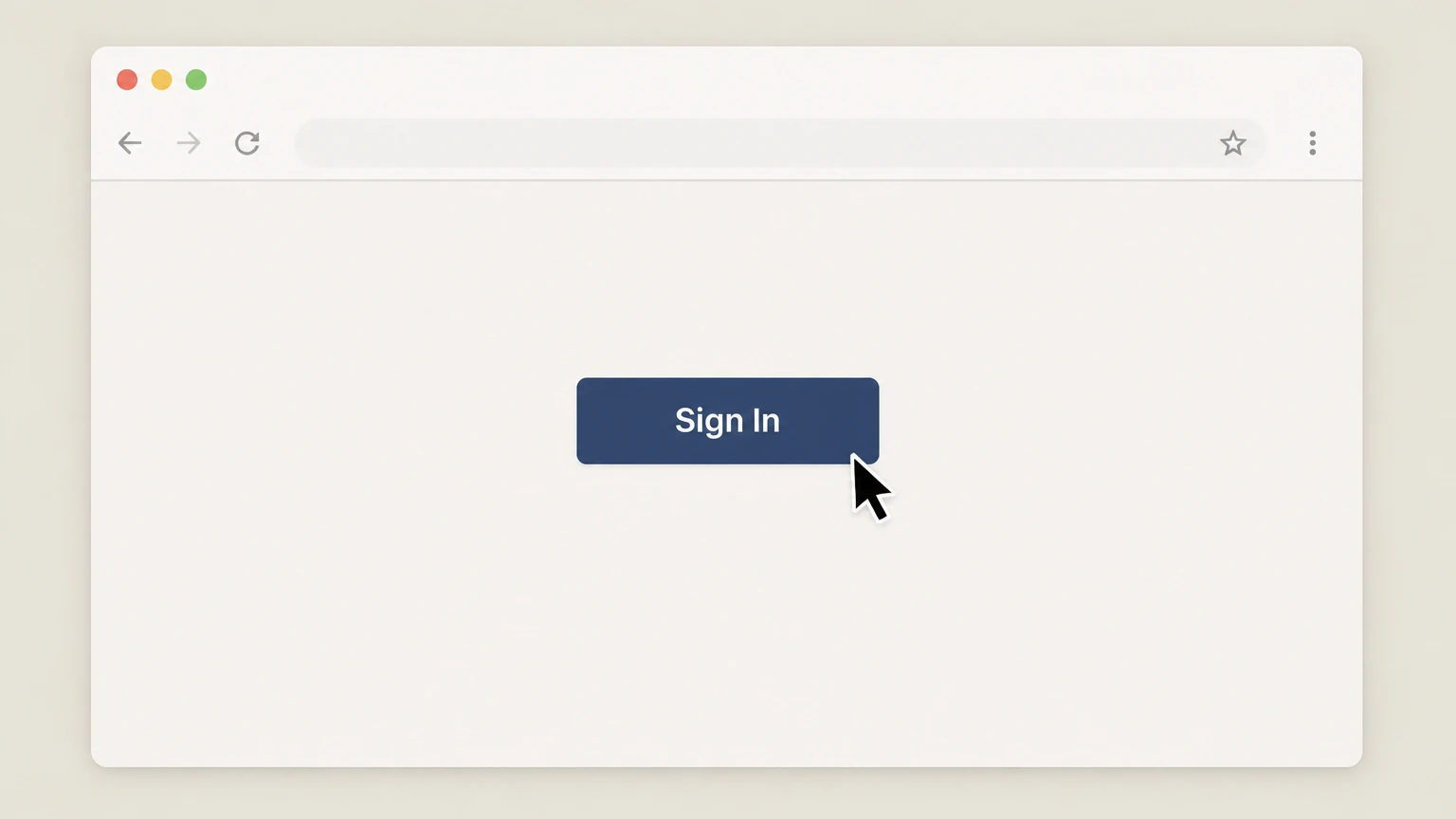
2Sign in to the account
Sign in with the email associated with the active Birchbox subscription.
- Let Pine handle it
Pine can help
Too many steps?
Pine can find the right Birchbox Manage Subscriptions path and handle the cancellation for you.
 3
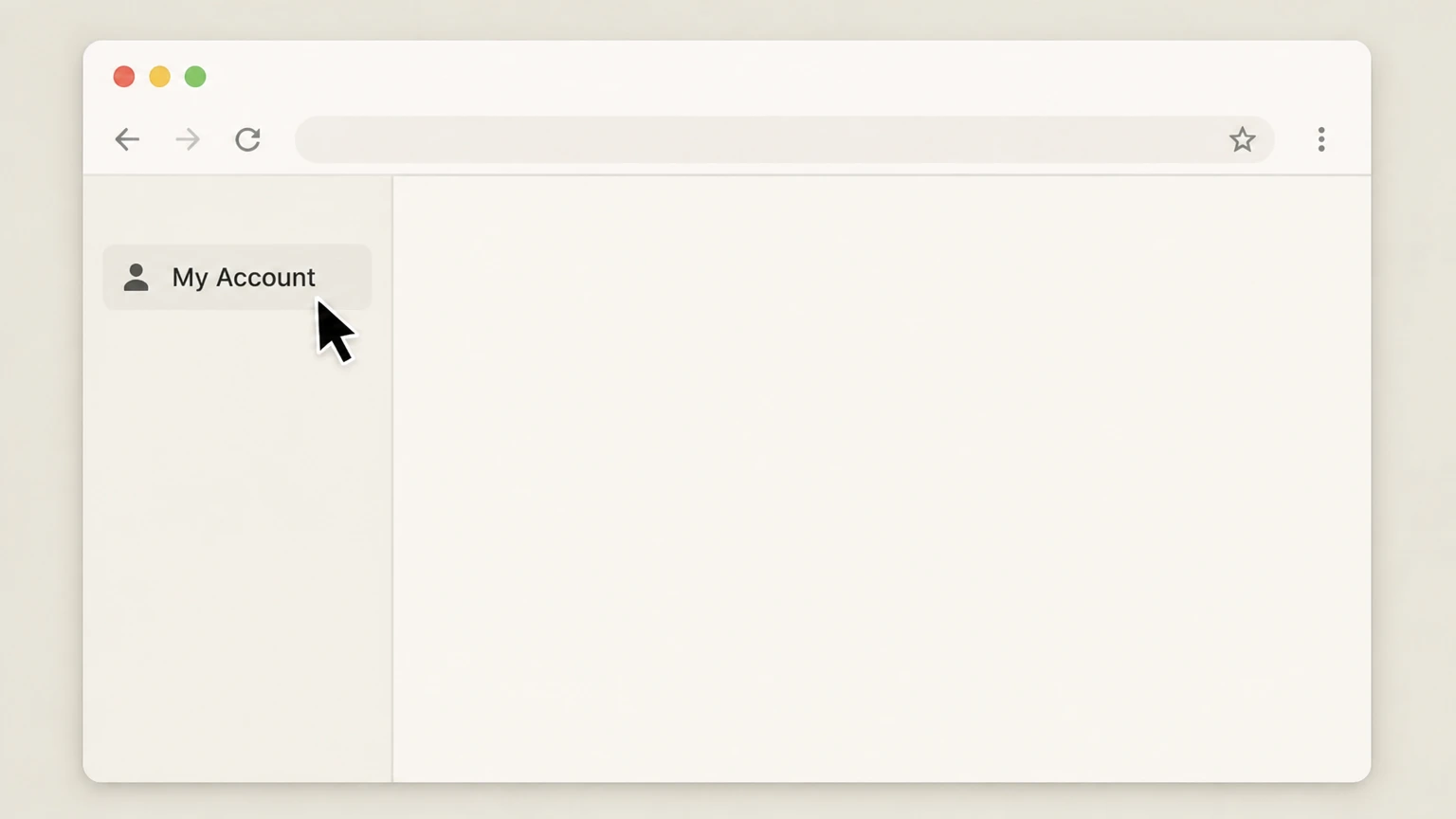
3Open the account area
Open the signed in account that contains the subscription you want to stop.
 4
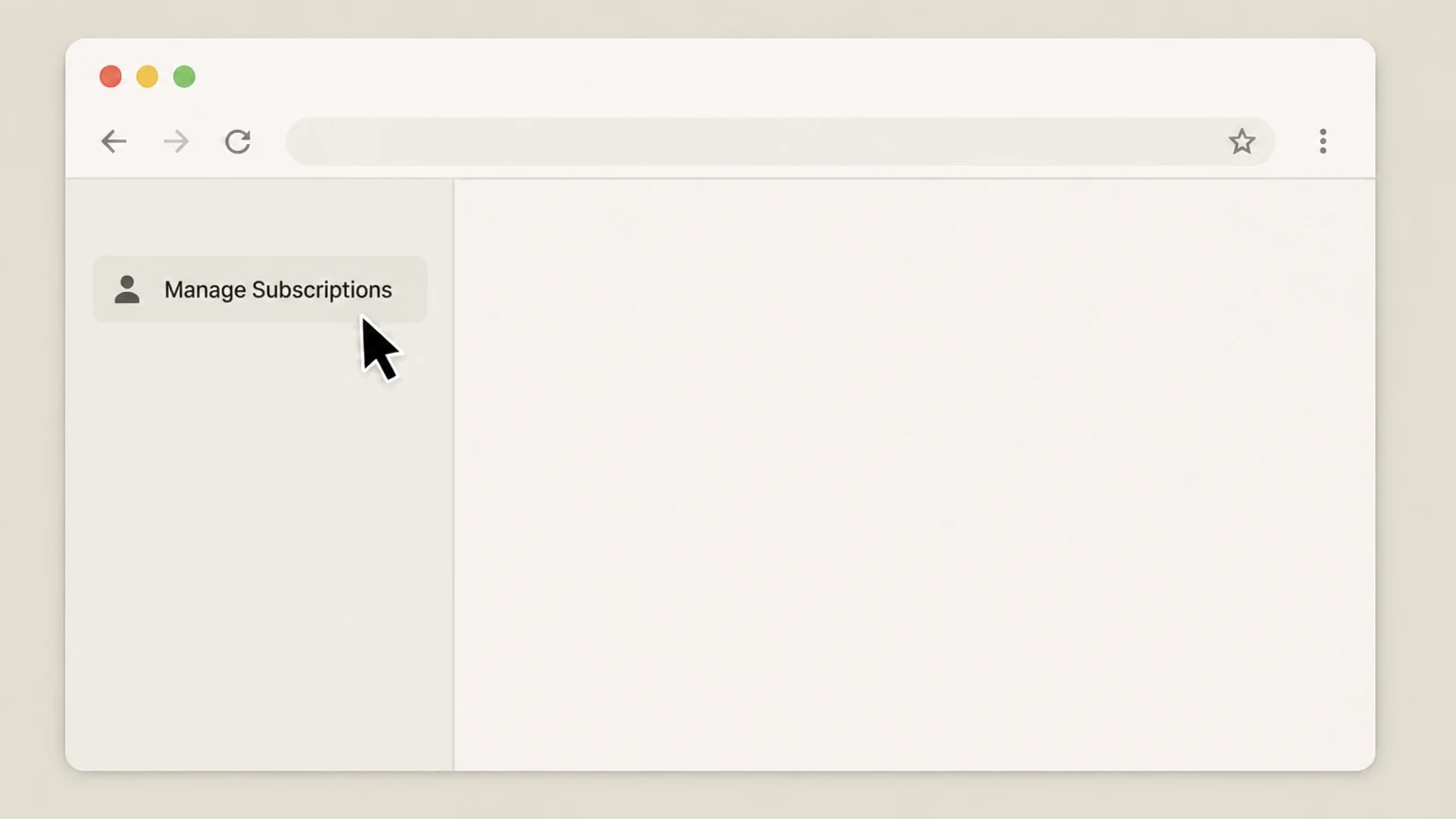
4Open Manage Subscriptions
Choose Manage Subscriptions and complete the cancellation option presented for the active plan.

Refund policy
Birchbox refunds and when cancellations do not get money back
Birchbox frames subscription cancellation as a way to stop future renewals, not as a refund mechanism. Most Birchbox subscription sales, especially prepaid and gift plans, are nonrefundable, but support may assist in isolated cases or when products arrive damaged or missing.
Check my refund options- Cancellation alone does not create a refund
- Birchbox’s Cancellation Policy specifies that cancelling a subscription will not trigger a refund of prepaid amounts and that all sales are final and nonrefundable under this policy; cancelling simply prevents the next renewal.help.birchbox.com
- Prepaid and Gift Subscriptions are nonrefundable purchases
- Help and Terms materials describe multi‑month prepaid plans and Gift Subscriptions as nonrefundable; they include a fixed number of boxes and continue until the term ends even if you cancel renewal right away.help.birchbox.com
- Limited flexibility for immediate mistakes
- If you cancel immediately after signing up because of a checkout mistake or quick change of heart and email info@birchbox.com before your first Monthly Beauty Box enters the fulfillment process, Birchbox says it will try to accommodate a refund where possible.help.birchbox.com
- Order becomes final once in fulfillment
- Once your first order has entered fulfillment, Birchbox considers it final and nonrefundable, even if you cancel the subscription after that point.help.birchbox.com
- Problem shipments use a separate support path
- If a product is damaged, missing, or never arrives, Birchbox directs you to email info@birchbox.com within two weeks of delivery so their Community Support team can address the issue, which may involve replacement or another remedy rather than a subscription refund.help.birchbox.com
If you believe you qualify for an exception, such as an order placed in error or a damaged shipment, contact Birchbox Community Support directly with your order details and timeline rather than relying on account cancellation alone. Visit Birchbox Cancellations and Returns help
Birchbox plans
Birchbox membership types you may need to cancel
Birchbox currently offers multiple subscription formats, which all use the same core cancellation rules but differ in timing and length.
Birchbox Monthly membership
Birchbox Monthly is the original subscription, sending a customizable box of 5–6 sample, travel-size, and occasional full-size beauty and wellness products each month.help.birchbox.com
Birchbox Signature membership
Birchbox Signature is a premium, every‑other‑month box that includes four full-size beauty products, with at least one item valued at $50+ and a total box value up to about $175.help.birchbox.com
Rebillable monthly plans
Both Birchbox Monthly and Birchbox Signature can be purchased as rebillable plans that charge your payment method each month (Monthly) or every other month (Signature) until you pause or cancel.help.birchbox.com
Prepaid multi‑month plans
Birchbox sells prepaid options (for example, 3‑month or 12‑month Monthly, and 3‑box or 6‑box Signature) that bill upfront for several boxes; these plans auto‑renew for another term unless you opt out.help.birchbox.com
Gift Subscriptions
Gift Subscriptions are prepaid three-, six-, or twelve‑month plans that do not renew after the gifted term and, under Birchbox’s Terms, are non‑cancelable and nonrefundable for the purchaser.birchbox.com
Renewal behavior
How Birchbox auto-renewal works before you cancel
Understanding Birchbox’s auto-renew rules helps you time your cancellation and set expectations for remaining boxes and charges.
Automatic renewal for most plans
Birchbox states that all standard subscriptions automatically renew at the end of each subscription plan (monthly, bi‑monthly, or prepaid term) unless you opt out of renewal.help.birchbox.com
Month-to-month renewal cadence
Rebillable Monthly memberships charge at sign‑up for the first box, then automatically bill on the 1st of each month for future boxes until you pause or cancel.help.birchbox.com
Signature bi-monthly renewal cadence
Signature bi‑monthly memberships charge $50 at purchase, then automatically bill $50 on the 1st of every other month for subsequent Signature boxes while the plan is active.help.birchbox.com
Prepaid term renewals
Prepaid Monthly and Signature plans bill once per term (for example, three or twelve months) and are set to auto‑renew for a new term on the 1st of the renewal month unless you cancel the renewal.help.birchbox.com
Gift Subscriptions do not auto-renew
Gift Subscriptions explicitly do not renew when the gift term ends, and they cannot be canceled once purchased; the pre‑paid gift fee is nonrefundable under the Terms.birchbox.com
Stopping charges
What Birchbox cancellation actually does (and when)
Birchbox treats cancellation as an opt-out from future renewals, not as a request to undo past or current charges.
Cancellation is an opt-out from renewal
The Cancellation Policy explains that cancelling in Manage Subscriptions opts your plan out of renewing on its next renewal date; it does not automatically reverse or refund charges you have already paid.help.birchbox.com
Effect on current monthly box
If you cancel a monthly plan after you have already been billed for that month’s box, Birchbox says the cancellation takes effect with the next billing cycle, so the already‑charged box should still ship.help.birchbox.com
Effect on prepaid terms
When you cancel a prepaid plan, Birchbox indicates you simply stop the next term from auto‑renewing; you continue to receive all remaining boxes included in the current prepaid term.birchbox.com
Manage Subscriptions as primary route
Birchbox directs customers to cancel in the Manage Subscriptions section of their account, which is accessible after signing in on Birchbox.com.help.birchbox.com
Support-assisted cancellation options
For customers who need help, the Terms allow cancelling by messaging Birchbox via info.birchbox.com or scheduling a support call, and multiple help-center articles invite members to request assistance via info@birchbox.com.birchbox.com
Skip or stop
Pausing a Birchbox subscription vs cancelling it
Birchbox offers a pause/skip feature that works differently from full cancellation and may suit short breaks.
Pause is available for Monthly and Prepaid members
Birchbox’s pause article says both Monthly and Prepaid members can request to skip a month if, for example, they are traveling or not interested in that month’s box.help.birchbox.com
Effect of pausing a Monthly plan
For a rebillable Monthly member, a successful pause request means you are not charged for that month, do not receive that month’s box, and your membership resumes the following month.help.birchbox.com
Effect of pausing a Prepaid plan
For Prepaid members, pausing extends the membership by one month so you still receive the same total number of boxes purchased, just over a longer period.help.birchbox.com
Timing requirements for pause requests
Birchbox states that pause requests must be submitted before the monthly renewal date—via email to info@birchbox.com or live chat in the support center—to avoid receiving a box for that month.help.birchbox.com
When full cancellation is more appropriate
If you want to stop all future renewals rather than skip a single month, Birchbox guidance and the Terms point you to cancel your plan in Manage Subscriptions or by contacting support, not just by pausing.help.birchbox.com
After you cancel
What changes—and what doesn’t—after you cancel Birchbox
Cancelling a Birchbox subscription alters future billing and perks but does not wipe out boxes you already paid for or automatically delete your account.
Remaining boxes still ship
Birchbox explains that cancelling only stops the next renewal and that members continue to receive any remaining boxes included in their current monthly or prepaid term, even if they cancel immediately after signing up.help.birchbox.com
Loss of future boxes and new-term charges
Once your current term ends after cancellation, you stop receiving new Monthly or Signature boxes and Birchbox stops billing further subscription renewals to your payment method.help.birchbox.com
Member Market access tied to active status
The Members Market is only accessible to current Birchbox members with an active subscription linked to their account, so this perk is expected to end once your subscription lapses after cancellation.help.birchbox.com
Loyalty points and past shutdown note
A loyalty-program article notes that points earned before a prior “unexpected shutdown” will still be honored under the new reward amount, indicating that points are preserved across program changes rather than erased at cancellation.help.birchbox.com
Account access for shopping
Birchbox’s Terms and site structure treat the subscription as one service within a broader account, so cancelling a subscription does not by itself delete your Birchbox account or prevent you from signing in to shop.birchbox.com
Money & issues
Refunds, nonrefundable sales, and problem boxes
Birchbox draws a clear line between stopping future renewals and receiving refunds, but offers some flexibility for errors and damaged shipments.
Standard rule: sales are final and nonrefundable
The Cancellation Policy states that a cancellation will not trigger a refund of any prepaid amounts, that all sales are final and nonrefundable, and that returns or exchanges are not accepted under this policy.help.birchbox.com
Prepaid and gift subscriptions are nonrefundable
Help and Terms materials describe prepaid subscriptions and Gift Subscriptions as nonrefundable purchases that include a fixed number of boxes, even if you later opt out of renewal.help.birchbox.com
Possible exception for immediate change of mind
One article says that if you cancel immediately after signing up by mistake and email info@birchbox.com before your first Monthly Beauty Box enters fulfillment, Birchbox will do its best to accommodate a refund; once in fulfillment, the order is final.help.birchbox.com
Damaged, missing, or undelivered items
If a shipment arrives damaged, missing items, or not at all, Birchbox asks you to email info@birchbox.com within two weeks of delivery and include photos if applicable so their team can “make things right.”help.birchbox.com
Refunds are separate from cancellation
Because Birchbox treats cancellation and refunds separately, cancelling in Manage Subscriptions does not automatically create a refund or claim; you must contact support directly if you believe a refund or reshipment is warranted.help.birchbox.com
Account controls
Account, shipping, and timing details that affect cancellation
Where your shipping address and renewal date sit in the billing cycle can affect how quickly your Birchbox cancellation takes full effect.
Shipping address changes use Manage Subscription
For U.S. members, Birchbox instructs you to update the shipping address for upcoming monthly boxes in your account before the 1st of the month by clicking the Manage Subscription tab and editing address details.help.birchbox.com
Address changes for current month require support
If you need to change the shipping address for the current month’s box after the cutoff, Birchbox asks you to email info@birchbox.com so their team can assist manually where possible.help.birchbox.com
Renewals typically bill at the start of the month
The Cancellation Policy and billing article note that renewals usually occur between the 1st and 5th of the month, so cancelling before that window is the safest way to avoid another monthly or bi‑monthly charge.help.birchbox.com
Special rule if you sign up late in the month
For some plans, if you subscribe on or after the 25th, Birchbox may shift your first renewal into the middle of the following month to give you enough time with your first box before the next charge.help.birchbox.com
Confirm changes after cancellation or address updates
Birchbox does not send a unique rule for proof, but using your account dashboard and any confirmation emails as records is prudent until the next renewal window and shipment have passed.help.birchbox.com
Birchbox cancellation FAQ
Answers about Birchbox billing ownership, cancellation timing, refunds, and access after cancellation.
How do I completely cancel my subscription?
How do I cancel a package subscription?
What happened to Birchbox?
How much does Birchbox charge for a monthly membership?
Can I pause my Birchbox subscription instead of canceling?
Will I still get my boxes after I cancel Birchbox?
Does canceling Birchbox delete my account or loyalty points?
Can I cancel a Birchbox Gift Subscription?
How do I contact Birchbox customer service about canceling?
Untangle this Birchbox issue.
Let Pine handle the provider follow-up and keep the confirmation in one place.
