


BEVEL
Cancel subscription
How to Cancel BEVEL Subscription: Official 2026 Guide
Cancel BEVEL through the correct billing route. Follow official steps, understand renewal timing and refunds, and keep proof of the final result.
- 1 verified cancellation route
- Billing ownership and renewal timing explained
- Provider-specific refund boundaries included
- A confirmation check follows every route
Choose the correct BEVEL cancellation route
Website Account Console · verify the billing owner
Cancel BEVEL through Website Account Console
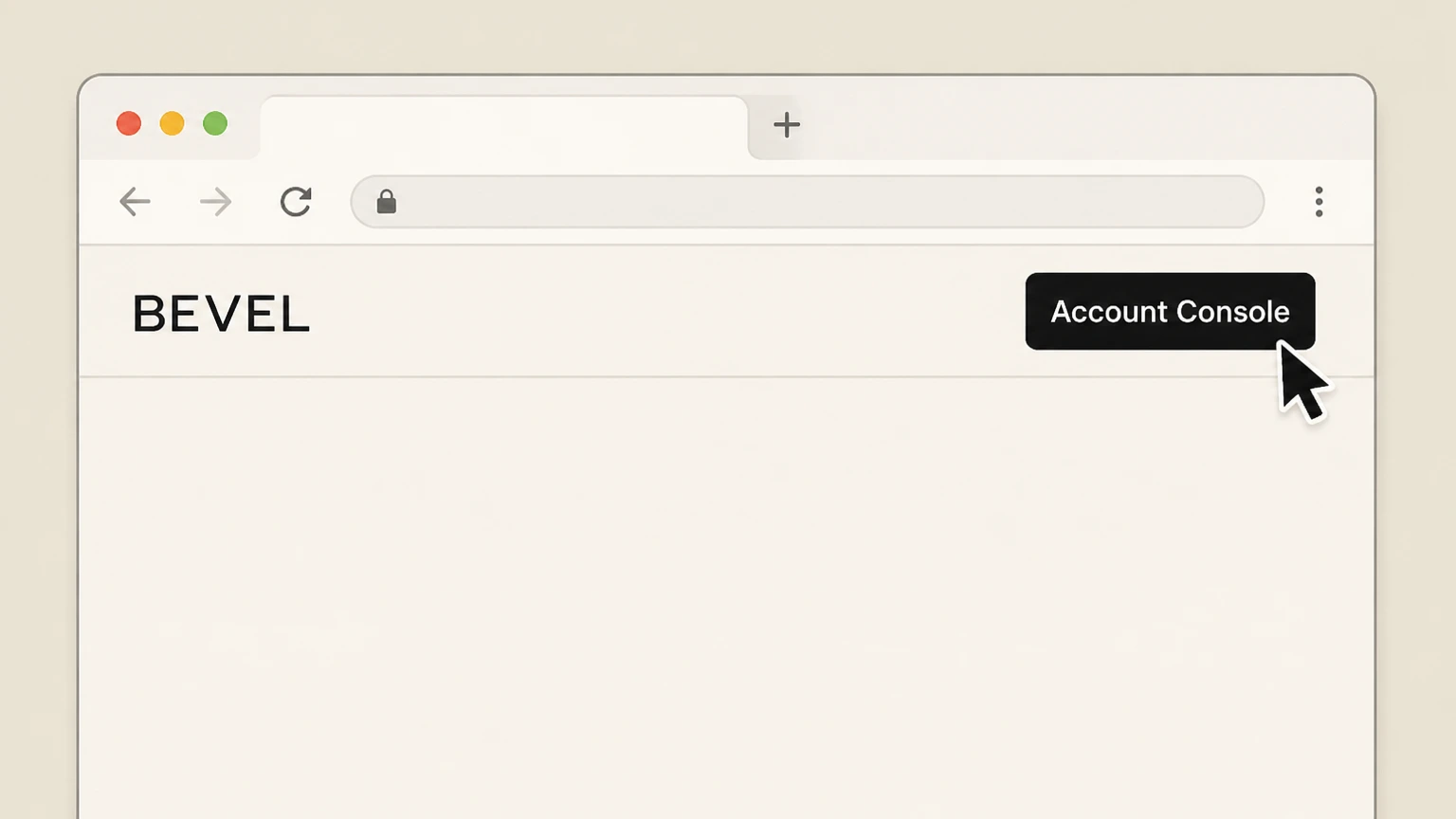 1
1Open the BEVEL Account Console
In a web browser, go to getbevel.com and open the Account Console page for your BEVEL account.
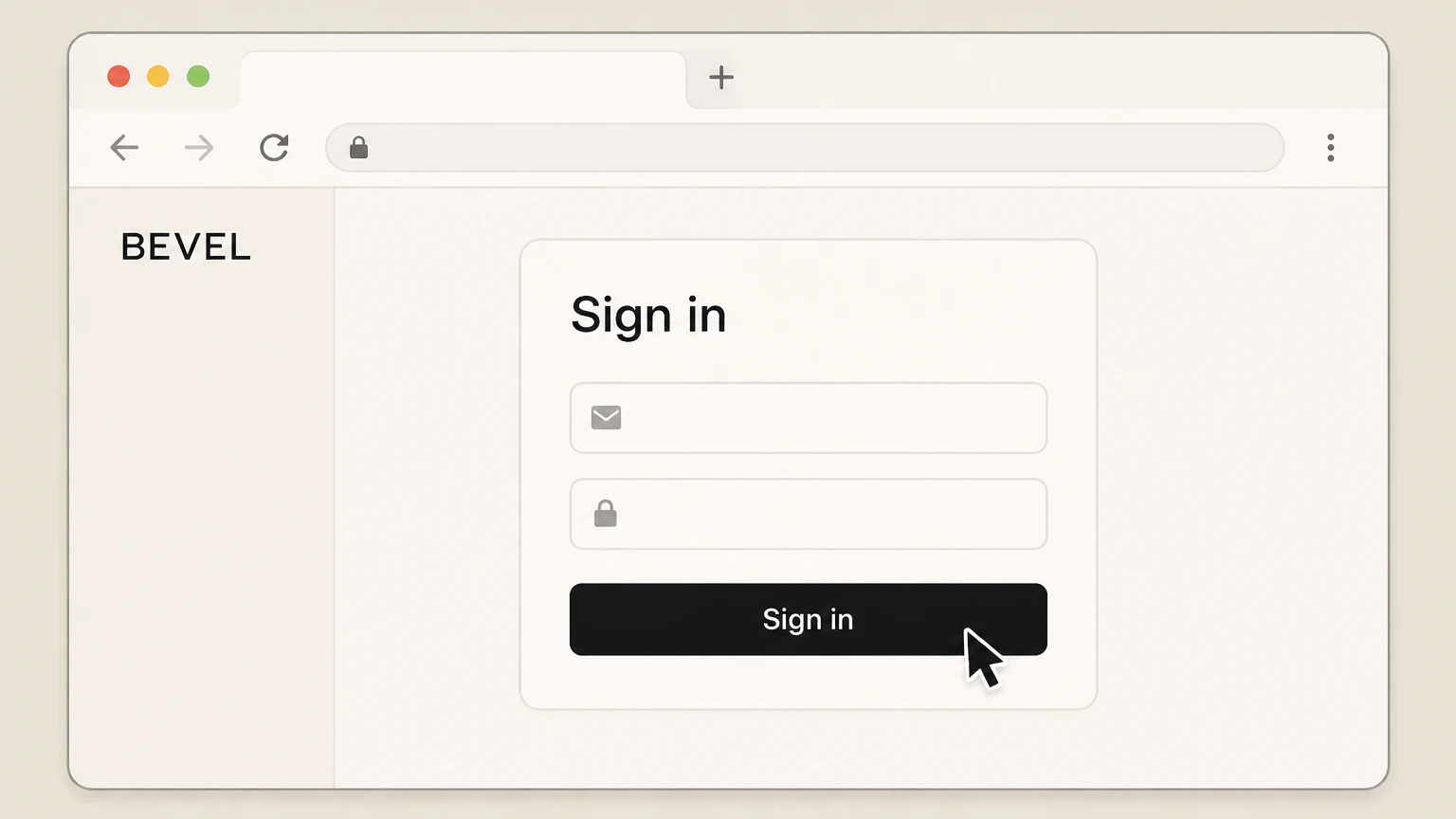 2
2Sign in with your subscription email
Enter the email address and password you used at checkout and complete sign‑in to your BEVEL account.
- Let Pine handle it
Pine can help
Too many steps?
Pine can find the right Website Account Console path and handle the cancellation for you.
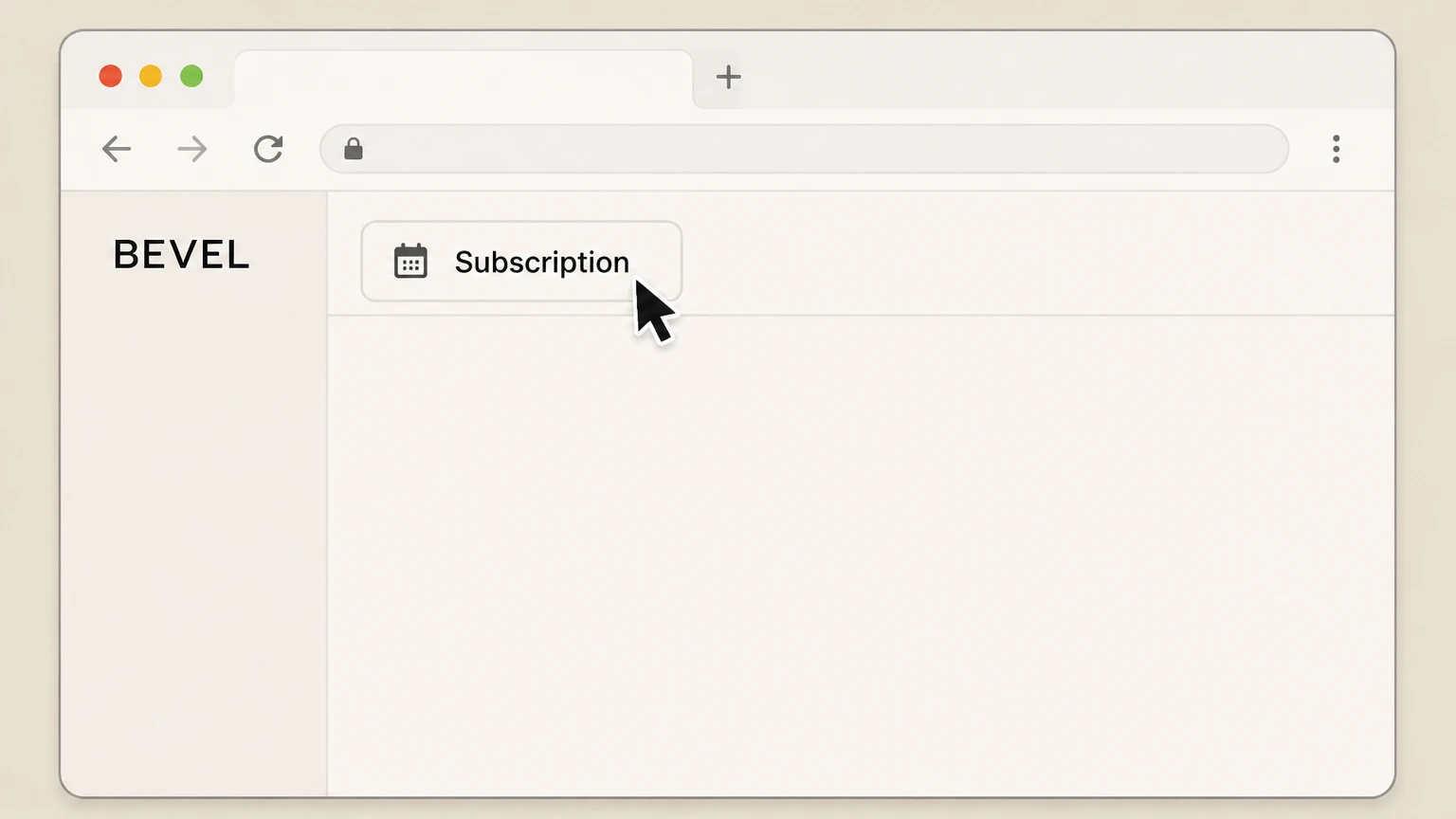 3
3Open the Subscription tab
From your account dashboard, select the Subscription tab to view your active Bevel Shave Plan shipments.
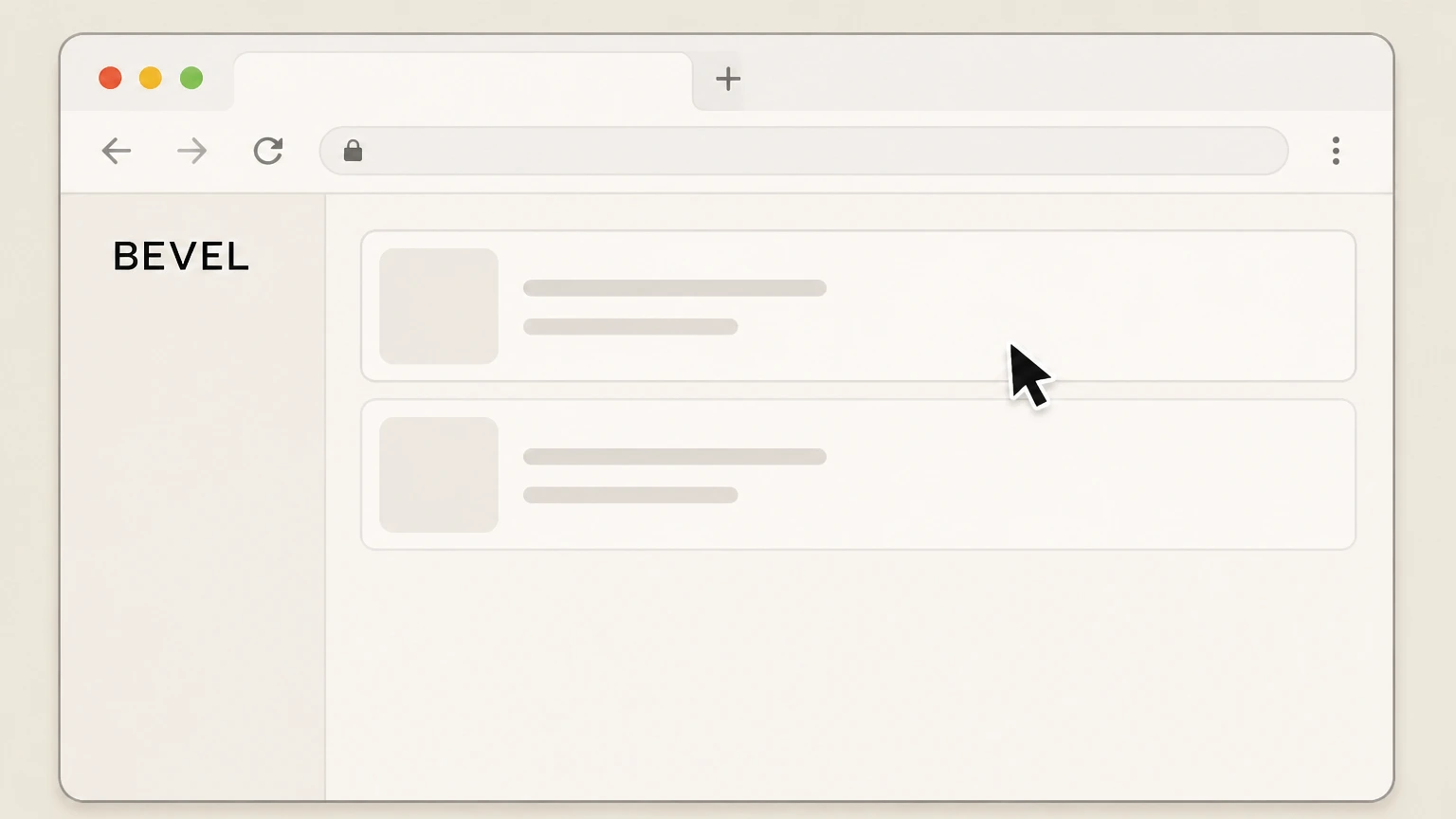 4
4Select the subscription you want to stop
If more than one plan appears in the Subscription tab, choose the specific Shave Plan you want to cancel so its details are displayed.
 5
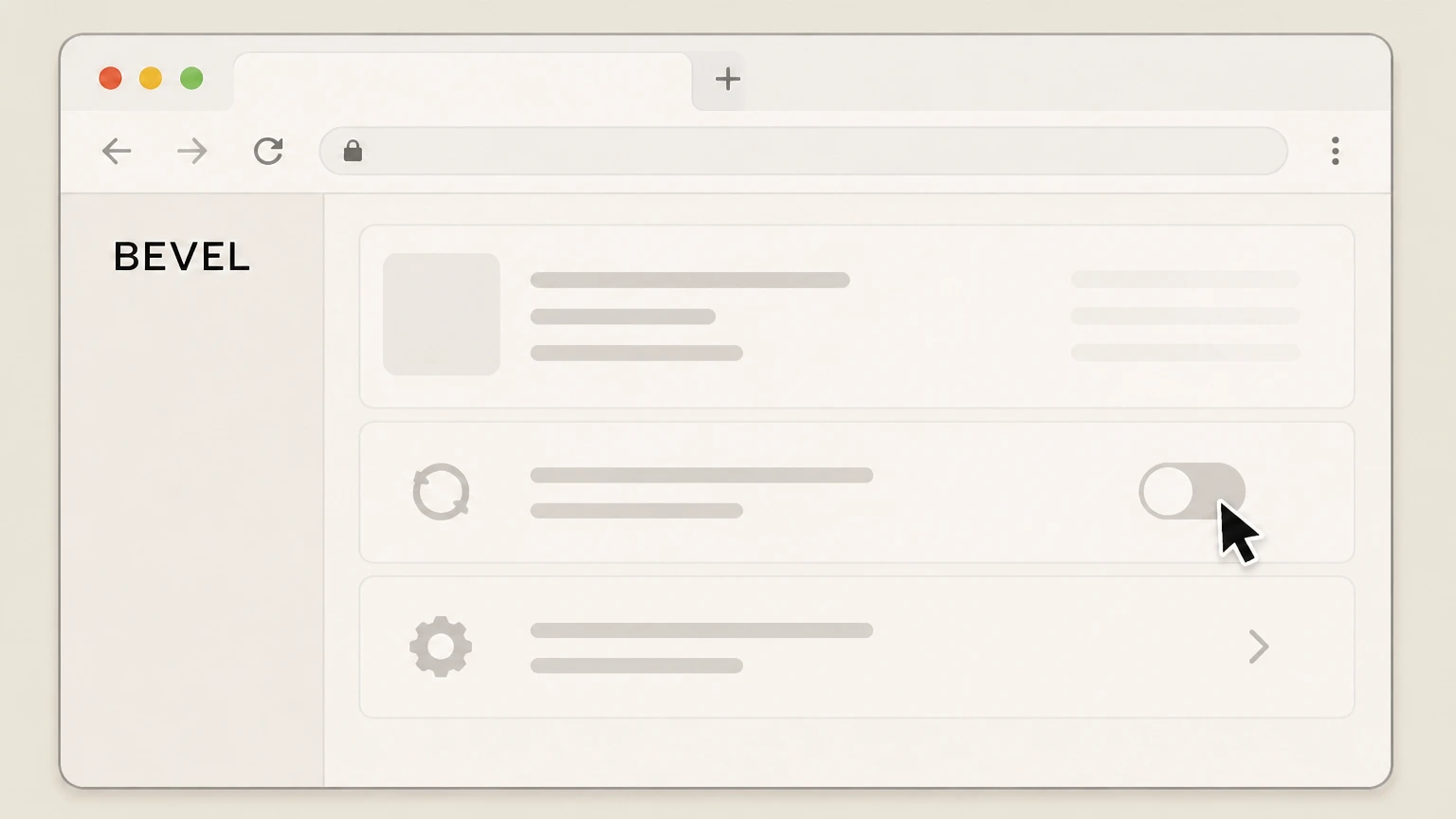
5Use the on‑screen control to stop future shipments
In that subscription’s details, use the available management option to cancel or turn off the recurring Shave Plan so no new shipments are scheduled.

Refund policy
Refunds, returns, and BEVEL subscription charges
Cancelling a BEVEL subscription stops future auto‑shipments but does not automatically refund shipments that have already processed. Refunds are governed by BEVEL’s order‑editing and return‑policy rules, which apply to both subscription and one‑time purchases.
Check my refund options- Processed orders cannot be changed
- BEVEL states that it cannot cancel or edit an order after it has processed. If a subscription shipment has already processed, you cannot retroactively stop that order through the Account Console and must instead consider a return if eligible.
- Standard 30‑day return window
- Current policy allows you to return a purchase within 30 days from the day of delivery. Returned products must meet the listed conditions, and you must follow BEVEL’s return instructions to be considered for a refund.
If you believe a BEVEL subscription charge is incorrect or need help with a return after cancelling, contact BEVEL through the help center request form so support can review your account and applicable policies. Open BEVEL Help Center support form
Service overview
What the BEVEL Shave Plan subscription includes
BEVEL’s Shave Plan is an auto‑replenishment program for its shaving system, sold and managed on getbevel.com.
Subscription shipments and cadence
BEVEL describes its subscription shipments as recurring Bevel Shave Kit deliveries that are automatically sent every 1–4 months, depending on the cadence you choose when subscribing.
Included products in each shipment
Current help content states that each replenishment shipment includes Pre‑Shave Oil, Shave Cream, Post‑Shave Balm, and 40 blades, with the first shipment also including a Bevel Safety Razor and Shave Brush.
Where the subscription is sold
Official articles describe subscribing and managing the Bevel Shave Kit and Shave Plans at getbevel.com, and link back to BEVEL’s own product pages rather than any external marketplace listings.
Cancel‑anytime promise
BEVEL’s subscription overview and Subscribe & Save articles state that you can cancel the Shave Plan anytime, meaning there is no fixed‑term contract for recurring shipments.
Billing ownership
Where BEVEL subscriptions are billed and managed
Understanding how your BEVEL subscription is billed helps you choose the correct place to cancel.
Direct website billing only
BEVEL’s own documentation and product pages show the Shave Plan sold and managed on getbevel.com, with no mention of sign‑ups via Apple’s App Store, Google Play, Roku, or other app‑store billing platforms for this shaving subscription.
Account Console as control center
Multiple help articles direct customers to the BEVEL Account Console to manage subscriptions, update billing or shipping information, and review order history, making it the central place to control recurring Shave Plan charges.
Relationship to payment methods
You may pay for the subscription using different payment methods (such as cards or other processors) at checkout, but BEVEL’s help articles treat those strictly as payment methods—cancelling them alone does not cancel Bevel shipments.
No separate in‑app subscription channel
Searches of Apple and Google app platforms show unrelated apps using the Bevel name, but BEVEL’s shaving‑system subscription is not marketed or supported there; cancellation guidance is only provided for website‑based Shave Plans.
Primary route
How cancellation works in the BEVEL Account Console
BEVEL’s current cancellation article directs customers to manage their subscriptions through the online Account Console.
Starting from the help center
The help center article titled “Cancel your Bevel Subscription / Unsubscribe from Bevel / Manage Subscription” instructs you to manage your subscriptions by going to the Account Console and logging in with the email address used to sign up.
Logging into your account
Once you reach the Account Console on getbevel.com, you sign in with the email and password used during checkout to see your active Shave Plan and order history.
Using the Subscription tab
Shipment‑tracking guidance tells customers to click the Subscription tab in the account area, indicating that this tab is where BEVEL exposes active Shave Plan details and controls.
Managing or cancelling the plan
Within the Subscription tab, you use the on‑screen management options associated with the Shave Plan to stop its recurring shipments; BEVEL’s materials describe this generally as managing or cancelling the subscription rather than giving a specific button label.
When to also contact support
If you cannot sign in, the subscription does not appear, or you cannot complete cancellation online, BEVEL’s articles invite you to submit a request via the help center so support can assist with subscription and billing issues.
BEVEL cancellation FAQ
Provider-specific answers about billing, timing, refunds, and confirmation.
How do I completely cancel my subscription?
How do I cancel if I can’t log in to my BEVEL account?
What happens to my future BEVEL shipments after I cancel?
Does cancelling my BEVEL subscription refund a recent shipment?
Can I pause or skip BEVEL Shave Plan shipments instead of cancelling?
Untangle this BEVEL issue.
Let Pine handle the provider follow-up and keep the confirmation in one place.
