


Vogue
Cancel subscription
Cancel Your Vogue Magazine or App Subscription
Learn how to cancel Vogue through the right billing provider. Follow official steps, understand access timing, refunds, and the confirmation to keep.
- 3 cancellation paths matched to the billing owner
- Renewal timing and access outcome explained
- Refund requests routed to the company that billed you
- Confirmation steps included for every path
Choose the Vogue cancellation path that matches who bills you
Apple iPhone or iPad (billed via Apple) · verify the billing owner
Apple iPhone or iPad (billed via Apple)
 1
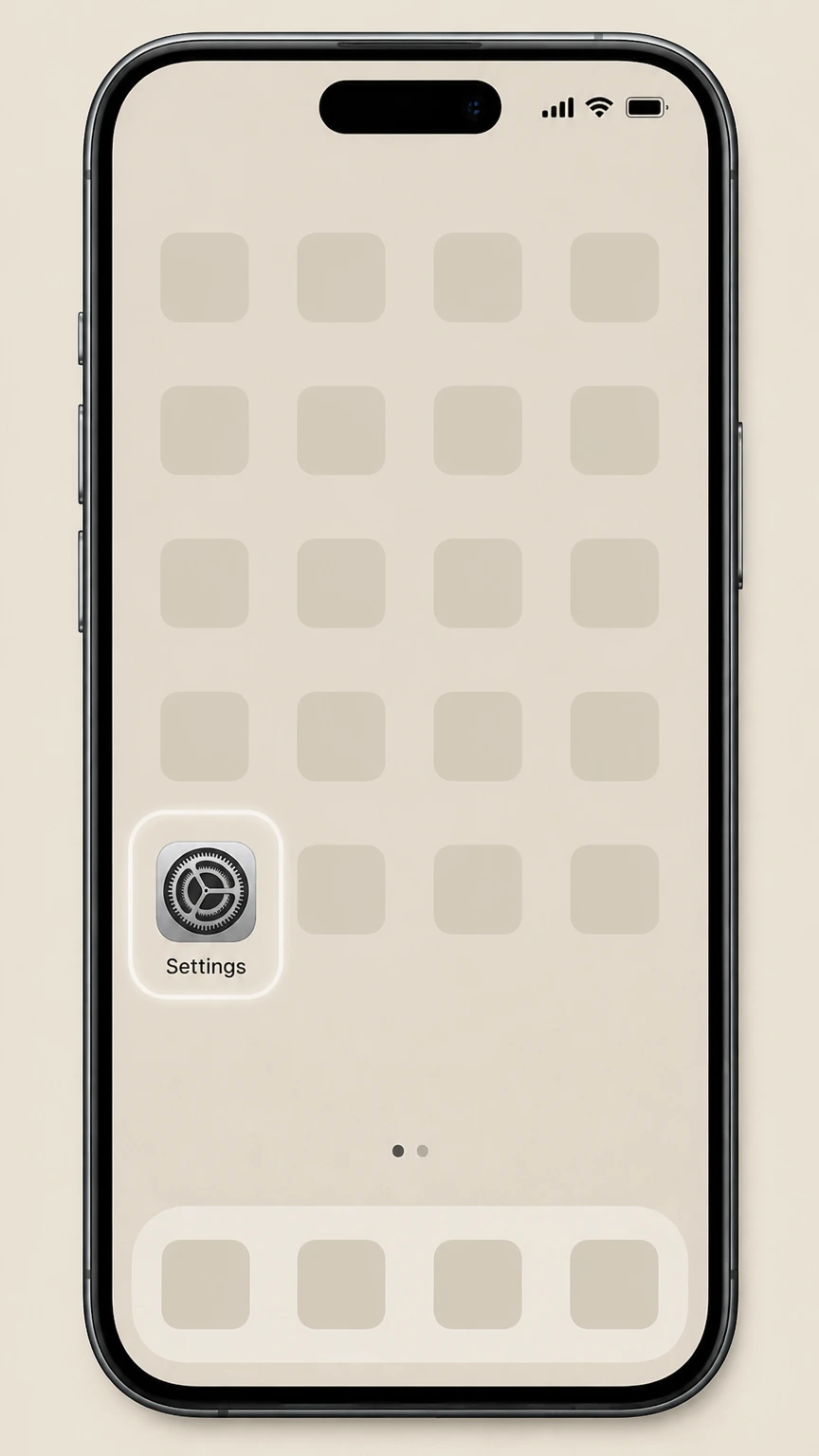
1Open Settings
Open the Settings app on your iPhone or iPad.
 2
2Tap your name
At the top of Settings, tap your Apple ID name banner.
- Let Pine handle it
Pine can help
Too many steps?
Pine can find the right Apple iPhone or iPad (billed via Apple) path and handle the cancellation for you.
 3
3Open Subscriptions
Tap Subscriptions to open your list of subscriptions.
 4
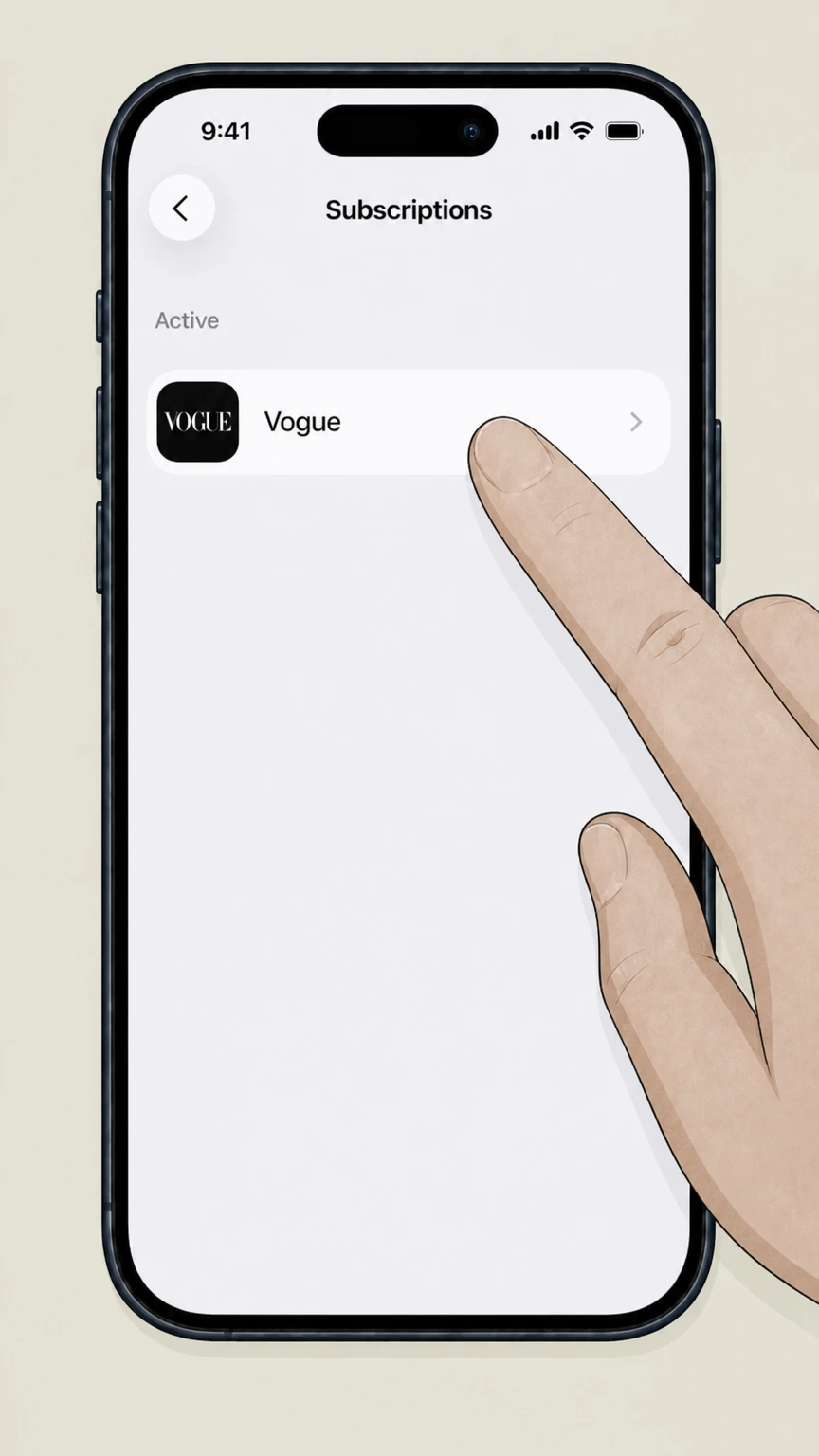
4Select Vogue
In the Active section, tap Vogue on the billing account used for this subscription.
 5
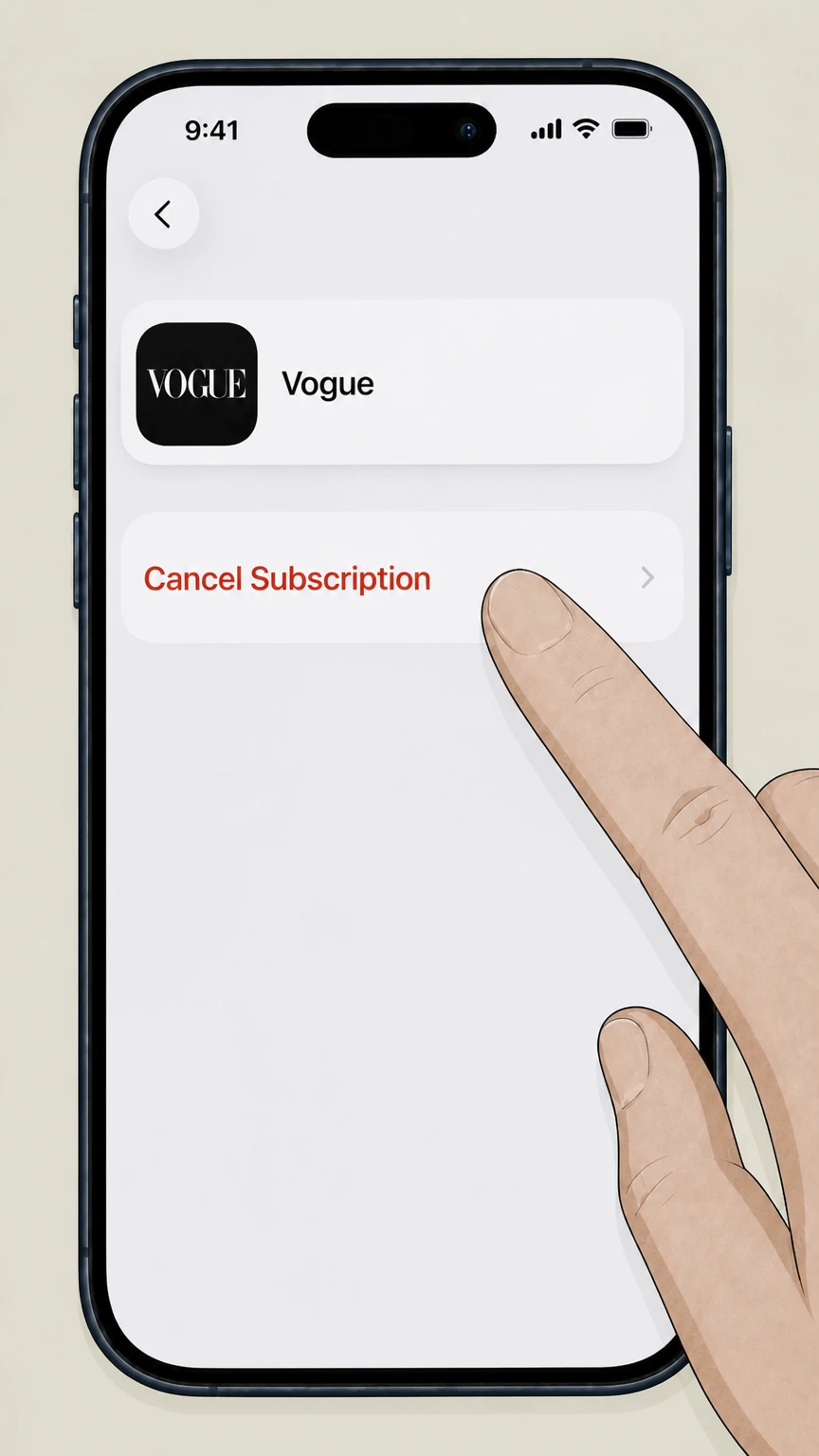
5Cancel the subscription
Tap Cancel Subscription on the Vogue subscription page.

Google Play on Android (billed via Google Play) · verify the billing owner
Google Play on Android (billed via Google Play)
 1
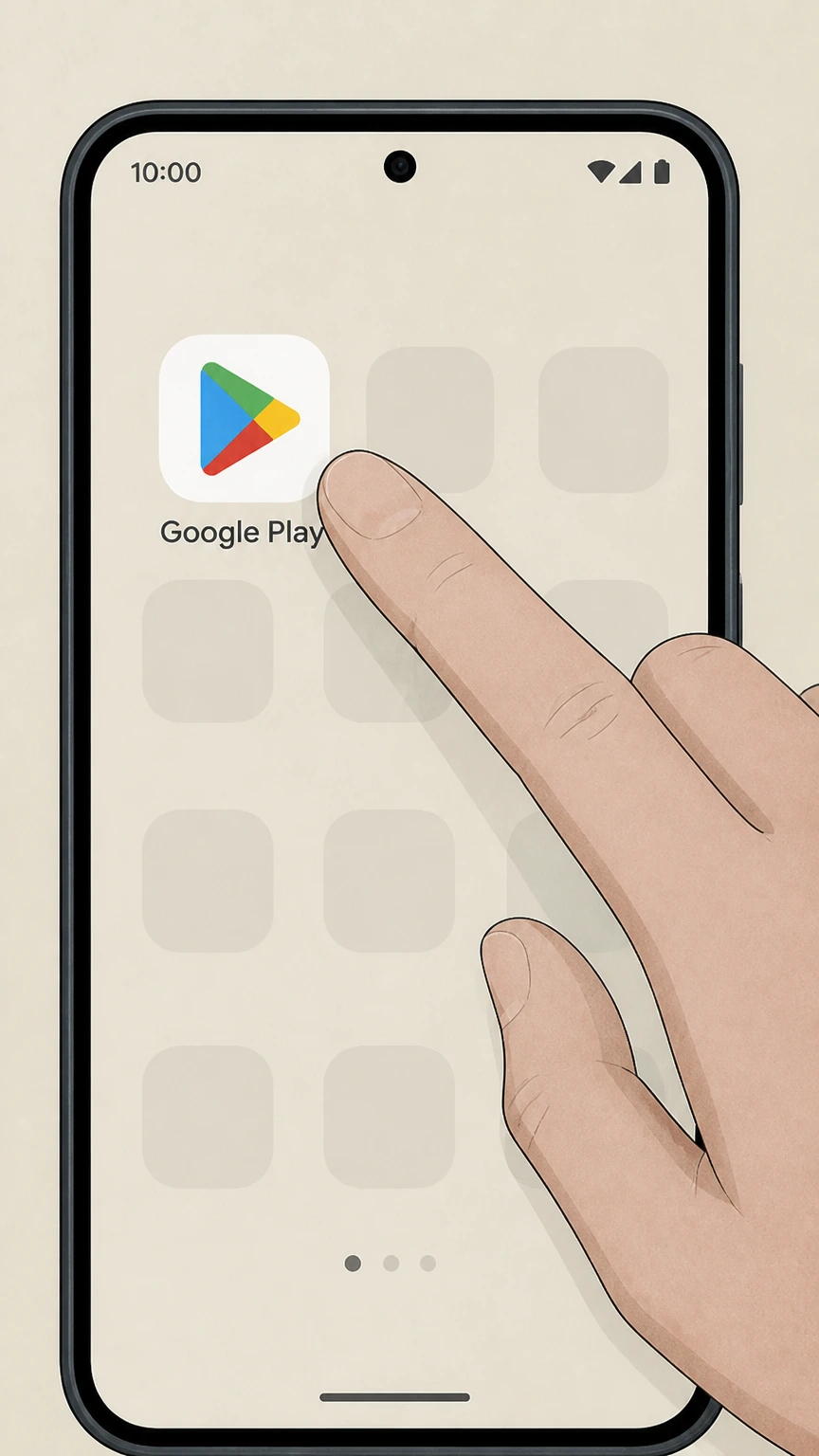
1Open Google Play Store
Open the Google Play Store app on your Android device.
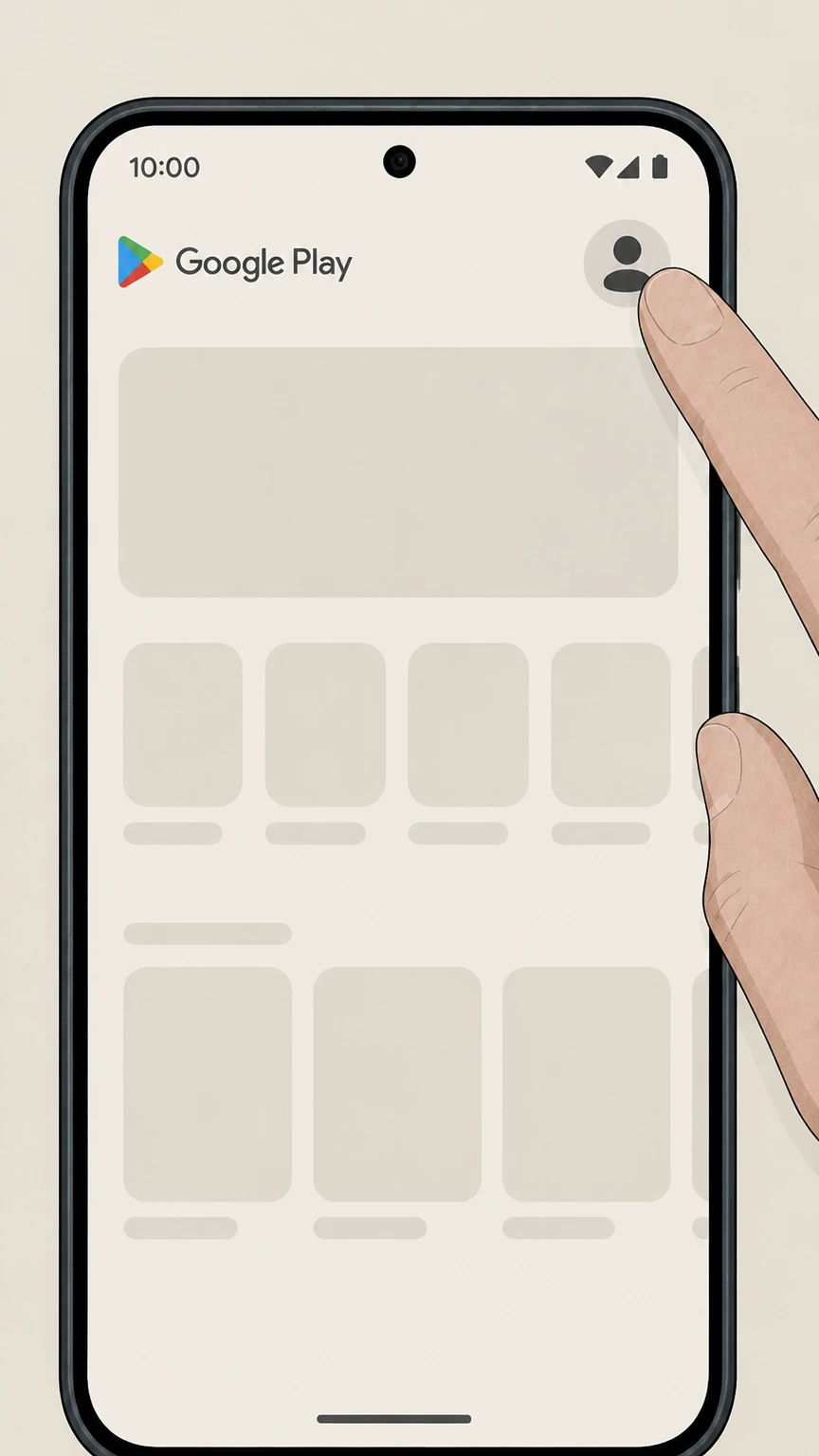 2
2Open your profile menu
Tap your profile icon in the top right of Google Play.
- Let Pine handle it
Pine can help
Too many steps?
Pine can find the right Google Play on Android (billed via Google Play) path and handle the cancellation for you.
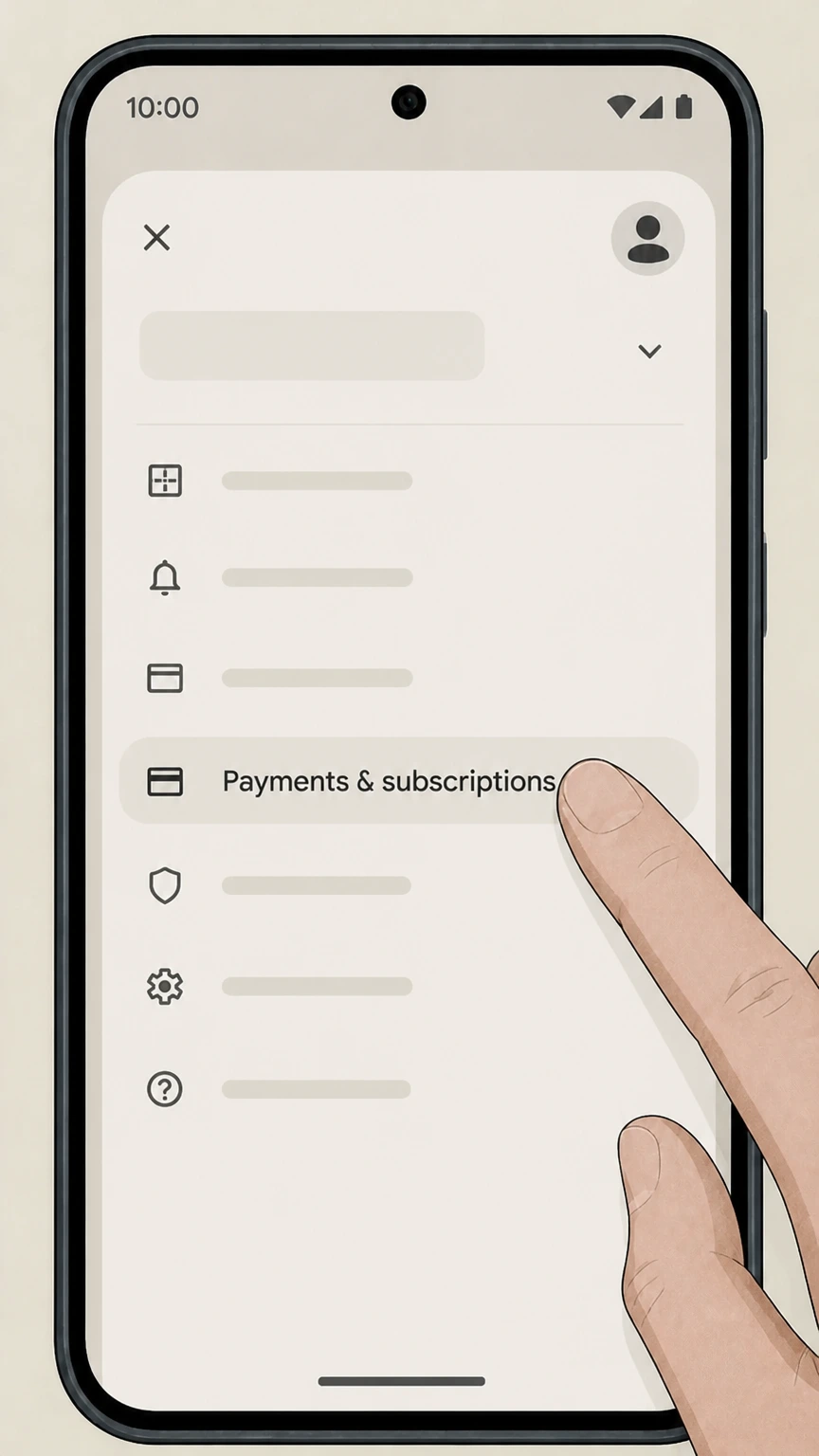 3
3Open Payments & subscriptions
Tap Payments & subscriptions from the menu on the billing account used for this subscription.
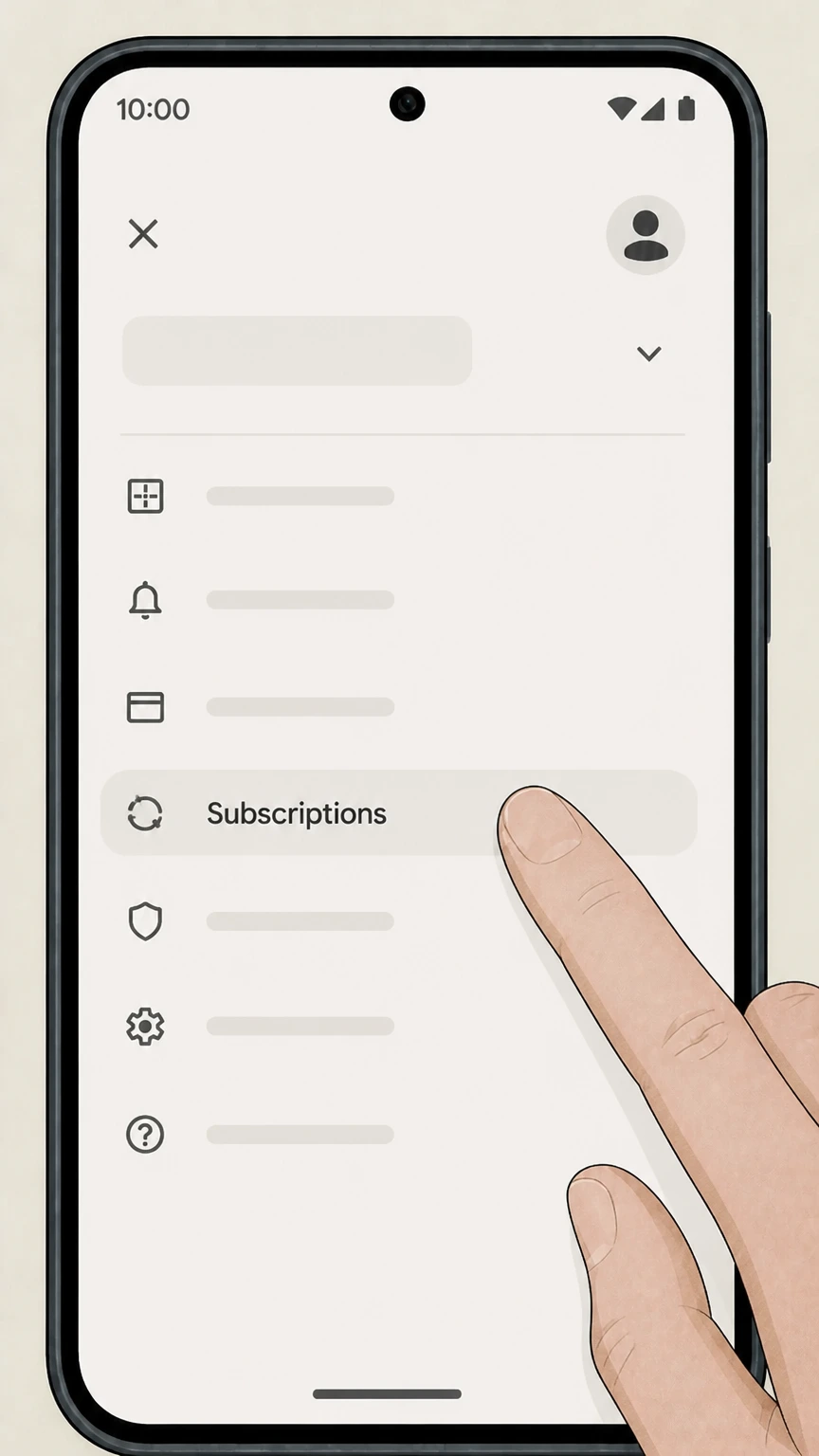 4
4Open Subscriptions
Tap Subscriptions to view your active subscriptions on the billing account used for this subscription.
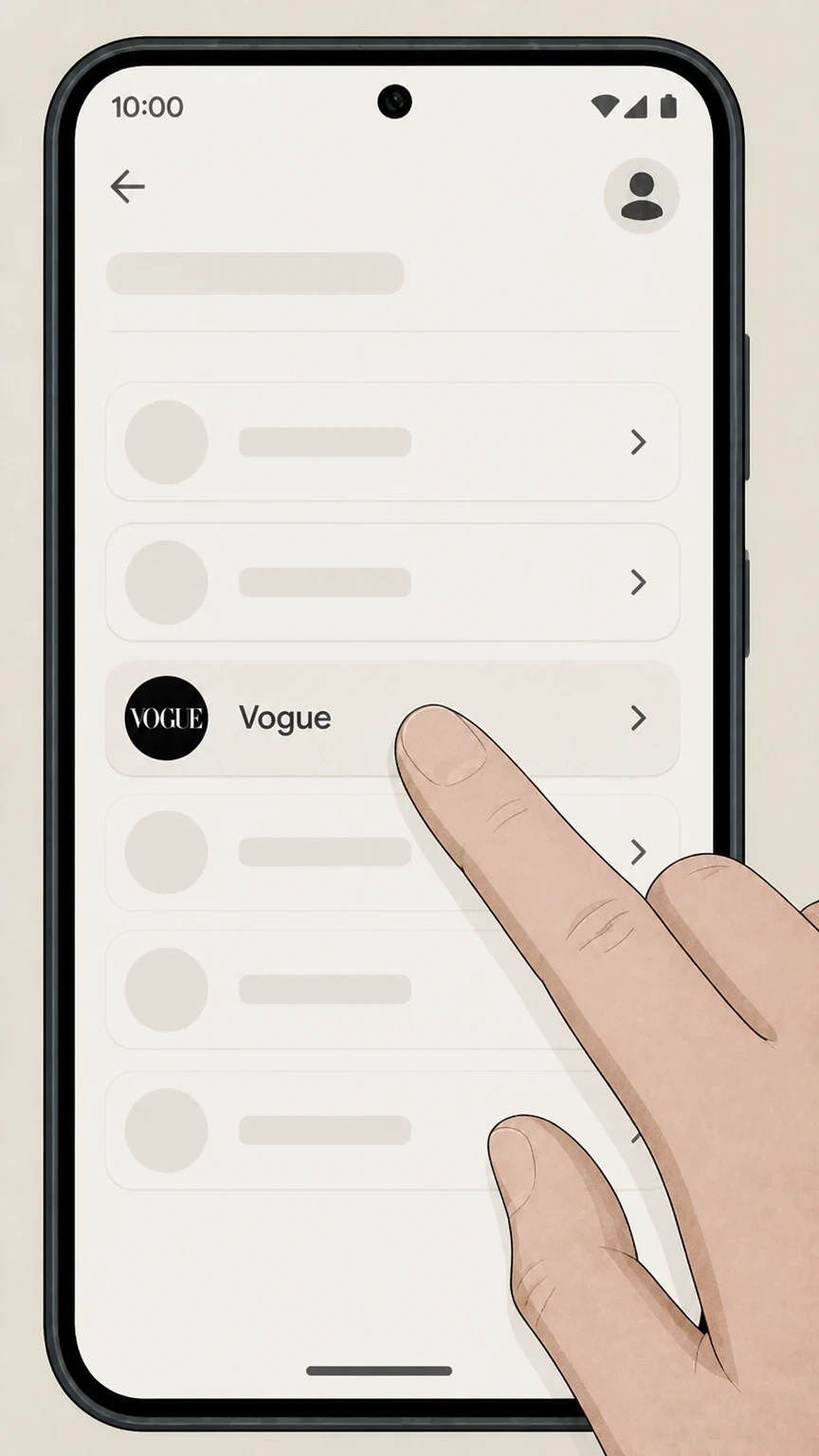 5
5Select Vogue
In your subscriptions list, tap Vogue on the billing account used for this subscription.
 6
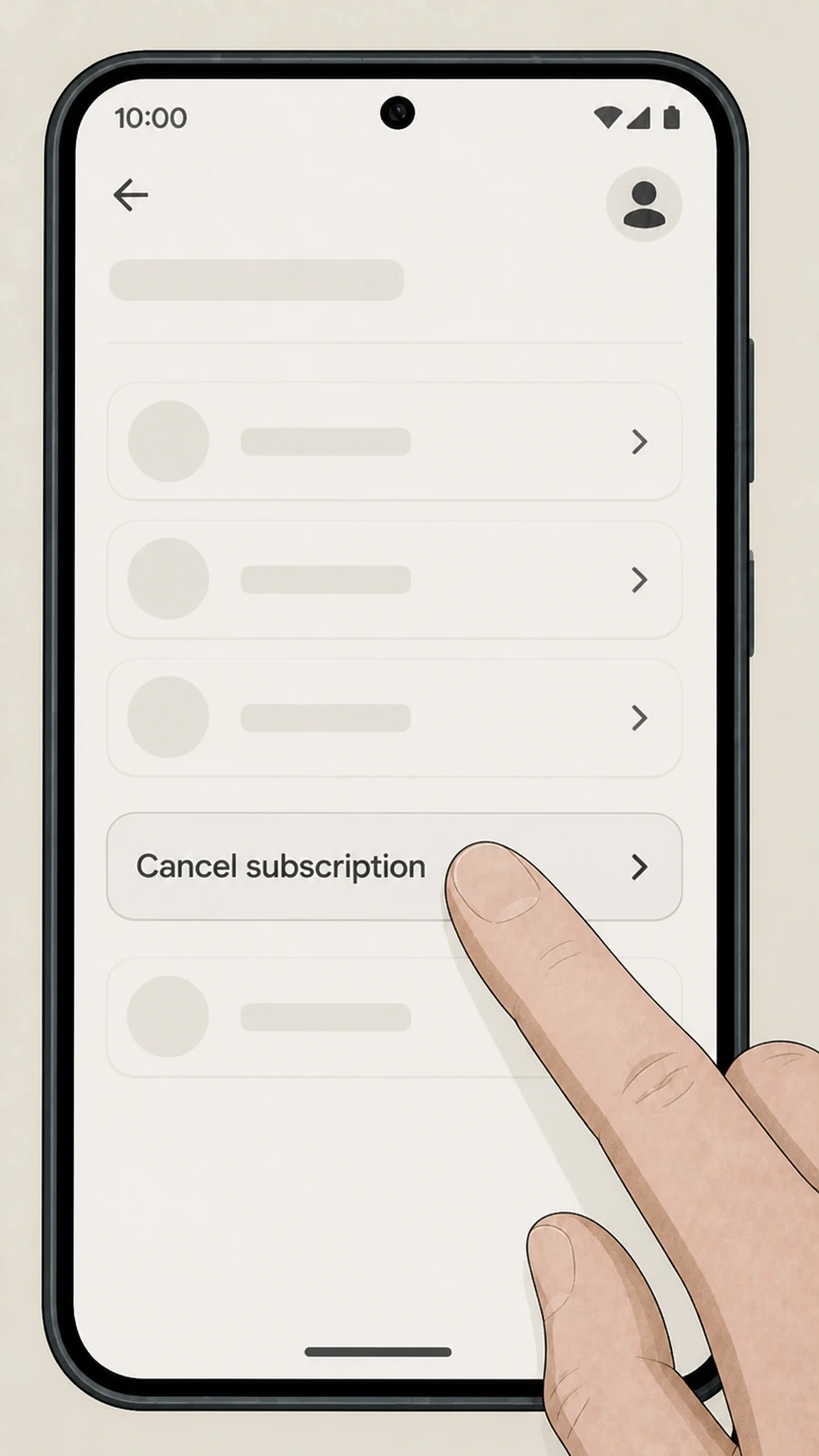
6Cancel the subscription
Tap Cancel subscription, then complete the short cancellation flow.
Vogue.com account (direct billing) · verify the billing owner
Vogue.com account (direct billing)
 1
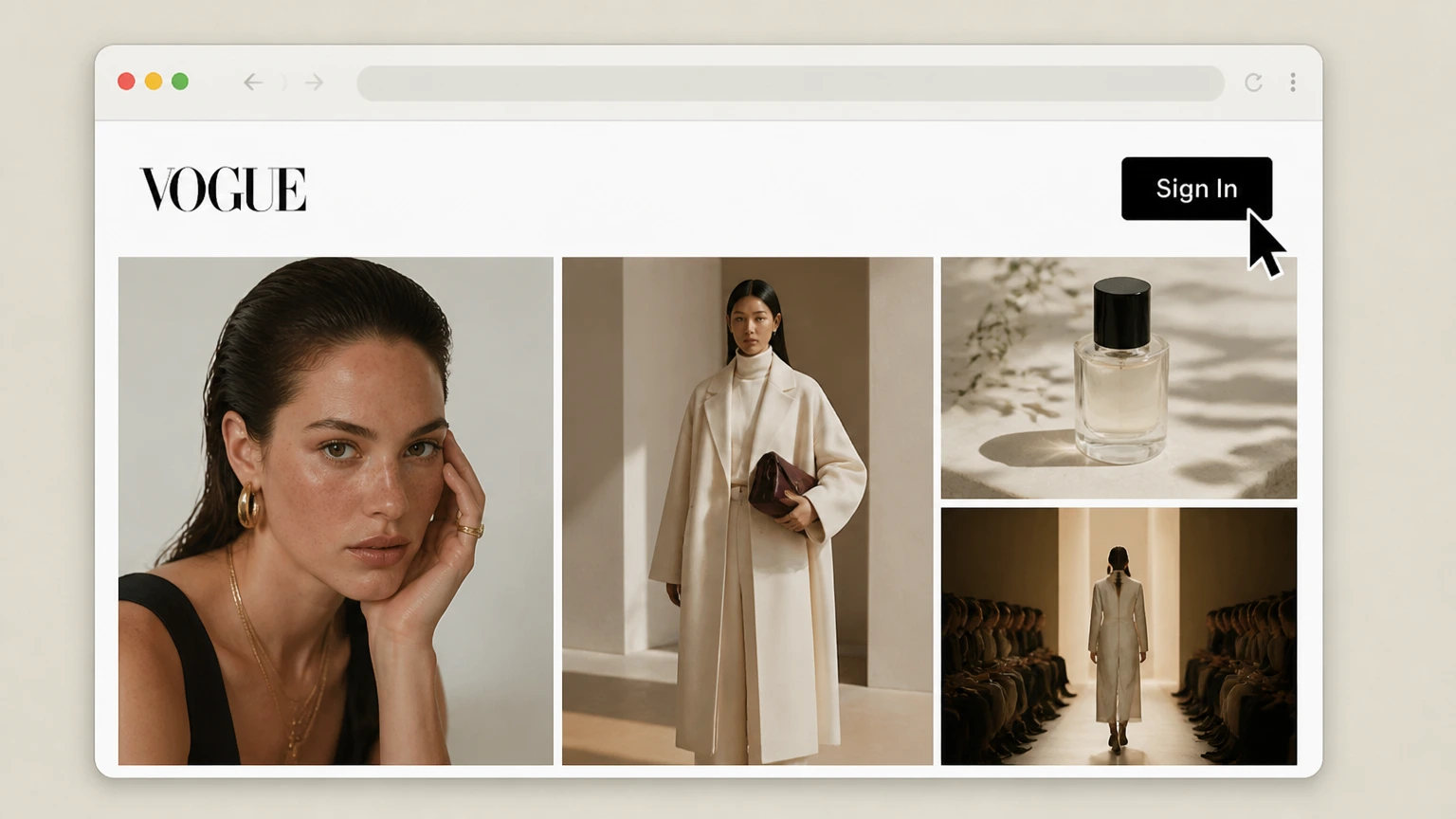
1Sign in to Vogue.com
Open Vogue.com and sign in with the email address tied to the directly billed Vogue membership.
 2
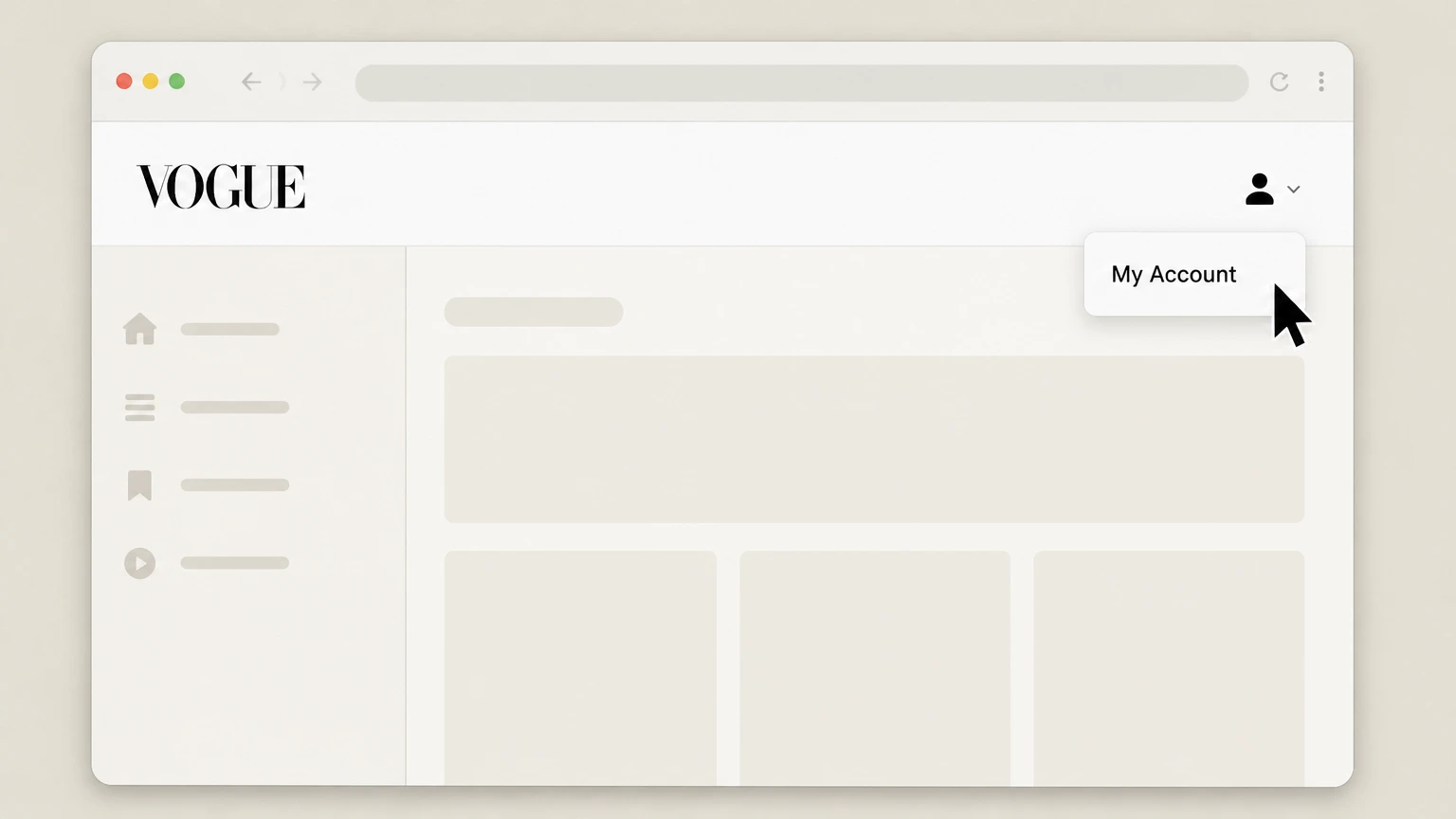
2Open My Account
Open My Account from the signed‑in Vogue navigation so the account‑management options are visible.
- Let Pine handle it
Pine can help
Too many steps?
Pine can find the right Vogue.com account (direct billing) path and handle the cancellation for you.
 3
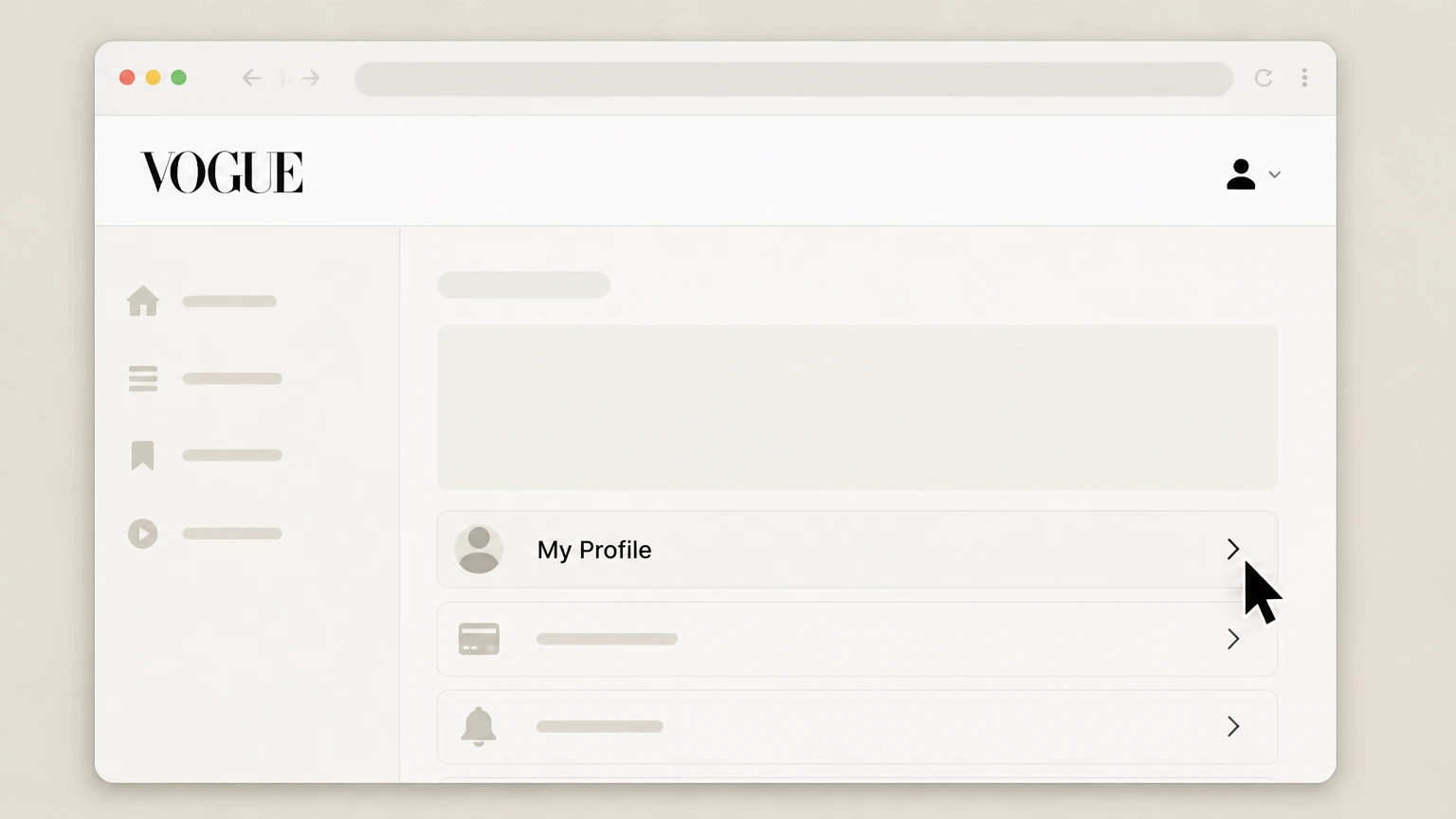
3Open My Profile
Choose My Profile. Vogue identifies this page as the place to manage and cancel the directly billed membership; follow the current account option there and keep the resulting status.
Refund policy
Refunds for Vogue subscription charges
Canceling Vogue stops future renewals, but refunds for past charges depend entirely on the policies of the company that billed you—Apple, Google Play, Condé Nast/Vogue, a carrier, or a retailer.
Check my refund options- Apple refunds are requested separately
- If Apple billed your Vogue subscription, you request a refund by signing in to Apple’s Report a Problem site and selecting the subscription; Apple reviews eligibility and may decline.
- Google Play refunds are limited and time‑bound
- Google explains that most Play purchases are non‑refundable, but some subscription charges may be refundable within specific time windows or under its published refund policies.
- Cancellation alone doesn’t refund prior periods
- On both Apple and Google Play, canceling Vogue stops future renewals but does not automatically refund previous months or years unless a refund is separately approved.
- Prepaid and unused plans may differ
- Google notes that unused prepaid subscription plans may be eligible for a refund in some circumstances, while used time generally is not refunded.
- Direct‑billed Vogue and retailer refunds vary
- If Condé Nast/Vogue, a carrier, or a retailer such as Amazon billed you directly, you must follow that company’s official refund process and terms, which can differ from Apple or Google Play.
If you canceled Vogue but were still charged, first confirm which company billed you on the receipt or statement, then use that company’s official refund channel. Visit your billing provider’s refund help page
Vogue direct billing
Use Vogue My Profile for a direct membership
Vogue’s public FAQ identifies the provider-owned destination without publishing an unverified cancel-button label.
Follow the verified account path
Sign in to Vogue.com, open My Account, and choose My Profile to manage and cancel a directly billed membership.
Keep the membership status
After using the current option on My Profile, retain the status shown for the membership and confirm that another charge is not scheduled.
Chat is a provider fallback
Vogue also publishes a chat option in the same FAQ for direct-membership assistance.
Store billing
Use the store that lists Vogue
Apple and Google control subscriptions purchased through their stores.
Apple receipt
If Apple issued the Vogue receipt, cancel the Vogue entry in Apple Subscriptions and use Apple for any refund request.
Google Play receipt
If Google Play issued the Vogue receipt, cancel the Vogue entry in Google Play Subscriptions and use Google for any refund request.
No store listing
If neither store lists Vogue, return to the merchant shown on the receipt instead of assuming a store route.
Direct membership outcome
Vogue states no refund and period-end access
The provider FAQ states the consequence of canceling a directly billed membership.
No cancellation refund
Vogue states that a canceled membership is not refundable.
Access lasts through the term
Vogue states that the membership remains active through the end of the current billing term.
The next charge stops
Vogue states that the membership expires after the current term without another charge.
Vogue cancellation FAQ
Answers about Vogue billing ownership, cancellation timing, refunds, and access after cancellation.
How do I cancel my Vogue subscription online?
How can I tell who is billing me for Vogue?
What happens to my Vogue access after I cancel?
Will I get a refund when I cancel my Vogue subscription?
Does deleting the Vogue app cancel my subscription?
Can Vogue customer service cancel an App Store or Google Play subscription for me?
Untangle this Vogue issue.
Let Pine handle the provider follow-up and keep the confirmation in one place.
