


Oura
Cancel subscription
How to Cancel a Oura Subscription: 2026 Guide
Learn how to cancel Oura through the right billing provider. Follow official steps, understand access timing, refunds, and the confirmation to keep.
- 1 cancellation path matched to the billing owner
- Renewal timing and access outcome explained
- Refund requests routed to the company that billed you
- Confirmation steps included for every path
Choose the Oura cancellation path that matches who bills you
Oura App and Membership Hub · verify the billing owner
Oura App and Membership Hub cancellation steps
 1
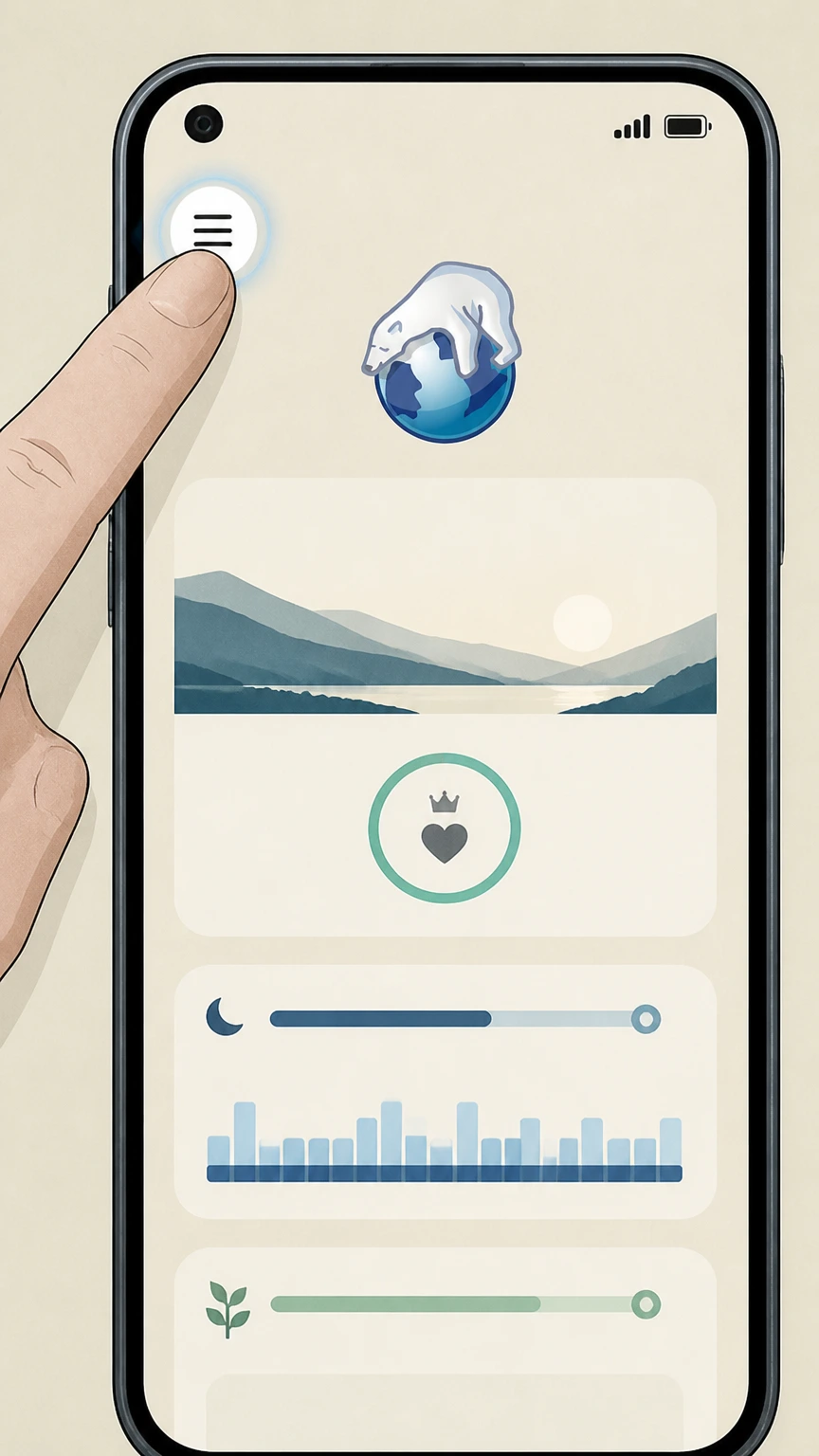
1Open the Oura App menu
From the app home screen, tap the menu in the upper left corner.
 2
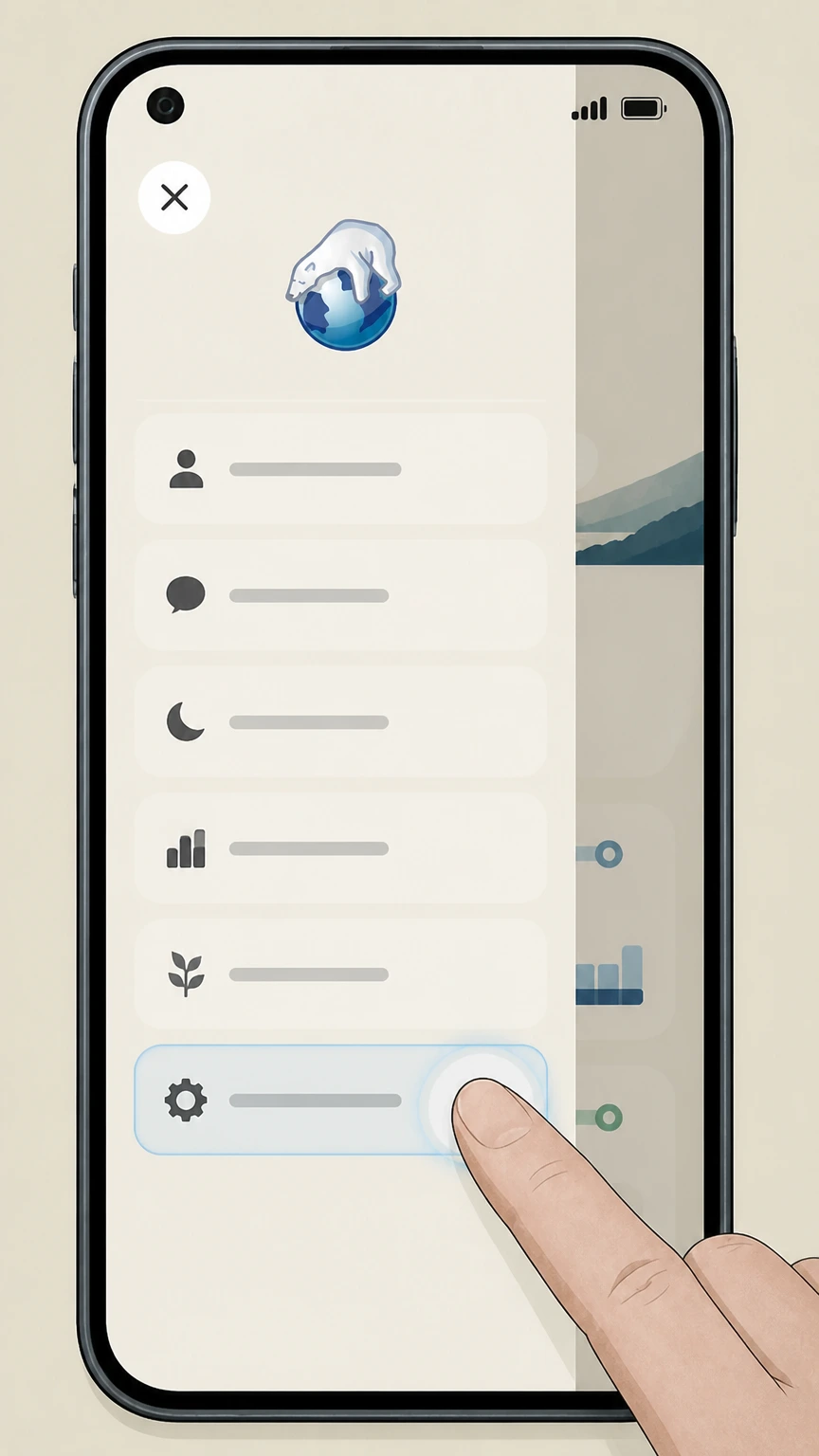
2Open Settings
Choose Settings from the Oura App menu to open membership and account controls.
- Let Pine handle it
Pine can help
Too many steps?
Pine can find the right Oura App and Membership Hub path and handle the cancellation for you.
 3
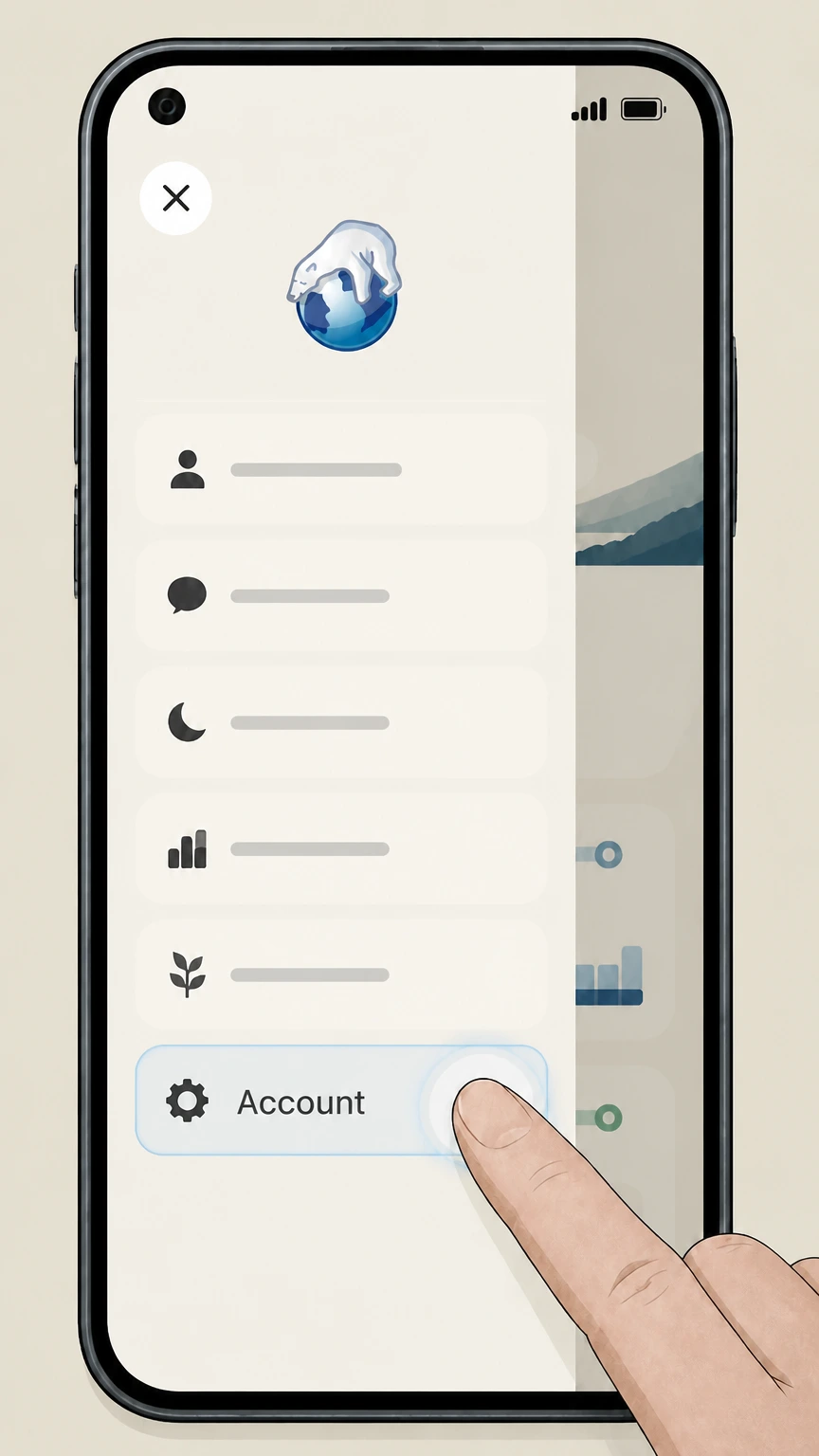
3Scroll to Account
In Oura Settings, scroll until the Account section and its membership option are visible.
 4
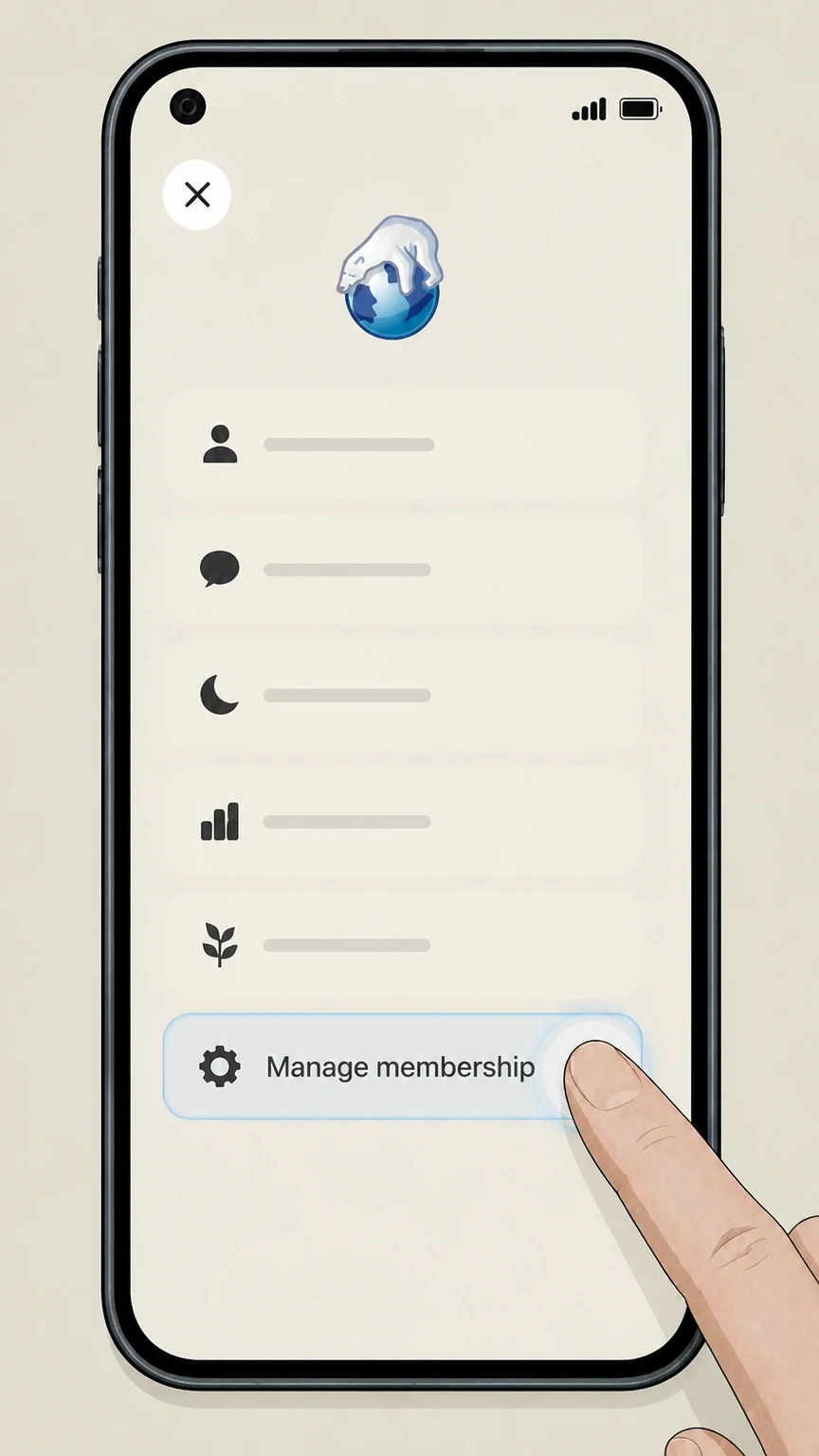
4Open Manage membership
Tap Manage membership to open Oura’s Membership Hub.
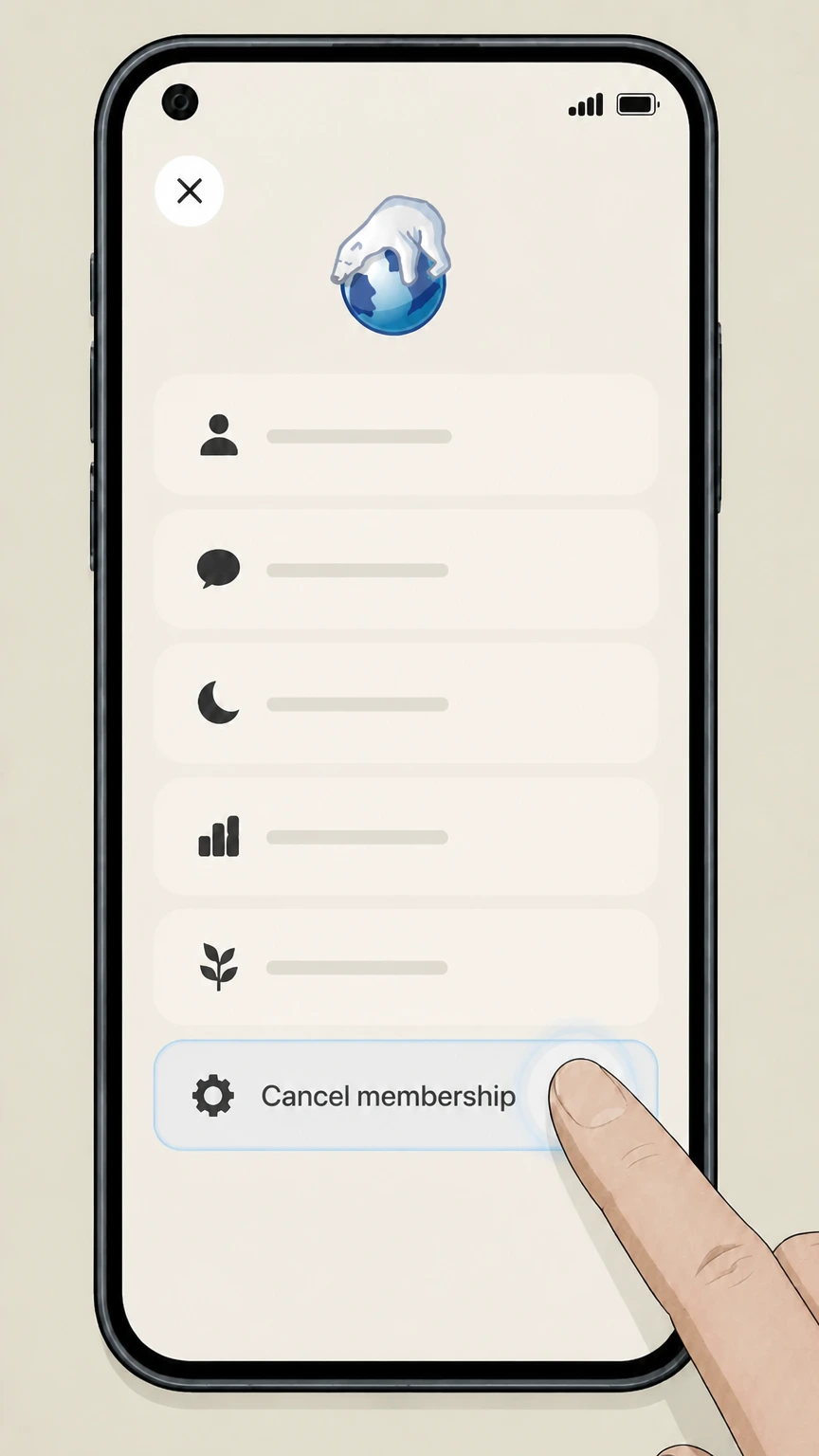 5
5Cancel membership
Choose Cancel membership in the Membership Hub and complete the provider’s prompts.

Refund policy
Oura cancellation and prepaid time
Oura says partial refunds are not available for canceled prepaid or annual membership plans after the complimentary month ends.
Check my refund options- Remainder access continues
- A canceled paid plan remains usable through the rest of its billing period.
- Confirmation is visible in Membership Hub
- The hub shows the canceled state and an option to renew.
Use the current Oura source below if your account shows a different plan, merchant, or effective date. Review Oura cancellation terms
Choose the right account
Oura billing ownership and cancellation route
Oura Membership is managed in Oura’s Membership Hub. The current provider article does not route this cancellation through Apple or Google subscription menus.
Membership Hub shows the plan
Oura says the hub displays membership status, current plan, next payment date, billing information, and invoices.
Paid access continues
After the complimentary month, monthly or annual members keep access for the remainder of the billing period.
Before the next charge
Timing that matters for Oura
Open the Oura App menu, choose Settings, scroll to Account, and tap Manage membership. The Membership Hub includes Cancel membership and displays the canceled status after completion.
Trial timing avoids the first charge
Canceling before the complimentary month ends prevents the membership charge.
The ring and membership are distinct
The cancellation article governs the paid Oura Membership; it does not describe returning the ring hardware.
After you submit
Check the final Oura status
Oura Membership stops renewing. The Membership Hub shows that the membership is canceled and provides the option to renew. Reopen the account used for this route and compare its displayed status with that result.
Check Cancel membership
Return to the Oura App and Membership Hub and confirm that Cancel membership produced the provider-specific outcome described above.
Compare the next billing event
Oura says partial refunds are not available for canceled prepaid or annual membership plans after the complimentary month ends. Use that rule when reviewing the next charge, access date, shipment, or contract event shown for this account.
Oura cancellation FAQ
Answers about Oura billing ownership, cancellation timing, refunds, and access after cancellation.
Can I cancel my Oura subscription?
How can I cancel my ring subscription?
Can I get a partial refund after canceling Oura?
How do I know Oura Membership is canceled?
Untangle this Oura issue.
Let Pine handle the provider follow-up and keep the confirmation in one place.
