


GQ
Cancel subscription
How to Cancel a GQ Subscription on iOS and Android
Learn how to cancel GQ through the right billing provider. Follow official steps, understand access timing, refunds, and the confirmation to keep.
- 3 cancellation paths matched to the billing owner
- Renewal timing and access outcome explained
- Refund requests routed to the company that billed you
- Confirmation steps included for every path
Choose the GQ cancellation path that matches who bills you
iOS (Apple‑billed GQ subscriptions) · verify the billing owner
iOS (Apple‑billed GQ subscriptions)
 1
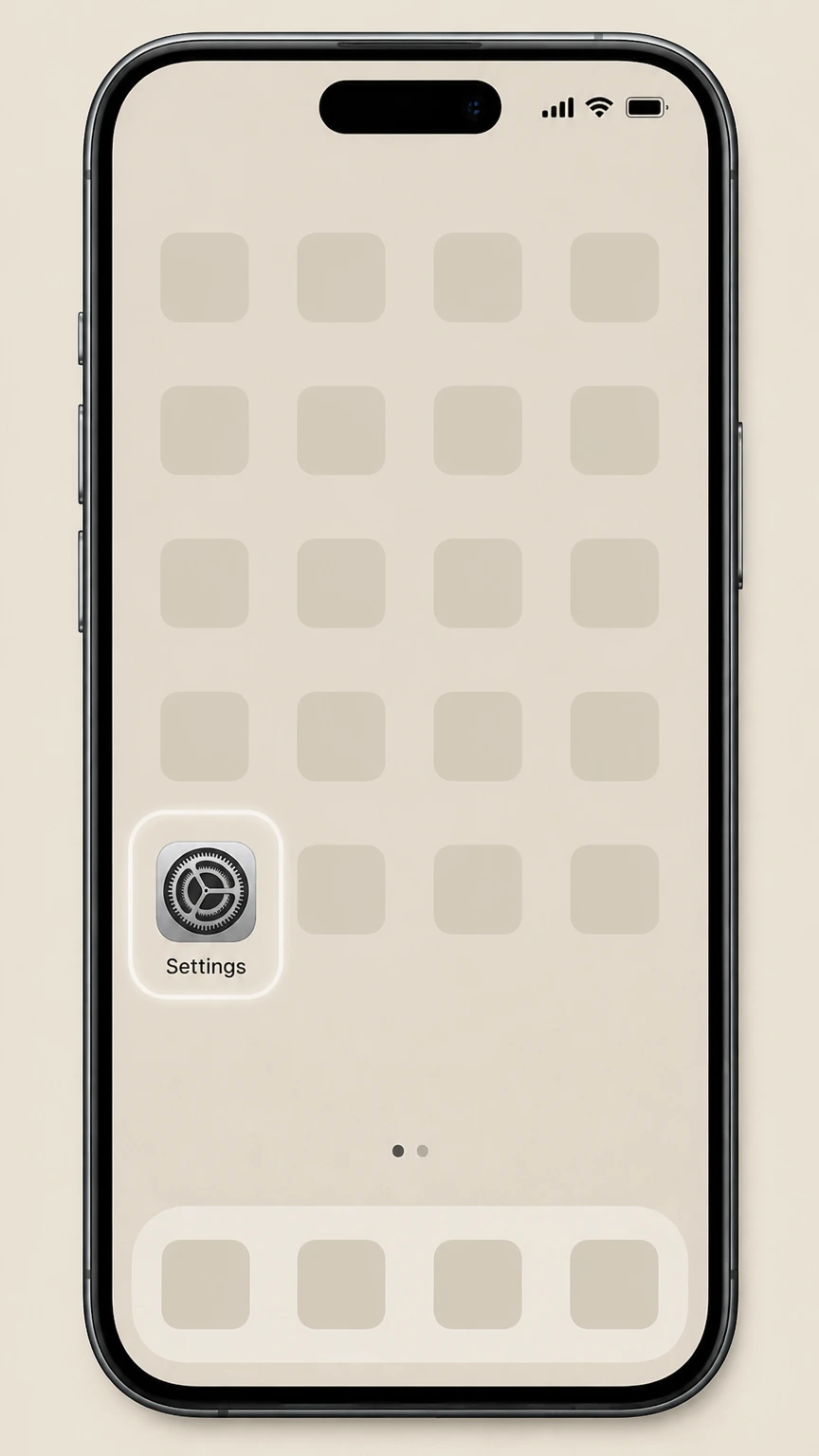
1Open Settings
Open the Settings app on your iPhone or iPad that uses the Apple ID being billed for GQ.
 2
2Tap your name
At the top of Settings, tap your name banner to open your Apple ID account settings.
- Let Pine handle it
Pine can help
Too many steps?
Pine can find the right iOS (Apple‑billed GQ subscriptions) path and handle the cancellation for you.
 3
3Open Subscriptions
In your Apple ID settings, tap Subscriptions to see all active and expired subscriptions on this Apple ID.
 4
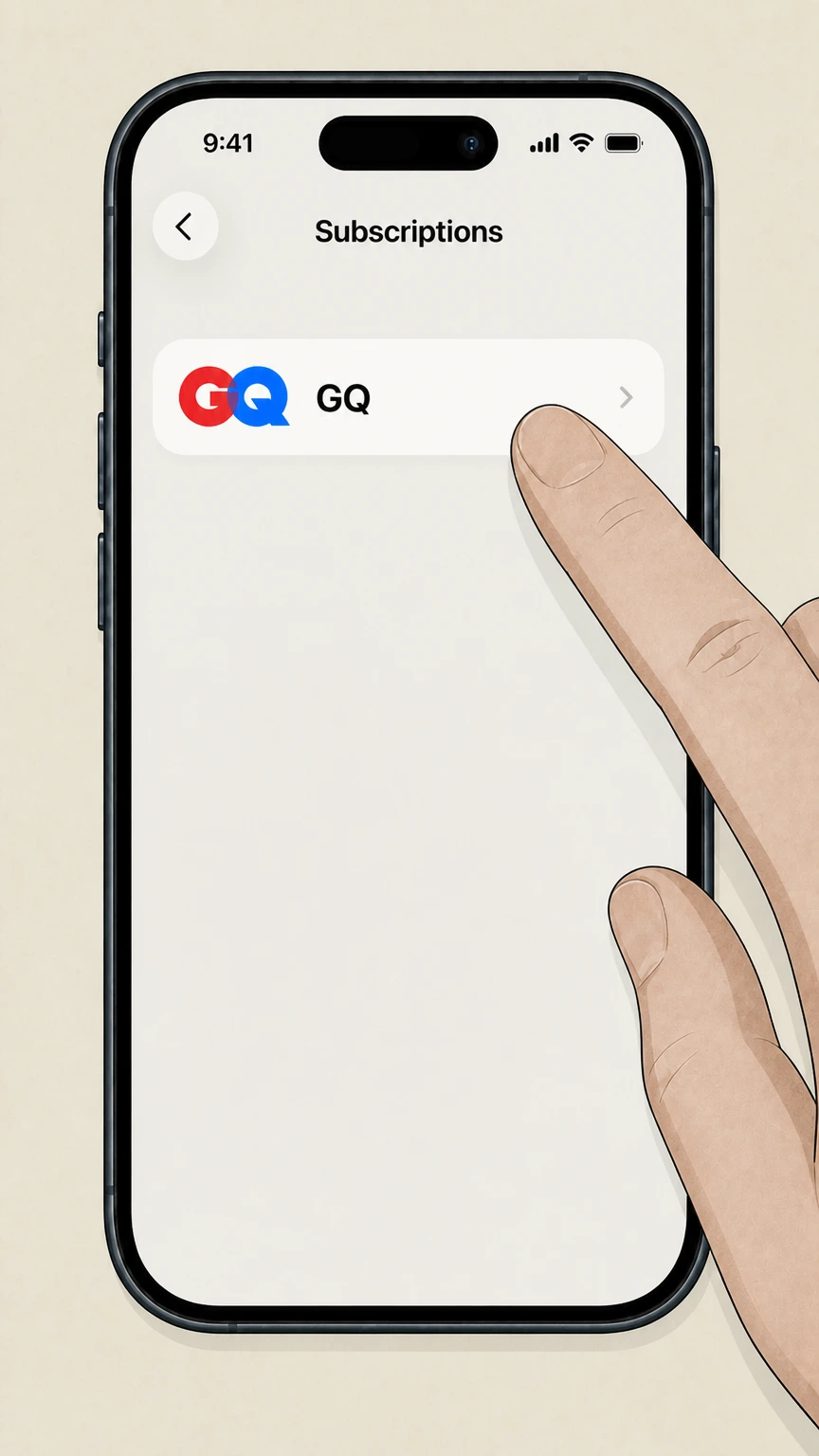
4Select GQ
In the Subscriptions list, tap the GQ subscription entry to open its details.
 5
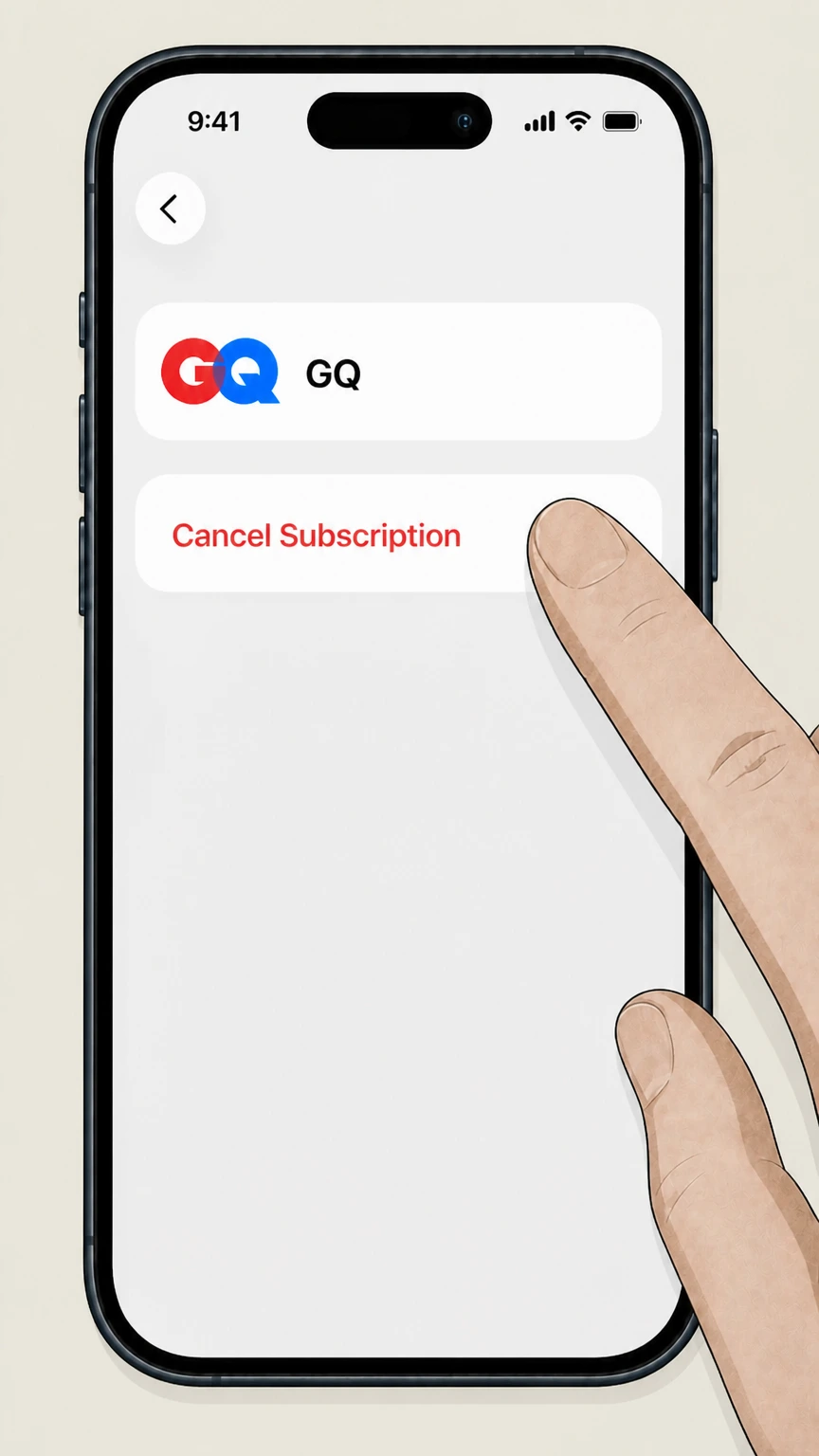
5Cancel the subscription
On the GQ subscription page, tap Cancel Subscription and follow any on‑screen prompts; if you only see an expiration date and no Cancel button, the subscription is already cancelled.

Google Play (Android‑billed GQ subscriptions) · verify the billing owner
Google Play (Android‑billed GQ subscriptions)
 1
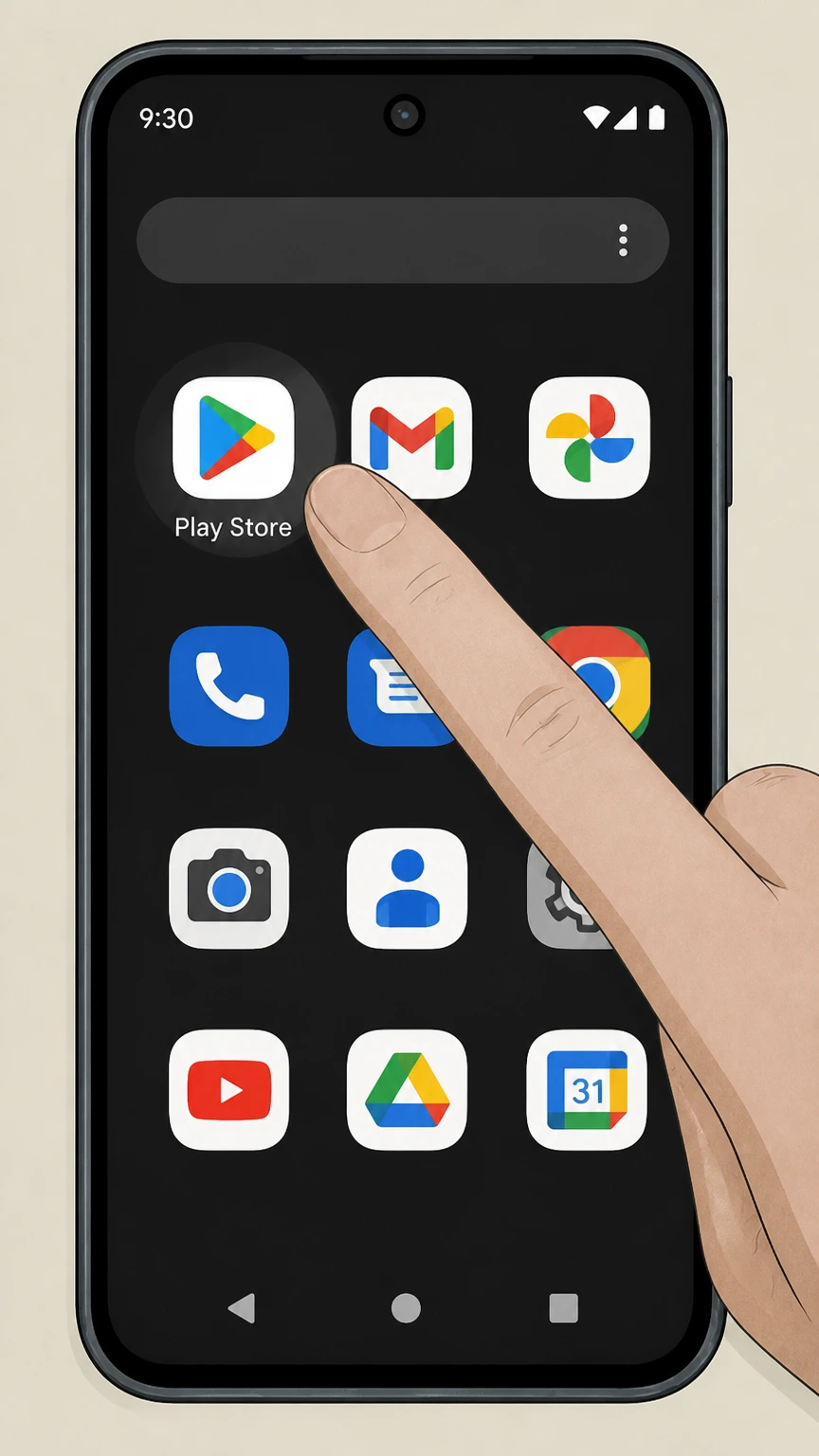
1Open Google Play Store
On your Android device, open the Google Play Store app using the Google account that is billed for GQ.
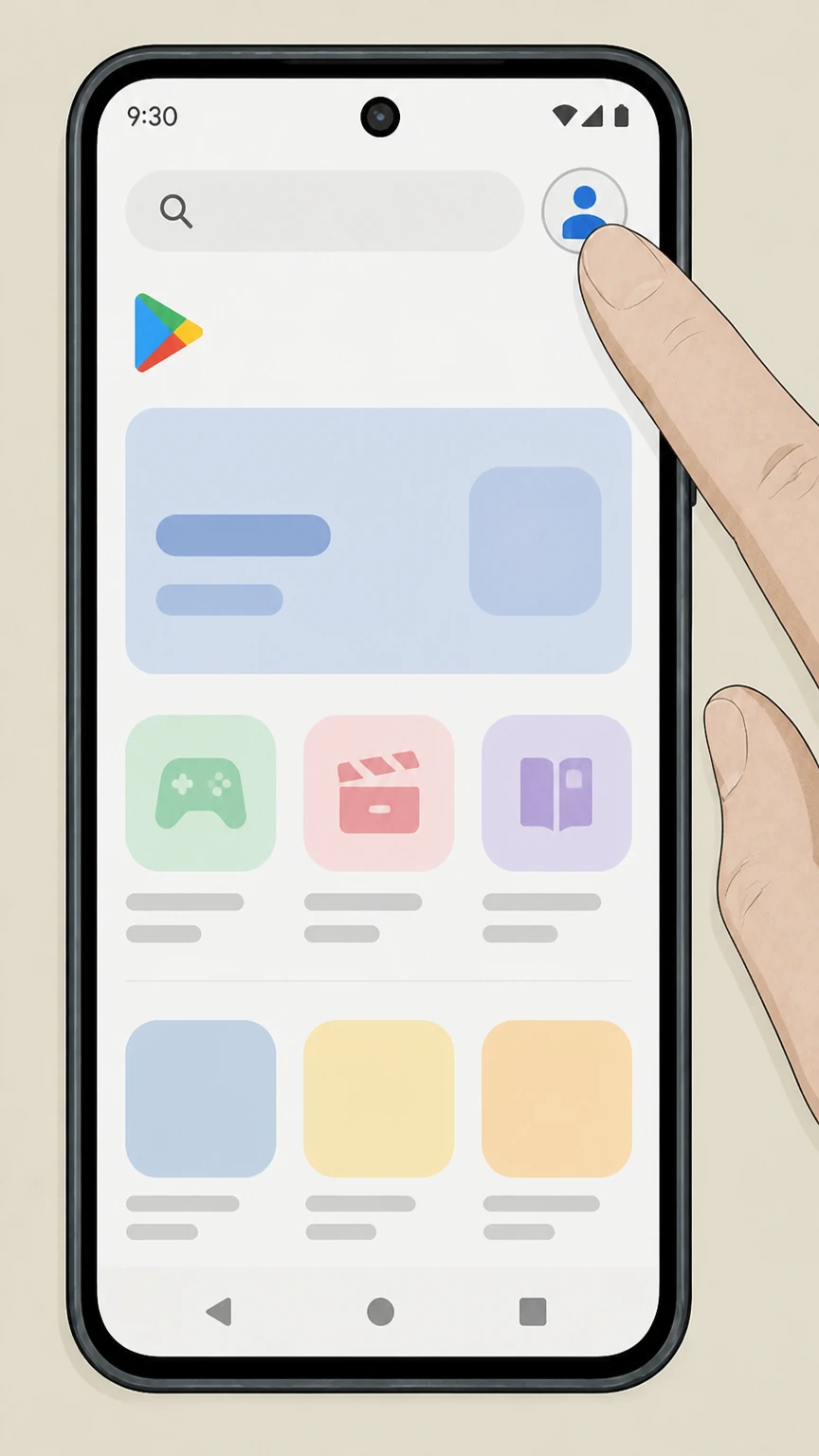 2
2Tap your profile icon
In the top right of Google Play, tap your profile icon to open the account menu.
- Let Pine handle it
Pine can help
Too many steps?
Pine can find the right Google Play (Android‑billed GQ subscriptions) path and handle the cancellation for you.
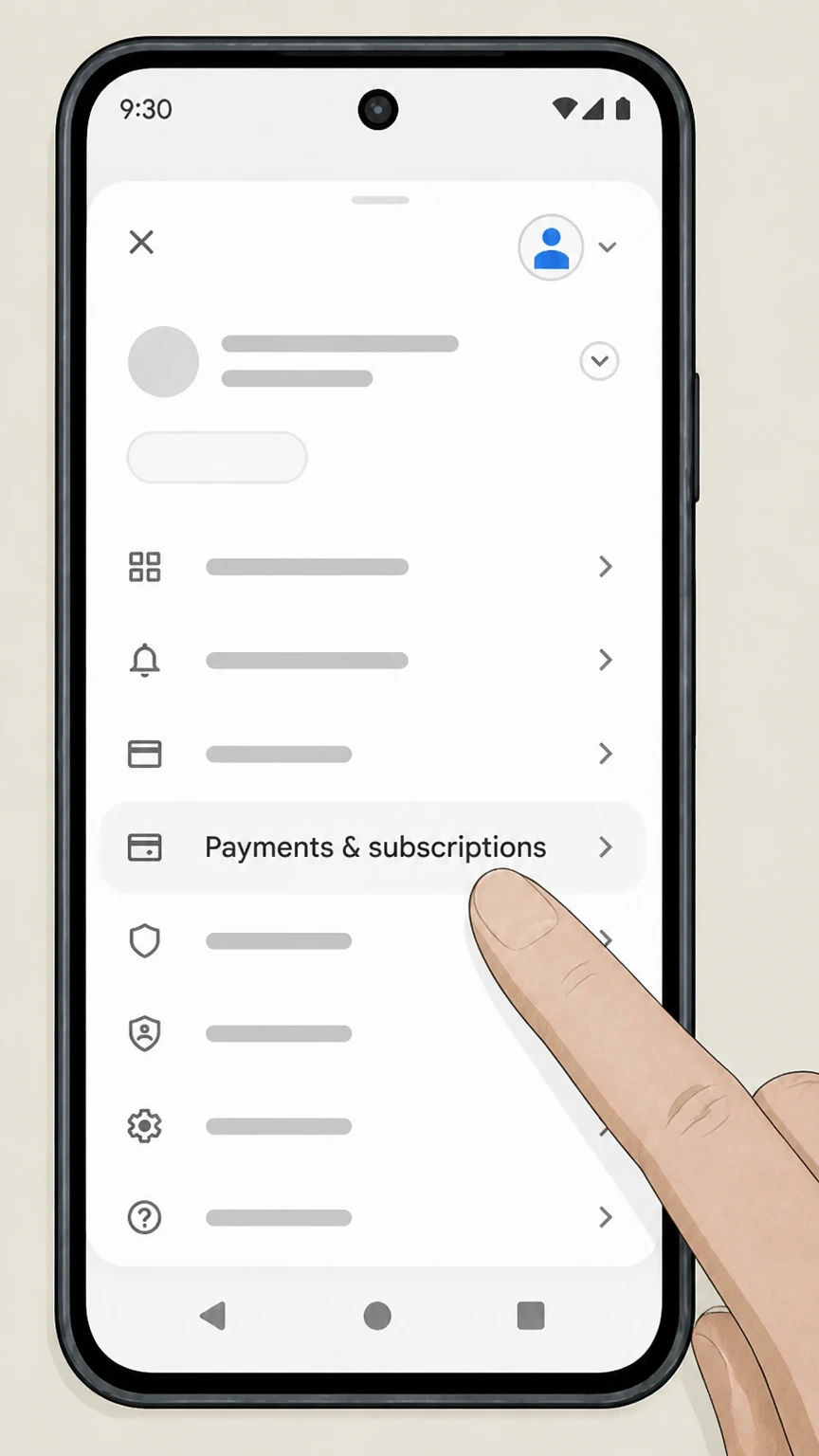 3
3Tap Payments & subscriptions
In the account menu, tap Payments & subscriptions to view billing options.
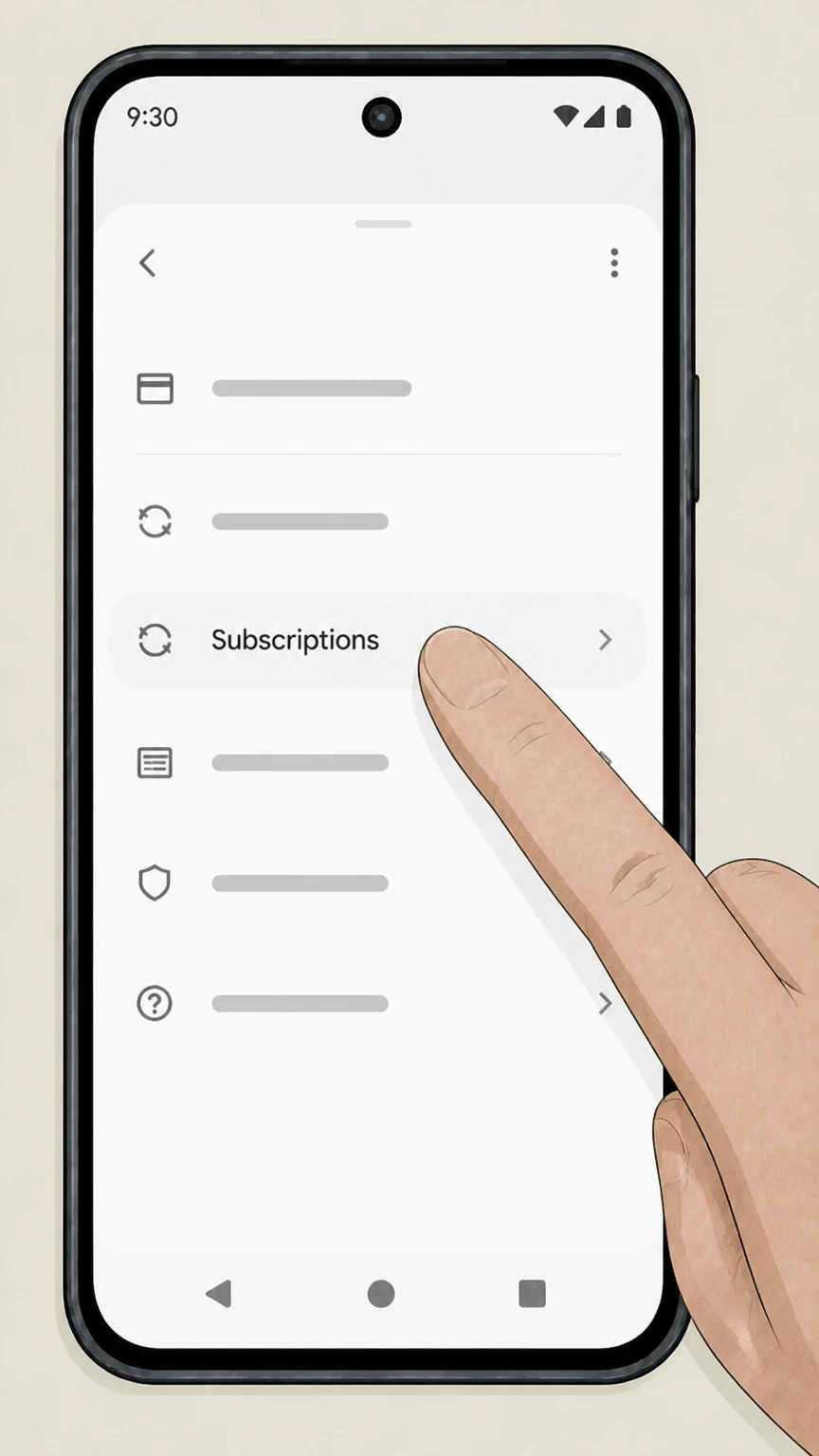 4
4Tap Subscriptions
On the Payments & subscriptions screen, tap Subscriptions to see all subscriptions linked to this Google account.
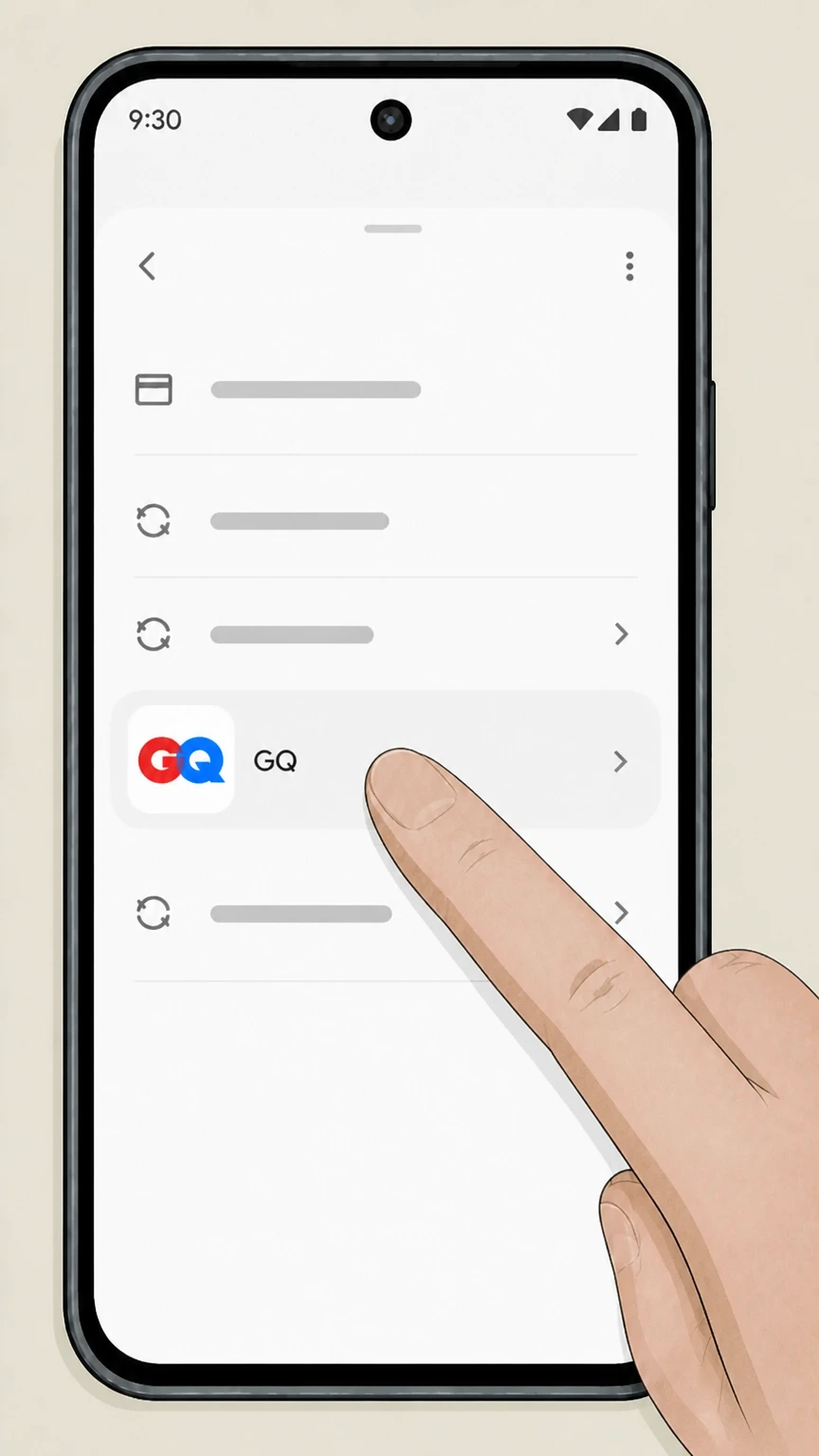 5
5Select GQ
In the list of subscriptions, tap the GQ subscription entry to open its details.
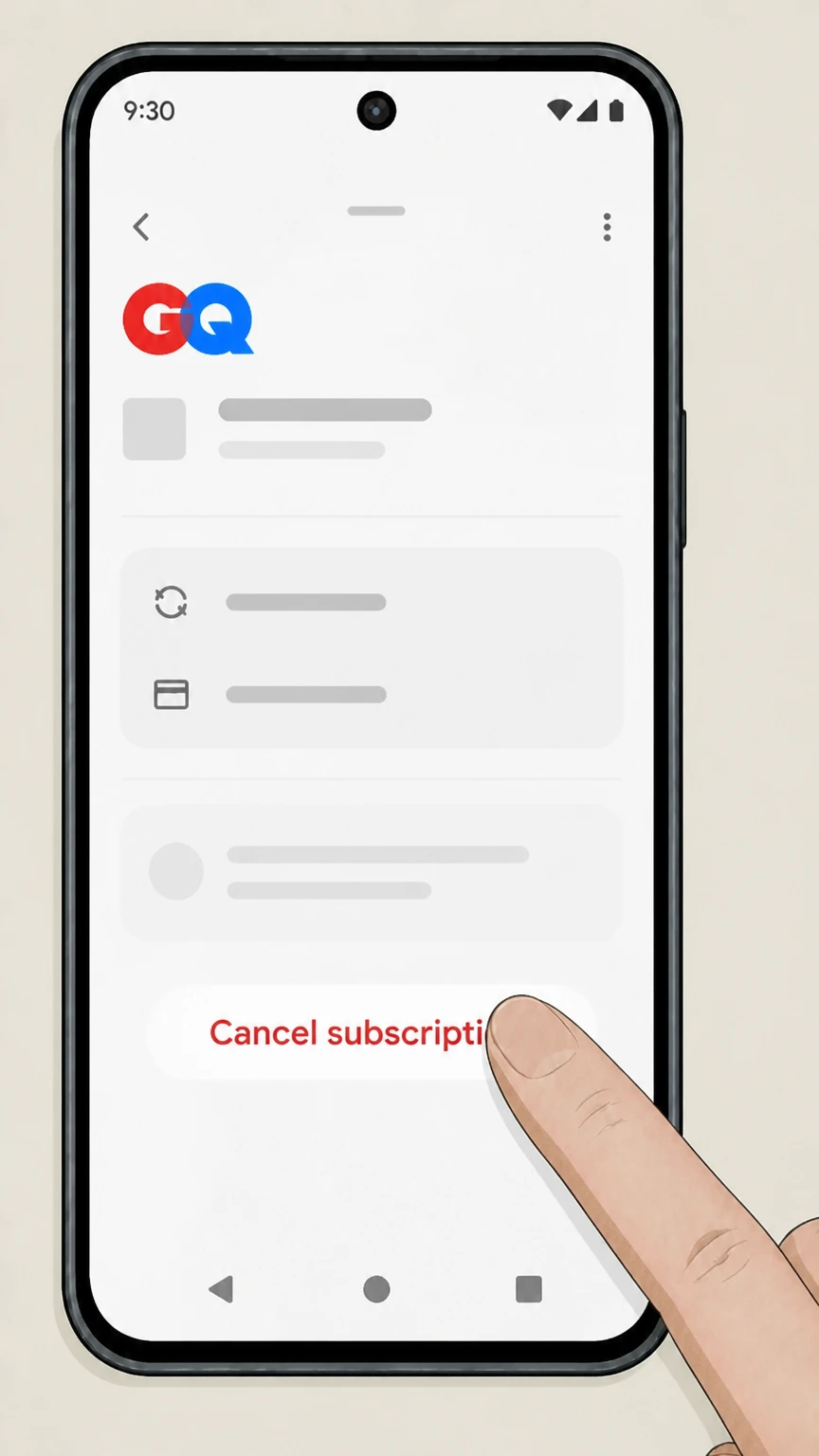 6
6Tap Cancel subscription
On the GQ subscription page, tap Cancel subscription and complete the on‑screen steps to confirm cancellation.
GQ My Account (direct billing) · verify the billing owner
GQ My Account (direct billing)
 1
1Open GQ.com
Open GQ.com in a browser before accessing the account associated with the directly billed subscription.
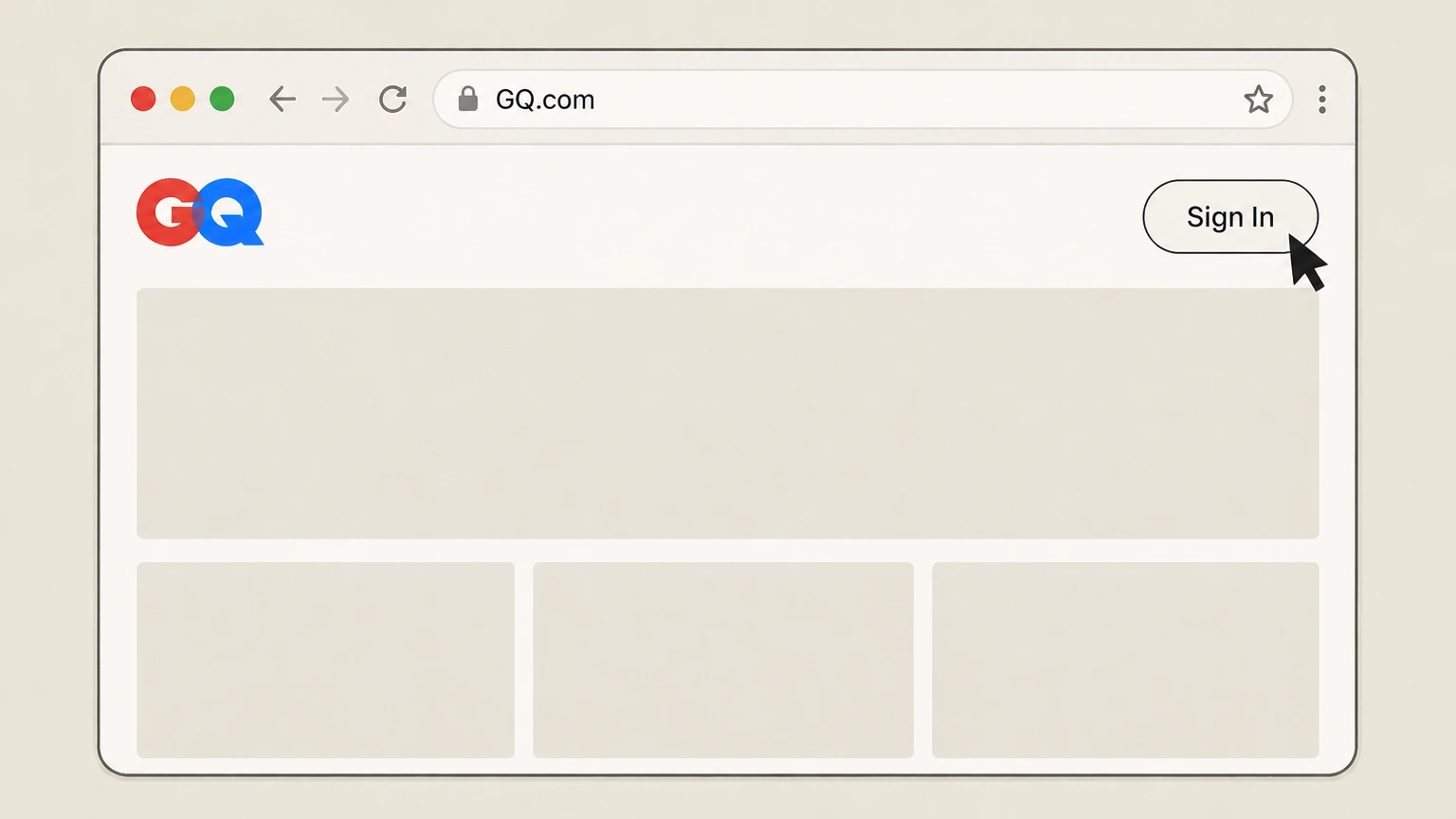 2
2Sign in to GQ.com
Use Sign In with the email address linked to the directly billed GQ subscription.
- Let Pine handle it
Pine can help
Too many steps?
Pine can find the right GQ My Account (direct billing) path and handle the cancellation for you.
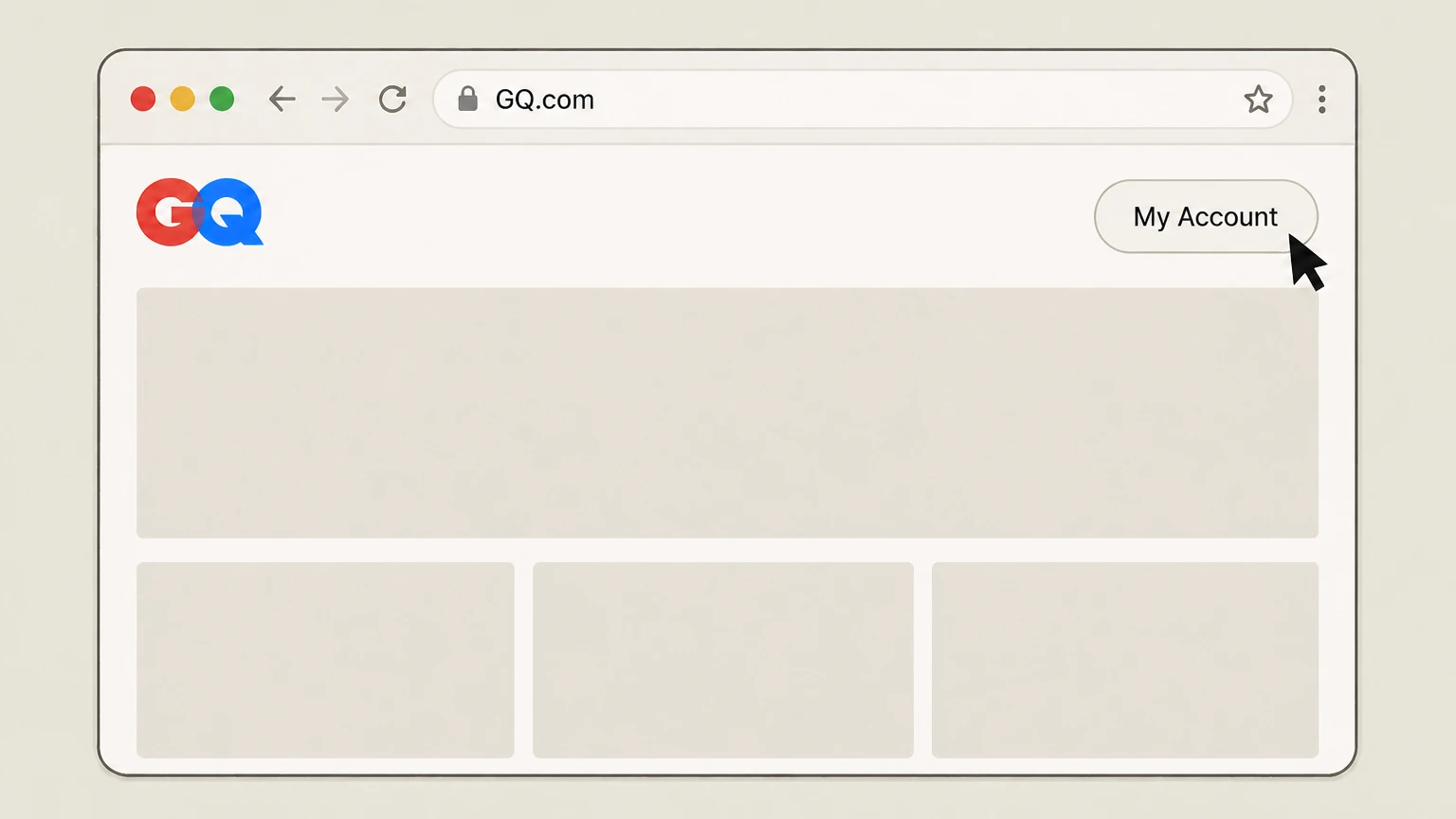 3
3Open My Account
Open My Account from the signed‑in GQ navigation. GQ identifies this page as the place to cancel a direct subscription; follow the current account option there or its Customer Service direction and keep the resulting status.
Refund policy
Refunds when you cancel a GQ subscription
For GQ subscriptions billed through Apple or Google Play, cancelling normally stops future renewals but does not refund the current billing period; any refund is handled under the platform’s own policies, not directly by GQ.
Check my refund options- Apple may allow refunds in limited cases
- Apple’s support materials indicate that you can request a refund for certain App Store purchases, including subscriptions, but approval is case‑by‑case and is not guaranteed simply because you forgot to cancel a GQ subscription in time.
- Google Play keeps access for paid period
- Google Play explains that when you cancel, you usually retain access to the subscription for the time already paid; refunds are only available in specific circumstances described in Google Play’s refund policy.
- No automatic refund on cancellation
- On both Apple and Google Play, cancelling a recurring GQ subscription is distinct from requesting a refund; it stops the next renewal but does not automatically return money already charged for the current term.
- Direct‑billed refunds depend on GQ policy
- If your GQ subscription is billed directly by the publisher, any refund or pro‑rata credit will depend on GQ’s own terms, which are not reproduced on the Apple, Google, Amazon, or regulator sites we can rely on here.
If you believe you were wrongly charged for GQ after cancelling, review your Apple or Google Play subscription status and then follow that platform’s documented process for requesting a refund or contacting support. Review platform refund options
GQ direct billing
Use GQ My Account for a direct subscription
GQ publishes the provider-owned destination but not a stable cancel-button label.
Sign in first
Open GQ.com and use Sign In with the account tied to the direct subscription.
Open My Account
GQ identifies My Account as the page where a direct subscription can be canceled.
Use Customer Service when directed
GQ’s subscription FAQ also publishes an online cancellation link and directs subscribers to Customer Service for assistance.
Store billing
Apple and Google control store-billed GQ
Use the store only when it owns the GQ receipt.
Apple-billed GQ
Cancel GQ in Apple Subscriptions when Apple owns the receipt; an Apple refund is a separate request.
Google-billed GQ
Cancel GQ in Google Play Subscriptions when Google owns the receipt; a Google refund is a separate request.
Account mismatch
If GQ is missing, check the Apple ID or Google Account shown on the receipt before changing routes.
Direct subscription outcome
GQ direct cancellation takes effect at term end
GQ’s provider FAQ publishes the direct cancellation effect.
Term-end effect
GQ states that direct cancellation takes effect at the end of the current subscription period.
Access continues until then
GQ states that the subscriber continues to receive access through the current period.
No direct cancellation refund
GQ states that direct cancellation is non-refundable and stops later charges.
GQ cancellation FAQ
Answers about GQ billing ownership, cancellation timing, refunds, and access after cancellation.
How do I cancel my GQ subscription on iPhone?
How do I cancel my GQ subscription on Android?
How do I cancel my GQ subscription online?
How do I stop GQ from renewing automatically?
Can I get a refund after cancelling a GQ subscription through Apple?
What happens to my GQ access after I cancel on Google Play?
What if I can’t find my GQ subscription in Apple or Google Play?
What if my GQ subscription is billed directly by GQ or Condé Nast?
Untangle this GQ issue.
Let Pine handle the provider follow-up and keep the confirmation in one place.
