


Cosmopolitan
Cancel subscription
How to Cancel Your Cosmopolitan Subscription Online
Learn how to cancel Cosmopolitan through the right billing provider. Follow official steps, understand access timing, refunds, and the confirmation to keep.
- Official Cosmopolitan and billing-owner sources
- 3 provider-specific cancellation paths
- Refund and post-cancellation effects separated from renewal
- Verified August 16, 2026
Choose the Cosmopolitan cancellation path that matches who bills you
Cosmopolitan customer‑service portals (Hearst‑billed) · verify the billing owner
 1
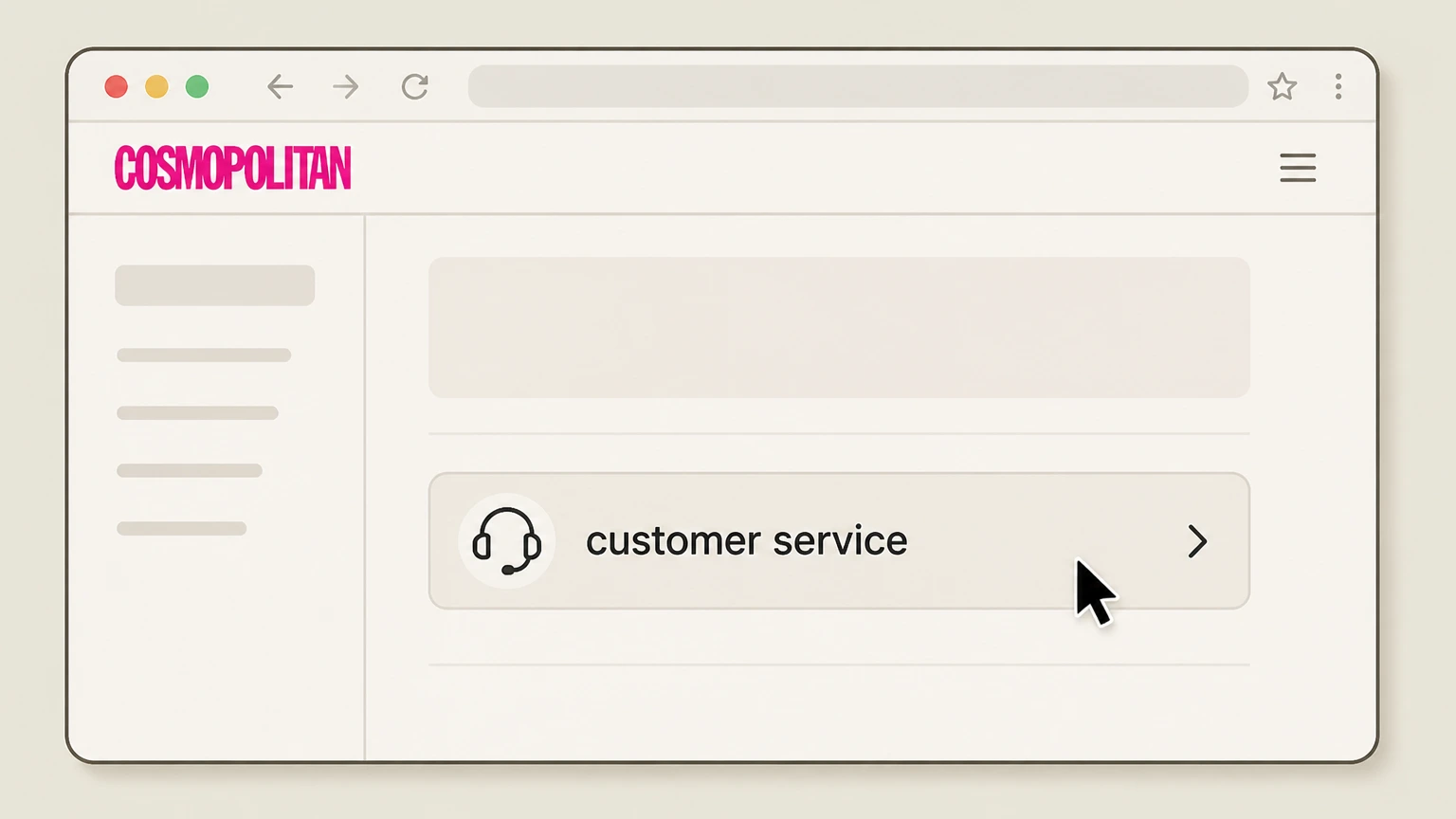
1Open the Cosmopolitan customer service page
In a browser, go to Cosmopolitan’s "customer service" page to access links for managing print subscriptions and Club Cosmo memberships.
 2
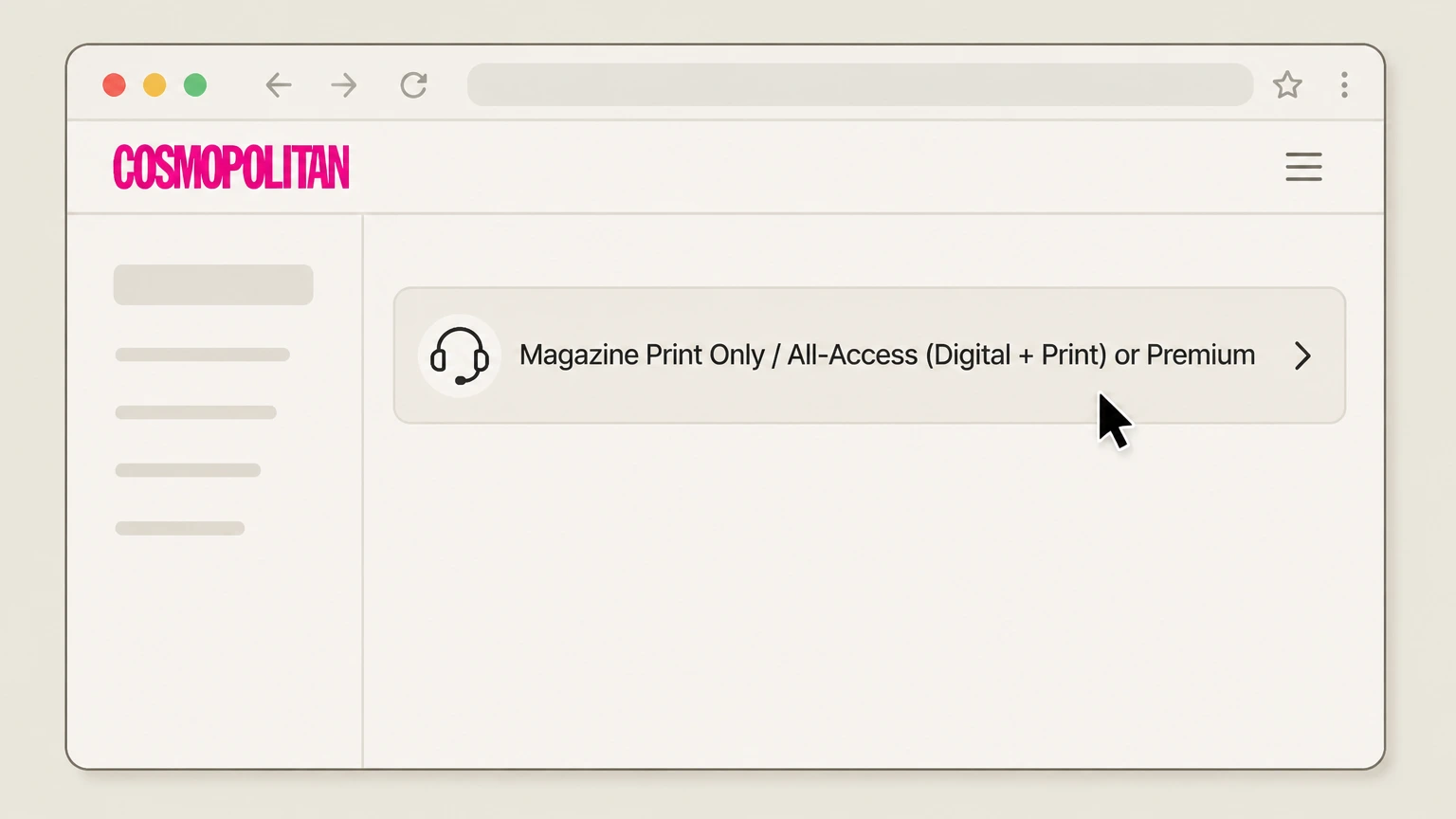
2Select the matching subscription portal
Click the portal link that matches your product, such as "Magazine Print Only" for standalone print or "All-Access (Digital + Print) or Premium" for Club Cosmo memberships.
- Let Pine handle it
Pine can help
Too many steps?
Pine can find the right Cosmopolitan customer‑service portals (Hearst‑billed) path and handle the cancellation for you.
 3
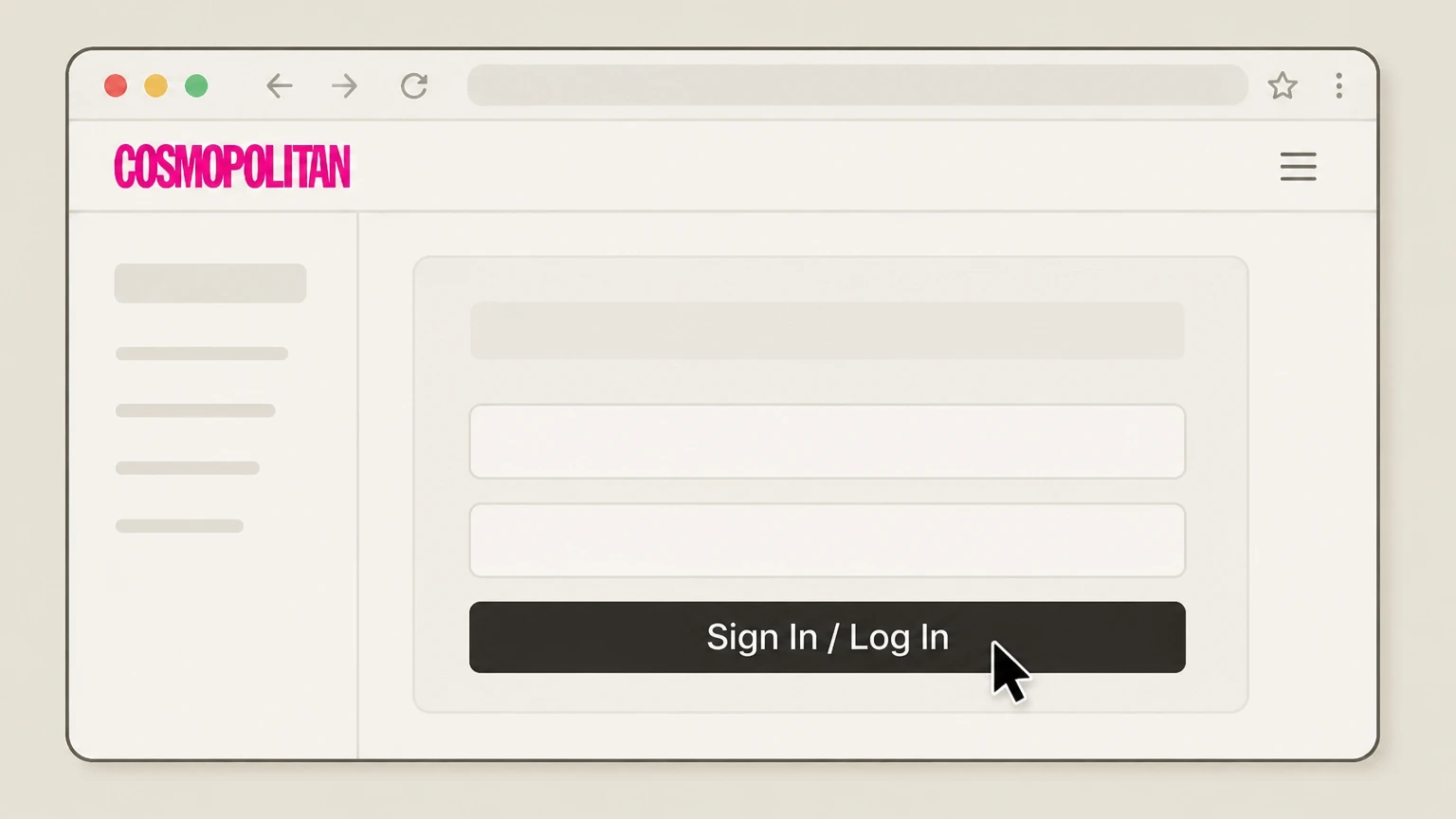
3Sign in to your subscription account
Use the sign‑in fields to log in with the email, mailing address, or account number associated with your Cosmopolitan subscription.
 4
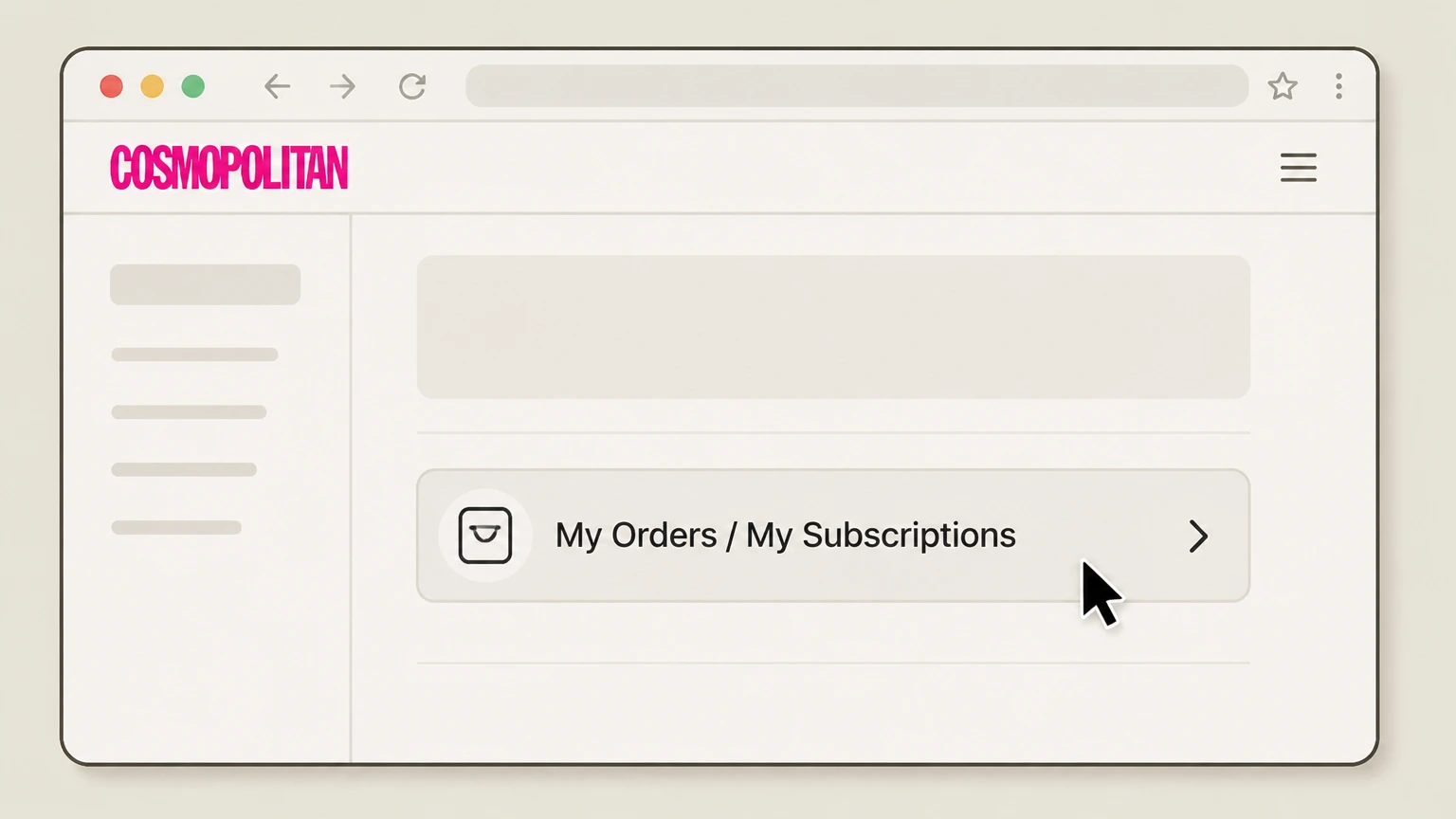
4Open your active Cosmopolitan order
From your account, go to "My Orders" or "My Subscriptions" and select the active Cosmopolitan subscription you want to cancel.
 5
5Use the cancel or continuous service option
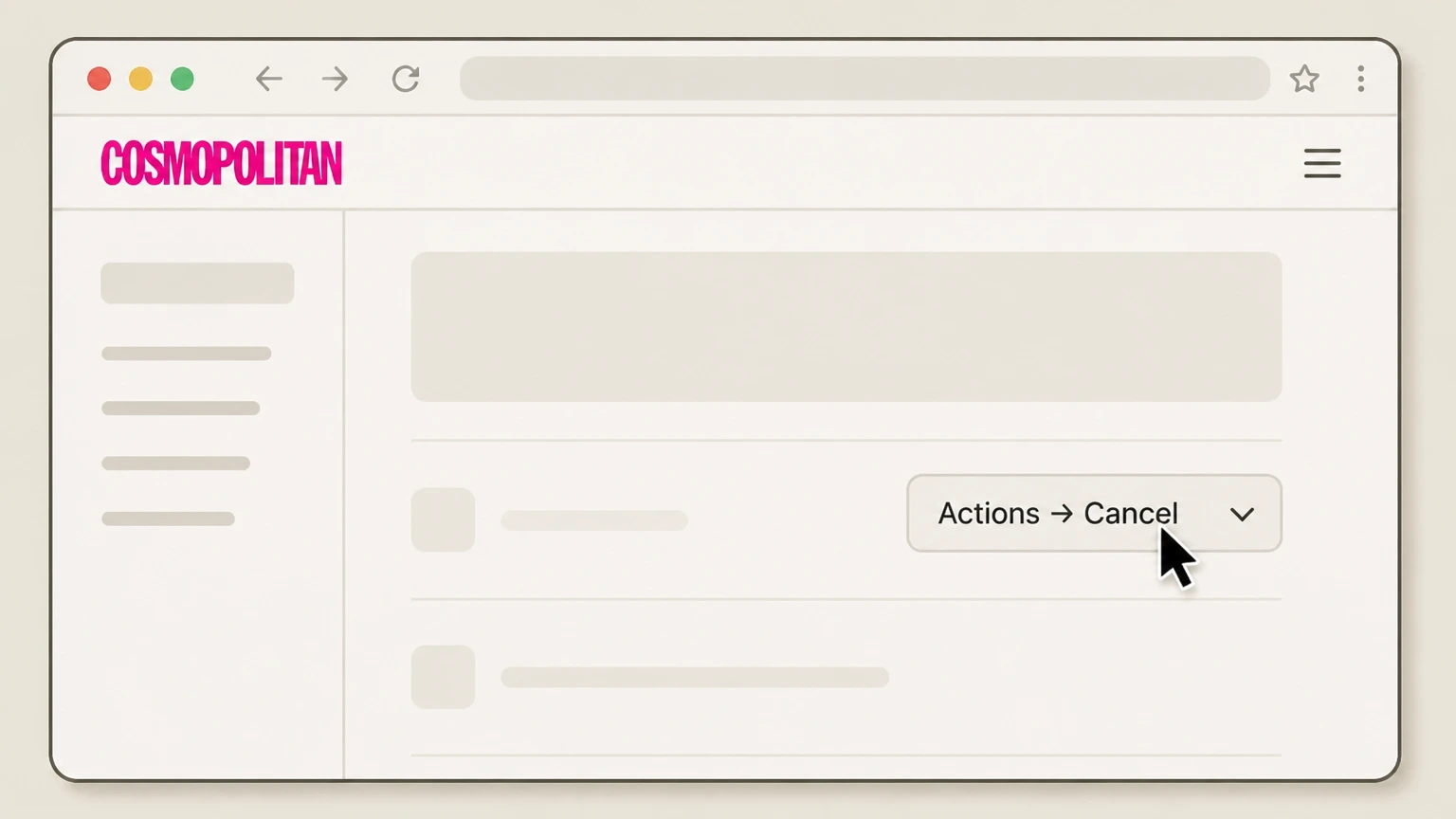
If a "Cancel" choice appears in the "Actions" menu for that order, select "Cancel" and confirm; if not, use the on‑page customer‑service contact option to request cancellation for that subscription.

Apple App Store on iPhone or iPad · verify the billing owner
 1
1Open Settings
On your iPhone or iPad, open the Settings app from your home screen. Use the Cosmopolitan account named on your receipt, and continue only after the next status in this cancellation path is visible.
 2
2Tap your name
At the top of Settings, tap your name to open your Apple ID account settings. Use the Cosmopolitan account named on your receipt, and continue only after the next status in this cancellation path is visible.
- Let Pine handle it
Pine can help
Too many steps?
Pine can find the right Apple App Store on iPhone or iPad path and handle the cancellation for you.
 3
3Open Subscriptions
In your Apple ID screen, tap "Subscriptions" to see all active and expired subscriptions. Use the Cosmopolitan account named on your receipt, and continue only after the next status in this cancellation path is visible.
 4
4Select Cosmopolitan
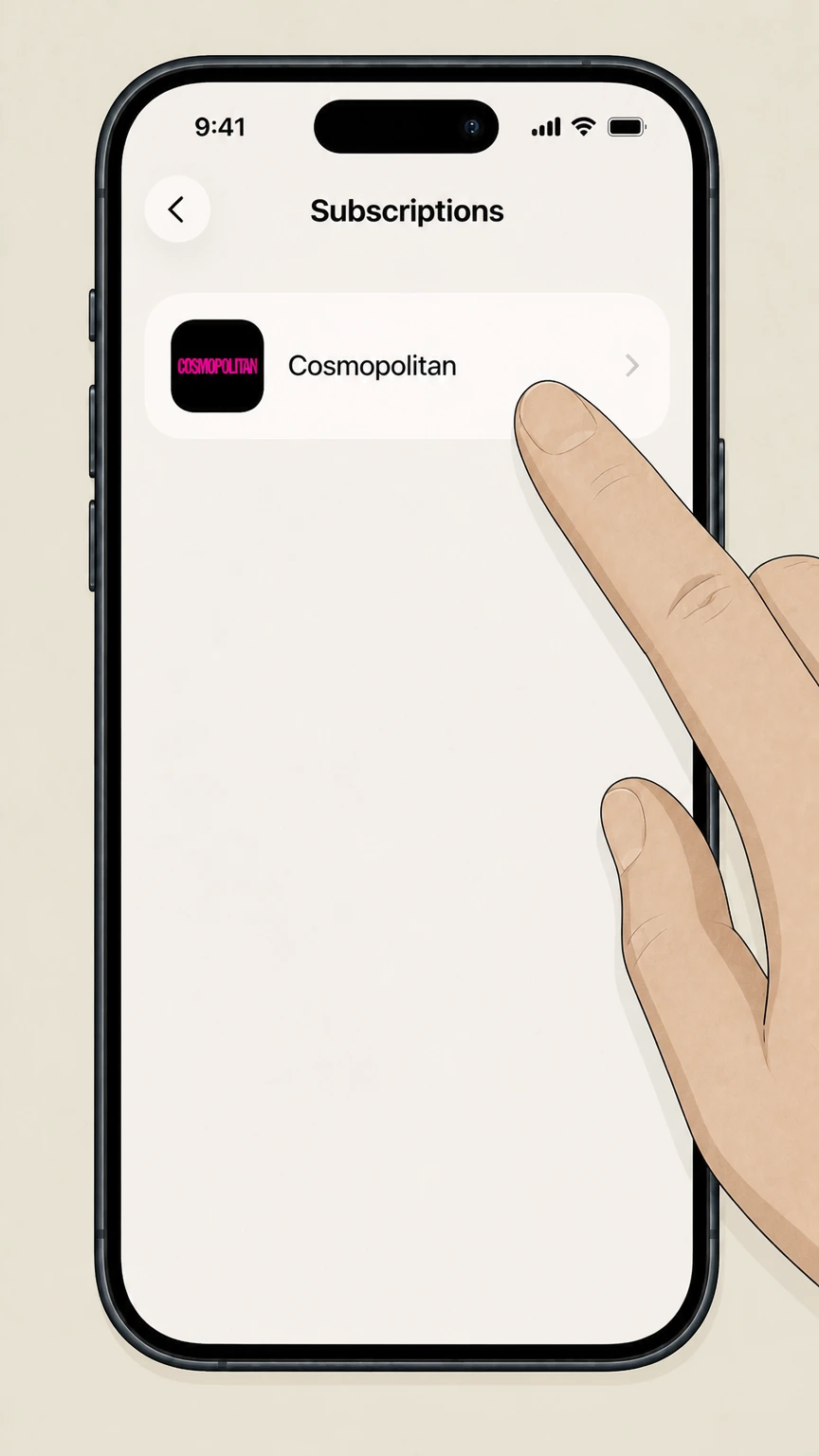
In the list of subscriptions, tap the Cosmopolitan subscription you want to cancel. Use the Cosmopolitan account named on your receipt, and continue only after the next status in this cancellation path is visible.
 5
5Cancel the subscription
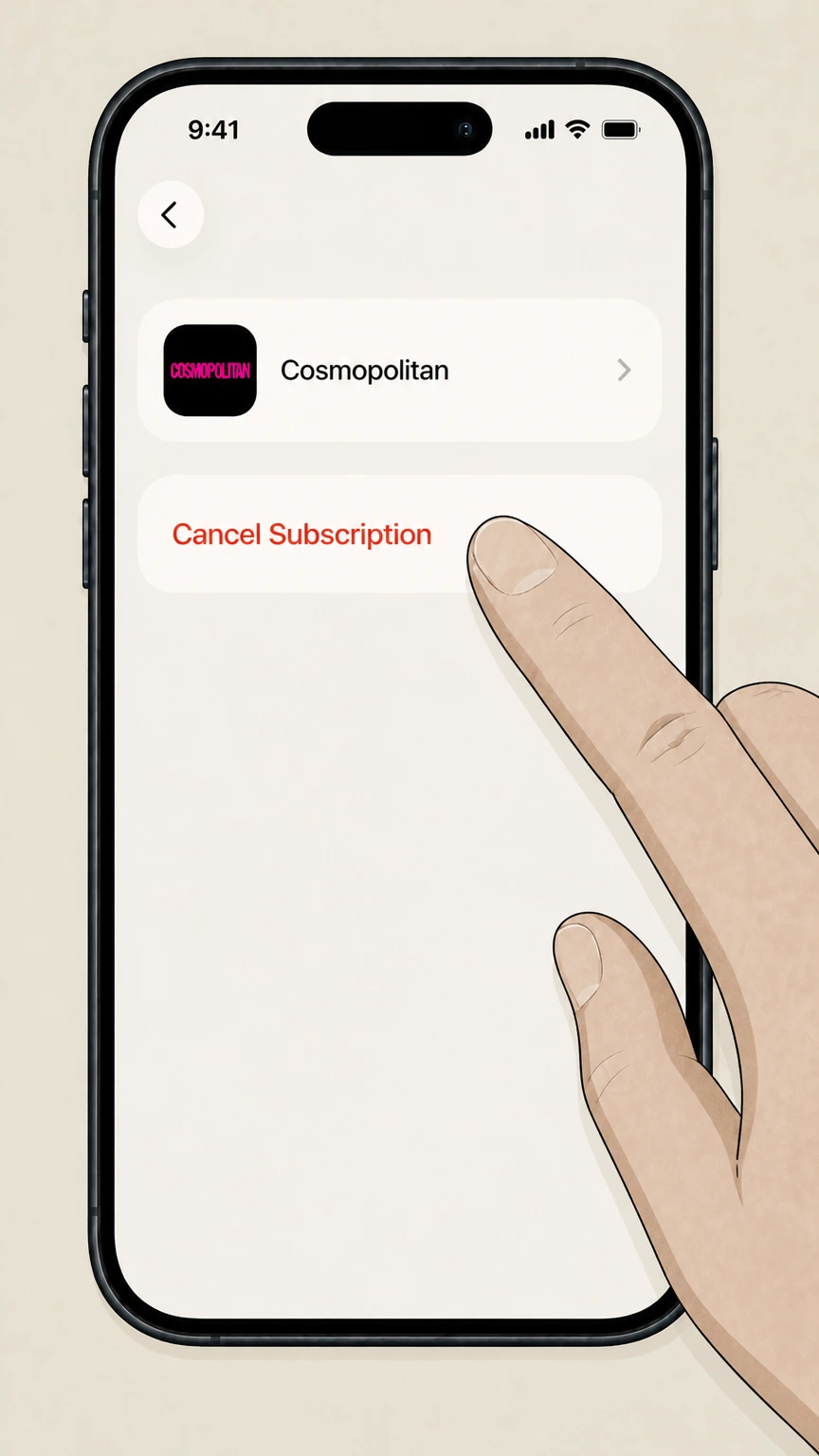
Tap "Cancel Subscription" and follow any on‑screen prompts; if no cancel button appears, the subscription is already set to end.
Google Play Store on Android · verify the billing owner
 1
1Open Google Play
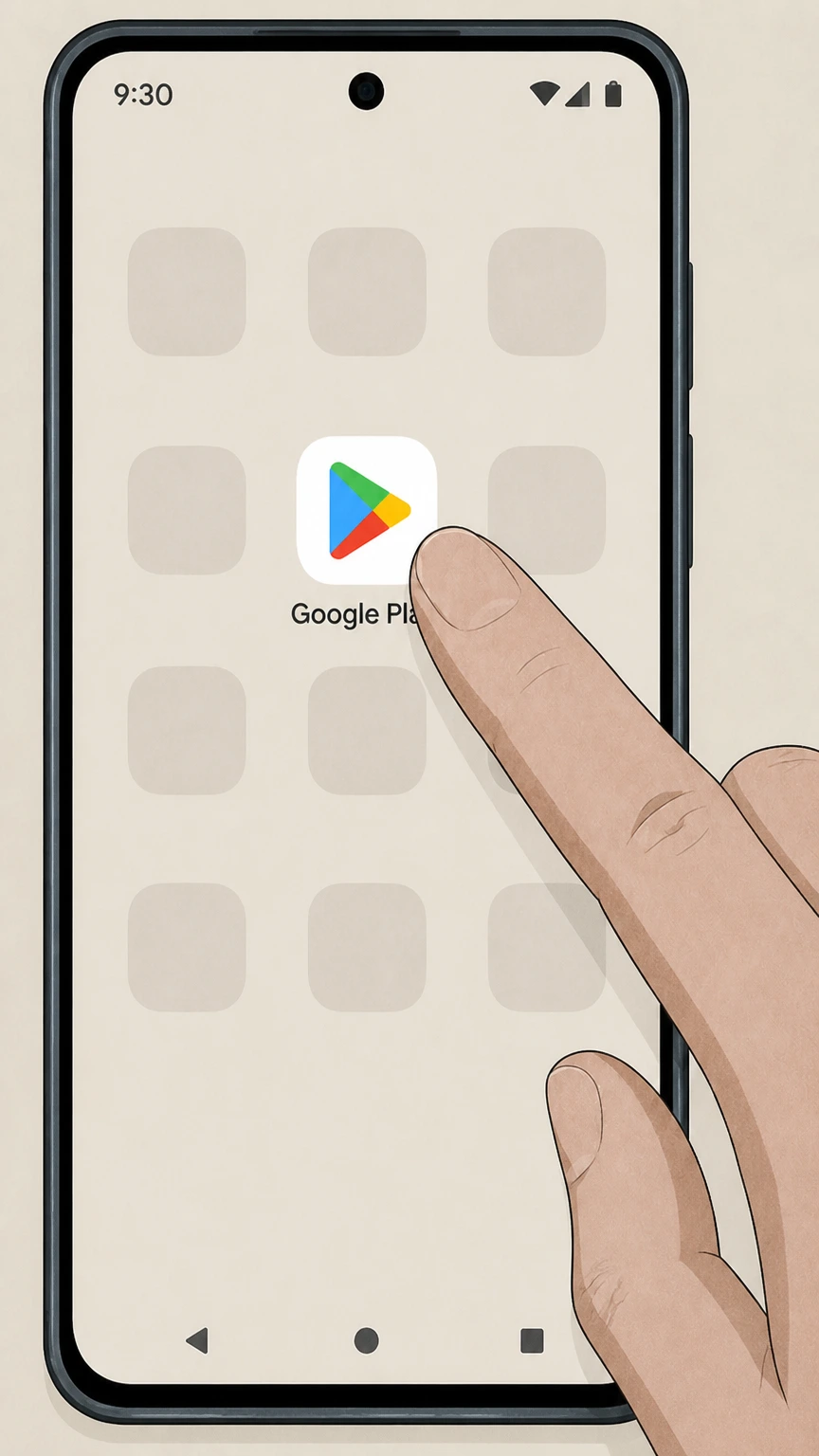
On your Android phone or tablet, open the Google Play Store app. Use the Cosmopolitan account named on your receipt, and continue only after the next status in this cancellation path is visible.
 2
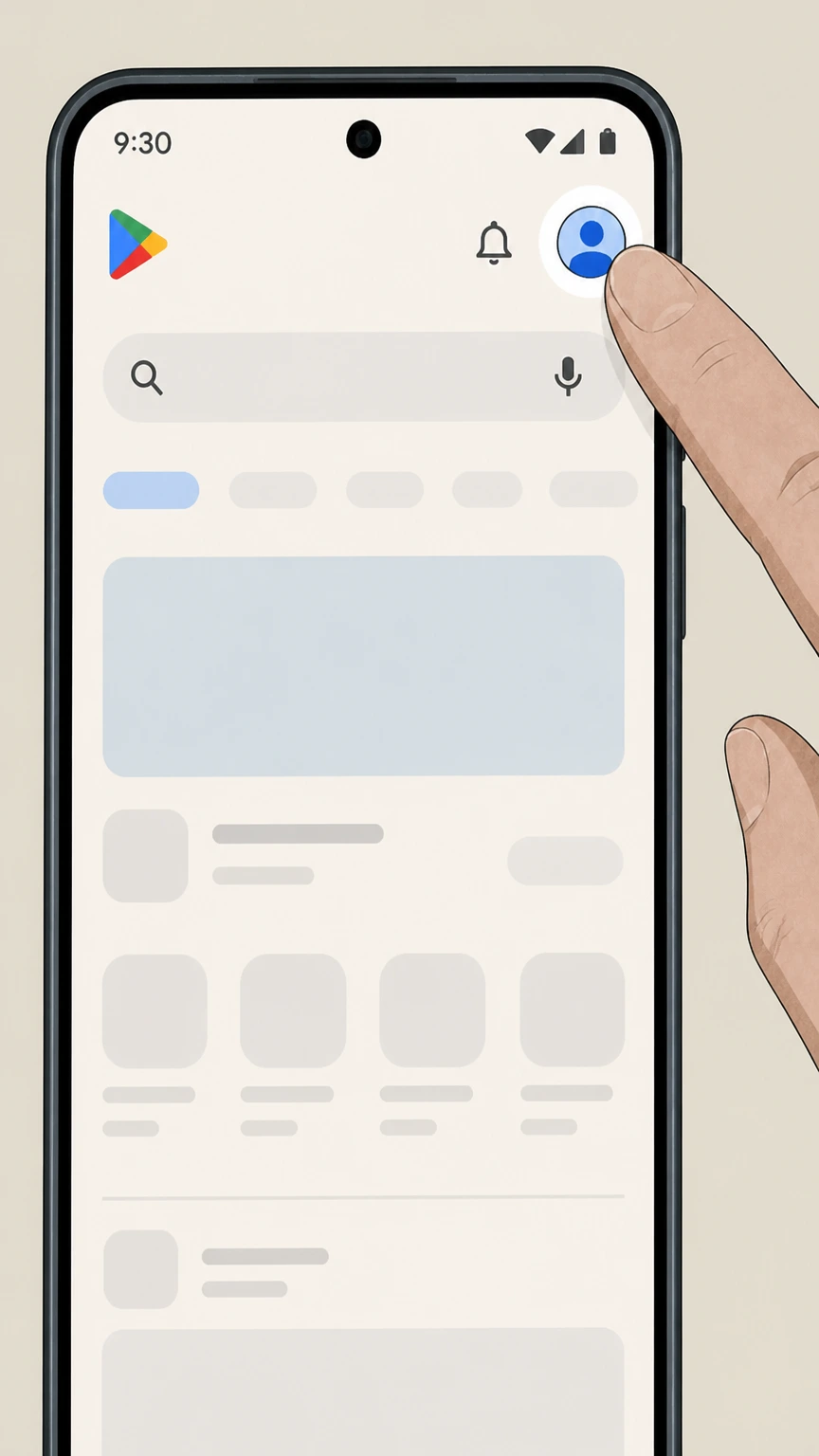
2Open your account menu
Tap your profile picture in the top‑right corner of the Play Store to open the account menu. Use the Cosmopolitan account named on your receipt, and continue only after the next status in this cancellation path is visible.
- Let Pine handle it
Pine can help
Too many steps?
Pine can find the right Google Play Store on Android path and handle the cancellation for you.
 3
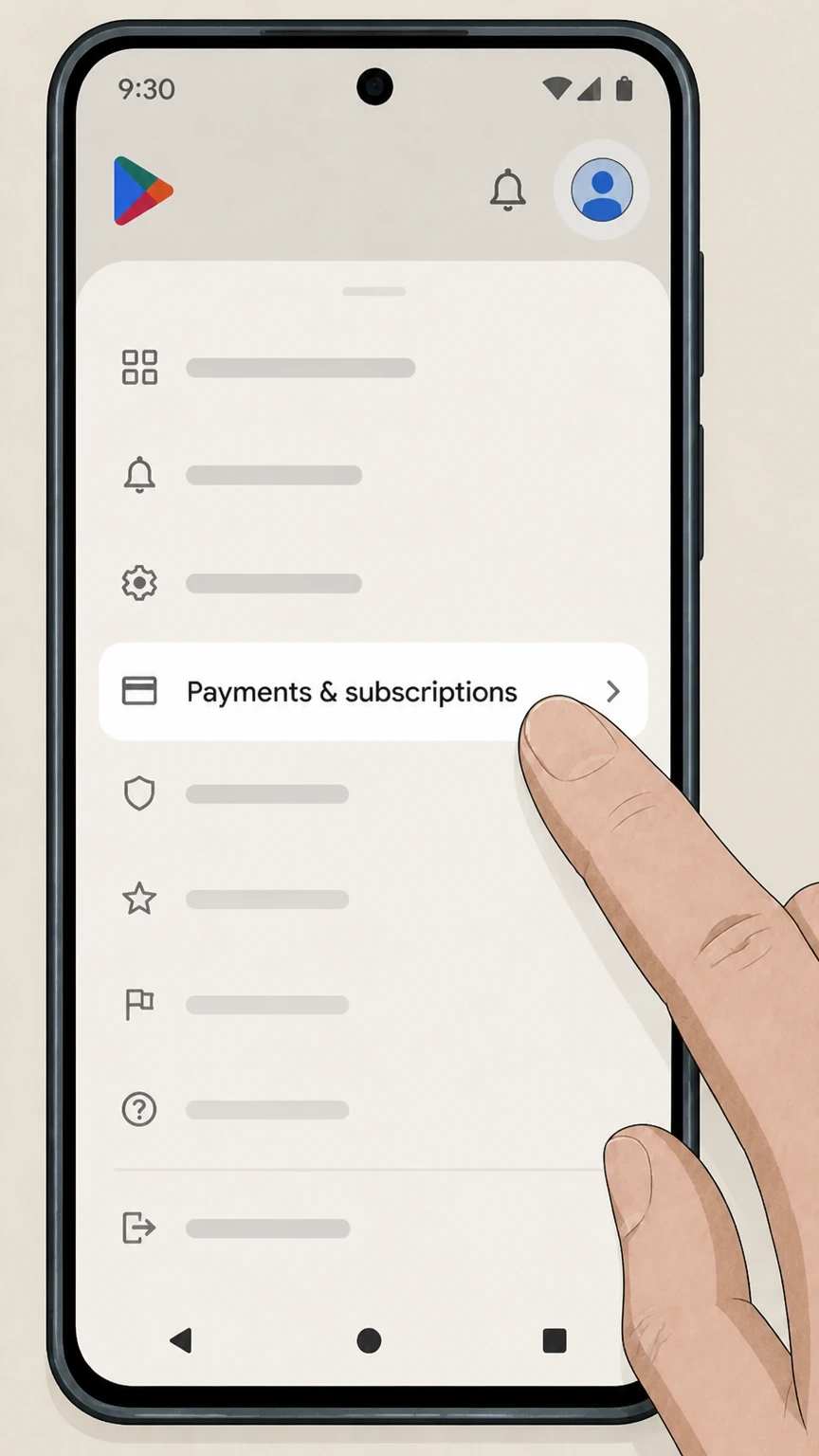
3Go to Payments & subscriptions
In the menu, tap "Payments & subscriptions" to access billing and subscription options. Use the Cosmopolitan account named on your receipt, and continue only after the next status in this cancellation path is visible.
 4
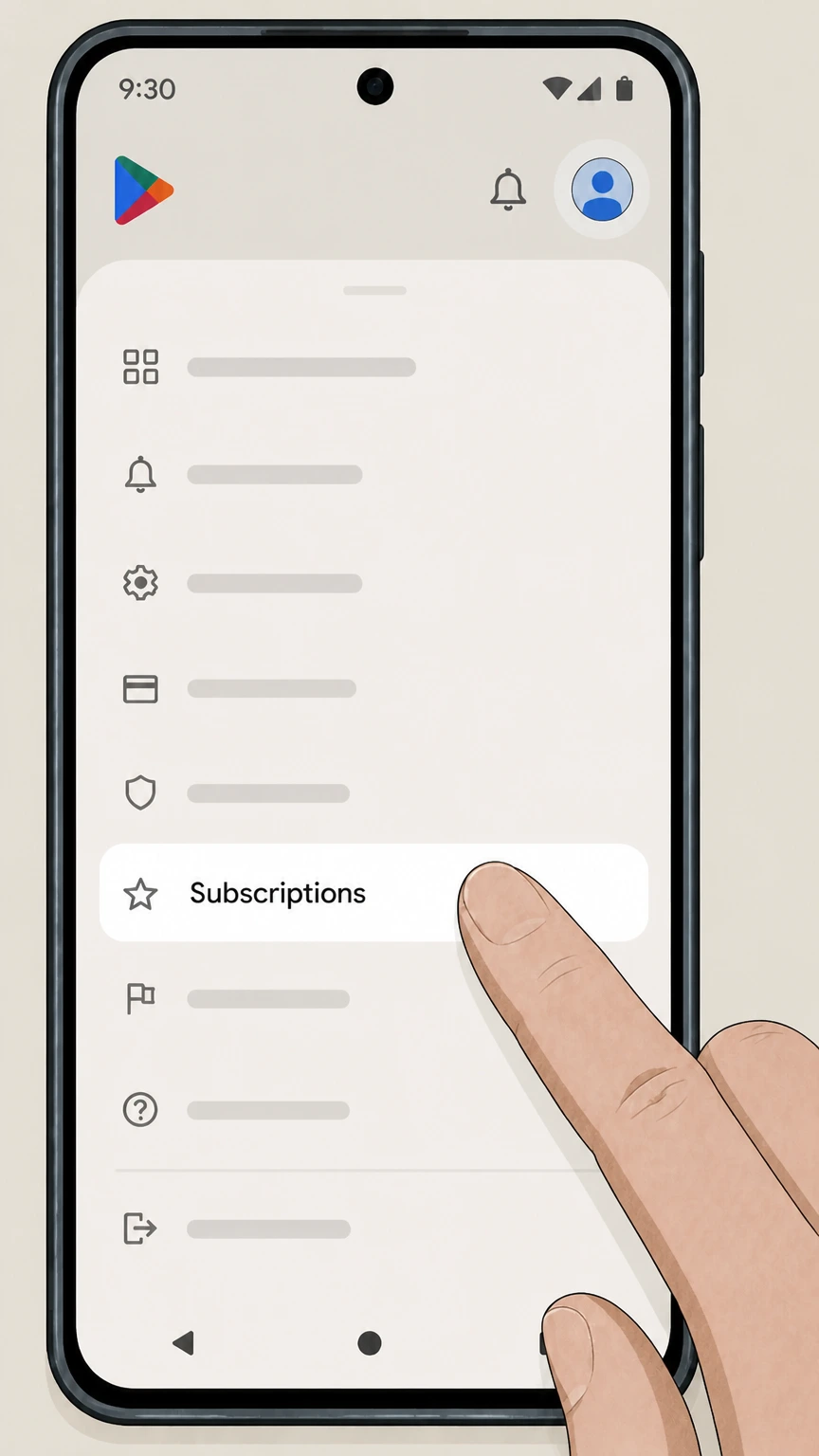
4Open Subscriptions
Tap "Subscriptions" to display your list of active Google Play subscriptions. Use the Cosmopolitan account named on your receipt, and continue only after the next status in this cancellation path is visible.
 5
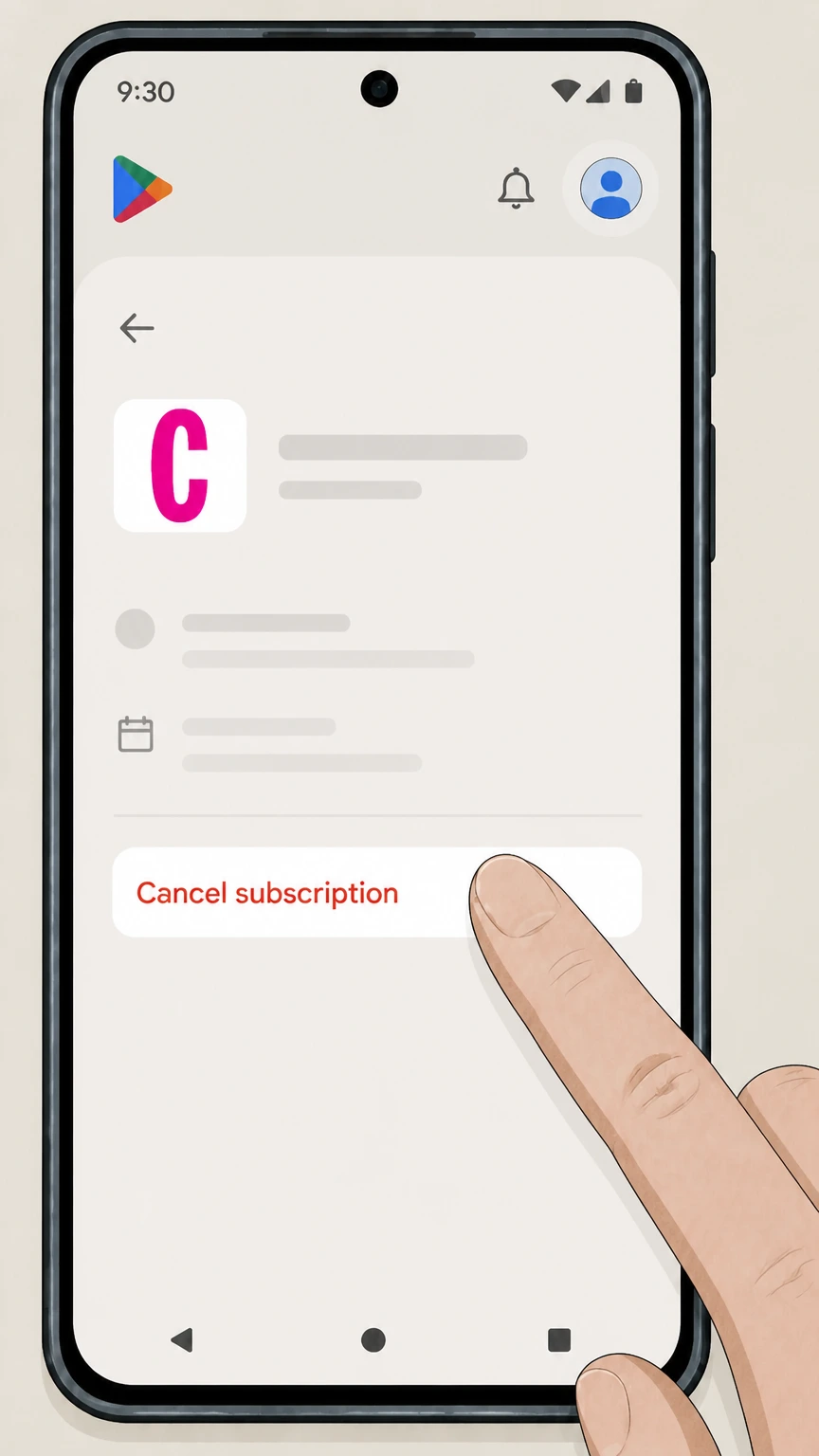
5Cancel the Cosmopolitan subscription
Tap your Cosmopolitan subscription, choose "Cancel subscription," and follow the on‑screen instructions to confirm. Use the Cosmopolitan account named on your receipt, and continue only after the next status in this cancellation path is visible.
Refund policy
Cosmopolitan refunds and what changes after cancellation
Refund treatment depends on whether you hold a traditional print subscription, a Club Cosmo membership, a gift subscription, or an app‑store subscription. Print plans usually refund unmailed copies, memberships are typically non‑refundable, and Apple or Google Play follow their own store policies.
Check my refund options- Print subscriptions refund unmailed issues
- Hearst’s Cosmopolitan print FAQ states that if you cancel a direct print subscription online or by marking an invoice “cancel,” you receive a refund for all remaining copies that have not been mailed; any issues already in transit are yours to keep.join.cosmopolitan.com
- Club Cosmo membership payments are non‑refundable
- Club Cosmo membership terms on membership.cosmopolitan.com explain that subscriptions auto‑renew and that you can cancel any time via Customer Service, but payments are non‑refundable and your access continues only until the end of the current term.membership.cosmopolitan.com
- Gift subscriptions and cancellation windows
- Cosmopolitan’s gift‑subscription FAQ notes that gifts are charged on purchase and provides a limited period to cancel unredeemed gifts; after that period, or once redeemed, gift subscriptions become non‑refundable under the stated policy.cosmopolitan.com
- Apple App Store subscriptions
- Apple’s support article makes clear that cancelling an App Store subscription stops future renewals but usually does not refund the current billing period; to seek a refund you must follow Apple’s separate refund‑request process.support.apple.com
- Google Play subscriptions
- Google Play’s subscription help explains that cancelling prevents further charges and lets you keep access until the next renewal date, and that refunds are only granted under Google Play’s refund policy, not automatically on cancellation.support.google.com
If your situation does not clearly match any category or you believe a special circumstance applies, use Cosmopolitan’s customer‑service page to reach print or membership support, or use the “Report a problem” / refund tools in Apple or Google Play for store‑billed purchases. Go to Cosmopolitan customer service
Who can cancel
Knowing who bills you for Cosmopolitan
Cancellation options depend on whether Hearst/Cosmopolitan or a third‑party platform billed your subscription. Use your order confirmation and payment statement to identify the right path.
Hearst and Cosmopolitan direct billing
If you ordered from Cosmopolitan print or membership sites (including service.cosmopolitan.com, print.cosmopolitan.com, join.cosmopolitan.com, or membership.cosmopolitan.com), Hearst is your billing owner and you must use Cosmopolitan’s customer‑service tools or contacts to cancel.service.cosmopolitan.com
Apple and Google Play billing
If the charge shows Apple or Google Play and you subscribed in a Cosmopolitan app, Apple or Google controls billing; Cosmopolitan’s own portals can’t stop those renewals. Cancel from your Apple ID Subscriptions or Google Play subscriptions list instead.support.apple.com
Other digital storefronts and agencies
Cosmopolitan’s FAQ notes digital issues are also sold through stores like Amazon Kindle, NOOK, and Zinio, and that agency‑sold subscriptions must be cancelled and refunded through the original agent rather than through Hearst.join.cosmopolitan.com
Sweepstakes and inadvertent orders
If you entered a Hearst sweepstakes and unintentionally created a Cosmopolitan subscription, you can cancel by logging into your account at service.cosmopolitan.com or emailing customer service, per the global care FAQ.w1.buysub.com
Print subscribers
Cancelling a Cosmopolitan print magazine subscription
Print‑only Cosmopolitan subscriptions sold by Hearst include self‑service cancellation and clear refund terms for unmailed copies.
Accessing the subscription center
Use Cosmopolitan’s customer‑service article to reach the "Magazine Print Only" portal, which forwards to Hearst’s subscription center where you can sign in with your account number, email, or mailing address.service.cosmopolitan.com
Cancelling online after logging in
The print FAQ explains that you may cancel your subscription online after logging in; you select your Cosmopolitan order and submit a cancel request from within the Hearst subscription center.join.cosmopolitan.com
Written cancel requests from invoices
If you prefer not to cancel online, the print FAQ allows you to write “cancel” on your invoice or renewal reminder and return it; Hearst processes this as a cancellation request.join.cosmopolitan.com
Continuous Service auto‑renew
Hearst’s Continuous Service Guarantee automatically renews many print subscriptions at the best available rate; you can opt out or avoid renewal by writing “cancel” on the reminder notice or adjusting your continuous‑service option online.join.cosmopolitan.com
Agency and third‑party print orders
If your print subscription was sold by a third‑party agency, Cosmopolitan’s FAQ instructs you to submit cancellation and refund requests directly to that agent, since Hearst may not control the billing for that order.join.cosmopolitan.com
Club Cosmo
Cancelling Club Cosmo All‑Access or digital‑only memberships
Club Cosmo memberships sold on membership.cosmopolitan.com cover website access and, for some plans, print delivery; they use auto‑renew with non‑refundable terms.
Where Club Cosmo is managed
Membership offers and billing for Premium, Print + Digital (All Access), and Just the Site plans are handled at membership.cosmopolitan.com, which also links to customer‑service options for managing or cancelling your membership.membership.cosmopolitan.com
Continuous Service Guarantee for memberships
The membership terms state that subscriptions automatically renew at the then‑current rate until cancelled, and that you can cancel at any time using methods listed on the Customer Service page linked from the offer.membership.cosmopolitan.com
Non‑refundable membership payments
Cosmopolitan’s membership page specifies that payments for Club Cosmo plans are non‑refundable; if you cancel, your access continues only until the end of the current term, with no prorated refund of remaining time.membership.cosmopolitan.com
How to request membership cancellation
The membership FAQ and customer‑service copy explain that customer‑service representatives can help upgrade or cancel your membership; you initiate this by using the "Manage Your Subscription" or contact links provided in the membership interface.membership.cosmopolitan.com
Membership vs. print‑only subscriptions
Cosmopolitan clarifies that the Club Cosmo membership program is a separate offering from a traditional print subscription; cancelling one does not automatically cancel the other unless they were purchased together under the same membership plan.w1.buysub.com
Mobile apps
Cosmopolitan subscriptions through Apple and Google Play
Cosmopolitan distributes a digital replica app and issues through mobile storefronts; in‑app purchases are governed by the stores’ own subscription rules.
Cosmopolitan Magazine iOS app subscriptions
The Cosmopolitan Magazine US iOS listing sells recurring in‑app subscriptions and states that subscriptions auto‑renew and can be managed by the user in their Account Settings, which means cancellation must be done via Apple’s subscription tools.apps.apple.com
Apple’s cancellation process
Apple’s support article explains that you cancel on iPhone by going to Settings, tapping your name, then Subscriptions, selecting the subscription, and tapping Cancel Subscription; deleting the app does not cancel billing.support.apple.com
Cosmopolitan issues on Google Play
Cosmopolitan’s FAQ lists Google Play as one of the storefronts where the digital edition is available; subscriptions initiated there are managed under your Google Play account, not Cosmopolitan’s website.w1.buysub.com
Google Play cancellation rules
Google Play Help notes that when you cancel a subscription, you won’t be charged again, but you retain access until the current billing period ends; refunds are limited to what’s allowed under Google Play’s refund policies.support.google.com
Free trials and renewal timing
Both Apple and Google recommend cancelling at least a day before a free trial or billing date to avoid renewal, because cancelling usually takes effect at the next renewal rather than immediately refunding the current period.support.apple.com
Auto‑renew
Cosmopolitan’s Continuous Service and auto‑renew policies
Many Cosmopolitan print and membership products use auto‑renewing plans; understanding how to switch off Continuous Service prevents unwanted future charges.
How Continuous Service works for print
The print FAQ describes a Continuous Service program that renews your magazine automatically at the best available rate and sends a clearly marked annual reminder about 60 days before your card is charged or a bill is sent.join.cosmopolitan.com
Stopping Continuous Service renewals
To avoid auto‑renew, the FAQ allows you to write “cancel” on your renewal reminder and return it, or change your Continuous Service option after logging into your subscription account online.join.cosmopolitan.com
Auto‑renew on Club Cosmo memberships
Club Cosmo membership pages state that all subscriptions automatically renew at the then‑current rate unless you cancel, and that cancellation must be done using methods listed on the linked Customer Service page.membership.cosmopolitan.com
Storefront auto‑renew (Apple and Google)
Apple and Google Play treat in‑app Cosmopolitan subscriptions as indefinite until you unsubscribe; you must turn off renewals in your Apple Subscriptions screen or Google Play subscriptions list, not on cosmopolitan.com.support.apple.com
After you cancel
What happens to issues, access, and gifts after cancellation
Cosmopolitan’s print and membership offers have different rules about refunds and ongoing access once you cancel.
Refunds for unused print issues
The print subscription FAQ and offer copy state that if you cancel a standard Cosmopolitan print subscription, Hearst will issue a refund for remaining copies that have not yet been mailed at the time of cancellation.join.cosmopolitan.com
Access after cancelling Club Cosmo
Club Cosmo membership terms specify that payments are non‑refundable, but your access continues until the end of the current term; after that, website benefits and bundled magazine delivery end unless you renew.membership.cosmopolitan.com
Gift membership refunds and timing
Cosmopolitan’s gift‑subscription FAQ explains that gift subscriptions charge at purchase; buyers generally have a short window to cancel unredeemed gifts, after which gift memberships become non‑refundable even if the recipient stops reading.membership.cosmopolitan.com
Apple and Google Play refund boundaries
Apple and Google Play documentation make clear that cancelling a subscription normally stops future billing only; you usually keep access for the paid period and must follow each store’s separate process if you want to request a refund.support.apple.com
Issues already in the mail
Cosmopolitan’s print FAQ notes that after you cancel, you may still receive issues already in the mail, which you can keep, while your refund covers only unmailed copies.join.cosmopolitan.com
Edge cases
Third‑party sellers, sweepstakes, and international readers
Some Cosmopolitan subscriptions are created through partners or in countries that use different processes; check your confirmation for details.
Subscriptions via agencies
Cosmopolitan’s print FAQ explicitly tells customers who purchased through a subscription agency to send cancellation and refund requests to that agent, since Hearst does not control those billing arrangements.join.cosmopolitan.com
Digital newsstand purchases
Back‑issue and digital‑only purchases through Apple App Store, Google Play, Amazon Kindle, NOOK, or Zinio are sold on those platforms’ terms; Cosmopolitan indicates you should manage such purchases in the relevant storefront.join.cosmopolitan.com
Sweepstakes‑triggered subscriptions
If you accidentally ordered a subscription while entering a Hearst sweepstakes, the global care FAQ allows you to cancel by logging into your account or emailing customer service from the same FAQ page.w1.buysub.com
Non‑US Cosmopolitan editions
Other national editions of Cosmopolitan (for example in Europe) have their own subscription and cancellation rules on their local sites; US customer‑service portals described here apply to the US Cosmopolitan brand.service.cosmopolitan.com
What official sources do not confirm
Limits of the public Cosmopolitan cancellation guidance
These points are intentionally qualified because the official sources reviewed on August 16, 2026 do not publish a complete answer.
Documented limitation 1
This dossier cannot describe the exact on‑screen layout of Hearst’s subscription center or membership cancellation pages because those web applications can change without notice; only labeled links documented in official FAQs are referenced.
Documented limitation 2
Cancellation and refund processes for Cosmopolitan subscriptions sold through third parties such as Amazon Kindle, Barnes & Noble NOOK, Zinio, or independent agencies are only described at a high level, because detailed workflows live on those partners’ sites, which fall outside the allowed domain set.
Documented limitation 3
Data‑retention and account‑deletion timelines after cancelling a Cosmopolitan subscription are governed by Hearst’s general privacy notices and are not specified in the subscription FAQs reviewed here, so this guide avoids making assumptions about how long personal data is stored.
Documented limitation 4
Country‑specific Cosmopolitan editions (for example in Europe or Latin America) maintain their own subscription services and legal terms; this page focuses on the US Cosmopolitan brand and does not attempt to cover international consumer‑law variations.
Cosmopolitan cancellation FAQ
Questions people search about canceling Cosmopolitan, answered with official provider or billing-platform sources checked on August 16, 2026.
How do I cancel Cosmo?
How do I cancel my magazine subscription online?
How do I contact Cosmopolitan magazine?
How much is a subscription to Cosmopolitan?
How do I cancel my Club Cosmo membership?
How do I know my Cosmopolitan subscription is cancelled?
Can I get a refund if I cancel my Cosmopolitan subscription early?
How do I stop Cosmopolitan from auto-renewing each year?
I subscribed to Cosmopolitan through another company. How do I cancel?
Untangle this Cosmopolitan issue.
Let Pine handle the provider follow-up and keep the confirmation in one place.
