


BoxyCharm
Cancel subscription
How to Cancel BoxyCharm (IPSY Extra Subscription)
Learn how to cancel BoxyCharm through the right billing provider. Follow official steps, understand access timing, refunds, and the confirmation to keep.
- Official BoxyCharm and billing-owner sources
- 3 provider-specific cancellation paths
- Refund and post-cancellation effects separated from renewal
- Verified August 17, 2026
Choose the BoxyCharm cancellation path that matches who bills you
IPSY website (direct BoxyCharm billing) · verify the billing owner
 1
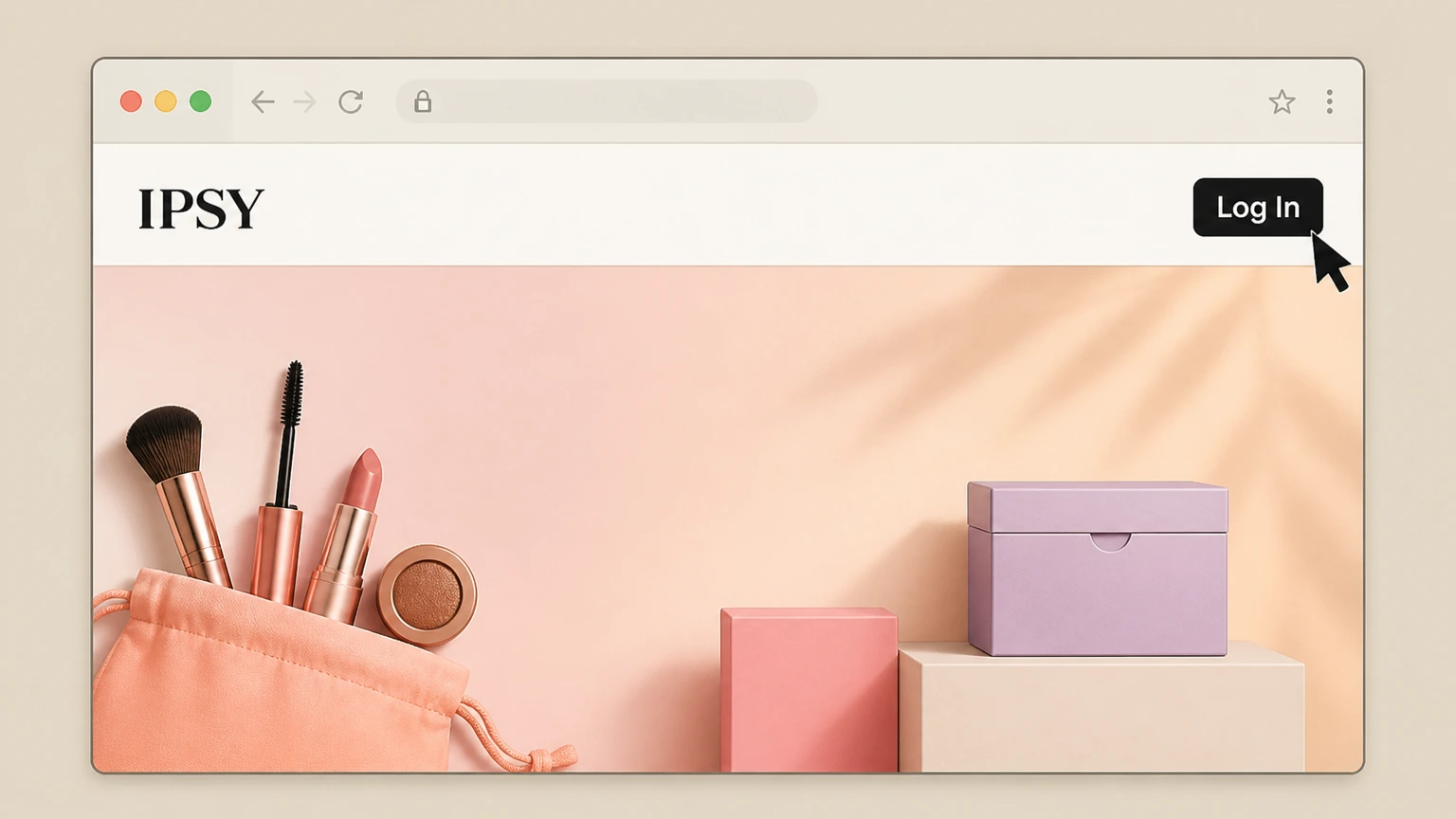
1Log into your IPSY account
Go to IPSY.com in a web browser and sign in to the correct account that holds your BoxyCharm membership. Use the BoxyCharm account named on your receipt, and continue only after the next status in this cancellation path is visible.
 2
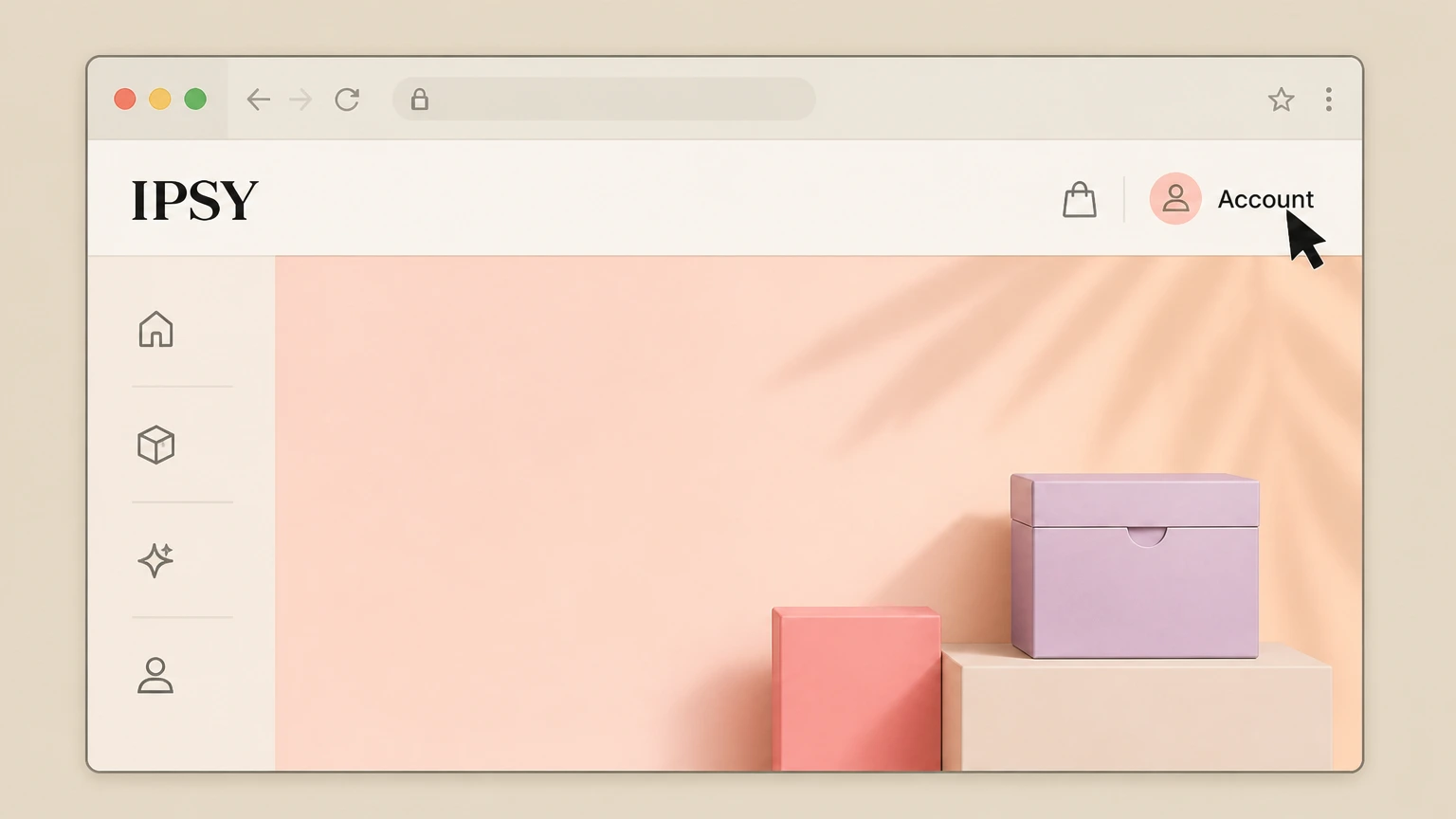
2Open your Account page
Once signed in, open the Account section from the top navigation or menu. Use the BoxyCharm account named on your receipt, and continue only after the next status in this cancellation path is visible.
- Let Pine handle it
Pine can help
Too many steps?
Pine can find the right IPSY website (direct BoxyCharm billing) path and handle the cancellation for you.
 3
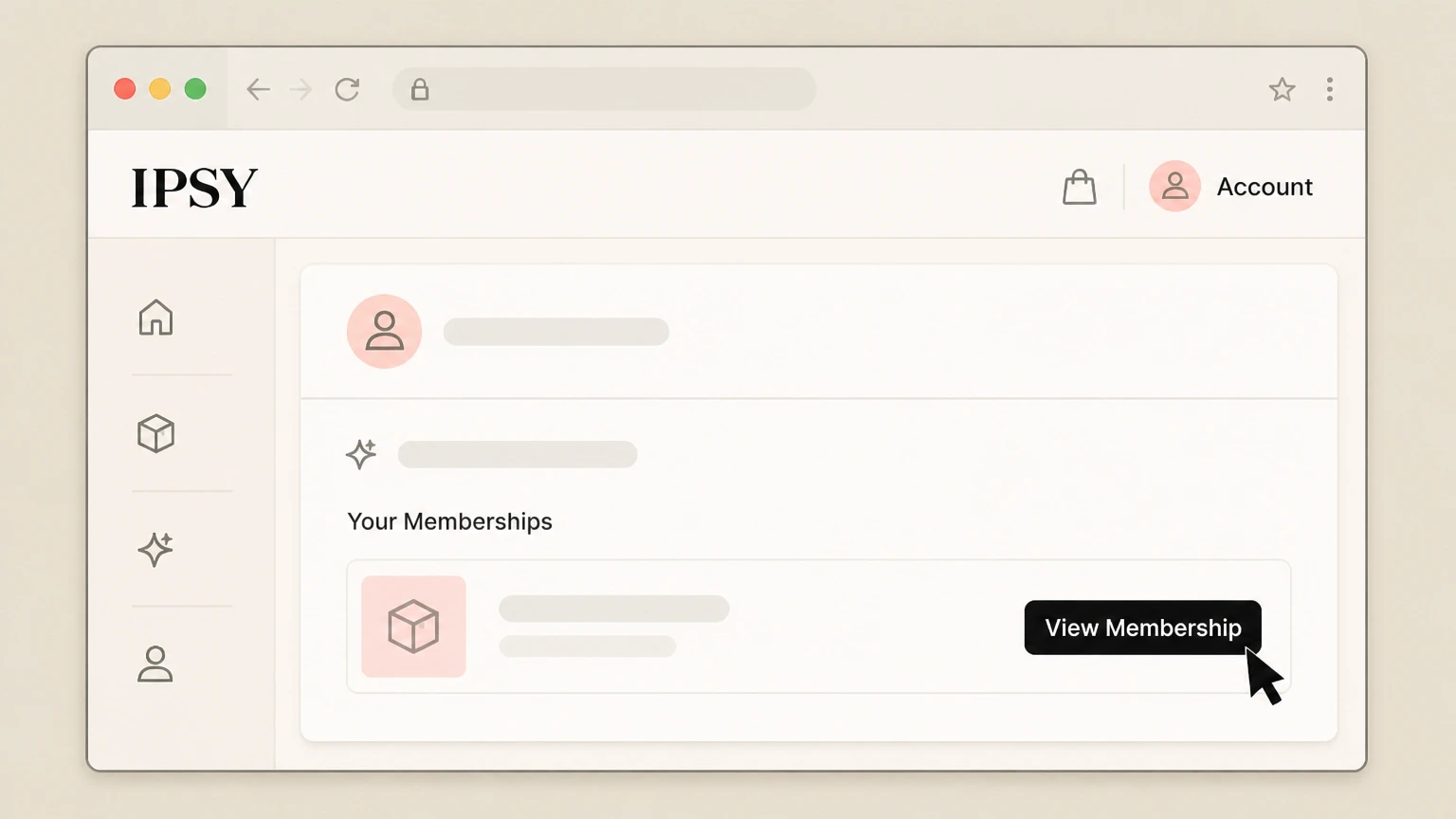
3Open Your Memberships
On the Account page, find the Your Memberships area and click View Membership for the BoxyCharm or IPSY Extra subscription you want to cancel.
 4
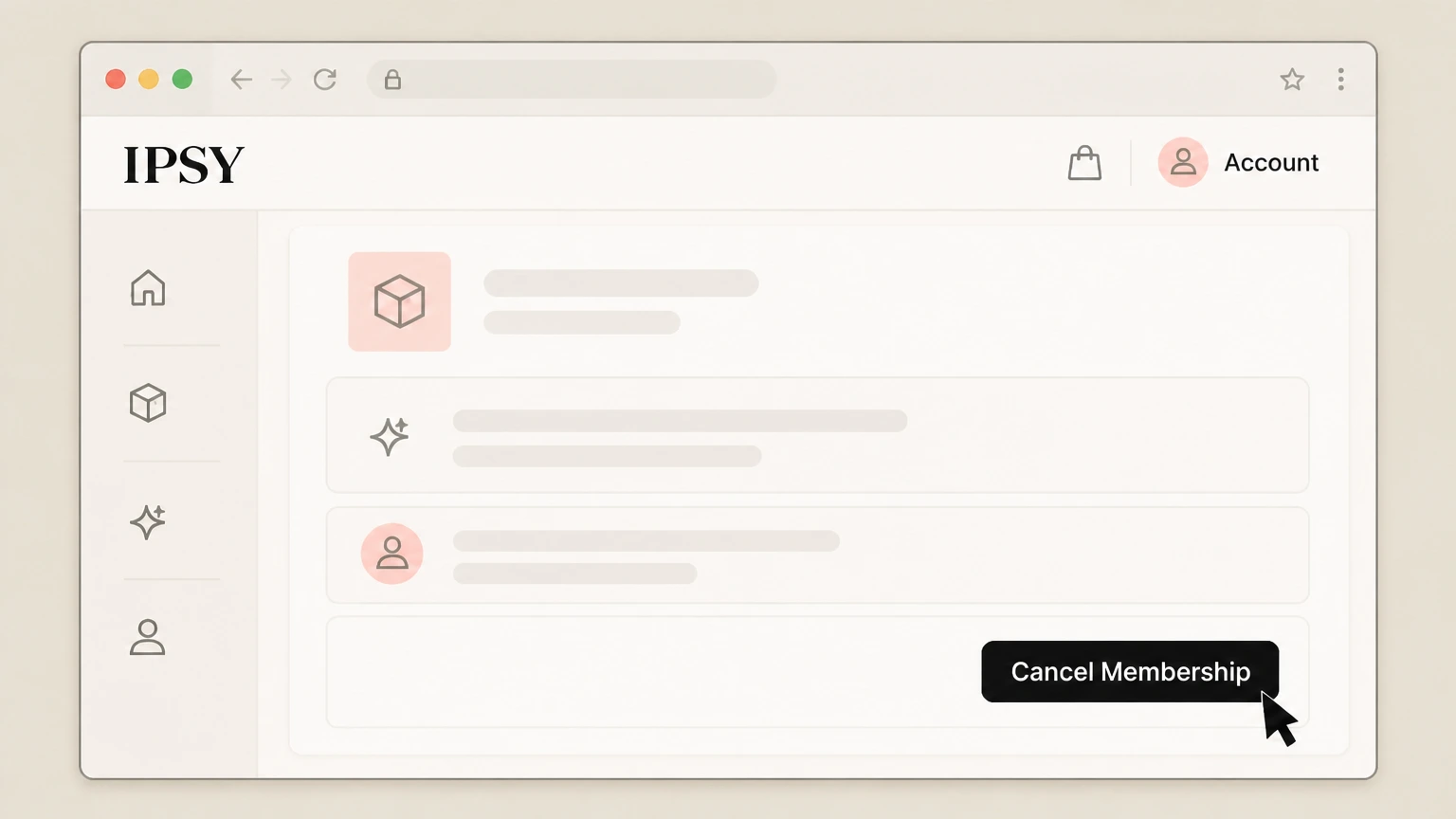
4Start cancellation for BoxyCharm
In the membership details for that BoxyCharm subscription, click Cancel Membership to begin the cancellation flow. Use the BoxyCharm account named on your receipt, and continue only after the next status in this cancellation path is visible.
 5
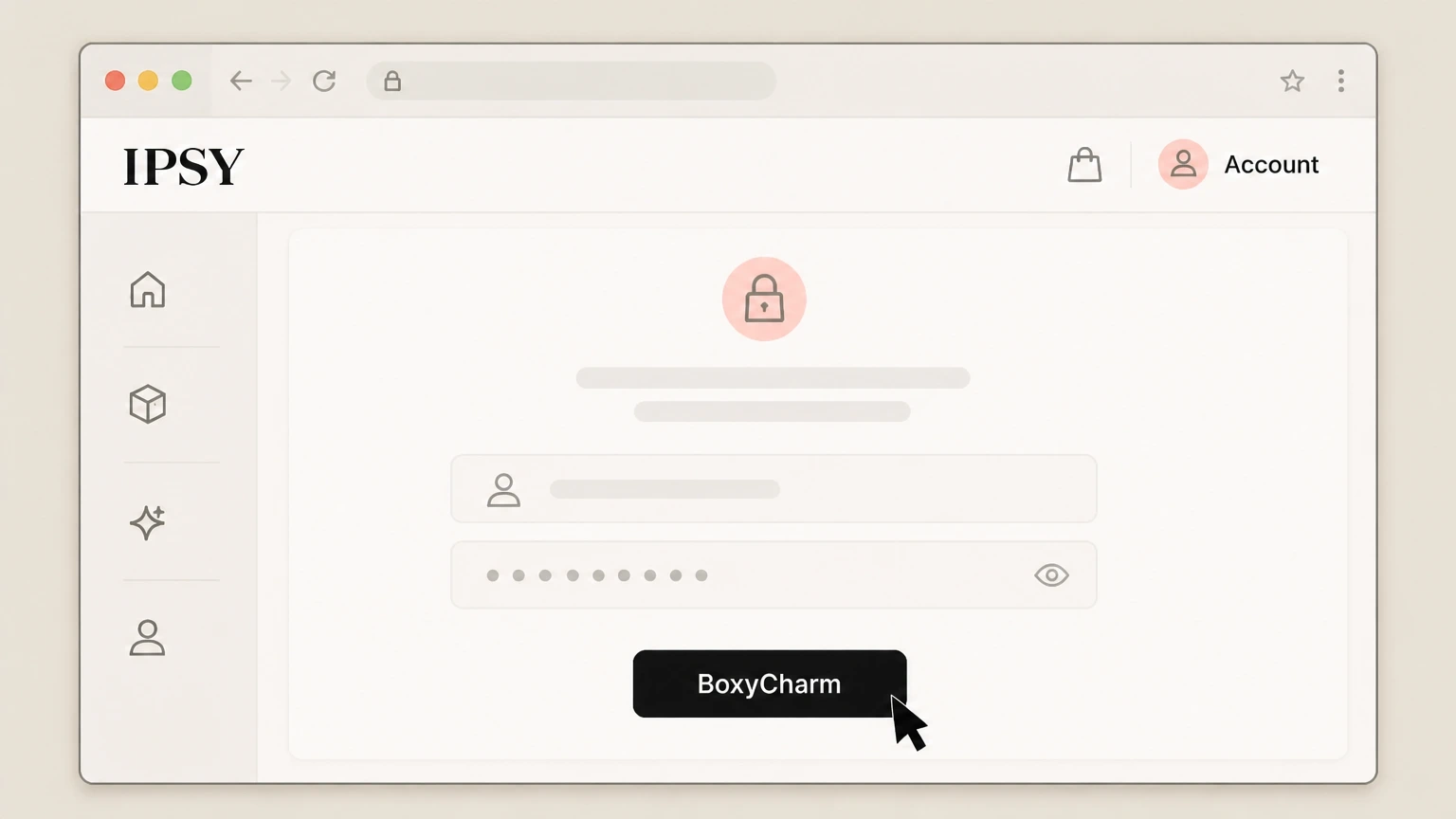
5Verify your account if prompted
If IPSY asks you to verify your identity again, complete the brief sign‑in step to confirm it is your account.
 6
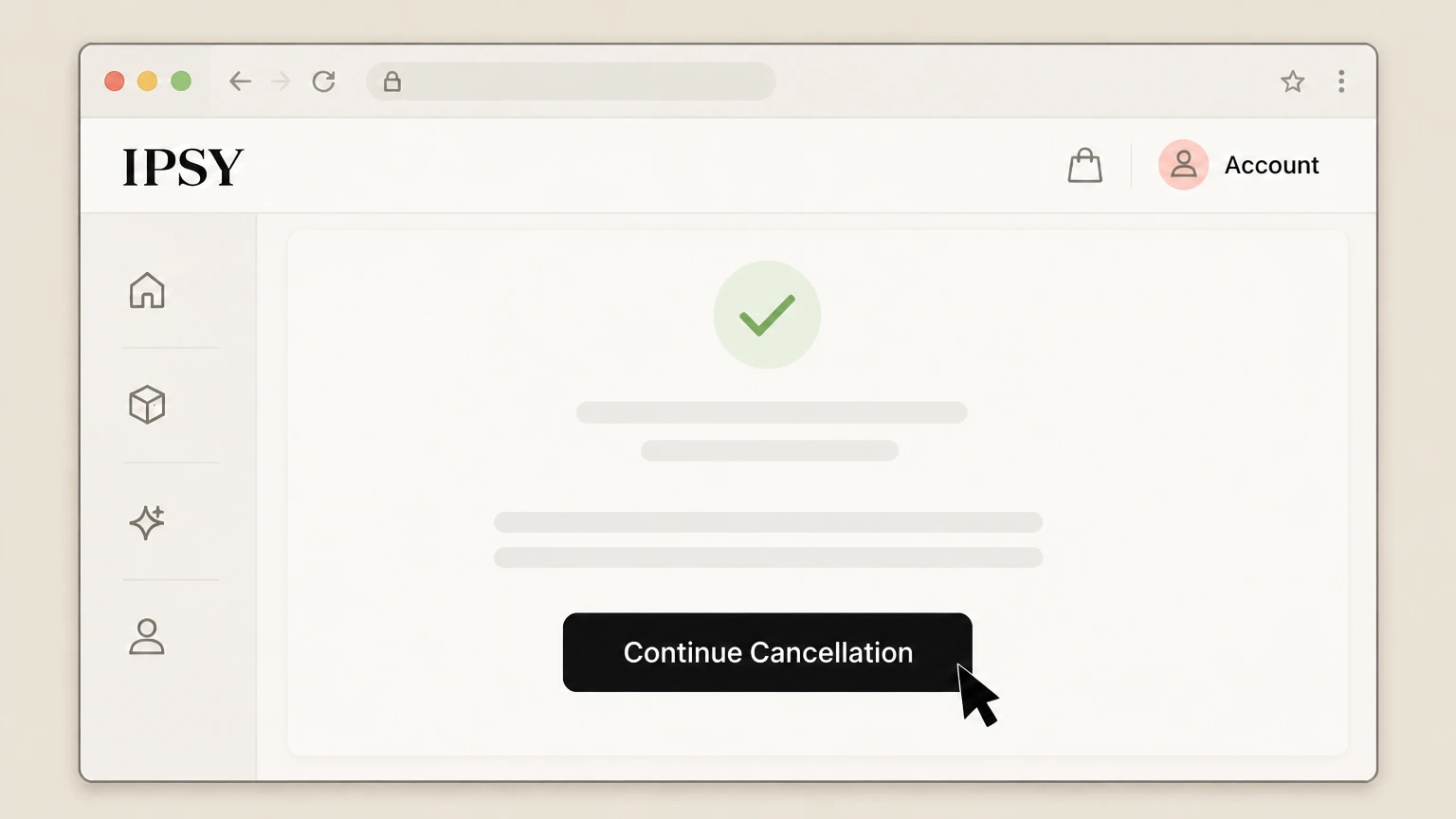
6Confirm and finish cancellation
Follow the on‑screen prompts and click Continue Cancellation until you see a confirmation message that your membership will not renew.

Apple subscriptions on iPhone or iPad · verify the billing owner
 1
1Open Settings
On your iPhone or iPad, open the Settings app. Use the BoxyCharm account named on your receipt, and continue only after the next status in this cancellation path is visible.
 2
2Tap your name
At the top of Settings, tap your Apple ID banner with your name. Use the BoxyCharm account named on your receipt, and continue only after the next status in this cancellation path is visible.
- Let Pine handle it
Pine can help
Too many steps?
Pine can find the right Apple subscriptions on iPhone or iPad path and handle the cancellation for you.
 3
3Open Subscriptions
In the Apple Account settings for the Apple ID shown on the receipt, tap Subscriptions to open active and expired App Store subscriptions.
 4
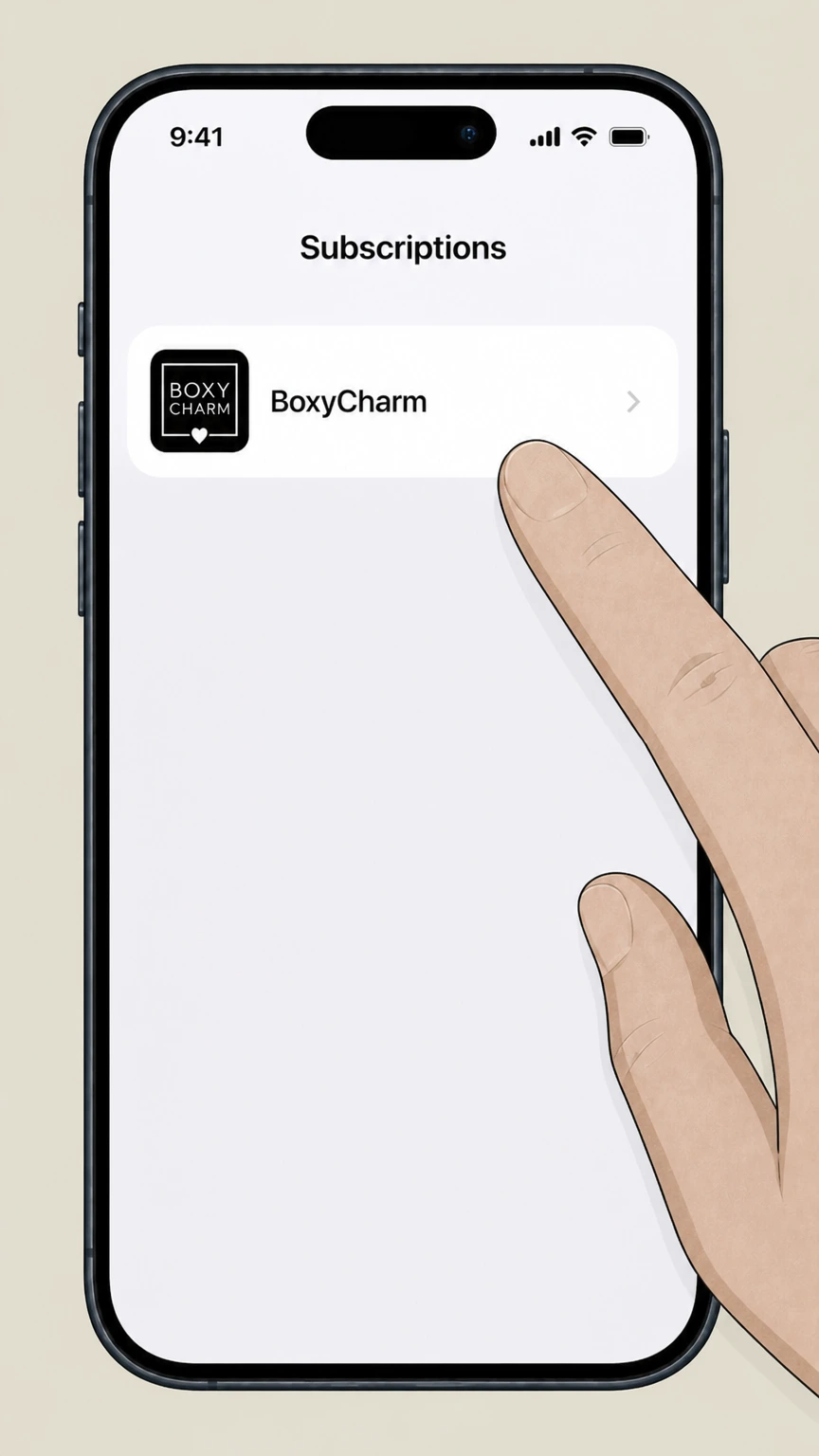
4Select BoxyCharm
In the list of active subscriptions, tap the BoxyCharm or IPSY subscription you want to cancel. Use the BoxyCharm account named on your receipt, and continue only after the next status in this cancellation path is visible.
 5
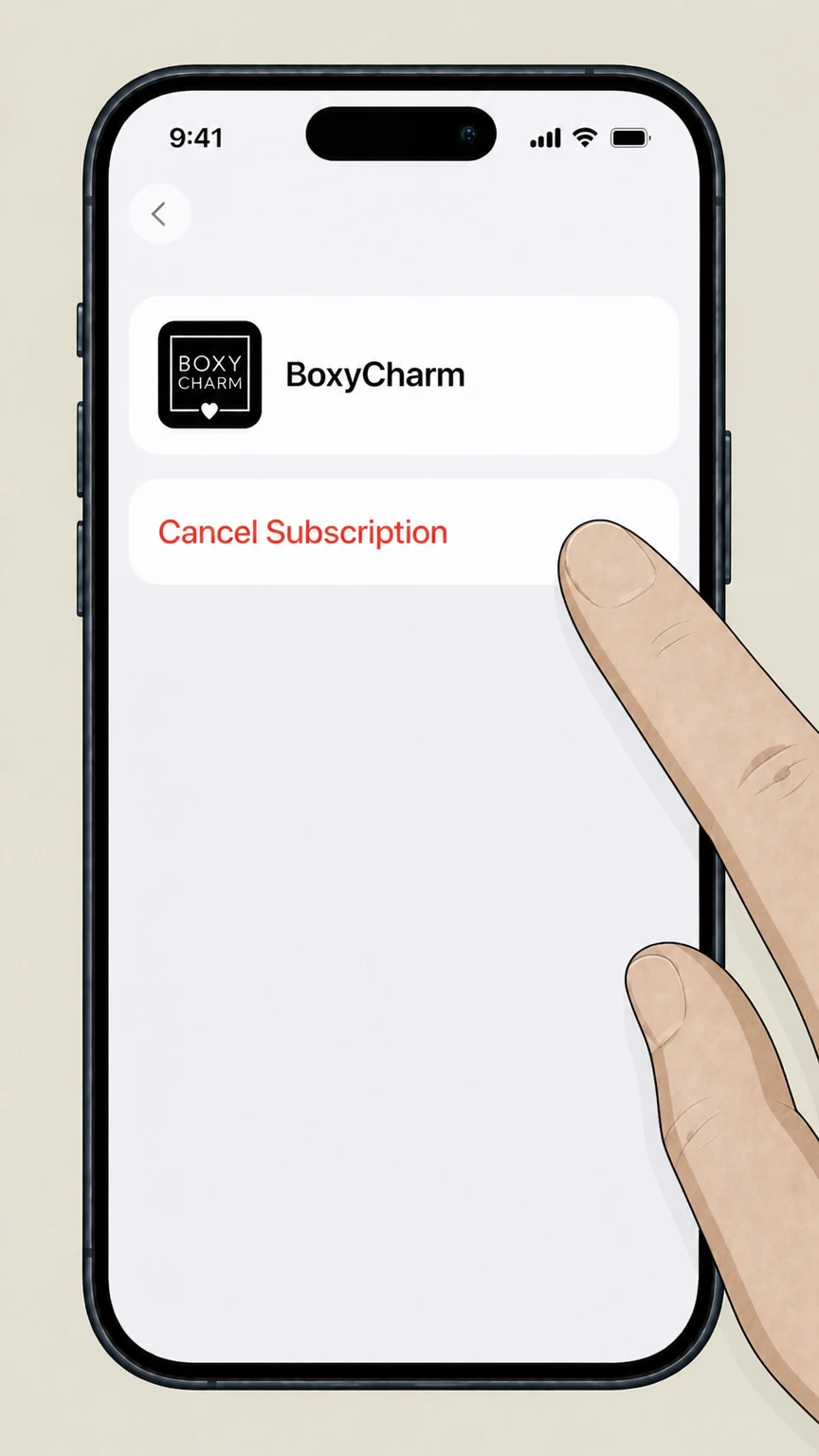
5Cancel the subscription
Tap Cancel Subscription and follow the prompts until the status shows that it will expire instead of renew. Use the BoxyCharm account named on your receipt, and continue only after the next status in this cancellation path is visible.
Google Play Store on Android · verify the billing owner
 1
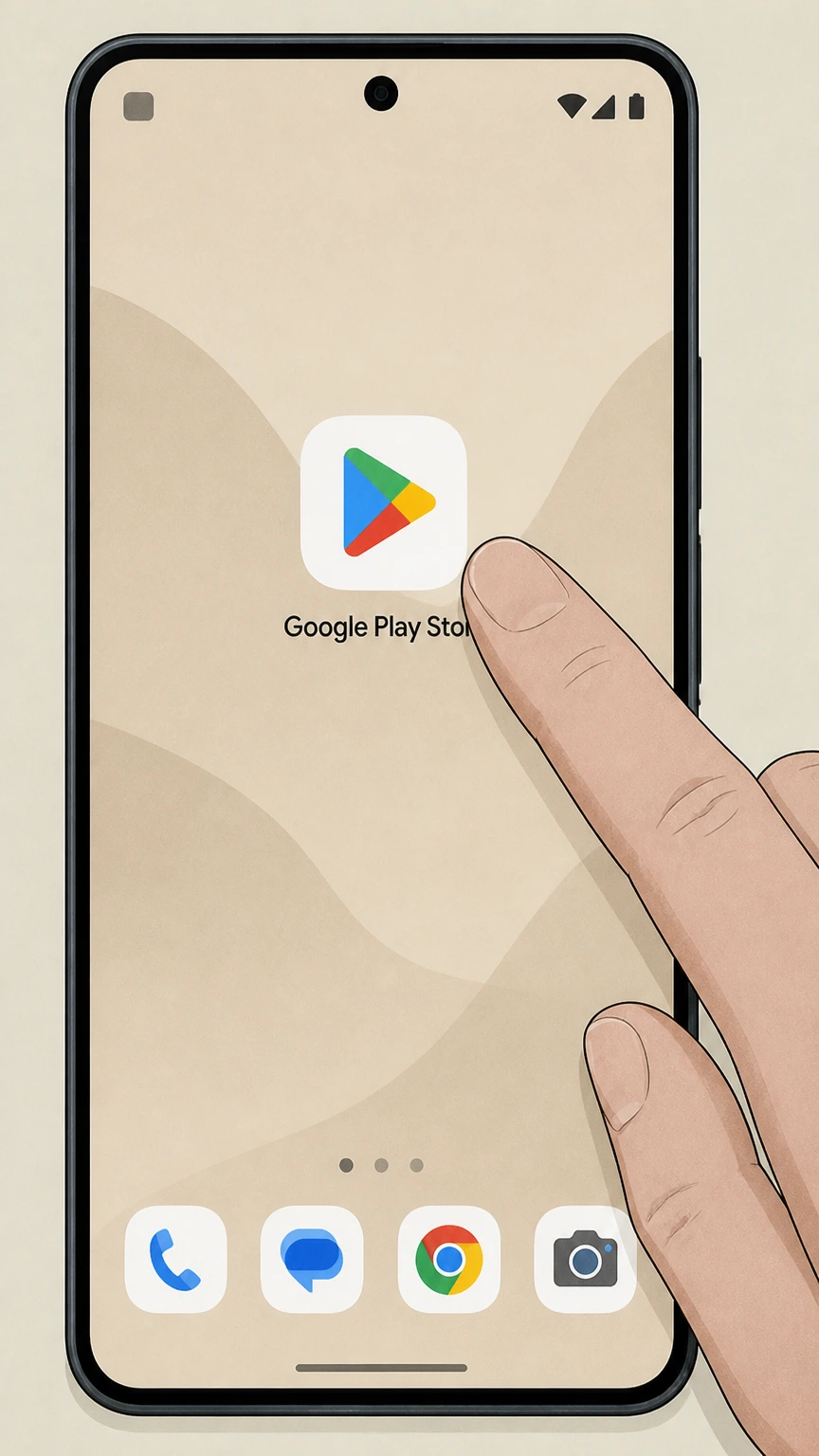
1Open Google Play Store
On your Android device, open the Google Play Store app while signed into the Google Account that was used for the subscription.
 2
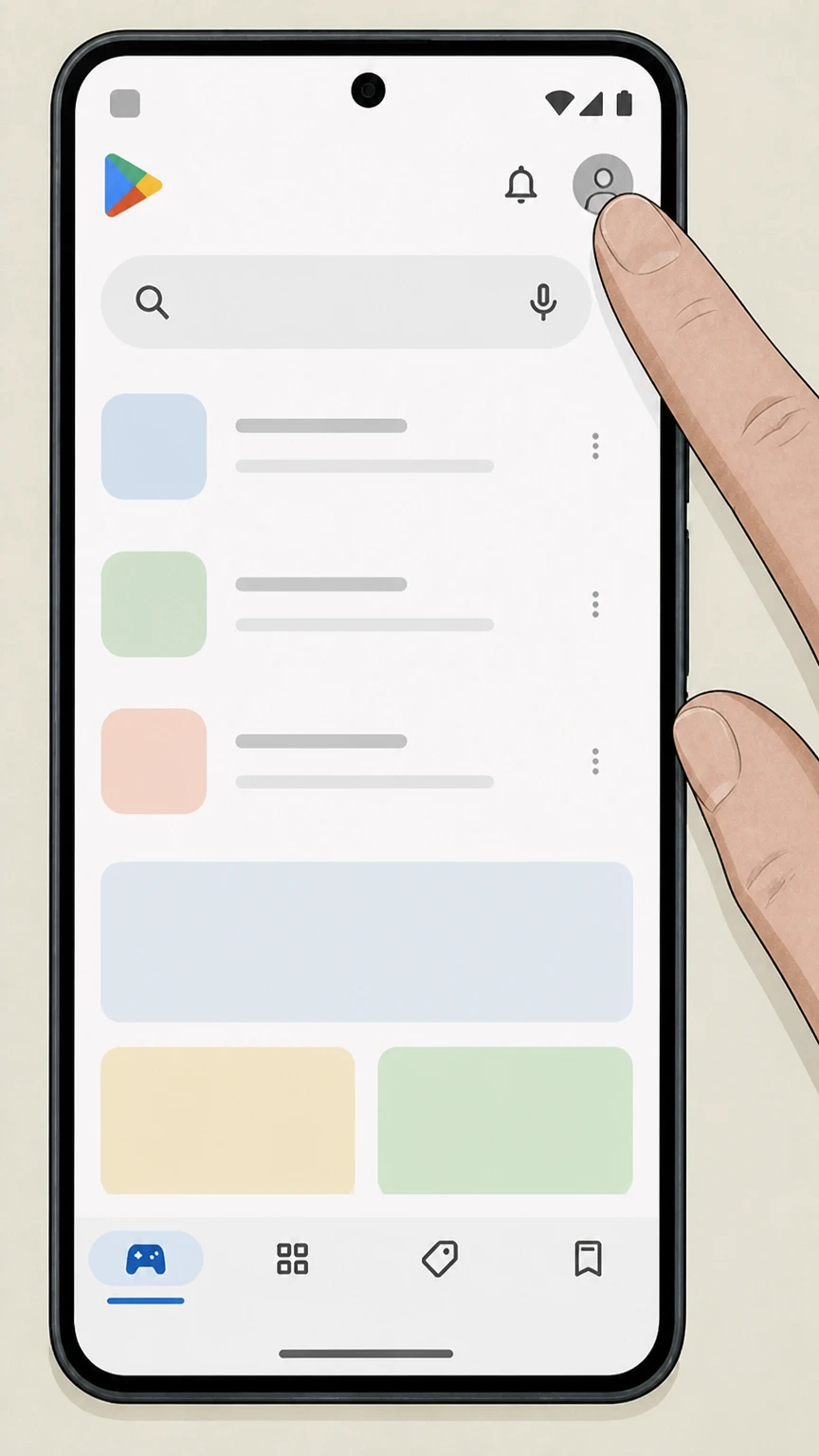
2Open your profile menu
In the top right of Google Play, tap your profile icon to open the account menu. Use the BoxyCharm account named on your receipt, and continue only after the next status in this cancellation path is visible.
- Let Pine handle it
Pine can help
Too many steps?
Pine can find the right Google Play Store on Android path and handle the cancellation for you.
 3
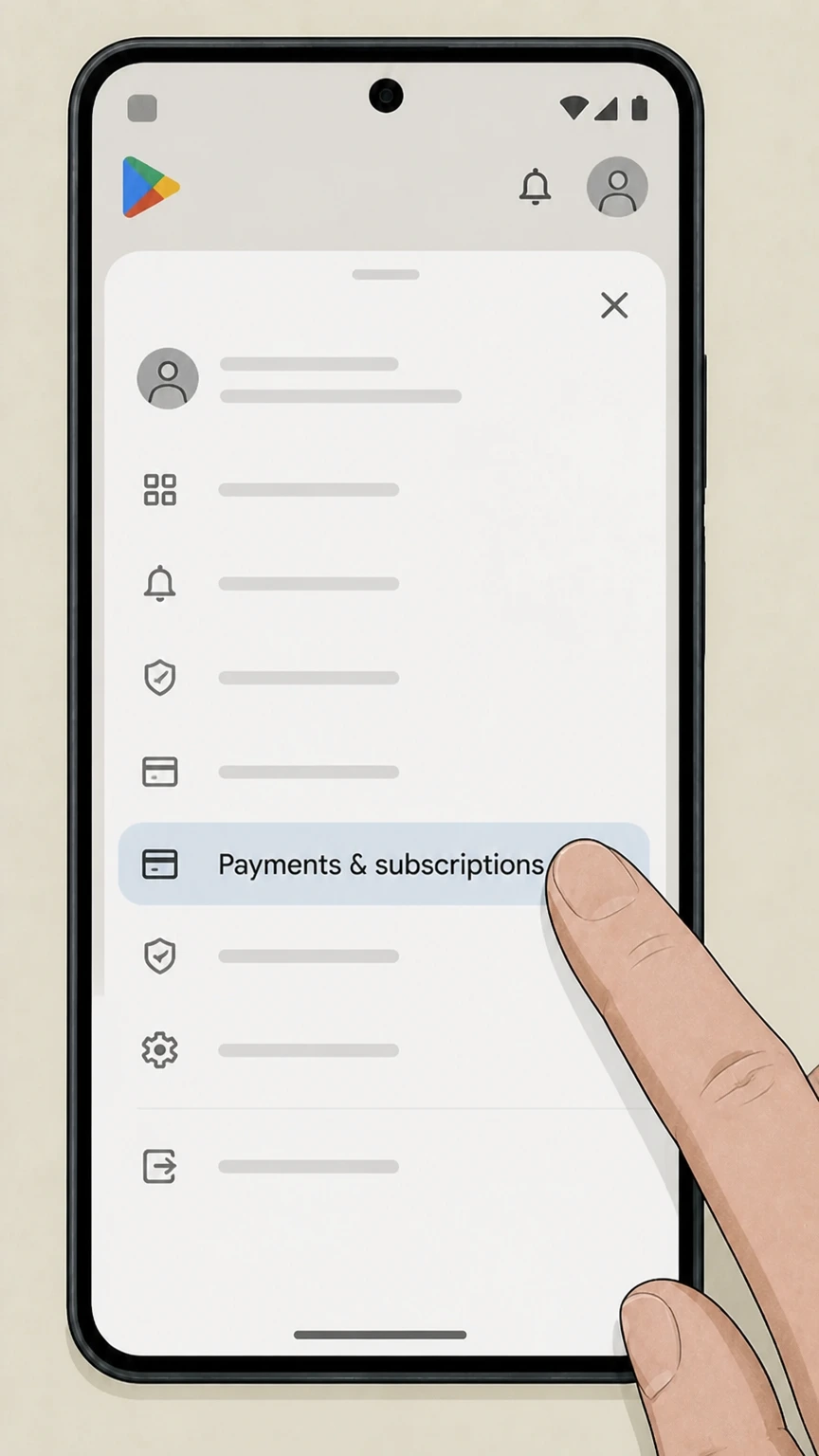
3Open Payments & subscriptions
In the Google Play account menu for the Google account shown on the receipt, tap Payments & subscriptions to open the billing controls.
 4
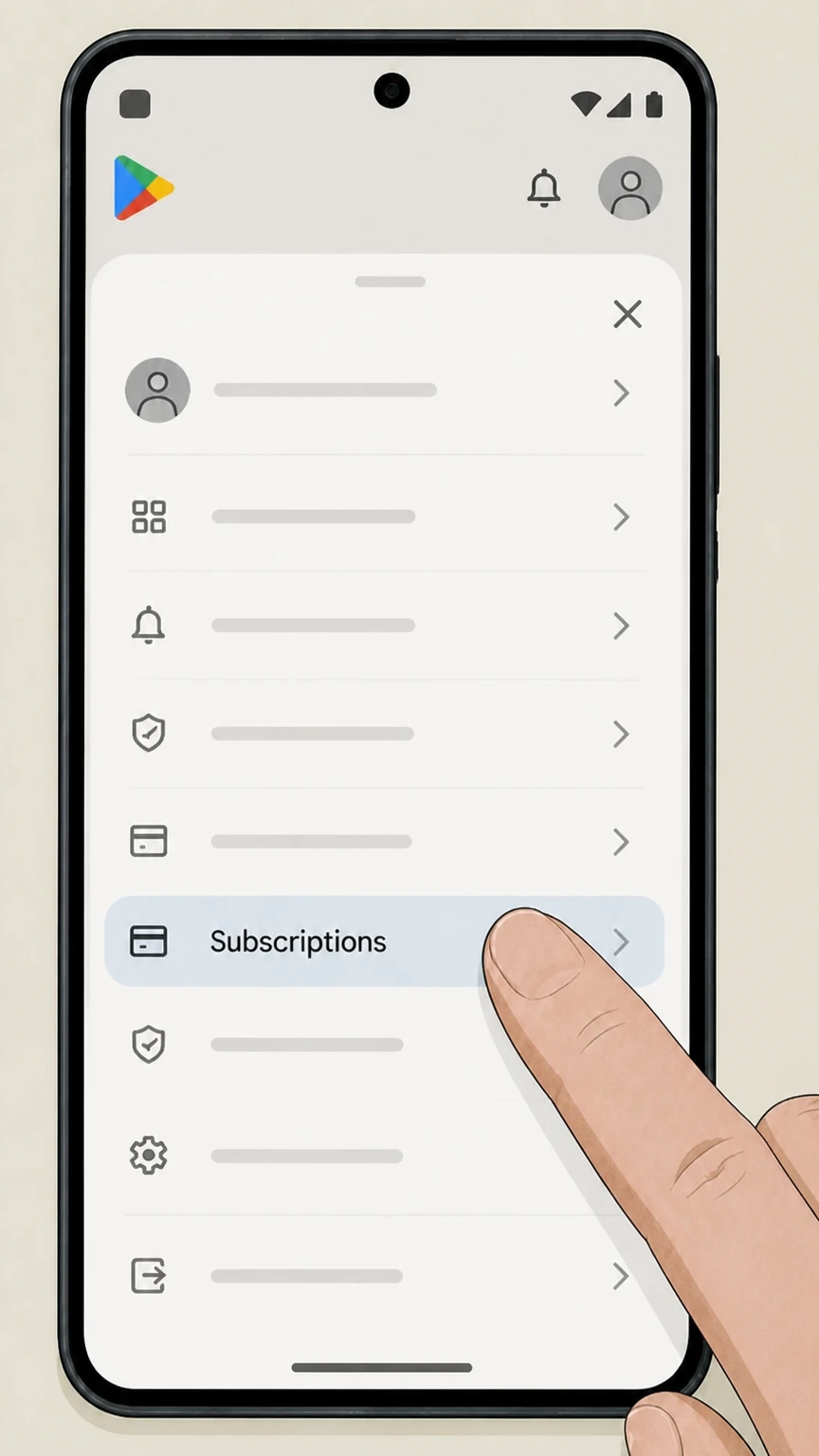
4Open Subscriptions
Tap Subscriptions to see the list of active Google Play subscriptions. Use the BoxyCharm account named on your receipt, and continue only after the next status in this cancellation path is visible.
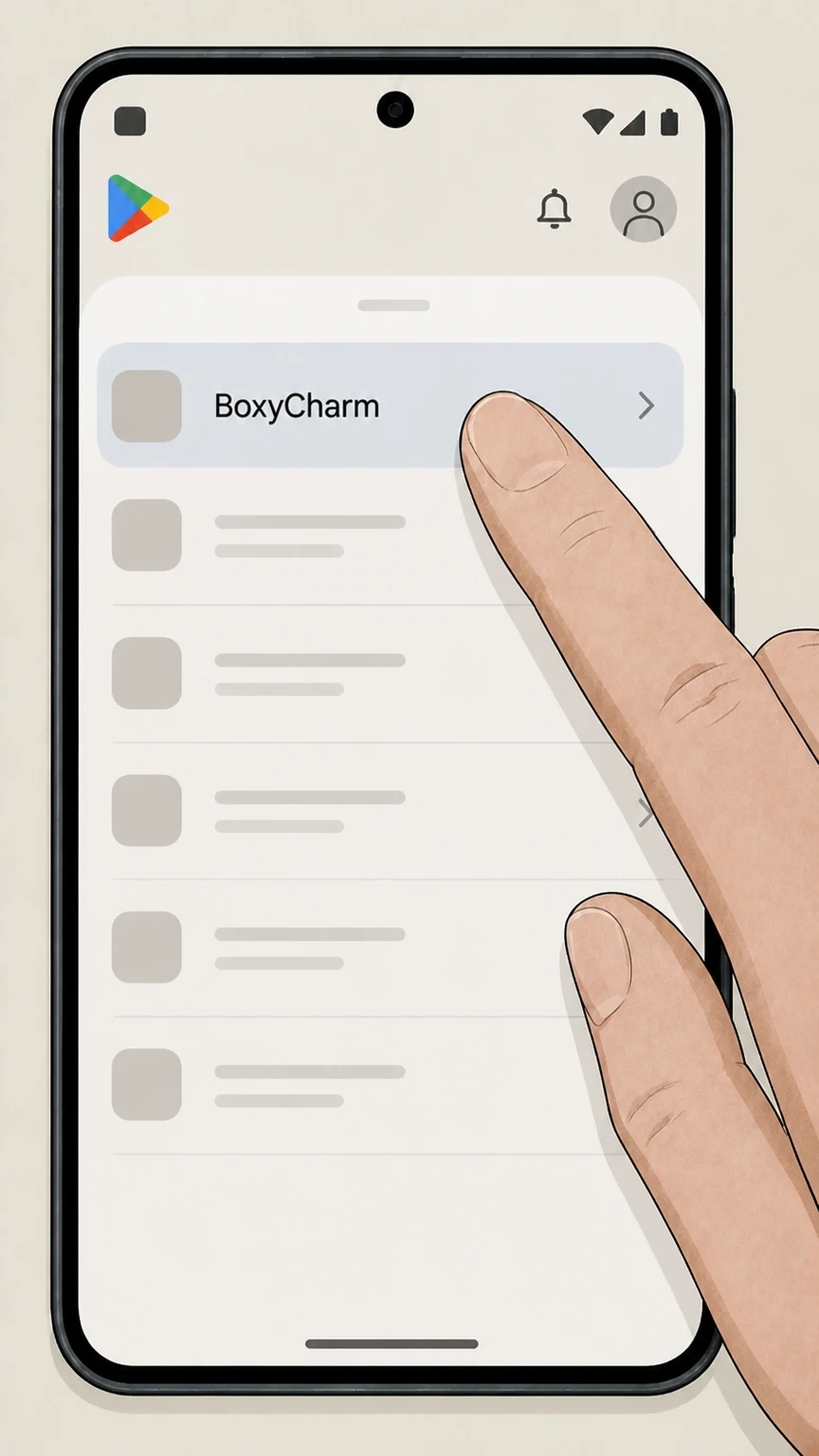 5
5Select BoxyCharm
Tap the BoxyCharm or IPSY subscription you want to cancel. Use the BoxyCharm account named on your receipt, and continue only after the next status in this cancellation path is visible.
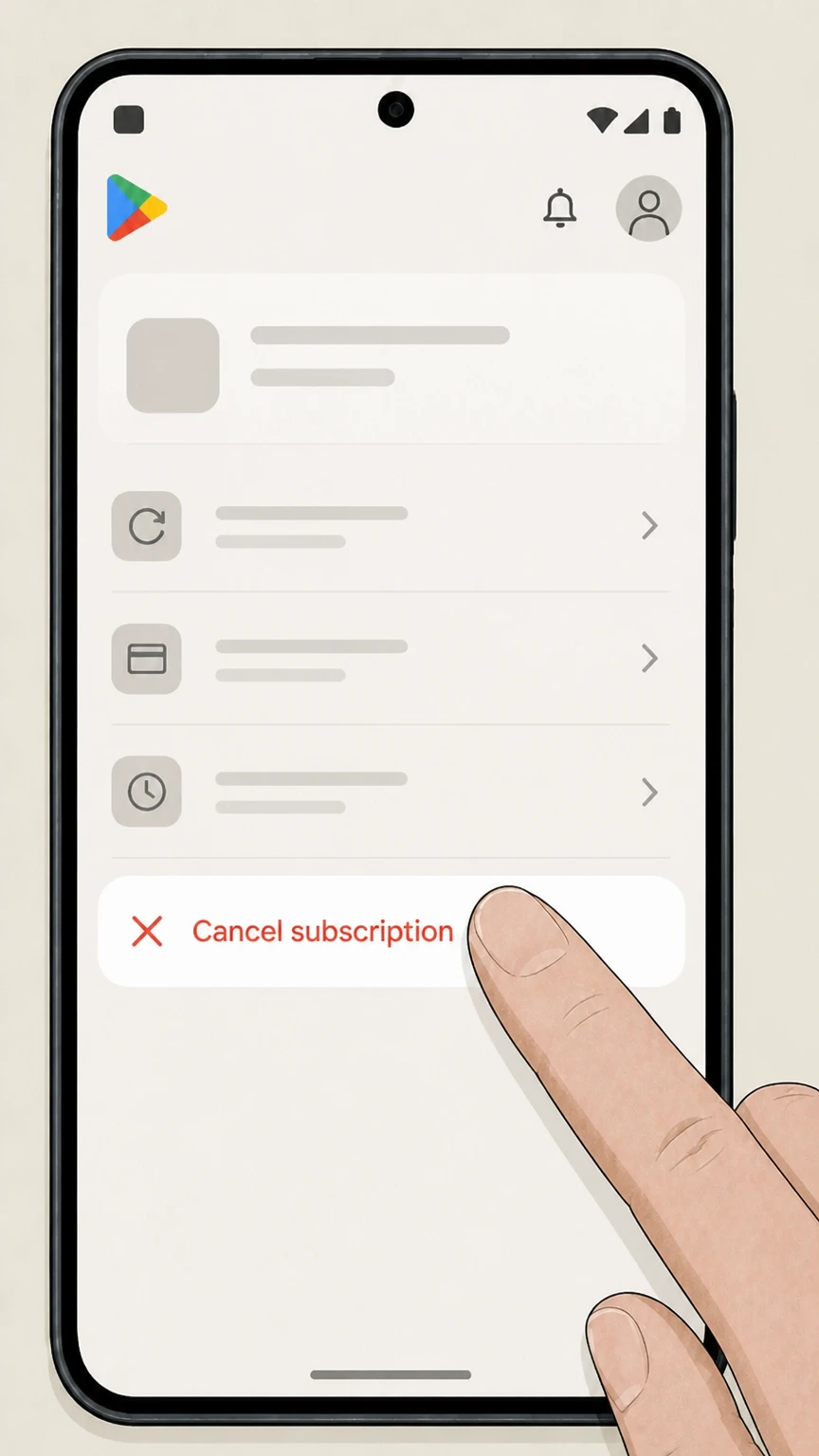 6
6Tap Cancel subscription
Tap Cancel subscription and follow the prompts until Google Play confirms that the subscription will not renew. Use the BoxyCharm account named on your receipt, and continue only after the next status in this cancellation path is visible.
Refund policy
Refunds and BoxyCharm cancellation
Cancelling BoxyCharm mainly stops future renewals; refunds for already‑billed boxes or app‑store charges are limited and handled by IPSY, Apple, or Google Play under their own policies.
Check my refund options- IPSY focuses on stopping future renewals
- IPSY’s Terms of Use and Subscription Terms describe cancellation as a way to avoid being charged for the next billing cycle if you cancel by the monthly cutoff. They do not promise automatic refunds for BoxyCharm boxes that have already been billed.
- Boxes billed after missing the cutoff
- Official examples show that if you cancel after 11:59 p.m. Pacific Time on the 25th, you will still be billed for and receive the upcoming IPSY Box, with your cancellation applying to the following cycle instead. Any exception requests must be handled case‑by‑case by IPSY Care.
- Add‑ons, shop orders, and redeemed rewards
- IPSY indicates that add‑ons ship with your box and that redeemed points rewards are removed and points returned if the reward has not shipped when you cancel. These processes are separate from general refund policies and do not guarantee cash refunds.
- Apple subscription refunds
- Apple’s refund article explains that some App Store subscriptions may be eligible for a refund, which you request by signing into reportaproblem.apple.com, choosing Request a refund, selecting a reason, and selecting the subscription purchase. Apple reviews and decides refund eligibility.
- Google Play subscription refunds
- Google Play Help states that past subscription payments are generally non‑refundable except where noted in its refund policies, though you can use Google’s self‑help tools to request a refund or report unauthorized charges. Decisions and timeframes are controlled by Google.
If you believe you were charged for BoxyCharm after a timely cancellation, or you need an exception due to shipping or product issues, contact IPSY Care through the official Help Center so a support agent can review your specific account and orders. Visit IPSY Help Center
How BoxyCharm works within IPSY
How BoxyCharm fits into your IPSY membership
BoxyCharm is one of IPSY’s subscription formats, focused on full‑size products. Understanding how it’s positioned inside IPSY helps you know what cancelling actually stops.
BoxyCharm as a full-size IPSY plan
IPSY markets BoxyCharm as a subscription of five full‑size products worth up to a stated value each month, offered alongside Glam Bag and Icon Box under a single IPSY membership system.
Managed entirely through IPSY.com
Sign‑up flows and plan descriptions show that BoxyCharm is sold and managed through IPSY.com rather than a separate BoxyCharm site, so cancellation is handled through your IPSY account tools.
Relationship to IPSY Original and Extra
Current IPSY pages describe IPSY Original (sample‑size bag) and IPSY Extra or BoxyCharm (full‑size box) as subscription options that can be held together or separately under one account.
Icon Box built on top of monthly plans
Icon Box is advertised as a quarterly upgrade that replaces your regular Glam Bag or BoxyCharm shipment during specific months, so eligibility depends on having an underlying IPSY subscription.
Renewals & cutoffs
Renewal schedule and BoxyCharm cancellation cutoffs
IPSY uses a fixed monthly cutoff for changes, including cancellations. This timing controls which future BoxyCharm shipment your cancellation affects.
Monthly renewal timing
IPSY’s Terms explain that monthly IPSY Box subscriptions renew automatically each billing cycle until cancelled, with charges processed before each month’s shipment. For your BoxyCharm account, compare this point with the billing owner and effective date shown in the signed-in account or latest receipt.
Cutoff on the 25th of the month
Both the Terms and IPSY’s change‑in‑terms FAQ state that cancellations must be submitted by 11:59 p.m. Pacific Time on the 25th of the month to avoid being billed for the following month’s box.
Effect of cancelling after the cutoff
IPSY gives examples showing that if you cancel after the 25th, you are still billed for and receive the upcoming box, but the cancellation prevents the next renewal after that.
Annual and quarterly plans
For annual or quarterly IPSY Box variants, IPSY states that you must cancel by 11:59 p.m. Pacific Time on the 25th of the relevant month before the next annual term or quarterly box begins.
Scope of cancellation
What cancelling BoxyCharm changes—and what it doesn’t
Cancelling a BoxyCharm membership mainly affects future renewals and shipments. It does not automatically undo past orders or delete your IPSY profile.
Stops future renewals, not past charges
IPSY’s legal terms describe cancellation as a way to avoid being charged for the next billing cycle if you cancel on or before the cutoff date; they do not promise refunds for boxes that already billed.
Upcoming vs. already-billed boxes
If you cancel in time, you will not be charged for or receive the next month’s BoxyCharm; if you cancel after the cutoff, IPSY indicates that you will still receive the already‑billed box but not future ones.
Add‑ons and shop orders
IPSY notes that add‑ons ship with your IPSY box and may slightly delay shipment; cancelling your membership does not retroactively cancel add‑on or shop orders that have already been placed.
Account access after cancellation
IPSY’s privacy and account‑deletion guidance shows that cancelling a membership is separate from deactivating or deleting your IPSY.com profile, so your login and order history typically remain unless you request deletion.
Points & rewards
What happens to IPSY points when you cancel BoxyCharm
BoxyCharm participates in IPSY’s points system. IPSY documents what happens to those points if you cancel or pause your membership.
Points expiration timeline
IPSY’s points FAQ explains that points expire one year from when they were earned, and that this expiration rule applies regardless of whether you later cancel or keep your membership.
Points storage after cancellation
If you cancel your membership, IPSY says it will keep your points for up to 12 months, but you must have an active membership to redeem those points for rewards.
Redeemed rewards that haven’t shipped
IPSY clarifies that if you redeem points for a reward and then cancel before it ships, the redemption is removed, the reward is not shipped, and the points are returned to your account balance.
Multiple memberships under one email
For customers who hold multiple IPSY subscriptions under one email address, IPSY notes that cancelling or pausing the membership tied to a redeemed points reward causes that specific redemption to be removed and the points to be returned.
Icon Box & extras
How cancelling BoxyCharm affects Icon Box and other upgrades
BoxyCharm often works in tandem with quarterly Icon Box upgrades and other IPSY options. Official pages outline these relationships but do not spell out every cancellation scenario.
Icon Box as a quarterly upgrade
IPSY describes Icon Box as a quarterly upgrade that is available to Glam Bag and BoxyCharm members, replacing your regular monthly shipment in specific months when active.
Icon Box replaces your monthly box
Icon Box marketing pages state that your Icon Box replaces your regular Glam Bag or BoxyCharm in February, May, August, and November, effectively swapping one monthly shipment for the upgrade.
Need an underlying subscription
IPSY explains that to receive Icon Box you must first be a Glam Bag or BoxyCharm member, then visit the Icon Box area of your account to upgrade; this implies you need an active base subscription to stay eligible.
If you plan to cancel before an Icon Box month
Because Icon Box relies on an active monthly plan, if you intend to cancel BoxyCharm before an upcoming Icon Box month, it’s safest to check your membership and upgrade status or contact IPSY Care to avoid unexpected charges.
Other membership changes
Skipping, adjusting frequency, and switching instead of cancelling
IPSY offers alternatives to cancelling that change how often you receive boxes or which plan you have. These options are separate from canceling BoxyCharm entirely.
Adjust frequency of shipments
IPSY’s subscription terms note that you may adjust how often you receive monthly boxes, such as changing to every other month, using the Adjust Frequency option in Your Memberships.
Skip a single month
The same terms explain that you can choose to skip a month so that you are not billed for or shipped the next IPSY Box, after which billing and shipments resume unless you submit another skip request before the cutoff.
Switching between IPSY Original and Extra
An IPSY help article states that you can switch between subscription types, such as moving from an annual to a monthly plan or between IPSY Original and IPSY Extra, via Account > View Membership, rather than cancelling altogether.
Cancelling still needed to stop all renewals
Even if you change frequency, skip, or switch plans, IPSY’s terms make clear that your membership will continue auto‑renewing until you explicitly cancel the relevant subscription in Your Memberships or through your app‑store billing account.
Account & data
Cancelling BoxyCharm vs deleting your IPSY account
Ending your BoxyCharm membership is not the same as removing your IPSY profile or personal data. IPSY separates membership cancellation from account deletion.
Membership cancellation link from deletion help
IPSY’s account‑deletion article explicitly directs users who simply want to stop their subscription to the separate membership cancellation instructions, reinforcing that cancellation is the correct action for stopping boxes and billing.
Deleting your IPSY.com profile
For full account deletion and removal of associated personal information, IPSY instructs you to contact IPSY Care through its help center, rather than using the standard membership cancellation flow.
Data and subscription controls in privacy policy
IPSY’s privacy policy notes that you can cancel your subscription or deactivate your account and also outlines additional privacy choices, such as opting out of certain data sharing or cookies, that are independent of cancelling BoxyCharm.
Practical order-history impact
Because cancellation alone generally leaves your IPSY login intact, you can usually continue to view past BoxyCharm orders and tracking information unless you later request full account deletion, at which point access may be removed.
Troubleshooting
Troubleshooting common BoxyCharm cancellation issues
If you follow official steps but still see charges or can’t find the cancel option, several IPSY and platform‑specific patterns may explain why.
Check which account and billing path you used
If you don’t see your BoxyCharm membership under IPSY.com’s Your Memberships, confirm you’re logged into the right IPSY email and check whether the subscription is billed via Apple or Google Play instead of directly by IPSY.
Look for multiple IPSY memberships
IPSY’s help materials note that some members hold both IPSY Original and Extra under one email; cancelling only one membership does not automatically cancel the other, so review every active subscription listed in Your Memberships.
Respect the 25th‑of‑month cutoff
If you cancel after 11:59 p.m. Pacific Time on the 25th, IPSY’s terms indicate that you will still be billed for and receive the next box, which can explain why a charge appears even though your membership now shows as cancelled.
When to contact IPSY Care or the app store
IPSY’s terms direct you to help.ipsy.com if you need assistance with cancellation. For subscriptions billed through Apple or Google Play, Apple’s and Google’s own help centers explain that you must cancel and, if needed, request any refund through their systems.
What official sources do not confirm
Limits of the public BoxyCharm cancellation guidance
These points are intentionally qualified because the official sources reviewed on August 17, 2026 do not publish a complete answer.
Documented limitation 1
IPSY’s public documentation does not describe any official phone, email, or mail-based channel dedicated specifically to cancelling BoxyCharm or IPSY memberships, so only online and app-store cancellation routes are included.
Documented limitation 2
Available materials do not explicitly detail how cancelling a BoxyCharm membership interacts with all possible add-ons, shop purchases, or promotions; guidance about add-ons and redeemed points is included, but nuances for every offer type may require IPSY Care review.
Documented limitation 3
Icon Box resources explain that it is a quarterly upgrade for Glam Bag and BoxyCharm members and that it replaces a monthly box in certain months, but they do not explicitly state what happens to an already-reserved Icon Box if the underlying subscription is cancelled mid-cycle.
Documented limitation 4
IPSY’s terms reference third-party payment methods without naming all possible providers beyond app stores, so this dossier only covers Apple and Google Play as documented billing owners; other third-party billing relationships may follow different processes.
Documented limitation 5
No official IPSY resource reviewed provides a comprehensive, standalone statement about BoxyCharm’s historical merger and rebranding timeline, so the dossier focuses on its current status as an active IPSY subscription rather than past corporate changes.
BoxyCharm cancellation FAQ
Questions people search about canceling BoxyCharm, answered with official provider or billing-platform sources checked on August 17, 2026.
How do I cancel my BoxyCharm subscription with IPSY?
Can I cancel my IPSY subscription online?
Why can't I cancel IPSY?
What happened to BoxyCharm?
If I cancel BoxyCharm, will I still receive boxes I already paid for?
What happens to my IPSY points when I cancel BoxyCharm?
Does cancelling BoxyCharm cancel Icon Box and other upgrades?
Is skipping a month the same as cancelling BoxyCharm?
How do I cancel IPSY membership on my phone?
I cancelled my IPSY subscription but was still charged—what should I do?
Untangle this BoxyCharm issue.
Let Pine handle the provider follow-up and keep the confirmation in one place.
