


Bomi Box
Cancel subscription
How to Cancel Bomibox (Bomi Box)
Learn how to cancel Bomibox (Bomi Box) using verified current routes, confirm who bills you, understand timing and refunds, and keep proof that future renewal.
- 1 current, source-verified cancellation route
- Billing ownership is explicit for each route
- Refund and access timing are separated from cancellation
- Account-specific confirmation is still required
Choose the correct Bomibox (Bomi Box) cancellation route
Website account (bomibox.com / bomibox.cratejoy.com) · verify the billing owner
Cancel Bomibox through your online account portal
 1
1Open the Bomibox account portal
In a web browser, go to bomibox.cratejoy.com — this is the login and account portal linked from Bomibox’s pricing page and policy pages for managing subscriptions and shipping addresses.
 2
2Log into your Bomibox account at bomibox.cratejoy.com
Use your Bomibox/Cratejoy login details to sign in to your account at bomibox.cratejoy.com, as instructed in the Refund & Return Policy’s Subscription Cancellation section.
- Let Pine handle it
Pine can help
Too many steps?
Pine can find the right Website account (bomibox.com / bomibox.cratejoy.com) path and handle the cancellation for you.
 3
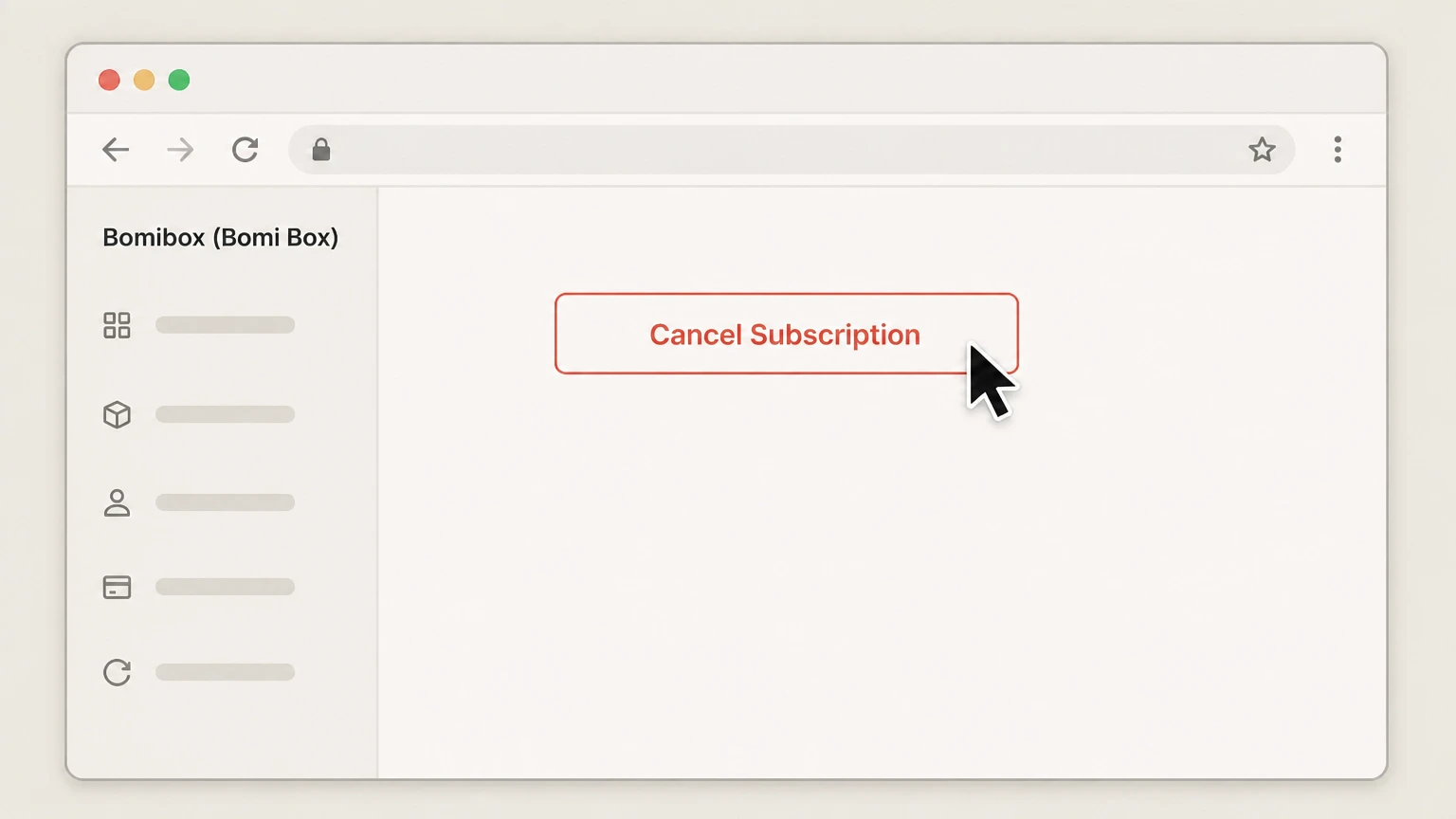
3Open your subscription management page, then Click “Cancel Subscription” and follow the prompts
Once signed in, go to the subscription management area where your active Bomibox subscription is listed. Bomibox’s cancellation instructions refer to this as your subscription management page. On the subscription management page, select the Bomibox subscription you want to end, click the “Cancel Subscription” option, and complete any on‑screen confirmation steps to finalize the cancellation.
 4
4Make sure you cancel before the 1st of the month
Bomibox states that subscriptions are billed on the 1st of each month and that you must cancel before the 1st to avoid being charged for the upcoming box. If you cancel on or after the 1st, the charge for that month’s box may still apply and the cancellation will govern later renewals.

Refund policy
Refunds, returns, and what cancellation does not cover
Bomibox’s Refund & Return Policy describes a 14‑day window for requesting returns/refunds, strict rules about opened products, and specific handling of pre‑paid and gift subscriptions. Cancelling your subscription generally stops future renewals but does not automatically refund boxes that were already billed or shipped.
Check my refund options- 14‑day window and unopened boxes
- You have 14 days from receiving your Bomibox to contact support if you want to request a return or refund; full refunds are available only for boxes returned unopened and in original condition within this window, subject to Bomibox’s approval.
- Opened products and hygiene rules
- Because Bomibox ships skincare and beauty items, the policy states that opened boxes or used products cannot be returned for a refund for hygiene and safety reasons, even if you cancel afterwards.
- Damaged or missing items
- For damaged, defective, or incomplete boxes, Bomibox asks you to contact them within 14 days with your order number, photos, and a description of the issue; they may resolve this with a replacement, store credit, or partial refund depending on circumstances.
- Effect of cancelling on charges already made
- Bomibox clarifies that subscriptions are billed on the 1st of the month and that cancellations must happen before the 1st to avoid being charged for the upcoming box; cancelling after billing means that charge is generally still valid and standard return rules apply.
- Pre‑paid subscription refunds
- If you cancel a 3‑ or 6‑month pre‑paid subscription early, Bomibox’s policy is to treat it as if you had paid the normal monthly rate for each box already shipped and refund only the remaining value, rather than refunding the entire pre‑paid amount.
If you are unsure whether your situation qualifies for a refund or partial credit after cancelling, review Bomibox’s Refund & Return Policy carefully and then contact Bomibox via their Contact Us page or support email with your order number and a description of the issue. Refund questions or edge cases
Scope
What this Bomibox cancellation guide covers
This Draft focuses on cancelling Bomibox’s own Korean skincare subscription box sold via bomibox.com and managed through its linked Cratejoy account portal. It does not cover any hypothetical third‑party marketplace channels.
Provider and product identity
Bomibox (often stylised as BomiBox or Bomi Box in older materials) is a Korean beauty subscription box delivering 7–8 K‑beauty products each month, with current plans and marketing hosted at bomibox.com and brand story on the About page.
Subscription types supported
Bomibox’s pricing page shows recurring Monthly, 3‑Month, and 6‑Month subscription plans, all marketed as ‘cancel anytime’ and billed on a recurring basis (monthly, every 3 months, or every 6 months).
Billing and timing rules
The Refund & Return Policy specifies that Bomibox subscriptions are billed on the 1st of each month and that you must cancel before the 1st to avoid being charged for the upcoming box, while the Shipping Policy explains that boxes ship at the end of the month.
Account Access
How Bomibox uses bomibox.cratejoy.com for management and cancellation
Bomibox uses a dedicated Cratejoy‑hosted portal under the bomibox.cratejoy.com subdomain for all key subscription management functions, including cancellation and address updates.
Linked login portal
Bomibox’s pricing page and policies include a prominent Login link to bomibox.cratejoy.com, indicating this portal is the official account area for subscribers.
Subscription cancellation via portal
The Refund & Return Policy’s Subscription Cancellation section instructs customers to log into their account at bomibox.cratejoy.com, navigate to the subscription management page, and click “Cancel Subscription,” establishing that this portal is the canonical place to end renewals.
Address and shipping management
The Shipping Policy directs customers who need to change their shipping address to log into their account at bomibox.cratejoy.com and update details there before the monthly cutoff, confirming that the same portal controls shipping and subscription data.
Renewals
Monthly renewals, pre‑paid plans, and what cancellation stops
Bomibox offers both month‑to‑month and multi‑month pre‑paid options; its policies describe how billing works and how cancellations and refunds are handled across these plan types.
Monthly renewal cycle
Bomibox states that subscriptions are billed on the 1st of each month and that cancellations must be submitted before the 1st to avoid being charged for the upcoming box, so cancelling after that date generally affects later cycles rather than the one already billed.
Effect on pre‑paid 3‑ and 6‑month plans
In the Pre‑Paid Subscription Refunds section, Bomibox explains that if you cancel a 3‑ or 6‑month pre‑paid subscription before the term ends, refunds are calculated based on the number of boxes already shipped at the standard monthly rate, with only the remaining value refunded.
Gift subscriptions and non‑refundable elements
Bomibox lists gift subscriptions that have already been redeemed, opened or used products, boxes returned after the 14‑day window, and shipping costs (except when due to Bomibox’s error) among items that are not refundable, which affects what cancelling can realistically reverse.
Alternatives
Skipping or pausing a Bomibox instead of cancelling
Bomibox highlights that subscribers can skip or pause shipments as an alternative to full cancellation; this is managed via the same account portal and is subject to the same timing rules.
Skip or pause in your account
Both the homepage FAQ snippet and the Refund & Return Policy mention that you can skip a month or pause your subscription at any time by managing your subscription preferences when logged into your account, instead of cancelling outright.
Same monthly cutoff applies
Bomibox applies the same timing principle to skipping or pausing as to cancellation: actions generally need to be made before the 1st of the month to apply to the next box, given that billing occurs on the 1st and shipments go out at month‑end.
Support
When to contact Bomibox support about cancellation
Although Bomibox’s preferred method is self‑service cancellation through the account portal, its support channels can help if you run into access or account issues.
Support for subscription questions
The Contact Us page explicitly invites questions about your subscription, products, or other issues and provides a contact form and a support email address, indicating you can ask for help if you cannot manage your subscription online.
Policy cross‑references to FAQ and contact
The Refund & Return Policy and Shipping Policy both end by directing customers to the FAQ and Contact Us pages if they have further questions about returns, shipping, or their subscription, reinforcing that support is a valid escalation path when something goes wrong with self‑service cancellation.
Bomibox (Bomi Box) cancellation FAQ
Current, source-backed answers about cancellation, billing ownership, refunds, and access timing.
Does cancelling my Bomibox subscription give me a refund for boxes I already paid for?
What happens if I cancel a 3‑ or 6‑month pre‑paid Bomibox plan early?
Can I skip or pause a Bomibox shipment instead of cancelling?
Can I cancel a Bomibox gift subscription and get a refund?
Untangle this Bomi Box issue.
Let Pine handle the provider follow-up and keep the confirmation in one place.
