


Bitsbox
Cancel subscription
Cancel Your Bitsbox Subscription: Step-by-Step Guide
Learn how to cancel Bitsbox through the right billing provider. Follow official steps, understand access timing, refunds, and the confirmation to keep.
- Official Bitsbox and billing-owner sources
- 2 provider-specific cancellation paths
- Refund and post-cancellation effects separated from renewal
- Verified August 16, 2026
Choose the Bitsbox cancellation path that matches who bills you
Bitsbox website (Grownup account) · verify the billing owner
 1
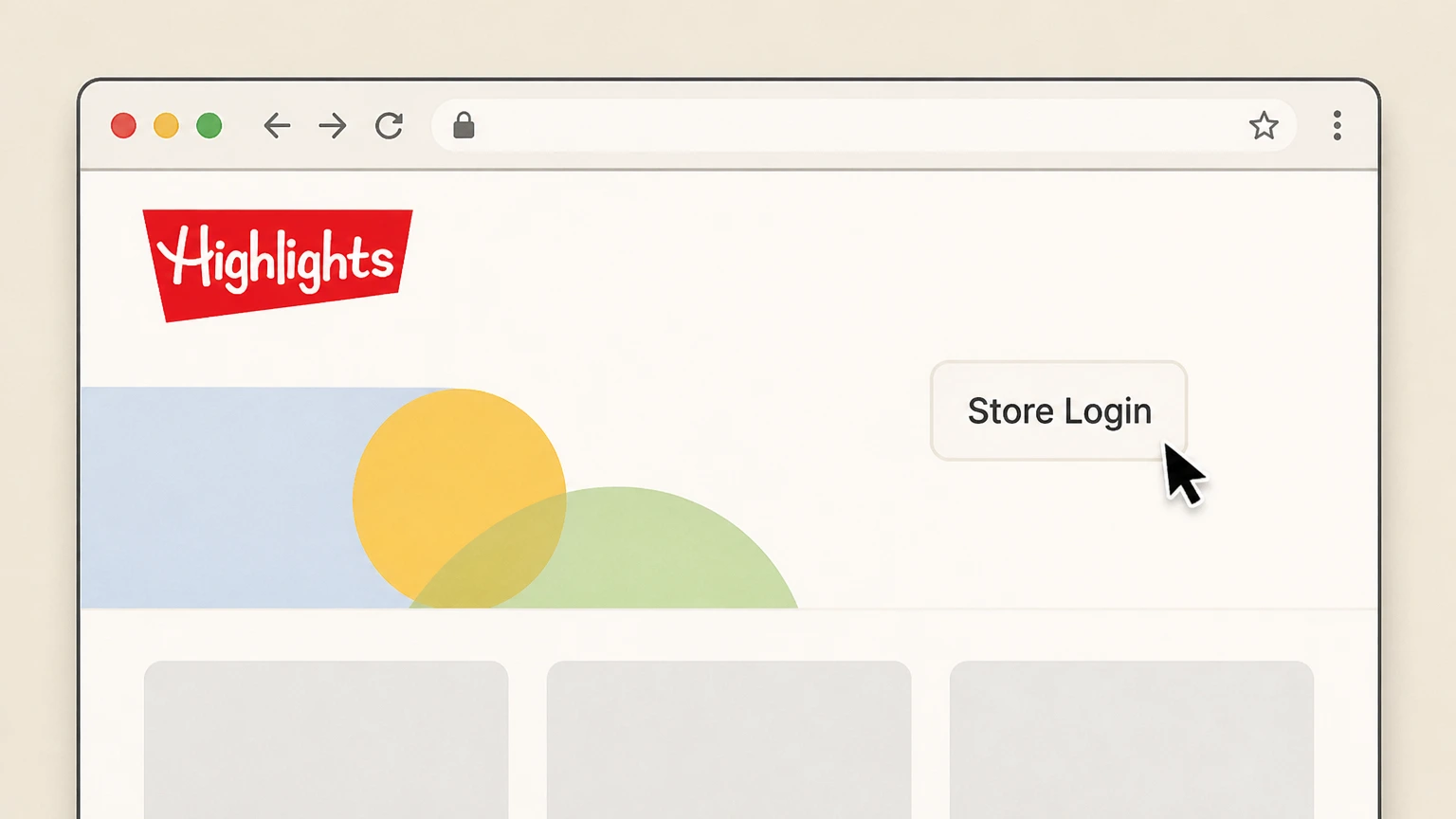
1Open the Bitsbox store site
In a web browser, go to the Bitsbox store area that is linked as the Grownup or store account login from Bitsbox’s FAQ or site navigation.
 2
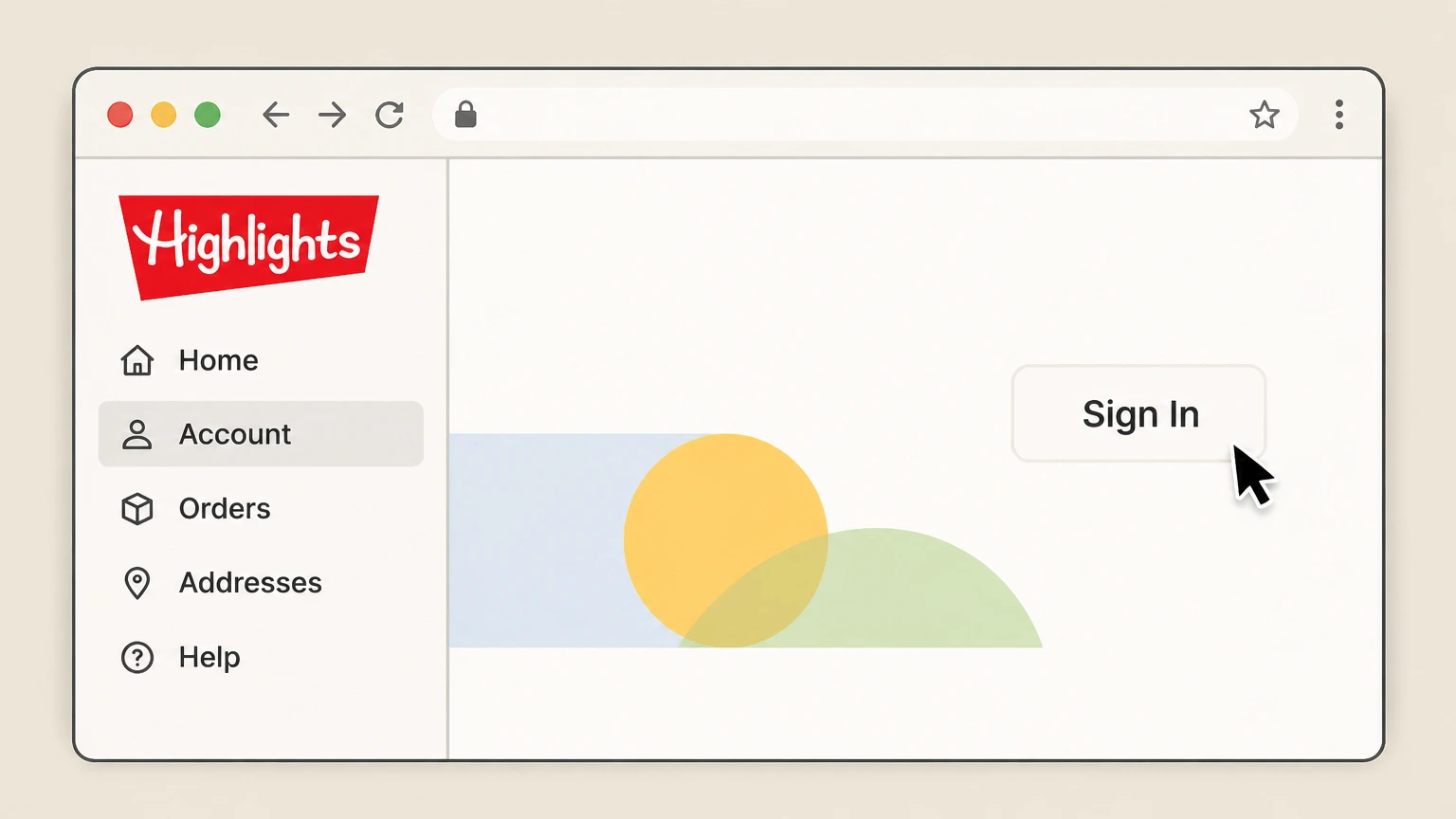
2Sign in to your Grownup Account
Enter the email and password you used when subscribing and sign in to your Bitsbox store (Grownup) account, which manages billing and shipments.
- Let Pine handle it
Pine can help
Too many steps?
Pine can find the right Bitsbox website (Grownup account) path and handle the cancellation for you.
 3
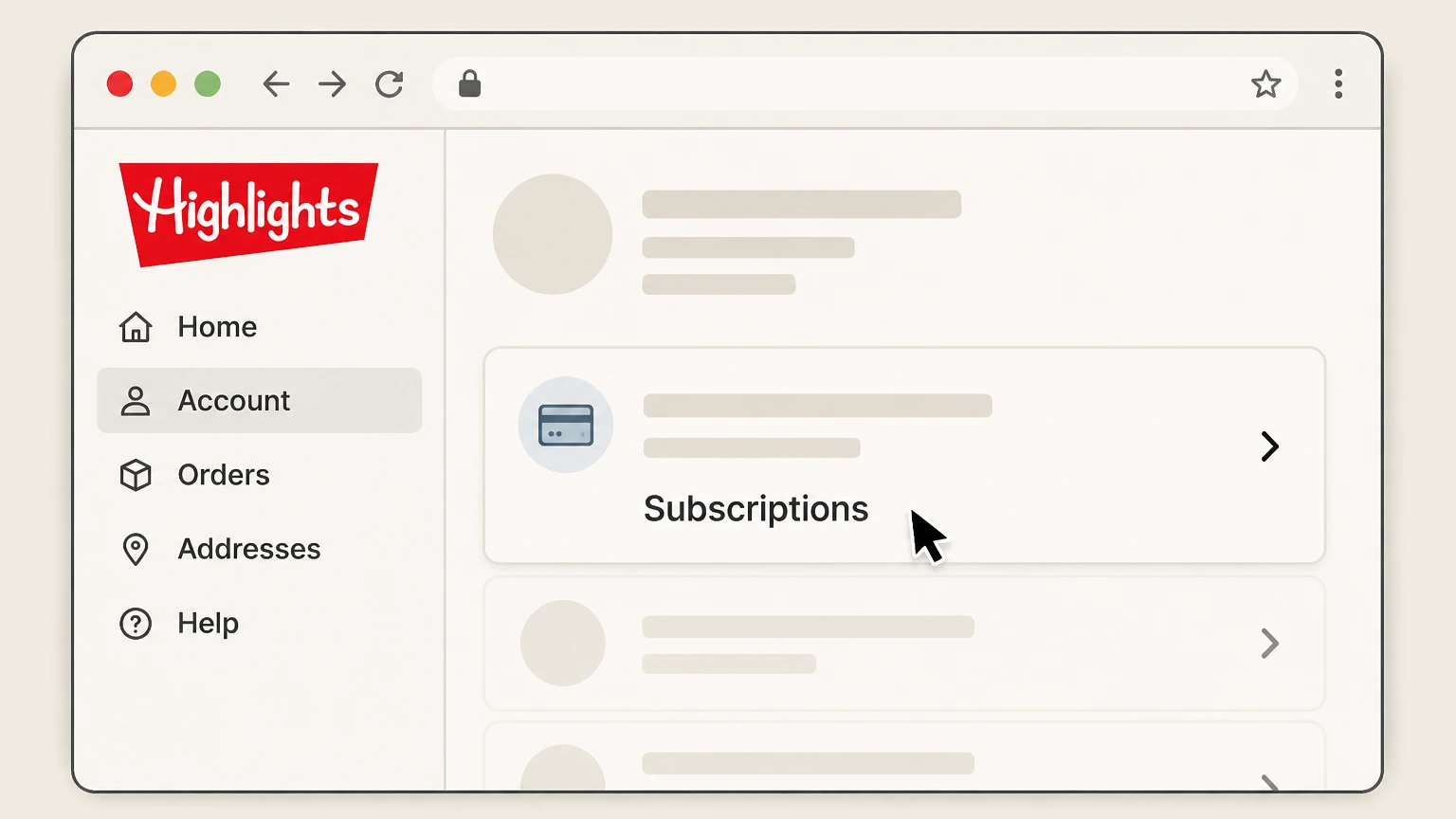
3Open your subscription settings
From your account dashboard, navigate to the section that lists your active Bitsbox subscription plan. Use the Bitsbox account named on your receipt, and continue only after the next status in this cancellation path is visible.
 4
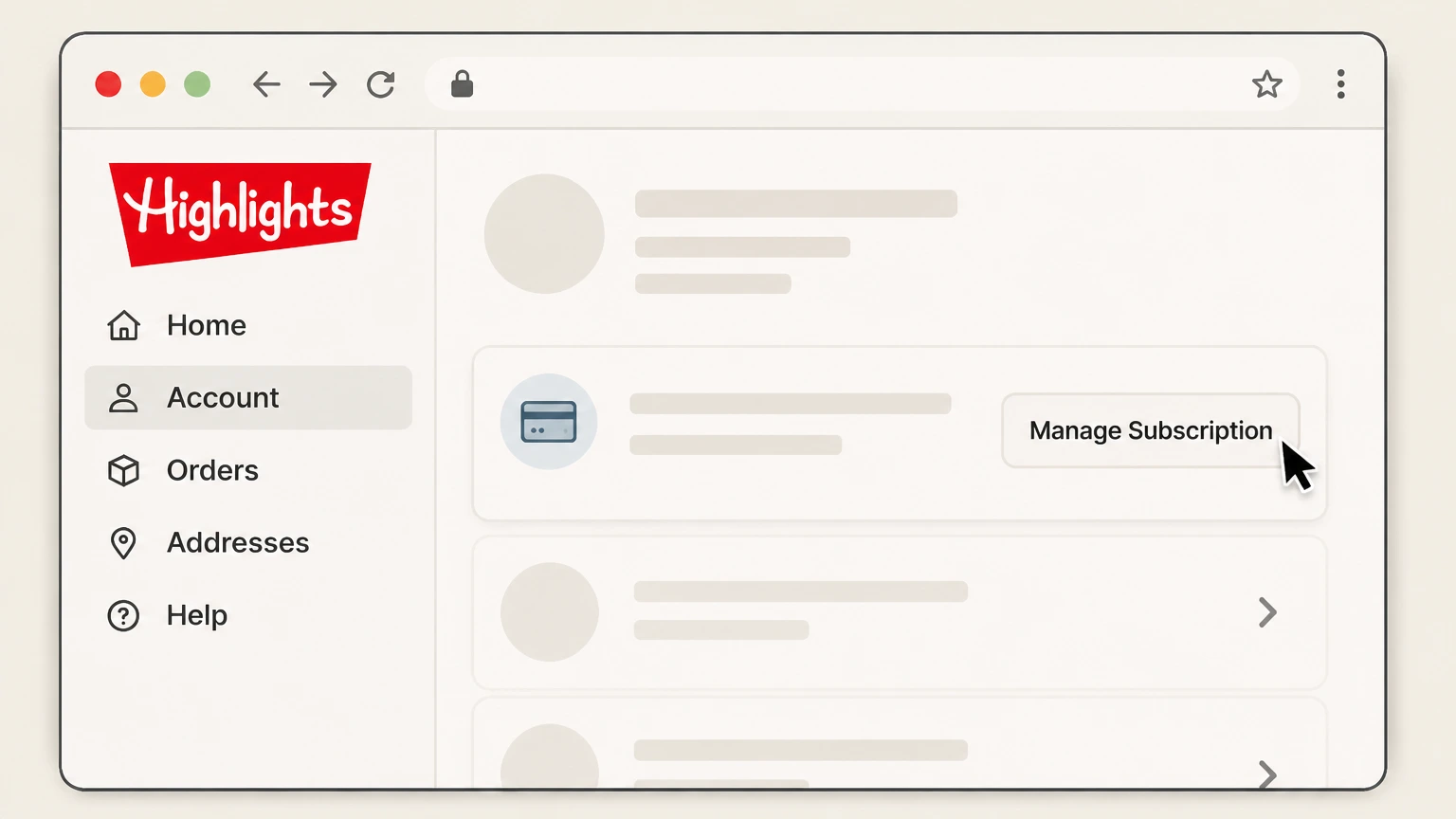
4Select the active Bitsbox subscription
Choose the current Bitsbox subscription entry you want to stop renewing to view its management options. Use the Bitsbox account named on your receipt, and continue only after the next status in this cancellation path is visible.
 5
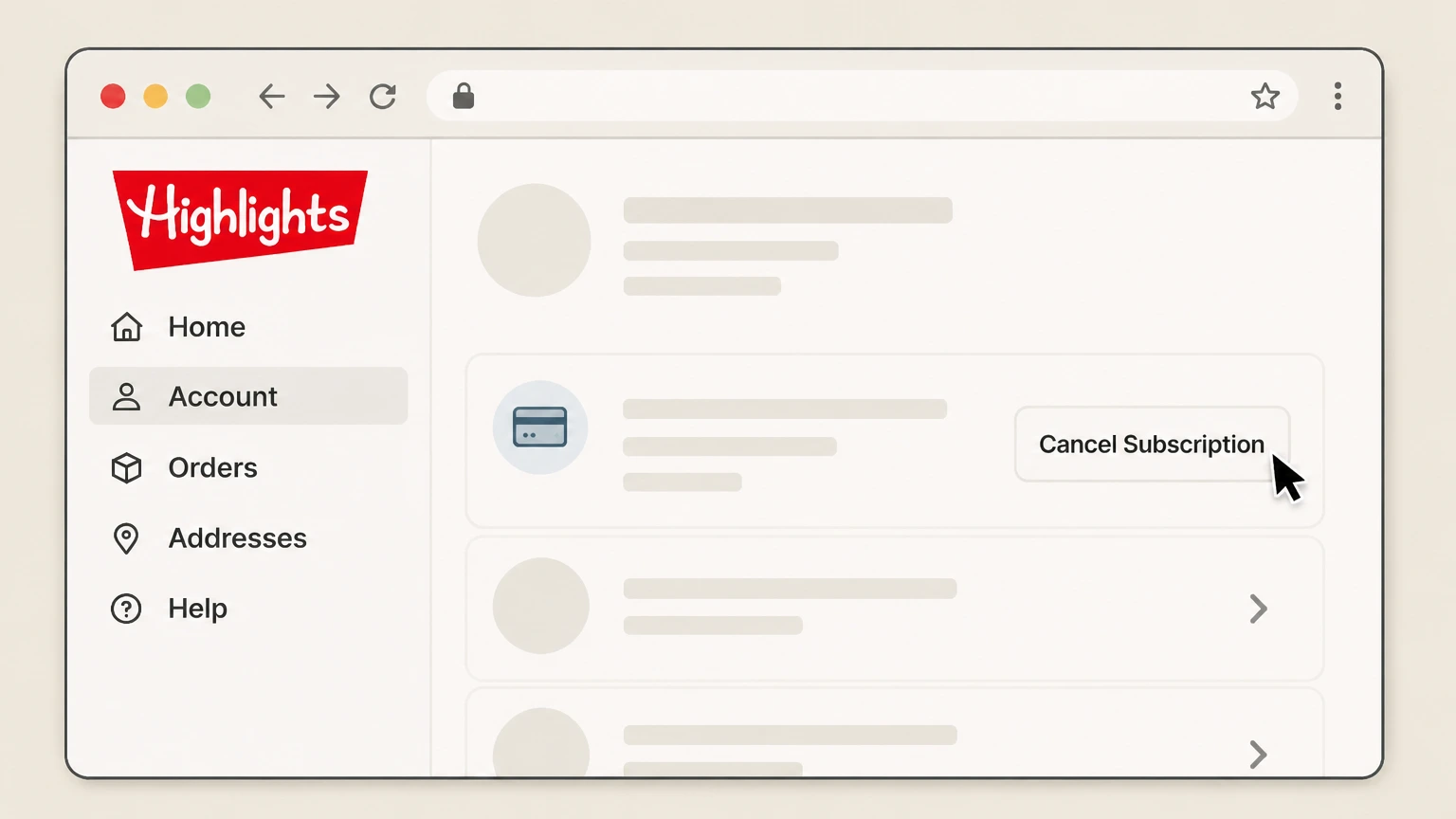
5Click the cancel option for the plan
Use the cancel button for that subscription and follow any short survey or confirmation prompts to start cancellation processing. Use the Bitsbox account named on your receipt, and continue only after the next status in this cancellation path is visible.
 6
6Save proof that renewal is off
After cancellation is submitted, save any on‑screen notice or email showing that automatic renewal has been turned off for your subscription.

Amazon subscription (web) · verify the billing owner
 1
1Sign in to your Amazon account
In a browser, sign in to the Amazon account that was used to purchase the Bitsbox subscription. Use the Bitsbox account named on your receipt, and continue only after the next status in this cancellation path is visible.
 2
2Open Memberships & Subscriptions
From the Accounts & Lists menu, go to the section labeled Memberships & Subscriptions to view your active subscriptions. Use the Bitsbox account named on your receipt, and continue only after the next status in this cancellation path is visible.
- Let Pine handle it
Pine can help
Too many steps?
Pine can find the right Amazon subscription (web) path and handle the cancellation for you.
 3
3Locate the Bitsbox subscription entry
Scroll through your list of subscriptions and find the active Bitsbox subscription you want to cancel. Use the Bitsbox account named on your receipt, and continue only after the next status in this cancellation path is visible.
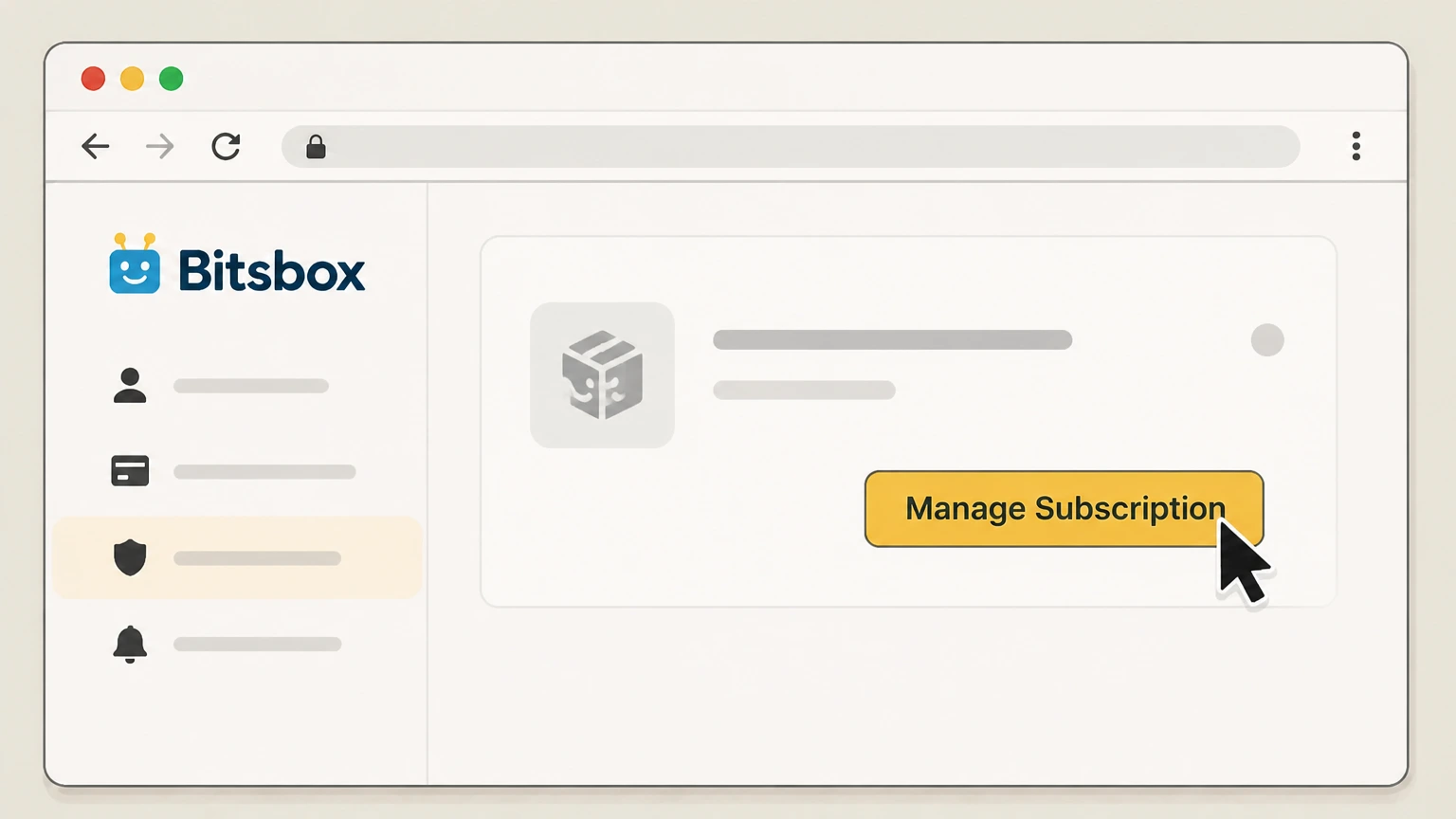 4
4Open Bitsbox subscription management
Select the manage option for Bitsbox to open its subscription details and available actions. Use the Bitsbox account named on your receipt, and continue only after the next status in this cancellation path is visible.
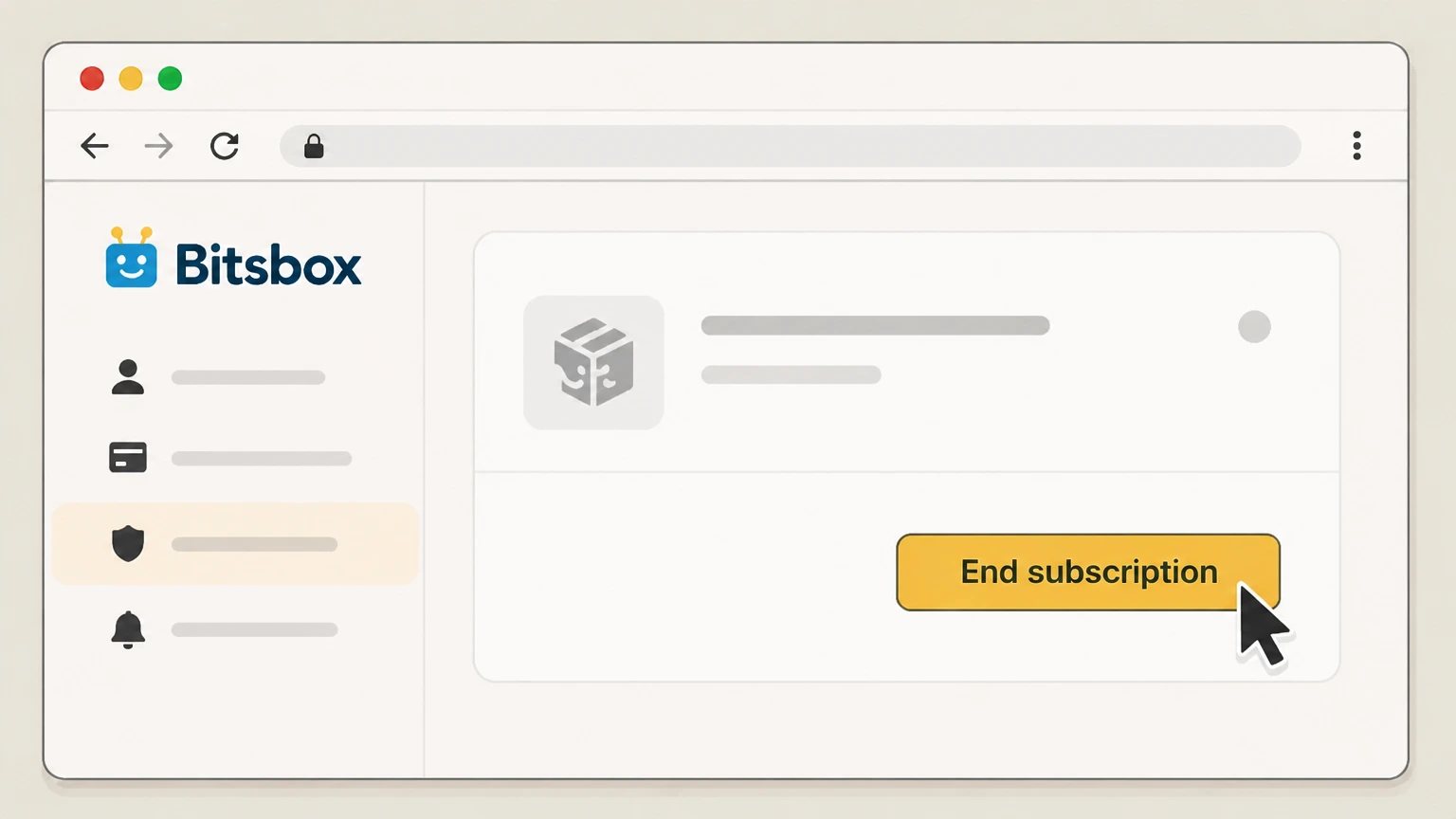 5
5End the Bitsbox subscription
Choose the option labeled End subscription or similar for Bitsbox and confirm to stop future shipments and charges. Use the Bitsbox account named on your receipt, and continue only after the next status in this cancellation path is visible.
Refund policy
Bitsbox refunds, returns, and midterm cancellations
Bitsbox separates cancelling future renewals from refunding past charges. Its policies focus on stopping new renewals while keeping previously paid boxes and fees largely non‑refundable.
Check my refund options- Subscription fees are non‑refundable
- Bitsbox’s Terms specify that fees are non‑refundable and that cancelling automatic renewal does not entitle you to a prorated refund for the current subscription period.bitsbox.com
- Cancellation stops renewals, not the current term
- When you cancel, Bitsbox will stop the next automatic renewal but lets you use your subscription through the end of the term you have already paid for.alistaging.bitsbox.com
- Already-shipped boxes cannot be returned
- The FAQ states that Bitsbox is unable to accept returns for any product that has already been shipped, so delivered boxes are effectively final sales.alistaging.bitsbox.com
- Unshipped products usually aren’t refunded midterm
- If you cancel midterm, Bitsbox explains that it is also unable to refund unshipped products; boxes remaining under your existing term will still be sent.alistaging.bitsbox.com
- Amazon billing follows Amazon’s refund rules
- For Amazon subscriptions, Bitsbox directs you to cancel through Amazon, so any billing disputes or refund possibilities are subject to Amazon’s own subscription and returns policies.alistaging.bitsbox.com
If you believe you were wrongly charged after cancelling or have an unusual situation such as a damaged box, contact Bitsbox support in writing and ask them to confirm what, if any, refund or credit they can offer under their current policies. Go to Bitsbox support page
Start here
Confirm where your Bitsbox subscription was purchased
Cancellation happens where billing is controlled, so begin by confirming whether your subscription is managed by Bitsbox or Amazon.
Check your original receipt
Look at the email or order receipt for your latest Bitsbox charge to see whether it came from Bitsbox’s own store or from Amazon.alistaging.bitsbox.com For your Bitsbox account, compare this point with the billing owner and effective date shown in the signed-in account or latest receipt.
Direct Bitsbox orders use the Grownup Account
If the receipt references Bitsbox’s own store or subscribe pages, your billing is managed in a Bitsbox Grownup (store) account, not in your kid’s coding login.alistaging.bitsbox.com
Amazon orders cancel in Amazon
If the receipt is an Amazon order confirmation, Bitsbox’s FAQ directs you to cancel that subscription in Amazon’s Memberships & Subscriptions area.alistaging.bitsbox.com For your Bitsbox account, compare this point with the billing owner and effective date shown in the signed-in account or latest receipt.
Purchase orders behave like direct subscriptions
Bitsbox allows qualifying schools and organizations to pay by purchase order; these arrangements are still managed as Bitsbox subscriptions and cancelled through Bitsbox support or store tools.alistaging.bitsbox.com
Accounts
Grownup vs Kid Accounts when cancelling Bitsbox
Bitsbox uses separate account types for billing and for coding, and only the Grownup account can control renewals.
Grownup (store) accounts manage billing
Bitsbox explains that Grownup or store accounts are used to set up subscriptions, manage your payment method, and control renewals and shipping details.alistaging.bitsbox.com For your Bitsbox account, compare this point with the billing owner and effective date shown in the signed-in account or latest receipt.
Kid coding accounts are free
Kid Accounts, also called Coding Accounts, are free logins on the Bitsbox coding site that let children save and run their apps but do not include billing tools.alistaging.bitsbox.com
Use the store login to cancel
Cancellation instructions explicitly tell direct subscribers to log in to the store account linked from the FAQ and click the cancel button next to their subscription.alistaging.bitsbox.com
Amazon subscribers may not have Grownup accounts
If you ordered via Amazon, the FAQ notes that your subscription is managed only through Amazon and you do not need a Bitsbox Grownup account for billing.alistaging.bitsbox.com
Coding access continues after cancellation
Bitsbox states that even if you end your subscription, kids keep access to the website and to all the apps they have built in their coding accounts.alistaging.bitsbox.com
What changes
What cancelling Bitsbox does—and does not—change
Bitsbox distinguishes between stopping future renewals and boxes you have already paid for, and its rules differ for direct and Amazon orders.
Cancellation stops the next automatic renewal
Bitsbox’s FAQ clarifies that cancelling a subscription means future automatic renewals are turned off rather than erasing the current paid term.alistaging.bitsbox.com For your Bitsbox account, compare this point with the billing owner and effective date shown in the signed-in account or latest receipt.
Already-paid boxes still ship
They state that after cancellation they will continue shipping all boxes you have already paid for, whether you bought a monthly or multi‑month plan.alistaging.bitsbox.com For your Bitsbox account, compare this point with the billing owner and effective date shown in the signed-in account or latest receipt.
Midterm cancellations don’t trigger refunds
Bitsbox says it cannot refund unshipped products if you cancel midterm, and its Terms add that subscription fees are non‑refundable and not prorated.alistaging.bitsbox.com For your Bitsbox account, compare this point with the billing owner and effective date shown in the signed-in account or latest receipt.
Auto-renewal can be cancelled anytime
Marketing and FAQ content for home and homeschool subscriptions both emphasize that you can cancel your subscription at any time to stop future renewals.ali.bitsbox.com For your Bitsbox account, compare this point with the billing owner and effective date shown in the signed-in account or latest receipt.
Subscription term continues after turning off auto‑renew
The Terms explain that when you cancel automatic renewal you may use your subscription until the end of the then‑current term; access is not cut off immediately.bitsbox.com
Billing dates
Bitsbox renewal timing and when to cancel
Knowing your renewal pattern helps you time cancellation so that the next charge is blocked while keeping the boxes you already paid for.
Renewals follow your order anniversary
For most current subscribers, Bitsbox renews on the anniversary of the order date, and three‑month plans renew for another three months on that anniversary.alistaging.bitsbox.com For your Bitsbox account, compare this point with the billing owner and effective date shown in the signed-in account or latest receipt.
Older direct subscriptions may renew monthly
Bitsbox notes that subscriptions started before February 20, 2018 renew on the first of the month, so long‑time customers should confirm which rule applies.alistaging.bitsbox.com For your Bitsbox account, compare this point with the billing owner and effective date shown in the signed-in account or latest receipt.
Amazon bills when each box ships
If you ordered on Amazon, the FAQ says you are billed each time a box ships, usually within two days of the original order date or its anniversary.alistaging.bitsbox.com
Terms reference a 48‑hour notice window
The Terms state that Bitsbox may keep submitting recurring charges until you cancel auto‑renew with at least 48‑hours’ notice before the renewal date.bitsbox.com For your Bitsbox account, compare this point with the billing owner and effective date shown in the signed-in account or latest receipt.
Plan to cancel before your next renewal date
Because of the anniversary and notice rules, it is safest to complete cancellation several days before your expected renewal or shipping date and keep proof until it passes.alistaging.bitsbox.com
Proof
How to confirm your Bitsbox cancellation worked
Bitsbox does not describe a single standard confirmation email, so you should rely on account status, email records, and, for Amazon, its subscription dashboard.
Allow up to 48 hours for processing
The FAQ warns that direct cancellations submitted through the store account can take up to 48 hours to process before renewal status is updated.alistaging.bitsbox.com For your Bitsbox account, compare this point with the billing owner and effective date shown in the signed-in account or latest receipt.
Check subscription status in your Grownup Account
After that window, log back into the Bitsbox store account and confirm that auto‑renew is off or that the subscription shows as cancelled or not scheduled to renew.alistaging.bitsbox.com
Verify Amazon shows the subscription as ended
For Amazon orders, revisit Memberships & Subscriptions and make sure Bitsbox is listed as ended or that there is no upcoming shipment date.alistaging.bitsbox.com For your Bitsbox account, compare this point with the billing owner and effective date shown in the signed-in account or latest receipt.
Save key documents until after renewal passes
Keep your last invoice, screenshots or PDFs of the cancellation page, and any support replies until the next renewal or shipment date has safely passed.alistaging.bitsbox.com
Use written channels if something looks wrong
If your account still shows an active renewal after cancellation, contact Bitsbox support by email so you have a written record of what they confirm.bitsbox.com
After cancel
What access you keep after cancelling Bitsbox
Ending your subscription mainly affects future boxes and billing; Bitsbox separates that from your kids’ ability to keep using the coding site.
Kids keep access to prior projects
Bitsbox explains that Kid Accounts and their apps do not expire, and even if you end your subscription your kids still have access to the website and all apps they built.alistaging.bitsbox.com
Coding accounts stay separate from billing
Because coding accounts are separate from the store login, logging into or out of the coding site does not start, stop, or confirm billing for your subscription.alistaging.bitsbox.com
No returns for shipped boxes
The FAQ states that Bitsbox cannot accept returns on products that have already shipped, so cancellation will not reclaim the cost of boxes already delivered.alistaging.bitsbox.com
Unshipped products aren’t refunded midterm
Bitsbox also notes that it is unable to refund unshipped products when you cancel midterm; those remaining boxes still ship under your existing term.alistaging.bitsbox.com For your Bitsbox account, compare this point with the billing owner and effective date shown in the signed-in account or latest receipt.
Future boxes stop once renewals are off
When auto‑renew is cancelled and your current pre‑paid term ends, no new boxes should be billed or shipped unless you start a new subscription.alistaging.bitsbox.com For your Bitsbox account, compare this point with the billing owner and effective date shown in the signed-in account or latest receipt.
Support
When and how to contact Bitsbox about cancellation
Most customers can cancel via self‑service, but Bitsbox publishes support options if your account access or subscription details are unclear.
Use the FAQ for self-service guidance first
Bitsbox’s support page directs customers to its FAQ for common subscription questions, including how to cancel and how renewals and shipping work.bitsbox.com For your Bitsbox account, compare this point with the billing owner and effective date shown in the signed-in account or latest receipt.
Email support for account lookups
Both the FAQ and support page say you can email help@bitsbox.com if you are unsure which account or billing channel your subscription uses.alistaging.bitsbox.com For your Bitsbox account, compare this point with the billing owner and effective date shown in the signed-in account or latest receipt.
Terms allow cancellation via account or phone
The Terms state that to cancel auto‑renew you must either update your user account on bitsbox.com or call the Bitsbox support team, providing an alternative if you cannot access the store site.bitsbox.com
Have key details ready when you write
When contacting support, include your Grownup Account email, child’s name, plan type, and recent order date so they can locate and confirm the correct subscription.alistaging.bitsbox.com
Schools using purchase orders should coordinate
If you subscribed using a purchase order, Bitsbox asks that you email details of the existing subscription when arranging changes, so cancellation should also be confirmed with them in writing.alistaging.bitsbox.com
What official sources do not confirm
Limits of the public Bitsbox cancellation guidance
These points are intentionally qualified because the official sources reviewed on August 16, 2026 do not publish a complete answer.
Documented limitation 1
The Bitsbox store login and subscription management pages at subscribe.bitsbox.com returned limited content to the crawler, so exact internal button labels and screen layouts inside the Grownup Account could not be verified beyond what the FAQ describes.
Documented limitation 2
No Bitsbox-managed subscription was inspected inside an Amazon account; the Amazon cancellation flow is based solely on the step names published in Bitsbox’s FAQ, which may change if Amazon updates its interface.
Documented limitation 3
Bitsbox’s Terms mention a phone-based cancellation option, but current public support pages emphasize email and FAQ self-service and do not restate phone details, so the guide does not promote phone cancellation as a primary route.
Documented limitation 4
Pricing amounts on homeschool and subscription marketing pages can change over time; to avoid publishing outdated figures, this guide describes pricing at a high level and directs readers to Bitsbox’s own store for exact current rates.
Documented limitation 5
Bitsbox’s internal handling of edge cases—such as disputed charges after late cancellation, partial term adjustments, or exceptional refunds—is not fully documented in public sources and may require direct negotiation with Bitsbox or, for Amazon orders, with Amazon support.
Bitsbox cancellation FAQ
Questions people search about canceling Bitsbox, answered with official provider or billing-platform sources checked on August 16, 2026.
How do I cancel my Bitsbox subscription?
Is Bitsbox still in business?
Is Bitsbox legit?
Is Bitsbox free?
How much does a Bitsbox subscription cost?
What happens to my remaining Bitsbox boxes after I cancel?
Can I get a refund if my child doesn’t like Bitsbox?
Why can’t I cancel from my kid’s Bitsbox login?
How long does it take for a Bitsbox cancellation to process?
Which Bitsbox login should I use to cancel my subscription?
Untangle this Bitsbox issue.
Let Pine handle the provider follow-up and keep the confirmation in one place.
