


BioClarity
Cancel subscription
How to Cancel BioClarity: Official Steps & Timing
Cancel BioClarity through the correct billing route. Follow official steps, understand renewal timing and refunds, and keep proof of the final result.
- 2 verified cancellation routes
- Billing ownership and renewal timing explained
- Provider-specific refund boundaries included
- A confirmation check follows every route
Choose the correct BioClarity cancellation route
BioClarity.com account · verify the billing owner
Cancel BioClarity through BioClarity.com account
 1
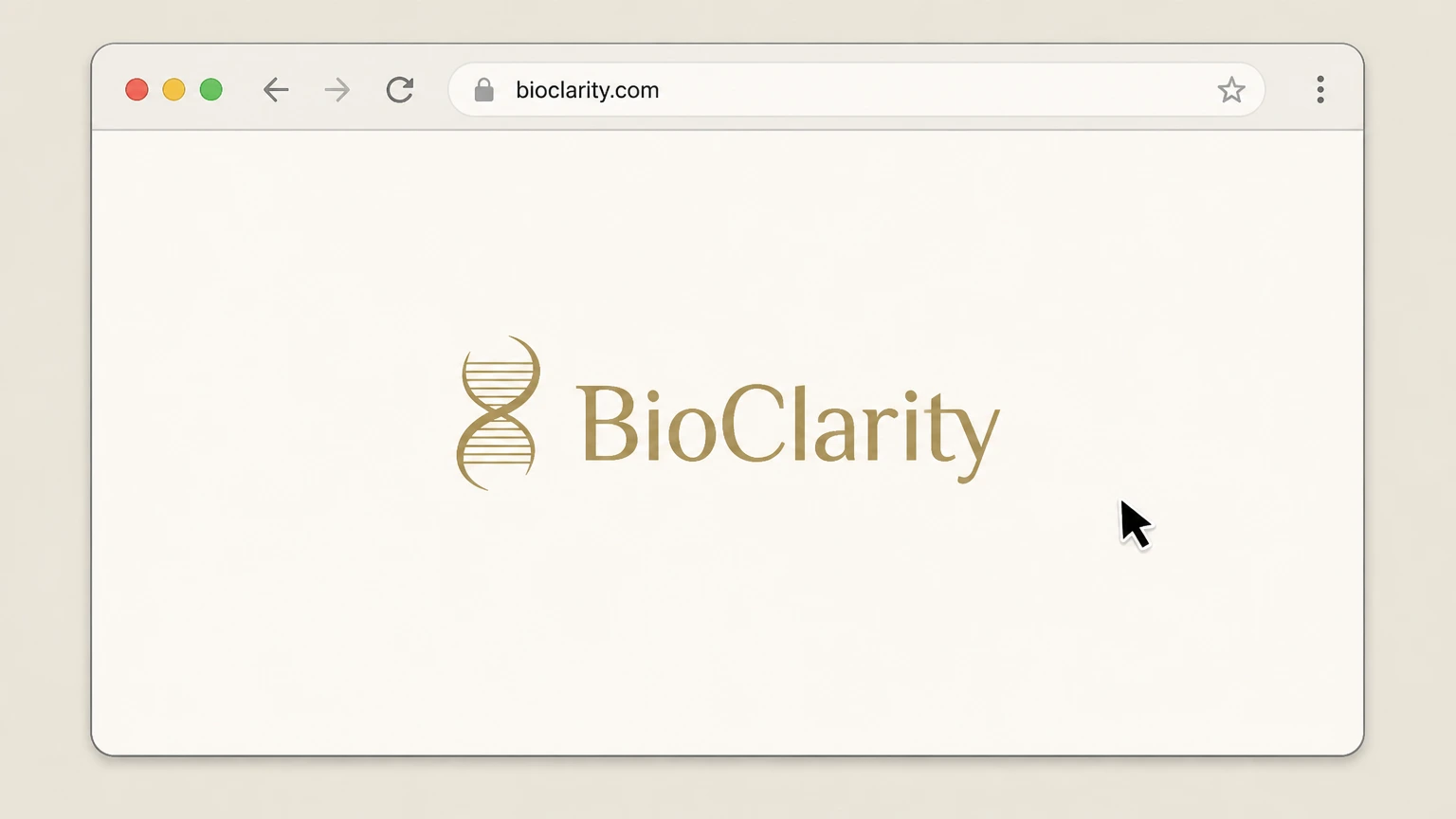
1Open the BioClarity website
In a web browser, go to bioclarity.com. Use the account that holds the active BioClarity subscription.
 2
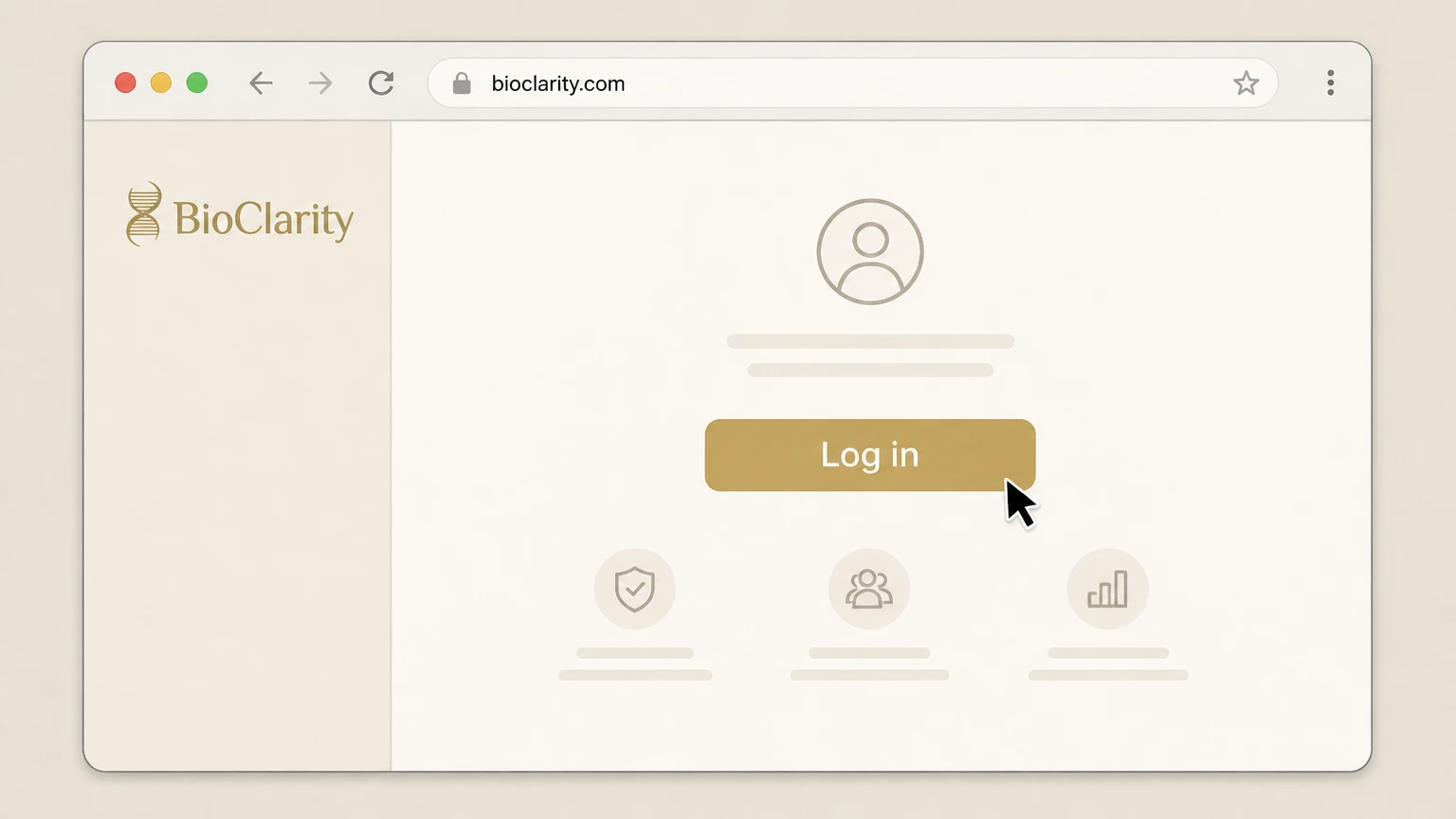
2Log in to your BioClarity account
On the site, select "Log in" and enter your account email and password to sign in to your BioClarity account.
- Let Pine handle it
Pine can help
Too many steps?
Pine can find the right BioClarity.com account path and handle the cancellation for you.
 3
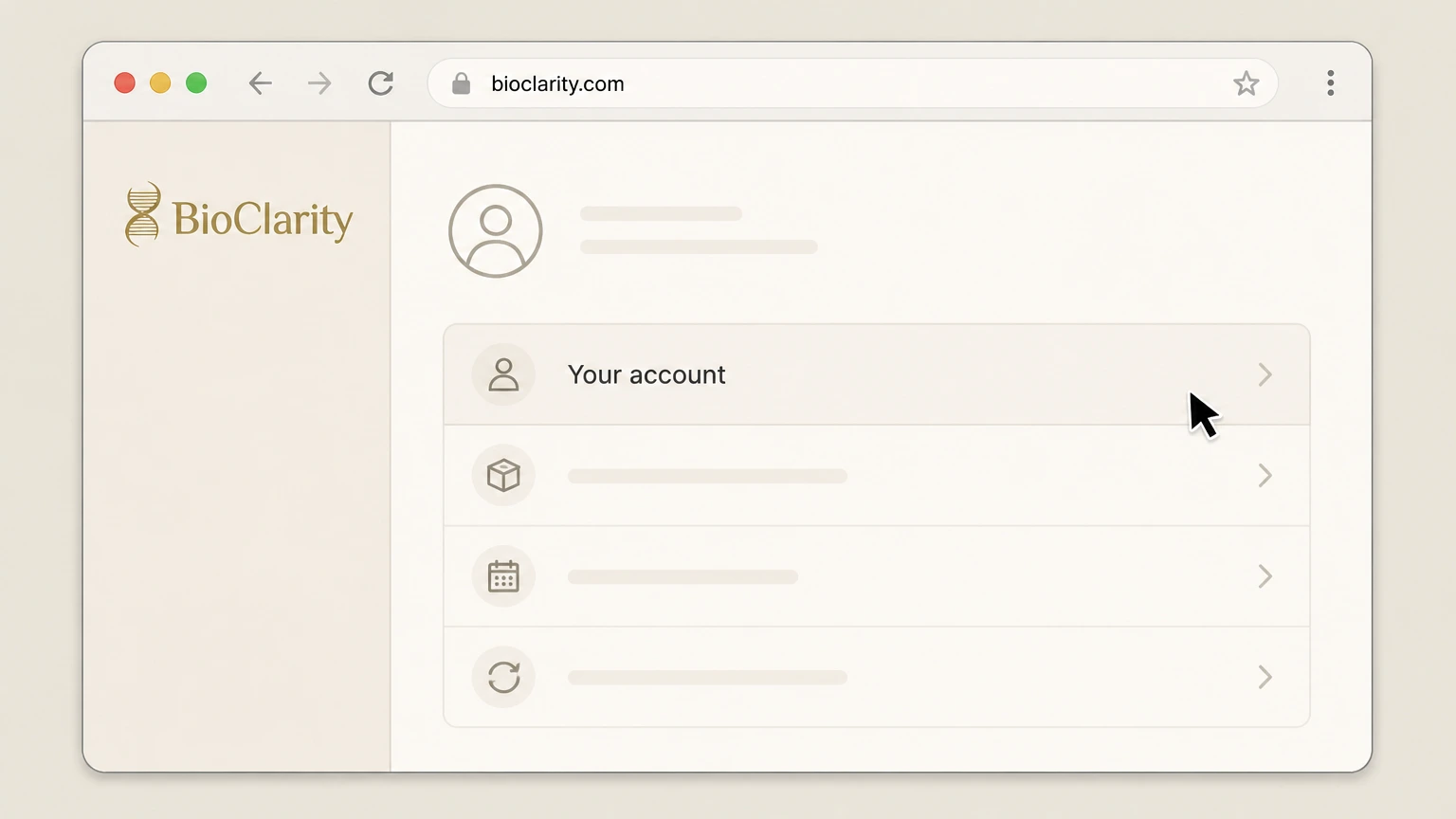
3Open your account management area
From your account, go to the area where you can view order status, update next ship date, change order frequency, and manage subscriptions.
 4
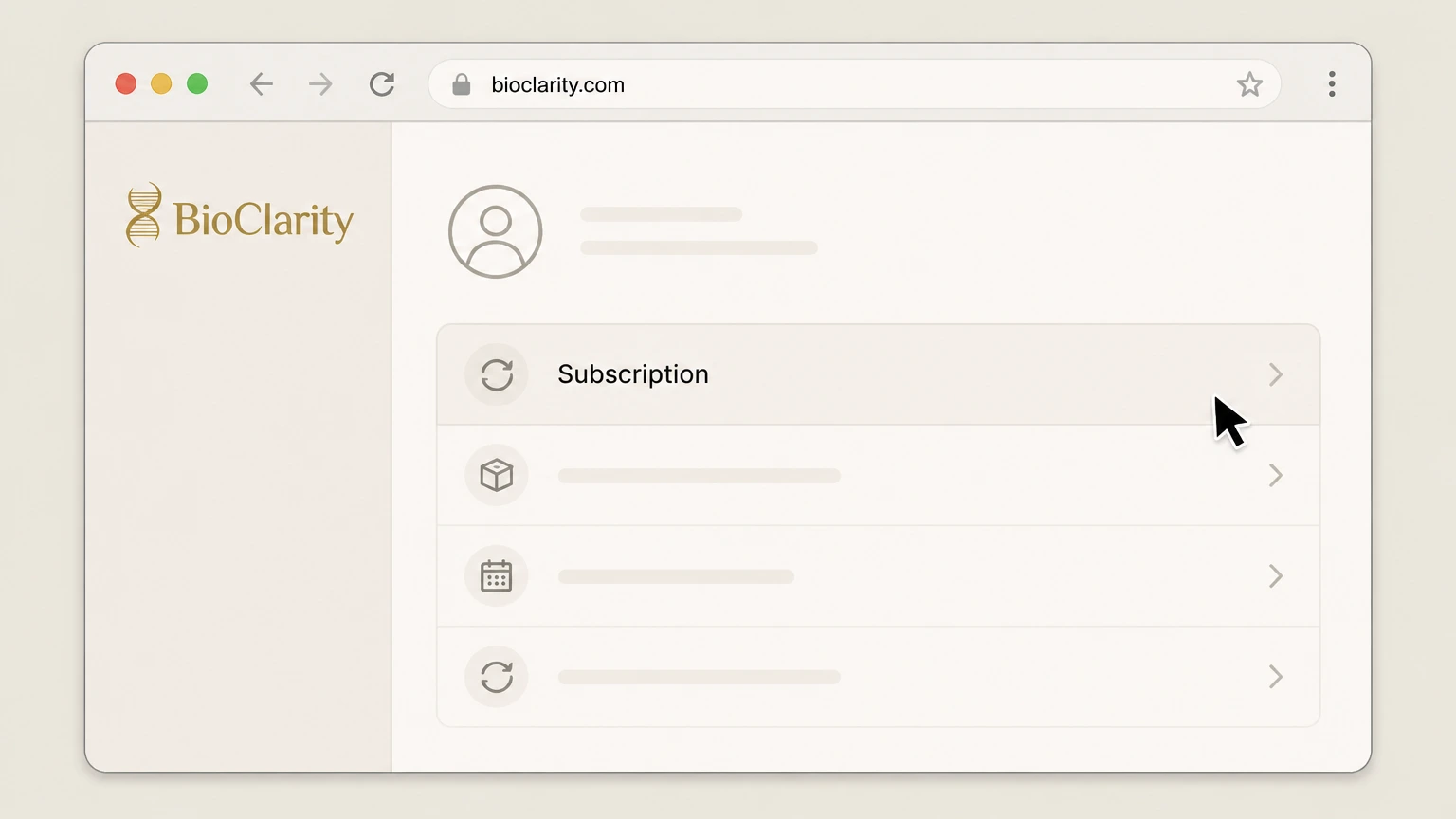
4Select the auto-ship subscription to manage
In your account, choose the auto-ship subscription or recurring order you want to stop.
 5
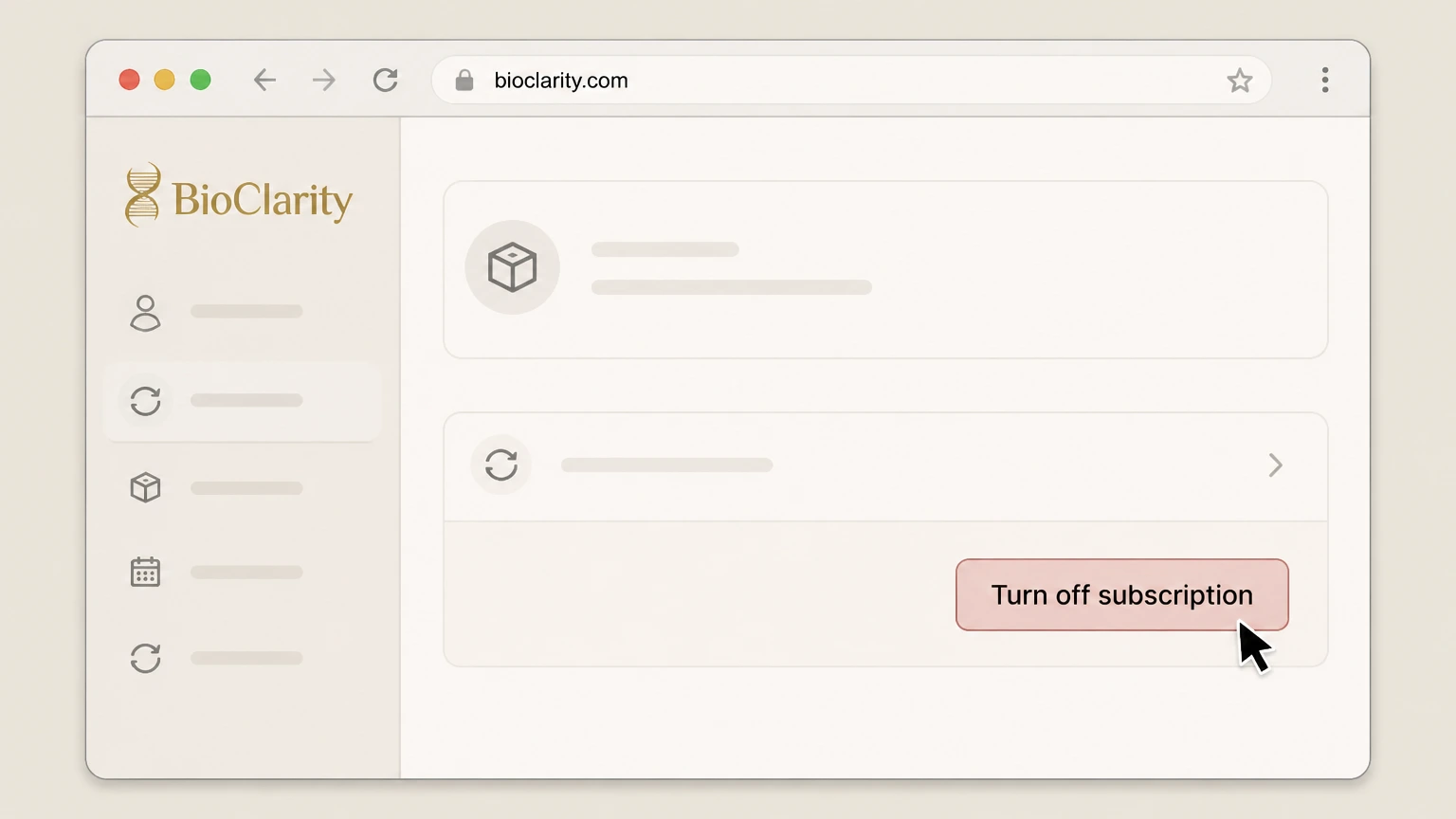
5Turn off the auto-ship subscription
Use the available option such as "Turn off subscription" to cancel auto-ship for that item so future shipments and charges stop.
 6
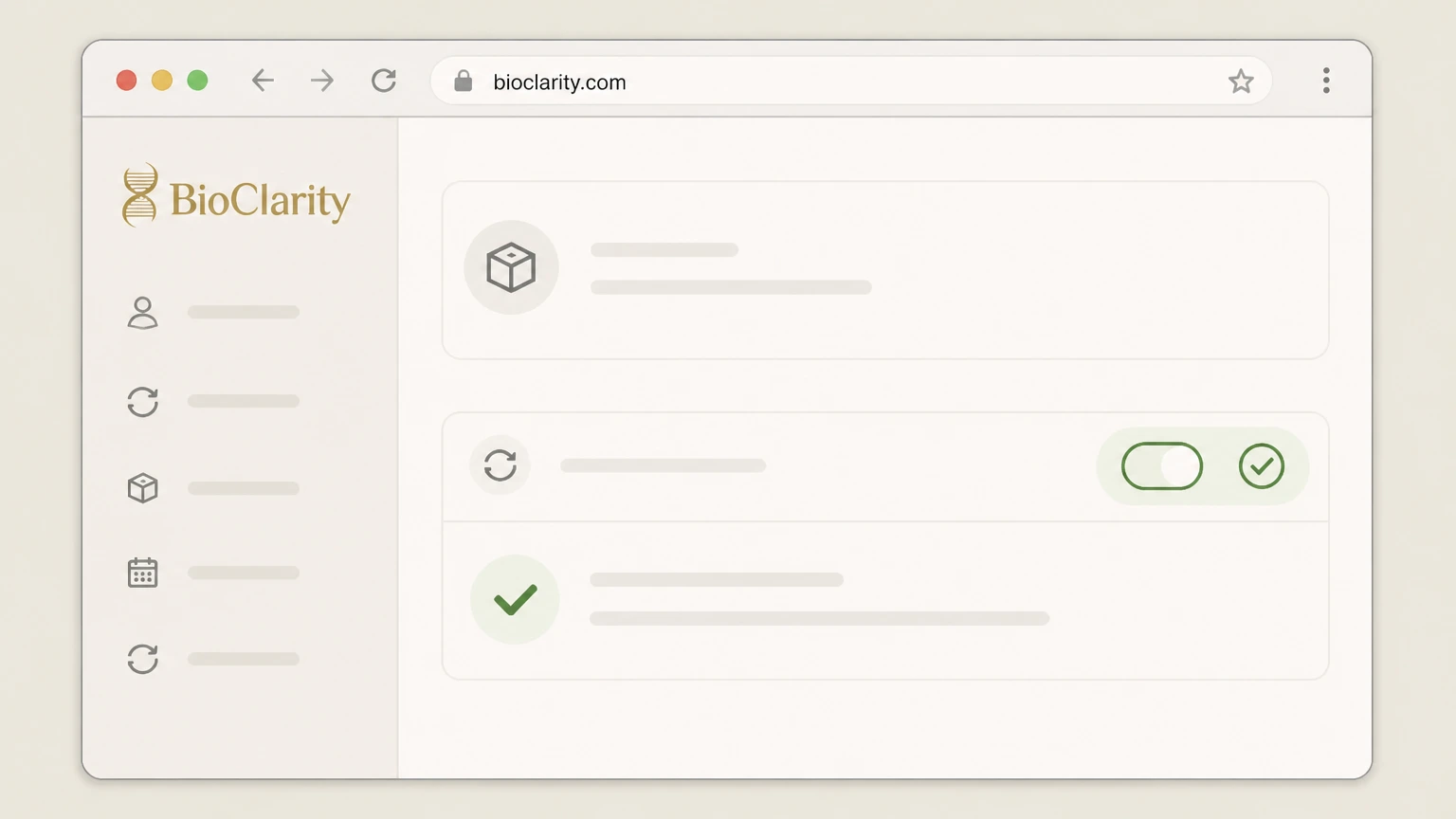
6Confirm auto-ship is turned off
Verify that the subscription now shows as off or inactive and that no future shipment date or next charge is listed for that item.

Call BioClarity customer service · verify the billing owner
Cancel BioClarity through Call BioClarity customer service
 1
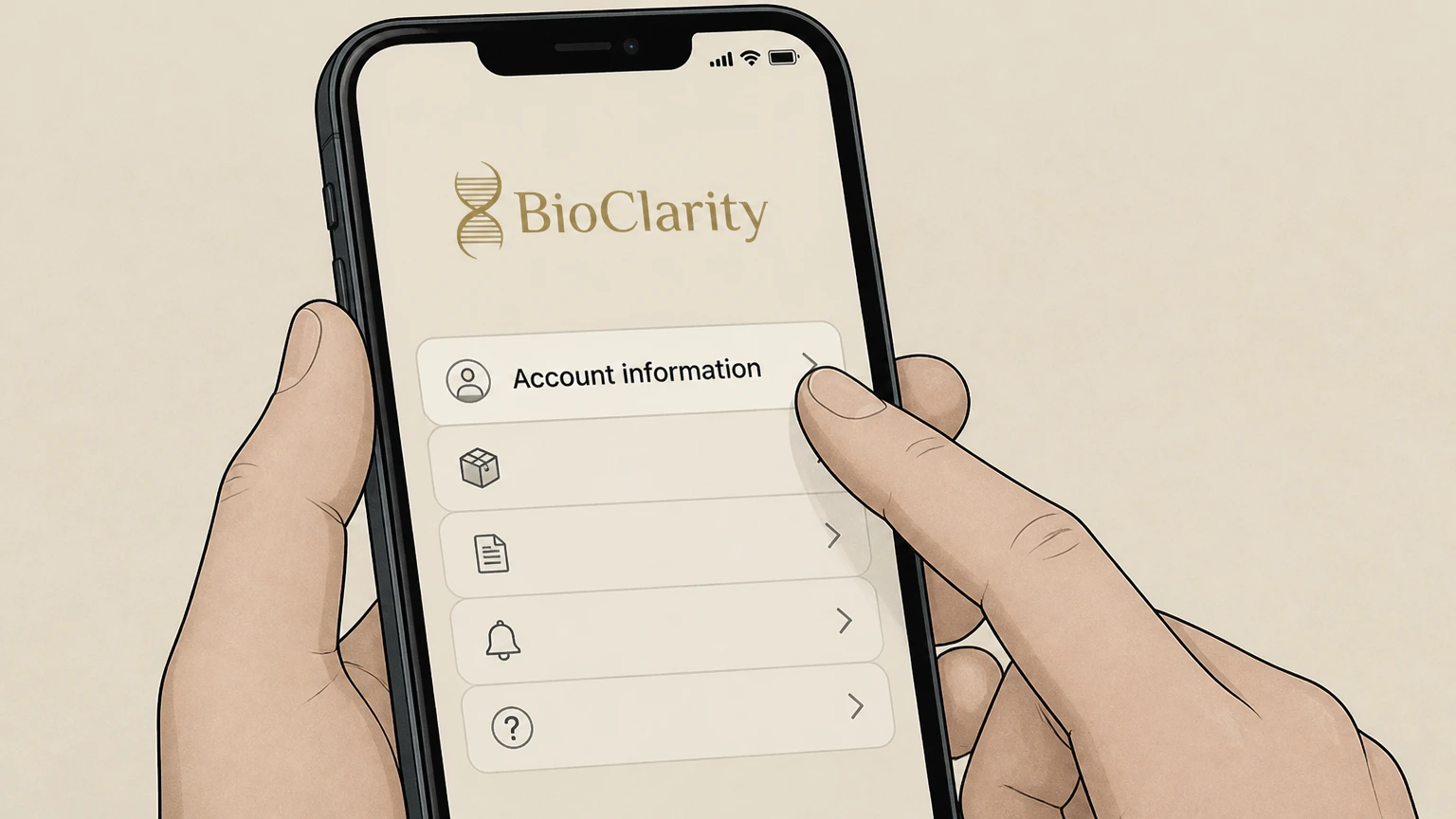
1Gather your account information
Before calling, locate your BioClarity account email and at least one recent order number linked to your subscription.
 2
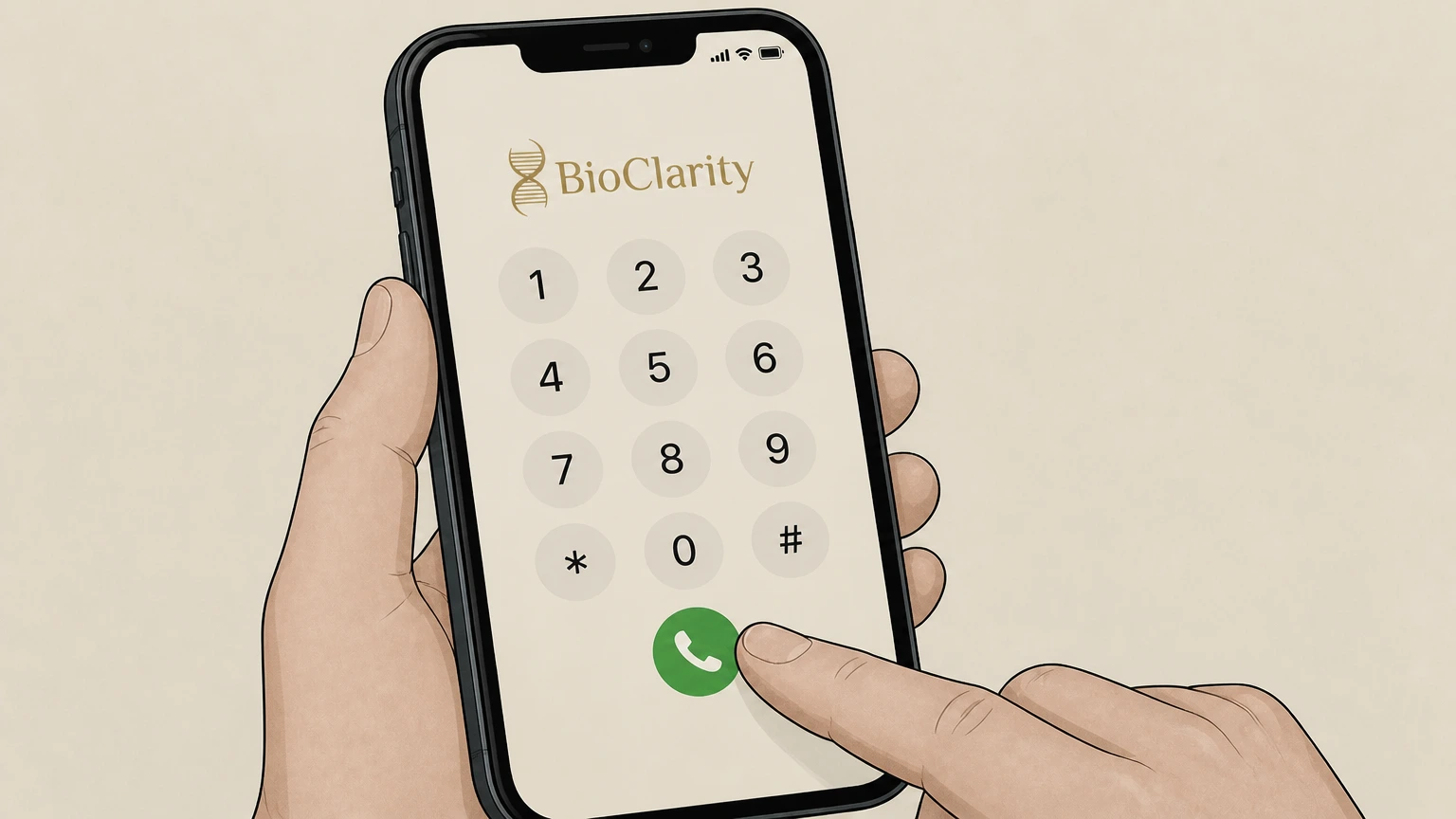
2Call BioClarity customer service
Use your phone to call BioClarity customer service at the support number listed on their Customer Service or FAQ pages.
- Let Pine handle it
Pine can help
Too many steps?
Pine can find the right Call BioClarity customer service path and handle the cancellation for you.
 3
3Request cancellation of auto-ship
When connected, tell the specialist you want to cancel your BioClarity auto-ship subscription and stop all future recurring shipments and charges.
 4
4Provide details so they can find your subscription
Give the specialist your name, account email, and order number so they can locate and update your subscription settings.
 5
5Ask for confirmation that auto-ship is off
Ask the specialist to confirm that auto-ship has been turned off and that no future shipments or charges remain scheduled.
 6
6Record call details for your records
After the call, note the date, time, and any confirmation the specialist provided in case you need proof later.
Refund policy
BioClarity refunds and order-level reversals
BioClarity’s refund rights focus on individual orders and delivery condition, not on the mere act of canceling an Auto-Ship subscription. Customers should distinguish between stopping future shipments and seeking refunds for past orders.
Check my refund options- 30-day money-back guarantee and returns
- For purchases from www.bioclarity.com, BioClarity’s refund and sales policies allow returns within 30 days of delivery when you provide the product(s) and order number; shipping and return shipping fees are generally non-refundable.
- Order cancellation before shipment
- The Returns, Cancellations and Shipping Supplemental Policy requires that orders placed before 3:00pm Eastern be canceled before 3:00pm that day, and orders placed after 3:00pm be canceled before 10:00am the next day; no cancellations are processed after those deadlines.
For complete details on order cancellations, returns, and shipping rules, review BioClarity’s official Returns, Cancellations and Shipping Supplemental Policy on its website. View BioClarity returns & cancellations policy
Subscription location
Where BioClarity subscriptions are managed
BioClarity’s subscription model is tied to Auto-Ship/“Subscribe and Save” orders created on its own website, not through app stores or device platforms.
Web-based Auto-Ship program
BioClarity describes Auto-Ship & Save as a website-based program where you sign in, choose a product, select “Subscribe and Save,” set delivery frequency, and check out.
Account controls for subscriptions
The FAQ explains that once your account is activated you can log in to view order status, update next ship date, change order frequency, and turn off your subscription from your account.
No Apple or Google subscriptions
BioClarity does not offer a mobile app or list any Apple App Store or Google Play subscription entries; all recurring charges are managed directly on bioclarity.com.
Retail purchases handled separately
Return and refund policies specify that purchases made at retail outlets other than bioclarity.com must be returned at the original point of purchase, showing those sellers manage their own transactions.
Subscription vs orders
Auto-Ship subscriptions vs one-time BioClarity orders
BioClarity separates canceling an Auto-Ship subscription from canceling or returning an individual order or shipment.
Ongoing auto-shipments
The Auto-Ship page emphasizes that you choose a delivery frequency and can adjust it at any time, indicating a recurring schedule until you turn off auto-ship.
Turn off subscription in your account
The FAQ’s cancellation policy states you can turn off your auto-ship subscription at any time directly from your account, or contact support for help.
Order cancellation cutoffs
BioClarity’s supplemental sales policy explains that orders placed before 3:00pm Eastern must be canceled before 3:00pm that day; orders placed after 3:00pm must be canceled before 10:00am the following day.
Returns after delivery
The refund and sales policies allow returns of website purchases within 30 days of delivery when you provide the product(s) and order number, but shipping and return shipping fees are not refundable.
Retail vs website purchases
Both policies state that purchases made at retail outlets other than bioclarity.com must be returned at that original retailer, not through the online subscription account.
What changes
What changes when you cancel a BioClarity subscription
Stopping Auto-Ship affects future shipments and charges but does not automatically undo past orders or delete your account.
Future auto-shipments stop
When you turn off your auto-ship subscription in your account, BioClarity’s FAQ indicates that this is how you cancel and implies that future recurring shipments are stopped.
Existing orders may still ship
Sales policy deadlines show that if an order has already been placed and you miss the same-day or next-morning cutoff, cancellation may no longer be processed even if you turn off auto-ship for later cycles.
Account access remains
Account FAQs describe ongoing functions such as viewing order status and tracking orders, suggesting that canceling auto-ship does not close your online account.
Money-back guarantee window
BioClarity’s guarantee allows dissatisfied customers to request a refund within the first 30 days, via email or phone, which is independent of whether an auto-ship is active or canceled.
Subscriptions vs marketing messages
The privacy policy explains separate controls for promotional emails and targeted advertising, indicating that canceling auto-ship does not necessarily unsubscribe you from all marketing communications.
BioClarity cancellation FAQ
Provider-specific answers about billing, timing, refunds, and confirmation.
Cancel bioclarity subscription online
How do I cancel a BioClarity Auto-Ship subscription?
Is BioClarity canceled through Apple or Google?
What happens to my existing BioClarity orders if I cancel auto-ship?
Can I get a refund after canceling my BioClarity subscription?
Untangle this BioClarity issue.
Let Pine handle the provider follow-up and keep the confirmation in one place.
