


Ars Technica
Cancel subscription
How to Cancel an Ars Technica Subscription Online
Cancel Ars Technica by turning off auto-renew on your Ars subscription account page. Includes PayPal steps and what happens to benefits, billing, and refunds.
- Official Ars Technica and billing-owner sources
- 2 provider-specific cancellation paths
- Refund and post-cancellation effects separated from renewal
- Verified August 16, 2026
Choose the Ars Technica cancellation path that matches who bills you
Ars Technica subscription account page · verify the billing owner
 1
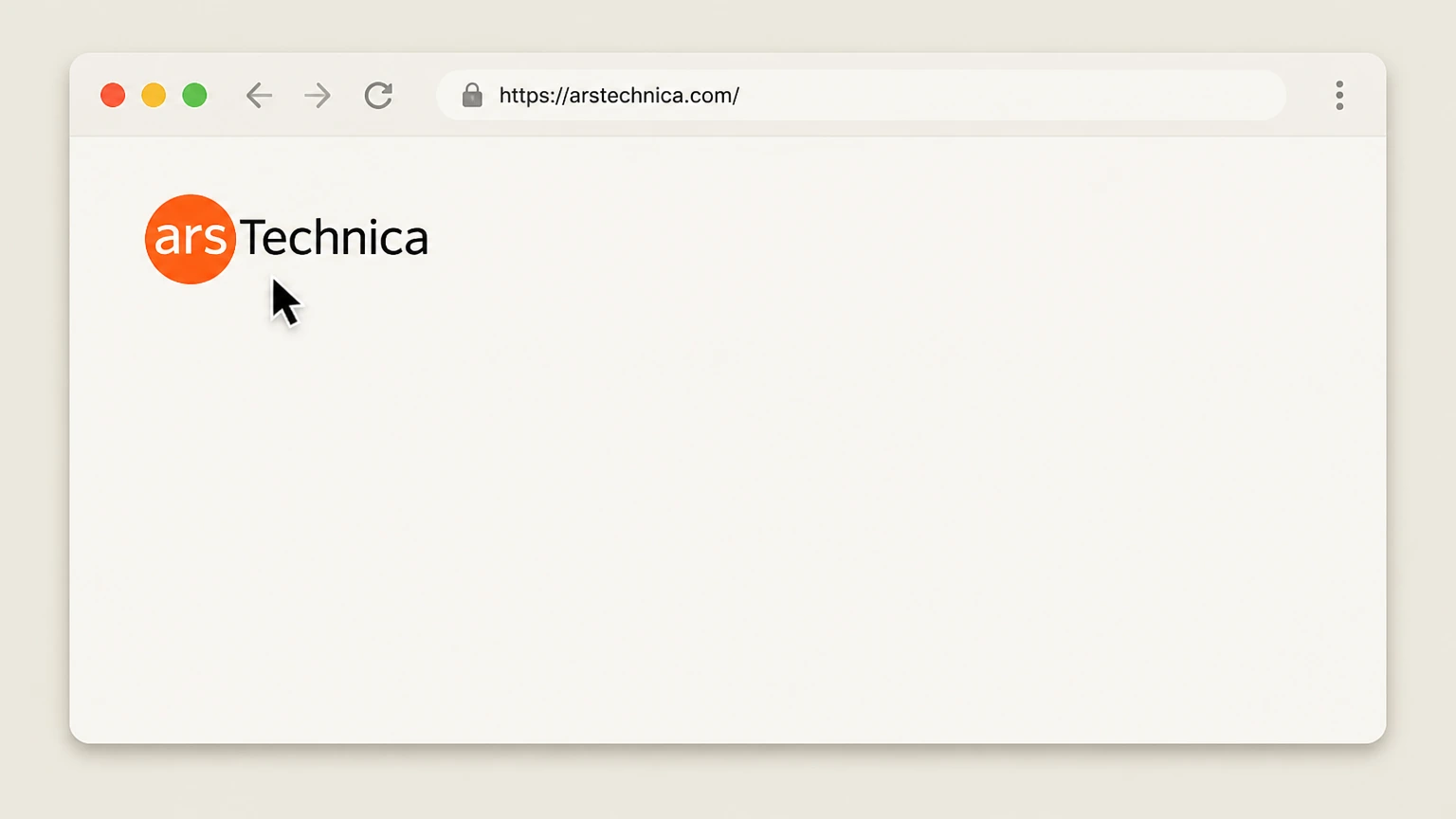
1Open the Ars Technica website
In a web browser, go to https://arstechnica.com/. Use the Ars Technica account named on your receipt, and continue only after the next status in this cancellation path is visible.
 2
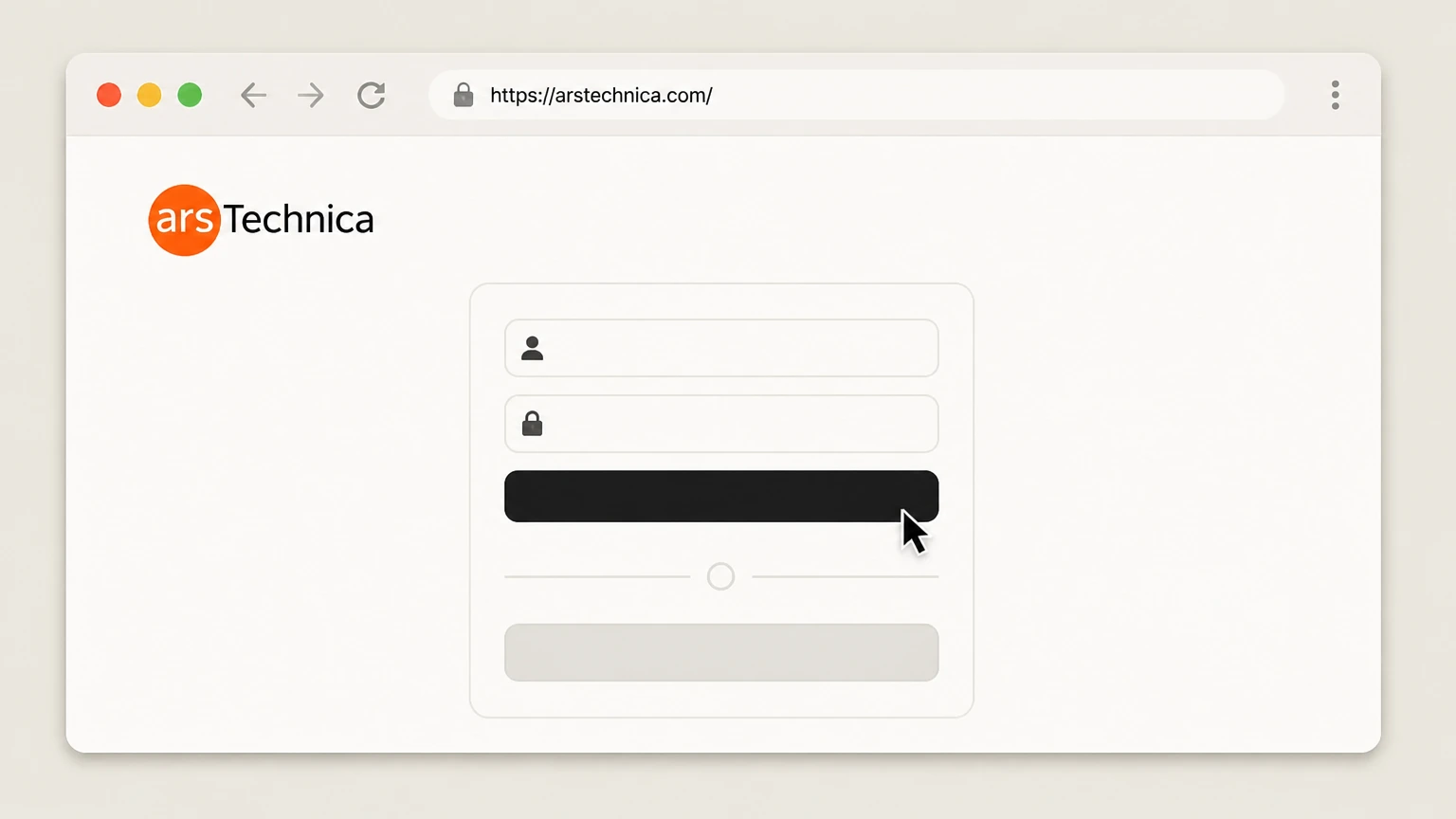
2Sign in to your Ars Technica account
Sign in with the Ars account that holds the subscription you want to cancel. Use the Ars Technica account named on your receipt, and continue only after the next status in this cancellation path is visible.
- Let Pine handle it
Pine can help
Too many steps?
Pine can find the right Ars Technica subscription account page path and handle the cancellation for you.
 3
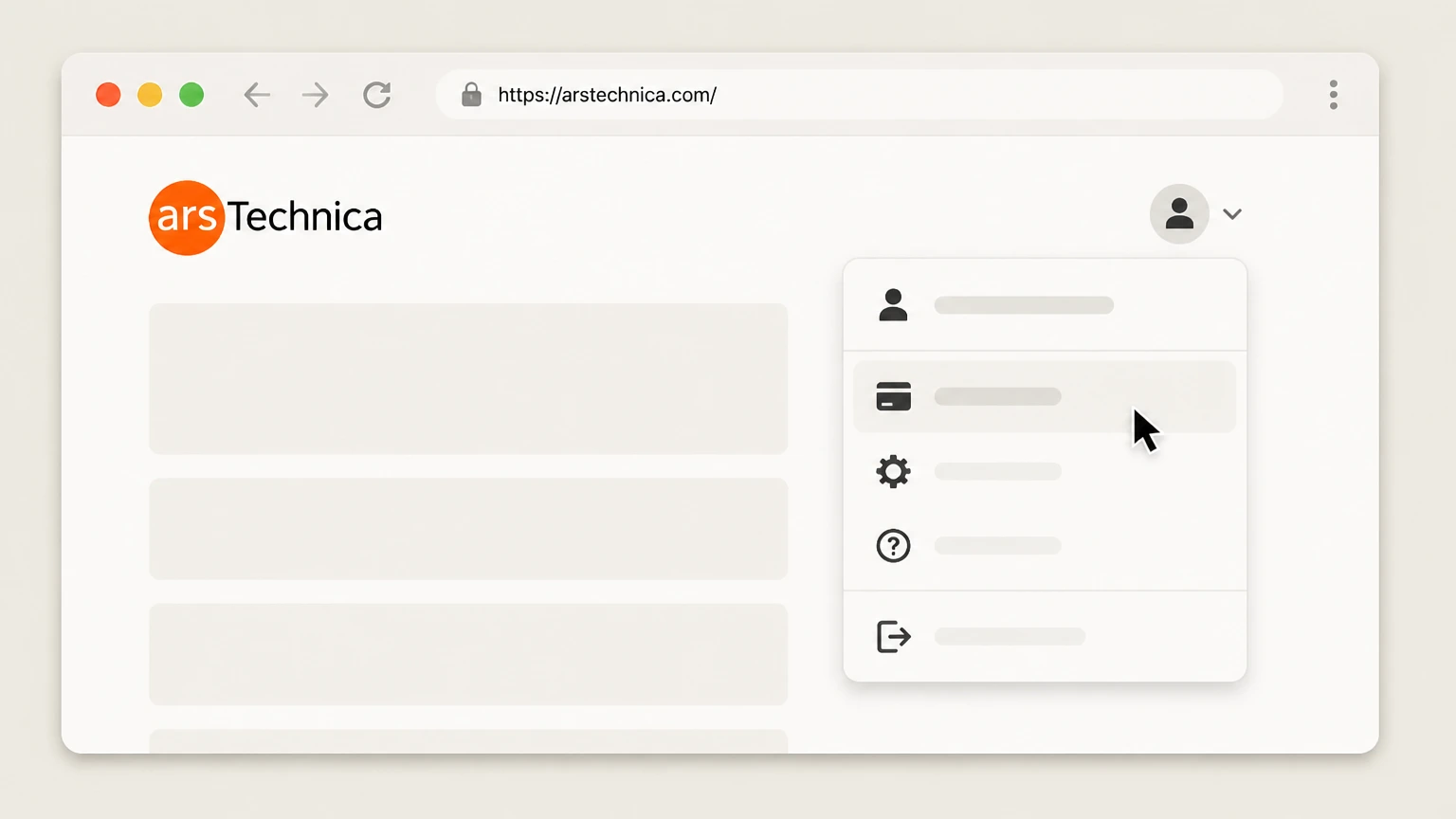
3Open your subscription account page
From your account/profile area, open the subscription account page or go directly to https://arstechnica.com/civis/account/subscription/. Use the Ars Technica account named on your receipt, and continue only after the next status in this cancellation path is visible.
 4
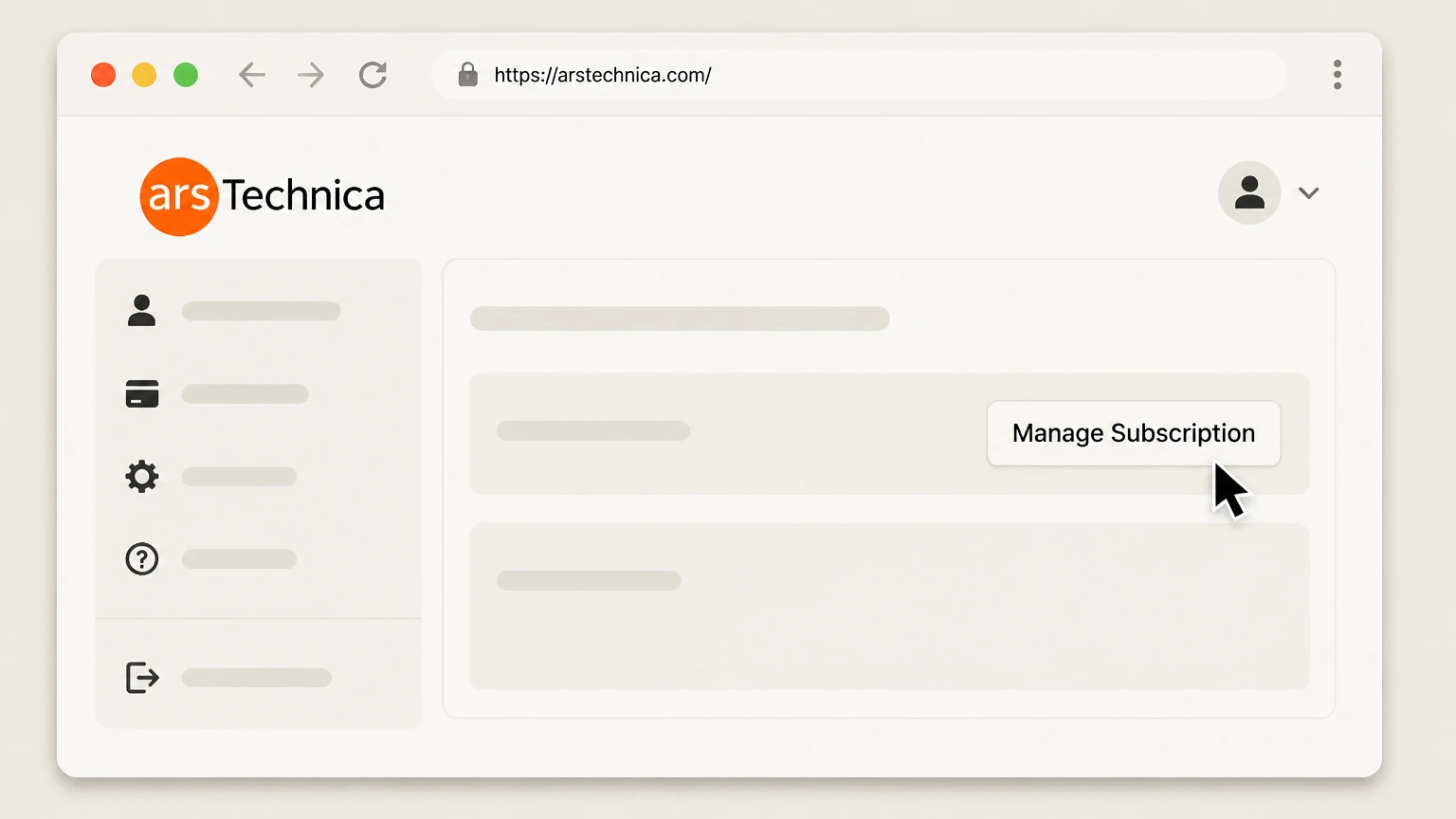
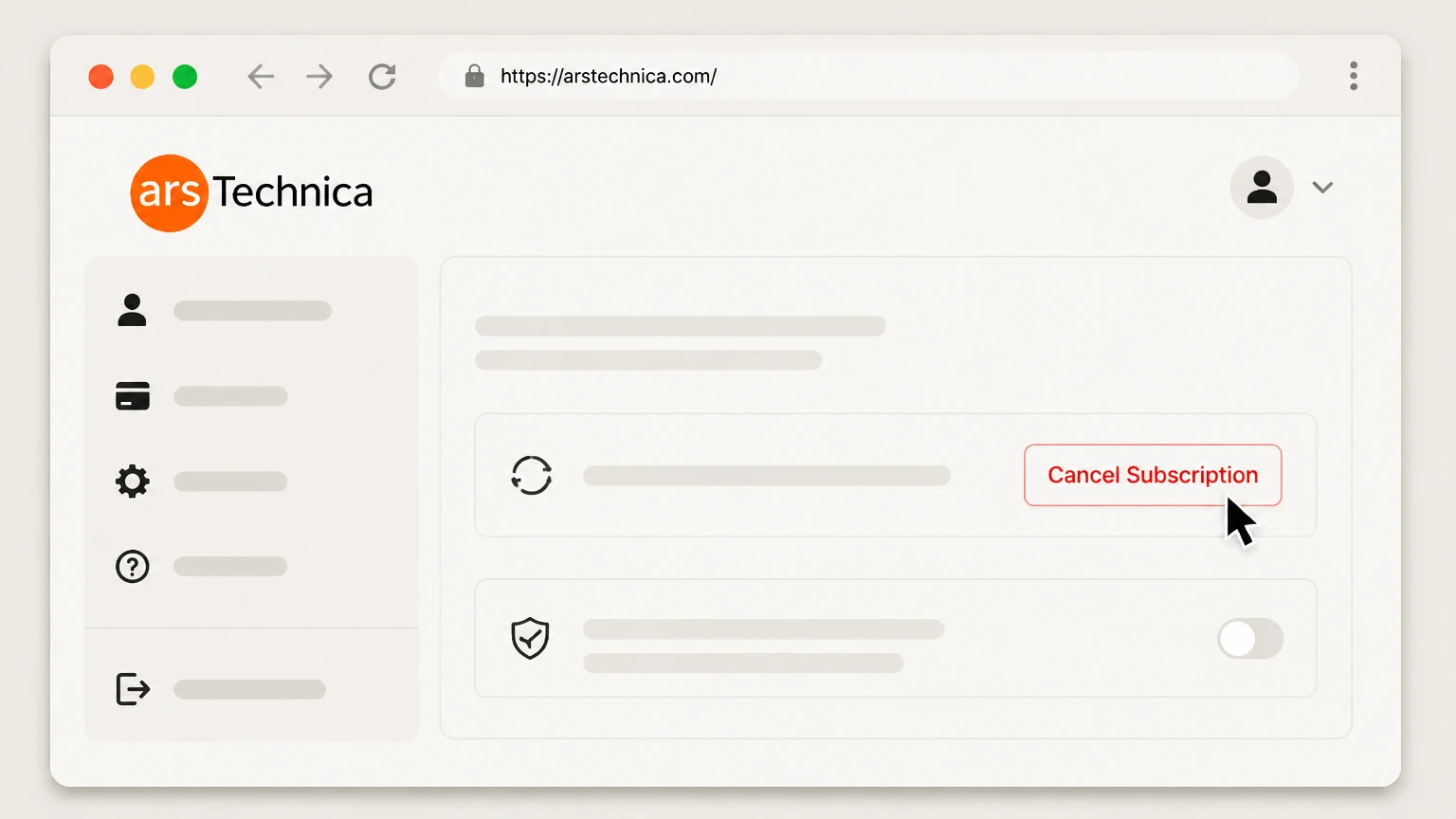
4Click Manage Subscription for the active plan
On the subscription page, click the Manage Subscription button next to your active Ars Pro or Ars Pro++ plan. Use the Ars Technica account named on your receipt, and continue only after the next status in this cancellation path is visible.
 5
5Follow the prompts to cancel or turn off auto-renew
In the Chargebee management window, choose the option to cancel or stop re‑billing for that subscription and confirm when prompted.
 6
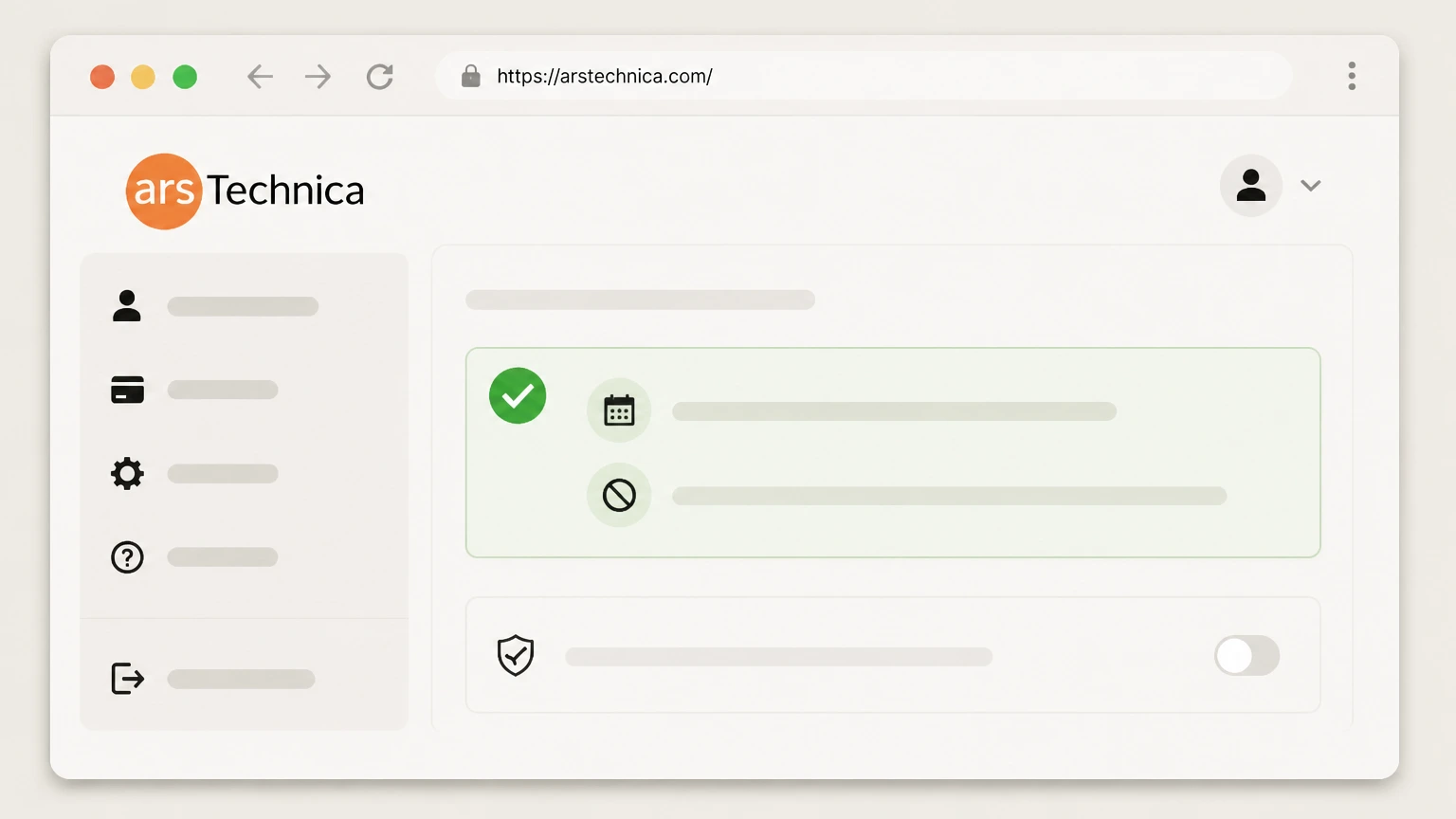
6Confirm expiration and non-renewal on the subscription page
After closing the management window, verify that the subscription page shows an expiration date and indicates that the plan will not automatically renew.

PayPal automatic payment settings · verify the billing owner
 1
1Sign in to your PayPal account on the web
Go to paypal.com in a browser and sign in to the PayPal account used for your Ars Technica payments. Use the Ars Technica account named on your receipt, and continue only after the next status in this cancellation path is visible.
 2
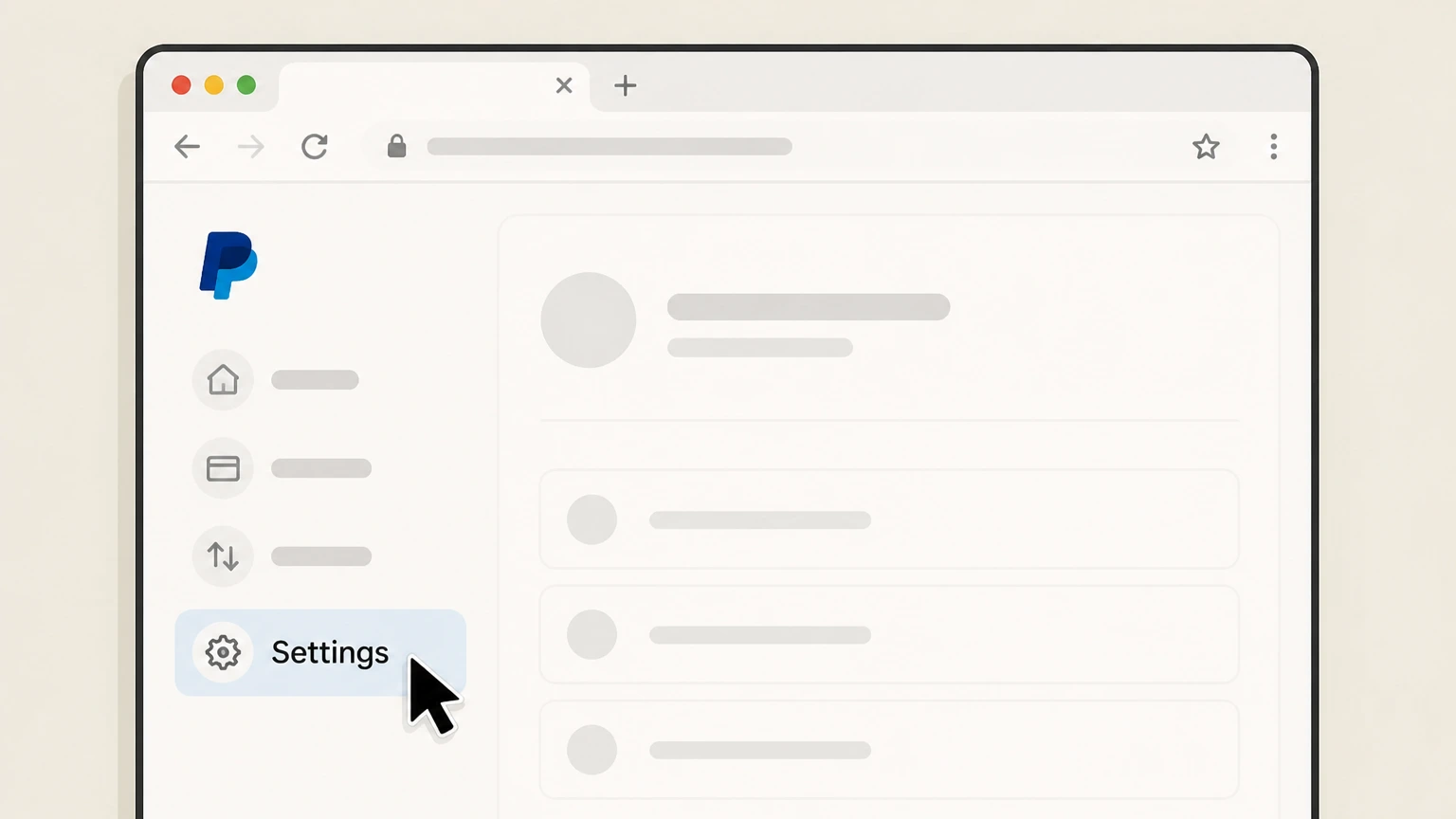
2Open your PayPal Settings
From your PayPal account, open Settings to manage account-level options. Use the Ars Technica account named on your receipt, and continue only after the next status in this cancellation path is visible.
- Let Pine handle it
Pine can help
Too many steps?
Pine can find the right PayPal automatic payment settings path and handle the cancellation for you.
 3
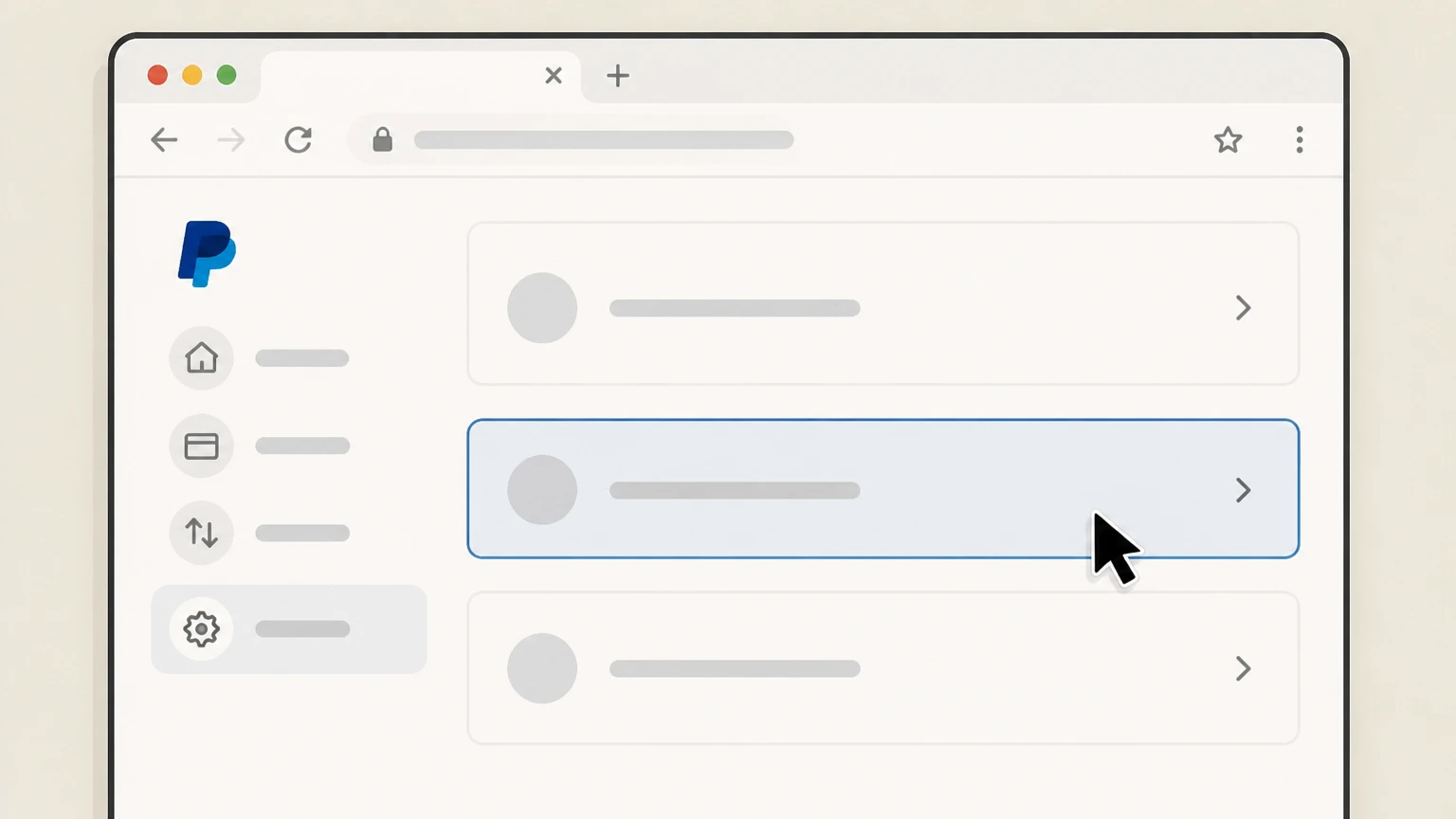
3Go to the Payments section
In Settings, select Payments to view your automatic payments and subscriptions. Use the Ars Technica account named on your receipt, and continue only after the next status in this cancellation path is visible.
 4
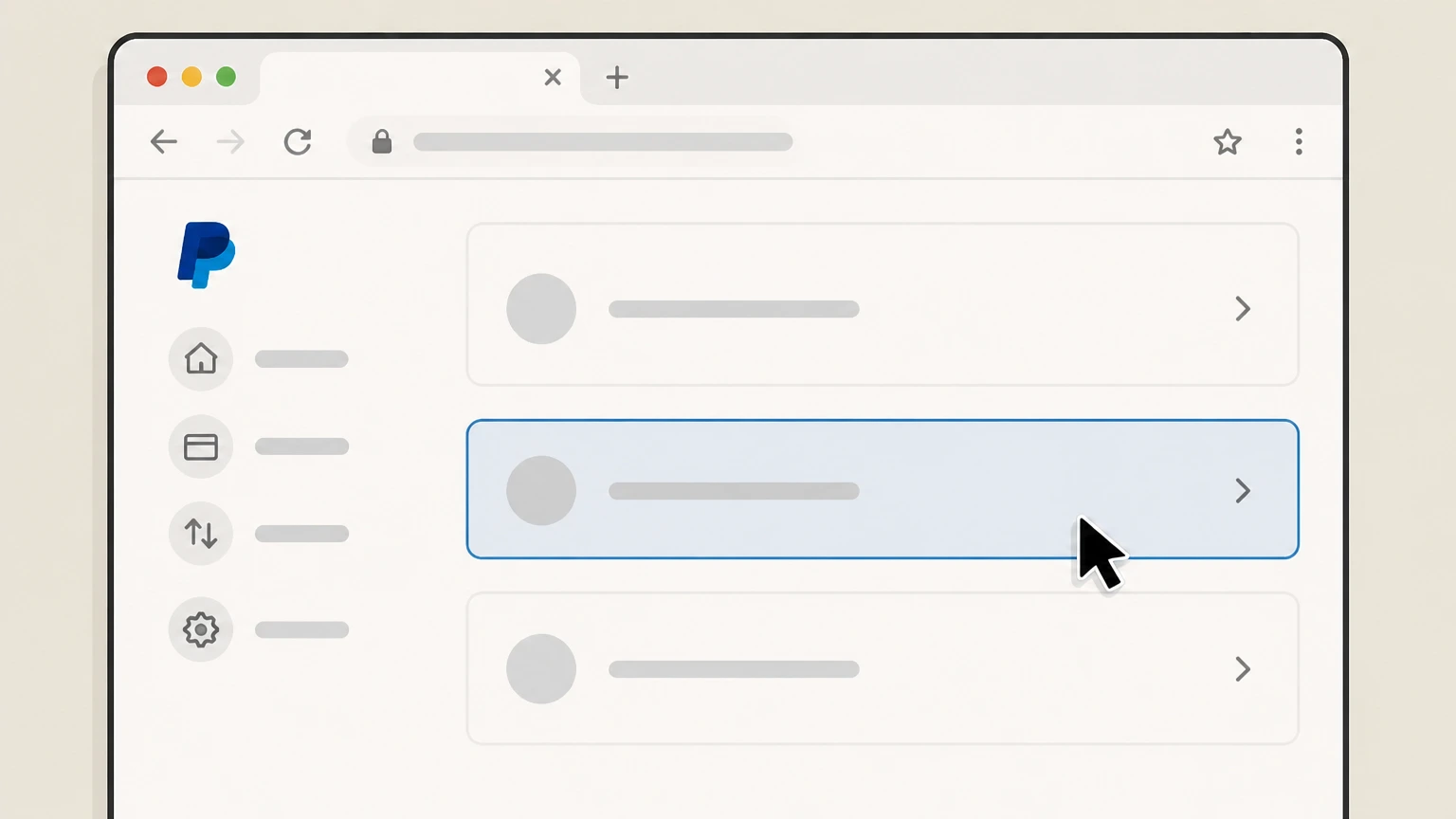
4Open your automatic payments list
Choose Subscriptions and saved businesses or Automatic Payments to see merchants with active automatic charges. Use the Ars Technica account named on your receipt, and continue only after the next status in this cancellation path is visible.
 5
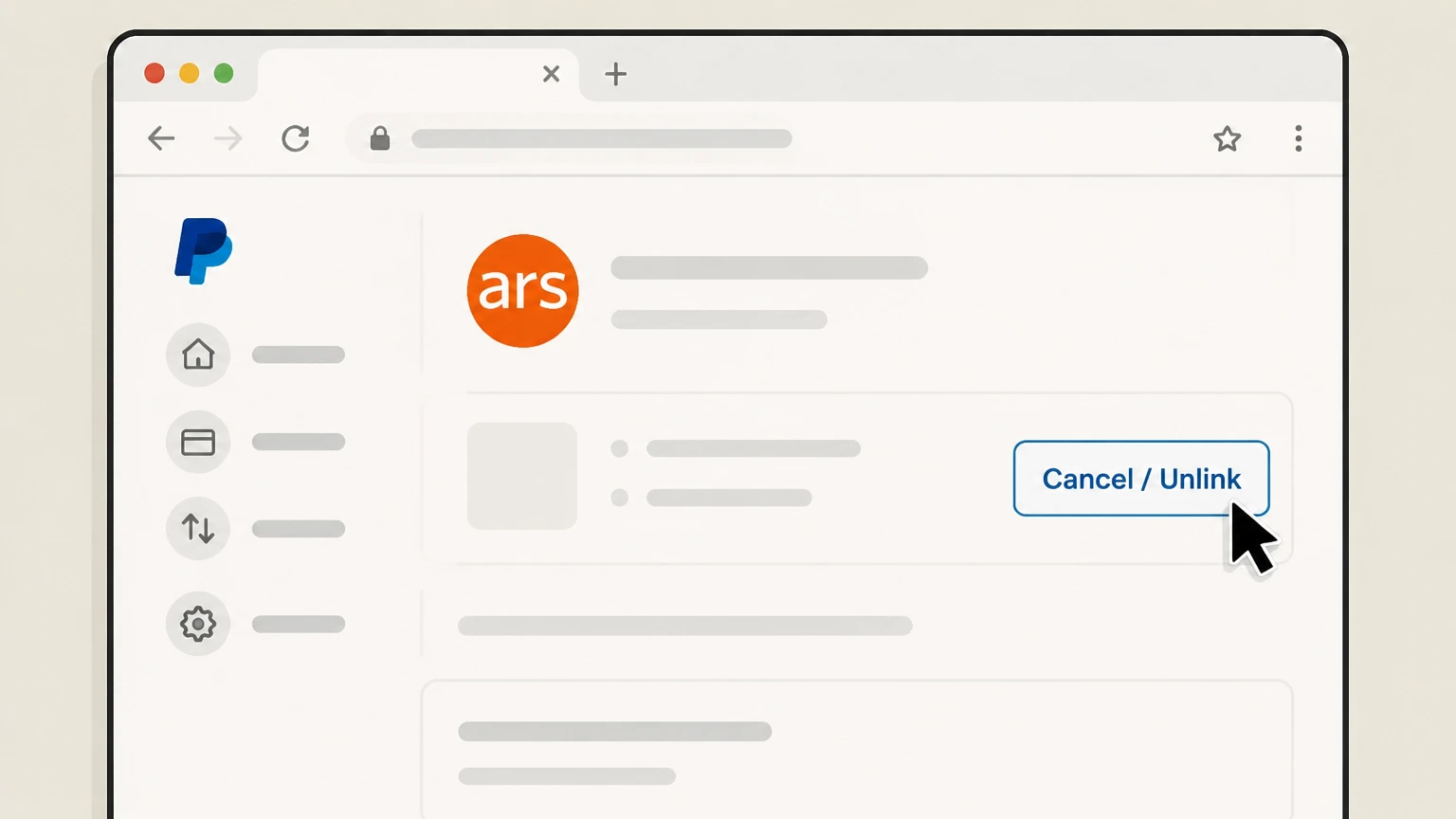
5Select Ars Technica and cancel the automatic payment
Select the Ars Technica entry (or matching merchant name) and use the option to cancel or unlink the automatic payment, then confirm when prompted.
 6
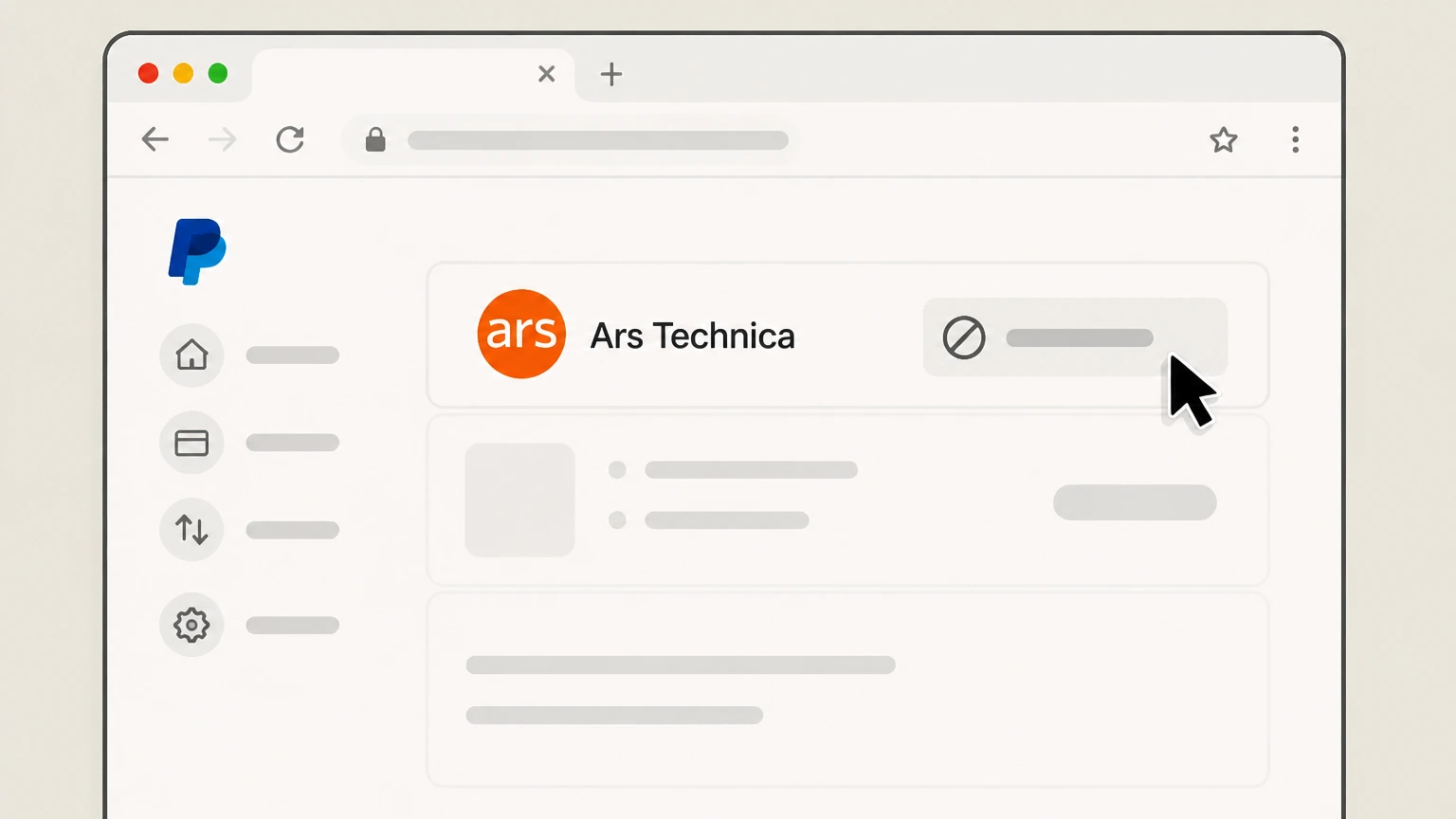
6Verify PayPal shows the payment as canceled
Check that PayPal now lists the Ars Technica automatic payment as canceled so new charges cannot be taken from that PayPal funding source.
Refund policy
Ars Technica subscription refund practices
Ars Technica primarily treats subscription cancellations as a way to stop future automatic renewals rather than as a trigger for refunds. Official subscription FAQs emphasize that benefits continue through the paid term and the Subscribe page states that Ars does not offer refunds under most circumstances. Limited exceptions may be reviewed case‑by‑case, especially for clear ordering mistakes or gift issues.
Check my refund options- Standard no-refund expectation
- On its Subscribe page, Ars explains that you can always cancel your subscription so it will not automatically renew after expiration, but that it does not offer refunds under most circumstances, and benefits will continue until expiration unless you request account deletion.
- Cancellation vs. refund distinction
- The subscription FAQ and Subscribe page both frame cancellation as turning off re‑billing, with access continuing to the end of the term; canceling early does not normally generate a pro‑rated refund of unused days.
- Gift and ordering errors may be reviewed
- In an official forum thread, an Ars moderator told a reader who accidentally purchased both a personal and a gift subscription that they could request a refund for the extra gift by contacting Ars via the contact‑us form with Technical/Subscription Support selected and providing the order number.
- Refunds for PayPal payments
- PayPal’s help center explains that to request a refund for a completed payment you generally need to contact the seller; PayPal distinguishes between stopping automatic payments and seeking a refund for past charges.
- Disputes and unauthorized charges
- PayPal documentation clarifies that before reporting an unauthorized transaction you should check whether the charge came from an automatic payment like a subscription; for genuine unauthorized use, PayPal provides a separate dispute path, while merchant refund policies like Ars’s still govern valid charges.
If you believe you are owed a refund—for example due to duplicate billing, a mistaken gift purchase, or a confirmed billing error—gather your Ars account email, order number, and recent billing details, then submit a request through Ars Technica’s contact‑us form using the Technical/Subscription Support option, or use the support contact referenced on the Subscribe page. Ars Technica contact-us form
Ars subscription basics
Understanding Ars Pro and Ars Pro++ subscriptions
Key facts about what you are canceling when you stop an Ars Technica subscription.
Optional support, not access to headlines
Ars states that use of the Ars Technica website is free and a subscription is not needed to access public content; subscriptions primarily remove ads/trackers and add extra features.
Account‑based subscriptions
Subscriptions are tied to your Ars Technica user account, so you can use benefits on any device where you are logged in with that account, rather than to a specific app or device.
Subscriber benefits bundle
Ars highlights benefits such as an ad‑free, tracker‑free layout, alternate home page views, full‑text RSS, PDF downloads, and access to subscriber‑only forums as part of the subscription.
Recent promotion of Ars Pro
A July 29, 2026 staff article promotes Ars Pro’s customizable layouts and reiterates that subscriptions are an active, current offering used to support Ars’s journalism.
Renewal rules
How auto-renewal and expiration behave
What happens to billing and access when you change renewal settings.
Default auto‑renew for all plans
Ars explains that all subscription plans are set to re‑bill automatically by default through its subscription service, so you need to actively change this if you do not want renewal.
Canceling stops re‑billing only
Subscription help text clarifies that canceling from the subscription account page stops future re‑billing but does not immediately end your current paid term or remove active features.
Benefits continue until paid period ends
Ars states that when you stop your account from re‑billing, your subscription continues until the date it would have renewed, then simply expires if you take no further action.
Checking your expiration status
The subscription FAQ directs users to their subscription account page to see what kind of subscription they have and when it expires, making that page the main place to confirm status.
Effect of account deletion requests
The Subscribe page notes that subscription benefits continue to work until expiration unless you ask for your Ars account to be deleted, which can end access to those benefits sooner.
Account tools
Using the Ars subscription account page
Where to manage subscriptions and what you can see there.
Profile and account URL
Ars directs users to https://arstechnica.com/civis/account/ for profile management, from which you can access subscription information and account settings. For your Ars Technica account, compare this point with the billing owner and effective date shown in the signed-in account or latest receipt.
Dedicated subscription page path
Ars staff and forum guidance point subscribers to https://arstechnica.com/civis/account/subscription/ as the new subscription area where current Chargebee‑managed subscriptions are listed. For your Ars Technica account, compare this point with the billing owner and effective date shown in the signed-in account or latest receipt.
Manage Subscription button
The Ars subscription FAQ instructs subscribers to visit their account subscription page and click the Manage Subscription button to update payment preferences or cancel re‑billing.
Viewing subscription type and expiry
The FAQ notes that everything needed to tell what kind of subscription you have and when it expires is available on your subscription account page once you are signed in.
Accessing subscriber benefits
Full‑text RSS feeds and other benefits are described as appearing in the benefits section of your subscription page, which remains accessible while your subscription is active.
Billing details
How Ars handles billing, cards, and PayPal
Who stores your payment details and how payments are processed.
Chargebee as subscription platform
Ars explains that its subscriptions use the industry‑leading service Chargebee, with billing information passed through this platform to payment gateways. For your Ars Technica account, compare this point with the billing owner and effective date shown in the signed-in account or latest receipt.
Stripe and PayPal as gateways
Both the subscription FAQ and Subscribe page state that payments are processed through Stripe or PayPal, depending on the option you choose at checkout. For your Ars Technica account, compare this point with the billing owner and effective date shown in the signed-in account or latest receipt.
Ars does not store card numbers
Ars emphasizes that its servers never see or store your credit card details; instead, card numbers are stored by Stripe or PayPal, which send back a token used for recurring billing.
Card retention while auto‑renew is active
The FAQ notes that as long as your account is set to re‑bill automatically, Stripe must keep your credit card information on file in order to perform regular re‑billing.
Canceling to remove stored payment details
For users who want payment details removed, Ars instructs them to cancel the subscription from the account subscriptions page; canceling removes auto re‑billing while keeping features until the end of the paid period.
PayPal users
Extra steps for subscriptions paid via PayPal
Managing the PayPal side of an Ars subscription. This section explains a provider-specific consequence to verify in your Ars Technica account before cancellation.
PayPal as optional payment method
Ars lists PayPal, alongside credit cards via Stripe, as one of the supported ways to pay for subscriptions, with recurring payments handled through PayPal when selected.
PayPal automatic payments concept
PayPal describes automatic payments (subscriptions or billing agreements) as merchant authorizations that can be managed from Settings → Payments → Subscriptions and saved businesses or Automatic Payments.
Stopping PayPal automatic payments
PayPal’s help explains that you can select a merchant entry and cancel or unlink the automatic payment, stopping future charges from your PayPal account for that agreement.
Automatic payment vs. service contract
PayPal warns that canceling an automatic payment stops charges to PayPal but does not necessarily cancel the underlying contract with the merchant, so you should still end the subscription directly with Ars.
When to use PayPal cancellation
Using PayPal’s cancellation tools is most useful as a back‑up to ensure charges stop if you no longer trust the payment agreement, after you have already turned off auto‑renew in your Ars subscription account.
Gifts & exceptions
Gift subscriptions and unusual situations
How gifts and edge cases interact with cancellation. This section explains a provider-specific consequence to verify in your Ars Technica account before cancellation.
Buying gift subscriptions
The Subscribe page includes a section for gifting an Ars subscription, where you enter your information and the recipient’s details; the recipient then receives email instructions for activating their subscription.
Gift credits meant for new subscriptions
The subscription FAQ notes that gift subscription credits are currently intended for new subscriptions; if a recipient is already a subscriber, Ars asks that you contact support about applying the credit.
Fixing mistaken or duplicate orders
In an official forum thread, an Ars moderator explains that readers who accidentally purchased both a personal and a gift subscription can request a refund by contacting Ars via the contact‑us page and choosing Technical/Subscription Support.
Gifts vs. your own recurring plan
Canceling your own recurring subscription on the account subscription page does not automatically cancel an already‑delivered gift; changes to gifts typically require support assistance rather than self‑service cancellation.
When to escalate to support
Ars advises using the contact‑us form with Technical/Subscription Support selected if the subscription page does not reflect the correct status, gift handling is unclear, or issues are not covered in the Ars subscription FAQ.
Getting help
Where to get help with Ars subscription issues
Official support paths if you cannot cancel or if something looks wrong.
Subscriber support entry point
Ars’s General FAQ tells readers who need help with their subscription to check the subscriber support information, pointing them toward dedicated subscription help resources before contacting staff.
Contact-us form with subscription topic
Both the Ars subscription FAQ and the original Ars Pro launch article instruct users to visit the contact‑us page and select “Technical/Subscription Support” from the drop‑down for subscription‑related problems.
Support email references
The Subscribe and subscription confirmation pages mention a dedicated support email address alongside the contact‑us form as ways to reach Ars staff for help with subscription activation and issues.
When the site does not reflect your status
If you have paid but still see ads or do not see subscriber benefits, Ars recommends logging out and back in, and then contacting Technical/Subscription Support if the issue persists.
Mail delivery and spam filtering
Ars’s General FAQ notes that their mail server uses strict spam filtering, so subscribers waiting on confirmation or support responses should check spam/junk folders carefully for messages from Ars.
What official sources do not confirm
Limits of the public Ars Technica cancellation guidance
These points are intentionally qualified because the official sources reviewed on August 16, 2026 do not publish a complete answer.
Documented limitation 1
The Ars Technica contact-us form returned HTTP 403 to the auditing tool, so details of the current form layout and all dropdown labels could not be directly inspected; guidance about choosing “Technical/Subscription Support” relies on more accessible Ars pages and staff posts that describe that option.
Documented limitation 2
The current Ars subscription account interface at /civis/account/subscription/ could not be fully rendered due to access limitations, so button labels and states beyond the documented “Manage Subscription” control are inferred from official FAQs rather than visually verified.
Documented limitation 3
Older archived subscription FAQs on arstechnica.com may not fully reflect the present Chargebee-based system; where they conflicted with newer pages like the Subscribe and Ars Pro FAQ, newer sources were treated as authoritative.
Documented limitation 4
Real-time uptime of arstechnica.com cannot be monitored from this audit; statements about the site being active are based on the presence of recent articles and a working subscription offer as of July–August 2026, not on live availability at every moment.
Documented limitation 5
PayPal interface labels and navigation paths are based on current PayPal help articles; actual wording inside user accounts can vary slightly by region or product, so users should follow the closest available options if names differ.
Ars Technica cancellation FAQ
Questions people search about canceling Ars Technica, answered with official provider or billing-platform sources checked on August 16, 2026.
How do I cancel my Ars Technica subscription?
Will I lose Ars Pro benefits immediately after I cancel?
How can I tell if my Ars subscription is set to renew?
Can I cancel an Ars Technica subscription paid with PayPal?
Does Ars Technica offer refunds if I cancel early?
How reputable is Ars Technica?
Who funds Ars Technica?
Who is Ars Technica?
Is Ars Technica down?
How do I stop Ars Technica emails without cancelling my subscription?
Untangle this Ars Technica issue.
Let Pine handle the provider follow-up and keep the confirmation in one place.
