


247Sports
Cancel subscription
How to Cancel 247Sports: Official Steps & Timing
Cancel 247Sports Premium in account settings. Follow current official steps, confirm the period‑end result, and understand the published no‑refund rule.
- 1 cancellation path matched to the billing owner
- Renewal timing and access outcome explained
- Refund requests routed to the company that billed you
- Confirmation steps included for every path
Choose the 247Sports cancellation path that matches who bills you
247Sports account settings · verify the billing owner
247Sports account settings
 1
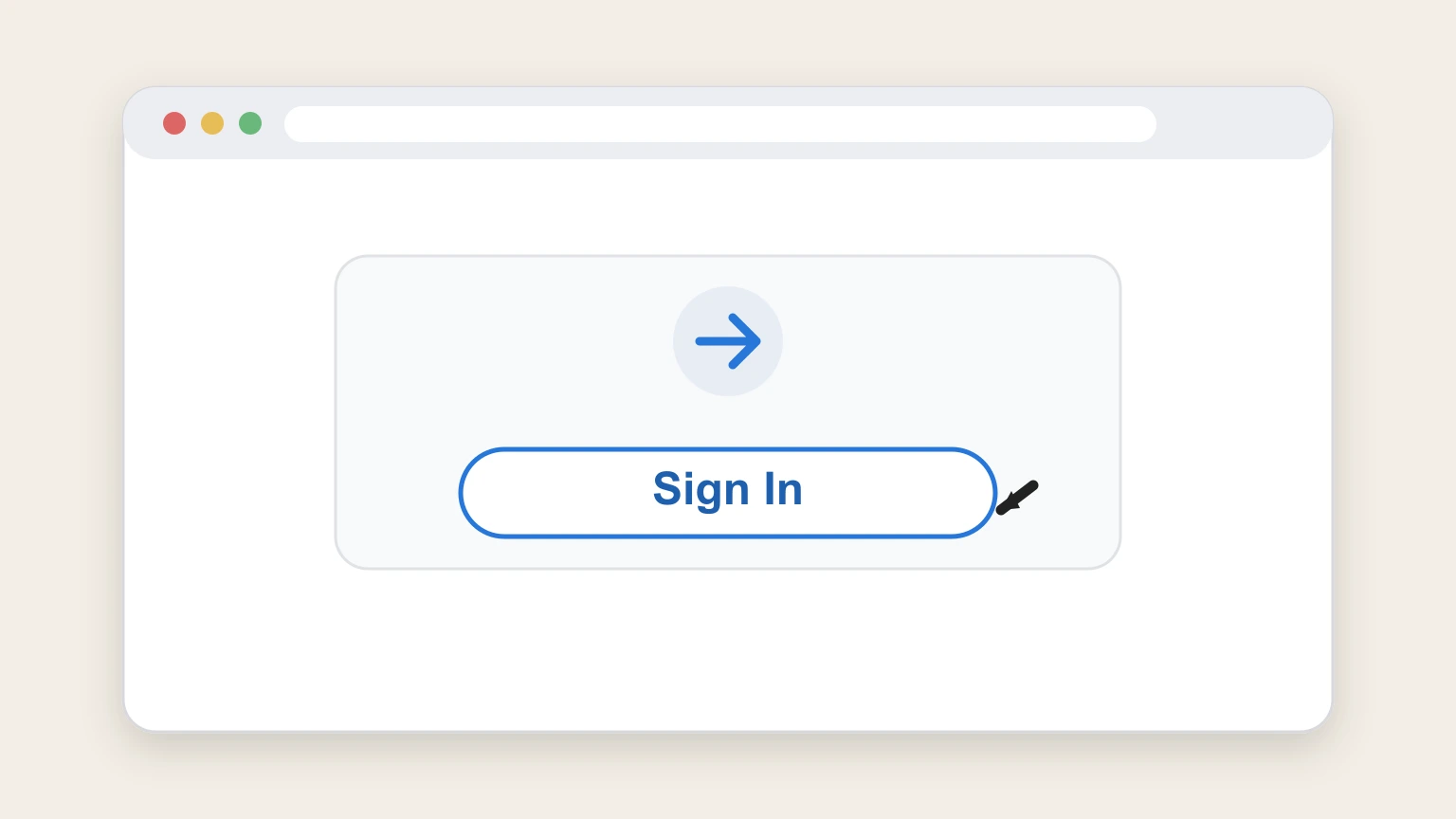
1Sign in to 247Sports settings
Open the 247Sports account settings page and sign in to the account with the Premium Subscription.
 2
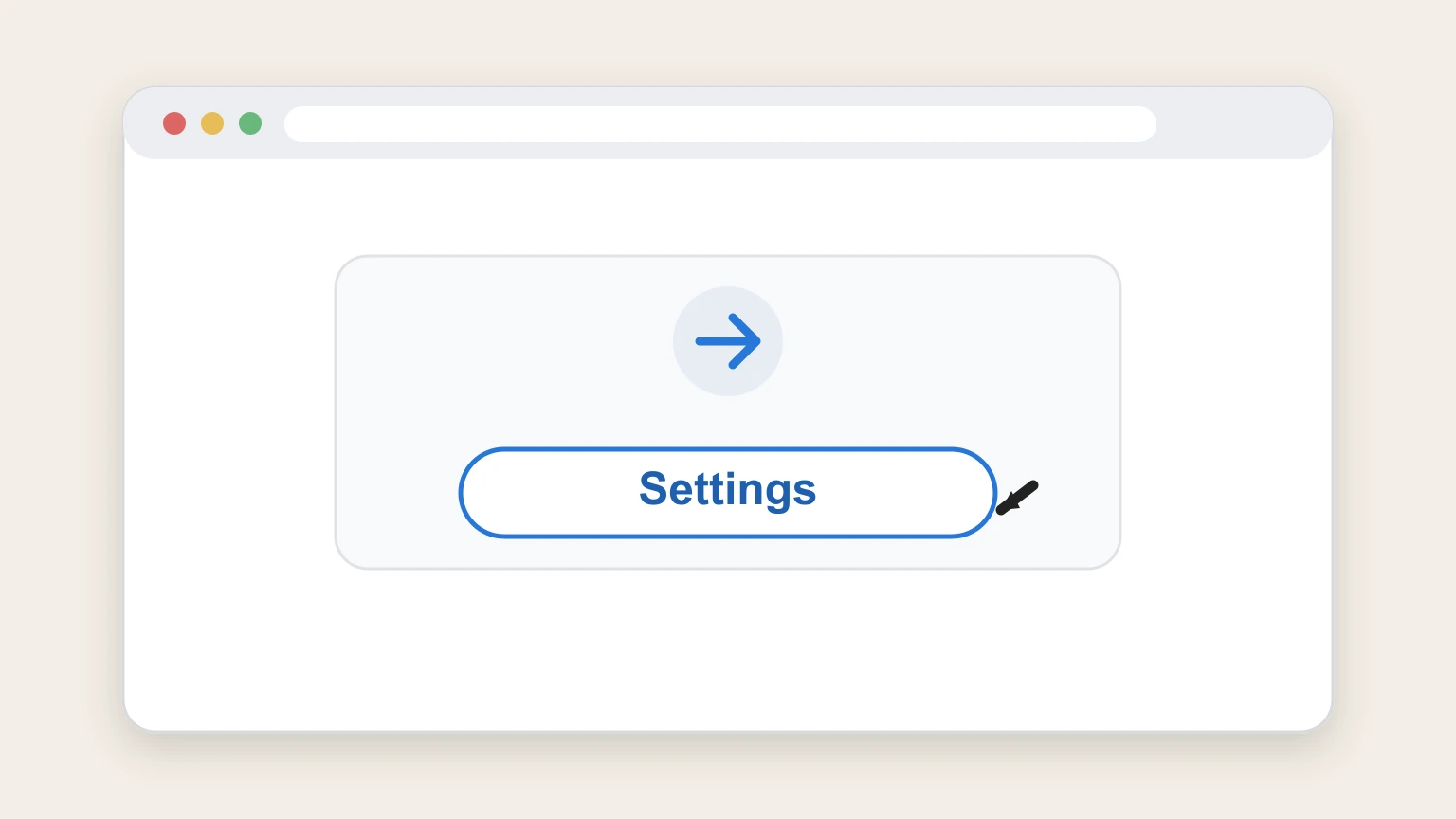
2Open Settings
Choose Settings from the left-side navigation of the signed-in 247Sports account.
- Let Pine handle it
Pine can help
Too many steps?
Pine can find the right 247Sports account settings path and handle the cancellation for you.
 3
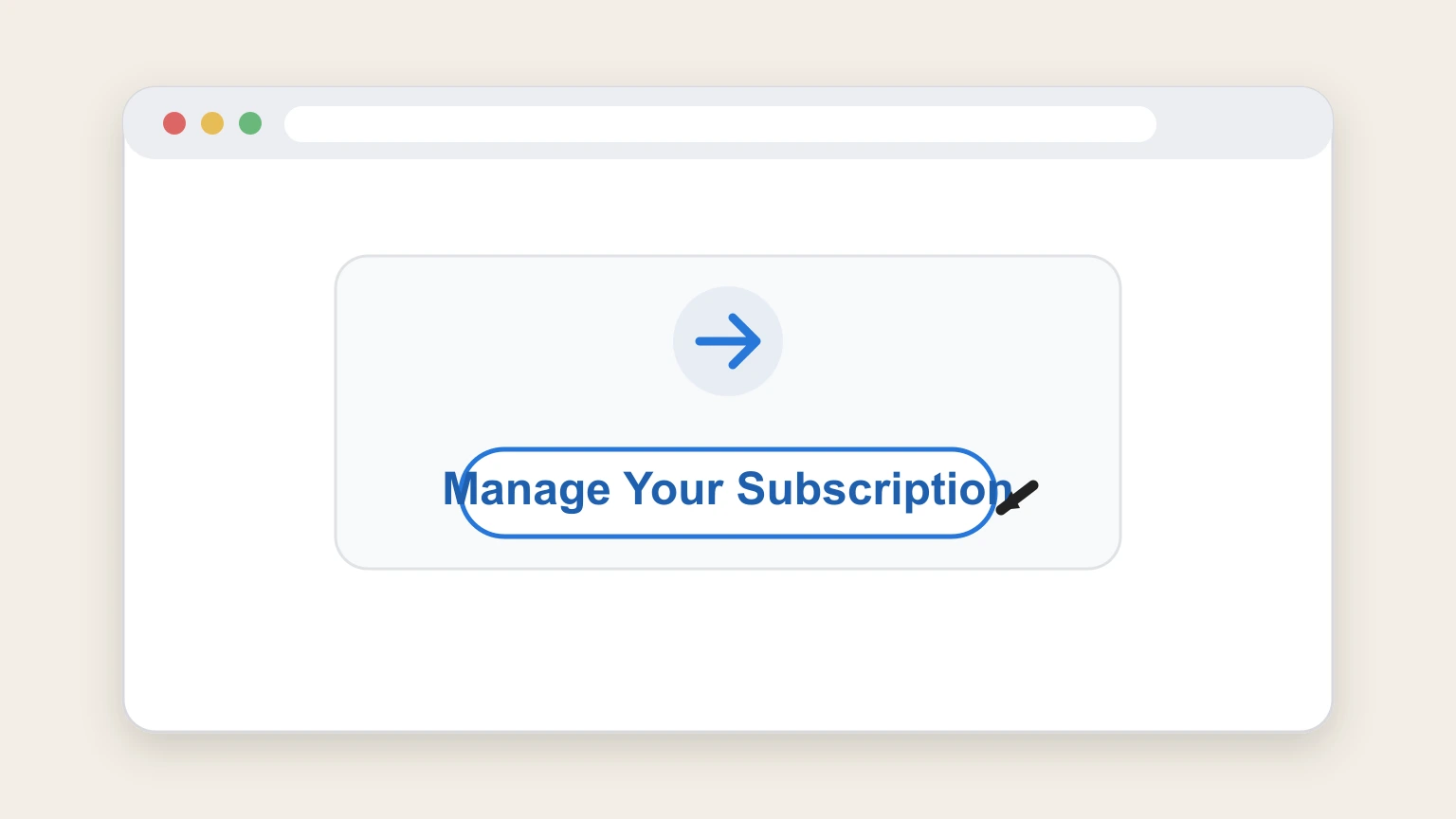
3Open Manage Your Subscription
Under Your Subscription, select Manage Your Subscription to view the current membership controls.
 4
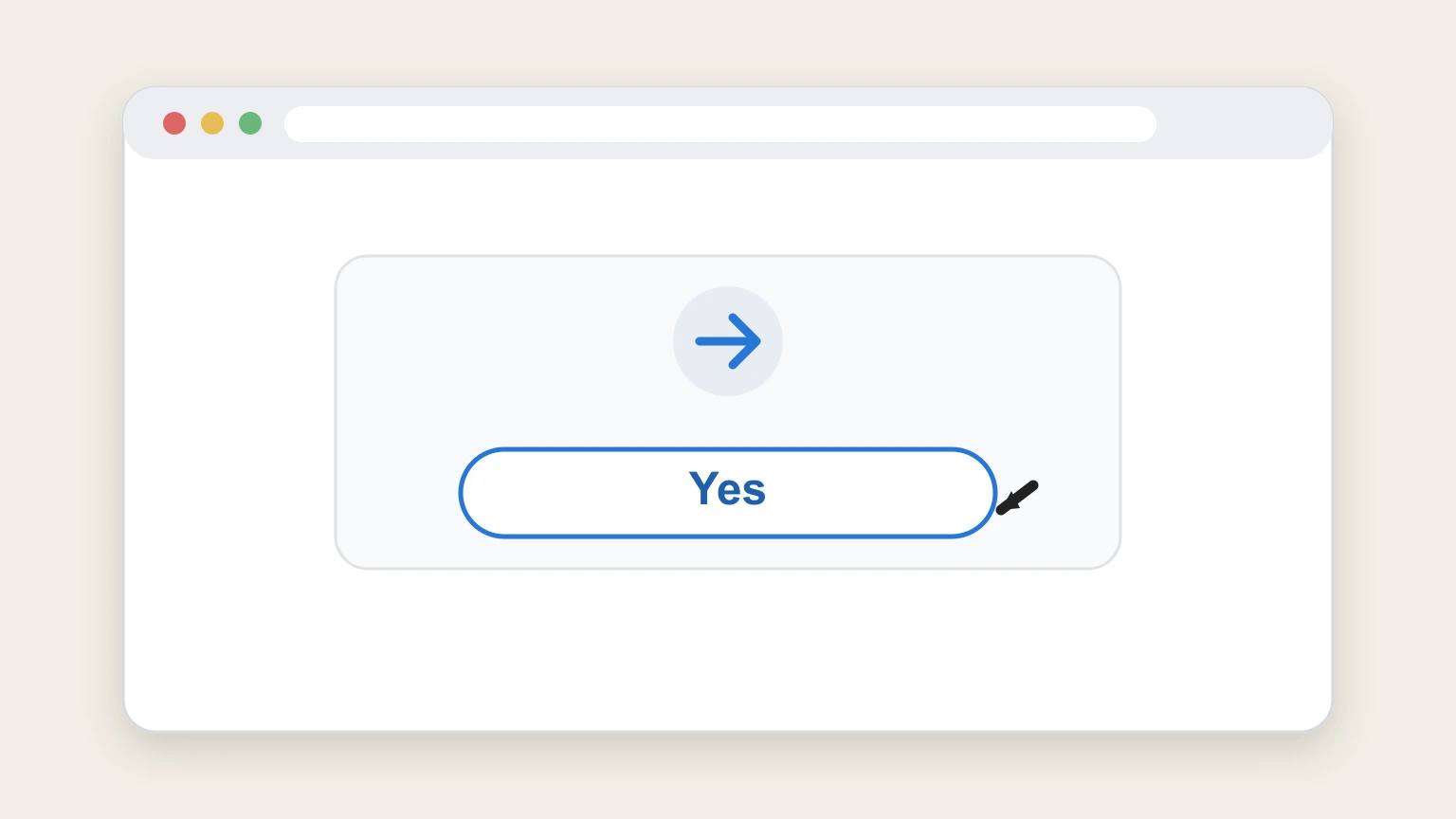
4Confirm Cancel membership
Select Cancel membership?, confirm the pop‑up, and choose Yes to complete the provider workflow.

Refund policy
247Sports says paid fees are not refunded
The terms state that paid fees are not refunded for the remainder of the current subscription period, while rare credits remain discretionary.
Check my refund options- Period‑end access continues
- Cancellation ends renewal after the current paid period rather than ending access immediately.
- Credits are not guaranteed
- Any rare credit is discretionary and is not a published entitlement.
Review the current 247Sports Subscription Terms for the controlling renewal and refund language. Open 247Sports Subscription Terms
Published subscription effect
247Sports access continues through the paid period
The provider terms make cancellation effective at the end of the then‑current subscription period.
No immediate loss of paid access
The subscription remains available through the current paid period.
Future renewal stops
Complete cancellation before the next renewal to avoid the next period’s fee.
After choosing Yes
Keep the 247Sports cancellation result
The provider help article describes an on‑screen confirmation after the final Yes action.
Keep the confirmation window
Save the cancellation confirmation that appears after the workflow.
Check the renewal state
Return to Your Subscription and verify that no future renewal remains.
If account controls fail
Use the provider contact route
The 247Sports terms publish a phone number and support email for cancellation requests.
Name the Premium Subscription
Give the account email and identify the active Premium Subscription.
Retain the provider response
Keep the response because the terms do not promise a specific confirmation format for contact requests.
247Sports cancellation FAQ
Answers about 247Sports billing ownership, cancellation timing, refunds, and access after cancellation.
How do I cancel a 247Sports subscription?
Does canceling 247Sports end access immediately?
Can I get a refund after canceling 247Sports?
How do I confirm my 247Sports membership is canceled?
Untangle this 247Sports issue.
Let Pine handle the provider follow-up and keep the confirmation in one place.
