


Noom
Cancel subscription
How to Cancel a Noom Subscription: 2026 Guide
Learn how to cancel Noom through the right billing provider. Follow official steps, understand access timing, refunds, and the confirmation to keep.
- 1 cancellation path matched to the billing owner
- Renewal timing and access outcome explained
- Refund requests routed to the company that billed you
- Confirmation steps included for every path
Choose the Noom cancellation path that matches who bills you
Noom Subscription Portal · verify the billing owner
Noom Subscription Portal cancellation steps
 1
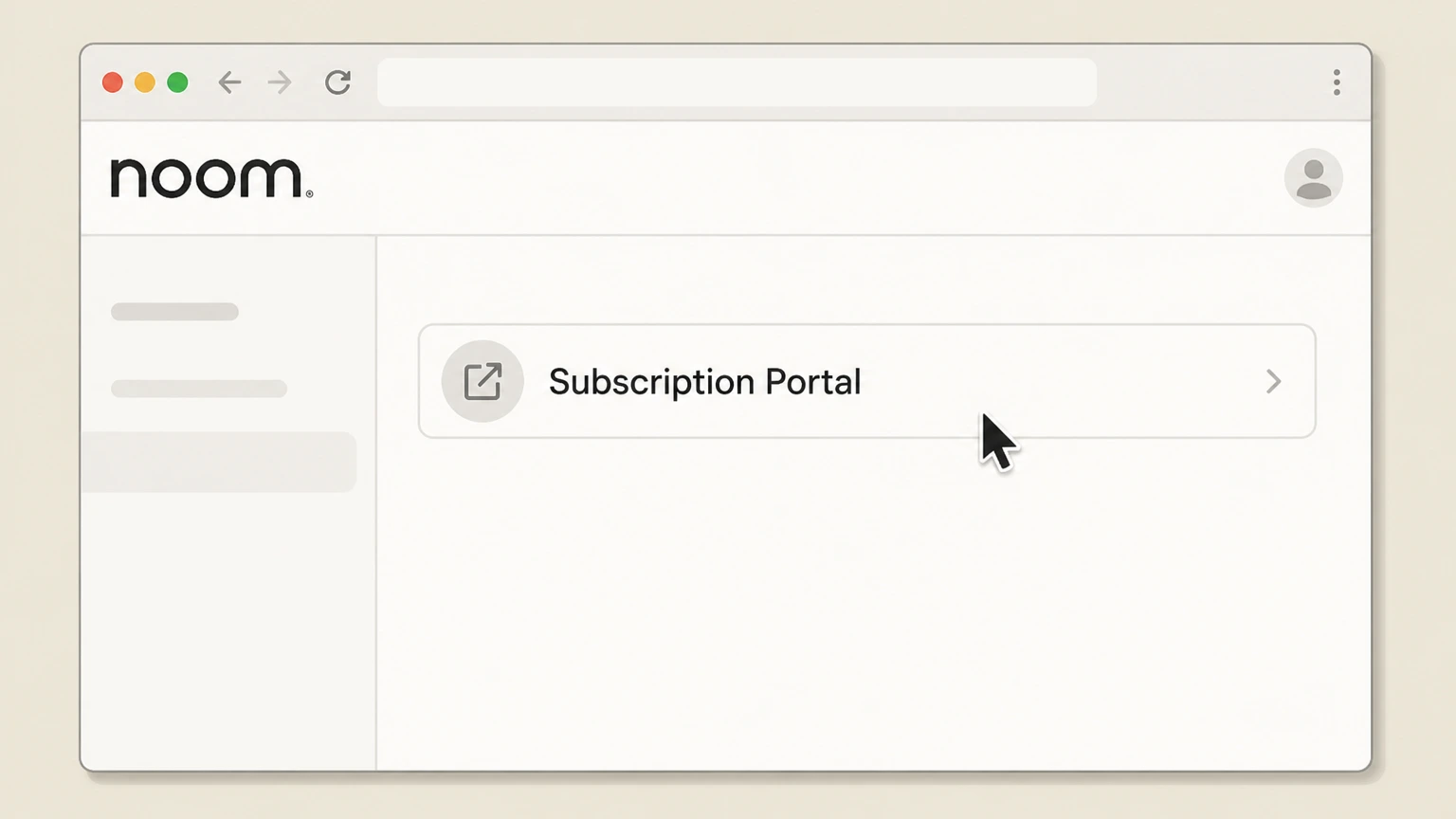
1Open the Subscription Portal
Open Noom’s Subscription Portal from the official cancellation guide.
 2
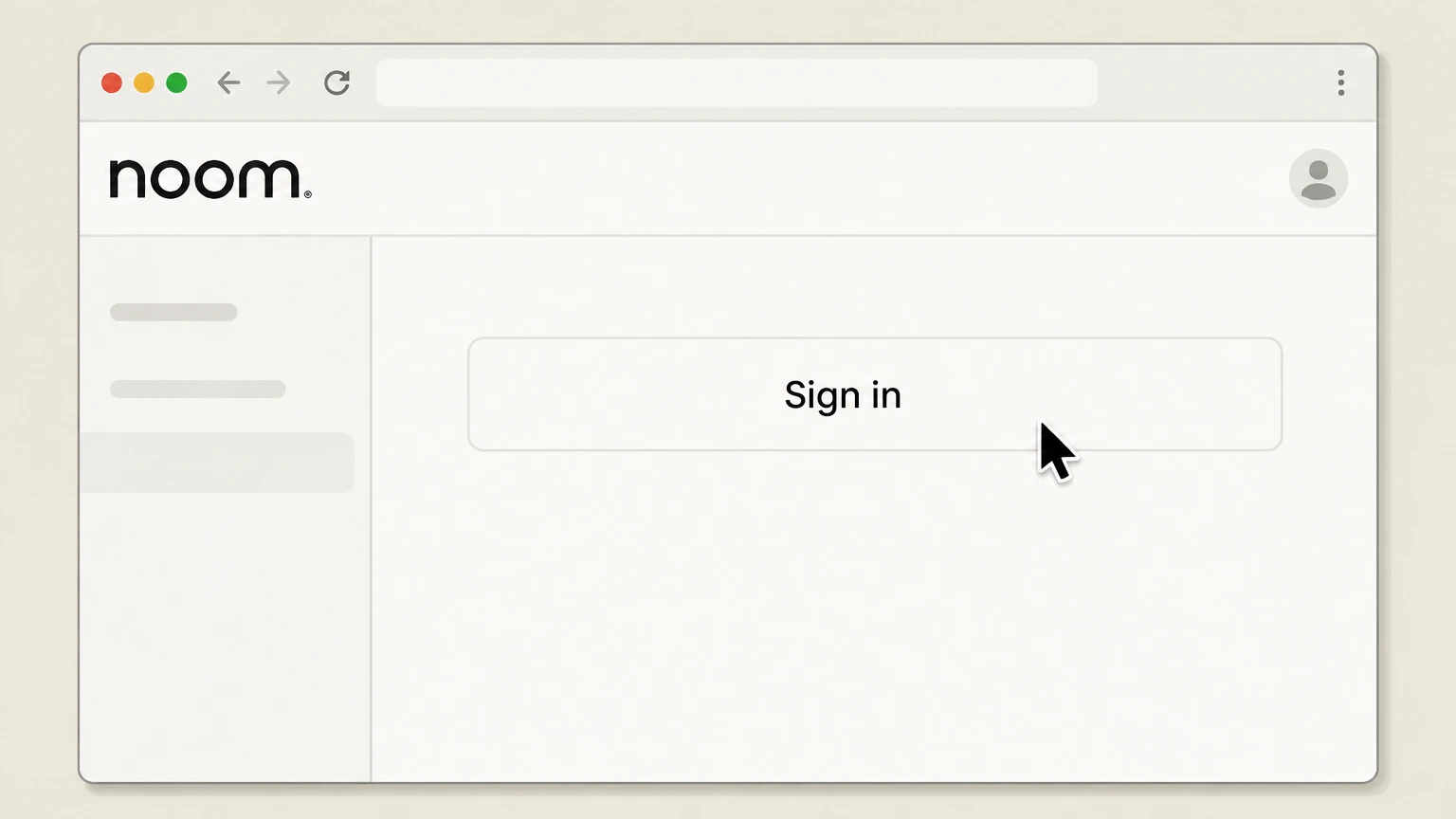
2Sign in to Noom
Sign in with the Noom login tied to the directly billed subscription.
- Let Pine handle it
Pine can help
Too many steps?
Pine can find the right Noom Subscription Portal path and handle the cancellation for you.
 3
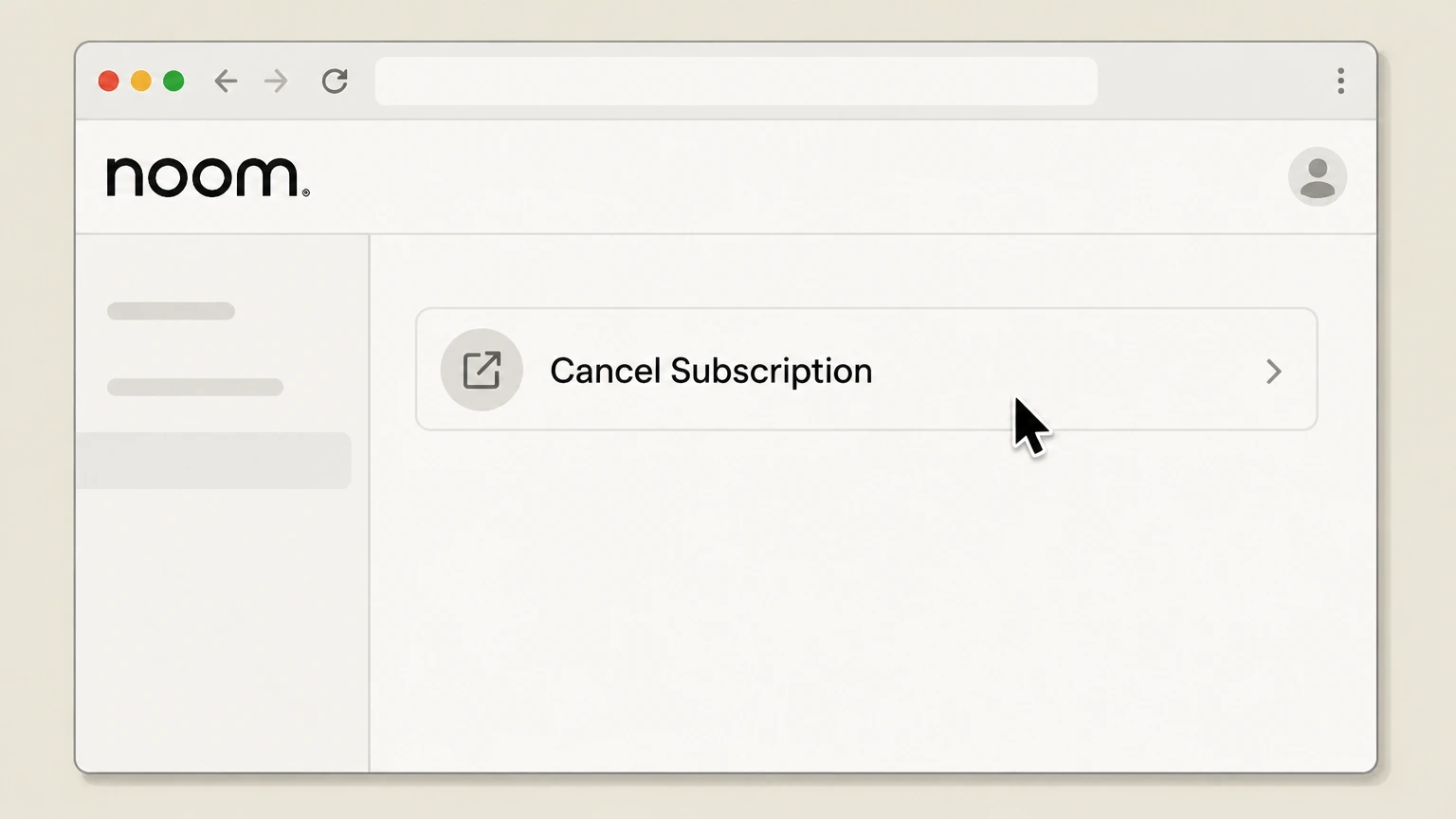
3Select Cancel Subscription
On the portal’s main page, choose Cancel Subscription and follow the on screen steps.

Refund policy
Noom access and refund timing
Cancellation normally takes effect at the end of the current billing period. Noom’s support guide says some initial subscription or add-on charges may be eligible when support is contacted within 14 days.
Check my refund options- Partial periods are generally not refunded
- Noom’s terms say it does not provide a refund or credit for partially used billing periods, subject to stated exceptions and law.
- Store refunds belong to the store
- Apple or Google decides refund requests when that store owns the subscription charge.
Use the current Noom source below if your account shows a different plan, merchant, or effective date. Review Noom cancellation terms
Choose the right account
Noom billing ownership and cancellation route
The receipt determines the route: Noom Subscription Portal for direct billing, Apple Subscriptions for Apple billing, or Google Play Subscriptions for Google billing.
The app and web portal both support direct cancellation
Noom publishes Manage Subscription in the app and Cancel Subscription in its web portal.
Store purchases stay with the store
Noom’s terms assign billing, cancellation, and refund ownership to the applicable app store for store purchases.
Before the next charge
Timing that matters for Noom
A Noom-direct subscription can be canceled in the Noom app or Subscription Portal. If Apple or Google Play owns the receipt, cancel with that store instead. Noom says access normally continues through the current billing cycle.
Uninstalling does not cancel
Noom explicitly says deleting the app leaves the subscription active.
Cancel before the next recurring date
Noom’s terms say cancellation must occur before 11:59 p.m. Eastern on the day before the next recurring billing date to avoid the next period.
After you submit
Check the final Noom status
The Noom-direct subscription stops renewing. Noom says paid access remains through the current billing cycle unless a trial or promotion states otherwise. Reopen the account used for this route and compare its displayed status with that result.
Check Cancel Subscription
On the Noom Subscription Portal main page, confirm that renewal is stopped and note the paid-through date for the current program.
Compare the next billing event
Cancellation normally takes effect at the end of the current billing period. Noom’s support guide says some initial subscription or add-on charges may be eligible when support is contacted within 14 days. Use that rule when reviewing the next charge, access date, shipment, or contract event shown for this account.
Noom cancellation FAQ
Answers about Noom billing ownership, cancellation timing, refunds, and access after cancellation.
Is it difficult to cancel Noom?
Does Noom refund if you cancel?
Does deleting Noom cancel the subscription?
What happens to Noom access after cancellation?
Untangle this Noom issue.
Let Pine handle the provider follow-up and keep the confirmation in one place.
