


Curology
Cancel subscription
How to Cancel Your Curology Subscription Online
Learn how to cancel Curology through the right billing provider. Follow official steps, understand access timing, refunds, and the confirmation to keep.
- Official Curology and billing-owner sources
- 2 provider-specific cancellation paths
- Refund and post-cancellation effects separated from renewal
- Verified August 16, 2026
Choose the Curology cancellation path that matches who bills you
Curology website · verify the billing owner
 1
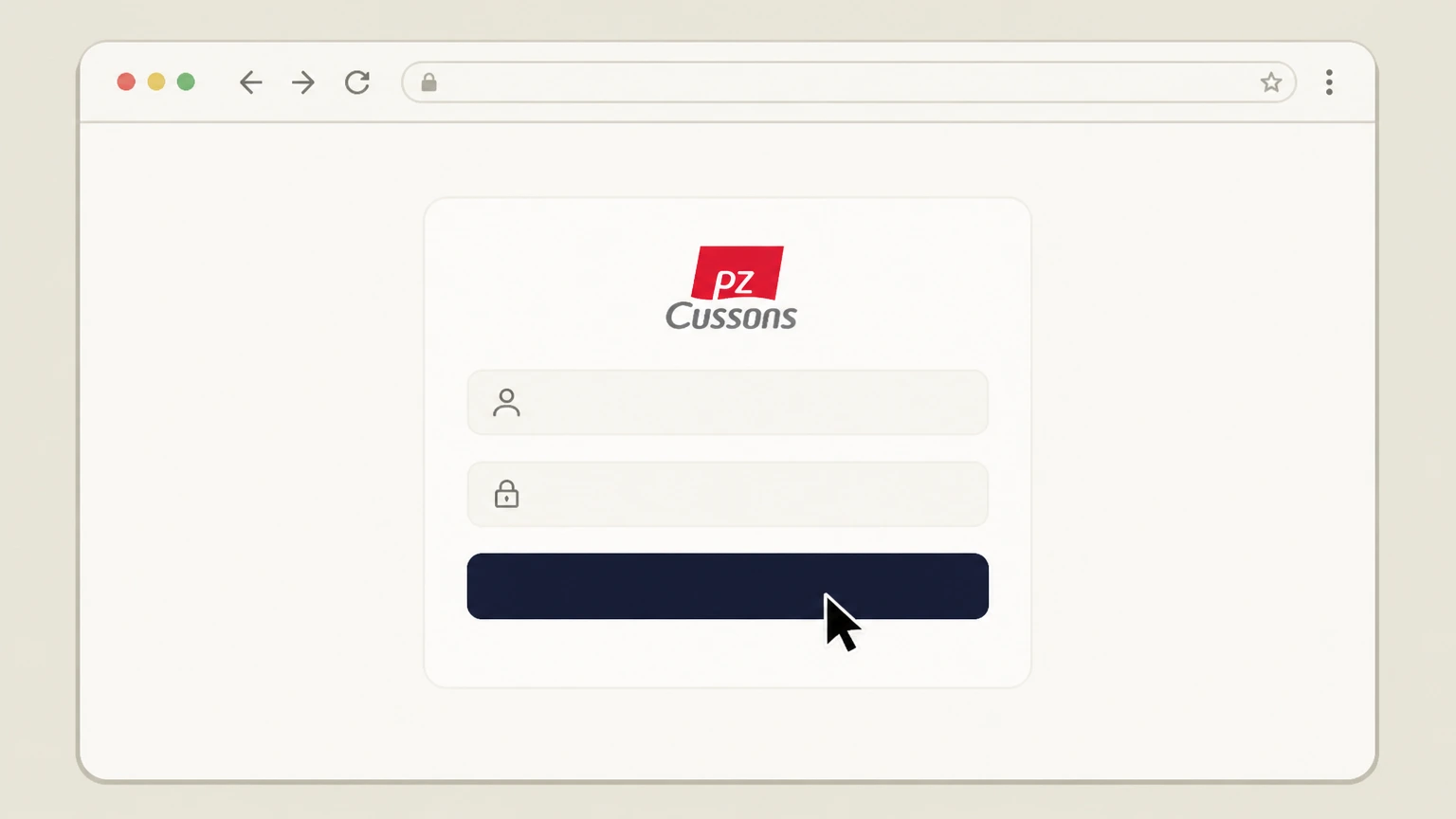
1Sign in to your Curology account
Go to curology.com in a web browser and sign in to your Curology account using your usual login credentials. Use the Curology account named on your receipt, and continue only after the next status in this cancellation path is visible.
 2
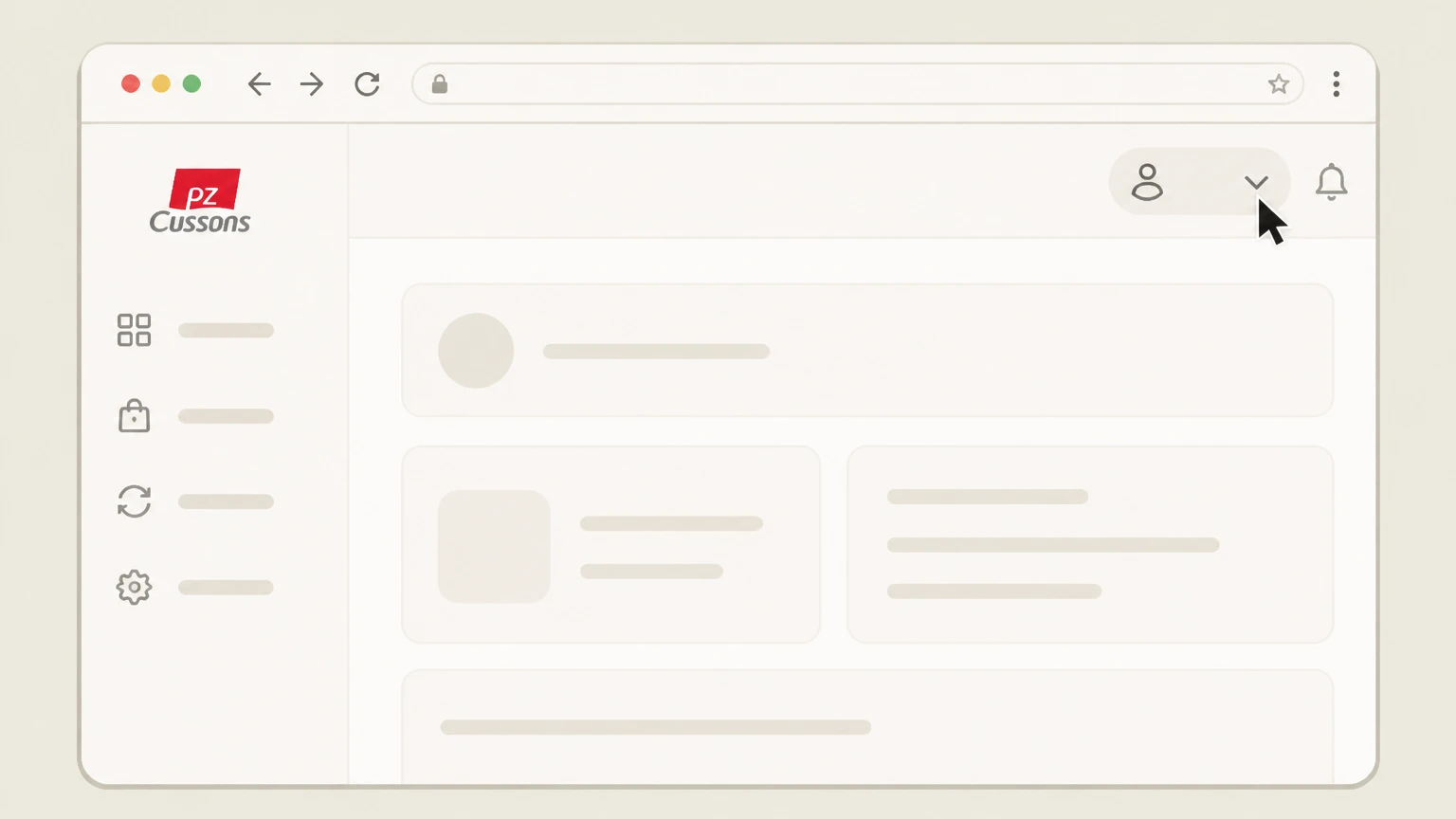
2Open the account menu
After signing in, open the account dropdown menu in the upper area of the Curology dashboard to access account settings.
- Let Pine handle it
Pine can help
Too many steps?
Pine can find the right Curology website path and handle the cancellation for you.
 3
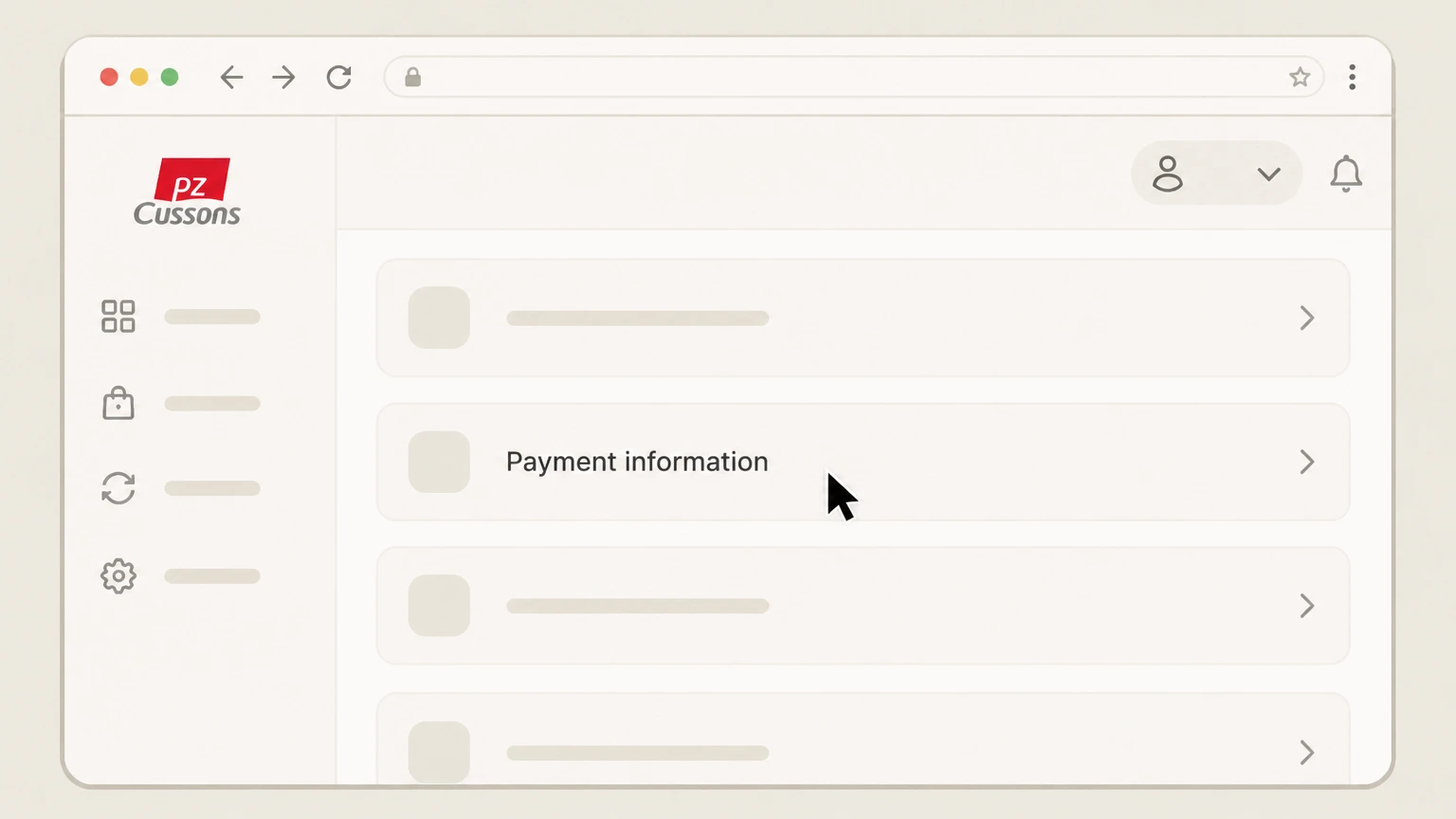
3Go to your payment page
From the account menu, navigate to your payment page or Payment information section where your subscription billing details are stored.
 4
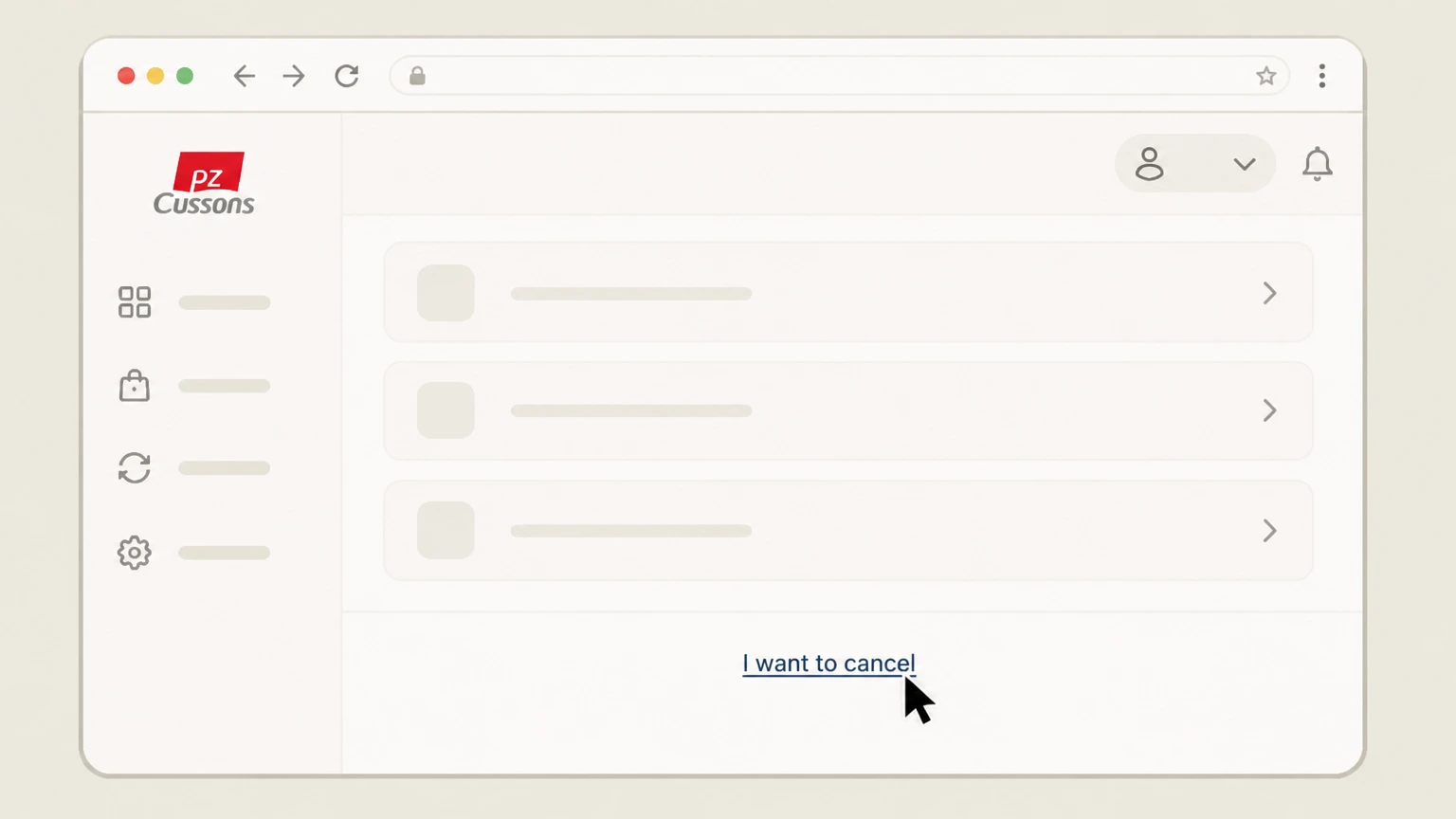
4Select the cancellation link
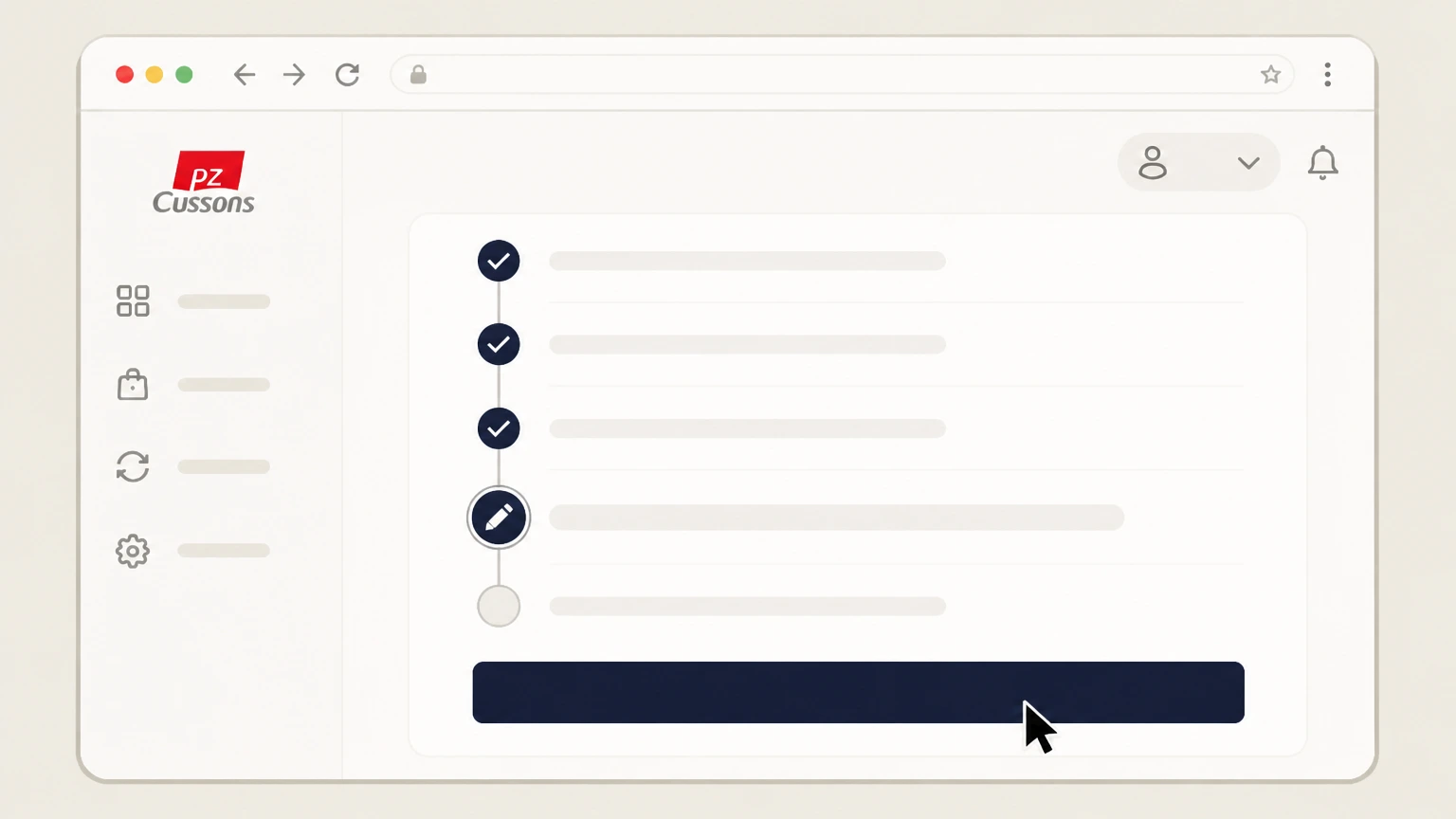
On the payment page, scroll to the bottom and select the link labeled “I want to cancel” to start the cancellation flow.
 5
5Complete and submit the cancellation flow
Follow the on‑screen questions through to the end and submit your request until the flow confirms that your cancellation has been received, then watch for a confirmation email.

Email Curology Success team · verify the billing owner
 1
1Compose a new email from your account address
Open your email app and start a new message from the same email address that is associated with your Curology account.
 2
2Address the email to Curology support
In the “To” field, address your message to hello@curology.com, the contact specified in Curology’s Terms for cancelling membership and arranging subscription changes.
- Let Pine handle it
Pine can help
Too many steps?
Pine can find the right Email Curology Success team path and handle the cancellation for you.
 3
3Request cancellation in the subject line
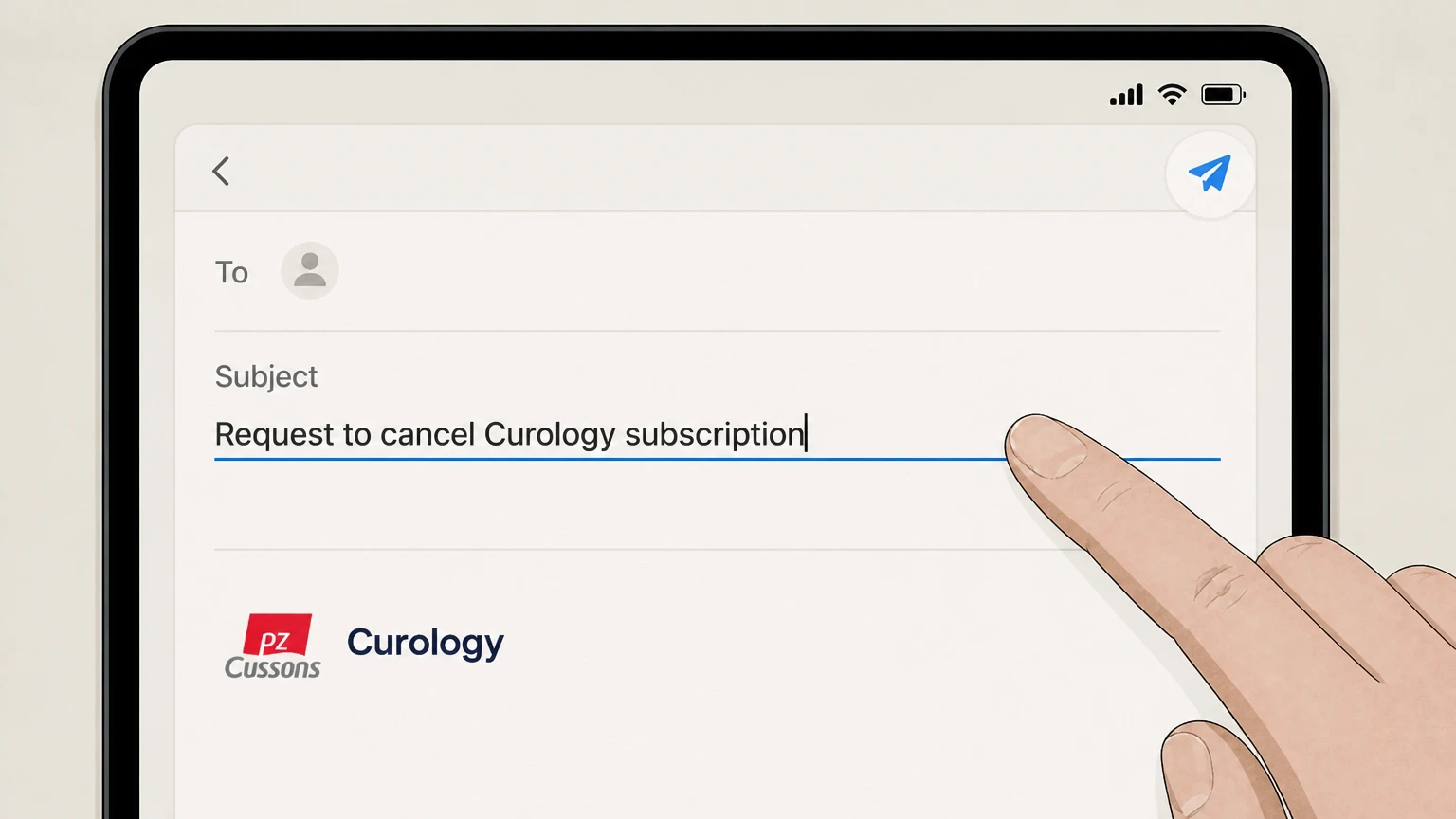
Set a clear subject line such as “Request to cancel Curology subscription” so the support team can quickly route your message.
 4
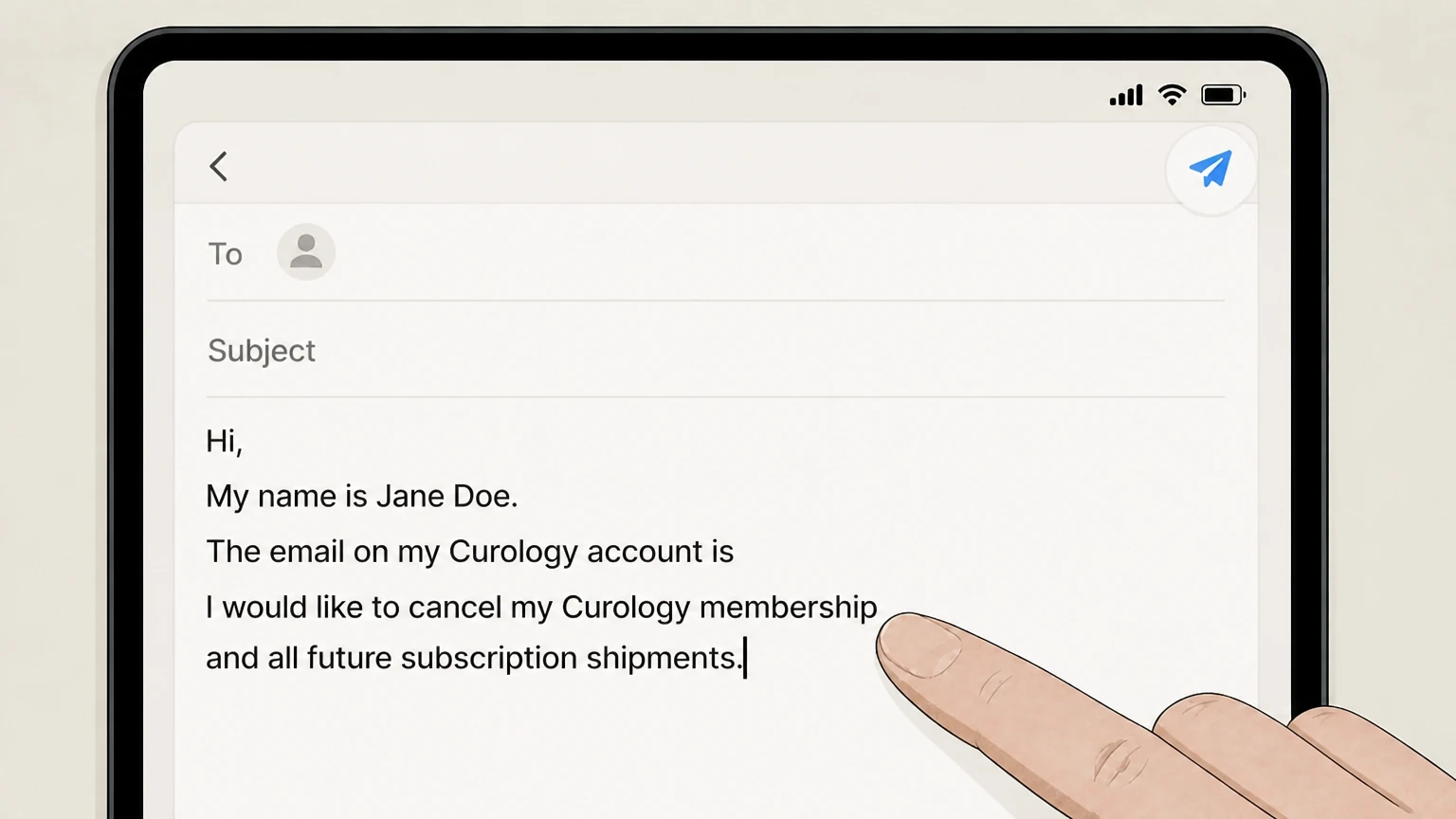
4Provide identifying details and a clear cancellation request
In the body of the email, include your full name, the email on your Curology account, and a clear statement that you want your Curology membership and future subscription shipments cancelled.
 5
5Send the email and confirm cancellation by email
Send your request and monitor your inbox; your subscription is not cancelled until Curology emails you a cancellation confirmation, so follow up if you do not receive that message.
Refund policy
Curology refund and return rules
Curology’s refund framework is built around a one‑time satisfaction guarantee for new subscribers, strict rules on processed orders, and limited return rights for certain non‑subscription, non‑prescription purchases. Cancelling your subscription and qualifying for a refund are related but separate steps. support.curology.com
Check my refund options- One‑time satisfaction guarantee for first‑time subscribers
- New subscribers may be eligible for a refund of both their trial shipment (excluding shipping and handling) and their first full‑sized subscription shipment if they (1) contact Curology within 90 days of the trial order date, (2) complete two check‑ins with their provider, and (3) upload photos in messages so their progress can be assessed. support.curology.com
- Subscription purchases are otherwise final sale
- Curology’s Refund Policy and Terms specify that, apart from the satisfaction guarantee, subscription Services and Products are not eligible for return or refund, and that purchases are considered final sale once a shipment has been billed and processed. support.curology.com
- Returns for non‑subscription, non‑prescription products
- For non‑subscription orders placed through Curology’s website, certain non‑prescription products may qualify for a return or credit if you contact Curology within 14 days of delivery, while prescription products purchased on a non‑subscription basis are not returnable. curology.com
- Cancellation does not automatically refund processed orders
- Cancelling your subscription stops future shipments after the two‑business‑day cutoff but does not automatically refund an order that has already been billed and processed; such orders will generally ship, and refunds—if any—must meet satisfaction‑guarantee or return‑policy conditions. support.curology.com
For the most current and detailed conditions on eligibility, required steps, and timing for any possible refund, review Curology’s official Refund Policy and Terms of Service before you cancel. Read Curology refund policy
Status & billing
How Curology subscriptions are billed and controlled
Curology runs an ongoing subscription program for prescription and related skincare and hair products, which you can start and manage online. curology.com
Active subscription service
Curology’s Terms of Service, updated May 27, 2026, describe an active subscription program with automatic refills from contracted pharmacies for each new or refill prescription at the cadence selected in your account. curology.com
Direct billing by Curology
When you enroll, you provide a valid credit card, debit card, or other payment method (including PayPal) in your Curology account; these details are stored in the payment information section and used for recurring subscription charges. curology.com
Where cancellation is controlled
Curology’s Terms state that you may cancel participation in the subscription program by cancelling your membership in your user account at curology.com in the payment information section or by contacting hello@curology.com. curology.com
Third‑party retail purchases
Curology notes that from time to time its products may be sold through third‑party retail stores, and that such purchases are subject to the retailer’s own terms and policies, separate from Curology’s subscription program and cancellation flow. curology.com
Main web path
Primary web cancellation flow in your Curology account
Curology’s help center describes a self‑service cancellation process available from the payment page of your online account. support.curology.com
Access the payment page from the account menu
When logged in, open the account dropdown menu and choose the payment page or Payment information section; this is where Curology directs you to begin cancelling your membership. support.curology.com
Use the “I want to cancel” link
Curology instructs you to click the “I want to cancel” link at the bottom of your payment page to enter the dedicated cancellation flow for your subscription. support.curology.com
Follow the cancellation questions to the end
During the flow, Curology asks follow‑up questions to understand your reasons for leaving; you must continue through the entire process for your cancellation request to be fully submitted. support.curology.com
Rely on the confirmation email as proof
Curology emphasizes that your subscription is not cancelled unless you receive a cancellation confirmation email; if you do not receive it, you should contact their Success team for help confirming closure. support.curology.com
Alternative path
Using email when you cannot cancel online
If you cannot reach or complete the online cancellation flow, Curology allows you to cancel by contacting their support team via email. curology.com
Official email for subscription changes
Curology’s Terms of Service specify that you may cancel your participation in the subscription program by contacting them at hello@curology.com, in addition to cancelling via your user account. curology.com
Support‑processed cancellations
The Cancelling help article notes that if you prefer something more personal, you can email the Success team with your reasons for cancelling and they can process the request on your behalf. support.curology.com
Confirmation still required
Even for email‑based cancellations, Curology indicates that you should receive a cancellation confirmation email; if you do not, you are advised to email the Success team again to verify that your subscription has been closed. support.curology.com
Timing & cutoffs
Deadlines, processed orders, and shipment cutoffs
Curology uses strict timing rules that distinguish between cancelling future participation and stopping an order that has already entered fulfillment. curology.com
Two‑business‑day cutoff before next shipment
Curology’s Terms and cancellation article both explain that you must cancel your subscription at least two full business days before your next scheduled shipment to avoid being charged for that order. curology.com
Orders already billed and processed
Once an order has been “processed” or billed and entered Curology’s fulfillment queue, it cannot be cancelled, and cancelling or pausing your subscription will not stop that already‑purchased order. support.curology.com
Postponing instead of cancelling
If you simply need more time before your next shipment, Curology directs you to your Orders Page to postpone an upcoming order date; these changes also must be made at least two business days ahead of the next order. support.curology.com
Impact on automatic refills
As part of the subscription program, prescriptions are set up with automatic refills; cancelling your membership stops future automatic refills after any orders that have already been billed and processed. curology.com
Refunds
When Curology offers refunds (and when it doesn’t)
Curology has a narrow satisfaction guarantee for new subscribers and otherwise treats subscription purchases as final sale. support.curology.com
Satisfaction guarantee for new members
Curology’s Refund Policy describes a satisfaction guarantee under which first‑time subscribers may be eligible for a refund of their trial and first full‑sized shipment if, within 90 days of the trial order, they complete two check‑ins with photos and submit a refund request form. support.curology.com
Final‑sale rule for most subscription orders
Outside the satisfaction guarantee, Curology states that subscription purchases are final sale and are not eligible for return or refund, and that once a shipment has been billed and processed, it cannot be canceled. support.curology.com
Returns for non‑subscription, non‑prescription items
For non‑subscription purchases made through the website, certain non‑prescription products may be eligible for return or credit if you contact Curology within 14 days of delivery, but prescription products purchased this way are not returnable. curology.com
Cancellation versus refund
Cancelling your Curology subscription only stops future shipments after the required cutoff and does not itself generate a refund for any order that has already been billed and processed; refunds depend on meeting the separate satisfaction‑guarantee or return criteria. support.curology.com
After cancellation
What changes after you cancel your Curology subscription
Cancelling your Curology subscription mainly affects future shipments and related benefits; some records and features may continue under separate policies. curology.com
End of future automatic refills and charges
Once your cancellation is processed, Curology stops future automatic refills and no longer charges your stored payment method for new subscription shipments, though any order already billed and processed will still ship. curology.com
Reward credits on account closure
Curology’s Reward Program terms state that unused reward credits expire two years after they are issued or upon a customer’s cancellation of their Curology account, whichever occurs first, so closing your account can forfeit remaining credits. curology.com
Medical record retention after termination
In its Terms, Curology explains that upon termination of your user account it may deactivate or delete your login, but your medical records are retained for at least ten years (or longer where the law requires, with special rules if you are under 23). curology.com
Account deactivation versus subscription cancellation
Curology’s Terms distinguish deactivating your user account (which can include deleting your login and certain materials) from cancelling subscription participation; cancelling shipments does not necessarily delete your underlying account or medical records. curology.com
Unsubscribing from marketing emails
The Cancelling article notes that if you only want to stop marketing emails, you can use the “Unsubscribe” link at the bottom of Curology emails or ask the Success team to remove you from email lists, which is separate from cancelling your subscription. support.curology.com
Trials & term
Free trials, minimum term, and pausing instead of cancelling
Curology markets its subscription as cancel‑anytime, but you must understand how free trials, pauses, and minimum timeframes interact with billing rules. curology.com
No required minimum number of shipments
Curology’s own FAQs and blog content explain that there is no minimum number of skincare cycles you must purchase; members can cancel their subscription at any time through their Curology account. curology.com
Free trial still enrolls you in subscription
Marketing materials state that starting a free trial enrolls you in a subscription with automatic shipments; to avoid being charged for the next shipment, you must cancel at least two business days before that order is scheduled to process. curology.com
Pausing only postpones, it does not cancel
The Cancelling article warns that choosing to pause during the flow does not cancel your subscription; it only postpones your next scheduled shipment, so charges resume unless you later complete full cancellation. support.curology.com
Postponing via Orders Page
Curology suggests using your Orders Page to postpone an upcoming shipment if you simply are not ready for more product, while keeping your subscription active for future orders. support.curology.com
What official sources do not confirm
Limits of the public Curology cancellation guidance
These points are intentionally qualified because the official sources reviewed on August 16, 2026 do not publish a complete answer.
Documented limitation 1
The exact visual labels and layout of Curology’s logged‑in dashboard, account menu, and payment page cannot be directly inspected from public documentation; button and section names are inferred from how official help articles describe the “payment page,” “Payment information” section, and the “I want to cancel” link.
Documented limitation 2
Curology does not publicly describe any subscriptions managed through Apple’s App Store or Google Play billing in its Terms or current help documents; this dossier assumes, based on those documents, that standard memberships are billed directly by Curology, but cannot entirely rule out special‑case arrangements not documented online.
Documented limitation 3
Some operational timelines (such as typical support‑email response times) are not specified in official sources; guidance therefore focuses only on clearly stated rules like the two‑business‑day cutoff and excludes any inferred service‑level expectations.
Documented limitation 4
Curology’s policies may change after August 16, 2026; readers should always confirm key details like refund eligibility, timing rules, and contact methods against the latest versions of Curology’s Terms and help‑center articles before acting.
Curology cancellation FAQ
Questions people search about canceling Curology, answered with official provider or billing-platform sources checked on August 16, 2026.
How do I cancel my Curology subscription online?
Is Curology hard to cancel?
Can I cancel my Curology after a free trial?
Can you get a refund on Curology?
How can I manage my Curology subscription?
How do I cancel a Curology order that is already processing?
Does canceling Curology delete my account or medical records?
Can I pause my Curology subscription instead of cancelling?
What happens to Curology reward credits when I cancel?
Is there a minimum number of shipments before I can cancel Curology?
Untangle this Curology issue.
Let Pine handle the provider follow-up and keep the confirmation in one place.
