


Nugenix
Cancel subscription
How to Cancel Nugenix: Official Steps & Timing
Cancel Nugenix through the correct billing route. Follow official steps, understand renewal timing and refunds, and keep proof of the final result.
- 3 verified cancellation routes
- Billing ownership and renewal timing explained
- Provider-specific refund boundaries included
- A confirmation check follows every route
Choose the correct Nugenix cancellation route
Cancel online via Nugenix form · verify the billing owner
Cancel Nugenix through Cancel online via Nugenix form
 1
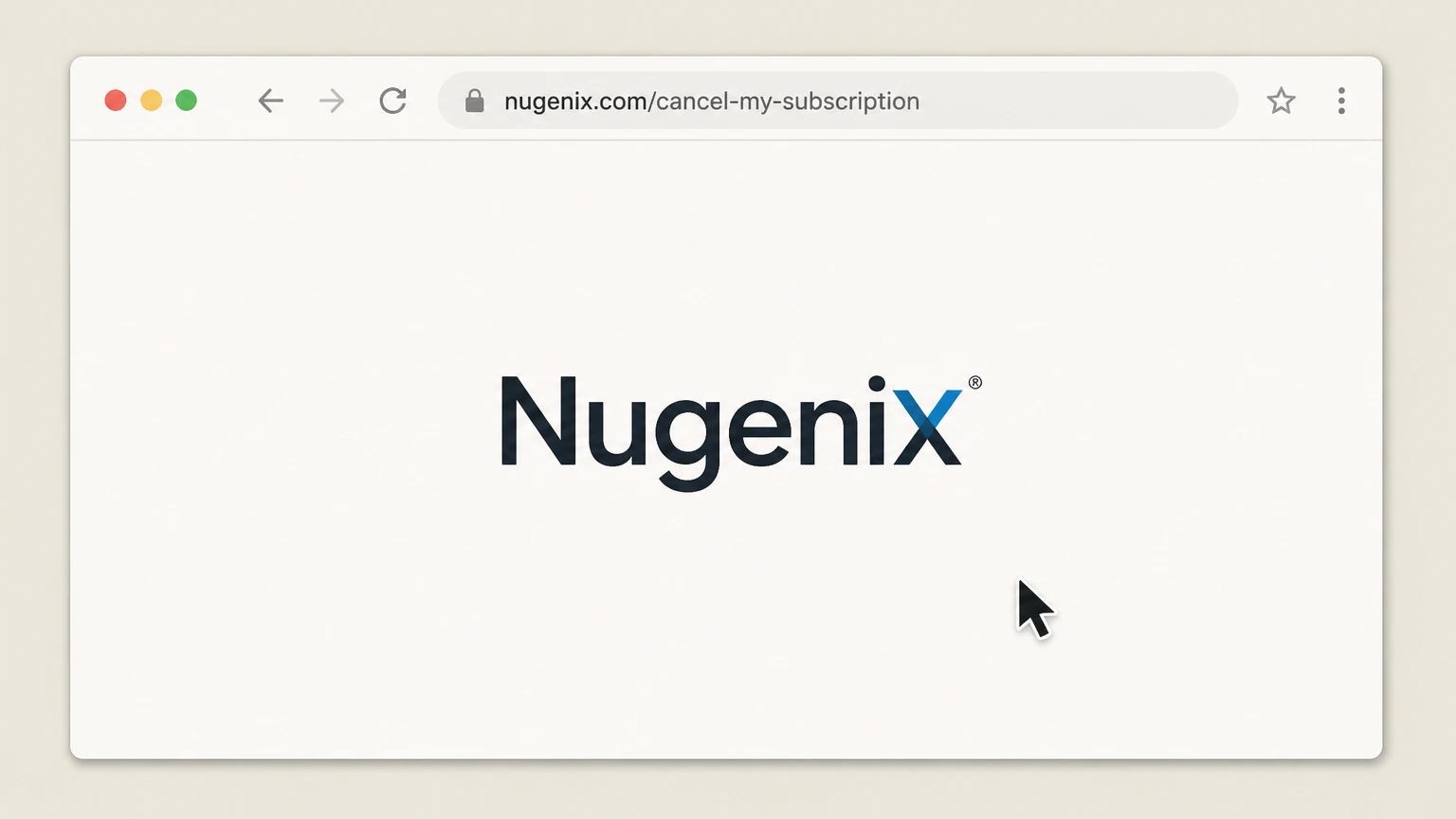
1Open the Nugenix cancellation form page
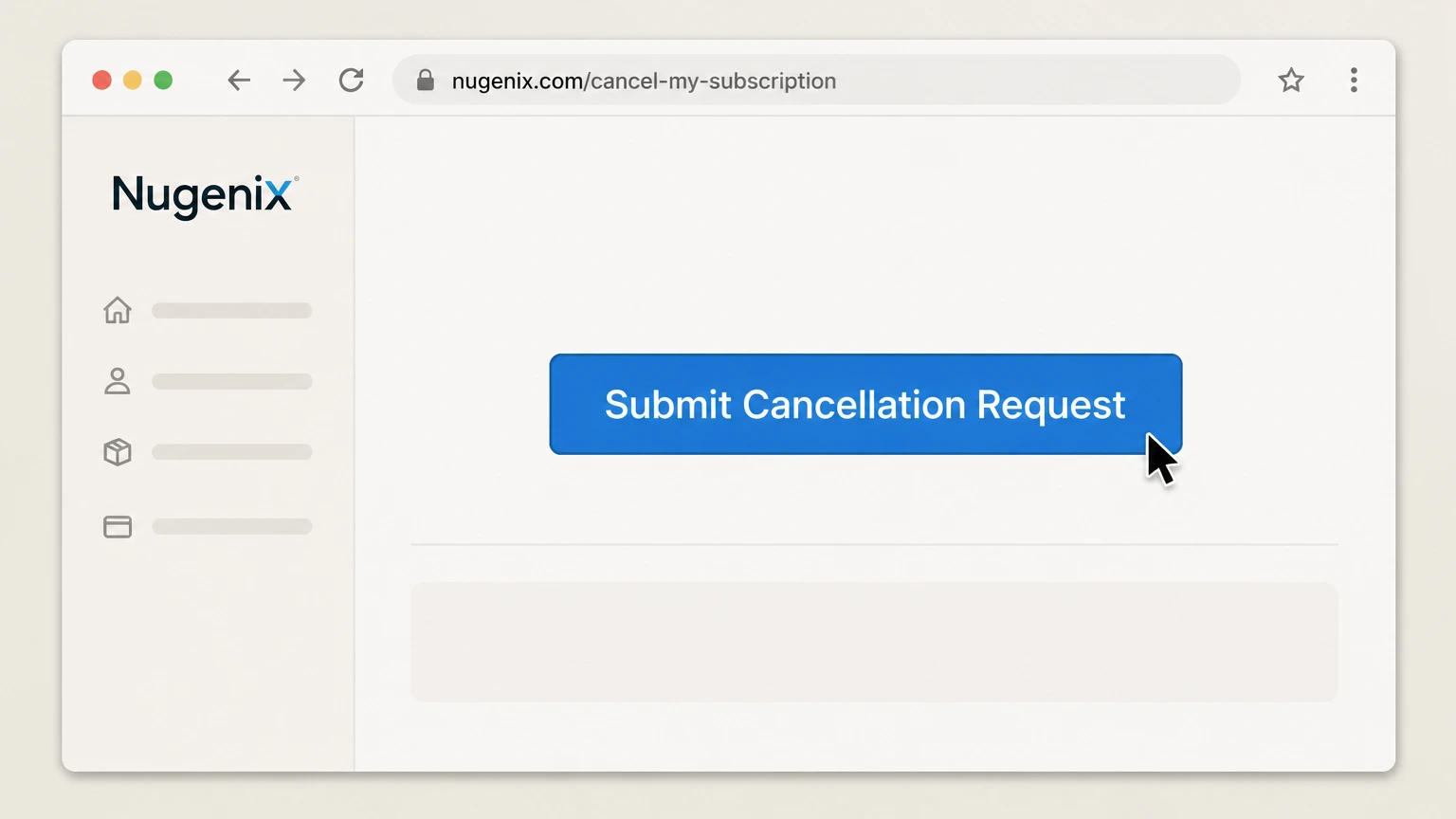
In a web browser, go to the Nugenix “Cancel My Subscription” page at nugenix.com/cancel-my-subscription.
 2
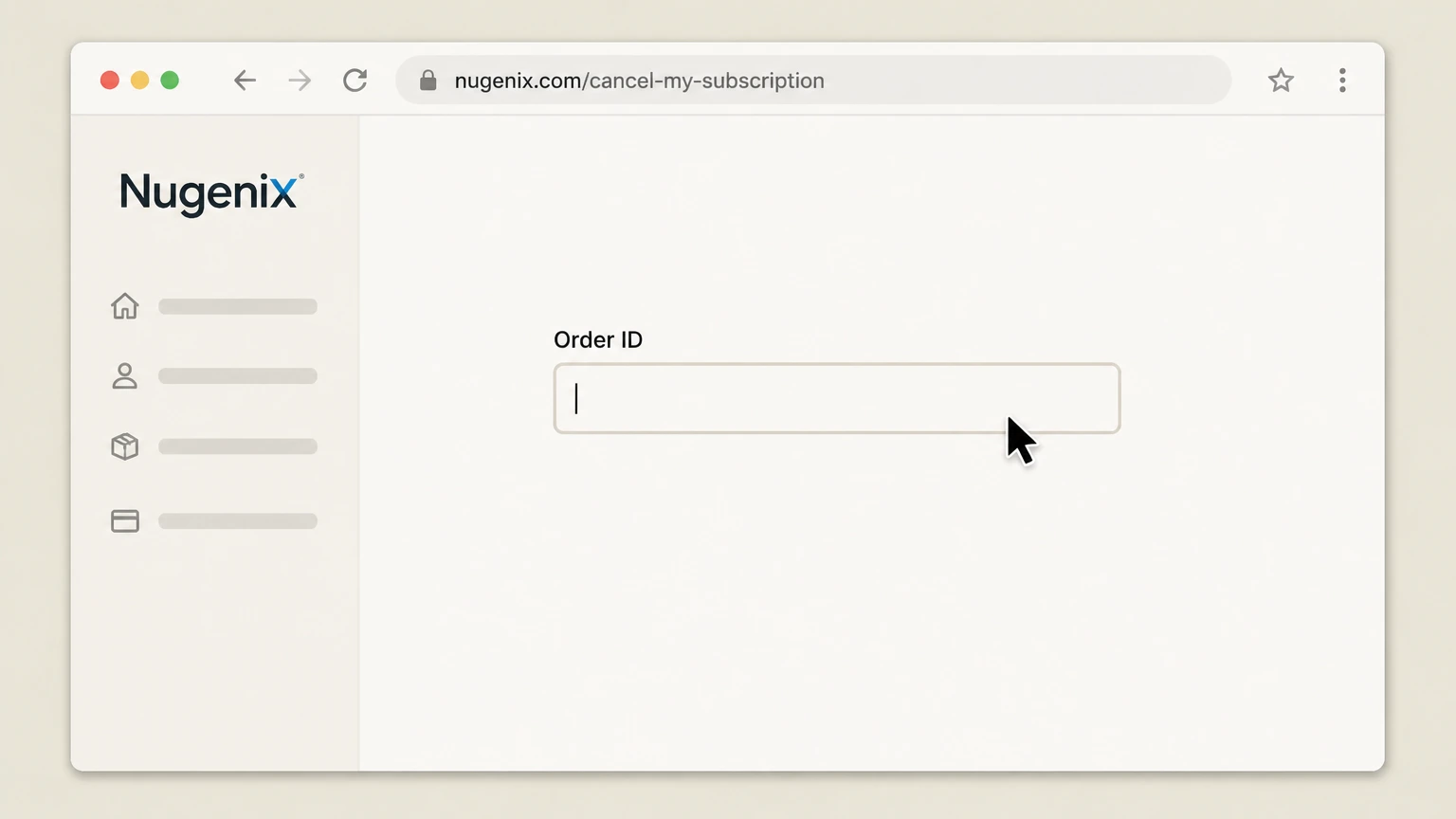
2Enter your Order ID
In the “Order ID” field, type the Order ID from your recent Nugenix order or subscription email.
- Let Pine handle it
Pine can help
Too many steps?
Pine can find the right Cancel online via Nugenix form path and handle the cancellation for you.
 3
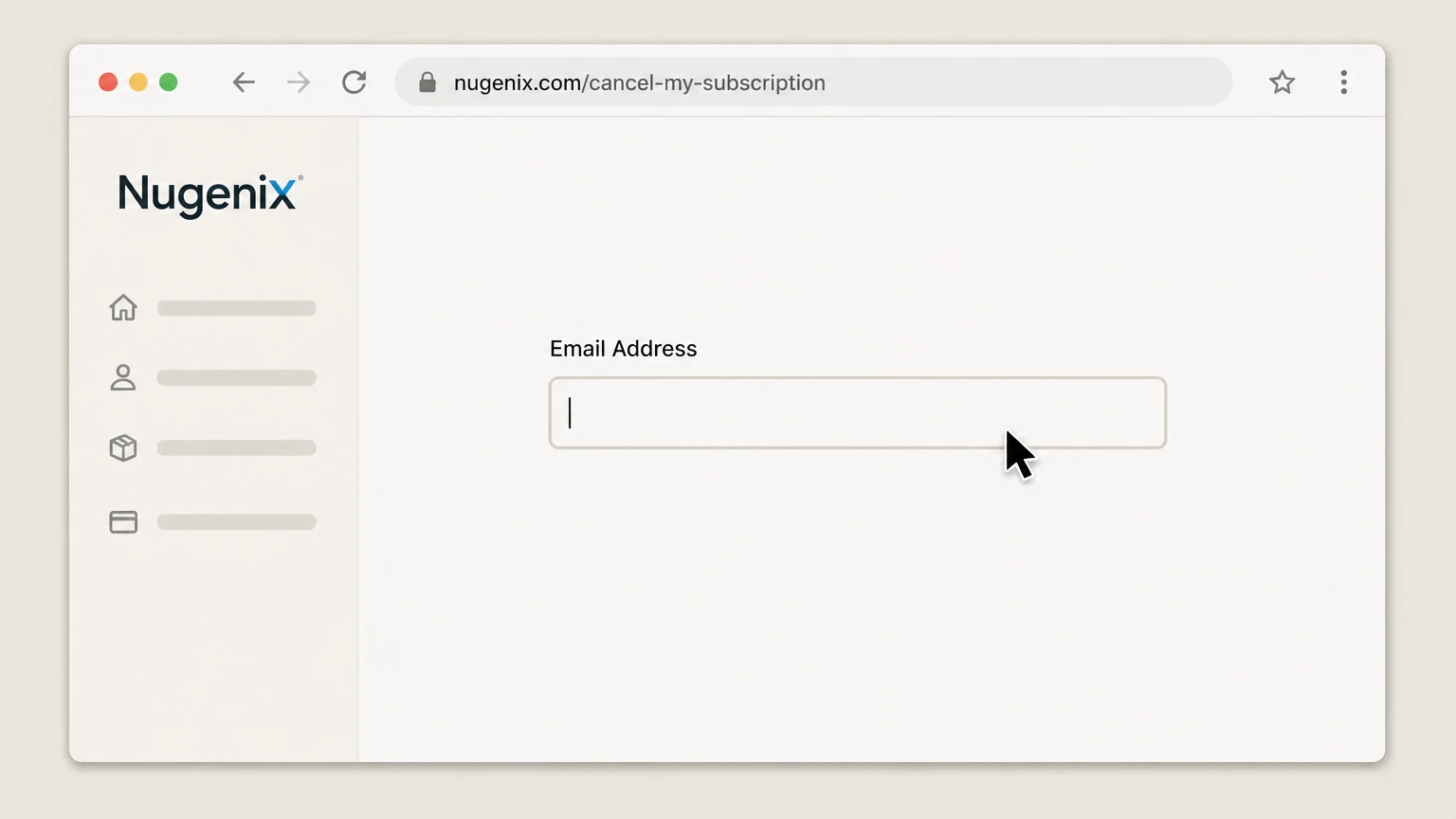
3Enter your email address
In the “Email Address” field, enter the email address you used when placing your Nugenix order.
 4
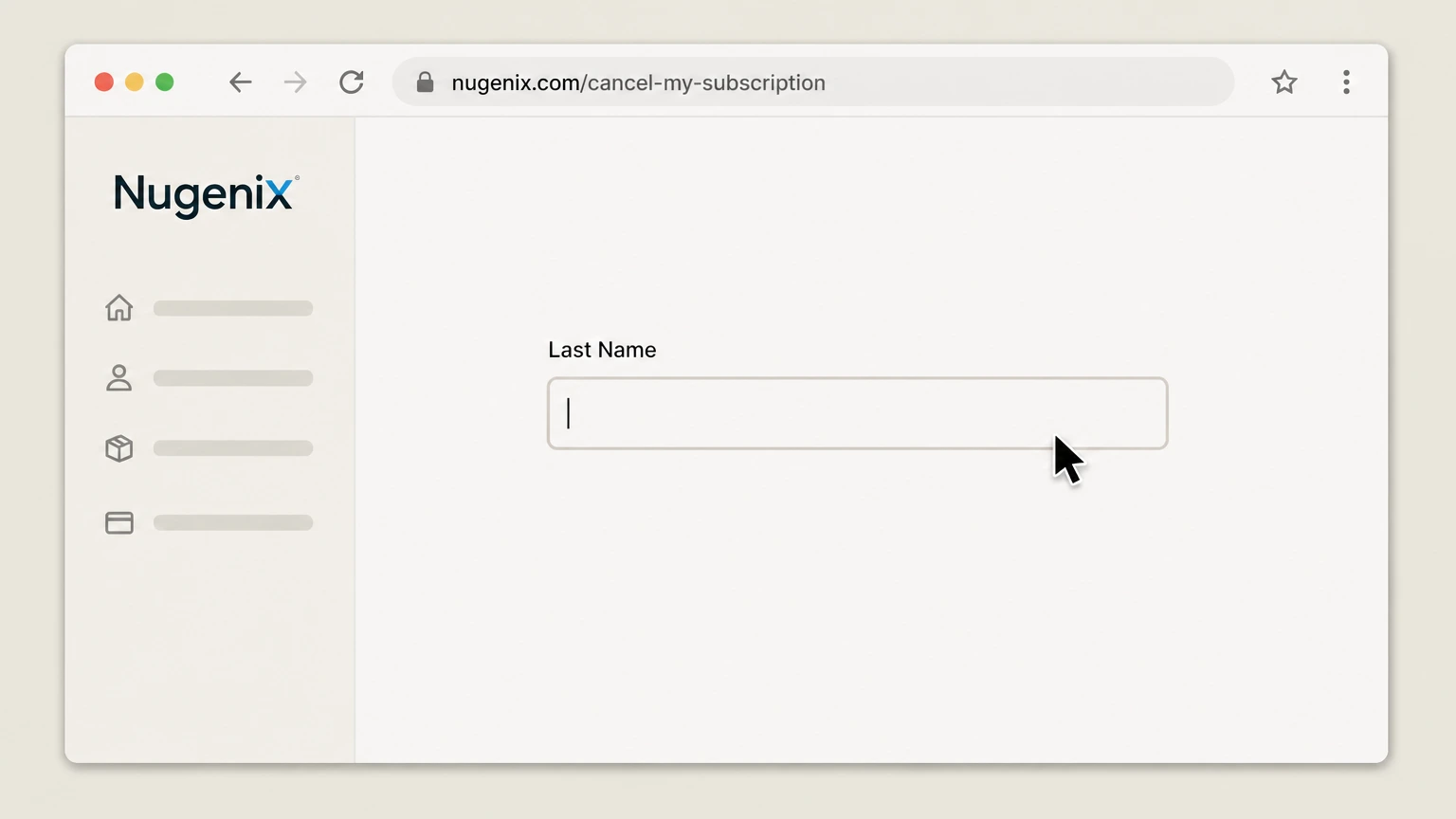
4Enter your last name
In the “Last Name” field, enter the last name associated with your Nugenix account or order.
 5
5Submit the cancellation request
Click the “Submit Cancellation Request” button to send your cancellation details to Nugenix customer service for processing.

Cancel by calling Nugenix customer service · verify the billing owner
Cancel Nugenix through Cancel by calling Nugenix customer service
 1
1Call Nugenix customer service
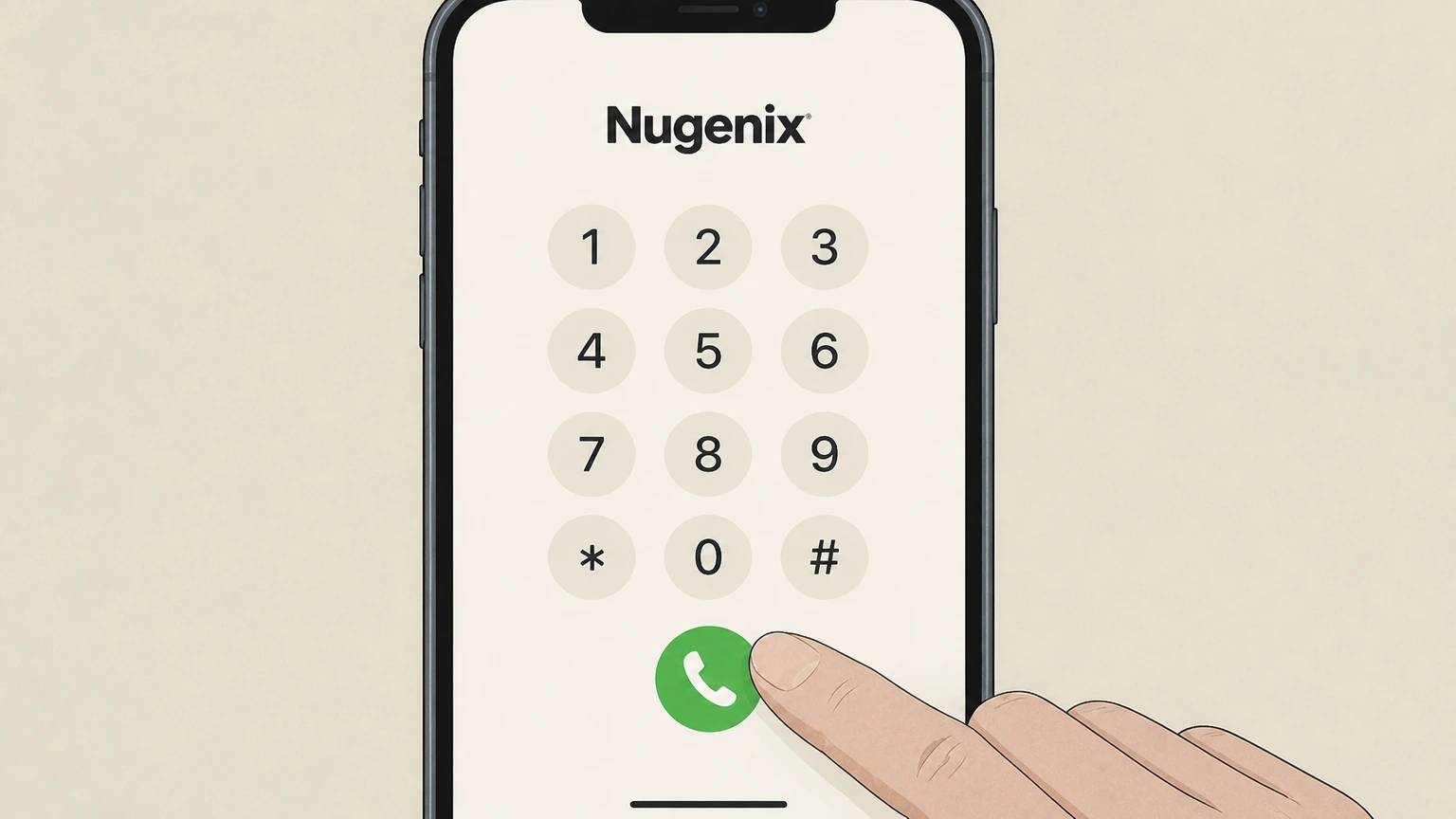
Dial the Nugenix customer service number listed on the How to Cancel or Contact pages and wait to be connected to an agent.
 2
2Choose the customer service option if prompted
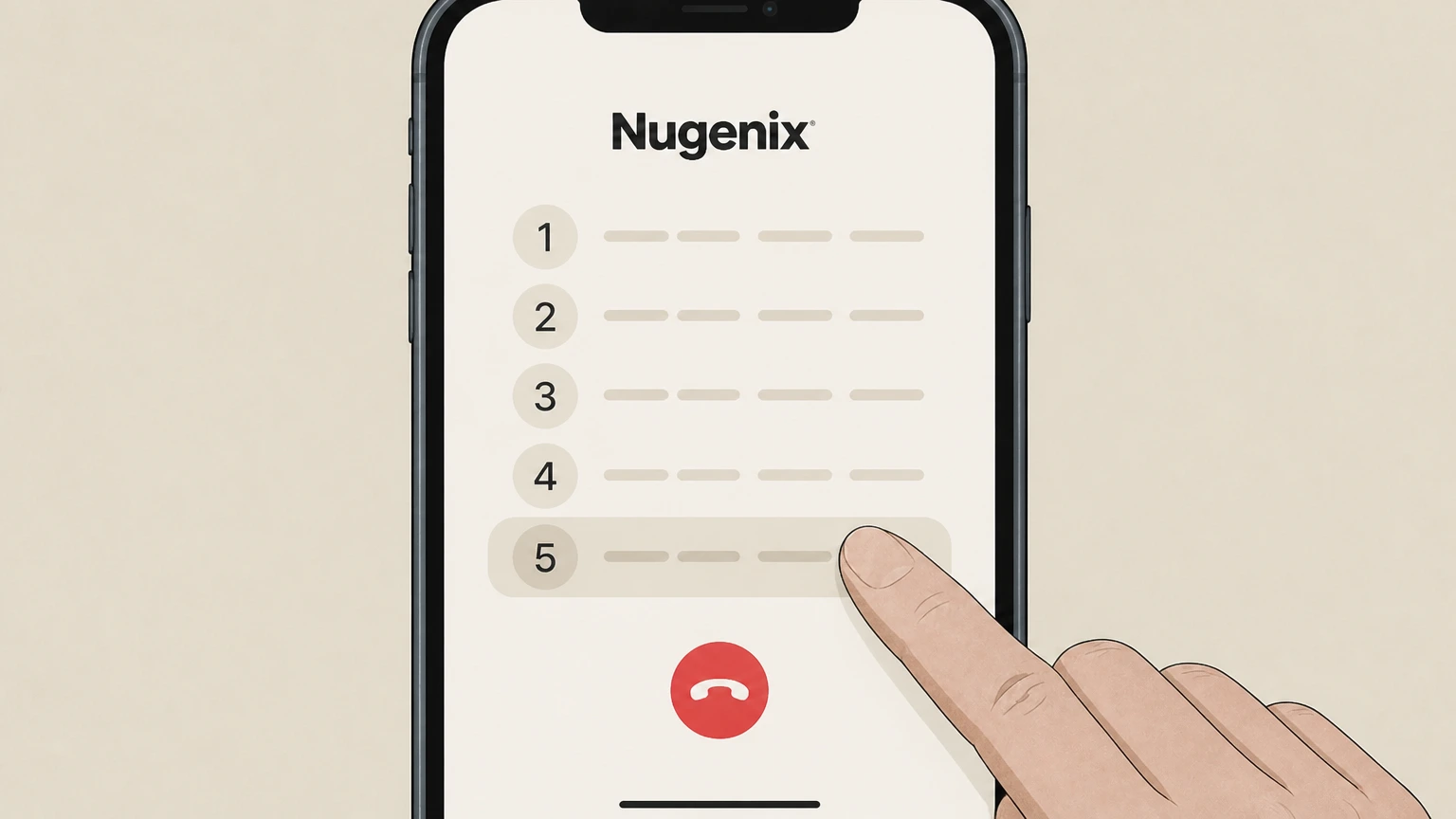
If the phone system presents a menu, select the option that routes you to customer service or billing support.
- Let Pine handle it
Pine can help
Too many steps?
Pine can find the right Cancel by calling Nugenix customer service path and handle the cancellation for you.
 3
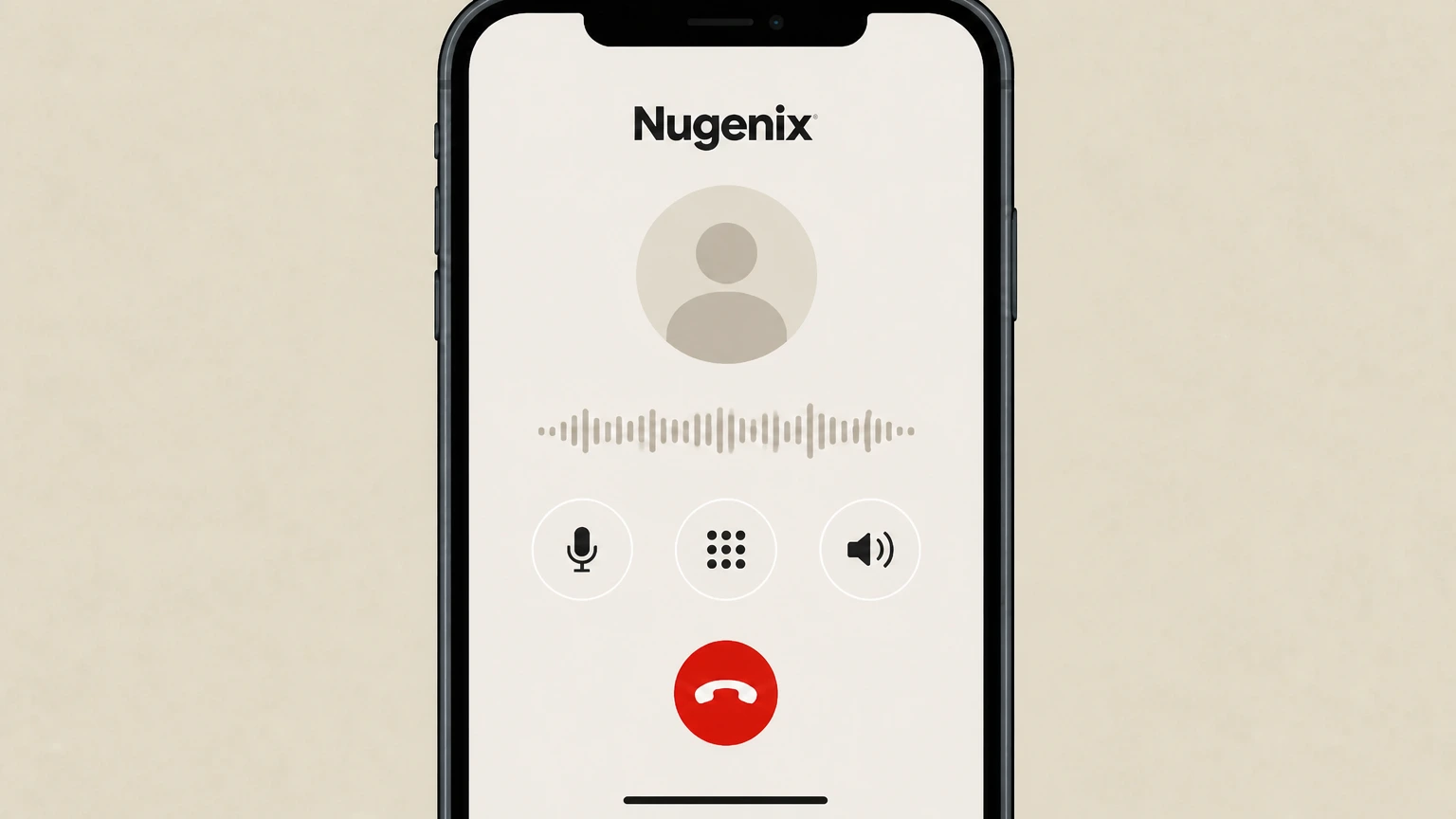
3Request cancellation of your Nugenix subscription
Tell the representative you want to cancel your Nugenix subscription or trial and specify that you want all future automatic shipments and billings stopped.
 4
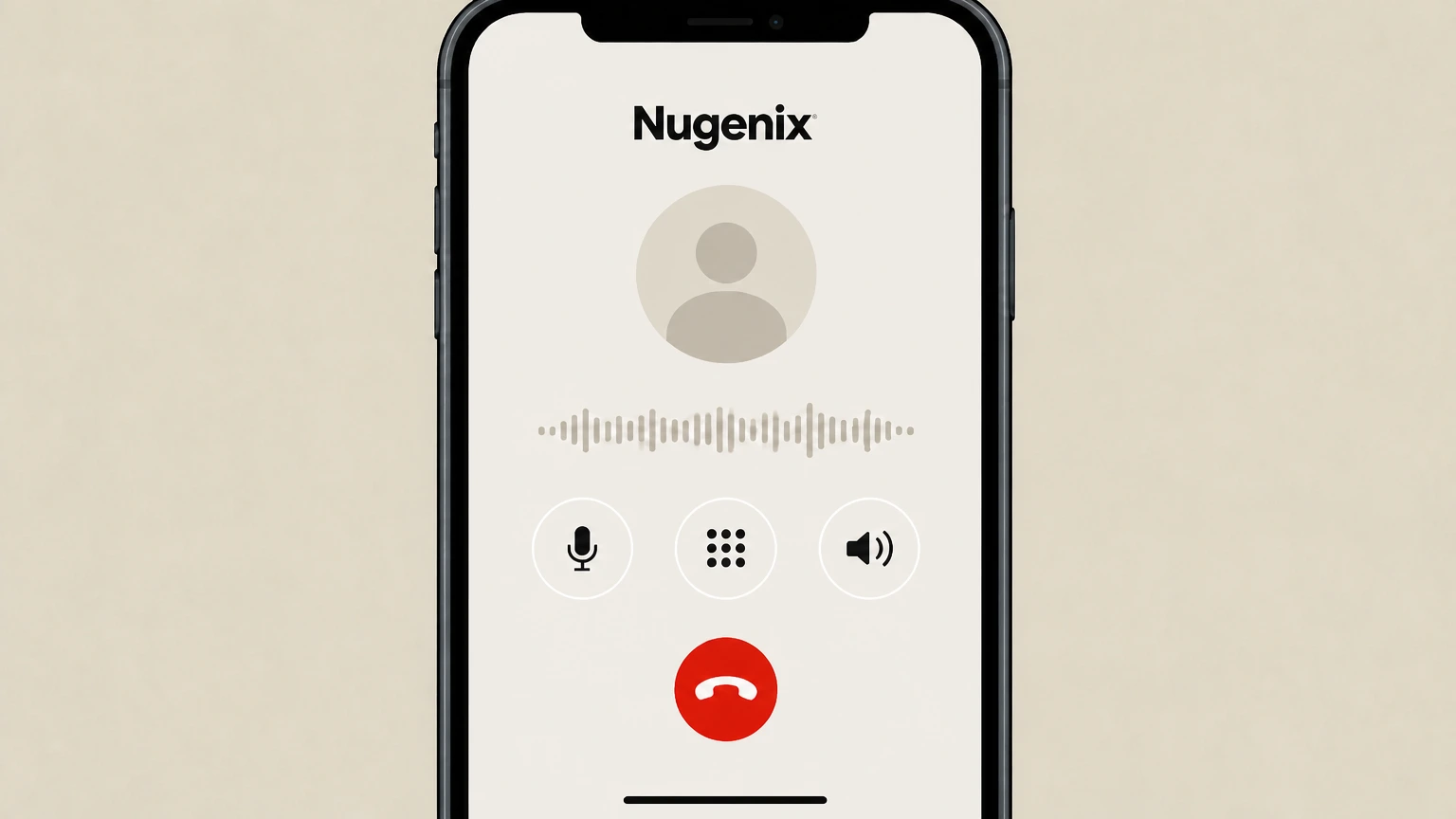
4Provide order and account details for verification
When asked, provide information such as your name, Order ID, billing address, or email so the representative can locate your account.
 5
5Ask for confirmation of cancellation
Before ending the call, ask the representative to confirm that your subscription has been cancelled and to note the effective date; request an email confirmation if available.
Cancel by emailing Nugenix support · verify the billing owner
Cancel Nugenix through Cancel by emailing Nugenix support
 1
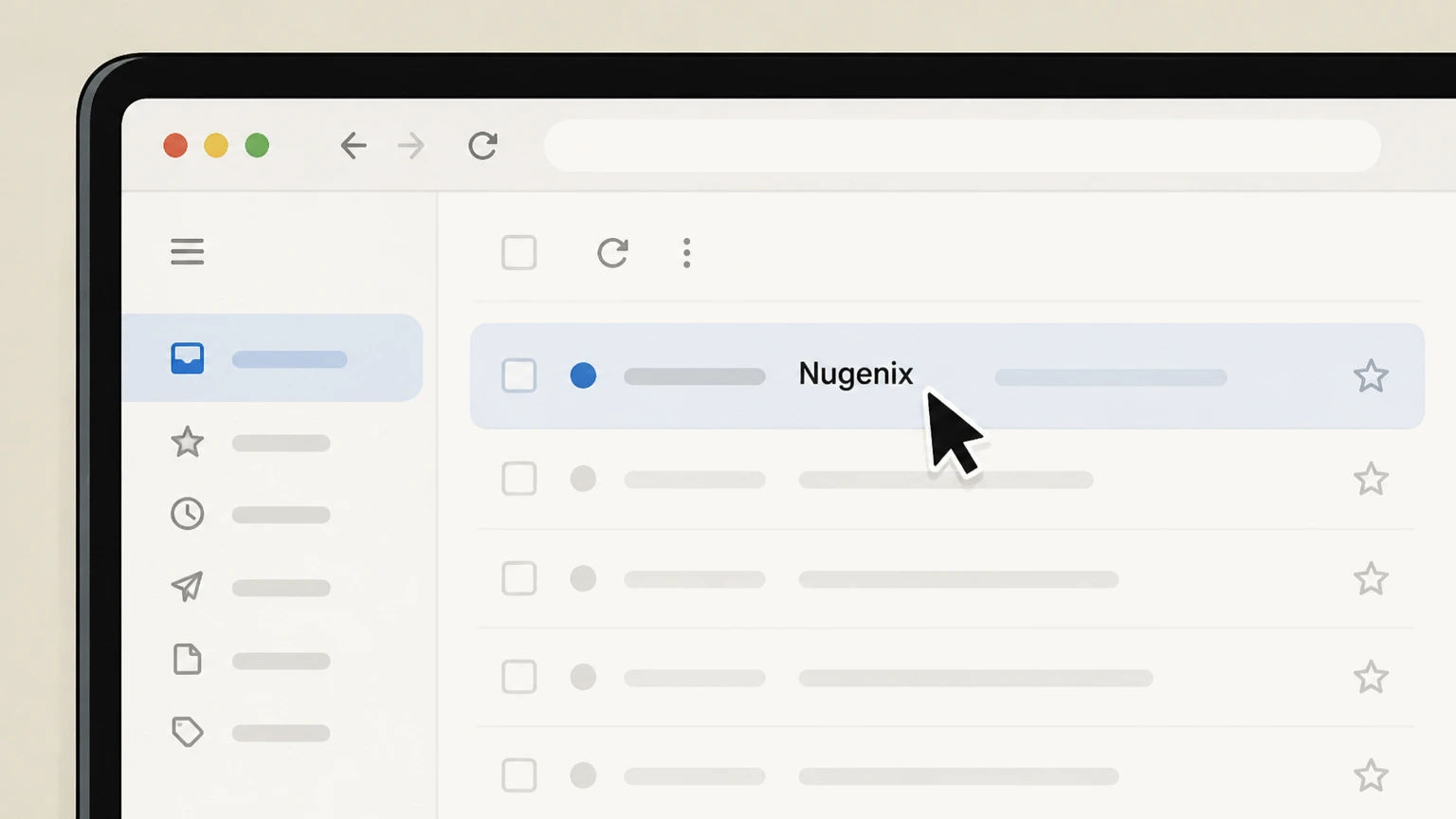
1Open your email application or webmail
Sign in to the email account you used for your Nugenix order using your preferred email app or webmail service.
 2
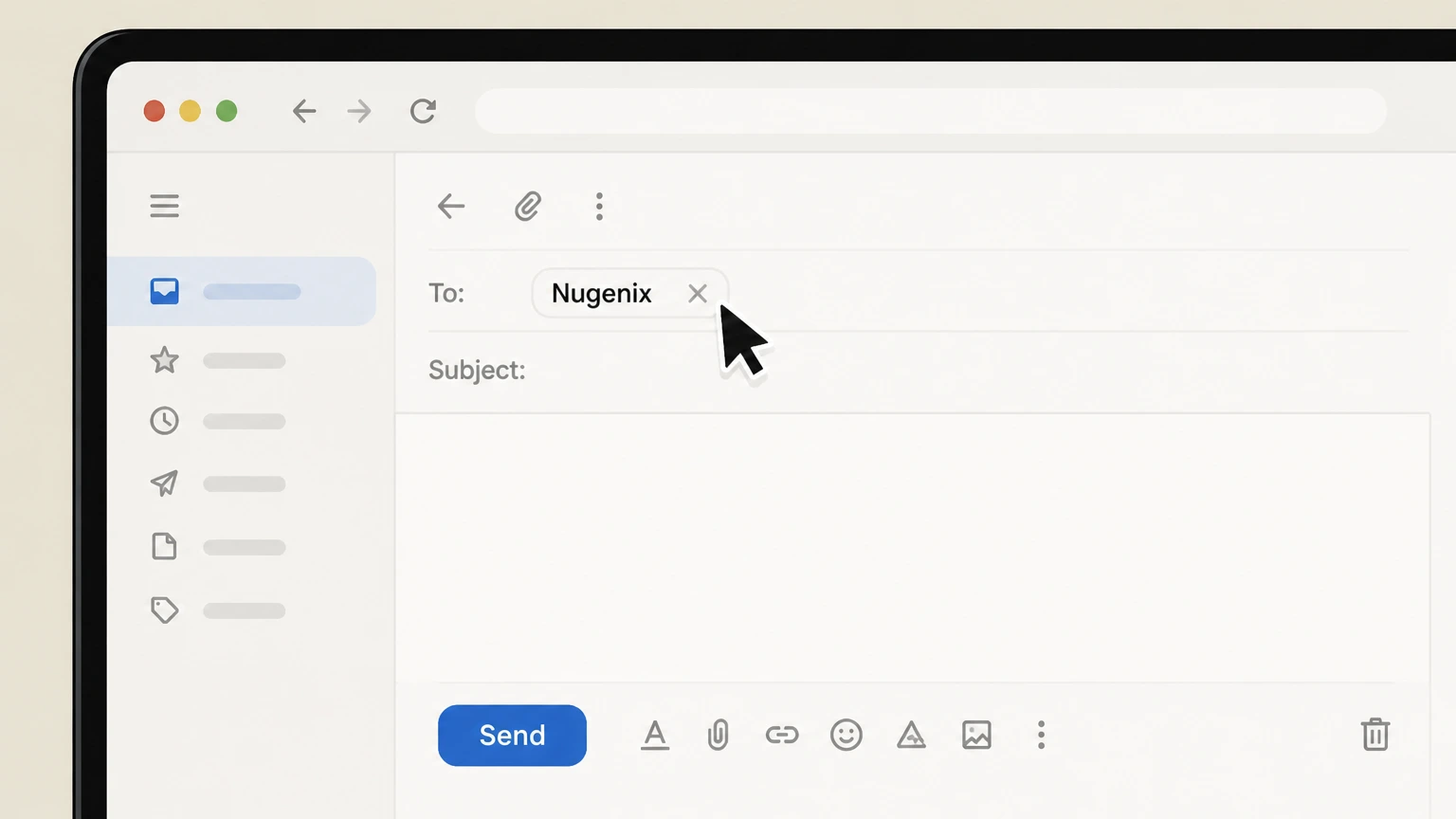
2Compose a new email to Nugenix support
Create a new message addressed to the support email listed on the Nugenix How to Cancel or FAQ pages.
- Let Pine handle it
Pine can help
Too many steps?
Pine can find the right Cancel by emailing Nugenix support path and handle the cancellation for you.
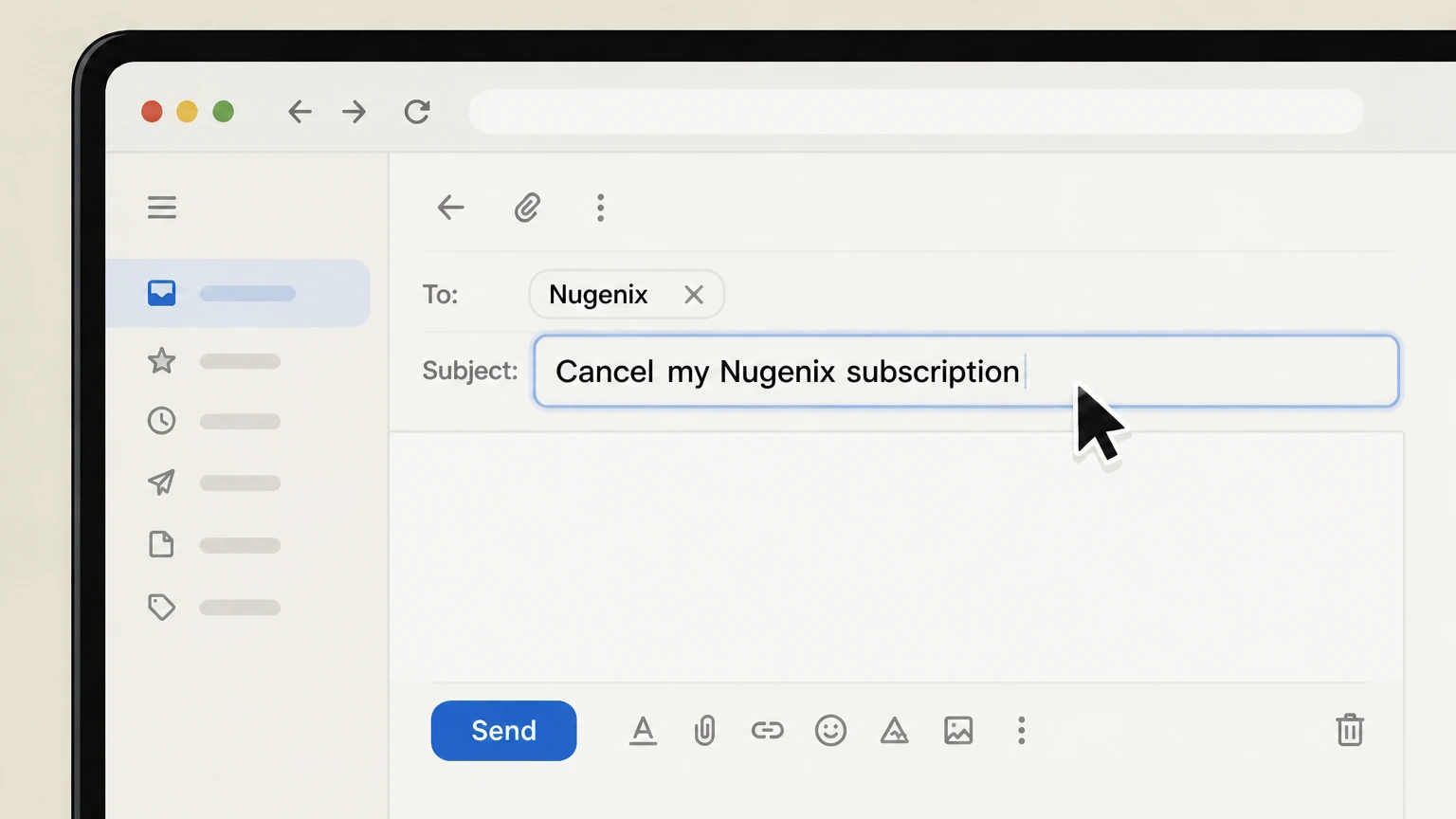 3
3Write a clear subject line
Set the subject line to something specific like “Cancel my Nugenix subscription” so support can quickly identify your request.
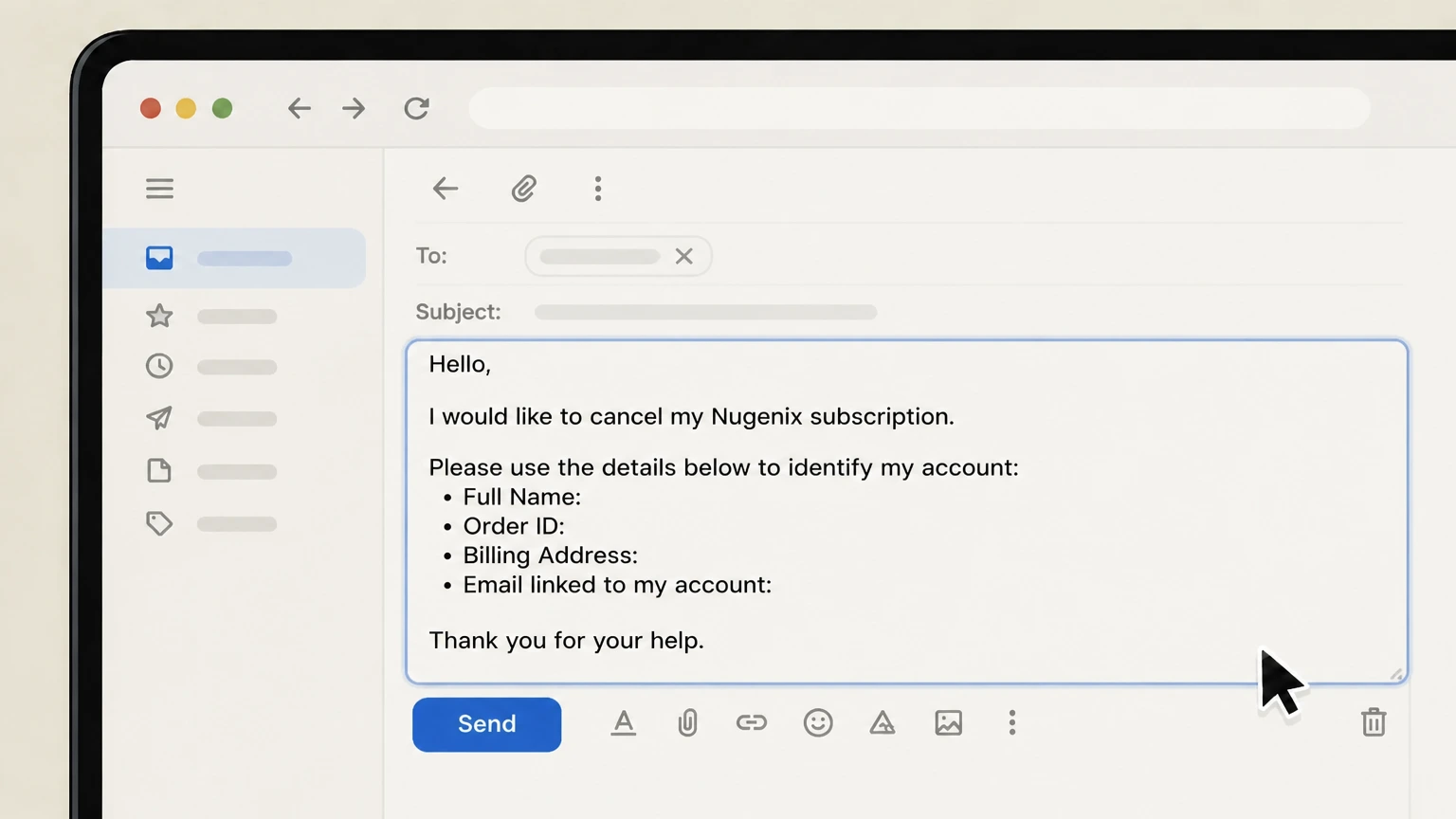 4
4Include cancellation details in the email body
In the message body, state that you want to cancel your Nugenix subscription and provide your full name, Order ID, billing address, and the email linked to your account.
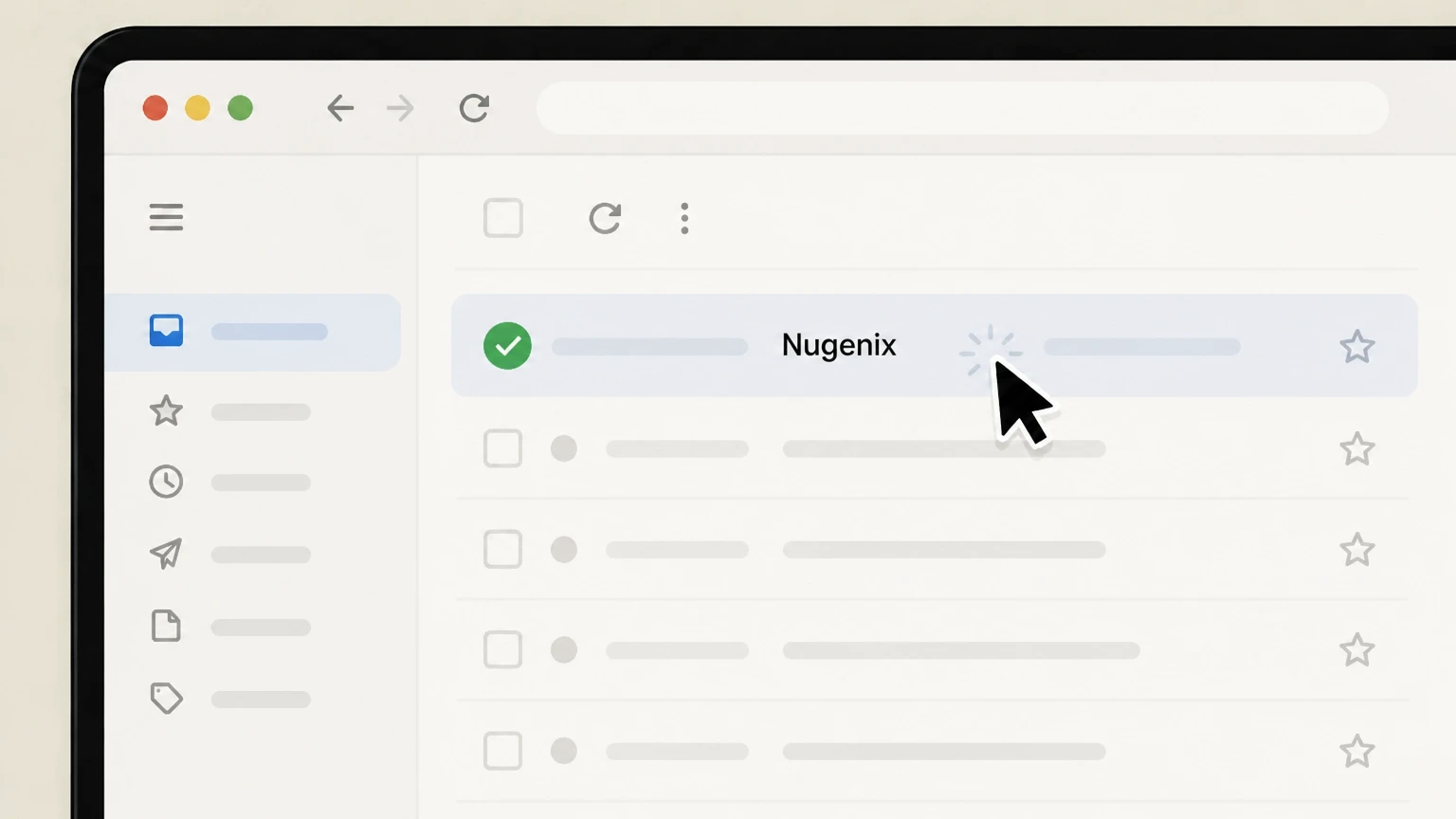 5
5Send the email and monitor for a reply
Send your message to Nugenix support and check your inbox (and spam folder) for a response confirming your subscription has been cancelled.
Refund policy
Nugenix refunds, returns, and what cancellation does not cover
Cancelling a Nugenix subscription stops future automated shipments and charges but does not automatically refund past billings. Refunds depend on product-specific guarantees, trial terms, and whether you follow Nugenix’s return procedures.
Check my refund options- Cancellation vs. refund
- Ending your Auto-Ship or Refill and Save subscription prevents new recurring charges but does not itself refund prior payments; refunds require meeting the applicable guarantee and contacting customer service for return authorization.
- 30-day money-back guarantee scope
- For some Nugenix products, such as Total-T, FAQs describe a guarantee allowing a refund when you return the unused portion within 30 days of the shipment date, provided you first obtain a Return Merchandise Authorization number and follow the specified instructions.
Review Nugenix’s official FAQs and the specific offer page you used to place your order before mailing any returns, and contact customer service if any part of the refund policy is unclear. View Nugenix refund and FAQ pages
Program types
How Nugenix subscriptions, trials, and refills work
Nugenix sells supplements as one‑time purchases and via recurring programs such as trials, Auto-Ship, and Refill and Save. These programs determine how and when you are billed and what cancelling actually stops.
Trial-to-subscription model
Certain Nugenix offers provide a short trial supply; if you do not cancel within the stated trial window, your account automatically converts into a paid monthly subscription with recurring shipments and billing until cancelled.
Auto-Ship Program
In the Auto-Ship Program, Nugenix automatically sends a fresh supply of product on a regular schedule and charges the payment method you provided at enrollment, without needing new authorization for each shipment, until you cancel the program.
Refill and Save (Subscribe and Save)
The Refill and Save program, also described as Subscribe and Save, regularly bills you for and ships the same quantity of product you initially ordered at intervals you selected, continuing unless and until you contact Nugenix to cancel your enrollment.
One-time orders vs. subscriptions
A standard one-time order charges you once for a shipment. Cancelling a subscription later does not retroactively convert those prior orders into refunds; it only stops future scheduled orders linked to that subscription program.
Billing owner
Who bills you for Nugenix subscriptions
Understanding who actually bills you helps you use the right cancellation path and avoid surprises on your statement.
Merchant of record for nugenix.com
Orders and subscription enrollments placed on nugenix.com are billed by Direct Digital, LLC, which does business as Adaptive Health and markets the Nugenix line of supplements.
Program charges on your statement
For Auto-Ship and Refill and Save subscriptions created on nugenix.com, recurring charges are processed to the credit card or other payment method you supplied at sign-up, under the Nugenix or Adaptive Health merchant name.
Limited control over third‑party sales
If you buy Nugenix products or set up a subscription through a retailer or platform other than nugenix.com, that third party controls billing and cancellation for that purchase; Nugenix customer service can assist only with subscriptions it directly manages.
Account information responsibilities
Nugenix’s terms require you to keep your billing account details—such as card number, expiration, and billing address—current so that recurring charges can be processed correctly while your subscription remains active.
Contact methods
Official Nugenix cancellation channels
Nugenix officially offers three main ways to cancel a subscription billed through its own website: an online cancellation form, a customer service phone line, and a support email address.
Online Cancel My Subscription form
The Cancel My Subscription page on nugenix.com lets you submit an electronic request by entering your Order ID, email address, and last name, which is then used by customer service to locate and cancel your subscription.
Phone-based cancellation
The How to Cancel guide and Contact page state that you can phone Nugenix customer service and ask a representative to update or cancel your subscription at any point during or after the trial period, with no cancellation fee.
Email cancellation requests
Nugenix’s FAQs and cancellation page explain that you can email the official support address to cancel an order or subscription, giving customers a written, asynchronous way to end their enrollment.
No self-service cancel button documented
Current Nugenix documentation points customers to forms, phone, and email; it does not describe a fully self-service online account dashboard where you can independently cancel without involving customer service.
Nugenix cancellation FAQ
Provider-specific answers about billing, timing, refunds, and confirmation.
How can I cancel my Nugenix Total T2 order?
How do I cancel my Adaptive Health subscription?
What is the fastest way to cancel a Nugenix subscription?
Can I cancel my Nugenix trial before it converts to a paid subscription?
Does cancelling my Nugenix subscription stop my current shipment?
Untangle this Nugenix issue.
Let Pine handle the provider follow-up and keep the confirmation in one place.
