


National Geographic
Cancel subscription
How to Cancel a National Geographic Subscription
Learn how to cancel National Geographic subscriptions billed through Apple or Google Play, what happens to your access, and where to check who is charging you.
- 2 cancellation paths matched to the billing owner
- Renewal timing and access outcome explained
- Refund requests routed to the company that billed you
- Confirmation steps included for every path
Choose the National Geographic cancellation path that matches who bills you
iOS (Apple App Store) · verify the billing owner
iOS (Apple App Store)
 1
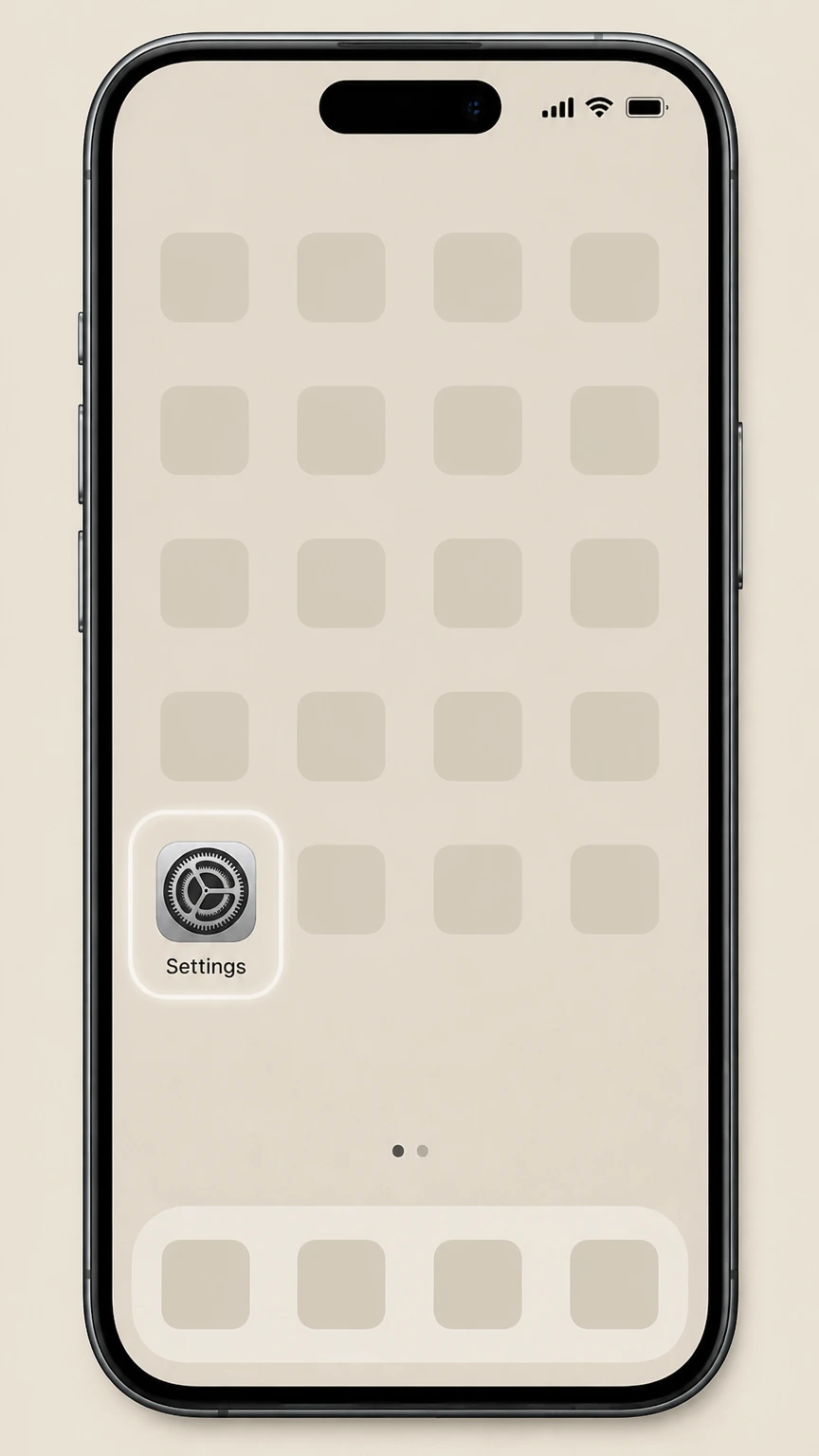
1Open Settings
On the iPhone or iPad billed by Apple, open the Settings app before opening the Apple Account subscription list.
 2
2Tap your name
Tap your name at the top of the Settings screen to open your Apple ID settings.
- Let Pine handle it
Pine can help
Too many steps?
Pine can find the right iOS (Apple App Store) path and handle the cancellation for you.
 3
3Open Subscriptions
Tap Subscriptions to view the list of subscriptions billed through your Apple ID.
 4
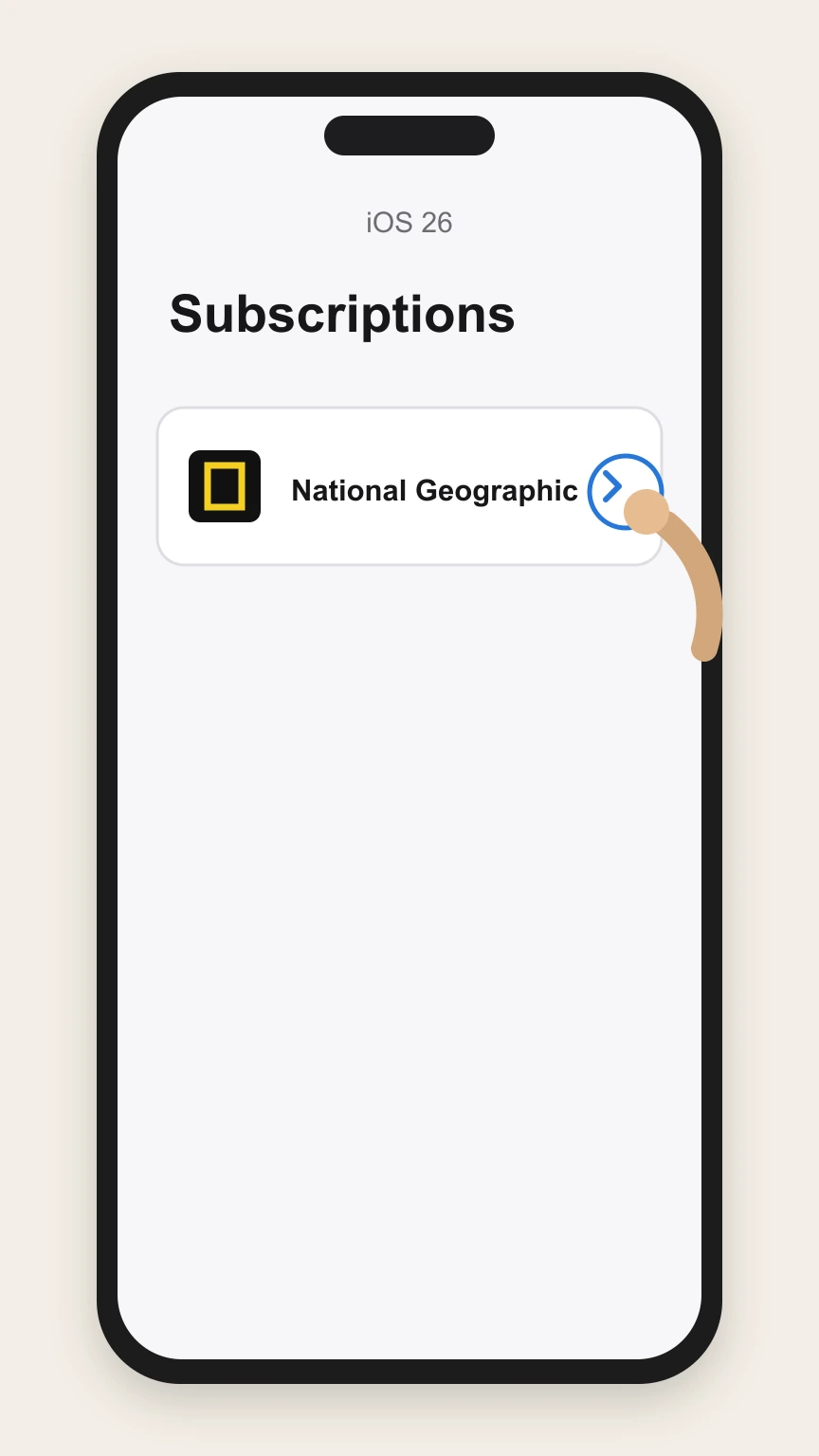
4Select National Geographic
Tap the National Geographic subscription in your list of active subscriptions.
 5
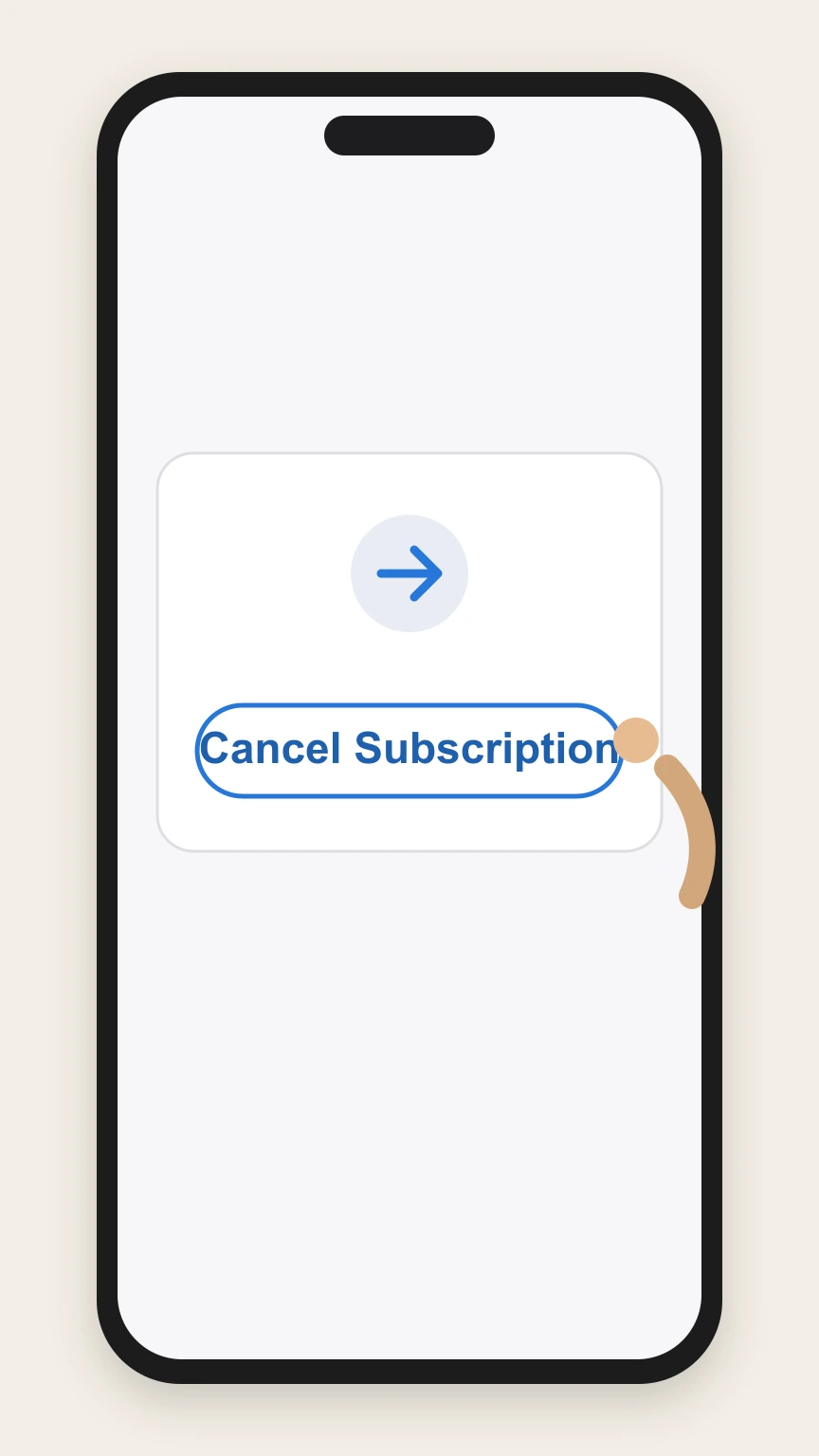
5Cancel the subscription
Tap Cancel Subscription on the National Geographic subscription page.

Google Play (Android) · verify the billing owner
Google Play (Android)
 1
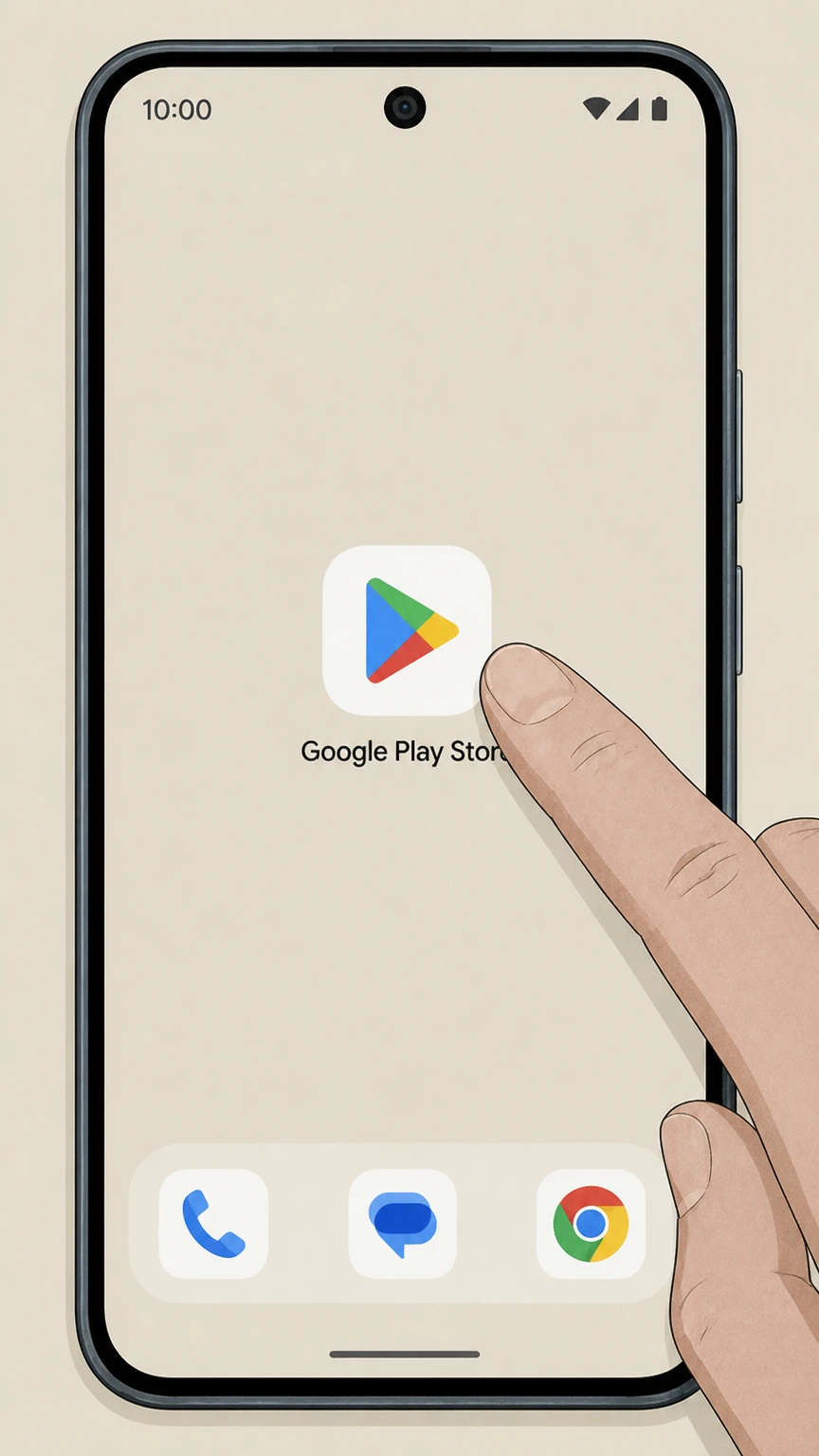
1Open Google Play Store
Open the Google Play Store app on your Android device.
 2
2Tap profile icon
Tap your profile icon in the top‑right corner of the Play Store.
- Let Pine handle it
Pine can help
Too many steps?
Pine can find the right Google Play (Android) path and handle the cancellation for you.
 3
3Open Payments & subscriptions
Tap Payments & subscriptions in the account menu.
 4
4Open Subscriptions
Tap Subscriptions to see recurring charges linked to this Google account.
 5
5Select National Geographic
Tap the National Geographic subscription in your list of subscriptions.
 6
6Tap Cancel subscription
Tap Cancel subscription on the National Geographic subscription screen.
Refund policy
Refunds after cancelling National Geographic subscriptions
Refunds for National Geographic subscriptions purchased through app stores are controlled by the platform that billed you—Apple or Google Play—not by National Geographic directly. Cancelling stops future renewals, but any money already charged is only refundable, if at all, under Apple’s or Google Play’s refund policies and applicable consumer protection rules.support.apple.com
Check my refund options- Apple controls refunds for App Store‑billed purchases
- Apple’s refund article explains that you request a refund by signing in to reportaproblem.apple.com, selecting “Request a refund,” and choosing the specific app or subscription; eligibility is determined under Apple’s own policies, not the app publisher’s.support.apple.com
- Google Play refunds follow Google policies
- Google Play’s subscription help links to its refund policy and notes that some cancelled subscriptions may be refundable, but refunds are handled through Google’s systems and policies, not directly by the app developer.support.google.com
- Cancellation usually stops future charges only
- Both Apple and Google documentation treat subscription cancellation as stopping the next renewal; neither platform promises automatic refunds of prior periods, so cancelling a National Geographic subscription generally prevents new charges without crediting past ones.support.apple.com
- Consumer recourse for disputed charges
- FTC advice recommends that if you are billed after attempting to cancel, or if a company refuses a warranted refund, you can dispute the charge with your credit or debit card issuer and report the problem to the FTC.consumer.ftc.gov
Review Apple’s detailed refund instructions for in‑app subscriptions and purchases. Open Apple’s official refund guide
Service status
How National Geographic subscriptions are offered now
Only app‑store and regulatory sources were used, so this section focuses on National Geographic subscriptions sold through Apple and Google platforms rather than direct publisher billing.
Magazine apps on Apple and Google Play
Apple’s App Store lists a “National Geographic DE” app that sells recurring digital magazine access, and Google Play lists National Geographic magazine apps such as “National Geographic revista” and “National Geographic Italia,” confirming that Nat Geo magazine subscriptions are actively sold via both stores.apps.apple.com
In‑app subscriptions with auto‑renewal
The National Geographic digital magazine app on Google Play explains that when you subscribe through Google Play, payment is charged to your Google account and the subscription renews automatically unless you cancel before renewal, demonstrating standard in‑app subscription behavior.play.google.com
Ongoing digital product updates
National Geographic‑branded apps on Google Play and the App Store show recent update dates in 2025–2026 for magazine and AR experiences, indicating that the digital services remain actively maintained.apps.apple.com
Billing owner
Who bills your National Geographic subscription
Cancellation must follow the rules of the company that actually processes your payments for National Geographic, which may be Apple, Google, or another seller.
Apple as billing owner for App Store purchases
Apple’s subscription help article explains that subscriptions purchased in apps from the App Store are billed by Apple and must be cancelled from your Apple ID’s Subscriptions page, either in Settings on your device or via account.apple.com.support.apple.com
Google Play as billing owner for Android in‑app purchases
Google Play’s subscription help states that app subscriptions on Android are billed through your Google account and must be cancelled from Subscriptions in Google Play; uninstalling the app does not cancel the subscription.support.google.com
Determining if another company bills you
Apple notes that if you cannot find a receipt from Apple for a subscription, you may have bought it from another company and should check your bank or card statement to see which company is billing you and then cancel with that company. This principle applies to National Geographic subscriptions that do not appear under Apple or Google.support.apple.com
Apple billing
Details of cancelling National Geographic via Apple
This section covers what is known from Apple’s documentation about cancelling any in‑app subscription, applied here to National Geographic subscriptions billed by Apple.
Where cancellation happens on iOS
Apple support instructs iPhone users to cancel subscriptions by going to Settings, tapping their name, then Subscriptions, selecting the subscription, and tapping Cancel Subscription—this is the path to cancel a National Geographic subscription billed through Apple.support.apple.com
What changes in your Apple Subscriptions list
After you cancel a subscription billed by Apple, the subscription no longer offers renewal options and instead shows that it is expired or set to expire, which acts as your on‑device confirmation alongside Apple’s email receipts.support.apple.com
App deletion does not manage billing
Apple’s guidance consistently frames subscription management around your Apple Account and Subscriptions list rather than installing or deleting apps, so removing a National Geographic app from your device will not affect an underlying App Store subscription.support.apple.com
Refunds are separate from cancellation
Apple’s refund article makes clear that requesting a refund is a separate process done through reportaproblem.apple.com and that you select the app or subscription and submit a reason; cancelling alone does not automatically generate a refund.support.apple.com
Google Play billing
Details of cancelling National Geographic via Google Play
Here we summarize what Google documents about cancelling Android subscriptions and how that applies to National Geographic magazine apps sold via Google Play.
In‑app magazine subscriptions billed by Google Play
The National Geographic magazine app on Google Play explains that subscriptions purchased through Google Play are charged to the Google account tied to the device, auto‑renew unless cancelled, and can be managed at any time from the account’s subscription settings.play.google.com
Standard Android cancellation steps
Google Play Help instructs Android users to go to subscriptions in Google Play, select the subscription, and tap Cancel subscription, confirming that National Geographic subscriptions billed this way must be cancelled from the Play Store, not within the app.support.google.com
Effect of cancellation on access
Google explains that when you cancel a subscription, you continue to have access to the content for the time you’ve already paid, and you will not be charged again at the next renewal unless you resubscribe.support.google.com
Pausing instead of cancelling
Google notes that some apps allow subscriptions to be paused from the Manage menu; if a National Geographic subscription shows a Pause payments option in Google Play, you can pause instead of cancelling, but this depends on what the Nat Geo publisher has enabled.support.google.com
Access changes
What happens to National Geographic content after cancellation
Access to National Geographic content after cancelling depends on the platform’s subscription rules and how the app is set up.
Google Play magazine back issues limitation
The National Geographic revista app specifies that if you subscribe through Google Play you cannot access previous issues or certain special gift editions, even while your subscription is active; access focuses on current‑period issues.play.google.com
Post‑cancellation access on Google Play
Google Play Help clarifies that after cancelling a subscription, you retain access to the subscription content until the end of the period you’ve paid for, after which the app developer may restrict access to subscriber‑only content such as new issues or archives.support.google.com
App behavior after Apple cancellation
Apple’s documentation shows that once a subscription is cancelled, it appears as expired or with an expiration date in your Apple subscriptions list; after that date, any National Geographic app relying on that subscription can remove premium access while leaving previously downloaded content where app design allows.support.apple.com
Proof and records
How to confirm your National Geographic subscription is cancelled
These items explain the types of confirmation Apple, Google, and regulators describe for subscription cancellations, applied to National Geographic.
Checking Apple email receipts and history
Apple advises searching for emails titled “receipt from Apple” or “invoice from Apple” to identify which Apple Account was billed; you can then use Settings > [your name] > Subscriptions to confirm that the National Geographic subscription shows as expired or with an end date.support.apple.com
Checking Google Play’s Subscriptions page
Google Play’s help resources explain that your active and inactive subscriptions appear under Payments & subscriptions > Subscriptions; once you cancel a National Geographic subscription there, it moves out of active status and will not renew.support.google.com
Keeping documentation for disputes
FTC consumer advice recommends keeping records of subscription sign‑ups and cancellation attempts so that, if billing problems arise, you can dispute charges with the company or your card issuer; this is relevant for any National Geographic subscription.consumer.ftc.gov
Consumer rights
Regulatory context for cancelling magazine subscriptions
National Geographic magazine subscriptions are a form of automatically renewing subscription (a “negative option”), which U.S. regulators have recently updated rules for.
Negative option subscriptions include magazines
The FTC describes magazine subscriptions that automatically renew until you cancel as a classic example of a negative option program, meaning you can be billed repeatedly unless you affirmatively stop the subscription.consumer.ftc.gov
Expectation of simple cancellation
The FTC’s updated “click‑to‑cancel” rule emphasizes that businesses offering recurring subscriptions must make cancellation at least as easy as sign‑up, which applies to magazine and digital content subscriptions such as National Geographic.ftc.gov
Refunds vs. stopping future charges
FTC guidance distinguishes between stopping future charges (cancellation) and getting money back for past charges (refunds); consumers may need to request refunds separately or dispute charges with their card issuer if cancellation is not honored.consumer.ftc.gov
National Geographic cancellation FAQ
Answers about National Geographic billing ownership, cancellation timing, refunds, and access after cancellation.
How can I manage my National Geographic Magazine subscription?
How to get rid of National Geographic magazines?
How do I know who is billing my National Geographic subscription?
Does deleting the National Geographic app cancel my subscription?
What happens to my National Geographic access after I cancel on Google Play?
Can I get a refund after cancelling my National Geographic subscription?
Can I pause my National Geographic subscription instead of cancelling?
Untangle this National Geographic issue.
Let Pine handle the provider follow-up and keep the confirmation in one place.
