


Healthy Back Institute
Cancel subscription
How to Cancel Healthy Back Institute: Official Steps & Timing
Cancel Healthy Back Institute through the correct billing route. Follow official steps, understand renewal timing and refunds, and keep proof of the final resul
- 1 verified cancellation route
- Billing ownership and renewal timing explained
- Provider-specific refund boundaries included
- A confirmation check follows every route
Choose the correct Healthy Back Institute cancellation route
Phone – Healthy Back Institute customer support · verify the billing owner
Cancel Healthy Back Institute through Phone – Healthy Back Institute customer support
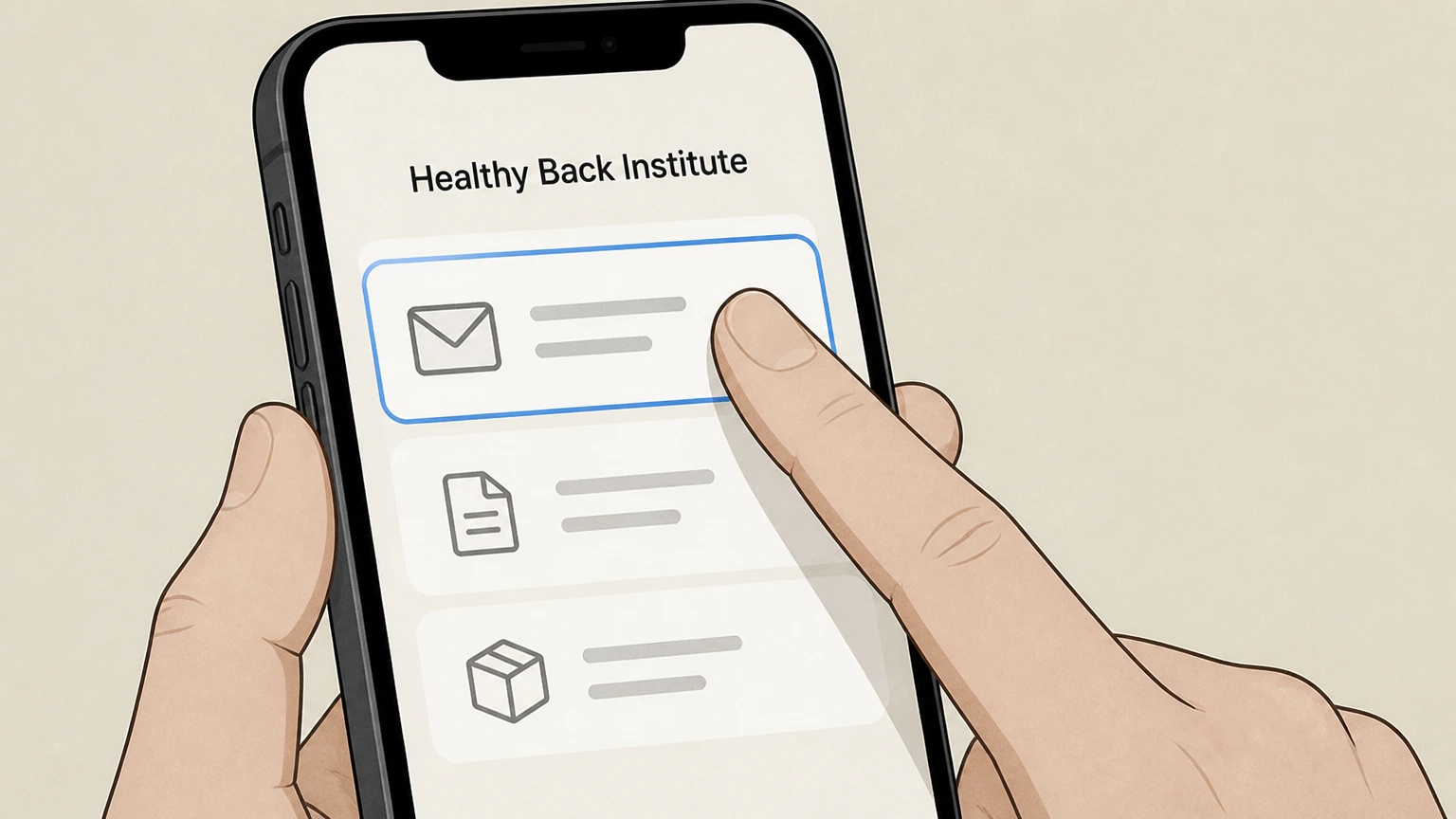 1
1Gather your order and account details
Before calling, locate the email address used for your Healthy Back Institute orders and any recent order numbers from confirmation emails or packing slips so support can quickly locate your account.
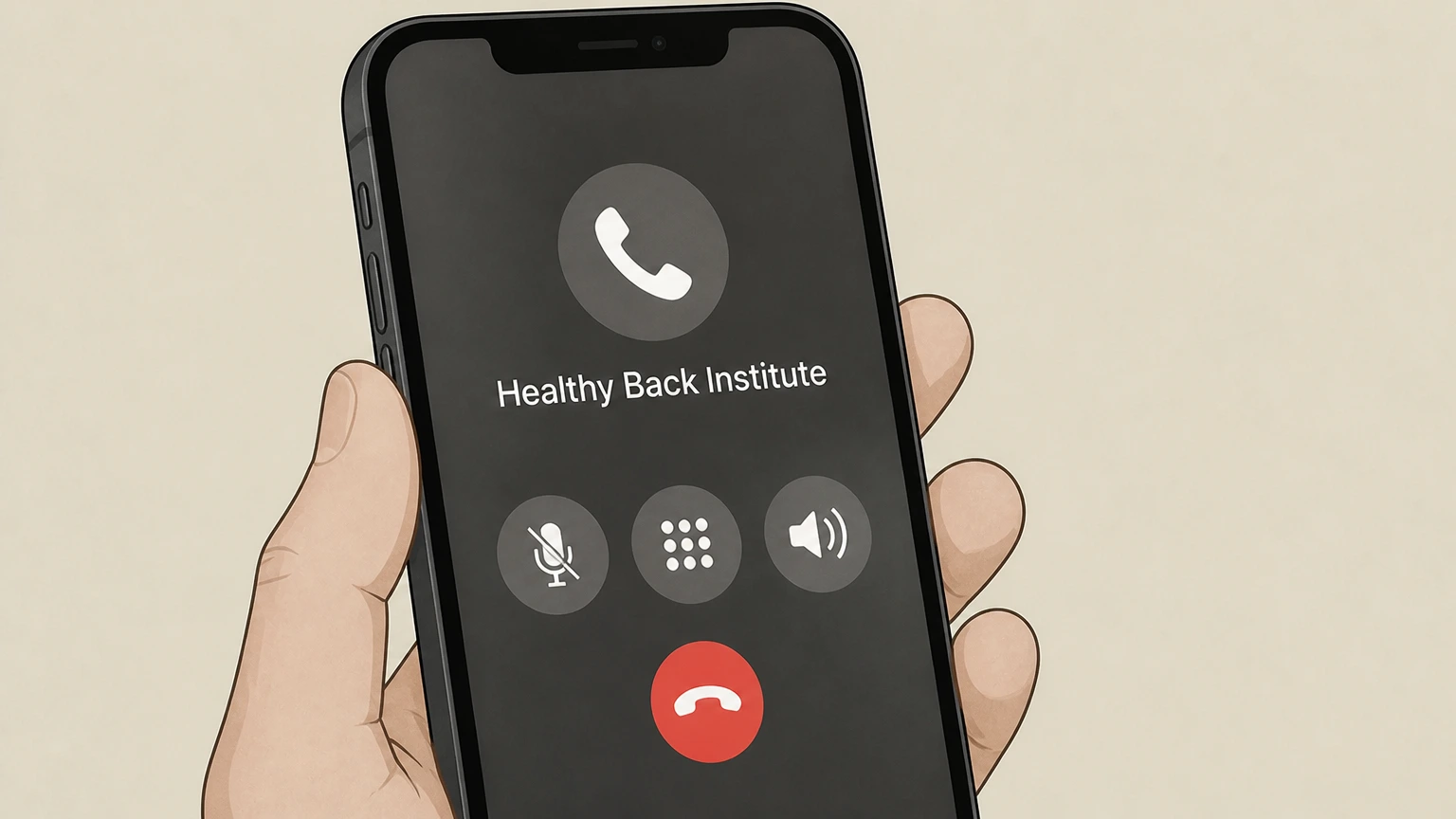 2
2Call Healthy Back Institute customer support
Use the customer service phone number listed on the official Contact Us or Shipping/Return Policy pages to reach a Healthy Back Institute representative during the posted business hours.
- Let Pine handle it
Pine can help
Too many steps?
Pine can find the right Phone – Healthy Back Institute customer support path and handle the cancellation for you.
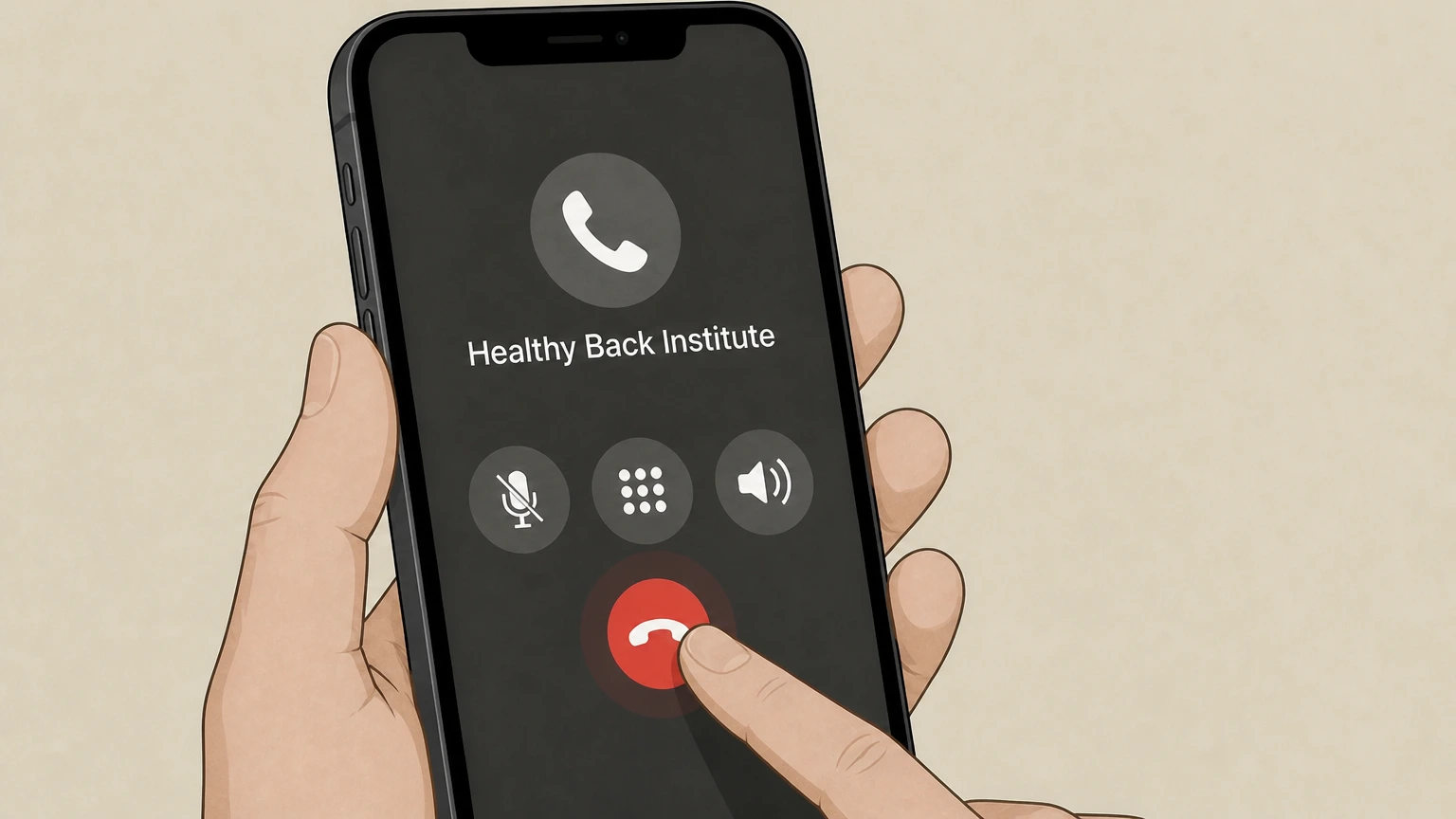 3
3Request cancellation of your SmartShip or membership
Tell the representative you want to cancel your SmartShip membership or other recurring delivery and ask them to stop future automatic shipments and billing under that offer.
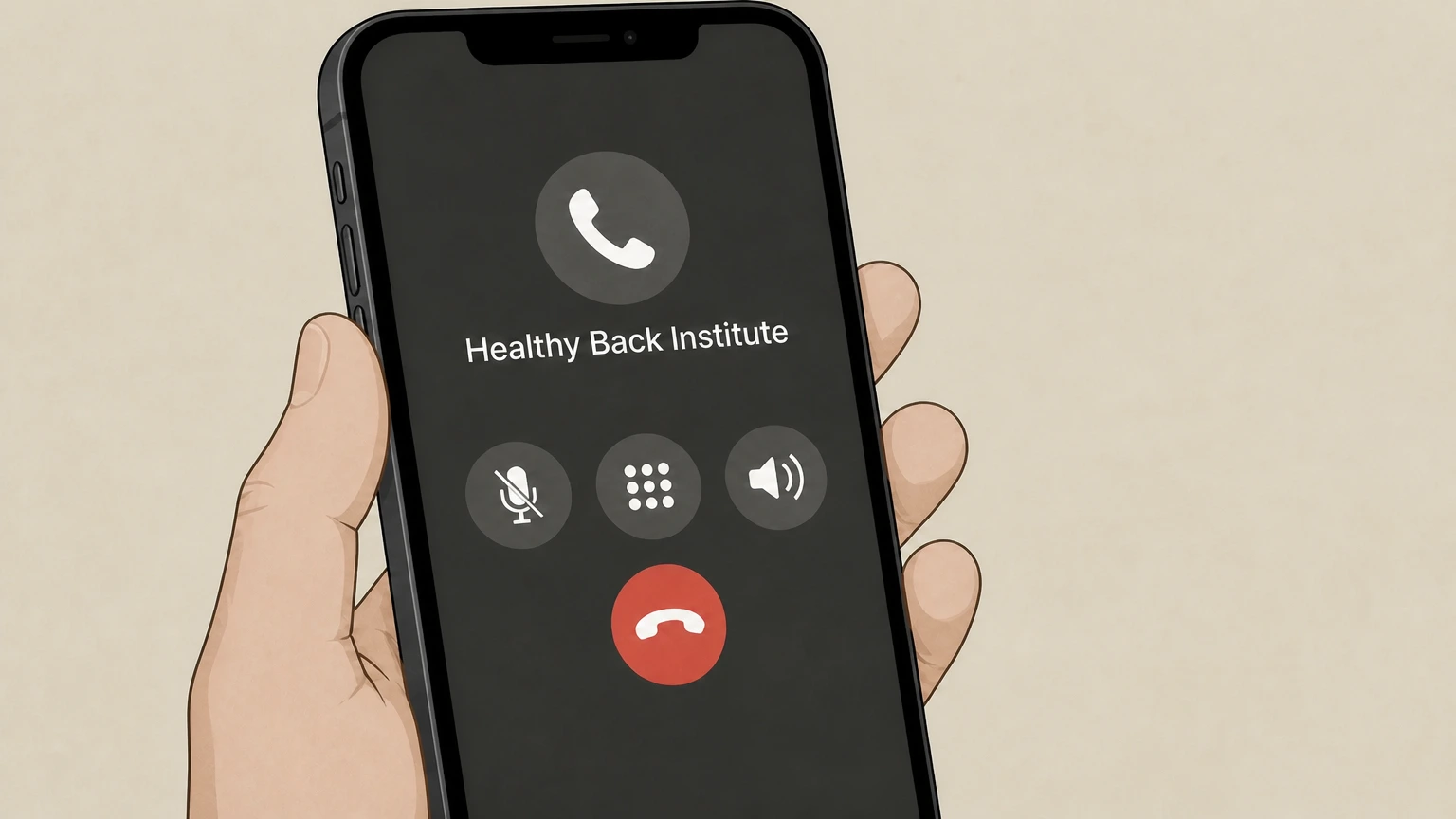 4
4Request confirmation and return instructions
Ask the representative to confirm that cancellation has been applied and to explain any return steps and deadlines if you plan to send back products under the 90‑day money‑back guarantee.

Refund policy
Refunds after canceling Healthy Back Institute subscriptions
Canceling a Healthy Back Institute SmartShip membership stops future automatic shipments and charges, but refunds for past orders are governed by the 90‑day money‑back guarantee and by whether products are returned within that window in acceptable condition.
Check my refund options- 90‑day window for most physical products
- Most Healthy Back Institute supplements and physical products are covered by a 90‑day money‑back guarantee starting from your purchase or initial order date; you must return products within this window to qualify for a refund of the product price, excluding shipping.
- Requirements for supplements and creams
- Single‑bottle supplement orders can typically be returned with the used bottle for a refund, while multi‑bottle or SmartShip deliveries require that all unopened bottles be returned for a prorated refund; shipping fees remain non‑refundable under these rules.
For the most current details, including any product‑specific exceptions or partner‑product rules, review Healthy Back Institute’s official Shipping/Return Policy before relying on a particular refund outcome. View Healthy Back Institute Shipping/Return Policy
SmartShip basics
How Healthy Back Institute SmartShip memberships work
Healthy Back Institute offers SmartShip memberships that create recurring monthly shipments of supplements after an initial purchase or free trial. Understanding how these memberships are set up helps you cancel correctly.
Automatic monthly deliveries
Subscription orders and many free‑trial offers enroll you in SmartShip, which sends a fresh product shipment each month at members‑only pricing with free shipping, until you actively change or cancel the membership.
Enrollment via free trials
Free‑trial offers provide an initial bottle for the cost of shipping; if you keep the product beyond the stated trial period, your trial converts into SmartShip monthly delivery at the members‑only price unless you cancel.
Membership cancellation options
SmartShip documentation states you may pause, change frequency, or cancel SmartShip subscriptions at any time by calling customer service or by managing the membership through your Customer MyAccount portal.
Relationship to one‑time orders
One‑time purchases do not automatically create SmartShip memberships unless explicitly sold as free trials or subscription bundles; they are still covered by the 90‑day money‑back guarantee but must be distinguished from ongoing SmartShip arrangements.
Cancellation routes
Official ways to cancel Healthy Back Institute subscriptions
Healthy Back Institute describes only two official self‑service ways to cancel SmartShip or membership subscriptions: via the Customer MyAccount portal or by contacting customer service, primarily by phone.
Customer MyAccount self‑service
The Contact Us and Quality Assurance pages explain that customers can log into the Customer MyAccount portal to manage orders and "Modify Smartship Savings Plans" including delaying or stopping service, which functions as online cancellation.
Phone‑based cancellation
Subscription terms and the shipping/return policy both specify that you can cancel SmartShip memberships, payment plans, delayed billing offers, and even some unshipped orders by calling Healthy Back Institute customer service using the listed numbers.
No in‑app or app‑store billing
Healthy Back Institute subscriptions are sold through its own website, not through mobile app stores, and official pages do not mention iOS App Store or Google Play billing; cancellations therefore rely on MyAccount and direct customer support, not app‑store subscription menus.
Email and help‑desk contact
The Quality Assurance page lists an online help‑desk contact form as the preferred support method, but cancellation authority for subscriptions is still framed in terms of phone contact and Customer MyAccount, so email or tickets are best treated as support, not primary cancellation routes.
Account access
What happens to your account when you cancel SmartShip
Canceling a SmartShip membership changes how future orders are billed and shipped but does not delete your LoseTheBackPain.com Customer MyAccount, which continues to manage other purchases and information.
Customer MyAccount remains available
Site navigation and policy pages emphasize Customer MyAccount as a central hub for tracking orders, modifying SmartShip plans, updating personal information, accessing digital products, and printing receipts; there is no indication that canceling SmartShip removes access to this portal.
Stopping SmartShip vs closing account
SmartShip instructions describe pausing, changing frequency, or canceling subscriptions but do not mention closing or deleting the underlying website account, so cancellation should be understood as turning off recurring deliveries rather than terminating your login.
Managing other orders after cancellation
Even after SmartShip is canceled, MyAccount can still be used to place new one‑time orders, track shipments, re‑order past purchases, and access digital bonuses or ebooks, according to the MyAccount feature list on support pages.
Password and profile controls
Forgot‑password links and account‑management bullets on support pages show that you can reset your password and update stored addresses and cards independently of any subscription status, which is useful if you need to secure or update your profile after canceling.
Healthy Back Institute cancellation FAQ
Provider-specific answers about billing, timing, refunds, and confirmation.
How do I cancel my Healthy Back Institute SmartShip subscription?
Does canceling SmartShip stop a Healthy Back Institute order that is already processing?
How do I cancel a Healthy Back Institute payment plan or delayed‑billing offer?
Can I get a refund after cancelling my Healthy Back Institute SmartShip membership?
How do I know my Healthy Back Institute subscription cancellation is complete?
Untangle this Healthy Back Institute issue.
Let Pine handle the provider follow-up and keep the confirmation in one place.
