


GeoGuessr
Cancel subscription
How to Cancel Your GeoGuessr Subscription Safely
Learn how to cancel GeoGuessr through the right billing provider. Follow official steps, understand access timing, refunds, and the confirmation to keep.
- Official GeoGuessr and billing-owner sources
- 3 provider-specific cancellation paths
- Refund and post-cancellation effects separated from renewal
- Verified August 17, 2026
Choose the GeoGuessr cancellation path that matches who bills you
GeoGuessr website · verify the billing owner
 1
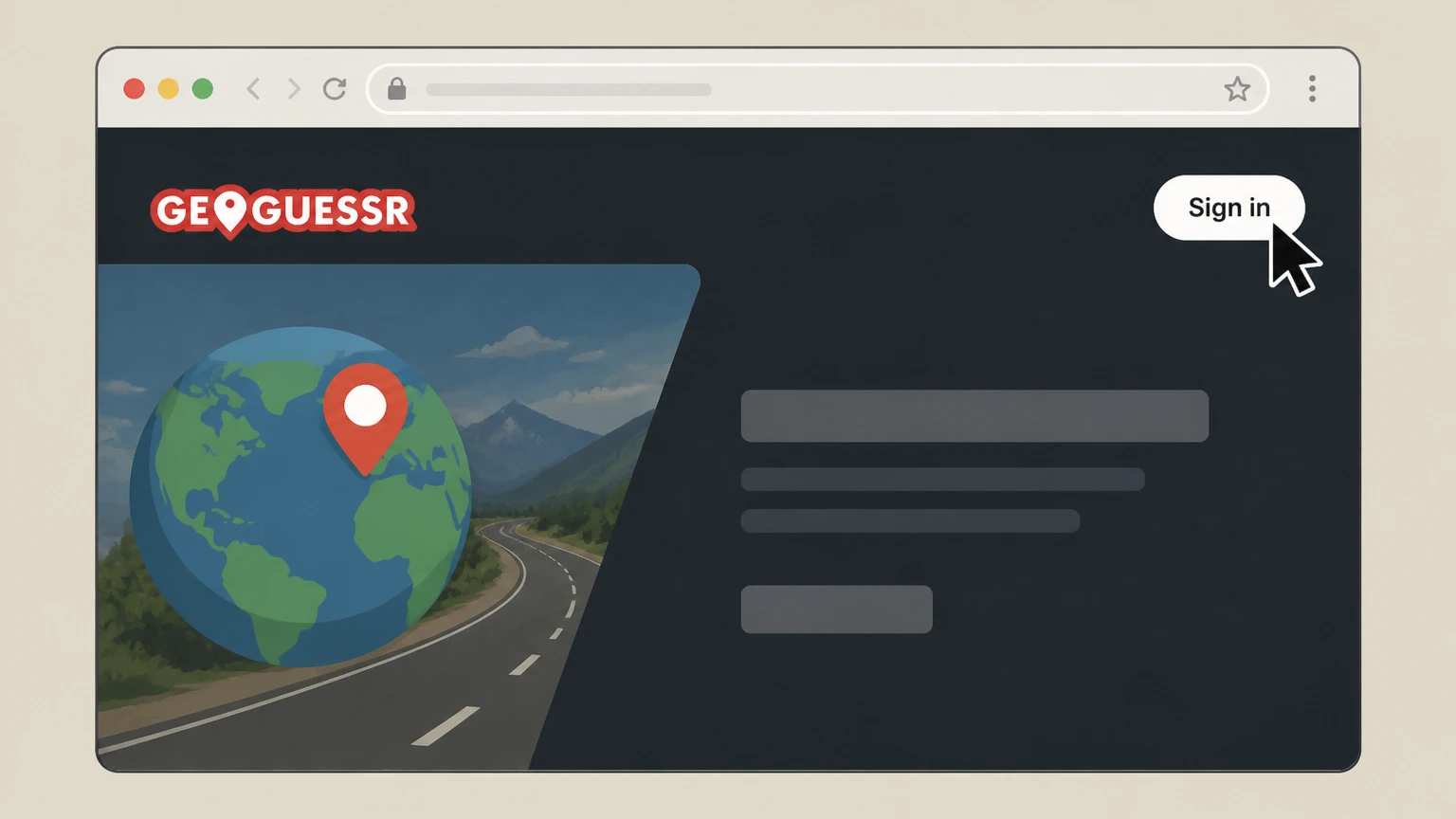
1Sign in to your GeoGuessr account
Go to geoguessr.com in a web browser and sign in with the account that has the Pro subscription. Use the GeoGuessr account named on your receipt, and continue only after the next status in this cancellation path is visible.
 2
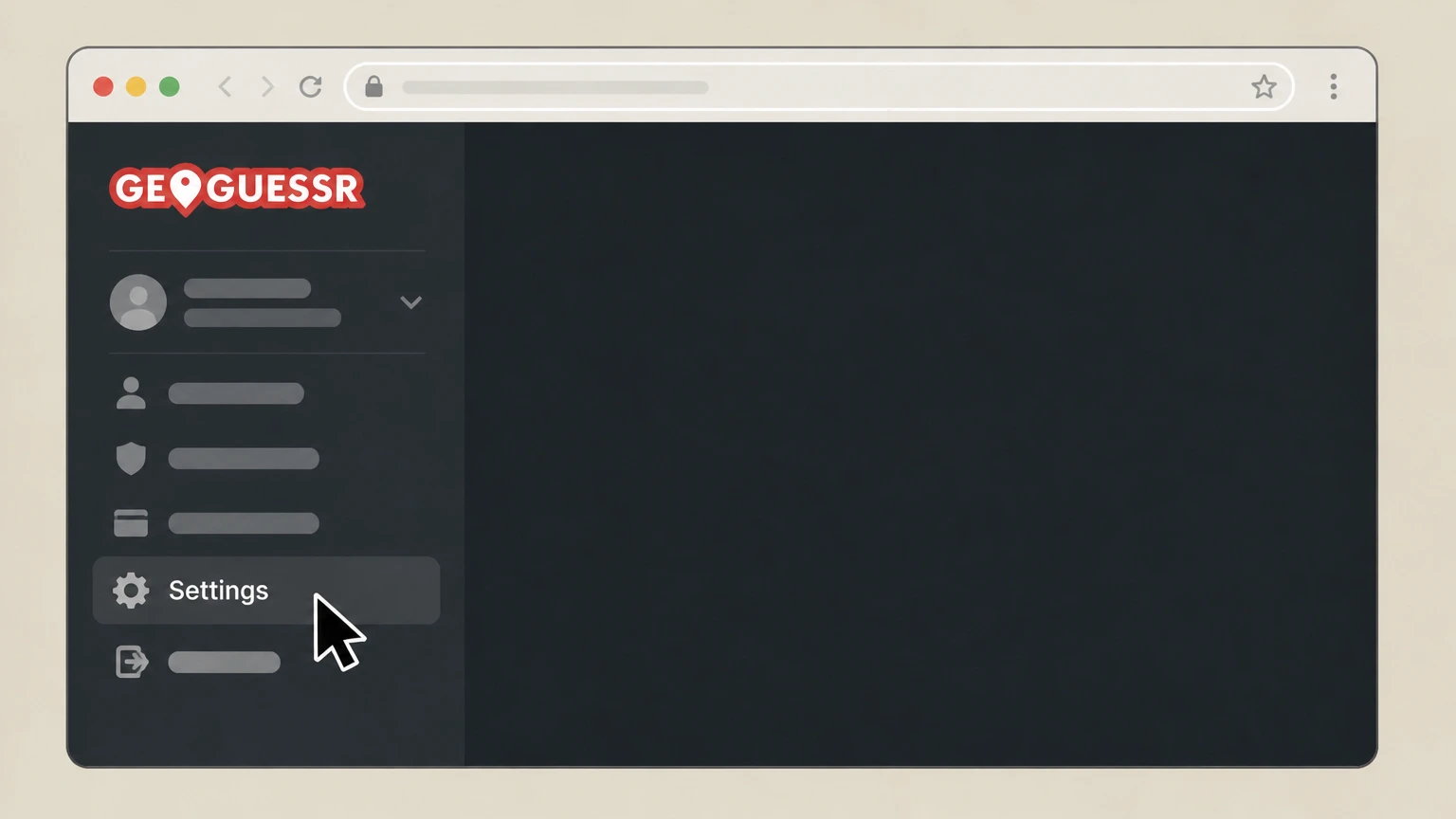
2Open your account settings
Open your profile or account menu and choose the Settings option to reach your user settings. Use the GeoGuessr account named on your receipt, and continue only after the next status in this cancellation path is visible.
- Let Pine handle it
Pine can help
Too many steps?
Pine can find the right GeoGuessr website path and handle the cancellation for you.
 3
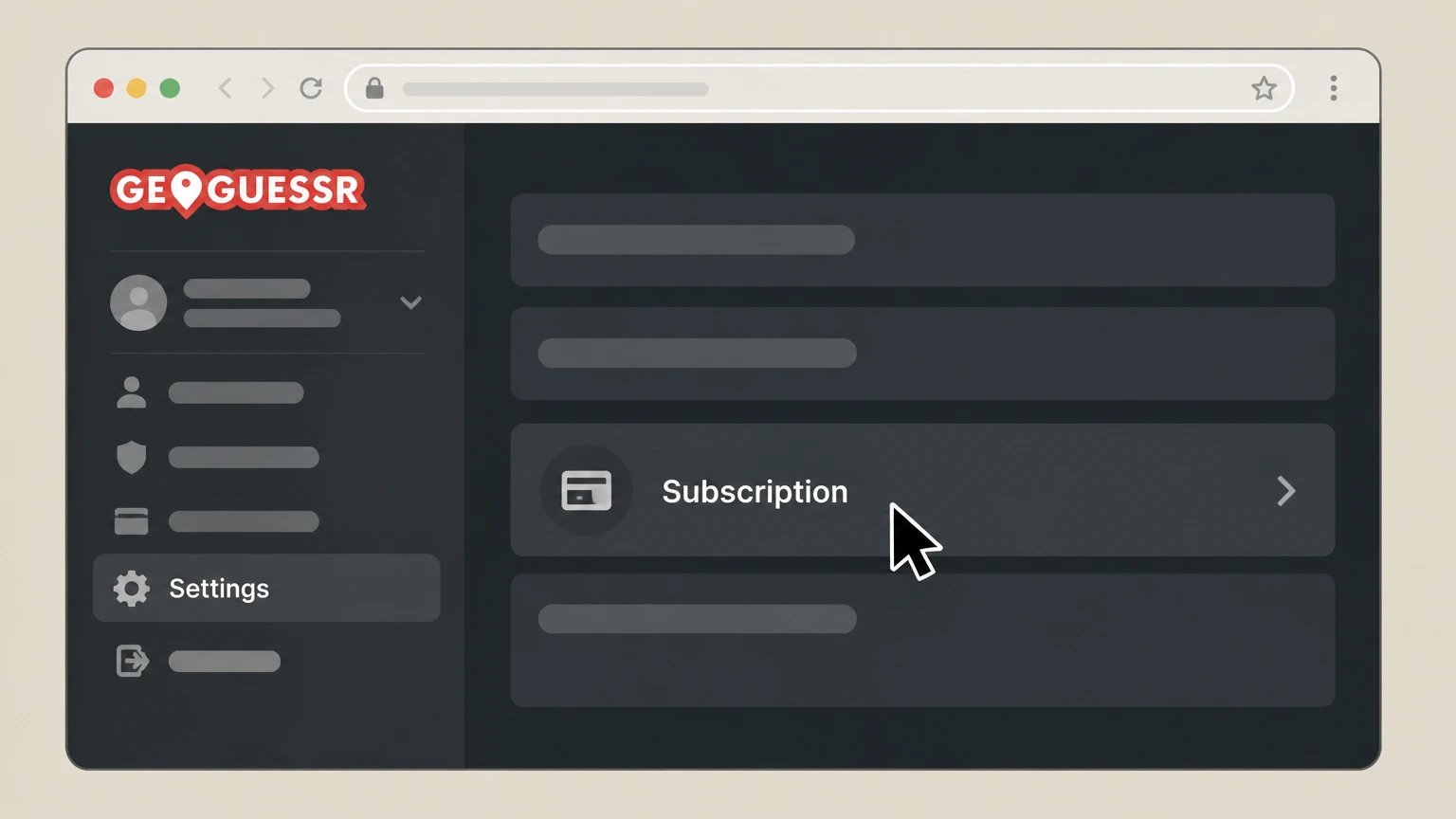
3Go to the subscription section
In Settings, navigate to the area that lists your current GeoGuessr Pro subscription details. Use the GeoGuessr account named on your receipt, and continue only after the next status in this cancellation path is visible.
 4
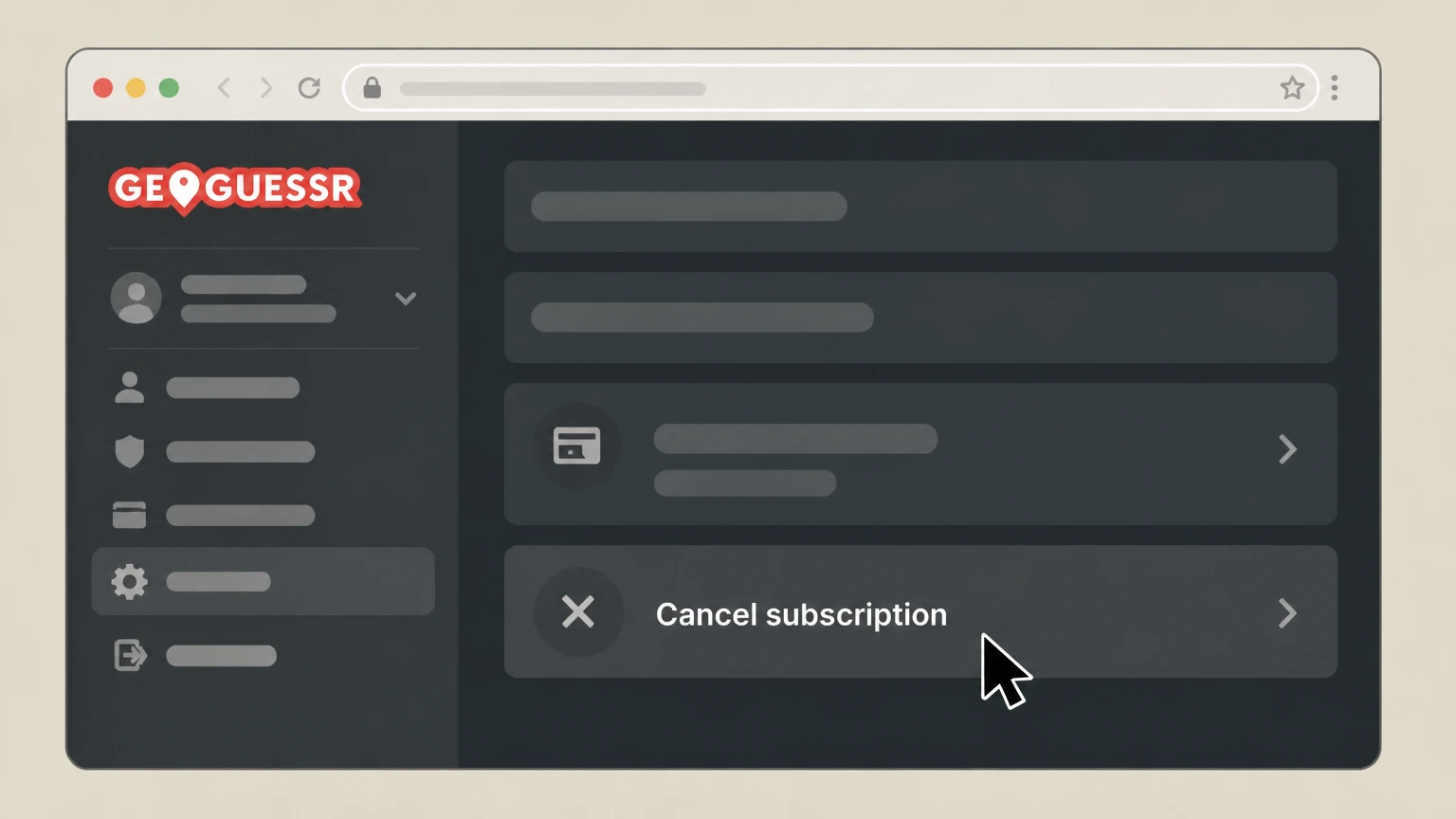
4Choose to cancel your subscription
Select the option to cancel or terminate your active GeoGuessr Pro subscription from the subscription section. Use the GeoGuessr account named on your receipt, and continue only after the next status in this cancellation path is visible.
 5
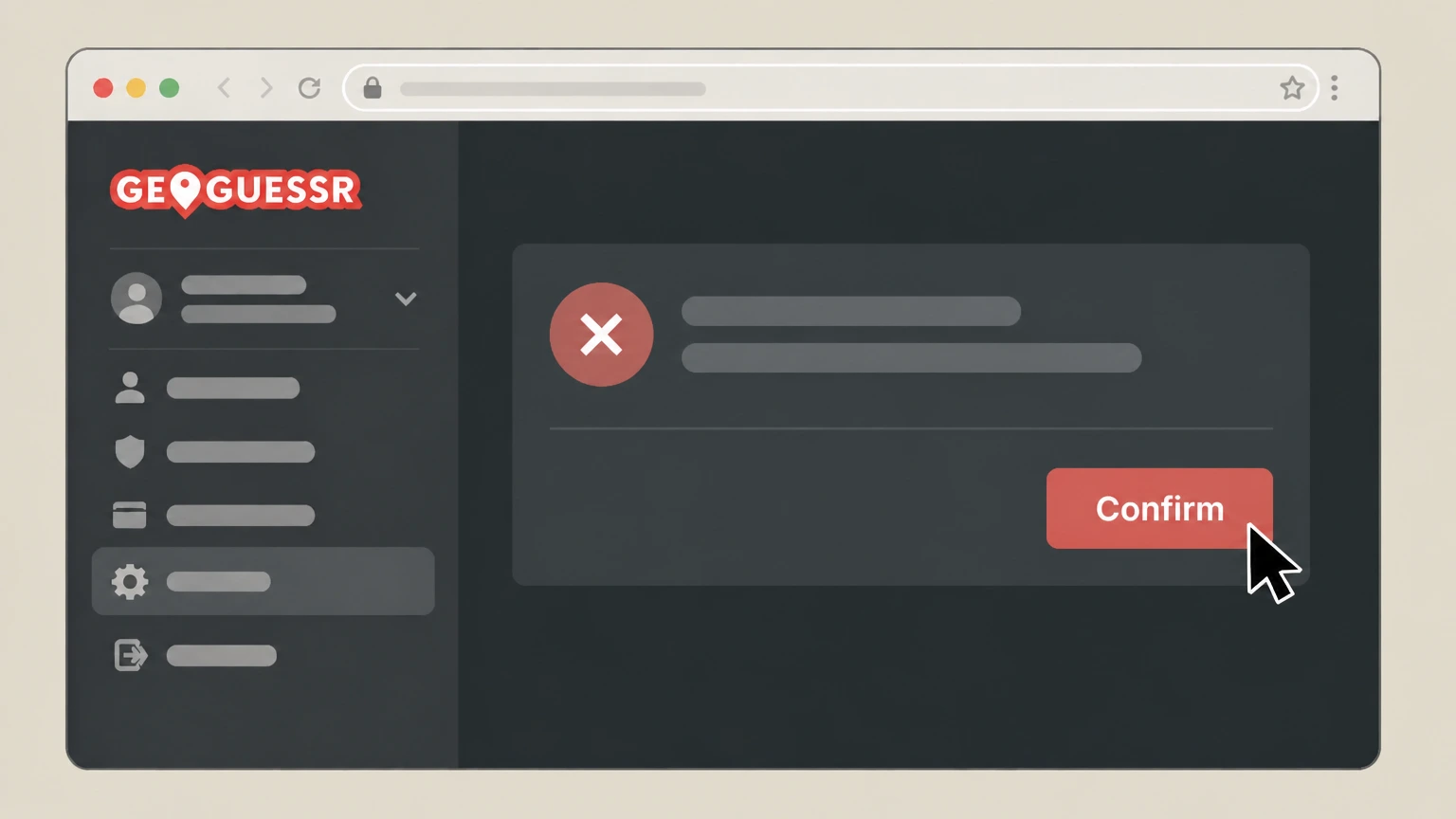
5Confirm termination of GeoGuessr Pro
Follow the on-screen prompts to confirm that you want to terminate your subscription so that it will not renew after the current period.

Apple App Store (iPhone and iPad) · verify the billing owner
 1
1Open Settings
On the iPhone signed in to the Apple Account shown on the GeoGuessr receipt, open the Settings app to start Apple subscription management.
 2
2Tap your name
At the top of Settings, tap your name to open your Apple Account settings. Use the GeoGuessr account named on your receipt, and continue only after the next status in this cancellation path is visible.
- Let Pine handle it
Pine can help
Too many steps?
Pine can find the right Apple App Store (iPhone and iPad) path and handle the cancellation for you.
 3
3Open Subscriptions
In your Apple Account settings, tap Subscriptions to see your active and expired subscriptions. Use the GeoGuessr account named on your receipt, and continue only after the next status in this cancellation path is visible.
 4
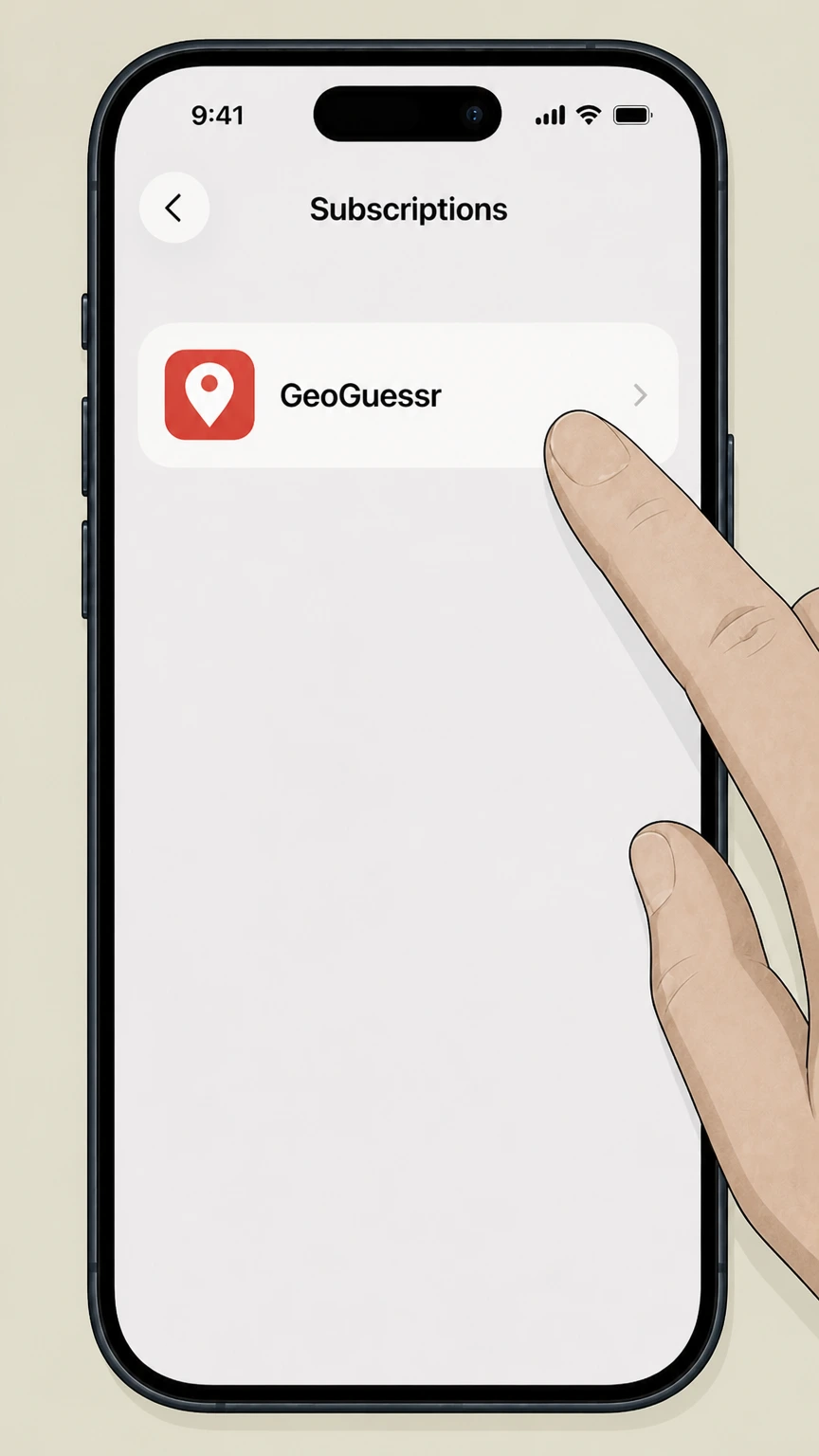
4Select GeoGuessr
In the list of subscriptions, tap the GeoGuessr subscription that you want to cancel. Use the GeoGuessr account named on your receipt, and continue only after the next status in this cancellation path is visible.
 5
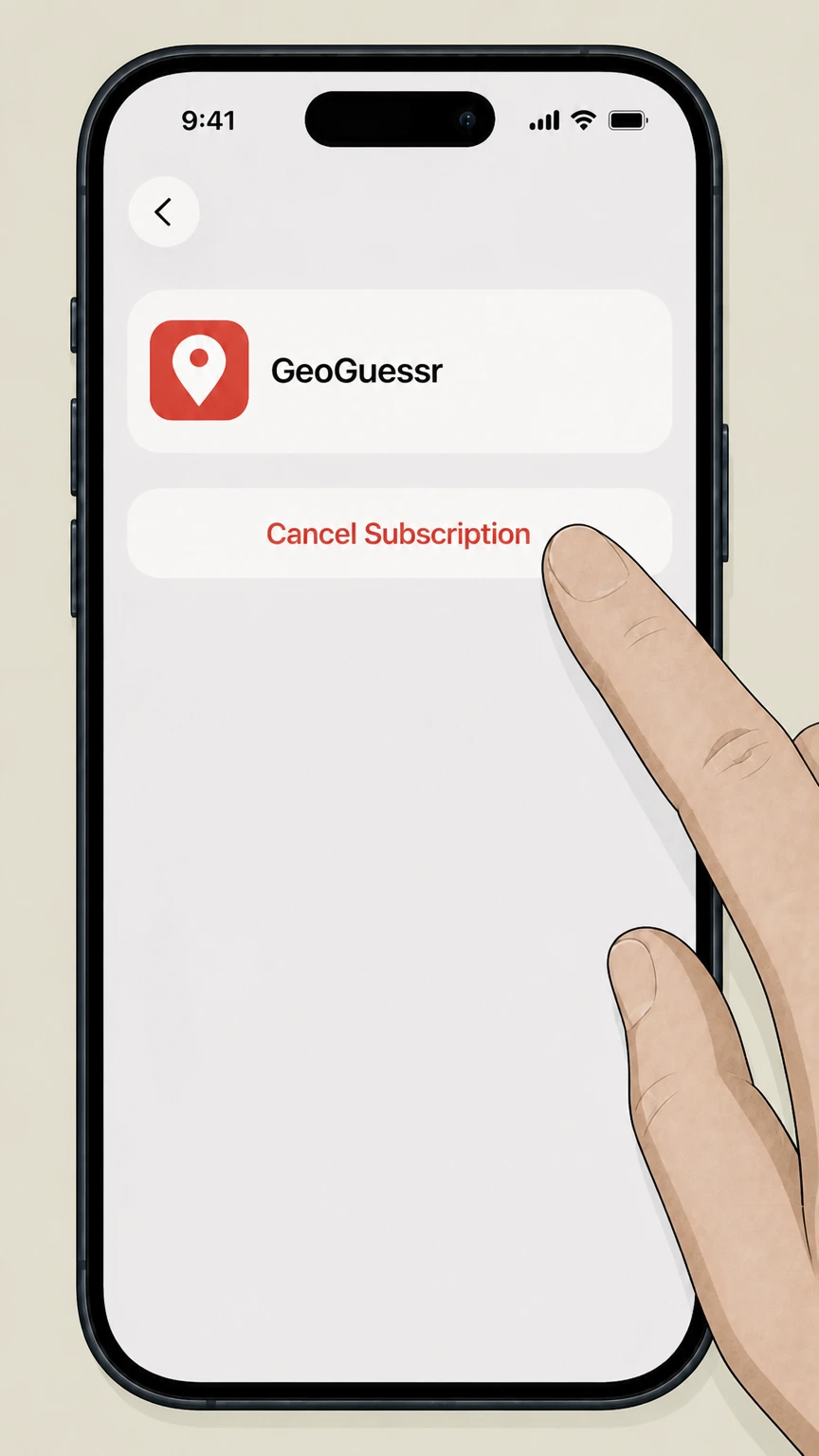
5Cancel the subscription
Tap Cancel Subscription and follow any prompts; if there is no Cancel button or you see an expiration message in red text, the subscription is already cancelled.
Google Play (Android) · verify the billing owner
 1
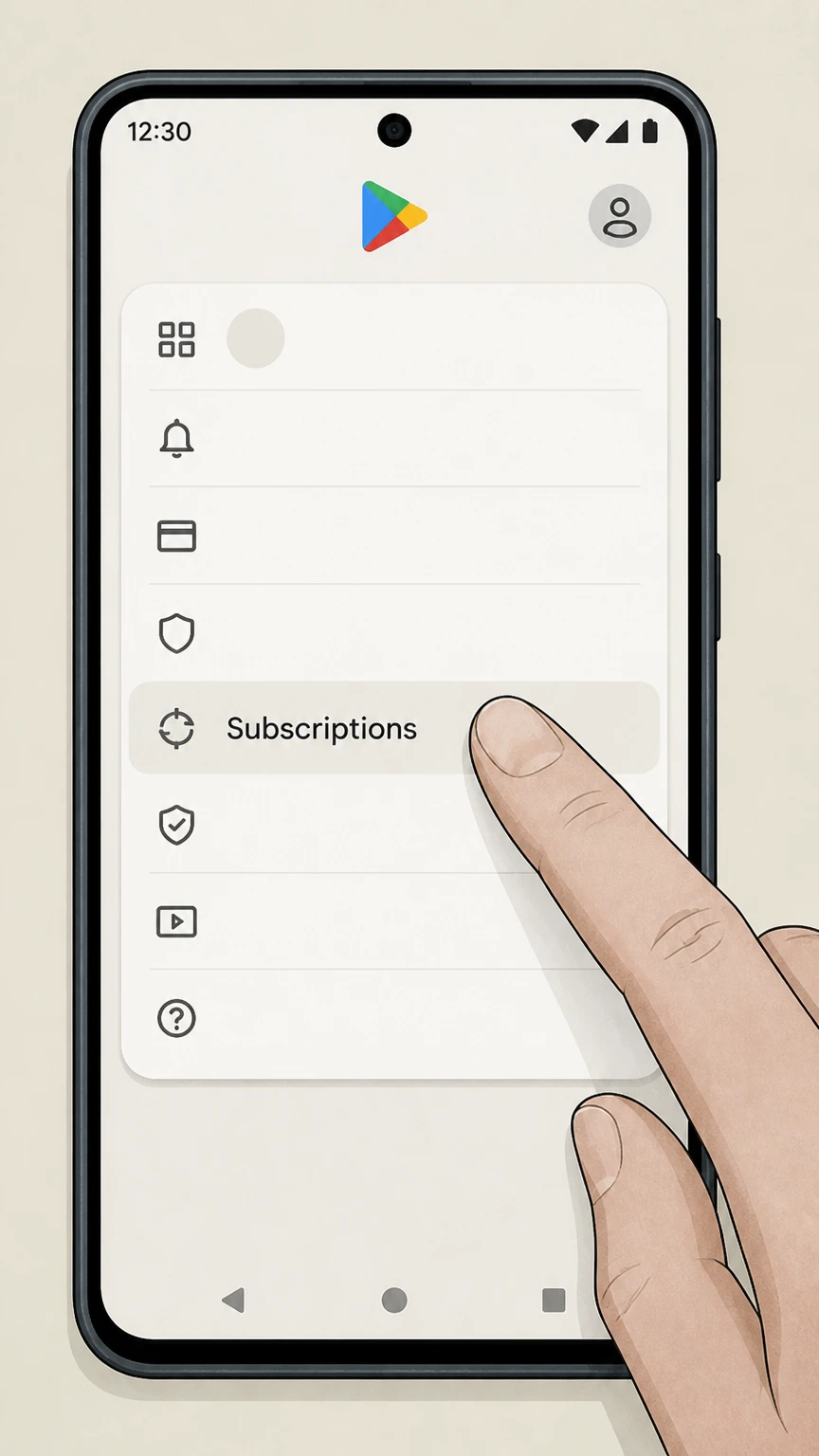
1Go to subscriptions in Google Play
On your Android device, open Google Play and go to the Subscriptions section for your Google Account. Use the GeoGuessr account named on your receipt, and continue only after the next status in this cancellation path is visible.
 2
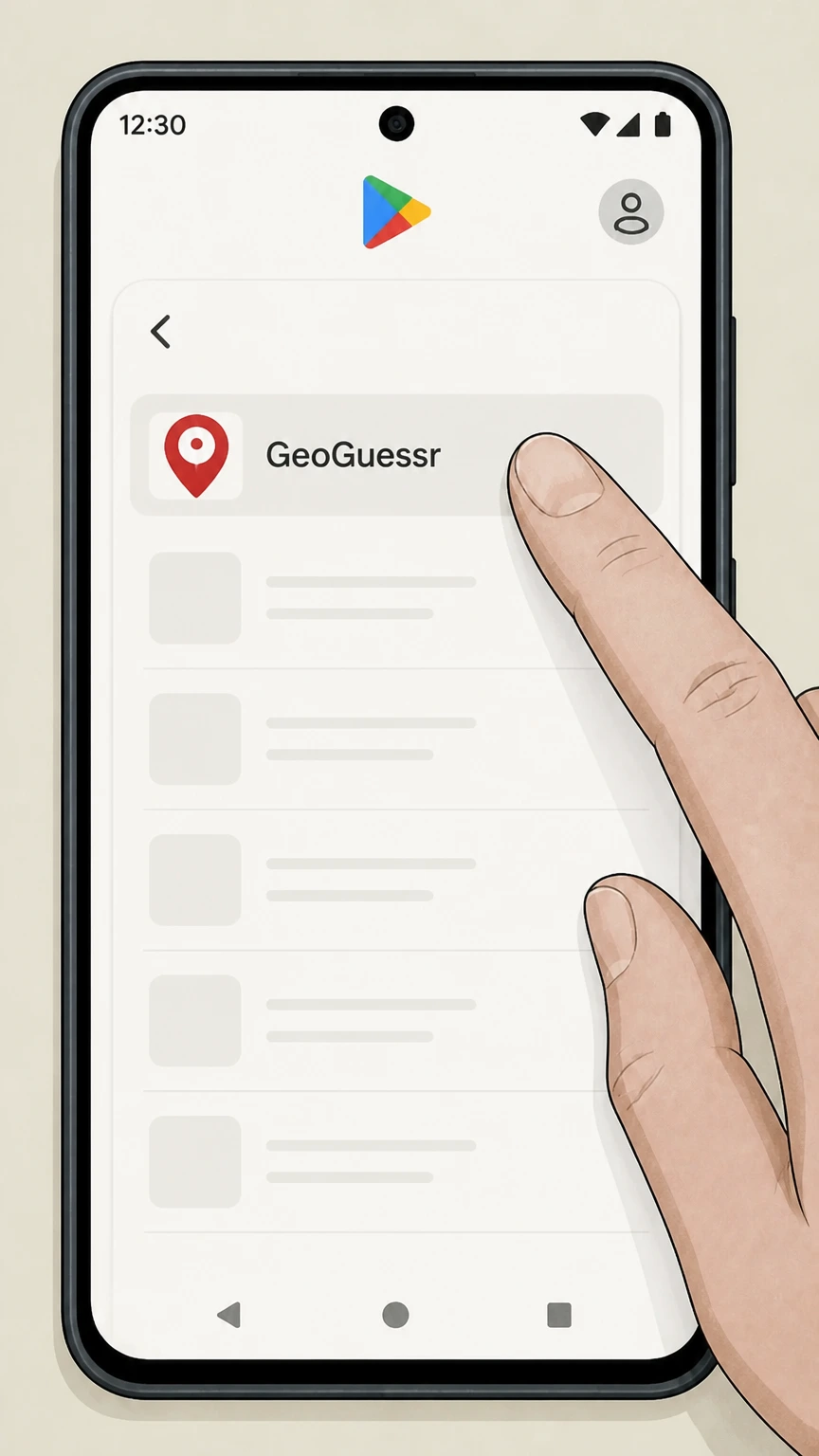
2Select the GeoGuessr subscription
In Subscriptions, choose the GeoGuessr subscription that you want to stop renewing. Use the GeoGuessr account named on your receipt, and continue only after the next status in this cancellation path is visible.
- Let Pine handle it
Pine can help
Too many steps?
Pine can find the right Google Play (Android) path and handle the cancellation for you.
 3
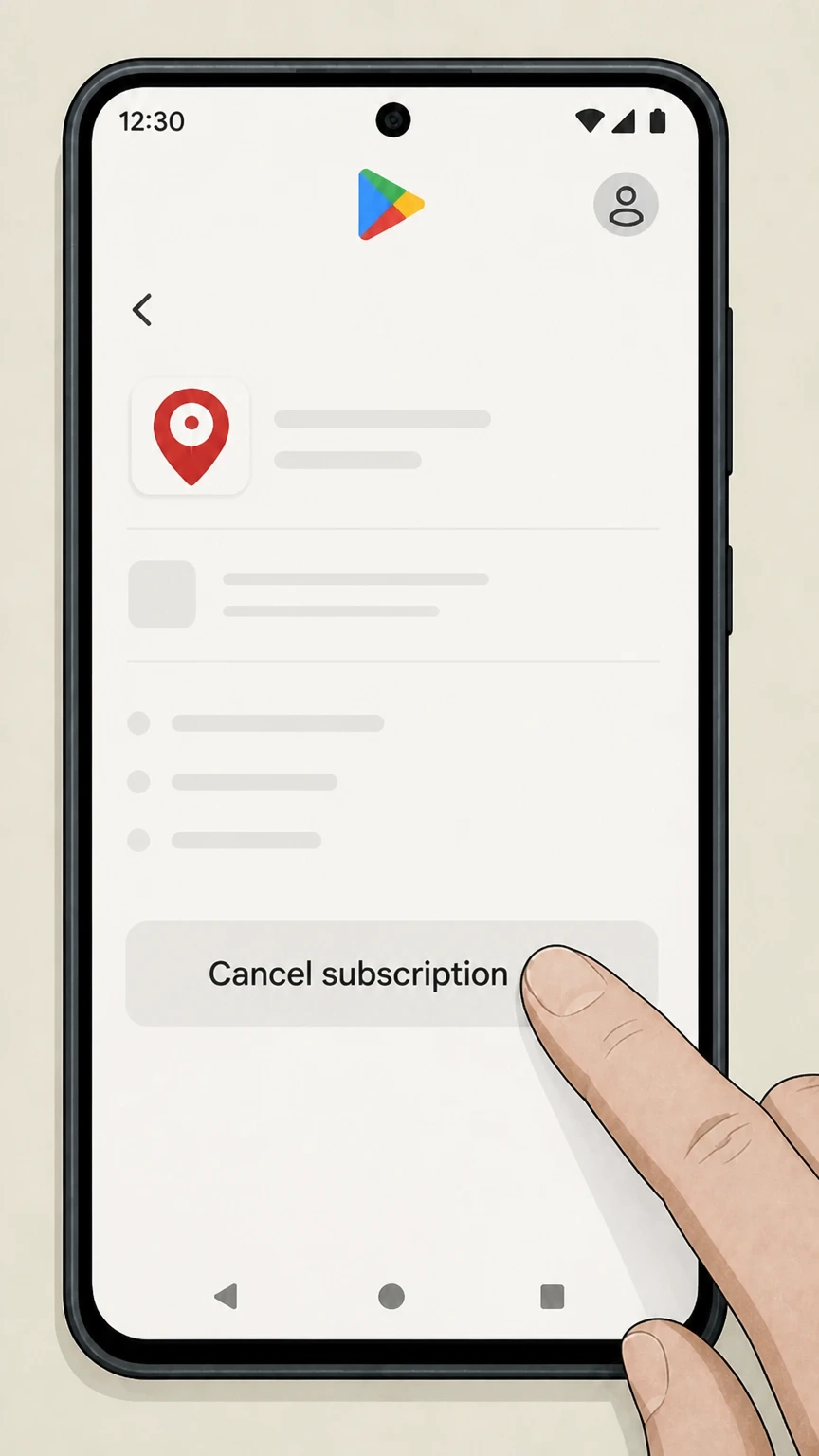
3Tap Cancel subscription
On the GeoGuessr subscription page, tap Cancel subscription to start the cancellation flow. Use the GeoGuessr account named on your receipt, and continue only after the next status in this cancellation path is visible.
 4
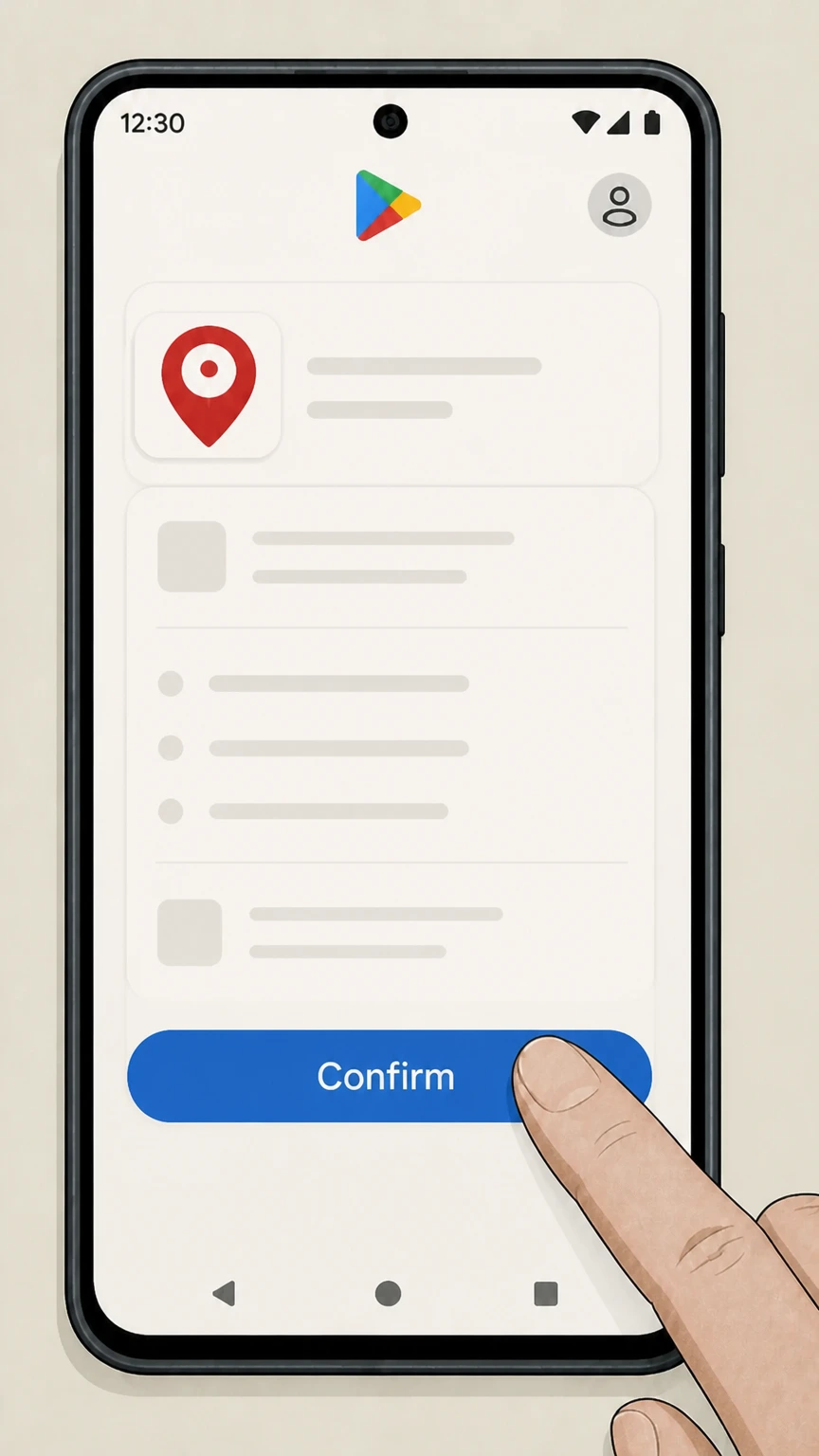
4Confirm cancellation in Google Play
Follow the on-screen instructions to confirm; Google Play will stop renewal and usually keep your access active until the end of the current billing period.
Refund policy
GeoGuessr cancellation, withdrawal and refund rules
Refund eligibility depends heavily on where you bought GeoGuessr Pro and whether you act within statutory or platform‑specific windows. Cancelling your subscription usually stops future renewals and lets you finish the current paid period, but doesn’t automatically generate a refund.
Check my refund options- Website purchases: 14‑day withdrawal then no general refunds
- For Pro subscriptions bought on geoguessr.com, you have a 14‑day statutory right to withdraw from the purchase as a consumer by notifying GeoGuessr, after which GeoGuessr reimburses the subscription fee minus any proportion for time used. Beyond this withdrawal right, the Terms state that GeoGuessr does not provide refunds just because you are dissatisfied.
- Apple‑billed subscriptions: Apple handles refunds
- If your GeoGuessr subscription is billed by Apple, cancellation and refunds are governed by Apple’s policies. Apple’s support pages explain that you manage the subscription from the Subscriptions page in Settings and can request eligible refunds through Apple’s online refund request process; GeoGuessr generally cannot override Apple’s decisions.
- Google Play subscriptions: Google’s refund policy applies
- For GeoGuessr subscriptions billed through Google Play, Google’s subscription help articles specify that cancelling stops renewal but keeps access until the end of the billing period, and that refunds are generally not issued except under the Google Play refund policy. You must submit any refund request to Google using its published process.
- Trials and proportional refunds when withdrawing
- GeoGuessr’s Terms note that, if your subscription period has started when you exercise the 14‑day withdrawal right, GeoGuessr may reduce your refund in proportion to the time you had access. For free trials, payment is taken only if you do not cancel before the trial ends; cancelling in time means no subscription charge to refund.
If you believe you’re entitled to a refund after cancelling GeoGuessr Pro, gather your receipts, note where you purchased the subscription, and then use the appropriate GeoGuessr, Apple, or Google Play support channels to request a refund under the terms that apply to that billing owner. See billing‑owner support options
Billing & ownership
Who bills GeoGuessr Pro and where you can cancel
GeoGuessr ties cancellation to the platform that billed your subscription. Understanding that split makes it easier to find the right place to turn off auto‑renew.
Website purchases via GeoGuessr checkout
GeoGuessr’s Terms explain that GeoGuessr Pro is sold on a recurring monthly or yearly basis and that subscriptions purchased on the website are terminated under your user settings; payments are handled through Paddle and other providers, but you cancel from your GeoGuessr account, not a third‑party portal.
App Store billing for iOS users
The main GeoGuessr site confirms that GeoGuessr is available on iOS, and Apple’s subscription article explains that any subscription billed by Apple must be cancelled from your Apple Account’s Subscriptions page in Settings, not from inside the app or GeoGuessr’s website.
Google Play billing on Android
GeoGuessr’s Android listing on Google Play promotes GeoGuessr subscriptions and points users to GeoGuessr’s terms; Google Play’s help centre explains that Android subscriptions are managed and cancelled from the Subscriptions section in Google Play, and uninstalling the app does not cancel billing.
Why charges may look different on statements
For GeoGuessr website purchases your bank statement may show GeoGuessr or its payment processor, while App Store and Google Play purchases appear under Apple or Google descriptors. GeoGuessr’s Terms state that third‑party payment providers’ terms also apply, so the descriptor can help you identify the correct cancellation route.
Access & features
What changes after you cancel GeoGuessr Pro
Cancelling GeoGuessr Pro stops renewals but doesn’t immediately cut off access or delete your account. Here’s what typically changes when renewal ends.
Pro access continues until period end
GeoGuessr’s Terms state that your subscription automatically renews unless terminated before the last day of the current period and that, after termination, access to subscription services is revoked only after the last day of that period. This means you keep Pro features until the end of the billing cycle, then they stop.
Return to GeoGuessr Free
GeoGuessr offers a free, limited GeoGuessr Free plan, with content like the Daily Challenge and some map play available without a subscription. Once your Pro period ends, your user account remains and you can keep using the free features instead of losing all access.
Loss of Pro‑only modes and perks
Paid GeoGuessr Pro subscriptions unlock benefits such as broader multiplayer modes, party hosting, and advanced content. When your Pro subscription ends, these Pro‑only features and any other perks that require an active subscription are no longer available, though your basic profile still works on web and app.
Organizations and referrals depend on active Pro
GeoGuessr’s referral information notes that only active Elite or Unlimited subscriptions are eligible to refer friends. When you cancel Pro and the subscription lapses, you should expect referral eligibility and other benefits that explicitly require an active subscription to stop.
Refunds & trials
Refunds, trials and withdrawal rights for GeoGuessr
Refund rules depend on where you bought GeoGuessr Pro and whether you act within the 14‑day withdrawal period or your platform’s own refund policies.
14‑day withdrawal for GeoGuessr website purchases
GeoGuessr’s Terms grant consumers a statutory right to withdraw from a GeoGuessr Pro subscription within 14 days of purchase. To exercise this, you must contact GeoGuessr and send a withdrawal notice before the end of that period; if the subscription has already started, GeoGuessr can reduce the refund proportionally for the time you used.
No general refunds beyond withdrawal right
Outside the 14‑day withdrawal window, GeoGuessr’s Terms state that they do not offer a right of return or refunds of subscription fees or virtual items just because you are dissatisfied with the service. Terminating a subscription stops future renewals but does not by itself trigger a refund for elapsed time.
App Store purchases follow Apple’s refund rules
For subscriptions billed by Apple, GeoGuessr points to Apple as a payment provider, and Apple’s support pages explain that you manage and cancel subscriptions via your Apple Account and can request eligible refunds through Apple’s dedicated refund request process rather than from GeoGuessr directly.
Google Play purchases follow Google’s policies
For subscriptions billed through Google Play, Google’s help articles explain that you cancel from the Subscriptions page and that ongoing access normally continues until the end of the billing period. Google Play notes that refunds are generally not issued except as provided in the Google Play refund policy, which you must request from Google.
Confirming cancellation
How to confirm your GeoGuessr subscription is cancelled
Use both your billing platform and your GeoGuessr account to confirm that auto‑renewal has stopped and when your Pro access will end.
Check website subscription status in settings
For website purchases, GeoGuessr’s Terms instruct you to terminate in user settings; after you complete cancellation, return to the subscription section to ensure the plan no longer shows as actively renewing and to note the final access date, which should be the end of your current subscription period.
Look for Apple’s expiry indicators
Apple’s subscription help article explains that, when a subscription is cancelled, the Subscriptions screen shows an expiration message in red text instead of a Cancel button. If GeoGuessr displays this red expiry text and no Cancel option, Apple considers the subscription already cancelled and set to end on the shown date.
Check Google Play’s Subscriptions list
Google Play’s help pages describe managing subscriptions via the Subscriptions section. After you tap Cancel subscription for GeoGuessr and complete the prompts, return to Subscriptions to confirm GeoGuessr is no longer listed as an active recurring charge and that no future billing date is shown.
Keep email receipts and notices
GeoGuessr’s Terms explain that you receive an email confirmation when your subscription purchase succeeds, and Apple and Google also send purchase receipts. Keeping these messages—and any later emails confirming changes—is useful evidence if you need to dispute an unexpected renewal with support or your payment provider.
Accounts & data
GeoGuessr account, subscription and data are separate
Stopping billing for GeoGuessr Pro is not the same as deleting your GeoGuessr account or erasing your personal data, which are handled under GeoGuessr’s privacy rules.
Cancelling Pro does not delete your account
GeoGuessr’s Terms and site layout show a persistent user account used for both the free and Pro versions. Terminating your subscription only stops the recurring Pro plan; your GeoGuessr login, profile and basic gameplay history typically remain available so you can continue using GeoGuessr Free.
Data use is governed by the Privacy Policy
GeoGuessr’s Privacy Policy describes how it processes personal data when you use the website and app, including for managing subscriptions and providing support. Cancelling a subscription affects billing and Pro access but does not by itself remove data that GeoGuessr retains for legitimate purposes like account management or legal compliance.
Requesting data deletion or access
Under the Privacy Policy, users have rights such as access to and deletion of personal data. If you want your GeoGuessr data erased or exported in addition to cancelling Pro, you must submit a data‑rights request using GeoGuessr’s official contact routes rather than relying on subscription cancellation alone.
Support can help with account‑level issues
GeoGuessr’s main site points users with account problems to its support site. If you run into issues such as being unable to log in to cancel, uncertainty about which account has the subscription, or a need to combine cancellation with account closure, contacting support is the recommended path.
Troubleshooting
If you can’t find where to cancel GeoGuessr
Many problems come from mismatching your cancellation attempt with the place you originally subscribed. Use receipts and platform rules to track the subscription down.
Use receipts to identify the billing owner
GeoGuessr’s Terms note that payments are processed through providers like Paddle, Apple and Google Play, and Apple’s help article suggests checking your email for receipts that show who billed you. Searching for receipts labelled GeoGuessr, Apple or Google Play is often the fastest way to decide which cancellation route to follow.
Check for multiple email addresses or accounts
Google Play’s subscription troubleshooting guide explains that subscriptions can be tied to different Google Accounts. Similarly, you may have registered multiple emails with GeoGuessr or Apple. If a subscription seems missing, sign out and check other accounts or emails used with GeoGuessr or your mobile platforms.
Remember that uninstalling does not cancel
Google Play’s help centre explicitly warns that uninstalling an app does not cancel its subscription. The same principle holds for GeoGuessr on other platforms: deleting the app or logging out of your GeoGuessr account does not stop billing; you must complete cancellation through the proper subscription settings.
Contact support only after self‑service steps
GeoGuessr’s site and Google Play’s help pages both emphasise self‑service tools for managing subscriptions. If you have followed the correct steps in GeoGuessr settings, Apple’s Subscriptions page, or Google Play’s Subscriptions section and the charge persists, use GeoGuessr support or the platform’s support options to escalate with evidence.
Special cases
Trials, prizes and organization GeoGuessr subscriptions
Some GeoGuessr Pro access is granted through trials, contests or organizational plans; understanding how these behave helps you avoid surprise renewals.
Free trials convert to paid unless cancelled
GeoGuessr’s Terms explain that, where a subscription includes a trial period, payment is taken at the end of the trial and you will not be charged if you unsubscribe before the trial ends. You must therefore cancel in the same way as a normal subscription—via GeoGuessr settings, Apple, or Google Play—before the trial converts.
Contest or gift subscriptions may still renew
Recent contest rules show GeoGuessr awarding one‑year subscription prizes, treated as subscription periods. Unless specific contest terms say otherwise, you should assume these follow the normal subscription model and either expire or auto‑renew as described in the Terms, so it is safest to check your subscription settings before the year ends.
Organization or school plans lack consumer withdrawal rights
GeoGuessr’s withdrawal clause applies to consumers and explicitly excludes business customers, schools or organizations. If your Pro access comes through an organization plan, cancellation and any refunds will follow the organization’s agreement with GeoGuessr rather than the consumer 14‑day withdrawal right.
Virtual items and add‑ons are non‑refundable
The Terms distinguish between GeoGuessr Pro subscriptions and virtual items, stating that virtual items are delivered immediately and are not subject to withdrawal or refunds once provided. Cancelling Pro does not retroactively refund purchased virtual items or merchandise and does not affect orders handled by third‑party store operators.
What official sources do not confirm
Limits of the public GeoGuessr cancellation guidance
These points are intentionally qualified because the official sources reviewed on August 17, 2026 do not publish a complete answer.
Documented limitation 1
GeoGuessr does not publish a dedicated public help article that walks through exact on‑screen labels and button text for cancelling website subscriptions; the guide infers a standard Settings → Subscription → Cancel flow from the Terms’ reference to user settings.
Documented limitation 2
Public documentation does not detail whether prize or promotional GeoGuessr subscriptions auto‑renew after the included period, so the guidance treats them as following the general subscription rules and advises users to verify status near expiry.
Documented limitation 3
There is no official, consumer‑facing walkthrough for deleting a standard GeoGuessr gameplay account; the dossier can only point to privacy rights and support routes rather than concrete UI steps.
GeoGuessr cancellation FAQ
Questions people search about canceling GeoGuessr, answered with official provider or billing-platform sources checked on August 17, 2026.
Can I cancel my GeoGuessr subscription?
How to get a GeoGuessr refund?
How do I stop my game subscription?
How do I delete my GeoGuessr account?
What happens to my GeoGuessr progress after cancellation?
Does uninstalling the GeoGuessr app cancel my subscription?
Can I keep using GeoGuessr for free after cancelling Pro?
Will cancelling GeoGuessr Pro affect organization or school access?
How do I know whether Apple or Google Play bills my GeoGuessr Pro?
What’s the difference between cancelling GeoGuessr Pro and requesting a refund?
Untangle this GeoGuessr issue.
Let Pine handle the provider follow-up and keep the confirmation in one place.
