


Country Living
Cancel subscription
How to Cancel Your Country Living Subscription Safely
Learn how to cancel Country Living through the right billing provider. Follow official steps, understand access timing, refunds, and the confirmation to keep.
- Official Country Living and billing-owner sources
- 3 provider-specific cancellation paths
- Refund and post-cancellation effects separated from renewal
- Verified August 16, 2026
Choose the Country Living cancellation path that matches who bills you
Country Living customer care portal (direct billing) · verify the billing owner
 1
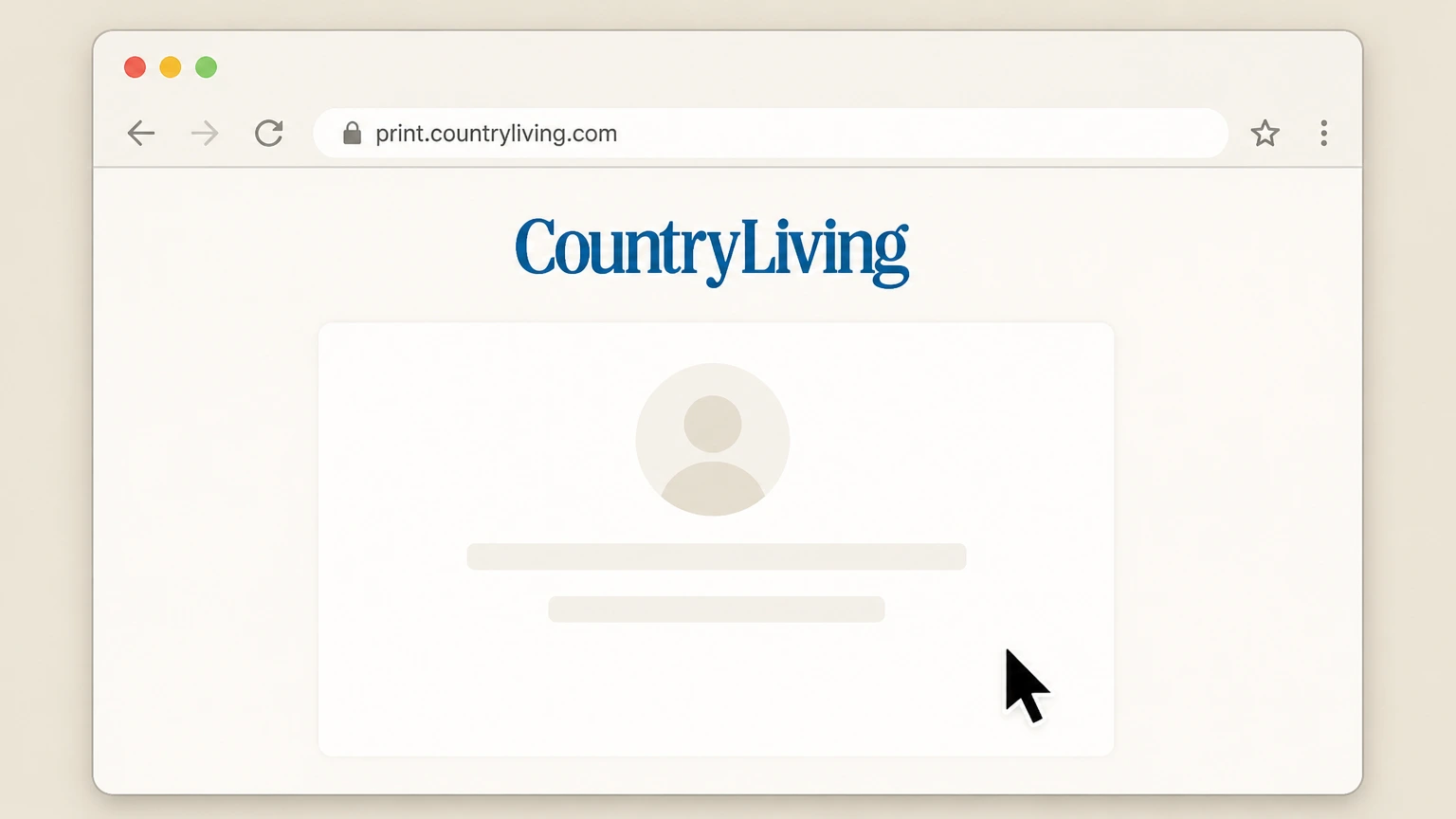
1Open the Country Living subscription portal
In a web browser, go to the Country Living print subscription portal at print.countryliving.com from your computer or mobile device.
 2
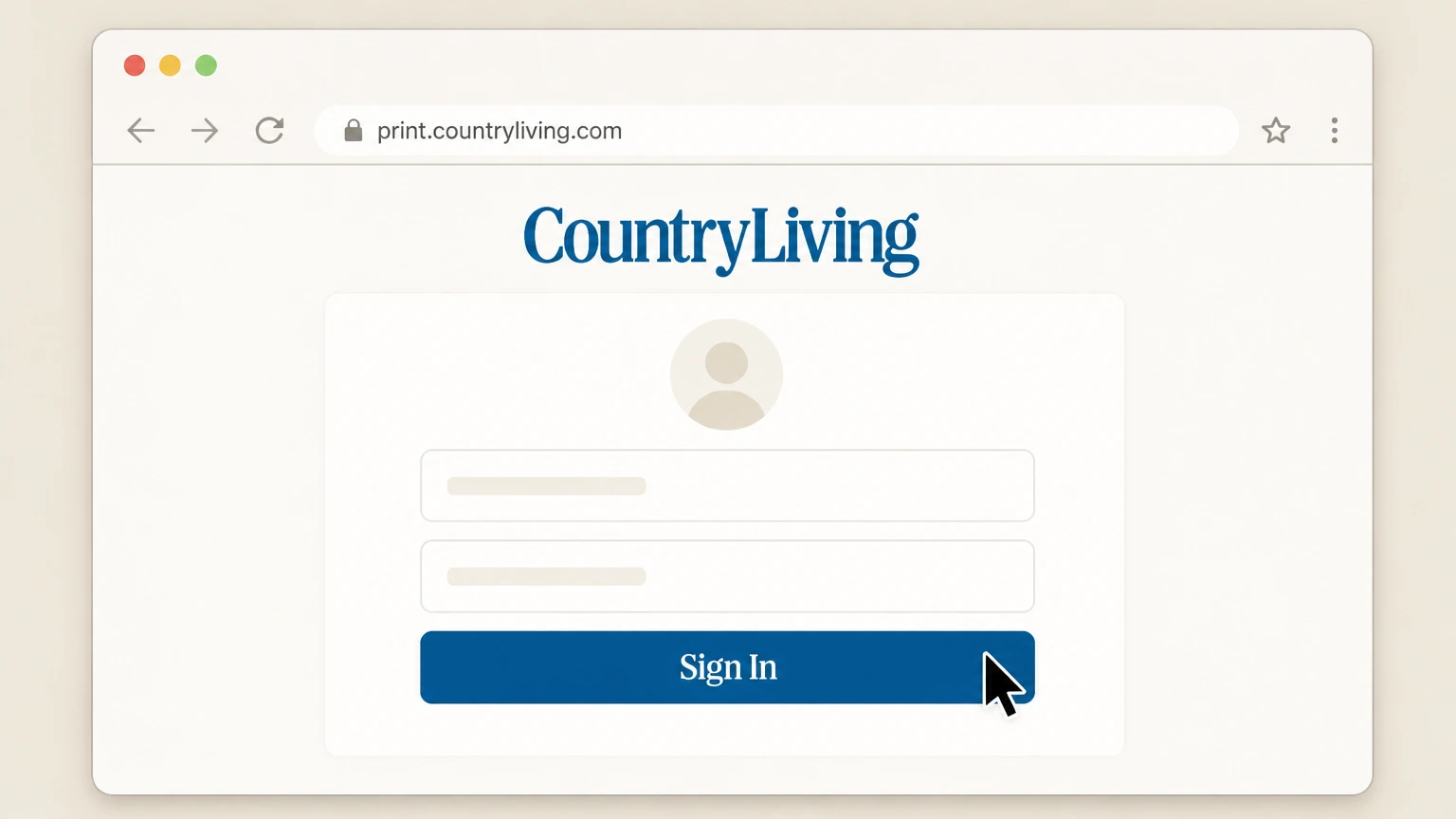
2Sign in to your subscription account
Use the sign-in fields to enter the account number or your name and mailing address or email plus ZIP code, then submit the form to access your Country Living account.
- Let Pine handle it
Pine can help
Too many steps?
Pine can find the right Country Living customer care portal (direct billing) path and handle the cancellation for you.
 3
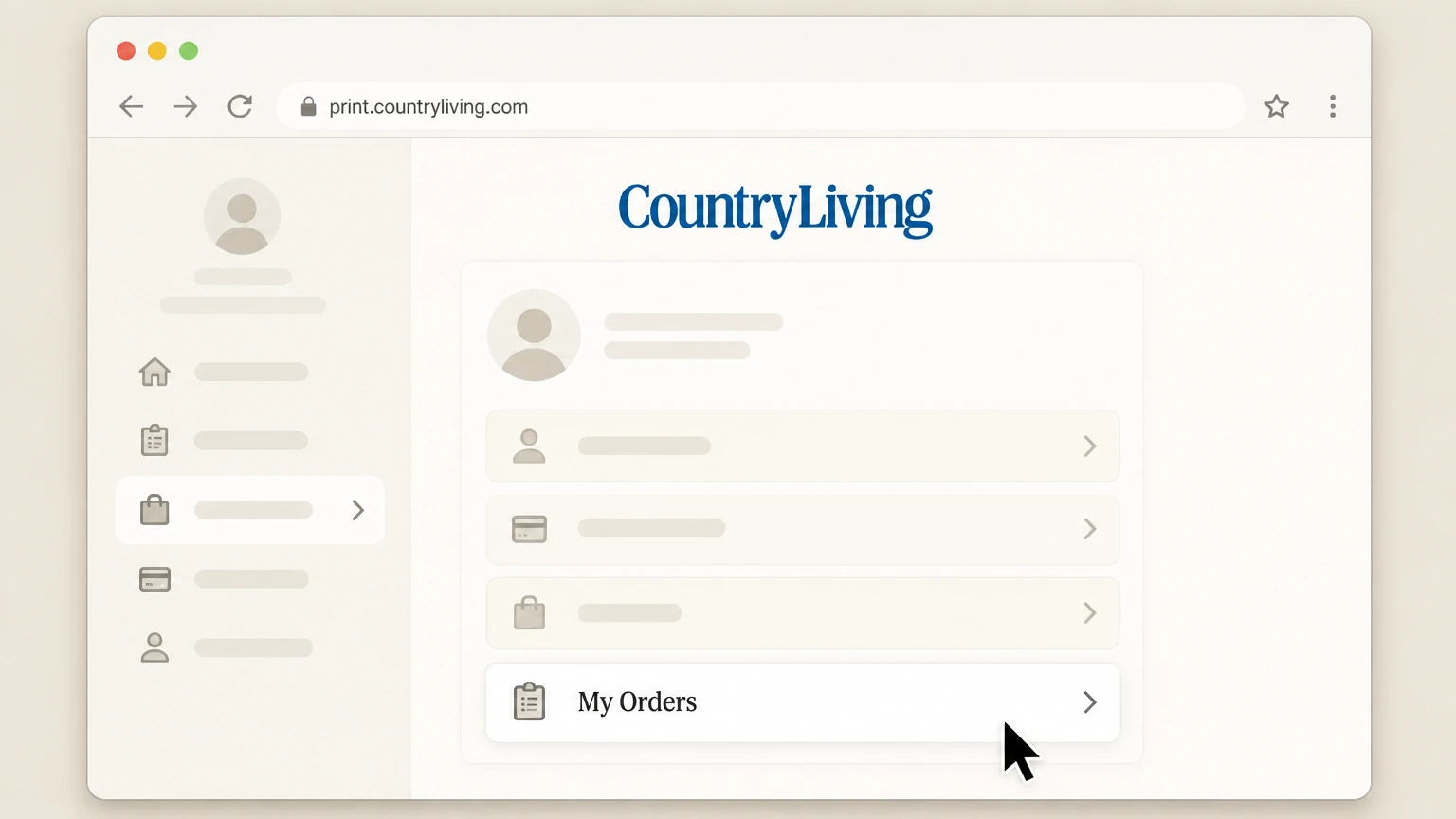
3Go to the My Orders section
From your account dashboard, select the My Orders option to view your active Country Living magazine orders and terms. Use the Country Living account named on your receipt, and continue only after the next status in this cancellation path is visible.
 4
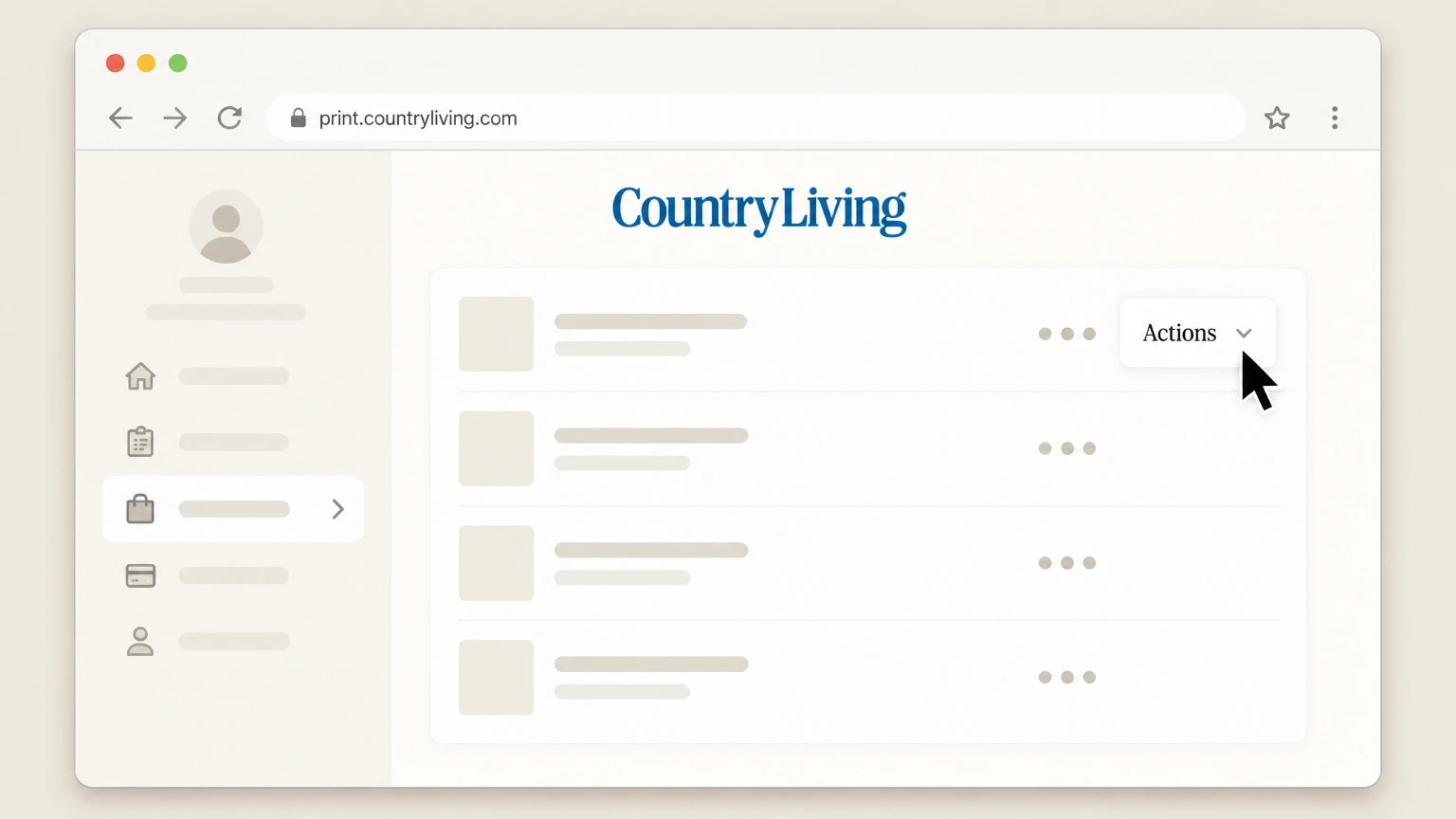
4Open the Actions menu for your subscription
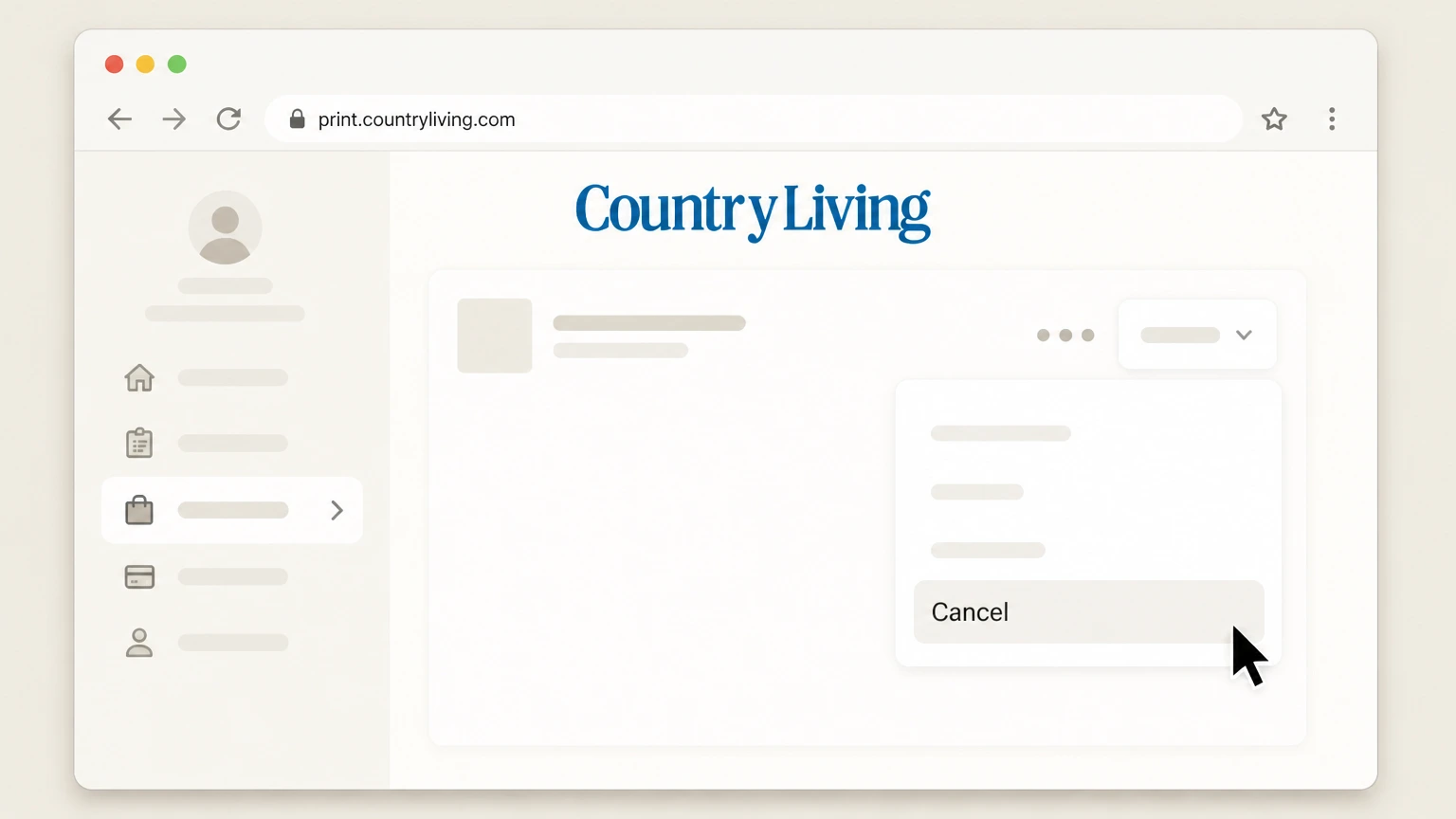
In the My Orders list, locate your active Country Living subscription and open its Actions menu to see available management options.
 5
5Select Cancel to submit your request
In the Actions menu, choose Cancel for your Country Living order and follow any on‑screen prompts until you see a confirmation page that your subscription will be cancelled.

Apple-billed Country Living subscriptions on iPhone or iPad · verify the billing owner
 1
1Open Settings
On your iPhone or iPad, open the Settings app from your home screen. Use the Country Living account named on your receipt, and continue only after the next status in this cancellation path is visible.
 2
2Tap your name
At the top of Settings, tap your name to open your Apple ID account settings. Use the Country Living account named on your receipt, and continue only after the next status in this cancellation path is visible.
- Let Pine handle it
Pine can help
Too many steps?
Pine can find the right Apple-billed Country Living subscriptions on iPhone or iPad path and handle the cancellation for you.
 3
3Open Subscriptions
In your Apple ID settings, tap Subscriptions to view all active and expired subscriptions linked to your Apple ID. Use the Country Living account named on your receipt, and continue only after the next status in this cancellation path is visible.
 4
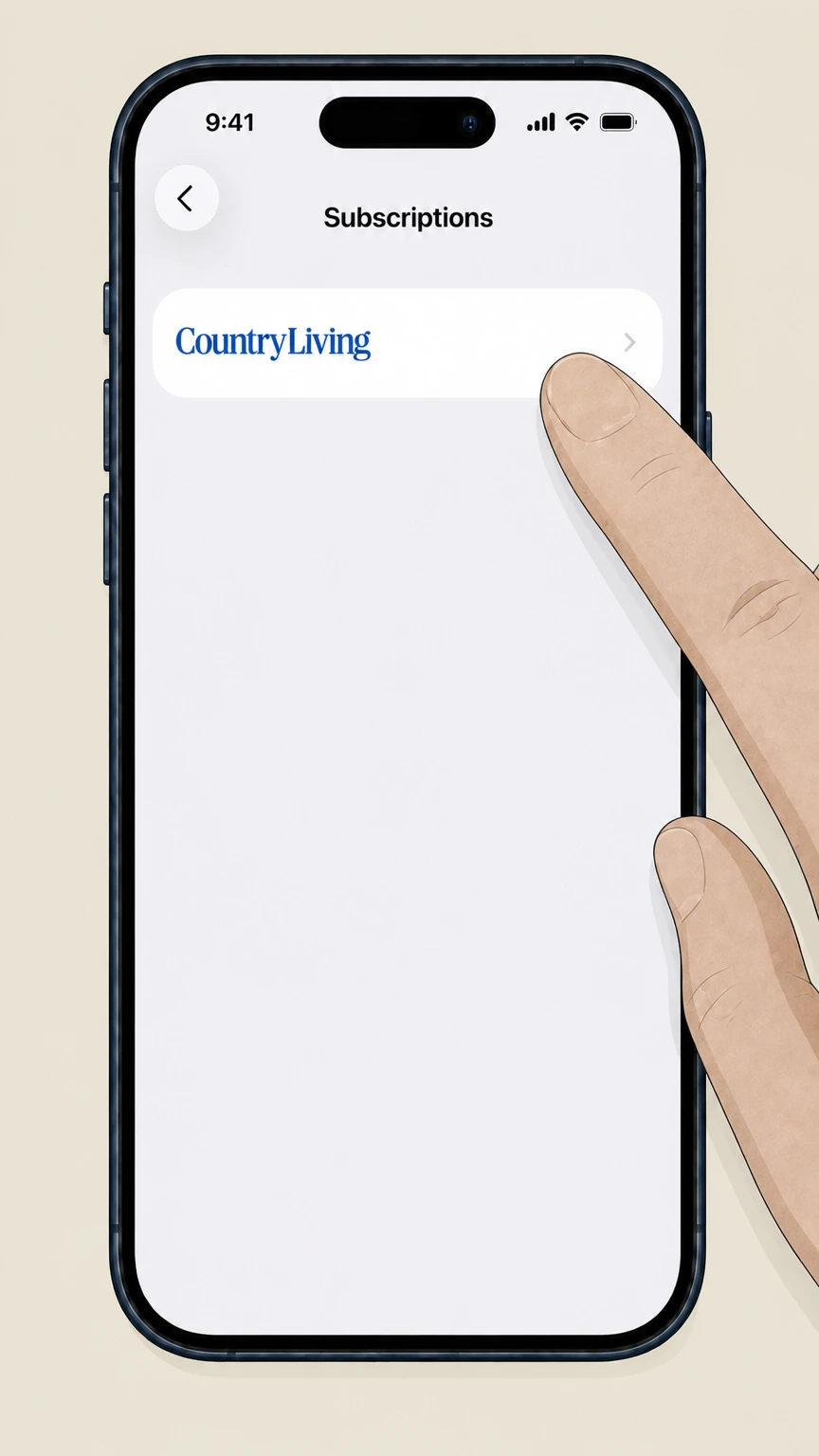
4Select Country Living
In the list of active subscriptions, tap the Country Living subscription (or related magazine app) that you want to cancel.
 5
5Cancel the subscription
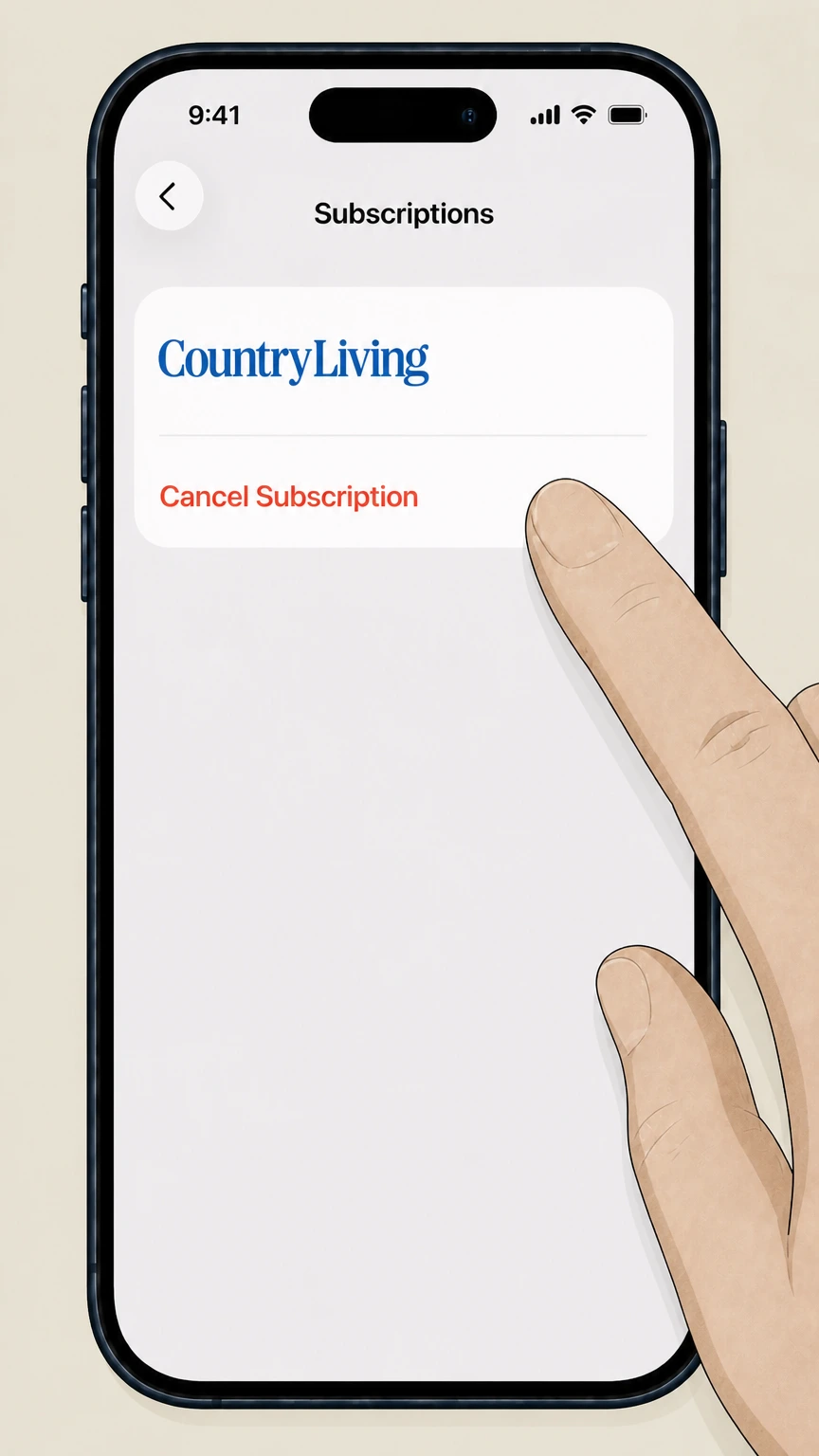
On the Country Living subscription detail screen, tap Cancel Subscription and confirm; if there is no cancel button and an expiration date is shown, the subscription is already set to end.
Google Play subscriptions on Android · verify the billing owner
 1
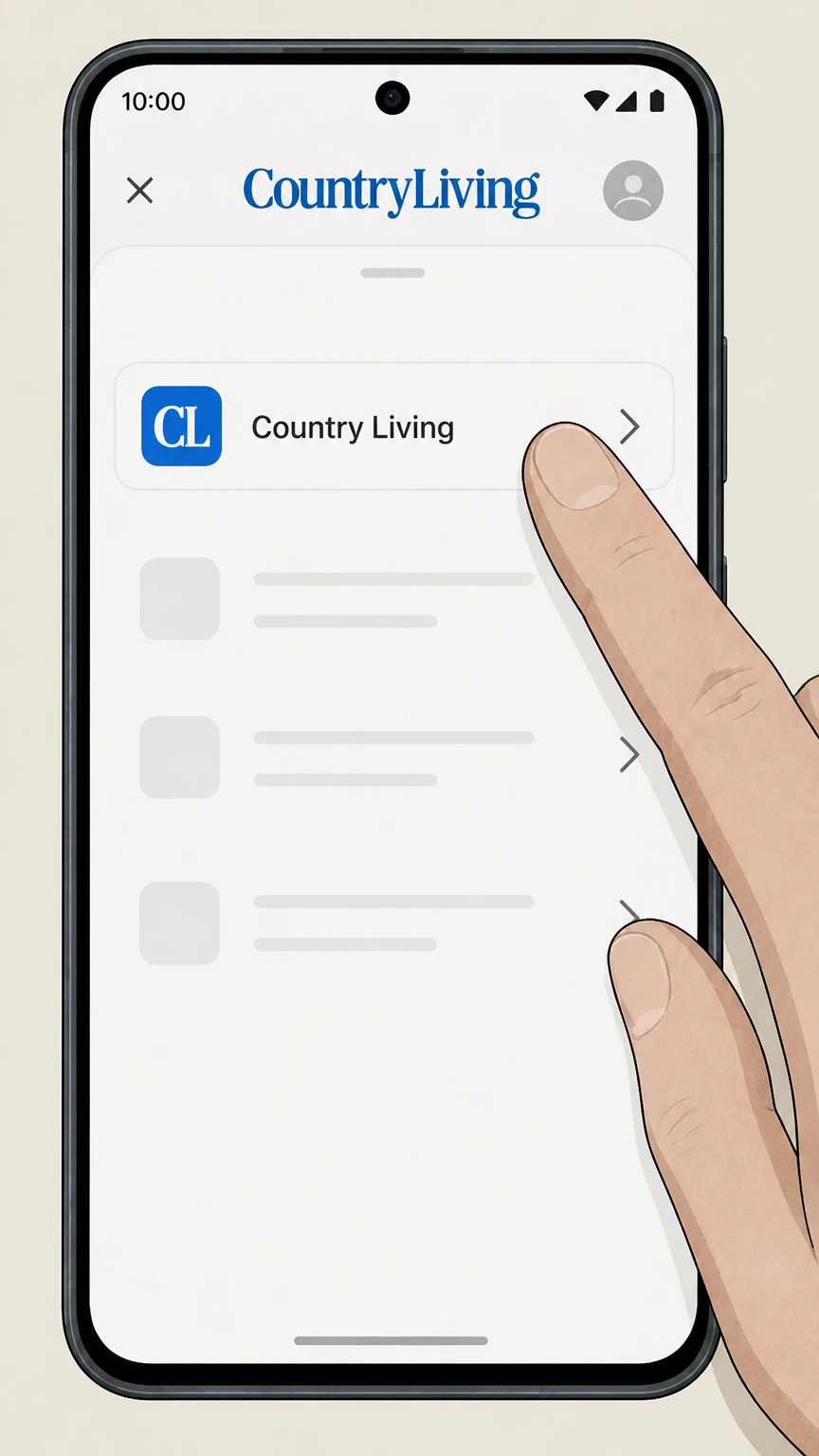
1Open subscriptions on Google Play
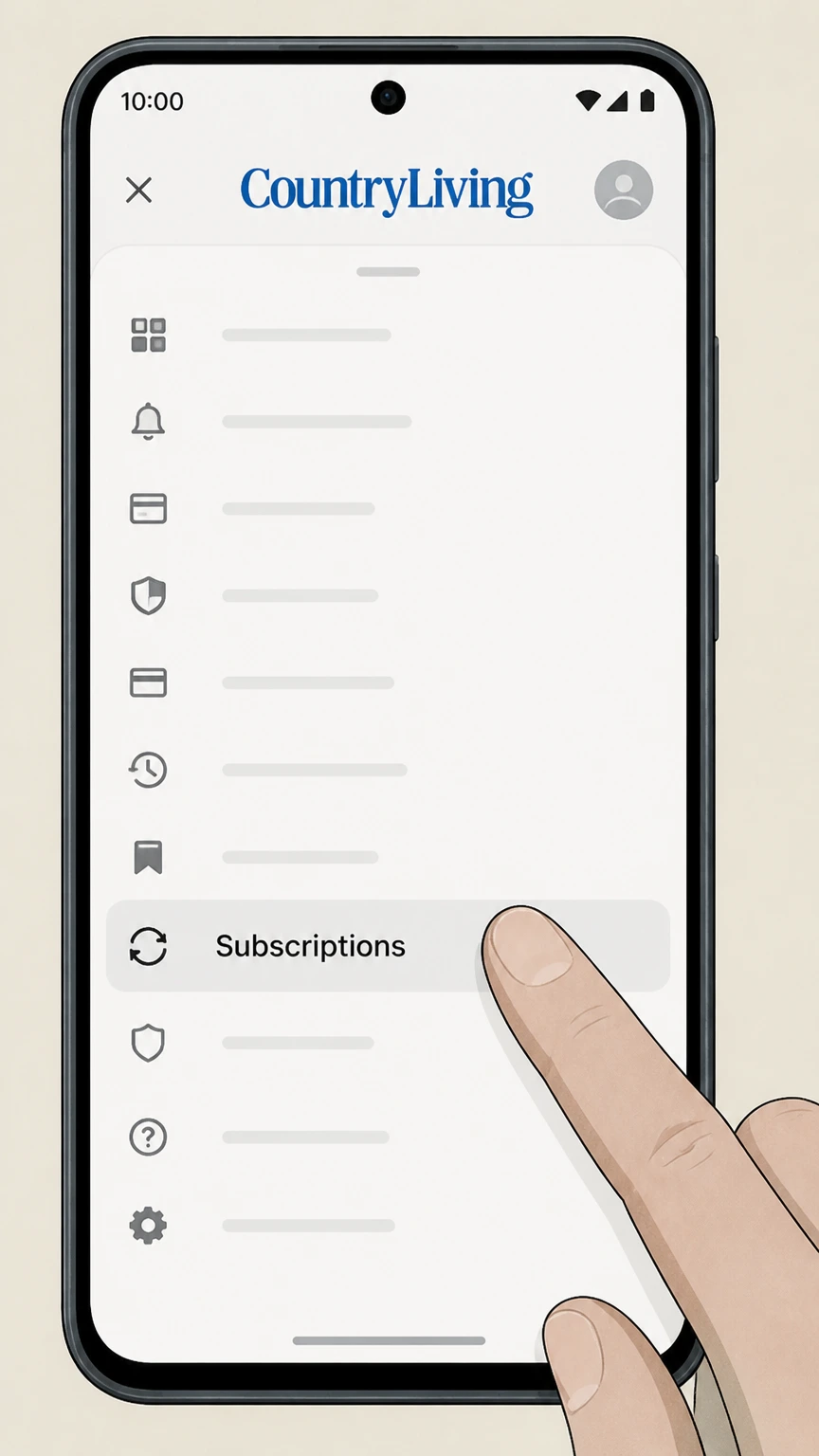
On your Android device, open the Google Play Store app and go to the Subscriptions section from your profile menu.
 2
2Select the Country Living subscription
In Subscriptions, find and select the Country Living magazine or related app subscription you want to cancel. Use the Country Living account named on your receipt, and continue only after the next status in this cancellation path is visible.
- Let Pine handle it
Pine can help
Too many steps?
Pine can find the right Google Play subscriptions on Android path and handle the cancellation for you.
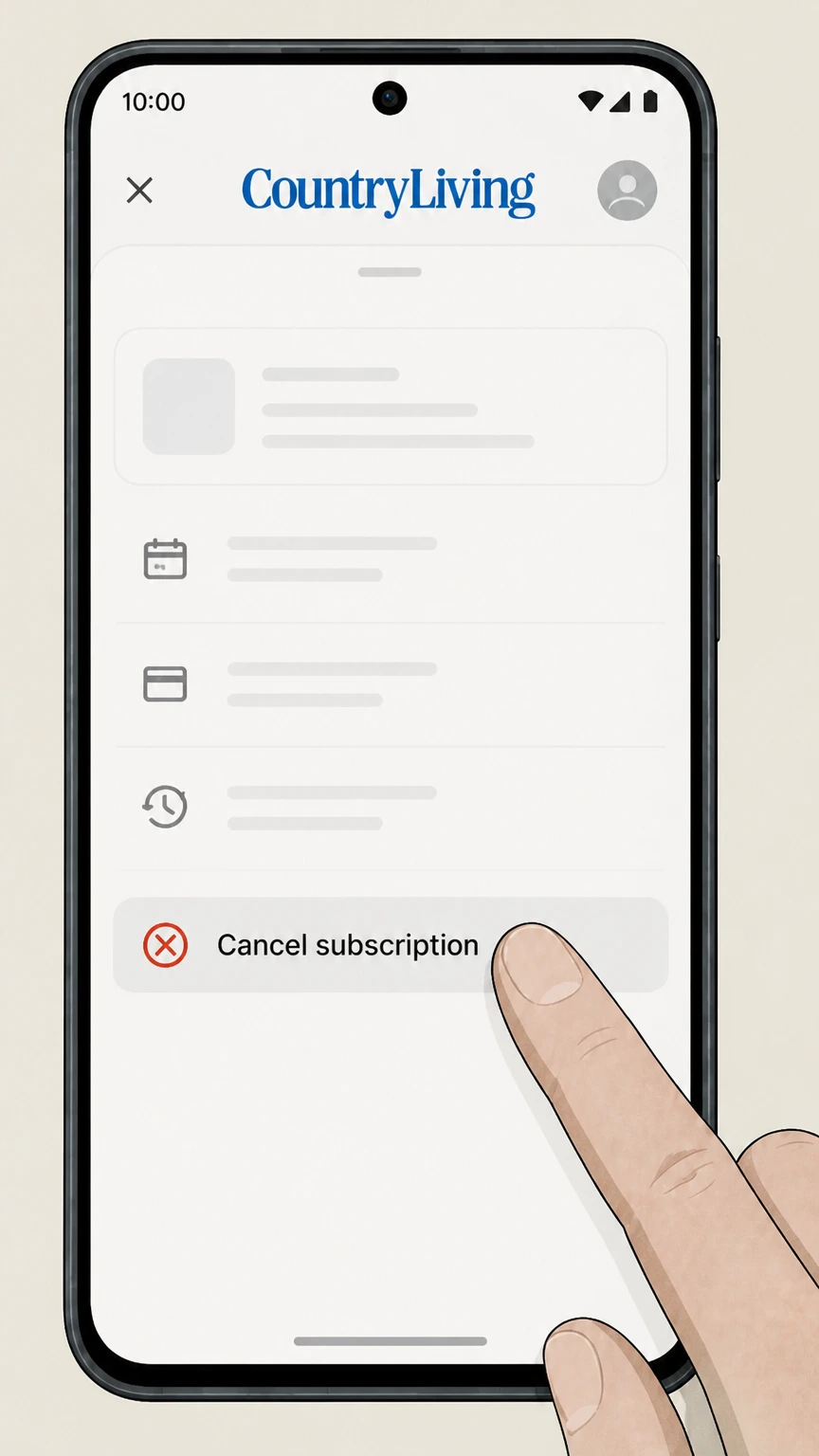 3
3Tap Cancel subscription
On the subscription details screen, tap the Cancel subscription option to start the cancellation flow. Use the Country Living account named on your receipt, and continue only after the next status in this cancellation path is visible.
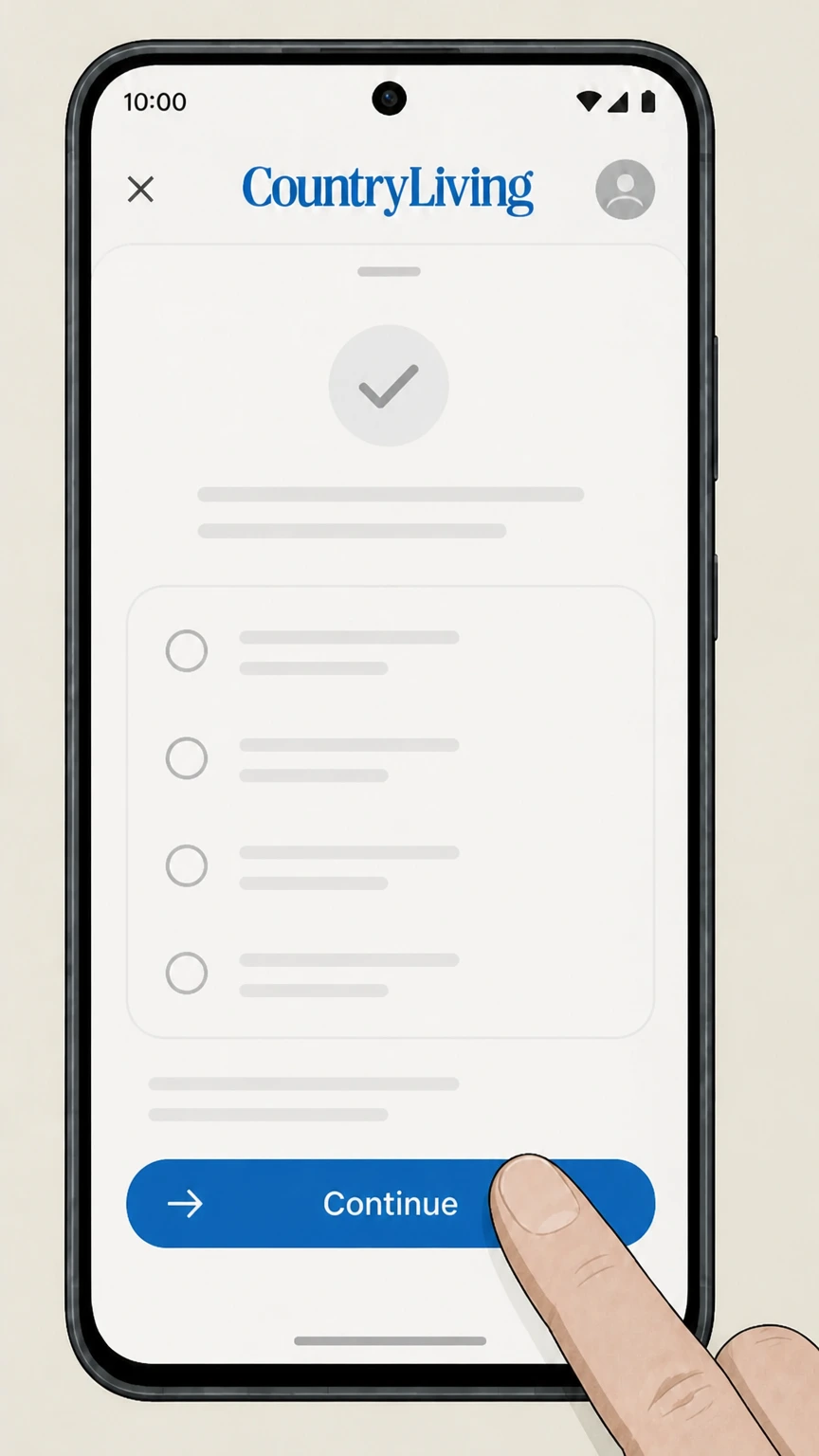 4
4Follow Google’s on-screen prompts
Complete the short cancellation flow by choosing a reason if asked and confirming that you want to cancel the Country Living subscription.
Refund policy
Country Living refunds and access after cancellation
Refund treatment differs between print magazine subscriptions, All Access memberships, gifts, and third‑party orders. Here is what Country Living and Hearst’s official pages say about refunds and what continues after you cancel.
Check my refund options- Print subscriptions may refund unmailed issues
- A Country Living subscription FAQ states that if you cancel your subscription online or by marking “cancel” on an invoice, a refund will be issued for all remaining copies that have not been mailed at the time of cancellation, unless your order came through an outside agency.join.countryliving.com
- Some orders are marked not refundable at confirmation
- On certain cancellation confirmations, the Country Living customer‑service site states, “This order is not eligible for a refund,” while confirming that no further issues will be sent. This indicates that promotional or fully‑used terms may not receive pro‑rated refunds.w1.buysub.com
- All Access membership payments are non-refundable
- The All Access offer page explains that under the Continuous Service Guarantee, you may cancel anytime through customer service, but payments are non‑refundable and access simply continues until the end of the current term.countryliving.com
- Gift subscriptions have a short refund window
- The Country Living gift subscription FAQ notes that you have 14 days after purchase to cancel a gift subscription for a refund if it has not yet been redeemed; once redeemed or after 14 days, gift subscriptions are non‑refundable.countryliving.com
- Agency and third-party purchases follow their rules
- Country Living’s FAQ specifies that if you purchased a subscription via an agency, you must direct any refund request to that agent. For digital editions bought through third‑party stores like Kindle or NOOK, their own subscription and refund policies apply.join.countryliving.com
If your confirmation screen or invoice wording about refunds is unclear, contact Country Living’s subscription customer service with your account number and ask how cancellation will affect any remaining issues and charges. Go to Country Living customer service FAQ
Start here
Confirm who bills you for Country Living
Cancellation depends on whether Hearst, an app store, or another seller bills you for Country Living. Use these checks before following a route.
Check card or PayPal descriptors
Look at recent Country Living charges on your bank, card, PayPal, or Amazon Pay statement. Hearst‑billed charges usually reference Country Living or Hearst, while Apple or Google will appear under their own names when you subscribed through their stores.w1.buysub.com
Look for Country Living login emails
If you receive renewal and account notices directing you to print.countryliving.com or a Country Living customer care URL, your billing is managed directly by Hearst’s fulfillment system. Use the web portal route to cancel.w1.buysub.com
Identify app-store receipts
If your receipt was emailed by Apple or Google Play and references an in‑app subscription or digital magazine purchase, cancellation must be done in your Apple ID or Google Play Subscriptions, not on CountryLiving.com.support.apple.com
Confirm agency or third-party orders
If you bought Country Living through a magazine agency or another retailer, Country Living’s FAQ explains that cancellations and refunds must go through that agency, although you can still manage delivery through your Country Living account.join.countryliving.com
Direct subscriptions
Cancel print and gift subscriptions with Hearst
Most U.S. print magazine and gift subscriptions are billed directly by Hearst and can be cancelled through the Country Living customer care tools.
Use the print.countryliving.com portal
Country Living’s global FAQ directs subscribers to log in at print.countryliving.com to manage address, billing, suspension, and cancellation, including choosing Cancel from the Actions menu on My Orders for eligible subscriptions.w1.buysub.com
Understand unpaid versus paid subscriptions
The FAQ notes that unpaid subscriptions can be cancelled at any time online via the Cancel option on My Orders. For paid subscriptions, you’re instructed to email or call customer service so an agent can process cancellation and any applicable adjustment.w1.buysub.com
Sweepstakes and accidental orders
If you accidentally created a subscription while entering a sweepstakes, Country Living says you can cancel after the order has applied by logging in and choosing Cancel Subscription from the menu; your sweepstakes entry remains valid.w1.buysub.com
Alternative: mark an invoice to cancel
An older Country Living FAQ also allows cancellation by writing “cancel” on your invoice and returning it, after which they state a refund will be issued for remaining, unmailed copies. This method is primarily for invoice‑billed print customers.join.countryliving.com
All Access
Cancel Country Living All Access membership
Country Living All Access combines the print magazine with unlimited digital access and member perks. Its cancellation and refund rules differ from print‑only.
Membership is a separate subscription
Country Living explains that the All Access membership program is separate from the print magazine; existing print subscribers must purchase a membership upgrade for unlimited digital access and perks. Canceling one does not automatically cancel the other.w1.buysub.com
Customer service handles membership cancellation
The All Access offer page states that you may cancel anytime through customer service under a Continuous Service Guarantee, rather than through a simple online toggle alone.countryliving.com
Payments are generally non-refundable
For All Access, Country Living’s current terms note that payments are non‑refundable and that access continues until the end of the current term after you cancel through customer service.countryliving.com
Dedicated membership support
The global FAQ lists a membership customer service portal and gives a membership support email (membersupport@countryliving.com) and phone number for account help, including address, email, and payment updates that relate to your membership.w1.buysub.com
Auto-renew
Stop Country Living auto-renewal charges
Country Living and Hearst use a Continuous Service Program for many offers. You can turn off auto-renewal without immediately cancelling access in several ways.
Change Continuous Service status online
Country Living’s FAQ includes a Change my autorenewal status option; you can log into print.countryliving.com and update your Continuous Service Program enrollment so the magazine does not auto‑renew at the end of the current term.w1.buysub.com
Use email to opt out of auto-renew
If you prefer not to adjust settings online, the FAQ states that you can email customer service with your account number or mailing address and ask to be removed from the Continuous Service Program.w1.buysub.com
All Access continuous service terms
The All Access offer includes a Continuous Service Guarantee language: your payment method is charged at an introductory rate and then at the then‑current rate until you cancel through customer service, after which access continues through the end of the term.countryliving.com
App-store auto-renew is managed in the store
For subscriptions purchased via Apple’s App Store or Google Play, auto‑renewal is controlled solely through your Apple ID Subscriptions or Google Play Subscriptions pages, as explained in Apple and Google’s own help articles.support.apple.com
Digital apps
Digital editions bought in app stores
Country Living sells digital editions through several digital storefronts; cancellation must follow each store’s own rules.
App Store for iPhone and iPad
Country Living’s subscription FAQ lists the App Store for iPhone and iPad as a digital edition storefront. Apple’s support documentation explains that you manage and cancel these subscriptions from Settings > [your name] > Subscriptions on your device.w1.buysub.com
Google Play Store for Android
The same FAQ lists the Google Play Store as a storefront. Google Play Help instructs Android users to cancel subscriptions by opening Subscriptions in Google Play, selecting the subscription, and tapping Cancel subscription.w1.buysub.com
Other digital retailers
Country Living mentions NOOK, Amazon Kindle, and Zinio as additional digital storefronts but does not publish detailed cancellation steps for those platforms. In those cases, you must follow the cancellation process provided by that retailer or agency.w1.buysub.com
Deleting the app does not cancel
Google Play Help specifically warns that uninstalling an app does not cancel the underlying subscription; you must cancel in your subscriptions list. The same principle applies to Apple’s system: removal of an app does not affect billing.support.google.com
Help options
Contact Country Living about cancellation
If online tools or app-store settings do not solve your issue, Country Living and Hearst provide several official support channels for subscription questions.
Use the global subscription FAQ
The Country Living FAQ on Buysub links to common self‑service functions—address changes, billing, cancellation, auto‑renew status, and delivery issues—and provides phone and email contacts for print and membership support.w1.buysub.com
Customer service email for print
Country Living’s Contact Us page and FAQ list CLGcustserv@cdsfulfillment.com as the email address for subscription questions, including delivery, billing, and cancellation requests for print subscribers.countryliving.com
Membership support for All Access
For All Access membership issues, including upgrading, canceling, and account access problems, Country Living directs members to contact the membership customer service portal or email membersupport@countryliving.com.w1.buysub.com
Phone support when self-service fails
The global FAQ lists a dedicated phone number for print subscription customer service if you need an agent’s help canceling a paid term or resolving billing concerns that cannot be managed fully online.w1.buysub.com
Editorial contact is separate
Country Living also lists an editorial contact email and postal address, but these are for reader letters and editorial questions; subscription changes still need to go through the customer service or membership channels.countryliving.com
After you cancel
What changes after cancelling Country Living
Country Living’s FAQs and confirmation screens explain what happens to deliveries, digital access, and refunds once you cancel.
Print delivery may continue for one in‑production issue
A cancellation confirmation page notes that your subscription will be cancelled within a few days and that you may still receive the upcoming issue if it was already sent to the printer or mail stream.w1.buysub.com
Some orders show no refund eligibility
The same confirmation language explicitly states that certain orders are not eligible for a refund. In these cases, cancellation stops future issues without returning prior payments.w1.buysub.com
Standard print refund rule for unmailed copies
A separate subscription FAQ says that when you cancel, Country Living will issue a refund for remaining copies that have not yet been mailed, unless your subscription was purchased through an outside agency.join.countryliving.com
All Access access continues to term end
For All Access, the offer terms explain that payments are non‑refundable and that after you cancel through customer service, your membership and site access continue until the end of the current term.countryliving.com
Gift subscription refund window
The gift subscription FAQ for Country Living states that you can cancel an unredeemed gift within 14 days for a refund; after redemption or 14 days, gift subscriptions are non‑refundable and must be activated within a year.countryliving.com
What official sources do not confirm
Limits of the public Country Living cancellation guidance
These points are intentionally qualified because the official sources reviewed on August 16, 2026 do not publish a complete answer.
Documented limitation 1
The internal layout of print.countryliving.com is rendered via JavaScript, so step labels for My Orders and Actions are inferred from the linked FAQ text rather than direct page inspection.
Documented limitation 2
Country Living’s FAQs mention other digital retailers (NOOK, Kindle, Zinio), but their own cancellation flows are documented on external domains that were out of scope, so guidance here is limited to Apple and Google Play for in‑app billing.
Documented limitation 3
Refund behavior can vary by offer; while one FAQ promises refunds for unmailed copies, some cancellation confirmations explicitly show no refund eligibility. This dossier describes both patterns but cannot predict the outcome for every individual order.
Documented limitation 4
Phone numbers and email addresses are taken directly from recent official FAQ and contact pages; if Hearst updates these, callers should follow the latest contact details shown on those pages or on current invoices.
Country Living cancellation FAQ
Questions people search about canceling Country Living, answered with official provider or billing-platform sources checked on August 16, 2026.
How do I cancel my Country Living magazine subscription online?
How do I completely cancel my Country Living subscription?
How do I cancel my Country Living subscription on iPhone or iPad?
How do I cancel my Country Living subscription on Android via Google Play?
How do I stop automatic renewal on my Country Living subscription?
Can I get a refund when I cancel my Country Living subscription?
What happens to my Country Living All Access membership when I cancel?
How do I cancel a Country Living subscription ordered through an agency or third party?
How do I contact Country Living about problems cancelling my subscription?
Untangle this Country Living issue.
Let Pine handle the provider follow-up and keep the confirmation in one place.
