


Condé Nast Traveler
Cancel subscription
How to Cancel Your Condé Nast Traveler Subscription
Learn how to cancel Condé Nast Traveler from cntraveler.com, Apple’s App Store, or Amazon, including who bills you, how to stop renewal, and basic refund rules.
- Official Condé Nast Traveler and billing-owner sources
- 3 provider-specific cancellation paths
- Refund and post-cancellation effects separated from renewal
- Verified August 16, 2026
Choose the Condé Nast Traveler cancellation path that matches who bills you
Condé Nast Traveler Customer Service website (Condé Nast billing) · verify the billing owner
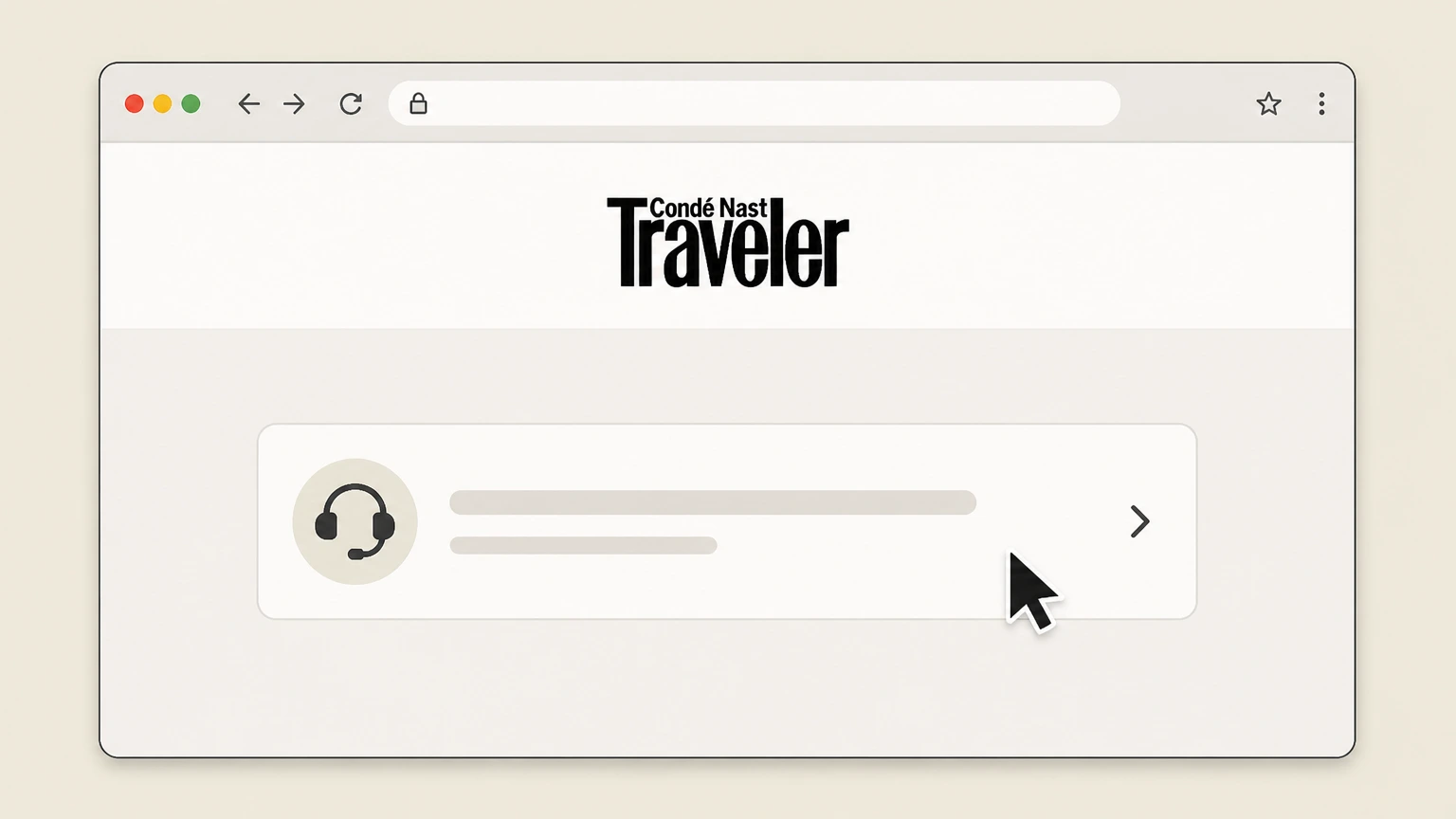 1
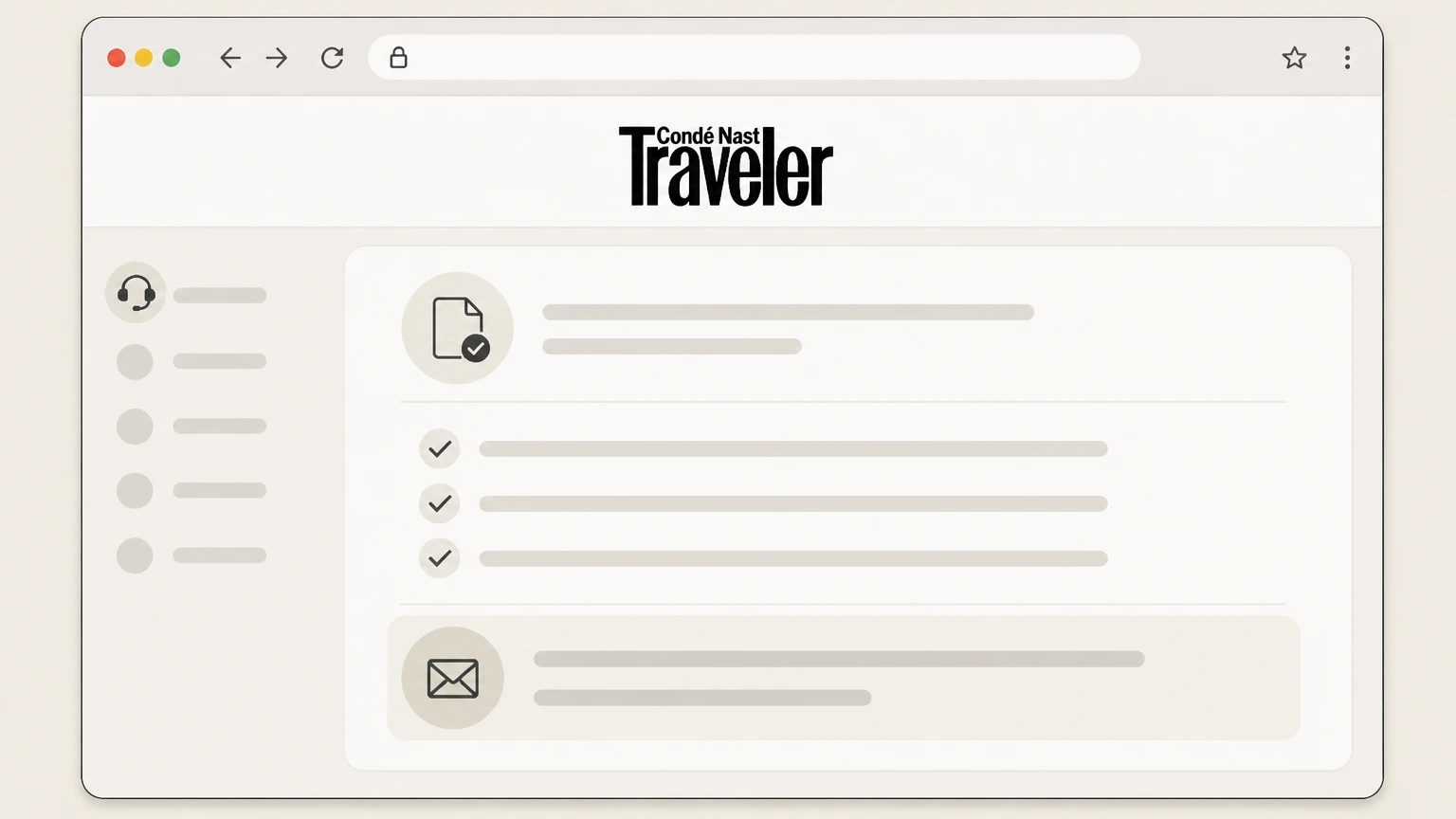
1Open the Condé Nast Traveler Customer Service page
In a browser, go to the Condé Nast Traveler Customer Service site used for managing magazine subscriptions and billing questions.
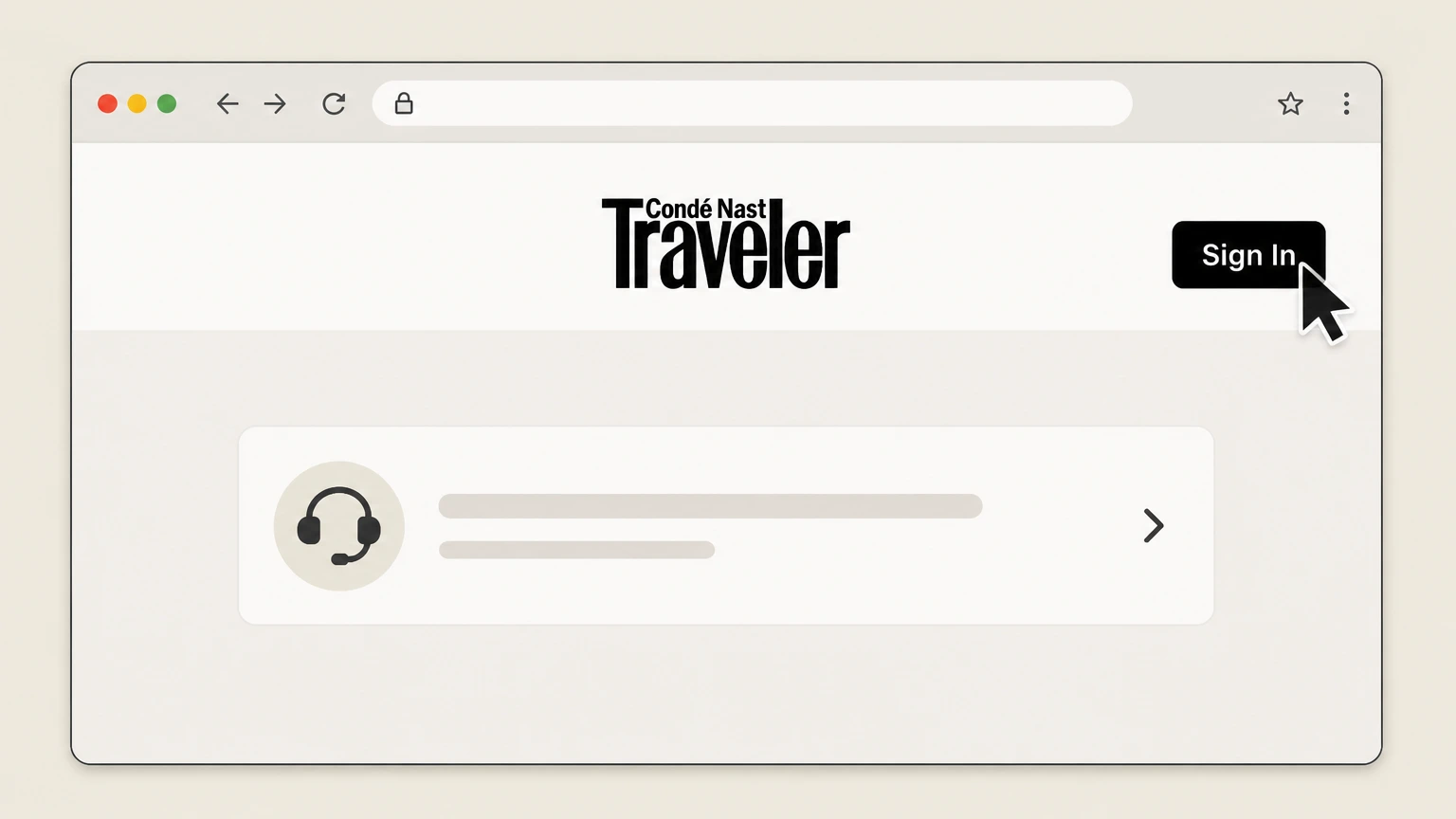 2
2Select “Sign In” and log in to Customer Care
On the Customer Service page header, click “Sign In” and enter the email and password tied to your Condé Nast Traveler subscription.
- Let Pine handle it
Pine can help
Too many steps?
Pine can find the right Condé Nast Traveler Customer Service website (Condé Nast billing) path and handle the cancellation for you.
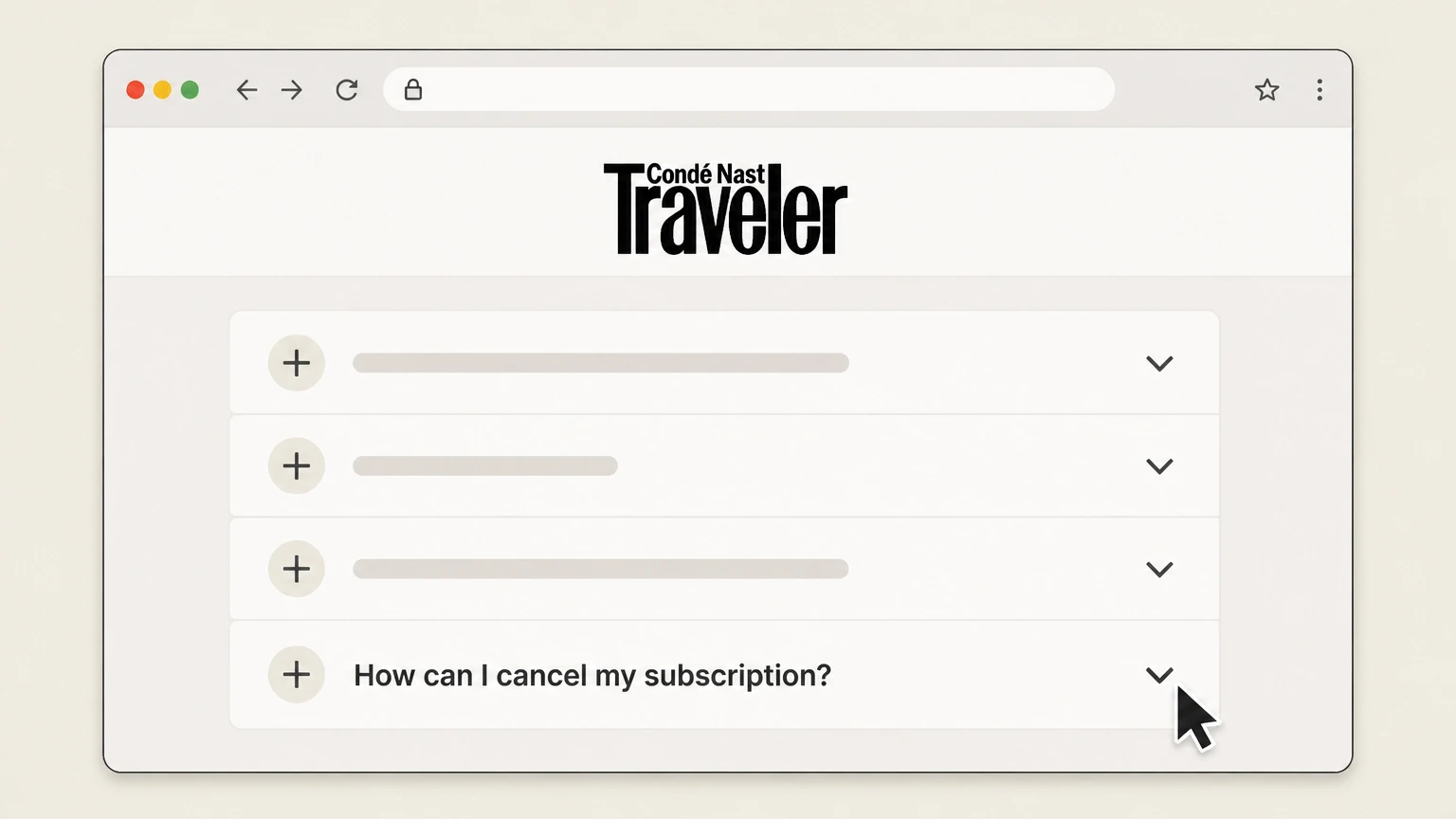 3
3Open the “How can I cancel my subscription?” FAQ
In the Frequently Asked Questions list, select the question labeled “How can I cancel my subscription?” to view the cancellation instructions.
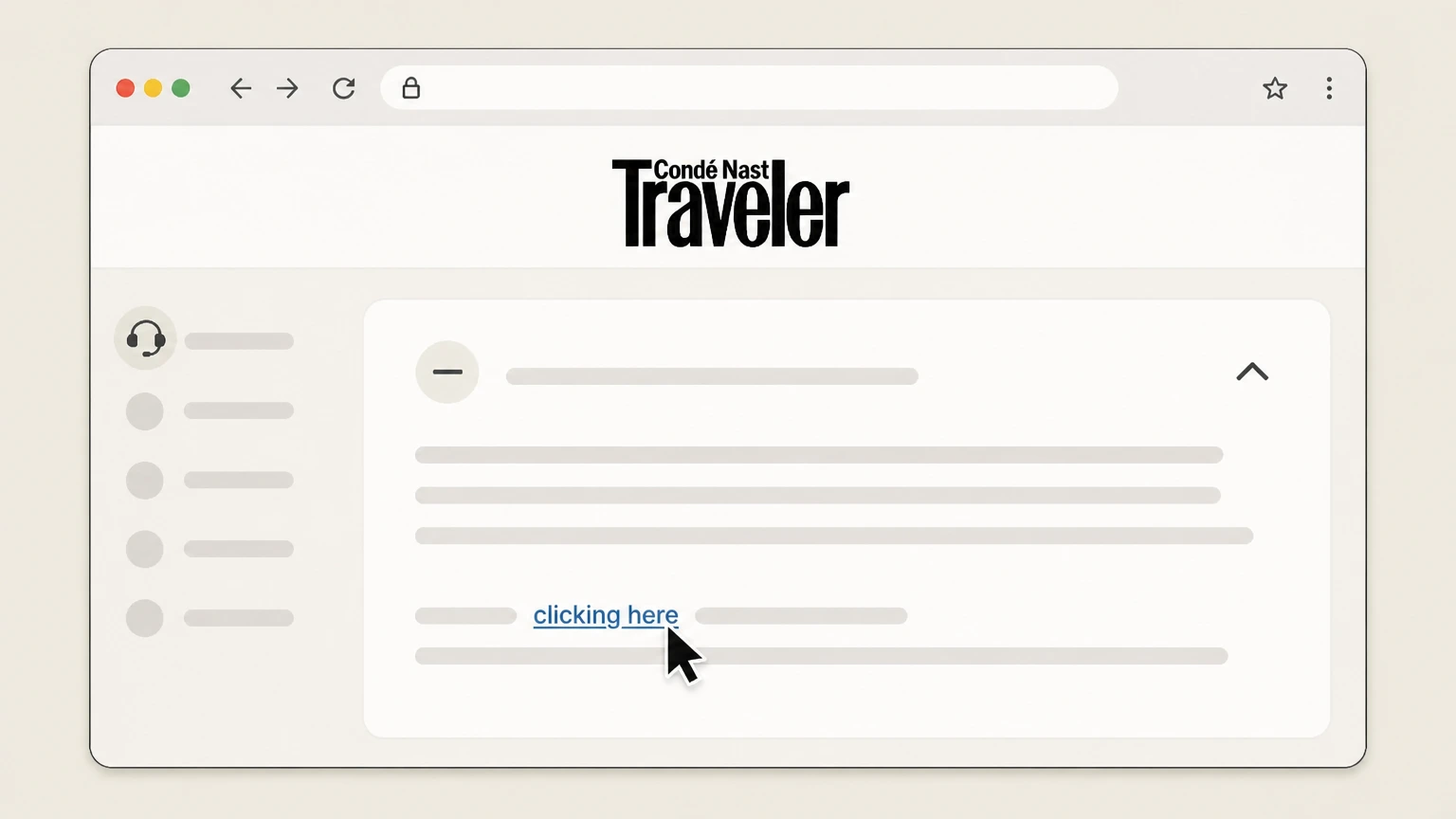 4
4Click the “clicking here” cancellation link
Within that answer, click the “clicking here” link to open the online cancellation form or page for your Condé Nast Traveler subscription.
 5
5Follow the on‑screen prompts to submit cancellation
Complete any required fields on the cancellation page and confirm your request; save or print the confirmation screen and watch for a confirmation email.

Apple iOS / iPad app (Apple billing) · verify the billing owner
 1
1Open Settings
Open the Settings app on your iPhone or iPad. Use the Condé Nast Traveler account named on your receipt, and continue only after the next status in this cancellation path is visible.
 2
2Tap your name
At the top of Settings, tap your name to open your Apple ID settings. Use the Condé Nast Traveler account named on your receipt, and continue only after the next status in this cancellation path is visible.
- Let Pine handle it
Pine can help
Too many steps?
Pine can find the right Apple iOS / iPad app (Apple billing) path and handle the cancellation for you.
 3
3Open Subscriptions
In your Apple ID settings, tap “Subscriptions” to see your active and expired subscriptions. Use the Condé Nast Traveler account named on your receipt, and continue only after the next status in this cancellation path is visible.
 4
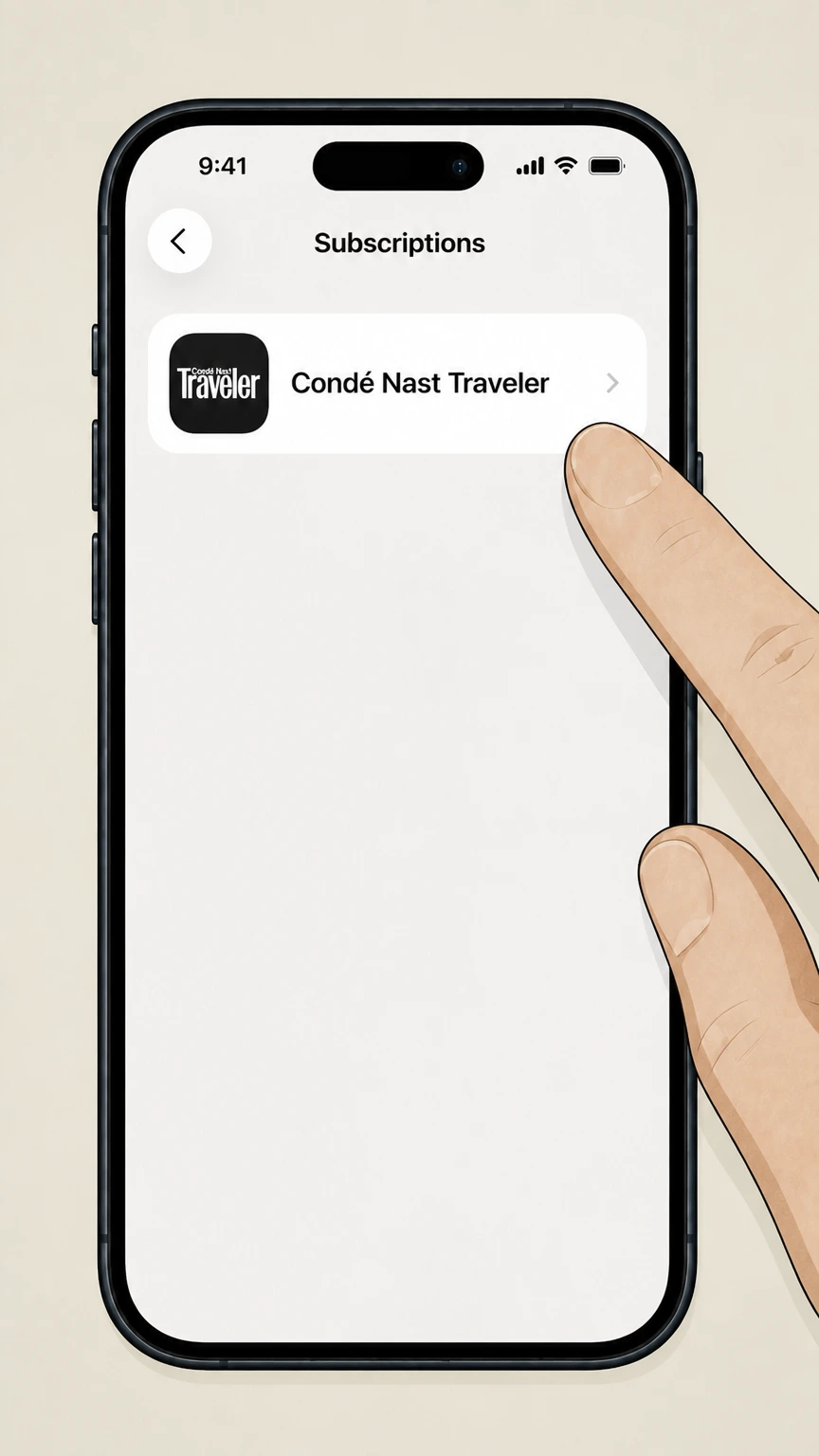
4Select Condé Nast Traveler
In the list of subscriptions, tap the Condé Nast Traveler subscription to open its details. Use the Condé Nast Traveler account named on your receipt, and continue only after the next status in this cancellation path is visible.
 5
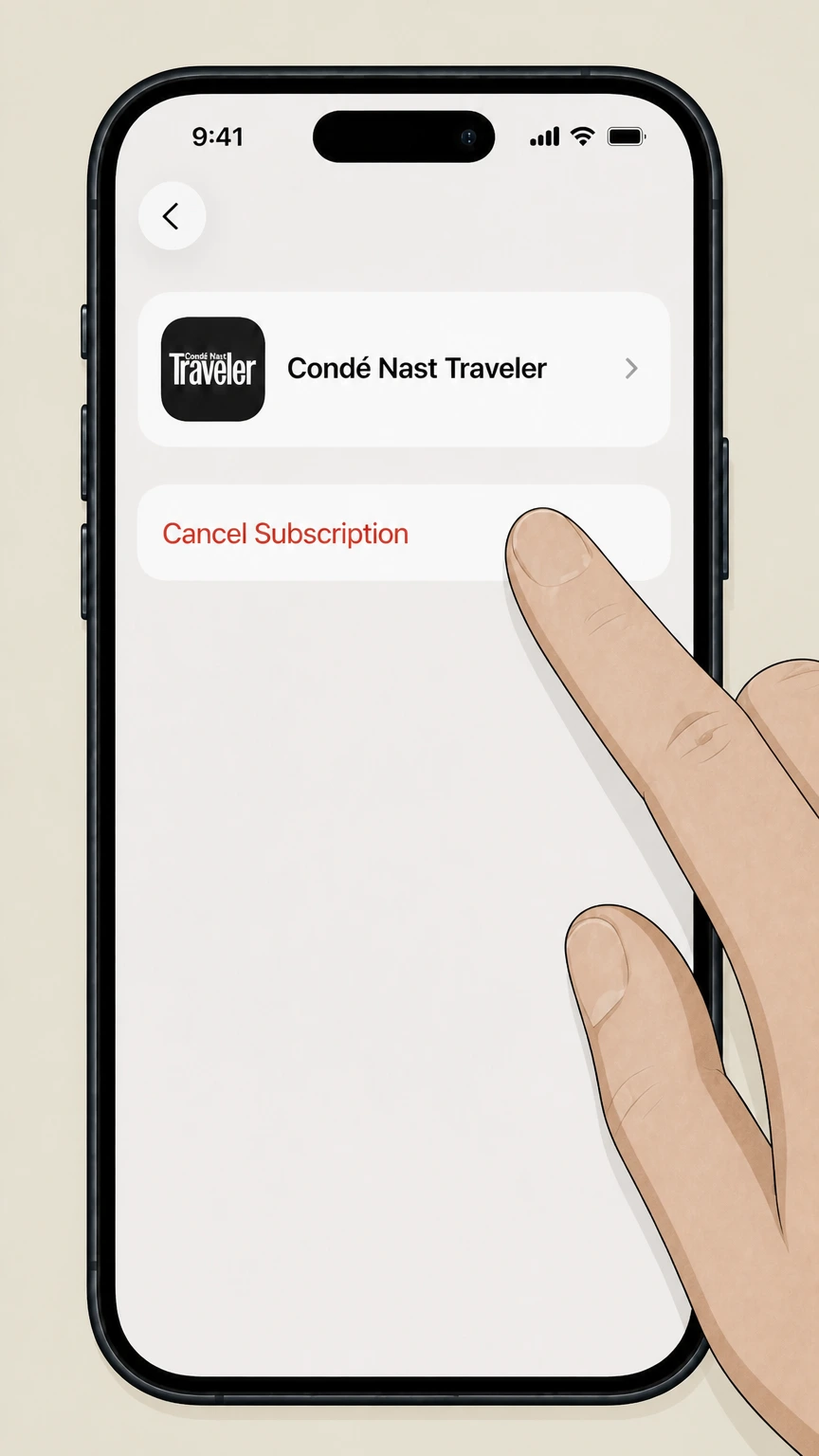
5Cancel the subscription
Tap “Cancel Subscription” and confirm; Apple will stop future billing, and your Condé Nast Traveler access through the app continues until the end of the current billing period.
Amazon magazine or digital subscription (Amazon billing) · verify the billing owner
 1
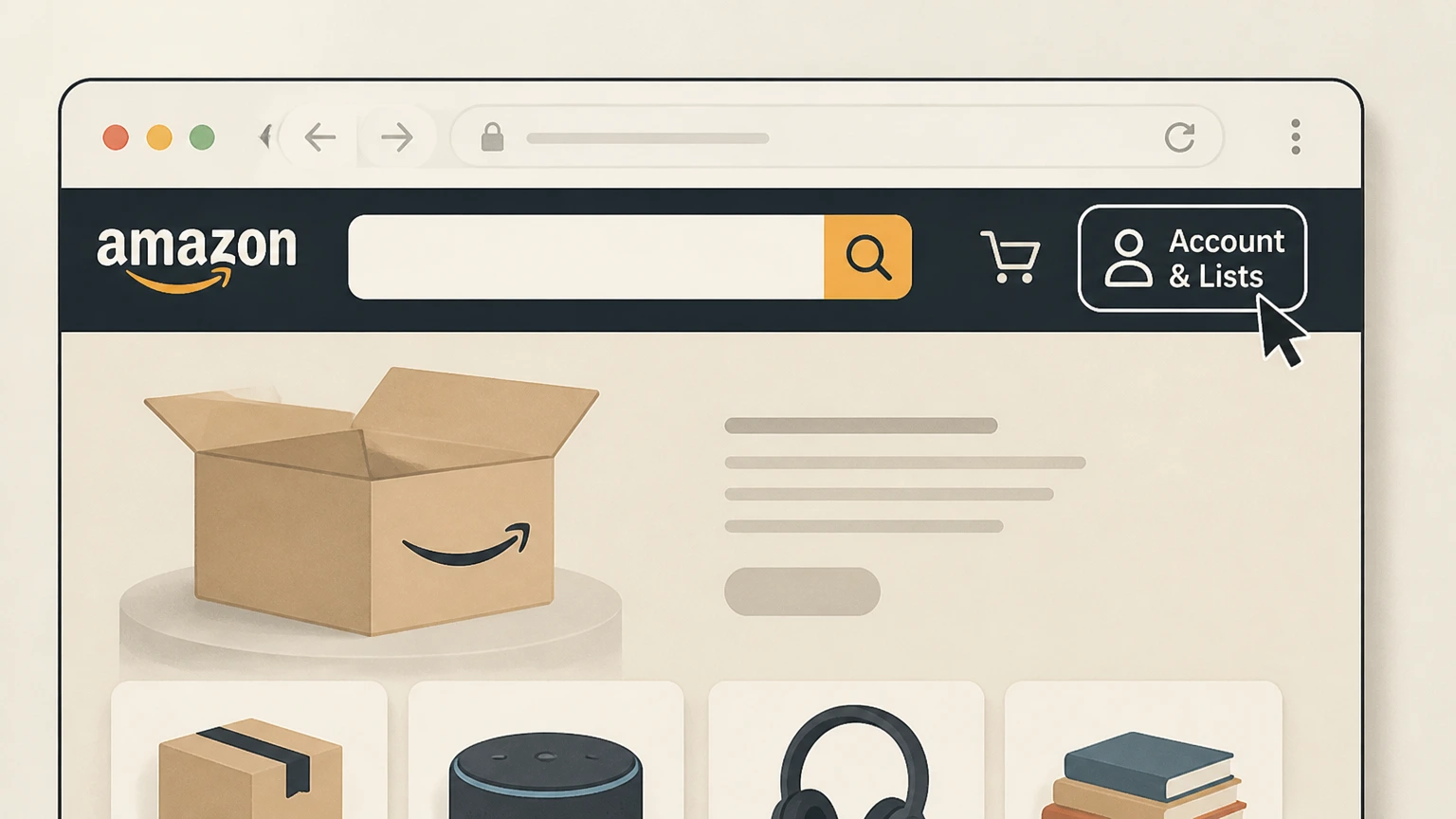
1Sign in to your Amazon account
Open Amazon in a browser and sign in with the Amazon account that was billed for your Condé Nast Traveler subscription.
 2
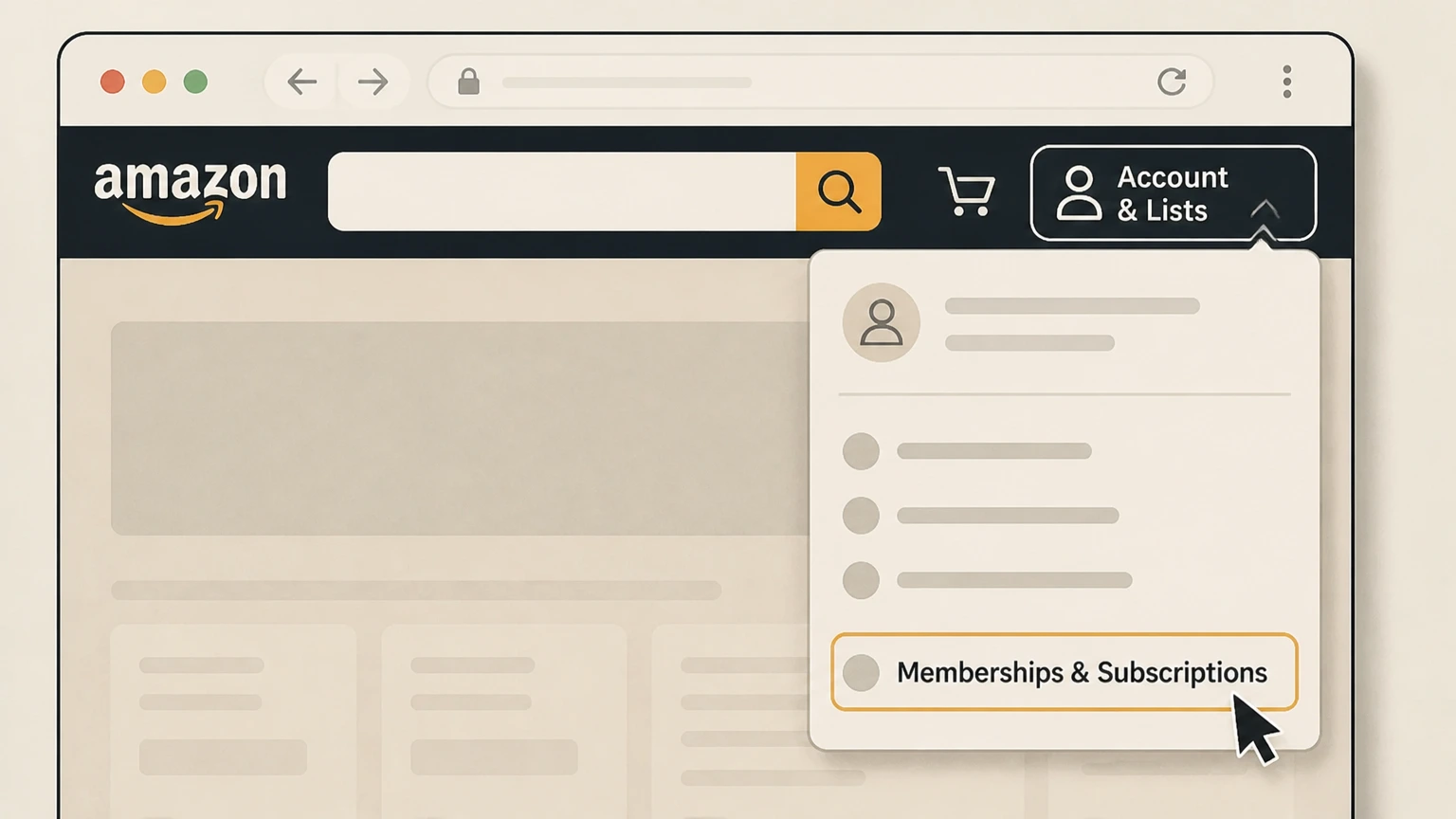
2Open “Memberships & Subscriptions”
From the “Account & Lists” menu, choose “Memberships & Subscriptions” to see your Amazon subscriptions and digital services. Use the Condé Nast Traveler account named on your receipt, and continue only after the next status in this cancellation path is visible.
- Let Pine handle it
Pine can help
Too many steps?
Pine can find the right Amazon magazine or digital subscription (Amazon billing) path and handle the cancellation for you.
 3
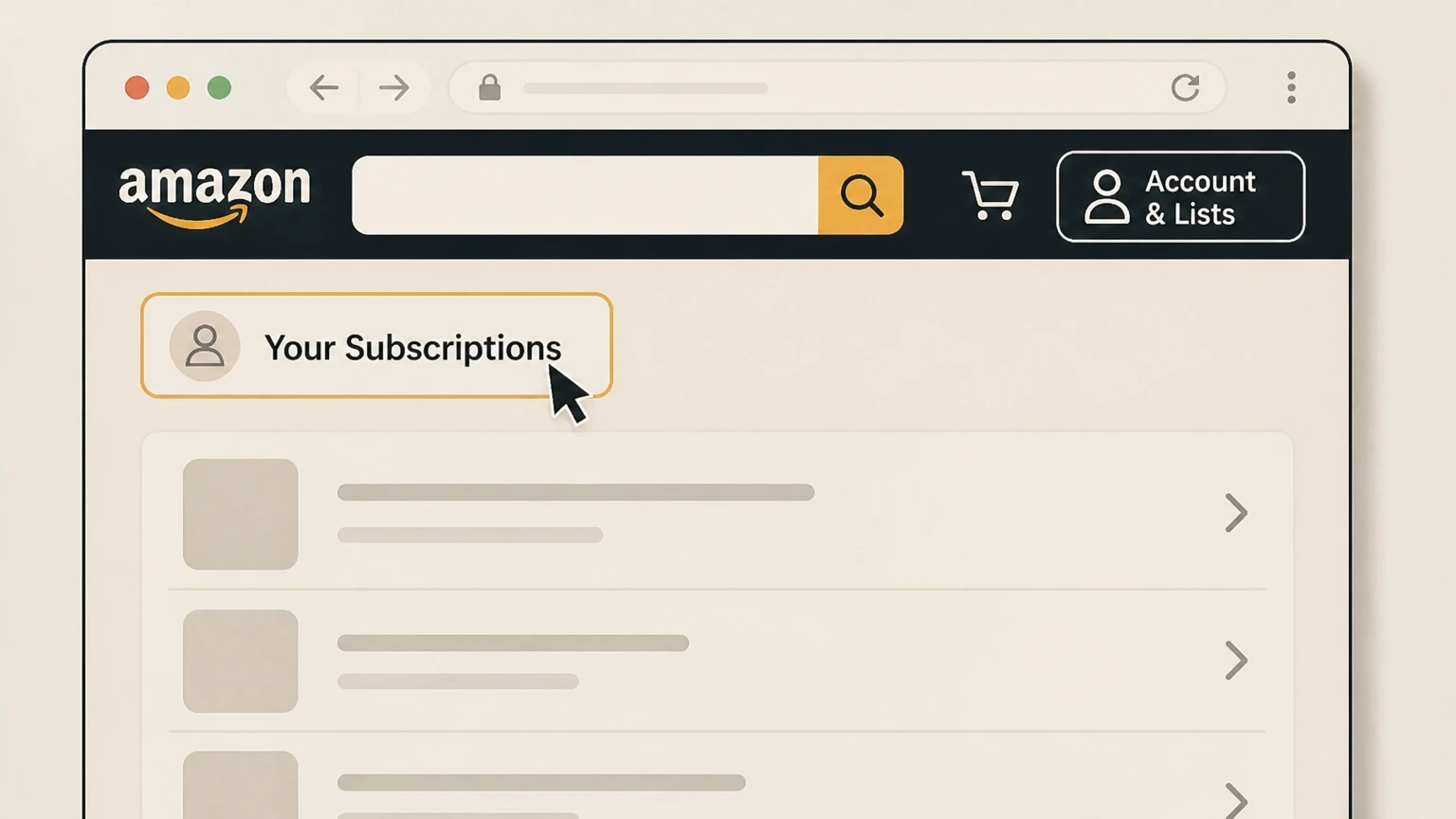
3Locate Condé Nast Traveler in your subscriptions
On the Memberships & Subscriptions or Your Subscriptions page, find the entry for your Condé Nast Traveler subscription. Use the Condé Nast Traveler account named on your receipt, and continue only after the next status in this cancellation path is visible.
 4
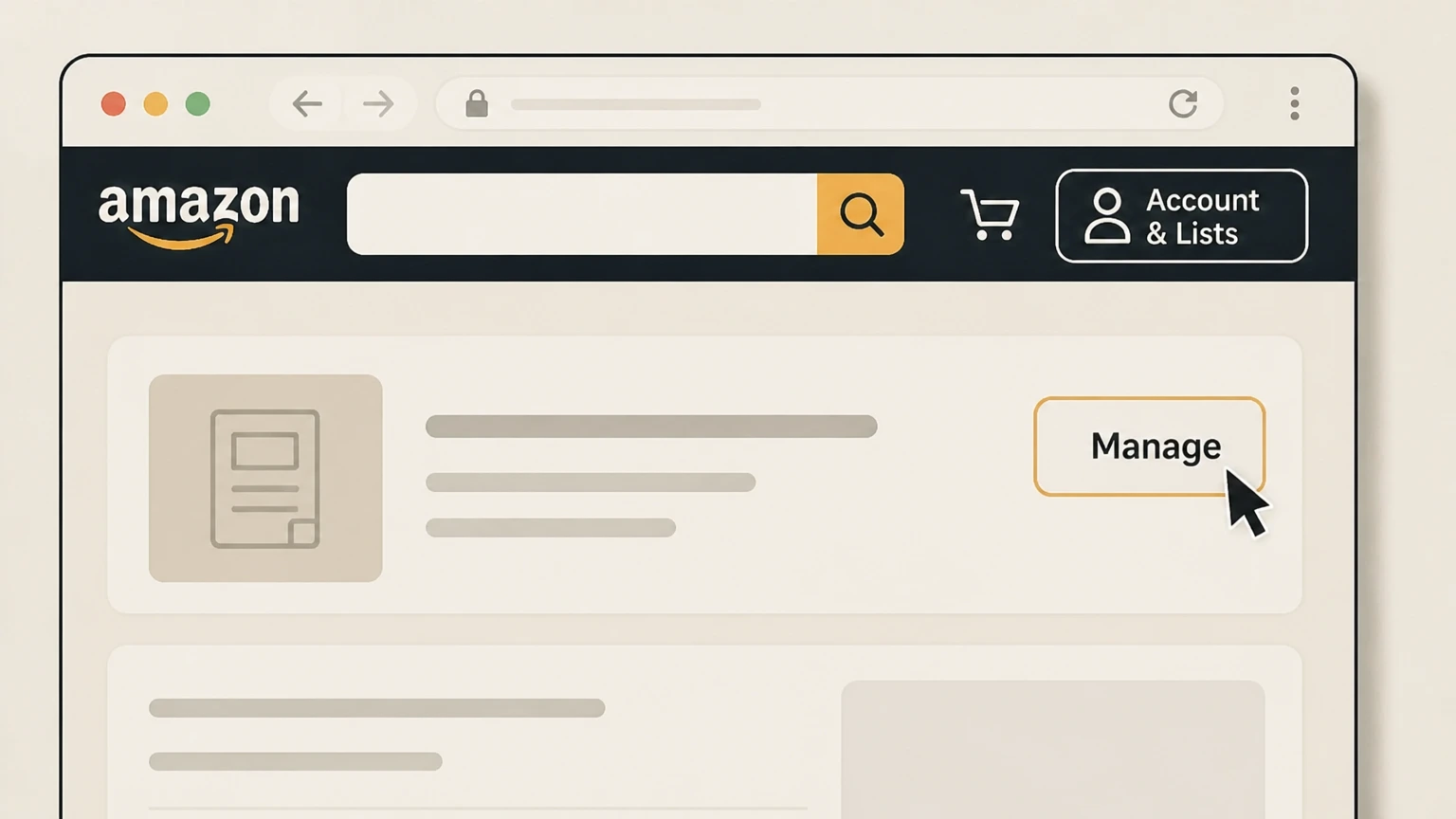
4Open the Condé Nast Traveler subscription settings
Select the Condé Nast Traveler subscription to open its management or details screen. Use the Condé Nast Traveler account named on your receipt, and continue only after the next status in this cancellation path is visible.
 5
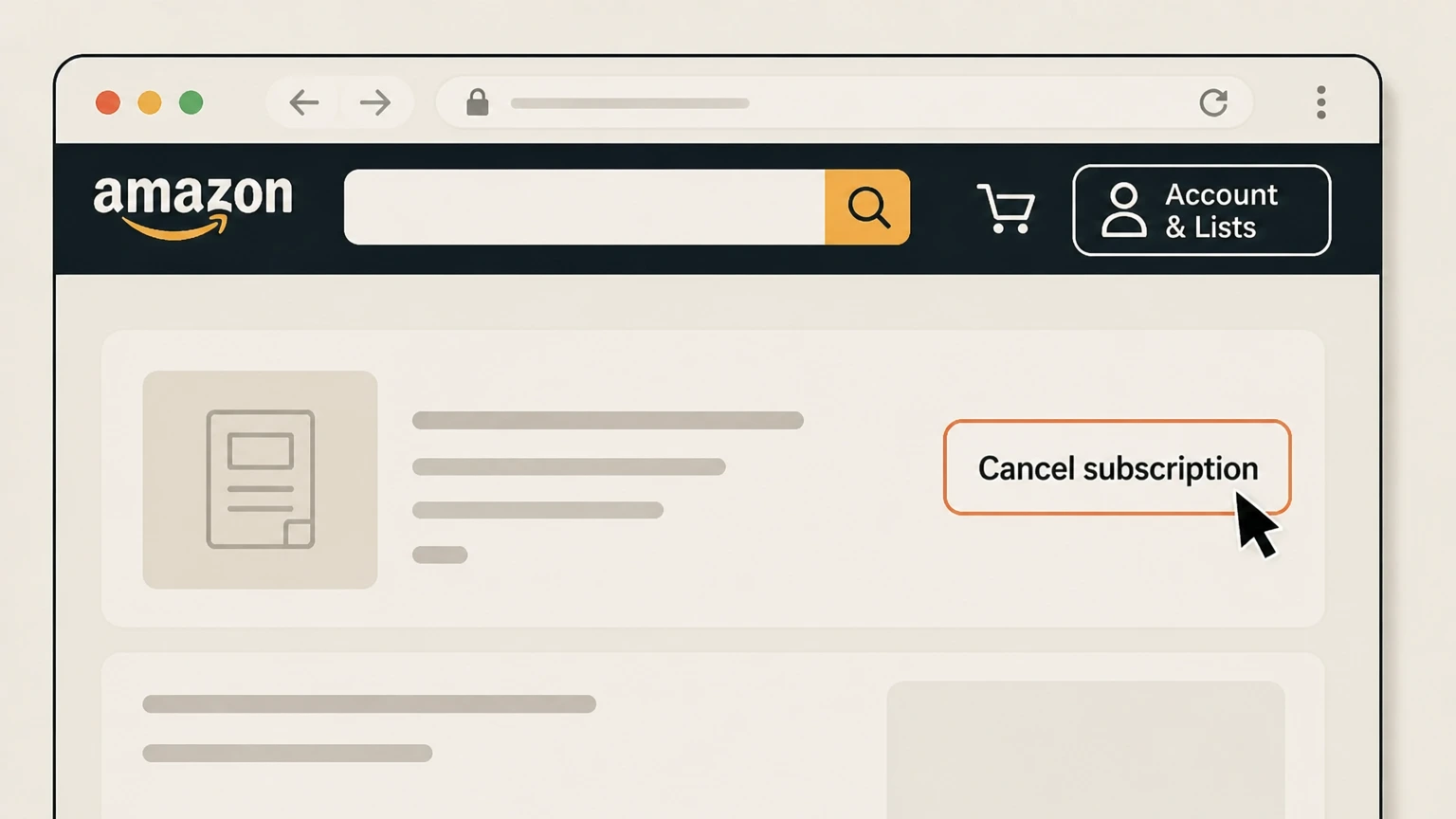
5Turn off auto‑renew or cancel subscription
On the subscription details screen, choose the option to cancel or turn off auto‑renew for Condé Nast Traveler and confirm; Amazon will show when your access ends.
Refund policy
Refunds and billing after canceling Condé Nast Traveler
Condé Nast Traveler’s current FAQ presents subscriptions as non‑refundable, but there are nuances depending on where and how you subscribed.
Check my refund options- General non‑refund policy
- The Billing & cancellations FAQ states that Condé Nast Traveler subscriptions—whether print+digital or digital‑only—are non‑refundable. When you cancel, your subscription stays active until the end of the current billing term and you are not charged again.cntraveler.com
- End‑of‑term access after cancellation
- Condé Nast Traveler clarifies that although you can cancel at any time, your access continues until your current subscription period ends, after which the cancellation takes effect and future renewals stop.cntraveler.com
- Print mail‑offer language about unmailed issues
- Some subscription order pages for print offers state that you may cancel by contacting Customer Service and receive a refund for any unmailed issues. If your original offer or confirmation includes this promise, those specific terms are likely to govern your print refund eligibility.subscriptions.cntraveler.com
- Apple and Amazon refund boundaries
- For purchases billed by Apple or Amazon, Condé Nast Traveler generally cannot issue refunds directly. Apple’s support site provides a refund‑request flow for eligible App Store purchases, and Amazon Pay documentation explains that you can review or cancel payment authorizations on Amazon.support.apple.com
- EU and UK digital orders
- For UK and EU customers, Condé Nast Traveler explains that by ordering a subscription including digital access you agree that it starts immediately and you lose the normal 14‑day statutory cancellation right for that digital component; later cancellation is still non‑refundable and takes effect at the end of the term.cntraveler.com
If you believe you were charged incorrectly or had a different refund promise on your specific offer, contact Condé Nast Traveler Customer Care or, for Apple‑ or Amazon‑billed plans, use those platforms’ support and refund tools. Condé Nast Traveler billing & cancellations FAQ
Who bills you
Identify who is billing your Condé Nast Traveler subscription
Cancellation must be done with the company that processes your recurring payment.
Condé Nast direct billing
If you subscribed on cntraveler.com or via a Condé Nast mail offer, your renewal notice and bank statement generally show Condé Nast or Condé Nast Traveler. These subscriptions are managed through the Condé Nast Traveler Customer Service portal and profile page.cntraveler.com
Apple App Store billing
Condé Nast Traveler’s FAQ explains that subscriptions purchased through the App Store or iTunes are billed by Apple and automatically renew until canceled in your Apple account, not on cntraveler.com.cntraveler.com
Amazon billing
The My Account page tells subscribers who signed up through Amazon to manage their subscription in Amazon’s Digital Subscriptions Manager, confirming that Amazon controls those renewals.cntraveler.com
Wallets like PayPal or Apple Pay
Condé Nast accepts PayPal, Apple Pay, and Google Pay on its own offers but notes these providers mainly share limited information to process the order; ongoing subscription control still sits with Condé Nast for those purchases.cntraveler.com
What you’re subscribed to
Condé Nast Traveler subscription formats and included access
Knowing what your plan includes helps you predict what will change after cancellation.
Digital access for all subscribers
Condé Nast Traveler states that all subscriptions include unlimited digital access to cntraveler.com, the online archive, and newsletters, with print subscribers also receiving the print edition.cntraveler.com
Print plus digital packages
Many offers bundle print with full digital access; cancellation typically ends future renewals for both components together at the end of the term, rather than cancelling them separately.cntraveler.com
Digital‑only website subscriptions
Website‑only subscriptions begin immediately and follow the same basic cancellation rules as print+digital; they are non‑refundable and stay active until the current billing period ends.cntraveler.com
iPad replica edition
The FAQ describes a separate iPad replica edition sold through the App Store, with its own monthly or annual pricing and automatic renewal handled by Apple.cntraveler.com
Accounts and Customer Care
How your cntraveler.com account interacts with your subscription
Your website login, Customer Care profile, and subscription status are related but not identical.
Profile page access
The FAQ directs subscribers to the profile page in the top‑right corner of the site to view subscription details and manage certain billing and address information.cntraveler.com
My Account messaging
The My Account page currently instructs users that to manage their subscription they should contact Customer Care, or use Amazon’s tools if they subscribed through Amazon, showing that direct cancellation links may be limited there.cntraveler.com
Separate Customer Service portal
Condé Nast Traveler also maintains a dedicated Customer Service site with sign‑in and registration links, plus FAQ entries and a specific online cancellation link.subscriptions.cntraveler.com For your Condé Nast Traveler account, compare this point with the billing owner and effective date shown in the signed-in account or latest receipt.
Linking print and digital
For print subscribers, the FAQ outlines how to link a print subscription to a digital account using an account number or mailing label details so that digital access matches your paid status.cntraveler.com
Account without subscription
Condé Nast Traveler notes that it is possible to create an online account without being a subscriber and vice versa; canceling a subscription does not necessarily close the underlying website account.cntraveler.com
When cancellation takes effect
What happens to billing and access when you cancel
Condé Nast Traveler distinguishes between when you can cancel and how long access lasts.
Cancelable at any time
The billing FAQ states you are in full control of your subscription and can cancel at any time during the term, whether the subscription includes print, digital, or both.cntraveler.com
Non‑refundable general policy
The same FAQ emphasizes that subscriptions are non‑refundable; when you cancel, your subscription remains active until the end of your current billing term and you are not charged again.cntraveler.com
Effective date of cancellation
Condé Nast Traveler clarifies that cancellation takes effect at the end of the current subscription period, not on the day you submit the request, so you may continue to receive issues or digital access until then.cntraveler.com
EU and UK digital access
For UK and EU customers buying subscriptions that include digital access, Condé Nast Traveler explains that the subscription starts immediately and that you lose the usual 14‑day statutory cancellation right once access begins.cntraveler.com
Apple and Amazon routes
Special considerations for Apple and Amazon subscribers
Subscriptions bought through platforms have to be canceled with those platforms.
Apple handles App Store renewals
The FAQ states that iPad/App Store subscriptions “will automatically renew until you cancel it through your iTunes account,” meaning Condé Nast Traveler cannot turn off auto‑renew on your behalf.cntraveler.com
Use Apple’s subscription settings
Apple’s support pages direct customers to manage subscriptions through device settings or the View Your Subscriptions page, where you can cancel or modify any subscription in your list.support.apple.com
Amazon Digital Subscriptions Manager
Condé Nast Traveler’s My Account page explicitly tells subscribers who signed up through Amazon to visit Amazon’s Digital Subscriptions Manager, confirming that plan changes must be made on Amazon’s site.cntraveler.com
Platform‑specific refund rules
Apple and Amazon publish their own refund processes and eligibility criteria; Condé Nast Traveler generally cannot override those rules for purchases billed by those platforms.support.apple.com
Proof and help
Getting confirmation and extra help with cancellation
Condé Nast Traveler and its platforms provide ways to confirm your cancellation or get assistance.
Email confirmations on request
The billing FAQ notes that staff can send you a receipt or confirmation of your subscription details or cancellation; you are encouraged to contact Customer Care or use the Contact Us page for such requests.cntraveler.com
Live chat with Customer Care
The About Us page explains that the fastest way to reach Customer Care is via the live chat widget on cntraveler.com, which can help with subscription questions including cancellation.cntraveler.com
Checking expiration dates
Customer Service documentation explains that you can check your expiration date via your magazine label or by viewing your account details online or through Customer Service tools.subscriptions.cntraveler.com
Platform confirmation screens
Apple and Amazon both show confirmation and updated renewal dates once you cancel a subscription in their interfaces, and Apple’s support site links to tools for viewing active subscriptions.support.apple.com
What official sources do not confirm
Limits of the public Condé Nast Traveler cancellation guidance
These points are intentionally qualified because the official sources reviewed on August 16, 2026 do not publish a complete answer.
Documented limitation 1
The exact layout and button text on the cancellation form linked from the Condé Nast Traveler Customer Service FAQ (“clicking here”) could not be inspected directly, so final confirmation steps are described generically based on the surrounding FAQ language.
Documented limitation 2
An Amazon Digital Subscriptions Manager help page returned an error during testing; Amazon‑specific steps rely on Amazon’s documented Memberships & Subscriptions and Manage Subscriptions flows rather than a Condé Nast–branded help article.([]())
Documented limitation 3
Condé Nast Traveler’s main FAQ describes subscriptions as non‑refundable, while at least one print offer page promises refunds for unmailed issues; this guide notes both positions, but individual outcomes may depend on the specific offer terms shown at purchase time.cntraveler.com
Condé Nast Traveler cancellation FAQ
Questions people search about canceling Condé Nast Traveler, answered with official provider or billing-platform sources checked on August 16, 2026.
How can I cancel my Condé Nast Traveler subscription?
How do I cancel my subscription online?
How do I manage my Condé Nast subscriptions?
Does Condé Nast Traveler give refunds when I cancel?
What happens to my digital access and archive after I cancel Condé Nast Traveler?
Will my print Condé Nast Traveler issues stop immediately after I cancel?
How do I cancel a Condé Nast Traveler subscription purchased in the Apple App Store?
How do I cancel Condé Nast Traveler if I subscribed through Amazon?
Do I need a paid subscription to have a Condé Nast Traveler login?
How do I contact Condé Nast Traveler Customer Care about my subscription?
Untangle this Condé Nast Traveler issue.
Let Pine handle the provider follow-up and keep the confirmation in one place.
