

Authorize.net
Cancel subscription
How to Cancel an Authorize.net Gateway Account
Learn how to cancel an Authorize.net gateway account and stop ARB recurring billing, with Support Center and phone steps, confirmation tips, and refund basics.
- Official Authorize.net and billing-owner sources
- 3 provider-specific cancellation paths
- Refund and post-cancellation effects separated from renewal
- Verified August 17, 2026
Choose the Authorize.net cancellation path that matches who bills you
Merchant Interface Support Center (gateway account closure) · verify the billing owner
 1
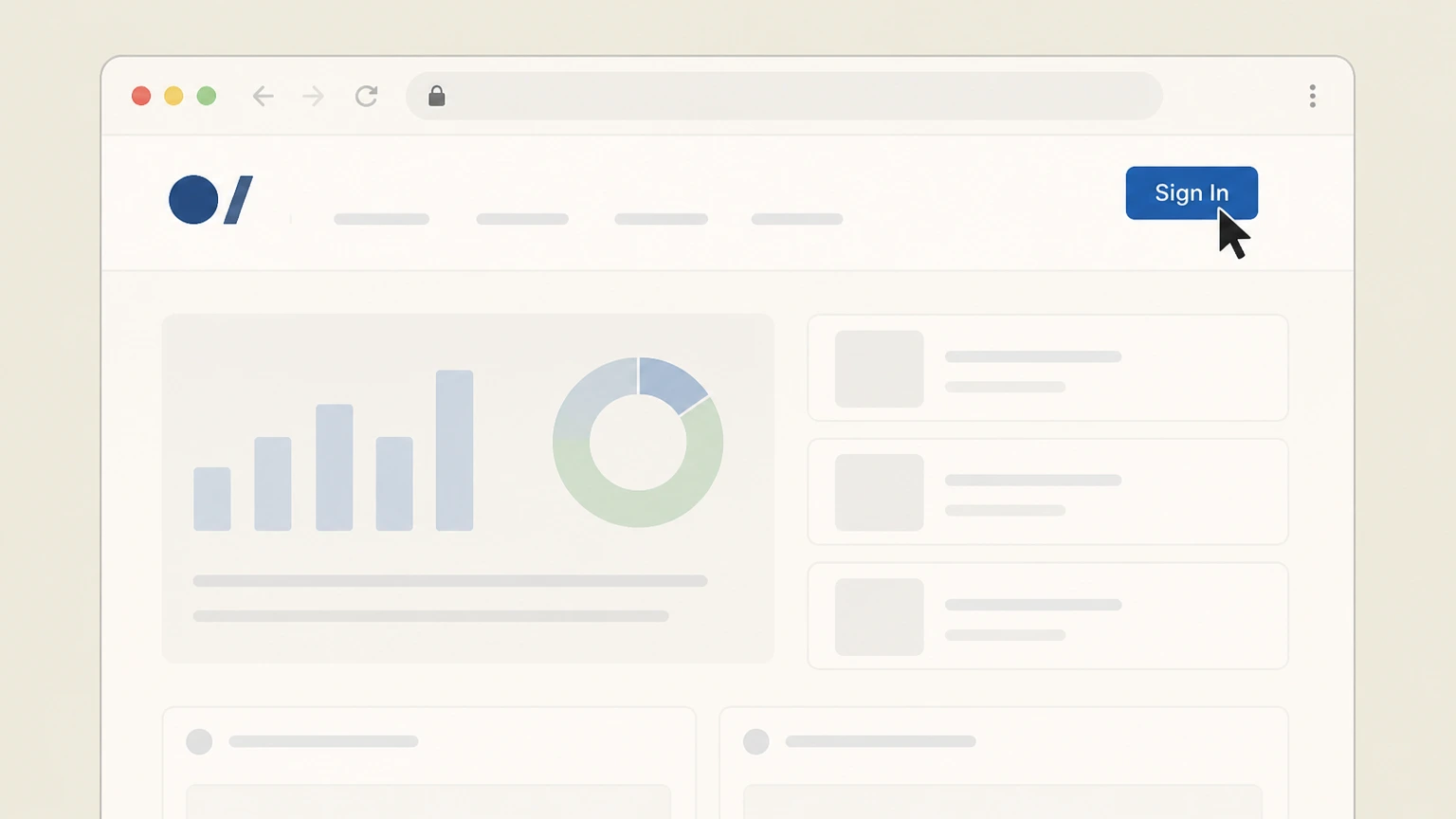
1Sign in to the Merchant Interface
Go to https://login.authorize.net and sign in with an account that has permission to close the payment gateway account. Use the Authorize.net account named on your receipt, and continue only after the next status in this cancellation path is visible.
 2
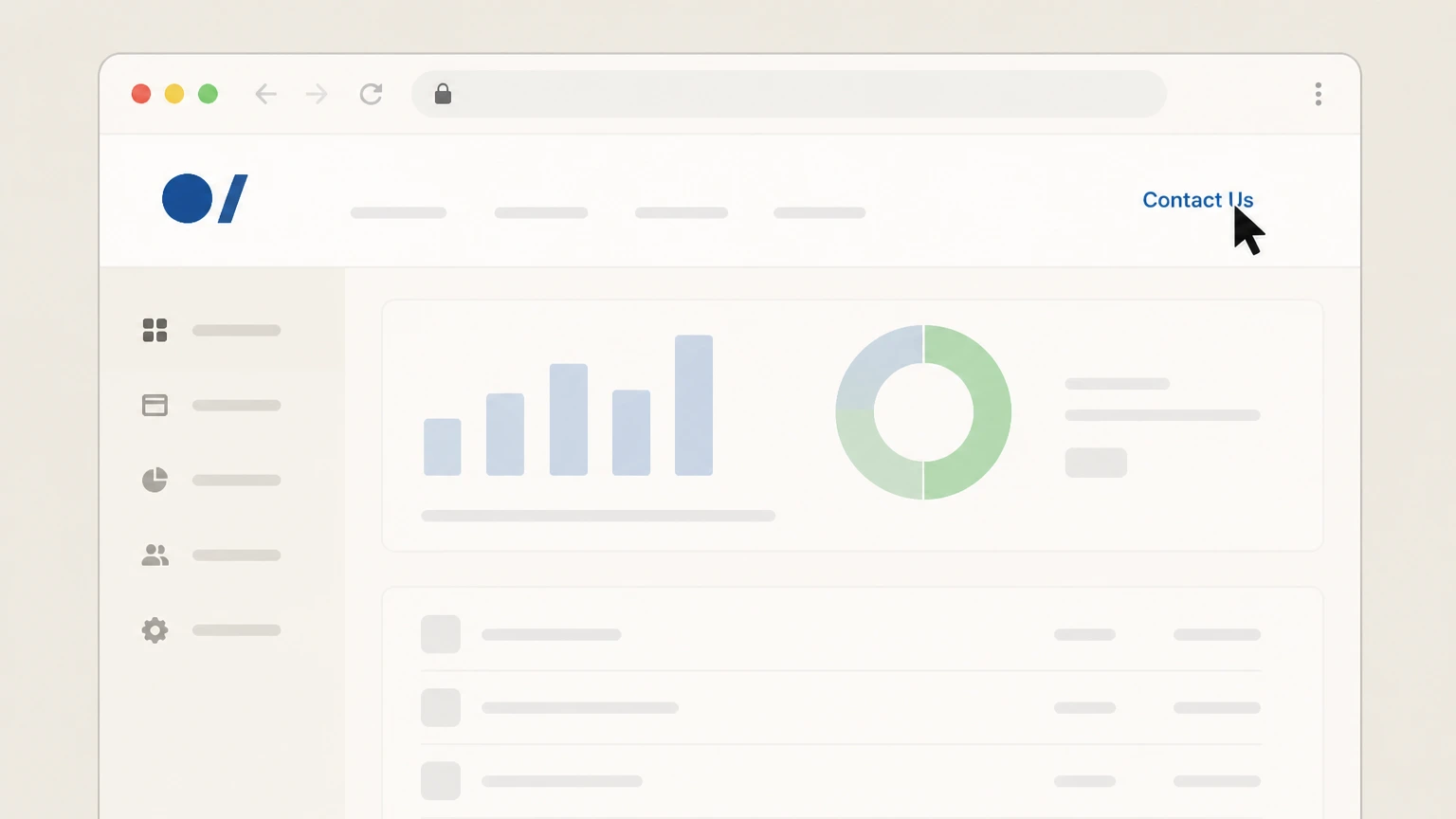
2Open the Contact Us menu
In the top navigation of the Merchant Interface, click the Contact Us link. Use the Authorize.net account named on your receipt, and continue only after the next status in this cancellation path is visible.
- Let Pine handle it
Pine can help
Too many steps?
Pine can find the right Merchant Interface Support Center (gateway account closure) path and handle the cancellation for you.
 3
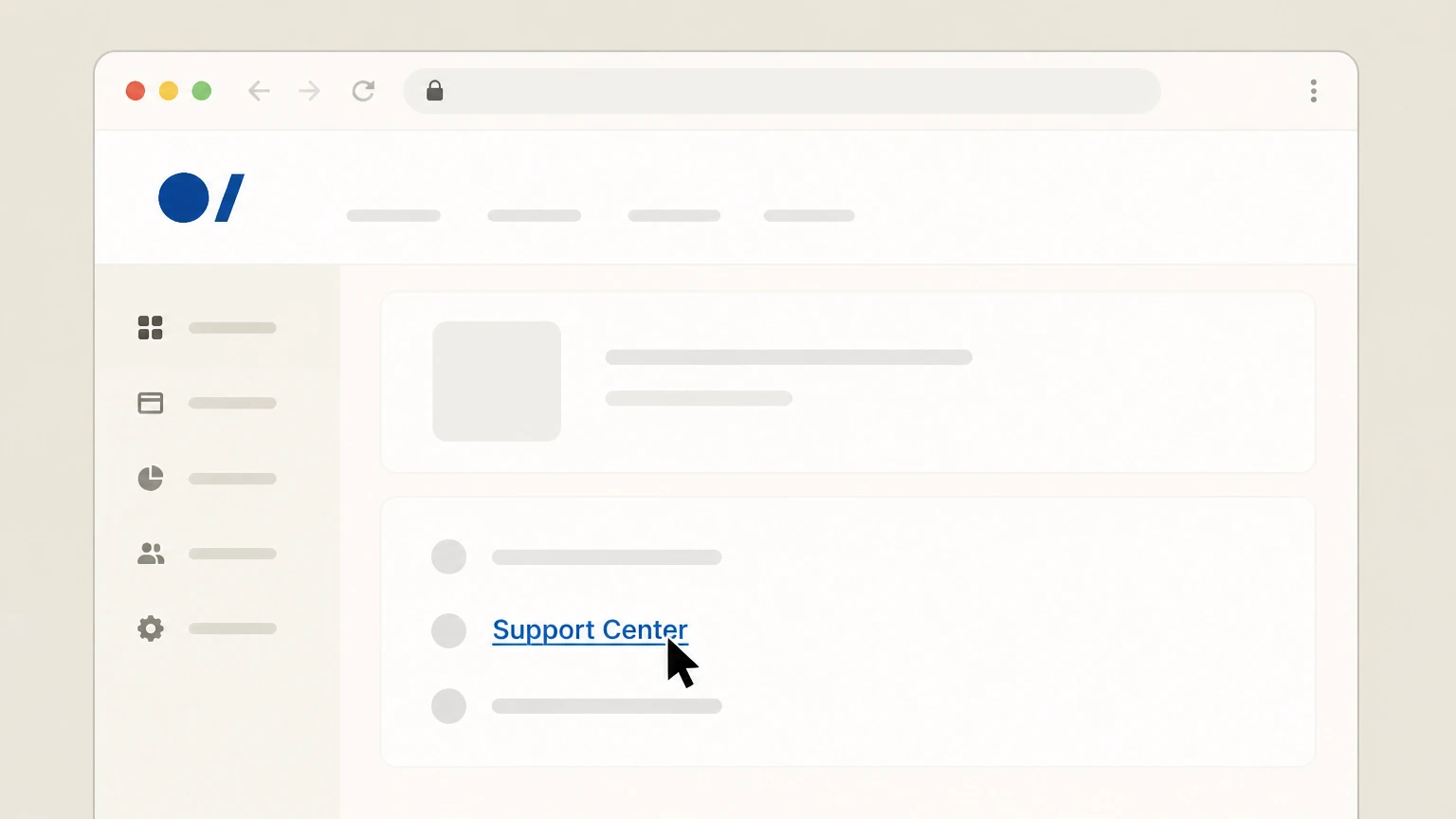
3Enter the Support Center
On the Contact Us page, click the Support Center link to access the Support Center for your account. Use the Authorize.net account named on your receipt, and continue only after the next status in this cancellation path is visible.
 4
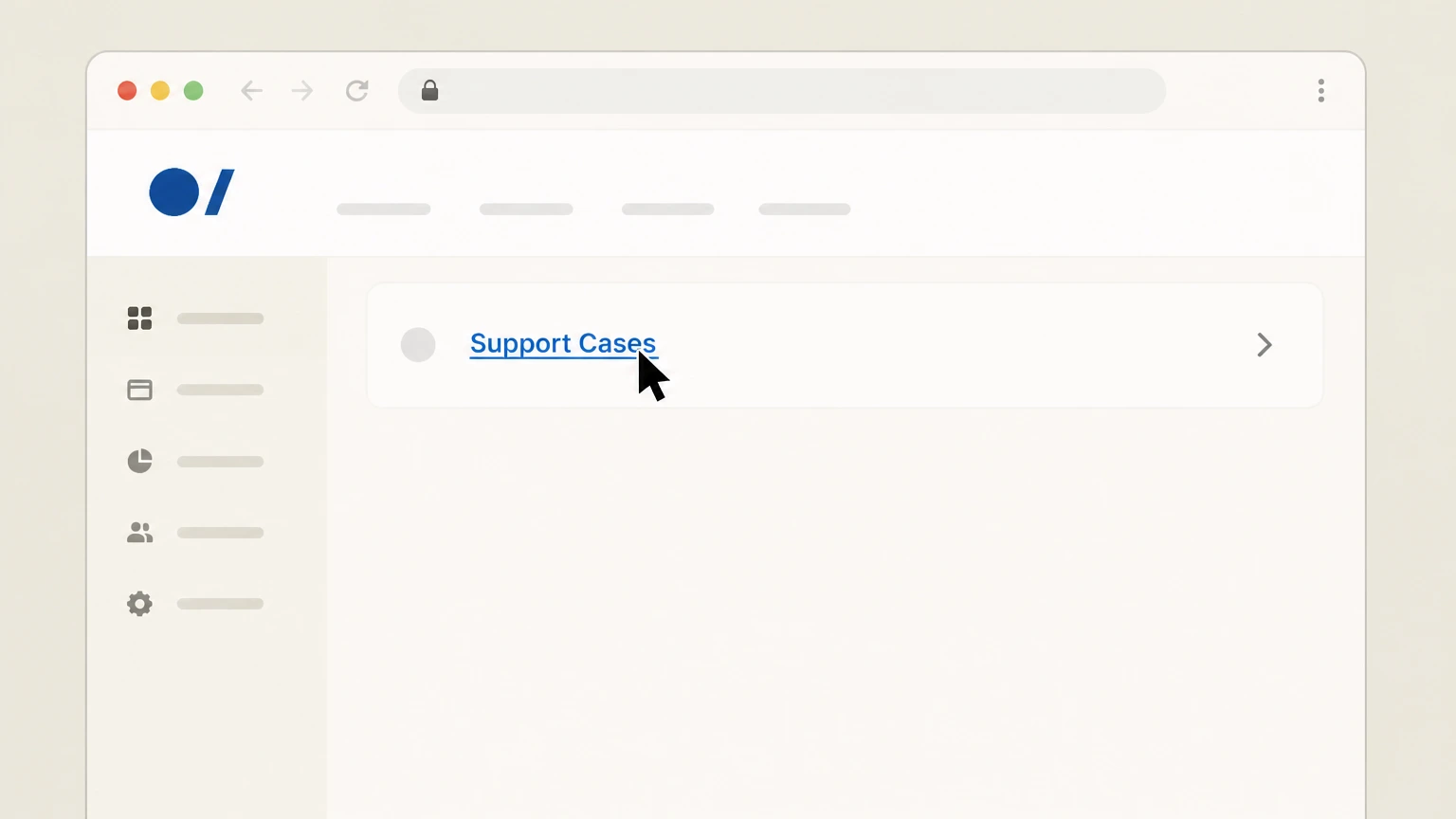
4Open Support Cases
In the Support Center, select Support Cases to view and manage your support cases. Use the Authorize.net account named on your receipt, and continue only after the next status in this cancellation path is visible.
 5
5Submit a closure request case
Create and submit a support case requesting that Client Services close your Authorize.net payment gateway account and confirm the closure by email.

Client Services phone (gateway account closure) · verify the billing owner
 1
1Open the official Client Services contact article
In a browser, open the Authorize.net support article that lists Client Services phone numbers for your region. Use the Authorize.net account named on your receipt, and continue only after the next status in this cancellation path is visible.
 2
2Locate your regional Client Services number
On that article, find the Client Services phone number that matches your region (such as US/North America). Use the Authorize.net account named on your receipt, and continue only after the next status in this cancellation path is visible.
- Let Pine handle it
Pine can help
Too many steps?
Pine can find the right Client Services phone (gateway account closure) path and handle the cancellation for you.
 3
3Call Client Services
Call the appropriate Client Services phone number and state that you want to close your Authorize.net payment gateway account. Use the Authorize.net account named on your receipt, and continue only after the next status in this cancellation path is visible.
 4
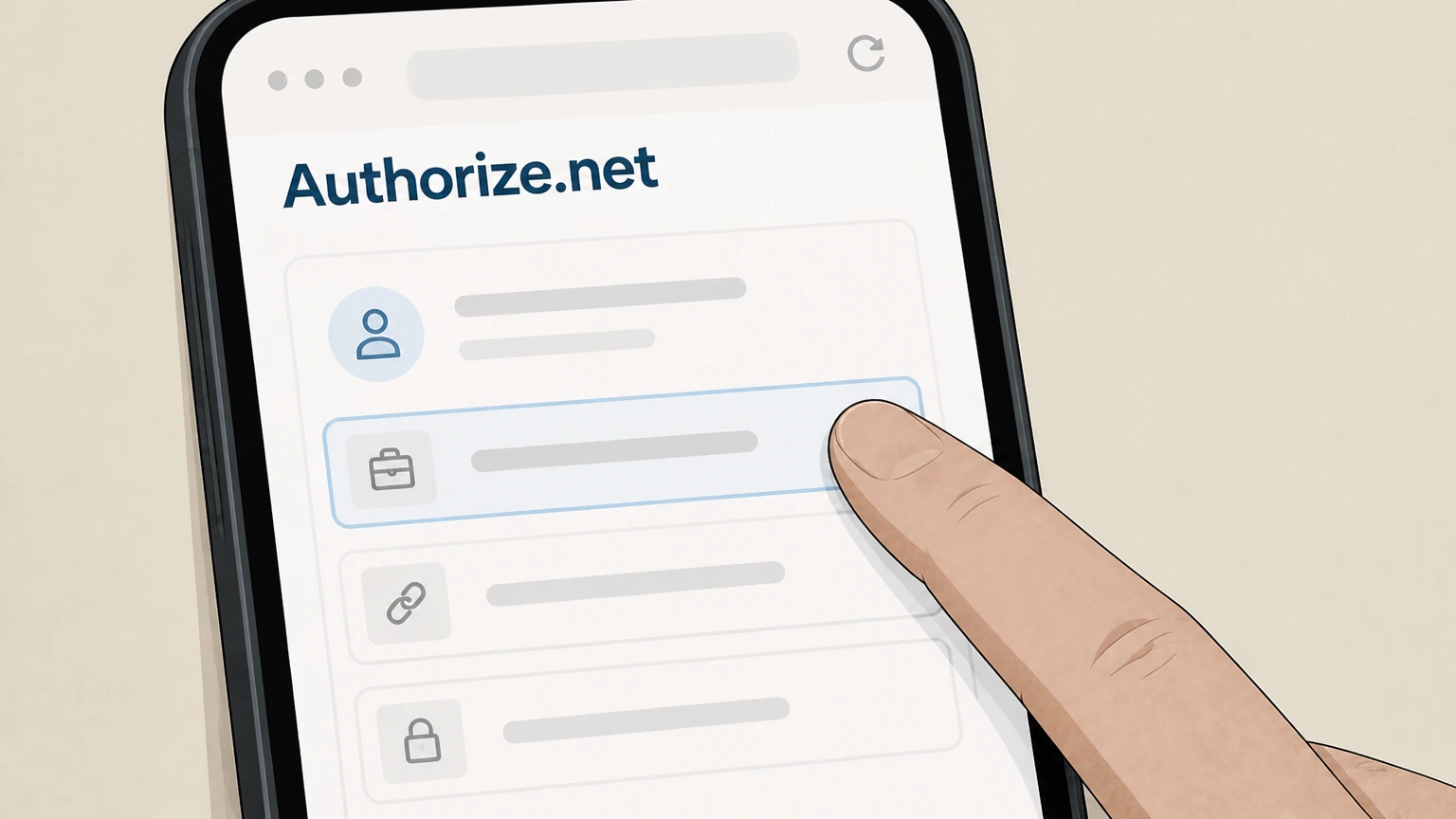
4Verify account information
Provide the requested account details (such as business and gateway information) so Client Services can verify your authority to close the account.
 5
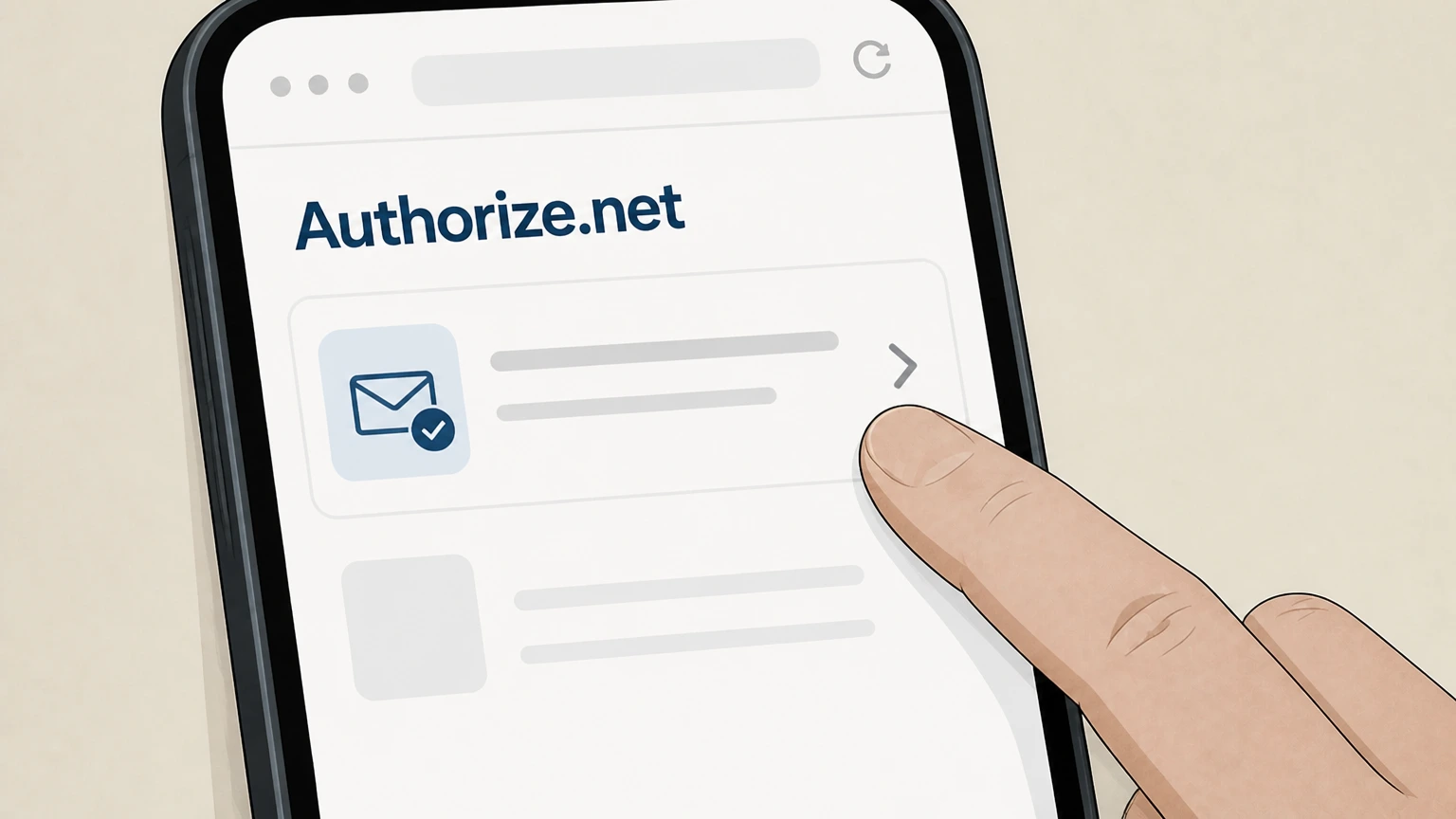
5Request closure confirmation by email
Ask the representative to complete the closure and send an email confirming the Authorize.net account has been closed. Use the Authorize.net account named on your receipt, and continue only after the next status in this cancellation path is visible.
Merchant Interface (cancel an ARB recurring subscription) · verify the billing owner
 1
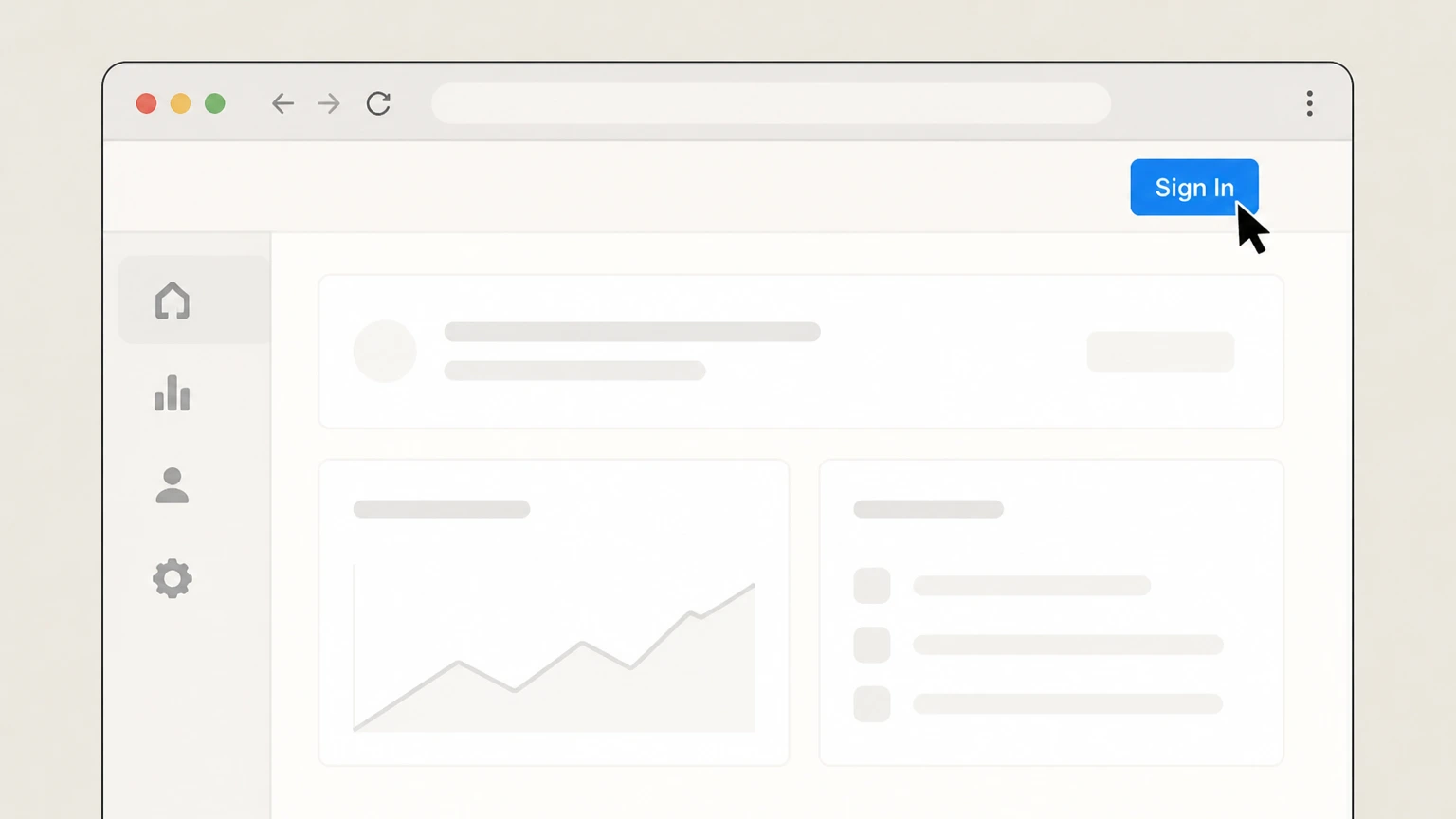
1Sign in to the Merchant Interface
Sign in to your Authorize.net Merchant Interface with a user who can manage Automated Recurring Billing subscriptions. Use the Authorize.net account named on your receipt, and continue only after the next status in this cancellation path is visible.
 2
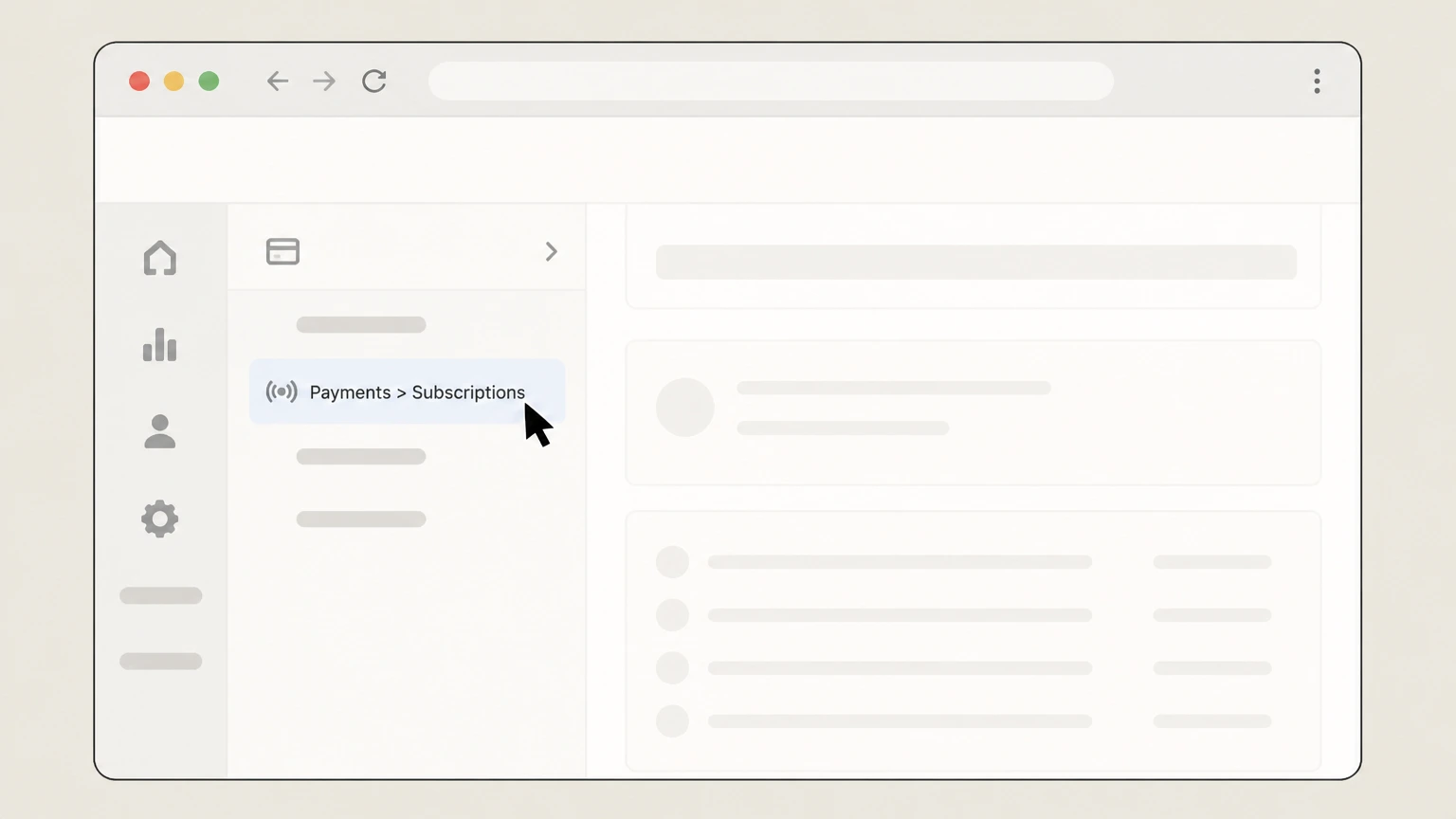
2Open the Subscriptions page
In the left navigation, click Payments and then select Subscriptions to open the customer subscriptions list. Use the Authorize.net account named on your receipt, and continue only after the next status in this cancellation path is visible.
- Let Pine handle it
Pine can help
Too many steps?
Pine can find the right Merchant Interface (cancel an ARB recurring subscription) path and handle the cancellation for you.
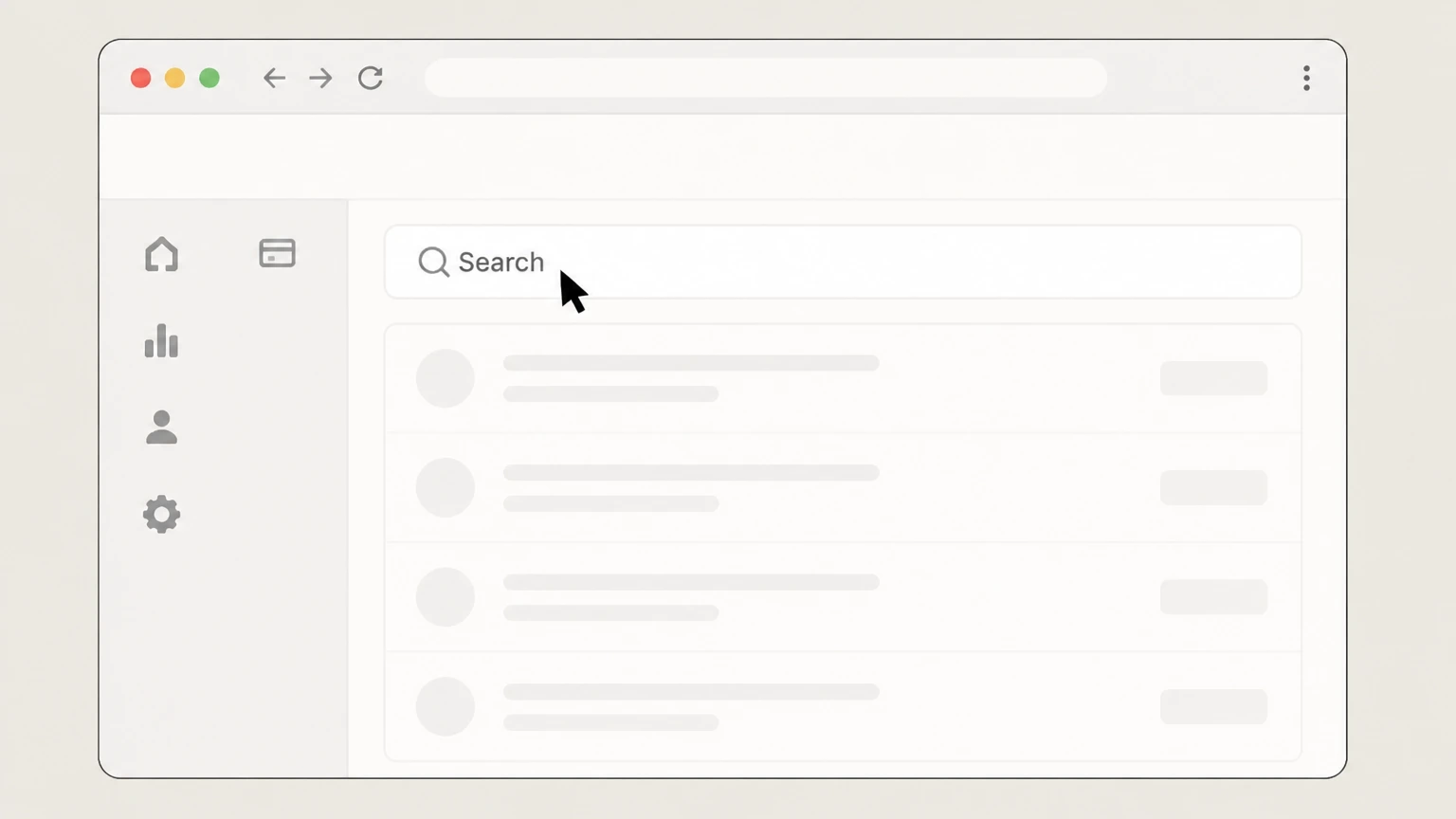 3
3Search for the subscription
Use the search fields on the Subscriptions page to find the specific customer subscription you want to cancel and run the search.
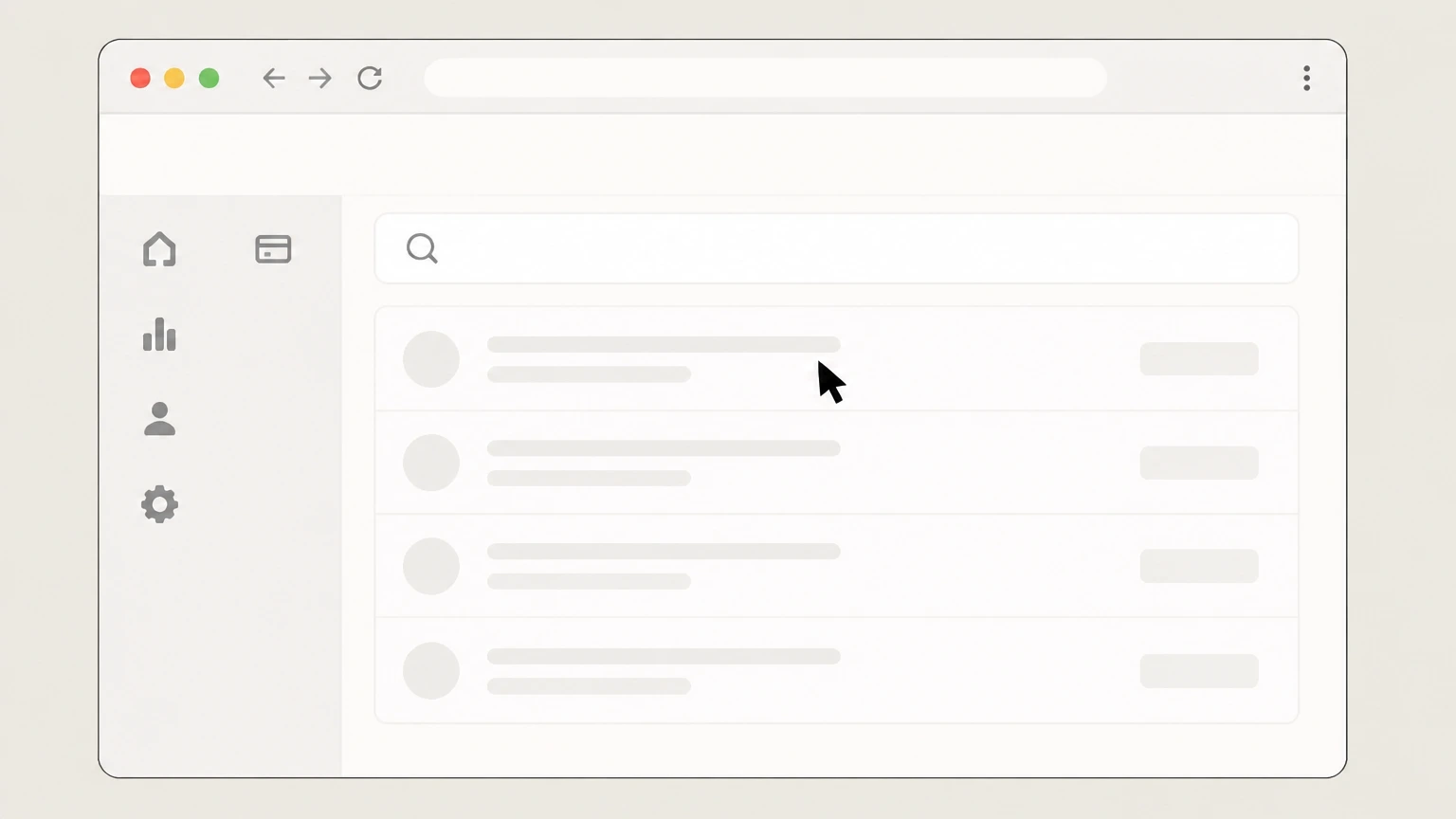 4
4Open the subscription details
In the search results, click the Subscription ID of the subscription you want to cancel. Use the Authorize.net account named on your receipt, and continue only after the next status in this cancellation path is visible.
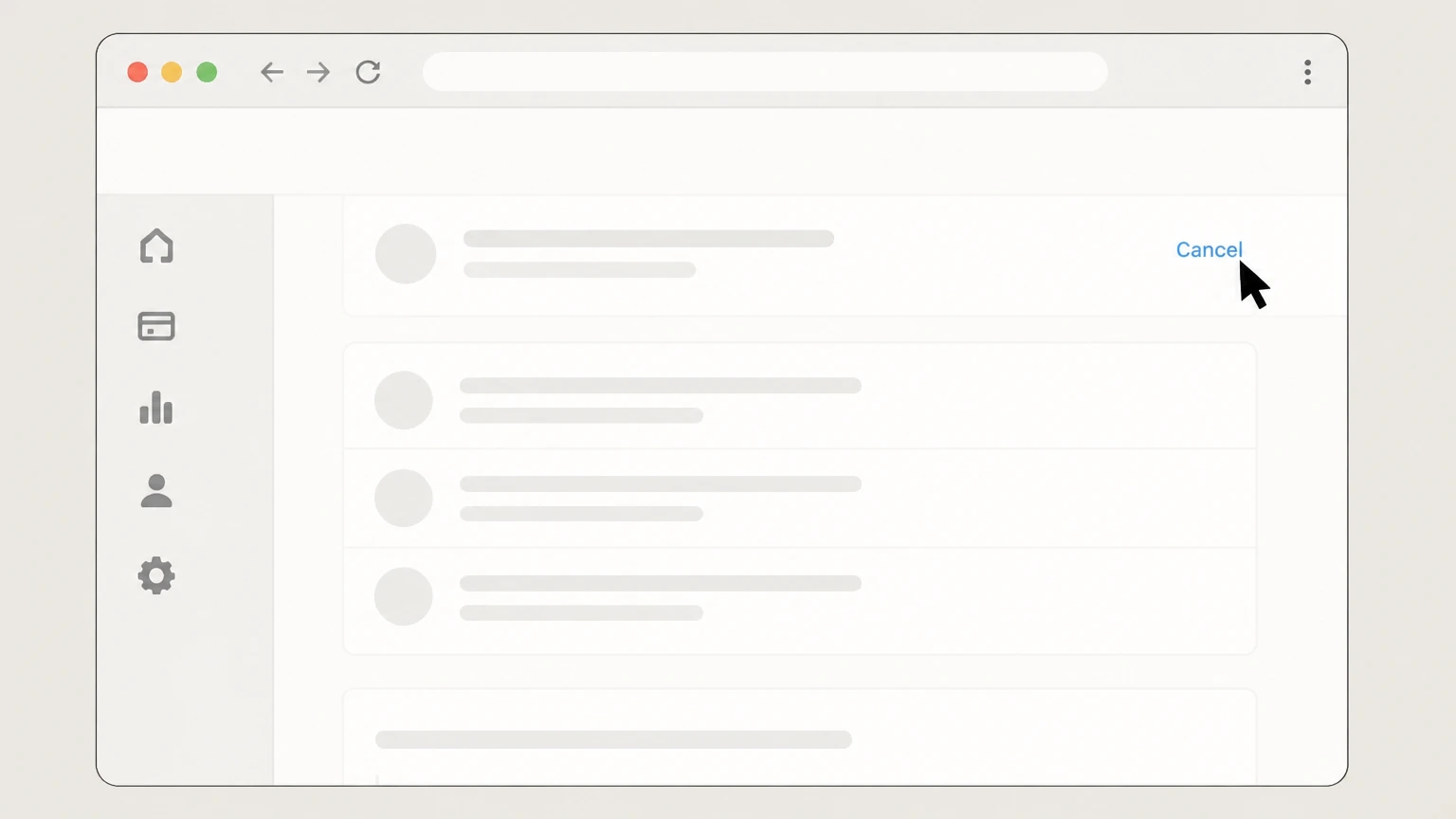 5
5Click the Cancel link
On the subscription detail page, click the Cancel link near the top of the page to start canceling the subscription.
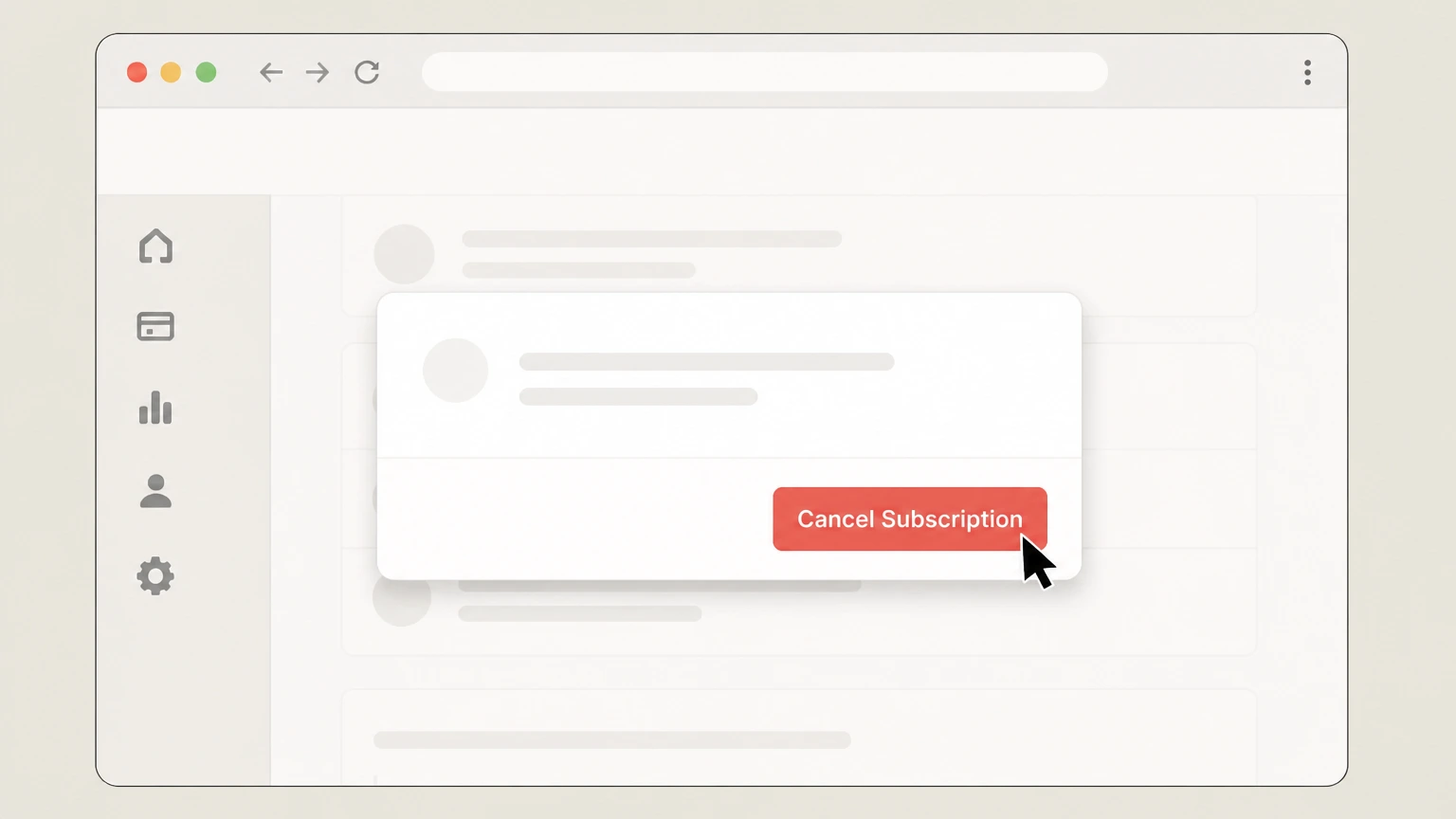 6
6Confirm Cancel Subscription
In the confirmation dialog, click Cancel Subscription to finalize canceling the ARB subscription. Use the Authorize.net account named on your receipt, and continue only after the next status in this cancellation path is visible.
Refund policy
Refunds, chargebacks, and what cancellation does not do
Closing an Authorize.net account or canceling ARB subscriptions does not automatically refund gateway fees or customer payments. Refunds must be processed as separate transactions within the Authorize.net refund rules or directly through your processor or bank.
Check my refund options- Gateway closure is not a refund
- Submitting a closure request stops future gateway services but does not by itself refund prior Authorize.net fees or customer transactions; financial adjustments require separate refund transactions or negotiations under your agreements.support.authorize.net
- Refunds must meet eligibility criteria
- Authorize.net refund articles explain that only settled transactions within a defined age window (commonly 180 days) can be refunded directly through the gateway, and that the cumulative refund amount cannot exceed the original transaction.support.authorize.net
- Refunds are different from voids or cancellations
- Unsettled transactions are typically voided or canceled rather than refunded; refunds apply to settled payments and are processed as linked credits or, when enabled, through Expanded Credit Capabilities.support.authorize.net
- Handle open refunds before closing the account
- Because a closed account loses Merchant Interface access, you should resolve open customer refunds and disputes before closure or plan to use your processor or bank for any remaining obligations.support.authorize.net
- Chargebacks and disputes follow card‑network rules
- Chargebacks and consumer disputes on card or eCheck transactions continue to follow card‑network and banking rules regardless of gateway closure; they are handled through your acquirer or bank even if your Authorize.net account is no longer active.account.authorize.net
If you believe gateway fees or customer transactions should be adjusted beyond normal refunds, contact Authorize.net Client Services and your merchant service provider to ask what dispute, goodwill, or exception processes may apply under your agreements. Visit Authorize.net Support Center
Service status
How Authorize.net operates today
Key facts about the current Authorize.net payment gateway service relevant to cancellation decisions.
Active Visa-backed gateway
Authorize.net is actively marketed as a Visa-backed payment gateway that lets merchants accept cards, digital wallets, eChecks, and recurring payments online, in person, and by phone.authorize.net
Merchant-focused (not consumer billing)
Authorize.net provides transaction processing and tools to merchants; it is not the seller of goods to your customers and does not bill consumers directly for purchases routed through the gateway.support.authorize.net
Requires a separate merchant account
To use Authorize.net, you must maintain a merchant account or merchant bank account with a merchant service provider (MSP) in the U.S. or Canada; that account is separate from the Authorize.net gateway and has its own terms.support.authorize.net
Direct and partner sign-up options
Merchants can sign up directly with Authorize.net or through a partner such as an ISO, MSP, or other reseller, which may handle merchant‑account billing or bundle gateway fees.support.authorize.net
No early termination fee for gateway
Authorize.net’s own documentation states that the payment gateway does not charge a contract fee for early termination, though partners or processors may impose their own separate fees.support.authorize.net
Access & roles
Who can request closure or cancel services
Cancellation options depend on your user role and which Authorize.net service or program you are using.
Close account permission
User role definitions show that users with the Close account permission may close the payment gateway account by contacting Customer Support, provided they can verify specific account information.account.authorize.net
Account Owner and Administrators manage users
Account Owners and Account Administrators can add and manage users, assign roles, and adjust permissions, including granting or revoking the ability to close the account.account.authorize.net
Default Account Owner role
The person who activates the gateway is the initial Account Owner and has irrevocable access to all Merchant Interface features, including account closure and service management.authorize.net
Multiple user accounts and delegation
Businesses can create multiple user accounts so that operations, finance, and IT staff can access the Merchant Interface, but only roles with the right permission can initiate gateway closure.account.authorize.net
Partner accounts have separate closure flow
If you have an Authorize.net partner account (for resellers or solution partners), its closure is requested from the Partner Interface via Help > Contact Us or by phone to Client Services, separate from closing a merchant gateway account.support.authorize.net
Gateway account
Gateway account closure routes and requirements
How to stop Authorize.net gateway services and gateway billing through official support channels.
No suspend or hold option
Authorize.net explicitly states it cannot suspend or place payment gateway accounts on hold; the supported path is to close the account by contacting Client Services.support.authorize.net
Support Center workflow
The standard workflow is to sign in to the Merchant Interface, click Contact Us, enter the Support Center, and use chat or Support Cases to request account closure.support.authorize.net
Phone closure option
Merchants can also contact Client Services by phone, where a representative will verify account details and submit the closure request for processing.support.authorize.net For your Authorize.net account, compare this point with the billing owner and effective date shown in the signed-in account or latest receipt.
Verification required before closure
Client Services will ask you to verify specific account information (such as gateway ID and business details) before closing the account, consistent with the Close account permission description.support.authorize.net
Written confirmation of closure
After termination of an Authorize.net payment gateway account, the company discontinues its services and sends an account closure confirmation email, which you should keep with your records.support.authorize.net
Recurring billing
Canceling Automated Recurring Billing (ARB)
How ARB subscriptions and the ARB service interact with gateway cancellation.
ARB subscriptions are separate from account closure
Individual ARB customer subscriptions can be canceled in the Merchant Interface without closing the Authorize.net account, using the Payments > Subscriptions workflow.support.authorize.net For your Authorize.net account, compare this point with the billing owner and effective date shown in the signed-in account or latest receipt.
Steps to cancel an ARB subscription
In the new 2.0 interface, you sign in, open Payments > Subscriptions, search for the subscription, open its details, click Cancel, and then confirm Cancel Subscription.support.authorize.net
Canceled ARB subscriptions cannot be reactivated
Authorize.net repeatedly warns that once an ARB subscription is canceled it cannot be reactivated; a new subscription must be created if billing should resume later.support.authorize.net
Discontinuing the ARB service
Account Owners can discontinue the ARB service entirely from Marketplace > My Products by choosing Discontinue under Automated Recurring Billing, which cancels all active and suspended subscriptions and stops ARB billing.support.authorize.net
ARB cancellation email and reporting
ARB tools include emails and reports for subscription events; after discontinuing ARB or canceling subscriptions, merchants can still use these records for reconciliation while the gateway account remains active.account.authorize.net
Records
What to download before closing Authorize.net
Recommended record‑keeping steps before losing Merchant Interface access after closure.
Transaction history and statements
The closure article recommends downloading your transaction history and statements before requesting closure, because merchants with inactive accounts cannot access transaction history in the Merchant Interface.support.authorize.net
eCheck Returns and Notices of Change
If you process eCheck transactions, Authorize.net suggests downloading eCheck Returns and Notices of Change prior to closure so you can resolve later ACH issues without needing gateway access.support.authorize.net
ARB subscription lists
Before disabling ARB or closing the account, export subscription lists or reports so you can verify which customer subscriptions were active and which were canceled.support.authorize.net
User and integration information
Documentation such as API Login ID, keys, and authorized applications should be noted so you can disable or update external systems that were submitting transactions through Authorize.net.support.authorize.net
Alternative access via merchant service provider
After closure, if you need historical payment information, Authorize.net says you may either reactivate the account (if eligible) or contact your merchant service provider for transaction records.support.authorize.net
After closure
Effects of closing your Authorize.net gateway
What changes, what remains, and how reactivation works once your account is closed.
End of processing and interface access
Upon termination of a payment gateway account, Authorize.net discontinues transaction processing and payment gateway account management via the Merchant Interface, and inactive accounts cannot access transaction history.support.authorize.net
Impact on refunds and customer service
Refunds and voids must be initiated as transactions while the account is active; after closure, you cannot use the Merchant Interface to issue new refunds, and older refunds follow gateway rules such as the 180‑day linked‑refund window.support.authorize.net
Reactivation may be possible
If your Authorize.net account has been closed, you can contact Client Services to request reactivation; some accounts terminated by Authorize.net may not be eligible and instead require applying for a new account.support.authorize.net
Merchant account or processor stays separate
The Payment Gateway Merchant Services Agreement notes that if an MSP was billing some fees and that relationship ends, you may owe Authorize.net for continued use of services; conversely, closing the gateway does not, by itself, terminate your bank or processor agreements.account.authorize.net
Abandoned or inactive account fees before closure
Service agreements allow Authorize.net to charge fees for accounts left idle but not formally closed; submitting a closure request is the supported way to stop future gateway service fees once processing is complete.authorize.net
Third parties
Resellers, merchant service providers, and partner programs
How third‑party relationships interact with Authorize.net cancellation. This section explains a provider-specific consequence to verify in your Authorize.net account before cancellation.
Separate agreements with MSPs and acquirers
Authorize.net’s gateway requires a merchant account from an MSP or acquirer, and its legal agreements acknowledge that processors and banks can suspend or terminate your ability to send payment data independently of Authorize.net.support.authorize.net
When a reseller bills gateway fees
If a reseller or MSP bundles gateway fees into their own billing, canceling the Authorize.net gateway through Client Services stops service from Authorize.net, but you must separately adjust or cancel your plan with that reseller to stop their charges.support.authorize.net
Closing a partner account (not a gateway)
Partners who refer or board merchants use a Partner Interface and must request closure there via Help > Contact Us or by phone; this does not automatically close any merchant gateway accounts linked to their merchants.support.authorize.net
Cybersource for non‑US or non‑Canada businesses
Authorize.net directs businesses outside the United States and Canada to Cybersource for payment services; such merchants should follow Cybersource’s own cancellation processes, which are separate from Authorize.net gateway closure.authorize.net
Coordination across platforms
Before closing the Authorize.net gateway, merchants should ensure their ecommerce platforms, point‑of‑sale systems, or partner integrations are updated to use a replacement gateway or to stop sending transactions, to avoid failed payments.authorize.net
What official sources do not confirm
Limits of the public Authorize.net cancellation guidance
These points are intentionally qualified because the official sources reviewed on August 17, 2026 do not publish a complete answer.
Documented limitation 1
This guide focuses on Authorize.net merchant gateway and ARB services for businesses located in the United States and Canada; merchants routed to Cybersource outside these regions must follow Cybersource’s own cancellation processes.
Documented limitation 2
It does not interpret contractual rights or liabilities under the Payment Gateway Merchant Services Agreement, eCheck terms, or reseller agreements; merchants should consult their legal counsel for contract‑specific advice.
Documented limitation 3
Specific processor, acquirer, or reseller‑imposed termination fees and notice periods are not covered because they vary by third‑party agreement and are not fully documented on Authorize.net’s public sites.
Documented limitation 4
Operational details of API‑level recurring billing or third‑party platform integrations (shopping carts, POS systems, etc.) are out of scope; merchants should review integration‑specific documentation when decommissioning connections.
Authorize.net cancellation FAQ
Questions people search about canceling Authorize.net, answered with official provider or billing-platform sources checked on August 17, 2026.
How do I cancel an automatic recurring payment?
How do I close my Authorize.net account?
Can I suspend my Authorize.net account instead of closing it?
What happens to my transaction history when I close Authorize.net?
Does closing Authorize.net stop my merchant account or processor fees?
Is Authorize.Net legitimate?
How do I cancel a customer subscription payment in Authorize.net?
Can I reopen a closed Authorize.net account?
Does Authorize.net charge an early termination fee when I cancel?
How do I cancel an automatic payment subscription?
Untangle this Authorize.net issue.
Let Pine handle the provider follow-up and keep the confirmation in one place.
