


The Arizona Republic
Cancel subscription
How to Cancel The Arizona Republic Subscription
Learn how to cancel The Arizona Republic if you're billed by azcentral/Gannett, Apple, or Google Play, with phone, online, and app steps plus refund rules.
- Official The Arizona Republic and billing-owner sources
- 3 provider-specific cancellation paths
- Refund and post-cancellation effects separated from renewal
- Verified August 16, 2026
Choose the The Arizona Republic cancellation path that matches who bills you
Website Account Management (eligible states only) · verify the billing owner
 1
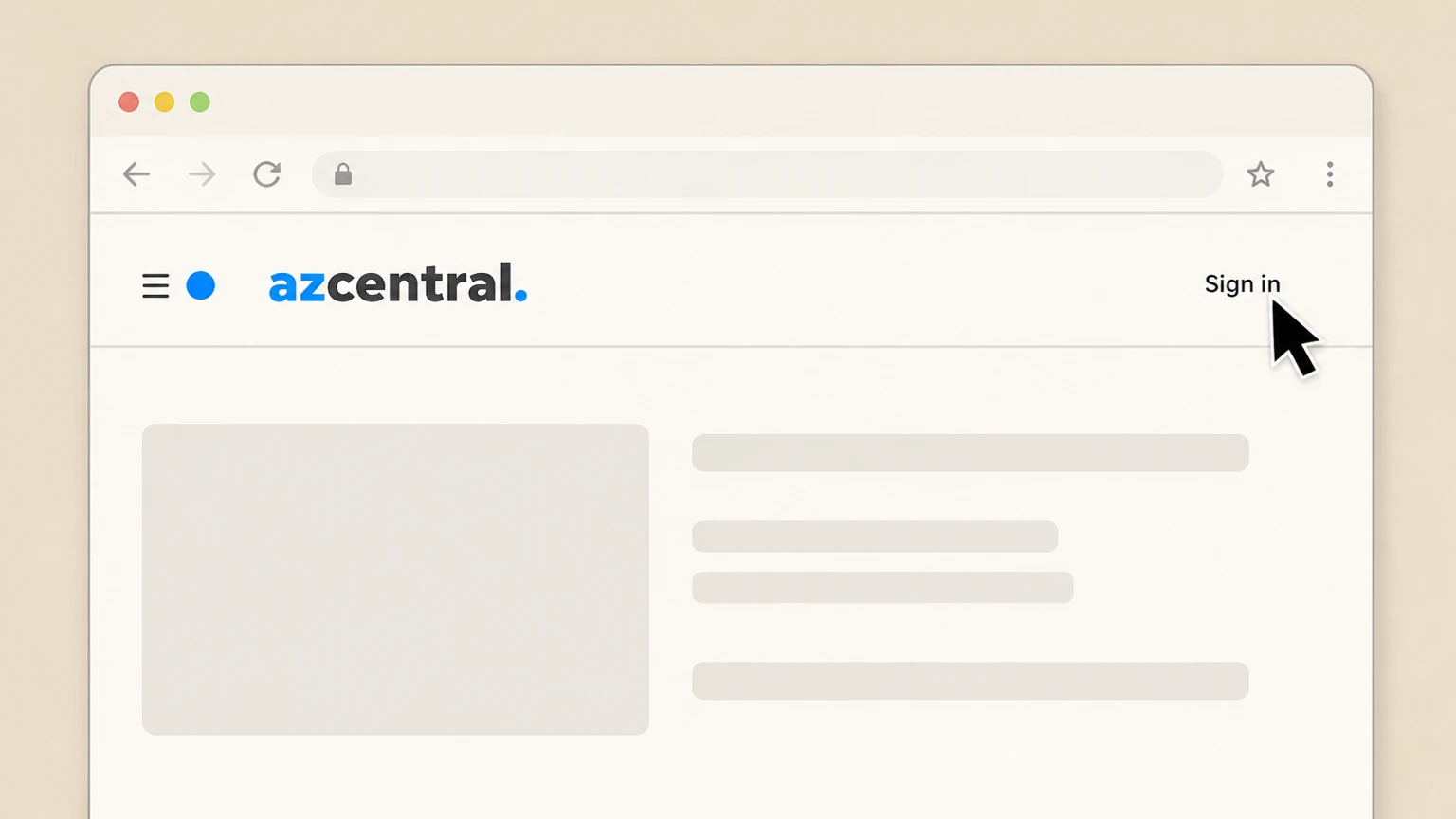
1Sign in to your azcentral.com account
Go to azcentral.com or help.azcentral.com and select the Sign in link, then sign in with the email and password on your subscription.
 2
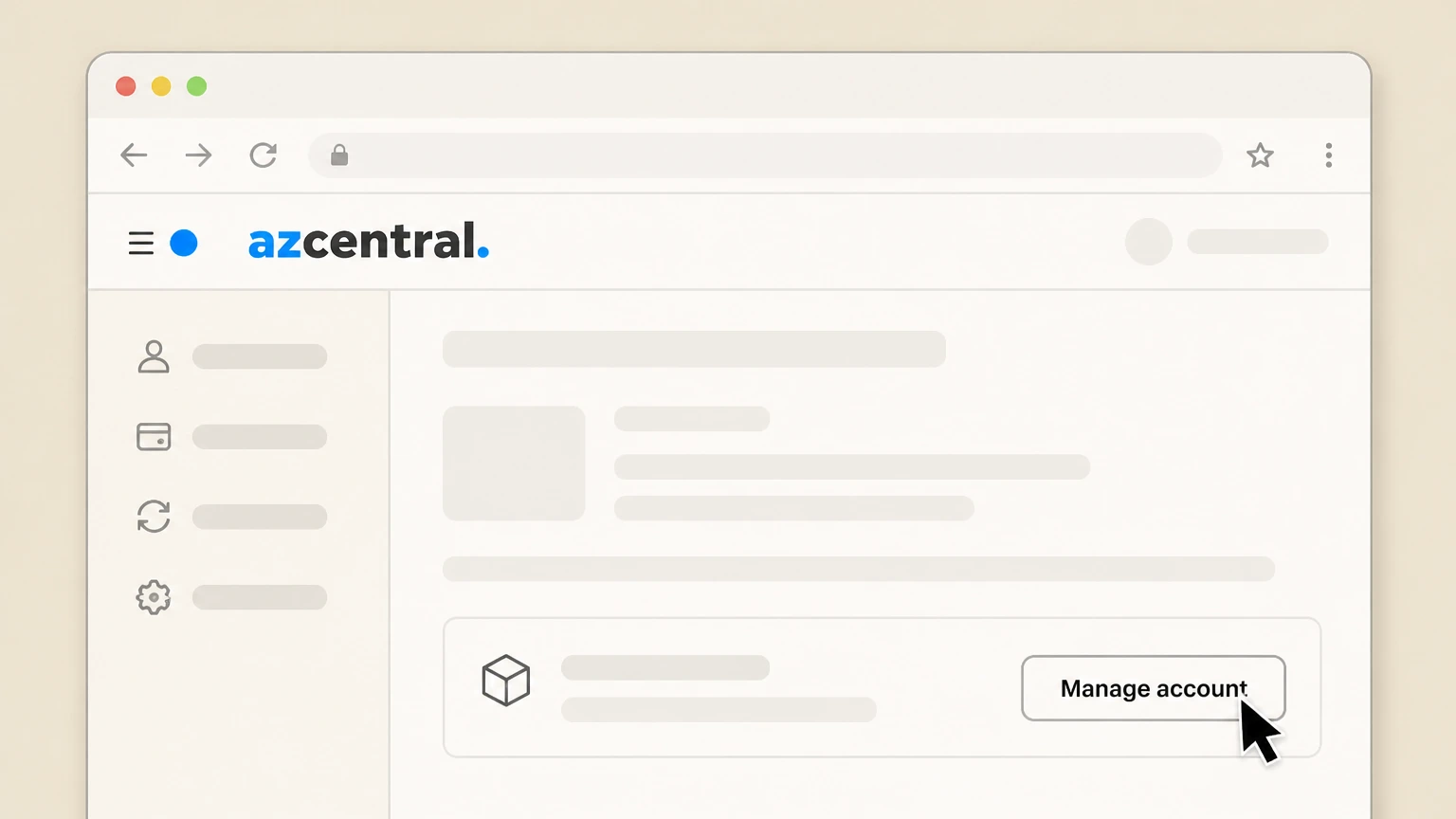
2Open your Account Management page
From the subscription services or account section, choose the Manage account or similar link to open your Account Management page.
- Let Pine handle it
Pine can help
Too many steps?
Pine can find the right Website Account Management (eligible states only) path and handle the cancellation for you.
 3
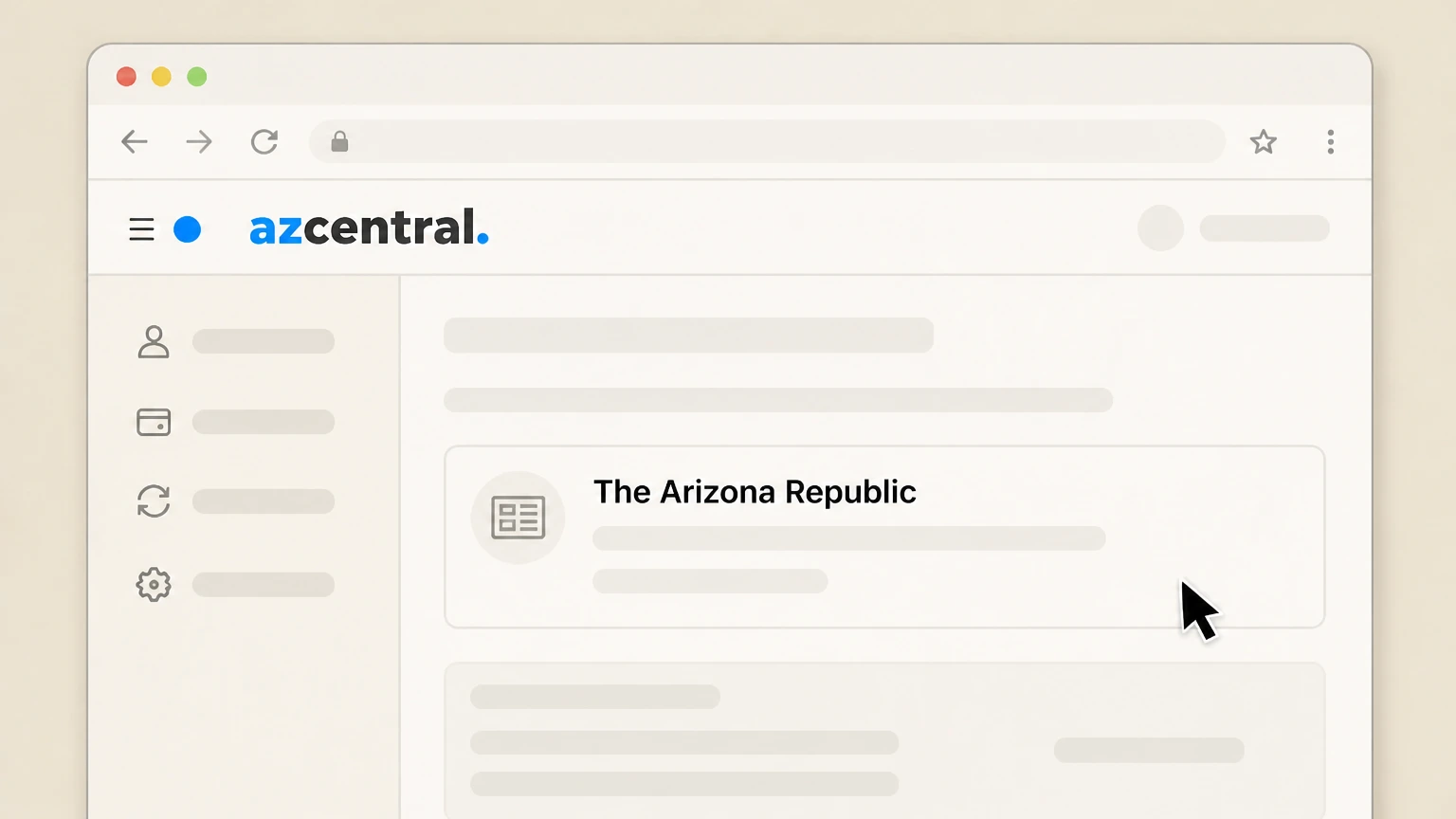
3Locate your active Arizona Republic subscription
On the Account Management page, find the section that lists your current The Arizona Republic or azcentral subscription details. Use the The Arizona Republic account named on your receipt, and continue only after the next status in this cancellation path is visible.
 4
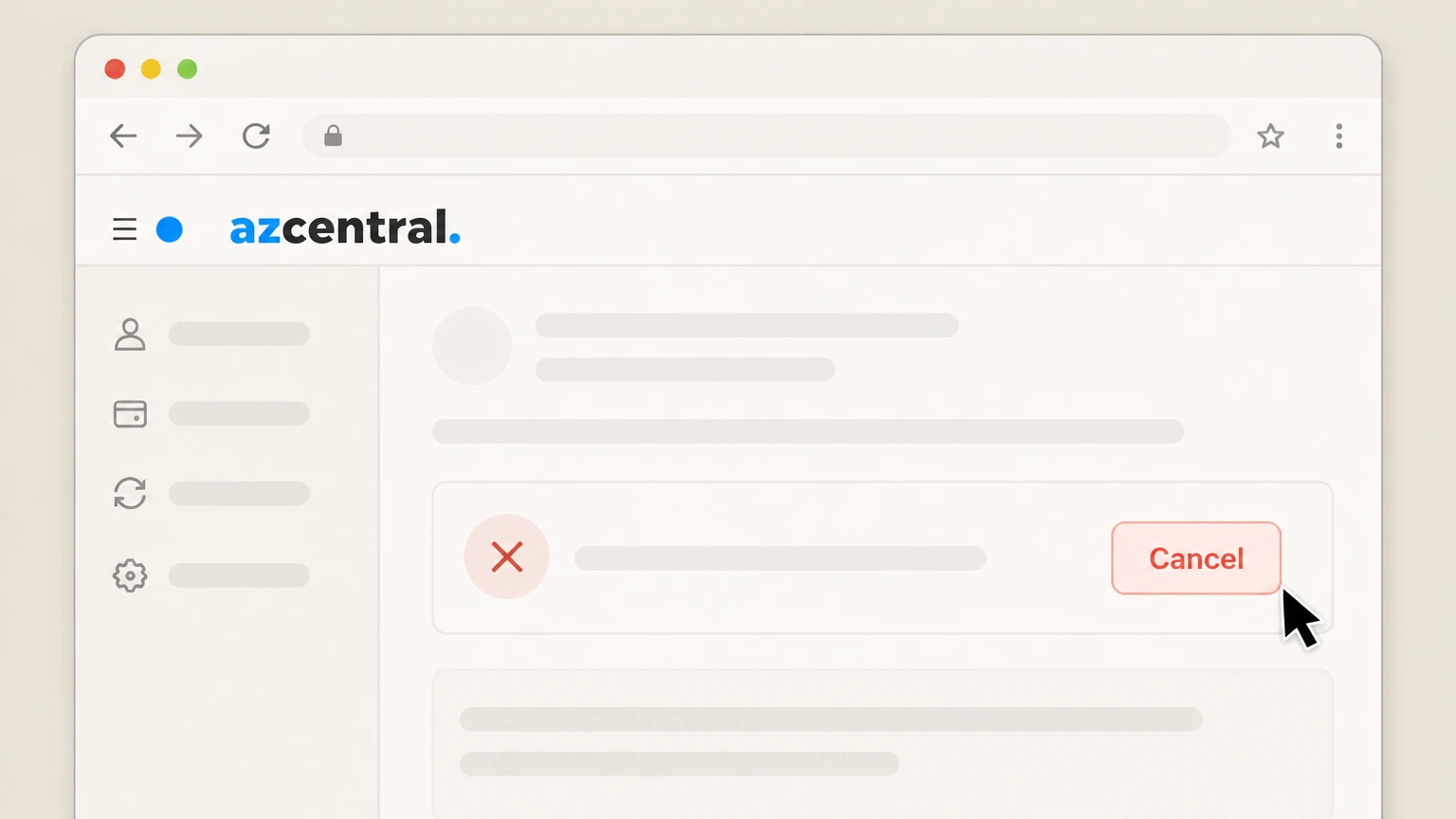
4Select the cancellation option
If a Cancel option is shown for your subscription, select it to begin cancellation. Use the The Arizona Republic account named on your receipt, and continue only after the next status in this cancellation path is visible.
 5
5Confirm cancellation and review end date
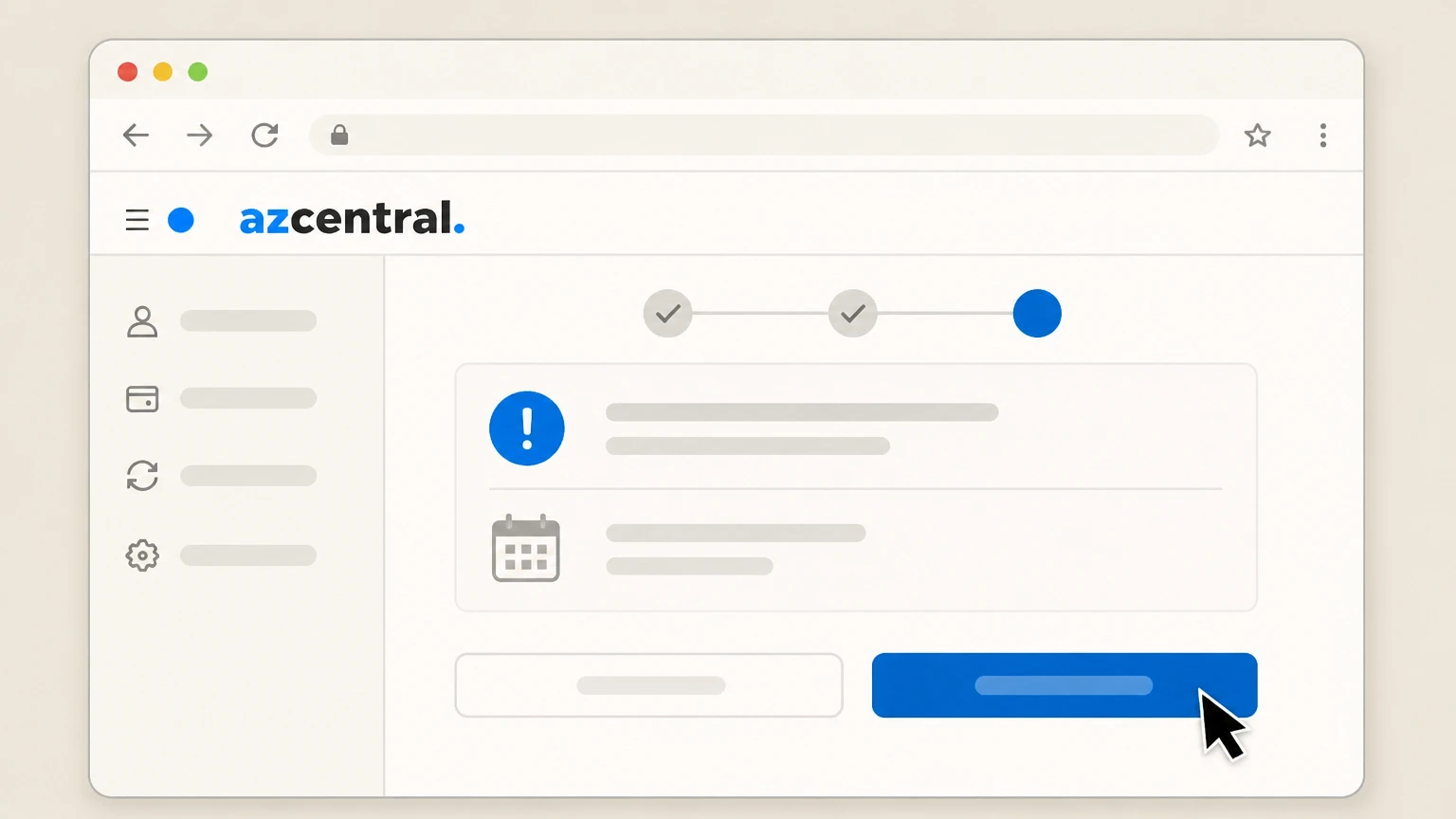
Follow the on‑screen prompts to confirm cancellation and note the effective end date shown for your subscription. Use the The Arizona Republic account named on your receipt, and continue only after the next status in this cancellation path is visible.

Phone cancellation with Customer Service · verify the billing owner
 1
1Call Arizona Republic Customer Service
Call the published Arizona Republic subscription Customer Service phone number listed in the Help Center or Contact Us page. Use the The Arizona Republic account named on your receipt, and continue only after the next status in this cancellation path is visible.
 2
2Confirm your subscriber account details
Provide the agent with your name, delivery address or ZIP code, email, and any other details requested so they can locate your subscription.
- Let Pine handle it
Pine can help
Too many steps?
Pine can find the right Phone cancellation with Customer Service path and handle the cancellation for you.
 3
3Request cancellation of your subscription
Clearly state that you want to cancel your The Arizona Republic subscription and stop future automatic renewals. Use the The Arizona Republic account named on your receipt, and continue only after the next status in this cancellation path is visible.
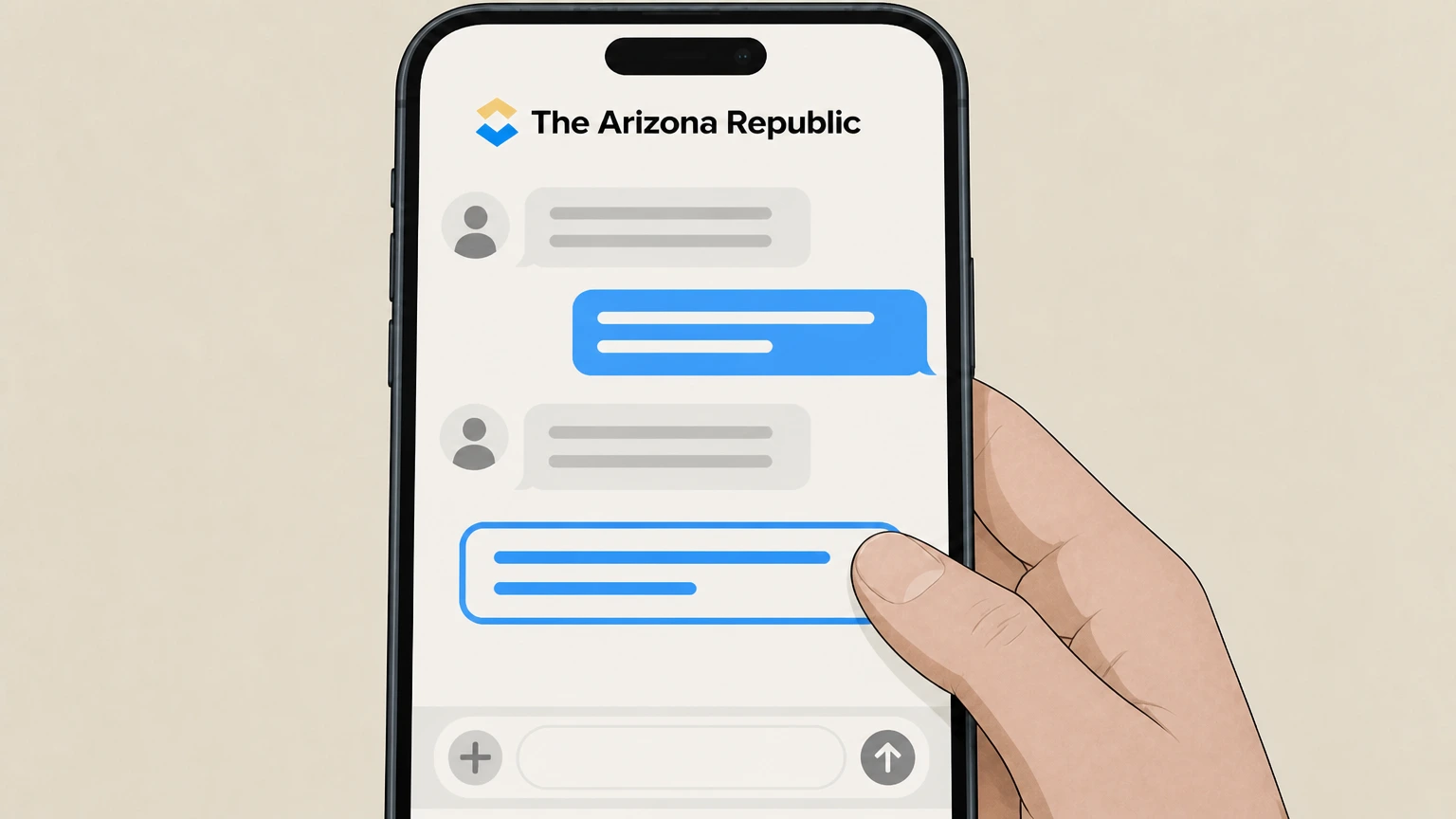 4
4Ask for the effective cancellation date
Ask the agent to confirm when your access and deliveries will end and whether you will continue to have access through the current paid period.
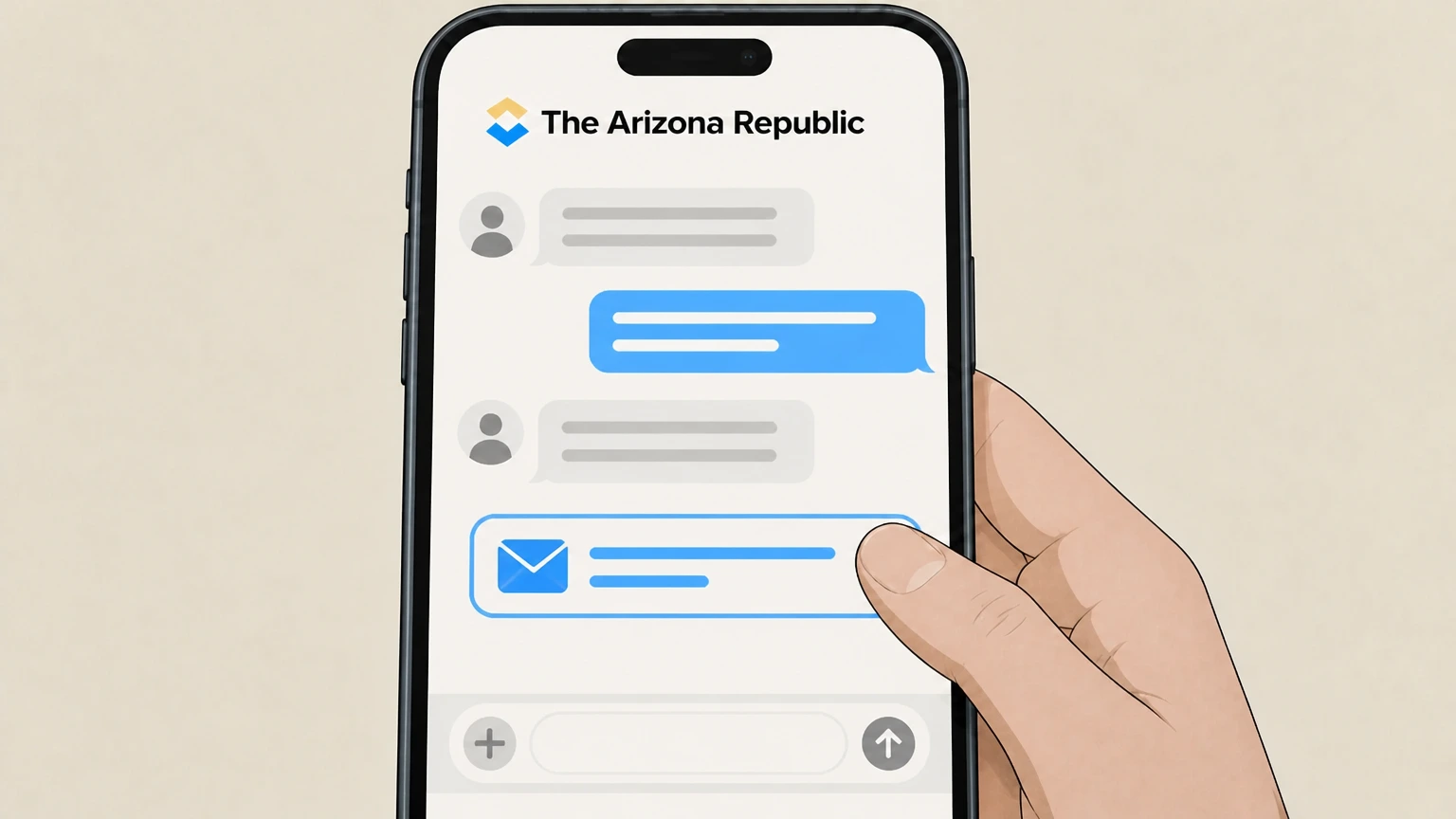 5
5Request written confirmation or a case number
Ask the agent to send a confirmation (for example, by email) and note any confirmation or case number they provide.
Apple App Store (iPhone or iPad) · verify the billing owner
 1
1Open Settings
Open the Settings app on your iPhone or iPad. Use the The Arizona Republic account named on your receipt, and continue only after the next status in this cancellation path is visible.
 2
2Tap your name
At the top of Settings, tap your name to open your Apple ID settings. Use the The Arizona Republic account named on your receipt, and continue only after the next status in this cancellation path is visible.
- Let Pine handle it
Pine can help
Too many steps?
Pine can find the right Apple App Store (iPhone or iPad) path and handle the cancellation for you.
 3
3Open Subscriptions
In your Apple ID settings, tap Subscriptions to view your active Apple‑billed subscriptions. Use the The Arizona Republic account named on your receipt, and continue only after the next status in this cancellation path is visible.
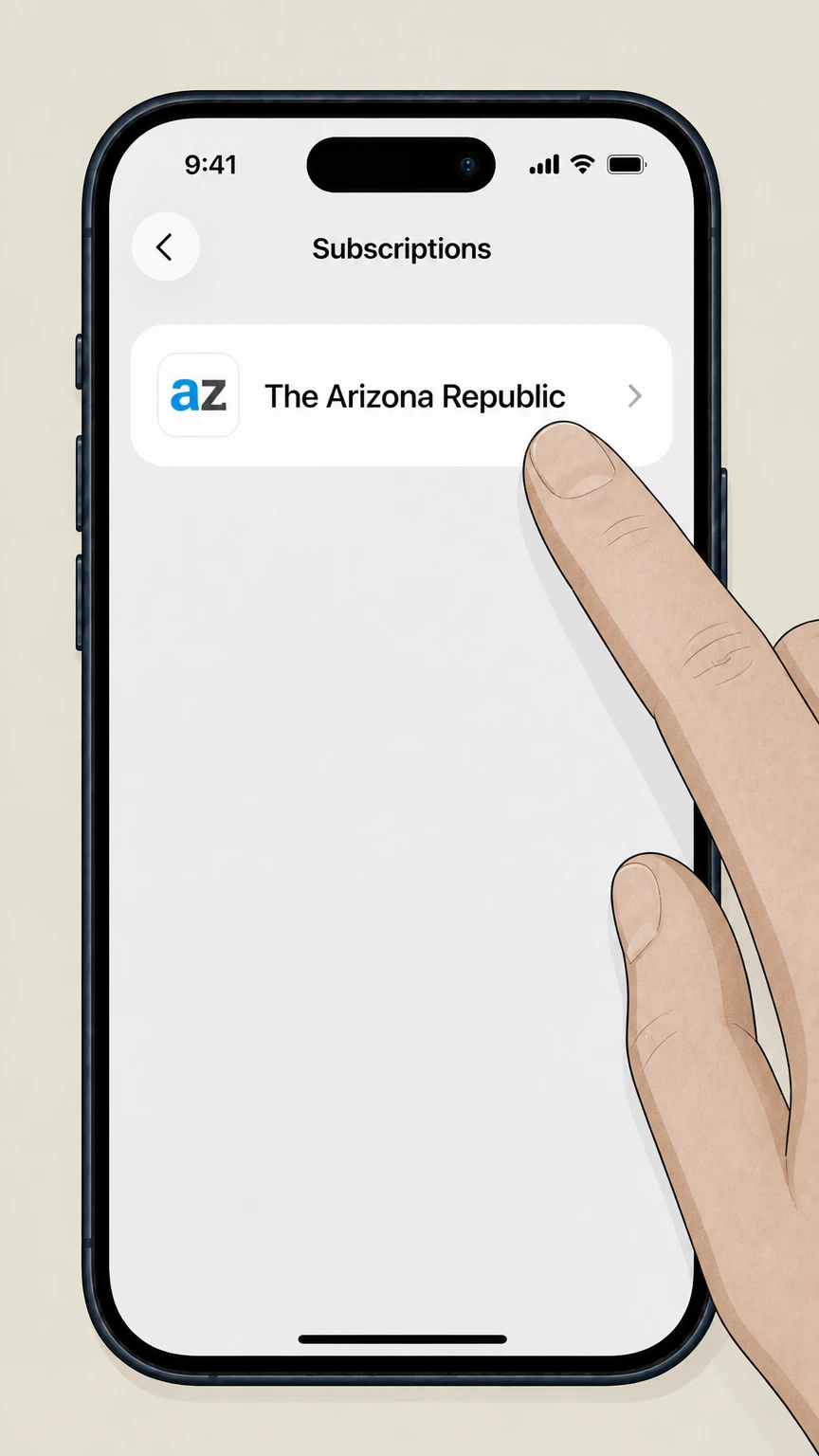 4
4Select The Arizona Republic
In the list of subscriptions, tap The Arizona Republic or azcentral to open its subscription details. Use the The Arizona Republic account named on your receipt, and continue only after the next status in this cancellation path is visible.
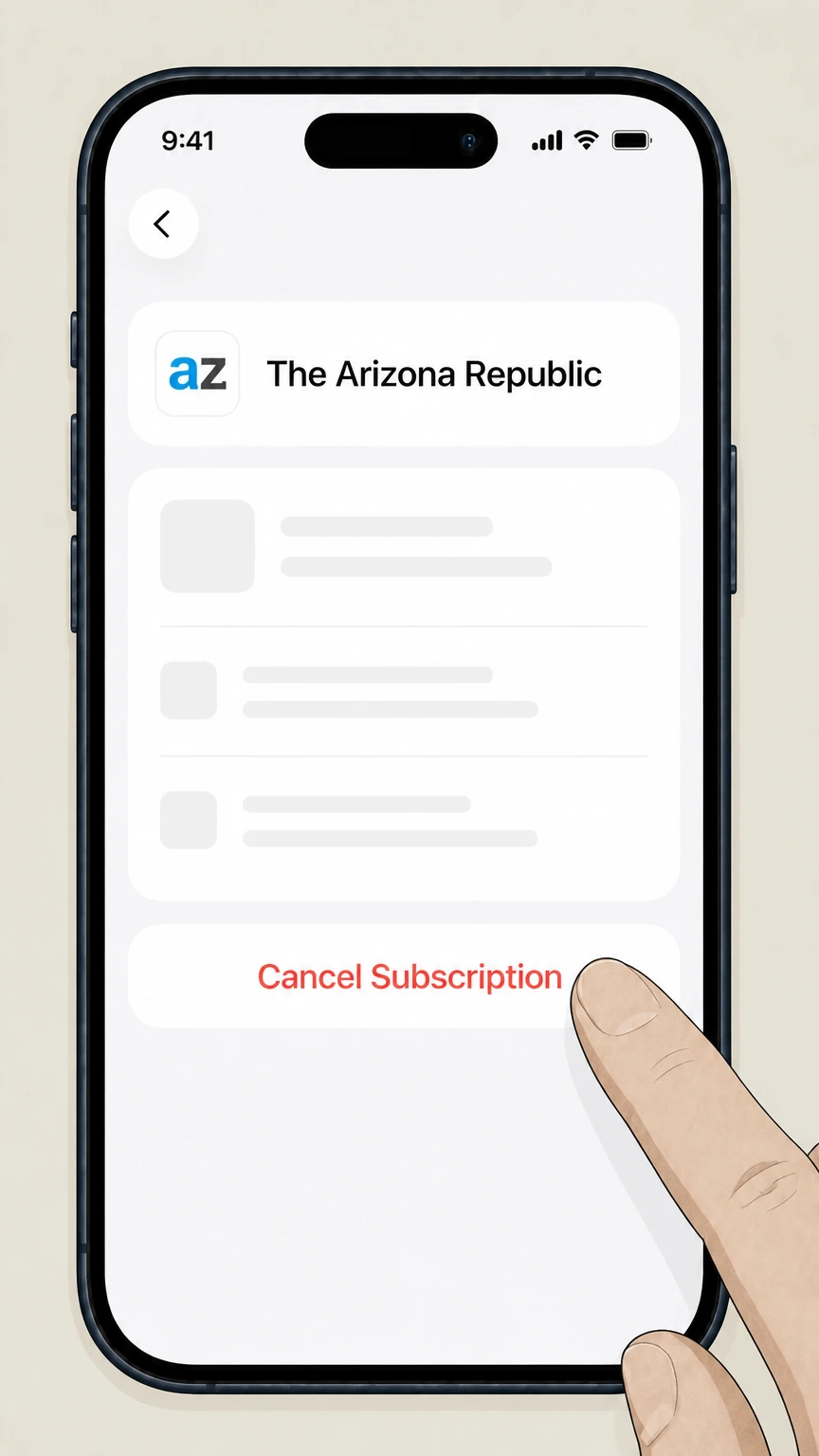 5
5Cancel the subscription
Tap Cancel Subscription and complete any confirmation prompts shown on screen. Use the The Arizona Republic account named on your receipt, and continue only after the next status in this cancellation path is visible.
Refund policy
Refunds and access after cancelling The Arizona Republic
Gannett’s terms for The Arizona Republic state that payments are non‑refundable and that cancellations take effect at the end of the current subscription period, though limited discretionary refunds may be granted. App‑store purchases follow Apple or Google Play refund policies rather than Gannett’s.
Check my refund options- No automatic prorated refunds
- The Subscription Terms & Conditions explain that Gannett does not provide credits, refunds, or prorated billing for subscriptions cancelled mid‑period. When you cancel, you keep access for the remainder of the paid period, but the unused time is not refunded by default.
- Discretionary exceptions only
- The terms specify that Gannett reserves the right to issue refunds or credits at its sole discretion. If a refund or credit is provided in one case, they are not obligated to provide the same accommodation again.
- App‑store refund policies apply
- If Apple or Google Play bills your subscription, their support documentation notes that refund eligibility and timing are governed by each company’s own policies and self‑service refund tools, not by Gannett’s newspaper terms.
- Effect of timely cancellation
- When you cancel before automatic renewal, the Arizona Republic terms state that cancellation becomes effective at the end of the then‑current subscription period, and you continue to have access until that time.
- Unauthorized or mistaken charges
- Apple and Google Play provide separate flows to dispute unauthorized or mistaken charges and to request refunds; these are distinct from simply cancelling an ongoing subscription and may be available for a limited time after the charge.
For the latest refund language and any city‑specific or product‑specific variations, review The Arizona Republic subscription terms and, for app‑store purchases, the Apple or Google Play refund help pages before requesting a refund. View current refund terms
Service snapshot
How Arizona Republic subscriptions work
Key facts about what you’re cancelling when you end an Arizona Republic subscription.
Active Gannett publication
The Arizona Republic is a Gannett newspaper with print, eNewspaper, and digital access products managed through azcentral.com and the Arizona Republic Help Center. For your The Arizona Republic account, compare this point with the billing owner and effective date shown in the signed-in account or latest receipt.
Digital and eNewspaper access
Subscriptions typically include unlimited access to azcentral.com and the eNewspaper replica edition, accessible at azcentral.com/enewspaper once your digital access is activated. For your The Arizona Republic account, compare this point with the billing owner and effective date shown in the signed-in account or latest receipt.
Account activation
Subscribers activate digital access by visiting azcentral.com/activate and creating login credentials tied to the email on their subscription. For your The Arizona Republic account, compare this point with the billing owner and effective date shown in the signed-in account or latest receipt.
Self‑service account tools
After signing in, subscribers can manage billing, delivery, and other preferences from the subscription services and Manage account links in the help center. For your The Arizona Republic account, compare this point with the billing owner and effective date shown in the signed-in account or latest receipt.
Cancel routes
Phone and online cancellation options
Where and how you can submit a valid cancellation request for The Arizona Republic.
Phone cancellation for all subscribers
The Help Center and Contact Us FAQ state that you can cancel your subscription at any time by calling Customer Service, which supports account and billing issues for all regions.
Online cancellation for certain states
The Help Center explains that residents of California, Georgia, Maine, New York, Oregon, Vermont, and Virginia may cancel online by visiting their Account Management page after logging into the site.
Account Management access
From the Subscription Services page, subscribers can sign in and open Manage account or related links to reach Account Management, where eligible users may see a Cancel option.
Contact hours for phone support
Customer Service phone support hours are published in the Contact Us FAQ and Subscription Services pages; callers should reach an agent during those listed hours for cancellation help.
Billing rules
Automatic renewal, EZ Pay, and timing
What happens behind the scenes when your Arizona Republic subscription renews or you cancel.
Automatic renewal requirement
The subscription terms state that subscriptions automatically renew and that you must cancel before renewal to avoid being charged for the next subscription period. For your The Arizona Republic account, compare this point with the billing owner and effective date shown in the signed-in account or latest receipt.
Cancellation effective at period end
The terms explain that when you cancel, the change becomes effective at the end of the current subscription period, and you continue to have access until that date.
No mid‑period credits by default
Gannett’s terms specify that they do not provide credits, refunds, or prorated billing when a subscription is cancelled mid‑period, although they reserve the right to grant exceptions at their discretion.
EZ Pay automatic charges
For EZ Pay, the terms state that your card may be charged automatically each month, typically 0 to 14 days before the end of the current subscription term, until you instruct otherwise.
Paper statements and fees
The subscription terms describe that printed invoices may include a paper statement fee and direct subscribers online to help.azcentral.com for account questions, including cancellation. For your The Arizona Republic account, compare this point with the billing owner and effective date shown in the signed-in account or latest receipt.
Print service
Print delivery, pauses, and Premium Editions
How cancellation interacts with home delivery and special print products.
Print and USPS delivery
The Help Center notes that home delivery may be provided either by local carriers or via the U.S. Postal Service in some areas; if your area uses USPS, papers arrive with daily mail when postal delivery operates.
Pause delivery instead of cancelling
The Subscription Services page offers a Pause delivery option where subscribers can request a vacation start or stop without cancelling the underlying subscription. For your The Arizona Republic account, compare this point with the billing owner and effective date shown in the signed-in account or latest receipt.
Premium Editions and Thanksgiving issue
The subscription terms describe Premium Editions and a Thanksgiving print edition as extra sections charged as additional fees added around the delivery date, with a list of Premium Edition dates on the terms page.
Opting out of Premium Editions
The terms state that subscribers can opt out of Premium Editions at any time by contacting customer service, and that acceptance of delivered Premium Editions without opting out constitutes consent to the charges.
Non‑print days
The terms explain that non‑print days may occur during the year without changing subscription rates, so occasional non‑delivery on those scheduled days does not by itself indicate cancellation.
Digital access
App access, linking, and account sign‑in
Managing digital access across azcentral.com and the Arizona Republic mobile apps.
Mobile apps for subscribers
The Help Center describes azcentral.com apps that provide breaking news alerts, personalized feeds, offline reading, and an eNewspaper app that replicates the print edition. For your The Arizona Republic account, compare this point with the billing owner and effective date shown in the signed-in account or latest receipt.
Linking app‑store purchases
If you purchased a subscription through an app store, the Help Center instructs you to open the app, tap the settings gear, and use Create Account to link the purchase so you can sign in on the desktop and mobile website.
Sign‑in troubleshooting
If you forget your password, azcentral advises using the Forgot password link on the sign‑in page to receive a password‑reset email sent to the registered address.
Changing login email
If you no longer have access to your original email, the Help Center directs you to call Customer Service or use online chat so an agent can help update account access.
Member benefits overview
The Member Benefits and Subscriber Guide materials link to the eNewspaper, newsletters, Share Subscription, and mobile apps so subscribers can take advantage of all digital benefits until cancellation takes effect.
App stores
When Apple or Google Play bills your subscription
How to recognize and handle Arizona Republic subscriptions billed by app stores instead of Gannett directly.
Signs Apple bills your subscription
If your receipts and card statement list Apple as the merchant and you manage the subscription in Apple’s Subscriptions section, Apple is the billing owner and requires that you cancel through iOS subscription settings, not azcentral.
Signs Google Play bills your subscription
If your receipts and card statement show Google Play as the merchant and the subscription appears under Subscriptions in the Google Play Store, Google Play is the billing owner and you must cancel through Google Play’s subscription tools.
App‑store cancellation effect
Apple and Google Play documentation state that cancelling a subscription sets it to expire at the end of the current billing period, allowing continued access until that expiration date while stopping future renewals.
Refunds for app‑store purchases
Refunds for Apple‑billed or Google Play‑billed subscriptions must follow Apple’s or Google’s own refund workflows and policies; Gannett’s non‑refund policy applies to subscriptions they bill directly.
Linking does not change billing owner
The Arizona Republic Help Center notes that app‑store subscribers may link their purchase to an azcentral.com account for access, but this linking does not transfer billing control from Apple or Google Play to Gannett.
Proof & follow‑up
Confirmation, documentation, and post‑cancellation checks
How to confirm your cancellation and what to keep. This section explains a provider-specific consequence to verify in your The Arizona Republic account before cancellation.
Request explicit confirmation
When cancelling by phone, the Contact Us and Help Center pages support speaking with Customer Service; you should request verbal confirmation and, where possible, a confirmation email or case number.
Check online account status
After cancelling—by phone, online, or app store—sign back into your azcentral.com account or app to verify that your subscription shows an upcoming expiration date rather than active auto‑renewal.
Monitor subsequent statements
Because payments are generally non‑refundable and cancellation takes effect at period end, it is important to review upcoming card or bank statements to ensure no unexpected new renewal charges post after your confirmed cancellation.
Use chat for written history
From the Subscription Services and Contact Us pages, you can access online chat, which provides a written conversation history you can save as evidence of your cancellation request.
Contact if charges continue
If charges continue after the period when cancellation should be effective, contact Arizona Republic Customer Service (or Apple or Google Play if they bill you) with your confirmation details to dispute the additional charge.
What official sources do not confirm
Limits of the public The Arizona Republic cancellation guidance
These points are intentionally qualified because the official sources reviewed on August 16, 2026 do not publish a complete answer.
Documented limitation 1
Robots.txt restrictions prevent direct inspection of some azcentral.com account‑management screens, so specific button labels and intermediate page layouts are inferred from Help Center text rather than verified screenshots.
Documented limitation 2
Public official sources do not describe current promotional or senior‑discount pricing, so this guide intentionally omits rate information and focuses only on cancellation and related access rules.
Documented limitation 3
Editorial or political positioning of The Arizona Republic is outside the transactional scope of this cancellation guide and has been deliberately excluded despite appearing in discovery questions.
Documented limitation 4
While the Help Center confirms that certain states can cancel online, it does not enumerate every possible account‑page variation; users whose accounts lack a Cancel button must rely on Customer Service even if they live in an eligible state.
Documented limitation 5
Refund rights for app‑store purchases can vary by region and time; this guide summarizes only the high‑level Apple and Google Play refund approach and cannot capture all jurisdiction‑specific nuances.
The Arizona Republic cancellation FAQ
Questions people search about canceling The Arizona Republic, answered with official provider or billing-platform sources checked on August 16, 2026.
How do I cancel my newspaper subscription?
Can I cancel my Arizona Republic subscription online?
What phone number do I call to cancel The Arizona Republic?
How do I cancel if I subscribed through the iOS or Android app?
What happens to my digital and print access after I cancel?
Will I get a refund when I cancel The Arizona Republic?
How do I pause my Arizona Republic newspaper delivery?
Where do I sign in to manage my Arizona Republic subscription?
How do I contact Arizona Republic customer service about my subscription?
What if I’m still charged after cancelling my Arizona Republic subscription?
Untangle this The Arizona Republic issue.
Let Pine handle the provider follow-up and keep the confirmation in one place.
