


24 Hour Fitness
Cancel subscription
Canceling Your 24 Hour Fitness Membership Safely
Learn how to cancel 24 Hour Fitness through the right billing provider. Follow official steps, understand access timing, refunds, and the confirmation to keep.
- Official 24 Hour Fitness and billing-owner sources
- 3 provider-specific cancellation paths
- Refund and post-cancellation effects separated from renewal
- Verified August 16, 2026
Choose the 24 Hour Fitness cancellation path that matches who bills you
Cancel a 24 Hour Fitness gym membership online · verify the billing owner
 1
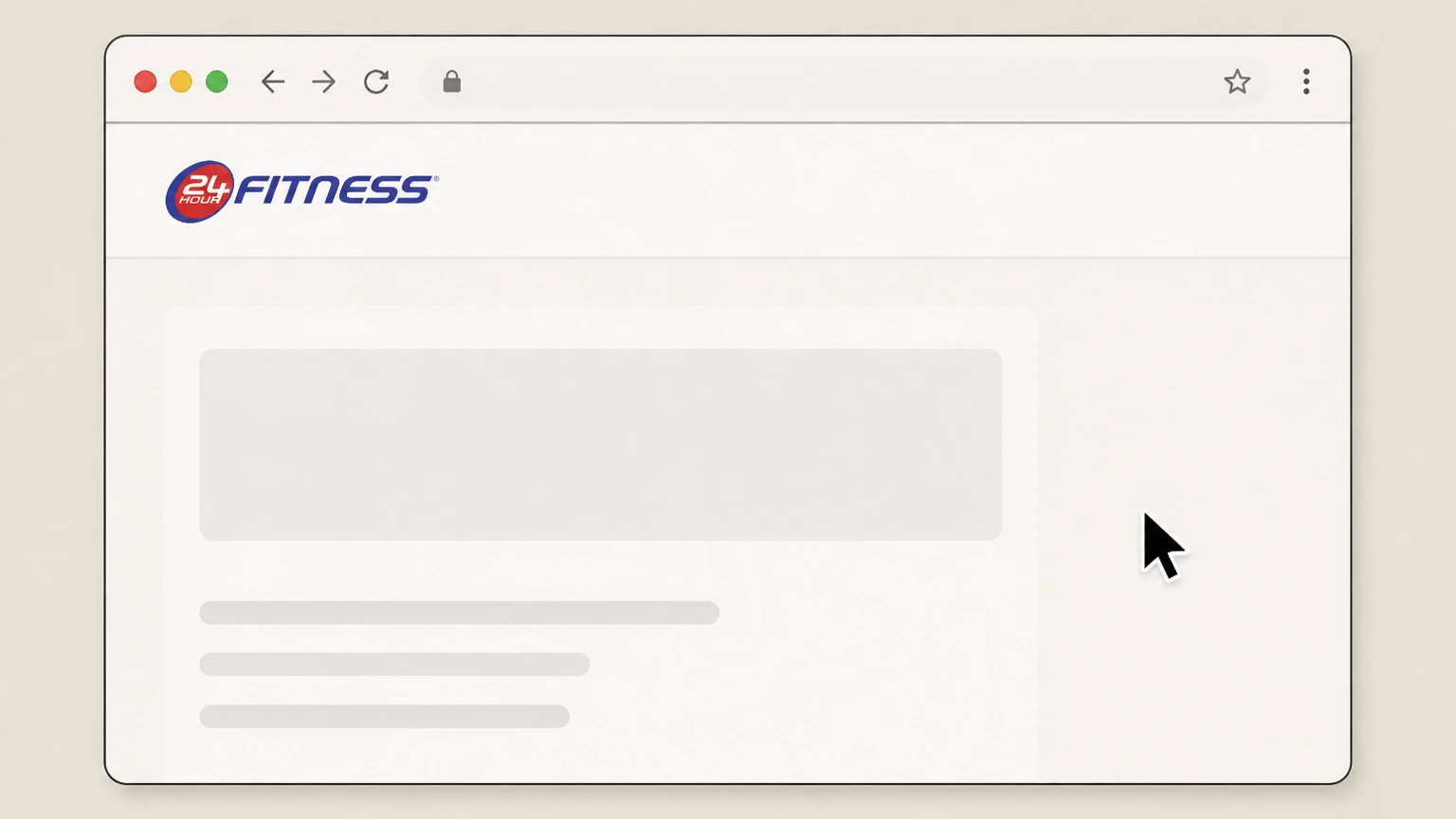
1Open the Cancel Membership page
In a web browser, go to the official 24 Hour Fitness Cancel Membership Options page. Use the 24 Hour Fitness account named on your receipt, and continue only after the next status in this cancellation path is visible.
 2
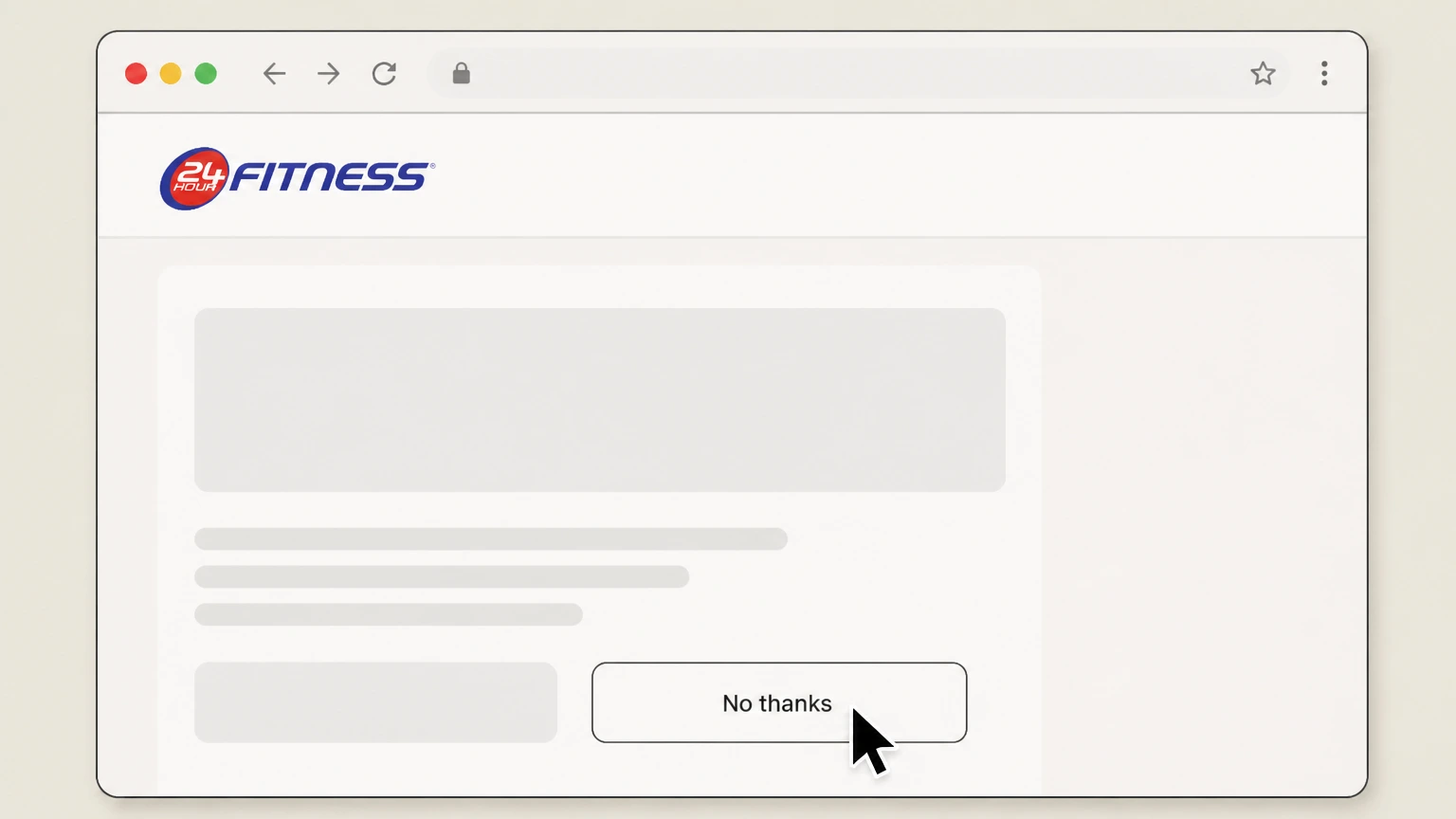
2Choose to continue cancellation
On the offer screen, click “No thanks – I’d still like to cancel my membership” instead of accepting the dues discount.
- Let Pine handle it
Pine can help
Too many steps?
Pine can find the right Cancel a 24 Hour Fitness gym membership online path and handle the cancellation for you.
 3
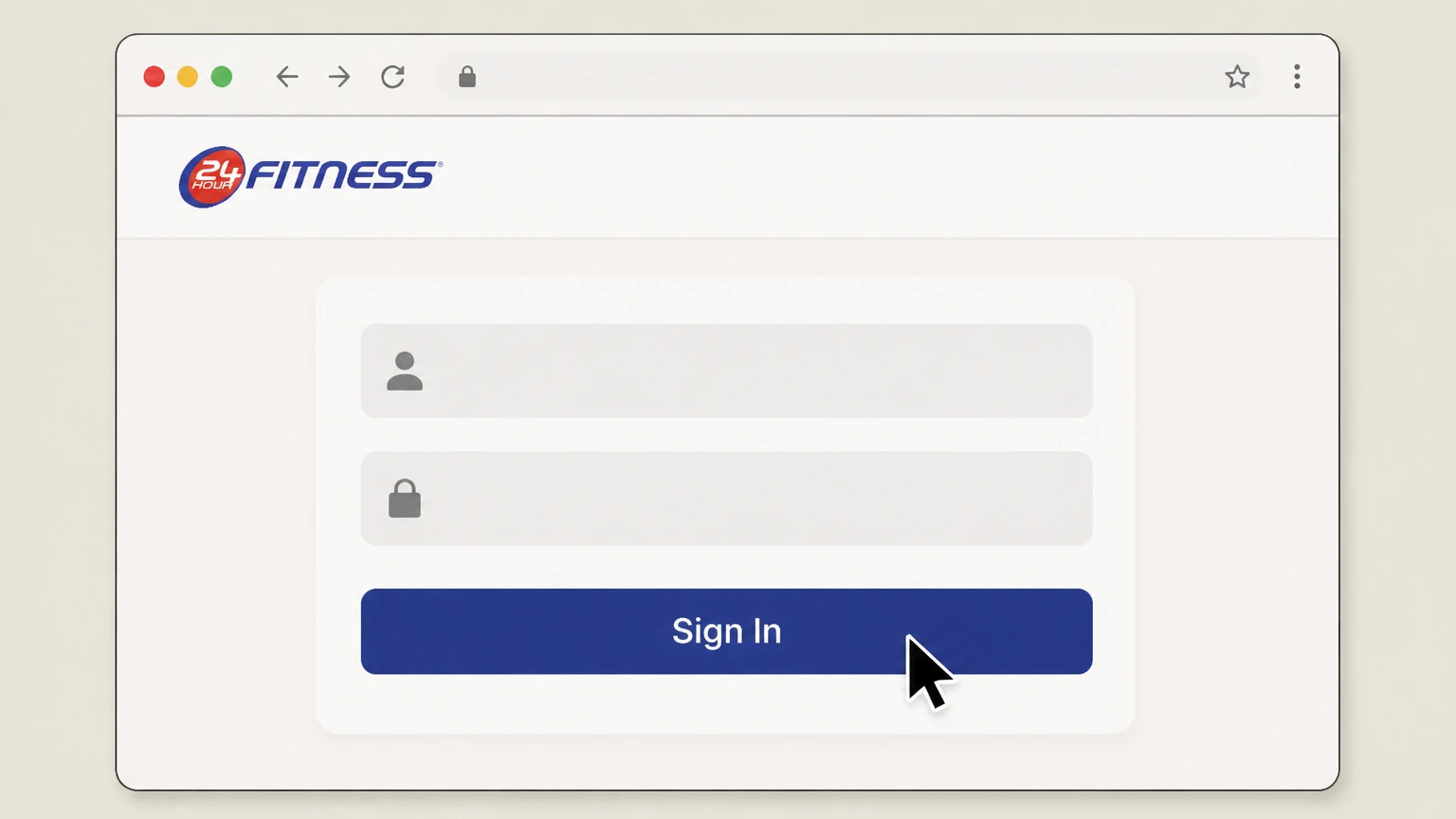
3Sign in to your My24 account
When prompted, sign in with the email or username and password on your 24 Hour Fitness membership account so your agreements load.
 4
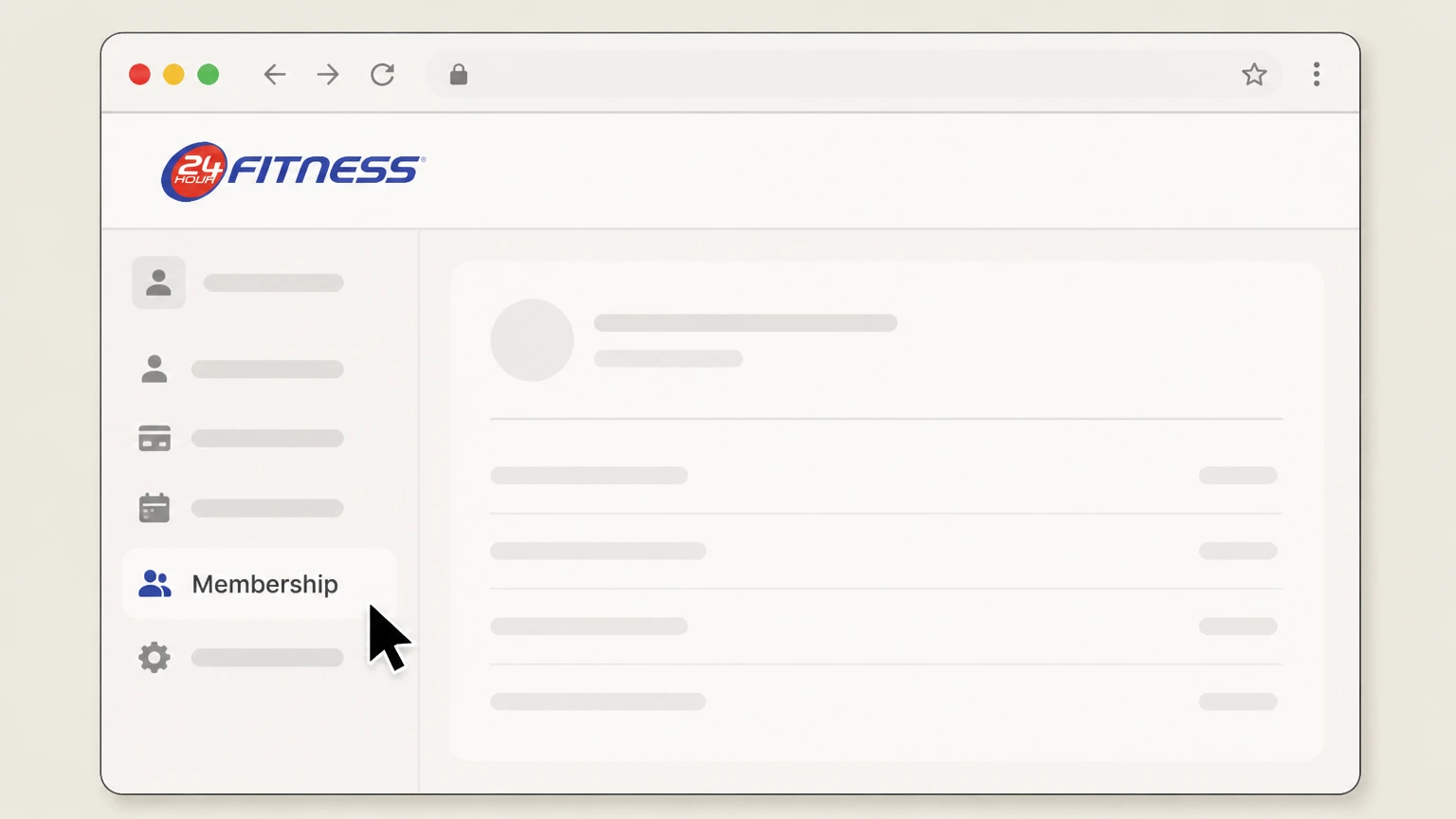
4Open your Membership or Agreements section
From My Account, go to the Membership or Agreements area to view the membership you want to cancel. Use the 24 Hour Fitness account named on your receipt, and continue only after the next status in this cancellation path is visible.
 5
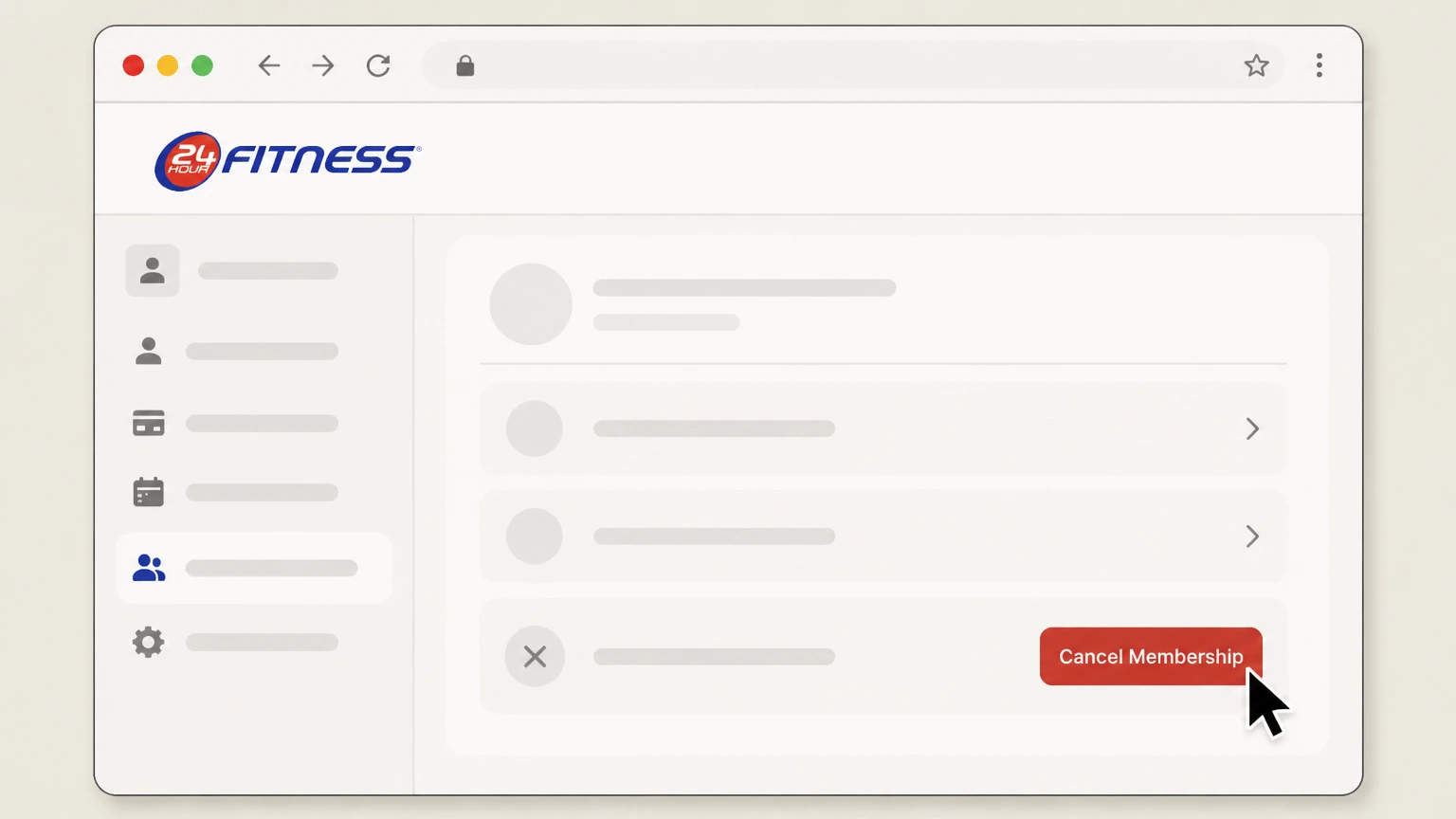
5Submit the online cancellation request
Follow the on‑screen prompts for that agreement, select the option to cancel, and complete the flow, then save any confirmation page or email you receive.
 6
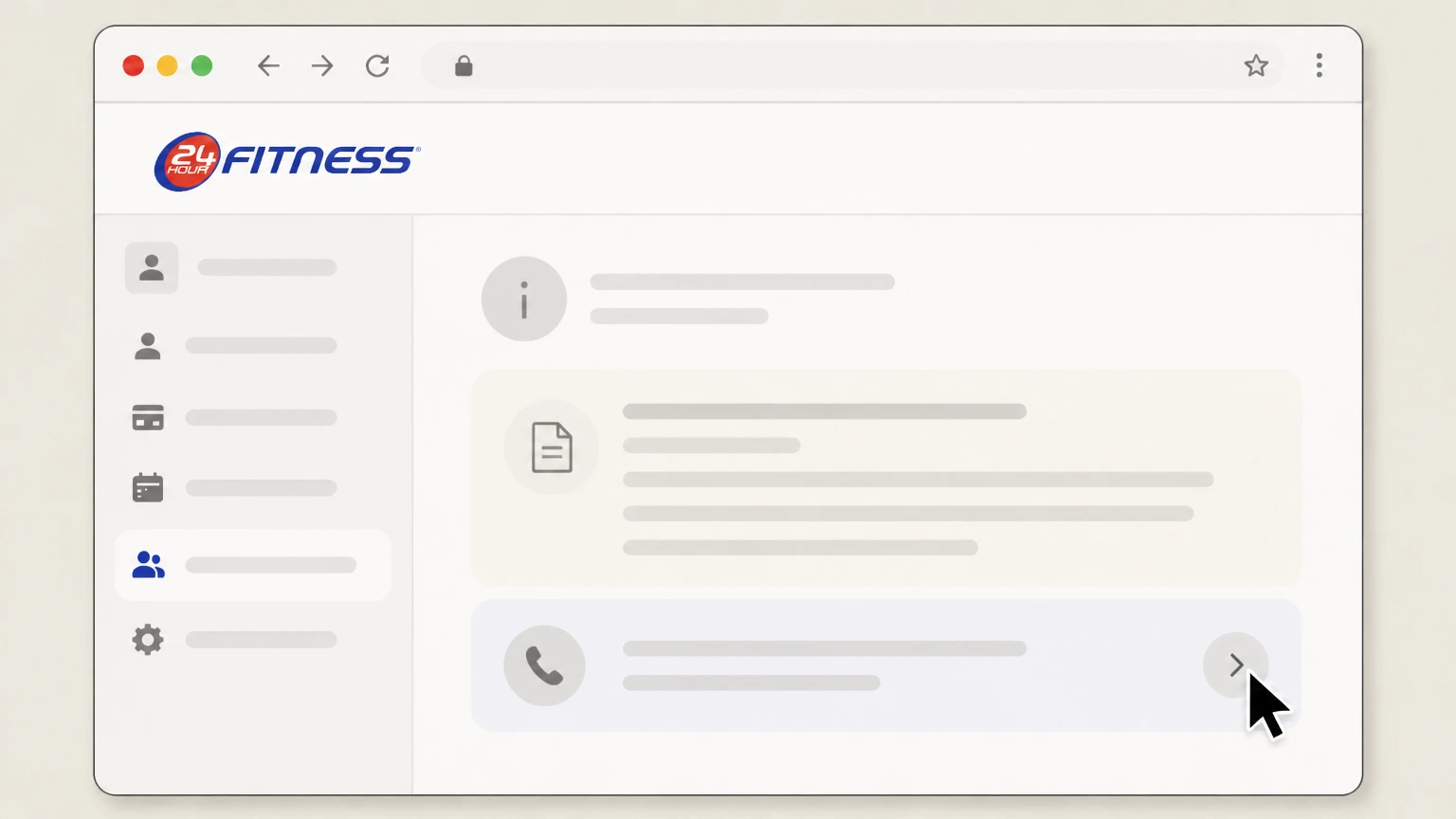
6Follow alternate instructions if online cancellation is not available
If the page or your agreement indicates a limited‑term or prepaid membership, follow the instructions to contact your club or use the Contact Us form instead of completing cancellation online.

Cancel your membership at a 24 Hour Fitness club · verify the billing owner
 1
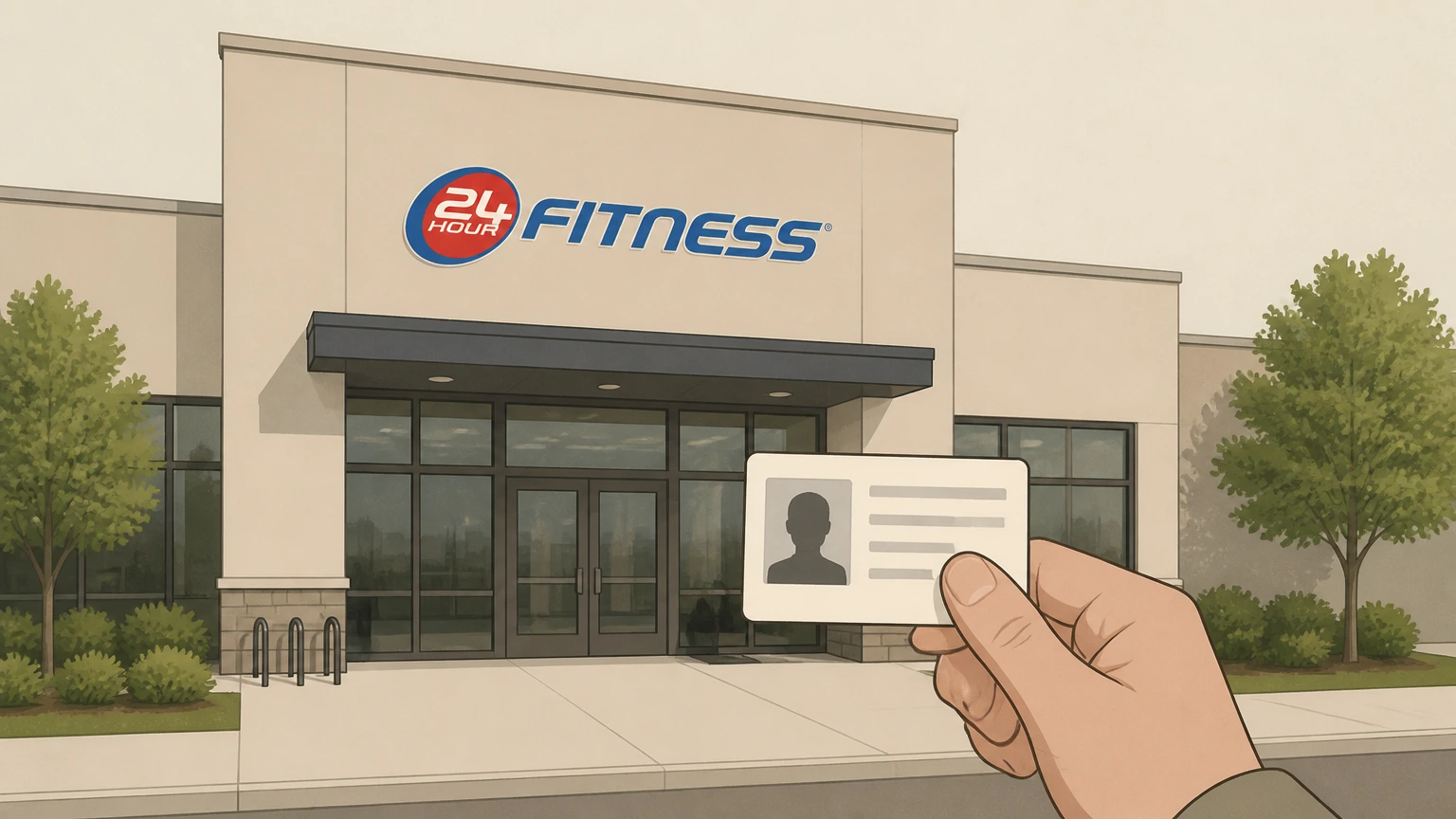
1Visit your home 24 Hour Fitness club
Go to the club listed on your membership agreement during staffed hours and bring a government‑issued photo ID. Use the 24 Hour Fitness account named on your receipt, and continue only after the next status in this cancellation path is visible.
 2
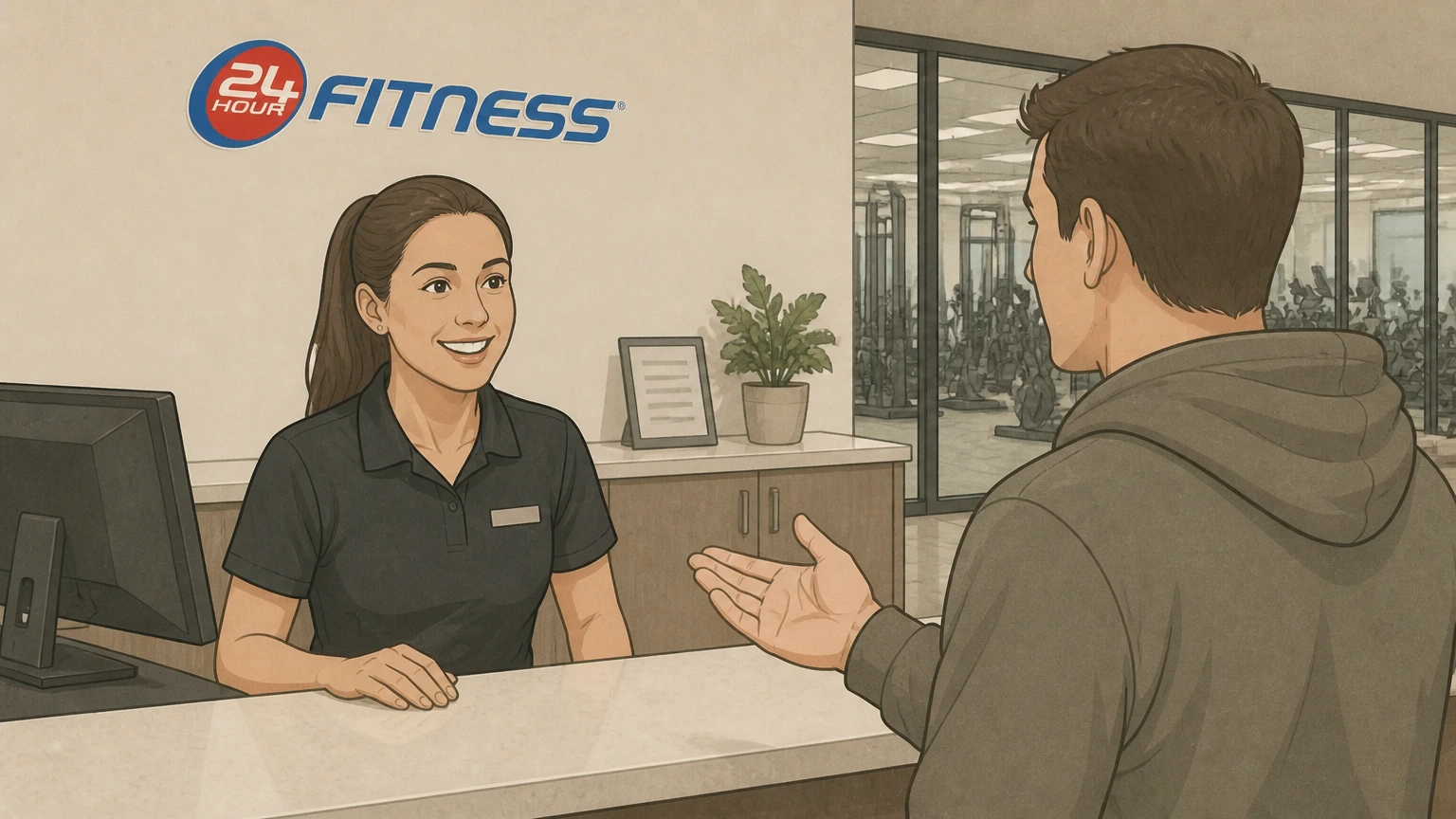
2Ask a team member to process a cancellation
Tell a front‑desk or member‑services team member that you want to cancel your 24 Hour Fitness membership and stop future billing.
- Let Pine handle it
Pine can help
Too many steps?
Pine can find the right Cancel your membership at a 24 Hour Fitness club path and handle the cancellation for you.
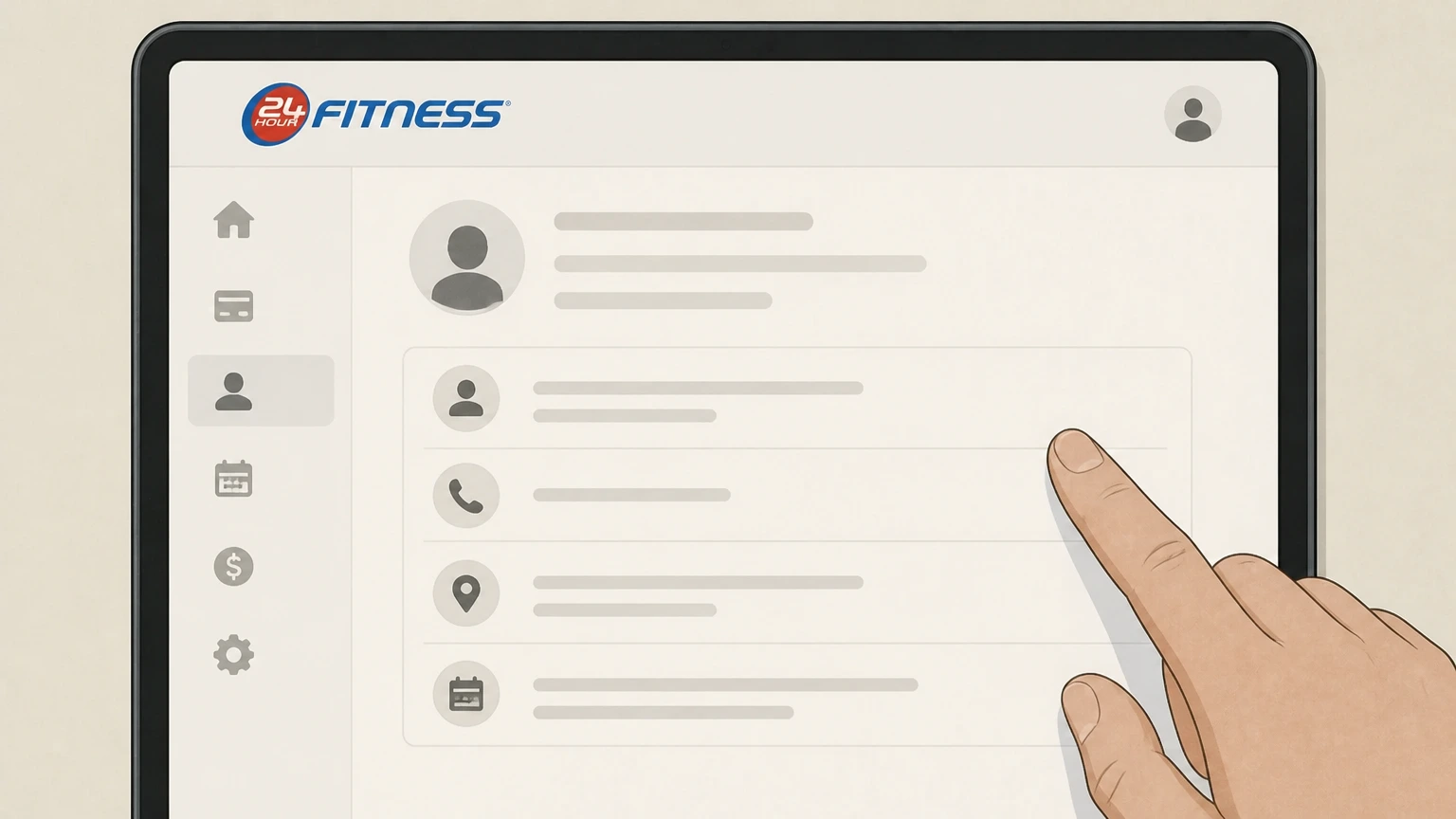 3
3Verify the membership and account details
Confirm your name, contact information, home club, and whether the plan is Monthly Payment, limited‑term, or prepaid so staff can locate the correct agreement.
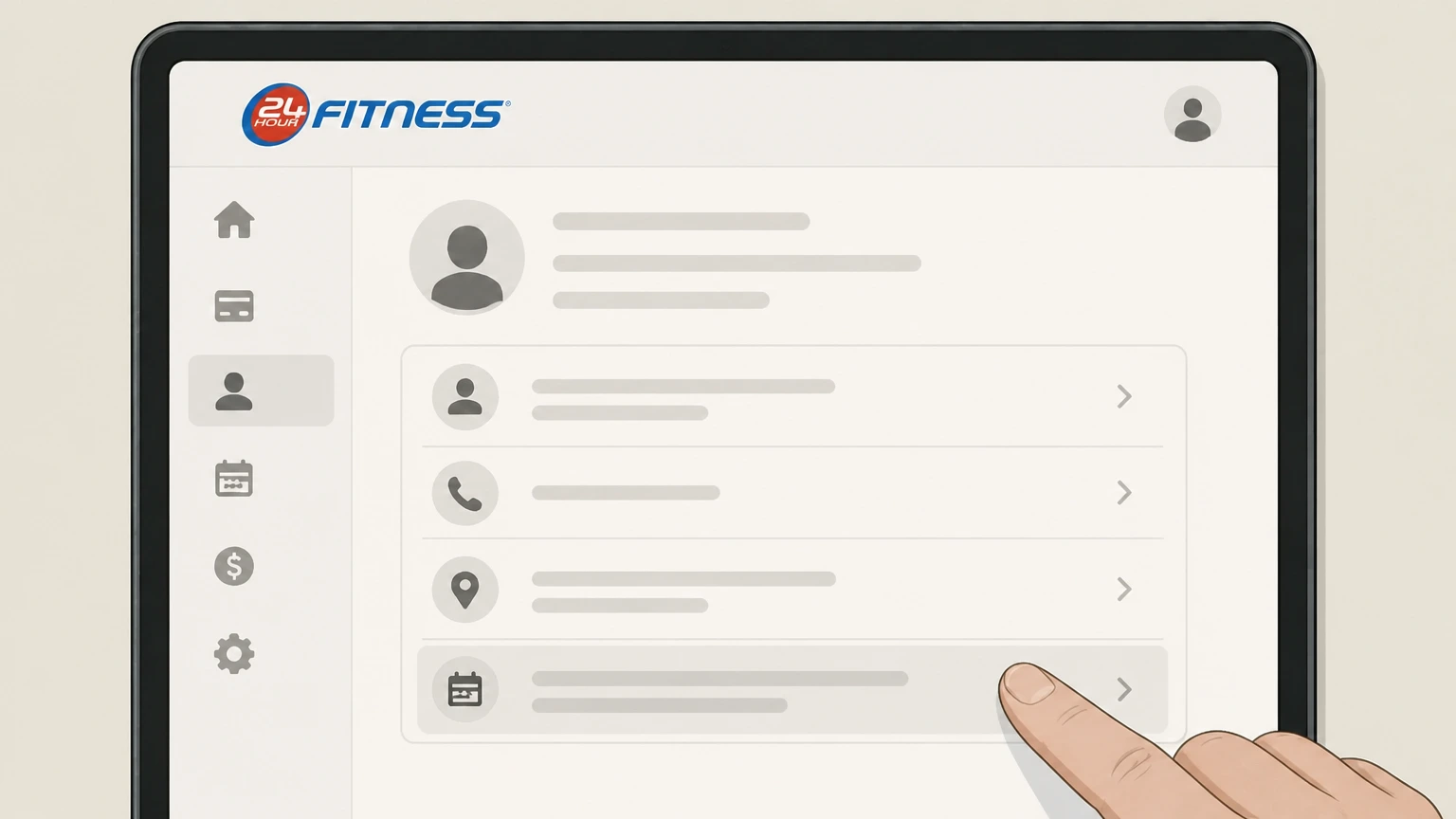 4
4Confirm how your agreement will end
Ask the team member to explain when club access will stop, whether any remaining term or fees apply, and how any freeze or commitments affect your end date.
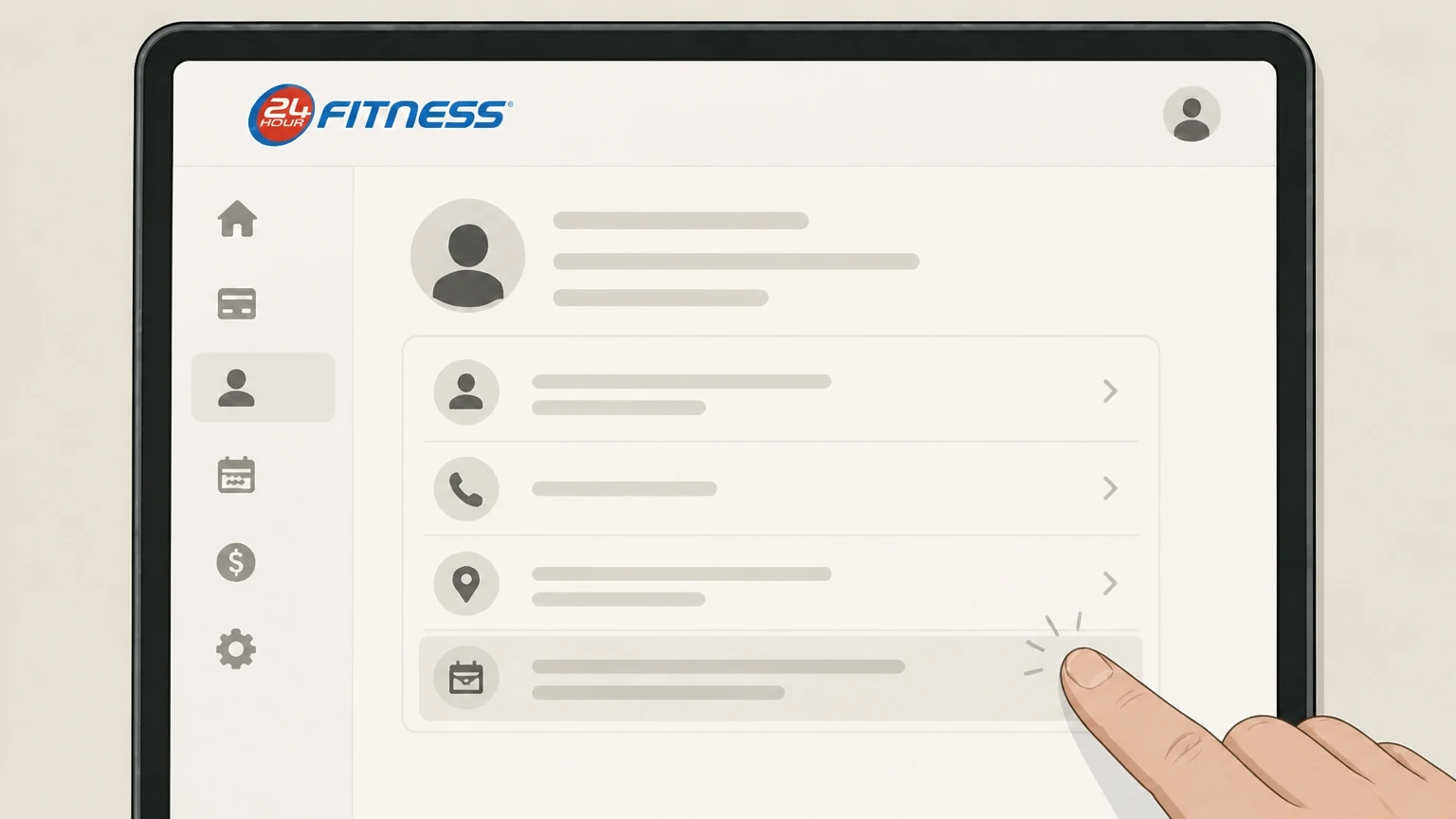 5
5Request written confirmation
Ask for printed or emailed confirmation of your cancellation request showing the date submitted and the membership or agreement that was canceled.
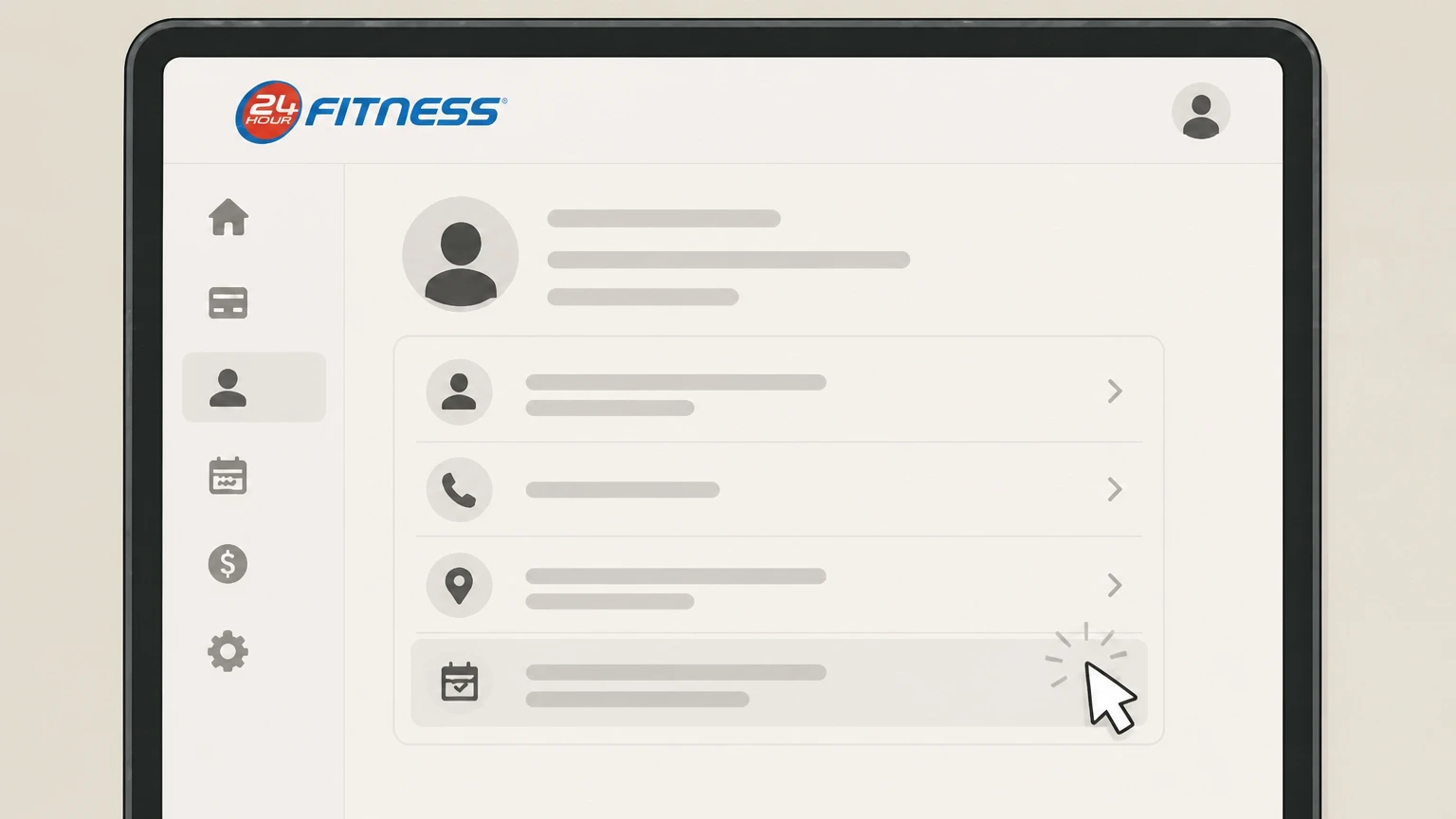 6
6Keep proof and monitor billing
Save your confirmation and check your upcoming bank or card statements so you can follow up quickly if unexpected 24 Hour Fitness charges appear.
Cancel a 24GO paid subscription billed through Apple · verify the billing owner
 1
1Open Settings
On your iPhone or iPad, open the Settings app. Use the 24 Hour Fitness account named on your receipt, and continue only after the next status in this cancellation path is visible.
 2
2Tap your name
At the top of Settings, tap your name to open your Apple ID account settings. Use the 24 Hour Fitness account named on your receipt, and continue only after the next status in this cancellation path is visible.
- Let Pine handle it
Pine can help
Too many steps?
Pine can find the right Cancel a 24GO paid subscription billed through Apple path and handle the cancellation for you.
 3
3Open Subscriptions
On the Apple ID screen, tap Subscriptions to see your active and expired subscriptions. Use the 24 Hour Fitness account named on your receipt, and continue only after the next status in this cancellation path is visible.
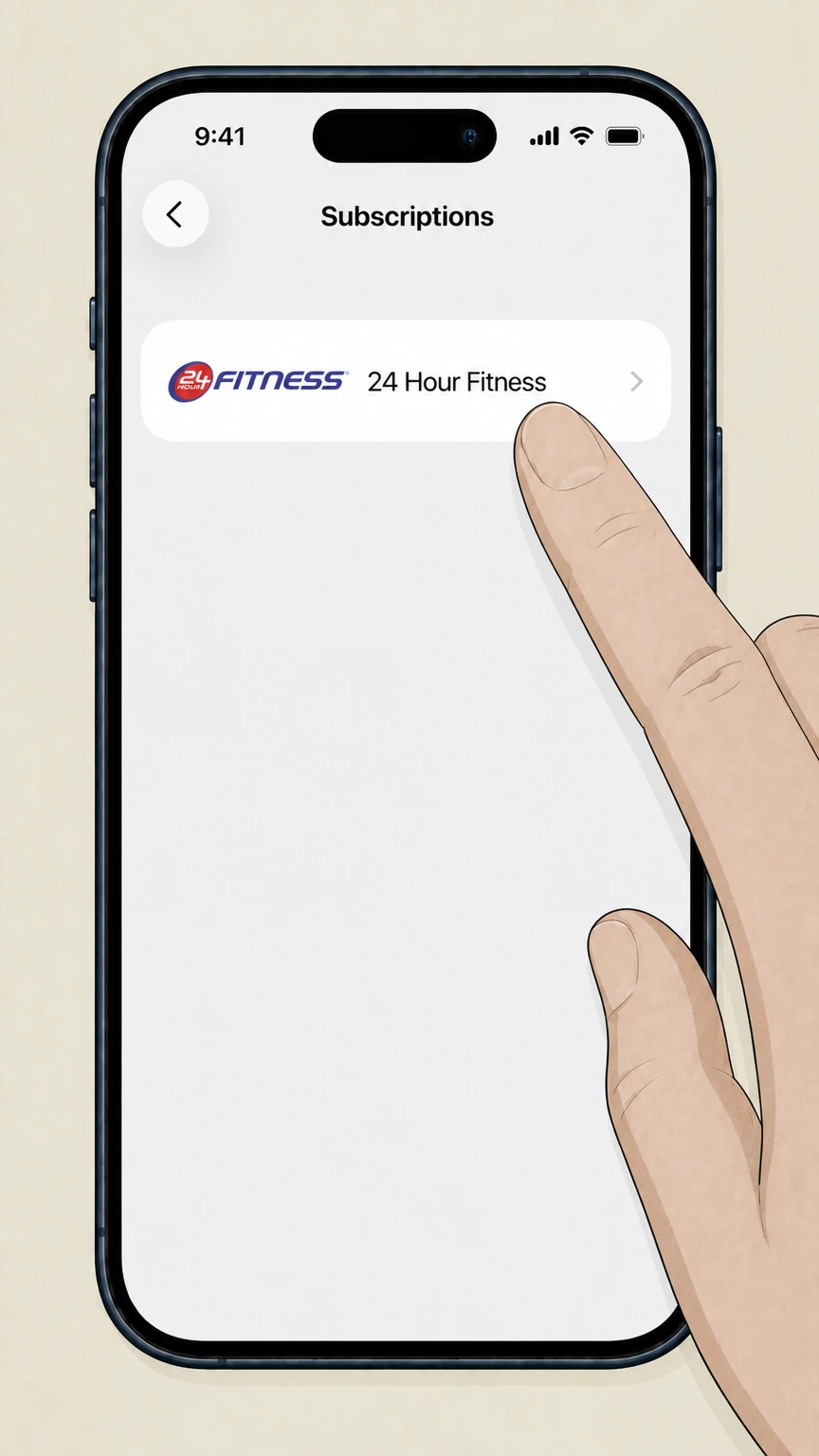 4
4Select 24 Hour Fitness
In your list of active subscriptions, tap the 24 Hour Fitness or 24GO subscription you want to cancel. Use the 24 Hour Fitness account named on your receipt, and continue only after the next status in this cancellation path is visible.
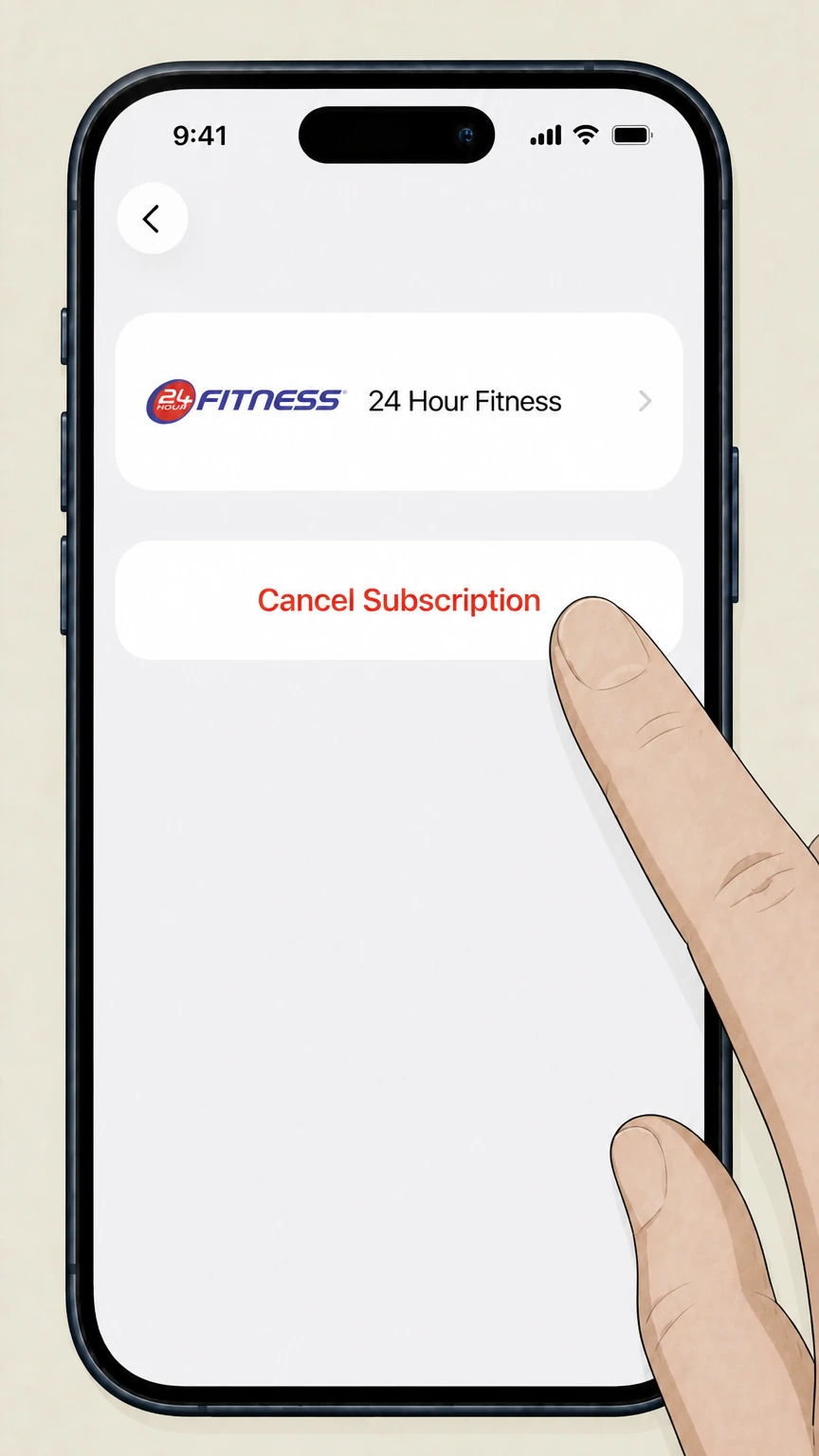 5
5Cancel the subscription
Tap Cancel Subscription and follow any prompts until Apple shows a confirmation or expiration date for your 24GO or 24 Hour Fitness subscription.
Refund policy
Refunds, renewals, and disputes at 24 Hour Fitness
Refund rules differ between gym memberships, digital 24GO subscriptions, and other purchases. Public documents focus mostly on how and when subscriptions renew and when you can stop future charges, with limited, agreement‑specific detail about gym‑membership refunds.
Check my refund options- Gym‑membership refunds depend on your Club Membership Agreement
- The Terms of Use specify that gym memberships are “Other Services” governed by Membership Policies and your Club Membership Agreement, and they do not publish a single, universal refund schedule for all memberships. Members must review their signed agreement or ask club staff to understand whether any prorated refunds or buyouts apply.24hourfitness.com
- 24GO Paid subscriptions are non‑refundable for remaining term
- For 24GO Paid, 24 Hour Fitness states that if you cancel before the end of the subscription period, it will not return any portion of the subscription fee and you may continue accessing the paid features until that period ends, so cancellation stops future renewals but not the current cycle.24hourfitness.com
- Google Play digital subscription renewal and cancellation
- The 24GO listing on Google Play explains that 24 Hour Fitness Digital subscriptions purchased there automatically renew unless auto‑renew is turned off in your Google Play Account settings at least 24 hours before the end of the current period; it adds that no cancellation of the current period is allowed, but canceling prevents charges for the following period.play.google.com
- Apple subscription cancellations and separate refund process
- Apple Support notes that when you cancel a subscription via your Apple ID Subscriptions settings, the subscription normally continues until the listed expiration date and is not refunded automatically; if you believe a charge is mistaken, you must separately request a refund or dispute it through Apple’s purchase‑support tools.support.apple.com
- Using credit‑card dispute rights for erroneous charges
- FTC guidance on credit cards explains that you generally must send a written billing‑error notice to your card issuer within 60 days of the first statement with the error to preserve federal dispute rights, so if you see unexpected 24 Hour Fitness or app‑store charges after cancellation, you should act quickly and include your cancellation proof.consumer.ftc.gov
If you believe a 24 Hour Fitness membership or 24GO charge is wrong after you cancel, contact 24 Hour Fitness through its official Contact Us page first, then use your card issuer’s billing‑error process if needed. Contact 24 Hour Fitness
Membership structure
How 24 Hour Fitness memberships and billing work
Understanding your membership type helps you choose the correct cancellation route and know what will change when you leave.
Monthly Payment vs. limited‑term and prepaid
The Cancel Membership Options page states that its promotional offer is only for members with Monthly Payment memberships and directs those with limited‑term or prepaid memberships to see a team member in‑club or contact 24 Hour Fitness, signaling different handling by membership type.24hourfitness.com
My24 account and online management
The Membership Options FAQ says you can make changes to your membership by contacting your home club or logging into My24 online, and the sitemap shows a Cancel Membership link inside the My Account > Membership area, indicating that some cancellations are handled through the logged‑in portal.24hourfitness.com
Separate gym memberships and Online Services
The Terms of Use explicitly exclude gym memberships, classes, and training services from the definition of “Online Services,” and say those are governed instead by Membership Policies and your Club Membership Agreement, so gym cancellation rules may vary by agreement rather than one universal website policy.24hourfitness.com
ABC Fitness / MYiCLUBonline platform
ABC Fitness’s MYiCLUBonline help center describes how members can manage club membership accounts, make payments, and—in supported clubs—submit online cancellation forms that trigger a Member Cancel Agreement confirmation email, which likely underpins some 24 Hour Fitness online membership flows.help.abcfitness.com
Where to begin
Where to start your 24 Hour Fitness cancellation
Your first step depends on whether you have an ongoing Monthly Payment membership, a limited‑term or prepaid plan, or only a 24GO digital subscription.
Monthly Payment gym memberships online
Most Monthly Payment members can begin at the Cancel Membership Options page, choose “No thanks – I’d still like to cancel my membership,” then sign into My24 to access the Cancel Membership function under My Account.24hourfitness.com
Limited‑term and prepaid plans in‑club or via Contact Us
The Cancel Membership Options page notes that members with limited‑term or prepaid memberships should see a team member in‑club or use the Contact Us link, so these members should plan on canceling through club staff or the online contact form rather than a self‑service cancel flow.24hourfitness.com
When online access doesn’t match your agreement
If your My24 account does not show the membership you want to cancel or does not offer cancellation options, the Contact Us form invites members to select a club and reason for contact; 24 Hour Fitness indicates these messages are directed to club management for follow‑up.24hourfitness.com
Digital‑only 24 Hour Fitness subscriptions
The 24GO Subscription Services section of the Terms of Use and the 24GO listing on Google Play explain that paid 24GO and 24 Hour Fitness Digital subscriptions are purchased in‑app through Apple or Google Play and must be canceled by following your app‑store provider’s subscription instructions, not the gym Cancel Membership page.24hourfitness.com
Access and perks
What changes after you cancel a 24 Hour Fitness membership
Canceling affects club access, loyalty rewards, and some digital services, but does not automatically erase your data or end basic app access.
Club access and services end
The Terms of Use treat gym memberships and classes as “Other Services” governed by membership agreements, and the Member Policies emphasize that use of 24 Hour facilities is authorized and limited by your membership, so once your agreement ends you should expect club access and included amenities to cease.24hourfitness.com
FitPerks rewards points expire
FitPerks loyalty fine print states that reward points automatically expire after membership cancellation, so you should redeem any remaining rewards before your membership is fully terminated if you want to use them.fitperks.24hourfitness.com
24GO app access may continue in basic form
The Terms of Use explain that 24GO Basic is free and separate from fee‑based 24GO Paid subscriptions; canceling a gym membership does not, by itself, remove your ability to use the free 24GO Basic features tied to your online account.24hourfitness.com
Digital subscriptions remain active to period end
For 24GO Paid, the Terms say that if you cancel before the end of your subscription period, 24 Hour Fitness will not return any portion of the subscription fee, and you keep access to the applicable paid features until that period expires.24hourfitness.com
Alternative to canceling
Freezing a 24 Hour Fitness membership instead of canceling
If you expect to return, the Membership Policies allow certain freezes that pause dues and extend your membership instead of ending it outright.
Eligibility and notice for freezes
The Membership Freeze Policy requires that you be in good standing, have paid initiation fees, be current on dues and Annual Fee, and give at least ten days’ notice before the freeze, which applies only in specific circumstances such as medical disability, extended volunteer assignment, temporary employment transfer, or active duty military transfer.24hourfitness.com
Effect on commitment periods
If you have a Commitment Agreement and freeze your membership during the commitment period, the policy states that your commitment period and obligation will be extended for the same amount of time that your membership remains on freeze.24hourfitness.com
Dues and Annual Fee during freeze
During an approved freeze, no further monthly dues are collected and your right to access clubs is suspended, but the policy says you are still required to pay the Annual Fee plus applicable taxes while the membership remains in effect.24hourfitness.com
Prepaid memberships and freeze
For prepaid memberships, the freeze policy provides that the term of the prepaid membership will be extended, without further dues, for the same period as the freeze, and—except for certain longer military freezes—monthly EFT or card charges automatically resume when the freeze period ends.24hourfitness.com
Digital services
24GO, 24 Hour Fitness Digital, and app‑store billing
24 Hour Fitness uses the 24GO app to deliver both free and paid digital services, with billing and cancellation controlled by Apple or Google Play for paid tiers.
Free vs. paid 24GO services
The Terms of Use describe two subscription levels: 24GO Basic, which is free of charge, and fee‑based 24GO Paid subscriptions that require creating a 24GO account, downloading the app, and purchasing via the applicable app store.24hourfitness.com
App‑store billing and recurring charges
For 24GO Paid, the Terms explain that by making an in‑app purchase via an app‑store provider such as Apple App Store or Google Play, you authorize that provider to charge your payment method on a recurring basis until you cancel under its terms.24hourfitness.com
Cancellation and no refunds for 24GO Paid
The 24GO Paid Subscription Cancellation section states you may cancel by following your app‑store provider’s instructions and that if you cancel before the end of your subscription period, 24 Hour Fitness will not return any portion of the subscription fee, though you retain access until the period ends.24hourfitness.com
Google Play auto‑renew control for 24 Hour Fitness Digital
The 24GO listing on Google Play notes that if you choose to purchase 24 Hour Fitness Digital, payment is charged to your Google Play Account, the subscription automatically renews unless auto‑renew is turned off at least 24 hours before the end of the period, and auto‑renewal can be turned off in your Google Play Account settings.play.google.com
Apple subscription management
Apple Support’s subscription help explains that you manage and cancel App Store subscriptions—including those purchased in an app like 24GO—by opening Settings, tapping your name, tapping Subscriptions, selecting the subscription, and tapping Cancel Subscription, with access continuing until the listed expiration date.support.apple.com
Proof and disputes
Getting confirmation and handling billing issues
Keeping clear records of your cancellation helps if you later need to correct billing errors through 24 Hour Fitness or your card issuer.
Online cancellation confirmations
ABC Fitness documentation for MYiCLUBonline shows that when a member submits a cancellation form online, the system can send a "Member Cancel Agreement" email, so if your 24 Hour Fitness membership is canceled through this platform you should save that email as proof.help.abcfitness.com
Contacting 24 Hour Fitness first
The Contact Us form collects your name, email, phone number, club, and reason for contact, and 24 Hour Fitness directs these to club management, making it the primary official channel for resolving billing concerns that arise after you believe you’ve canceled.24hourfitness.com
Monitoring statements after canceling
Because post‑cancellation errors are not addressed in a single public membership policy, it is important to review your bank or card statements after you receive cancellation confirmation and promptly report any unexpected 24 Hour Fitness charges to both the company and your card issuer.24hourfitness.com
Using credit card dispute rights
The FTC’s credit‑card billing guidance explains that to take advantage of federal protections you must generally send a written billing‑error notice to your card issuer within 60 days after the first statement with the error was sent, keeping copies of your letter and supporting documents such as cancellation confirmations.consumer.ftc.gov
Data after canceling
Data, privacy rights, and membership cancellation
Ending your membership changes how you use clubs, but your personal information continues to be governed by 24 Hour Fitness privacy notices and applicable law, not just your cancellation request.
Separate privacy notices for online and in‑club data
The In‑Club Privacy Policy explains that it covers data collected offline at clubs and that website and 24GO app data are covered instead by a Website Privacy Notice, so canceling your membership does not, by itself, erase records maintained under those notices.24hourfitness.com
Biometric and check‑in data retention
The In‑Club Privacy Policy states that biometric‑style identifiers used for Cardless Check‑In are kept as long as you retain your membership and then deleted from systems shortly after membership termination, with a short backup retention window, showing that some data are tied directly to active membership status.24hourfitness.com
FitPerks account and cancellation
FitPerks terms explain that reward points expire automatically after membership cancellation and that you can cancel participation by deactivating your FitPerks account, which is separate from canceling the underlying gym membership but affected by it.fitperks.24hourfitness.com
Privacy rights in certain U.S. states
Club location pages and privacy notices reference privacy rights for residents of states like California and Colorado and link to opt‑out and privacy request mechanisms; if you want data access, deletion, or opt‑out after canceling membership, you must use those dedicated privacy tools rather than a membership cancellation alone.24hourfitness.com
What official sources do not confirm
Limits of the public 24 Hour Fitness cancellation guidance
These points are intentionally qualified because the official sources reviewed on August 16, 2026 do not publish a complete answer.
Documented limitation 1
24 Hour Fitness does not publish a single, comprehensive gym‑membership cancellation policy or notice‑period that applies to every agreement, so specific fees and deadlines still depend on each member’s signed Club Membership Agreement and any state‑law addenda.
Documented limitation 2
The logged‑in My24 and MYiCLUBonline cancellation screens and emails are not publicly visible, so exact button text, intermediate disclosures, and the precise wording of online cancellation confirmations cannot be independently verified.
Documented limitation 3
Public 24 Hour Fitness pages emphasize online, in‑club, and contact‑form routes but do not clearly confirm whether phone‑only cancellation is accepted in all situations, so members should not rely solely on an undocumented phone request.
Documented limitation 4
The current Website Privacy Notice for online services could not be directly reviewed because it is surfaced through JavaScript‑heavy pages; this guide instead relies on references in the In‑Club Privacy Policy and Terms of Use, without summarizing detailed online‑data retention schedules.
Documented limitation 5
Because 24GO and 24 Hour Fitness Digital offerings evolve over time, the exact naming and availability of specific digital subscription tiers may change, even though the core rule that app‑store providers control billing and cancellation should remain consistent.
24 Hour Fitness cancellation FAQ
Questions people search about canceling 24 Hour Fitness, answered with official provider or billing-platform sources checked on August 16, 2026.
How do I cancel a 24 Hour Fitness membership online?
Can I cancel my 24 Hour Fitness membership at the gym?
Can I cancel my 24GO or 24 Hour Fitness digital subscription through the app?
Does 24 Hour Fitness let me freeze my membership instead of canceling?
Will I get a refund if I cancel my 24GO paid subscription early?
Why am I still being charged by 24 Hour Fitness after I canceled?
How do I contact 24 Hour Fitness about billing or cancellation questions?
Is deleting the 24GO app the same as canceling my 24 Hour Fitness membership?
Where do I find the 24 Hour Fitness cancellation policy for my membership?
Can I cancel my 24 Hour Fitness membership by phone?
Untangle this 24 Hour Fitness issue.
Let Pine handle the provider follow-up and keep the confirmation in one place.
