


The Wall Street Journal
Cancel subscription
How to Cancel a Wall Street Journal Subscription Online
Learn how to cancel a Wall Street Journal subscription whether you’re billed directly by WSJ, Apple, or Google Play, plus what happens to access and charges.
- Official The Wall Street Journal and billing-owner sources
- 3 provider-specific cancellation paths
- Refund and post-cancellation effects separated from renewal
- Verified August 16, 2026
Choose the The Wall Street Journal cancellation path that matches who bills you
WSJ website (Dow Jones-billed subscriptions) · verify the billing owner
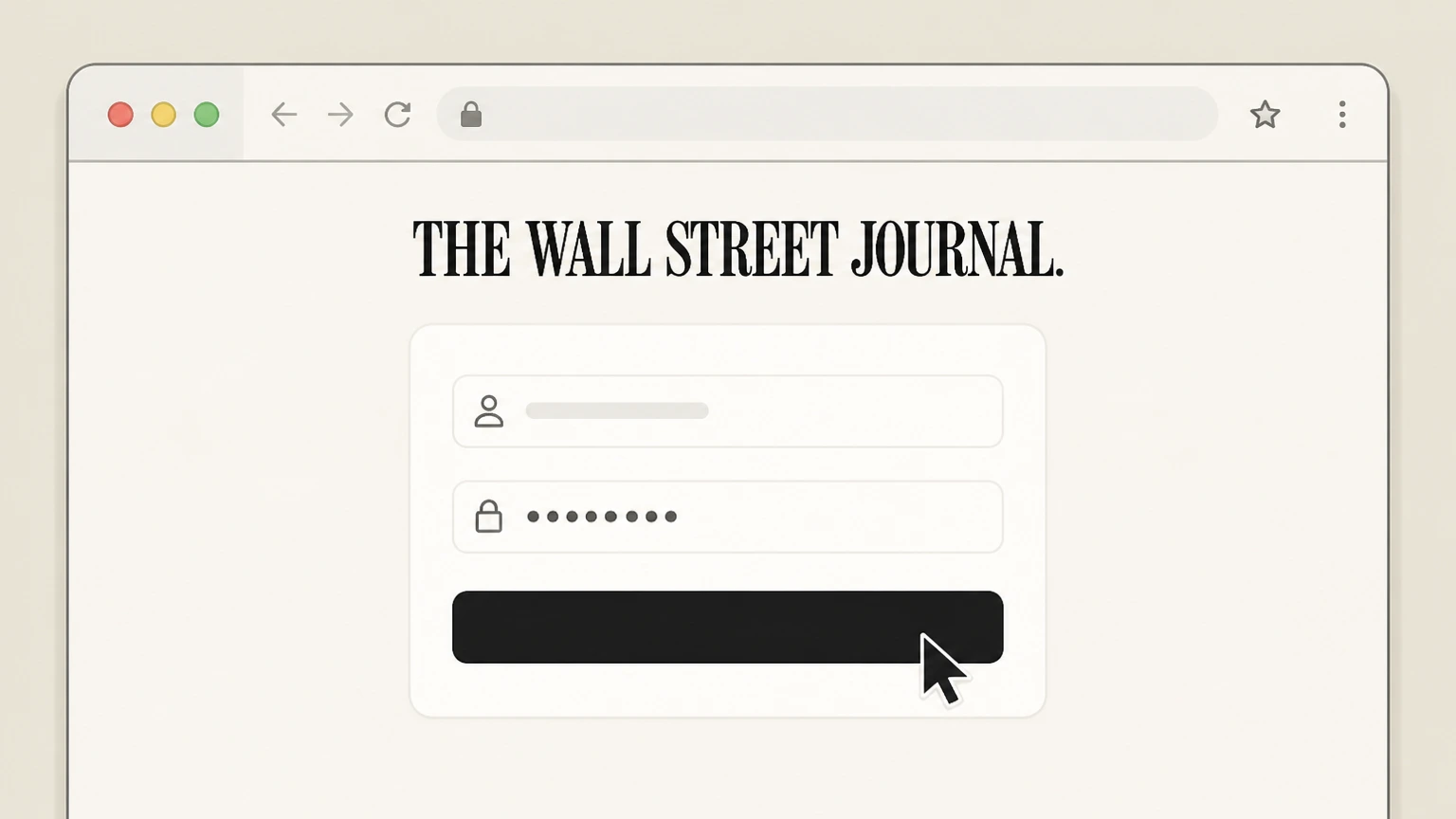 1
1Go to WSJ Customer Center
In a web browser, visit customercenter.wsj.com and sign in with the Wall Street Journal account that is being billed for your subscription.
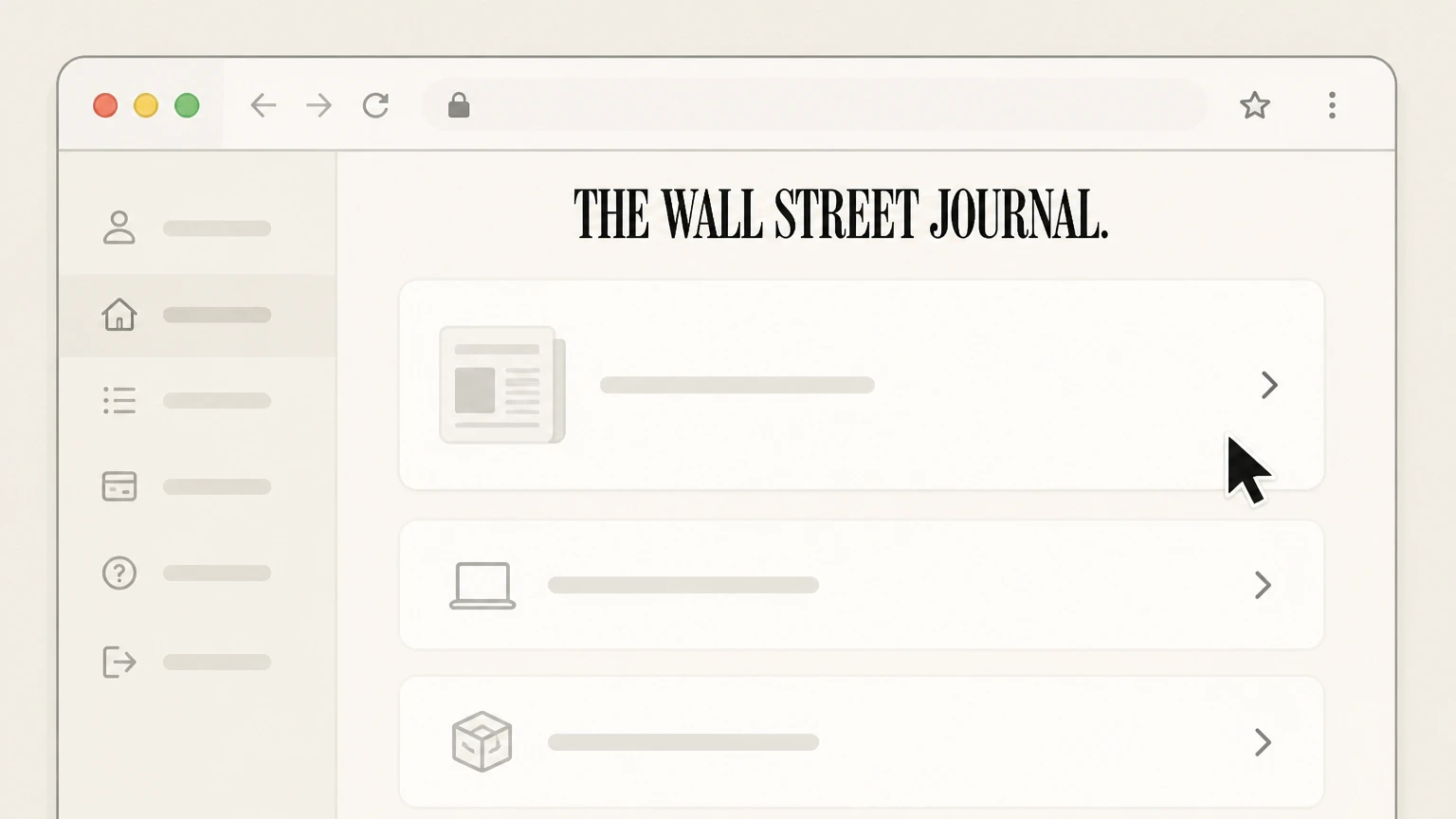 2
2Open your subscription details
From the Customer Center home page, navigate to the area that lists your active Wall Street Journal subscription, such as your print delivery, digital access, or bundle.
- Let Pine handle it
Pine can help
Too many steps?
Pine can find the right WSJ website (Dow Jones-billed subscriptions) path and handle the cancellation for you.
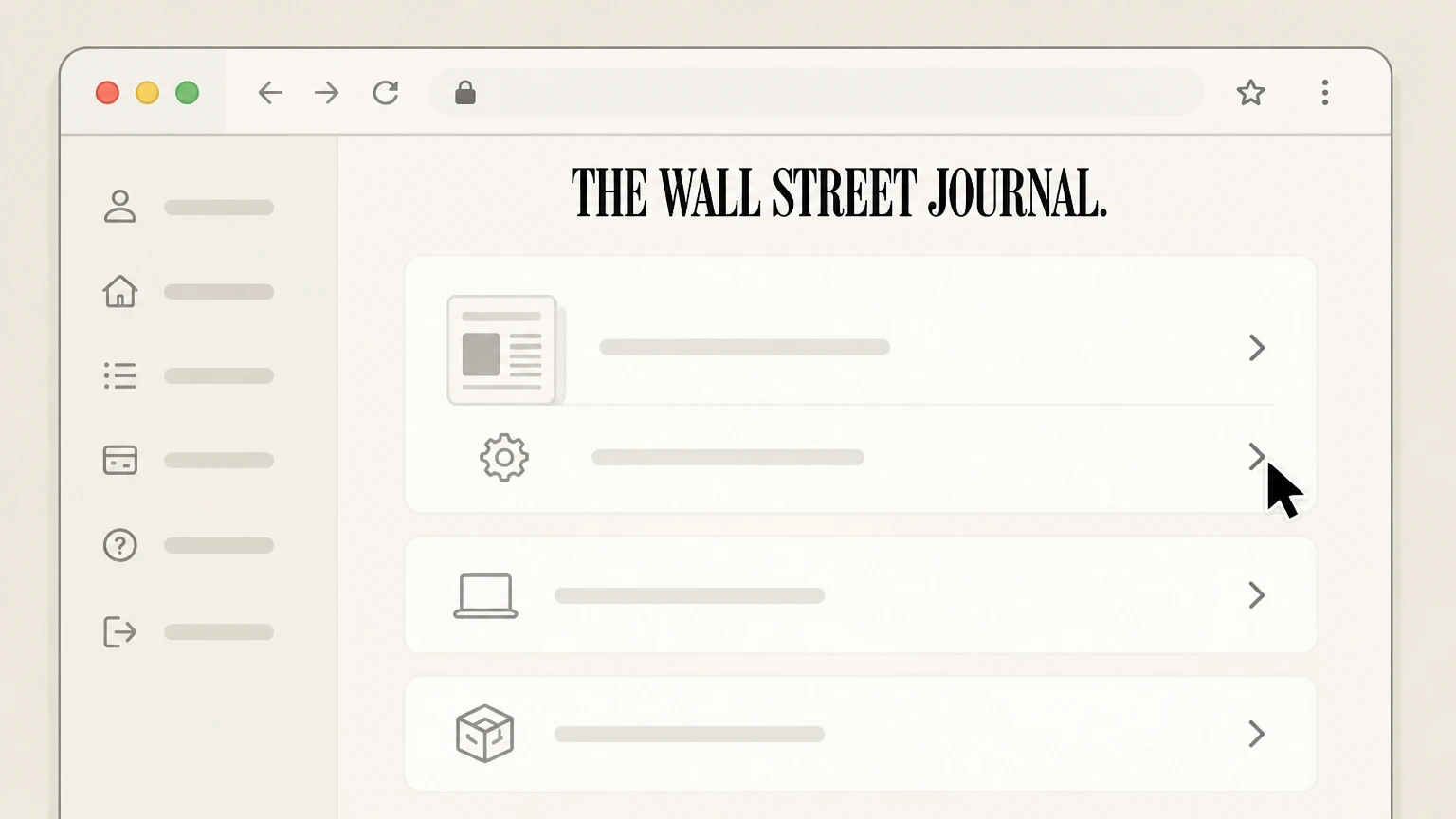 3
3Start managing your subscription
Select the management option shown for your subscription (for example, a manage or change link) to open the subscription management or renewal settings.
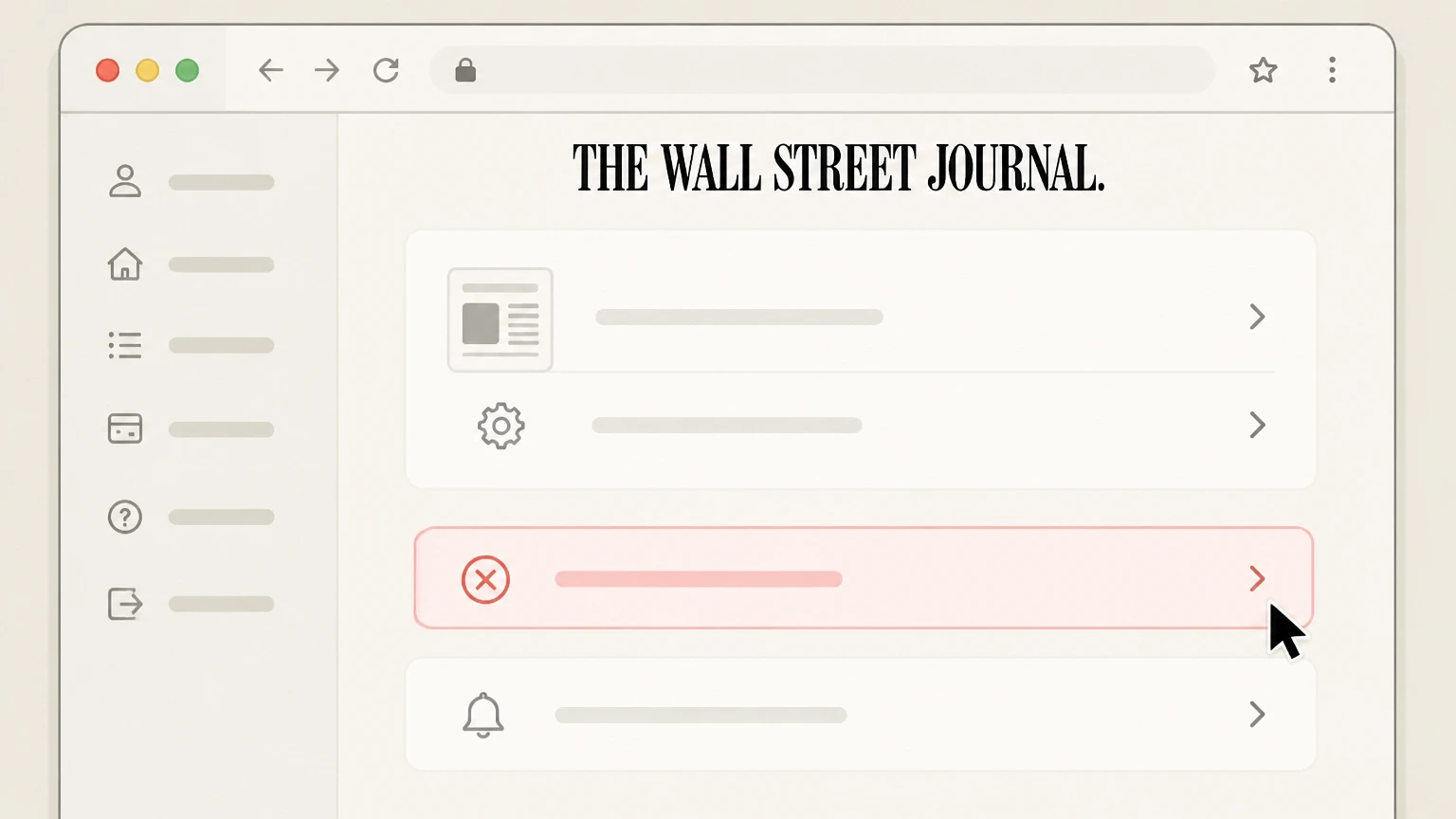 4
4Request cancellation or stop auto-renewal
Within the subscription management options, use the available control to cancel your subscription or turn off automatic renewal so it will not renew after the current paid period.
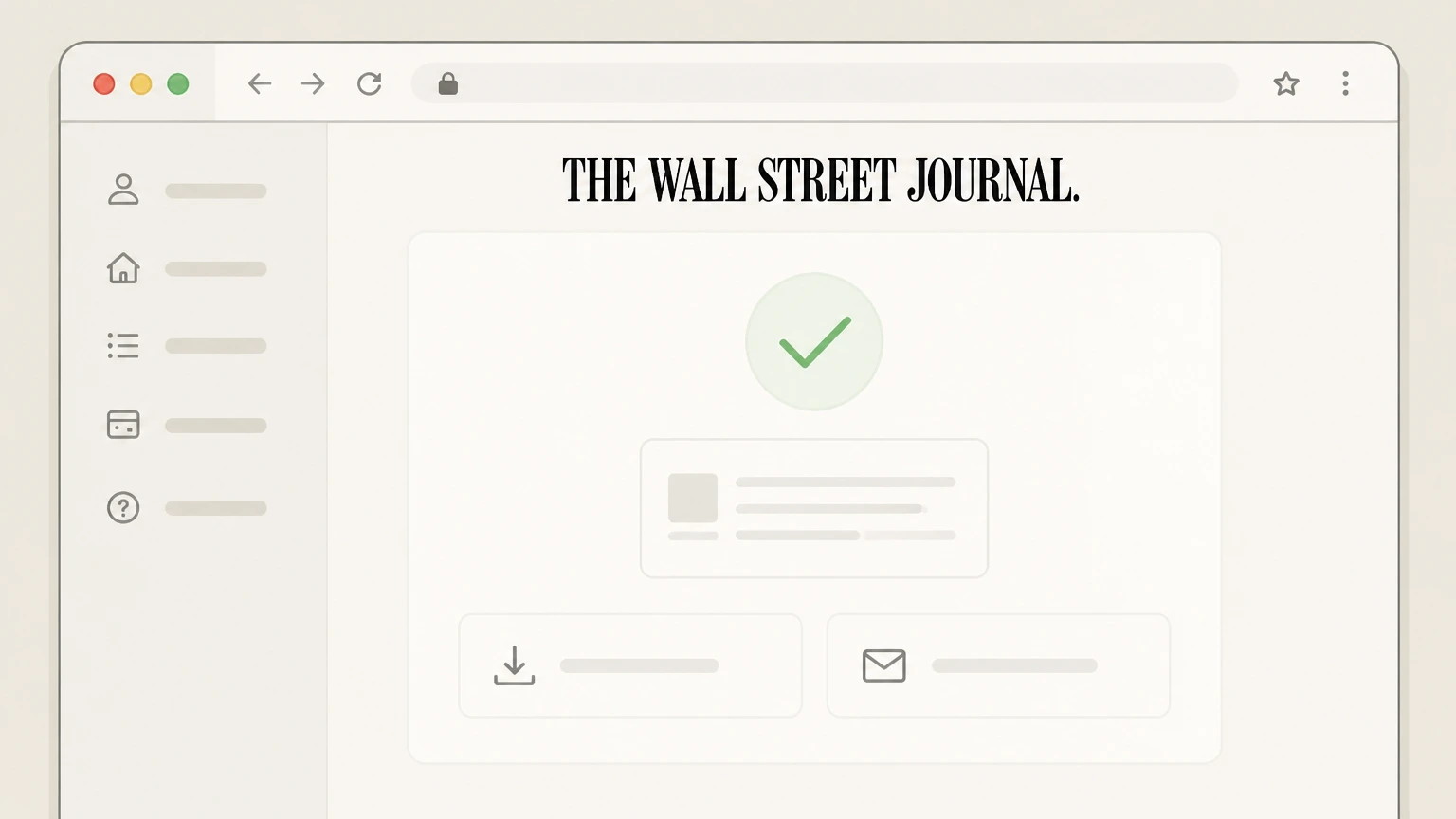 5
5Save your cancellation confirmation
After you complete the flow, save any on‑screen confirmation and the confirmation email from WSJ to document that your subscription will end or stop renewing.

Apple App Store (iPhone or iPad billing) · verify the billing owner
 1
1Open Settings
On your iPhone or iPad, open the Settings app from your home screen. Use the The Wall Street Journal account named on your receipt, and continue only after the next status in this cancellation path is visible.
 2
2Tap your name
At the top of Settings, tap your name to open your Apple ID account settings. Use the The Wall Street Journal account named on your receipt, and continue only after the next status in this cancellation path is visible.
- Let Pine handle it
Pine can help
Too many steps?
Pine can find the right Apple App Store (iPhone or iPad billing) path and handle the cancellation for you.
 3
3Open Subscriptions
In your Apple ID account settings, tap Subscriptions to view subscriptions billed through Apple. Use the The Wall Street Journal account named on your receipt, and continue only after the next status in this cancellation path is visible.
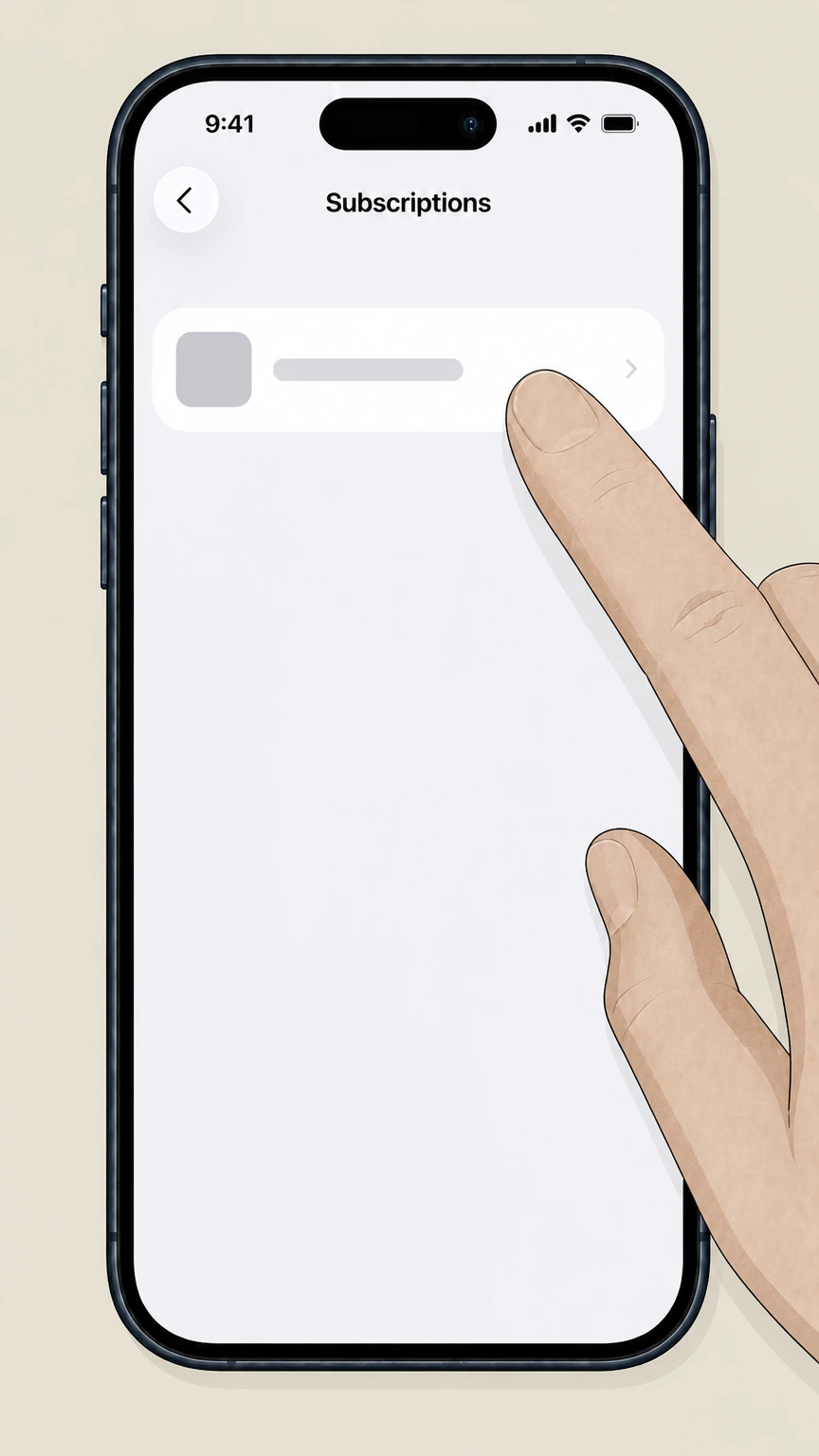 4
4Select The Wall Street Journal
In the list of active subscriptions, tap The Wall Street Journal to open its subscription details. Use the The Wall Street Journal account named on your receipt, and continue only after the next status in this cancellation path is visible.
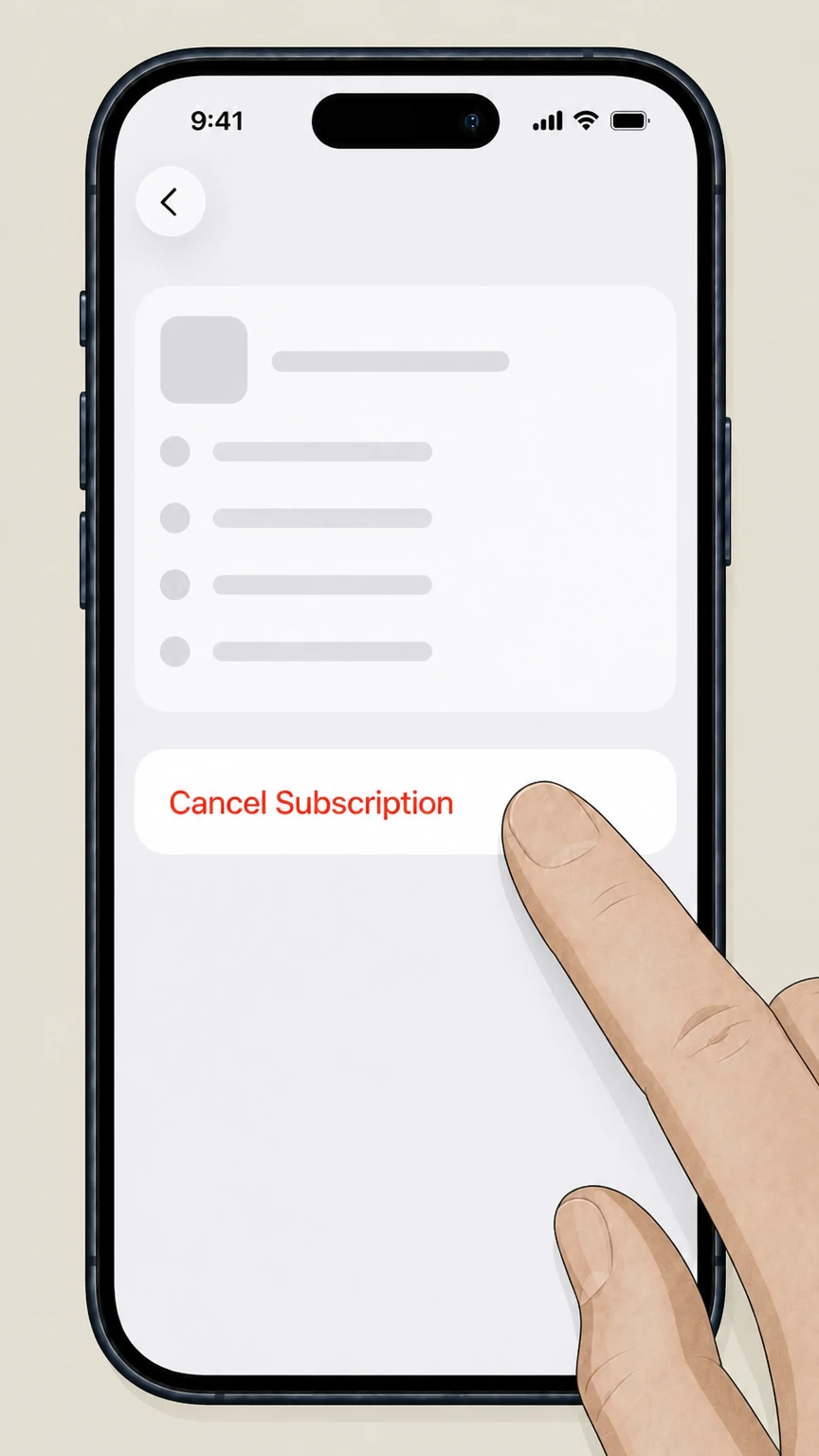 5
5Cancel the subscription
On the Wall Street Journal subscription screen, tap Cancel Subscription and confirm so the plan will not renew after the current billing period.
Google Play Store (Android billing) · verify the billing owner
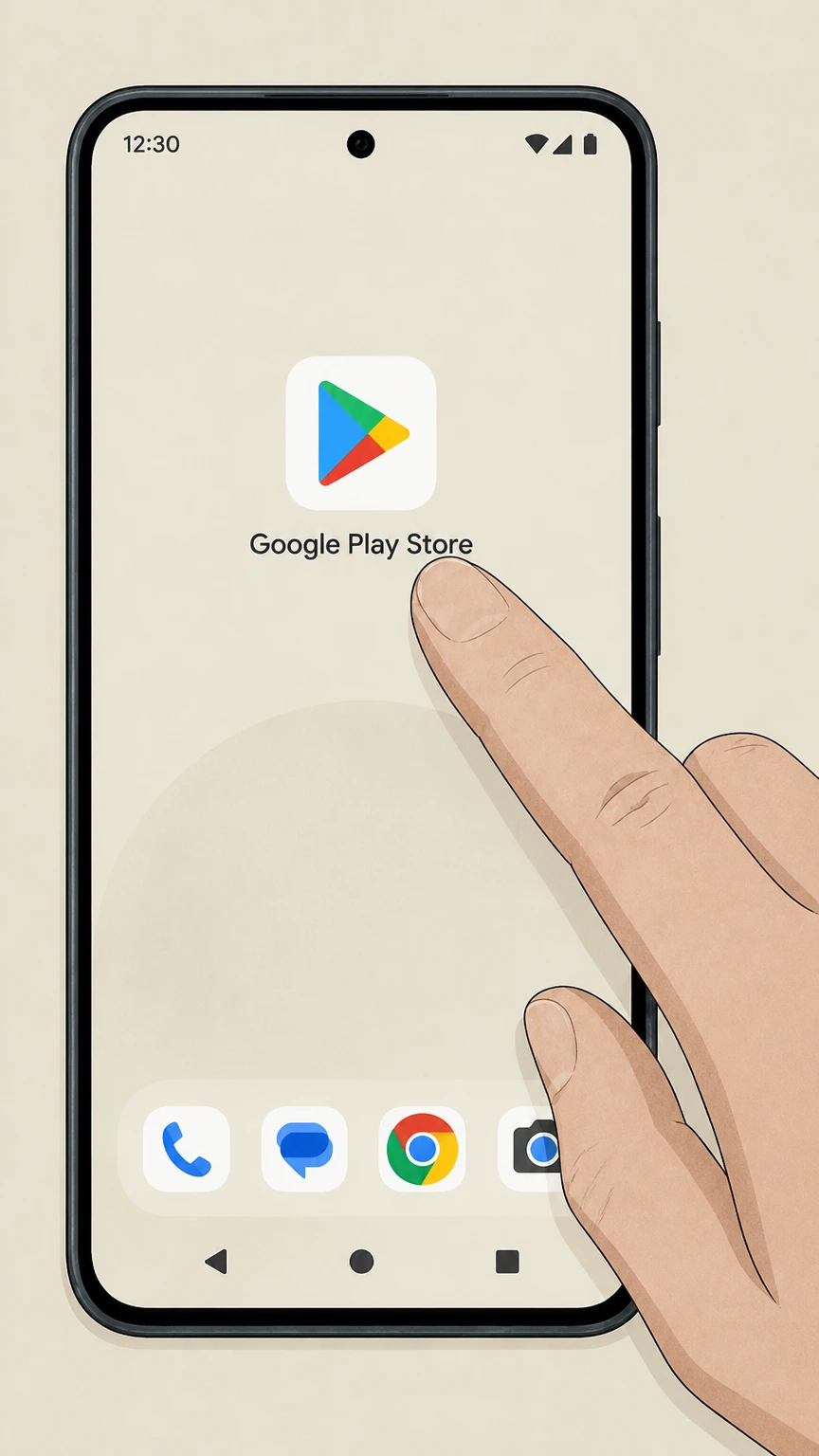 1
1Open Google Play Store
On your Android phone or tablet, open the Google Play Store app while signed in to the Google account that pays for your WSJ subscription.
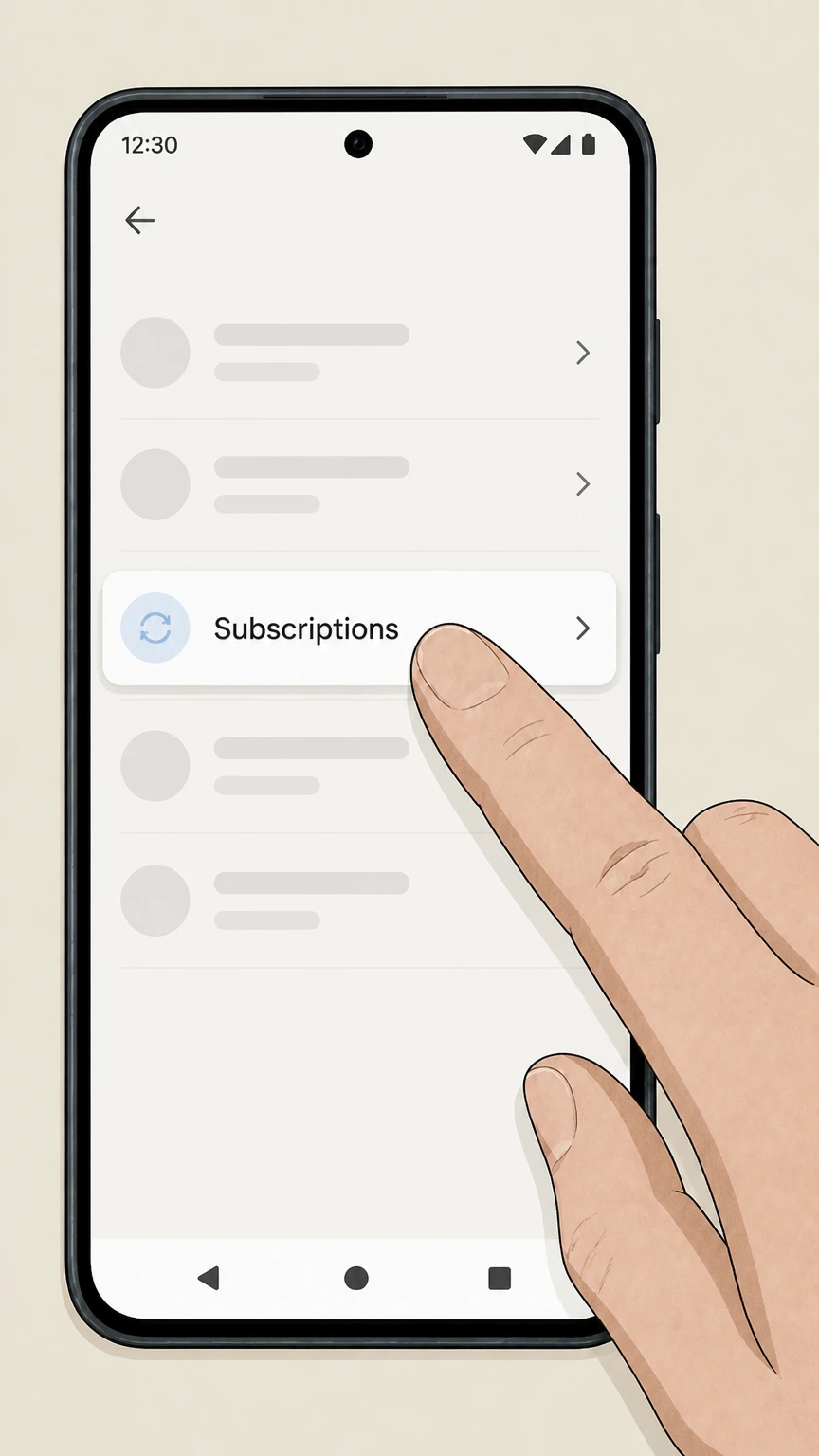 2
2Go to Subscriptions
In Google Play, open the account menu and go to the Subscriptions section for your Google Play account. Use the The Wall Street Journal account named on your receipt, and continue only after the next status in this cancellation path is visible.
- Let Pine handle it
Pine can help
Too many steps?
Pine can find the right Google Play Store (Android billing) path and handle the cancellation for you.
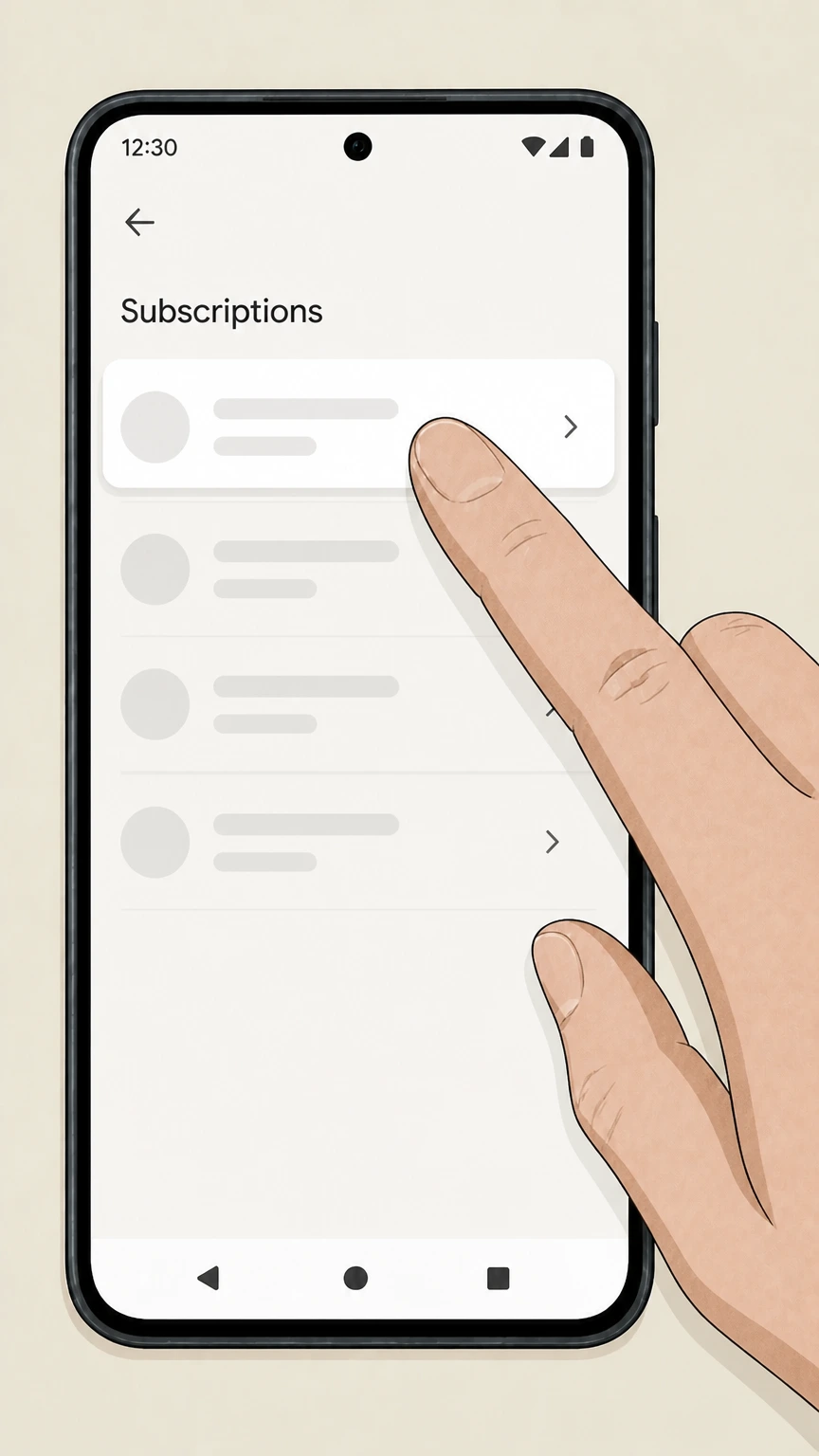 3
3Select your WSJ subscription
In the Subscriptions list, tap your Wall Street Journal subscription to open its details. Use the The Wall Street Journal account named on your receipt, and continue only after the next status in this cancellation path is visible.
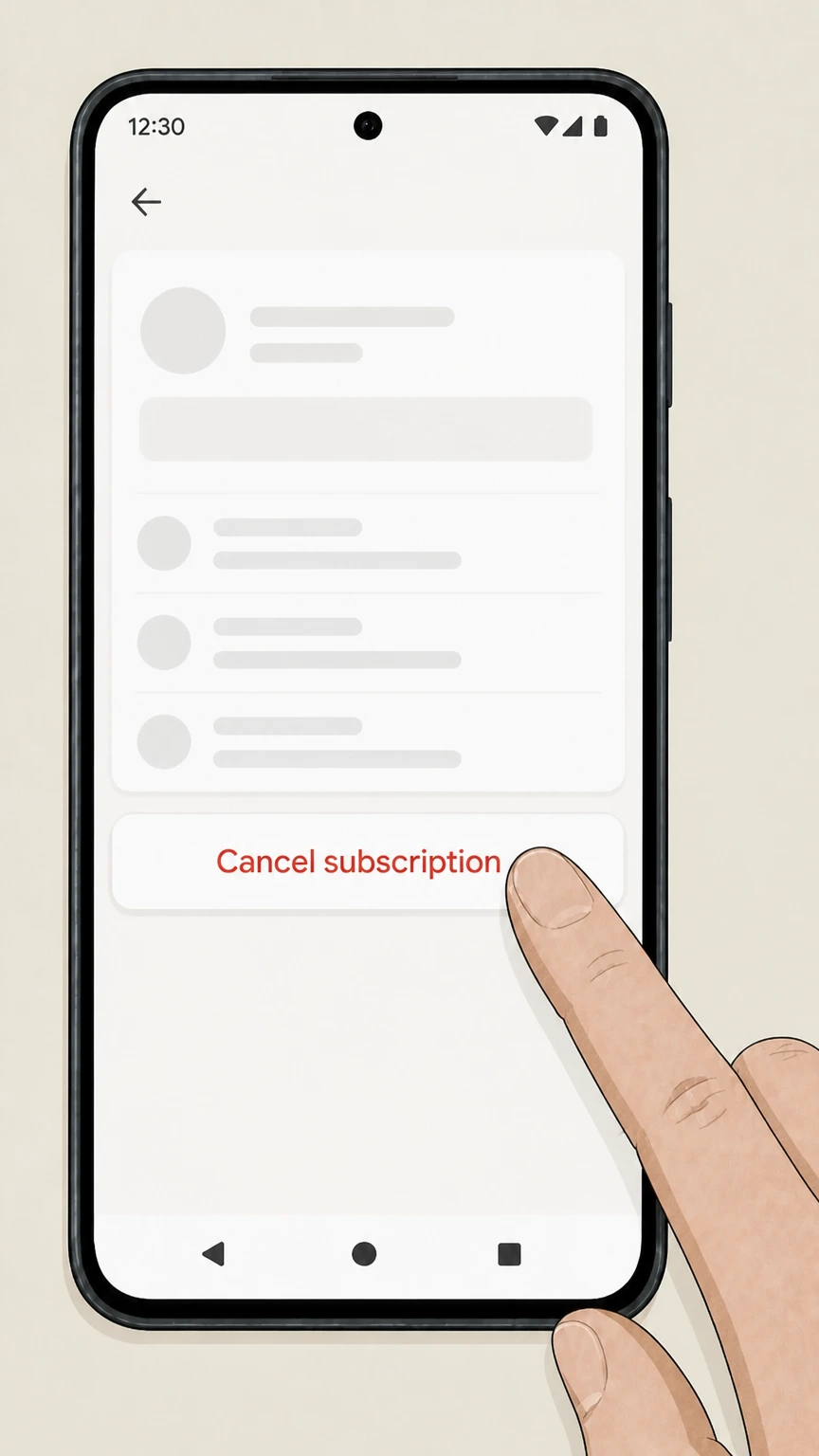 4
4Tap Cancel subscription
On the Wall Street Journal subscription screen, tap Cancel subscription and confirm when prompted. Use the The Wall Street Journal account named on your receipt, and continue only after the next status in this cancellation path is visible.
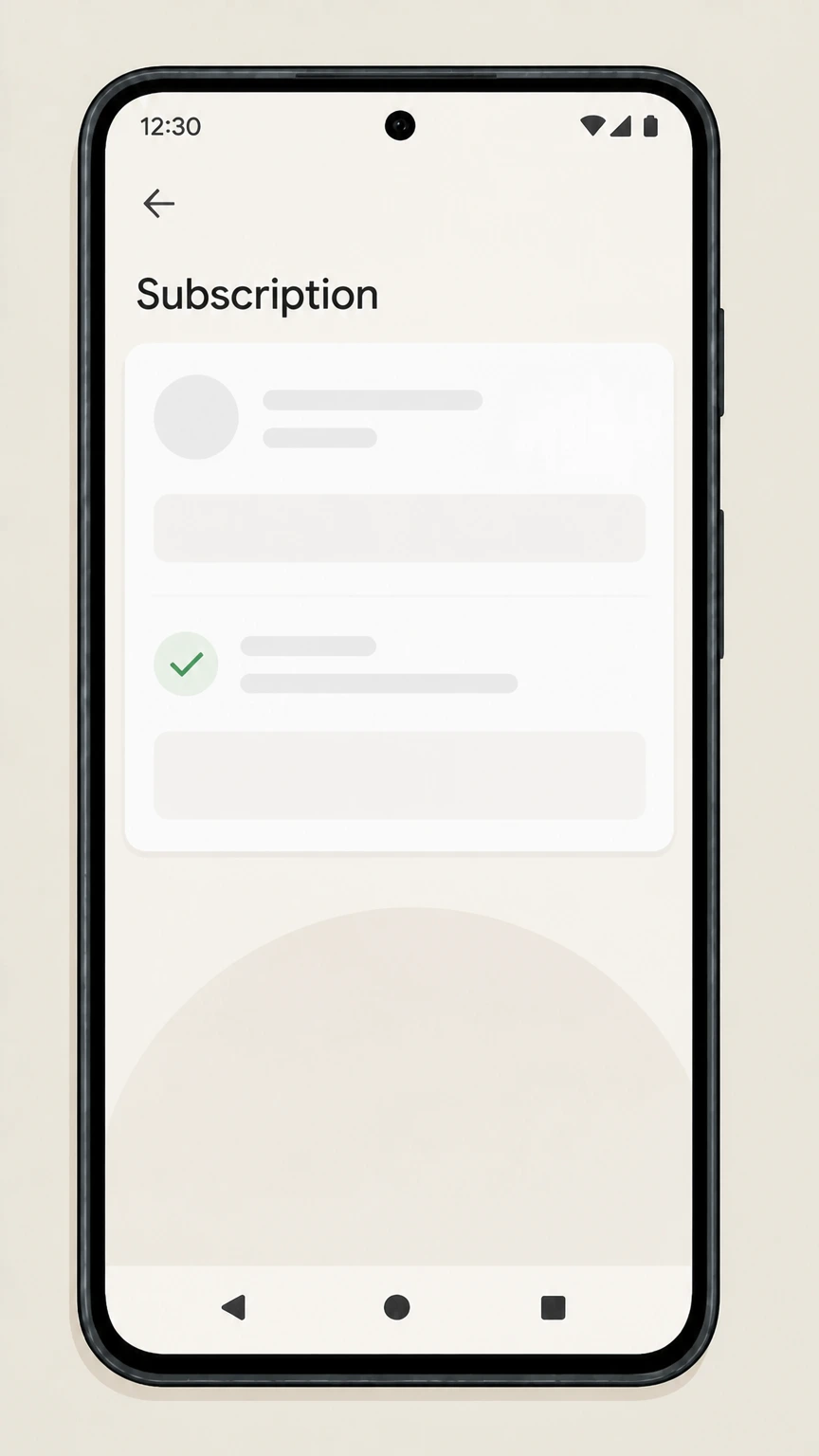 5
5Confirm the end date and save notices
Review the end date shown for your WSJ access and keep the Google Play email confirming that automatic renewal has been stopped.
Refund policy
Refunds and billing after you cancel The Wall Street Journal
Refunds for Wall Street Journal subscriptions depend on who billed you. WSJ’s own public materials emphasize auto‑renewal until cancellation but do not promise automatic refunds for unused time, while Apple and Google Play apply their platform refund policies. Always review your confirmation and statements and contact the billing owner promptly if you believe a charge is incorrect.
Check my refund options- Direct WSJ refunds require contacting WSJ support
- Because WSJ does not publish a simple, dedicated refund policy for subscribers, any request for a refund or billing adjustment on a Dow Jones–billed subscription must be made through Customer Center, support@wsj.com, or 1‑800‑JOURNAL, citing your account details and evidence of cancellation.
- Apple subscriptions can be canceled and then reviewed for refund
- For Apple‑billed WSJ subscriptions, cancel in your Apple ID Subscriptions settings; Apple explains that subscriptions normally stay active until the current period ends but you can request a refund or report a problem for individual charges through your purchase history or reportaproblem.apple.com.
- Google Play refunds follow Google’s subscription policies
- For WSJ subscriptions billed through Google Play, Google states that stopping renewal prevents future charges while access continues until the end of the billing cycle, and that refunds are granted only under the Google Play refund policy rather than automatically for every canceled subscription.
- You can block future bank withdrawals if problems persist
- CFPB guidance confirms that you may revoke a company’s authorization to take automatic payments from your bank account and that your bank must honor valid stop‑payment requests, although you remain responsible for any legitimate outstanding balance owed.
- Documentation strengthens any refund or dispute claim
- FTC consumer advice recommends saving your cancellation request, confirmations, and subsequent statements; if a provider continues charging after cancellation, those records support any refund request, card dispute, or complaint to regulators.
If you need a refund or billing correction after cancelling, first contact the company that billed you (WSJ, Apple, or Google Play) with your cancellation proof, then involve your bank or card issuer if the issue is not resolved. Go to WSJ Customer Center
Who bills you
Work out who controls your Wall Street Journal billing
Cancellation must go through the company that actually bills you, so confirm how you first subscribed and where charges appear before you try to cancel.
Check how you signed up for WSJ
If you subscribed on wsj.com or by phone with a card, WSJ/Dow Jones almost certainly bills you directly. If you subscribed inside the WSJ app on iPhone or Android using in‑app purchase, Apple or Google Play is the billing owner instead.
Look at your bank or card statement
If your charges show Apple, iTunes, or App Store, Apple manages the subscription. If they show Google Play or GOOGLE* plus a site name, Google manages it. If they show Dow Jones or Wall Street Journal, cancellation runs through WSJ.
Use email receipts to confirm
Apple recommends checking your email receipts to see which Apple Account or provider billed you and notes that if you cannot find a receipt from Apple, the subscription may be billed by another company instead.
Ask WSJ support if you are still unsure
WSJ’s print edition masthead directs subscribers who need assistance with their subscription to customercenter.wsj.com, support@wsj.com, or 1‑800‑JOURNAL, where an agent can confirm who bills your specific account.
Dow Jones billing
Cancel WSJ subscriptions billed directly by WSJ
Most traditional print, print+digital, and many digital-only WSJ offers are billed directly by Dow Jones and are managed through the WSJ Customer Center and subscriber support channels.
Use WSJ Customer Center as the default channel
WSJ’s print masthead repeatedly tells subscribers needing help with their subscription to visit customercenter.wsj.com, which functions as the primary online portal for managing address changes, payment details, and subscription status.
Customer Center covers print and digital access
Whether you receive the physical newspaper, only use WSJ.com, or have a bundle, your subscription normally appears under the same WSJ Customer Center account, where you can adjust settings and begin a cancellation or stop‑renewal request.
Support can complete cancellations for you
If you cannot complete cancellation online or are unsure which product to stop, WSJ directs you to contact support@wsj.com or call 1‑800‑JOURNAL for subscription assistance; you can explicitly request that your subscription be canceled.
Auto-renew offers continue until you cancel
Promotional copy in WSJ and related offers states that, after any introductory period, subscriptions automatically renew at the prevailing rate until you cancel, so stopping renewal is essential to avoid ongoing charges.
Apple & Google Play
Cancel WSJ when Apple or Google Play bills you
If you bought your WSJ access as an in‑app subscription, Apple or Google, not WSJ, controls renewal, cancellation, and standard refund rules.
Apple subscriptions cancel only in Apple settings
Apple’s support guidance explains that subscriptions purchased from Apple or via App Store apps must be canceled from your Apple ID Subscriptions screen in Settings or the App Store; deleting the app will not stop billing.
Google Play subscriptions cancel from Play
Google Play Help instructs Android users to go to Subscriptions in the Google Play app, select the subscription, and tap Cancel subscription; uninstalling the WSJ app does not cancel and Google continues billing until you unsubscribe.
Subscribe with Google and other Google flows
Google’s Subscribe with Google help pages explain that recurring news subscriptions purchased through Google are managed through the Payments & subscriptions section of your Google Account, where you can change or cancel them.
App-store billing overrides WSJ support
If Apple or Google Play bills you, WSJ support can help with content issues but cannot usually stop charges; you must complete cancellation through Apple or Google’s subscription controls for billing to end.
After you cancel
What happens to WSJ access after cancellation
Canceling stops future renewals but usually leaves you with access until the end of the paid period, depending on who bills you.
Apple keeps access until the period ends
Apple notes that when you cancel a subscription, it generally remains active until the current billing period or free trial ends and then expires; the Subscriptions screen shows the new expiration date instead of a renewal date.
Google Play access runs through the billing cycle
Google Play explains that when you stop renewal on a subscription, you will not be charged on the next renewal date and can continue to access your content until the end of the current billing period or payment plan.
Direct WSJ access usually runs to the paid-through date
WSJ promotional and masthead language emphasize auto‑renewal until you cancel but do not publish detailed pro‑rata rules; in practice, expect your print deliveries or digital access to continue until the period already billed has finished.
Account logins can remain after subscription ends
Ending your WSJ subscription typically stops paid access, not the underlying WSJ.com account, so you may still be able to sign in but encounter paywalls or limited access once your subscription term has expired.
Refunds & disputes
Refund expectations when cancelling WSJ
Refund rules differ depending on whether Dow Jones, Apple, or Google Play bills you, and none of the providers guarantee refunds for unused time after a renewal charge without a specific review.
WSJ does not publish simple public refund rules
We did not find a dedicated consumer-facing WSJ policy page promising automatic refunds for unused time after cancellation; for billing questions on direct WSJ charges you must contact WSJ support through Customer Center, email, or phone.
Apple lets you request, not guarantee, refunds
Apple’s support materials explain that canceling generally stops future renewals while access runs to the period end, and that you may request a refund or report a problem for App Store subscriptions through your purchase history or reportaproblem.apple.com.
Google Play follows its own refund policy
Google Play Help notes that stopping renewal ends charges on the next renewal date and that refunds are handled under the Google Play refund policy, which generally does not provide automatic refunds for already‑billed subscription periods.
You can also stop automatic bank payments
CFPB guidance explains that you have the right to revoke a company’s authorization to take automatic payments from your bank account and describes how to contact the company and your bank to stop future withdrawals if charges continue after cancellation.
Keep documentation in case of disputes
FTC consumer advice recommends keeping copies of your cancellation request, confirmations, and subsequent card statements so that if charges continue you can dispute them with your card issuer and, if necessary, file a complaint with regulators.
Subscription types
Print delivery, digital-only, and WSJ bundle cancellations
The Wall Street Journal sells print, digital, and combined offers, but the same billing-owner rules apply and Customer Center remains the main hub for direct subscribers.
Print subscriptions live in the same WSJ account
USPS statements and WSJ mastheads show print customers using the same customercenter.wsj.com portal for address changes and account maintenance, so print cancellations begin from the same Customer Center account as digital access.
Digital-only and bundle access from app-store billing
WSJ’s App Store and Google Play listings show in‑app purchases that unlock digital access across WSJ.com and apps; when those subscriptions are billed through Apple or Google, you must cancel them in the corresponding app store settings.
Stopping print delivery vs ending digital rights
For direct‑billed bundles, you can work with WSJ support to stop home delivery and keep digital, or cancel everything; be clear in your request whether you intend to stop all access or just physical delivery.
WSJ Print Edition app mirrors your existing entitlement
The WSJ Print Edition Android app notes that it is available to WSJ members and directs users with app questions to 1‑800‑JOURNAL or support@wsj.com, reinforcing that print‑replica access follows your underlying WSJ subscription status.
Your rights
Regulatory protections for recurring WSJ charges
Recent U.S. rules strengthen your rights around recurring subscriptions like WSJ, especially for online sign‑up and cancellation and for stopping unwanted charges.
FTC’s click-to-cancel rule requires simple cancellation
The FTC’s 2024 amendments to its Negative Option Rule require companies using recurring subscriptions to provide a simple cancellation mechanism that makes it at least as easy to cancel as it was to sign up, including for online enrollment.
Misleading negative-option practices are prohibited
The same FTC rule bars subscription sellers from misrepresenting key facts about terms, billing, or cancellation, and from failing to obtain informed consent to recurring charges, giving regulators tools to address unfair or deceptive practices.
You can challenge unauthorized or continuing charges
FTC consumer guidance advises monitoring your statements after cancelling any subscription and disputing charges with your card issuer if a company continues billing after you told it to cancel, while also reporting problems to regulators.
You can revoke permission for bank auto-debits
CFPB explains that you can withdraw authorization for companies to pull automatic payments from your bank account and that banks must honor valid stop‑payment orders, though you still owe any legitimate underlying balance.
If something goes wrong
Troubleshooting common WSJ cancellation problems
If you do not see the right subscription, still get charged, or cannot use the normal online paths, these steps help you resolve issues safely.
If you don’t see WSJ under Apple or Google subscriptions
Apple suggests that if you cannot find a subscription in your Apple ID Subscriptions list, you may have used a different Apple ID or another provider; Google Play gives similar guidance, so verify you are signed into the correct account first.
If you can’t find a way to cancel online with WSJ
Because WSJ’s Customer Center interface is account‑specific, you may need to contact WSJ directly using support@wsj.com or 1‑800‑JOURNAL and clearly request that your subscription be cancelled and future renewals stopped.
If charges continue after cancellation
Follow FTC advice to document your cancellation, contact WSJ or the app store again to request correction or refund, and, if the issue persists, dispute the charges with your card issuer and consider filing a complaint with the FTC or CFPB.
If you used a third-party bundle or employer access
Some WSJ access is provided through employers, schools, or other services; in those cases, only the organization or platform that granted access can usually change or cancel it, so contact that administrator for changes.
What official sources do not confirm
Limits of the public The Wall Street Journal cancellation guidance
These points are intentionally qualified because the official sources reviewed on August 16, 2026 do not publish a complete answer.
Documented limitation 1
WSJ does not publish a single, detailed, consumer-facing cancellation and refund policy page for direct subscribers, so guidance for Dow Jones–billed accounts relies on Customer Center references and general auto‑renew language rather than an official step-by-step flow.
Documented limitation 2
The WSJ Customer Center interface is not publicly crawlable, so specific button labels and menu names inside signed-in account pages may differ slightly from the generic management steps described here.
Documented limitation 3
This guide cannot cover all special-case arrangements such as university, corporate, or third-party bundle access (including certain Amazon or carrier offers) because their specific cancellation terms are not fully documented in the allowed official sources.
Documented limitation 4
Refund expectations for direct WSJ billing are inferred from the absence of public pro‑rata rules and from general regulator guidance; individual cases may be handled differently by WSJ support or your payment provider.
The Wall Street Journal cancellation FAQ
Questions people search about canceling The Wall Street Journal, answered with official provider or billing-platform sources checked on August 16, 2026.
Can I cancel my WSJ subscription online?
How can I cancel my Wall Street Journal subscription online?
How to cancel WSJ on iPhone?
Can I cancel my Wall Street Journal subscription through the app?
What happens to my Wall Street Journal access after I cancel?
How do I cancel a Wall Street Journal subscription billed through Google Play?
Can I cancel a Wall Street Journal print subscription the same way as digital?
How do I know if my WSJ subscription is managed by Apple, Google, or WSJ directly?
What should I do if WSJ keeps charging me after I cancel?
Can I cancel my Wall Street Journal subscription by email?
Untangle this The Wall Street Journal issue.
Let Pine handle the provider follow-up and keep the confirmation in one place.
