


Rolling Stone
Cancel subscription
How to Cancel Your Rolling Stone Subscription Guide
Learn how to cancel Rolling Stone through the right billing provider. Follow official steps, understand access timing, refunds, and the confirmation to keep.
- 2 cancellation paths matched to the billing owner
- Renewal timing and access outcome explained
- Refund requests routed to the company that billed you
- Confirmation steps included for every path
Choose the Rolling Stone cancellation path that matches who bills you
iOS (Apple‑billed Rolling Stone subscriptions) · verify the billing owner
iOS (Apple‑billed Rolling Stone subscriptions)
 1
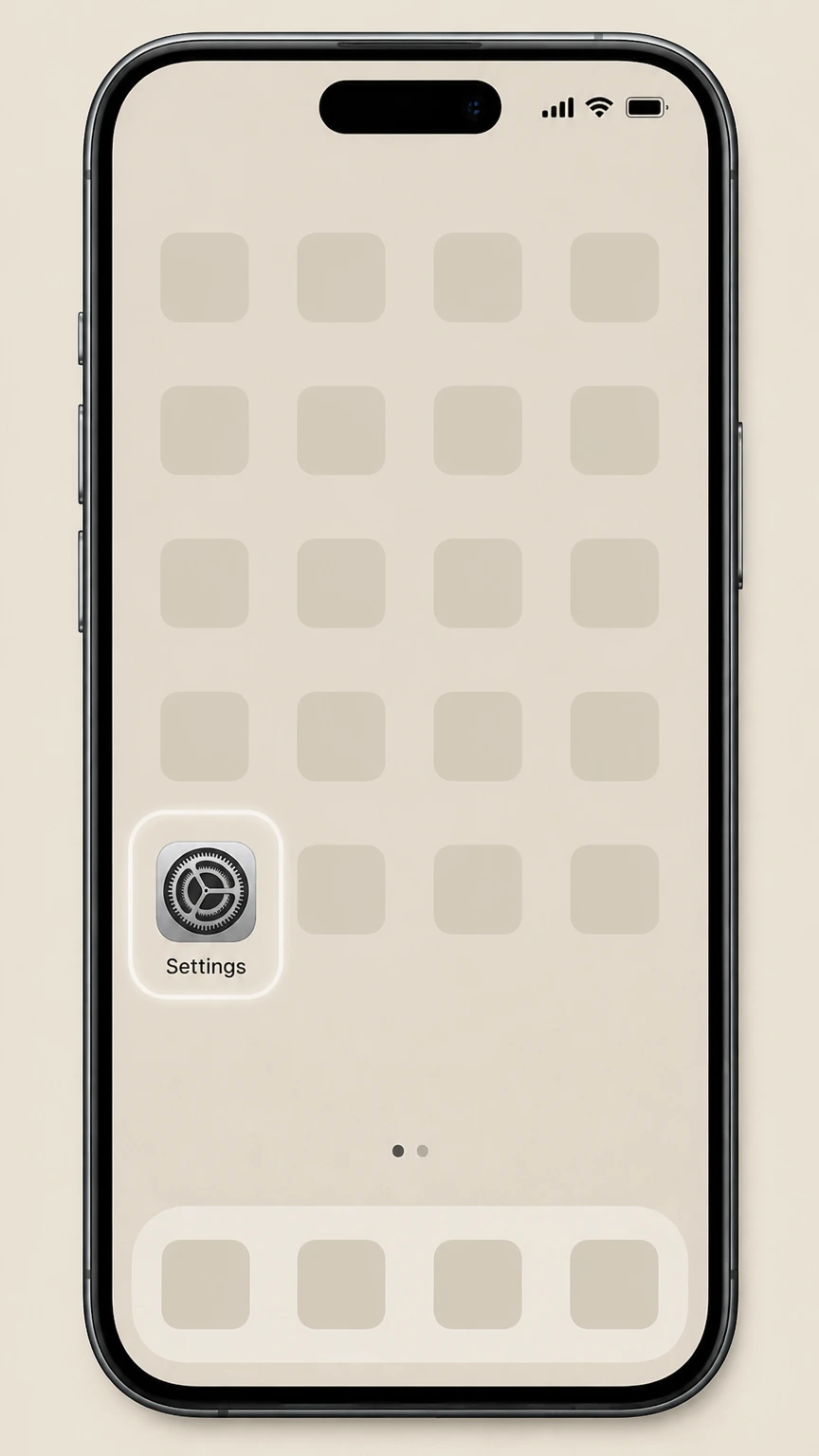
1Open Settings
On the iPhone or iPad billed by Apple, open the Settings app before opening the Apple Account subscription list.
 2
2Tap your name
At the top of Settings, tap your Apple ID name to open your account settings.
- Let Pine handle it
Pine can help
Too many steps?
Pine can find the right iOS (Apple‑billed Rolling Stone subscriptions) path and handle the cancellation for you.
 3
3Open Subscriptions
Tap Subscriptions to see all active and expired subscriptions linked to your Apple ID.
 4
4Select Rolling Stone
In the list, tap the Rolling Stone subscription entry to open its details.
 5
5Cancel the subscription
Tap Cancel Subscription and follow the on‑screen prompts; if you only see an expiration date and no Cancel button, your Rolling Stone subscription is already cancelled.

Google Play (Android Rolling Stone subscriptions) · verify the billing owner
Google Play (Android Rolling Stone subscriptions)
 1
1Open Google Play Store
On your Android phone or tablet, open the Google Play Store app while signed in to the Google Account that pays for Rolling Stone.
 2
2Open your account menu
Tap your profile icon in the top right of Google Play to open the account menu.
- Let Pine handle it
Pine can help
Too many steps?
Pine can find the right Google Play (Android Rolling Stone subscriptions) path and handle the cancellation for you.
 3
3Go to Payments & subscriptions
From the menu, tap Payments & subscriptions to manage your active subscriptions.
 4
4Open Subscriptions
Tap Subscriptions and look for Rolling Stone in your list of active subscriptions.
 5
5Cancel the Rolling Stone subscription
Tap Rolling Stone, then tap Cancel subscription and follow the prompts; your subscription will remain active until the end of the current billing period, after which Google Play stops future charges.
Refund policy
Refunds for Rolling Stone subscriptions billed through Apple or Google Play
Rolling Stone subscription refunds depend on the billing platform. Apple and Google each have their own refund processes and eligibility rules, and cancellation by itself usually only stops future renewals. Platform policies, not Rolling Stone’s editorial stance, determine whether a given charge can be refunded.
Check my refund options- Apple may refund some subscription charges on request
- Apple’s refund policy allows some App Store and subscription purchases to be refunded if you submit a request through its “Report a Problem” site and Apple determines you’re eligible; it does not promise refunds for every cancelled subscription. support.apple.com
- Google Play limits refunds under its own policies
- Google Play Help explains that cancelling a subscription stops future bills but that past charges are normally non‑refundable except as described in Google Play’s refund policies, which apply to subscriptions from apps like Rolling Stone. support.google.com
- Cancellation and refunds are separate steps
- Both Apple and Google treat cancellation and refunds as separate actions: you cancel in Subscriptions to stop renewal and, if you believe a charge is inappropriate, you then use a different flow (such as a refund request or card dispute) to seek money back. support.apple.com
- You can escalate unresolved billing problems
- FTC guidance advises that if a subscription company or platform keeps charging after you’ve cancelled or refuses an appropriate refund, you may dispute the charge with your credit or debit card issuer and file a complaint with the FTC. consumer.ftc.gov
If your Rolling Stone subscription was billed through Apple or Google Play and you believe you were wrongly charged, first request a refund through the relevant store’s tools, then contact your card issuer or file an FTC complaint if the problem isn’t resolved. See Apple and FTC guidance on subscription refunds
Subscription channels
Where Rolling Stone digital subscriptions are sold
Rolling Stone’s digital magazine is sold through major mobile app stores, which determines who controls billing and cancellation.
Rolling Stone app on Apple’s App Store
Apple’s App Store lists “Rolling Stone Magazine” as a subscription‑based app, confirming that Apple can bill users for Rolling Stone content accessed through iOS devices when purchased via in‑app subscription. apps.apple.com
Rolling Stone app on Google Play
Google Play hosts a Rolling Stone magazine app for Android devices, which uses Google Play Billing for any in‑app subscription purchases tied to a Google Account. play.google.com
Billing controlled by the store you used
Apple Support states that subscriptions purchased with an app from the App Store are managed in your Apple ID subscriptions settings, while Google Play Help says subscriptions bought in apps on Android are managed in your Google Play subscriptions. support.apple.com
Other merchants may appear on your statement
If your card or PayPal statement shows a merchant other than Apple or Google—for example, “Rolling Stone” or another partner—then that merchant, not Apple or Google, controls billing and must provide a way to cancel under FTC rules for recurring subscriptions. consumer.ftc.gov
Apple billing
How Apple bills and cancels Rolling Stone subscriptions
If you subscribed to Rolling Stone through an iOS app using Apple’s in‑app purchase system, Apple—not Rolling Stone—controls billing and cancellation.
Subscriptions tied to your Apple ID
Apple explains that subscriptions purchased from Apple or in apps are tied to your Apple ID and can be viewed, changed, or cancelled from the Subscriptions section of your account settings on supported devices. support.apple.com
Standard iPhone cancellation flow
On iPhone, Apple’s official steps are to open Settings, tap your name, tap Subscriptions, select the subscription, and tap Cancel Subscription—this same flow applies to a Rolling Stone subscription billed through Apple. support.apple.com
Effect of cancelling through Apple
Apple notes that when you cancel a subscription, you generally keep access for the time you’ve already paid, and the subscription will show an expiration date instead of renewing. support.apple.com
Refunds handled separately by Apple
Apple’s refund policy states that some App Store and subscription purchases may be eligible for a refund, but you must request it through Apple’s “Report a Problem” page; cancellation alone does not guarantee a refund. support.apple.com
Google Play billing
How Google Play bills and cancels Rolling Stone subscriptions
Rolling Stone subscriptions taken out inside the Android app and billed via Google Play are governed by Google Play’s subscription rules.
Subscriptions linked to your Google Account
Google Play Help explains that subscriptions bought with apps on Android are linked to your Google Account and are managed from Subscriptions in the Google Play app or on play.google.com. support.google.com
Android cancellation steps
On Android, Google’s official steps are to go to Subscriptions in Google Play, select the subscription, tap Cancel subscription, and follow the instructions; this is the process you use to cancel a Rolling Stone subscription billed through Google Play. support.google.com
What happens after you cancel on Google Play
Google states that when you cancel a subscription, you will still be able to use it for the time you’ve already paid, and you will not be charged on your next renewal date. support.google.com
Refunds through Google Play
Google Play notes that subscriptions are generally non‑refundable except as provided in its refund policies; if eligible, you must request a refund separately through Google Play rather than relying on cancellation alone. support.google.com
Access changes
What changes after you cancel a store‑billed Rolling Stone subscription
Apple and Google describe what happens to your subscription access and charges after you cancel through their systems.
No further renewals from the store
Both Apple and Google Play state that cancelling a subscription stops future renewal charges from that store after the end of the current billing period, though past charges typically are not refunded automatically. support.apple.com
Access usually continues until period end
Google Play explicitly notes that after cancelling, you will still be able to use your subscription for the time you’ve already paid; Apple similarly shows an expiration date after cancellation, indicating access continues until that date. support.google.com
Subscription status indicators
Apple’s guidance explains that if there is no Cancel button and you see an expiration message in red text, the subscription is already canceled; Google Play shows cancelled or expired status in the Subscriptions list. support.apple.com
App remains installed after cancellation
Google Play warns that uninstalling an app does not cancel a subscription; likewise, cancelling a Rolling Stone subscription through the store does not automatically remove the Rolling Stone app or any locally stored data from your device. support.google.com
Refunds & disputes
Refunds and charge disputes for Rolling Stone subscriptions
Refunds for Rolling Stone subscriptions billed through Apple or Google are governed by those platforms’ policies, and unresolved billing problems can be escalated under FTC guidance.
Apple refund requests for subscriptions
Apple’s support article explains that some App Store and subscription purchases may be eligible for a refund and directs users to the “Report a Problem” site to choose the subscription and submit a refund request. support.apple.com
Google Play refund framework
Google Play’s subscription help notes that refunds are limited and references Google Play’s refund policies; cancelling primarily stops future charges, and any refund eligibility is assessed under those policies. support.google.com
FTC advice on unwanted subscription charges
The FTC advises consumers who can’t stop unwanted subscription charges to first contact the company running the subscription and, if billing continues, file a chargeback dispute with their credit or debit card issuer. consumer.ftc.gov
No Rolling Stone–specific refund terms located
Within the allowed official domains (Apple, Google, Amazon, PayPal, FTC, CFPB), no current Rolling Stone–specific refund policy could be located, so only app‑store and general consumer‑protection rules are reflected here. apps.apple.com
Confirmation
How to confirm your Rolling Stone subscription is cancelled
Use built‑in account tools from Apple and Google to verify that your Rolling Stone subscription will not renew.
Check status in Apple Subscriptions
Apple explains that a cancelled subscription shows an expiration message instead of a renewal date and may no longer offer a Cancel button, indicating that it won’t renew under your Apple ID. support.apple.com
Check status in Google Play Subscriptions
Google Play indicates that you will not be charged again after cancelling and that your subscription status can be reviewed at any time under Subscriptions in the Google Play app or on the web. support.google.com
Monitor for further charges
FTC guidance recommends reviewing card or bank statements after cancellation to ensure charges stop and disputing any unauthorized or continued charges with your card issuer. consumer.ftc.gov
Keep store confirmation emails
Apple and Google typically email receipts and key subscription changes; keeping these messages makes it easier to prove when you cancelled and to request any needed corrections or refunds. support.apple.com
Rolling Stone cancellation FAQ
Answers about Rolling Stone billing ownership, cancellation timing, refunds, and access after cancellation.
Can I cancel my Rolling Stone magazine subscription online?
How do I cancel my Rolling Stone subscription on my iPhone?
How do I cancel my Rolling Stone subscription on Android?
Does deleting the Rolling Stone app cancel my subscription?
What happens to my Rolling Stone access after I cancel through Apple?
What happens to my Rolling Stone access after I cancel through Google Play?
Can I get a refund for a Rolling Stone subscription billed through Apple?
Can I get a refund for a Rolling Stone subscription billed through Google Play?
How can I confirm that my Rolling Stone subscription is cancelled?
Who should I contact if my Rolling Stone subscription isn’t billed through Apple or Google Play?
Untangle this Rolling Stone issue.
Let Pine handle the provider follow-up and keep the confirmation in one place.
