

Frontend Masters
Cancel subscription
How to Cancel Your Frontend Masters Subscription
Learn how to cancel a Frontend Masters subscription, including web and Apple billing options, what changes after cancellation, and the basics of refunds.
- Official Frontend Masters and billing-owner sources
- 2 provider-specific cancellation paths
- Refund and post-cancellation effects separated from renewal
- Verified August 16, 2026
Choose the Frontend Masters cancellation path that matches who bills you
Website (FrontendMasters.com account) · verify the billing owner
 1
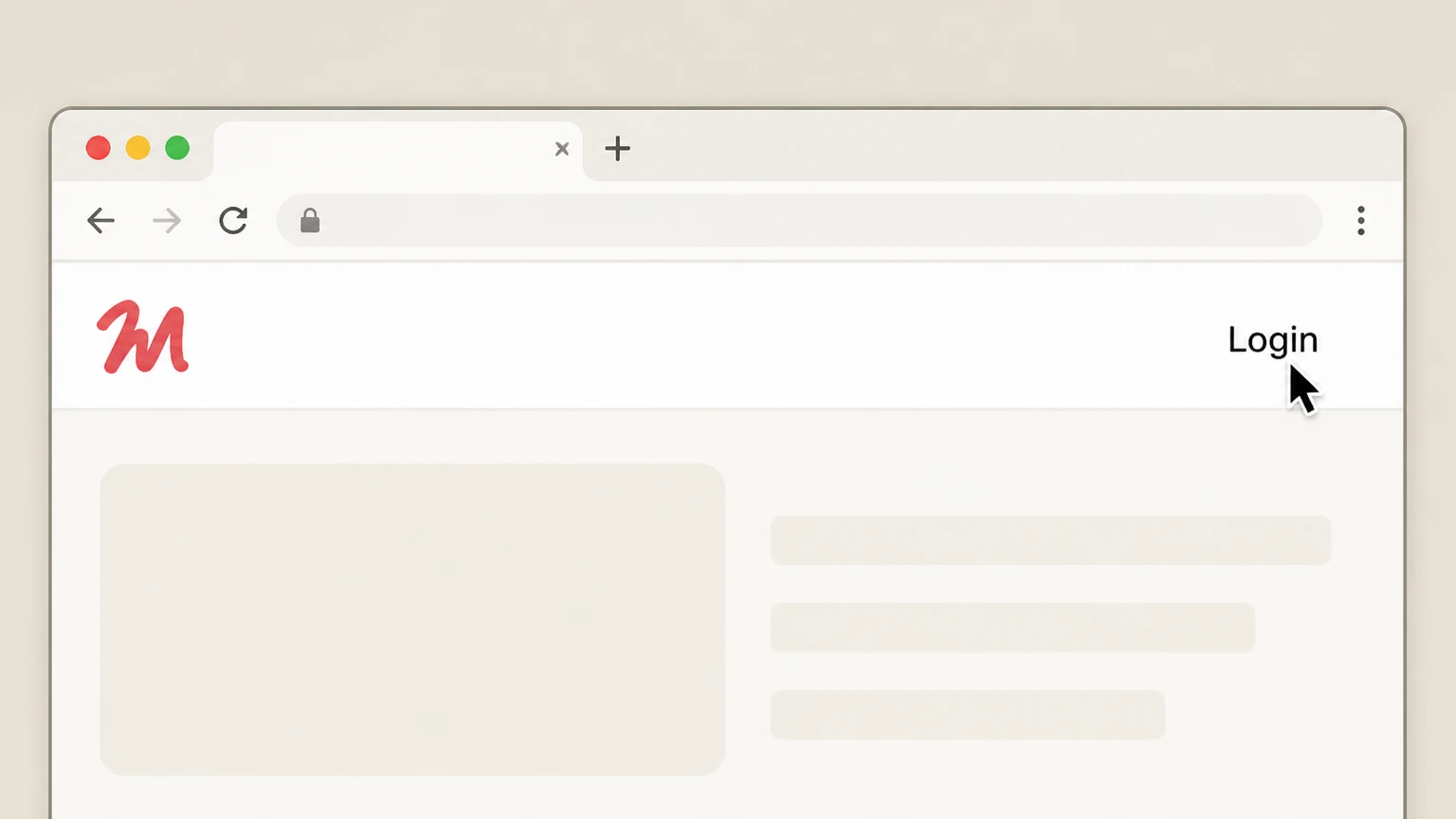
1Open the Frontend Masters site and go to Login
In a web browser, go to FrontendMasters.com and select the Login link in the top navigation. Use the Frontend Masters account named on your receipt, and continue only after the next status in this cancellation path is visible.
 2
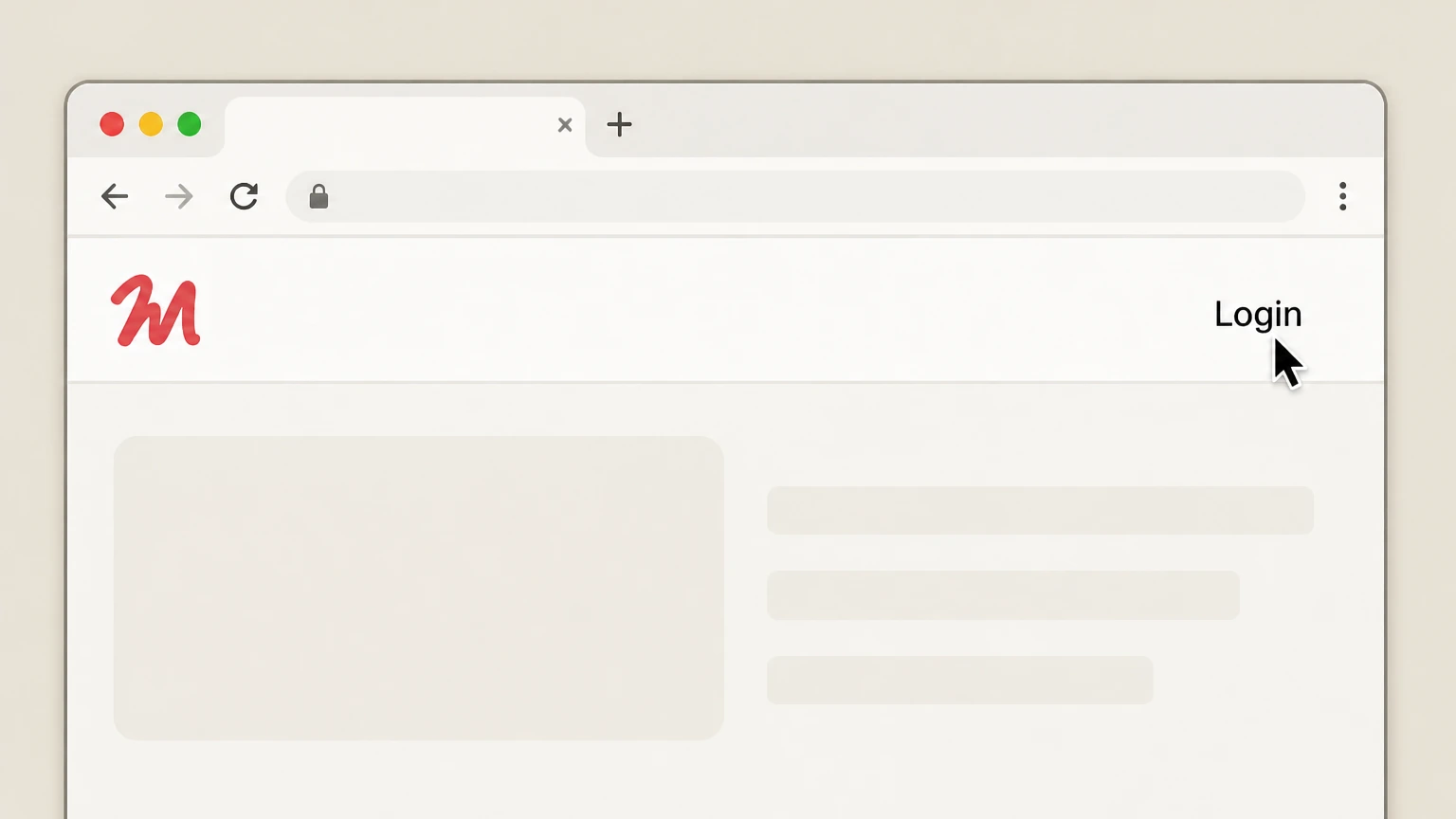
2Sign in to your Frontend Masters account
Enter the credentials for the account that owns the subscription and complete the sign-in to reach your account dashboard. Use the Frontend Masters account named on your receipt, and continue only after the next status in this cancellation path is visible.
- Let Pine handle it
Pine can help
Too many steps?
Pine can find the right Website (FrontendMasters.com account) path and handle the cancellation for you.
 3
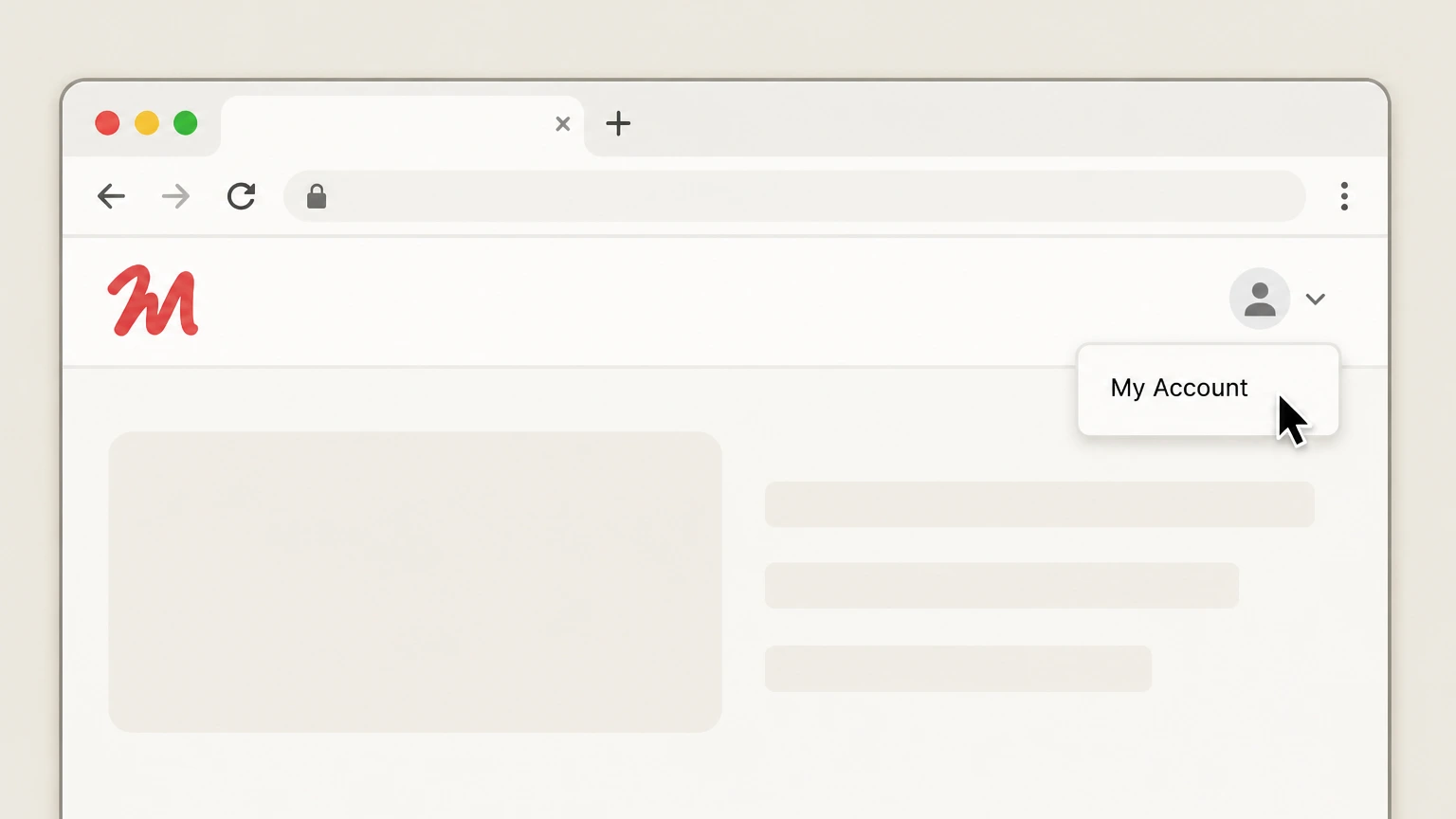
3Open the My Account area
From the site navigation, open the My Account section where your account settings and subscription controls are located. Use the Frontend Masters account named on your receipt, and continue only after the next status in this cancellation path is visible.
 4
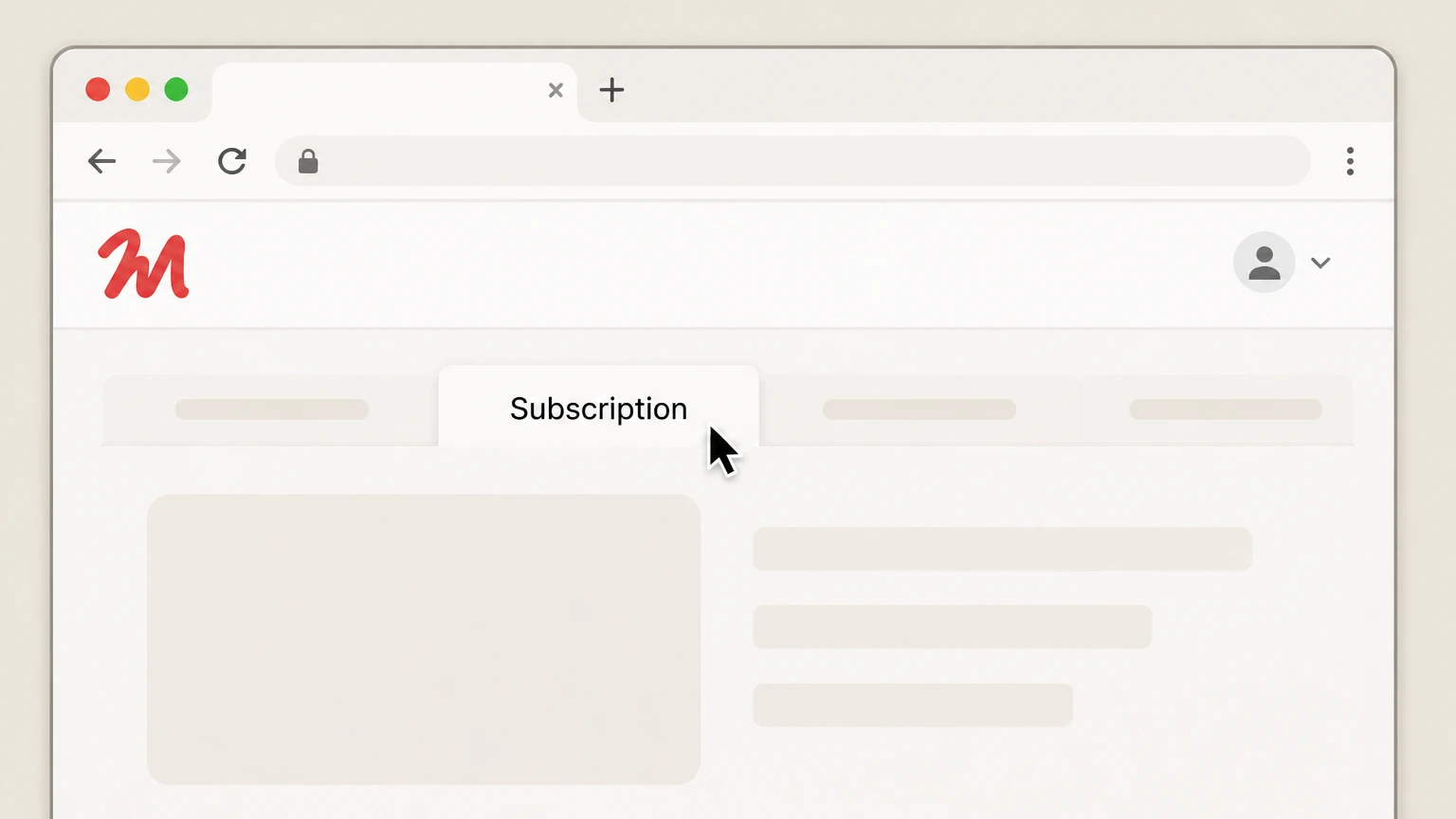
4Go to the Subscription tab
In My Account, select the Subscription tab to view your current Frontend Masters plan and renewal status. Use the Frontend Masters account named on your receipt, and continue only after the next status in this cancellation path is visible.
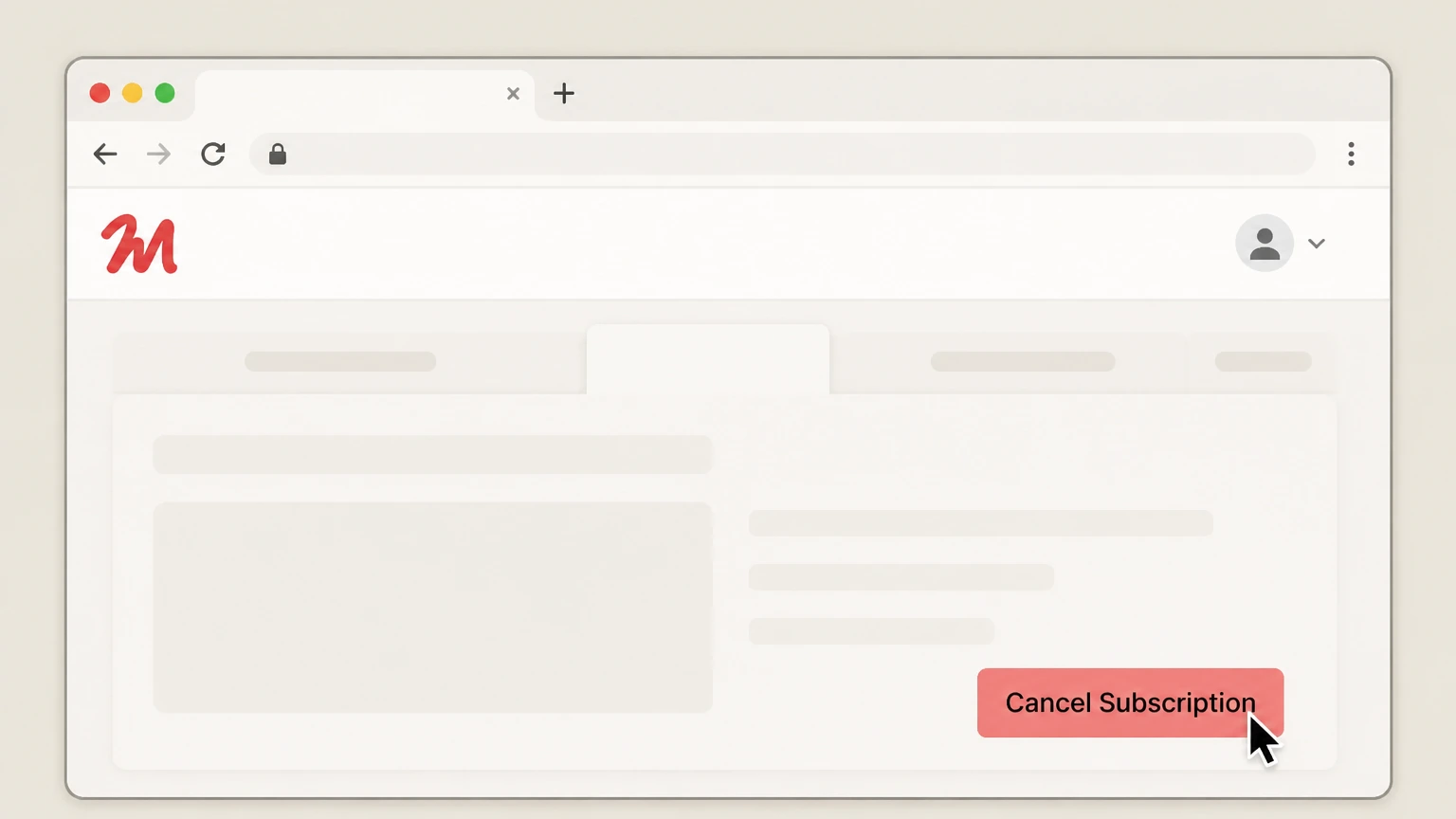 5
5Cancel your subscription in the Subscription tab
In the Subscription tab, use the available option to cancel your subscription and confirm when prompted to stop auto-renewal. Use the Frontend Masters account named on your receipt, and continue only after the next status in this cancellation path is visible.

Apple App Store (iPhone/iPad) · verify the billing owner
 1
1Open Settings on your iPhone
On your iPhone, open the Settings app. Use the Frontend Masters account named on your receipt, and continue only after the next status in this cancellation path is visible.
 2
2Tap your name at the top
In Settings, tap your name (Apple ID banner) at the top of the screen. Use the Frontend Masters account named on your receipt, and continue only after the next status in this cancellation path is visible.
- Let Pine handle it
Pine can help
Too many steps?
Pine can find the right Apple App Store (iPhone/iPad) path and handle the cancellation for you.
 3
3Open the Subscriptions list
On your Apple ID screen, tap Subscriptions to see subscriptions billed through Apple. Use the Frontend Masters account named on your receipt, and continue only after the next status in this cancellation path is visible.
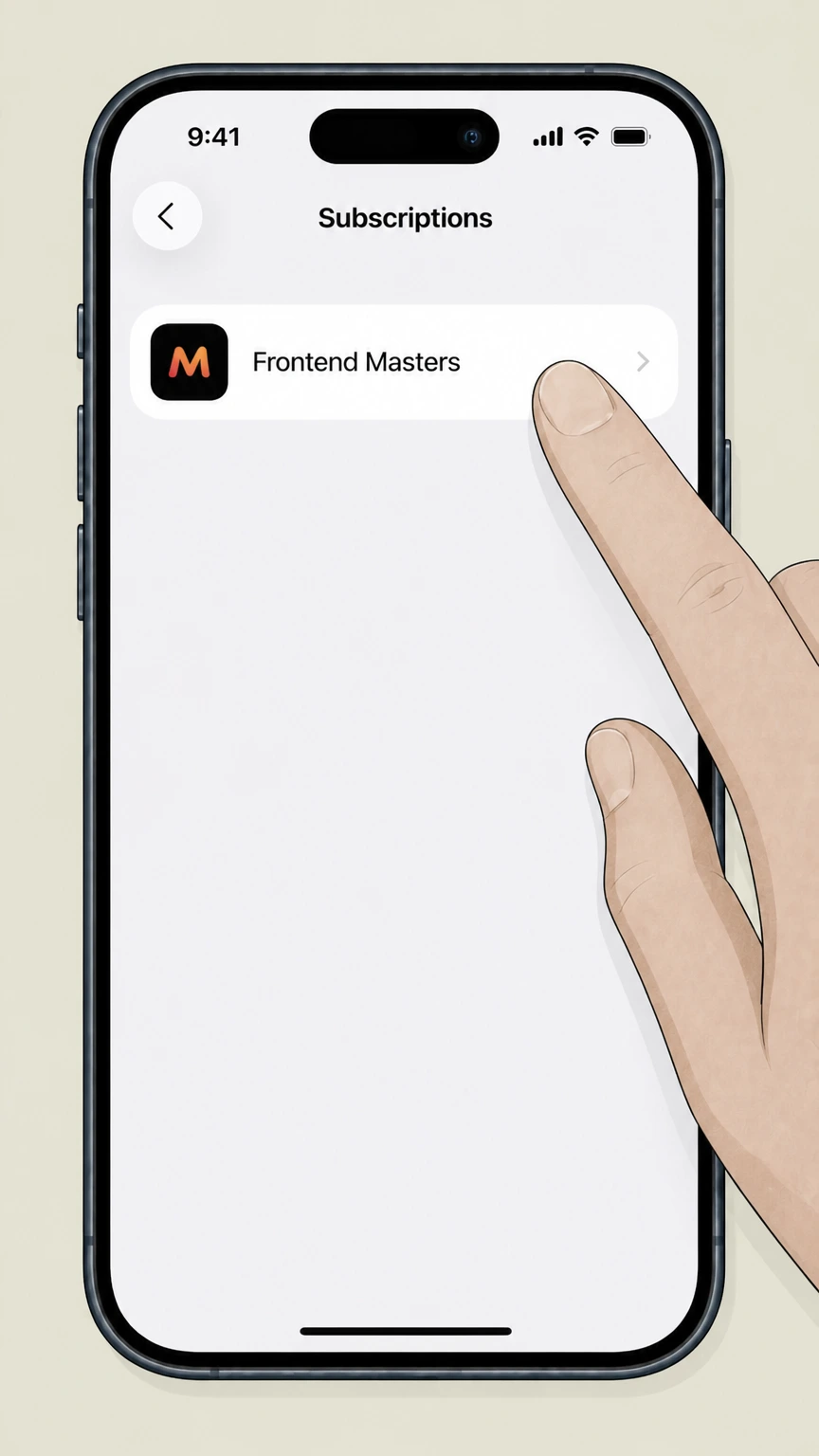 4
4Select the Frontend Masters subscription
In the Subscriptions list, tap the Frontend Masters subscription to view its details. Use the Frontend Masters account named on your receipt, and continue only after the next status in this cancellation path is visible.
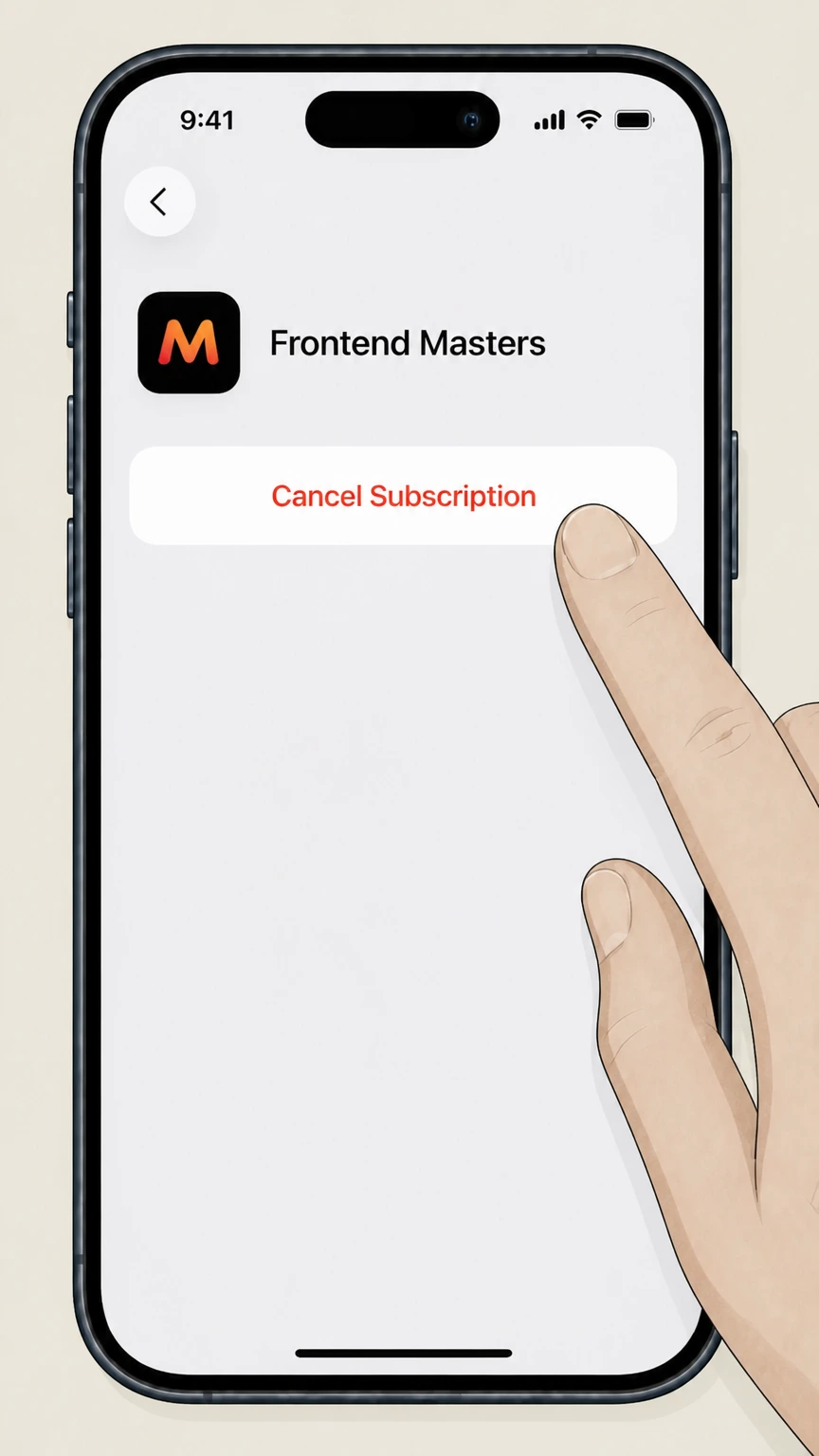 5
5Cancel the subscription
On the subscription details screen, tap Cancel Subscription and follow any prompts until the status shows an expiration date instead of renewing.
Refund policy
Refunds when you cancel Frontend Masters
Frontend Masters treats cancellation and refunds as distinct actions. Cancellation stops future renewals and eventually ends access, while refunds—when available—must be requested within explicit time windows using the contact details in the official Join and Teams FAQs.
Check my refund options- Cancellation is not an automatic refund
- Using the Subscription tab or Apple’s subscription settings to cancel only stops future billing and lets your current paid period run to its expiration; any refund requires a separate request under the published refund policy.frontendmasters.com
- Individual plan refund windows
- For individual subscriptions, Frontend Masters’ Join FAQ offers refunds for the initial subscription period only: 10 days (less trial days) for monthly plans and 30 days (less trial days) for annual plans, with stricter conditions for upgrades and renewals.frontendmasters.com
- Team subscription refunds
- Teams FAQs reiterate that refunds for team subscriptions are limited to the initial subscription period and must be requested within 10 days (less any trial days); there are no refunds for unused team seats.frontendmasters.com
- How to request a refund
- The Join FAQ instructs customers who are not happy with the service to contact Frontend Masters support to request a full refund within the applicable window; refund eligibility is assessed under these terms.frontendmasters.com
For case-specific help—such as disputes about eligibility windows, Apple-billed refunds, or unusual team billing changes—customers should contact Frontend Masters support or, for Apple Store purchases, use Apple’s refund and support flows referenced in the official articles. Go to Frontend Masters refund policy
Manage your plan
Where to cancel a Frontend Masters subscription
Frontend Masters centralizes subscription control in the account owner’s My Account area, with a separate flow when Apple holds billing.
My Account › Subscription tab
Frontend Masters’ FAQs state that you cancel your plan by visiting the Subscription tab in your My Account area; this is where upgrade, downgrade, and cancellation controls live for individual and team subscriptions.frontendmasters.com
Team and enterprise owners
Team subscriptions are owned by a primary account manager, who manages licenses and usage. The same account is responsible for subscription changes, including cancellation, through the Subscription tab.frontendmasters.com
Apple in-app purchases
Join and trial FAQs explain that you may pay through the Apple store using the iOS app; those subscriptions are billed by Apple and must be canceled via Apple’s subscription settings instead of the Frontend Masters website.frontendmasters.com
Android app usage
Courses FAQs say members can download courses using Android and iOS apps for mobile and offline learning, but official billing FAQs only mention Apple Store billing, not Google Play, so Android users should treat their subscription as web-billed unless Apple receipts indicate otherwise.frontendmasters.com
Who bills you
How Frontend Masters billing ownership works
Understanding who bills you—Frontend Masters or Apple—determines where you must cancel.
Direct web billing via Stripe
Frontend Masters’ Join FAQ notes that subscriptions can be paid by credit card processed through Stripe; these subscriptions are billed directly by Frontend Masters/Master.dev and are canceled in the account Subscription tab, not through a third-party app store.frontendmasters.com
PayPal payments
Join and trial pages explain that subscribers can pay using PayPal. Even when PayPal is the payment method, subscription control (including cancellation) remains in the Frontend Masters account, not in a PayPal subscriptions list.frontendmasters.com
Apple Store in-app subscriptions
Where you “pay through the Apple store using our app,” Apple is the billing provider. You cancel those subscriptions using Apple’s subscription management (for example, on iPhone via Settings › your name › Subscriptions).frontendmasters.com
No documented Google Play billing
Official Frontend Masters FAQs list Stripe, PayPal, and the Apple store as payment methods but do not list Google Play; therefore, this guide does not include a Google Play–specific cancellation path.frontendmasters.com
After cancellation
What changes after you cancel Frontend Masters
Cancellation affects renewals and access, but some profile features remain available even after your subscription expires.
Auto-renew stops, access continues to expiration
The My Account FAQ explains that turning off auto-renew by canceling your subscription in the Subscription tab keeps course access until your subscription expiration date; after that date your subscription no longer auto-renews or provides access.frontendmasters.com
Public profiles remain active
Frontend Masters’ FAQ notes that public profiles, created by members who watched at least ten hours with an active subscription, remain active even after the subscription expires, so your learning history stays visible if you choose.frontendmasters.com
Certificates of completion
The general FAQ explains that you can download certificates of completion from the Completed Courses list in your Learning Library; these certificates and your saved progress form part of your account data rather than controlling whether the subscription renews.frontendmasters.com
Account deletion is separate
Deleting your account from the Settings page is permanent, removes your data from their systems, and will also cancel any active subscription; this is more drastic than simply turning off auto-renew.frontendmasters.com
Teams & admins
Team subscriptions and who can cancel them
Team plans are managed differently from individual subscriptions, with a designated account manager responsible for billing changes.
Team account manager role
Teams FAQs describe that the primary account is the account manager, who can issue licenses, reassign seats, and view team usage statistics; this account also controls team subscription management, including renewals.frontendmasters.com
Adding and moving seats
The Teams features page notes that account managers can move team members in and out of seats as often as needed and add seats mid‑term, with prorated charges for added seats based on remaining time in the subscription period.frontendmasters.com
Refunds for team subscriptions
Team FAQs specify that refunds are available for team subscriptions only during the initial subscription period and only within 10 days (less any trial days) of purchase; refunds are not provided for unused team seats.frontendmasters.com
Enterprise billing differences
For larger organizations, the Teams page explains that payment by invoice or purchase order and SSO/provisioning are available to enterprise subscribers, but cancellations are still coordinated through the account owner or enterprise contact, not through app stores.frontendmasters.com
Refunds vs. cancel
Frontend Masters refund policy in practice
Refunds are governed by explicit time windows and conditions and are separate from simply turning off auto-renew.
Individual subscription refund windows
Join FAQs say refunds for individual subscriptions are available only for the initial subscription period: 10 days (less trial days) for monthly plans and 30 days (less trial days) for annual plans, with stricter rules for upgrades or renewals.frontendmasters.com
Renewal and upgrade payments
For individual plans, refunds are not available for upgrades or renewals unless requested within 24 hours of payment and no course material has been accessed within that time, per the Join FAQ.frontendmasters.com
Team subscription refunds
Refunds for team subscriptions are also limited to the initial subscription period and must be requested within 10 days (less any trial days); no refunds are given for unused team seats.frontendmasters.com
How to request a refund
The Join FAQ instructs dissatisfied customers to contact Frontend Masters support to request a full refund within the applicable window; refund processing is handled by support rather than by the self-serve cancellation button.frontendmasters.com
Account & data
Account, data, and deletion at Frontend Masters
Your subscription status is just one aspect of your account; there are also settings for identity, security, and data removal.
Managing account details
My Account FAQs state that you can change your email, password, and name through the Settings tab in My Account, separate from subscription controls in the Subscription tab.frontendmasters.com
Password recovery
If you can’t sign in to cancel, Frontend Masters provides a Password Recovery page where you enter your account email to receive a reset link; this is the officially supported route to regain access before canceling.frontendmasters.com
Permanent account deletion
The My Account FAQ clarifies that deleting your account from Settings is permanent, removes your data from their systems, and cancels any active subscription; consider downloading certificates or records first.frontendmasters.com
Contacting support for help
Across FAQ pages, Frontend Masters invites customers who still need help to contact support using the address shown there, which is also used for refund requests; support can assist if you can’t complete cancellation through self-serve tools.frontendmasters.com
Free options
Free and student access after cancelling
Frontend Masters offers several free paths that may remain useful even if you cancel a paid plan.
Free online bootcamp
The Frontend Masters Online Bootcamp page explains it is a completely free, multi‑week curriculum covering HTML, CSS, and JavaScript, intended as a standalone introduction and a funnel into the paid platform.frontendmasters.com
Free account with limited courses
The free account page says you can create a free account to watch a small set of full courses for free; this remains available independently of holding a paid subscription and can be used after canceling.frontendmasters.com
GitHub Student Developer Pack
Frontend Masters’ student welcome page explains that students in the GitHub Student Developer Pack receive six months of free access; course progress, notes, and bookmarks are saved and can carry over if the student later becomes a paying customer.frontendmasters.com
No general free trial
Both the Join and Trial pages state that free trials are not available at this time; instead, the platform relies on the bootcamp, free account, and student pack as primary free entry points.frontendmasters.com
What official sources do not confirm
Limits of the public Frontend Masters cancellation guidance
These points are intentionally qualified because the official sources reviewed on August 16, 2026 do not publish a complete answer.
Documented limitation 1
Current subscription pricing is omitted because reliable, up-to-date prices are not clearly stated in the FAQs used here and older Terms of Service pricing may be outdated.
Documented limitation 2
No official documentation confirms that Frontend Masters supports Google Play billing; therefore, Android-specific cancellation via Google Play is not described, and users are directed to web or Apple flows only.
Documented limitation 3
The exact button label used for the cancellation control inside the Subscription tab is not specified in official FAQs, so the final step for web cancellation is described generically as using the available cancel option.
Frontend Masters cancellation FAQ
Questions people search about canceling Frontend Masters, answered with official provider or billing-platform sources checked on August 16, 2026.
How do I cancel my Frontend Masters subscription?
How do I cancel Frontend Masters if I subscribed through the Apple App Store?
What happens to my Frontend Masters access after I cancel?
Can I cancel my Frontend Masters subscription by email?
Is Frontend Masters free?
What is Frontend Masters?
Can I get a refund after cancelling Frontend Masters?
How do refunds work for Frontend Masters team subscriptions?
What happens to my Frontend Masters certificates and public profile if I cancel?
Does Frontend Masters offer student discounts or free student access?
Untangle this Frontend Masters issue.
Let Pine handle the provider follow-up and keep the confirmation in one place.
