

Dr. Squatch
Cancel subscription
How to Cancel Your Dr. Squatch Subscription Online
Learn how to cancel Dr. Squatch through the right billing provider. Follow official steps, understand access timing, refunds, and the confirmation to keep.
- Official Dr. Squatch and billing-owner sources
- 2 provider-specific cancellation paths
- Refund and post-cancellation effects separated from renewal
- Verified August 16, 2026
Choose the Dr. Squatch cancellation path that matches who bills you
Dr. Squatch website account · verify the billing owner
 1
1Open the Dr. Squatch website
Open a web browser and go to the Dr. Squatch website at drsquatch.com. Use the Dr. Squatch account named on your receipt, and continue only after the next status in this cancellation path is visible.
 2
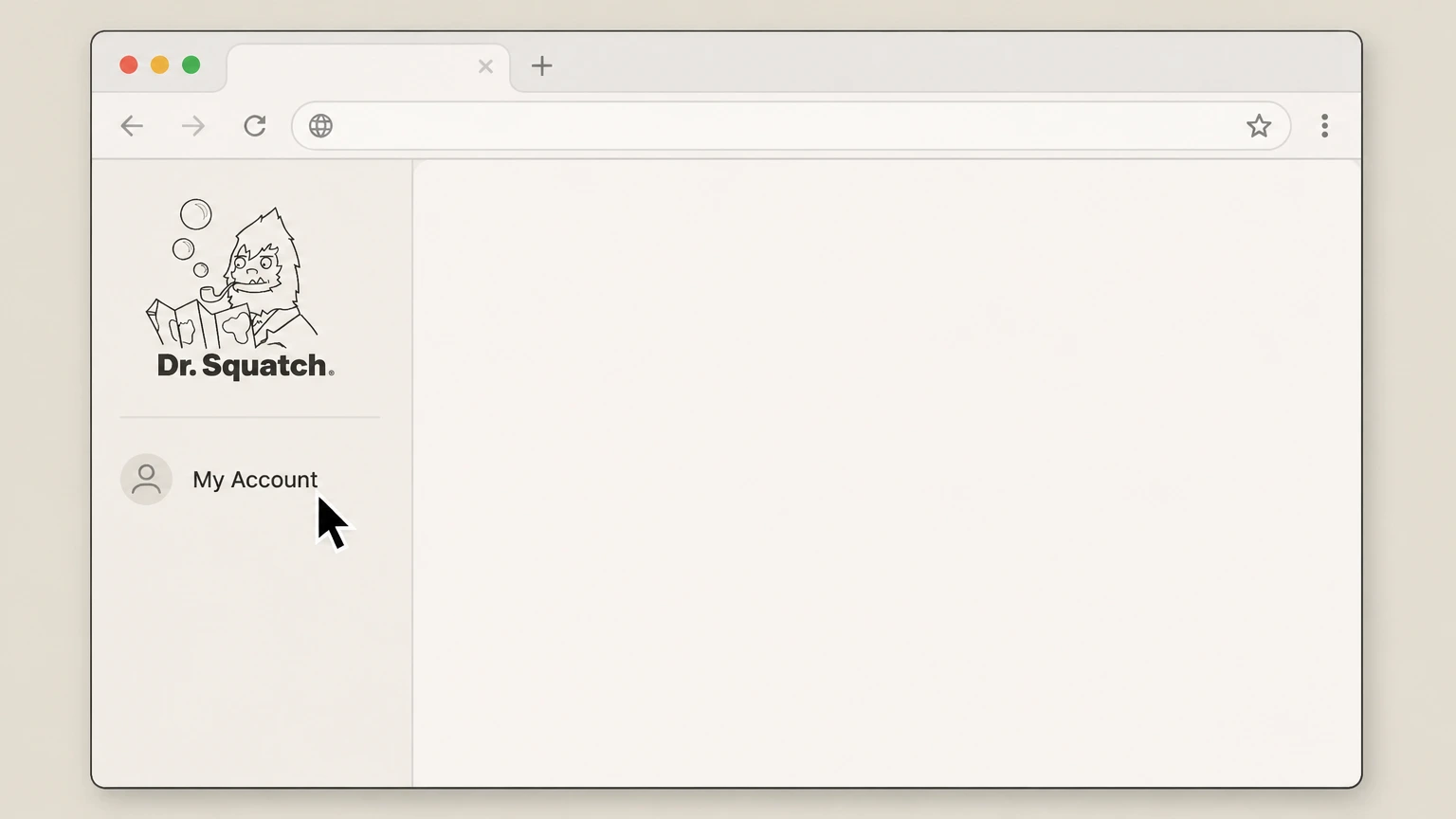
2Sign in to your account dashboard
Select "My Account" and sign in with the email and password used for your Dr. Squatch orders to reach your account Overview page.
- Let Pine handle it
Pine can help
Too many steps?
Pine can find the right Dr. Squatch website account path and handle the cancellation for you.
 3
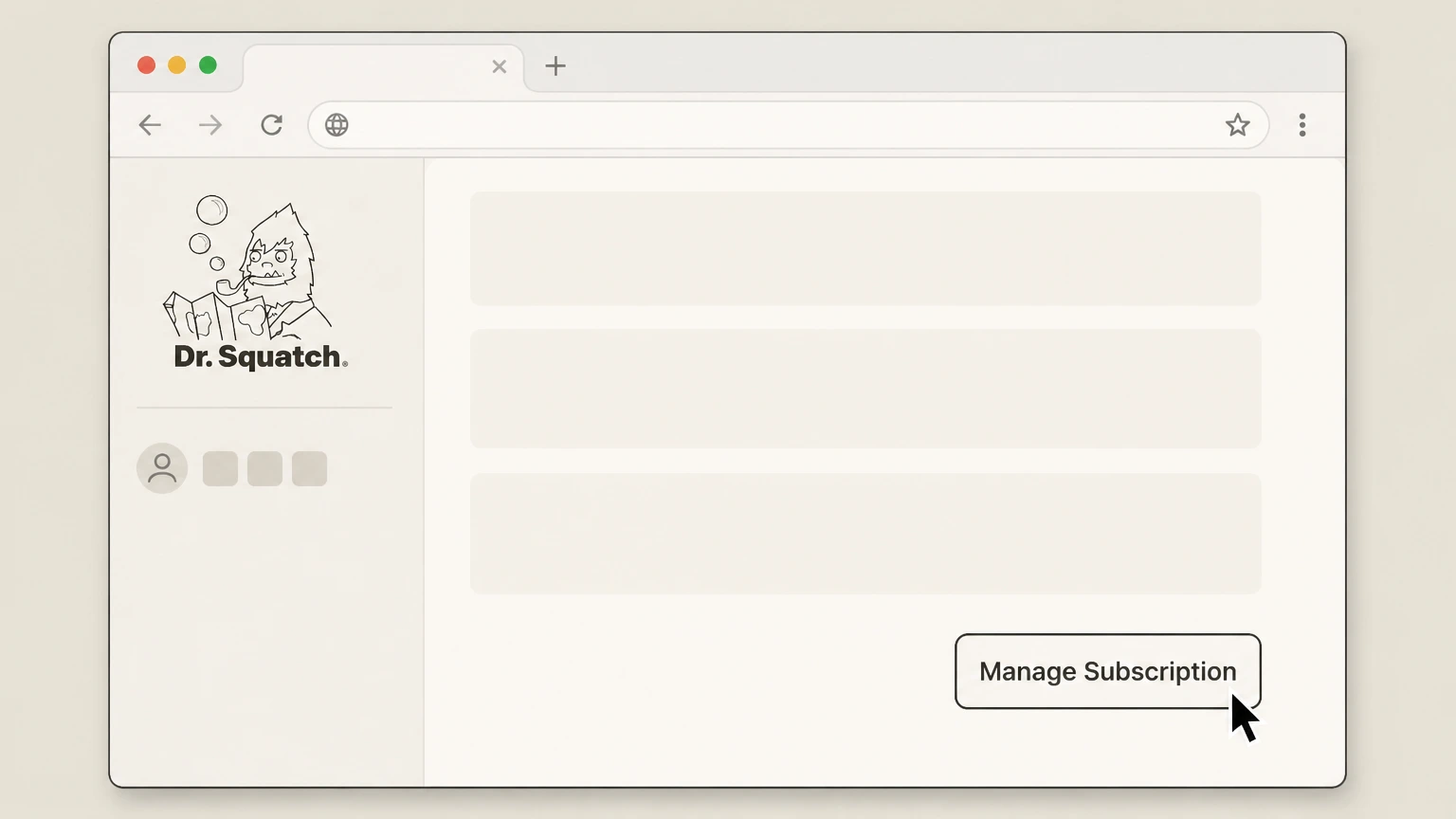
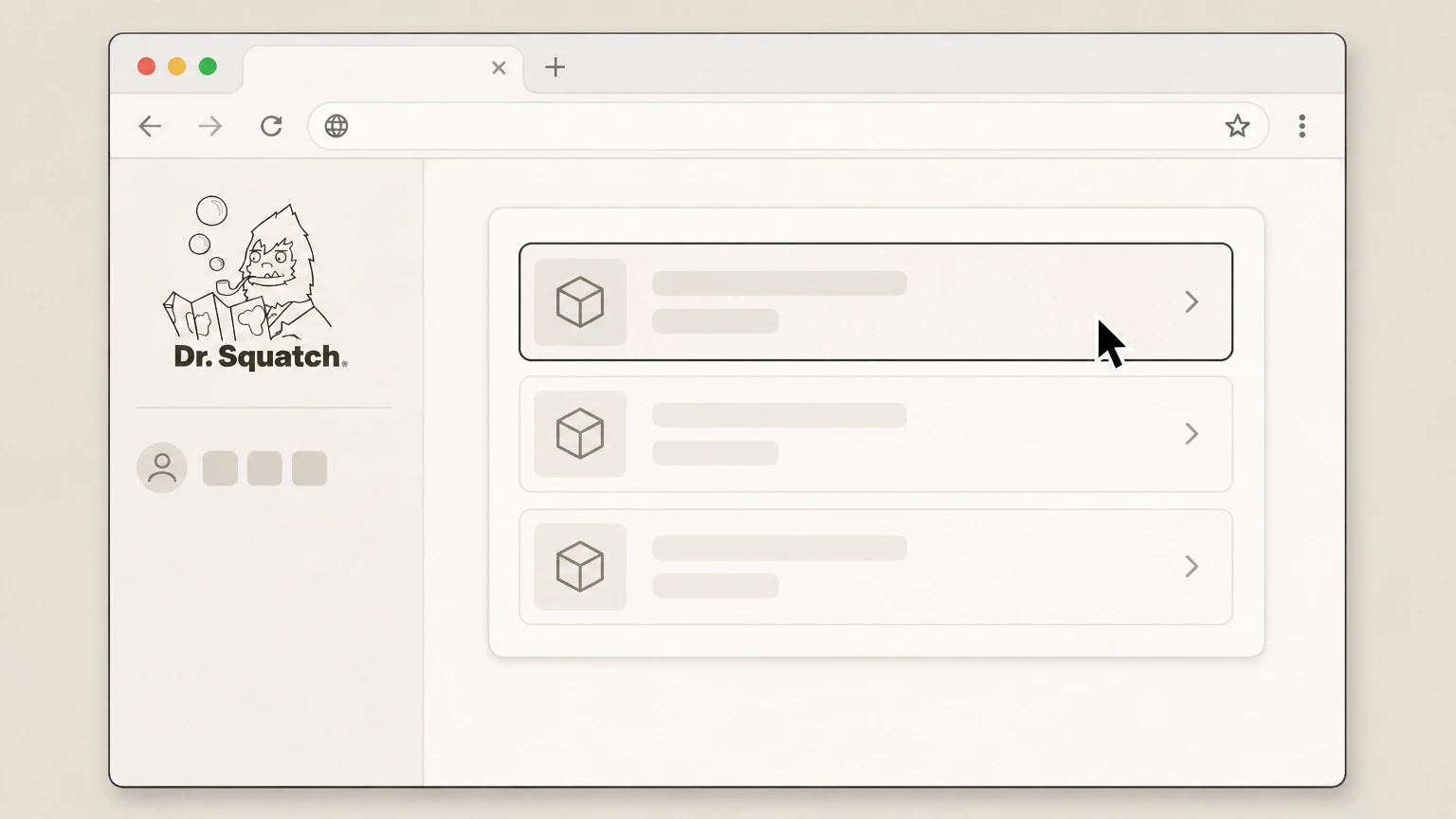
3Open Manage Subscription
On the Overview page of your account dashboard, click the "Manage Subscription" option in the bottom right corner. Use the Dr. Squatch account named on your receipt, and continue only after the next status in this cancellation path is visible.
 4
4Choose the subscription item to cancel
In the subscription pop-up, select the specific Squatch Box or product item you want to cancel. Use the Dr. Squatch account named on your receipt, and continue only after the next status in this cancellation path is visible.
 5
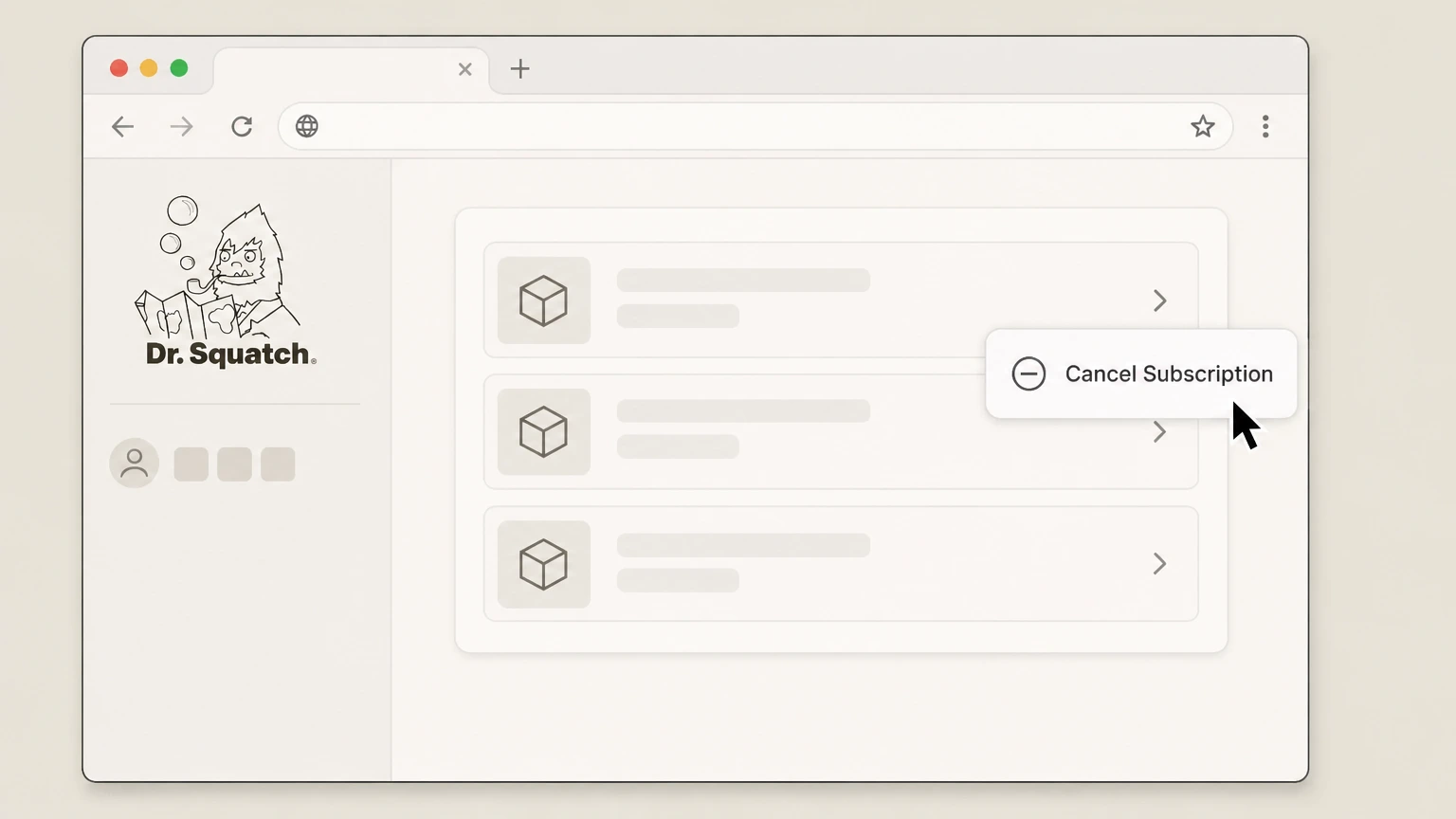
5Select Cancel Subscription
For the selected item, click the "Cancel Subscription" option in the pop-up menu. Use the Dr. Squatch account named on your receipt, and continue only after the next status in this cancellation path is visible.
 6
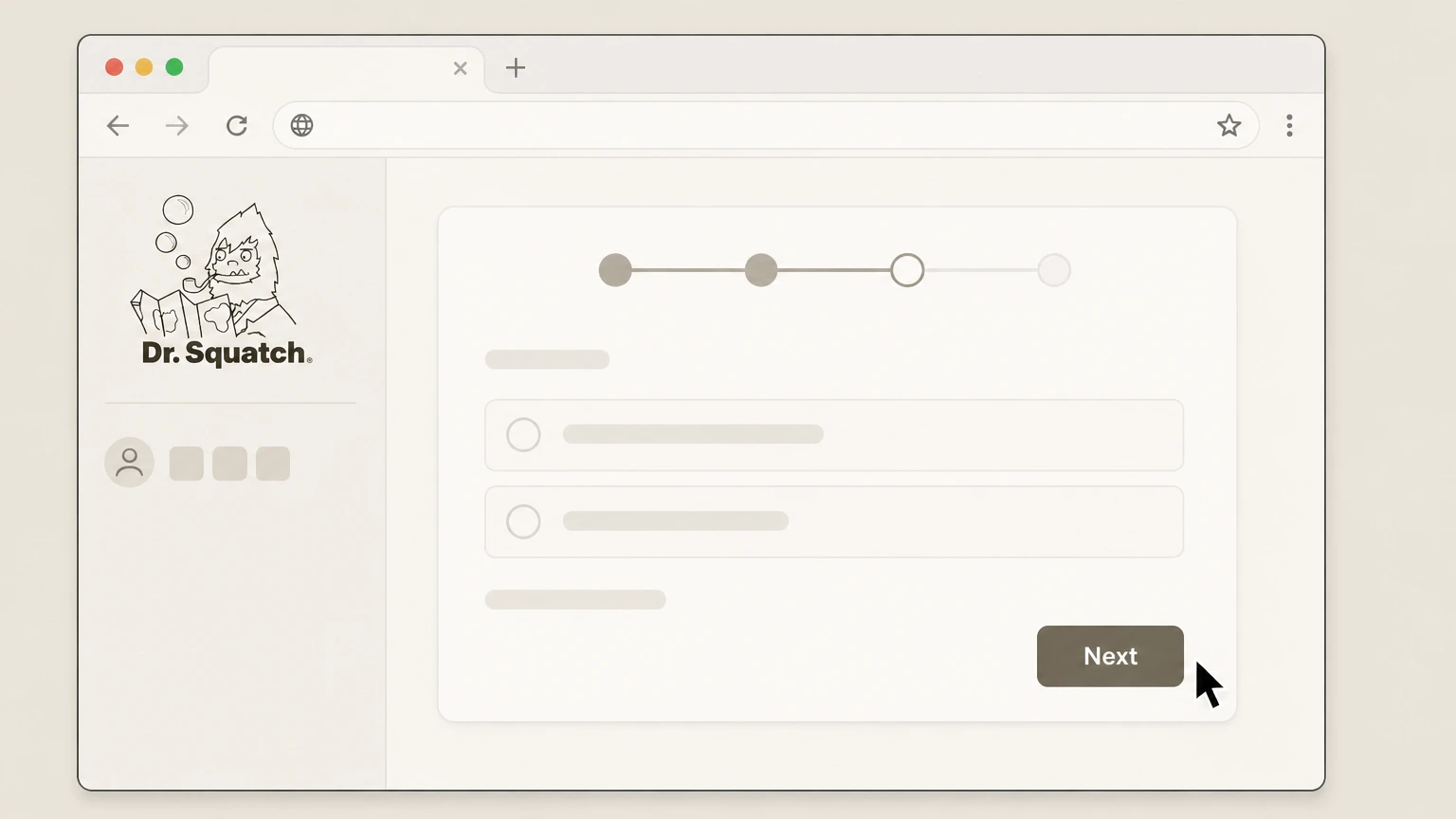
6Complete the cancellation prompts
Follow the on-screen steps, including choosing a reason and clicking "Next," until the process confirms the subscription item is cancelled; repeat for each remaining item.

Email Dr. Squatch support · verify the billing owner
 1
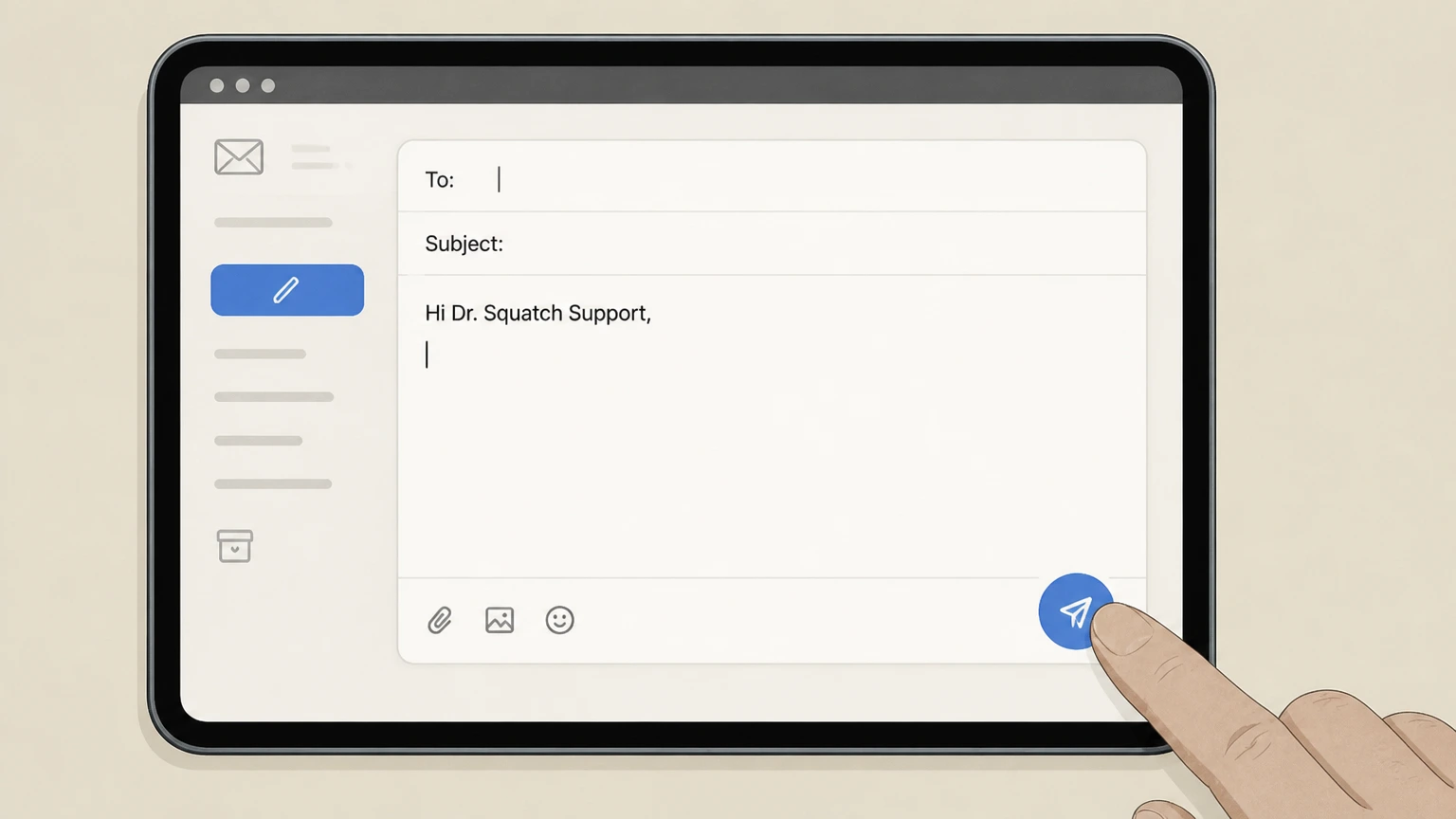
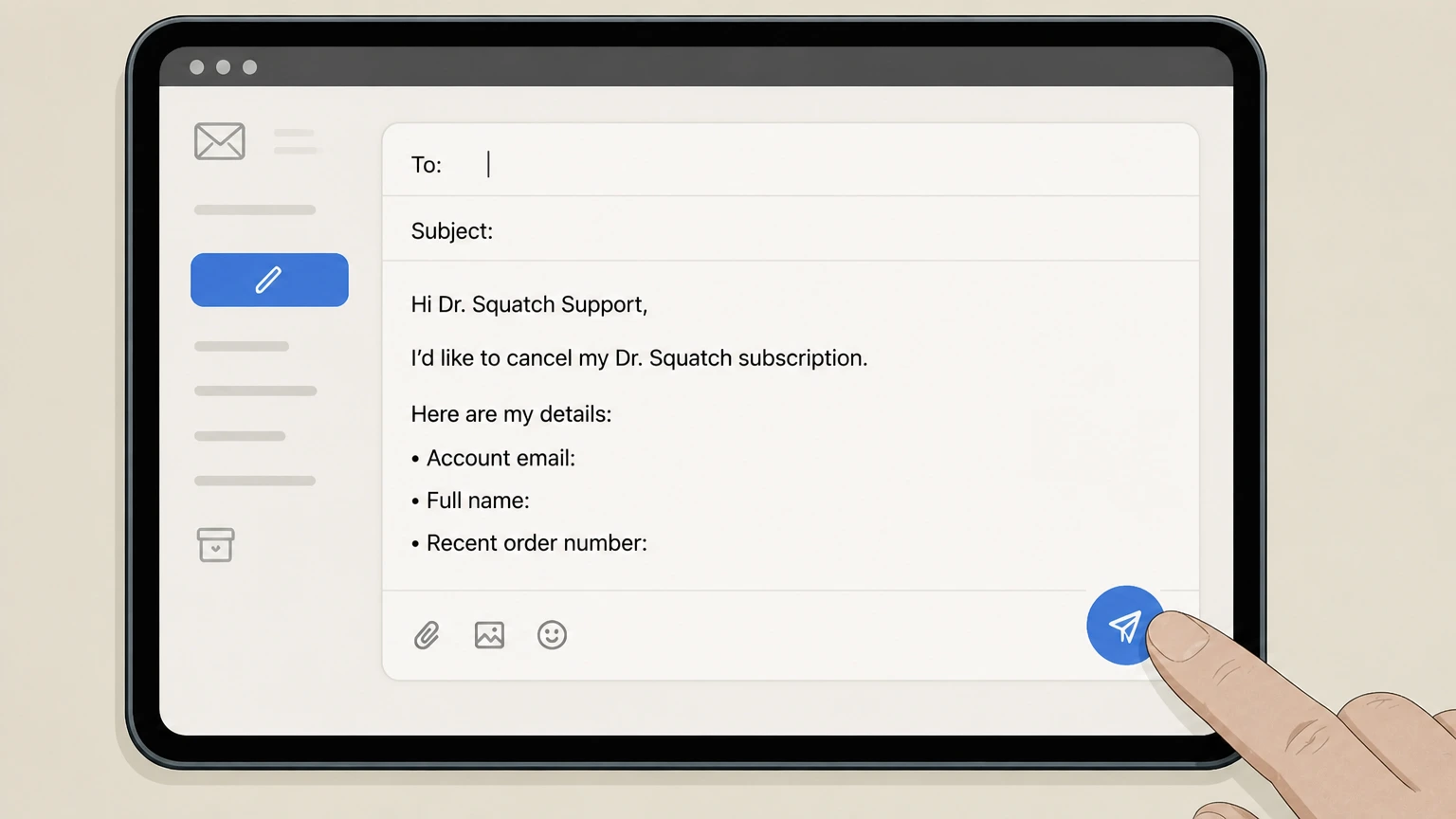
1Compose an email to Dr. Squatch support
Open your email app and address a message to the customer support email listed on the Dr. Squatch Help Center contact page (for U.S. customers, this is support@drsquatch.com).help.drsquatch.com
 2
2Include account and order details
In the email body, state that you want to cancel your Dr. Squatch subscription and include your account email, full name, and at least one recent order number.
- Let Pine handle it
Pine can help
Too many steps?
Pine can find the right Email Dr. Squatch support path and handle the cancellation for you.
 3
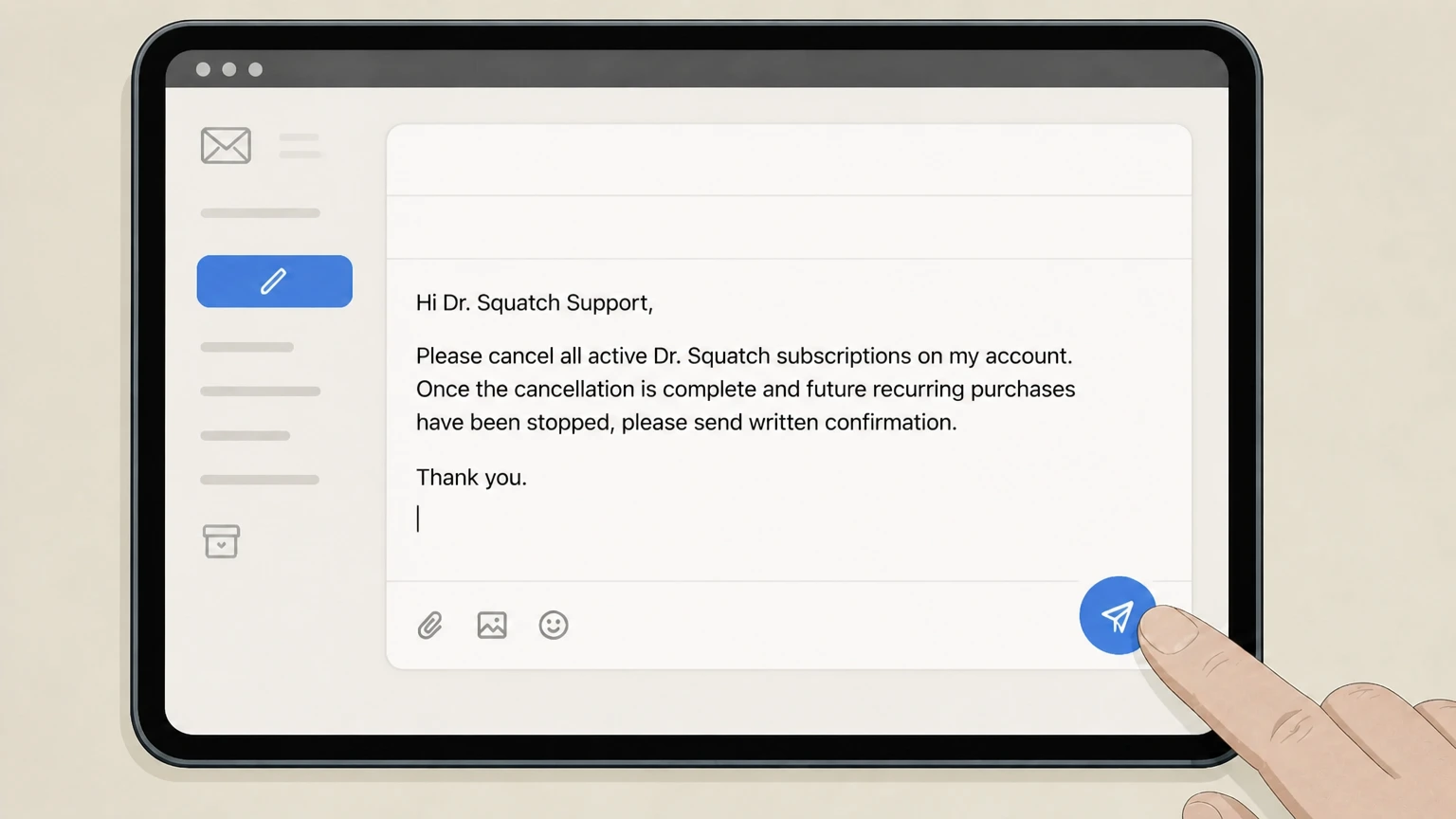
3Request subscription cancellation and confirmation
Clearly ask support to cancel all active Dr. Squatch subscriptions on your account and to send written confirmation once future recurring purchases have been stopped.
 4
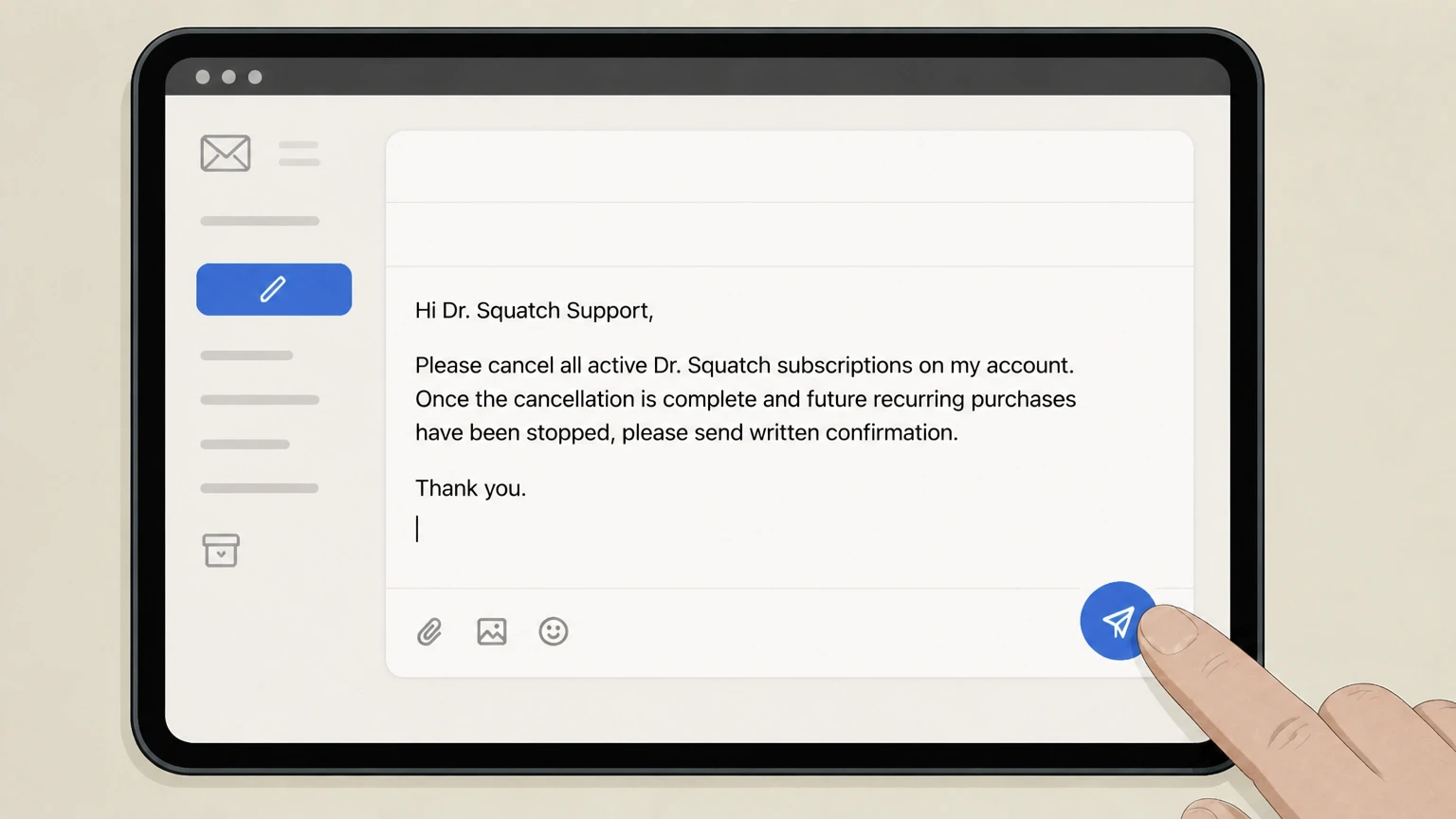
4Send the email and monitor for a reply
Send the email and check your inbox and spam folder for a confirmation or a follow‑up from Dr. Squatch support.
Refund policy
Refunds, renewals, and disputes for Dr. Squatch subscriptions
Dr. Squatch separates subscription cancellation (stopping future refills) from refunds or adjustments on past orders. Refunds depend on timing, the Sudisfaction Guarantee, and general card‑holder rights.
Check my refund options- Cancelling stops future recurring charges only
- The cancellation flow is designed to unsubscribe you from future recurring purchases. Cancelling after the recommended cutoff may not prevent the next order from processing if renewal has already begun.help.drsquatch.com
- No early termination or cancellation fees
- Dr. Squatch explicitly states that there are no subscription cancellation fees, so you will not be charged a penalty simply for ending your Squatch Box subscription.help.drsquatch.com
- 30‑day Sudisfaction Guarantee instead of returns
- Under its Sudisfaction Guarantee, Dr. Squatch invites customers who are unhappy with products to contact support within 30 days of purchase; it also notes that it does not accept returns, so remedies are handled directly with support rather than by sending products back.help.drsquatch.com
- Refunds for defective or unwanted items are case‑by‑case
- Because Dr. Squatch does not publish a detailed returns/refunds table, outcomes such as replacements, store credit, or other remedies under the Sudisfaction Guarantee are handled individually through customer support.help.drsquatch.com
- Using card‑holder protections when charges persist
- If a company continues to bill after you cancel or refuses to correct unauthorized or mistaken charges, the FTC and CFPB advise disputing the charge with your credit or debit card company under billing‑error rules.consumer.ftc.gov
If you cancelled your Dr. Squatch subscription but still see charges or believe a refund request was handled incorrectly, gather your account records, Dr. Squatch correspondence, and card statements, then contact your card issuer to dispute the charge using its billing‑error process and timelines. Learn how to dispute subscription charges on your credit card
What cancellation changes
What cancelling a Dr. Squatch subscription actually does
Clarifies what is and is not affected when you cancel a Squatch Box subscription through your Dr. Squatch account.
Future recurring refills stop
When you complete the Cancel Subscription steps for an item, Dr. Squatch states that you will "unsubscribe from any future recurring purchases," which stops upcoming Squatch Box refills for that item.help.drsquatch.com
Existing orders may still ship
Dr. Squatch advises cancelling no later than midnight the night before your order is set to renew, so a cancellation after that cutoff may not stop an order that has already begun processing.help.drsquatch.com
Account and past orders stay available
Cancelling a subscription does not delete your Dr. Squatch account; you can still sign in, view order history, and place one‑time purchases outside of a subscription.help.drsquatch.com
Multiple items must be cancelled separately
If your Squatch Box includes multiple subscribed products, Dr. Squatch notes that you must repeat the cancellation steps for each item you want to remove from your subscription.help.drsquatch.com
Account navigation
Finding Manage Subscription in your Dr. Squatch account
How to locate and use the subscription controls in the Dr. Squatch account dashboard before you cancel.
Start from My Account
From drsquatch.com, use the My Account link to reach your account dashboard; this is where Dr. Squatch directs customers to manage subscriptions and billing details.help.drsquatch.com
Use the Overview page
The cancellation article specifies that on the Overview page you should click "Manage Subscription" in the bottom right corner to reach subscription controls.help.drsquatch.com For your Dr. Squatch account, compare this point with the billing owner and effective date shown in the signed-in account or latest receipt.
Access Manage Subscriptions under Upcoming Orders
In some flows, Manage Subscriptions also appears under Upcoming Orders, where you can select individual products and use Cancel Subscription to remove them.help.drsquatch.com For your Dr. Squatch account, compare this point with the billing owner and effective date shown in the signed-in account or latest receipt.
Edit vs. cancel items
From the subscription management area, the Edit option lets you change scents or quantities, while Cancel Subscription removes an entire subscribed product or bundle from future refills.help.drsquatch.com
Deadlines
Renewal timing, emails, and when to cancel
Key timing rules that affect when a Dr. Squatch cancellation will take effect and how you’re notified of upcoming refills.
Cancel before midnight of the day before renewal
Dr. Squatch’s cancellation‑fee article advises cancelling "no later than midnight the night before your order is set to renew" if you want to avoid the next refill being processed.help.drsquatch.com
Refills process at 3:00 a.m. Pacific Time
In the subscription‑changes article, Dr. Squatch notes that refills are processed at 3:00 a.m. Pacific Time on the renewal date, so changes after that time will apply only to future refills.help.drsquatch.com
Five‑day renewal reminder email
You should receive an email notification five days before your next subscription refill, which gives a short window to edit, skip, or cancel before the renewal date.help.drsquatch.com
No cancellation fees
Dr. Squatch explicitly states there are no subscription cancellation fees; cancelling by the recommended cutoff simply avoids being charged for the next scheduled refill.help.drsquatch.com For your Dr. Squatch account, compare this point with the billing owner and effective date shown in the signed-in account or latest receipt.
Adjust instead of cancel
Options to skip, delay, or edit instead of cancelling
If you just need fewer products or a different schedule, Dr. Squatch offers tools that may be better than cancelling outright.
Skip an upcoming refill
From your account dashboard, you can click Edit next to a subscribed product and choose Skip to miss the next shipment while keeping the subscription active.help.drsquatch.com
Reschedule your renewal date
The same Edit menu allows you to use the Reschedule option to move your next renewal to a later date that better matches your usage.help.drsquatch.com
Change scents or products
You can change scents or swap products in your Squatch Box by using Edit next to a product, searching for a replacement item, adding it to your box, and then selecting Update Squatch Box.help.drsquatch.com
Remove individual items from a bundle
If you only want to drop certain items from a subscribed bundle, you can edit that product and reduce specific items to a quantity of zero instead of cancelling the entire subscription.help.drsquatch.com
Costs
Fees, pricing effects, and savings when you cancel
How cancelling a Dr. Squatch subscription affects fees and any subscription‑only benefits.
No subscription cancellation fee
Dr. Squatch confirms there are no cancellation fees for stopping a subscription; you can cancel at any time from your account dashboard.help.drsquatch.com For your Dr. Squatch account, compare this point with the billing owner and effective date shown in the signed-in account or latest receipt.
Loss of subscription discounts
Product and bundle pages highlight that subscription orders receive ongoing percentage savings; once cancelled, future one‑time purchases will be at the then‑current non‑subscription pricing.drsquatch.com For your Dr. Squatch account, compare this point with the billing owner and effective date shown in the signed-in account or latest receipt.
Free shipping benefits may change
Some subscription offers include free delivery as a benefit; after cancelling, standard shipping thresholds from Dr. Squatch’s general store policies will apply instead.help.drsquatch.com For your Dr. Squatch account, compare this point with the billing owner and effective date shown in the signed-in account or latest receipt.
No returns, but a 30‑day Sudisfaction Guarantee
Dr. Squatch states it does not accept returns, but invites customers to contact support within 30 days of purchase under its Sudisfaction Guarantee for help finding a scent they love.help.drsquatch.com
Getting help
Support channels and limits for Dr. Squatch cancellations
How to get help if the self‑service cancellation flow doesn’t work and what channels Dr. Squatch does and doesn’t offer.
Primary support via email and contact forms
Dr. Squatch directs customers to contact its support team by email addresses listed by region or via web contact forms for help with issues such as cancelling subscriptions.help.drsquatch.com
No customer service phone number
The support article notes that Dr. Squatch does not have an active customer service phone number, so telephone is not a valid cancellation route.help.drsquatch.com For your Dr. Squatch account, compare this point with the billing owner and effective date shown in the signed-in account or latest receipt.
Chat availability from product and help pages
Many product pages and the help center display a Chat With Us option; live chat may be able to assist with account or subscription issues but is not documented as a standalone cancellation path.drsquatch.com
International support contacts
For U.K. and European customers, Dr. Squatch lists separate regional support email addresses and an international contact form; these teams can assist with subscriptions on corresponding regional sites.help.drsquatch.com
Outside the U.S.
Cancelling Dr. Squatch subscriptions as an international customer
Key points for subscribers using Dr. Squatch’s Canadian, European, U.K., or other regional storefronts.
Account‑based cancellation still applies
The international help center states that customers can cancel subscriptions anytime from their account by following a few steps, similar to the U.S. account dashboard process.help-intl.drsquatch.com
Regional sites and currencies
International storefronts such as intl.drsquatch.com or en‑CA / en‑AU sites sell in local currencies; subscriptions created there should be cancelled from the same regional account environment.drsquatch.com
Separate support emails for regions
The support article lists dedicated email addresses for U.K. and broader European support; use the address or international contact form that matches the site where you subscribed.help.drsquatch.com
What official sources do not confirm
Limits of the public Dr. Squatch cancellation guidance
These points are intentionally qualified because the official sources reviewed on August 16, 2026 do not publish a complete answer.
Documented limitation 1
Could not retrieve a standalone, detailed "Returns & Refunds" help article; refund guidance relies mainly on the Sudisfaction Guarantee page and general FTC/CFPB resources rather than a full schedule of refund outcomes or exclusions.
Documented limitation 2
Dr. Squatch does not publish exhaustive examples of how it resolves complaints under the Sudisfaction Guarantee (e.g., when it offers replacement products, credit, or other remedies), so those outcomes cannot be described in detail.
Documented limitation 3
Public documentation does not explicitly enumerate how subscriptions purchased through third-party marketplaces (such as retailers or e-commerce platforms) are implemented, so the guide only gives high-level billing-owner guidance for those cases without platform-specific steps.
Documented limitation 4
No iOS or Android consumer app dedicated to Dr. Squatch subscriptions was found on official app stores, so mobile-app cancellation paths are assumed not to exist and are not documented here.
Documented limitation 5
Support response times, processing speeds for cancellations, and any goodwill refund practices beyond the written policies are not documented publicly and therefore are not characterized in this guide.
Dr. Squatch cancellation FAQ
Questions people search about canceling Dr. Squatch, answered with official provider or billing-platform sources checked on August 16, 2026.
How do I cancel my Dr. Squatch subscription online?
Can I cancel my Dr. Squatch subscription anytime?
Does Dr. Squatch charge cancellation fees for subscriptions?
When do I need to cancel my Dr. Squatch subscription to avoid the next shipment?
What happens to my Dr. Squatch account after I cancel my subscription?
How do I contact Dr. Squatch if I can’t cancel my subscription online?
Does cancelling my Dr. Squatch subscription cancel an order that already shipped?
Can I pause or skip my Dr. Squatch subscription instead of cancelling?
Does Dr. Squatch offer refunds if I don’t like a scent?
How do international Dr. Squatch customers cancel a subscription?
Untangle this Dr. Squatch issue.
Let Pine handle the provider follow-up and keep the confirmation in one place.
