

Dollar Shave Club
Cancel subscription
How to Cancel Your Dollar Shave Club Subscription
Cancel Dollar Shave Club using the correct billing route. Follow official steps, understand when access ends, how refunds work, and which confirmation to save.
- Official Dollar Shave Club and billing-owner sources
- 2 provider-specific cancellation paths
- Refund and post-cancellation effects separated from renewal
- Verified August 16, 2026
Choose the Dollar Shave Club cancellation path that matches who bills you
Website account (Dollar Shave Club) · verify the billing owner
 1
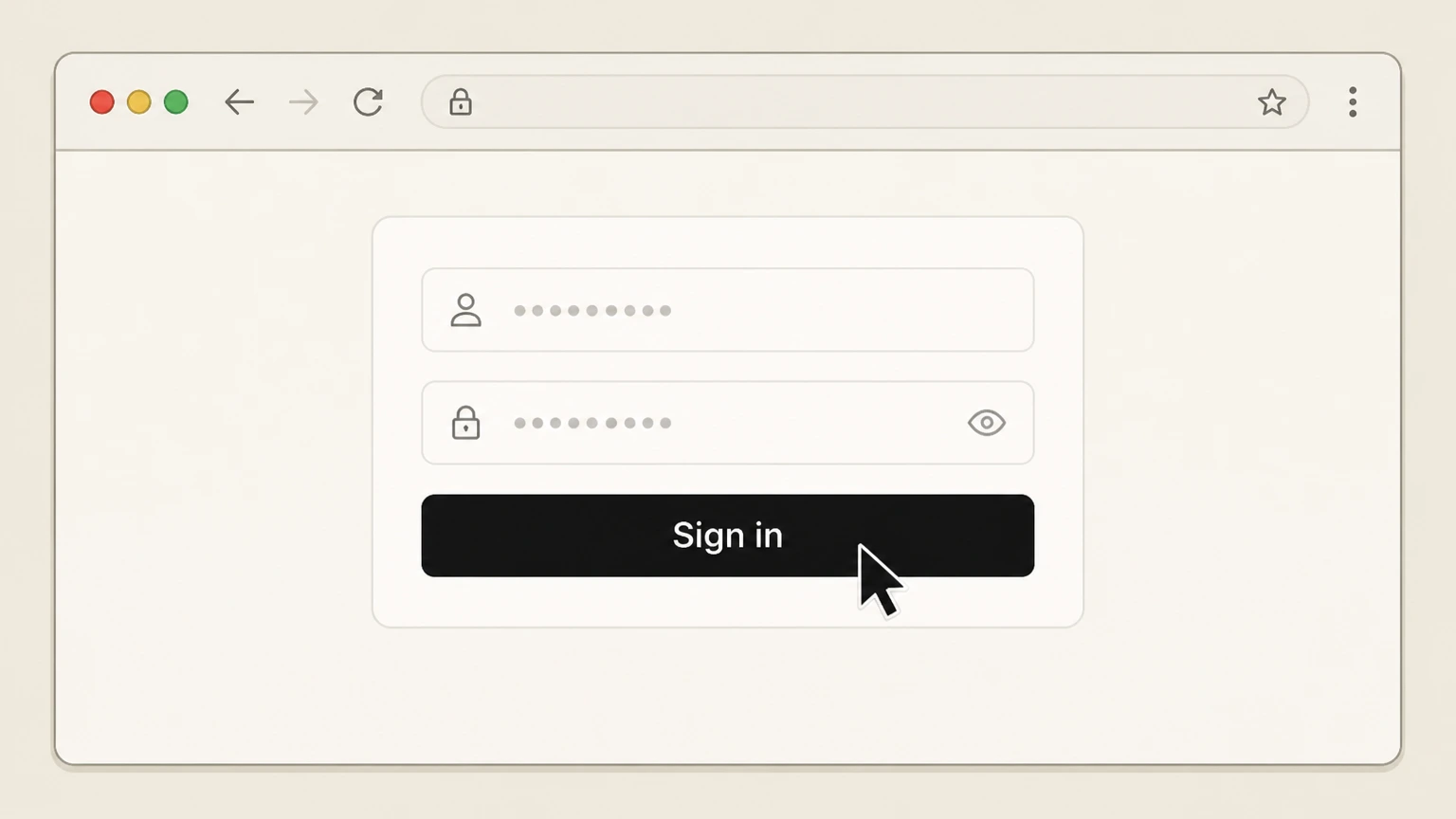
1Sign in to your Dollar Shave Club account
Go to the Dollar Shave Club Account page in a browser and sign in with the email address and password associated with your membership.
 2
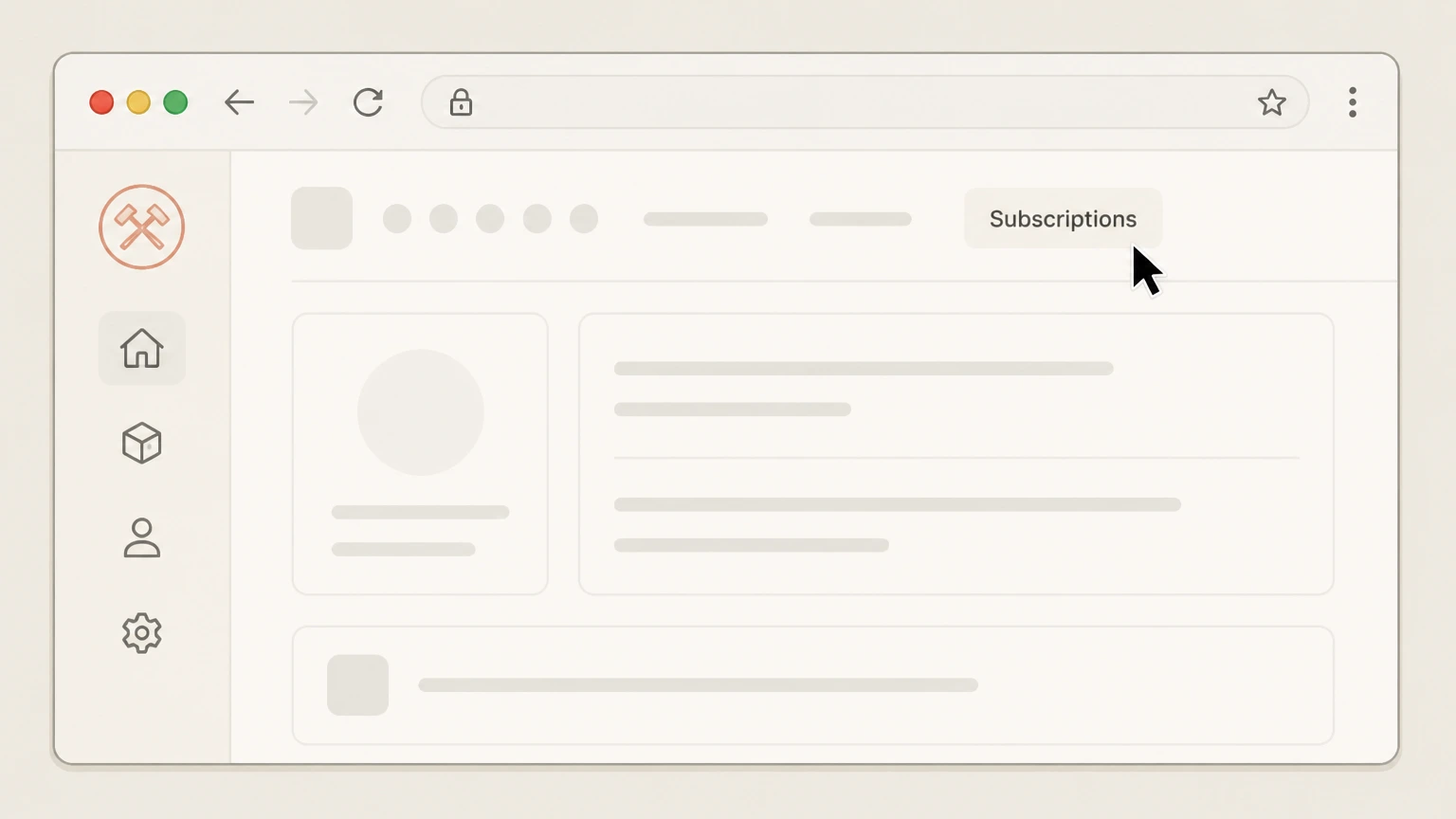
2Open the Subscriptions section
From your account home page, select the Subscriptions link at the top to view all active Dollar Shave Club subscriptions on your account.
- Let Pine handle it
Pine can help
Too many steps?
Pine can find the right Website account (Dollar Shave Club) path and handle the cancellation for you.
 3
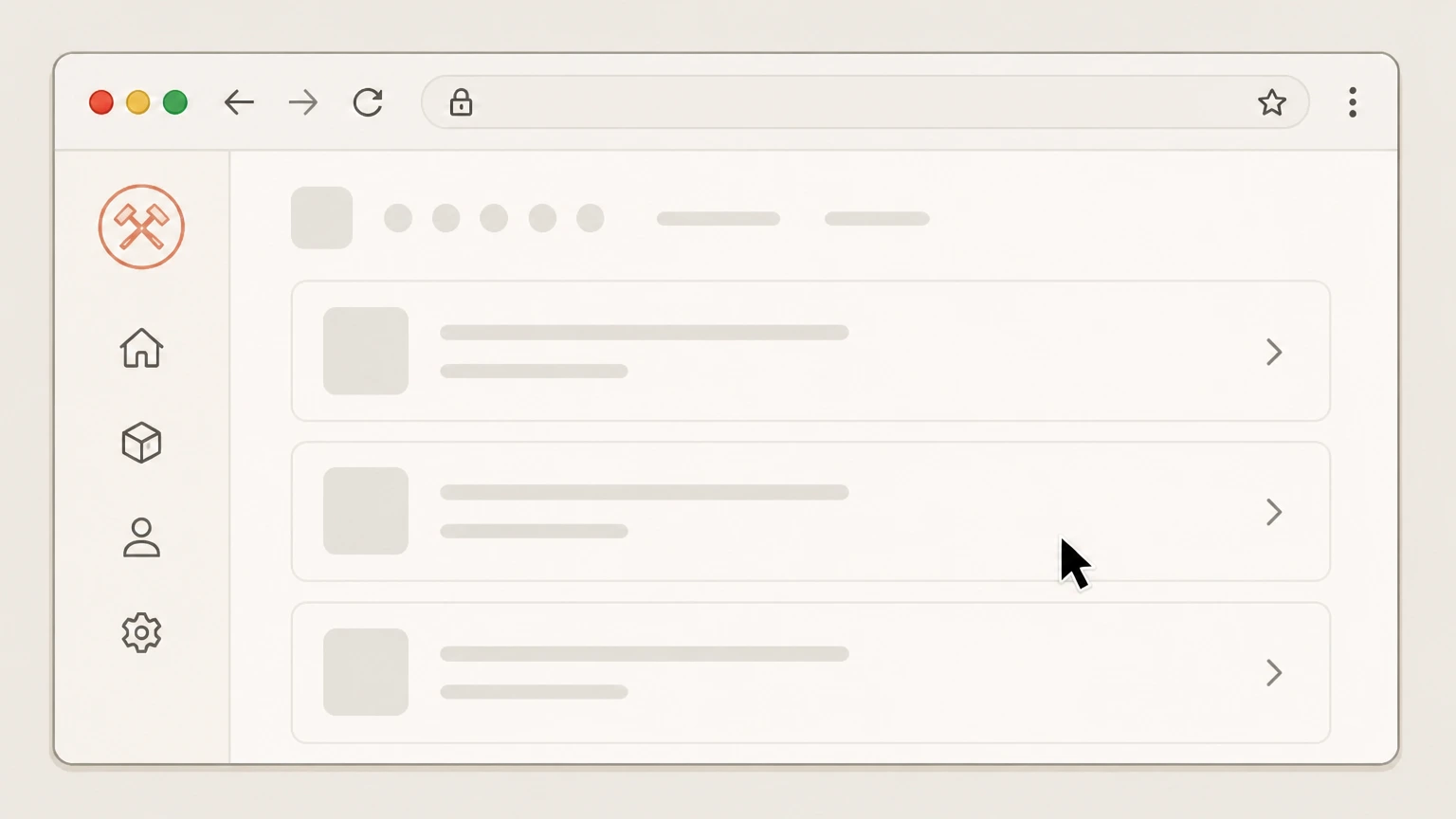
3Locate the subscription you want to cancel
On the Subscriptions page, scroll through the list and select the specific subscription you want to stop so its management options are visible.
 4
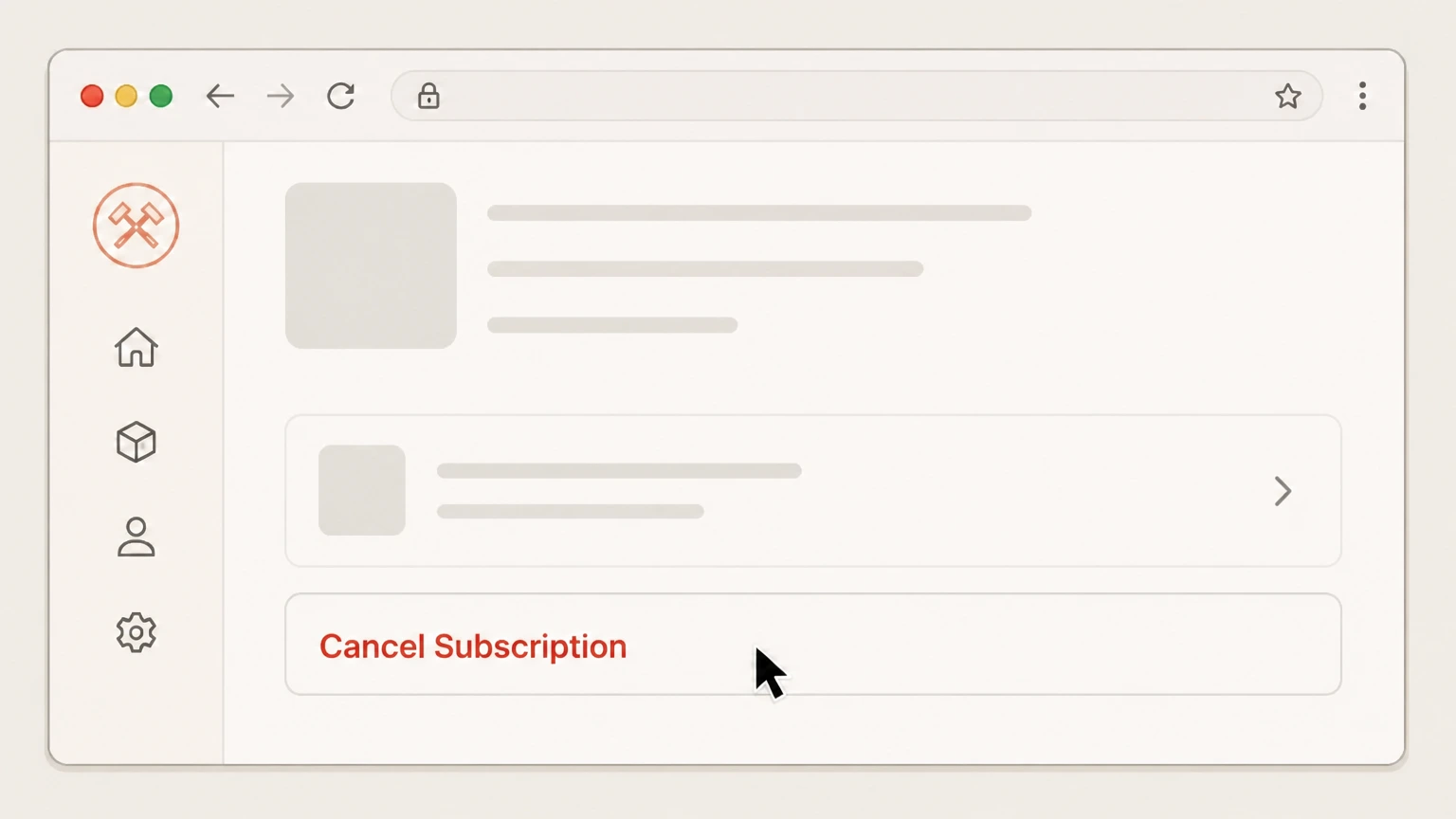
4Select Cancel Subscription for that item
Use the Cancel Subscription option for the chosen subscription to start the cancellation flow and stop future recurring shipments for that product.
 5
5Choose a cancellation reason to complete the request
When prompted, select a reason for cancelling; once submitted, Dollar Shave Club processes the request and your subscription will end after the current paid term.

Email request to Dollar Shave Club · verify the billing owner
 1
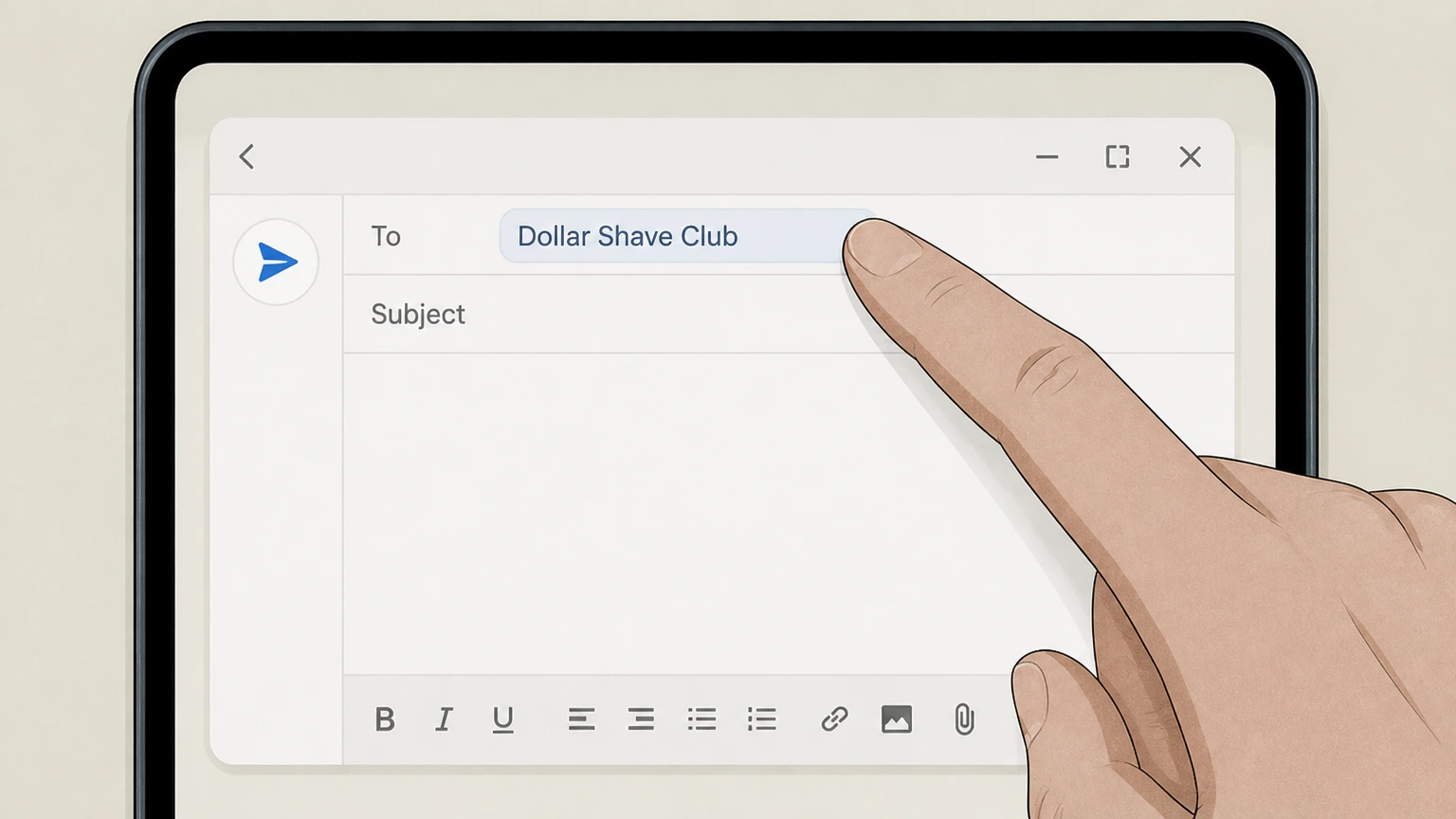
1Open your email service
Create a new email message from the same email address that is on your Dollar Shave Club membership account. Use the Dollar Shave Club account named on your receipt, and continue only after the next status in this cancellation path is visible.
 2
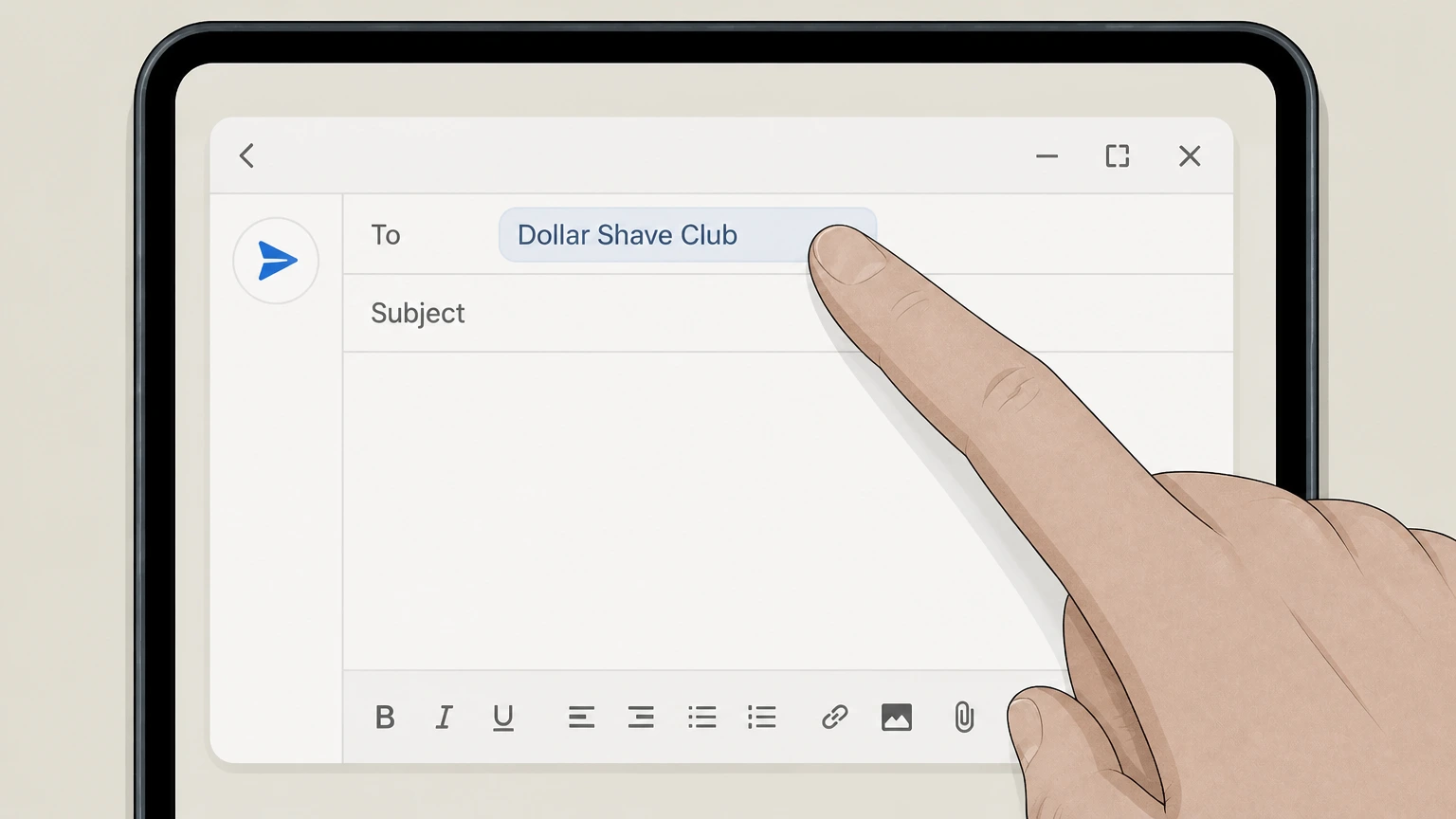
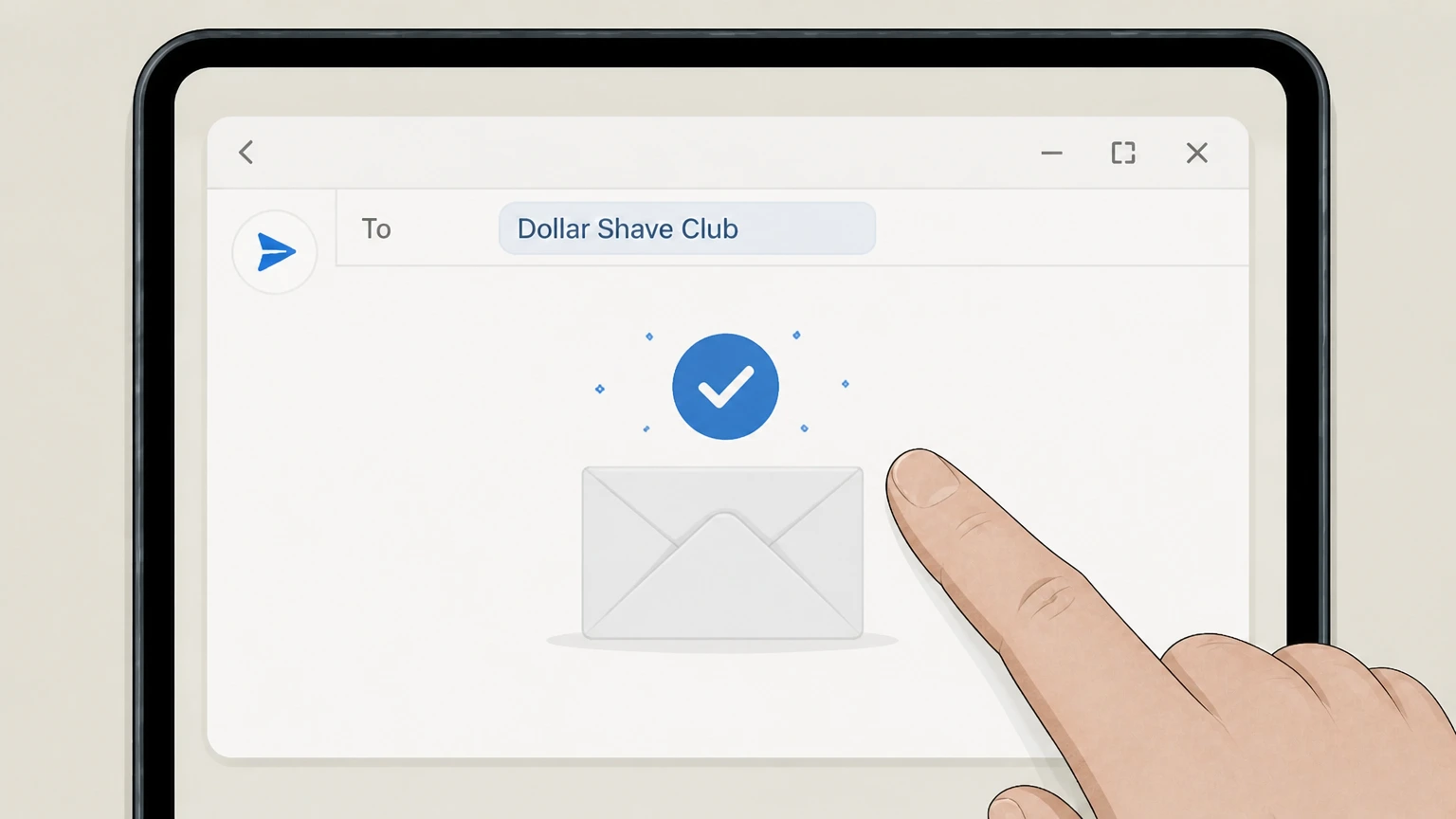
2Address your email to Dollar Shave Club support
Send the message to the support email listed in Dollar Shave Club’s Terms of Service (currently support@dollarshaveclub.com) and include “Subscription cancellation request” in the subject line.
- Let Pine handle it
Pine can help
Too many steps?
Pine can find the right Email request to Dollar Shave Club path and handle the cancellation for you.
 3
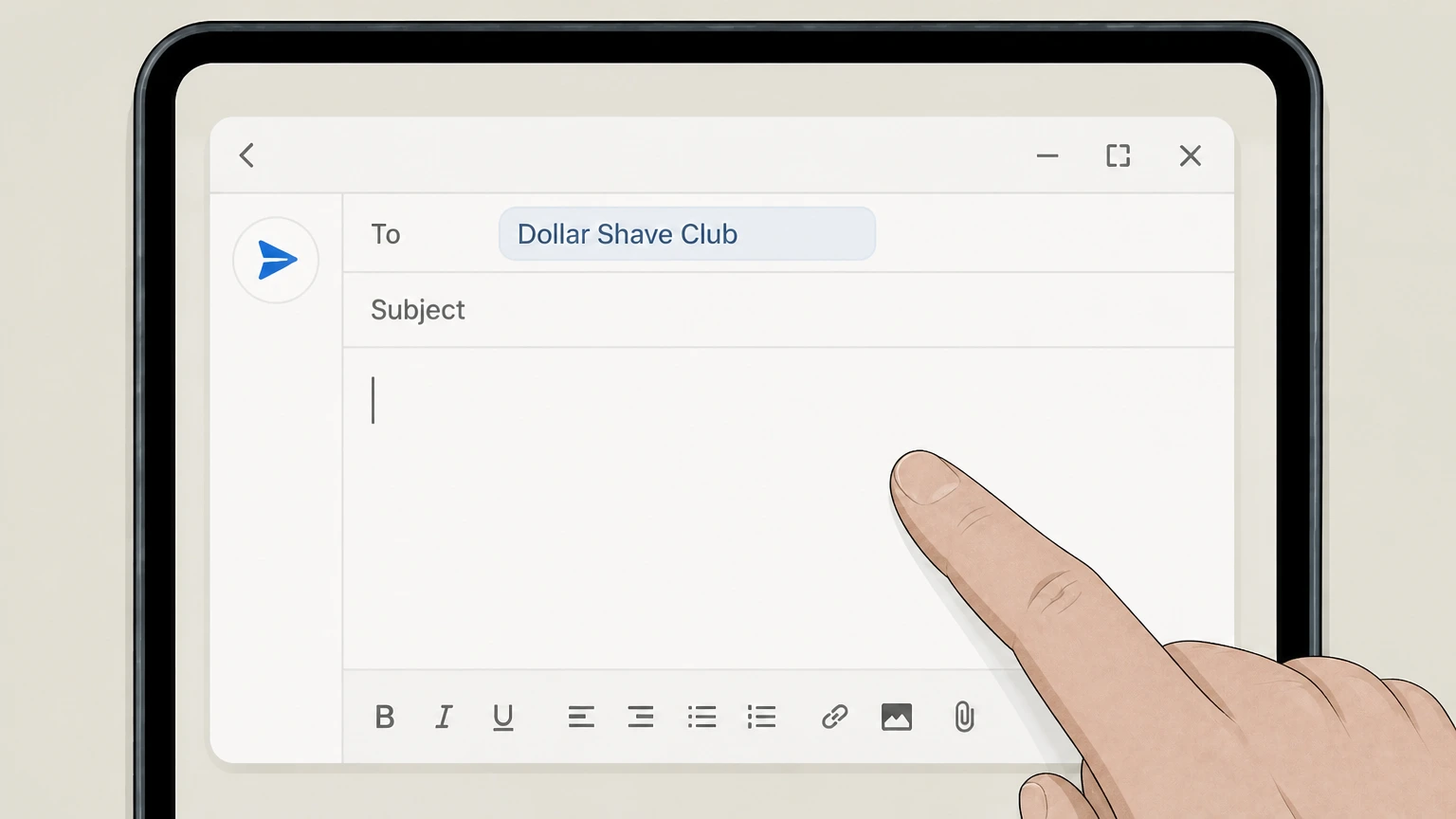
3Describe the subscription you want to cancel
In the body of the email, clearly state that you want to cancel, include your full name, account email, shipping address, and specify exactly which subscription(s) or products you want Dollar Shave Club to stop.
 4
4Send your request before the next shipping cutoff
Send the email at least one full business day before your next scheduled shipping date, understanding that email requests can take up to five business days for Dollar Shave Club to process.
Refund policy
Dollar Shave Club refunds and how they relate to cancellation
Dollar Shave Club treats refunds and subscription cancellation as separate processes: cancelling stops future renewals, while refunds address issues with specific shipped products under defined conditions.
Check my refund options- Refunds apply to your most recent shipment
- If you are unhappy with a Dollar Shave Club Product, the Terms explain that you may request a refund of the amount paid for that Product in your most recent shipment, often limited to the discounted price actually paid if a promotion applied.
- You must request refunds within 30 days of shipment
- Refund requests must be made directly to Dollar Shave Club within 30 days of the shipment date; requests received after that window generally are not eligible under the stated policy.
- Products may need to be returned
- Dollar Shave Club can ask you to return the Product before issuing a refund and states that it is not responsible for items damaged or lost in transit when you send them back, so tracked shipping is recommended.
- Shipping and handling are not refunded
- The refund policy notes that any credit issued excludes the original shipping and handling costs or related fees, which remain non-refundable even when the Product price is refunded.
- Refunds do not automatically cancel subscriptions
- Submitting a refund request does not cancel your Subscription; to stop future charges, you must also cancel the relevant Subscription through your Account or by contacting Member Services in line with the cancellation policy.
For the most accurate and up-to-date information on refunds and how they interact with your specific order, review the latest Dollar Shave Club Terms of Service and contact Member Services if you have a situation that does not fit the standard policy. View Dollar Shave Club Terms of Service
Membership basics
How Dollar Shave Club subscriptions work
Key facts about how Dollar Shave Club structures its memberships and Restock Box subscriptions so you understand what you are cancelling.
Product-based Restock Box subscriptions
Dollar Shave Club sells razors and grooming supplies through recurring Restock Box subscriptions, where you choose products and a delivery frequency and are billed automatically before each shipment until you cancel.
Subscription versus one-time orders
You may buy Dollar Shave Club products either as a one-time order or on a recurring Subscription; only the recurring Subscriptions renew automatically and need to be cancelled to stop future charges.
Multiple subscriptions under one account
Your Account can host several separate product subscriptions; cancelling one item does not automatically cancel other product subscriptions unless you cancel each one individually from the Subscriptions page.
Account access after cancellation
Cancelling a Subscription stops renewals but does not automatically delete your Account; login access, order history, and marketing communications can continue unless you separately exercise privacy or deletion options.
Timing rules
When cancellation takes effect and how billing works
Understanding Dollar Shave Club’s renewal schedule and cutoffs helps you time cancellation to avoid unwanted charges.
Automatic renewal and charge timing
Dollar Shave Club automatically renews each Subscription and charges your payment method at least one full business day before your next shipping date, based on the delivery frequency you selected at sign-up or later.
Cancel at least one full business day before ship date
To avoid being billed for the next Restock Box, you must submit your online cancellation at least one full working day before the scheduled shipping date; otherwise that shipment may still be processed and charged.
Email and other channel delays
Cancellation requests sent through channels like email can take up to five business days to process, so Dollar Shave Club warns that you might still be charged for an upcoming shipment if the request is not received in time.
First-order cancellation edge case
If you need to cancel before your very first Dollar Shave Club order ships, the help center directs you to contact Member Services rather than relying solely on the self-service Subscriptions page.
Subscription benefits through current term
When you cancel, Dollar Shave Club states that you retain Subscription benefits until the end of the current paid term, meaning cancellation usually applies to future renewals rather than retroactively undoing a shipment already charged.
Alternatives
Pausing, skipping, or changing a subscription instead of cancelling
Dollar Shave Club offers several self-service tools that adjust upcoming shipments without fully cancelling your membership.
Change your ship date
From the Next Box tab on your Account page you can move an upcoming order to a new ship date using Change Date, which also shifts future orders based on your chosen frequency.
Send an order sooner
If you run out early, the Send Now option on the Next Box tab lets you immediately process a Restock Box and reschedules the next shipment according to your subscription frequency.
Skip a single upcoming order
You can skip one Restock Box shipment for a specific subscription using Skip Order on your Next Box page; your subscription remains active and resumes on the following cycle.
Pause a product subscription
The Pause Subscription option lets you temporarily stop selected products from shipping in your next Restock Box while leaving your overall membership and other products active.
Remember to cancel unwanted products fully
If you switch razors or stop using a product, Dollar Shave Club’s help center reminds you to cancel the old subscription after adding a new one so you are not billed for both.
Trials & first box
Trials, promotional offers, and first shipment considerations
Trial offers and first shipments have special rules that affect when you must cancel to avoid ongoing charges.
Trial pricing and automatic continuation
Dollar Shave Club may start memberships with a reduced-price Trial shipment; after the Trial period, your payment method is billed for regular Restock Box shipments at standard or promotional pricing until you cancel.
Need to cancel before trial ends
To avoid being charged beyond any introductory Trial, you must cancel your Subscription before the Trial period ends, in line with the automatic-renewal terms in the Membership and Subscription section.
Price changes and your options
If Dollar Shave Club increases prices, the Terms explain that you can either accept the new pricing or permanently remove the affected product or cancel the Subscription at least one working day before the first shipment at the higher price.
First shipment cancellation via support
Help content indicates that if you need to cancel before your first box ships and cannot do so online, you should contact Member Services, who can intervene on your initial order when possible.
After you cancel
What changes—and what does not—after cancelling Dollar Shave Club
Cancelling affects recurring shipments but not all aspects of your relationship with Dollar Shave Club.
Future Restock Box shipments stop
Once your cancellation is processed for a product subscription, Dollar Shave Club stops scheduling and billing new Restock Box shipments for that product after the current paid term ends.
Shipments already charged may still arrive
Because renewal charges occur at least a full business day before the ship date, a cancellation submitted too close to that window might only stop subsequent shipments; the charged Restock Box generally still ships unless handled as a separate refund or order issue.
Account and login usually remain active
Your online Account, including order history and subscription settings, remains available after you cancel subscriptions unless you separately exercise rights under the Privacy Policy or request account deletion.
Marketing and loyalty programs
Cancelling a Subscription does not automatically opt you out of marketing emails, SMS programs, or loyalty schemes; each has its own opt-out or terms referenced back to the core Terms of Service and Privacy Policy.
Deleting your account is separate
If you wish to fully delete your Membership account, the Terms direct you to the Privacy Policy, which provides contact details for privacy and deletion requests distinct from cancelling a Subscription.
Refunds
Refunds and product issues after cancelling
Refund rights relate to individual shipments and products, not directly to cancelling your subscription.
30-day refund window for dissatisfied products
Dollar Shave Club’s Terms state that if you are dissatisfied with a Product, you may request a refund of the amount paid for that Product in your most recent shipment by contacting Member Services within 30 days of the shipment date.
Possible requirement to return products
For some refund requests, Dollar Shave Club may require you to return the Product according to instructions they provide before issuing a credit to your original payment method.
Shipping and handling are non-refundable
The refund section clarifies that any refund granted is for the Product price and does not include original shipping and handling costs or fees, which are non-refundable.
Abuse of refund policy may be declined
Dollar Shave Club reserves the right to deny refund requests it considers abusive or unfair, such as repeated requests on the same product or repeated refunds without returning items when asked.
Refunds are independent of cancellation
Requesting a refund for a shipment does not automatically cancel your Subscription; you must also cancel through your Account or contact Member Services to stop future restocking charges.
Other retailers
Dollar Shave Club products bought through other retailers
Some customers receive Dollar Shave Club products through retailers or marketplaces that run their own subscription programs.
Third-party subscriptions are separate
Dollar Shave Club’s US Terms and help content describe cancellation only for subscriptions run through its own website; recurring orders set up on marketplaces such as Amazon Subscribe & Save are separate from your Dollar Shave Club site membership.
Manage marketplace subscriptions on that platform
Amazon’s Subscribe & Save materials explain that customers can skip, cancel, or update their subscriptions at any time through Amazon’s own subscription management tools, not through third-party brand sites like Dollar Shave Club.
Dollar Shave Club cannot directly stop retailer programs
Cancelling a subscription in your Dollar Shave Club account will not alter or cancel any recurring deliveries you configured through an external retailer’s platform; those must be changed where you originally set them up.
Check which account is actually billing you
Before cancelling, review recent charges on your statement; if the billing descriptor shows Amazon or another retailer rather than Dollar Shave Club, managing that subscription through the retailer’s account tools is usually required.
Support
Getting help and confirming your cancellation
How to confirm that your Dollar Shave Club cancellation worked and where to get support if it did not.
Use the Subscriptions page as your primary check
After cancelling, return to the Subscriptions section of your Account to verify that the relevant subscription is marked as cancelled or no longer shows a future ship date.
Watch your email for order and account updates
Dollar Shave Club frequently communicates order confirmations, shipment notices, and membership updates by email, so monitoring the inbox tied to your account can help you spot any unexpected upcoming Restock Boxes after cancelling.
Contact Member Services if online tools fail
If you encounter issues with the Account or Subscriptions pages, help articles invite you to contact Dollar Shave Club’s Member Services team (Club Pros), who can honor cancellation requests and assist with problem orders.
Privacy and data-related questions
For questions about how your personal data is handled after you cancel—or for account deletion and privacy rights—Dollar Shave Club’s Privacy Policy lists dedicated contact channels separate from general product support.
What official sources do not confirm
Limits of the public Dollar Shave Club cancellation guidance
These points are intentionally qualified because the official sources reviewed on August 16, 2026 do not publish a complete answer.
Documented limitation 1
Cancellation routes are limited to website and email because no current, authoritative documentation on in-app cancellation for iOS or Android was found within the allowed official domains.
Documented limitation 2
The guide does not describe step-by-step Amazon Subscribe & Save cancellation flows, since detailed consumer help pages for that feature fall outside the limited domain set and Dollar Shave Club’s own materials do not cover them.
Documented limitation 3
Corporate history questions such as ownership changes or high-level "what happened" narratives are not answered, as they require news or investor sources that are not among the permitted domains.
Documented limitation 4
Phone numbers and postal mailing addresses are only referenced where explicitly included in current Dollar Shave Club Privacy Policy or related official pages; no attempt is made to supplement or verify contact details from third-party complaint or review sites.
Documented limitation 5
Data-retention durations and legal interpretations of cancellation or refund rights are not described beyond what is stated in Dollar Shave Club’s own Terms of Service and Privacy Policy, to avoid drawing legal conclusions.
Dollar Shave Club cancellation FAQ
Questions people search about canceling Dollar Shave Club, answered with official provider or billing-platform sources checked on August 16, 2026.
How do I cancel my Dollar Shave Club subscription?
Is Dollar Shave Club a monthly subscription?
What is Dollar Shave Club's refund policy?
How long before my next box should I cancel Dollar Shave Club?
Can I pause or skip a Dollar Shave Club shipment instead of cancelling?
What happens to my Dollar Shave Club account after I cancel my subscription?
How do I log in to cancel my Dollar Shave Club subscription?
Can I cancel a Dollar Shave Club subscription I bought through another retailer?
Is the Dollar Shave Club legit?
How can I contact Dollar Shave Club if I have trouble cancelling online?
Untangle this Dollar Shave Club issue.
Let Pine handle the provider follow-up and keep the confirmation in one place.
