

Course Hero
Cancel subscription
How to Cancel Course Hero: Web, Apple and Google Steps
Cancel Course Hero through its website, Apple, or Google Play. See the exact account controls, what Basic access remains, pause options, and refund limits.
- Course Hero, Apple, and Google billing routes are separated
- Cancellation leaves the account on Basic Membership
- A temporary pause is different from cancellation
- Deleting the account is a separate action
Cancel Course Hero through the company that bills you
Web · Course Hero billing
Stop a Course Hero recurring membership on the website
 1
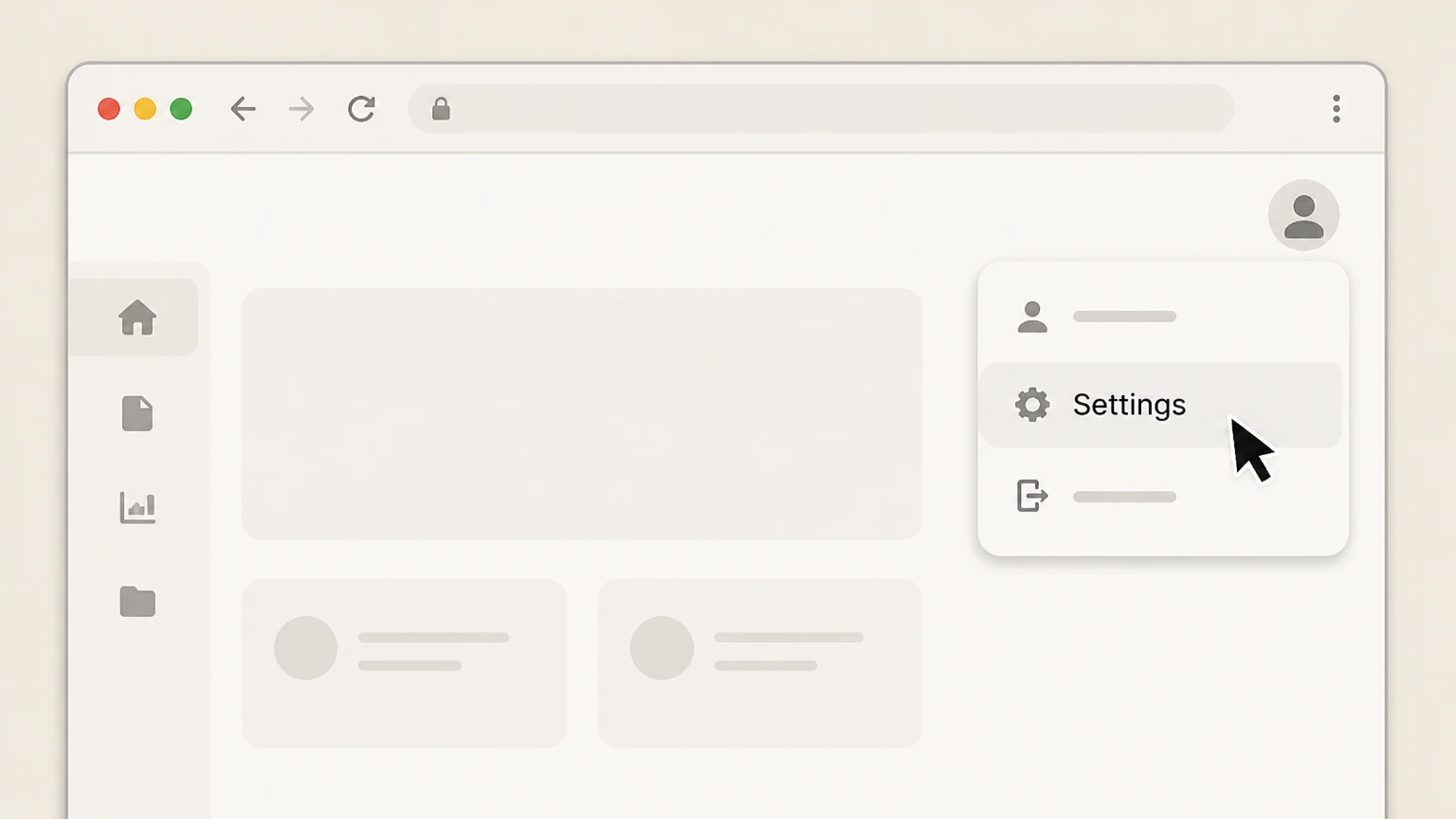
1Open Settings
Sign in, select the profile picture in the upper-right, and open Settings.
 2
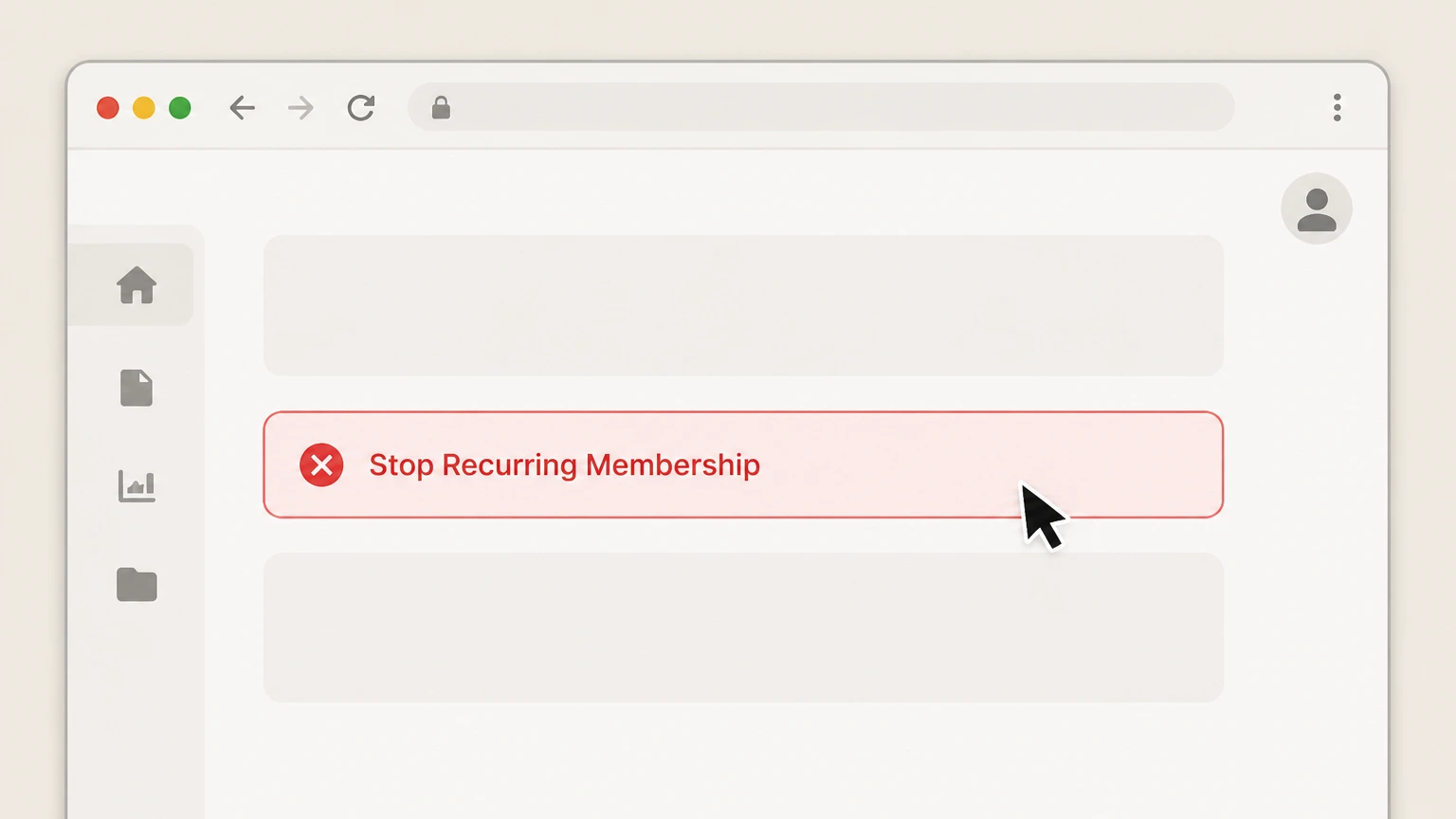
2Stop Recurring Membership
In Settings, select Stop Recurring Membership.
- Let Pine handle it
Pine can help
Too many steps?
Pine can find the right Web path and handle the cancellation for you.
 3
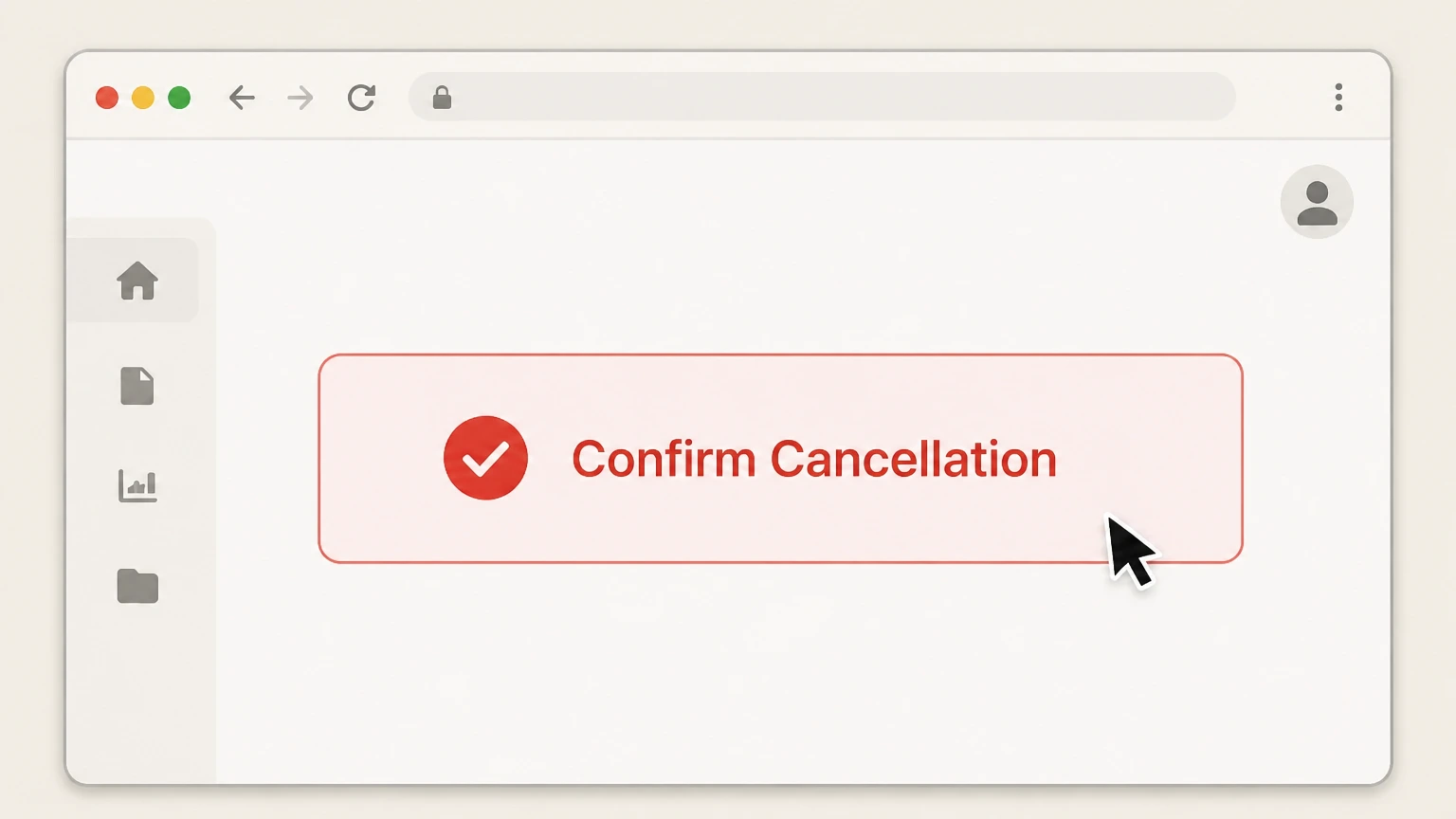
3Confirm the cancellation
Complete the prompts and keep the confirmation email Course Hero sends.

iPhone · Apple billing
Cancel Course Hero through Apple Subscriptions
 1
1Open Settings
Open Settings on the iPhone signed in to the Apple Account used for the purchase.
 2
2Tap your name
Open the Apple Account card at the top of Settings.
- Let Pine handle it
Pine can help
Too many steps?
Pine can find the right iOS path and handle the cancellation for you.
 3
3Open Subscriptions
Select Subscriptions to see subscriptions billed by Apple.
 4
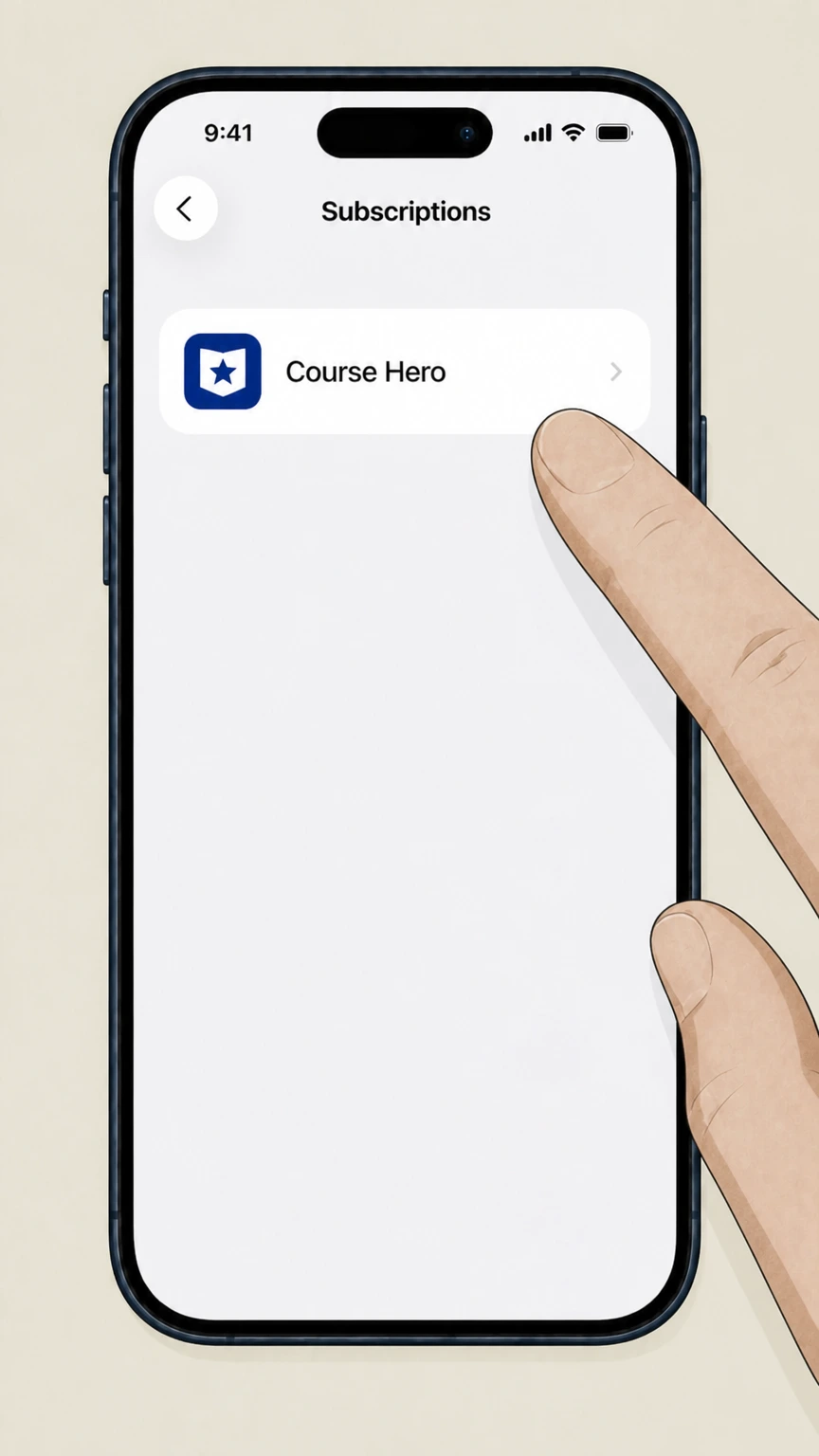
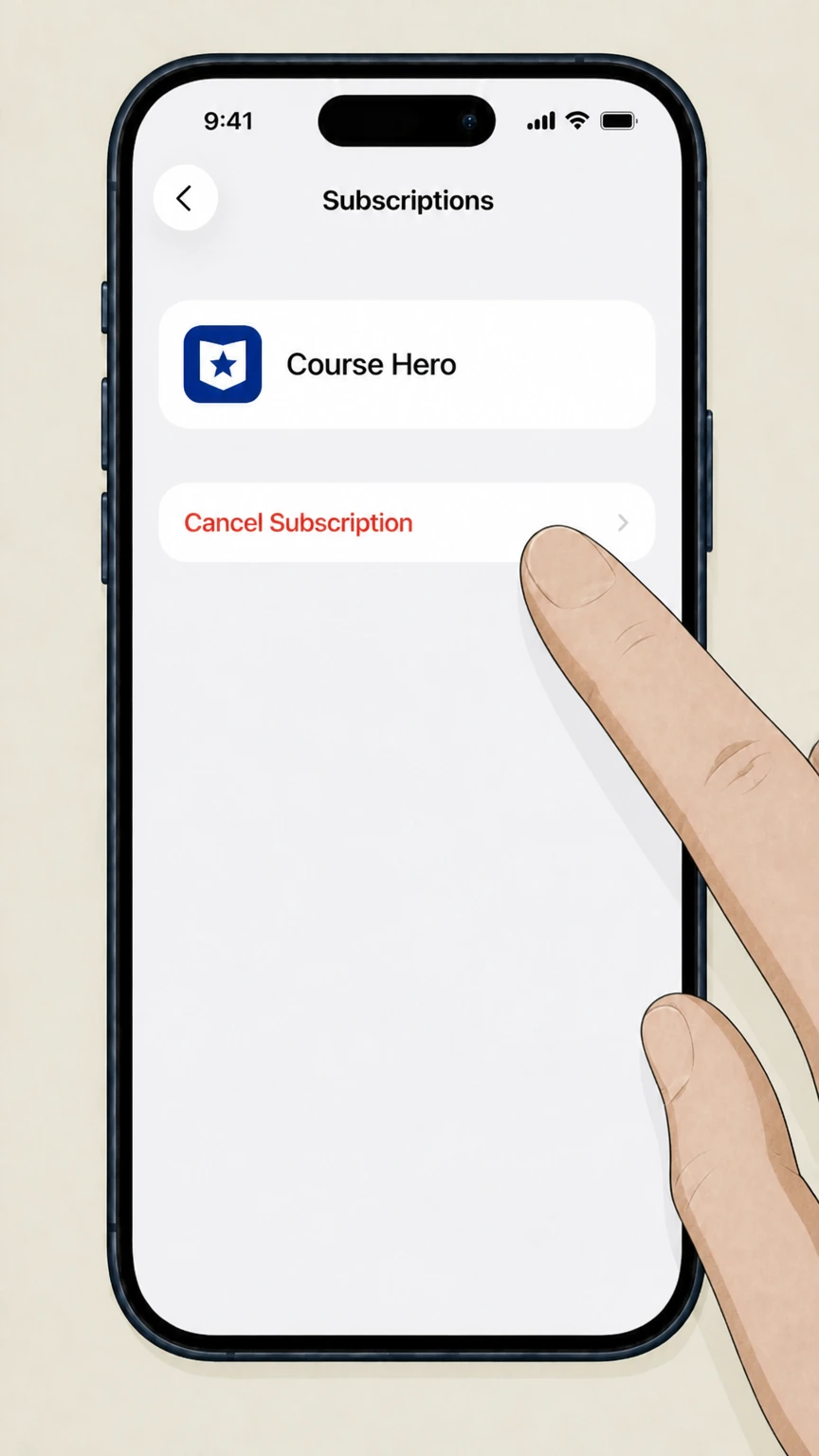
4Select Course Hero
Choose Course Hero from the Apple subscription list. If it is absent, verify a different Apple Account or billing owner.
 5
5Tap Cancel Subscription
Tap Cancel Subscription and complete Apple’s confirmation prompt. Keep the resulting status or expiration date.
Refund policy
Course Hero refunds, access, and charge follow-up
Course Hero says cancellation does not automatically refund a new or recent recurring charge.
Check my refund options- Cancellation and refund are separate
- Stopping renewal prevents future scheduled charges but does not itself reverse a charge already made.
- Store billing questions go to the store
- Course Hero directs Apple and Google Play purchasers to those stores for billing questions.
- Keep the confirmation email
- Course Hero says it emails a successful cancellation confirmation; retain it if a later charge must be investigated.
If charges continue, compare the charge descriptor and store subscriptions with the confirmation before submitting a billing request. Open Course Hero payment and refund help
Billing route
Use the purchase channel that owns the renewal
Course Hero cannot cancel a store-owned subscription from website settings.
Course Hero website purchase
Use profile picture, Settings, and Stop Recurring Membership, then complete the confirmation prompts.
Apple purchase
Course Hero directs iTunes or App Store purchasers to cancel through the Apple account that processed the subscription.
Google Play purchase
Course Hero directs Google Play purchasers to cancel through Google Play and to ask Google about billing issues.
Do not confuse
Cancel, pause, and delete are different actions
Choose the action that matches the intended outcome.
Cancel stops recurring charges
Cancellation turns off renewal. Course Hero says Premier access remains through the membership period and the account then reverts to Basic.
Pause resumes automatically
Eligible website subscriptions can be paused for one, two, or three months, but a pause is temporary and is unavailable for Apple or Google Play purchases.
Delete closes the account
Account deletion is a separate process. Do not use deletion as a substitute for confirming that the subscription renewal is off.
Course Hero cancellation questions
Questions discovered from current search behavior are answered only with the official sources checked on August 16, 2026.
How do I cancel my Course Hero subscription?
Why does Course Hero keep charging me?
Can I pause Course Hero instead of canceling?
Does deleting my Course Hero account cancel the subscription?
What happens to Course Hero access after cancellation?
Untangle this Course Hero issue.
Let Pine handle the provider follow-up and keep the confirmation in one place.
