


Barron's
Cancel subscription
How to Cancel Barron's: Official Steps & Timing
Cancel Barron's through the company shown on your receipt. Follow current Customer Center steps, check the effective date, and understand refund limits.
- 1 cancellation path matched to the billing owner
- Renewal timing and access outcome explained
- Refund requests routed to the company that billed you
- Confirmation steps included for every path
Choose the Barron's cancellation path that matches who bills you
Barron's Customer Center · verify the billing owner
Barron's Customer Center
 1
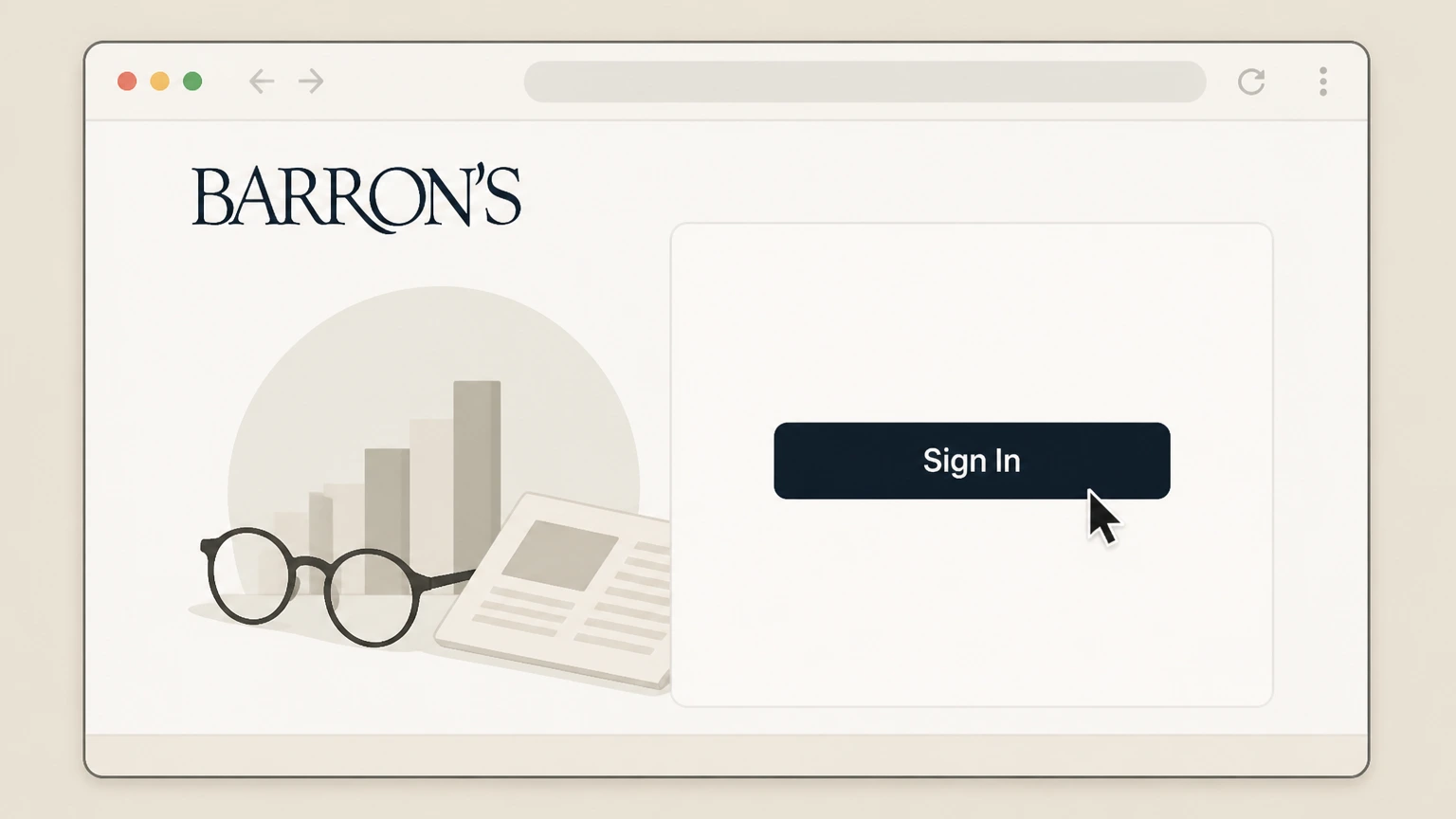
1Sign in to Barron's Customer Center
Open Barron's Customer Center and sign in with the account tied to the directly billed subscription.
 2
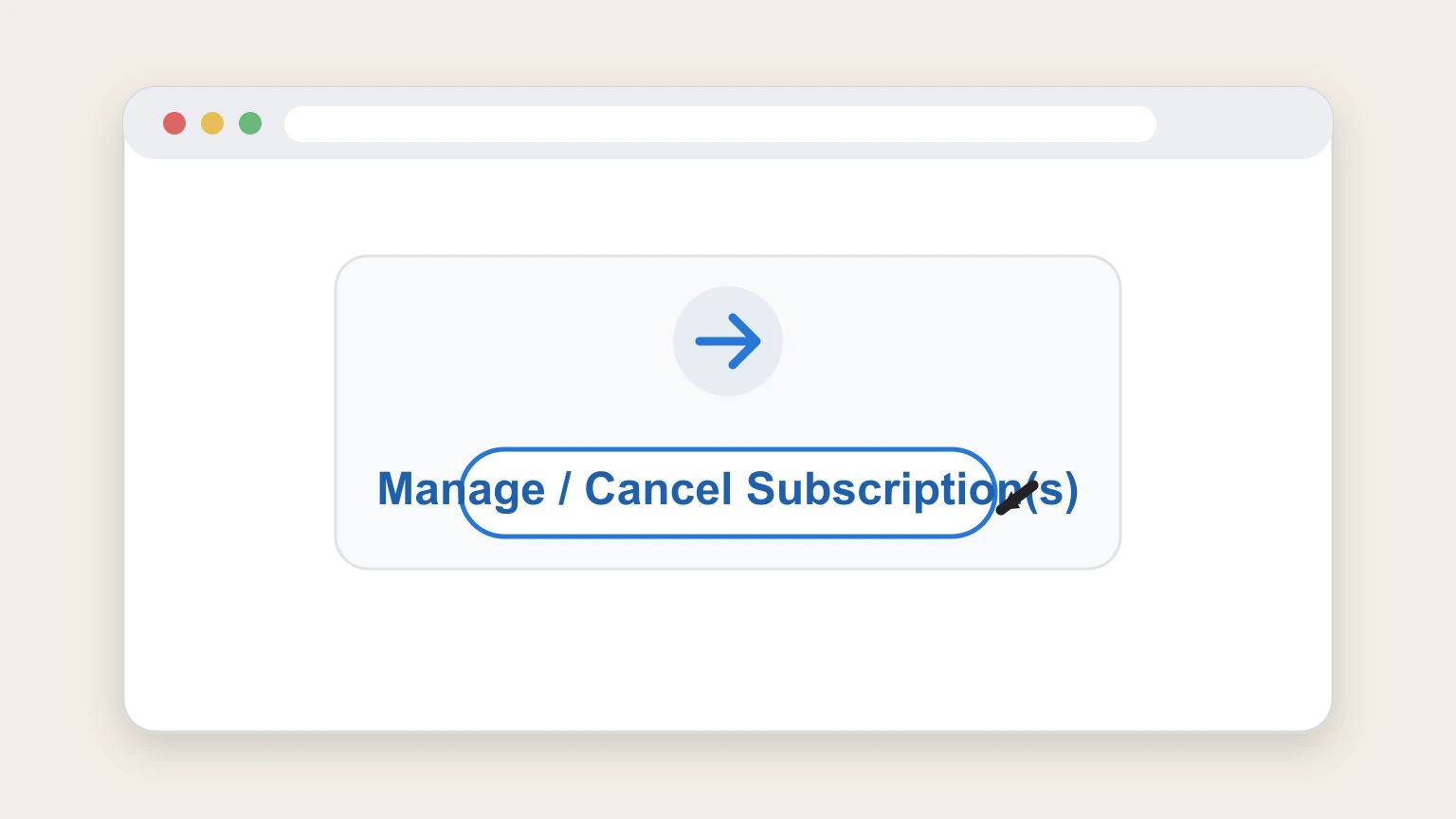
2Open Manage / Cancel Subscriptions
Choose Manage / Cancel Subscription(s) from the Customer Center account navigation.
- Let Pine handle it
Pine can help
Too many steps?
Pine can find the right Barron's Customer Center path and handle the cancellation for you.
 3
3Choose the Barron's subscription
Select the Barron's subscription that matches the title and billing record you intend to stop.
 4
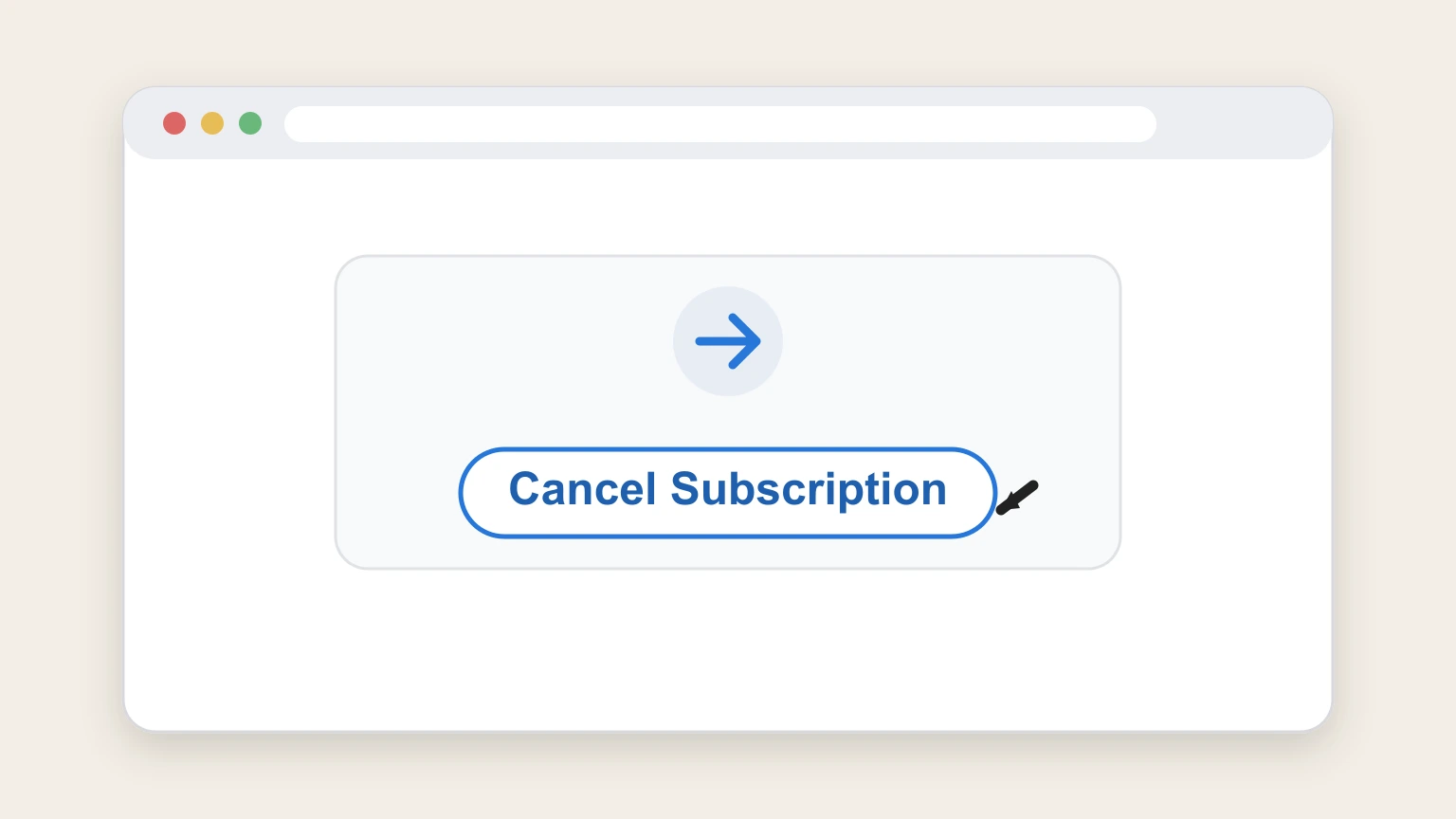
4Use the available cancellation action
Choose Cancel Subscription or Disable Automatic Renewal, whichever Customer Center shows for this subscription, and continue through its prompts.
 5
5Record the displayed result
Keep the final subscription status and the effective or expiration date shown by Customer Center.

Refund policy
Barron's refund outcome is account‑specific
The reviewed Customer Center can present different outcomes. Do not assume a universal refund; use the live policy and the result shown for the subscription.
Check my refund options- No automatic refund promise
- Submitting cancellation does not by itself establish a refund for every Barron’s subscription.
- Keep the displayed terms
- If Customer Center presents a prorated amount or another account‑specific result, retain that screen with the effective date.
Review the current Customer Center cancellation and refund policy if the signed‑in result is unclear. Open Barron's Customer Center policy
Start with the receipt
Match the Barron's charge to its billing owner
The merchant shown on the receipt determines where cancellation can be completed.
Dow Jones direct billing
Use Barron's Customer Center when the subscription appears there.
Apple or Google billing
Use the store subscription manager only when that store owns the receipt.
Account‑specific result
Read the date Barron's displays
Customer Center can present more than one cancellation outcome, so the signed‑in result controls.
Period‑end non‑renewal
Disabling automatic renewal can leave access active until the displayed expiration date.
Other eligible outcomes
If Customer Center offers immediate cancellation or a prorated result, retain the exact terms shown for that account.
After the action
Confirm the Barron's status
Return to the subscription record and check that it no longer shows a future renewal.
Save the final status
Keep the displayed cancellation or disabled‑renewal state.
Save the effective date
Record the expiration or effective date and compare it with the next statement.
Barron's cancellation FAQ
Answers about Barron's billing ownership, cancellation timing, refunds, and access after cancellation.
How do I cancel my Barron's subscription online?
Why does Barron's show Disable Automatic Renewal instead of Cancel Subscription?
Can I get a refund after canceling Barron's?
How do I confirm a Barron's subscription is canceled?
Untangle this Barron's issue.
Let Pine handle the provider follow-up and keep the confirmation in one place.
