


Balance of Nature
Cancel subscription
How to Cancel Your Balance of Nature Subscription
Cancel Balance of Nature using the correct billing route. Follow official steps, understand when access ends, how refunds work, and which confirmation to save.
- Official Balance of Nature and billing-owner sources
- 2 provider-specific cancellation paths
- Refund and post-cancellation effects separated from renewal
- Verified August 16, 2026
Choose the Balance of Nature cancellation path that matches who bills you
Website account Dashboard · verify the billing owner
 1
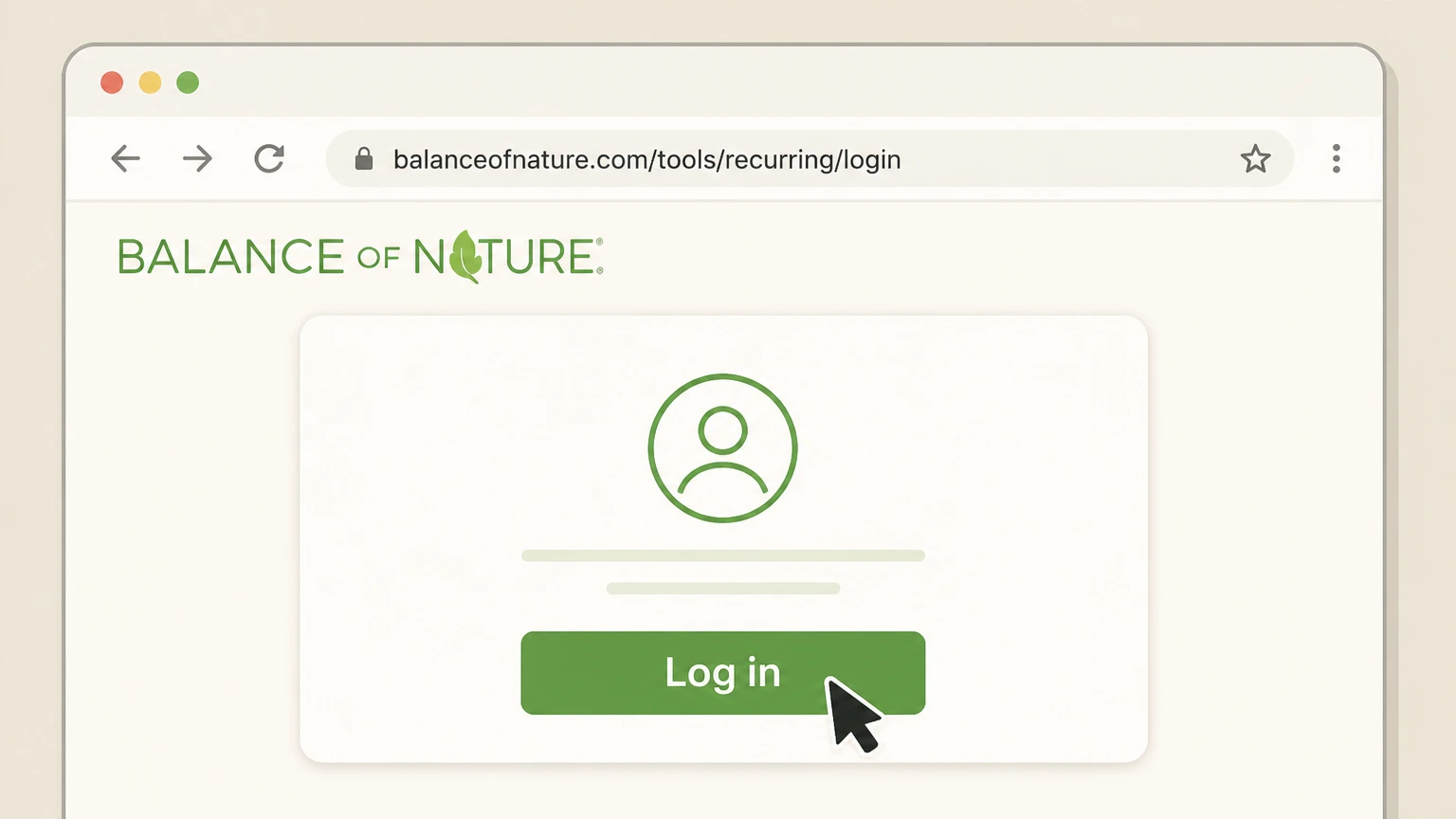
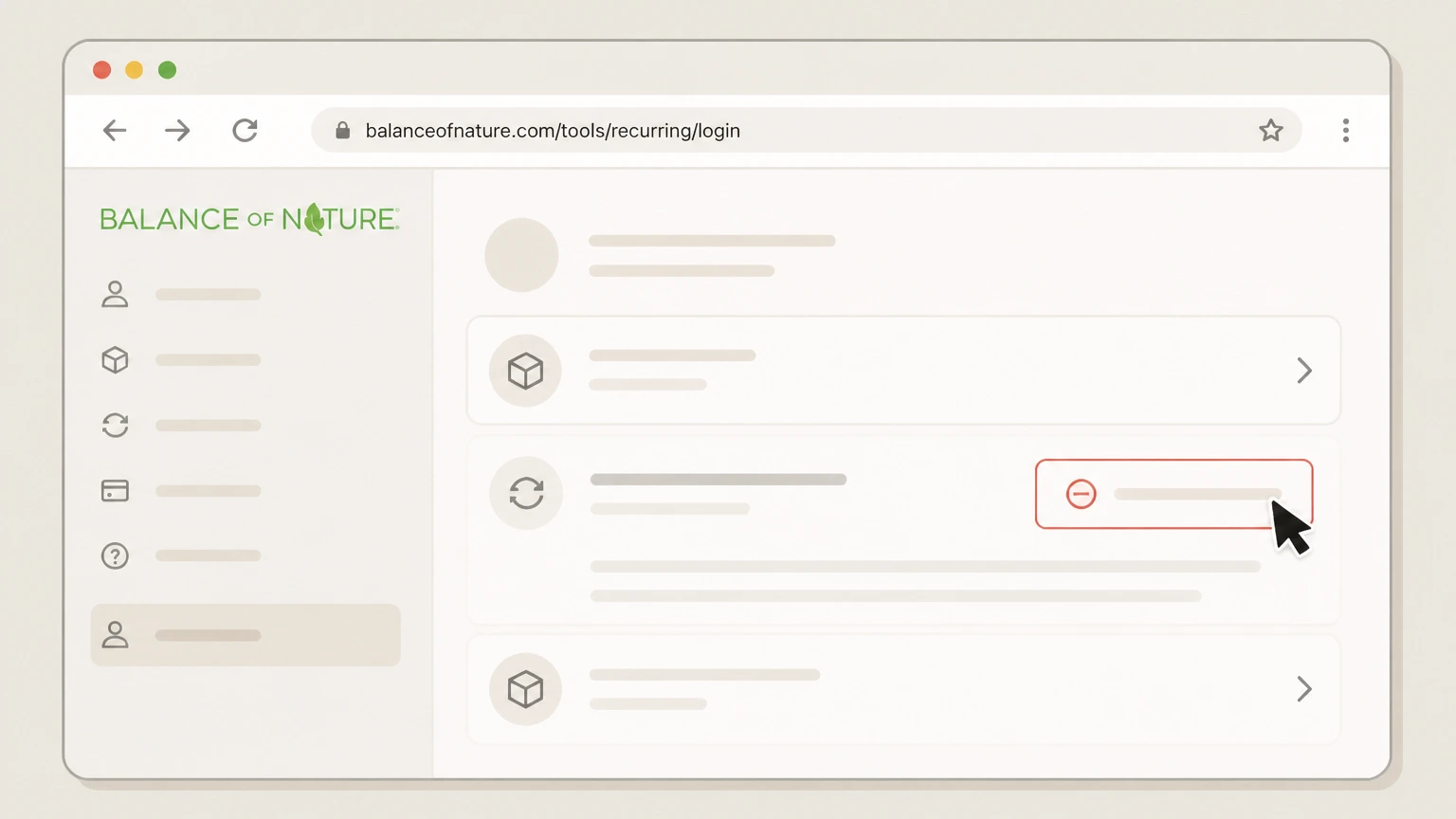
1Open the Balance of Nature subscription login page
In a web browser, go to balanceofnature.com/tools/recurring/login to access the dedicated page for managing your Balance of Nature subscriptions.balanceofnature.com Use the Balance of Nature account named on your receipt, and continue only after the next status in this cancellation path is visible.
 2
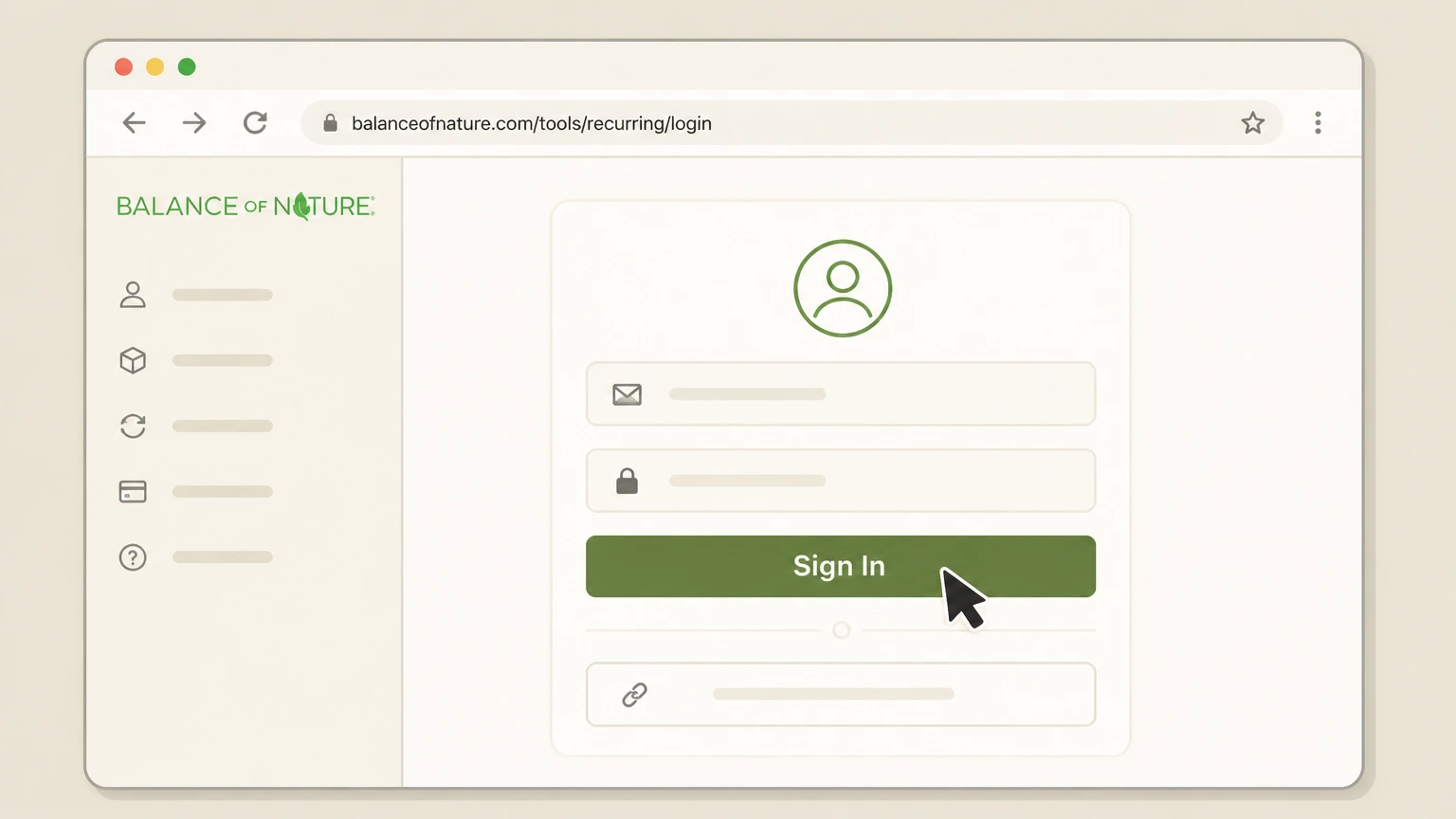
2Sign in to your Balance of Nature account
Enter the email address associated with your orders and your password, or request a secure login link if you are having trouble signing in, then complete the login process.balanceofnature.com
- Let Pine handle it
Pine can help
Too many steps?
Pine can find the right Website account Dashboard path and handle the cancellation for you.
 3
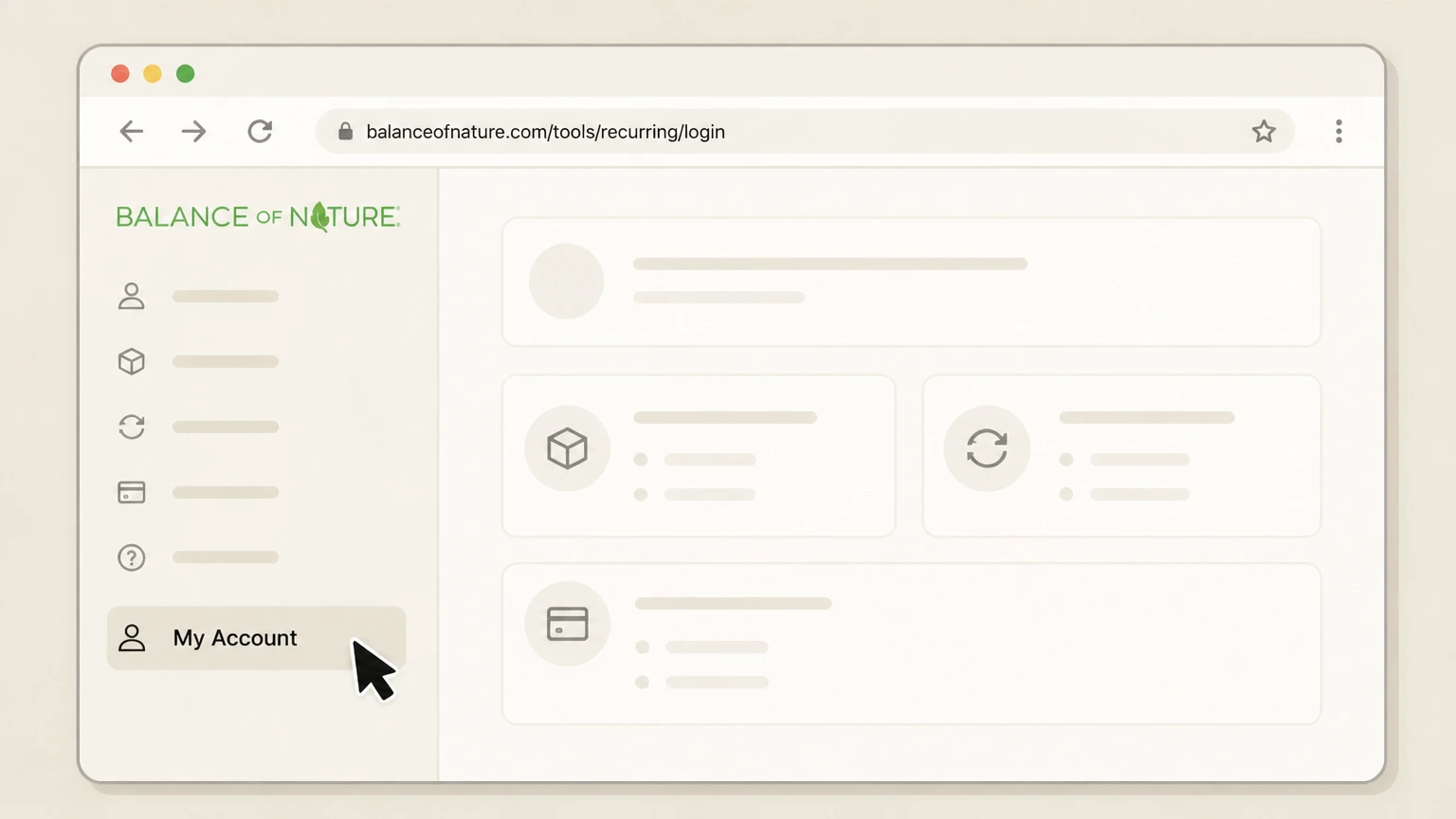
3Go to your account Dashboard or subscriptions area
Once signed in, open your Dashboard or My Account area where active subscriptions and orders are listed for management.balanceofnature.com Use the Balance of Nature account named on your receipt, and continue only after the next status in this cancellation path is visible.
 4
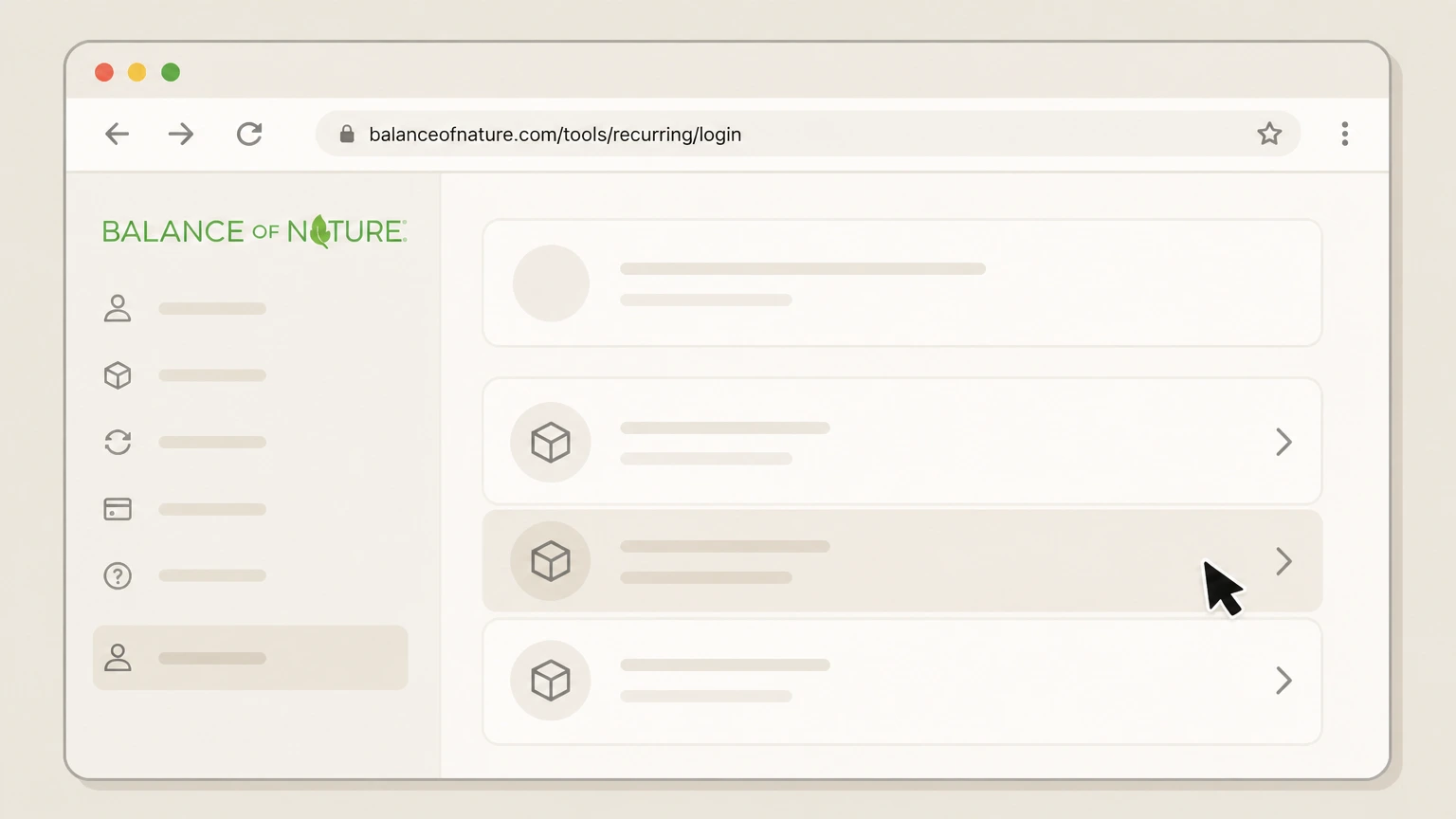
4Select the subscription you want to cancel
From the list of active Balance of Nature subscriptions, choose the specific product auto‑shipment you want to stop so you can change or cancel it.
 5
5Use the on‑screen option to cancel future shipments
Within the selected subscription, use the available control to cancel or turn off automatic replenishment, then confirm when the Dashboard shows that renewal is stopped for that item.balanceofnature.com

Phone support · verify the billing owner
 1
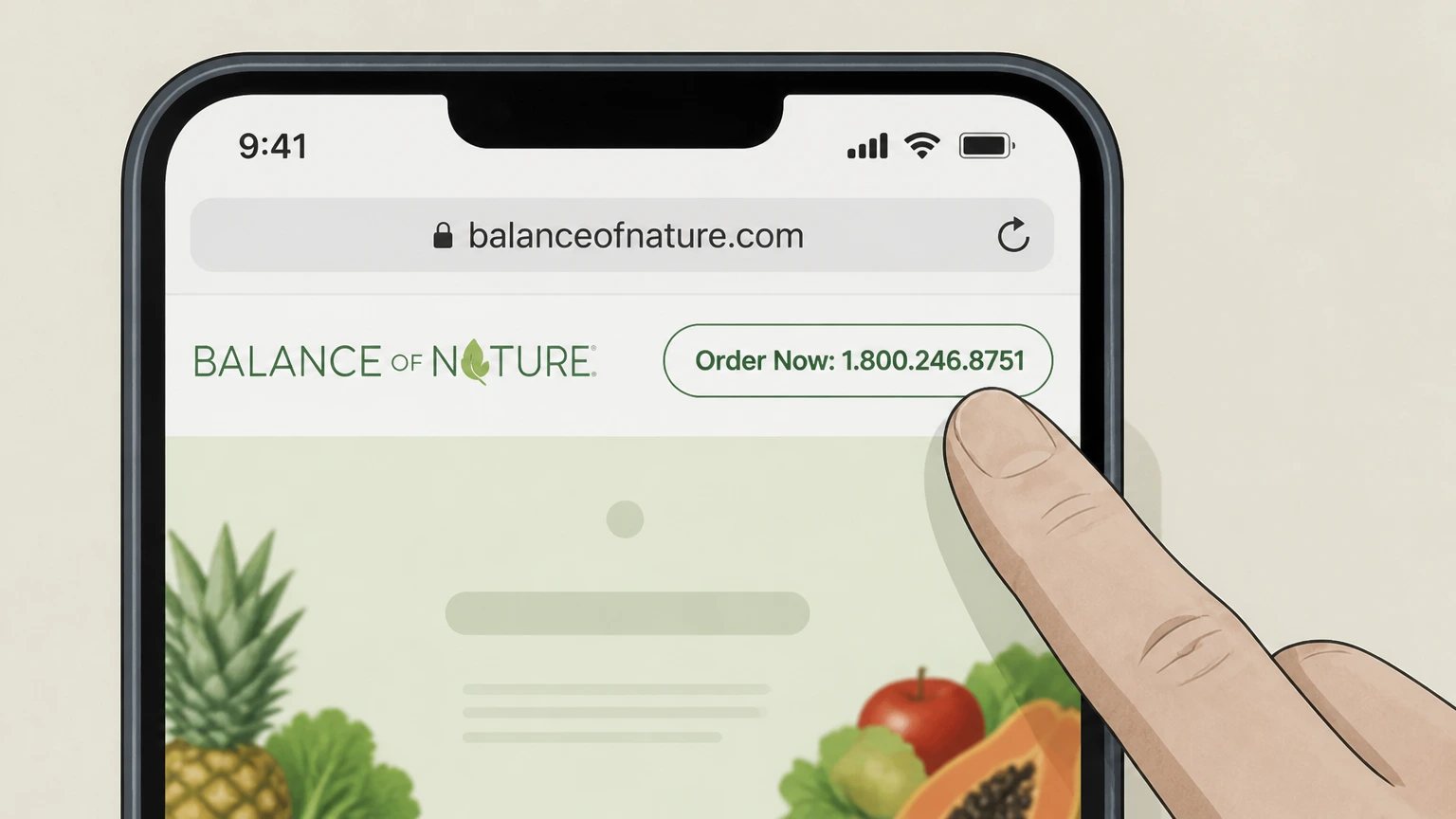
1Find the current Balance of Nature phone number
Open balanceofnature.com and look at the header or footer for the toll‑free number labeled for ordering or customer support; use this current number instead of any older contact details.balanceofnature.com
 2
2Call Balance of Nature customer support
Use your phone to call the listed customer support or health coach number to reach a live agent who can access your account.balanceofnature.com
- Let Pine handle it
Pine can help
Too many steps?
Pine can find the right Phone support path and handle the cancellation for you.
 3
3Verify your account with the agent
Provide identifying details such as your name, the email on your Balance of Nature account, and recent order information so the agent can locate the correct subscription.balanceofnature.com
 4
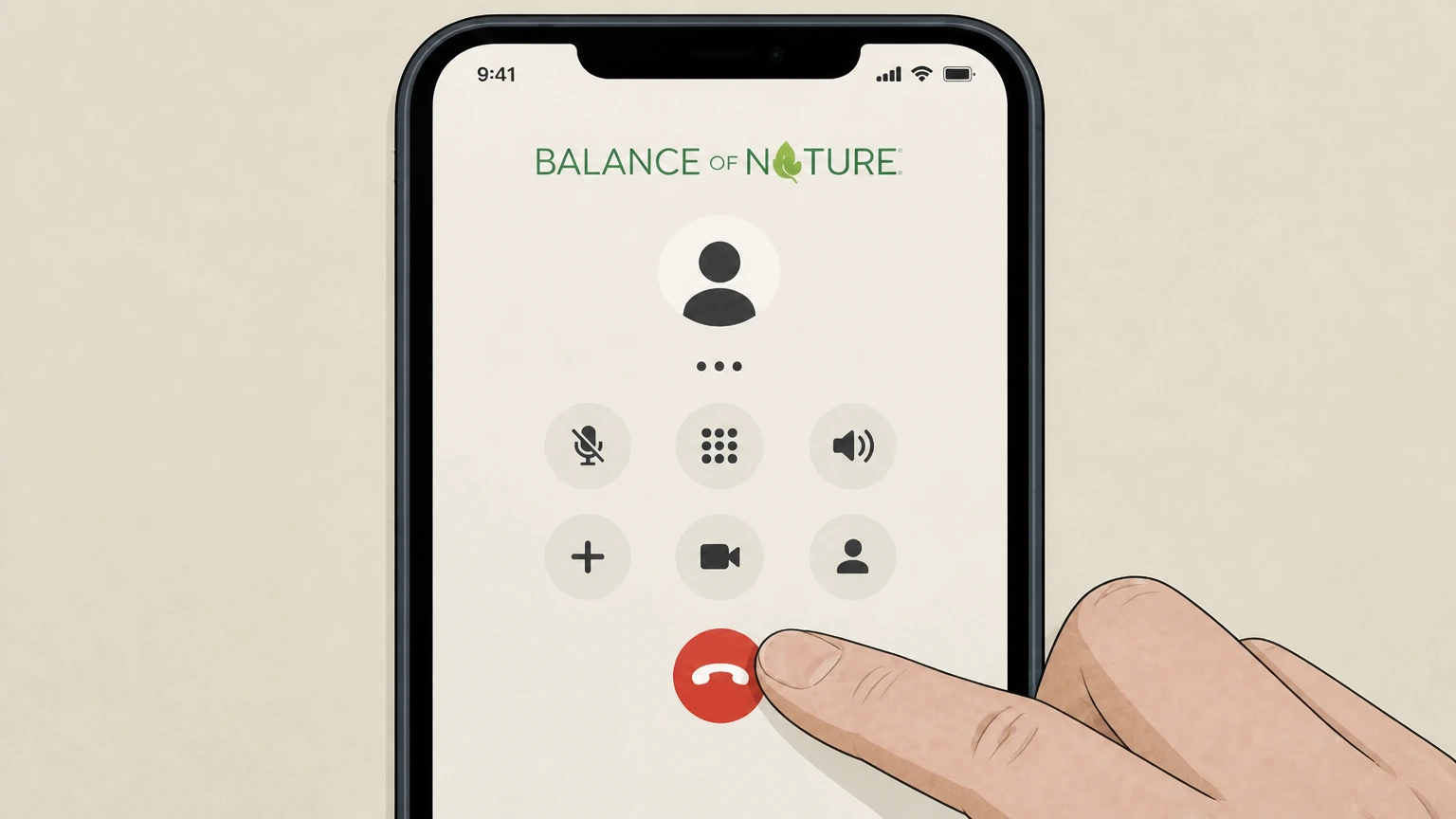
4Request cancellation of automatic replenishment
Clearly tell the agent you want to cancel your Balance of Nature automatic replenishment program and stop future shipments and charges for the specified product.
 5
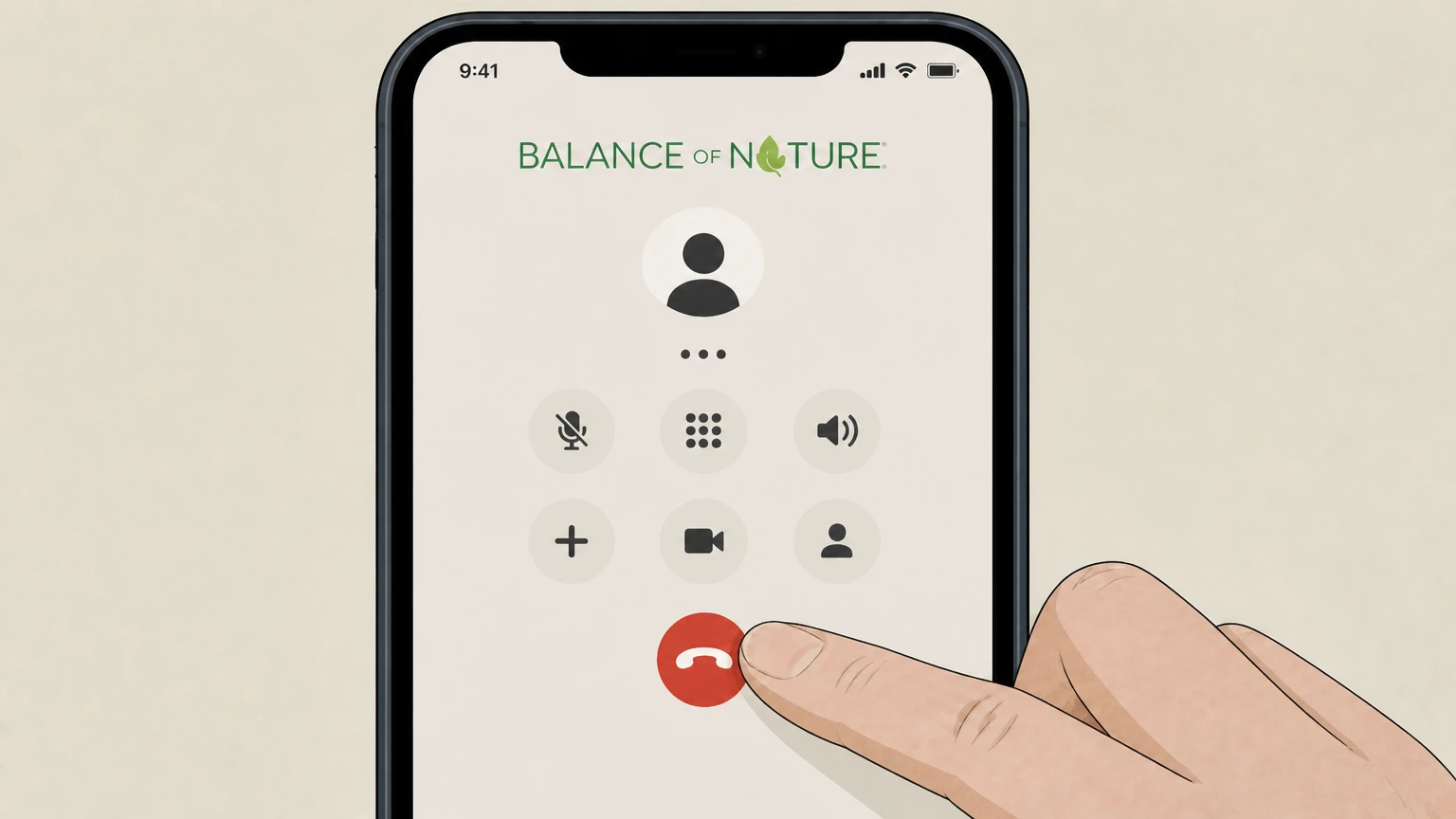
5Confirm the effective date and follow‑up
Ask the agent to confirm when cancellation takes effect, whether any shipment is already processing, and to send written confirmation (for example by email or text) if available, then keep your next statement to verify no new subscription charge appears.balanceofnature.com
Refund policy
Refunds and returns at Balance of Nature
Balance of Nature markets a 30‑day money‑back guarantee on its supplements and extended returns for Plus Members, but detailed eligibility and procedures are defined in its evolving Return Policy and marketing copy, not in a stand‑alone refund FAQ on the main domain.balanceofnature.com
Check my refund options- Standard 30‑day guarantee
- The homepage and subscription product listings repeatedly state that orders are backed by a 30‑day money‑back guarantee, signaling that dissatisfied customers can request their money back within about a month of purchase under current marketing terms.balanceofnature.com
- Extended returns for Plus Members
- Marketing for Plus Membership explains that Plus provides “no‑rush” returns or an extra 30 days to refund the last order, and the homepage notes that Plus raises returns from 30 days to 60 days on qualifying orders.balanceofnature.com
- Cancellation does not equal refund
- Canceling a subscription or Plus Membership stops future renewal but does not automatically refund charges for products already shipped; any refund still depends on current guarantee and return‑policy rules for your specific order.balanceofnature.com
- How to check if your order qualifies
- Because Terms of Service refer customers to a separate Return Policy and prices and promotions change over time, your safest path is to review current money‑back language on balanceofnature.com and contact customer support if you are unsure whether an order is eligible for a refund.balanceofnature.com
Review the current money‑back guarantee language and Plus Membership details on balanceofnature.com before assuming a particular order is refundable, then contact customer support if you need clarification for your situation. Check Balance of Nature guarantees
What you can cancel
Balance of Nature services that renew automatically
Different Balance of Nature offerings renew on their own; knowing which ones you have helps you cancel everything you intend to stop.balanceofnature.com
Automatic supplement subscriptions
Subscribe & Save options for Fruits & Veggies, Whole Health System, Fiber & Spice, and other supplements renew every 28 days until you change or cancel them.balanceofnature.com
Preferred Customer auto‑shipments
Preferred Customers use subscription orders with discounted pricing, automatic shipments, and a money‑back guarantee on eligible orders; these are part of the automatic replenishment programs described in the Terms of Service.balanceofnature.com
Plus Membership annual plan
Plus Membership is an annual subscription that adds benefits like free shipping on qualifying U.S. orders, higher rewards, and extended returns; it renews each year until you cancel it.balanceofnature.com
Rewards tied to subscriptions
Rewards credits accrue on eligible subscription orders and can be used on future orders or to pay for Plus renewal, but their availability depends on whether you keep at least one active subscription.balanceofnature.com
How billing works
Automatic replenishment and renewal rules
Balance of Nature’s Terms of Service explain how automatic replenishment programs bill your card and continue until you cancel.balanceofnature.com
Continuous service until you cancel
If you enroll in an automatic replenishment program, each shipment is automatically processed and billed to your saved payment method, and your membership in the program remains in effect until you cancel it.balanceofnature.com
Cancellation via customer service numbers
The Terms specify that to cancel participation in an automatic replenishment program, you may call a customer service representative or health coach at the numbers listed on the website under customer service and health coaching.balanceofnature.com
Responsibility to keep billing data current
Customers must keep billing information, including address and card details, complete and accurate, and notify Balance of Nature if a payment method is canceled or no longer valid.balanceofnature.com
Service for direct customers only
The Terms state that Balance of Nature will only provide customer service or product support to parties who purchase products or services directly from Balance of Nature, reinforcing that third‑party retailer orders are handled by those sellers.balanceofnature.com
Self‑service tools
Managing your Balance of Nature account online
Balance of Nature promotes self‑service controls so you can adjust or stop recurring orders through your Dashboard and subscription tools.balanceofnature.com
Dashboard access for existing customers
The homepage FAQ tells customers they can pause, change, or cancel orders by logging in to their Dashboard anytime to manage their account.balanceofnature.com For your Balance of Nature account, compare this point with the billing owner and effective date shown in the signed-in account or latest receipt.
Dedicated subscription login tool
A dedicated "Balance of Nature" subscriptions login page lets you sign in specifically to manage subscriptions, including making changes if you have trouble logging in elsewhere.balanceofnature.com
My Account link in site navigation
The site header and footer include a "My Account" link under Support, directing customers to the account portal used to view orders and manage subscriptions.balanceofnature.com
Reschedule, hold, or cancel options
Product listings for subscription items highlight that customers can reschedule, hold, or cancel at any time, indicating that self‑service controls exist within the subscription management pages.balanceofnature.com
Account activation after site upgrade
The login page notes that customers with accounts created before October 18, 2024 must activate their account and set a new password before using the updated portal.balanceofnature.com
Separate membership
Canceling Balance of Nature Plus Membership
Plus Membership is separate from product subscriptions, with its own renewal and cancellation behavior.balanceofnature.com
Annual membership with cancel‑anytime promise
Plus is marketed as an annual subscription that “pays for itself, cancel anytime,” offering benefits like free shipping on qualifying U.S. orders, 10% rewards on subscriptions, and extended returns.balanceofnature.com
Benefits remain until term ends
Plus FAQ content explains that when you cancel your Plus Membership, benefits remain active until the end of your current membership term, rather than ending immediately.balanceofnature.com
Manage Plus in the online account
A Balance of Nature news release states that customers can easily manage or cancel their orders or Plus Membership at any time through their online account.balanceofnature.com
Separate from product auto‑shipments
Canceling a product subscription does not automatically cancel Plus Membership, and canceling Plus does not by itself stop product auto‑shipments; you must manage each separately in your account or through support.balanceofnature.com
Loyalty impact
What happens to Rewards credits when you cancel
Balance of Nature’s Rewards Program ties credit earning and expiration to your subscription status, so canceling a subscription affects any stored credits.balanceofnature.com
Earning credits on subscriptions
The Rewards page explains that customers earn a percentage back in rewards credits on eligible subscription purchases, with higher tiers unlocked as subscription streaks grow, or immediately with Plus.balanceofnature.com
Redeeming credits on upcoming orders
Rewards credits can be applied at checkout in your customer portal toward upcoming subscription orders or even toward Plus Membership renewal.balanceofnature.com For your Balance of Nature account, compare this point with the billing owner and effective date shown in the signed-in account or latest receipt.
Expiration after subscription cancellation
Rewards FAQ content specifies that credits expire 60 days after a subscription is canceled, with the option to reactivate the subscription to keep credits from expiring.balanceofnature.com
Effect of canceling all subscriptions
If you cancel all active subscriptions and do not reactivate within the 60‑day window, any remaining rewards credits are expected to expire under the current Rewards rules.balanceofnature.com
After you cancel
Returns, guarantees, and what cancellation changes
Marketing copy on balanceofnature.com highlights a money‑back guarantee and extended returns for Plus Members, which affect how refunds relate to cancellation.balanceofnature.com
30‑day money‑back guarantee
Balance of Nature’s homepage and product listings promote a 30‑day money‑back guarantee, indicating that if the product is not for you, they will refund you when you act within that advertised window.balanceofnature.com
Extended returns for Plus Members
The homepage and Plus marketing state that Plus Members receive 60‑day returns instead of 30‑day returns on qualifying orders, sometimes described as “no‑rush” or extra 30 days for the first order.balanceofnature.com
Cancellation versus refunds
Stopping automatic replenishment only prevents future shipments and charges; it does not, by itself, trigger a refund of products you already received, which remain governed by the current return and guarantee terms.balanceofnature.com
Checking current return policy details
The Terms of Service refer to a Return Policy for specific rules, and prices and offers may change, so customers should review current site language or contact support before assuming that a particular order is refundable.balanceofnature.com
Regulatory history
Regulatory actions unrelated to cancellation
Some consumers search for lawsuits or regulatory actions about Balance of Nature; these do not change how you cancel subscriptions.ftc.gov
FTC staff letter in 2018
In June 2018, the FTC issued a staff closing letter about advertising claims for the Balance of Nature dietary supplement, after a referral from BBB National Programs; the agency chose not to recommend enforcement at that time.ftc.gov
Consent decree posted on company site
Balance of Nature now hosts images of a consent decree on its site, reflecting regulatory oversight of its marketing and manufacturing practices, but this document does not change subscription cancellation mechanics.balanceofnature.com
Private lawsuits versus subscription rights
Any private lawsuits, including potential class actions, are handled in court systems rather than through Balance of Nature’s help center; they may affect legal rights but do not alter the basic need to cancel automatic replenishment with the billing owner.ftc.gov
What official sources do not confirm
Limits of the public Balance of Nature cancellation guidance
These points are intentionally qualified because the official sources reviewed on August 16, 2026 do not publish a complete answer.
Documented limitation 1
The internal subscription Dashboard and My Account pages require login, so this guide infers the presence of specific cancel controls from public text that promises customers can reschedule, hold, or cancel subscriptions at any time and manage orders through their Dashboard or subscription login.
Documented limitation 2
Balance of Nature’s detailed Return Policy is referenced in the Terms of Service but is not exposed as a separate, fully documented page on the main domain; refund information is therefore limited to guarantees and return windows stated in current marketing copy.
Documented limitation 3
This guide does not cover cancellation of any subscriptions or repeat deliveries that might be created through third‑party retailers or marketplaces, because those programs and their management tools are controlled by the retailers rather than by Balance of Nature.
Documented limitation 4
Information about any private class action lawsuits is not available on the allowed official domains; regulatory context is limited to the FTC’s 2018 staff closing letter and the consent decree images posted by Balance of Nature, which do not change the mechanical steps required to cancel a subscription.
Balance of Nature cancellation FAQ
Questions people search about canceling Balance of Nature, answered with official provider or billing-platform sources checked on August 16, 2026.
How do I cancel my Balance of Nature subscription?
How do I cancel Balance of Nature automatic shipments online?
How do I cancel my Balance of Nature Plus membership?
Does canceling my Balance of Nature subscription also cancel Plus Membership?
What happens to my Balance of Nature Rewards credits if I cancel a subscription?
Can I get a refund after canceling Balance of Nature?
Can I pause or reschedule Balance of Nature instead of canceling?
Is Balance of Nature involved in a class action lawsuit?
Where do I cancel if I bought Balance of Nature from another seller?
Is there a phone number I can call to cancel Balance of Nature?
Untangle this Balance of Nature issue.
Let Pine handle the provider follow-up and keep the confirmation in one place.
