


Athletic Truth Group
Cancel subscription
How to Cancel Athletic Truth Group: Official Steps & Timing
Cancel Athletic Truth Group through the correct billing route. Follow official steps, understand renewal timing and refunds, and keep proof of the final result.
- 3 verified cancellation routes
- Billing ownership and renewal timing explained
- Provider-specific refund boundaries included
- A confirmation check follows every route
Choose the correct Athletic Truth Group cancellation route
ATG website account (direct billing) · verify the billing owner
Cancel Athletic Truth Group through ATG website account (direct billing)
 1
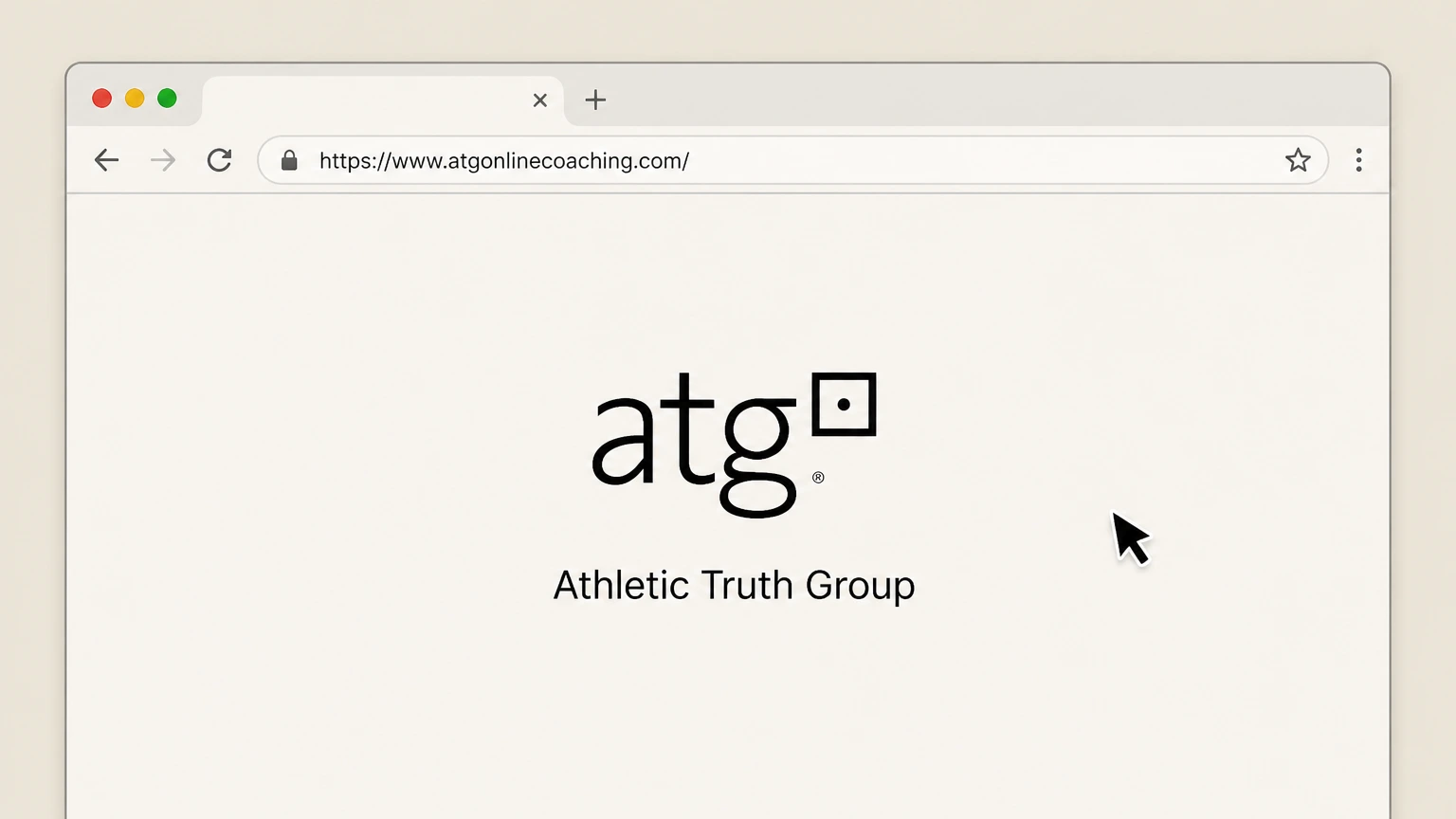
1Open the ATG Online Coaching website
In a web browser, go to https://www.atgonlinecoaching.com/. Use the account that holds the active Athletic Truth Group subscription.
 2
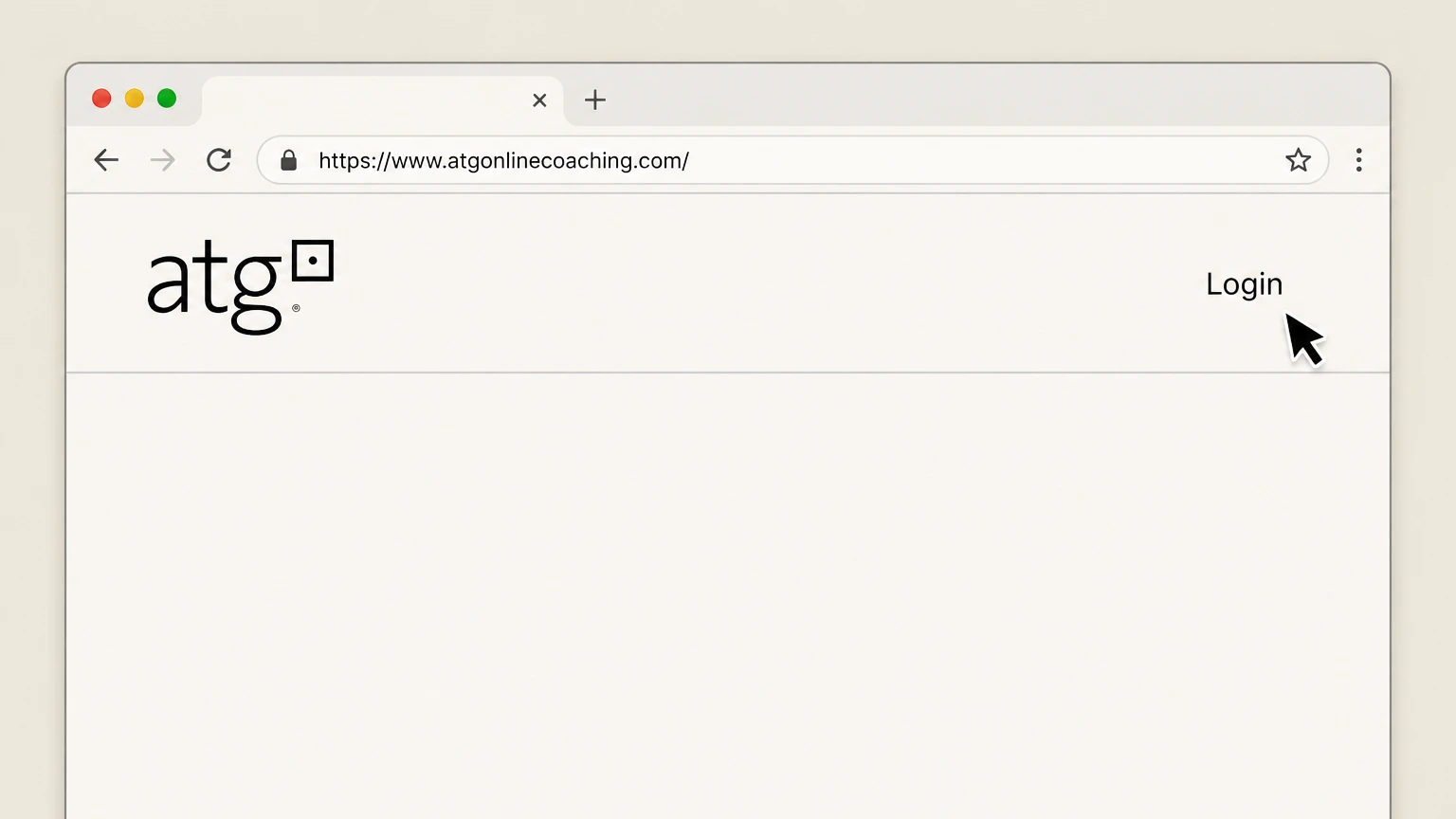
2Select the Login option
Click the “Login” link in the site header to open the sign-in page.
- Let Pine handle it
Pine can help
Too many steps?
Pine can find the right ATG website account (direct billing) path and handle the cancellation for you.
 3
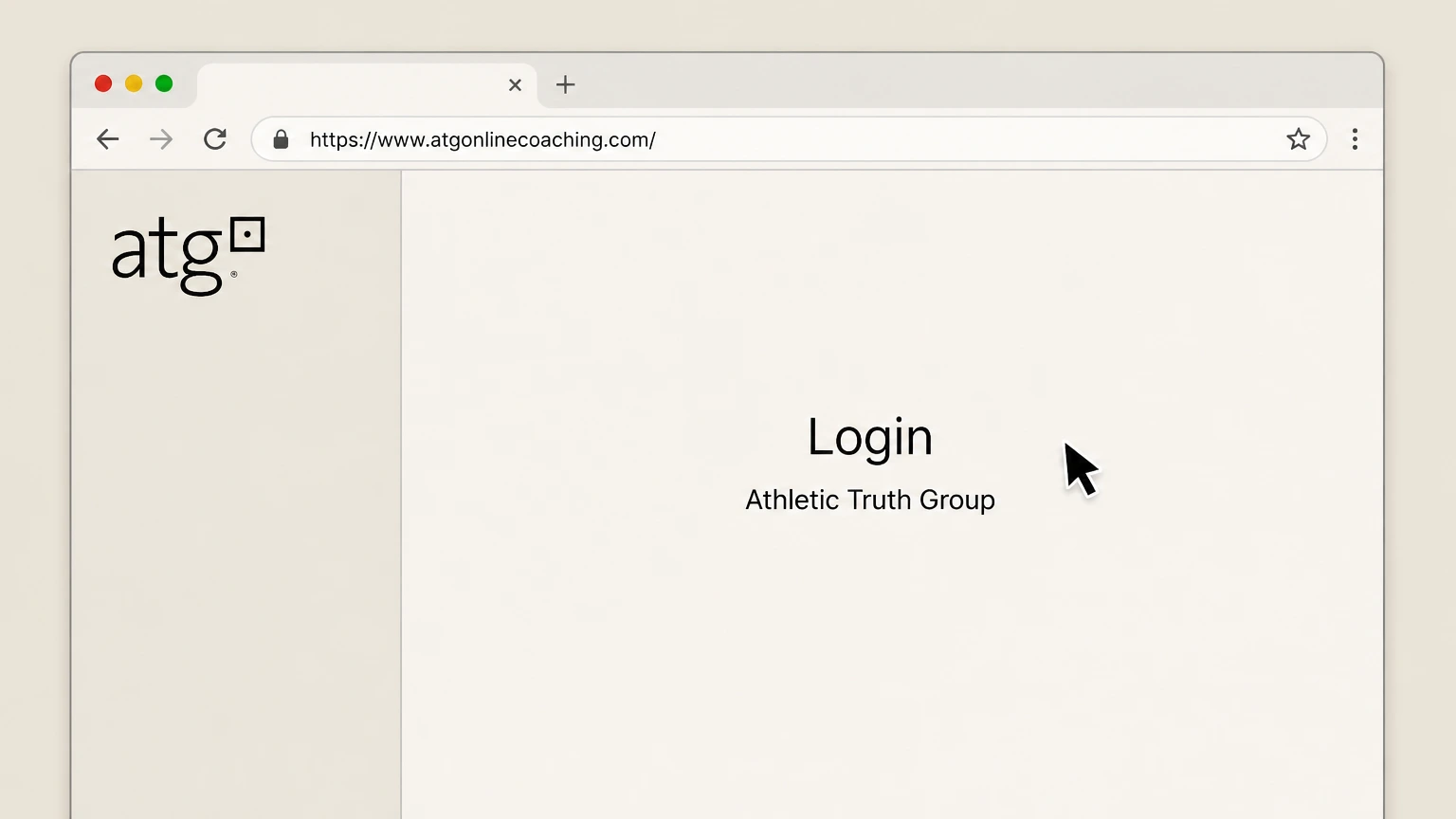
3Sign in to your ATG account
Sign in to your ATG account using the email and password you used when you subscribed.
 4
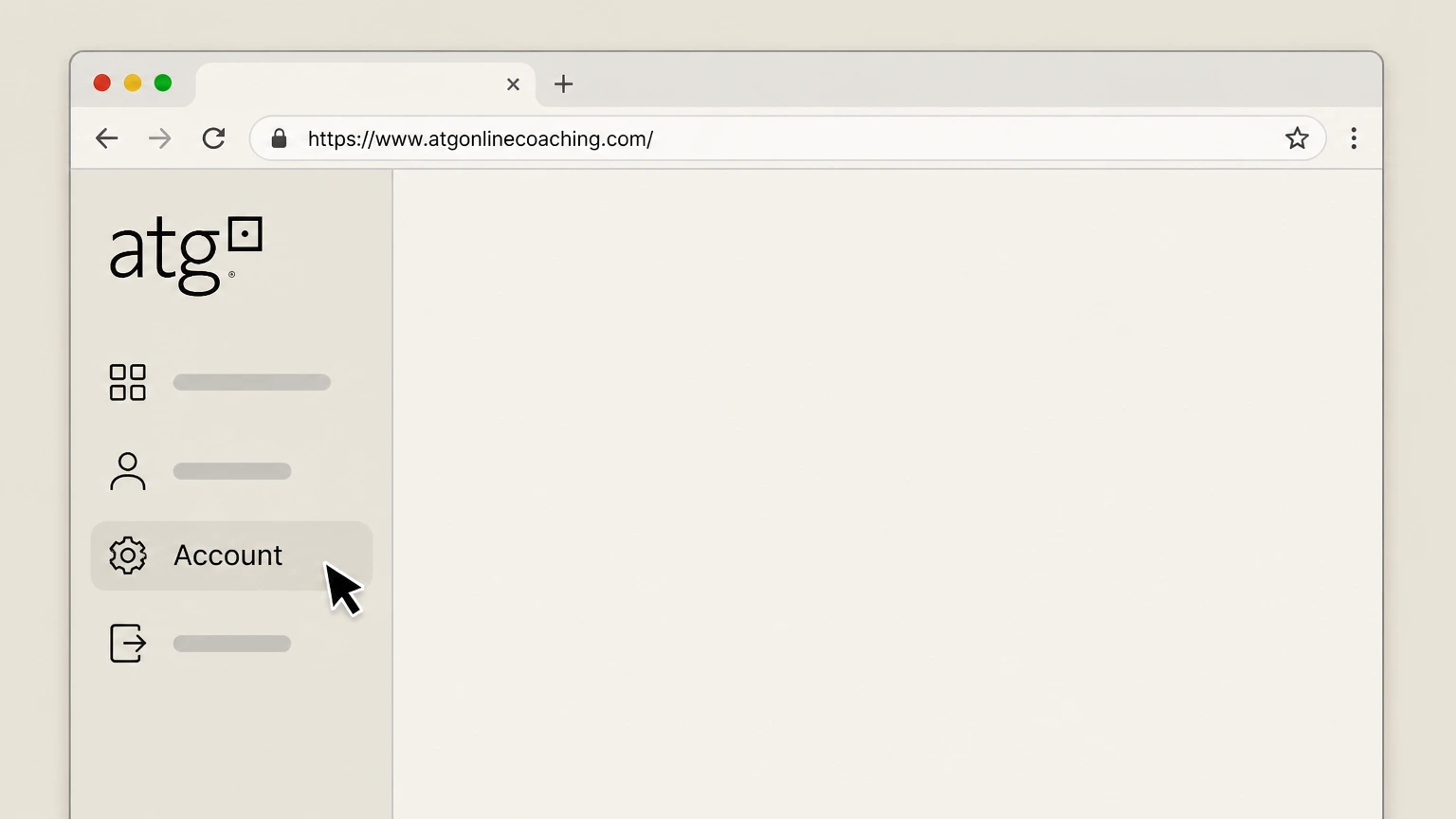
4Open your Account settings
In your account area, select the “Account” section where your subscription details are shown.
 5
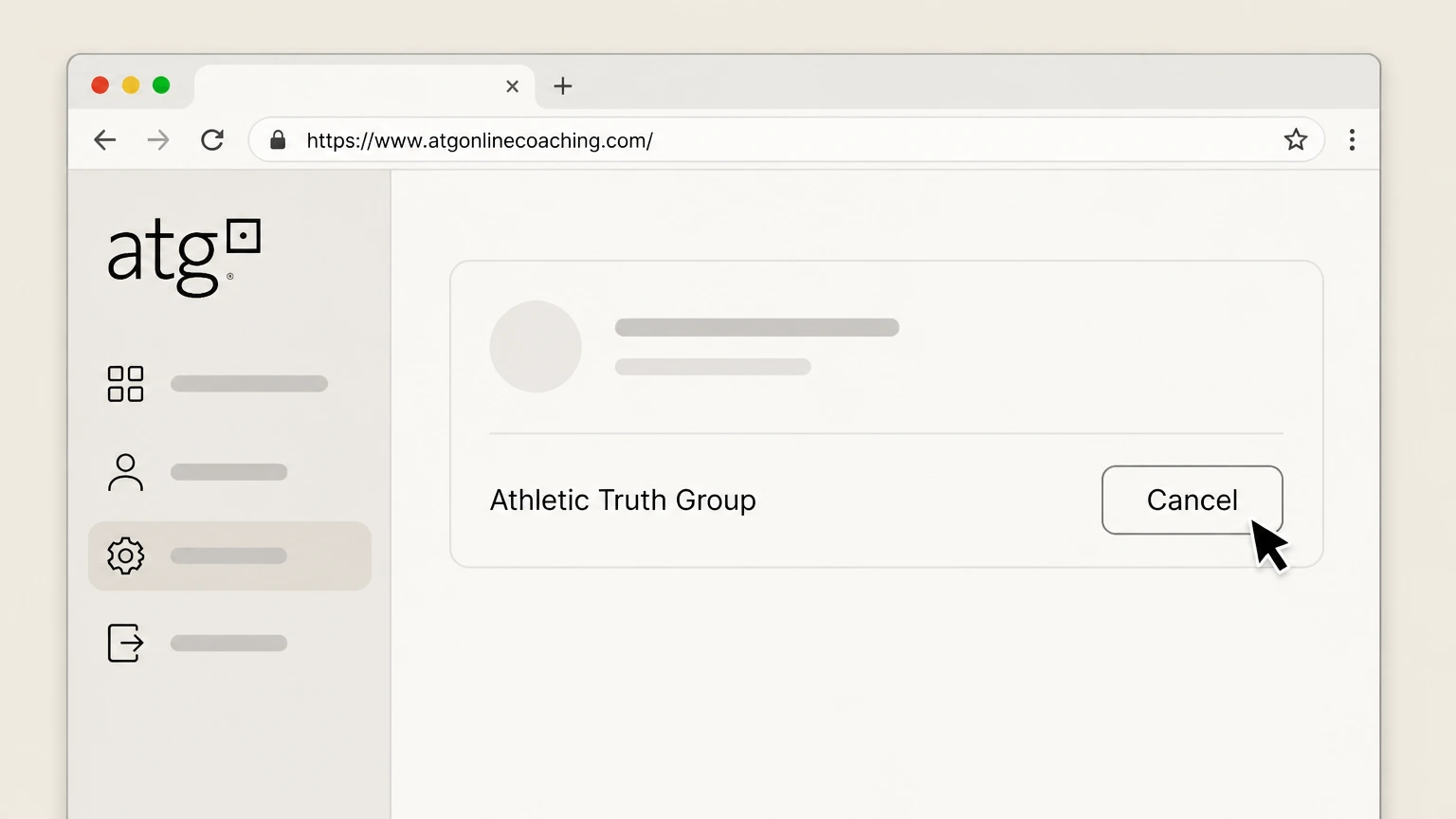
5Click Cancel on your subscription
In the Account section, click the “Cancel” option for your active ATG Online Coaching subscription.
 6
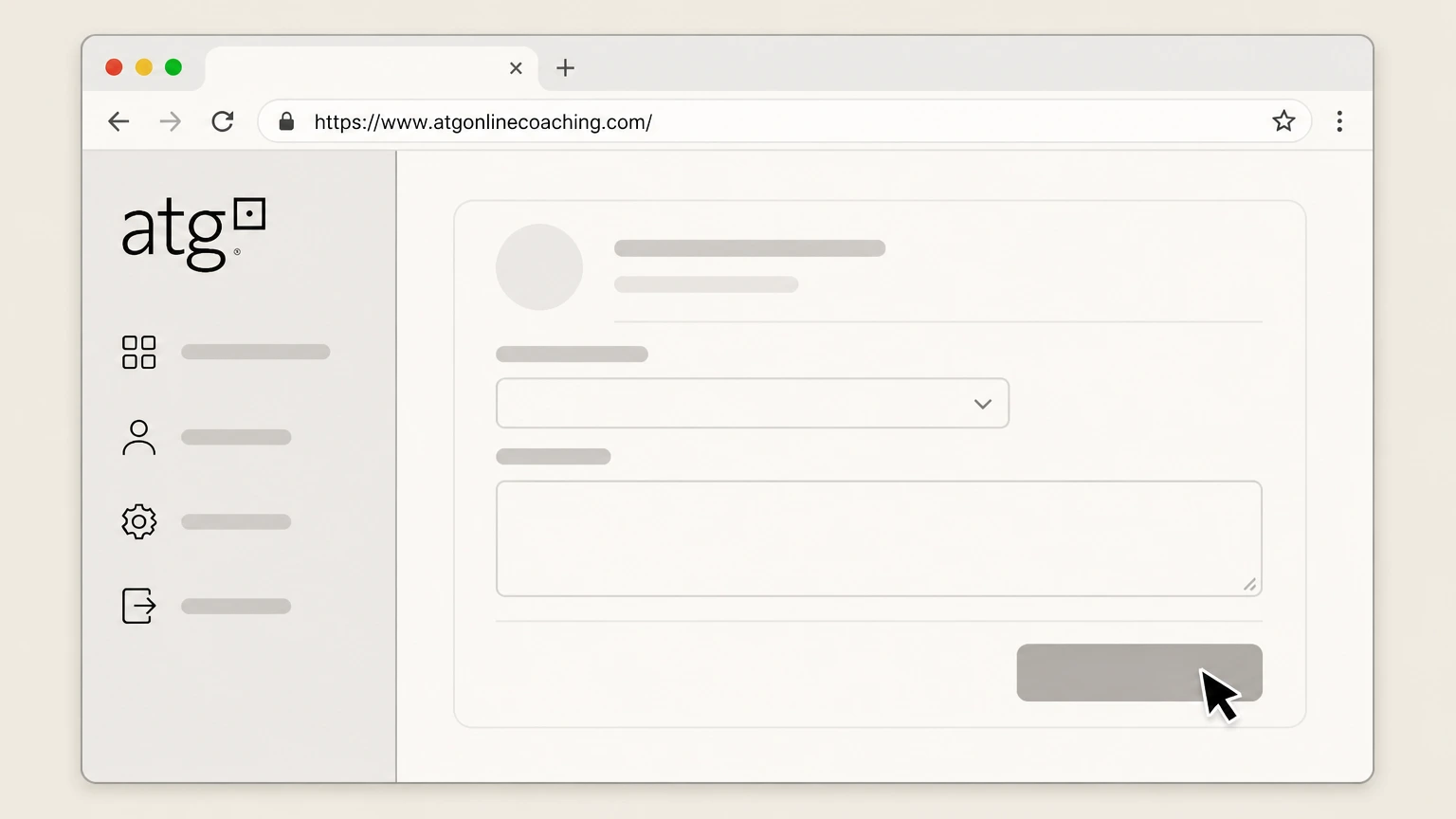
6Confirm the cancellation request
Follow the on-screen prompts to provide a cancellation reason and submit; keep the cancellation confirmation email ATG sends you.

Apple iOS (Apple-billed in‑app subscription) · verify the billing owner
Cancel Athletic Truth Group through Apple iOS (Apple-billed in‑app subscription)
 1
1Open Settings on your iPhone or iPad
On your iOS device, open the built-in “Settings” app.
 2
2Tap your name at the top of Settings
In Settings, tap your name banner at the top to open your Apple ID settings.
- Let Pine handle it
Pine can help
Too many steps?
Pine can find the right Apple iOS (Apple-billed in‑app subscription) path and handle the cancellation for you.
 3
3Open Subscriptions
In your Apple ID settings, tap “Subscriptions” to view your active and expired subscriptions.
 4
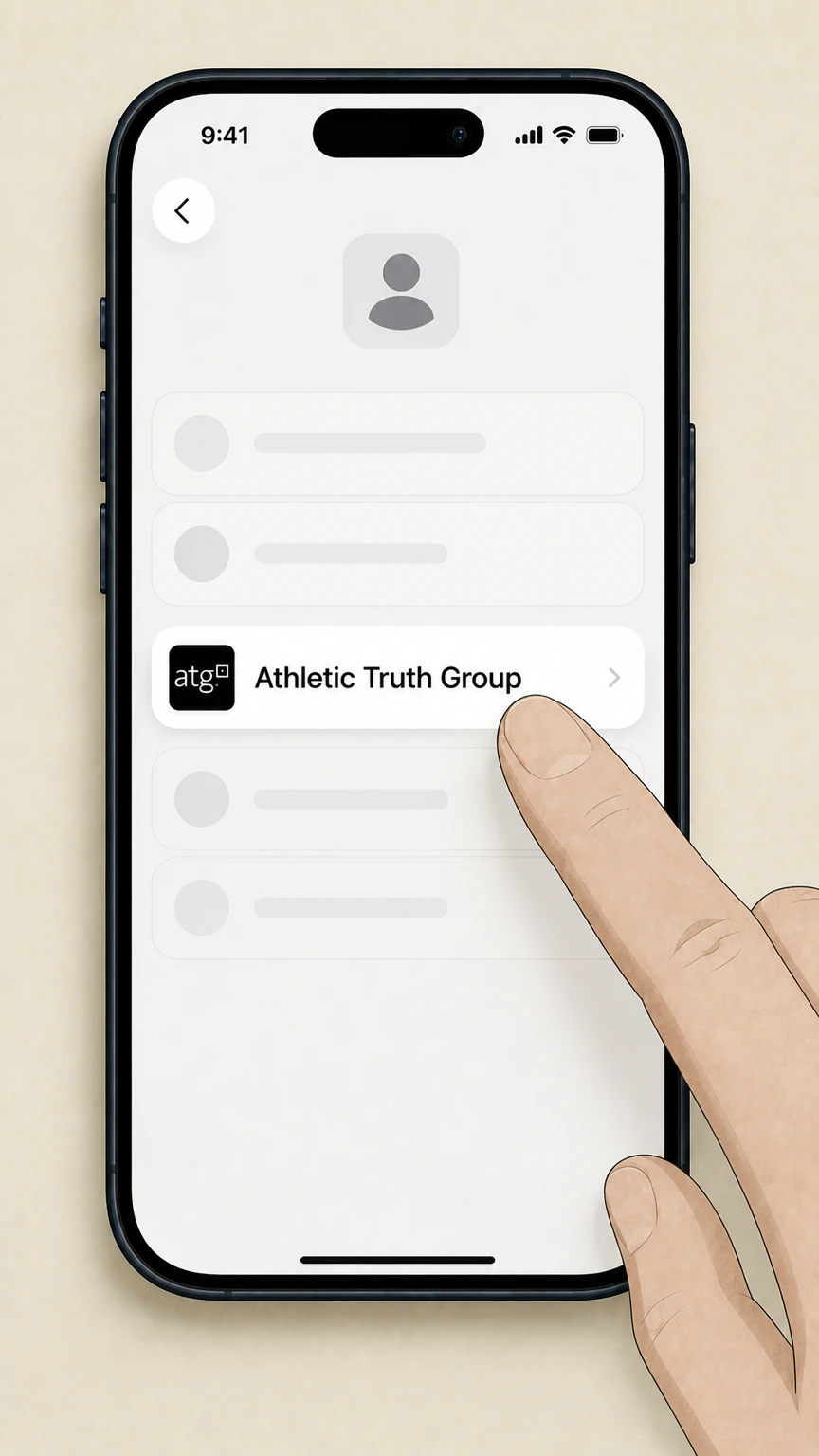
4Select the Athletic Truth Group subscription
In Subscriptions, tap the listing for Athletic Truth Group or ATG Online Coaching to open its details.
 5
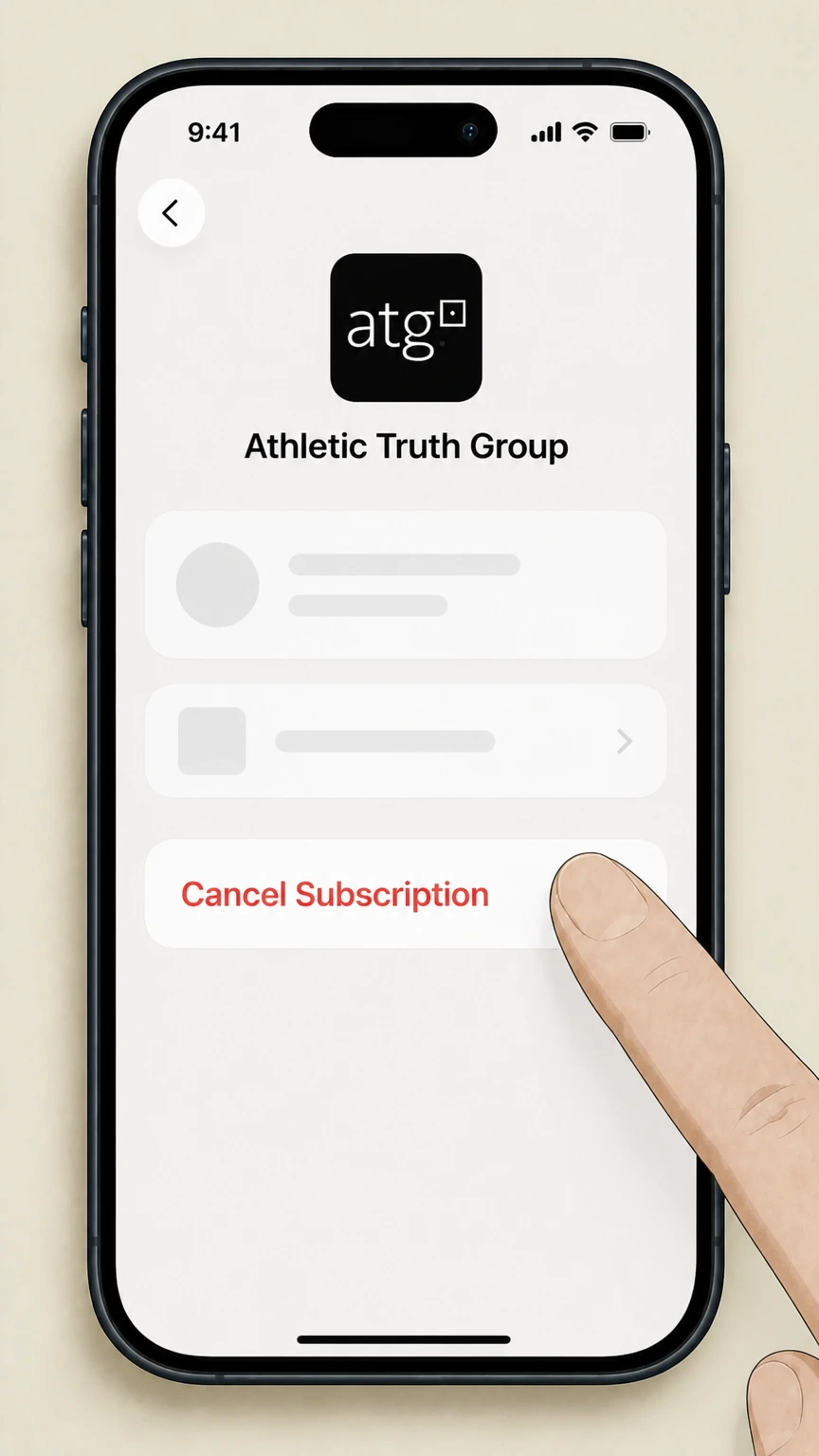
5Cancel the subscription
On the ATG subscription page, tap “Cancel Subscription” and follow the prompts until you see that the subscription is set to expire instead of renew.
Google Play (Android in‑app subscription) · verify the billing owner
Cancel Athletic Truth Group through Google Play (Android in‑app subscription)
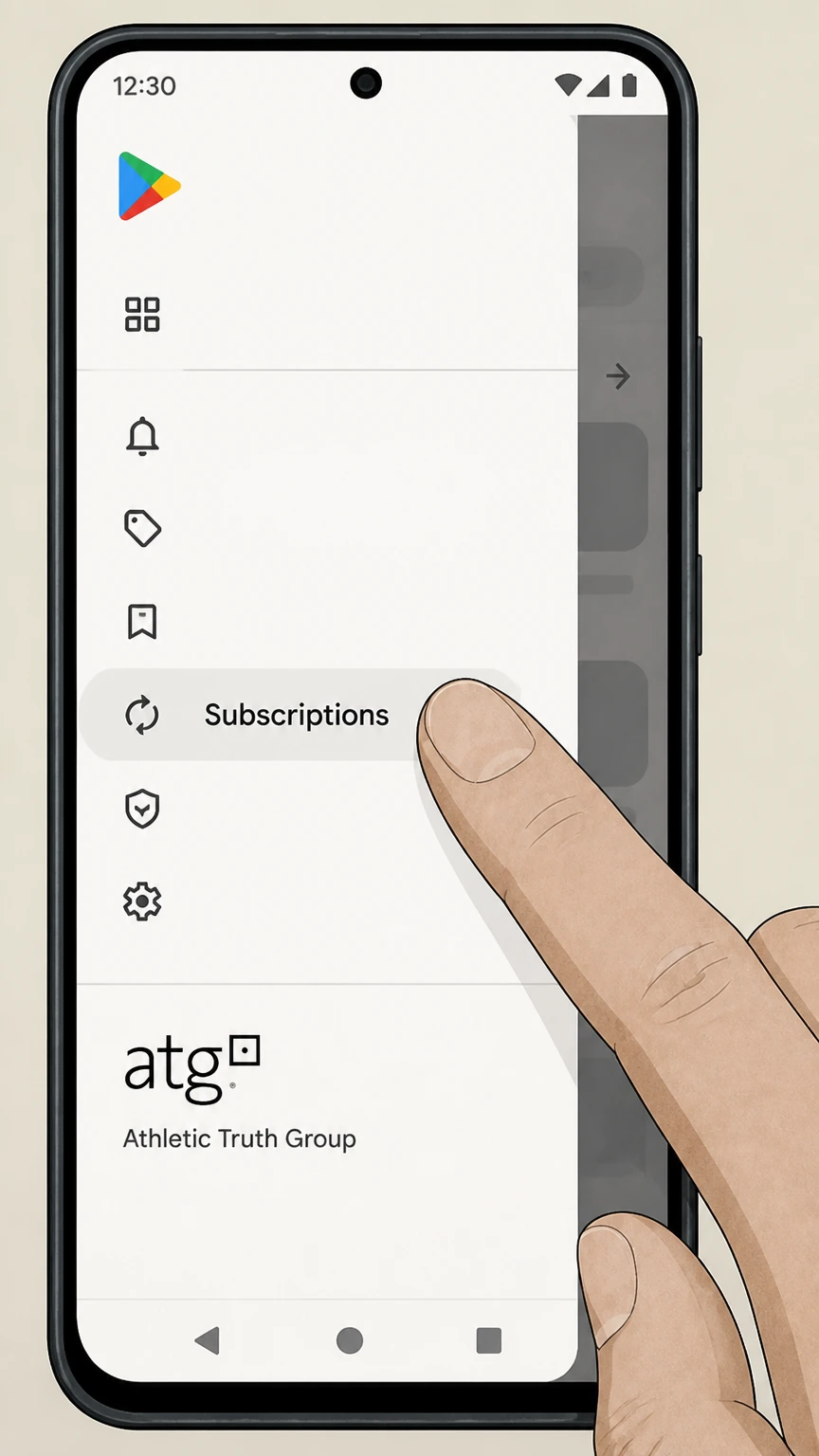 1
1Open Subscriptions in Google Play
On your Android device, go to the “subscriptions” section in Google Play to view your active subscriptions.
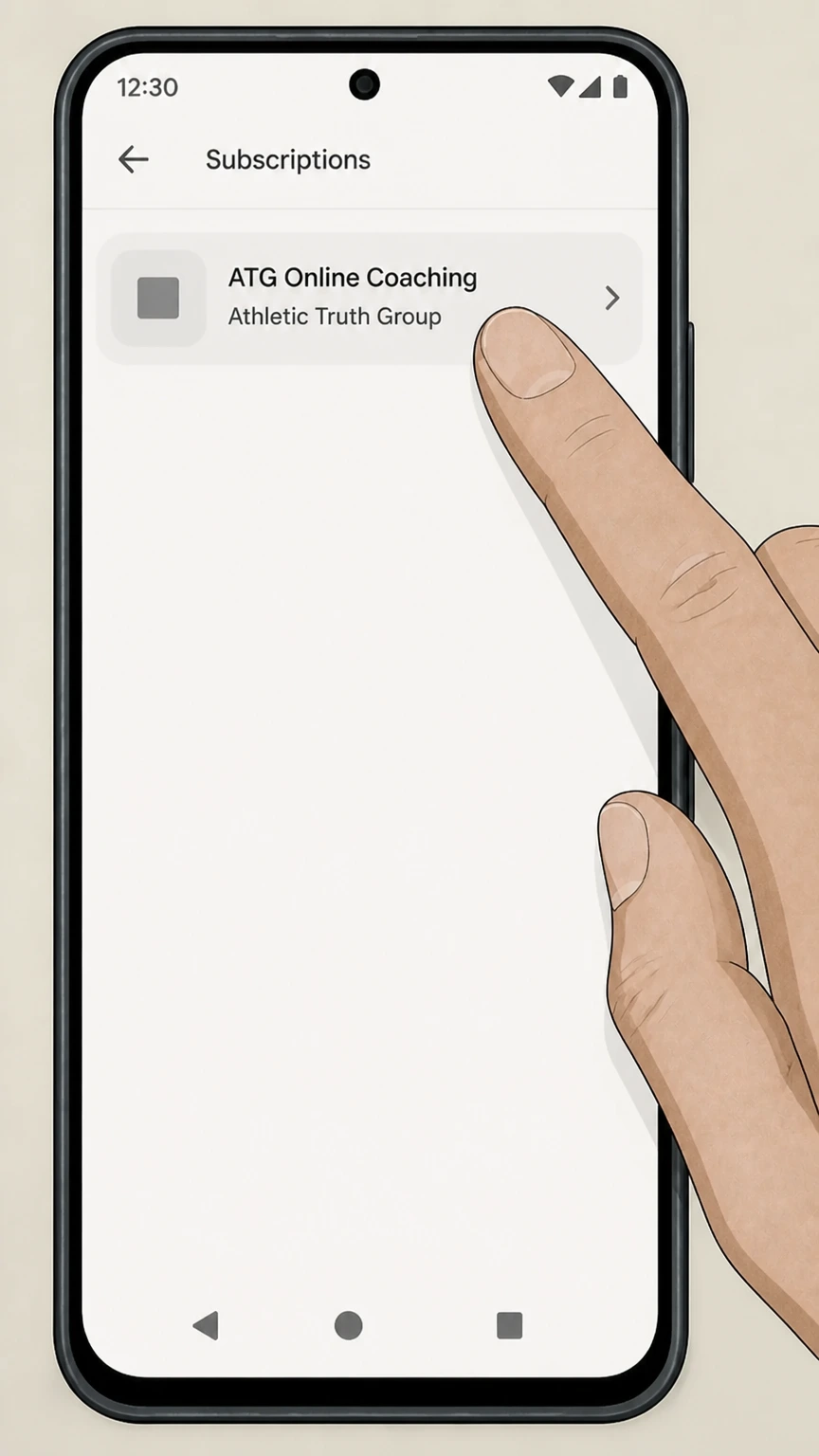 2
2Select the ATG Online Coaching subscription
From the list of subscriptions, select the ATG Online Coaching entry to open its details.
- Let Pine handle it
Pine can help
Too many steps?
Pine can find the right Google Play (Android in‑app subscription) path and handle the cancellation for you.
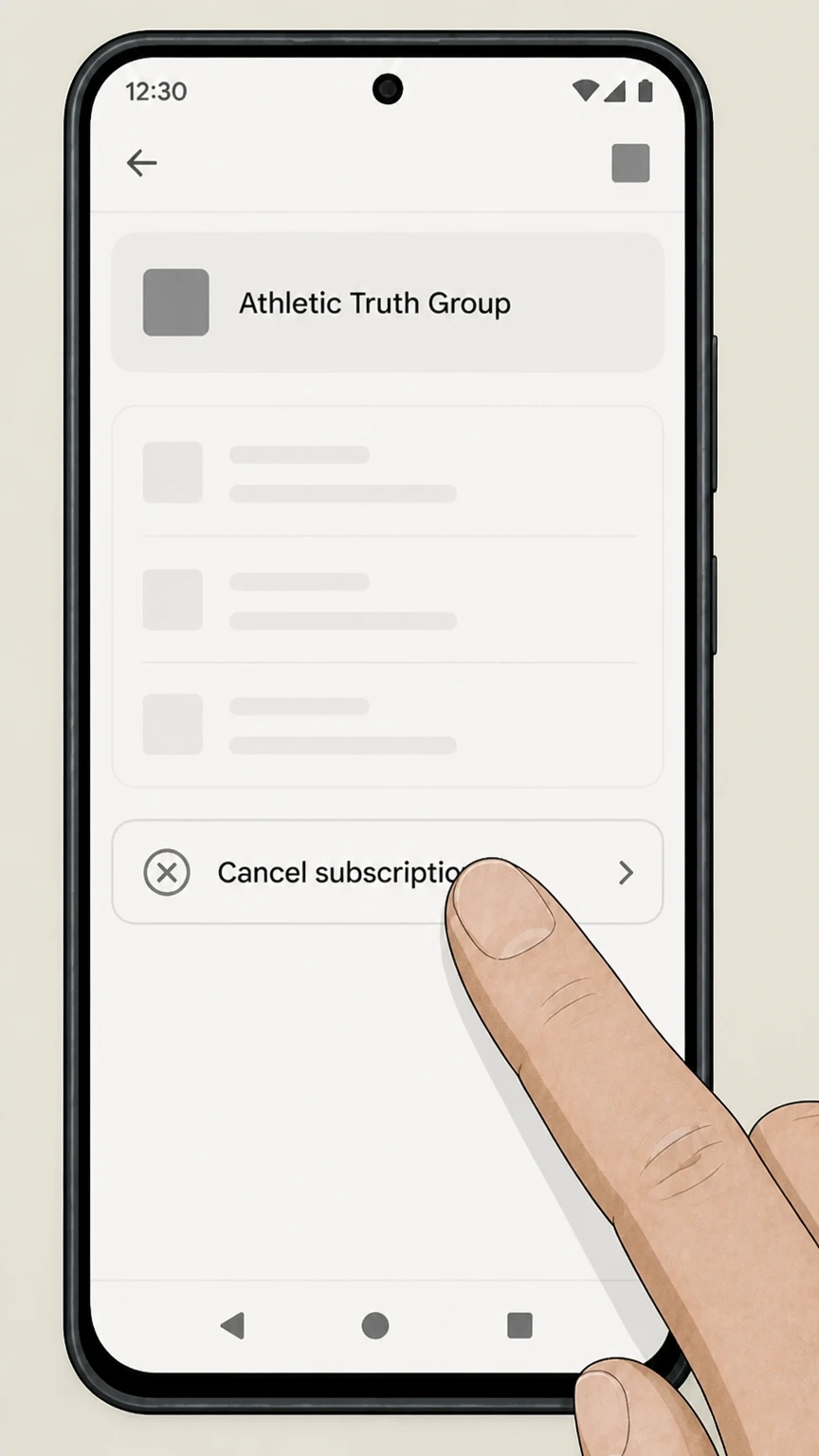 3
3Tap Cancel subscription
On the ATG subscription page, tap the “Cancel subscription” option.
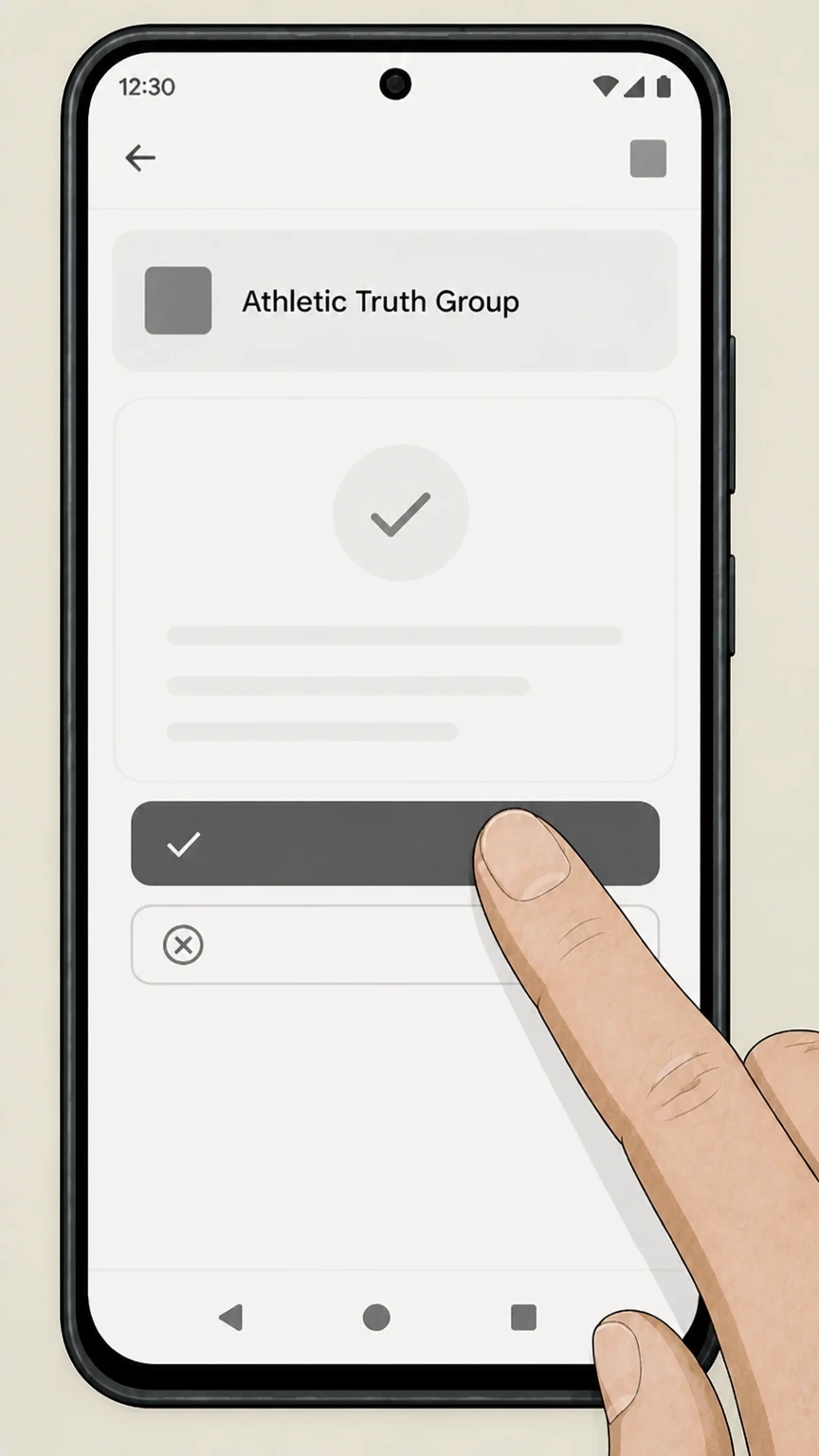 4
4Confirm cancellation in Google Play
Follow the on-screen instructions to confirm; keep Google’s email receipt or on-screen confirmation showing the cancellation and end date.
Refund policy
ATG Online Coaching refunds and billing limits
ATG clearly distinguishes between subscription billing for ATG Online Coaching and refunds for ATG equipment purchases. Most coaching cancellations simply stop future auto-renewal without refunding past periods, while equipment refunds are more traditional consumer returns for defective or damaged goods.
Check my refund options- No refunds for already-billed coaching periods
- ATG’s Terms explicitly state that there are no refunds on ATG Online Coaching subscriptions for billing periods that have already passed when you cancel, so cancellation primarily prevents future renewals rather than reversing prior charges.
- Email or account cancellation does not change past charges
- Whether you cancel from your ATG Account page or by emailing customer service, ATG’s Terms treat both methods as stopping renewal going forward; they do not promise retroactive credits for months that have already been billed.
If you believe you have exceptional circumstances, gather your ATG billing receipts, cancellation proof, and any equipment order details, then contact the billing owner (ATG, Apple, or Google Play) to ask whether any adjustment or refund is possible under their policies. Visit ATG Online Coaching website
Service basics
How ATG Online Coaching works today
Key facts about what you are canceling when you end an Athletic Truth Group subscription.
Subscription-based coaching platform
ATG Online Coaching is an app-based fitness coaching service offering assessment-driven programs, form checks, and weekly coaching within a recurring membership rather than a one-time purchase. Source: atgonlinecoaching.com coaching overview. https://www.atgonlinecoaching.com/
Multiple membership tiers
The public site currently promotes several membership levels (such as basic app access and coached options), all sold as recurring subscriptions tied to your ATG login. Source: ATG pricing section. https://www.atgonlinecoaching.com/
Auto-renewing monthly billing
ATG’s terms state that ATG Online Coaching is a paid, auto-renewing subscription service with monthly billing that continues indefinitely until you cancel. Source: Website Terms, Payments section. https://www.atgonlinecoaching.com/legal/terms
Apps on Apple and Google Play
ATG Online Coaching is distributed as a mobile app on both the Apple App Store and Google Play, where it is listed under Athletic Truth Group / ATG USA LLC. Sources: Apple App Store and Google Play listings. https://apps.apple.com/us/app/atg-online-coaching/id1609643131 https://play.google.com/store/apps/details?id=com.atgonlinecoaching.clientapp
Who bills you
Who owns billing for your ATG subscription
Understanding whether ATG, Apple, or Google controls your recurring charge determines where you must cancel.
Direct ATG billing via website/app
If you registered and paid on atgonlinecoaching.com, ATG bills you directly and its Terms require you to cancel by logging into your ATG account and using the Account → Cancel option, or by emailing ATG. Source: Website Terms, How to Cancel. https://www.atgonlinecoaching.com/legal/terms
Apple in‑app purchases
When you subscribe through the ATG iOS app as an in‑app purchase, Apple bills and manages the subscription. Apple support explains that such subscriptions must be canceled from your Apple ID Subscriptions, not the developer’s site. Sources: Apple App Store listing; Apple Support. https://apps.apple.com/us/app/atg-online-coaching/id1609643131 https://support.apple.com/en-us/118428
Google Play subscriptions
If you subscribed via Google Play on Android, Google’s subscription help center clarifies that you manage and cancel the subscription from your Google Play Subscriptions page; uninstalling the app alone will not stop charges. Source: Google Play Help, cancel subscriptions. https://support.google.com/googleplay/answer/7018481
Third-party payment processors
ATG’s privacy policy lists processors such as PayPal, Stripe, NMI, and Chargebee but presents them as payment services working on ATG’s behalf, not separate subscription owners you cancel through directly. Source: ATG Privacy Policy, Sub-Processors. https://app.atgonlinecoaching.com/legal/privacy
ATG website
Details of canceling directly with ATG
ATG publishes a specific "How to Cancel" process for subscriptions billed through its own platform.
Required cancellation path
ATG’s Terms state that to stop auto-renewal you must go to atgonlinecoaching.com, log in, open your Account section, and use the cancel option associated with your subscription. Source: Website Terms, How to Cancel. https://www.atgonlinecoaching.com/legal/terms
Email cancellation alternative
The same Terms also allow you to email a cancellation request to ATG’s customer service address as an alternative to using the account cancellation flow. Source: Website Terms, How to Cancel and Termination. https://www.atgonlinecoaching.com/legal/terms
Confirmation email promised
ATG specifies that a confirmation of your cancellation will be emailed to you, so keeping this message is your main proof that auto-renew has been turned off. Source: Website Terms, How to Cancel. https://www.atgonlinecoaching.com/legal/terms
No refunds for lapsed billing periods
ATG’s Terms expressly say there are no refunds on ATG Online Coaching subscriptions for billing periods that have already passed when you cancel. Source: Website Terms, How to Cancel / Payments. https://www.atgonlinecoaching.com/legal/terms
Athletic Truth Group cancellation FAQ
Provider-specific answers about billing, timing, refunds, and confirmation.
How do I cancel Athletic Truth Group?
Can I cancel Athletic Truth Group by email?
How do I cancel ATG Online Coaching on the website?
How do I cancel ATG Online Coaching on my iPhone?
How do I cancel ATG Online Coaching on Android or Google Play?
Untangle this Athletic Truth Group issue.
Let Pine handle the provider follow-up and keep the confirmation in one place.
